

Static forms are conversion killers. When every visitor sees the same questions regardless of their context, industry, or intent, you're leaving leads on the table. Adaptive form platforms solve this by dynamically adjusting questions, logic, and even design based on user behavior and data. The result? Forms that feel personalized, reduce friction, and dramatically improve completion rates.
We evaluated dozens of platforms based on their adaptive capabilities, ease of use, integration options, and value for high-growth teams. Here are the top adaptive form platforms worth your attention in 2026.
1. Orbit AI
Best for: High-growth teams needing AI-powered lead qualification and intelligent routing
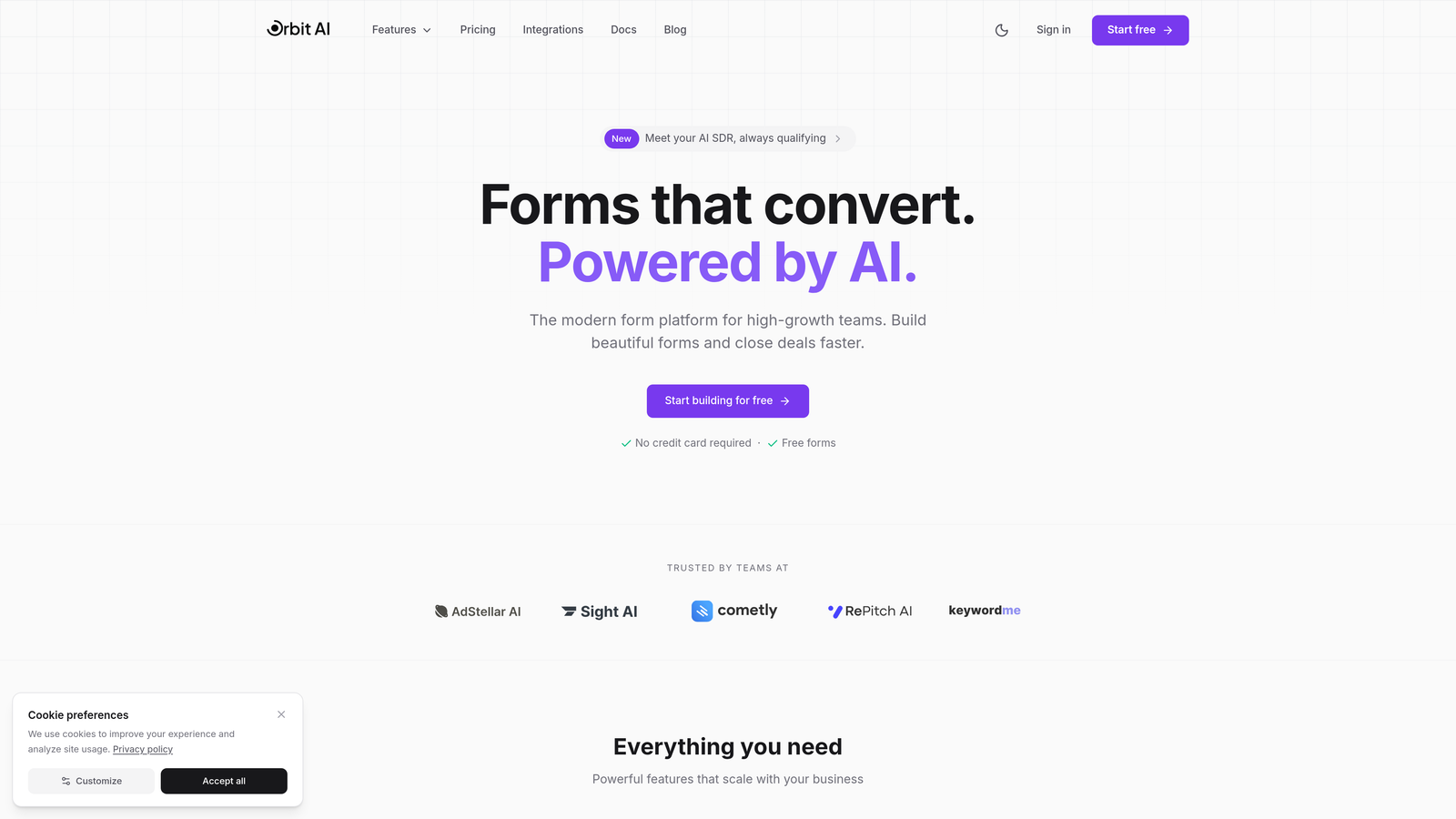
Orbit AI is an adaptive form platform that combines intelligent questioning with real-time lead qualification capabilities.
Where This Tool Shines
What sets Orbit AI apart is its AI-driven approach to lead qualification. Instead of forcing your sales team to sort through every submission manually, the platform analyzes responses in real-time and routes qualified leads directly to sales while sending others to nurture workflows.
The adaptive questioning adjusts based on response patterns, creating shorter paths for high-intent visitors while gathering more context from prospects who need nurturing. This intelligence layer transforms forms from data collection tools into active participants in your conversion strategy.
Key Features
AI-Powered Lead Qualification: Automatically scores and qualifies leads based on responses, routing them to appropriate workflows without manual intervention.
Adaptive Questioning: Dynamically adjusts follow-up questions based on previous answers, creating personalized experiences that reduce form abandonment.
Intelligent Routing: Automatically directs qualified leads to sales teams while sending others to nurture sequences based on qualification criteria you define.
Native CRM Integrations: Connects seamlessly with major CRMs and marketing automation tools to keep your data synchronized across platforms.
Conversion-Optimized Templates: Pre-built form templates designed specifically for lead generation with proven conversion patterns built in.
Best For
Orbit AI is ideal for high-growth B2B companies and SaaS teams that generate significant lead volume and need to automatically separate sales-ready prospects from those requiring nurturing. It's particularly valuable when your sales team's time is your most precious resource.
Pricing
Free tier available for getting started. Paid plans begin at $29/month with advanced AI qualification features and increased submission limits on higher tiers.
2. Typeform
Best for: Creating engaging conversational experiences with beautiful design and strong brand presence
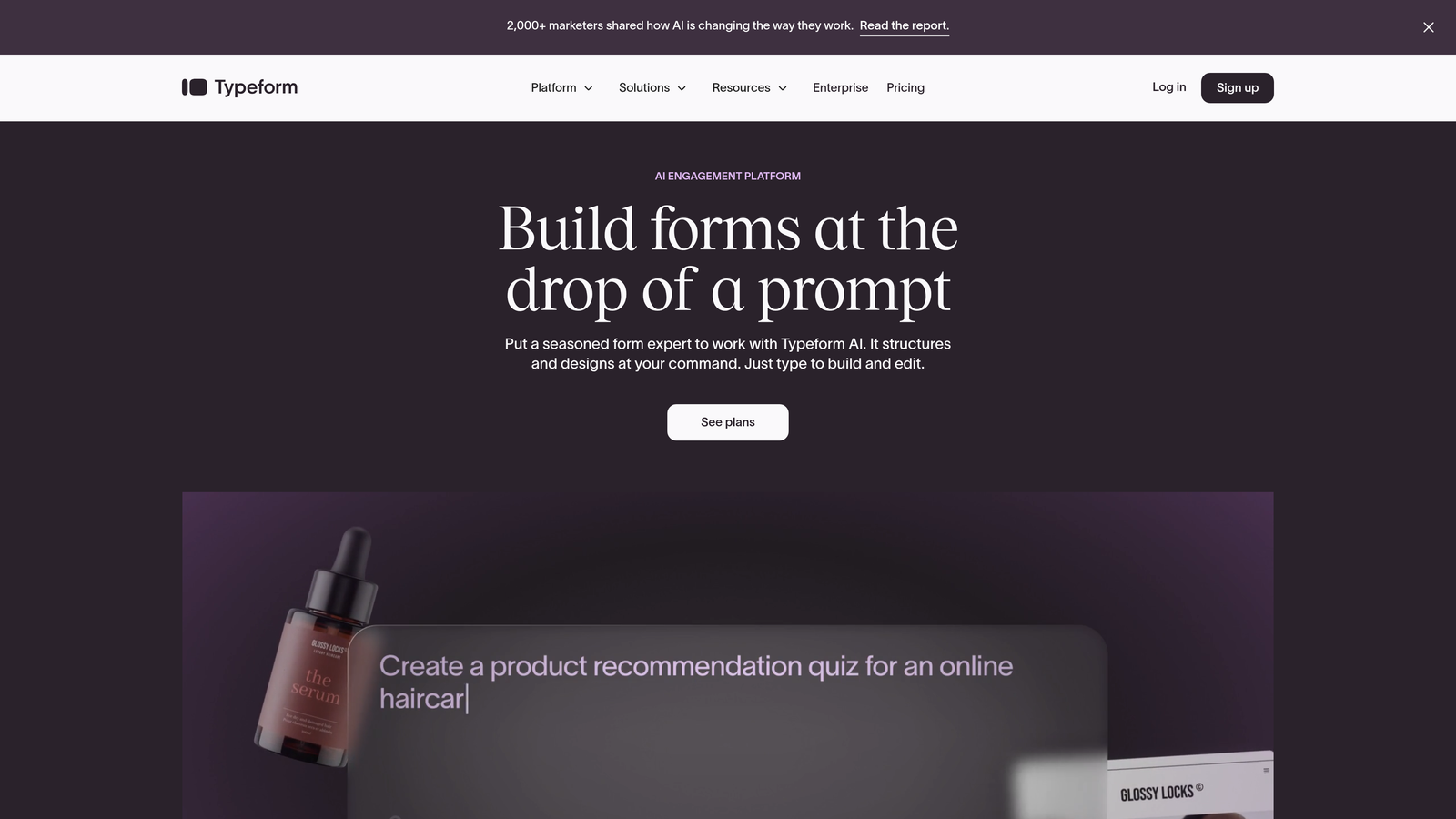
Typeform is a conversational form builder known for its one-question-at-a-time format that creates engaging, dialogue-like experiences.
Where This Tool Shines
Typeform revolutionized form design by treating each question as a conversation rather than a data field to fill. The one-question-at-a-time approach keeps users focused and reduces the overwhelming feeling of long forms. This format naturally lends itself to adaptive experiences through logic jumps.
The platform's design capabilities are exceptional. You can embed videos, images, and GIFs to create forms that feel more like interactive experiences than data collection tools. This visual richness makes Typeform particularly effective for consumer-facing brands and creative agencies.
Key Features
Conversational Format: One-question-at-a-time interface that creates engaging, dialogue-style experiences with smooth transitions between questions.
Logic Jumps: Conditional branching that shows different questions based on previous answers, creating personalized question paths.
Design Customization: Beautiful themes and extensive customization options including fonts, colors, and background images or videos.
Media Embedding: Native support for embedding videos, images, and GIFs directly into questions for richer experiences.
Integration Ecosystem: Connects with hundreds of tools including Slack, Google Sheets, HubSpot, and Salesforce through native integrations and Zapier.
Best For
Typeform excels for consumer brands, marketing agencies, and companies where form design and user experience are brand differentiators. It's particularly effective for surveys, quizzes, and lead generation where engagement matters as much as data collection.
Pricing
Free tier available with basic features. Paid plans start at $25/month for the Basic plan, with logic jumps and customization unlocking at higher tiers.
3. Jotform
Best for: Teams needing extensive template variety and affordable multi-user plans with solid conditional logic
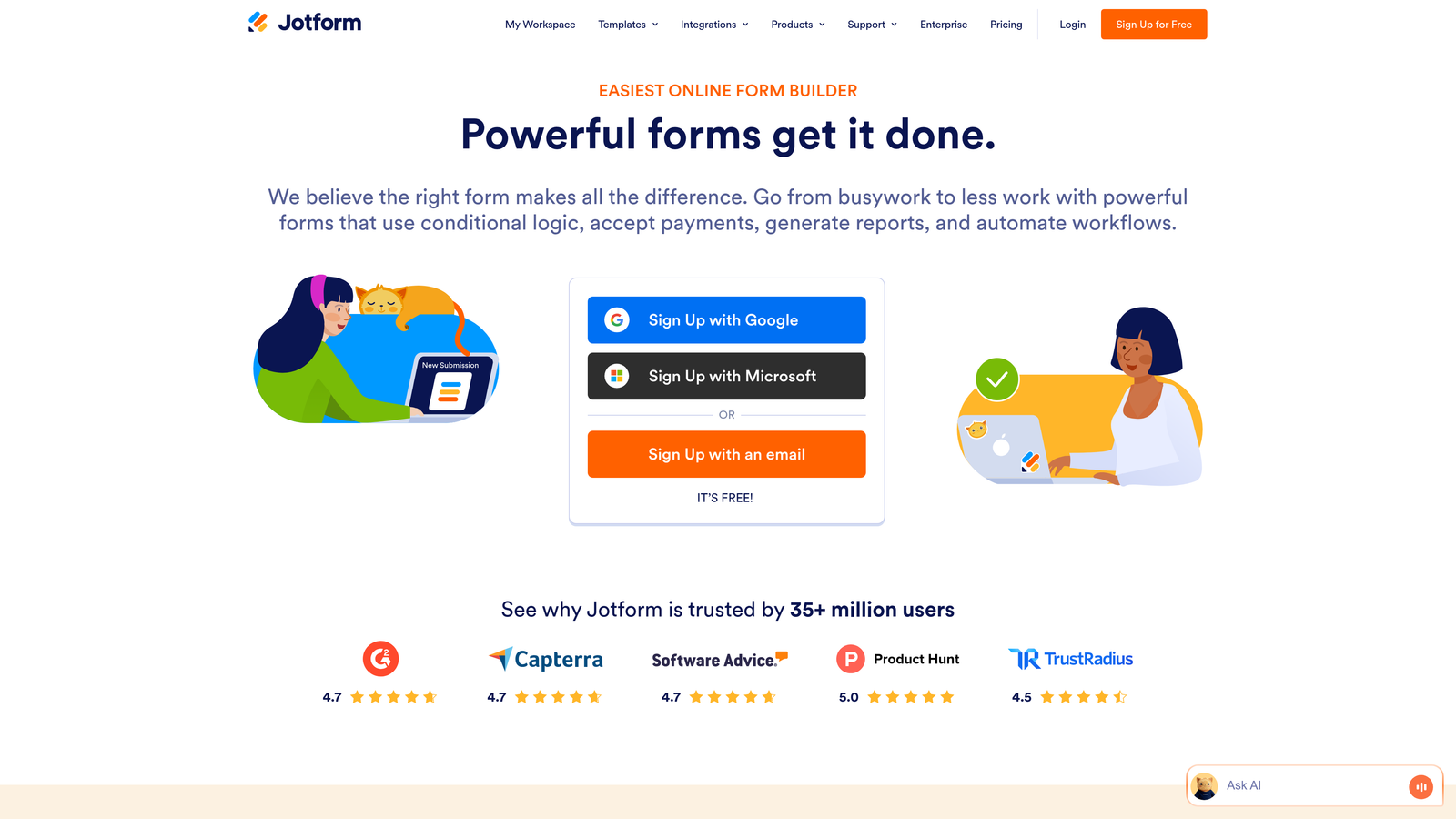
Jotform is a versatile form builder offering over 10,000 templates and comprehensive conditional logic capabilities at competitive pricing.
Where This Tool Shines
Jotform's massive template library means you're rarely building from scratch. Whether you need registration forms, surveys, order forms, or application workflows, there's likely a pre-built template that gets you 80% of the way there. This speeds up deployment significantly for teams managing multiple form types.
The platform's conditional logic system is robust without being overwhelming. You can create complex branching scenarios, show or hide entire sections based on responses, and even perform calculations within forms. For teams that need adaptive capabilities but don't require AI-level sophistication, Jotform hits a sweet spot of power and usability.
Key Features
Template Library: Over 10,000 pre-built form templates covering virtually every use case from simple contact forms to complex applications.
Conditional Logic: Show or hide fields, sections, and pages based on user responses to create personalized form experiences.
Payment Collection: Native integrations with PayPal, Stripe, Square, and other payment processors for collecting payments directly through forms.
Document Generation: Automatically generate PDFs from form submissions and collect e-signatures for contracts and agreements.
Team Collaboration: Affordable multi-user plans with form sharing, collaboration features, and centralized team management.
Best For
Jotform is ideal for small to mid-sized businesses, nonprofits, and educational institutions that need reliable form functionality without enterprise pricing. It's particularly strong for organizations managing diverse form types across departments.
Pricing
Free tier includes basic features with Jotform branding. Paid plans start at $34/month with increased submissions, storage, and advanced features like conditional logic and payment collection.
4. Formstack
Best for: Enterprise teams requiring advanced compliance, workflow automation, and sophisticated conditional logic
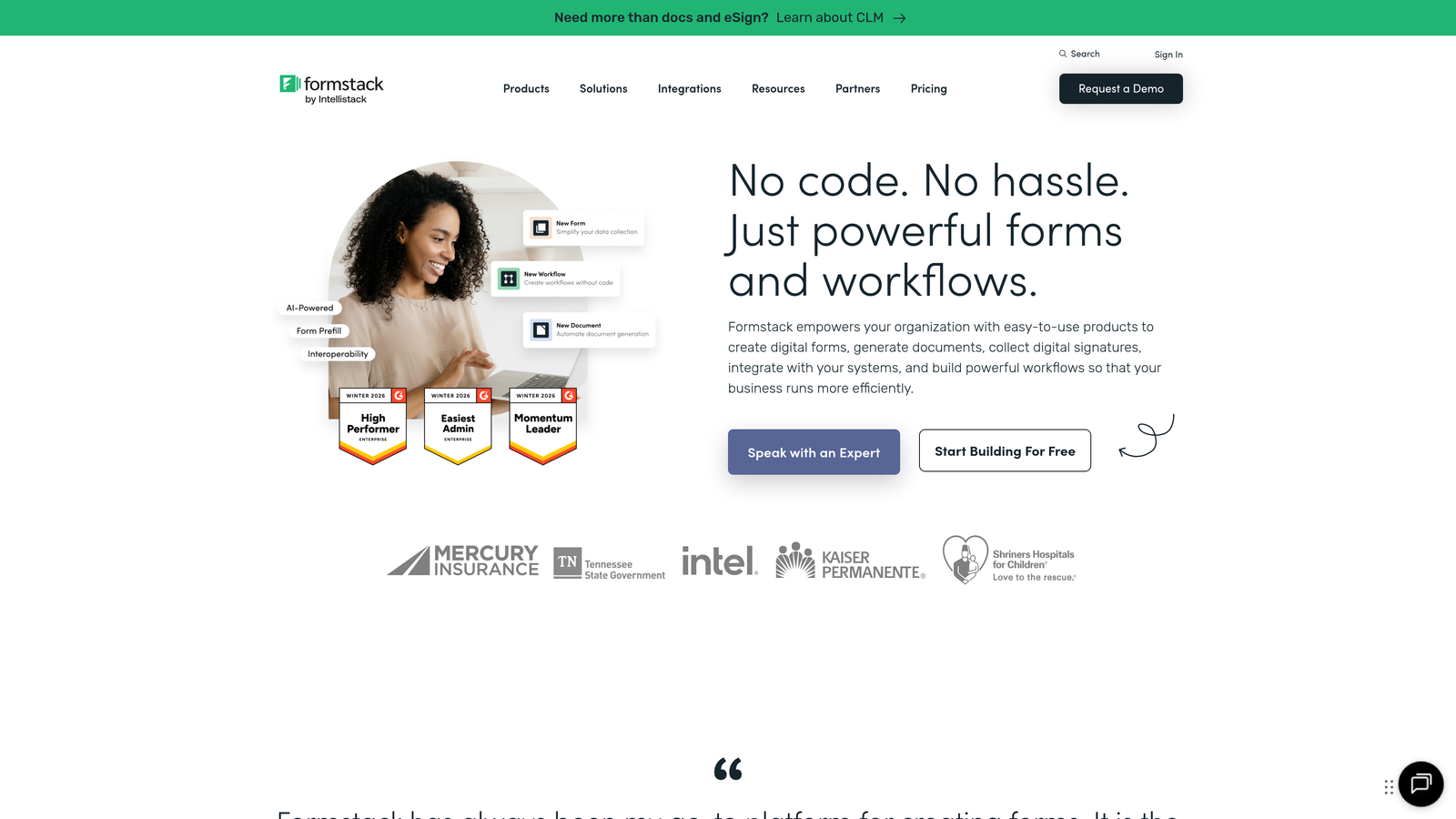
Formstack is an enterprise-grade form platform with advanced workflow automation, compliance features, and deep Salesforce integration.
Where This Tool Shines
Formstack was built for organizations where compliance and security aren't optional. The platform offers HIPAA and GDPR compliance features, making it suitable for healthcare, financial services, and other regulated industries. This compliance foundation doesn't compromise functionality—the conditional logic system is among the most sophisticated available.
The workflow automation capabilities extend far beyond basic form submission. You can create multi-step approval processes, route submissions to different team members based on complex criteria, and trigger document generation automatically. For enterprises managing intricate processes, these workflow features eliminate manual handoffs that slow down operations.
Key Features
Advanced Conditional Logic: Complex branching scenarios with calculations, field validation, and dynamic content based on multiple conditions.
Workflow Automation: Multi-step approval processes, automated routing, and triggered actions that eliminate manual workflow steps.
Compliance Features: HIPAA-compliant forms, GDPR tools, audit trails, and encryption for organizations in regulated industries.
Document Automation: Generate contracts, agreements, and reports automatically from form data with e-signature collection.
Salesforce Integration: Native Salesforce integration that syncs form data directly into your CRM with field mapping and real-time updates.
Best For
Formstack is designed for enterprise teams in healthcare, finance, education, and other regulated industries that need compliance guarantees alongside powerful adaptive form capabilities. It's particularly valuable for organizations with complex approval workflows.
Pricing
Plans start at $50/month for basic features. Enterprise pricing with compliance features, advanced automation, and dedicated support is available through custom quotes.
5. Paperform
Best for: Creating landing page-style forms with e-commerce capabilities and beautiful, customizable designs
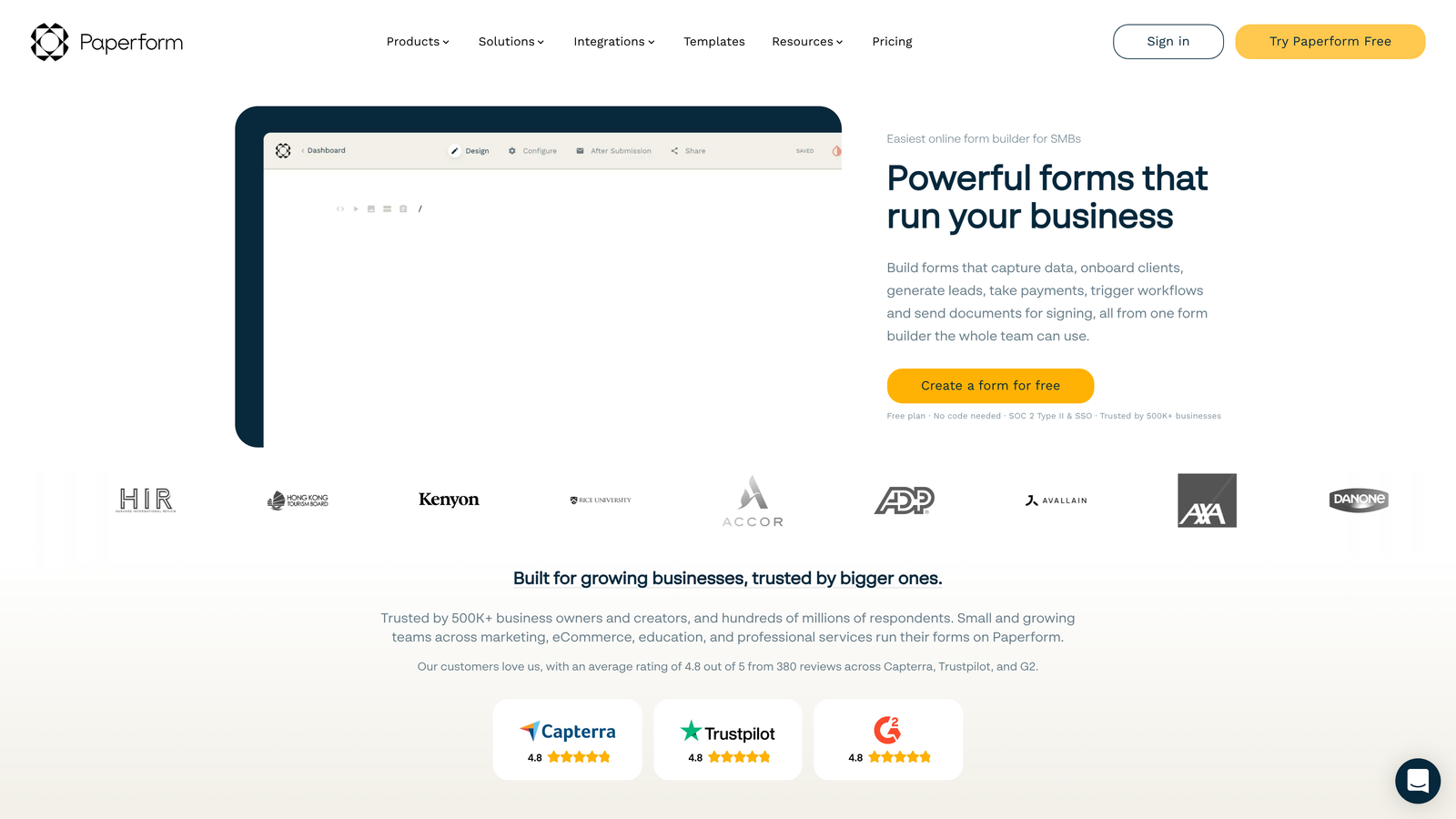
Paperform is a form builder that blurs the line between forms and landing pages, offering conditional logic alongside payment processing and product sales.
Where This Tool Shines
Paperform treats forms as complete landing page experiences rather than isolated data collection tools. You can create entire product pages, booking systems, or registration experiences within a single form. The design flexibility allows you to match your brand precisely without feeling constrained by typical form layouts.
The e-commerce integration is particularly strong. You can sell products, accept bookings, process subscriptions, and calculate prices dynamically based on user selections—all within the form itself. This makes Paperform uniquely suited for businesses where forms serve dual purposes as both lead generation and revenue generation tools.
Key Features
Landing Page Design: Create full landing page experiences with rich text, images, videos, and custom layouts that go beyond traditional form constraints.
Conditional Logic: Show or hide questions, sections, and content blocks based on responses to create personalized experiences.
Payment Processing: Built-in payment collection through Stripe and PayPal with support for one-time payments, subscriptions, and product sales.
Calculations and Scoring: Perform calculations based on user inputs for pricing, scoring quizzes, or creating interactive calculators.
Custom Success Pages: Create personalized thank-you pages and redirect users to different URLs based on their responses or purchase behavior.
Best For
Paperform excels for creative agencies, consultants, coaches, and small businesses that need forms to function as complete landing pages with payment capabilities. It's ideal when you want a single tool that handles lead capture and monetization.
Pricing
Plans start at $24/month for the Essentials plan with unlimited forms and submissions. Higher tiers unlock advanced features like calculations, custom domains, and priority support.
6. Feathery
Best for: Product teams and developers building highly customized adaptive flows with code-level control
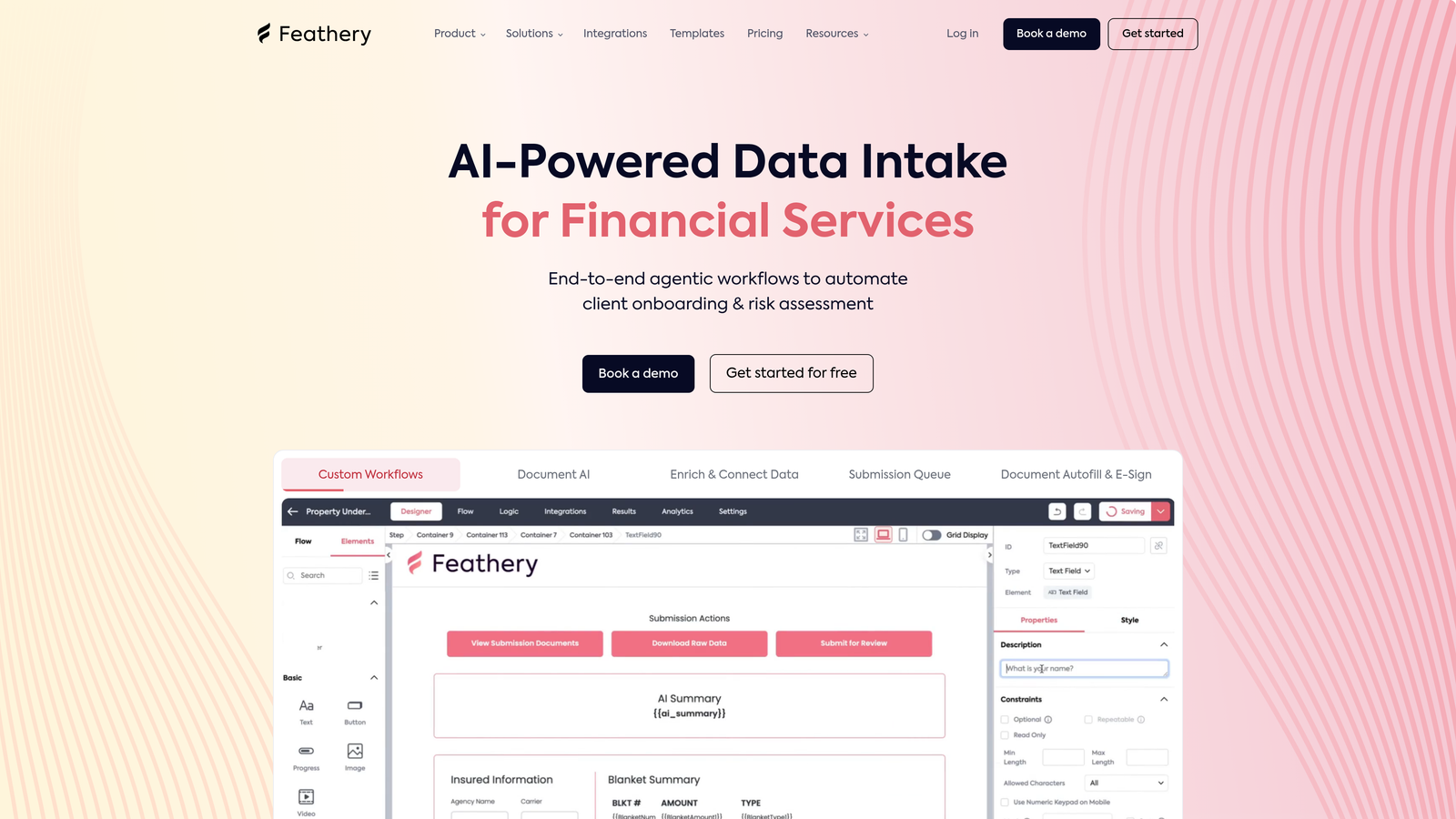
Feathery is a developer-friendly form platform with API-first architecture that combines visual building with code customization for complex adaptive workflows.
Where This Tool Shines
Feathery was built for teams that need more control than typical form builders allow. While it offers a visual editor for non-technical users, developers can drop into code to customize virtually any aspect of form behavior, styling, or logic. This flexibility makes it possible to build sophisticated multi-step flows that feel native to your product.
The API-first approach means you can integrate Feathery forms deeply into your application architecture. Pre-fill forms with data from your database, trigger custom validation logic, and sync submissions in real-time with your backend systems. For product teams building onboarding flows or application processes, this level of integration is invaluable.
Key Features
Visual Builder with Code Access: Drag-and-drop editor for quick building with the ability to customize using JavaScript, CSS, and React components when needed.
Complex Multi-Step Flows: Create sophisticated multi-page forms with progress indicators, conditional branching, and dynamic content across steps.
API-First Architecture: RESTful API and SDKs for deep integration with your application, including pre-filling, custom validation, and real-time data sync.
White-Label Options: Remove all branding and embed forms seamlessly into your product with custom domains and styling.
Advanced Validation: Custom validation rules, real-time error checking, and integration with external validation services for complex business logic.
Best For
Feathery is ideal for SaaS companies, product teams, and technical organizations building onboarding flows, application processes, or multi-step forms that need to integrate tightly with existing systems. It's particularly valuable when standard form builders feel too limiting.
Pricing
Free tier available for development and testing. Paid plans start at $49/month with increased submissions, advanced features, and priority support for production use.
7. Tally
Best for: Budget-conscious teams wanting simple conditional logic with an incredibly generous free tier
Tally is a Notion-like form builder that offers unlimited forms and submissions on its free tier with basic conditional logic and a clean, minimal interface.
Where This Tool Shines
Tally's free tier is remarkably generous. While most platforms limit free users to a handful of forms or submissions, Tally offers unlimited forms and unlimited submissions at no cost. This makes it an excellent choice for startups, side projects, and organizations testing adaptive forms without budget for paid tools.
The Notion-style block-based editor feels familiar to anyone who's used modern productivity tools. You build forms by adding and arranging blocks—text, questions, images, embeds—in a straightforward interface. The simplicity is refreshing after working with more complex platforms, though it does mean sacrificing some advanced features.
Key Features
Block-Based Editor: Notion-inspired interface where you build forms by adding and arranging content blocks in a simple, intuitive way.
Conditional Logic: Show or hide questions based on previous answers to create branching paths and personalized experiences.
Unlimited Free Tier: Truly unlimited forms and submissions on the free plan, making it accessible for teams at any budget level.
File Uploads and Signatures: Collect file attachments and electronic signatures directly through forms without requiring paid plans.
Clean Design: Minimal, distraction-free form design that looks professional without customization effort.
Best For
Tally is perfect for startups, bootstrapped companies, nonprofits, and individual creators who need reliable adaptive form functionality without monthly costs. It's also great for teams wanting to test adaptive form concepts before investing in enterprise platforms.
Pricing
Generous free tier with unlimited forms and submissions. Pro plan starts at $29/month, unlocking features like custom domains, hidden fields, and priority support.
8. Fillout
Best for: Teams using Airtable or Notion who need forms that sync directly with their databases
Fillout is a modern form builder with native Airtable and Notion integrations that enable database-connected adaptive forms with pre-filling capabilities.
Where This Tool Shines
Fillout's native database integrations set it apart. If your team runs on Airtable or Notion, Fillout forms can read from and write to your databases directly. This means you can pre-fill forms with existing data, update records based on submissions, and keep everything synchronized without middleware or custom code.
The pre-filling capability enables sophisticated adaptive experiences. Returning users can update their information without re-entering everything. Application processes can pull in data from previous steps. This database-connected approach transforms forms from isolated tools into integrated parts of your data workflow.
Key Features
Native Database Sync: Direct integration with Airtable and Notion that syncs form data in real-time without requiring Zapier or API configuration.
Conditional Logic: Show or hide fields and entire sections based on user responses or data from connected databases.
Pre-Fill from Databases: Automatically populate form fields with existing data from Airtable or Notion based on user identification.
Scheduling Integration: Built-in scheduling functionality that connects with calendar tools for booking appointments through forms.
Modern Interface: Clean, contemporary design that feels native to modern productivity tools without requiring design customization.
Best For
Fillout is ideal for teams that have built their operations around Airtable or Notion and need forms that integrate seamlessly with their existing database workflows. It's particularly valuable for operations teams managing applicant tracking, event registration, or customer onboarding.
Pricing
Free tier available with basic features and limited submissions. Paid plans start at $15/month with increased submission limits, advanced features, and priority support.
9. HubSpot Forms
Best for: HubSpot users needing CRM-native forms with progressive profiling and smart fields
HubSpot Forms is a CRM-native form builder with progressive profiling that remembers returning visitors and adapts questions based on known contact data.
Where This Tool Shines
HubSpot Forms' progressive profiling is uniquely powerful for organizations focused on building complete customer profiles over time. Instead of asking the same questions to returning visitors, the platform automatically replaces fields with new questions based on what you already know about each contact. This creates increasingly personalized experiences while gathering deeper data with each interaction.
The CRM integration is seamless because the form builder and CRM are the same platform. Every submission automatically creates or updates contact records, triggers workflows, and feeds into lead scoring models. For teams already using HubSpot, this native integration eliminates the data synchronization headaches that plague multi-tool stacks.
Key Features
Progressive Profiling: Automatically changes form questions for returning visitors based on known contact data, gathering new information with each submission.
Smart Fields: Form fields that adapt based on whether the visitor is a known contact, pre-filling data and adjusting questions accordingly.
Native CRM Sync: Instant synchronization with HubSpot CRM including contact creation, property updates, and list membership without configuration.
Dependent Fields: Conditional logic that shows or hides fields based on responses, creating personalized question paths within forms.
Lead Scoring Integration: Form submissions automatically feed into HubSpot's lead scoring models, helping prioritize follow-up based on engagement and fit.
Best For
HubSpot Forms is designed for marketing and sales teams already using HubSpot CRM or Marketing Hub who want forms that integrate seamlessly with their existing workflows. It's particularly valuable for B2B companies focused on progressive profiling and lead nurturing.
Pricing
Free with HubSpot's free CRM. Advanced form features including progressive profiling and dependent fields are available in paid Marketing Hub plans starting at $45/month.
Making the Right Choice
Choosing the right adaptive form platform depends on your specific needs and existing technology stack. For AI-powered lead qualification that automatically routes prospects based on their responses, Orbit AI delivers the most sophisticated intelligence layer for high-growth teams. If conversational design and brand experience are your priorities, Typeform's one-question-at-a-time format remains the gold standard for engagement.
Enterprise teams in regulated industries should seriously consider Formstack's compliance features and workflow automation capabilities. Budget-conscious startups can start with Tally's genuinely unlimited free tier and upgrade as needs grow. Product teams building custom onboarding flows will appreciate Feathery's developer-friendly approach and API-first architecture.
If your team runs on Airtable or Notion, Fillout's native database sync eliminates integration headaches. HubSpot users already invested in that ecosystem will find the native CRM integration and progressive profiling invaluable for building complete customer profiles over time.
Whatever platform you choose, moving from static to adaptive forms represents one of the highest-impact changes you can make for conversion optimization. The difference between asking every visitor the same questions and intelligently adapting based on their responses often translates to 20-40% improvements in completion rates. The platforms on this list all enable that transformation—the right choice simply depends on which additional capabilities align with your team's specific workflow and growth goals.
Start building free forms today and see how intelligent form design can elevate your conversion strategy. Transform your lead generation with AI-powered forms that qualify prospects automatically while delivering the modern, conversion-optimized experience your high-growth team needs.


