

Static forms are conversion killers. When every visitor sees the same questions regardless of their context, you're leaving qualified leads on the table. Adaptive form software changes the game by dynamically adjusting questions, flow, and content based on user behavior, responses, and data—creating personalized experiences that dramatically improve completion rates and lead quality.
Whether you need conditional logic, AI-powered question branching, or real-time personalization based on CRM data, the right adaptive form tool can transform how you capture and qualify leads. We evaluated dozens of platforms based on their adaptive capabilities, ease of use, integration depth, and value for growing teams. Here are the top adaptive form software solutions worth your attention in 2026.
1. Orbit AI
Best for: High-growth teams needing AI-powered lead qualification with intelligent form adaptation
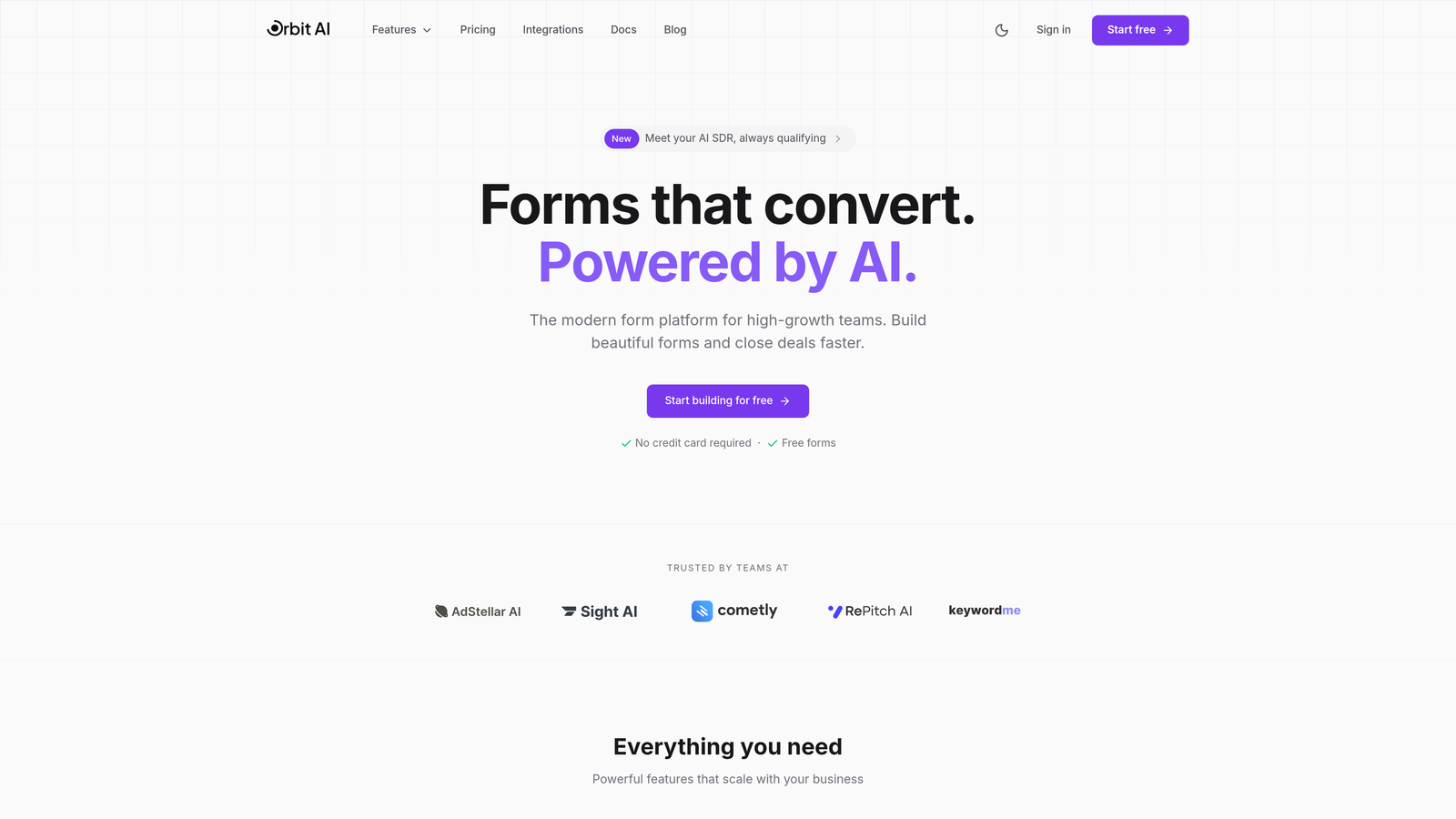
Orbit AI combines adaptive form technology with built-in AI agents that qualify leads automatically while they fill out your forms.
Where This Tool Shines
The standout feature is how Orbit AI's intelligence layer works behind the scenes. As prospects answer questions, the platform dynamically adjusts the form path based on their responses—not just through pre-programmed logic, but through AI that learns what makes a qualified lead for your business.
This means you're not just collecting information more efficiently. You're simultaneously scoring and qualifying leads in real-time, so your sales team knows exactly which prospects deserve immediate attention. The conversion-optimized templates are built specifically for modern buyers who expect personalized experiences.
Key Features
AI-Powered Question Branching: Forms adapt intelligently based on user responses, creating personalized paths without manual logic building.
Built-In Lead Qualification: Automatic lead scoring and qualification happens as forms are completed, eliminating manual review.
Native CRM Integrations: Connects directly with major CRMs and marketing platforms to sync qualified leads instantly.
Conversion Analytics: Advanced insights show where prospects drop off and which form variations drive the highest completion rates.
Modern Form Templates: Pre-built templates designed specifically for high-growth teams focused on lead generation.
Best For
Growing B2B companies and SaaS teams that need to capture more leads while improving lead quality. Particularly valuable if you're tired of manually sorting through form submissions to find qualified prospects, or if your current forms aren't adapting to different buyer personas.
Pricing
Free tier available for teams getting started. Paid plans begin at $29 per month with expanded AI capabilities and integrations.
2. Typeform
Best for: Creating beautiful conversational forms with one-question-at-a-time experiences and logic jumps
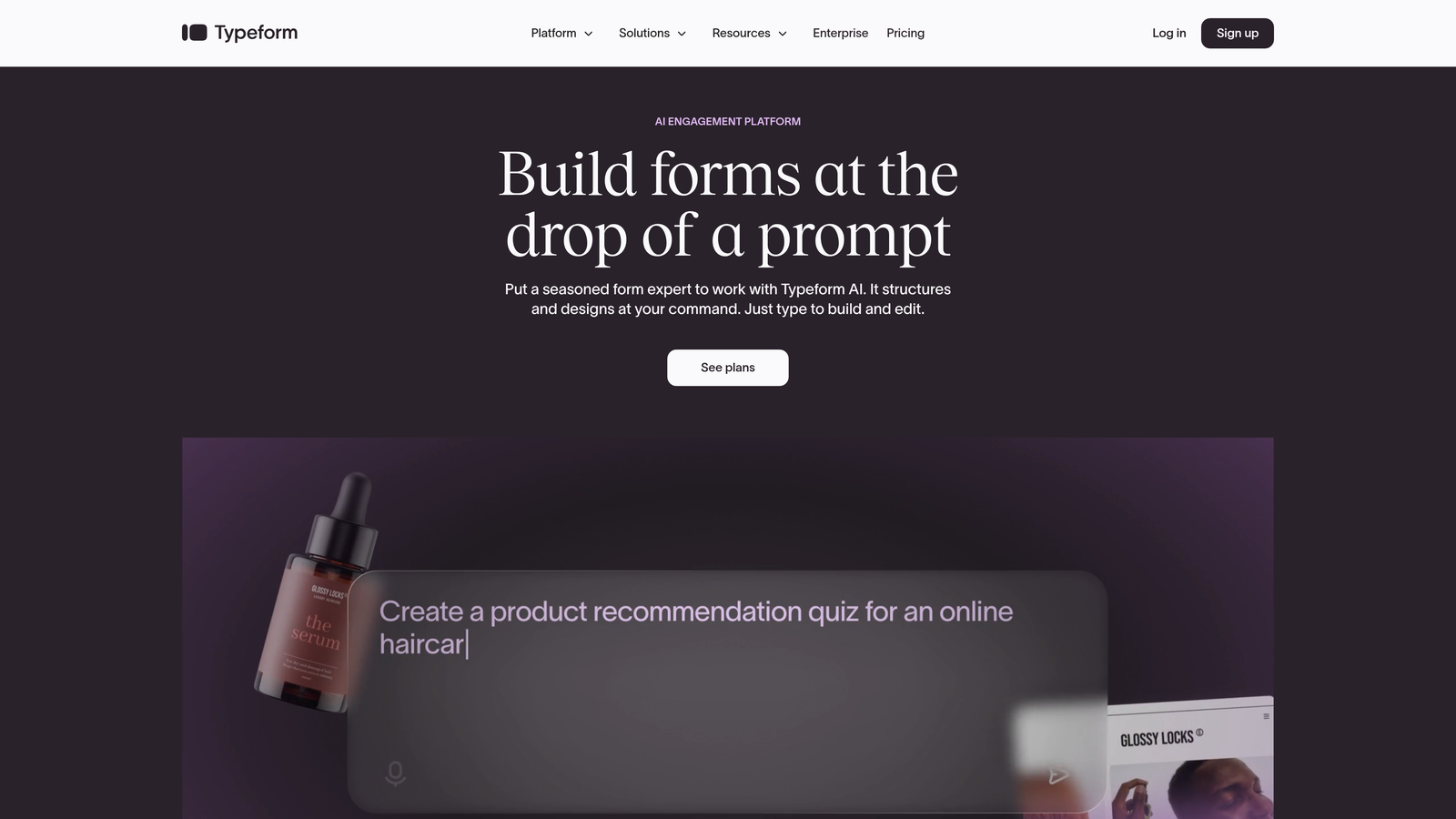
Typeform pioneered the conversational form format and remains the gold standard for engaging, adaptive form experiences.
Where This Tool Shines
Typeform's signature one-question-at-a-time approach reduces cognitive load and creates a conversation-like experience that feels natural. The platform's logic jumps let you build sophisticated conditional paths based on previous answers, creating truly personalized form flows.
The visual builder is intuitive enough for non-technical users while offering enough depth for complex branching scenarios. Hidden fields enable personalization based on URL parameters or previous interactions, making forms feel tailored even before the first question.
Key Features
Logic Jumps: Create conditional question paths that adapt based on user responses, skipping irrelevant questions automatically.
Hidden Fields: Pre-populate forms with known data or track source information without showing fields to users.
Calculator Logic: Build dynamic pricing calculators or scoring systems that adapt based on selections.
Response Piping: Reference previous answers in later questions to create personalized, conversational flows.
VideoAsk Integration: Combine video responses with adaptive form logic for rich, multimedia experiences.
Best For
Marketing teams prioritizing user experience and completion rates. Ideal if your brand values design and you want forms that feel more like conversations than interrogations. Also strong for customer feedback and research where engagement matters.
Pricing
Free tier available with basic features. Basic plan starts at $25 per month, with logic jumps available on paid tiers.
3. Jotform
Best for: Teams needing extensive template variety with solid conditional logic at scale
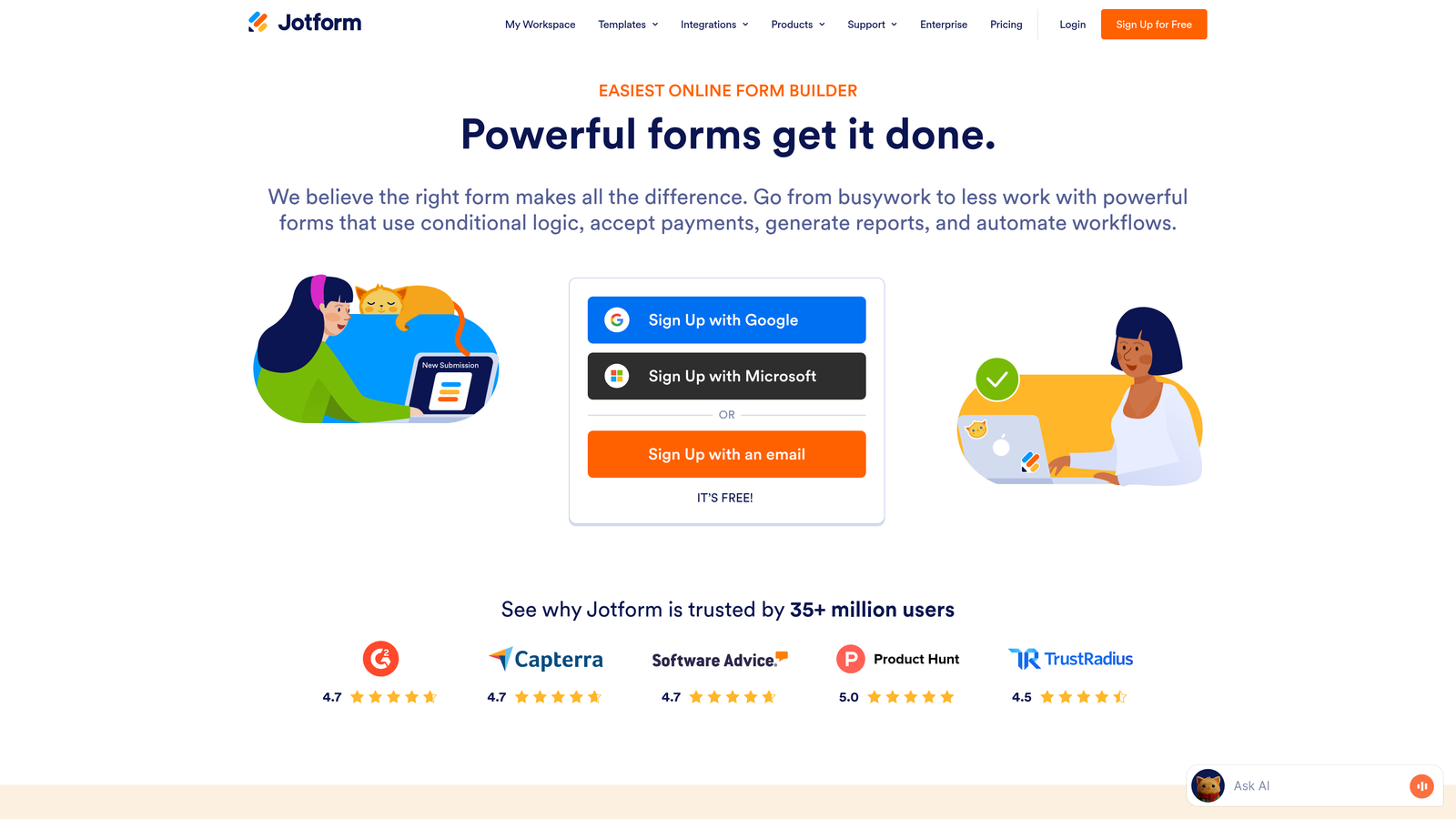
Jotform offers one of the largest template libraries in the industry combined with robust conditional logic capabilities.
Where This Tool Shines
With over 10,000 templates covering virtually every use case imaginable, Jotform dramatically reduces setup time. The conditional logic system handles show/hide fields, page jumps, and email routing based on responses—giving you flexibility without requiring technical expertise.
The platform's Smart PDF feature is particularly useful for organizations needing adaptive documents. Forms can generate PDFs with conditional sections that only show relevant information based on what users submitted. This makes Jotform especially valuable for applications, registrations, and approval workflows.
Key Features
Conditional Logic Builder: Visual interface for creating show/hide rules and page branching without coding.
10,000+ Templates: Pre-built forms for virtually every industry and use case, many with conditional logic already configured.
Smart PDF Generation: Create conditional PDF documents that adapt based on form responses.
Approval Workflows: Route submissions conditionally based on answers, enabling multi-step approval processes.
Payment Integration: Accept payments with conditional pricing based on user selections.
Best For
Organizations managing diverse form types across multiple departments. Particularly strong for educational institutions, healthcare providers, and enterprises needing compliance-friendly forms with conditional logic. The template library makes it ideal for teams that need to deploy forms quickly.
Pricing
Free tier includes up to 5 forms. Bronze plan starts at $34 per month with expanded submission limits and features.
4. Formstack
Best for: Enterprise teams requiring advanced workflows, compliance features, and Salesforce integration
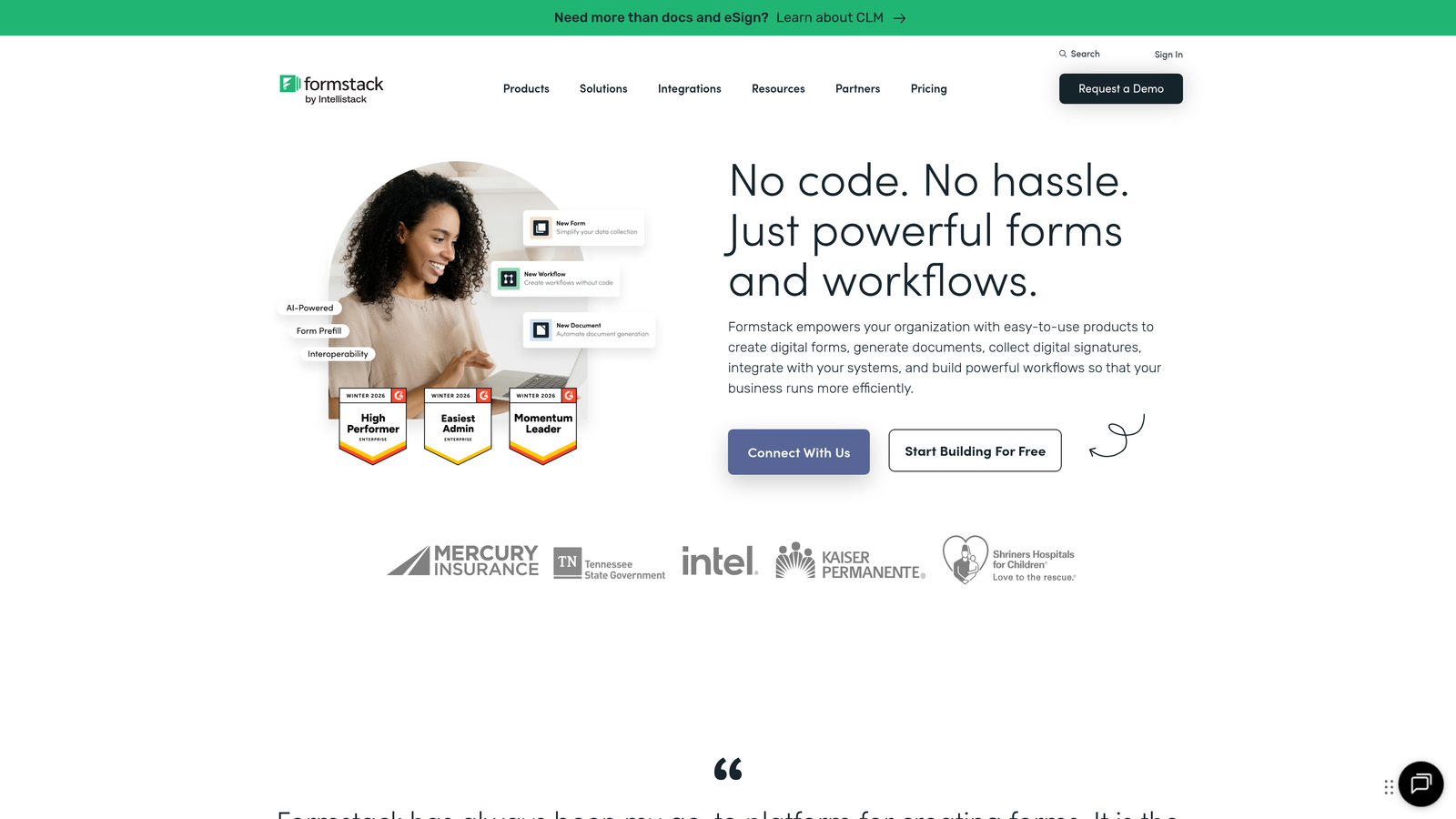
Formstack delivers enterprise-grade adaptive forms with sophisticated conditional logic and workflow automation for regulated industries.
Where This Tool Shines
Formstack's conditional logic supports multiple conditions and complex rules that enterprise workflows demand. You can create intricate branching scenarios based on combinations of answers, user roles, and external data sources. This depth makes it possible to build truly sophisticated adaptive experiences.
The platform's compliance capabilities set it apart for healthcare, finance, and government organizations. HIPAA and SOC 2 compliance options ensure sensitive data is handled appropriately, while conditional logic can enforce compliance rules automatically—showing or hiding fields based on regulatory requirements.
Key Features
Advanced Conditional Logic: Support for multiple conditions, complex rules, and nested logic for sophisticated form behavior.
Document Generation: Automatically create documents with conditional content based on form submissions.
Compliance Options: HIPAA-compliant forms and SOC 2 certification for organizations with strict data requirements.
Workflow Automation: Route submissions conditionally through approval chains and trigger actions based on responses.
Native Salesforce Integration: Deep integration that syncs adaptive form data directly into Salesforce with field mapping.
Best For
Enterprise organizations in regulated industries that need both adaptive form capabilities and strict compliance controls. Particularly valuable for companies with complex approval workflows or those heavily invested in Salesforce ecosystems.
Pricing
Starter plan begins at $50 per month. Teams plan starts at $83 per month with enhanced features and user seats.
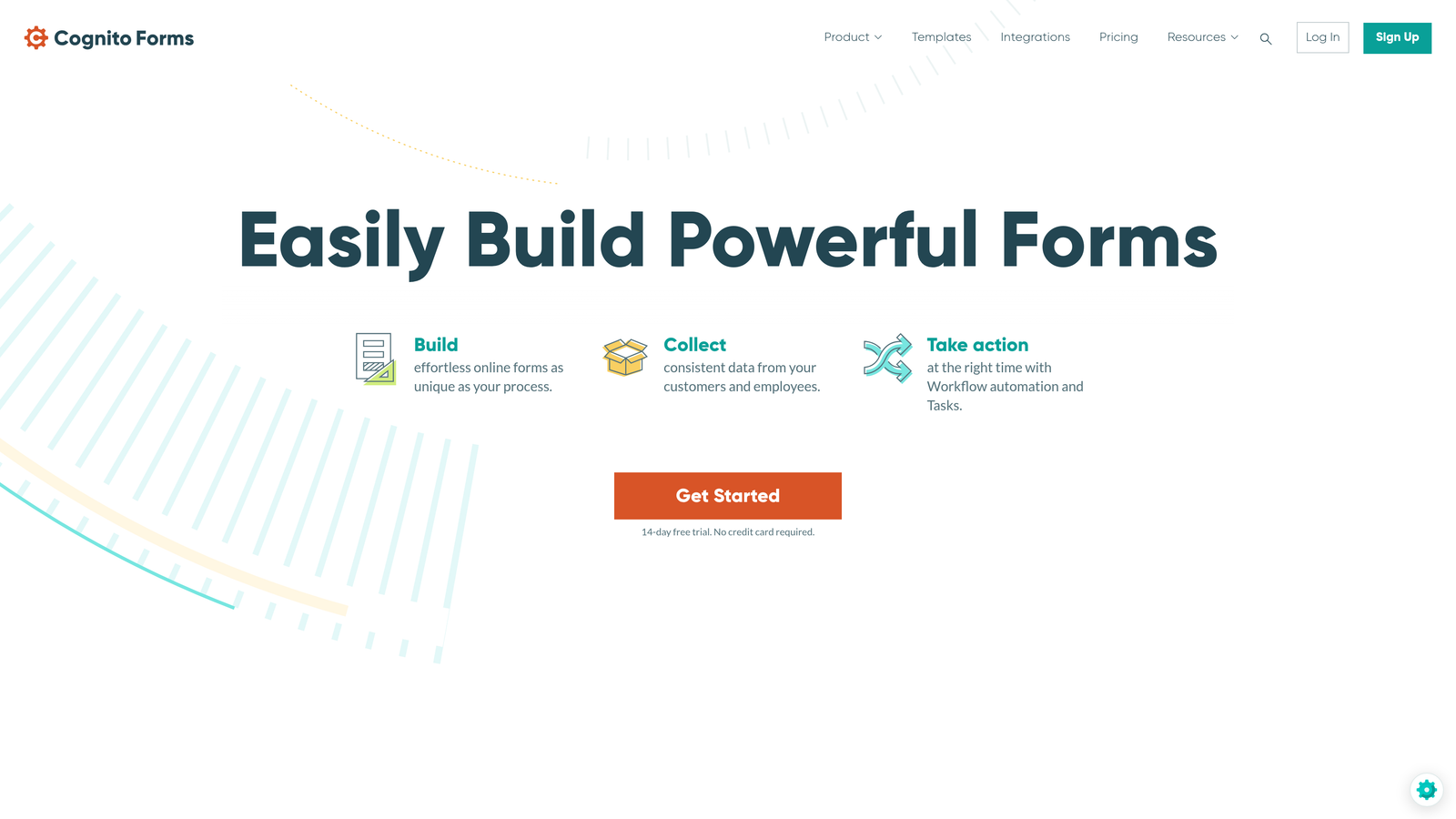
5. Cognito Forms
Best for: Budget-conscious teams wanting powerful adaptive features without enterprise pricing
Cognito Forms delivers surprisingly robust conditional logic and calculation capabilities at accessible price points.
Where This Tool Shines
Cognito Forms punches well above its weight class in terms of features-per-dollar. The conditional logic system supports complex scenarios including conditional sections, field visibility, and validation rules. What makes this particularly valuable is that these features are available even on lower-tier plans.
The calculation engine is exceptionally powerful, letting you build dynamic pricing forms, quote calculators, and scoring systems with conditional logic. Combined with repeating sections that adapt based on user input, you can create sophisticated multi-step forms that feel custom-built for each user.
Key Features
Conditional Sections: Show or hide entire form sections based on previous answers, creating adaptive multi-step experiences.
Calculation Fields: Build complex calculations with conditional logic for dynamic pricing, scoring, or data processing.
Repeating Sections: Let users add multiple entries dynamically, with conditional logic controlling what fields appear.
Workflow Automation: Trigger actions and notifications conditionally based on form responses.
Data Encryption: Built-in encryption and compliance features typically found in more expensive platforms.
Best For
Small to mid-sized businesses and nonprofits that need enterprise-level adaptive form capabilities without the enterprise price tag. Excellent choice if you need powerful calculations and conditional logic for order forms, registrations, or applications.
Pricing
Generous free tier available. Pro plan starts at just $15 per month, making it one of the most affordable options with advanced features.
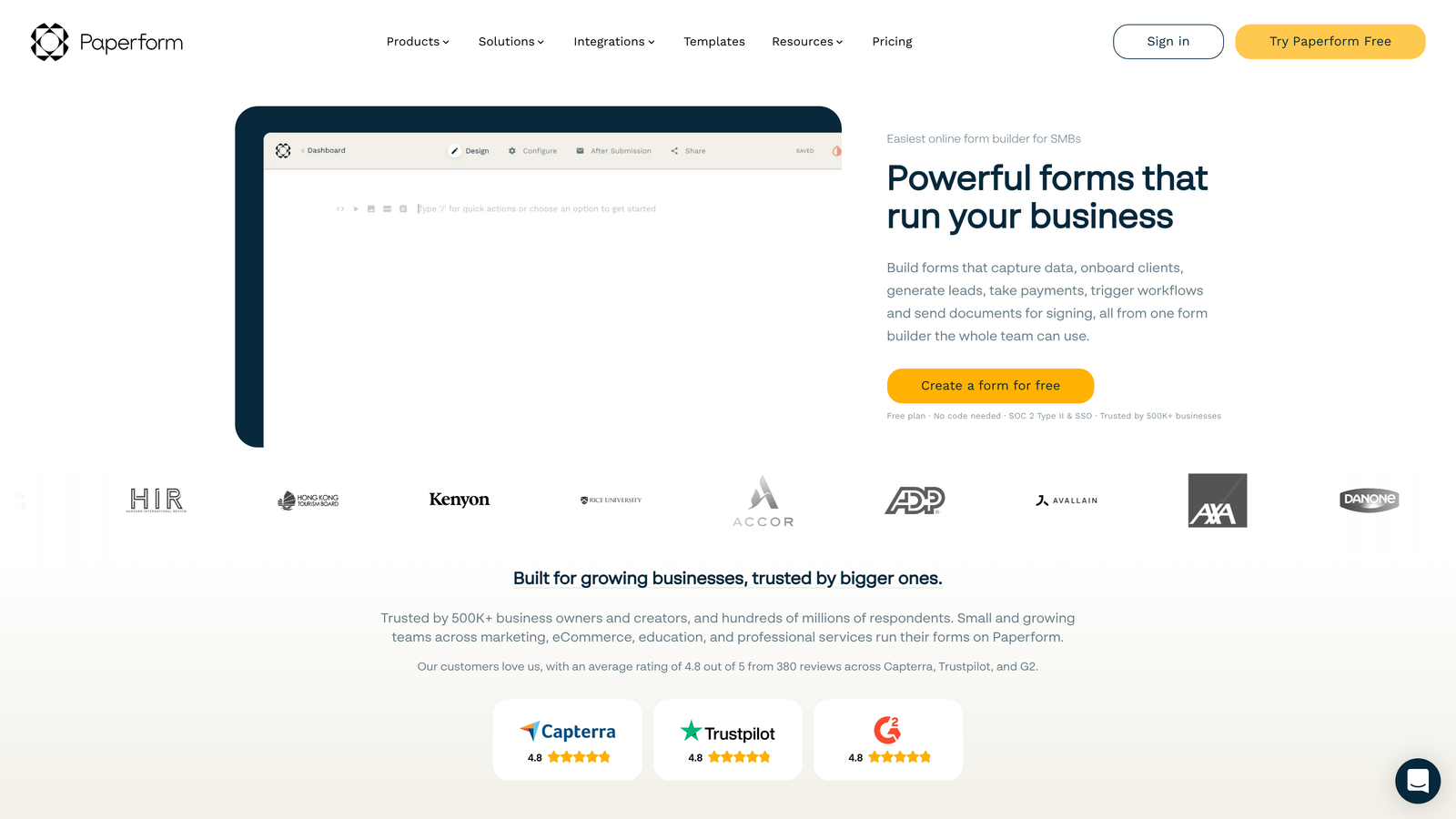
6. Paperform
Best for: Creating adaptive landing pages that combine forms with rich content and conditional blocks
Paperform takes a unique page-builder approach, letting you create adaptive landing pages where forms are just one component.
Where This Tool Shines
Unlike traditional form builders, Paperform lets you embed forms within full landing pages containing text, images, videos, and other content—all with conditional logic. This means you can show or hide entire content blocks based on user responses, creating truly adaptive page experiences.
The success page personalization is particularly clever. Instead of a generic thank-you message, you can create conditional success pages that display different content, offers, or next steps based on what users submitted. This extends the adaptive experience beyond the form itself into your conversion funnel.
Key Features
Conditional Content Blocks: Show or hide text, images, videos, and other page elements based on form responses.
Page-Style Forms: Create forms that feel like landing pages with rich media and formatting options.
Conditional Calculations: Build dynamic pricing calculators and quote generators with adaptive logic.
Success Page Personalization: Display different thank-you pages and next steps based on submission data.
Scheduling Integration: Embed booking calendars with conditional availability based on form answers.
Best For
Marketing teams that want to combine forms with landing page content in a single adaptive experience. Ideal for product launches, event registrations, or any scenario where context around the form matters as much as the form itself.
Pricing
Essentials plan starts at $24 per month with full access to conditional logic and page-building features.
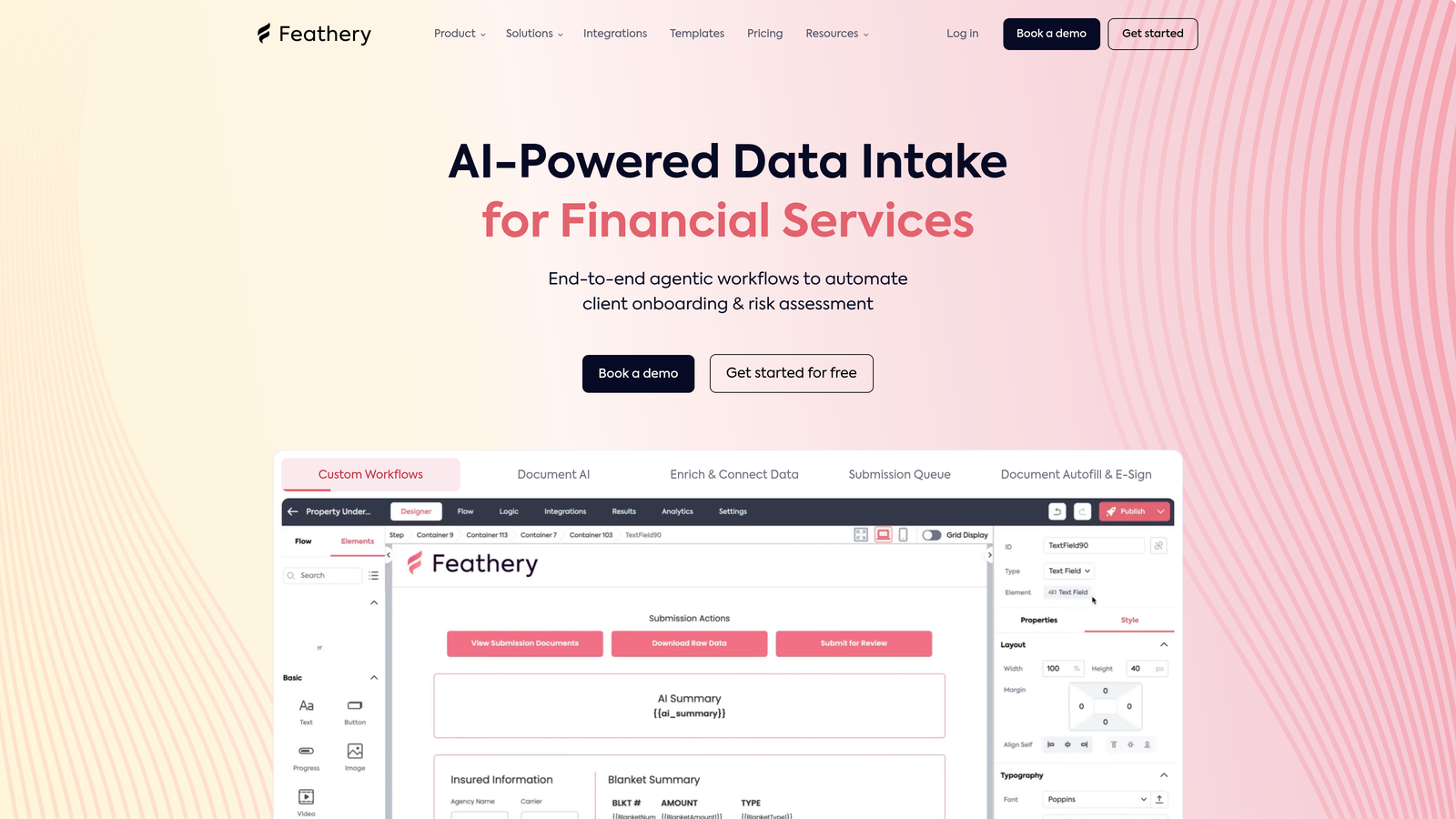
7. Feathery
Best for: Product teams embedding sophisticated adaptive forms into applications with code customization
Feathery is built for developers and product teams who need to embed complex adaptive forms directly into their products.
Where This Tool Shines
Feathery bridges the gap between no-code form builders and fully custom development. The visual builder lets non-technical team members design adaptive form flows, while developers can extend functionality with custom code, components, and styling. This flexibility is rare in the form builder space.
The API-first architecture means you can programmatically control form behavior, pre-fill data from your systems, and trigger conditional logic based on external data sources. For product teams building onboarding flows or multi-step processes, this level of control is invaluable.
Key Features
Visual Builder with Code Access: Design forms visually while maintaining the ability to customize with code when needed.
Complex Conditional Logic: Build sophisticated branching scenarios with multiple conditions and nested rules.
API-First Architecture: Programmatically control forms, trigger logic, and sync data through comprehensive APIs.
Custom Components: Create reusable form components with custom styling and behavior.
User Authentication: Integrate with your authentication system to create personalized, user-specific form experiences.
Best For
SaaS companies and product teams that need to embed forms into their applications with deep customization. Particularly valuable if you're building onboarding flows, multi-step processes, or any scenario where forms need to feel like native parts of your product.
Pricing
Free tier available for development and testing. Growth plan starts at $49 per month with production-level features.
8. Fillout
Best for: Teams using Notion or Airtable who want adaptive forms with native database sync
Fillout offers modern form building with particularly strong integration to Notion and Airtable databases.
Where This Tool Shines
The native Notion and Airtable integration sets Fillout apart. Forms can pull data directly from your databases to pre-fill fields or create conditional logic based on existing records. This means you can build adaptive forms that reference your knowledge base, product catalog, or customer data without manual updates.
The scheduling feature with conditional availability is particularly useful for service businesses. You can show or hide appointment times based on form responses, route bookings to different team members conditionally, or adjust availability based on service selections.
Key Features
Conditional Logic and Branching: Create adaptive form paths with show/hide rules and page jumps based on responses.
Native Database Sync: Connect directly to Notion and Airtable to pull data and sync submissions automatically.
Pre-Fill from Databases: Populate form fields automatically using data from connected databases.
Conditional Scheduling: Show different appointment availability based on form responses and selections.
Quiz and Calculator Functions: Build scoring systems and dynamic calculators with conditional logic.
Best For
Teams already using Notion or Airtable as their source of truth who want forms that stay synchronized with their databases. Great for service businesses needing conditional scheduling or organizations that want to reduce data entry by pre-filling from existing records.
Pricing
Free tier available with basic features. Starter plan begins at $15 per month with expanded capabilities.
9. Tally
Best for: Budget-conscious teams needing unlimited forms with conditional logic on a generous free tier
Tally offers an exceptionally generous free tier that includes conditional logic and unlimited forms—rare in the industry.
Where This Tool Shines
Tally's value proposition is straightforward: you get unlimited forms and unlimited submissions on the free tier, including conditional logic. For bootstrapped startups, nonprofits, or teams testing adaptive form strategies, this removes the financial barrier entirely.
The Notion-style editing experience makes form building feel familiar and intuitive. You build forms by typing and formatting in a document-like interface, then add conditional logic through a simple visual builder. This combination of simplicity and power makes adaptive forms accessible to non-technical users.
Key Features
Conditional Logic on Free Tier: Show/hide fields and create branching paths without paying, unlike most competitors.
Unlimited Forms and Submissions: No artificial limits on the free tier—build as many forms as you need.
Calculator and Hidden Fields: Build dynamic calculations and track hidden data for personalization.
Notion-Style Editor: Familiar, document-based editing experience that feels natural for content creators.
Basic Integrations Included: Connect to popular tools without upgrading to paid tiers.
Best For
Startups, side projects, and small teams that need adaptive form capabilities without budget for paid tools. Also excellent for testing and prototyping adaptive form strategies before committing to enterprise platforms. The unlimited nature makes it viable for high-volume use cases on a budget.
Pricing
Extremely generous free tier that includes most features. Pro plan available at $29 per month for teams needing advanced customization and priority support.
Making the Right Choice
Choosing the right adaptive form software depends on your specific needs and technical requirements. For AI-powered lead qualification with intelligent form adaptation, Orbit AI delivers the most sophisticated experience for high-growth teams—automatically scoring and qualifying leads while they complete your forms. If conversational design is your priority, Typeform remains the gold standard for engaging, one-question-at-a-time experiences.
Budget-conscious teams should explore Tally's generous free tier or Cognito Forms' accessible pricing—both offer powerful conditional logic without enterprise costs. Enterprise organizations with compliance needs will find Formstack's workflow capabilities and HIPAA options invaluable. And product teams embedding forms into applications should evaluate Feathery's developer-friendly approach that combines visual building with code customization.
The key is matching adaptive capabilities to your conversion goals. Simple show/hide logic might suffice for basic lead capture, but sophisticated branching and AI-powered personalization can dramatically improve both completion rates and lead quality. Consider your integration requirements too—native CRM connections ensure qualified leads reach your sales team instantly.
The best tool is the one that transforms your specific lead capture challenges into opportunities. Start building free forms today and see how intelligent form design can elevate your conversion strategy. Modern buyers expect personalized experiences—your forms should deliver them.


