Your forms are collecting data, but are they telling you the full story? Advanced form analytics software goes beyond basic submission counts to reveal exactly where users hesitate, abandon, or convert. These tools track field-level interactions, measure completion times, identify friction points, and provide actionable insights that transform underperforming forms into conversion machines.
Whether you're optimizing lead generation forms, checkout flows, or multi-step surveys, the right analytics platform can dramatically improve your conversion rates. We evaluated dozens of form analytics tools based on tracking depth, visualization quality, integration capabilities, and ease of implementation. Here are the top options for teams serious about form optimization.
1. Orbit AI
Best for: Teams wanting analytics built directly into their form builder with AI-powered lead insights
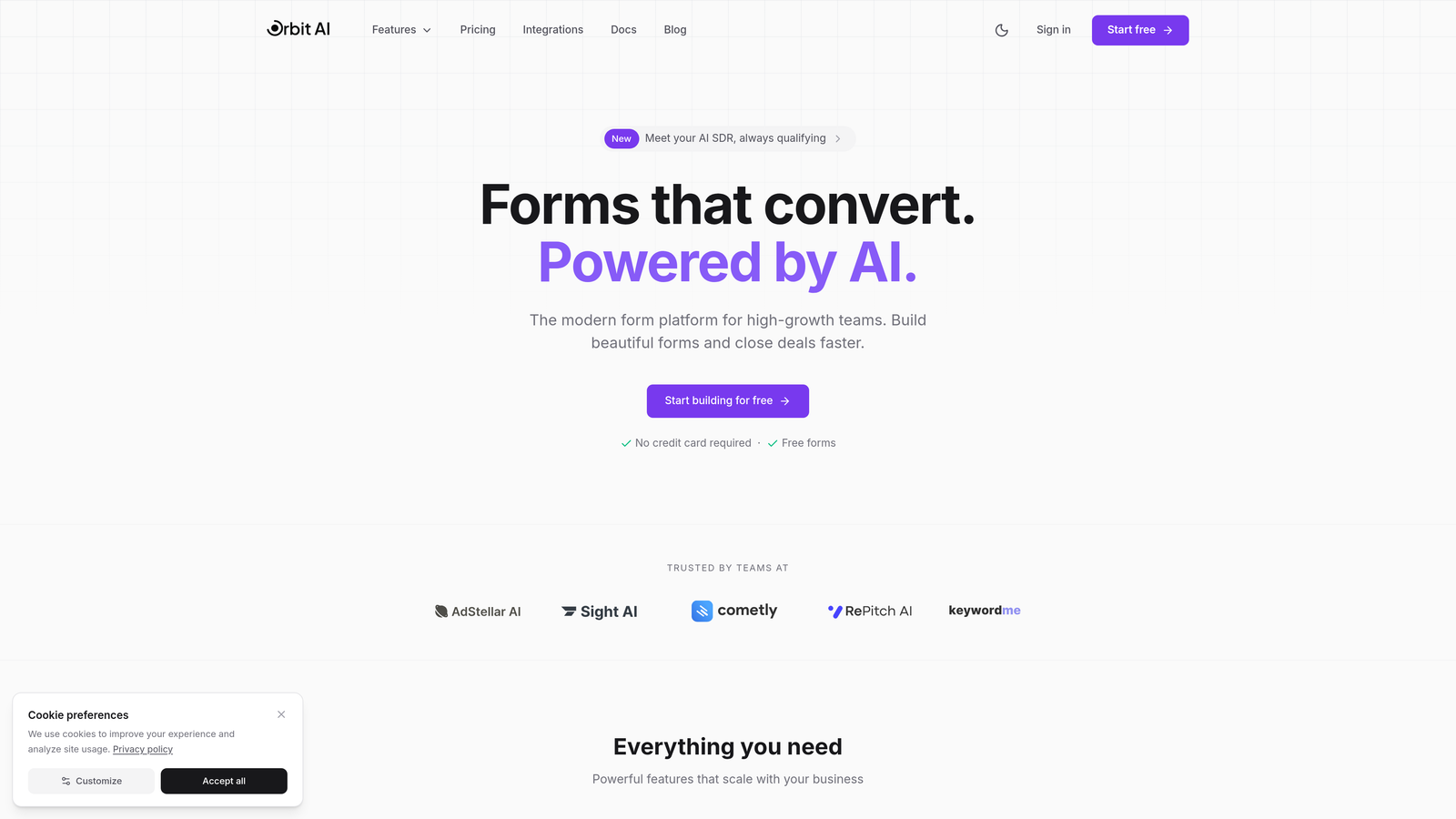
Orbit AI combines form building with native analytics in a single platform, eliminating the need for separate tracking tools.
Where This Tool Shines
The standout advantage is integration. You don't need to install tracking scripts, configure events, or connect third-party analytics tools. Every form you create comes with performance tracking out of the box.
What sets it apart is the AI-powered lead qualification layer. While other tools tell you how forms perform, Orbit AI shows you which submissions are worth pursuing. The platform scores leads automatically based on responses, helping sales teams prioritize follow-ups while you simultaneously track conversion metrics.
Key Features
Built-in Analytics Dashboard: Track form performance without installing additional tools or scripts.
AI Lead Qualification: Automatic scoring of form submissions based on response quality and fit.
Real-time Performance Metrics: Monitor completion rates, drop-off points, and field-level interactions as they happen.
Conversion Optimization Insights: Get actionable recommendations for improving form performance based on actual user behavior.
CRM Integration: Connect directly to your marketing and sales tools for seamless lead handoff with analytics context.
Best For
High-growth teams that want a modern form builder with analytics included, especially those focused on lead generation where qualifying submissions matters as much as tracking them. Ideal if you're tired of managing multiple tools just to understand form performance.
Pricing
Free tier available for basic forms and analytics. Paid plans start at $29/month with advanced analytics features and higher submission limits.
2. Hotjar
Best for: Visual learners who want heatmaps and session recordings alongside form analytics
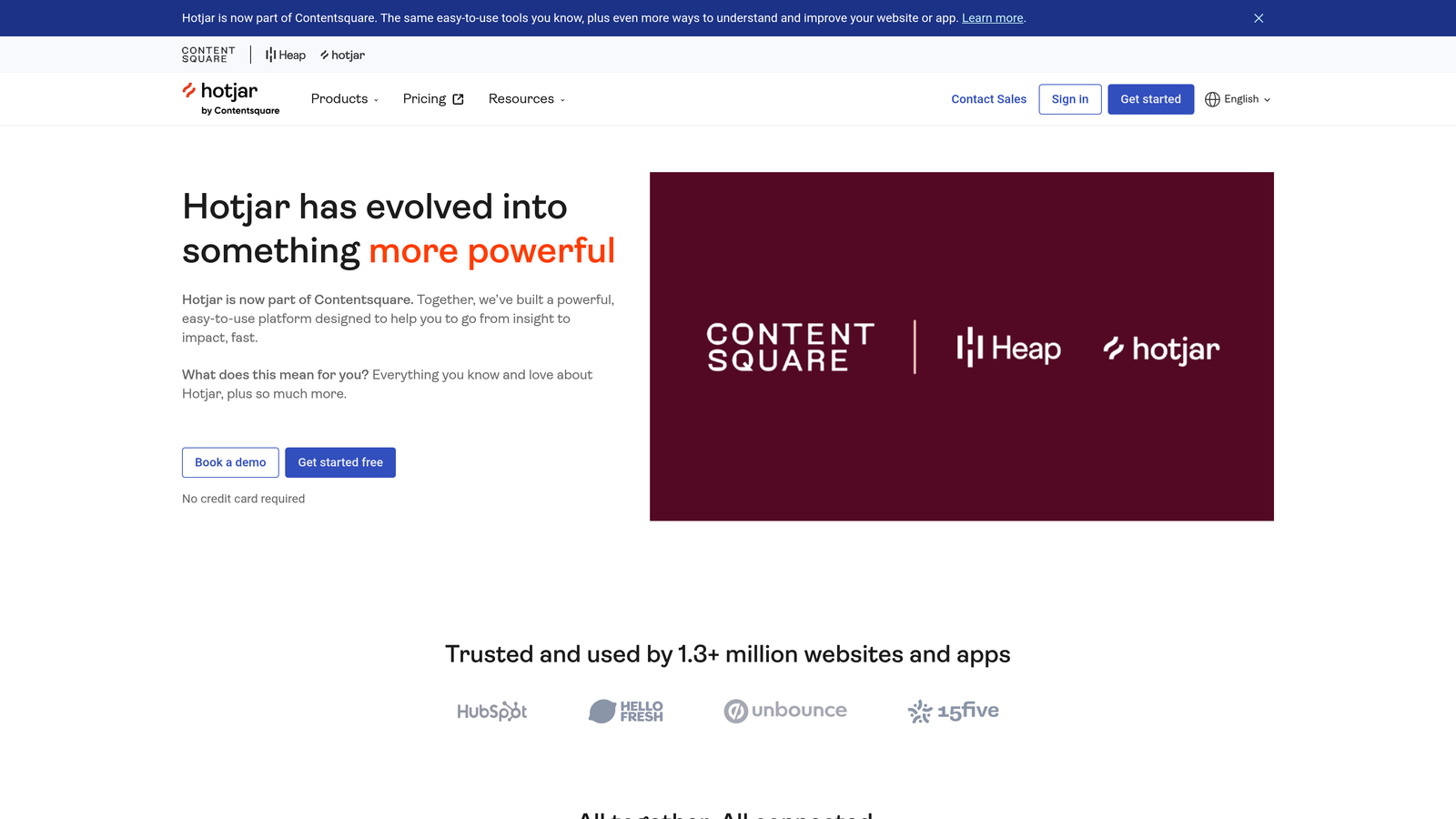
Hotjar is a behavior analytics platform that shows you exactly how users interact with your forms through visual tools.
Where This Tool Shines
Hotjar excels at making data visual and intuitive. Instead of staring at spreadsheets, you watch actual session recordings of users filling out forms. You see where they pause, which fields cause confusion, and the exact moment they decide to abandon.
The heatmaps are particularly valuable for long forms. Color-coded overlays show which fields get the most attention, which ones users skip, and where they're clicking when they shouldn't be. It's like having X-ray vision for your forms.
Key Features
Form Interaction Heatmaps: Visual representation of where users click, scroll, and focus within your forms.
Session Recordings: Watch real user sessions to identify friction points and usability issues in context.
Conversion Funnel Tracking: Map the complete user journey from landing page through form submission.
User Feedback Widgets: Collect direct input from users about their form experience while tracking behavior.
Single Script Installation: Deploy across your entire site with one code snippet, no complex setup required.
Best For
Marketing teams and UX designers who prefer visual analytics over raw numbers. Particularly useful if you're running forms on content-heavy sites where understanding the broader user journey matters.
Pricing
Free plan available with basic features. Paid plans start at $32/month with increased session limits and advanced features.
3. Zuko Analytics
Best for: Teams needing granular field-by-field analysis of form abandonment patterns
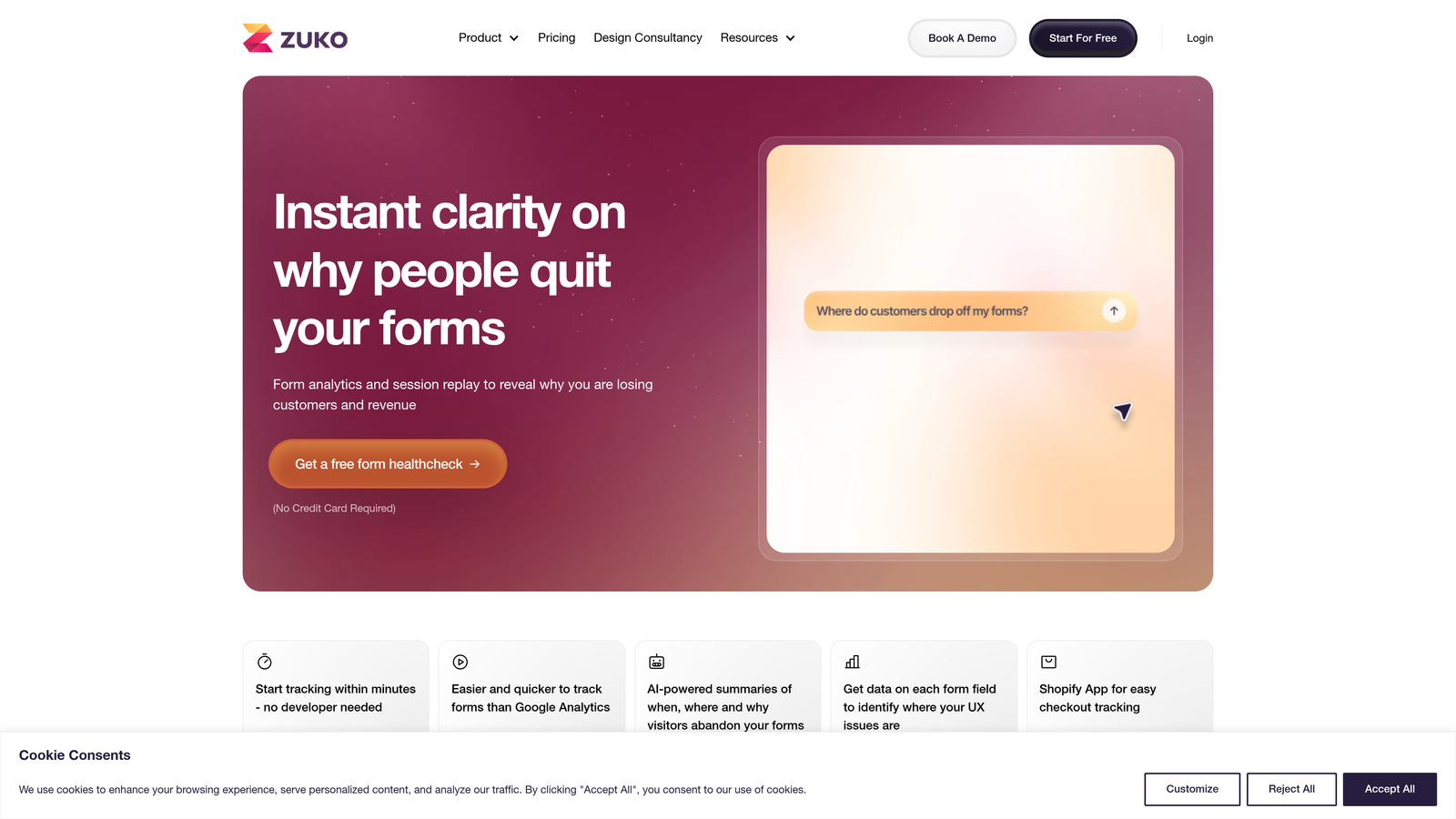
Zuko Analytics is purpose-built for form optimization, tracking every interaction at the individual field level.
Where This Tool Shines
This is the most specialized tool on the list. While broader analytics platforms include form tracking as one feature among many, Zuko does nothing but forms. That focus shows in the depth of data you get.
The field-level abandonment tracking is incredibly detailed. You'll know exactly which question causes users to leave, how long they spend on each field, and what error messages trigger the most frustration. For complex multi-step forms, this granularity is invaluable.
Key Features
Field-by-Field Abandonment Tracking: See exactly where users drop off within your form, down to the specific field.
Time-to-Complete Metrics: Measure how long users spend on each field to identify confusion points.
Error Message Tracking: Monitor which validation errors appear most frequently and impact completion rates.
Form Comparison Reporting: A/B test different form versions with side-by-side performance comparisons.
Real-time Alerts: Get notified immediately when form performance drops below your benchmarks.
Best For
E-commerce teams optimizing checkout flows, financial services with complex application forms, or any organization where form abandonment directly impacts revenue. Best suited for teams that live and breathe form optimization.
Pricing
Plans start at $100/month based on monthly form submissions, scaling up for higher volume.
4. FullStory
Best for: Enterprise teams needing session replay with advanced search and privacy compliance
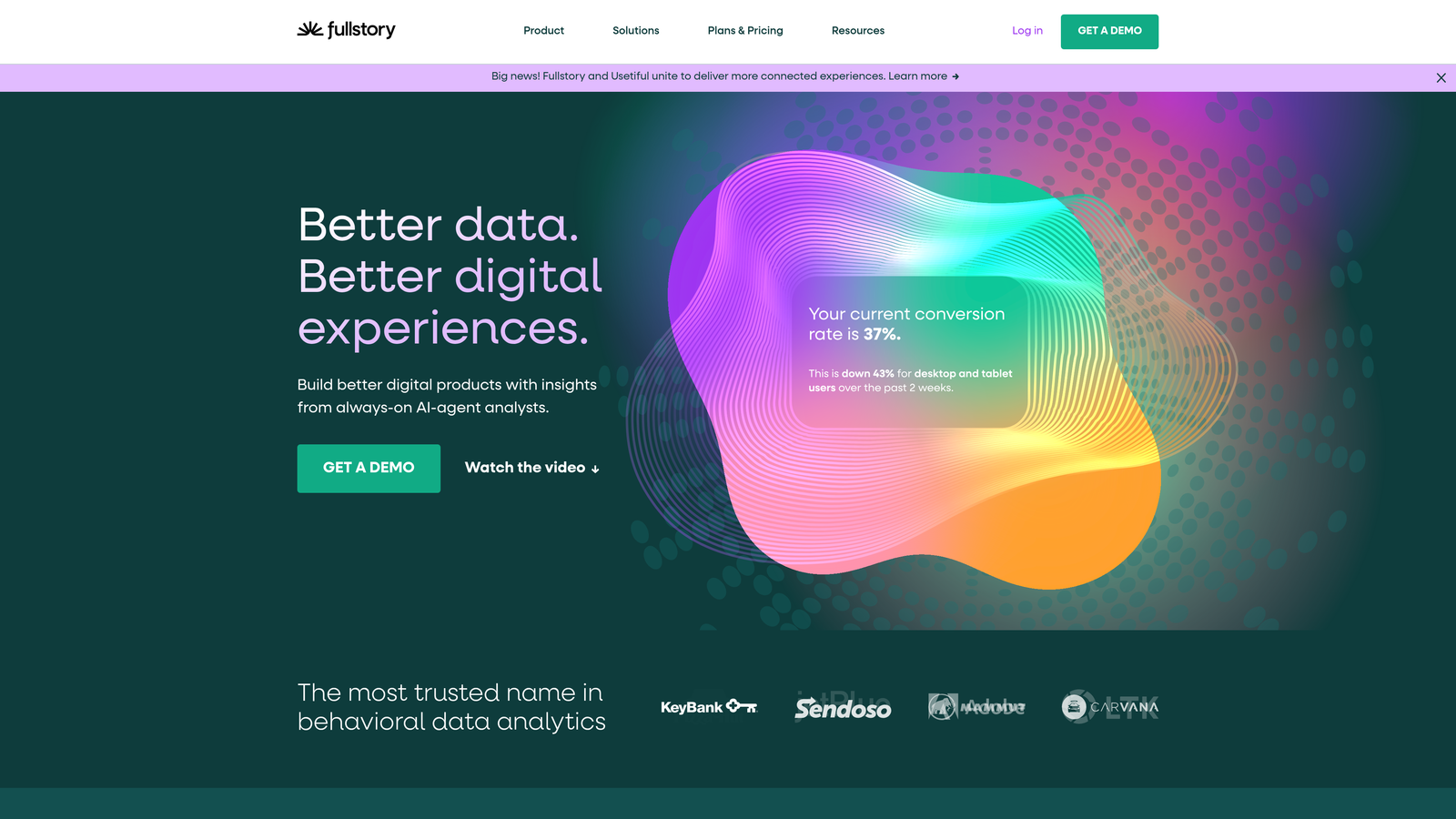
FullStory is a digital experience platform that captures every user interaction, including detailed form behavior tracking.
Where This Tool Shines
FullStory's frustration detection is remarkably sophisticated. The platform automatically identifies rage clicks, dead clicks, and error clicks within forms. Instead of manually reviewing hundreds of sessions, you can jump straight to the moments where users struggled.
The search functionality is enterprise-grade. You can filter sessions by specific form fields, error messages, or user characteristics. Need to see every session where someone abandoned the email field? Done in seconds.
Key Features
Frustration Signals Detection: Automatically flag sessions with rage clicks, dead clicks, and other signs of user struggle.
Advanced Session Search: Filter and find specific form interactions using powerful query builders.
Form Funnel Analysis: Track multi-step form completion with detailed drop-off reporting at each stage.
Privacy-First Data Capture: Built-in data masking and privacy controls for sensitive form fields.
Enterprise Security: SOC 2 Type II certified with GDPR and CCPA compliance features included.
Best For
Large organizations with complex forms handling sensitive data, or product teams that need to analyze form behavior alongside broader product analytics. The privacy features make it particularly suitable for healthcare, finance, and regulated industries.
Pricing
Custom pricing based on session volume. Enterprise plans typically start around $300/month with annual commitments.
5. Mouseflow
Best for: Mid-sized teams wanting dedicated form analytics with friction scoring
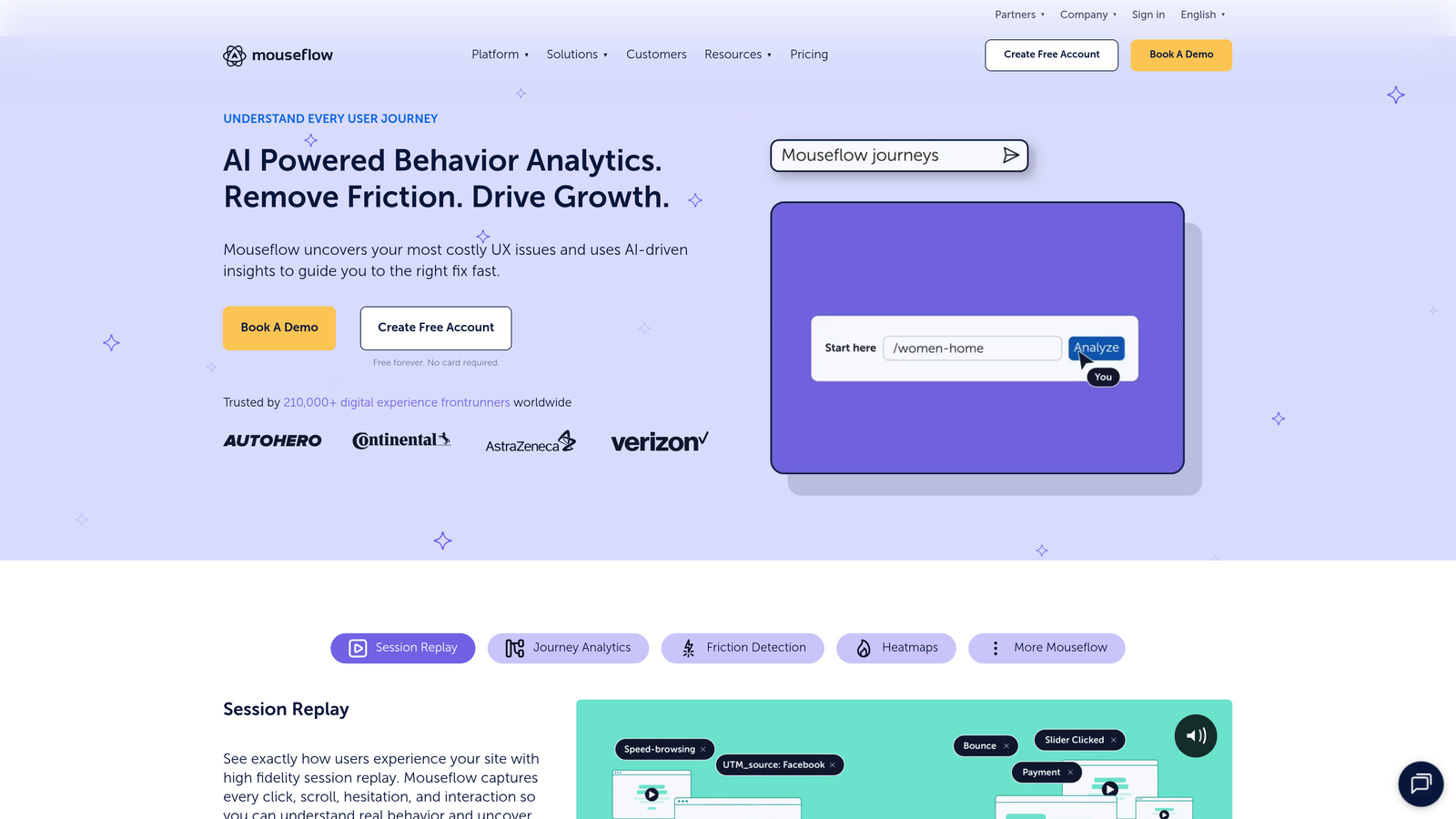
Mouseflow offers a complete behavior analytics suite with a specialized module focused entirely on form performance.
Where This Tool Shines
The friction score is brilliantly simple. Mouseflow analyzes multiple signals (hesitation time, cursor movement, field revisits) and distills them into a single score showing how difficult each form field is for users. High friction score? That field needs attention.
The dedicated form analytics dashboard brings everything together in one view. You see completion rates, field-level metrics, and session recordings without jumping between different tools or reports. It strikes a nice balance between depth and usability.
Key Features
Dedicated Form Analytics Dashboard: Centralized view of all form performance metrics in one place.
Friction Score Calculations: Automated scoring that identifies problematic form fields based on user behavior patterns.
Heatmaps and Session Recordings: Visual tools showing exactly how users interact with your forms.
Form Field Performance Metrics: Track completion rates, average time, and abandonment for every field.
Funnel Visualization Tools: Map out multi-step form flows with drop-off analysis at each stage.
Best For
Marketing and growth teams at mid-sized companies who want form-specific analytics without enterprise complexity or pricing. Works well for teams optimizing lead generation forms, contact forms, and simple checkout flows.
Pricing
Free plan available with limited sessions. Paid plans start at $31/month with higher recording limits and advanced features.
6. Lucky Orange
Best for: Teams wanting real-time form monitoring with live chat integration
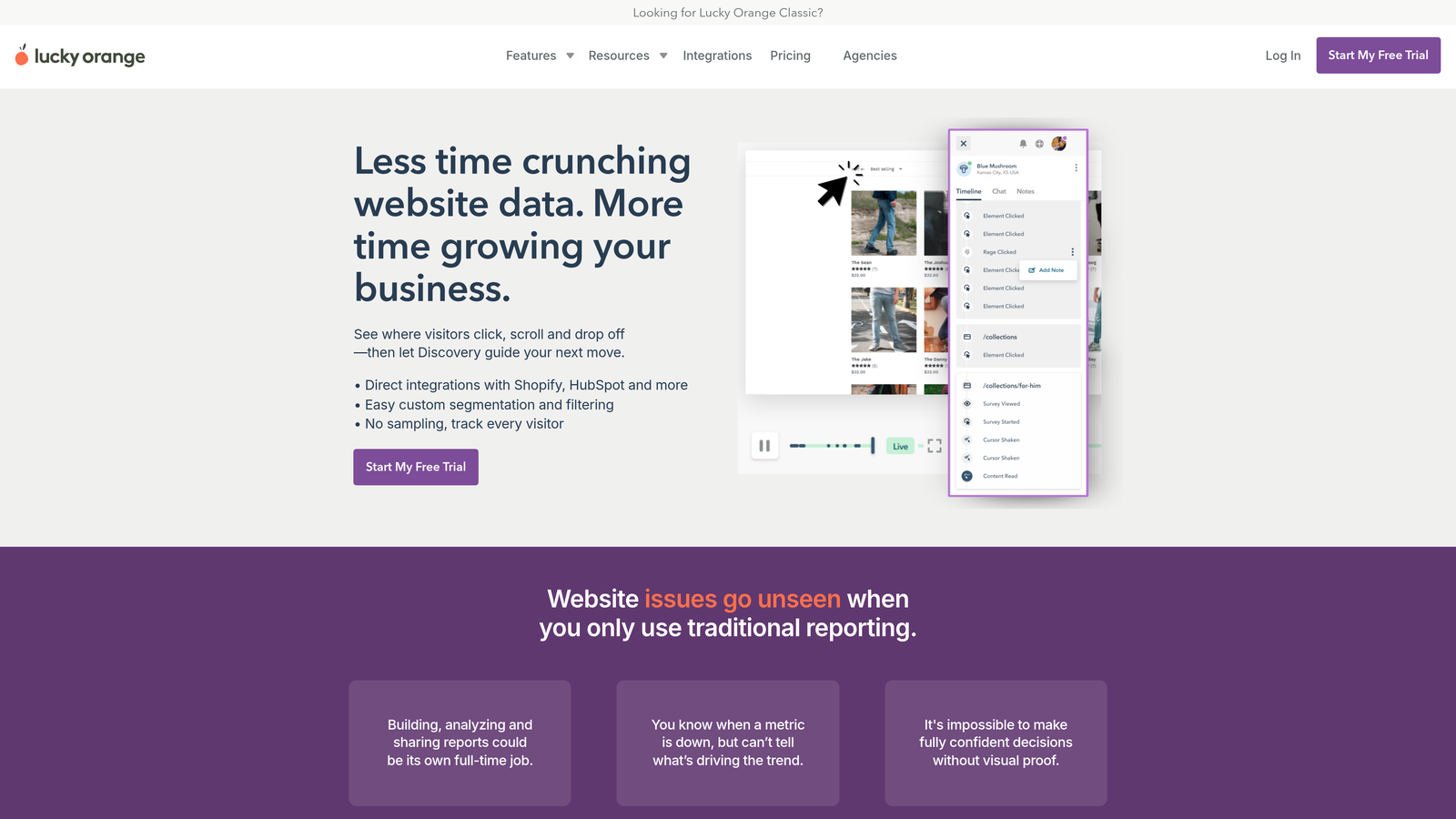
Lucky Orange combines form analytics with live visitor tracking and chat support capabilities.
Where This Tool Shines
The real-time monitoring is genuinely useful. You can watch visitors filling out forms live and intervene with chat if they're struggling. See someone stuck on a particular field? Send them a helpful message before they abandon.
This real-time capability transforms form analytics from a post-mortem analysis tool into an active conversion optimization system. You're not just learning what went wrong yesterday; you're preventing abandonment today.
Key Features
Live Visitor Form Tracking: Watch users filling out forms in real-time and identify struggles as they happen.
Dynamic Heatmaps: See aggregated interaction patterns across all form sessions.
Form Analytics Dashboard: Track completion rates, field-level metrics, and abandonment points.
Chat Integration: Offer real-time assistance to users struggling with form completion.
Conversion Funnel Builder: Create custom funnels to track form performance within broader user journeys.
Best For
Customer success teams and sales organizations that want to actively assist users during form completion, not just analyze behavior after the fact. Particularly valuable for high-value forms where each submission matters.
Pricing
Plans start at $32/month with different tiers based on pageviews and feature access.
7. Formisimo
Best for: Organizations needing industry benchmark comparisons and A/B testing capabilities
Formisimo specializes in form optimization with built-in benchmarking against industry standards.
Where This Tool Shines
The industry benchmarking feature answers the question every team asks: "Is our form performing well, or does it just seem okay?" Formisimo compares your metrics against thousands of forms in your industry, showing you exactly where you stand.
The A/B testing capability is tightly integrated with the analytics. You can test different form variations and see detailed performance comparisons at the field level. It's not just "Version A converted better" but "Version A reduced abandonment at the phone number field by 23%."
Key Features
Field-Level Interaction Tracking: Monitor every user action within your forms for comprehensive behavior analysis.
Industry Benchmark Comparisons: See how your form performance stacks up against similar organizations in your sector.
A/B Testing for Forms: Test different form variations with detailed field-level performance comparisons.
Abandonment Analysis: Identify exactly where and why users leave your forms incomplete.
Custom Reporting Dashboards: Build tailored reports focusing on the metrics that matter most to your team.
Best For
Data-driven teams that want context for their form performance and rigorous testing capabilities. Particularly valuable for organizations in competitive industries where small conversion improvements have significant revenue impact.
Pricing
Custom pricing based on form submission volume. Contact for quote based on your specific needs.
8. Heap
Best for: Product teams needing automatic event capture with retroactive form analysis
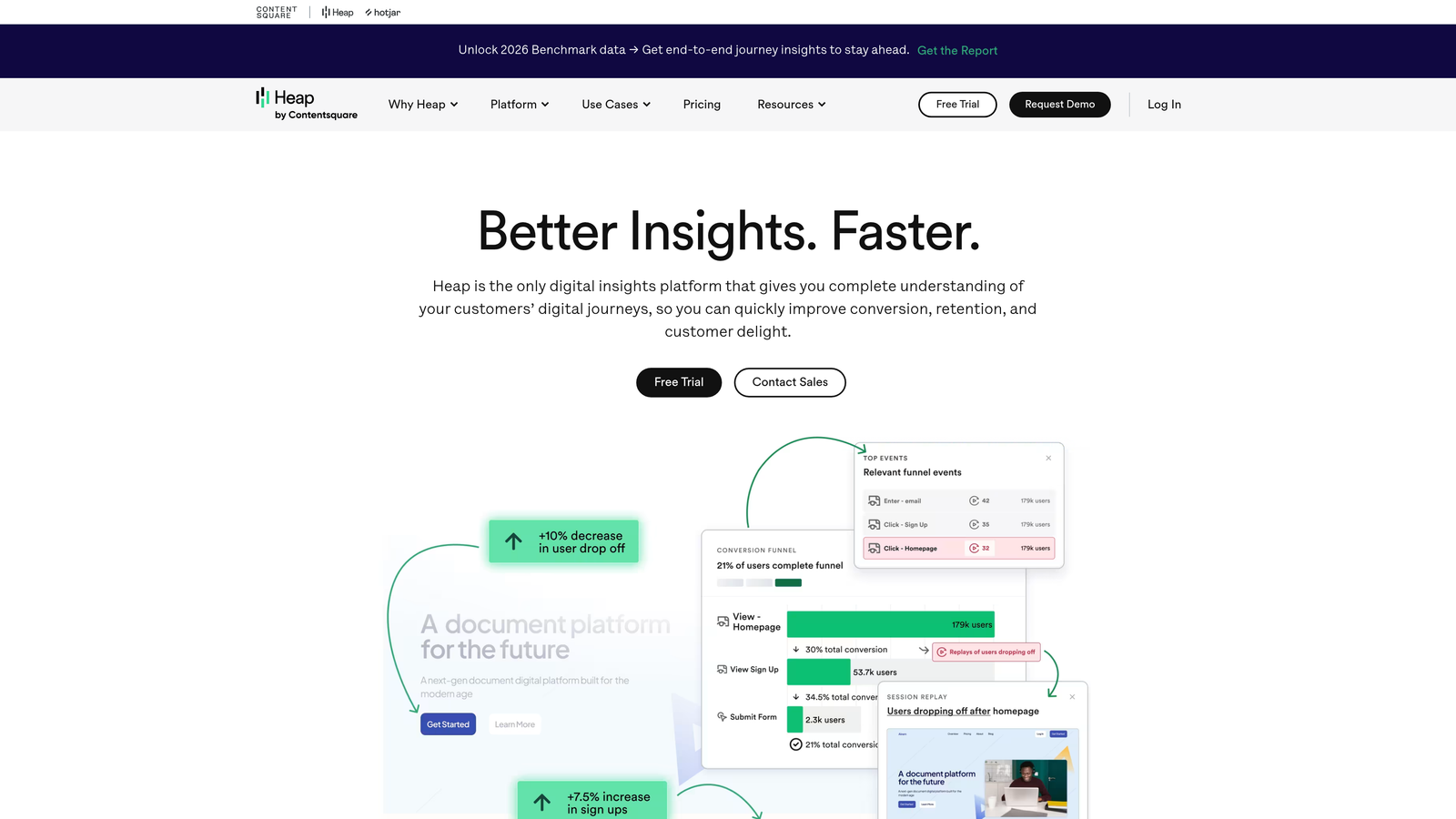
Heap is a product analytics platform that automatically tracks all user interactions, including form behavior, without manual instrumentation.
Where This Tool Shines
The automatic capture is transformative. Most analytics tools require you to decide upfront what to track. Heap captures everything automatically, then lets you define your form metrics retroactively. Realized you should have been tracking a specific field interaction? The data's already there.
This approach is particularly powerful for product teams iterating quickly. You can launch a new form, analyze its performance using historical data, and make optimization decisions without waiting weeks to collect tracking data.
Key Features
Automatic Event Capture: Track all form interactions without manual event configuration or code changes.
Retroactive Form Analytics: Analyze historical form data even if you didn't set up tracking beforehand.
User Journey Mapping: See complete user paths leading to and from your forms.
Cohort Analysis: Compare form performance across different user segments and time periods.
Data Warehouse Integration: Export form analytics data to your existing business intelligence infrastructure.
Best For
Product teams at SaaS companies who need flexibility in their analytics approach and want to analyze form behavior as part of broader product usage patterns. Works well for teams with complex, frequently changing forms.
Pricing
Free plan available for basic usage. Growth plans with advanced features require custom pricing based on data volume.
9. Microsoft Clarity
Best for: Budget-conscious teams wanting solid form analytics at no cost
Microsoft Clarity offers session recordings and heatmaps completely free with no traffic limits or data sampling.
Where This Tool Shines
The pricing is unbeatable because there isn't any. Microsoft provides Clarity free with no session limits, no sampling, and no hidden costs. For small teams or startups watching every dollar, this removes a significant barrier to form analytics.
Despite being free, the features are genuinely useful. You get session recordings showing actual user behavior on your forms, heatmaps revealing interaction patterns, and integration with Google Analytics for combining behavioral and traditional metrics. The data quality is solid, and the interface is clean and intuitive.
Key Features
Completely Free: No usage limits, no sampling, no credit card required at any volume.
Session Recordings: Watch real user sessions to understand form interaction and abandonment patterns.
Heatmaps for Forms: Visual representation of clicks, scrolls, and attention within your forms.
Google Analytics Integration: Connect Clarity data with your existing GA setup for unified reporting.
GDPR Compliant: Built-in privacy controls and data handling that meets European regulations.
Best For
Startups, small businesses, or any team that needs basic form analytics without budget allocation. Also works well as a starting point before investing in more specialized tools as your needs grow.
Pricing
Completely free with no restrictions on traffic volume or feature access.
Finding Your Perfect Form Analytics Match
The right form analytics tool depends on your specific optimization needs and technical setup. If you want analytics built directly into your form builder without additional tools, Orbit AI delivers performance tracking and AI-powered lead qualification in one platform. For teams that need visual session replays and heatmaps, Hotjar and Mouseflow offer intuitive interfaces at accessible price points.
Organizations focused exclusively on form optimization should consider Zuko Analytics or Formisimo for their specialized field-level tracking and benchmarking capabilities. Enterprise teams handling sensitive data will appreciate FullStory's privacy-first approach and advanced search functionality. If budget is your primary constraint, Microsoft Clarity provides surprisingly robust features at no cost.
The key is matching tool capabilities to your optimization workflow. Do you need real-time monitoring to assist struggling users? Lucky Orange's live tracking and chat integration makes sense. Building rapidly and want retroactive analysis? Heap's automatic capture eliminates setup friction. Running rigorous A/B tests? Formisimo's testing framework and industry benchmarks provide the context you need.
Transform your lead generation with AI-powered forms that qualify prospects automatically while delivering the modern, conversion-optimized experience your high-growth team needs. Start your free trial today and see how intelligent form design can elevate your conversion strategy.