

Finding the right form builder shouldn't drain your budget—especially when you're focused on growth. Whether you're capturing leads, collecting feedback, or streamlining internal processes, affordable form builders now offer features that rival enterprise solutions at a fraction of the cost. This guide highlights nine platforms that deliver exceptional value without compromising on functionality. We've evaluated each based on pricing transparency, feature depth at lower tiers, scalability, and real-world usability for teams watching their spend.
1. Orbit AI
Best for: High-growth teams prioritizing lead quality and conversion optimization
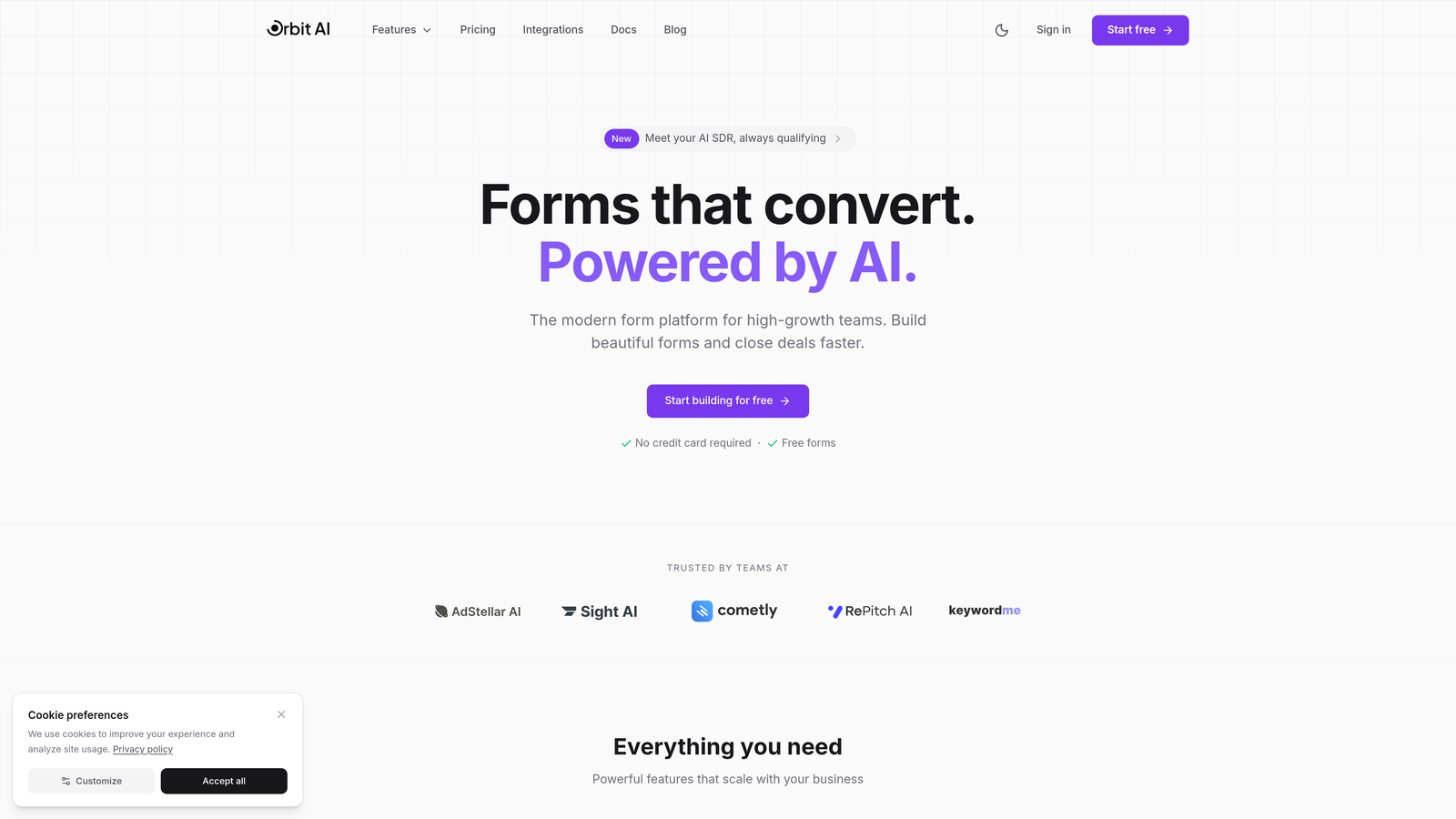
Orbit AI is an AI-powered form builder platform designed specifically for teams that need to qualify leads automatically while maintaining a modern, conversion-focused user experience.
Where This Tool Shines
Orbit AI stands out by embedding intelligence directly into the form-filling experience. Instead of collecting data and qualifying later, the platform scores and routes leads in real-time based on responses, behavioral signals, and engagement patterns.
This approach means your sales team receives pre-qualified leads with context about their intent and fit—eliminating the manual sorting that typically follows form submissions. The platform's conversion-optimized templates are built on behavioral data, not just aesthetic preferences.
Key Features
AI-Powered Lead Qualification: Automatically scores and prioritizes leads based on response patterns and engagement signals.
Conversion-Optimized Templates: Pre-built forms designed around conversion psychology and tested user flows.
Smart Routing and Workflow Automation: Directs qualified leads to the right team members based on custom rules and AI recommendations.
Native CRM Integrations: Connects directly with HubSpot, Salesforce, and Pipedrive for seamless data flow.
Real-Time Analytics Dashboard: Track form performance, conversion rates, and lead quality metrics in one centralized view.
Best For
Growing teams in SaaS, B2B services, and high-ticket industries where lead quality matters more than lead volume. Particularly valuable if you're currently drowning in unqualified submissions or spending hours manually sorting through form responses to identify serious prospects.
Pricing
Free tier available to get started. Paid plans start competitively for growing teams and scale with your lead volume and automation needs.
2. Tally
Best for: Teams wanting unlimited forms without spending a dollar
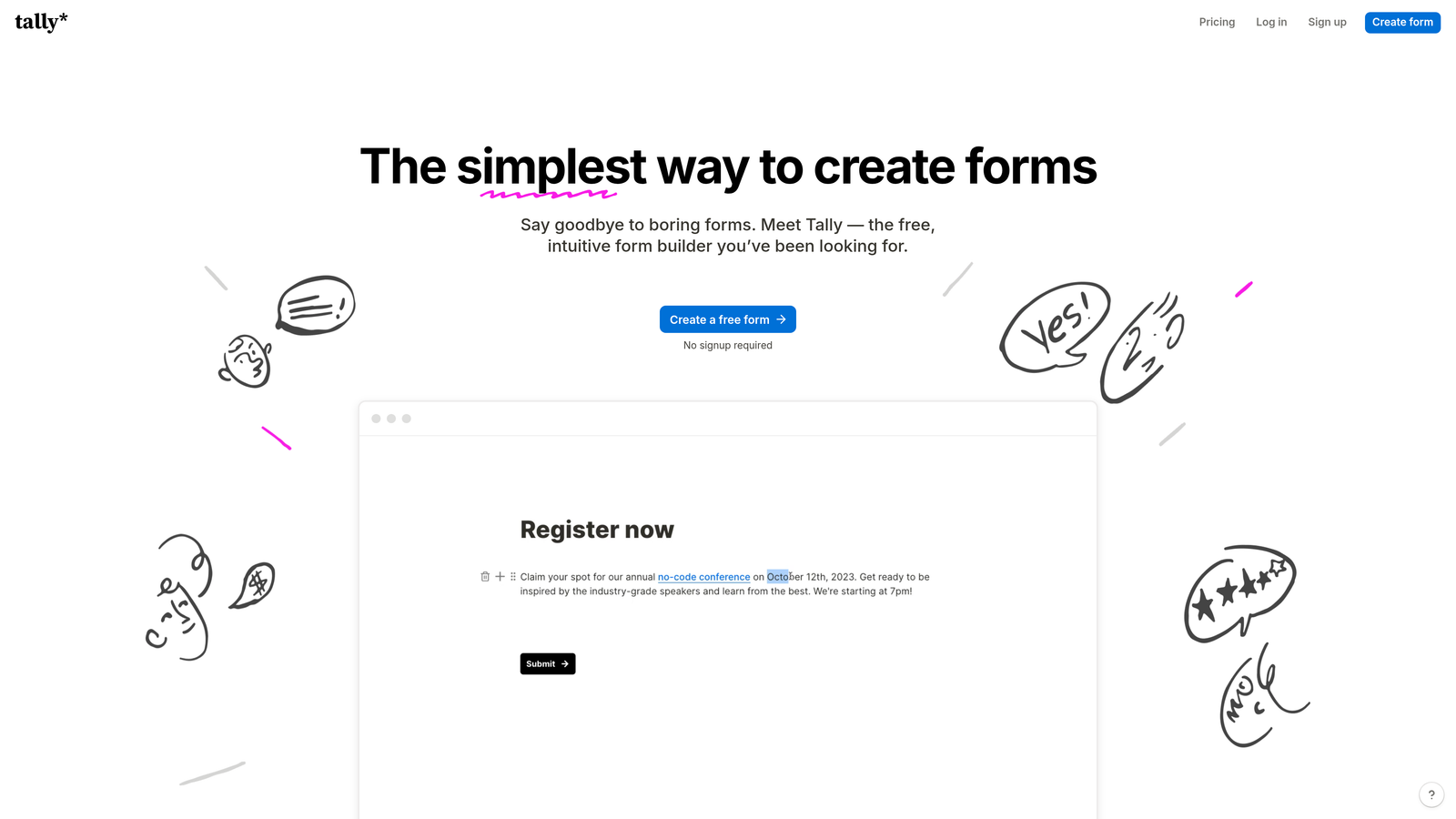
Tally is a Notion-like form builder that offers unlimited forms and submissions on its free tier with a remarkably clean, minimalist interface.
Where This Tool Shines
Tally's genius lies in its simplicity and generosity. While most platforms throttle free users with submission caps or form limits, Tally gives you unlimited everything on the free plan. The block-based editor feels intuitive if you've used Notion—drag blocks, nest elements, and build complex forms without touching code.
The platform doesn't sacrifice functionality for affordability. You get conditional logic, calculations, and file uploads without upgrading. The only real limitations on free accounts are branding removal and custom domains, which many teams can live without initially.
Key Features
Unlimited Forms and Submissions: No artificial caps on the free tier—build and collect as much data as you need.
Notion-Style Block Editor: Familiar drag-and-drop interface for anyone who's used modern documentation tools.
Built-in Calculations and Logic: Create dynamic forms that adapt based on user responses without paying for premium features.
Custom Domains: Available on paid plans for teams wanting branded form URLs.
No Branding Removal Fees: Unlike competitors that charge separately for white-labeling, Tally includes it in Pro.
Best For
Startups and bootstrapped teams collecting feedback, running surveys, or managing event registrations. Perfect if you need professional functionality without budget approval, or if you're testing form strategies before committing to paid tools.
Pricing
Free forever tier with unlimited forms and submissions. Pro plan at $29/month adds custom domains, branding removal, and priority support.
3. Jotform
Best for: Teams needing extensive templates and third-party integrations
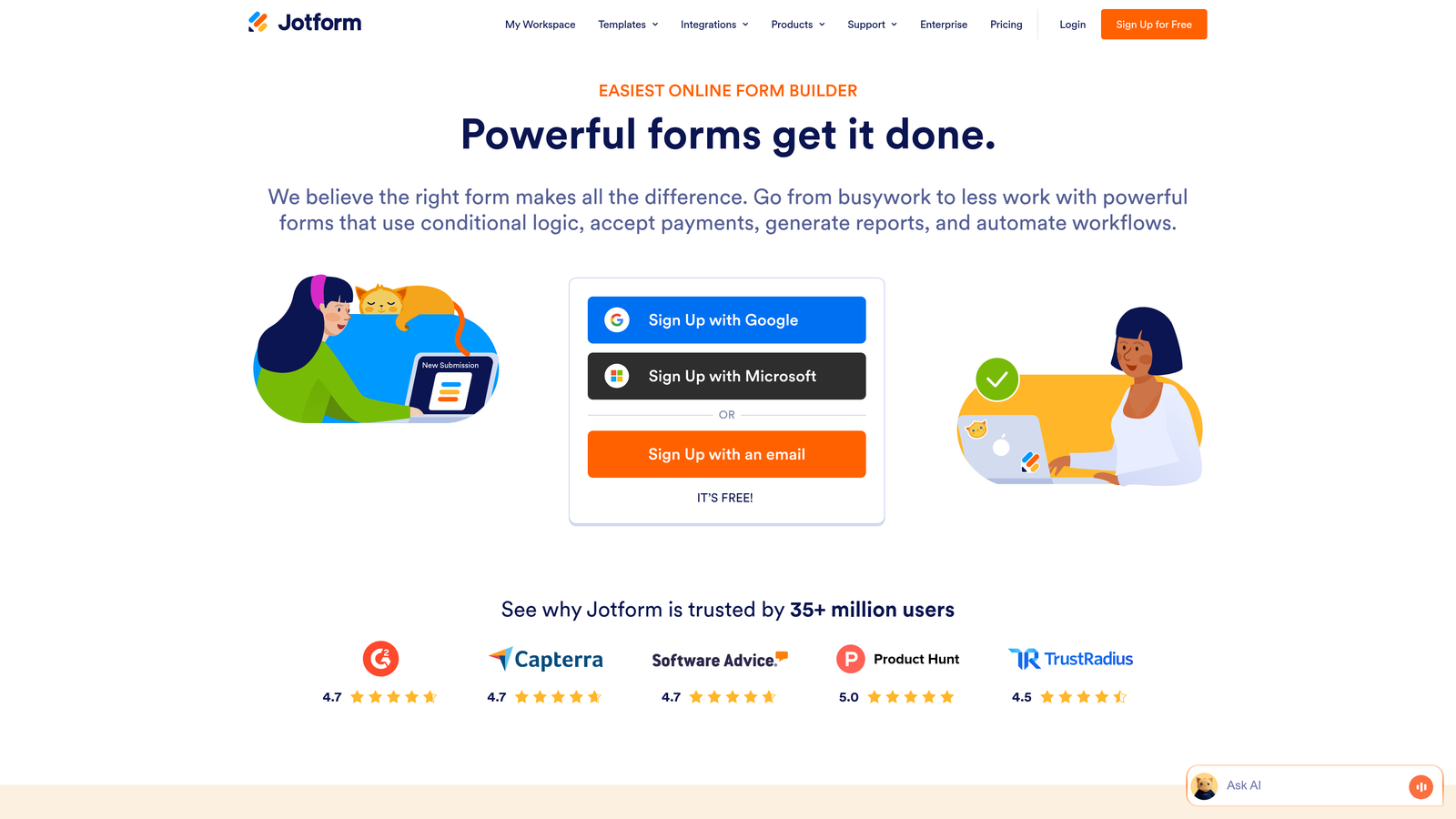
Jotform is an established form builder with over 10,000 pre-built templates and connections to virtually every business tool you might use.
Where This Tool Shines
Jotform's template library is unmatched. Need a COVID-19 screening form? A wedding RSVP? A complex multi-page application? There's a template for it, and it's probably well-designed. This saves hours compared to building from scratch, especially for specialized use cases.
The platform's integration ecosystem rivals Zapier in breadth. Native connections to payment processors, CRMs, project management tools, and cloud storage mean you can build sophisticated workflows without middleware. The PDF generation feature is particularly valuable for teams that need to convert submissions into formatted documents automatically.
Key Features
10,000+ Pre-Built Templates: Industry-specific forms covering virtually every use case imaginable.
100+ Native Integrations: Direct connections to popular business tools without requiring Zapier or Make.
PDF Form Generation: Automatically convert submissions into formatted PDFs for records or client delivery.
HIPAA-Compliant Options: Enterprise plans include compliance features for healthcare and sensitive data collection.
Mobile App: Manage forms and review submissions on iOS or Android devices.
Best For
Small businesses and agencies serving diverse clients who need quick turnaround on professional forms. Especially valuable if you regularly create forms for different industries or need robust compliance features at accessible pricing.
Pricing
Free tier supports up to 5 forms with 100 monthly submissions. Bronze plan at $34/month increases limits to 25 forms and 1,000 submissions.
4. Typeform
Best for: Creating engaging, conversational form experiences
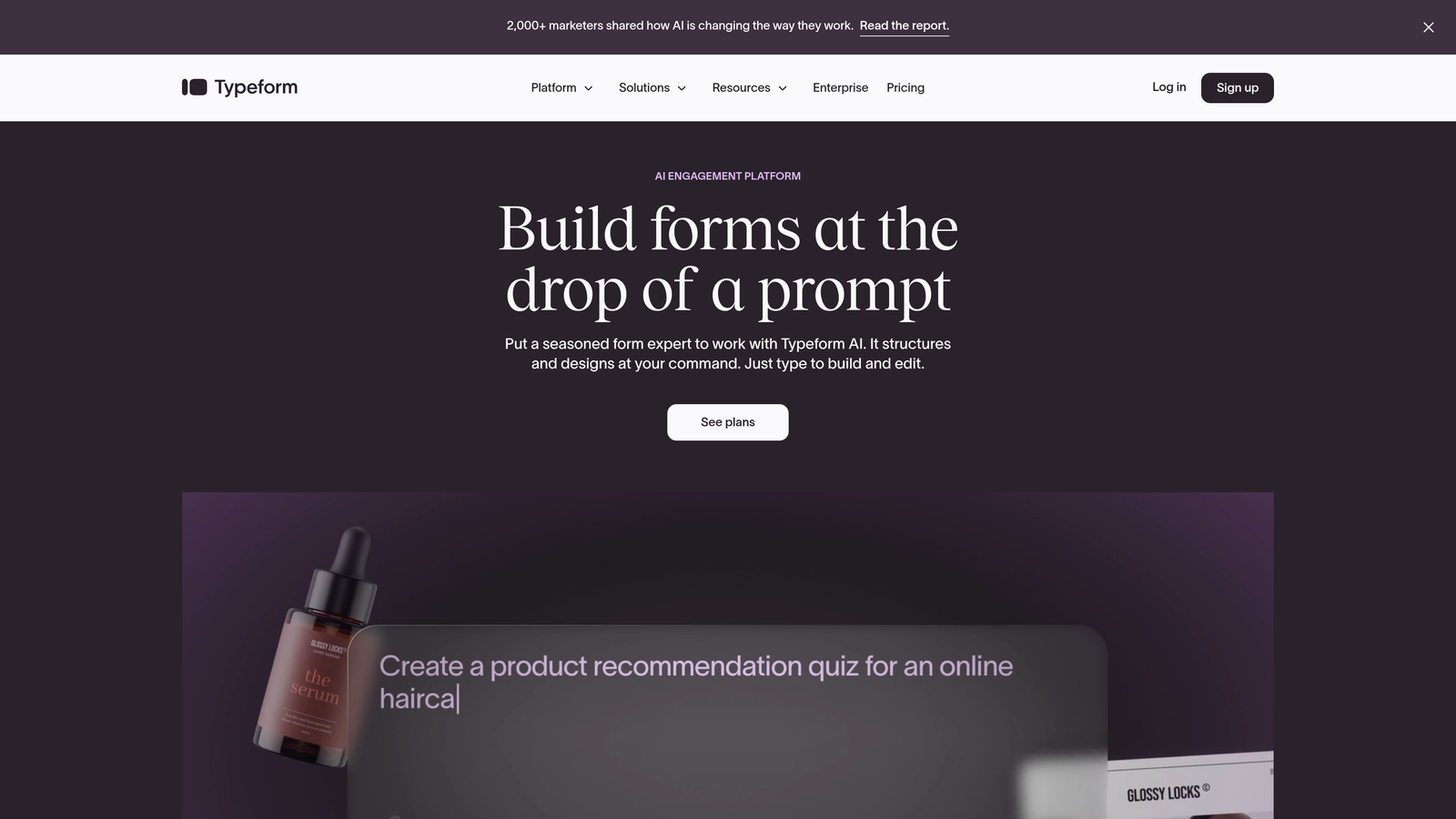
Typeform is a conversational form builder known for its one-question-at-a-time interface that typically drives higher completion rates than traditional forms.
Where This Tool Shines
Typeform transformed how people think about forms by making them feel like conversations rather than interrogations. The one-question-per-screen approach reduces cognitive load and creates a sense of progress, which behavioral research shows improves completion rates significantly.
The platform's design philosophy extends beyond aesthetics. Logic jumps feel natural rather than mechanical, video embedding creates richer context, and the overall experience feels premium even on basic plans. If your form is a key touchpoint in your customer journey, Typeform ensures it doesn't feel like a chore.
Key Features
Conversational UI: One-question-at-a-time format that typically improves completion rates compared to traditional forms.
Logic Jumps and Branching: Create personalized question paths based on previous responses.
Video and Image Embedding: Add rich media to provide context or demonstrate products within the form.
Native Integrations: Direct connections to HubSpot, Salesforce, Slack, and other popular business tools.
Response Analytics: Track completion rates, drop-off points, and engagement metrics to optimize performance.
Best For
Marketing and customer success teams where form experience directly impacts brand perception. Ideal for lead generation campaigns, customer feedback collection, or any scenario where you're asking for significant user investment and want to maximize completion.
Pricing
Free tier allows 10 responses per month. Basic plan at $25/month removes the response cap and unlocks logic jumps and integrations.
5. Google Forms
Best for: Zero-budget internal data collection with Google Workspace integration
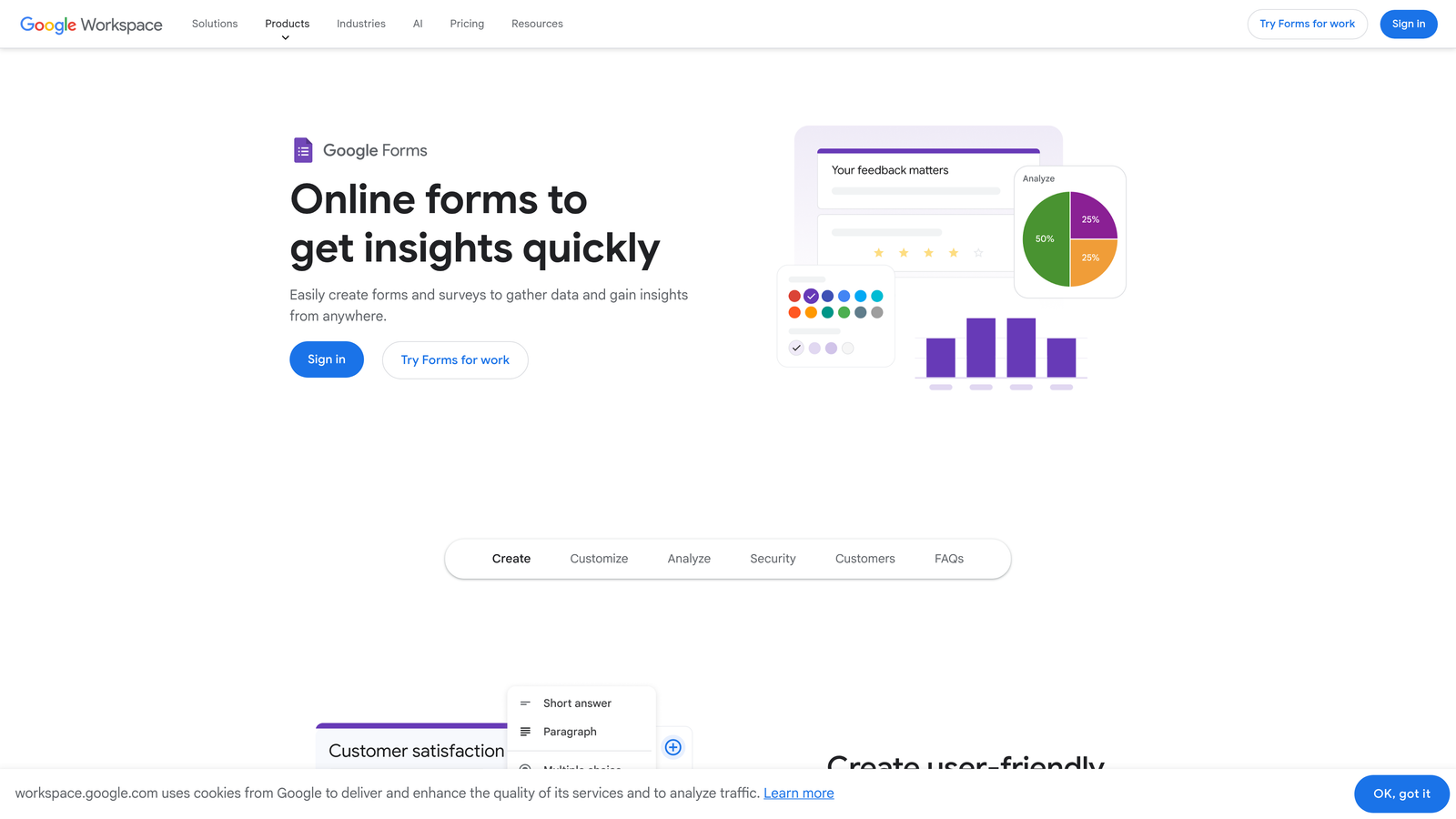
Google Forms is a completely free form builder with seamless integration across Google Workspace tools.
Where This Tool Shines
Google Forms wins on simplicity and cost. There's no pricing page to navigate, no feature tiers to decode, and no surprise limitations. You get unlimited forms, unlimited responses, and automatic integration with Google Sheets—all at zero cost.
The real-time collaboration features mirror Google Docs, letting multiple team members build and edit forms simultaneously. For organizations already using Google Workspace, the data flow is frictionless. Responses populate Sheets instantly, where you can apply formulas, create charts, or export to other tools.
Key Features
Completely Free: Unlimited forms and responses with no hidden costs or upgrade prompts.
Real-Time Collaboration: Multiple users can edit forms simultaneously with changes syncing instantly.
Automatic Google Sheets Integration: Responses flow directly into spreadsheets for analysis and reporting.
Basic Conditional Logic: Show or hide questions based on previous answers to create adaptive forms.
Quiz Functionality: Built-in grading and answer keys for educational or assessment use cases.
Best For
Internal teams collecting employee feedback, managing event registrations, or running simple surveys. Perfect for organizations with zero budget for form tools or those already invested in the Google ecosystem who value seamless data flow over advanced features.
Pricing
Free with any Google account. No paid tiers or upgrade paths—what you see is what you get.
6. Paperform
Best for: Creating branded forms with built-in payment processing
Paperform is a form builder and landing page creator that combines data collection with Stripe and PayPal payment processing.
Where This Tool Shines
Paperform blurs the line between forms and landing pages. Instead of embedding a form on your site, you create a standalone page that can collect payments, schedule appointments, and capture leads—all in one branded experience. The design flexibility rivals dedicated landing page builders.
The payment integration is particularly sophisticated. You can create product catalogs, apply conditional pricing based on selections, calculate totals dynamically, and process transactions without users leaving the form. This makes it ideal for service bookings, event registrations, or product orders where payment collection is part of the data capture flow.
Key Features
Landing Page-Style Design: Create full-page experiences that go beyond traditional form layouts.
Stripe and PayPal Integration: Accept payments directly within forms with automatic calculation and processing.
Conditional Logic and Calculations: Build dynamic pricing, show/hide fields, and calculate totals based on user selections.
Appointment Scheduling: Integrated booking functionality that syncs with calendars and sends confirmations.
Custom Branding: Full control over colors, fonts, and styling to match your brand identity.
Best For
Coaches, consultants, and service providers who need to collect payment alongside booking information. Also valuable for event organizers, course creators, or any business where the form experience doubles as a sales page.
Pricing
Essentials plan at $24/month includes unlimited forms and 1,000 submissions. Pro plan at $49/month adds advanced calculations and removes branding.
7. Fillout
Best for: Teams using Airtable or Notion as their primary database
Fillout is a database-native form builder with deep integrations for Airtable and Notion that lets you update existing records via forms.
Where This Tool Shines
Fillout solves a specific problem that Airtable and Notion users face constantly: how to let external people add or update database records without giving them full access. The platform creates forms that write directly to your bases, with the ability to update existing records rather than just creating new ones.
This opens up workflows that are clunky in other tools. Think customer portals where clients update their own information, inventory management where team members log changes, or CRM systems where sales reps update deal status via mobile forms. The two-way sync means your source of truth stays in Airtable or Notion.
Key Features
Native Airtable and Notion Sync: Forms write directly to your databases with real-time synchronization.
Update Existing Records: Let users modify database entries via forms, not just create new ones.
Conditional Logic: Show or hide fields based on database values or user responses.
File Uploads: Accept files and automatically store them in connected cloud storage.
Scheduling Forms: Built-in booking functionality that integrates with calendar databases.
Best For
Teams already managing workflows in Airtable or Notion who need external-facing forms that maintain database integrity. Particularly valuable for customer portals, team data collection, or any scenario where forms need to interact with existing database records.
Pricing
Free tier available with basic features. Starter plan at $15/month unlocks advanced logic, custom domains, and increased submission limits.
8. Formstack
Best for: Teams requiring enterprise compliance with workflow automation
Formstack is an enterprise-grade form builder with advanced workflow automation and built-in compliance features for regulated industries.
Where This Tool Shines
Formstack targets the space between affordable form builders and full enterprise solutions. You get HIPAA and GDPR compliance features, advanced workflow automation, and Salesforce-native integration—capabilities that typically require enterprise pricing—at mid-market rates.
The workflow automation goes beyond simple email notifications. You can route submissions through approval chains, trigger multi-step processes based on field values, and integrate with business systems to create end-to-end automated workflows. The e-signature integration is particularly valuable for teams collecting agreements or contracts via forms.
Key Features
Advanced Workflow Automation: Build multi-step approval processes and conditional routing based on submission data.
HIPAA and GDPR Compliance: Built-in features for handling protected health information and personal data.
E-Signature Integration: Collect legally binding signatures directly within forms.
Conditional Logic: Create complex branching and show/hide rules based on multiple conditions.
Salesforce-Native Edition: Forms that live entirely within Salesforce for teams heavily invested in the platform.
Best For
Healthcare providers, financial services, and regulated industries needing compliance features without enterprise price tags. Also valuable for operations teams managing complex approval workflows or document collection processes.
Pricing
Starter plan at $50/month includes basic features and limited submissions. Teams plan at $83/month adds workflow automation and compliance features.
9. 123FormBuilder
Best for: Versatile form building with strong payment and compliance options
123FormBuilder is a feature-rich form builder offering HIPAA compliance, multiple payment gateways, and white-label capabilities at competitive pricing.
Where This Tool Shines
123FormBuilder packs enterprise features into affordable tiers without sacrificing usability. The platform supports multiple payment processors beyond the standard Stripe and PayPal, making it valuable for international teams or businesses with specific payment requirements.
The pre-population feature is underrated but powerful. You can pass data via URL parameters to auto-fill form fields, which is invaluable for personalized follow-ups, reducing user friction, or creating unique forms from templates. Combined with conditional logic and skip patterns, you can build sophisticated data collection flows that adapt to each user.
Key Features
HIPAA-Compliant Forms: Built-in compliance features for healthcare and sensitive data collection.
Multiple Payment Gateways: Support for various processors beyond standard options, including international providers.
Conditional Logic and Skip Logic: Create adaptive forms that show relevant questions based on previous answers.
Pre-Populated Fields: Auto-fill form data from URL parameters for personalized user experiences.
White-Label Options: Remove branding and customize the form experience completely.
Best For
Agencies managing multiple clients who need flexibility in payment processing and branding. Also valuable for healthcare providers, international businesses, or teams requiring sophisticated form logic without complex setup.
Pricing
Free tier available with basic features. Gold plan at $24.99/month unlocks payment processing, compliance features, and increased submission limits.
Making the Right Choice
Your ideal form builder depends on what you're optimizing for. If lead quality matters more than lead volume, Orbit AI's intelligent qualification system ensures your sales team focuses on prospects worth their time. The AI-powered approach means you're not just collecting data—you're gaining actionable intelligence about who's ready to buy.
For teams with zero budget, Tally delivers unlimited forms without the artificial constraints most platforms impose on free users. Google Forms remains unbeatable for internal data collection within Google Workspace environments, while Paperform excels when your forms need to double as payment collection pages.
Database-first teams should explore Fillout's native Airtable and Notion integrations, which maintain your single source of truth while enabling external data collection. If compliance is non-negotiable, both Formstack and 123FormBuilder offer HIPAA features at mid-market pricing.
The beauty of modern form builders is that most offer free tiers or trials. Start with your primary use case: Are you generating leads that need qualification? Collecting payments? Managing complex workflows? Integrating with existing databases? Match that core requirement to the platform's strength, test the trial or free tier, and scale up only when you've validated the fit.
Start your free trial today and see how intelligent form design can elevate your conversion strategy. Transform your lead generation with AI-powered forms that qualify prospects automatically while delivering the modern, conversion-optimized experience your high-growth team needs.


