

Building forms shouldn't drain your budget—especially when you're scaling a business. The right form builder helps you capture leads, gather feedback, and streamline workflows without enterprise-level pricing. But with dozens of options claiming to be "affordable," finding genuine value requires cutting through the noise.
We evaluated form builders based on real pricing transparency, feature depth at lower tiers, and scalability for growing teams. Whether you need AI-powered lead qualification, simple contact forms, or complex multi-step surveys, this list covers options that deliver professional results without the premium price tag.
1. Orbit AI
Best for: High-growth teams wanting AI-powered lead qualification with modern form design
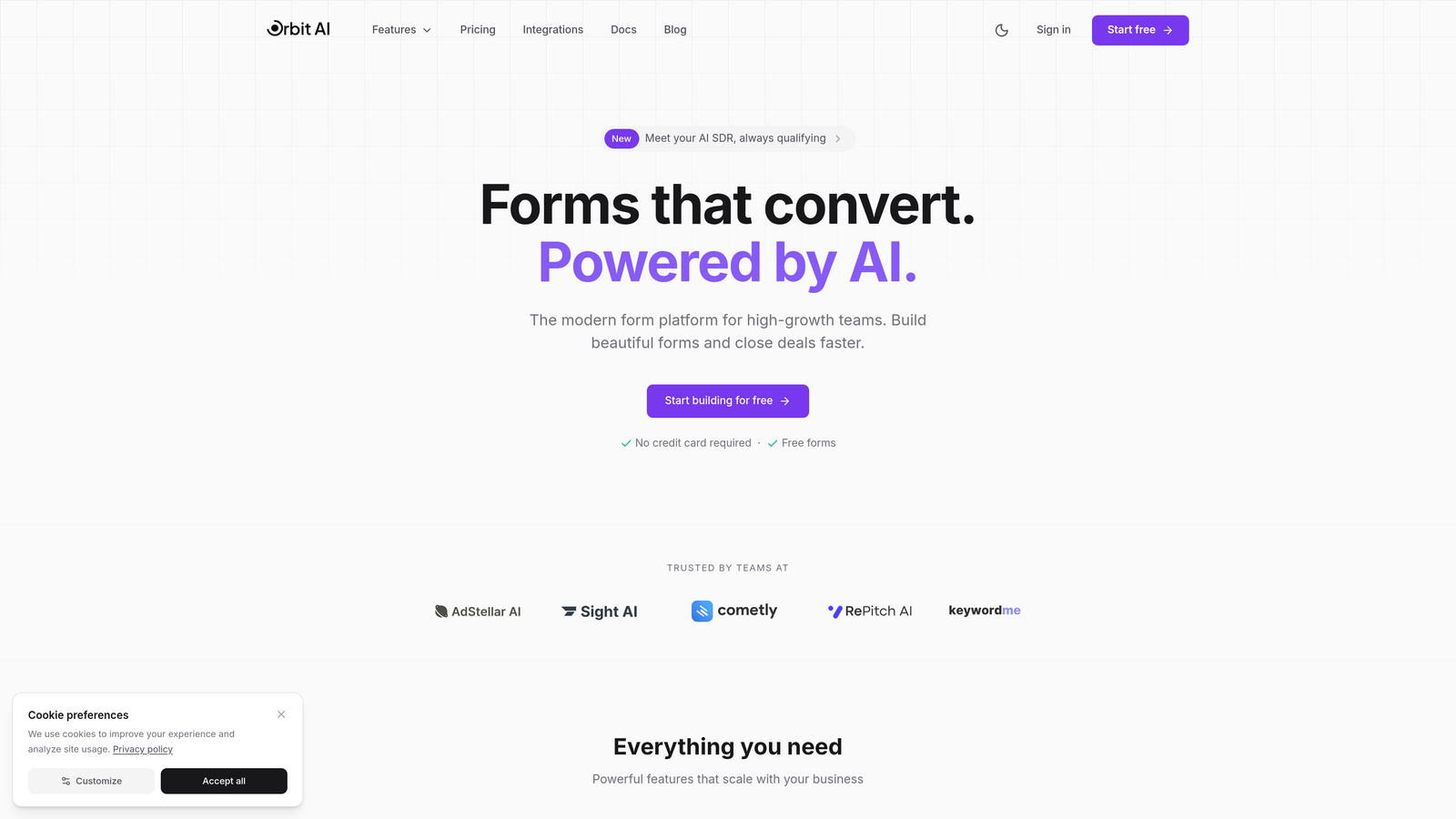
Orbit AI brings artificial intelligence to form building, automatically qualifying leads while maintaining the polished, conversion-focused design growing teams need.
Where This Tool Shines
The platform's AI-powered lead qualification sets it apart from traditional form builders. Instead of collecting raw submissions and sorting through them manually, Orbit AI scores and categorizes leads automatically based on response patterns and data quality.
The modern drag-and-drop builder focuses on conversion optimization from the ground up. Every template and design element is engineered to reduce friction and improve completion rates, which matters when you're scaling acquisition efforts.
Key Features
AI-Powered Lead Qualification: Automatically scores and prioritizes submissions based on lead quality indicators.
Conversion-Optimized Templates: Pre-built forms designed specifically for high completion rates and lead capture.
Modern Drag-and-Drop Builder: Intuitive interface that makes professional form creation accessible to non-technical teams.
Built-In Analytics Dashboard: Track performance metrics, conversion rates, and lead quality without external tools.
CRM and Workflow Integrations: Connect seamlessly with your existing sales and marketing stack.
Best For
Growing SaaS companies, marketing agencies, and high-growth teams who need more than basic form collection. Ideal when lead quality matters as much as lead quantity, and when you want AI doing the heavy lifting on qualification without hiring data scientists.
Pricing
Free tier available for teams getting started. Paid plans begin at competitive rates designed for growing teams, with transparent pricing that scales as your form volume increases.
2. Tally
Best for: Teams wanting unlimited forms and submissions without paying anything
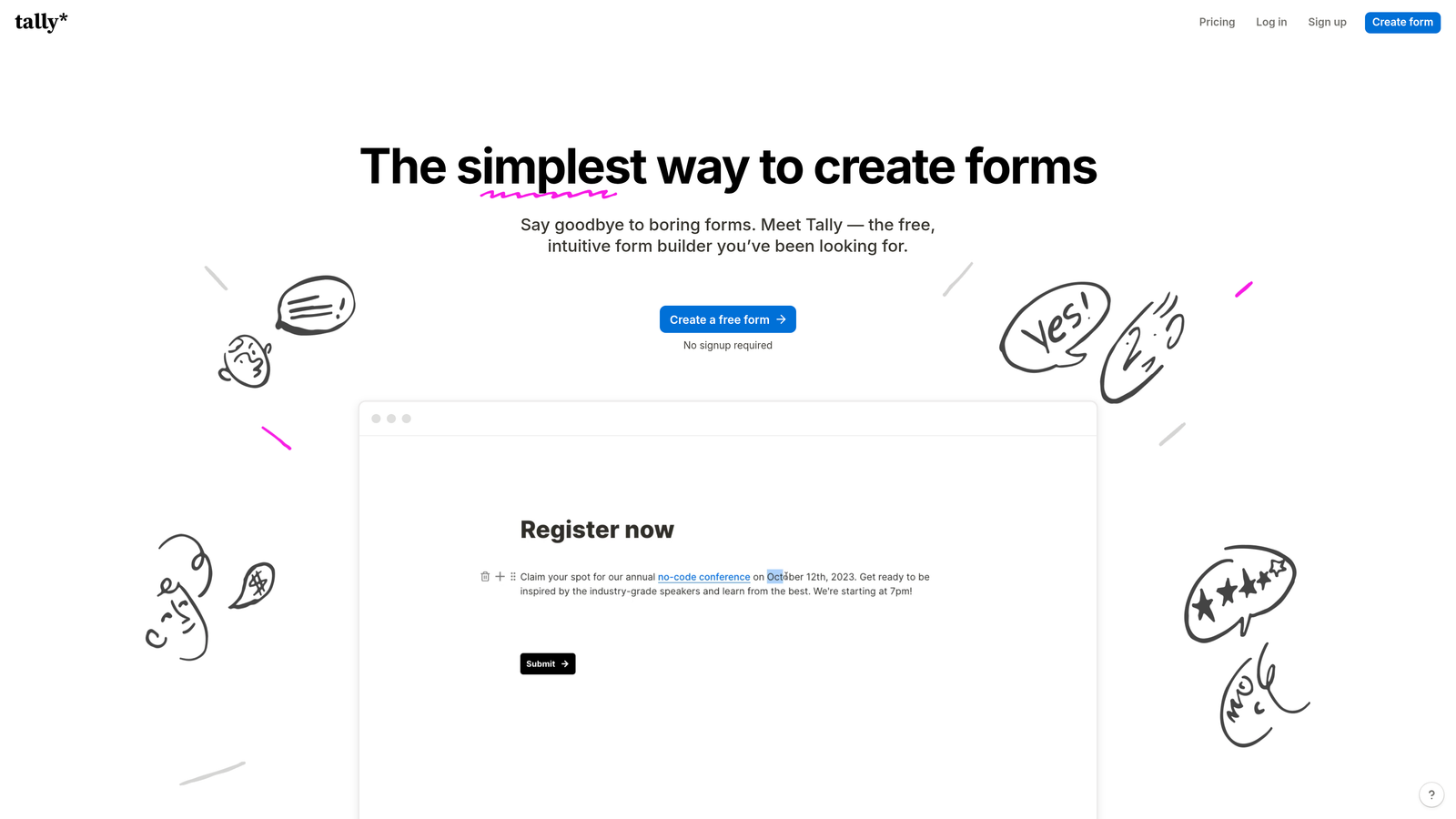
Tally offers a Notion-style form building experience with one of the most generous free tiers in the industry.
Where This Tool Shines
Tally's free plan is genuinely unlimited. You can create as many forms as you want, collect unlimited submissions, and even remove Tally branding—all without paying a cent. This makes it exceptional for bootstrapped teams or projects with uncertain form volumes.
The block-based editor feels familiar to anyone who's used Notion. You build forms by stacking content blocks, which makes the creation process intuitive and surprisingly fast once you understand the logic.
Key Features
Unlimited Everything on Free: No caps on forms, submissions, or responses—genuinely free for most use cases.
Block-Based Editor: Notion-style interface that makes form building feel like document creation.
No Branding Required: Remove Tally logos even on the free tier, maintaining your brand consistency.
Basic Integrations: Connect to popular tools without upgrading to paid plans.
Conditional Logic: Show or hide questions based on previous answers to create dynamic forms.
Best For
Startups and small teams who need professional forms without budget constraints. Perfect for internal surveys, event registrations, or any scenario where you need form functionality but can't justify monthly software costs yet.
Pricing
Free for unlimited forms and submissions. Pro plan at $29/month adds features like custom domains, file uploads, and advanced calculations for teams needing extra capabilities.
3. Jotform
Best for: Teams needing extensive templates and pre-built integrations out of the box
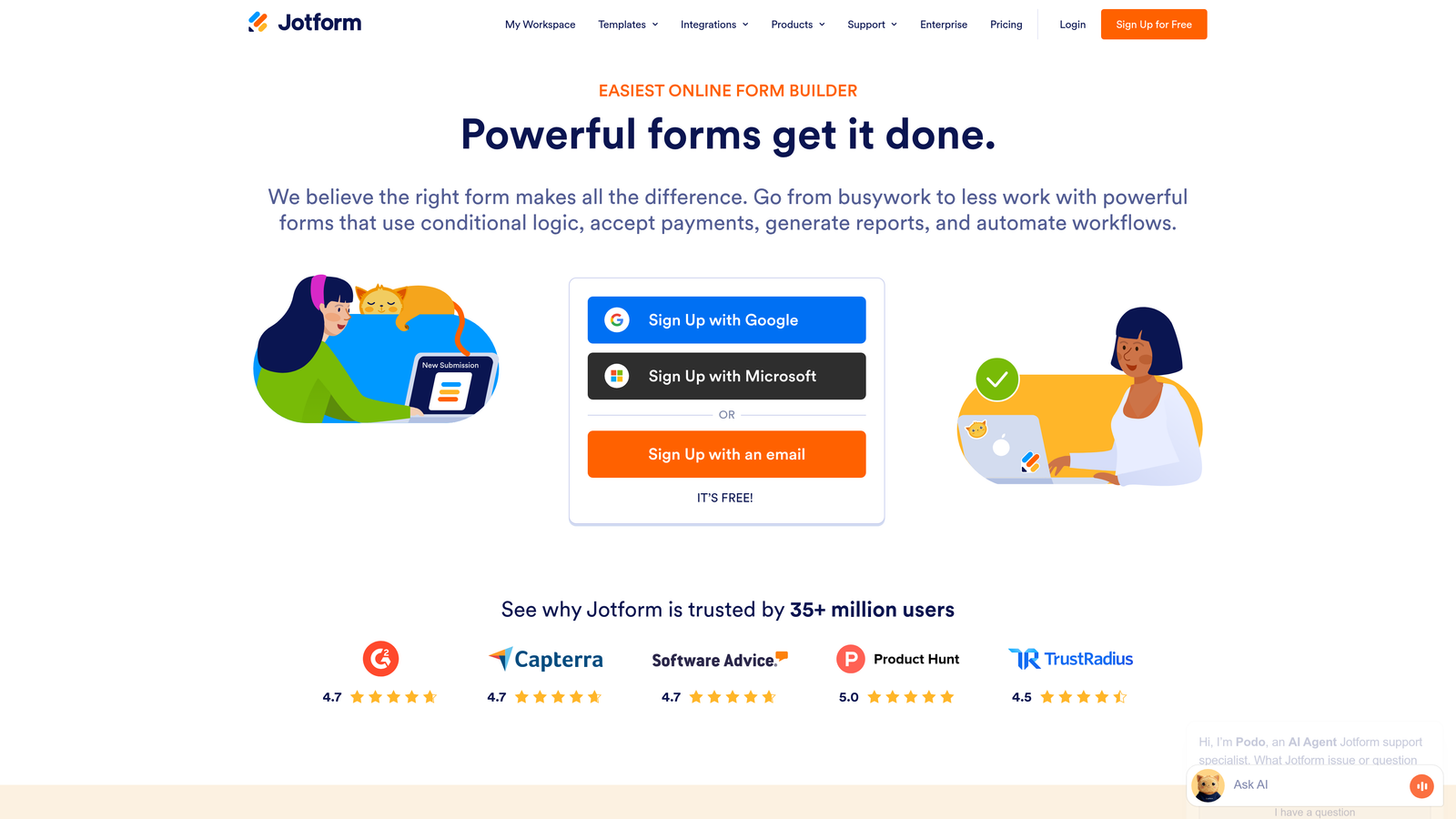
Jotform has been building forms since 2006, and that experience shows in their massive template library and integration ecosystem.
Where This Tool Shines
With over 10,000 form templates, Jotform likely has a starting point for whatever you're building. Need a medical intake form? They have 50 variations. Event registration? Hundreds of options. This depth saves hours of design work when you're launching quickly.
The platform's 100+ native integrations mean you can connect forms to your existing tools without middleware or custom code. Payment processors, CRMs, email platforms—most common business tools connect directly.
Key Features
10,000+ Templates: Pre-built forms for nearly every industry and use case imaginable.
100+ Integrations: Native connections to popular business tools without requiring Zapier or custom development.
Conditional Logic on All Plans: Create dynamic, branching forms even on free and starter tiers.
PDF Form Creation: Generate fillable PDF documents from your online forms automatically.
Mobile App Builder: Convert forms into standalone mobile apps for offline data collection.
Best For
Established businesses and teams who value having extensive options and proven integrations. Particularly strong for organizations in regulated industries who need specific compliance features or those managing complex data collection workflows.
Pricing
Free plan includes 5 forms with 100 monthly submissions. Starter plan at $34/month increases limits and adds features like payment collection and HIPAA compliance options for healthcare organizations.
4. Google Forms
Best for: Teams already using Google Workspace who need simple, reliable forms
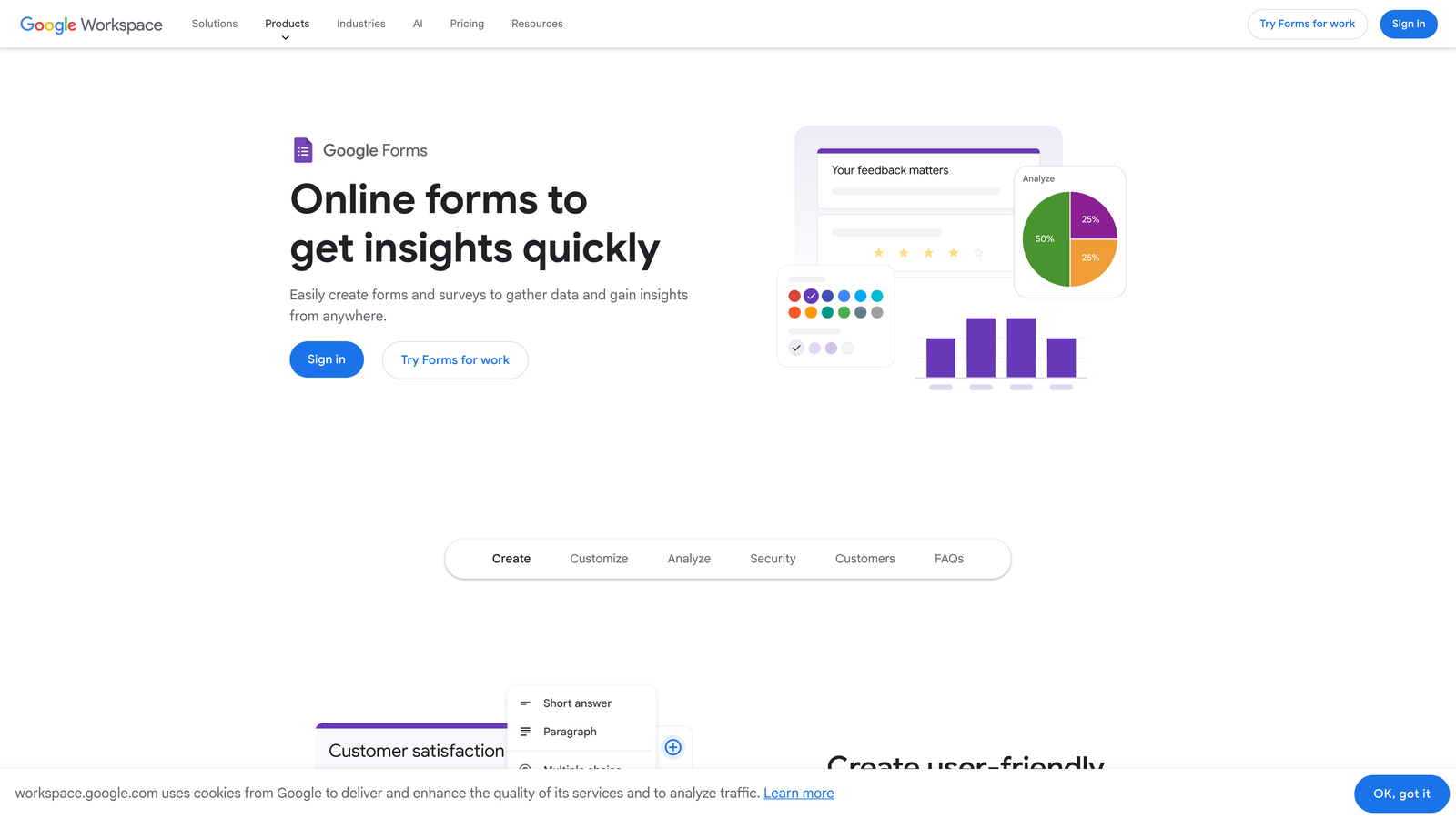
Google Forms remains the gold standard for completely free form building with zero hidden costs or upgrade prompts.
Where This Tool Shines
Google Forms is genuinely free forever with no artificial limits. No submission caps, no form limits, no features locked behind paywalls. This makes it ideal for internal use, education, nonprofits, or any scenario where budget simply isn't available.
The direct Google Sheets integration is seamless. Responses flow into spreadsheets automatically, where you can analyze data using formulas, create charts, or export to other tools. For teams already living in Google Workspace, this integration is invaluable.
Key Features
100% Free Forever: No submission limits, form caps, or premium features—everything is included at no cost.
Google Sheets Integration: Automatic data flow into spreadsheets for analysis and reporting.
Real-Time Collaboration: Multiple team members can edit forms simultaneously with live updates.
Basic Conditional Logic: Show or hide sections based on responses to create branching paths.
Built-In Analytics: View response summaries and charts directly in the form interface.
Best For
Internal surveys, event RSVPs, feedback collection, and any scenario where design sophistication matters less than reliability and cost. Perfect for schools, nonprofits, and teams who prioritize Google Workspace integration over advanced features.
Pricing
Completely free with any Google account. No paid tiers exist—what you see is what you get, forever.
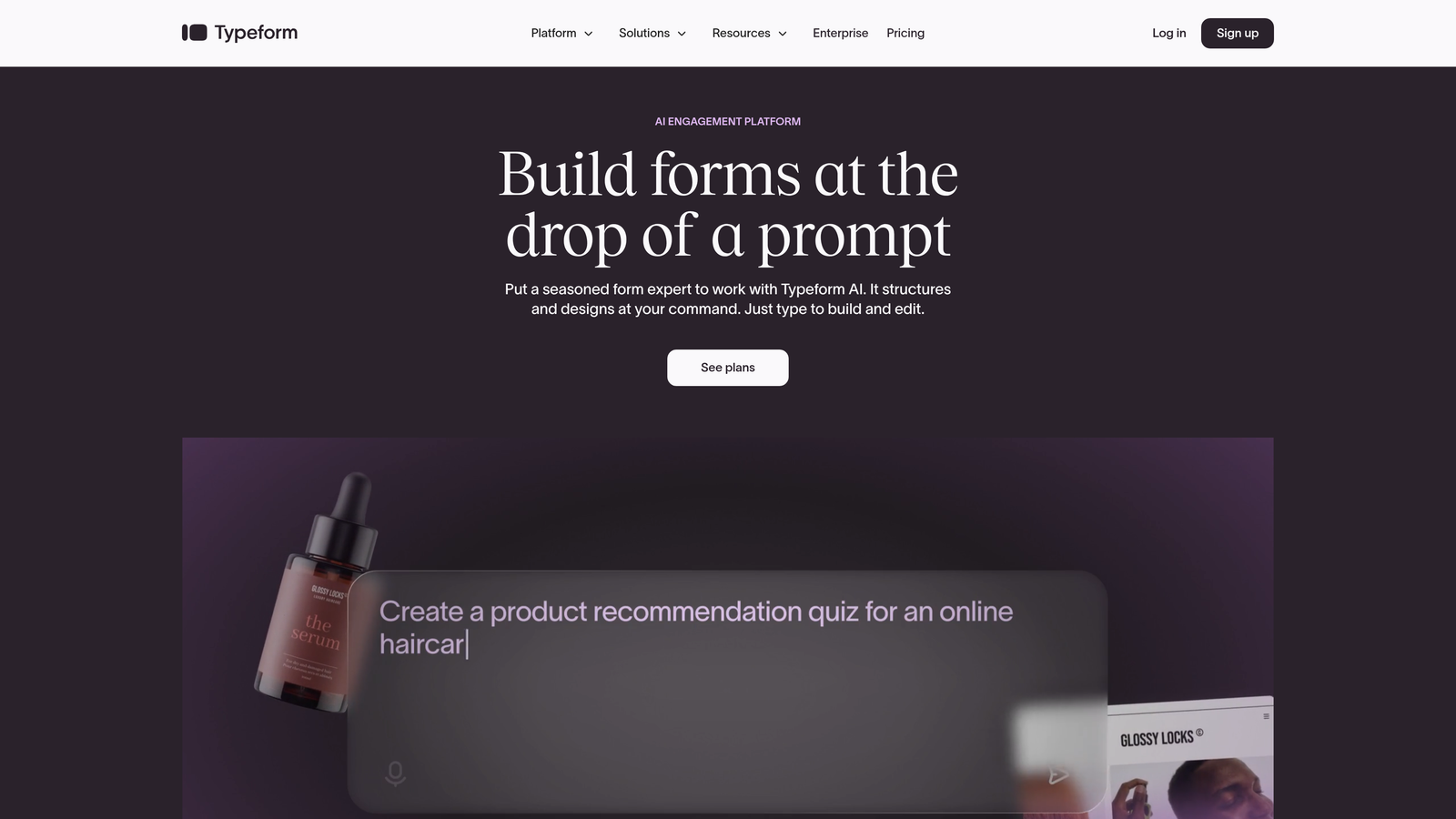
5. Typeform
Best for: Creating engaging, conversational form experiences that feel less like surveys
Typeform pioneered the one-question-at-a-time format that makes forms feel more like conversations than interrogations.
Where This Tool Shines
Typeform's signature approach shows one question at a time, creating a focused experience that typically improves completion rates. Instead of overwhelming users with long pages of fields, you guide them through a conversational flow that feels less daunting.
The design templates are genuinely beautiful. Every form looks polished and modern by default, with thoughtful animations and transitions that make the experience feel premium. When your form represents your brand, Typeform makes you look good.
Key Features
One-Question-at-a-Time Format: Conversational flow that reduces form abandonment and improves completion rates.
Beautiful Design Templates: Professional, modern aesthetics that require minimal customization to look great.
Logic Jumps and Branching: Create dynamic paths based on responses to personalize the experience.
Video and Image Embedding: Add rich media to create more engaging, interactive forms.
Custom Thank You Screens: End forms with personalized messages or redirect users based on their responses.
Best For
Customer feedback surveys, lead qualification quizzes, application forms, and any scenario where user experience directly impacts completion rates. Ideal when your form is a reflection of your brand and design quality matters.
Pricing
Free plan allows 10 responses per month—enough for testing but limiting for active use. Basic plan at $25/month increases to 100 responses and unlocks logic jumps and custom branding.
6. Formspree
Best for: Developers building custom sites who need a reliable form backend
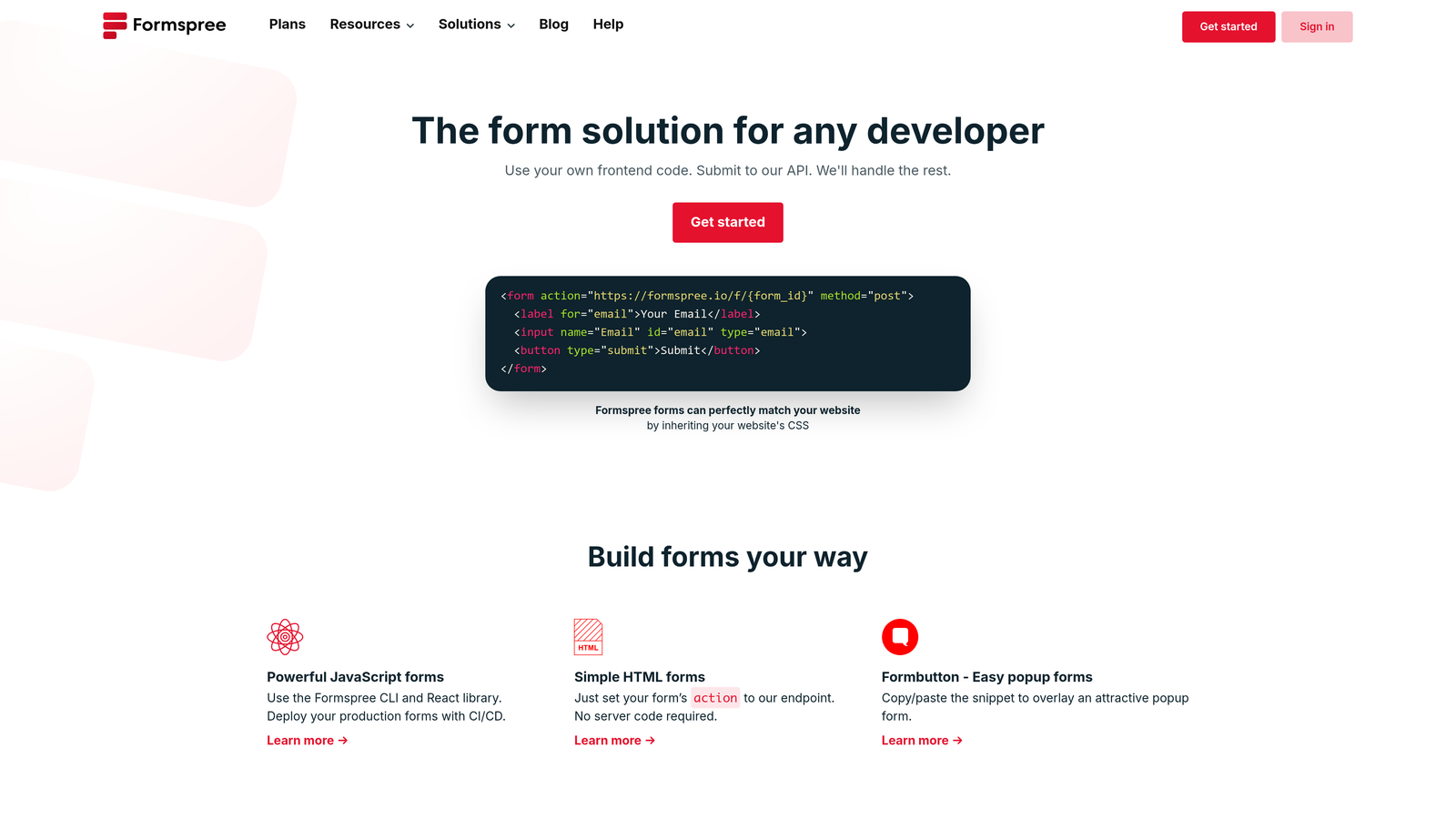
Formspree provides the backend infrastructure for HTML forms without requiring server setup or backend code.
Where This Tool Shines
For static sites built with frameworks like Next.js, Gatsby, or Jekyll, Formspree solves the form problem elegantly. You point your HTML form to Formspree's endpoint, and submissions flow to your email or dashboard automatically. No backend required.
The API-first architecture gives developers full control over form design and behavior. You build the frontend experience exactly as you want it, while Formspree handles submission processing, spam filtering, and data storage behind the scenes.
Key Features
Simple HTML Integration: Add a single endpoint to your form tag and submissions start flowing immediately.
API-First Architecture: Full programmatic access for custom integrations and automated workflows.
Built-In Spam Filtering: Automatic protection against bot submissions without requiring CAPTCHA.
File Upload Support: Accept file submissions without building storage infrastructure.
Webhook Notifications: Trigger custom actions when submissions arrive via HTTP callbacks.
Best For
Developers building static sites, JAMstack applications, or custom web experiences who need form functionality without backend complexity. Perfect for portfolio sites, documentation pages, or marketing sites built with modern frameworks.
Pricing
Free for 50 submissions per month across unlimited forms. Pro plan at $10/month increases to 1,000 submissions and adds features like custom redirects and advanced spam protection.
7. Paperform
Best for: Creating landing page-style forms with built-in payments and scheduling
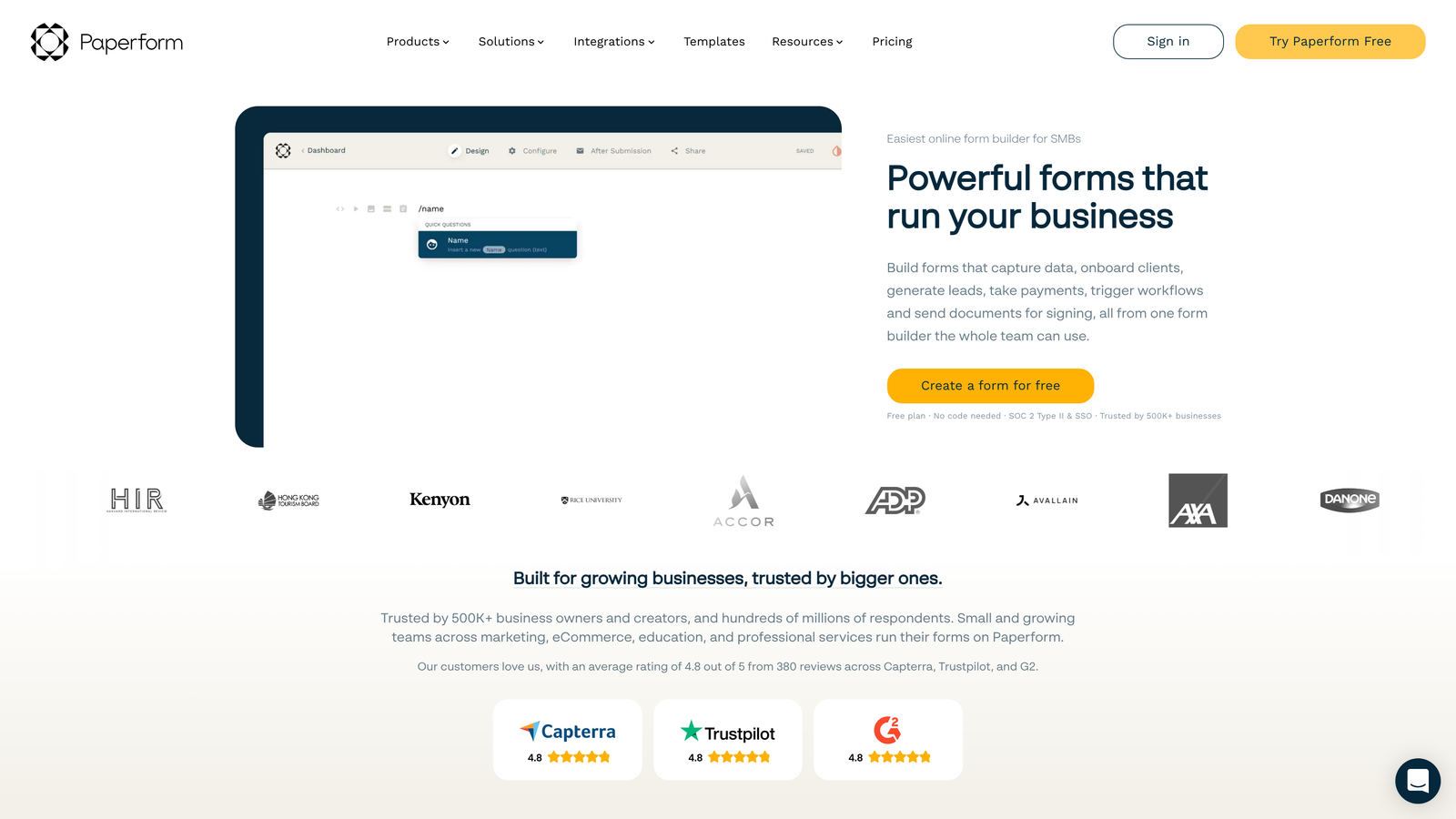
Paperform blurs the line between forms and landing pages, offering document-style building that creates full-page experiences.
Where This Tool Shines
Paperform's document-based editor lets you mix form fields with rich content—images, videos, text blocks—to create experiences that feel more like landing pages than traditional forms. This approach works brilliantly for product orders, service bookings, or any scenario where context matters.
Native payment processing means you can collect money directly through forms without external tools. Stripe and PayPal integration is built-in, making Paperform ideal for selling products, accepting deposits, or processing event registrations with payment.
Key Features
Landing Page-Style Forms: Mix form fields with rich content to create full-page experiences instead of simple forms.
Native Payment Processing: Accept payments through Stripe or PayPal without external integrations.
Appointment Scheduling: Built-in calendar booking functionality for service-based businesses.
Product Catalogs: Display items with images and prices, turning forms into mini e-commerce experiences.
Calculations and Pricing: Automatically calculate totals based on user selections for quotes and orders.
Best For
Service businesses accepting bookings, online stores selling simple products, event organizers collecting registrations with payment, and consultants creating proposal or quote forms. Strong choice when you need forms that also function as sales pages.
Pricing
Essentials plan starts at $24/month, including payment processing, scheduling, and unlimited forms. No free tier, but the included features justify the cost for businesses monetizing their forms.
8. 123FormBuilder
Best for: Organizations requiring HIPAA compliance or strict data security standards
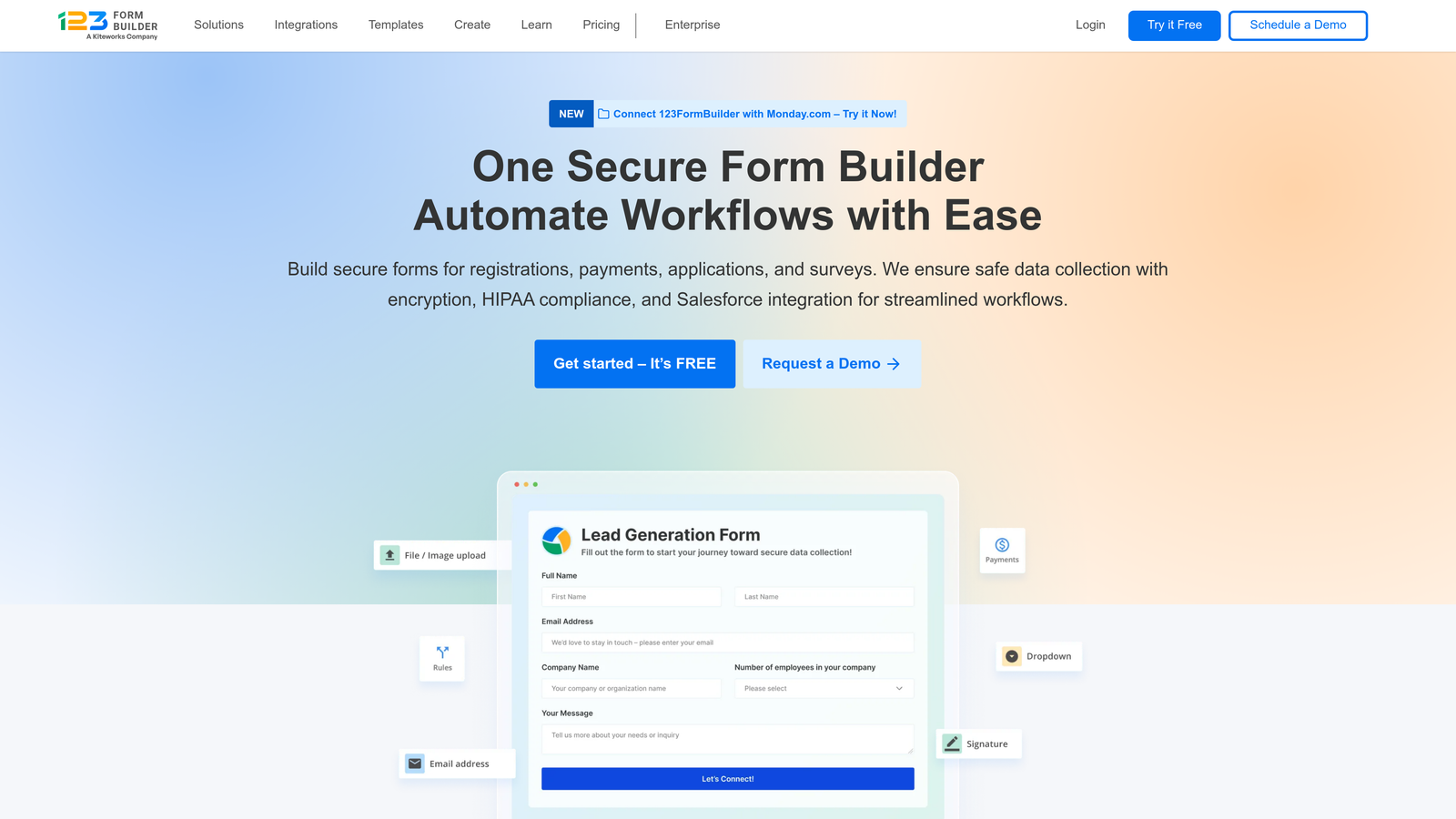
123FormBuilder focuses on compliance and security features that regulated industries require.
Where This Tool Shines
HIPAA-compliant forms are available on higher-tier plans, making 123FormBuilder one of the few affordable options for healthcare organizations collecting patient information. The platform handles Business Associate Agreements and maintains the infrastructure required for protected health information.
Electronic signature capabilities are built directly into forms, eliminating the need for separate e-signature tools. This integration streamlines approval workflows, contract signing, and any process requiring legally binding signatures.
Key Features
HIPAA-Compliant Forms: Meet healthcare data security requirements with proper encryption and BAA support.
Electronic Signatures: Collect legally binding signatures directly within forms without external tools.
Workflow Automation: Route submissions through approval chains and trigger actions based on form data.
Database Management: Store and query submission data with built-in database functionality.
White-Label Options: Remove all branding and use custom domains for professional client-facing forms.
Best For
Healthcare providers, legal firms, financial services companies, and any organization handling sensitive data under regulatory requirements. Particularly valuable when you need both form building and compliance infrastructure in one platform.
Pricing
Free plan includes 5 forms with basic features. Gold plan at $32/month adds HIPAA compliance, electronic signatures, and workflow automation for organizations with security requirements.
9. Cognito Forms
Best for: Complex calculations, payment collection, and registration forms with variable pricing
Cognito Forms excels at handling mathematical calculations and conditional pricing within forms.
Where This Tool Shines
The calculation engine is remarkably powerful. You can create forms that calculate totals, apply discounts, compute taxes, or perform complex mathematical operations based on user inputs. This makes Cognito Forms ideal for order forms, registration systems, or any scenario requiring dynamic pricing.
Unlimited forms on the free plan is genuinely generous. Unlike competitors that cap form counts, Cognito Forms lets you create as many forms as you need without upgrading, though submission limits still apply.
Key Features
Unlimited Forms on Free Plan: Create as many forms as needed without hitting artificial limits.
Advanced Calculations: Build complex formulas that calculate totals, apply conditional pricing, and perform mathematical operations.
Payment Integration: Accept credit cards through Stripe or Square with built-in processing.
Repeating Sections: Let users add multiple entries within a single form—perfect for registering multiple attendees.
Conditional Logic: Show or hide entire sections based on previous answers to create dynamic experiences.
Best For
Event registration with variable pricing, order forms requiring calculations, membership applications with tiered pricing, and any scenario where the form needs to perform math. Strong choice for nonprofits and educational institutions with complex registration needs.
Pricing
Free tier allows unlimited forms with 500 monthly entries. Pro plan at $15/month increases to 2,000 entries and adds payment processing, making it one of the most affordable options for forms requiring calculations.
Making the Right Choice
Your ideal form builder depends entirely on what you're optimizing for. If AI-powered lead qualification matters and you're focused on conversion optimization, Orbit AI delivers intelligence that basic form builders can't match. The platform's ability to automatically score and prioritize leads saves hours of manual work while improving sales team efficiency.
For teams operating on absolute zero budget, Tally and Google Forms offer the most generous free tiers. Tally wins if you want unlimited everything with modern design, while Google Forms is unbeatable for teams already living in Google Workspace who need reliable basics.
When design and user experience directly impact your conversion rates, Typeform's conversational approach consistently outperforms traditional forms. The one-question-at-a-time format reduces cognitive load and makes completion feel effortless—worth the investment when form abandonment is costing you leads.
Developers building custom experiences should look at Formspree for its API-first approach and simple integration. It solves the backend problem elegantly without forcing you into a visual builder you don't need.
For businesses collecting payments or bookings, Paperform and Cognito Forms both handle transactions well, but Paperform's landing page approach works better for marketing-focused forms while Cognito Forms excels at complex calculations and variable pricing.
Organizations in regulated industries need 123FormBuilder's compliance features. HIPAA requirements and electronic signatures aren't nice-to-haves—they're mandatory, and 123FormBuilder delivers them at accessible pricing.
The affordability question isn't just about monthly cost. Consider submission volumes, integration needs, and feature limitations that might force upgrades. A free plan that caps submissions at 100 per month isn't affordable if you're collecting 500 responses—you're just delaying the inevitable upgrade.
Transform your lead generation with AI-powered forms that qualify prospects automatically while delivering the modern, conversion-optimized experience your high-growth team needs. Start your free trial today and see how intelligent form design can elevate your conversion strategy.


