

Whether you're a consulting firm onboarding new clients, a service agency processing project requests, or a professional practice managing intake forms, the right application form tool can transform how you capture and qualify leads. The best service application forms go beyond basic data collection—they guide applicants through a smooth experience while giving you the structured information you need to make decisions fast.
We evaluated dozens of form builders based on customization flexibility, conditional logic capabilities, integration options, and overall user experience. Here are the top picks for creating professional application forms that convert.
1. Orbit AI
Best for: High-growth teams needing intelligent lead qualification built into their application forms
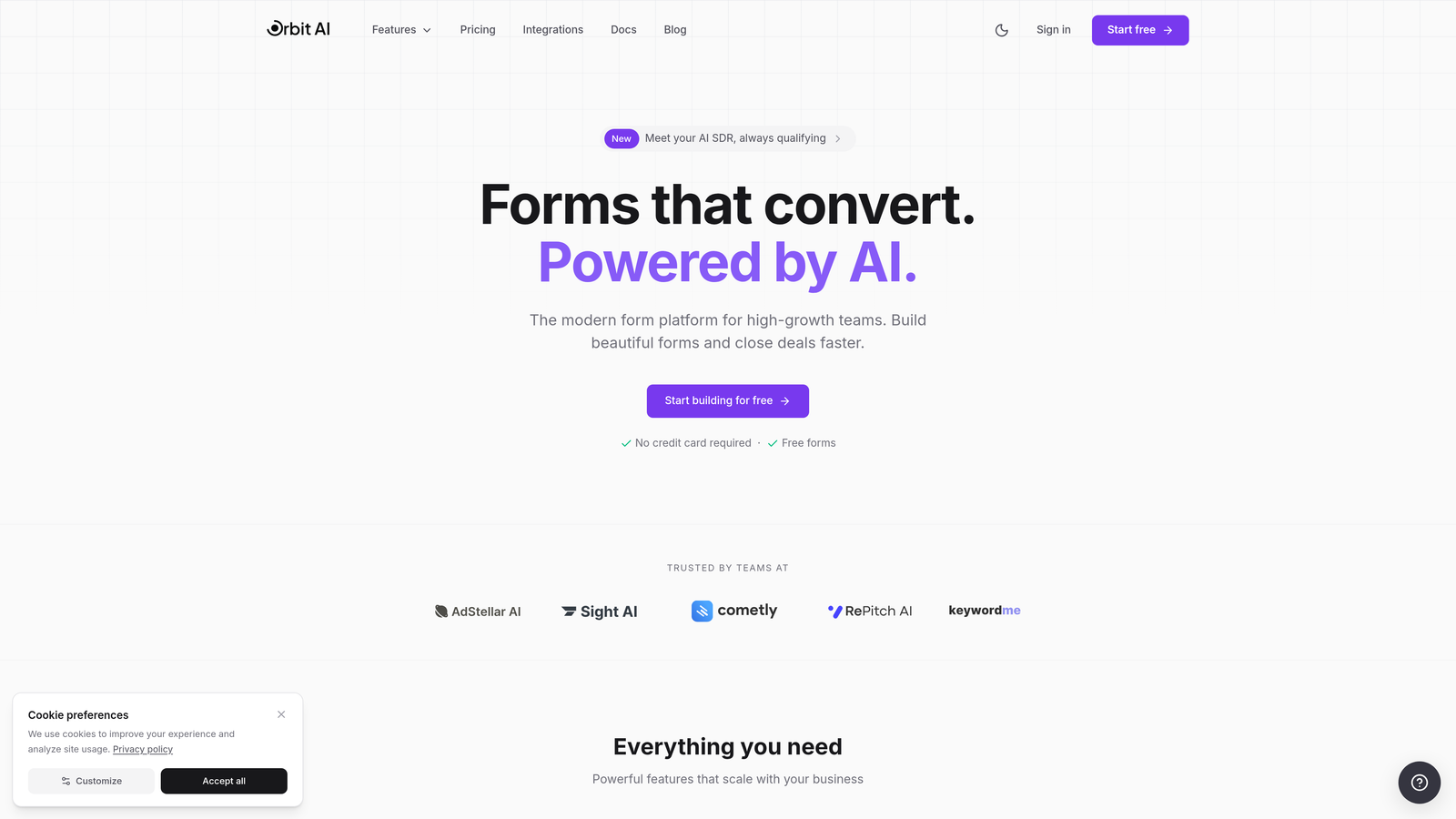
Orbit AI is an AI-powered form builder designed specifically for teams that need more than just data collection—they need intelligent qualification.
Where This Tool Shines
The standout feature here is the AI-powered lead scoring that automatically evaluates applicants as they submit forms. Instead of manually reviewing every application, you get instant qualification signals that help you prioritize high-value prospects.
The platform combines modern, conversion-optimized design with smart conditional logic that creates personalized paths based on applicant responses. This means your service application forms adapt in real-time, asking relevant follow-up questions and skipping irrelevant sections.
Key Features
AI-Powered Lead Scoring: Automatically qualifies and prioritizes applications based on your criteria without manual review.
Smart Conditional Logic: Creates dynamic form paths that adapt based on responses, keeping applications relevant and concise.
Native CRM Integrations: Connects directly with HubSpot, Salesforce, and Pipedrive to sync qualified leads instantly.
Built-In Analytics: Tracks conversion rates, drop-off points, and form performance with actionable insights.
Mobile-Optimized Design: Ensures professional, responsive forms that work flawlessly on any device.
Best For
Service businesses and agencies that receive high volumes of applications and need to quickly identify the most promising prospects. Particularly valuable for consulting firms, professional services, and B2B companies where lead quality matters more than quantity.
Pricing
Free tier available for getting started; paid plans begin at $29/month with advanced AI features and integrations.
2. Typeform
Best for: Creating engaging, conversational application experiences that feel more like conversations than forms
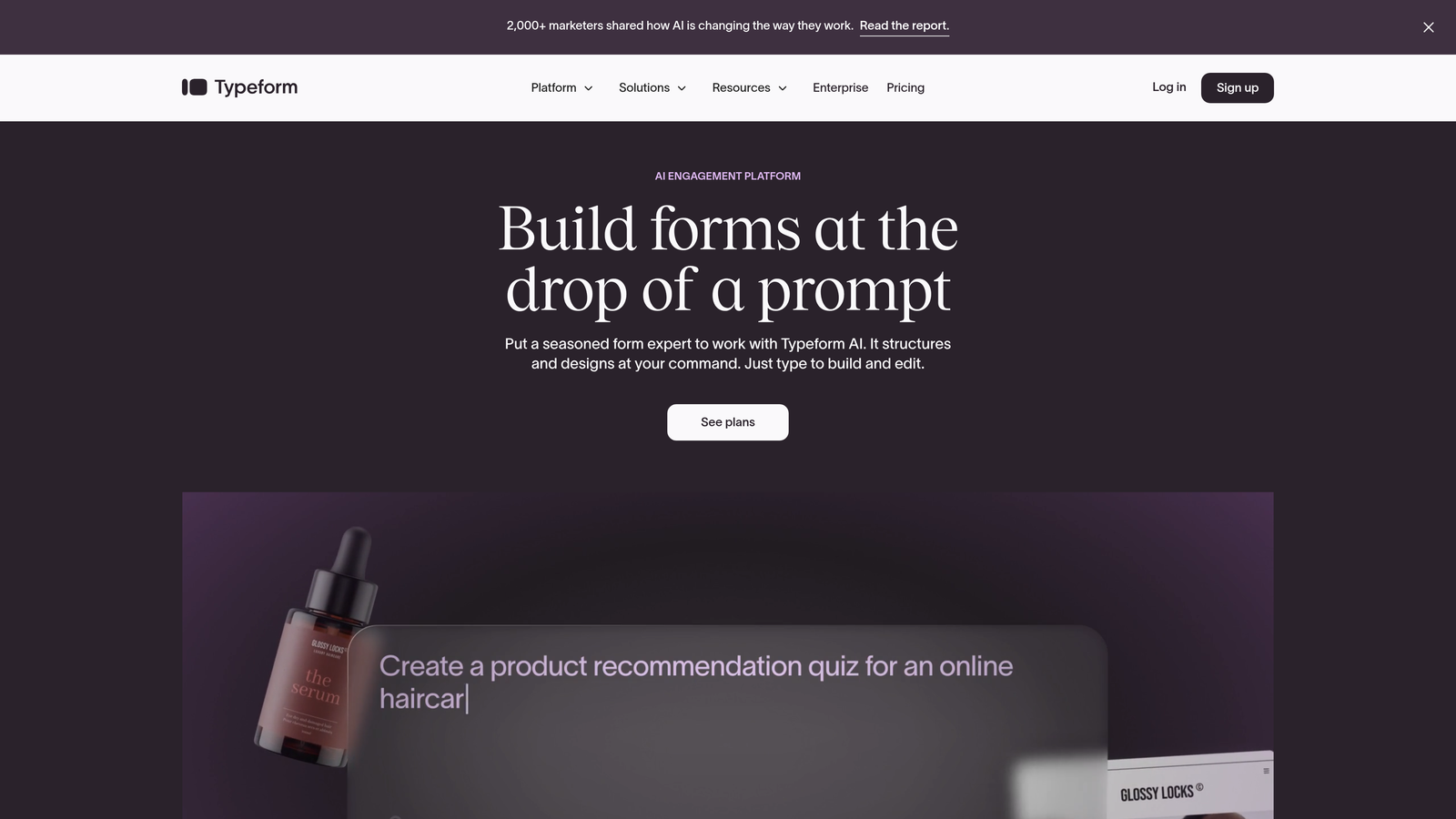
Typeform is a conversational form builder that presents questions one at a time, creating an engaging experience that feels distinctly human.
Where This Tool Shines
The one-question-at-a-time format reduces cognitive load and keeps applicants focused. Instead of facing a wall of fields, they answer questions in a natural flow that feels more like a guided conversation.
The design aesthetic is consistently beautiful, with smooth transitions and animations that create a premium feel. For service businesses where first impressions matter, this polished experience can set the right tone from the initial application.
Key Features
Conversational Interface: Displays one question at a time to reduce overwhelm and improve completion rates.
Beautiful Templates: Professionally designed templates that require minimal customization to look polished.
Logic Jumps: Branches questions based on previous answers to create personalized application paths.
Rich Media Support: Embeds videos, images, and GIFs to make applications more engaging and informative.
Integration Ecosystem: Connects with hundreds of third-party tools including CRMs, project management platforms, and communication apps.
Best For
Professional service firms, creative agencies, and consulting practices that want to deliver a premium application experience. Works particularly well when applicant experience is a key differentiator in your market.
Pricing
Free tier available with basic features; paid plans start at $25/month for additional responses and advanced logic.
3. Jotform
Best for: Teams that need to deploy professional application forms quickly using pre-built templates
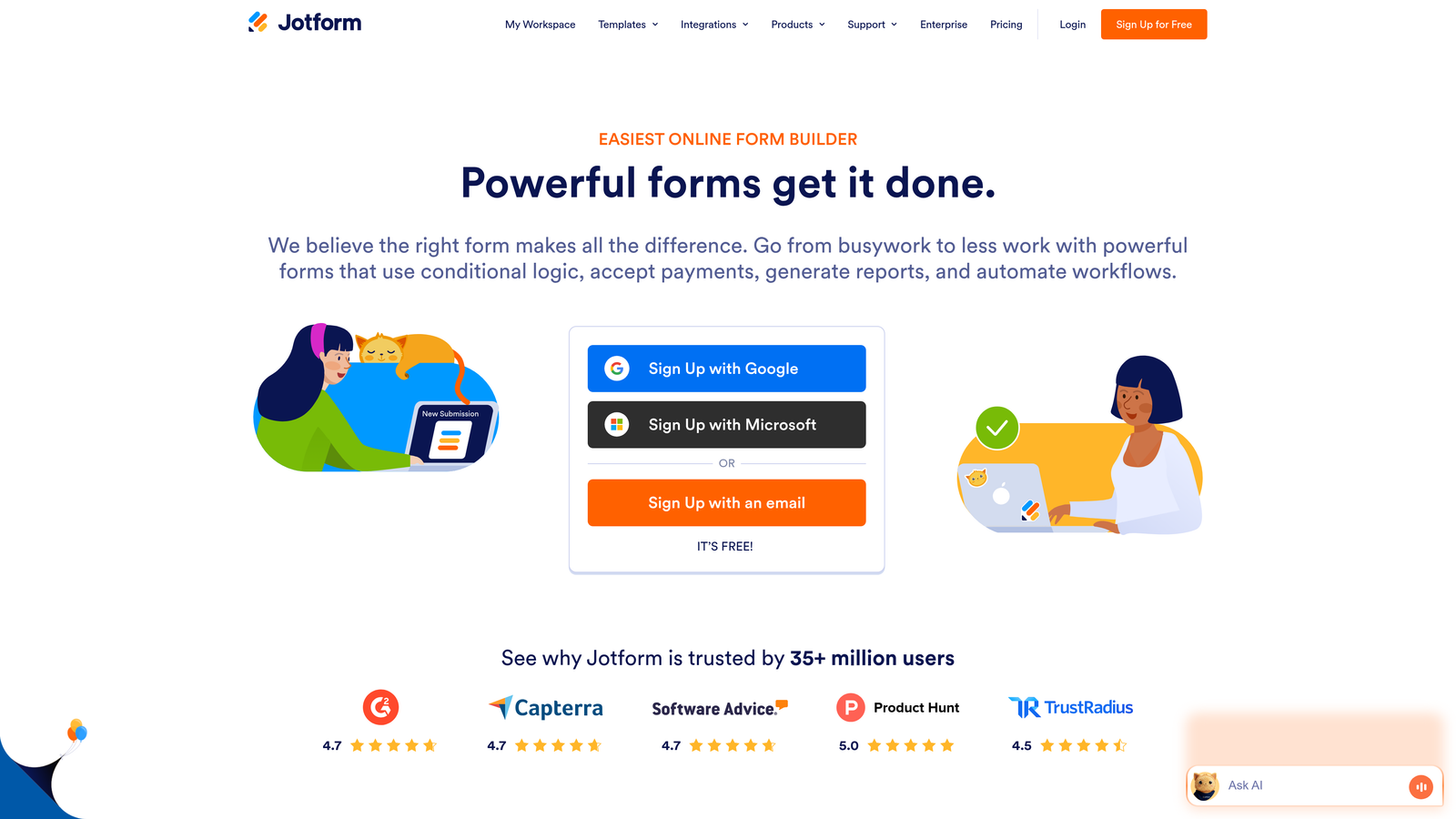
Jotform is a feature-rich form builder with over 10,000 templates covering virtually every type of service application imaginable.
Where This Tool Shines
The template library is genuinely comprehensive. Whether you need a consulting intake form, service request application, or vendor onboarding questionnaire, there's likely a template that's 80% ready to use. This dramatically reduces setup time.
The drag-and-drop builder is intuitive without sacrificing depth. You can add payment fields, generate PDFs from submissions, and set up approval workflows—all without touching code.
Key Features
10,000+ Templates: Pre-built forms for virtually every service application scenario, ready to customize.
Drag-and-Drop Builder: Intuitive interface that makes form creation accessible to non-technical users.
Payment Integration: Accepts payments directly through forms via Stripe, PayPal, Square, and other processors.
PDF Generation: Automatically converts form submissions into professional PDF documents.
Approval Workflows: Routes applications through multi-step approval processes with email notifications.
Best For
Service businesses that need variety and speed—particularly those managing multiple types of applications across different service lines. Great for agencies, consulting firms, and professional practices with diverse client intake needs.
Pricing
Free tier allows up to 5 forms; paid plans start at $34/month for unlimited forms and additional features.
4. Tally
Best for: Budget-conscious teams that need unlimited forms with surprisingly robust features on the free plan
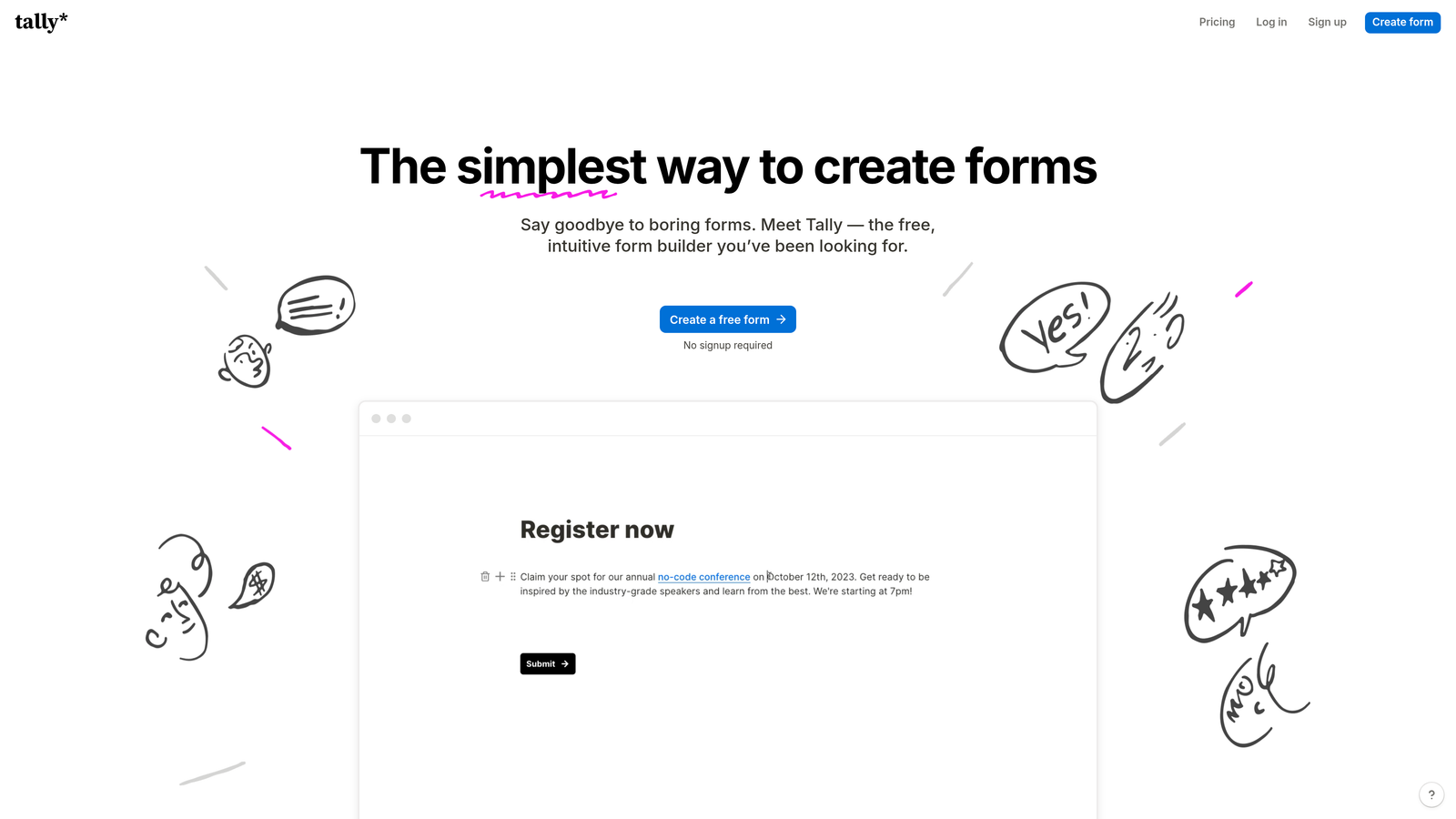
Tally is a minimalist form builder with a Notion-style interface that offers unlimited forms even on its generous free tier.
Where This Tool Shines
The value proposition is remarkable. While most form builders limit free plans to 3-5 forms, Tally gives you unlimited forms with conditional logic, file uploads, and electronic signatures included. For service businesses just starting out or managing tight budgets, this removes a significant barrier.
The block-based editor feels familiar if you've used Notion. Building forms is straightforward and distraction-free, with a clean interface that doesn't overwhelm you with options.
Key Features
Unlimited Free Forms: No artificial limits on form creation, even on the free plan.
Block-Based Editor: Notion-style interface that makes form building intuitive and organized.
Conditional Logic: Included free, allowing you to create dynamic application paths without upgrading.
File Uploads & Signatures: Collect documents and electronic signatures without paying for premium features.
Clean Design: Minimalist aesthetic that keeps focus on the application content without unnecessary distractions.
Best For
Startups, solo consultants, and small service businesses that need professional application forms without the recurring cost. Also ideal for teams that prefer simplicity over feature complexity.
Pricing
Generous free tier with unlimited forms; Pro plan at $29/month adds custom branding and advanced features.
5. Paperform
Best for: Creating branded, landing-page-quality application forms that double as marketing assets
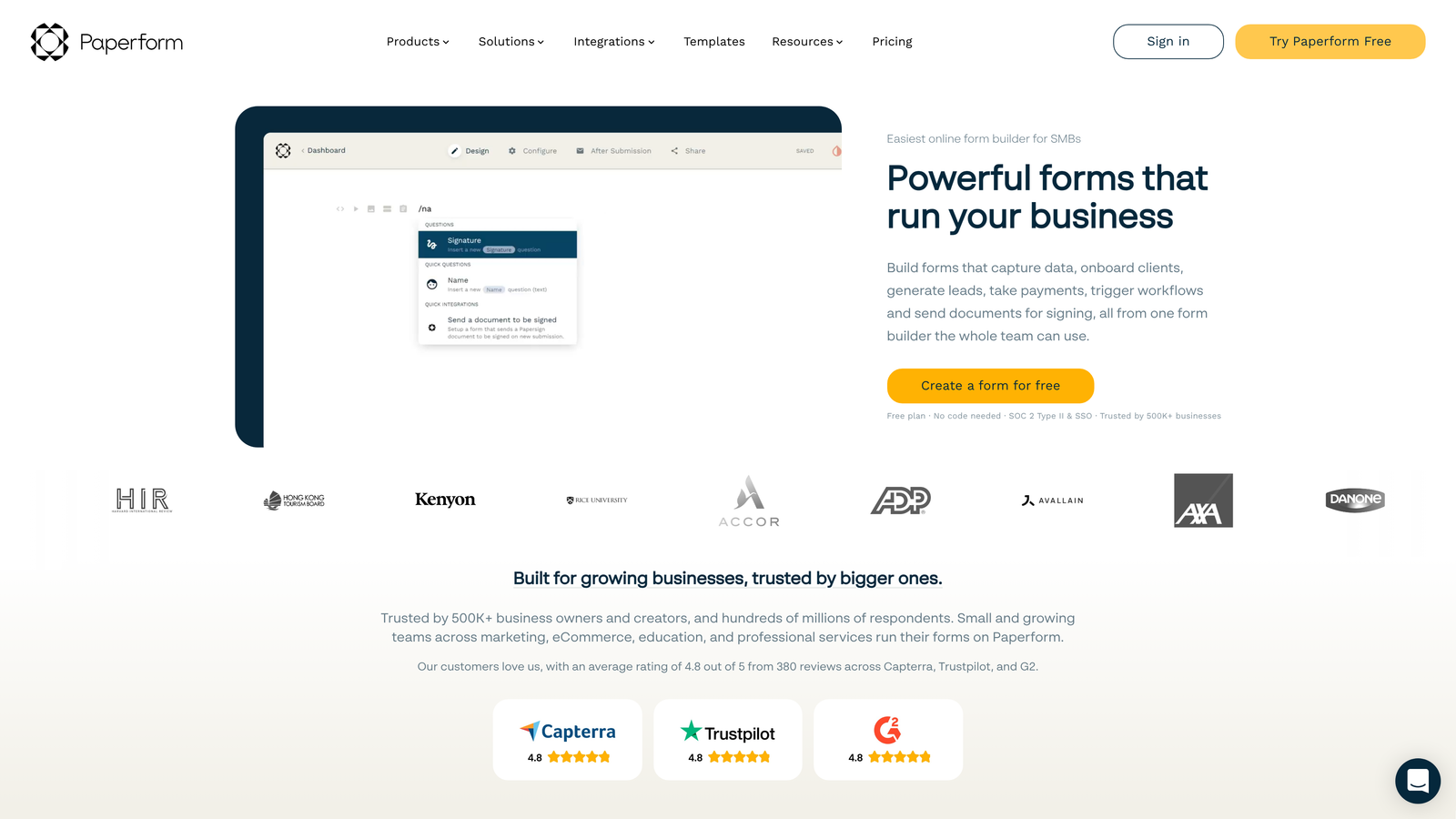
Paperform is a document-style form builder that creates application forms with the polish and flexibility of custom landing pages.
Where This Tool Shines
The forms you create with Paperform don't look like forms—they look like carefully designed pages. You can embed rich text, images, videos, and custom branding to create application experiences that reinforce your brand identity throughout the entire process.
The platform handles both data collection and transactions seamlessly. If your service application includes deposits, booking fees, or payment collection, everything integrates natively without redirects to external payment pages.
Key Features
Rich Media Embedding: Incorporates text, images, videos, and custom content to create visually compelling applications.
Custom Branding: Full control over colors, fonts, logos, and styling to match your brand guidelines.
Payment Processing: Built-in integration with Stripe and PayPal for collecting application fees or deposits.
Conditional Logic: Shows or hides sections based on applicant responses to keep forms relevant.
Booking Integration: Connects with scheduling tools to combine application forms with appointment booking.
Best For
Professional service firms, design agencies, and consulting practices where brand presentation is critical. Particularly valuable when your application form serves as a first impression of your service quality.
Pricing
Starts at $24/month for the Essentials plan with full branding and payment features.
6. Cognito Forms
Best for: Service applications requiring complex calculations, pricing quotes, or variable fee structures
Cognito Forms is a calculation-focused form builder that excels at applications involving pricing, fees, or mathematical logic.
Where This Tool Shines
The calculation engine is genuinely powerful. You can build application forms that automatically calculate service fees based on selections, generate instant quotes, or compute totals across multiple variables. This is invaluable for service businesses with tiered pricing or project-based fee structures.
Repeating sections let applicants add multiple items—perfect for service requests that might include multiple projects, team members, or service packages within a single application.
Key Features
Advanced Calculations: Performs complex math across form fields to generate instant quotes and pricing.
Payment Integration: Accepts payments through Stripe, PayPal, and Square with calculated amounts.
Repeating Sections: Allows applicants to add multiple entries for variable data like project requests or team members.
Electronic Signatures: Collects legally binding signatures directly within application forms.
Data Encryption: Includes security and compliance features for sensitive application data.
Best For
Consulting firms, professional services, and agencies that need to calculate fees or generate quotes as part of the application process. Also strong for businesses requiring repeating data structures or secure data handling.
Pricing
Free tier available for basic forms; paid plans start at $15/month for advanced features and calculations.
7. Formstack
Best for: Enterprise service organizations needing advanced workflows, approvals, and compliance features
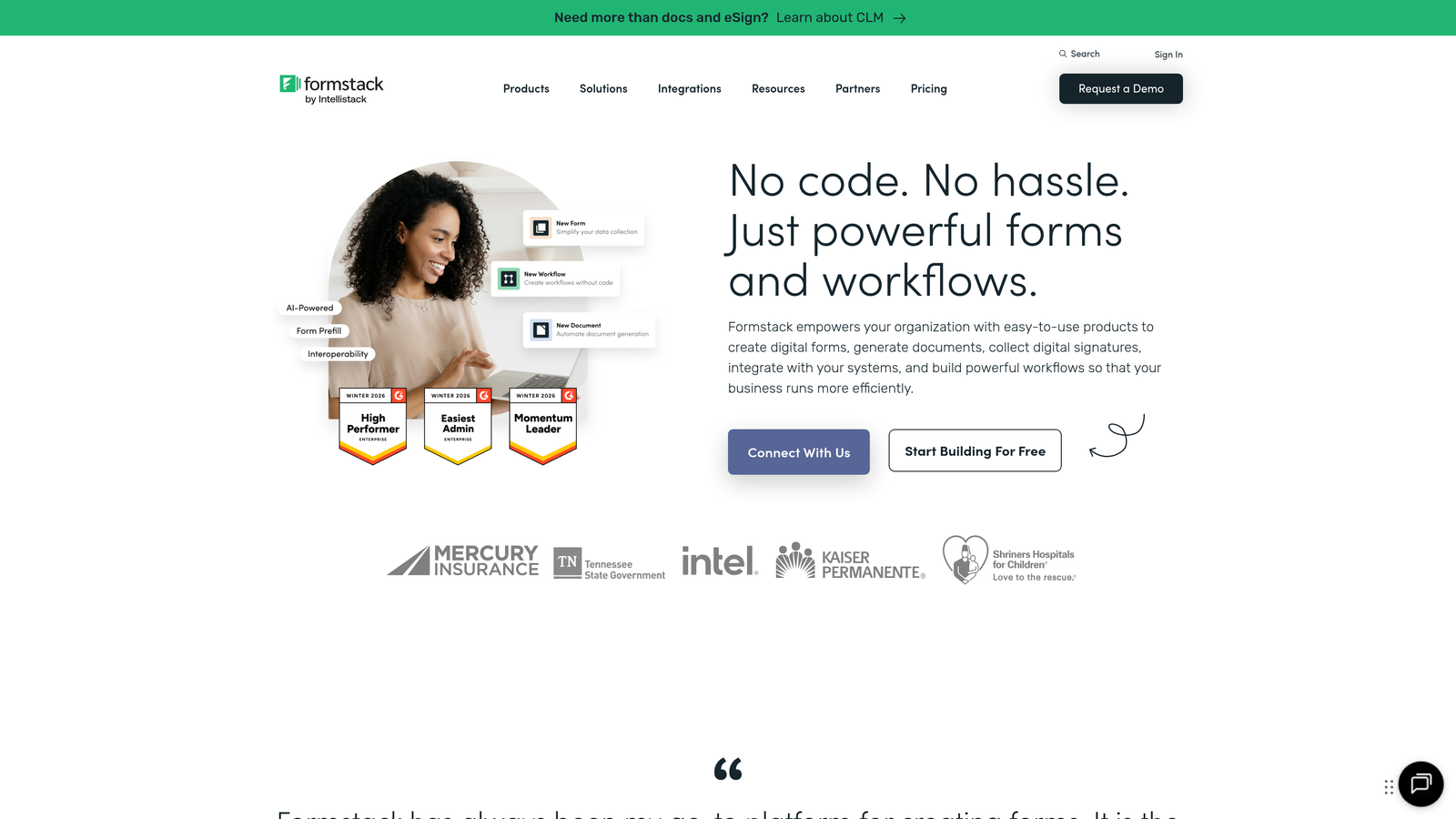
Formstack is an enterprise-grade form platform built for large organizations with complex approval processes and strict compliance requirements.
Where This Tool Shines
The workflow automation is sophisticated. Applications can route through multi-step approval chains with different stakeholders, trigger notifications based on specific criteria, and automatically generate documents from submission data. This level of automation is crucial for large service organizations processing high volumes of applications.
Compliance features are robust, with HIPAA and GDPR options available. For healthcare services, legal practices, or financial services handling sensitive applicant data, these built-in compliance tools remove significant technical burden.
Key Features
Multi-Step Workflows: Routes applications through complex approval processes with multiple reviewers and stages.
Compliance Options: HIPAA-compliant and GDPR-ready features for organizations handling sensitive data.
User Permissions: Granular access controls for teams with different roles and responsibilities.
Document Generation: Automatically creates formatted documents from application data for contracts or records.
Enterprise Security: Single sign-on (SSO), advanced encryption, and audit trails for large organizations.
Best For
Large service organizations, healthcare providers, financial services firms, and enterprises with complex approval processes or strict regulatory requirements. Best suited for teams with dedicated operations staff.
Pricing
Starts at $50/month for the Forms plan; enterprise features require higher-tier plans.
8. Google Forms
Best for: Teams with basic application needs who want seamless Google Workspace integration at zero cost
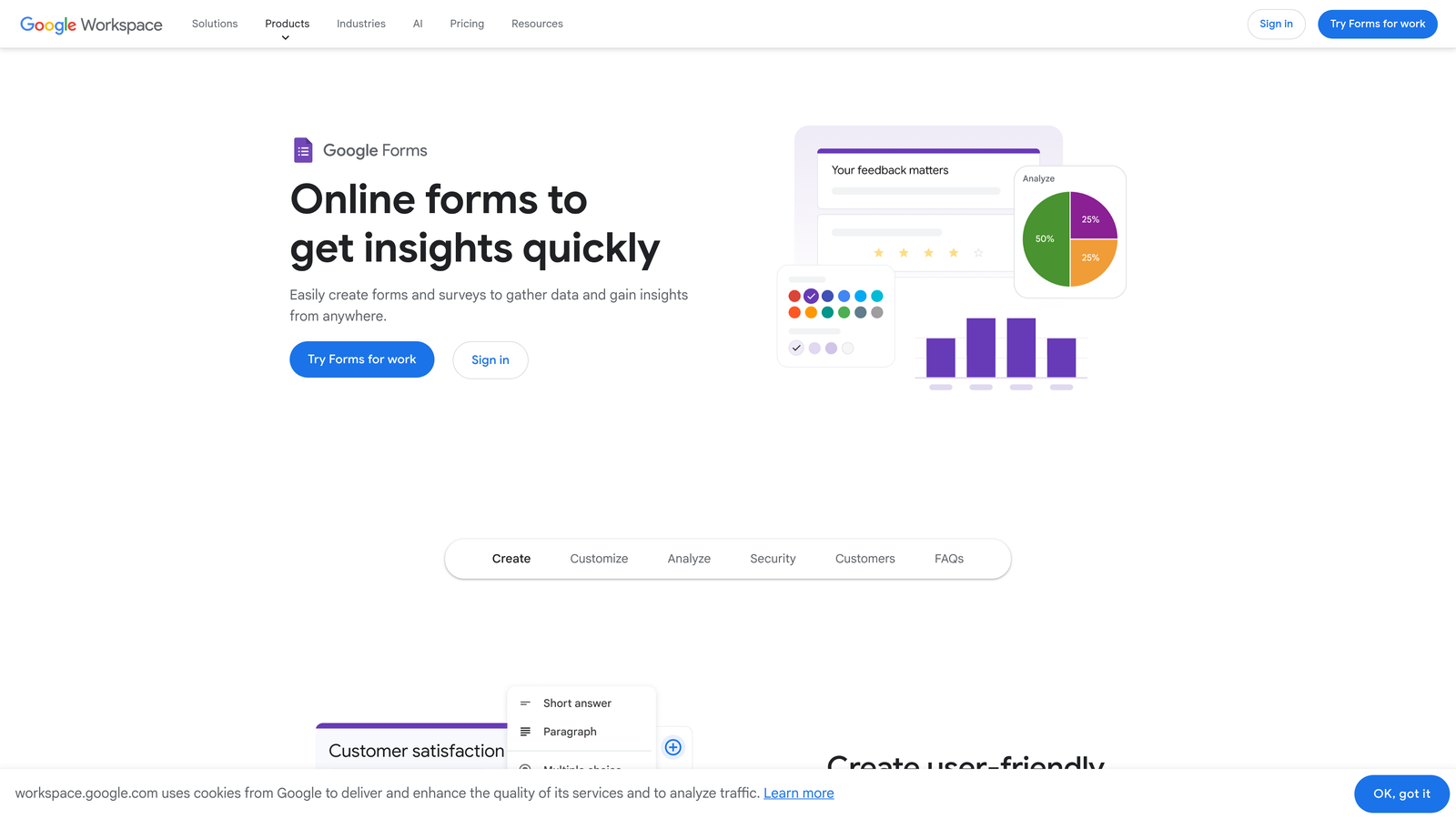
Google Forms is a free, straightforward form builder that integrates natively with Google Sheets and other Workspace tools.
Where This Tool Shines
The price point—free—is unbeatable. For service businesses just starting out or managing simple application processes, Google Forms delivers core functionality without any financial commitment.
The Google Sheets integration is seamless. Responses flow directly into spreadsheets where you can analyze, sort, and share data with team members who already have access to your Google Workspace.
Key Features
Completely Free: No paid tiers, no hidden costs—full functionality included with any Google account.
Google Sheets Integration: Responses automatically populate spreadsheets for easy analysis and sharing.
Basic Conditional Logic: Shows or hides questions based on previous answers to create simple branching.
Real-Time Collaboration: Multiple team members can edit forms simultaneously like other Google Workspace tools.
Quiz Features: Includes basic scoring options if you need to evaluate application responses.
Best For
Small service businesses, solo consultants, and teams already using Google Workspace who need basic application forms without additional tools. Also suitable for internal processes where advanced features aren't necessary.
Pricing
Free—included with any Google account at no cost.
9. HubSpot Forms
Best for: Service teams using HubSpot CRM who want native integration and marketing automation triggers
HubSpot Forms is a CRM-native form builder that automatically enriches contact records and triggers workflows for teams already using HubSpot.
Where This Tool Shines
The CRM integration isn't just a connection—it's native. Application data flows directly into contact records, automatically enriching profiles with submission details, interaction history, and qualification signals. This eliminates the manual data entry that typically follows application collection.
Progressive profiling is particularly valuable for service businesses with returning applicants. The system remembers previous responses and asks new questions each time, building a complete profile over multiple interactions without repetitive questions.
Key Features
Native CRM Integration: Application data automatically populates HubSpot contact records without manual imports.
Progressive Profiling: Remembers previous responses and asks new questions to build complete profiles over time.
Smart Fields: Pre-fills known information and uses conditional logic based on contact data.
Marketing Automation: Triggers email sequences, task creation, and workflows based on application submissions.
Built-In Analytics: Tracks form performance, conversion rates, and A/B test results within HubSpot dashboard.
Best For
Service businesses already using HubSpot CRM who want to eliminate integration complexity and leverage marketing automation. Most valuable for teams with established HubSpot workflows and contact management processes.
Pricing
Free tier available with basic features; advanced capabilities like progressive profiling require paid Marketing Hub subscriptions.
Choosing the Right Application Form Builder
The right tool depends on your specific service application needs and existing tech stack.
If you need intelligent lead qualification built into your forms, Orbit AI delivers AI-powered scoring that helps you prioritize high-value prospects automatically. For teams focused on creating premium applicant experiences, Typeform's conversational interface sets the right tone from first contact.
Budget-conscious teams will find tremendous value in Tally's unlimited free forms, while those needing extensive template variety can deploy quickly with Jotform's 10,000+ pre-built options. If your applications involve complex calculations or pricing quotes, Cognito Forms handles the math seamlessly.
For enterprise organizations with compliance requirements and multi-step approvals, Formstack provides the workflow sophistication and security features you need. Teams already using Google Workspace can start immediately with Google Forms at zero cost, while HubSpot users benefit from native CRM integration that eliminates data silos.
The common thread across successful service applications is creating a smooth experience that collects the right information without unnecessary friction. The tools that win are those that balance your operational needs with applicant experience—because the best application form is one that actually gets completed.
Start building free forms today and see how intelligent form design can elevate your conversion strategy. Transform your lead generation with AI-powered forms that qualify prospects automatically while delivering the modern, conversion-optimized experience your high-growth team needs.


