

When a high-intent lead fills out your form at 11pm on a Tuesday, what happens next determines whether you close the deal or lose it to a competitor. Manual handoffs, unassigned leads, and routing delays are silent conversion killers — and they compound fast at scale.
Automated lead routing platforms solve this by instantly qualifying, scoring, and assigning leads to the right rep based on territory, product line, company size, or any custom rule you define. But the platforms are not all built the same. Some tackle qualification at the form layer before a lead ever touches your CRM. Others specialize in round-robin assignment, territory management, or deep CRM workflow automation.
The right fit depends on where your biggest friction point lives. This list covers the top automated lead routing platforms that high-growth teams are using in 2026 to move faster, qualify smarter, and route without manual intervention. Each tool has been evaluated on routing logic depth, integration ecosystem, ease of setup, and value for scaling teams.
1. Orbit AI
Best for: Teams who want to qualify and route leads at the point of form submission
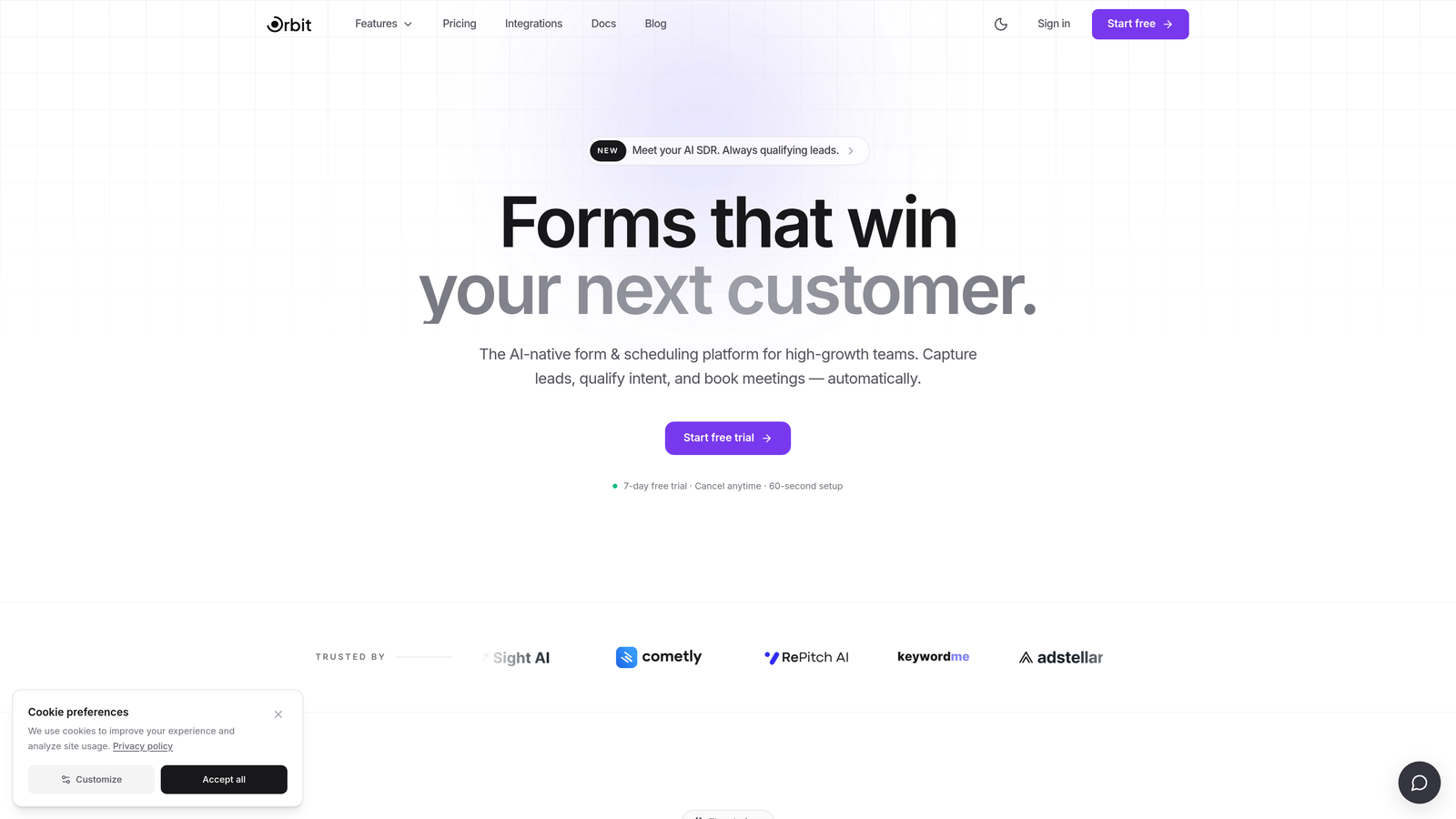
Orbit AI is an AI-powered form builder with built-in lead qualification and routing logic that works before a lead ever reaches your CRM.
Where This Tool Shines
Most routing platforms operate downstream — they wait for a lead to land in your CRM and then decide where it goes. Orbit AI flips that model. Qualification and routing happen at the form layer itself, in real time, based on how a prospect answers your questions. That means your CRM only receives leads that are already scored, segmented, and assigned.
For inbound-heavy teams running high-volume campaigns, this upstream approach eliminates a lot of noise. Instead of flooding your CRM with raw, unqualified submissions and relying on workflow rules to sort them out, you start the routing process at the exact moment of intent.
Key Features
AI-Driven Lead Qualification: Qualification logic triggers in real time based on form responses, scoring leads as they complete the form.
Conditional Routing Logic: Routes leads to different owners, CRM pipelines, or sequences based on specific answers — no manual review needed.
Conversion-Optimized Form Design: Built for high-growth inbound campaigns, with modern UX that reduces drop-off and increases completion rates.
Native CRM Integrations: Connects with major CRMs and sales tools so routed leads flow directly into the right place without middleware.
Built-In Lead Scoring: Scoring happens at the form layer, eliminating the need for a separate scoring tool downstream.
Best For
Growth teams, demand gen marketers, and RevOps professionals whose conversion problem starts at the top of the funnel. If your biggest gap is unqualified leads hitting your CRM or reps spending time triaging raw submissions, Orbit AI addresses the root cause rather than patching it downstream.
Pricing
Visit orbitforms.ai for current plan details. Free options are available to get started.
2. LeanData
Best for: Enterprise RevOps teams managing complex Salesforce routing logic
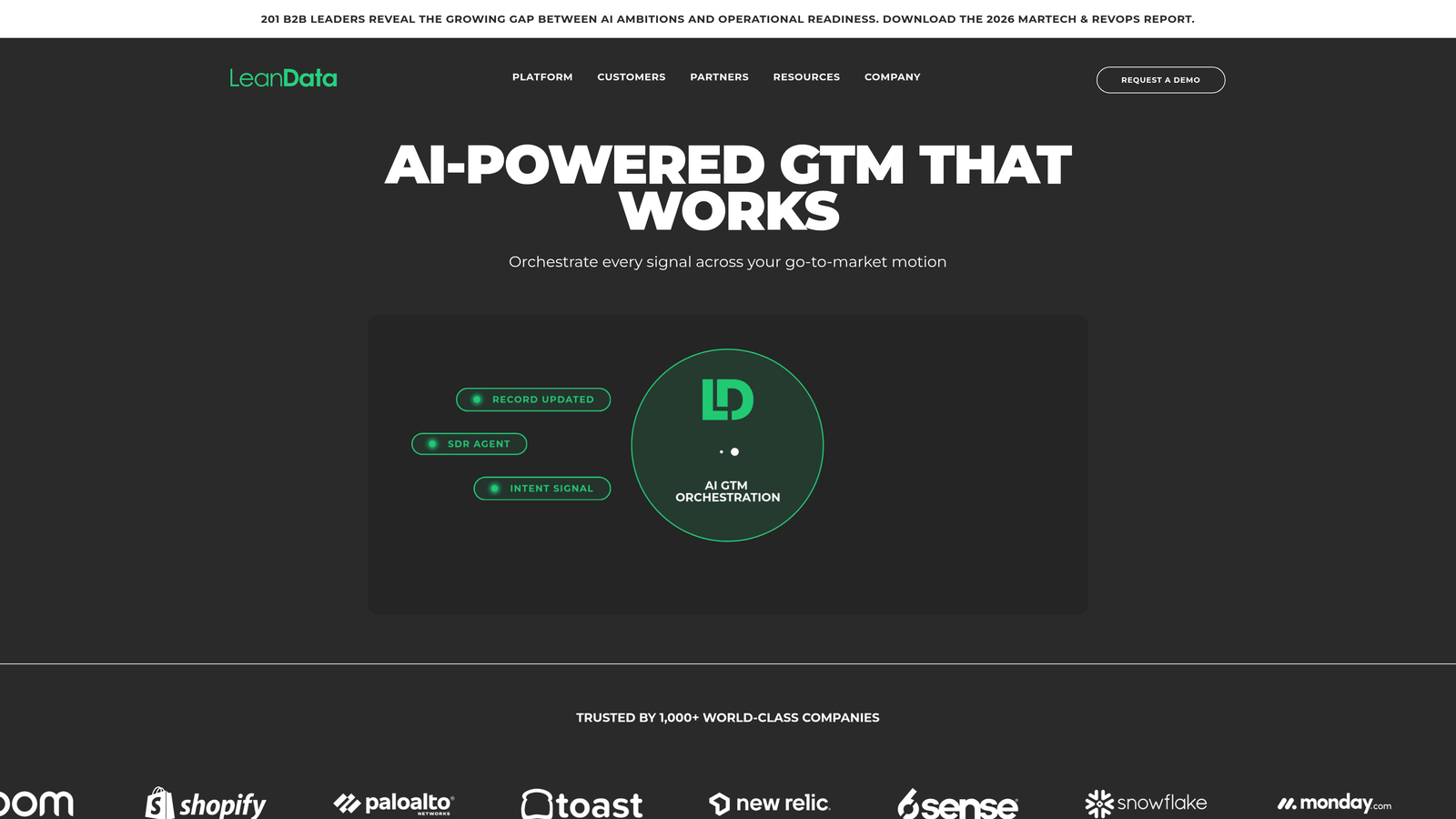
LeanData is an enterprise-grade lead routing and matching platform built natively for Salesforce, with a visual flowchart builder for complex assignment rules.
Where This Tool Shines
LeanData's core strength is its visual FlowBuilder, which lets RevOps teams map out sophisticated routing logic graphically without writing code. For organizations managing large rep pools, multi-region territories, and account-based sales motions, this visual approach makes it much easier to document, audit, and adjust routing rules over time.
The account-based matching capability is particularly valuable. Rather than routing a lead in isolation, LeanData checks whether the lead's company is already an active account in Salesforce and routes accordingly — keeping account ownership intact and avoiding the chaos of multiple reps touching the same account.
Key Features
Visual FlowBuilder: Map routing logic graphically without code — ideal for complex, multi-condition assignment rules.
Account-Based Matching: Automatically routes leads to the correct existing account owner in Salesforce.
Flexible Assignment Rules: Supports round-robin, territory-based, and ownership-based routing configurations.
Salesforce-Native Architecture: Deep integration means routing data lives inside Salesforce alongside your existing records.
Routing Performance Reporting: Tracks SLA compliance and routing outcomes so you can identify where leads are falling through.
Best For
Enterprise sales organizations running Salesforce with complex territory structures, large rep teams, or account-based go-to-market motions. Less suited for teams not on Salesforce or those looking for a lightweight, quick-to-implement solution.
Pricing
Custom enterprise pricing. Contact LeanData directly for a quote — this is a higher-tier investment typically suited to mid-market and enterprise budgets.
3. Chili Piper
Best for: B2B teams who want routing and meeting scheduling to happen in one motion
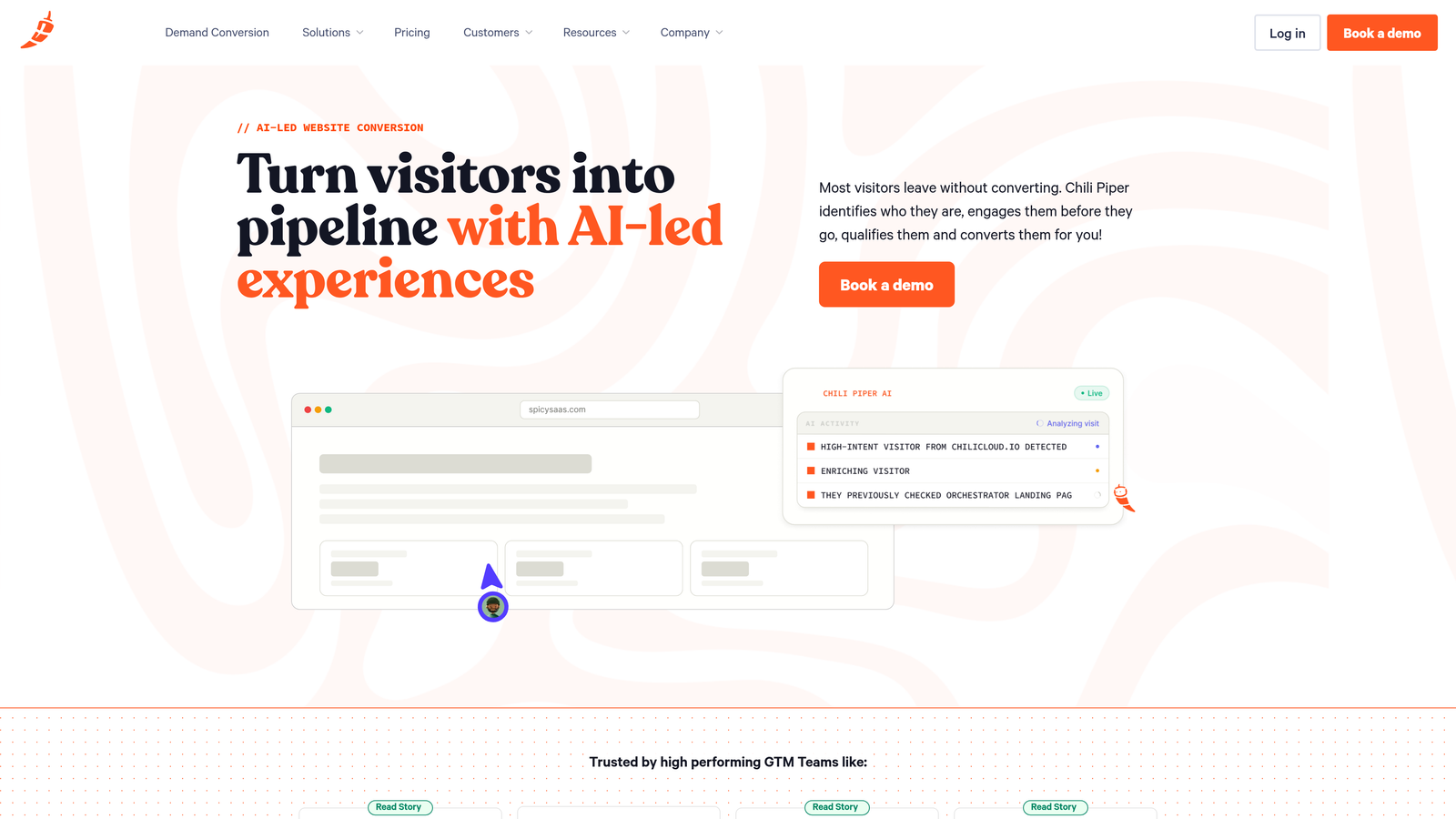
Chili Piper is an inbound conversion platform that combines lead routing with instant calendar scheduling, so qualified leads book meetings the moment they submit a form.
Where This Tool Shines
The key differentiator here is the combination of routing and scheduling in a single workflow. Most routing platforms hand off a lead to a rep and stop there. Chili Piper goes one step further: after routing, the lead is immediately presented with the assigned rep's calendar and can book a meeting on the spot. That compression of the qualification-to-meeting timeline is where teams see the most impact.
The Concierge product handles both routing and scheduling in one motion post-form-submit, which makes it particularly effective for high-intent inbound campaigns where speed-to-meeting is the primary conversion metric.
Key Features
Instant Booker: Leads can book a meeting immediately after form submission, while intent is highest.
Concierge Product: Routes and schedules in a single, seamless post-form experience.
Flexible Routing Rules: Supports round-robin and ownership-based assignment alongside scheduling logic.
CRM Integrations: Connects with Salesforce, HubSpot, and major form tools for downstream data sync.
Real-Time Qualification: Applies qualification logic before the scheduling step to filter out low-fit leads.
Best For
B2B SaaS and services teams where the primary conversion goal is a booked meeting, not just a routed lead. Teams with smaller budgets have noted the per-seat pricing can add up — worth evaluating against your average deal size and meeting volume.
Pricing
Per-seat monthly pricing; the Concierge product is priced separately. Check chilipiper.com for current rates.
4. Salesforce Flows (with Lead Assignment Rules)
Best for: Salesforce customers who want native routing without additional licensing costs
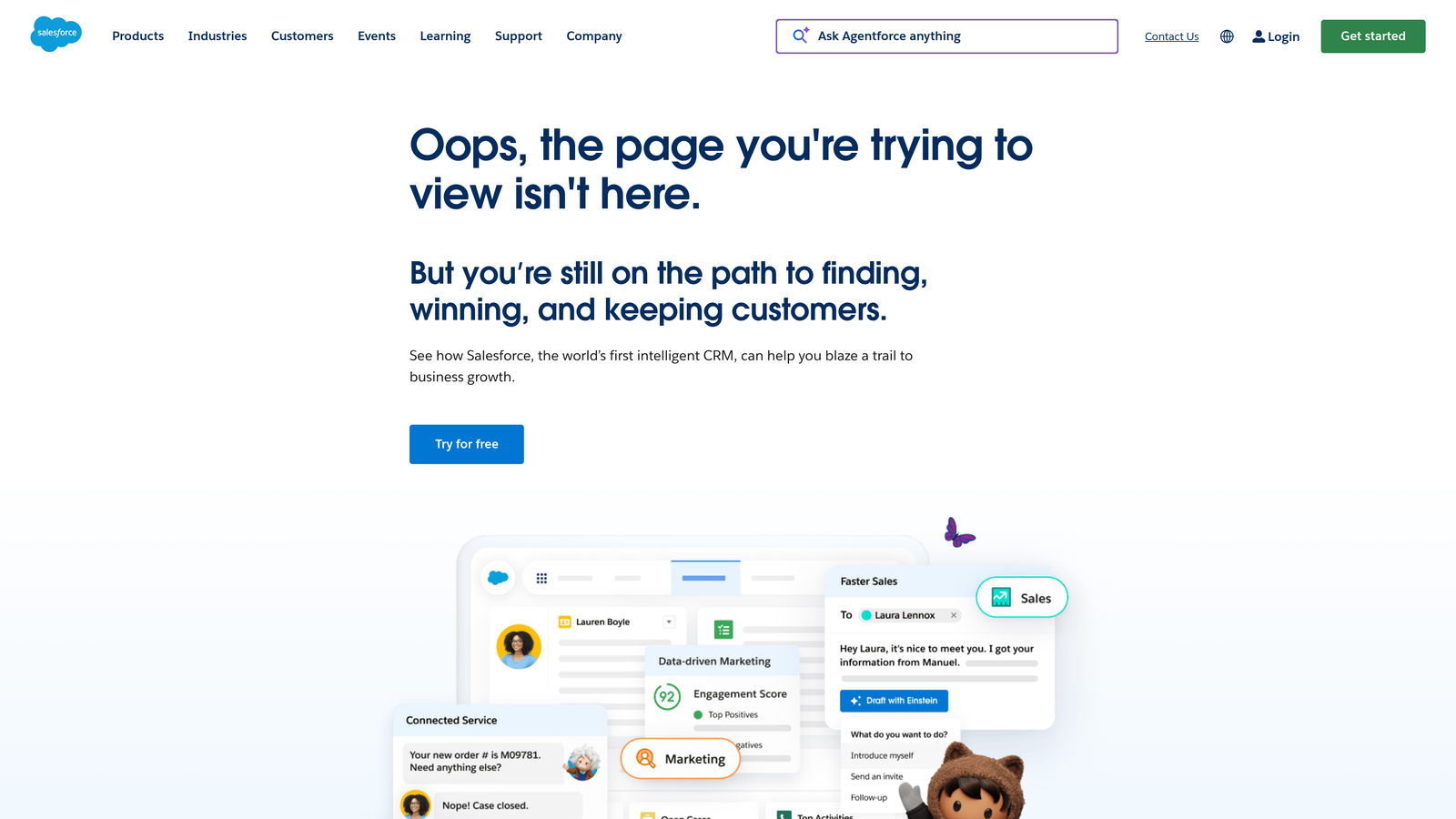
Salesforce Flows is a native automation tool that handles lead routing and assignment without requiring a third-party platform.
Where This Tool Shines
If your team is already on Salesforce, Flows represents a powerful zero-incremental-cost option for building routing logic. You can create rule-based lead assignment by geography, industry, company size, or any custom field — and the Flow Builder enables multi-step conditional logic that goes well beyond basic assignment rules.
The tradeoff is that configuring Flows well requires Salesforce admin expertise. It is not a plug-and-play solution, and organizations without a dedicated Salesforce admin often find the setup time significant. But for teams with that resource, it is a highly capable and deeply integrated option.
Key Features
Fully Native: No additional licensing cost for existing Salesforce customers — routing lives inside your existing platform.
Rule-Based Assignment: Route leads by geography, industry, company size, or any custom Salesforce field.
Flow Builder: Build complex multi-step routing logic with a visual, no-code interface inside Salesforce.
Universal Triggers: Flows can trigger on any Salesforce object or event, not just lead creation.
Full Ecosystem Access: Routing connects directly to Salesforce's automation, reporting, and AI capabilities.
Best For
Salesforce-native organizations with an admin or RevOps resource available to configure and maintain routing logic. Not recommended as a standalone purchase — the value is in extending what you already own.
Pricing
Included with Salesforce licenses, though specific capabilities vary by edition. No separate purchase required for most routing use cases.
5. HubSpot Workflows
Best for: HubSpot-native teams building routing and follow-up automation in one platform
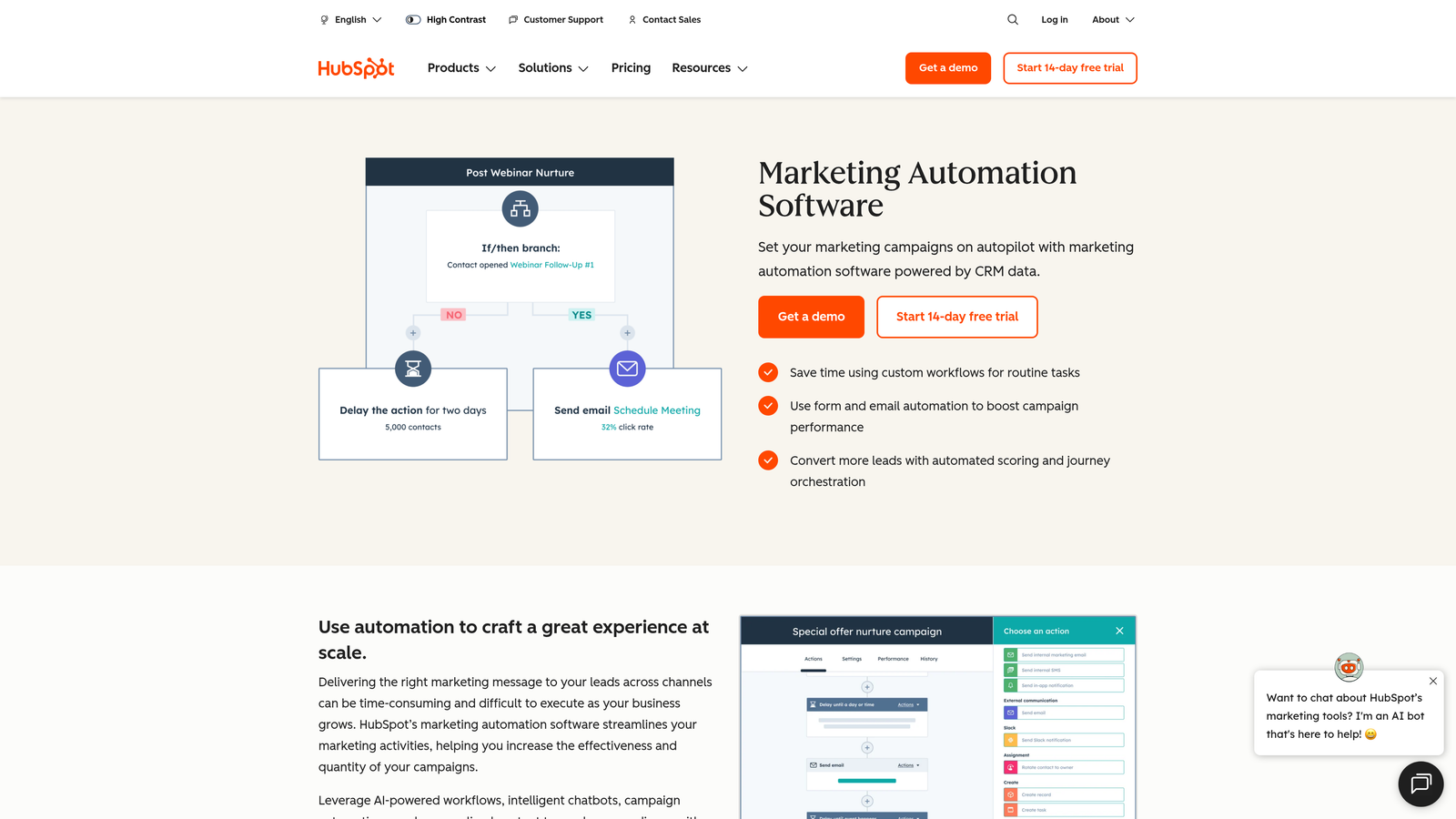
HubSpot Workflows is the native automation and routing engine within HubSpot CRM, enabling lead assignment and follow-up sequences based on contact properties and form submissions.
Where This Tool Shines
For teams already running HubSpot, Workflows provides a cohesive way to handle routing without adding a separate tool. You can route leads based on lifecycle stage, form submission data, company properties, or any contact attribute — and trigger internal notifications, enrollment in sequences, and CRM updates all within the same workflow.
The routing sophistication scales with your HubSpot tier. Teams on Professional or above get the conditional branching and advanced logic needed for meaningful segmentation. It is not as purpose-built for complex routing as LeanData, but for the majority of inbound routing use cases it covers the ground well.
Key Features
Visual Workflow Builder: Conditional branching enables routing logic based on multiple lead attributes simultaneously.
Flexible Routing Triggers: Route based on lifecycle stage, form submission source, contact properties, or custom data.
Auto-Assignment: Assign contact owners from a rotation or by specific rule with no manual intervention.
Integrated Notifications and Sequences: Routing triggers rep alerts and prospect follow-up sequences in the same workflow.
Native Reporting: Routing performance is visible inside HubSpot's existing analytics and attribution tools.
Best For
Teams already invested in the HubSpot ecosystem who want a single-platform approach to routing and automation. Teams on HubSpot Starter will find routing capabilities limited — Professional tier is where this becomes genuinely useful.
Pricing
Included in HubSpot Marketing Hub Professional and above. Check HubSpot's current pricing page for tier details.
6. Zapier
Best for: Teams needing flexible, no-code routing across tools that don't natively connect
Zapier is a no-code automation platform widely used to build custom lead routing workflows by connecting forms, CRMs, and notification tools with conditional logic.
Where This Tool Shines
Zapier is not purpose-built for lead routing, but its flexibility makes it a practical choice for teams with non-standard tool stacks. The Paths feature enables conditional routing — send a lead one direction if they selected "Enterprise" on your form, another direction if they selected "Startup." That logic can route to different CRM pipelines, Slack channels, email sequences, or any combination thereof.
The real advantage is breadth. With connections to thousands of apps, Zapier can stitch together routing workflows that no single purpose-built tool would support natively. The tradeoff is that complex routing can become difficult to maintain as your Zap library grows.
Key Features
Paths (Conditional Logic): Route leads to different destinations based on form data, CRM fields, or any trigger condition.
Massive App Ecosystem: Connects thousands of tools — route leads from virtually any form to virtually any CRM or notification system.
No-Code Setup: Accessible to non-technical team members without developer involvement.
Filters and Formatters: Clean, qualify, and transform lead data mid-route before it reaches its destination.
Freemium Entry Point: Low barrier to start testing routing workflows before committing to a paid plan.
Best For
Smaller teams, early-stage companies, or anyone needing to connect tools that lack native integrations. As routing complexity grows, purpose-built platforms typically become more maintainable and reliable.
Pricing
Free plan available; paid plans scale by task volume. See zapier.com for current tier details.
7. Metadata.io
Best for: Demand gen teams routing leads captured from paid media with intent data enrichment
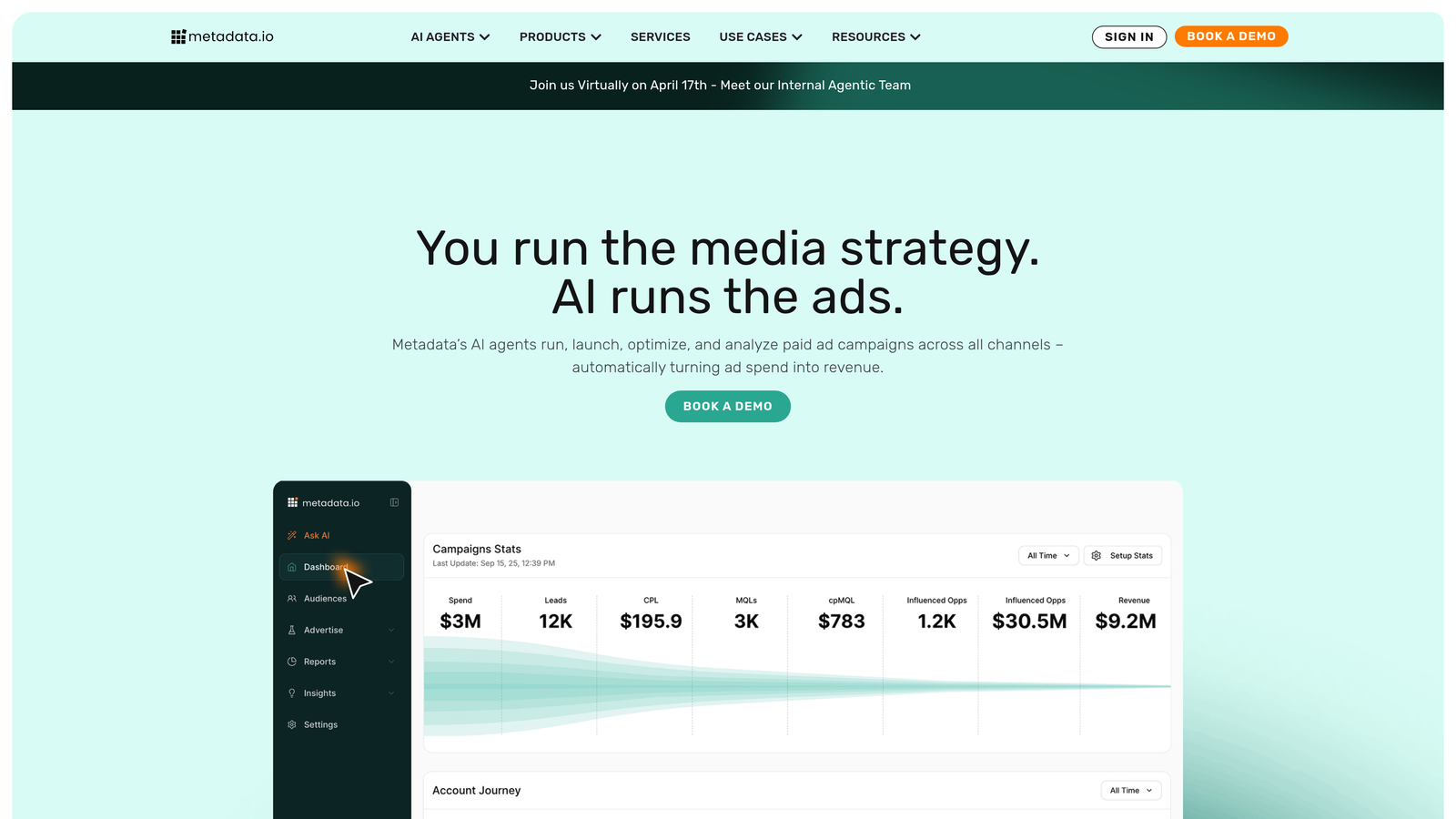
Metadata.io is a demand generation platform that routes and enriches leads captured from paid media campaigns, layering intent data into the routing decision.
Where This Tool Shines
Metadata.io occupies a unique position in this list: it is not primarily a routing tool, but routing is deeply embedded in how it operates. Leads captured from LinkedIn, Facebook, and programmatic campaigns are enriched with intent data before routing decisions are made. That means your reps are not just receiving a lead — they are receiving context about what that lead has been researching and how likely they are to convert.
For teams running significant paid media budgets, consolidating campaign management and lead routing in one platform reduces handoff friction and ties routing outcomes directly to campaign performance data.
Key Features
Paid Media Lead Routing: Routes leads from LinkedIn, Facebook, and programmatic channels with campaign context intact.
Intent Data Enrichment: Enriches leads with intent signals before routing, informing priority and rep assignment.
Unified Platform: Audience targeting and lead routing managed in one place, reducing tool fragmentation.
CRM Integrations: Connects with Salesforce and HubSpot for downstream routing and pipeline management.
Campaign-Level Reporting: Ties routing and pipeline outcomes back to specific campaigns for full-funnel attribution.
Best For
B2B demand generation teams with meaningful paid media spend who want routing decisions informed by intent data. Less relevant for teams whose lead volume comes primarily from organic or outbound sources.
Pricing
Custom pricing. Contact Metadata.io directly for details — this is a platform-level investment suited to teams with established paid media programs.
8. Clearbit (via HubSpot)
Best for: ABM teams who want to route leads based on firmographic data without requiring self-identification
Clearbit is a firmographic enrichment tool now integrated into HubSpot that enables enrichment-triggered routing — routing leads based on company data without requiring them to self-report it.
Where This Tool Shines
The core concept here is enrichment-triggered routing. Rather than asking a lead "How large is your company?" and routing based on their answer, Clearbit identifies the company automatically at the moment of form submission and populates firmographic data — company size, industry, tech stack, and more — before the lead hits your CRM. Your routing rules then fire based on verified data, not self-reported inputs.
For ABM-focused teams, this is significant. You can route a lead to enterprise sales automatically when Clearbit identifies the company as having over 1,000 employees, without the lead ever filling in a company size field. Shorter forms, richer routing data.
Key Features
Real-Time Enrichment: Company and contact data populated at the moment of form submission, before routing occurs.
Firmographic Routing Triggers: Route based on company size, industry, or tech stack without relying on self-reported form answers.
Form Shortening: Fewer required fields needed when enrichment fills the gaps — reduces form friction and improves completion rates.
HubSpot-Native Integration: Works directly within HubSpot workflows post-acquisition for seamless routing automation.
ABM-Ready: Ideal for routing by account profile and fit score rather than behavioral signals alone.
Best For
ABM teams and enterprise-focused sales organizations using HubSpot who want routing decisions grounded in verified company data. Most useful when combined with HubSpot Workflows for the actual routing execution.
Pricing
Now part of the HubSpot ecosystem — pricing is tied to HubSpot plans. Check HubSpot's current offering for Clearbit enrichment access.
9. Tray.io
Best for: Technical RevOps teams building multi-system routing automation across complex stacks
Tray.io is an enterprise low-code integration platform used by technical RevOps teams to build sophisticated, multi-step lead routing automation across complex technology stacks.
Where This Tool Shines
Think of Tray.io as Zapier's more powerful, enterprise-grade counterpart. Where Zapier excels at simple point-to-point routing, Tray handles scenarios where a lead needs to touch multiple systems, pass through data transformation logic, and trigger conditional actions across CRMs, marketing automation platforms, and data warehouses simultaneously.
The platform's API-first architecture means it can connect to virtually any tool in your stack, and its enterprise-grade error handling ensures that high-volume lead flows don't break silently. For organizations where routing failures have real revenue consequences, that reliability matters.
Key Features
Advanced Conditional Logic: Low-code workflow builder handles complex multi-condition routing scenarios that simpler tools cannot support.
Multi-System Routing: Routes leads across CRM, marketing automation, and data warehouse systems in a single workflow.
Enterprise Reliability: Built-in error handling and monitoring for high-volume lead flows where failures are costly.
API-First Architecture: Connects to virtually any platform, including custom-built internal tools.
Audit Trail and Compliance: Full routing history and monitoring for teams with compliance or governance requirements.
Best For
Technical RevOps and engineering teams at mid-market to enterprise companies with complex, multi-system routing requirements. The learning curve is steeper than consumer-grade automation tools — this is a platform for teams who have outgrown simpler solutions.
Pricing
Custom enterprise pricing. Contact Tray.io directly for a quote based on your volume and use case.
Which Platform Is Right for Your Team?
The honest answer is that the best automated lead routing platform is the one that addresses your actual bottleneck — not the most feature-rich option on this list.
Here is a quick way to think through the decision. If your biggest problem is unqualified leads flooding your CRM and reps wasting time on poor-fit submissions, the gap is at the form layer. That is where Orbit AI operates — qualifying and routing before a lead ever hits your pipeline, so your CRM only receives leads that are already scored and assigned.
If you are on Salesforce managing a large rep pool with complex territory rules, LeanData is the purpose-built choice. If booking meetings fast is the primary conversion metric, Chili Piper's routing-plus-scheduling combination is hard to beat. For teams already inside HubSpot or Salesforce who want to avoid adding another tool, the native Workflows and Flows options cover most standard routing needs without incremental cost.
For ABM teams who want routing decisions based on verified firmographic data rather than self-reported answers, the Clearbit-HubSpot combination is worth exploring. And for technical RevOps teams managing genuinely complex, multi-system routing across large stacks, Tray.io provides the reliability and flexibility that simpler automation tools cannot match.
Before you choose a platform, audit where leads are actually falling through. Map the journey from form submission to rep assignment and identify the specific step where delay or misrouting occurs. That diagnosis will point you toward the right layer of the stack to fix.
If the gap is at the top of the funnel, start your free trial today and see how intelligent form design and built-in qualification logic can transform your lead routing from the point of first contact.


