

Your forms are leaving money on the table. The average website form converts at just 2-3%, but the right conversion-optimized form tool can double or triple that rate. The difference isn't luck—it's smart design, strategic friction reduction, and AI-powered optimization working together.
We've tested dozens of form builders to find the ones that actually move the needle on conversions. Whether you're capturing leads, qualifying prospects, or booking demos, these nine tools represent the best options for teams serious about turning form visitors into customers.
1. Orbit AI
Best for: High-growth teams needing intelligent lead qualification with conversion-optimized forms
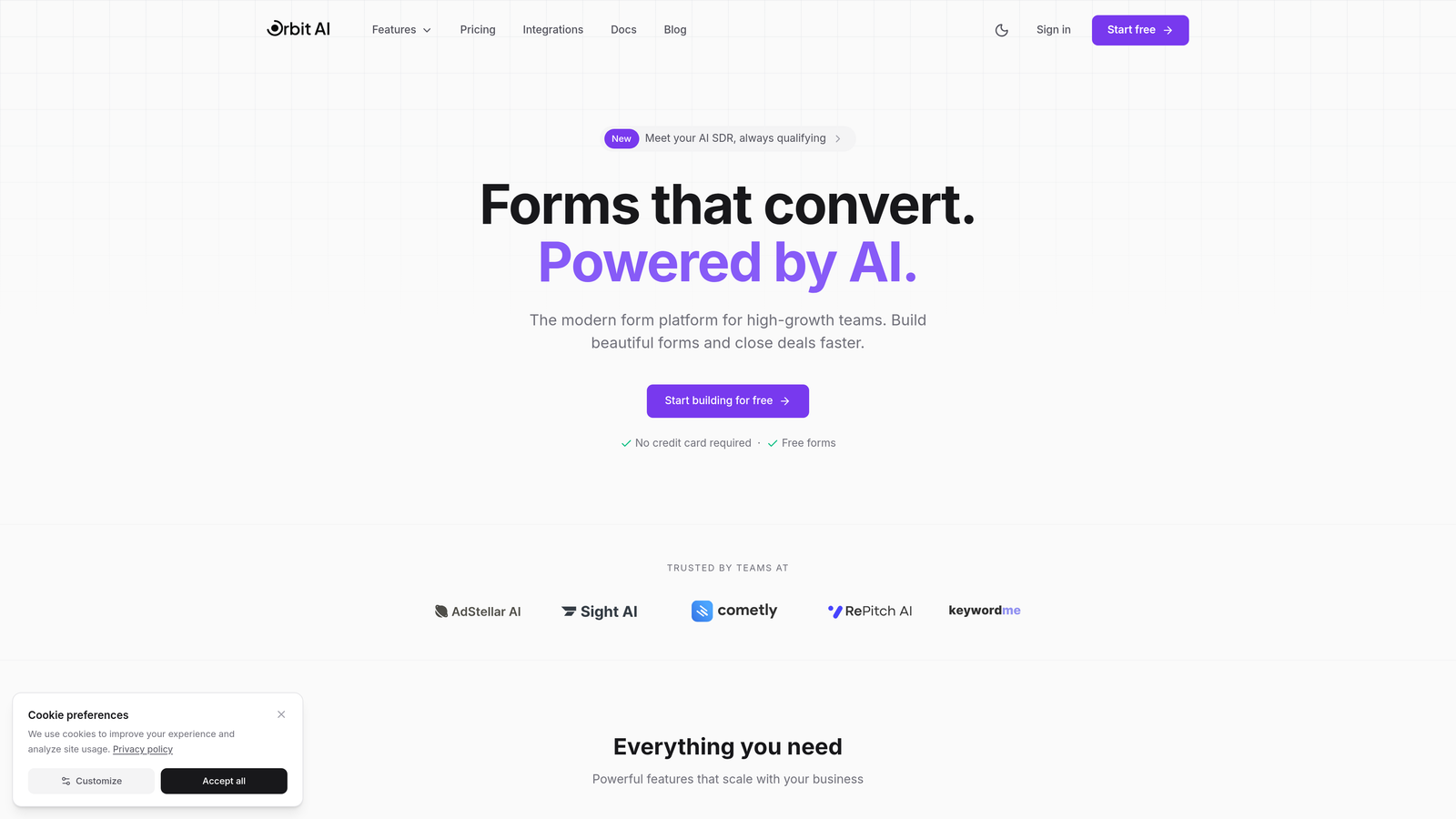
Orbit AI is an AI-powered form builder designed specifically for teams that need more than just data collection—they need qualified leads.
Where This Tool Shines
What sets Orbit AI apart is its intelligent approach to lead qualification. While most form builders simply collect information, Orbit AI actively scores and qualifies leads as they complete your forms, automatically routing high-value prospects to your sales team.
The platform combines beautiful, conversion-optimized design with smart branching logic that adapts based on responses. This means each prospect gets a personalized experience that feels natural while your team gets the qualified leads they need.
Key Features
AI-Powered Lead Qualification: Automatically scores and qualifies leads based on their responses, saving your team hours of manual review.
Multi-Step Forms with Intelligent Branching: Create dynamic forms that adapt to user responses, showing relevant questions while hiding unnecessary ones.
Native Workflow Automation: Build automated sequences that trigger based on form submissions and lead scores, keeping prospects engaged.
Deep CRM Integrations: Seamlessly connect with HubSpot, Salesforce, and Pipedrive to sync qualified leads directly into your sales pipeline.
Conversion-Optimized Templates: Start with professionally designed templates built on conversion best practices, then customize to match your brand.
Best For
Orbit AI is ideal for B2B companies, SaaS businesses, and agencies that need to qualify leads at scale. If your sales team wastes time on unqualified prospects, or if you're looking to automate lead scoring without sacrificing the human touch, this platform delivers.
Pricing
Free tier available for getting started. Paid plans begin at $29/month, making it accessible for growing teams while scaling with enterprise needs.
2. Typeform
Best for: Creating engaging, conversational form experiences with high completion rates
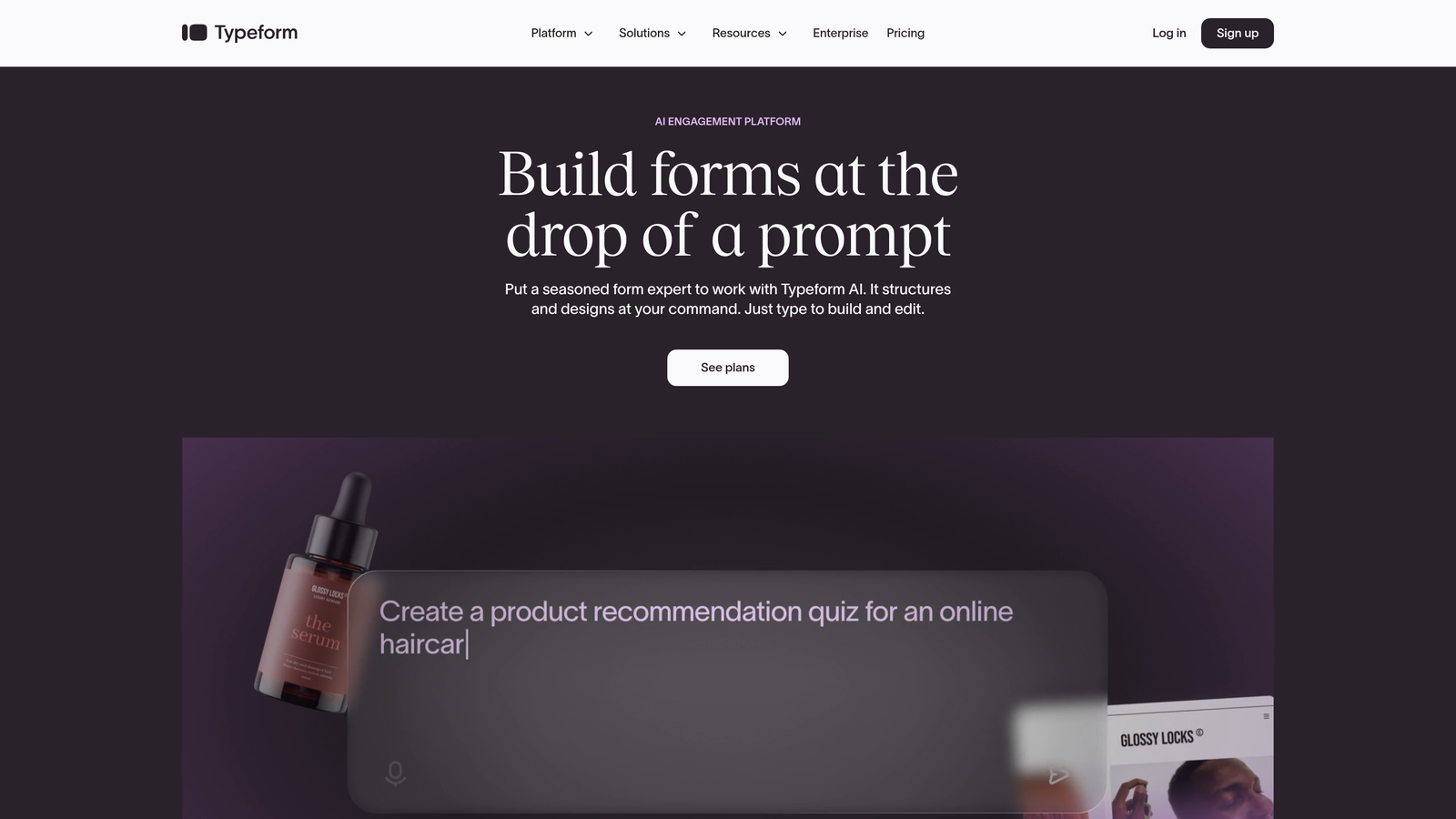
Typeform is a conversational form builder that pioneered the one-question-at-a-time interface now widely recognized for boosting engagement.
Where This Tool Shines
Typeform's signature approach reduces cognitive load by presenting questions sequentially rather than overwhelming users with a long form. This psychological trick significantly improves completion rates, especially for longer surveys or detailed lead capture forms.
The platform's design-first philosophy means every form looks polished and professional out of the box. Smooth transitions, thoughtful animations, and mobile-optimized layouts create an experience that feels less like "filling out a form" and more like having a conversation.
Key Features
Conversational Interface: One-question-at-a-time format that keeps users focused and reduces form abandonment.
Beautiful Design Templates: Professionally designed templates that you can customize with your brand colors, fonts, and images.
Logic Jumps and Branching: Show or hide questions based on previous answers to create personalized form paths.
Rich Media Integration: Embed videos, images, and GIFs to make forms more engaging and interactive.
Analytics Dashboard: Track completion rates, drop-off points, and response patterns to optimize form performance.
Best For
Marketing teams, customer experience professionals, and businesses focused on brand presentation will appreciate Typeform's design-centric approach. It's particularly effective for surveys, feedback collection, and lead generation where user experience matters as much as data collection.
Pricing
Free tier available with basic features. Basic plan starts at $25/month, with higher tiers offering advanced logic, payment collection, and priority support.
3. Jotform
Best for: Teams needing extensive customization options and industry-specific form templates
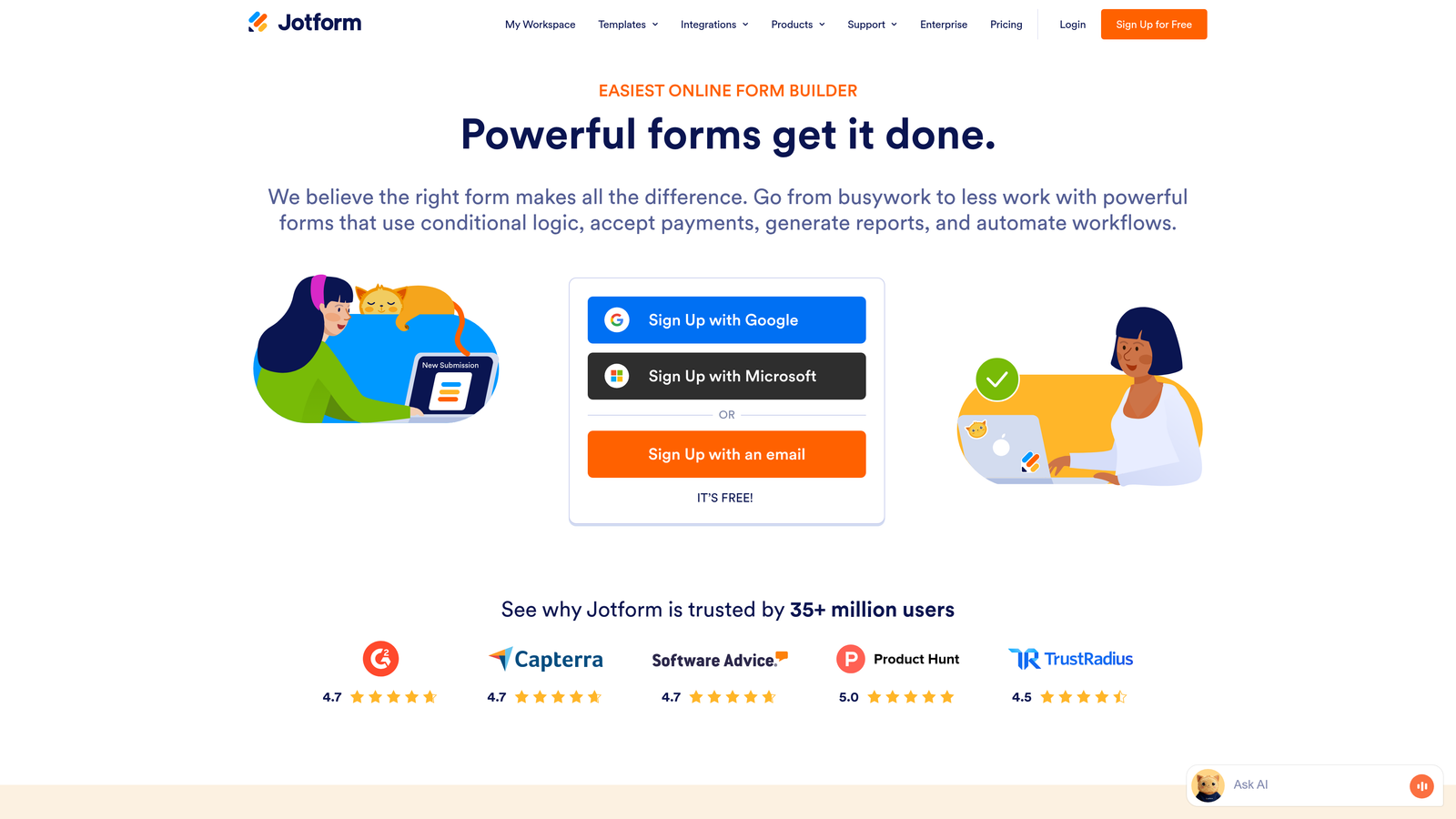
Jotform is a feature-rich form builder offering one of the largest template libraries in the industry with deep customization capabilities.
Where This Tool Shines
With over 10,000 templates covering virtually every use case imaginable, Jotform eliminates the blank-page problem. Whether you're building a medical intake form, event registration, or complex application, there's likely a template that gets you 80% of the way there.
The platform's strength lies in its flexibility. Advanced conditional logic, calculation fields, and widget integrations let you build sophisticated forms without writing code. For teams with compliance requirements, Jotform offers HIPAA-compliant options—a critical feature for healthcare and legal industries.
Key Features
10,000+ Form Templates: Industry-specific templates for healthcare, education, business, events, and more.
Advanced Conditional Logic: Create complex form flows with show/hide rules, calculations, and dynamic field updates.
Payment Processing: Accept payments through 30+ payment gateways including Stripe, PayPal, and Square.
HIPAA Compliance: Business and Enterprise plans offer HIPAA-compliant forms for protected health information.
Extensive Widget Library: Add functionality with widgets for signatures, file uploads, appointment booking, and more.
Best For
Organizations with complex form requirements, regulated industries needing compliance features, and teams that value having extensive customization options. Jotform works well for businesses that need one platform to handle diverse form types across departments.
Pricing
Free tier includes up to 5 forms with 100 monthly submissions. Bronze plan starts at $34/month, with higher tiers offering unlimited forms and advanced features.
4. Unbounce Smart Builder
Best for: Marketing teams running paid campaigns who need landing pages and forms in one platform
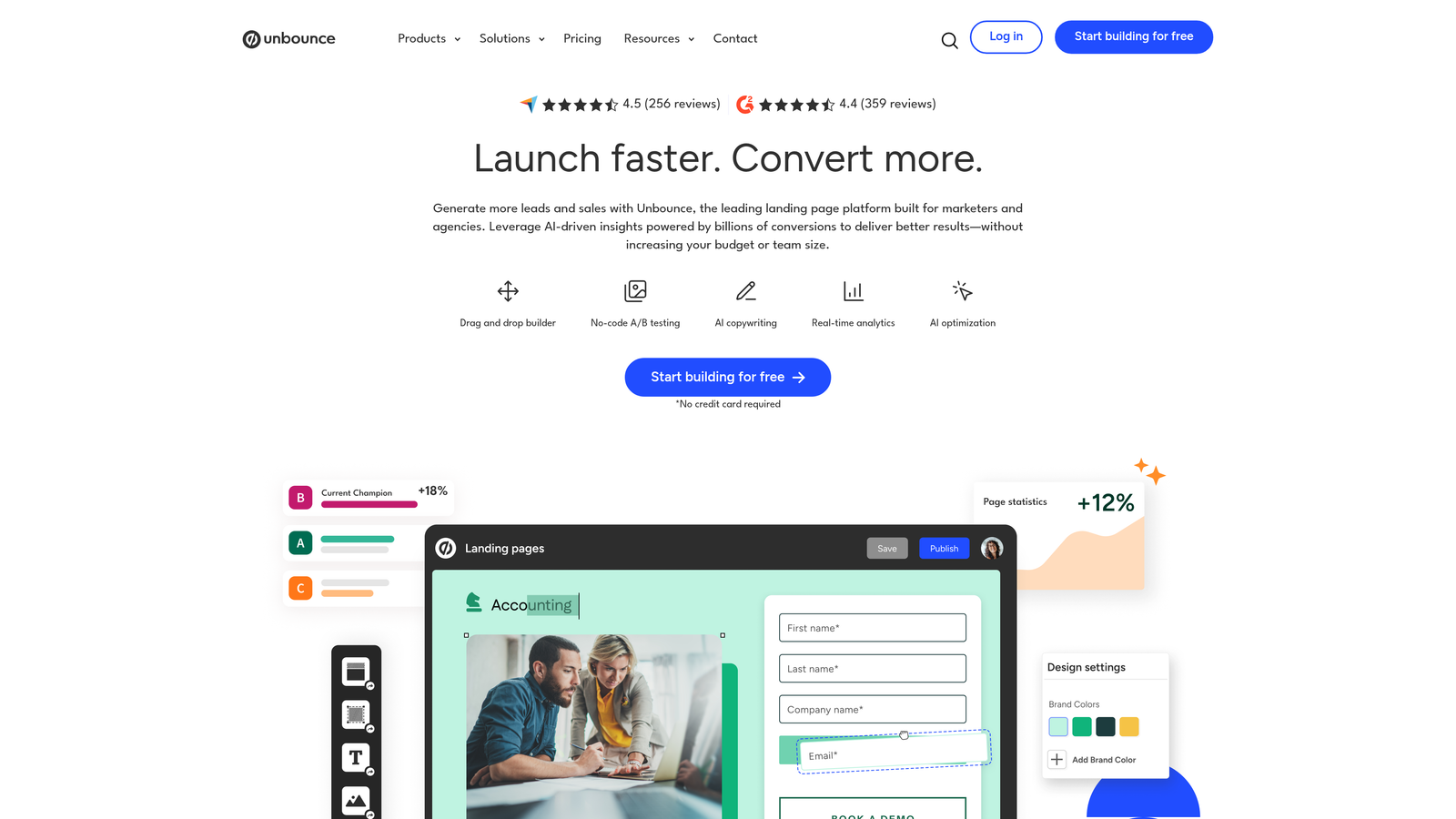
Unbounce is a landing page and form builder that leverages AI to optimize conversion rates automatically.
Where This Tool Shines
Unbounce's Smart Builder uses AI to analyze your landing page and form design, offering real-time recommendations for improving conversion rates. This AI-powered approach takes the guesswork out of optimization, particularly valuable for teams without dedicated conversion rate optimization specialists.
The platform's Smart Traffic feature automatically routes visitors to the landing page variant most likely to convert them based on their characteristics. This goes beyond traditional A/B testing by using machine learning to match visitors with the best-performing version in real-time.
Key Features
AI-Powered Optimization: Get real-time conversion recommendations based on industry best practices and your specific design.
Built-In A/B Testing: Test different form layouts, copy, and designs to identify what drives the highest conversion rates.
Landing Page + Form Integration: Build complete conversion experiences without switching between tools or dealing with embed codes.
Smart Traffic: Automatically optimize traffic distribution across variants using machine learning.
Drag-and-Drop Builder: Create professional landing pages and forms without coding knowledge.
Best For
Marketing teams running paid advertising campaigns, agencies managing multiple client accounts, and businesses focused on maximizing ROI from traffic. If you're spending money on ads, Unbounce's integrated approach ensures your landing pages and forms work together to convert that traffic.
Pricing
Launch plan starts at $99/month. Higher tiers offer additional features like AMP pages, unlimited A/B tests, and Smart Traffic for all landing pages.
5. Leadformly
Best for: B2B companies focused on lead generation with multi-step form strategies
Leadformly is a conversion-focused form builder specifically designed around multi-step form best practices.
Where This Tool Shines
Leadformly was built from the ground up with one goal: maximizing form conversion rates. The platform's templates incorporate proven conversion principles like progress indicators, micro-commitments, and strategic question ordering that keeps users moving forward.
The analytics dashboard goes beyond basic completion rates to show you exactly where users drop off and why. This granular insight lets you identify friction points and optimize accordingly, turning form analytics into actionable improvements.
Key Features
Multi-Step Form Design: Break long forms into digestible steps that reduce perceived complexity and improve completion rates.
Conversion-Optimized Templates: Start with templates built on conversion research and best practices from thousands of form tests.
Detailed Analytics: Track drop-off points, completion times, and field-level engagement to identify optimization opportunities.
A/B Testing: Test different form variations to continuously improve conversion performance.
CRM Integrations: Connect with major CRM platforms to automatically sync form submissions into your sales pipeline.
Best For
B2B sales teams, lead generation agencies, and companies with longer sales cycles where form quality matters more than quantity. If you're capturing detailed lead information and need forms that don't scare prospects away, Leadformly's approach delivers.
Pricing
Essential plan starts at $37/month. Professional and Agency tiers offer unlimited forms, priority support, and white-label options.
6. Paperform
Best for: Creating document-style forms that blend content and data collection seamlessly
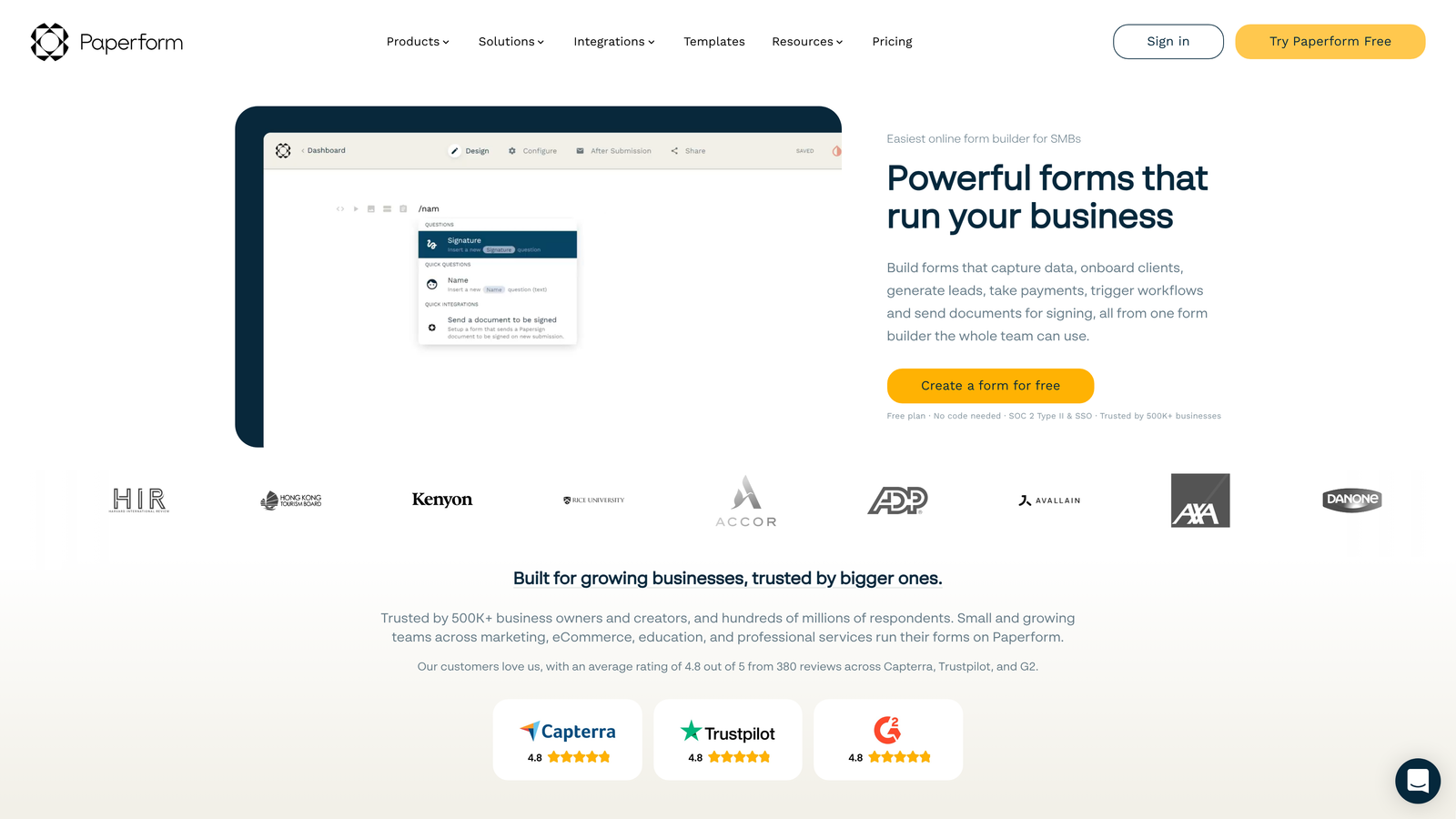
Paperform is a unique form builder that approaches forms like documents, letting you mix text, images, and form fields naturally.
Where This Tool Shines
Paperform's document-style interface feels less like a traditional form and more like an interactive webpage. You can write paragraphs of context, add images between questions, and create a narrative flow that guides users through the form experience.
This approach works particularly well for applications, registrations, and bookings where you need to provide information alongside collecting it. The ability to embed payment processing directly into the form experience makes it ideal for selling products, accepting donations, or processing event registrations without redirecting users.
Key Features
Document-Style Interface: Create forms that read like documents, with text, images, and form fields flowing naturally together.
Built-In Payment Processing: Accept payments through Stripe or PayPal without external integrations or complicated setup.
Conditional Logic and Calculations: Show or hide sections based on responses and perform calculations for quotes, pricing, or scoring.
Custom Branding: Fully customize colors, fonts, and themes to match your brand identity.
Product Builder: Create order forms with product catalogs, variants, and quantity selectors.
Best For
Service businesses, event organizers, and teams that need to collect payments alongside form submissions. Paperform excels when you need to provide context or explanation within the form itself, making it ideal for applications, registrations, and booking systems.
Pricing
Essentials plan starts at $24/month. Higher tiers offer additional submissions, priority support, and advanced features like partial submissions and priority support.
7. Formstack
Best for: Enterprise organizations requiring advanced compliance and workflow automation
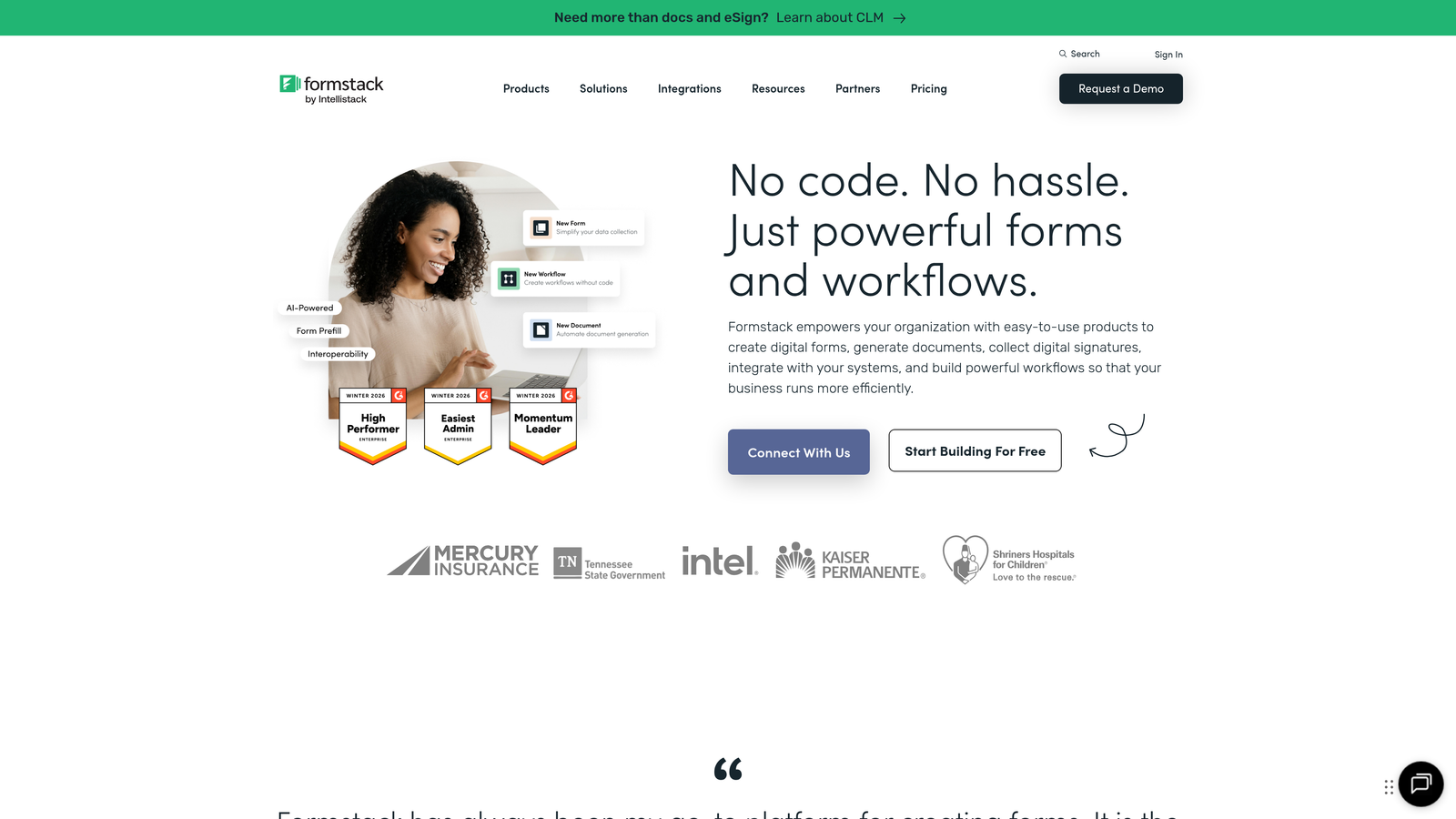
Formstack is an enterprise-grade form builder with robust security, compliance features, and workflow automation capabilities.
Where This Tool Shines
Formstack was built for organizations with serious compliance requirements. HIPAA, GDPR, and SOC 2 compliance come standard, along with enterprise security features like SSO, advanced encryption, and detailed audit trails.
The platform's workflow automation goes far beyond simple email notifications. You can build complex approval processes, route submissions to different teams based on criteria, and trigger multi-step workflows that integrate with your existing business systems. For large organizations managing forms across departments, Formstack's governance and permission controls ensure consistency without sacrificing flexibility.
Key Features
Advanced Workflow Automation: Build sophisticated approval processes and multi-step workflows that integrate with your business systems.
Enterprise Compliance: HIPAA, GDPR, and SOC 2 compliance with advanced security features and audit trails.
Electronic Signatures: Collect legally binding signatures directly within forms without third-party tools.
Powerful Conditional Logic: Create complex form flows with advanced show/hide rules and dynamic field updates.
Team Collaboration: Manage permissions, share templates, and maintain brand consistency across departments.
Best For
Healthcare organizations, financial services, government agencies, and large enterprises with strict compliance requirements. If your forms handle sensitive data or require complex approval workflows, Formstack provides the security and control enterprise teams need.
Pricing
Starter plan begins at $50/month. Professional and Enterprise tiers offer advanced features, dedicated support, and custom solutions for large organizations.
8. HubSpot Forms
Best for: HubSpot users needing native CRM integration and marketing automation
HubSpot Forms is the native form builder within HubSpot's marketing platform, offering seamless CRM integration and marketing automation.
Where This Tool Shines
If you're already in the HubSpot ecosystem, HubSpot Forms eliminates integration headaches entirely. Form submissions automatically create or update contact records, trigger workflows, and feed into your marketing automation sequences without any middleware or API connections.
Progressive profiling is where HubSpot Forms truly excels. Instead of asking the same questions repeatedly, the forms remember what they already know about contacts and ask new questions on subsequent visits. This reduces form length while continuously enriching your contact database—a powerful combination for nurturing leads over time.
Key Features
Native HubSpot Integration: Seamlessly sync form submissions with your CRM, creating contacts and triggering workflows automatically.
Progressive Profiling: Automatically show different questions to returning visitors, continuously enriching contact data without repetitive questions.
Smart Content Personalization: Display different form content based on contact properties, lifecycle stage, or list membership.
Built-In Analytics: Track form performance within HubSpot's analytics dashboard alongside your other marketing metrics.
Workflow Triggers: Use form submissions to trigger automated email sequences, task creation, and internal notifications.
Best For
Companies already using HubSpot for CRM or marketing automation. If you're invested in the HubSpot ecosystem, using their native forms ensures data flows seamlessly without technical complications or third-party integrations.
Pricing
Free with HubSpot CRM. Marketing Hub plans start at $45/month, with higher tiers offering advanced features like progressive profiling and smart content.
9. Tally
Best for: Startups and small teams needing unlimited forms on a budget
Tally is a simple, fast form builder with a generous free tier and Notion-like block-based interface.
Where This Tool Shines
Tally's free tier is genuinely impressive—unlimited forms, unlimited submissions, and conditional logic included without paying a cent. For early-stage startups and bootstrapped businesses, this removes the financial barrier to professional form creation entirely.
The Notion-like block-based editor makes form building intuitive for anyone familiar with modern document editors. You simply add blocks for different question types, drag to reorder, and publish. The clean, minimal design ensures your forms look professional without requiring design skills or extensive customization.
Key Features
Unlimited Free Forms: Create as many forms as you need with unlimited submissions on the free plan.
Block-Based Editor: Notion-like interface that makes form building intuitive and fast.
Conditional Logic Included: Show or hide questions based on responses, available even on the free tier.
Clean Design: Minimal, professional-looking forms that work well across devices without customization.
Fast Setup: Get forms live in minutes without complicated configuration or learning curves.
Best For
Startups, solopreneurs, and small teams with limited budgets who still need professional form capabilities. Tally is ideal when you need multiple forms quickly without worrying about hitting submission limits or paying for features you don't use yet.
Pricing
Generous free tier with unlimited forms and submissions. Pro plan starts at $29/month, adding features like custom domains, file uploads, and priority support.
Making the Right Choice
The best conversion-optimized form tool depends on what you're optimizing for. If you need intelligent lead qualification that works automatically, Orbit AI's AI-powered approach eliminates manual scoring and routes high-value prospects directly to sales. For teams prioritizing engagement and completion rates, Typeform's conversational interface consistently delivers higher completion rates than traditional forms.
Enterprise teams with compliance requirements will find Formstack's security features and workflow automation worth the investment, while HubSpot users should leverage their native forms to keep data flowing seamlessly within their existing ecosystem. Agencies managing multiple clients benefit from Unbounce's landing page integration, and startups on tight budgets can build professional forms with Tally's generous free tier.
Consider your primary use case. Lead generation and qualification require different features than event registration or customer feedback. Multi-step forms with branching logic work well for complex lead capture, while simple, fast forms convert better for newsletter signups or content downloads.
Mobile responsiveness isn't optional—check how your forms render on phones before launching. Test your forms yourself by completing them on different devices. If the experience feels clunky on mobile, your conversion rates will suffer regardless of how sophisticated your desktop design looks.
Integration capabilities matter more than you might think. A beautiful form that doesn't sync with your CRM creates manual work and data gaps. Prioritize tools that integrate natively with your existing tech stack, or at minimum offer reliable Zapier connections.
Start with your highest-volume form. Don't try to migrate everything at once. Pick your most important lead capture form, implement it with your chosen tool, and measure the results. If you see conversion improvements, roll out to other forms. If not, adjust your approach before committing further.
Transform your lead generation with AI-powered forms that qualify prospects automatically while delivering the modern, conversion-optimized experience your high-growth team needs. Start your free trial today and see how intelligent form design can elevate your conversion strategy.


