

SaaS companies don't just need forms that collect data—they need intelligent systems that qualify leads, integrate seamlessly with complex tech stacks, and convert at scale. The difference between a basic contact form and a conversion-optimized lead qualification tool can mean the gap between chasing unqualified prospects and closing deals with your ideal customers.
The challenge? Most form builders were designed for general use cases, not the specific demands of high-growth SaaS teams. You need tools that understand your sales process, speak to your CRM, and can route a qualified enterprise lead differently than a free trial signup.
We've evaluated the top form builders based on what matters most to SaaS companies: ease of use, depth of integrations with sales and marketing tools, conversion optimization features, and pricing models that scale with your growth. Here are the best options for SaaS teams in 2026.
1. Orbit AI
Best for: High-growth SaaS teams needing AI-powered lead qualification and conversion optimization
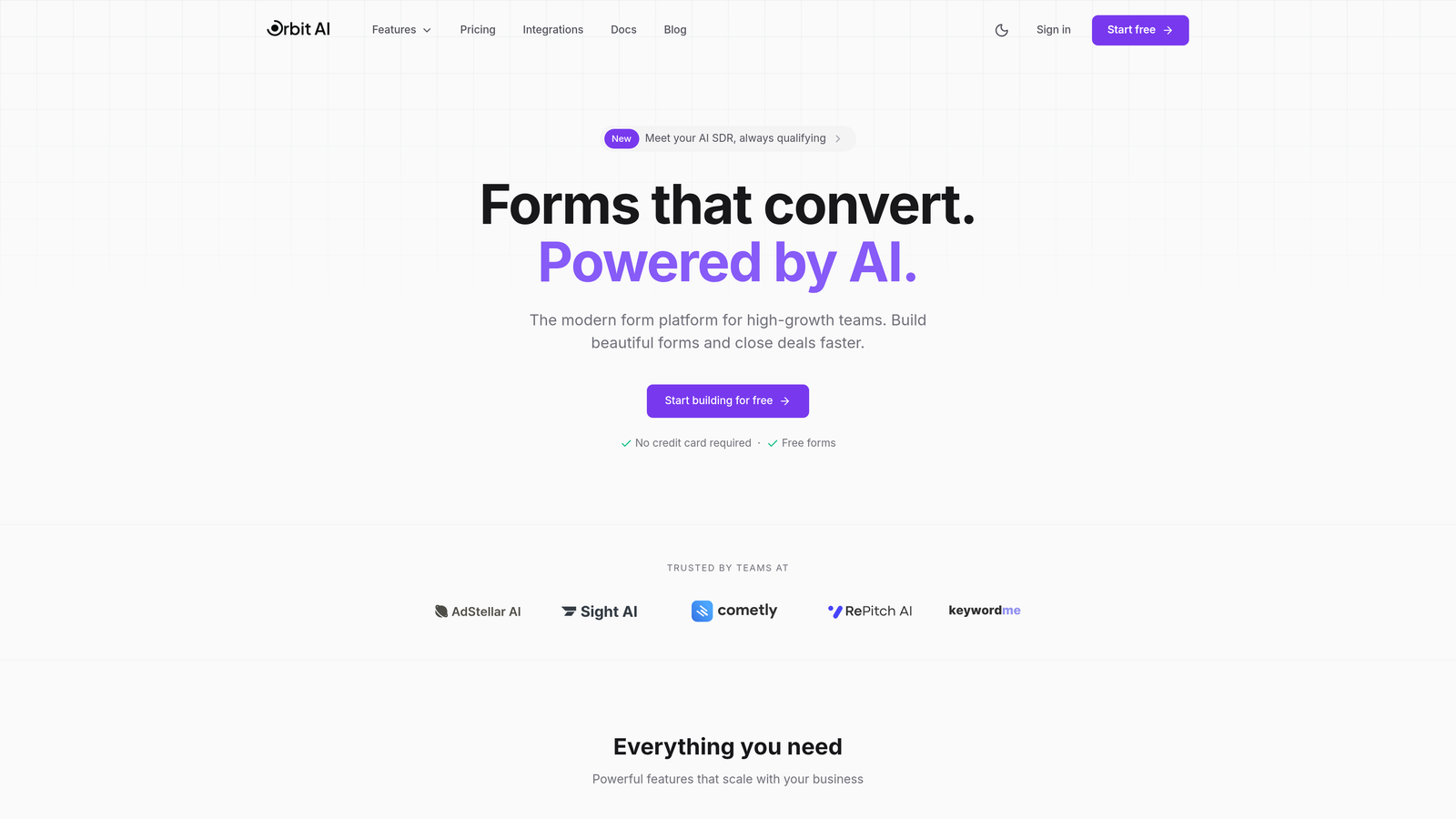
Orbit AI is an AI-powered form builder designed specifically for SaaS companies that need to qualify leads automatically while delivering modern, high-converting form experiences.
Where This Tool Shines
The platform's AI qualification engine sets it apart from traditional form builders. Instead of manually configuring complex logic trees, Orbit AI learns from your ideal customer profile and automatically scores leads based on company size, intent signals, and fit criteria.
For high-growth teams drowning in unqualified leads, this means sales reps spend time with prospects who actually match your ICP, while marketing can nurture others until they're ready. The modern form templates are built with conversion optimization in mind, not just data collection.
Key Features
AI-Powered Lead Qualification: Automatically scores and routes leads based on fit and intent without manual rule configuration.
Deep CRM Integrations: Native connections to HubSpot, Salesforce, Pipedrive, and Close with two-way data sync.
Workflow Automation with AI Agents: Set up intelligent workflows that adapt based on lead behavior and qualification scores.
Conversion-Focused Templates: Modern form designs optimized for SaaS use cases like demo requests and trial signups.
Real-Time Analytics: Track form performance, conversion rates, and lead quality metrics in a unified dashboard.
Best For
SaaS companies with complex sales processes that need to separate qualified enterprise leads from self-serve trial users. Particularly valuable for teams scaling beyond the point where manual lead review becomes sustainable, or those looking to implement AI-driven qualification without building custom systems.
Pricing
Free tier available for teams getting started. Paid plans scale with usage and include advanced AI features, priority integrations, and dedicated support for growing teams.
2. Typeform
Best for: Creating conversational, branded form experiences with high engagement rates
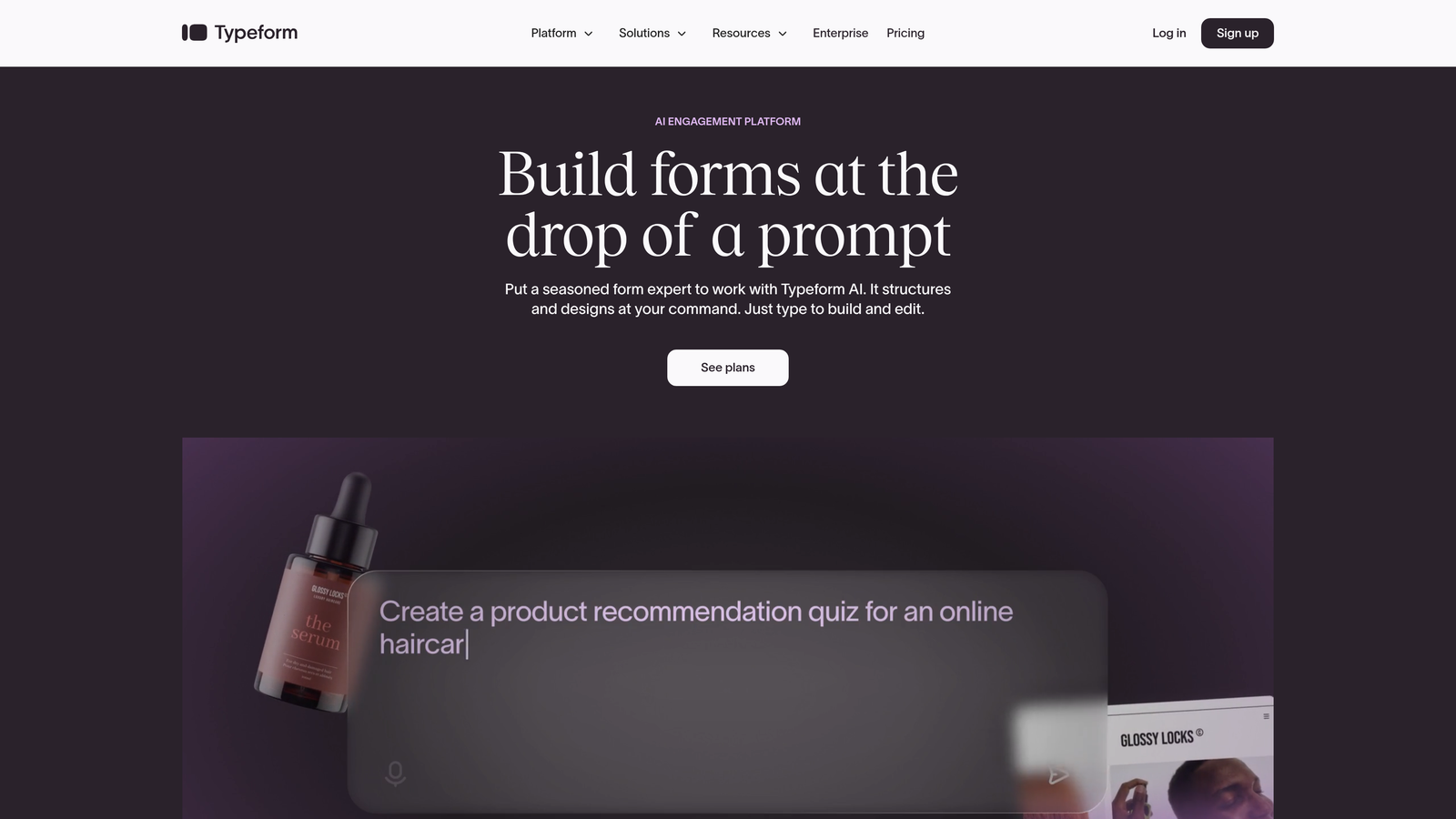
Typeform is a conversational form builder known for its distinctive one-question-at-a-time format that feels more like a conversation than a traditional form.
Where This Tool Shines
Typeform transformed form design by treating each question as a moment of engagement rather than a field to fill. The one-question-at-a-time approach reduces form abandonment by making longer surveys feel manageable and maintaining user focus.
The platform's design flexibility allows SaaS brands to create forms that match their visual identity perfectly. From custom fonts and colors to branded backgrounds and animations, Typeform gives you complete control over the user experience.
Key Features
Conversational Format: One-question-at-a-time interface that increases engagement and completion rates.
Extensive Customization: Deep branding options including custom fonts, colors, backgrounds, and animations.
Logic Jumps: Conditional branching that adapts questions based on previous answers for personalized experiences.
Native Integrations: Direct connections to popular SaaS tools including Slack, HubSpot, Salesforce, and Google Sheets.
Rich Media Support: Embed videos, images, and GIFs to create engaging, multimedia form experiences.
Best For
SaaS companies prioritizing brand experience and user engagement, particularly for product feedback surveys, customer onboarding flows, or demo request forms where creating a memorable interaction matters as much as collecting data.
Pricing
Free tier includes limited responses per month. Basic plan starts at $25/month with increased response limits and basic features, while Plus and Business tiers add advanced logic and integrations.
3. Jotform
Best for: Teams needing versatile form building with extensive templates for varied use cases
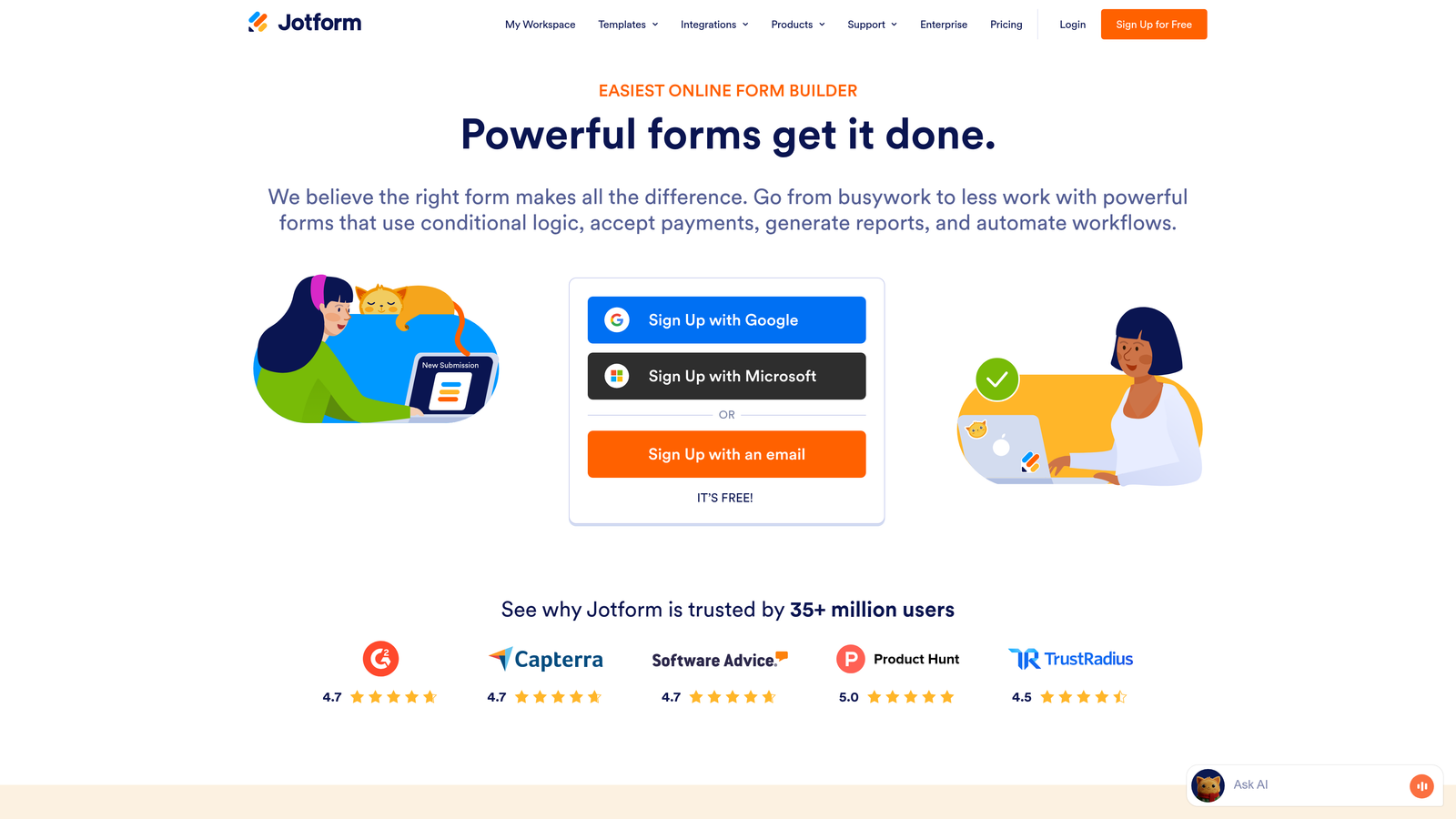
Jotform is a comprehensive form builder offering thousands of pre-built templates and flexible customization options for virtually any form type.
Where This Tool Shines
With over 10,000 templates covering everything from event registrations to payment forms, Jotform eliminates the blank canvas problem. SaaS teams can find templates for demo requests, trial signups, customer feedback, and support tickets, then customize them to fit their specific needs.
The platform's payment integration capabilities make it particularly valuable for SaaS companies handling subscriptions or processing payments directly through forms. You can collect credit card information securely and integrate with multiple payment processors.
Key Features
10,000+ Templates: Pre-built forms for virtually every use case, customizable to match your brand.
Drag-and-Drop Builder: Intuitive interface for adding fields, customizing layouts, and configuring logic without coding.
Payment Integrations: Accept payments through Stripe, PayPal, Square, and other processors directly in forms.
PDF Generation: Automatically convert form submissions into formatted PDF documents for records or approvals.
Approval Workflows: Route submissions through approval chains for internal processes like expense approvals or content reviews.
Best For
SaaS companies needing a Swiss Army knife approach to forms—teams that require diverse form types across departments, from sales to support to HR, and want one platform that handles everything with minimal setup time.
Pricing
Free tier includes up to 5 forms with 100 monthly submissions. Bronze plan starts at $34/month with 25 forms and 1,000 submissions, scaling up through Silver and Gold tiers for larger teams.
4. HubSpot Forms
Best for: SaaS teams already using HubSpot who need native CRM integration
HubSpot Forms is the native form builder within the HubSpot ecosystem, offering seamless integration with HubSpot's CRM and marketing automation tools.

Where This Tool Shines
If your SaaS company runs on HubSpot, using their native form builder eliminates integration headaches entirely. Forms automatically sync with contact records, update deal stages, and trigger workflows without third-party connectors or middleware.
Progressive profiling is HubSpot Forms' standout feature for SaaS companies. Instead of asking known contacts the same questions repeatedly, forms intelligently show different fields based on what information you already have, gradually building complete profiles without survey fatigue.
Key Features
Native CRM Integration: Automatic sync with HubSpot contacts, companies, and deals with zero configuration.
Progressive Profiling: Smart fields that change based on existing contact data to gather information over time.
Smart Fields: Forms adapt to known visitors, pre-filling information and showing relevant questions only.
Lead Scoring Integration: Form submissions automatically impact lead scores based on your defined criteria.
A/B Testing: Test different form versions to optimize conversion rates with built-in experimentation tools.
Best For
SaaS companies committed to the HubSpot ecosystem who want forms that feel like a natural extension of their CRM rather than a separate tool requiring integration maintenance and data sync monitoring.
Pricing
Free with HubSpot CRM, including basic form functionality. Advanced features like progressive profiling and A/B testing require Marketing Hub paid tiers starting at $45/month.
5. Tally
Best for: Startups and small SaaS teams needing unlimited forms on a budget
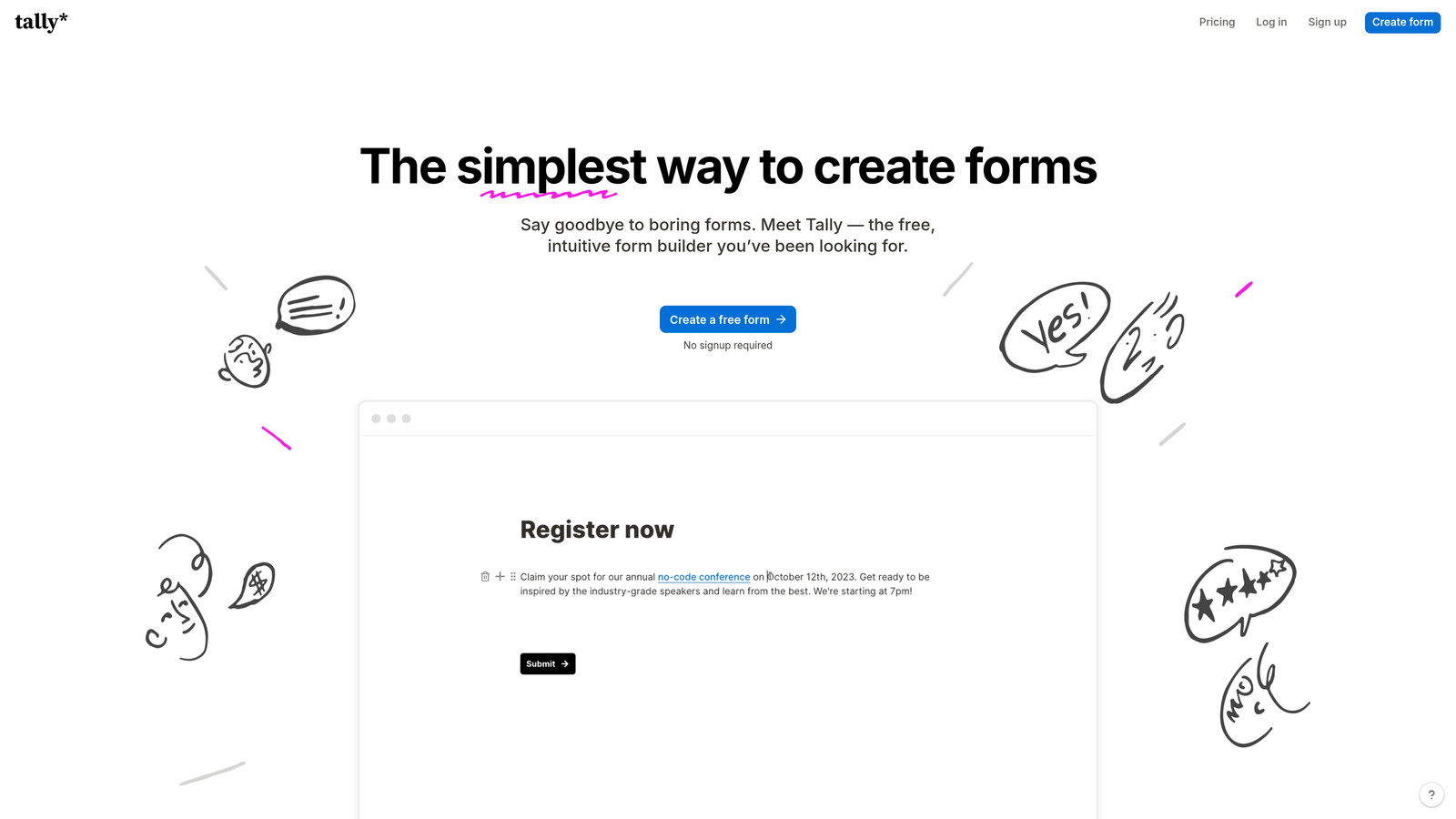
Tally is a minimalist form builder with a Notion-like interface and an exceptionally generous free tier that includes unlimited forms and submissions.
Where This Tool Shines
Tally's block-based editor will feel immediately familiar to teams already using Notion. You build forms by adding blocks—text, multiple choice, file upload—in a clean, distraction-free interface that prioritizes speed over complexity.
The unlimited free tier is genuinely remarkable for early-stage SaaS companies. While other tools limit you to a handful of forms or a few hundred submissions per month, Tally lets you create as many forms as you need and collect unlimited responses without paying a cent.
Key Features
Notion-Style Editor: Familiar block-based interface that makes form building intuitive for Notion users.
Unlimited Free Tier: Create unlimited forms and collect unlimited submissions without upgrading to paid plans.
Modern Design: Clean, minimalist form aesthetics that work well for modern SaaS brands without heavy customization.
Basic Integrations: Connect to essential tools like Notion, Slack, and Zapier for workflow automation.
File Uploads and Signatures: Collect documents and electronic signatures directly through forms.
Best For
Early-stage SaaS startups and bootstrapped teams who need professional forms without budget constraints, or companies already using Notion who want forms that integrate naturally with their existing workspace.
Pricing
Generous free tier with unlimited forms and submissions. Pro plan at $29/month adds custom domains, remove Tally branding, and advanced customization options for teams ready to upgrade.
6. Formstack
Best for: Enterprise SaaS companies requiring advanced workflows and compliance features
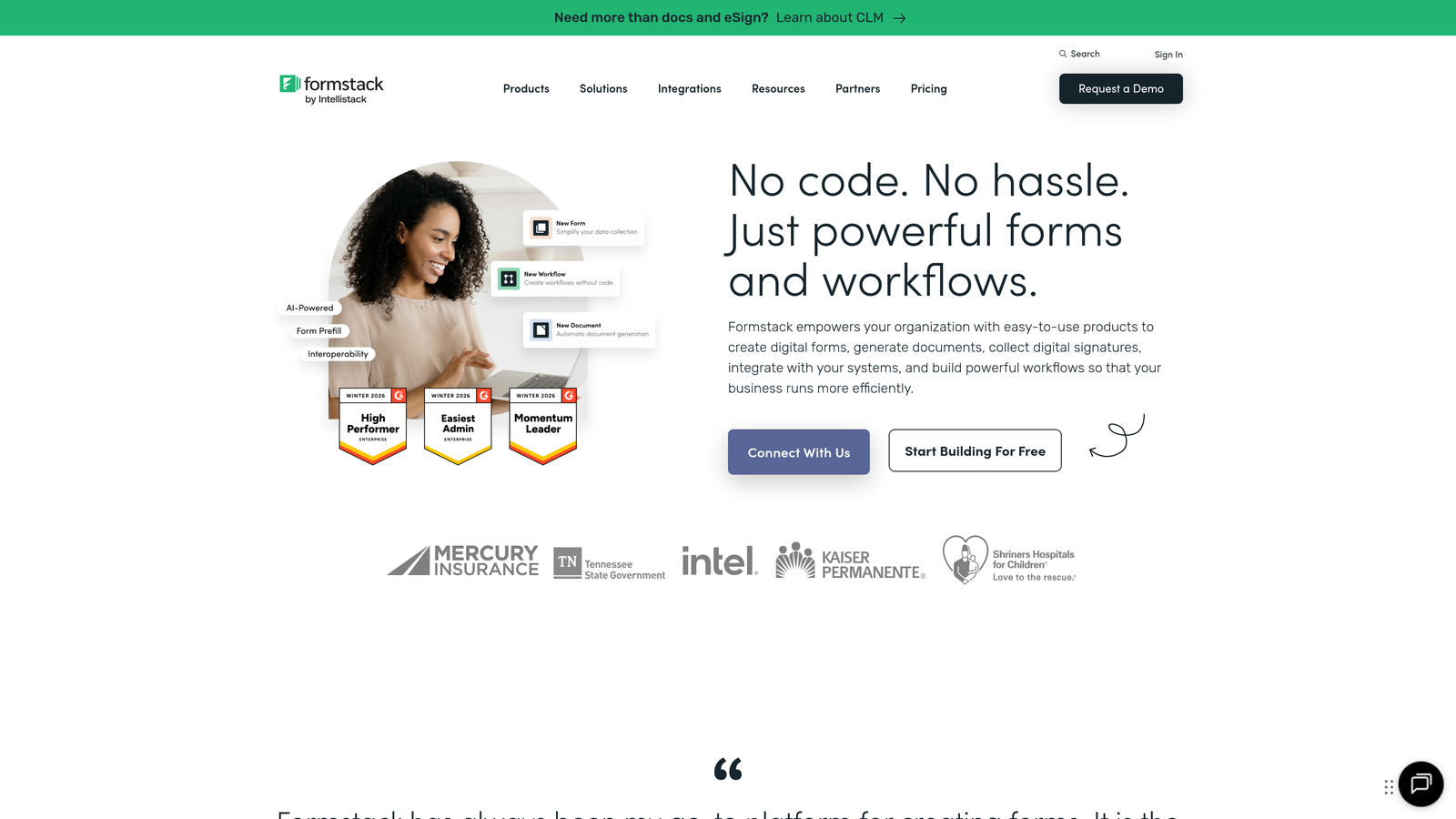
Formstack is an enterprise-focused form builder emphasizing workflow automation, security compliance, and robust approval routing for complex organizational processes.
Where This Tool Shines
Formstack was built for enterprises with complex approval chains and compliance requirements. If your SaaS company operates in regulated industries or has multi-stage approval processes for contracts, onboarding, or procurement, Formstack handles these scenarios natively.
The platform's HIPAA compliance and enterprise security features make it suitable for SaaS companies in healthcare, finance, or other regulated sectors where data handling requirements go beyond standard encryption. You get audit trails, role-based access controls, and compliance documentation built in.
Key Features
Advanced Conditional Logic: Complex branching and field dependencies that adapt forms based on multiple criteria and user inputs.
Workflow Automation: Multi-step approval routing with notifications, escalations, and status tracking throughout the process.
Enterprise Security: HIPAA compliance, SSO integration, and advanced encryption for regulated industries and sensitive data.
Electronic Signatures: Collect legally binding signatures directly within forms for contracts and agreements.
Salesforce-Native Integration: Deep integration with Salesforce that maintains data integrity and supports complex object relationships.
Best For
Enterprise SaaS companies or those in regulated industries needing forms that handle complex workflows, maintain compliance documentation, and integrate deeply with enterprise systems like Salesforce or Microsoft Dynamics.
Pricing
Plans start at $50/month for basic features. Enterprise pricing available for organizations requiring advanced security, dedicated support, and custom SLAs.
7. Paperform
Best for: Creating landing page-style forms with rich media and payment processing
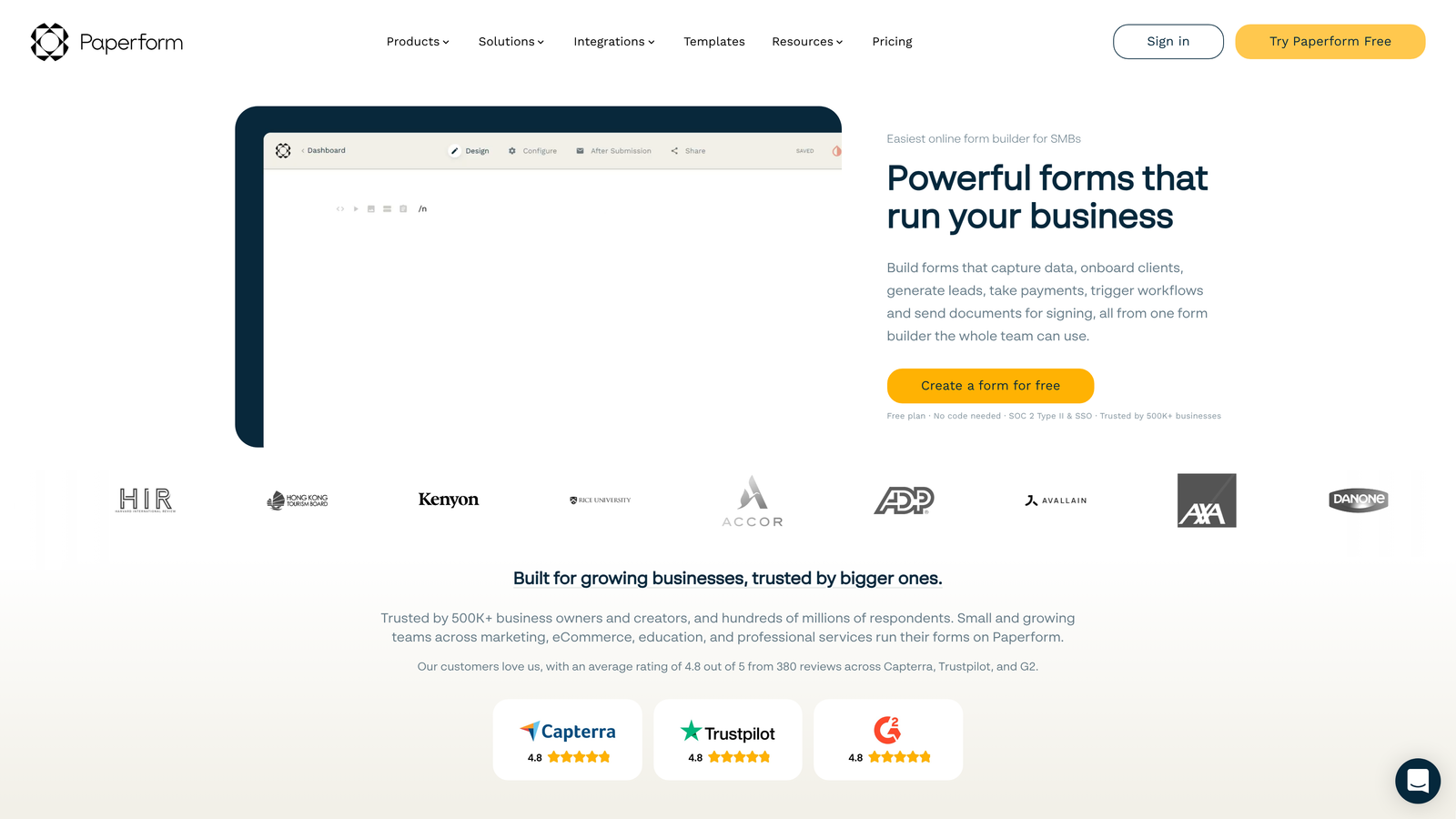
Paperform is a form builder that blurs the line between forms and landing pages, offering rich media embedding and built-in payment processing for product-led SaaS companies.
Where This Tool Shines
Paperform treats forms as full landing page experiences rather than simple data collection tools. You can embed videos, images, and rich text content alongside form fields, creating experiences that educate and convert simultaneously.
The built-in payment processing makes Paperform particularly valuable for SaaS companies selling directly through forms. Accept Stripe and PayPal payments without leaving the form experience, and use product catalogs to let customers select plans or add-ons before checking out.
Key Features
Landing Page Design: Create full landing page experiences with forms embedded in rich content and media.
Payment Processing: Built-in Stripe and PayPal integrations for accepting payments directly through forms.
Rich Media Embedding: Add videos, images, and formatted text to create engaging, educational form experiences.
Product Catalogs: Display product options with images and descriptions for plan selection or e-commerce use cases.
Custom Success Pages: Design post-submission experiences that continue the user journey with next steps or additional content.
Best For
Product-led SaaS companies that want forms to double as conversion-focused landing pages, particularly valuable for self-serve signup flows, paid workshop registrations, or consultation booking with upfront payment collection.
Pricing
Essentials plan starts at $24/month with core features. Pro plan at $49/month adds advanced integrations, custom domains, and increased submission limits for growing teams.
8. Fillout
Best for: Teams using Airtable or Notion who need native database integration
Fillout is a modern form builder designed specifically for teams already using Airtable or Notion, offering native integrations that go beyond basic data sync.
Where This Tool Shines
Fillout's native Airtable and Notion integrations treat these tools as first-class databases, not just destinations for form data. You can create forms that update existing records, not just add new ones—crucial for SaaS companies using Airtable as a lightweight CRM or customer database.
The ability to build forms that modify existing database records opens up use cases other form builders struggle with: customer profile updates, subscription changes, or support ticket status updates where you need to edit existing data rather than create duplicates.
Key Features
Native Database Integrations: Deep connections to Airtable and Notion that treat them as proper form backends.
Record Updates: Create forms that modify existing database records instead of only adding new entries.
Conditional Logic: Show or hide fields based on previous answers or existing database values.
Modern Design: Clean, contemporary form aesthetics that match modern SaaS brand expectations without heavy customization.
Scheduling and Payments: Built-in calendar booking and payment collection for consultation or demo scheduling workflows.
Best For
SaaS teams that have built their operations around Airtable or Notion and need forms that integrate naturally with these existing systems rather than forcing data into traditional CRM structures.
Pricing
Free tier available for basic usage. Starter plan at $15/month includes advanced features, custom domains, and increased submission limits for teams scaling their form usage.
9. Cognito Forms
Best for: Teams needing advanced calculations and budget-friendly enterprise features
Cognito Forms is a feature-rich form builder known for powerful calculation capabilities and pricing that remains affordable as teams grow.
Where This Tool Shines
Cognito Forms excels at forms requiring mathematical calculations and dynamic pricing. SaaS companies offering tiered pricing, usage-based billing, or custom quotes can build calculators directly into forms that show prospects their estimated costs based on selected features or usage levels.
The repeating sections feature solves a common SaaS challenge: collecting information about multiple items or users in a single form submission. Instead of limiting users to fixed fields, they can add as many team members, licenses, or configuration options as needed.
Key Features
Advanced Calculations: Build complex formulas and calculations directly into forms for dynamic pricing or quote generation.
Repeating Sections: Allow users to add multiple entries of the same field group for team members, licenses, or line items.
Payment Integrations: Accept payments through Stripe, PayPal, and Square with quantity-based pricing calculations.
Workflow Routing: Set up approval chains and routing rules based on form data or calculated values.
Quantity-Based Pricing: Calculate costs dynamically based on selected options, quantities, or usage tiers.
Best For
SaaS companies with complex pricing models or those needing to collect structured information about multiple items or users in a single submission, particularly valuable for custom quote requests or enterprise plan configuration.
Pricing
Free tier includes basic features with reasonable limits. Pro plans start at $15/month, offering exceptional value for the advanced calculation and workflow features compared to enterprise alternatives.
Making the Right Choice
The best form builder for your SaaS company depends on where you are in your growth journey and what you're trying to accomplish. If you need AI-powered lead qualification that automatically separates your ideal customers from tire-kickers, Orbit AI delivers intelligent routing without manual configuration. For teams prioritizing brand experience and engagement, Typeform's conversational approach creates memorable interactions that feel less like forms and more like conversations.
Budget-conscious startups should look at Tally's unlimited free tier, while teams already invested in HubSpot will find native HubSpot Forms eliminate integration headaches entirely. If you're dealing with complex approval workflows or compliance requirements, Formstack's enterprise features justify the higher price point.
Consider your tech stack first. Teams using Airtable or Notion as their source of truth should evaluate Fillout's native integrations. If you need forms that double as landing pages with payment processing, Paperform bridges that gap effectively. For complex pricing calculations or repeating data collection, Cognito Forms offers powerful features at accessible price points.
The most important factor? Choose a form builder that grows with you. Early-stage companies might start with a generous free tier, but you'll eventually need deeper integrations, better analytics, and more sophisticated qualification logic as your sales process matures. The right tool should feel like a natural extension of your sales and marketing stack, not a separate system requiring constant manual data transfer.
Transform your lead generation with AI-powered forms that qualify prospects automatically while delivering the modern, conversion-optimized experience your high-growth team needs. Start your free trial today and see how intelligent form design can elevate your conversion strategy.


