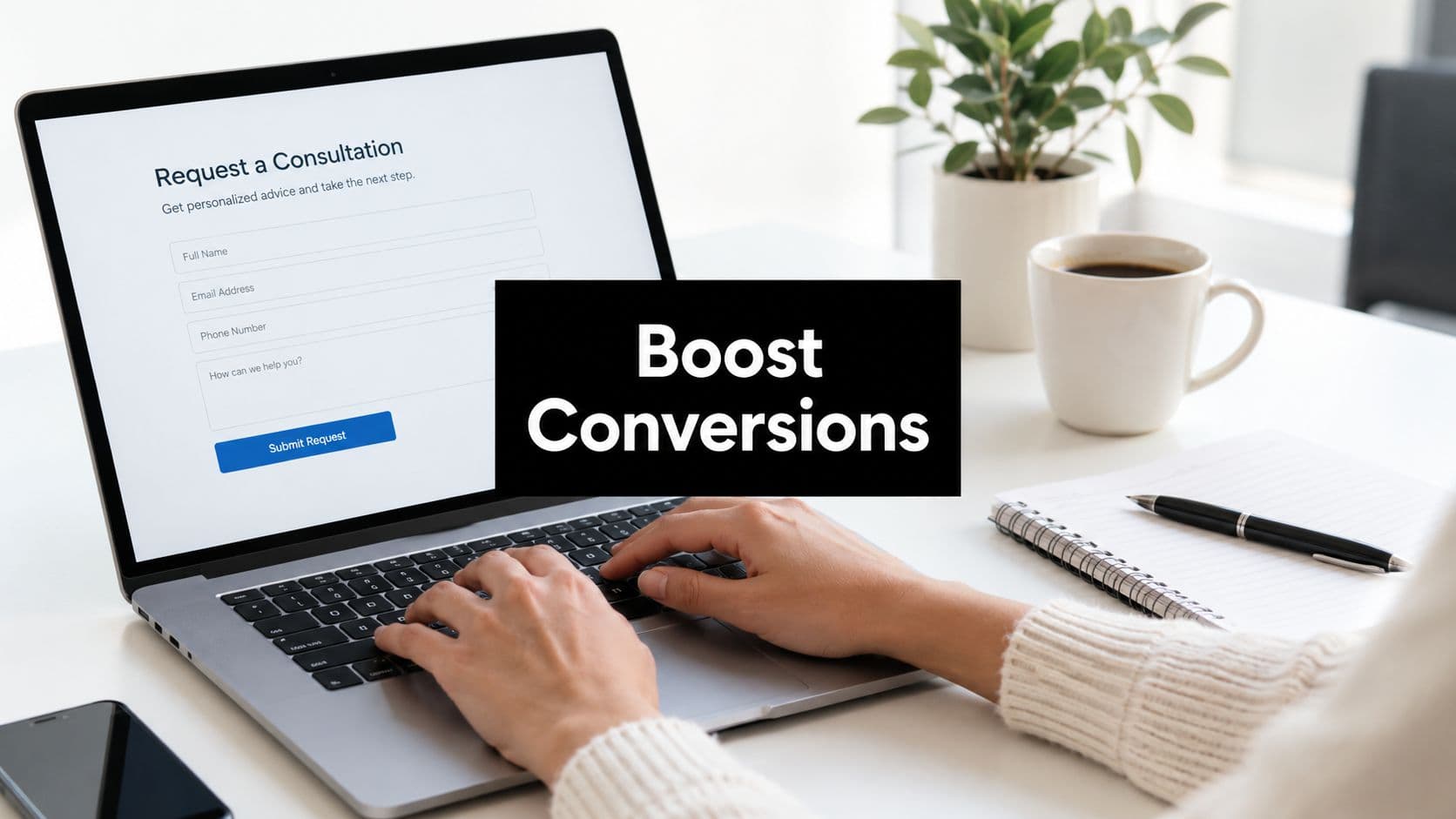
The form on your website isn't just collecting information—it's making a first impression, qualifying prospects, and determining which leads land in your sales pipeline. Yet many teams treat form builders as an afterthought, choosing tools based on price or familiarity rather than conversion potential.
Here's the reality: the right form builder can transform casual visitors into qualified leads, while the wrong one creates friction that sends prospects elsewhere. High-growth teams understand this distinction. They know that modern lead generation demands more than basic contact forms—it requires intelligent qualification, seamless integrations, and experiences that actually convert.
The difference between a generic form tool and a purpose-built lead generation platform shows up in your metrics. Conversion rates. Lead quality. Sales team efficiency. Time spent on unqualified prospects. These outcomes trace directly back to the technology powering your forms.
This guide breaks down seven form builders designed specifically for teams serious about lead generation. Each platform takes a different approach to the same challenge: capturing not just contact information, but genuinely qualified, sales-ready leads. We'll explore what makes each tool distinctive, who it serves best, and how to evaluate which aligns with your growth strategy.
1. Orbit AI: AI-Powered Lead Qualification Built Into Every Form
What Makes It Different
Orbit AI approaches form building from a fundamentally different angle than traditional tools. Instead of just collecting responses, the platform uses artificial intelligence to qualify leads in real-time as they complete your forms. Think of it as having a sales development representative embedded directly into your lead capture process.
The platform combines modern form design with intelligent lead scoring, automatically categorizing prospects based on their responses. High-growth teams use Orbit AI when they need more than contact information—they need to know which leads deserve immediate sales attention and which require nurturing.
Core Capabilities
The AI-powered qualification engine analyzes form responses to assign lead scores automatically. As prospects answer questions, the system evaluates fit based on criteria you define—company size, budget signals, urgency indicators, or any factors relevant to your sales process.
Forms themselves are built for conversion. The platform emphasizes clean, modern design that removes friction from the submission process. You're not wrestling with outdated interfaces or rigid templates—you're creating forms that feel native to contemporary web experiences.
Integration happens seamlessly with your existing tech stack. Qualified leads flow directly into your CRM with scoring data intact, so sales teams know exactly which prospects to prioritize. Marketing automation platforms receive the same enriched data, enabling sophisticated nurture campaigns based on qualification status.
Best For
Sales-focused teams who need to maximize the efficiency of their pipeline. If your challenge isn't generating enough form submissions but rather sorting qualified prospects from tire-kickers, Orbit AI addresses that directly. The platform serves B2B companies, SaaS businesses, and any organization where lead quality matters more than lead quantity.
High-growth teams particularly benefit from the automation. Instead of manually reviewing every submission or building complex qualification workflows in separate tools, the intelligence lives within the form itself.
Key Considerations
Orbit AI is purpose-built for lead generation rather than general form use cases. If you need event registrations, customer satisfaction surveys, or internal HR forms, other platforms might offer more specialized features for those scenarios. But for capturing and qualifying sales leads, the focused approach delivers exactly what conversion-focused teams need.
2. Typeform: Conversational Experience That Prioritizes Brand
What Makes It Different
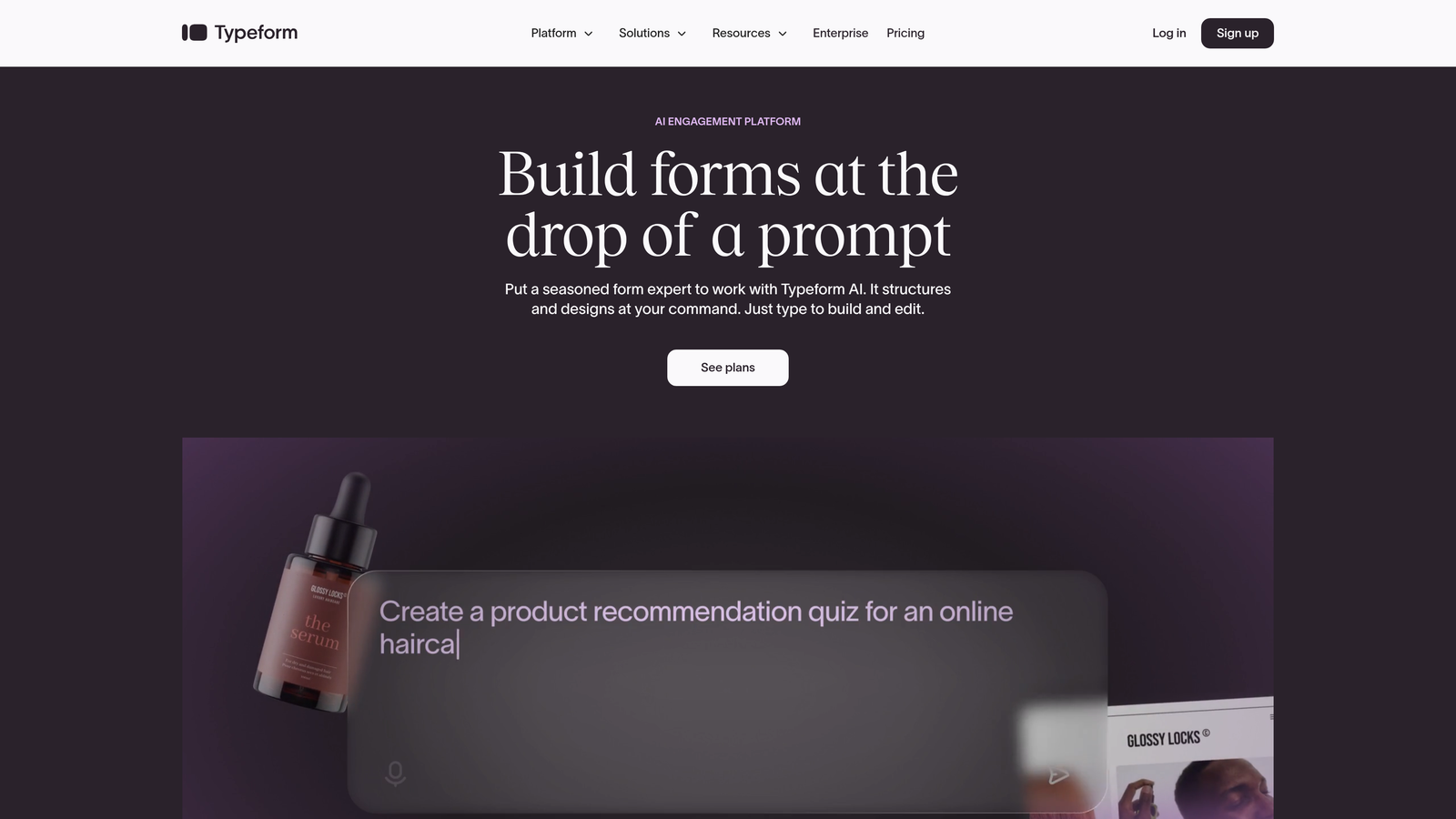
Typeform revolutionized form design by asking a simple question: what if forms felt like conversations rather than interrogations? The platform presents one question at a time, creating a guided experience that feels more human than traditional multi-field layouts.
This approach transforms how users perceive your forms. Instead of confronting a wall of empty fields, they answer questions in sequence, with smooth transitions and thoughtful pacing. For brands that prioritize experience and personality, Typeform offers a distinctive aesthetic that stands apart from conventional forms.
Core Capabilities
The conversational interface is Typeform's signature feature. Questions appear individually, with customizable transitions and logic that adapts based on previous answers. You can branch the conversation—if someone indicates they're a small business, they see different follow-up questions than enterprise prospects.
Design customization runs deep. You control colors, fonts, backgrounds, and button styles to match your brand precisely. Many teams use Typeform specifically because the forms feel like natural extensions of their website rather than embedded third-party tools.
The platform includes analytics that show where users drop off, how long they spend on each question, and which paths through your form perform best. This visibility helps you optimize the conversation flow over time.
Best For
Brand-conscious companies where user experience matters as much as data collection. Design agencies, creative firms, and consumer-focused businesses often choose Typeform because the aesthetic aligns with their brand standards.
The platform also works well for longer forms that might intimidate users in traditional layouts. By presenting questions one at a time, you can ask more without overwhelming respondents. Market research, customer feedback surveys, and detailed lead qualification all benefit from this approach.
Key Considerations
The conversational format isn't universally optimal. Some users prefer seeing all questions upfront to gauge time commitment. For simple contact forms where you're only collecting name and email, the one-question-at-a-time approach might feel unnecessarily elaborate.
Pricing tiers limit features significantly on lower plans. Advanced logic, custom branding removal, and integration capabilities require higher-tier subscriptions, which can become expensive for small teams.
3. HubSpot Forms: Native Integration With CRM Ecosystem
What Makes It Different
HubSpot Forms isn't a standalone product—it's a native component of the HubSpot platform. If your marketing, sales, and service teams already operate within HubSpot's ecosystem, the form builder offers integration depth that third-party tools simply cannot match.
Every form submission automatically becomes a contact record with complete activity history. The system knows which pages that contact visited, which emails they opened, and where they are in your sales funnel. This context transforms how your teams engage with leads.

Core Capabilities
Progressive profiling is where HubSpot Forms demonstrates sophisticated lead nurturing. The system remembers what information you've already collected from a contact. When they encounter another form, it asks for new details rather than requesting the same data again. Over time, you build comprehensive profiles without creating repetitive experiences.
Smart content capabilities let you customize forms based on what you know about the visitor. First-time visitors see introductory questions, while returning contacts encounter forms tailored to their previous interactions and interests.
Workflow automation triggers directly from form submissions. Someone downloads a pricing guide? They automatically enter a nurture sequence. A high-value prospect requests a demo? Sales receives an immediate notification with full contact context.
Best For
Teams already committed to the HubSpot ecosystem. If you're using HubSpot for CRM, email marketing, and marketing automation, the native form builder eliminates integration headaches and unlocks capabilities that external tools cannot replicate.
The platform serves businesses prioritizing long-term relationship building over one-time conversions. Progressive profiling and smart content require multiple touchpoints to show value, making HubSpot Forms ideal for complex B2B sales cycles.
Key Considerations
HubSpot Forms makes less sense if you're not using the broader platform. While the free tier exists, you'll quickly encounter limitations that push you toward paid subscriptions. For teams using different CRMs or marketing automation platforms, dedicated form builders often provide better value.
Customization options are more limited compared to specialized form builders. The forms are functional and clean, but teams seeking cutting-edge design or highly specific layouts may find the options constraining.
4. Jotform: Template Library for Rapid Deployment
What Makes It Different
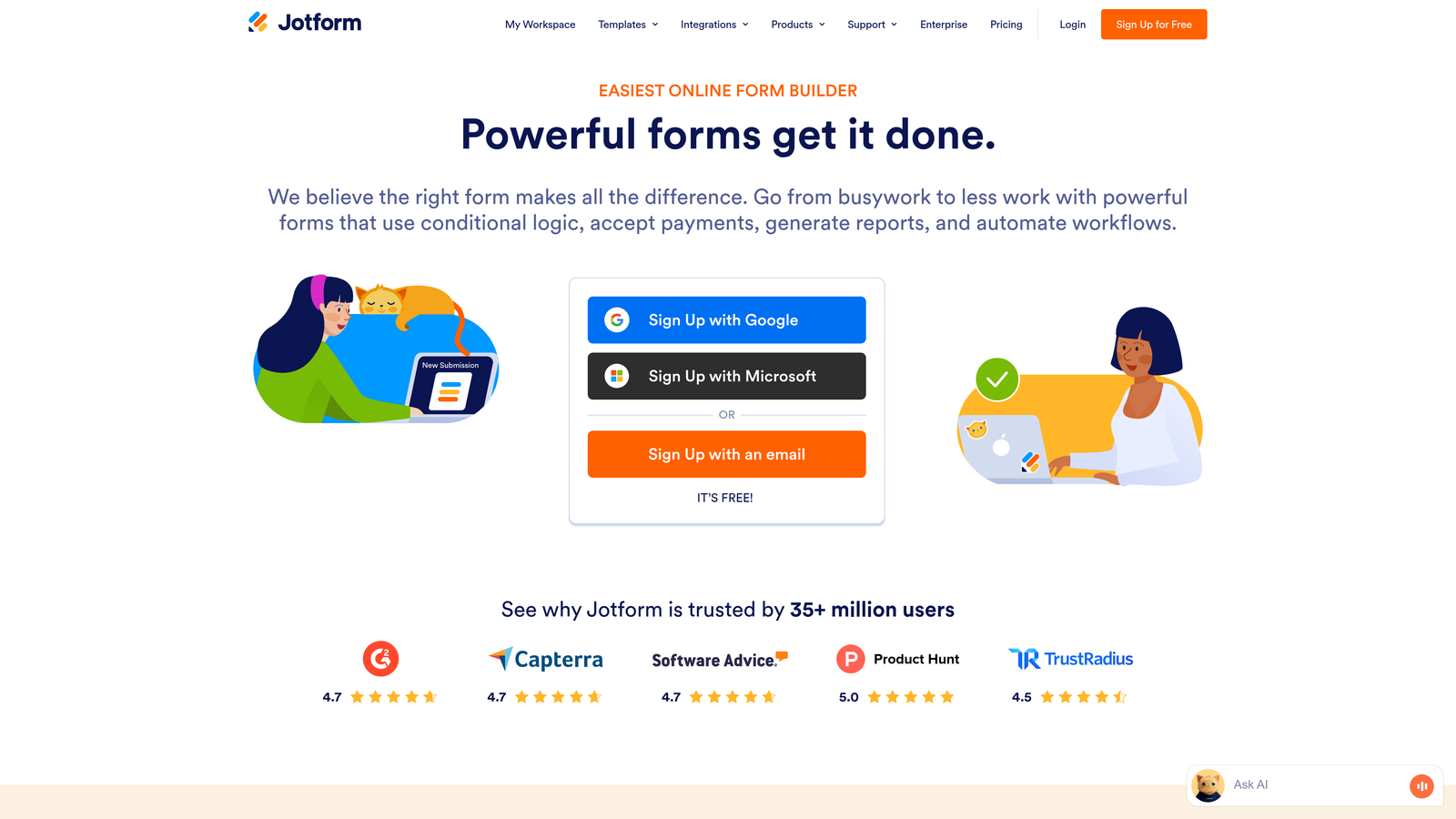
Jotform's superpower is its massive template library—over 10,000 pre-built forms covering virtually every use case imaginable. Need a lead capture form for real estate? There's a template. Event registration for a conference? Multiple options. Product inquiry form for e-commerce? Already built.
This template-first approach dramatically reduces time to deployment. Instead of building forms from scratch, you find something close to your needs, customize it, and publish. For teams managing multiple form types across different campaigns, this efficiency compounds quickly.
Core Capabilities
The form builder itself is drag-and-drop with extensive field options. Standard inputs, file uploads, payment processing, electronic signatures—Jotform includes widgets for specialized functionality that other platforms require third-party add-ons to achieve.
Conditional logic lets you show or hide fields based on previous answers. If someone indicates they're interested in enterprise pricing, you can reveal additional qualification questions. Simple leads see a streamlined form that doesn't overwhelm them with irrelevant fields.
Integration options are comprehensive. Jotform connects with hundreds of applications including major CRMs, email marketing platforms, payment processors, and productivity tools. The platform positions itself as a universal form solution that fits into any tech stack.
Best For
Teams needing multiple form types beyond just lead generation. Marketing agencies managing forms for various clients, organizations running events alongside lead capture campaigns, or businesses with diverse form requirements across departments all benefit from Jotform's versatility.
The platform also serves teams who value speed over perfection. When you need a functional form deployed quickly, starting from a relevant template beats building from scratch every time.
Key Considerations
Jotform is a generalist platform rather than a lead generation specialist. While it can certainly capture leads, it lacks purpose-built features like AI qualification or sophisticated lead scoring that dedicated lead generation tools provide.
The abundance of options can feel overwhelming. The interface includes every possible feature and widget, which creates a learning curve for new users. Teams wanting streamlined, focused tools might find the breadth more distracting than helpful.
5. Leadpages: Combined Landing Pages and Forms for Campaign Focus
What Makes It Different
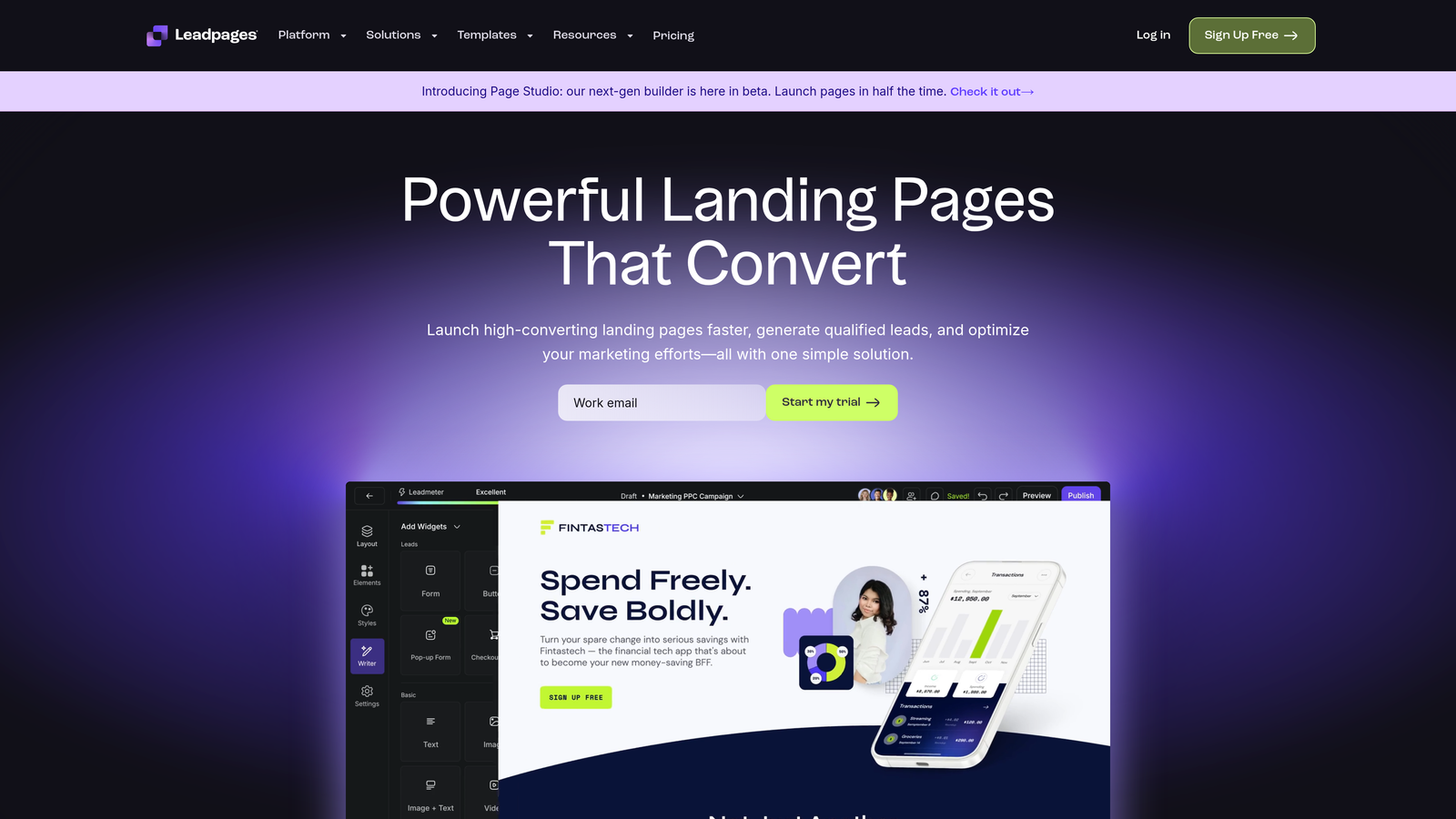
Leadpages doesn't just build forms—it builds complete landing pages with forms integrated as conversion-focused components. The platform is designed specifically for marketing campaigns where the landing page and lead capture form must work together seamlessly.
This unified approach means you're not embedding forms into separately-built pages. You're creating cohesive conversion experiences where design, copy, and form fields all serve the same goal: capturing qualified leads from paid traffic, email campaigns, or social media.
Core Capabilities
The landing page builder includes templates optimized for conversion. Each template is designed around proven layouts that guide visitors toward form completion. Headlines, images, social proof, and call-to-action buttons are positioned to maximize submission rates.
A/B testing is built into the platform. You can test different headlines, form lengths, button colors, or entire page layouts to identify what converts best for your audience. The system tracks performance and helps you make data-driven decisions about campaign optimization.
Leadpages includes built-in analytics showing traffic sources, conversion rates, and form abandonment points. You see exactly how campaigns perform without juggling multiple analytics tools.
Best For
Marketing teams running paid acquisition campaigns where landing page performance directly impacts ROI. If you're spending money on Google Ads, Facebook campaigns, or LinkedIn promotions, Leadpages helps ensure that traffic converts efficiently.
The platform serves businesses launching frequent campaigns with distinct offers. Product launches, webinar registrations, ebook downloads, free trial signups—scenarios where you need dedicated landing pages with optimized forms for each campaign.
Key Considerations
Leadpages is campaign-focused rather than website-focused. If you need forms embedded throughout an existing website, dedicated form builders offer more flexibility. Leadpages excels when you're creating standalone conversion pages for specific marketing initiatives.
The learning curve is steeper than simple form builders because you're managing complete landing pages, not just forms. Teams wanting to quickly add a contact form to an existing page might find the platform more complex than necessary.
6. Gravity Forms: WordPress-Native Solution for Content-Rich Sites
What Makes It Different
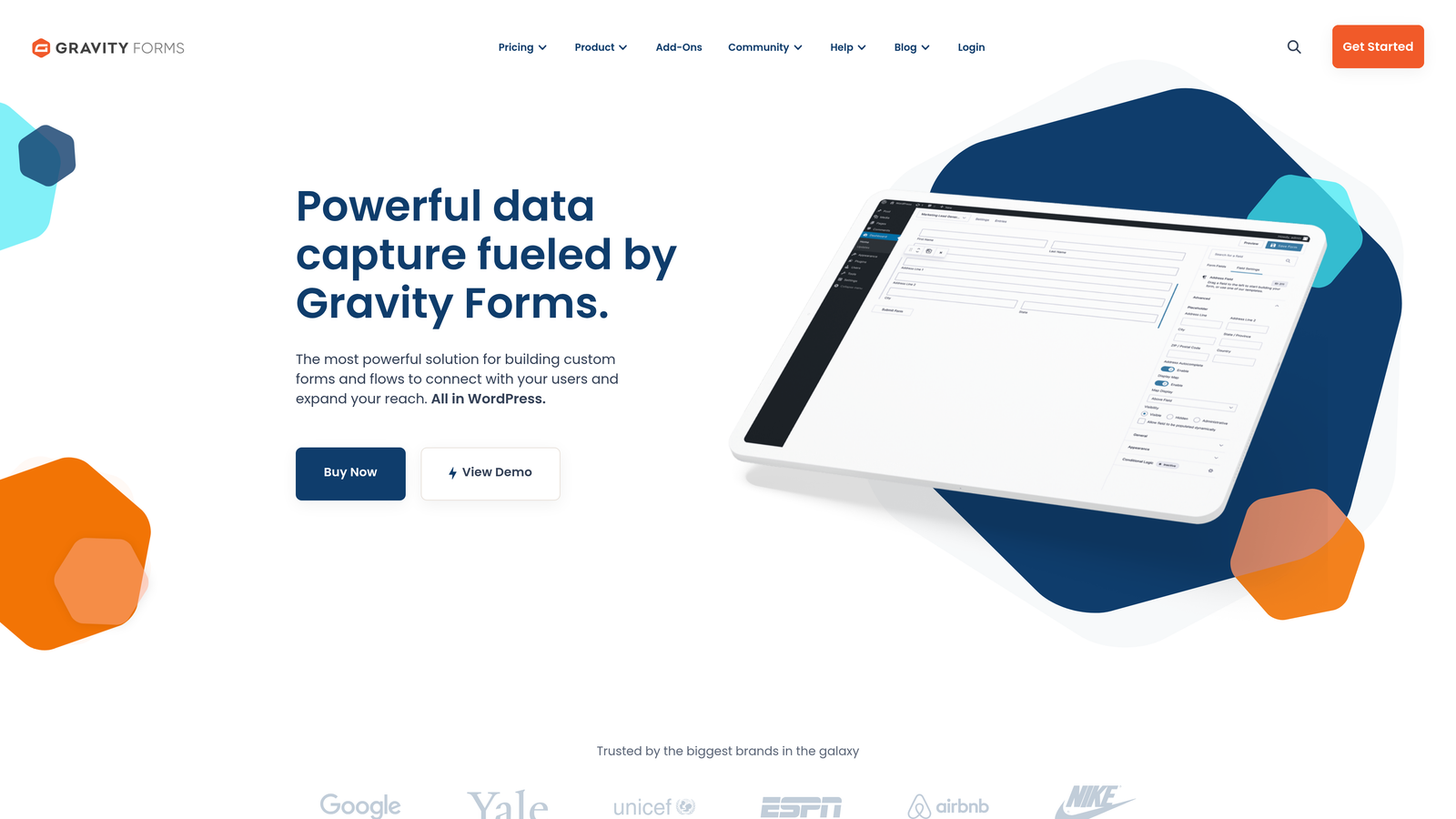
Gravity Forms is built specifically for WordPress, integrating deeply with the platform's architecture. If your website runs on WordPress, Gravity Forms feels like a natural extension rather than a third-party tool bolted onto your site.
The WordPress-native approach means forms can interact with your site's existing content, users, and functionality in ways external form builders cannot. You can create forms that interact with custom post types, user roles, or WordPress plugins already installed on your site.
Core Capabilities
The form builder includes advanced field types and conditional logic. Multi-page forms, file uploads, calculations, and complex branching logic are all supported. For teams needing sophisticated forms that adapt based on user input, Gravity Forms provides the flexibility.
Developer-friendly customization sets Gravity Forms apart from many competitors. The platform includes hooks and filters that let developers extend functionality, create custom field types, or integrate with proprietary systems. Technical teams can build exactly what they need rather than accepting platform limitations.
Add-ons extend functionality into specialized areas. Payment processing, email marketing integration, CRM connections, and advanced reporting all work through official add-ons that maintain the WordPress-native feel.
Best For
Organizations deeply invested in WordPress as their content platform. Publishers, content-heavy B2B sites, and businesses with development resources who want complete control over form functionality all benefit from Gravity Forms' WordPress integration.
The platform particularly serves teams with technical requirements that SaaS form builders cannot accommodate. Custom workflows, unique data handling, or integration with proprietary systems become possible when you have developer-level access.
Key Considerations
Gravity Forms requires WordPress. If your site runs on another platform, this isn't an option. Even WordPress users need to manage the plugin, updates, and potential conflicts with other WordPress components—responsibilities that cloud-based form builders handle for you.
The interface feels more technical than modern SaaS alternatives. While powerful, the admin experience reflects WordPress conventions rather than contemporary design trends. Non-technical users often find cloud-based builders more intuitive.
7. Formstack: Enterprise-Grade Compliance for Regulated Industries
What Makes It Different
Formstack positions itself as the enterprise solution for organizations where compliance isn't optional. Healthcare providers, financial services firms, government agencies, and any business handling sensitive data need forms that meet strict regulatory requirements. Formstack builds compliance into the platform rather than treating it as an afterthought.
The platform includes features specifically designed for regulated environments: HIPAA compliance, encryption at rest and in transit, audit trails, and data retention controls. These capabilities address requirements that general-purpose form builders simply don't consider.
Core Capabilities
Security features go beyond basic SSL. Formstack offers field-level encryption, ensuring sensitive data remains protected even if broader systems are compromised. Audit logs track every interaction with form data, creating the paper trail that compliance officers require.
Workflow automation helps route submissions through approval processes. Forms can trigger multi-step workflows where different team members review, approve, or process submissions based on business rules. This structured approach is essential for organizations with formal procedures around data handling.
The platform includes advanced features like prefilling forms with data from your systems, creating PDFs from submissions, and building sophisticated multi-page forms with complex branching logic. Enterprise teams need these capabilities to digitize processes that previously required paper forms.
Best For
Organizations in regulated industries where compliance failures carry serious consequences. Healthcare providers collecting patient information, financial institutions handling sensitive financial data, or any business subject to strict data protection regulations find Formstack's compliance-first approach essential.
Large enterprises with complex approval workflows also benefit. When form submissions must route through multiple departments, trigger specific processes, or integrate with enterprise systems, Formstack's workflow capabilities become valuable.
Key Considerations
Formstack's enterprise focus means enterprise pricing. Small businesses or startups typically find the platform more expensive than alternatives, with costs justified primarily when compliance requirements demand it.
The interface prioritizes functionality over modern design aesthetics. Forms are professional and secure, but teams seeking cutting-edge visual design or highly branded experiences might find the output more utilitarian than inspiring.
Matching Your Form Builder to Your Growth Strategy
The right form builder isn't the one with the most features—it's the one that aligns with how your business actually converts leads. Start by asking what happens after someone submits your form. Does the lead go directly to sales? Enter a nurture sequence? Require qualification before anyone reaches out?
Your answer reveals which platform serves you best. Sales-focused teams benefit from AI-powered qualification that separates hot prospects from casual browsers. Brand-conscious businesses need design flexibility that maintains their aesthetic standards. WordPress-dependent organizations require native integration rather than embedded third-party tools.
Consider your current bottleneck. If you're generating plenty of form submissions but sales complains about lead quality, focus on platforms with built-in qualification capabilities. If your challenge is conversion rate rather than lead volume, prioritize tools emphasizing user experience and optimization. If compliance keeps you awake at night, enterprise-grade security features become non-negotiable.
The best form builders don't just collect information—they advance your specific business objectives. Generic contact forms capture data. Strategic lead generation platforms capture qualified prospects ready for your sales process.
Transform your lead generation with AI-powered forms that qualify prospects automatically while delivering the modern, conversion-optimized experience your high-growth team needs. Start your free trial today and see how intelligent form design can elevate your conversion strategy.