

Every startup founder knows the feeling: you've just launched a new product, your marketing campaigns are running, and leads are starting to trickle in. But here's the problem—you're spending hours manually sorting through form submissions, trying to figure out which leads are worth pursuing and which ones are tire-kickers. Meanwhile, your limited team is stretched thin, your budget is tight, and every conversion matters.
Choosing the right form builder isn't just about collecting email addresses. For high-growth startups, your forms are the front door to your business—they need to qualify leads intelligently, integrate seamlessly with your existing tools, and create experiences that actually convert visitors into customers. The wrong choice means wasted time, lost leads, and clunky workflows that slow down your growth.
The good news? The form builder landscape in 2026 offers solutions specifically designed for startups at every stage, from bootstrapped teams needing free options to scaling companies requiring AI-powered lead qualification. This guide breaks down seven form builders that understand what high-growth teams actually need: speed, conversion optimization, and the ability to scale without breaking the bank.
We've evaluated each platform based on what matters most to startups—pricing flexibility, ease of implementation, integration capabilities, and features that directly impact your bottom line. Whether you're a solo founder or leading a growing team, you'll find options that match your current stage and growth trajectory.
1. Orbit AI
The Challenge It Solves
High-growth startups face a critical bottleneck: their sales teams spend countless hours manually reviewing form submissions to determine which leads deserve immediate attention. This manual qualification process slows down response times, creates inconsistent lead scoring, and means your best prospects might wait hours or even days for follow-up while your team sorts through unqualified submissions.
For startups where every conversion counts and speed-to-lead directly impacts close rates, this traditional approach leaves money on the table. You need forms that work as intelligently as your team does.
The Strategy Explained
Orbit AI transforms form building with artificial intelligence that qualifies leads automatically as they submit. The platform analyzes responses in real-time, scoring prospects based on criteria you define and routing high-value leads directly to your sales team while nurturing others through automated workflows.
What sets Orbit AI apart for startups is the combination of modern, conversion-optimized form design with intelligent lead qualification. You're not just collecting data—you're building forms that understand context, ask smarter follow-up questions based on previous answers, and integrate seamlessly with your existing CRM and marketing automation tools.
The platform is specifically designed for high-growth teams who need enterprise-level capabilities without enterprise-level complexity. You can launch sophisticated lead qualification workflows in minutes, not weeks, and iterate quickly based on what's actually converting.
Implementation Steps
1. Define your ideal customer profile and lead scoring criteria within the platform, identifying which responses indicate high-intent prospects versus early-stage researchers.
2. Build conversion-optimized forms using Orbit AI's modern templates, incorporating conditional logic that adapts questions based on how prospects answer, creating personalized experiences that feel less like interrogations and more like conversations.
3. Configure automated workflows that route qualified leads to sales immediately while nurturing other prospects through email sequences, ensuring no lead falls through the cracks regardless of their qualification score.
Pro Tips
Start with simple qualification criteria and refine based on actual conversion data. Many startups over-complicate their initial lead scoring models—begin with three to five key indicators that truly predict customer fit, then add sophistication as you gather more data. The AI learns from your team's behavior, so the more you use it, the smarter your qualification becomes.
2. Typeform
The Challenge It Solves
Traditional forms feel like homework assignments—long, intimidating walls of questions that visitors abandon before completing. For startups trying to build brand affinity and create memorable first impressions, these conventional forms undermine the modern, engaging experience you've worked hard to create across the rest of your digital presence.
When your brand identity emphasizes innovation and user experience, your forms need to match that standard. Generic-looking data collection tools send the wrong message about who you are.
The Strategy Explained
Typeform pioneered the conversational form experience, presenting one question at a time in a visually engaging interface that feels more like a conversation than a form. This approach significantly reduces the psychological burden of form completion, making longer surveys and detailed lead capture feel manageable rather than overwhelming.
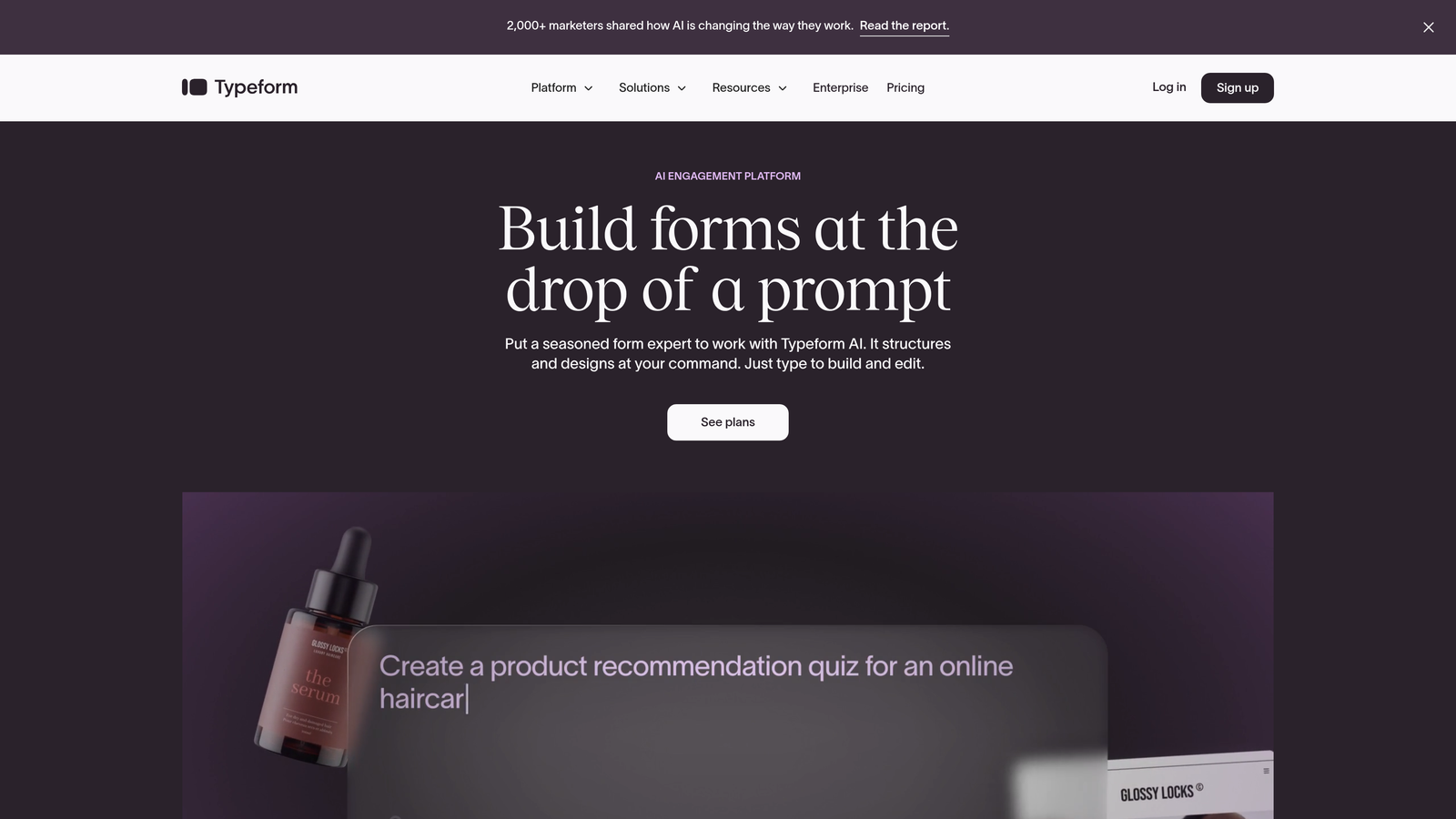
For startups focused on brand experience, Typeform offers extensive customization options that let you match forms to your visual identity perfectly. The platform supports rich media, custom fonts, and branded experiences that reinforce your company's personality at every touchpoint.
The one-question-at-a-time format also enables sophisticated conditional logic without overwhelming users. You can create complex branching paths that feel simple because visitors only see questions relevant to their specific situation.
Implementation Steps
1. Map out your form flow on paper first, identifying natural conversation branches based on how prospects might answer key qualifying questions, ensuring the experience feels logical rather than robotic.
2. Customize the visual experience to match your brand guidelines precisely, including custom backgrounds, color schemes, and typography that create seamless continuity from your website to your forms.
3. Integrate Typeform with your CRM and marketing automation tools using native connections or Zapier, ensuring form data flows automatically into your existing workflows without manual export-import processes.
Pro Tips
Use Typeform's video and image question types strategically to create moments of delight that differentiate your forms from competitors. A well-placed product demo video or visual product selector can dramatically increase engagement and completion rates while communicating value that text alone cannot convey.
3. Tally
The Challenge It Solves
Bootstrapped startups face an impossible choice with most form builders: pay monthly fees that strain limited budgets, or accept severe restrictions on form submissions, respondents, or features. When you're pre-revenue or operating on minimal runway, spending hundreds of dollars annually on form software feels excessive, yet you still need professional-looking forms that work reliably.
Many free tiers from established platforms impose frustrating limitations—removing branding costs extra, form logic requires paid plans, and submission caps mean you might hit limits right when a marketing campaign starts converting.
The Strategy Explained
Tally offers unlimited forms, unlimited submissions, and unlimited responses on its free tier—a genuinely free-first approach that removes the anxiety of hitting arbitrary limits. The platform takes inspiration from Notion's simplicity, offering a block-based editor that feels immediately familiar to teams already using modern productivity tools.
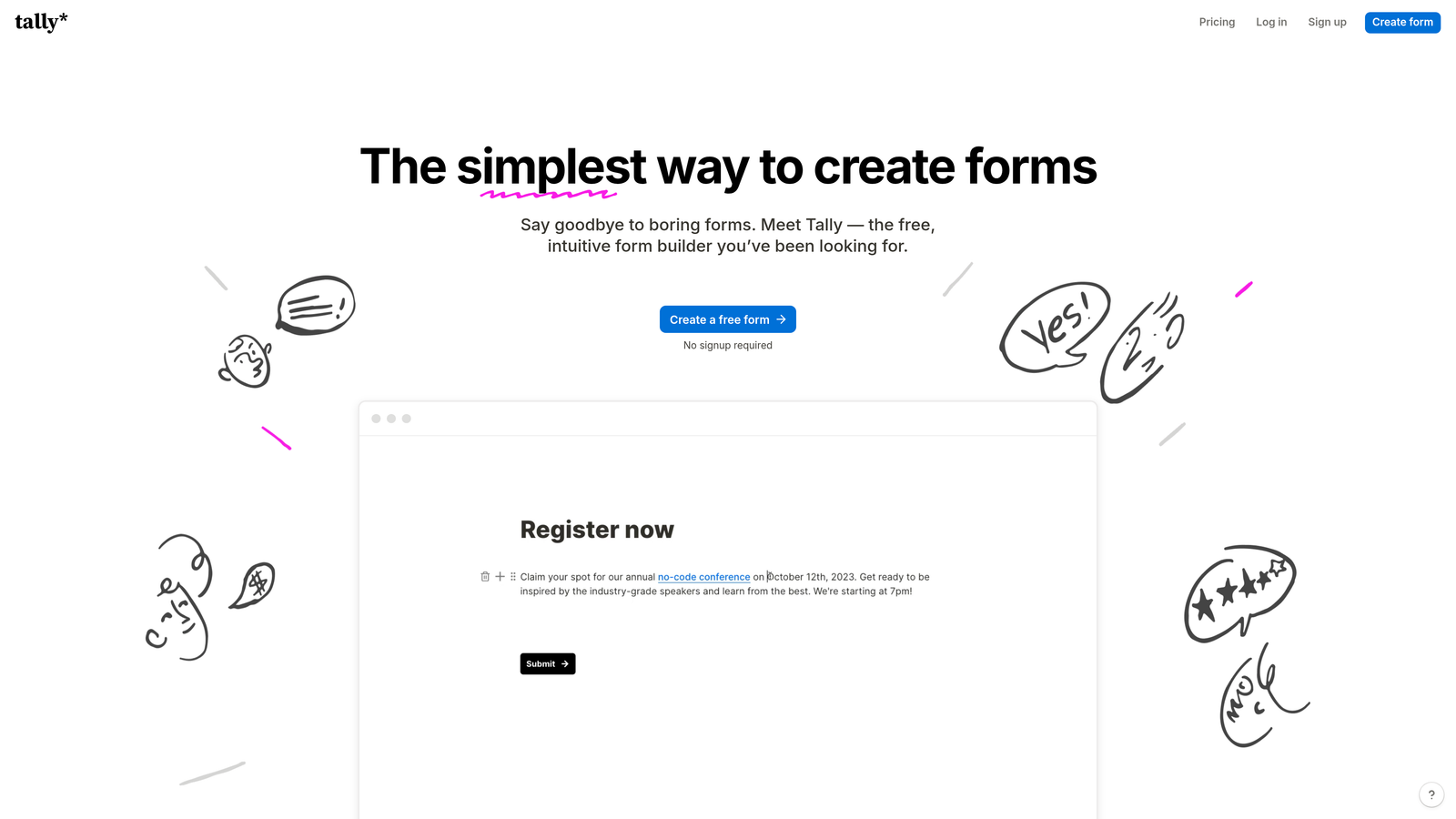
For startups that need to move fast without budget approvals or procurement processes, Tally eliminates friction. You can spin up new forms for different campaigns, landing pages, or use cases without worrying about per-form costs or submission quotas.
The platform includes features typically reserved for paid tiers elsewhere—conditional logic, calculations, file uploads, and payment collection through Stripe integration—all available without a credit card.
Implementation Steps
1. Start with Tally's template library to quickly launch common form types like contact forms, event registrations, or lead capture forms, then customize using the intuitive block editor that requires no technical knowledge.
2. Implement conditional logic to create dynamic forms that adapt based on responses, ensuring you collect detailed information from qualified prospects while keeping forms short for early-stage visitors.
3. Connect Tally to your existing tools using native integrations or webhooks, pushing form data into your CRM, project management system, or marketing automation platform automatically.
Pro Tips
Take advantage of Tally's calculation fields to create interactive tools like ROI calculators, pricing estimators, or savings calculators that provide immediate value to prospects while capturing lead information. These value-first forms convert significantly better than traditional "download our whitepaper" lead magnets because they solve immediate problems.
4. Jotform
The Challenge It Solves
Startups in regulated industries or those handling payments face compliance complexity that generic form builders don't address. Whether you're collecting healthcare information requiring HIPAA compliance, processing credit card payments needing PCI compliance, or operating in Europe under GDPR requirements, most form tools leave you figuring out legal requirements alone.
Additionally, startups with diverse use cases—from customer onboarding to event registration to payment collection—often end up juggling multiple tools, each requiring separate logins, billing, and integration management.
The Strategy Explained
Jotform positions itself as the Swiss Army knife of form builders, offering over 10,000 templates covering virtually every use case imaginable. The platform includes built-in compliance features for HIPAA, PCI-DSS, and GDPR, plus native payment processing through multiple gateways including PayPal, Square, and Stripe.
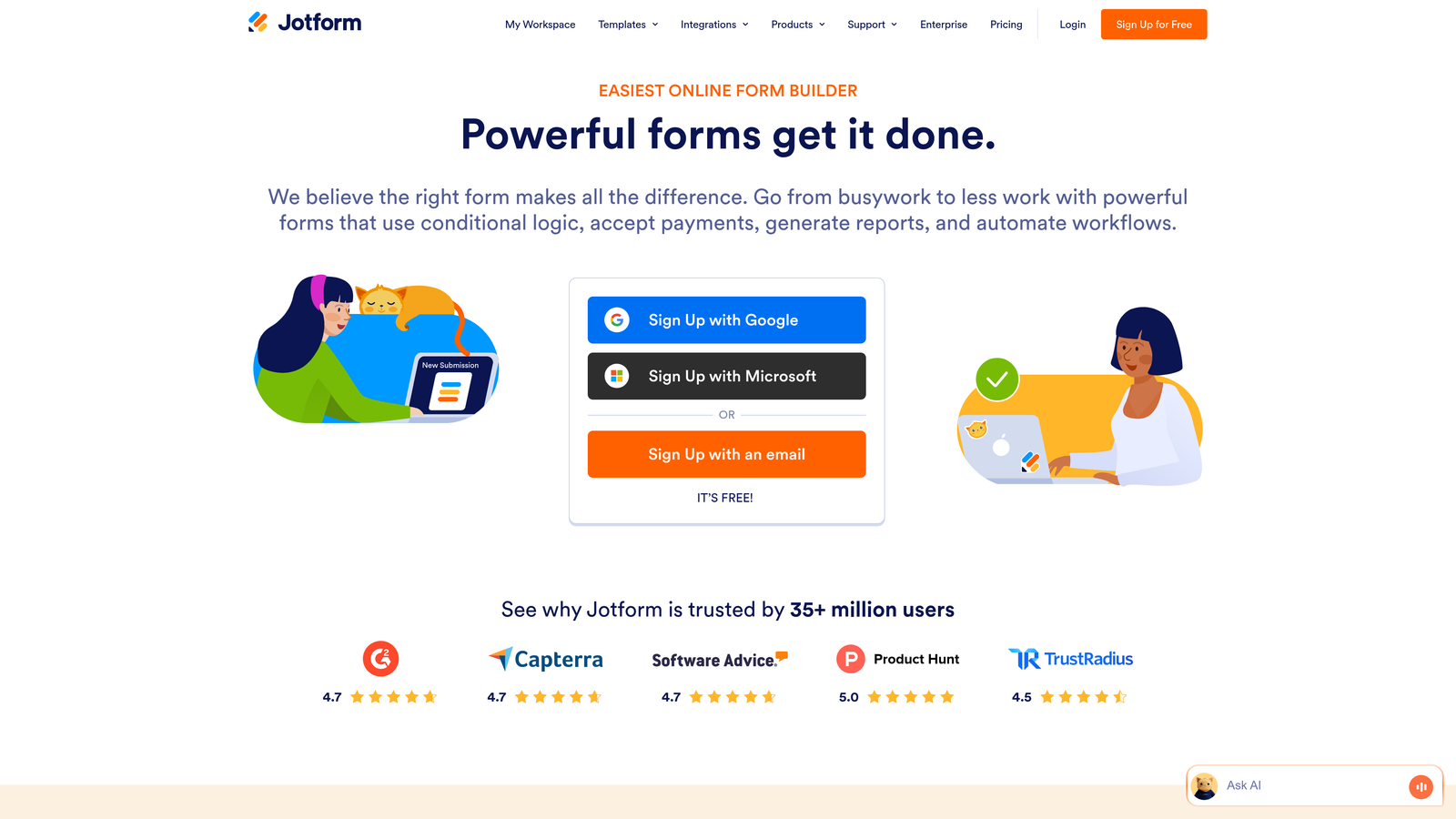
For startups that need one platform to handle everything from lead capture to payment collection to customer surveys, Jotform eliminates tool sprawl. The extensive template library means you're rarely building from scratch—you can launch professional forms in minutes by customizing proven templates.
The platform's widget marketplace adds hundreds of specialized features, from appointment schedulers to signature capture to advanced calculations, letting you create sophisticated workflows without custom development.
Implementation Steps
1. Browse Jotform's template library to find forms matching your specific use case, filtering by industry and form type, then customize the template to match your brand and specific data collection needs.
2. Configure payment processing if you're collecting fees, deposits, or selling products directly through forms, setting up your preferred payment gateway and defining pricing logic for different options or quantities.
3. Enable appropriate compliance features based on your industry requirements, configuring data encryption, access controls, and audit logging to meet regulatory standards without becoming a compliance expert.
Pro Tips
Use Jotform's approval workflows for internal processes like expense reports, time-off requests, or vendor onboarding. Many startups focus only on external forms but miss opportunities to streamline internal operations with the same tool, reducing the need for separate workflow management platforms.
5. Paperform
The Challenge It Solves
Creative startups and design-forward brands struggle with the visual limitations of traditional form builders. Most platforms force you into rigid templates that look generic regardless of customization efforts, creating a jarring disconnect when visitors move from your beautifully designed website to a clearly third-party form.
Additionally, startups selling products or services often need more than just forms—they need landing pages, booking systems, and checkout experiences that feel cohesive rather than cobbled together from multiple tools.
The Strategy Explained
Paperform blurs the line between form builder and landing page creator, offering a document-style editor that lets you create forms that look and feel like custom web pages. You can add rich text, images, videos, and custom styling that makes forms feel like natural extensions of your website rather than embedded widgets.
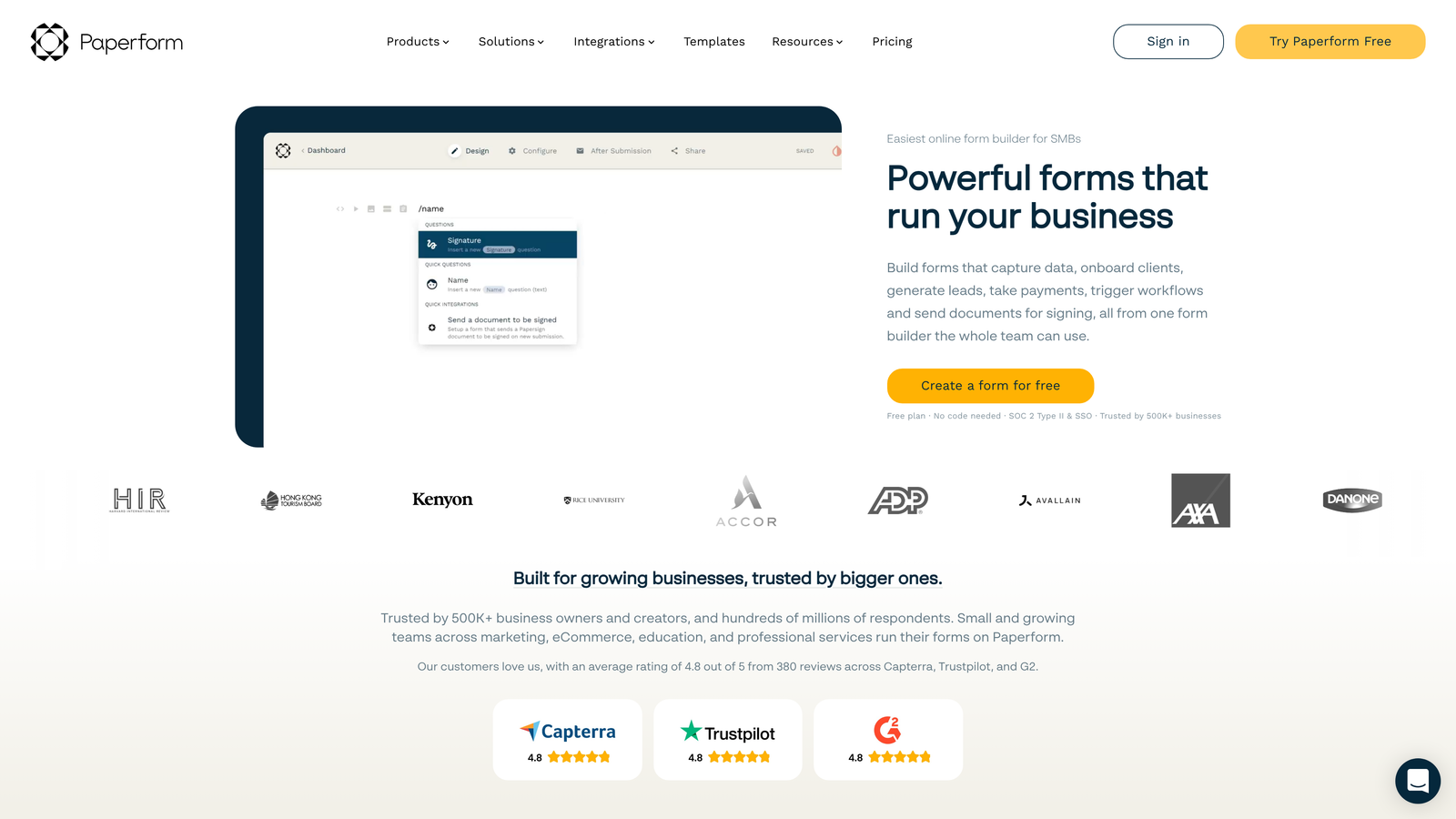
For startups with e-commerce needs, Paperform includes product catalogs, inventory management, and checkout flows that turn forms into complete sales pages. You can sell products, accept bookings, collect payments, and manage orders all within the same platform.
The platform's design flexibility appeals to creative teams who view every customer touchpoint as a branding opportunity. Unlike rigid form builders, Paperform gives you the creative control to match your exact vision.
Implementation Steps
1. Plan your form as a landing page experience, thinking beyond data collection to create a narrative that guides visitors from problem awareness through to conversion, incorporating persuasive copy and visual elements throughout.
2. Use Paperform's styling options to match your brand precisely, customizing fonts, colors, spacing, and layout to create seamless visual continuity with your main website.
3. If selling products or services, configure product options, pricing variations, and checkout flows that feel native rather than bolted-on, testing the complete purchase experience from multiple devices.
Pro Tips
Leverage Paperform for high-value conversion pages like demo requests, consultation bookings, or premium content downloads where the extra design effort directly impacts revenue. Save simpler tools for basic contact forms, but use Paperform's capabilities where form experience correlates with deal size.
6. Google Forms
The Challenge It Solves
Very early-stage startups and solo founders need to validate ideas and collect feedback without spending anything on tools. When you're testing hypotheses, running lean experiments, or gathering initial customer research, investing in paid form software before proving product-market fit feels premature.
Additionally, teams already embedded in Google Workspace face friction when form data lives in separate platforms requiring manual exports, imports, and synchronization to work with Google Sheets for analysis or Google Drive for storage.
The Strategy Explained
Google Forms offers genuinely free, unlimited form creation with no hidden costs, submission limits, or feature restrictions. For startups operating entirely within Google Workspace, the native integration with Sheets, Drive, and other Google tools creates a seamless data collection and analysis workflow.

While Google Forms lacks the advanced features and visual polish of dedicated form builders, it excels at straightforward data collection where simplicity and zero cost matter more than sophisticated branding or complex logic.
The platform's collaborative features let multiple team members edit forms simultaneously, making it ideal for startups where marketing, product, and sales teams all need input on form questions and structure.
Implementation Steps
1. Create forms directly from Google Drive, organizing them within your existing folder structure to maintain centralized document management alongside other startup assets.
2. Configure automatic response collection to Google Sheets, enabling real-time data analysis and visualization using Sheets' built-in charting and pivot table capabilities without exporting data.
3. Set up email notifications for form submissions to ensure timely follow-up, and use Google Forms' basic conditional logic to create simple branching paths based on key qualifying questions.
Pro Tips
Use Google Forms for internal processes, customer research, and early-stage validation where speed and cost matter more than brand experience. Reserve paid form builders for customer-facing lead capture where form design directly impacts conversion rates and brand perception. This hybrid approach optimizes spending while maintaining professional external touchpoints.
7. HubSpot Forms
The Challenge It Solves
Sales-driven startups using HubSpot CRM face data fragmentation when forms live in external platforms. Every form submission requires manual import or complex integration maintenance, creating delays between lead capture and sales follow-up. Progressive profiling—the ability to gradually collect information across multiple interactions without asking the same questions repeatedly—becomes nearly impossible when form data doesn't integrate natively with your CRM.
For startups where sales velocity determines growth, these integration gaps slow down the entire funnel from initial interest to closed deal.
The Strategy Explained
HubSpot Forms lives natively within the HubSpot ecosystem, creating zero-friction data flow from form submission to contact record to sales pipeline. Every form fill automatically updates contact properties, triggers workflows, and provides sales teams with complete context about prospect behavior and interests.
The platform's progressive profiling capability is particularly valuable for startups with longer sales cycles. Forms automatically hide questions you've already asked returning visitors, instead collecting new information that builds a richer contact profile over time without creating form fatigue.
For teams already invested in HubSpot's free CRM or paid Marketing Hub, native forms eliminate the integration complexity and ongoing maintenance required when connecting third-party form builders.
Implementation Steps
1. Build forms directly within HubSpot, mapping form fields to contact properties that matter for your sales process, ensuring every submission enriches your CRM data rather than creating duplicate or disconnected records.
2. Configure progressive profiling rules that determine which questions to show based on what information you already have, creating shorter forms for returning visitors while still gathering comprehensive data over time.
3. Set up automated workflows triggered by form submissions, routing high-value leads to sales immediately while nurturing others through email sequences, all managed within the same platform.
Pro Tips
Use HubSpot's form analytics to identify drop-off points and optimize field order and length. The platform tracks which specific form fields cause abandonment, giving you data-driven insights for improving completion rates rather than guessing which questions might be problematic.
Putting It All Together
The best form builder for your startup depends entirely on where you are in your growth journey and what matters most right now. Bootstrapped teams validating ideas might start with Google Forms or Tally to minimize costs, while sales-driven startups already using HubSpot benefit from native integration. Creative brands prioritizing design might choose Paperform, and teams needing diverse functionality often find Jotform's versatility worth the investment.
But here's what changes as you scale: the forms that worked when you were manually following up with every lead become bottlenecks when volume increases. High-growth teams quickly discover that basic data collection isn't enough—they need forms that work intelligently, qualifying leads automatically and integrating seamlessly with increasingly complex tech stacks.
This is where AI-powered lead qualification becomes transformative. Instead of your team spending hours sorting submissions to find high-intent prospects, intelligent forms do this work automatically, routing qualified leads to sales instantly while nurturing others appropriately. For startups where speed-to-lead directly impacts close rates, this automation isn't a luxury—it's competitive advantage.
The form builder you choose today should grow with you tomorrow. Look for platforms that offer the sophistication you'll need at scale without requiring a complete rebuild when you outgrow basic features. Transform your lead generation with AI-powered forms that qualify prospects automatically while delivering the modern, conversion-optimized experience your high-growth team needs. Start building free forms today and see how intelligent form design can elevate your conversion strategy.


