

High-growth teams face a unique challenge: capturing leads at scale while maintaining the quality that drives real revenue. Generic form builders weren't designed for this—they create friction, lose qualified prospects, and leave your sales team chasing cold leads.
The right form software does more than collect data. It qualifies leads in real-time, integrates seamlessly with your tech stack, and scales alongside your ambitious growth targets.
We've evaluated dozens of form platforms based on conversion optimization, lead qualification capabilities, integration depth, and scalability for fast-moving teams. Here are the top options for teams serious about growth.
1. Orbit AI
Best for: Teams needing AI-powered lead qualification with conversion-optimized form experiences
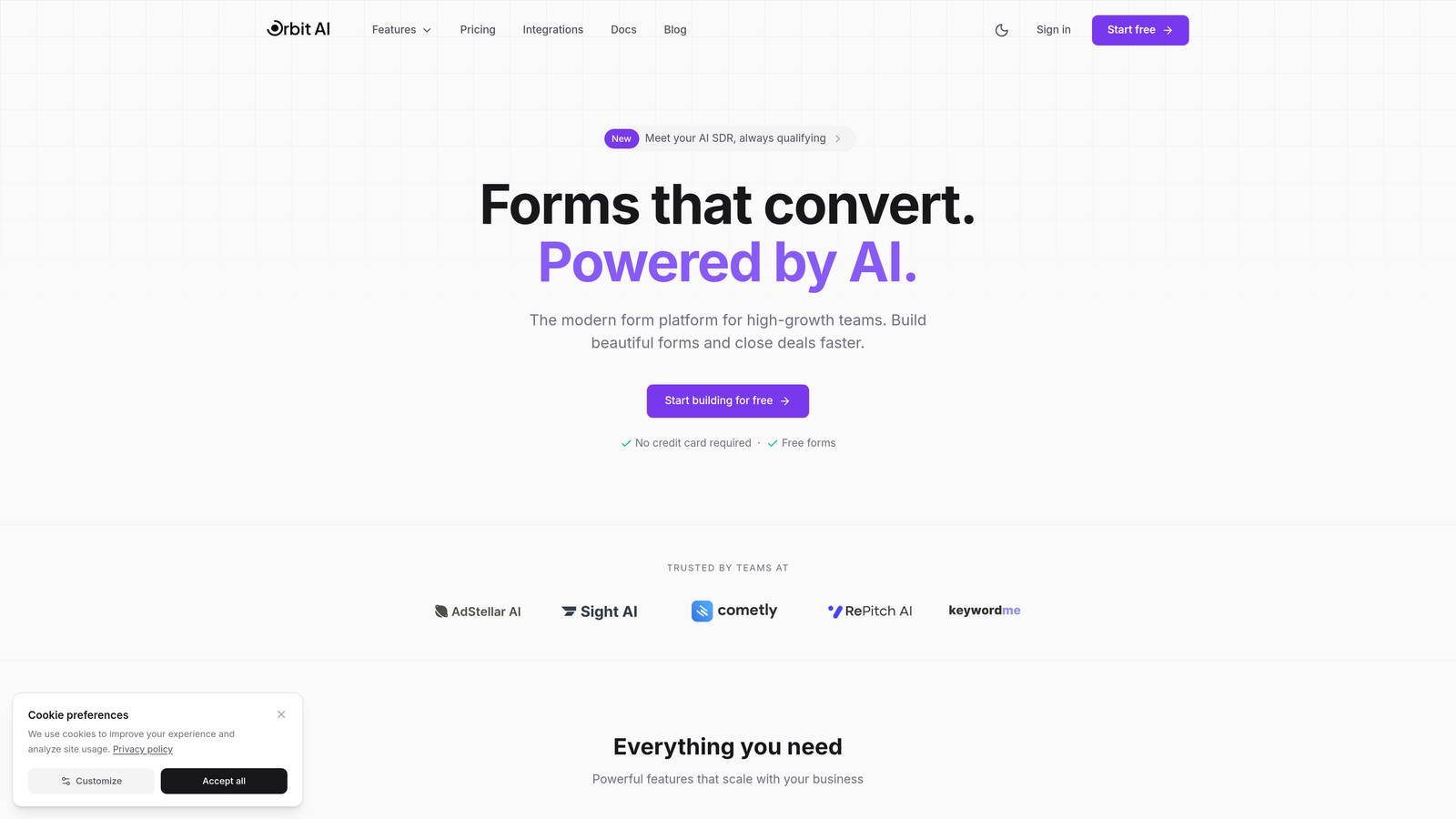
Orbit AI is a form builder platform designed specifically for high-growth teams that need to qualify leads automatically while maintaining high conversion rates.
Where This Tool Shines
Orbit AI stands out with its intelligent lead qualification system that scores and routes prospects automatically. This means your sales team only receives qualified leads that match your ideal customer profile, eliminating the manual filtering that slows down most growth teams.
The platform's AI agents interact with form respondents in real-time, asking follow-up questions based on their answers and gathering the exact information your sales process needs. This creates a conversational experience without the complexity of building conditional logic manually.
Key Features
AI-Powered Lead Qualification: Automatically scores leads based on your criteria and routes them to the right team members.
Conversion-Optimized Templates: Pre-built form designs tested for high completion rates across industries and use cases.
Native Integrations: Direct connections with HubSpot, Salesforce, Slack, and 15+ tools your team already uses.
Built-In Analytics: Track form performance, conversion rates, and lead quality metrics without external tools.
Workflow Automation: Trigger actions based on form submissions, lead scores, or qualification criteria.
Best For
Orbit AI works best for B2B SaaS teams, marketing agencies, and fast-growing companies that need to scale lead generation without proportionally scaling their sales team. If you're spending hours manually qualifying leads or your sales team complains about lead quality, this platform solves that specific pain point.
Pricing
Contact for pricing. The platform is built for scaling teams and pricing typically aligns with submission volume and team size.
2. Typeform
Best for: Creating engaging conversational forms with high completion rates
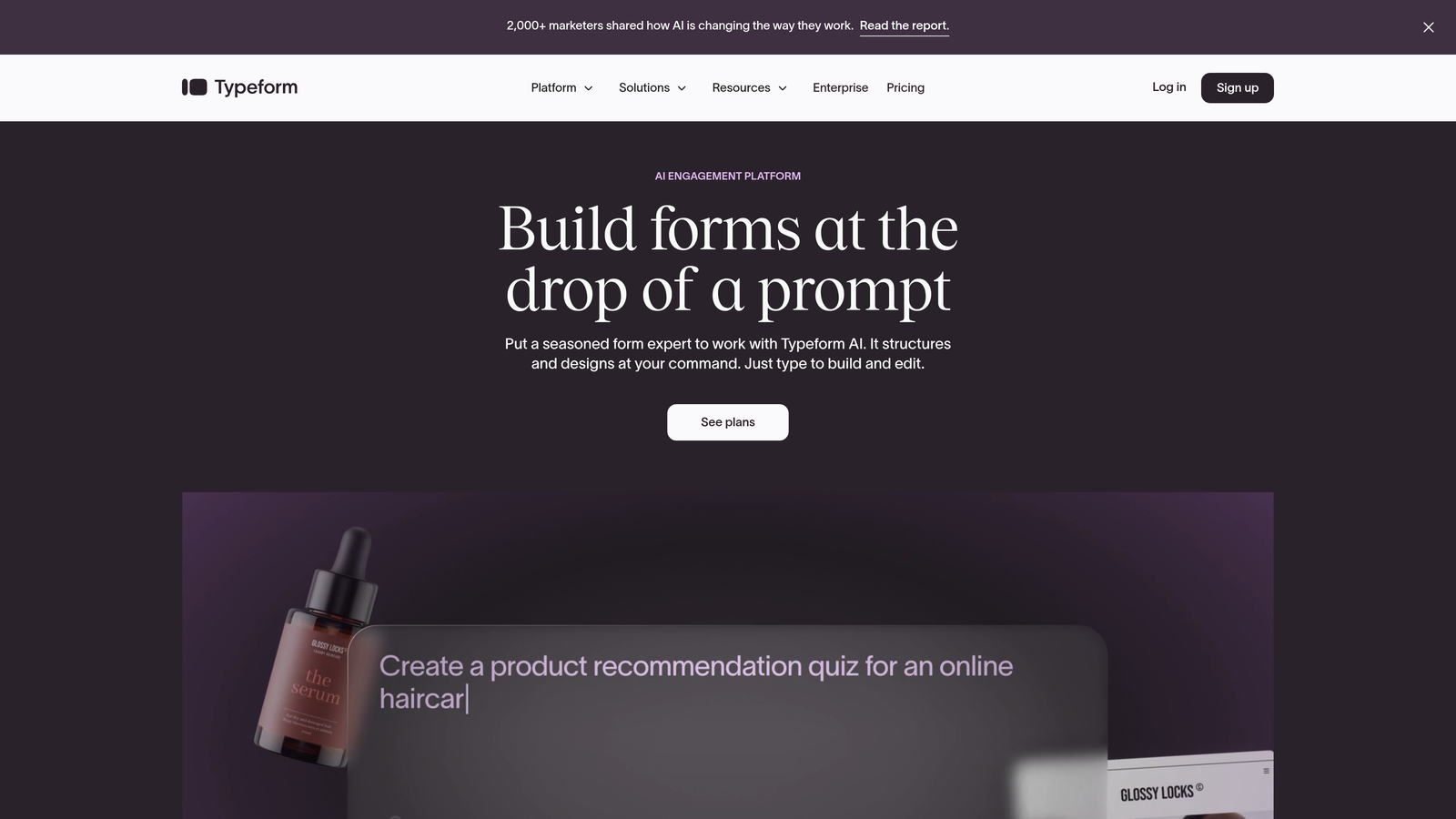
Typeform pioneered the one-question-at-a-time format that makes forms feel like conversations rather than interrogations.
Where This Tool Shines
Typeform excels at reducing form abandonment through its conversational interface. By showing one question at a time, respondents feel less overwhelmed and are more likely to complete longer forms. This approach works particularly well for surveys, lead qualification questionnaires, and customer feedback collection.
The platform's strong visual customization allows you to match your brand perfectly. You can add images, videos, and GIFs to questions, creating memorable experiences that stand out in crowded markets.
Key Features
Conversational Interface: One-question-at-a-time format that increases completion rates compared to traditional forms.
Logic Jumps: Create personalized form paths based on previous answers without technical setup.
Media-Rich Questions: Embed videos, images, and GIFs directly into questions for engaging experiences.
Brand Customization: Full control over colors, fonts, backgrounds, and themes to match your brand identity.
Integration Library: Connect with major marketing tools including HubSpot, Mailchimp, Google Sheets, and Slack.
Best For
Typeform works well for marketing teams focused on brand experience and engagement. If your forms are customer-facing and brand perception matters, the investment in Typeform's polished interface pays dividends.
Pricing
Free tier available with Typeform branding. Basic plan starts at $25/month, with higher tiers adding features like logic jumps and hidden fields.
3. HubSpot Forms
Best for: Teams already using HubSpot who need native CRM integration
HubSpot Forms is the native form builder within HubSpot's marketing ecosystem, offering seamless integration with the CRM and marketing automation tools.

Where This Tool Shines
If your team already operates within HubSpot, using their native forms eliminates integration headaches entirely. Form submissions automatically create or update contact records, trigger workflows, and feed into your reporting dashboard without any middleware.
Progressive profiling is HubSpot Forms' standout feature. Instead of asking for the same information repeatedly, forms automatically hide fields for known contacts and ask new questions each time. This creates a better user experience while gradually building complete contact profiles.
Key Features
Native CRM Integration: Submissions automatically sync with HubSpot contact records with zero configuration.
Progressive Profiling: Automatically show different fields to known contacts to gather new information over time.
Smart Content: Personalize forms based on contact properties, lifecycle stage, or list membership.
Built-In Analytics: Track form views, submissions, and conversion rates tied directly to contact records.
Workflow Triggers: Automatically start email sequences, assign tasks, or update properties based on form submissions.
Best For
HubSpot Forms makes sense if you're already paying for HubSpot Marketing Hub. The value comes from the ecosystem integration rather than standalone form features.
Pricing
Free with HubSpot CRM. Advanced features like progressive profiling and smart content require paid Marketing Hub tiers starting at $45/month.
4. Jotform
Best for: Teams needing extensive templates and flexibility across diverse use cases
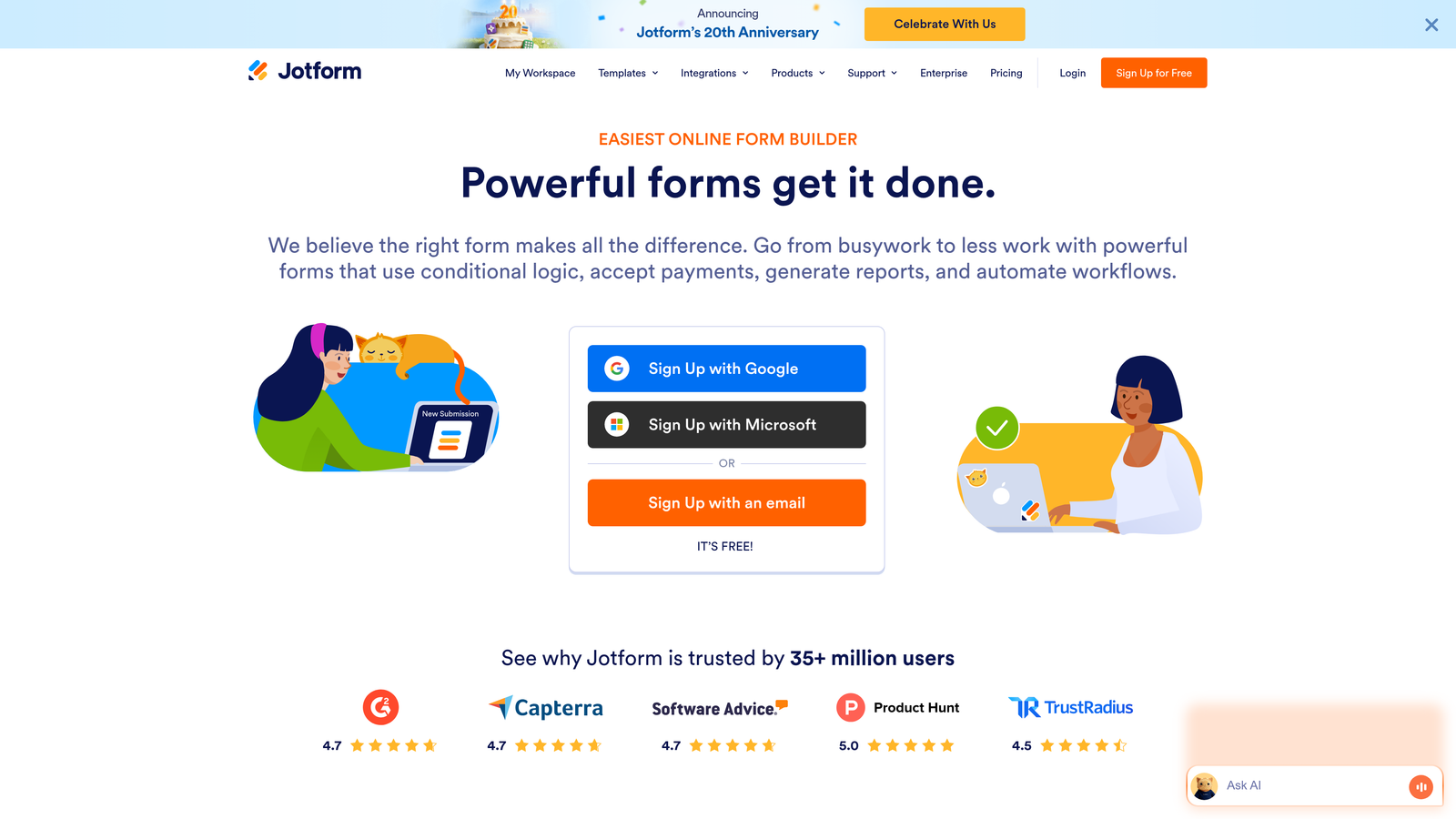
Jotform offers one of the largest template libraries in the form builder space, covering virtually every industry and use case imaginable.
Where This Tool Shines
Jotform's breadth is its strength. With over 10,000 templates, you can find pre-built forms for registration, orders, surveys, applications, and niche use cases that would take hours to build from scratch. This makes it particularly valuable for teams managing diverse form needs across departments.
The widget library extends functionality far beyond basic form fields. You can add appointment scheduling, signature capture, file uploads, and payment processing without custom development. For teams that need forms to do more than collect contact information, this flexibility proves invaluable.
Key Features
Template Library: Over 10,000 pre-built form templates across industries and use cases.
Widget Ecosystem: Hundreds of widgets for payments, signatures, scheduling, calculations, and specialized functions.
Payment Processing: Accept payments through PayPal, Stripe, Square, and other gateways directly in forms.
PDF Generation: Automatically create PDF documents from form submissions with custom templates.
Team Collaboration: Share forms, assign ownership, and manage permissions across team members.
Best For
Jotform works well for operations teams, HR departments, and businesses with varied form requirements. If you need forms for both lead generation and internal processes, the versatility justifies the investment.
Pricing
Free tier includes 5 forms with 100 monthly submissions. Bronze plan starts at $34/month for 25 forms and 1,000 submissions.
5. Tally
Best for: Teams wanting simplicity with unlimited forms on a generous free tier
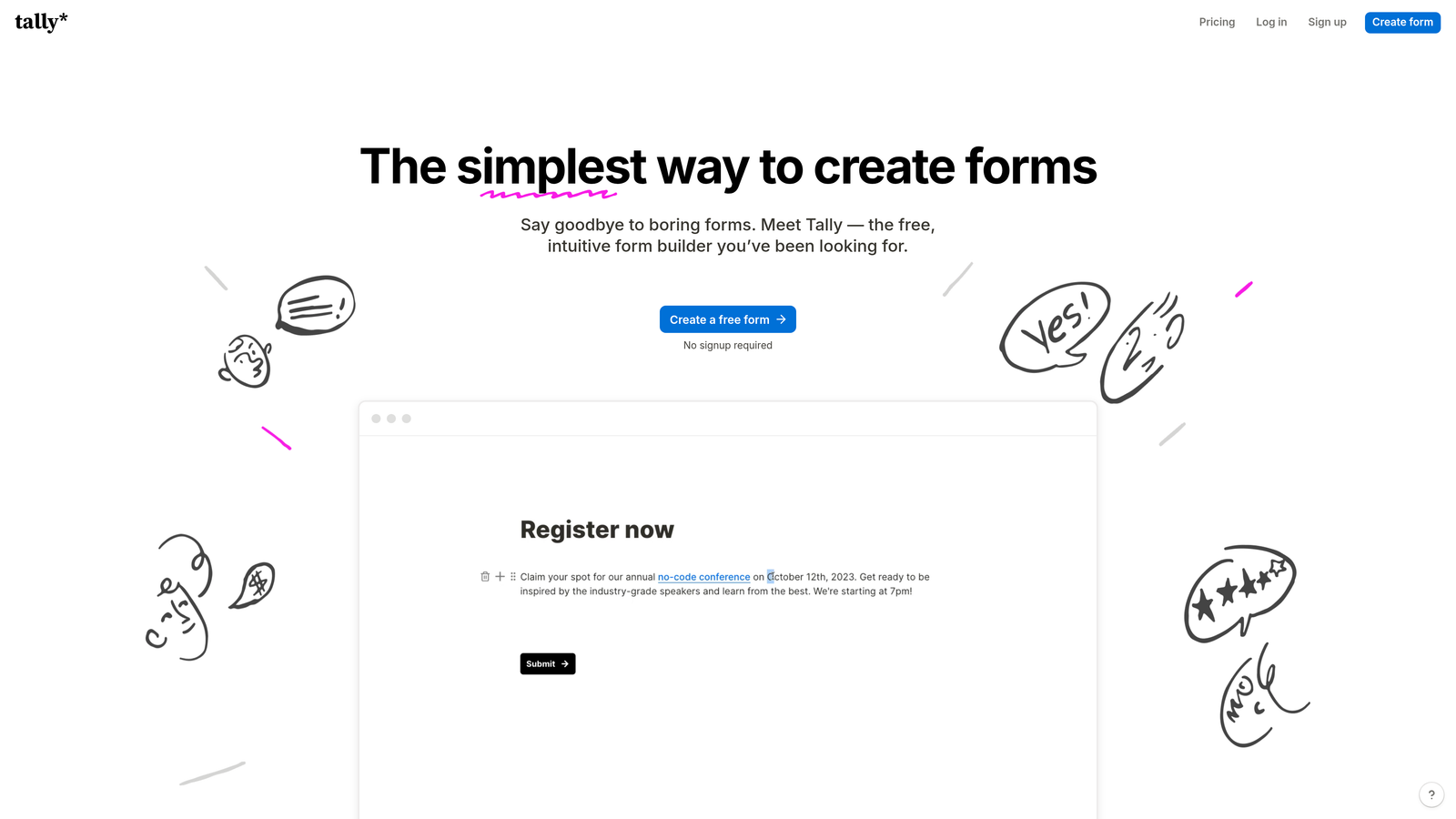
Tally brings a Notion-style block-based interface to form building, prioritizing simplicity and speed over extensive customization.
Where This Tool Shines
Tally's minimalist approach removes the learning curve entirely. If you've used Notion, you already know how to build Tally forms. This makes it perfect for teams that want to create forms quickly without training or complex setup.
The free tier is remarkably generous—unlimited forms and submissions with no branding requirements on the free plan. For bootstrapped startups or teams testing form strategies, this removes financial barriers entirely.
Key Features
Block-Based Editor: Notion-style interface that makes form building intuitive and fast.
Unlimited Free Tier: No limits on form creation or submissions on the free plan.
Clean Interface: Distraction-free design that focuses respondents on completing the form.
Conditional Logic: Basic branching and field visibility rules without complex configuration.
Integration Options: Connect with other tools via Zapier, webhooks, and direct integrations.
Best For
Tally suits lean teams, solo founders, and early-stage startups that need functional forms without budget constraints. The simplicity also appeals to non-technical users who find traditional form builders overwhelming.
Pricing
Generous free tier with unlimited forms and submissions. Pro plan at $29/month adds custom domains, remove Tally branding, and advanced features.
6. Formstack
Best for: Enterprise teams requiring compliance, security, and advanced workflow automation
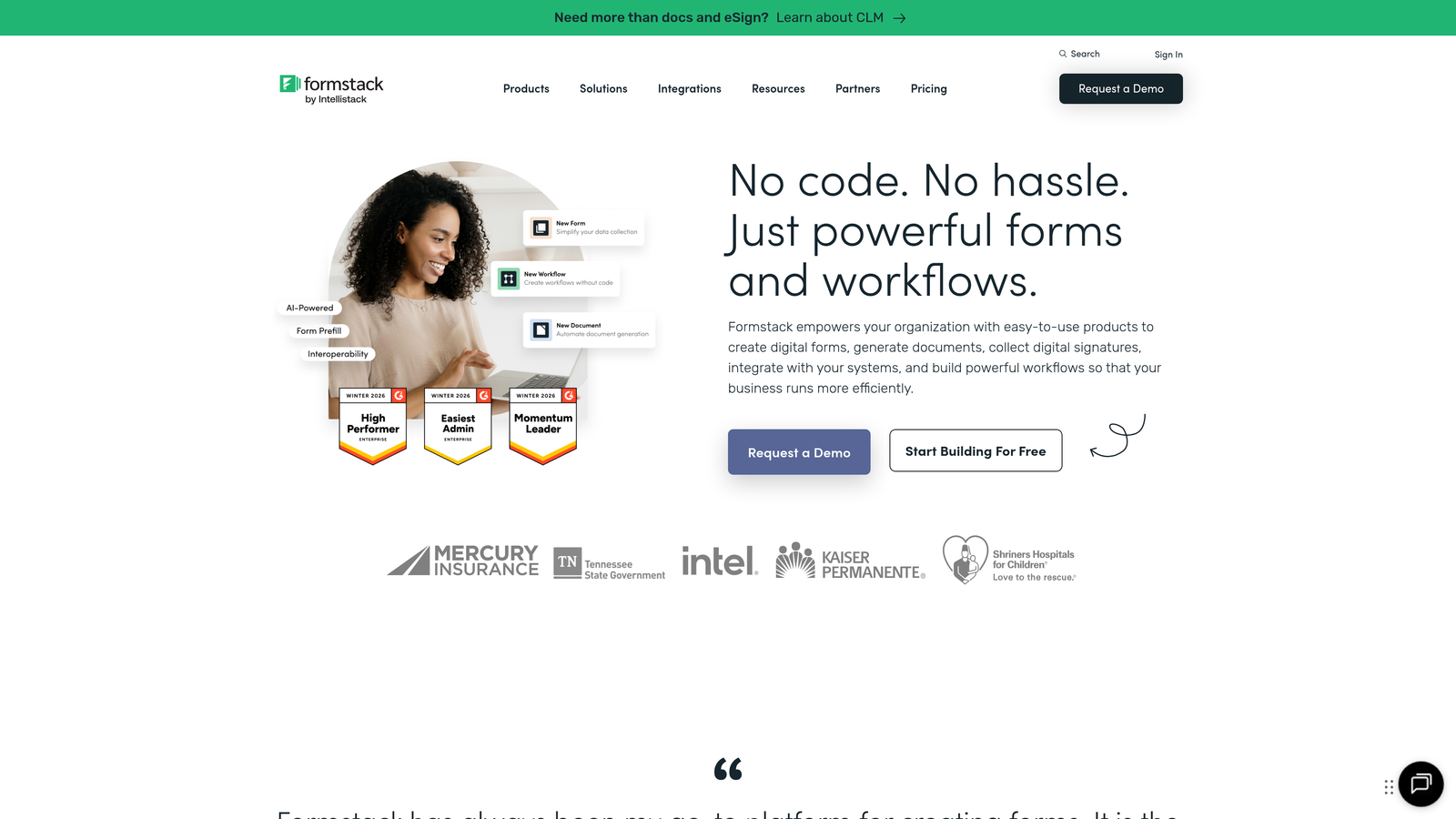
Formstack is an enterprise-grade form platform with advanced compliance features, document generation, and workflow automation capabilities.
Where This Tool Shines
Formstack excels in regulated industries where compliance isn't optional. The platform offers HIPAA and GDPR compliance features, data encryption, and audit trails that meet enterprise security requirements. If you're in healthcare, finance, or government sectors, these features aren't luxuries—they're necessities.
The document generation capability sets Formstack apart from simpler tools. You can automatically create contracts, invoices, reports, or personalized documents from form submissions, eliminating manual data entry and reducing errors.
Key Features
Compliance Options: HIPAA and GDPR-compliant form handling with data encryption and security controls.
Document Generation: Automatically create PDF documents, contracts, and reports from form data.
Advanced Logic: Complex conditional rules, calculations, and field dependencies for sophisticated forms.
Workflow Automation: Multi-step approval processes, routing rules, and automated actions based on submissions.
Enterprise Security: SSO, role-based permissions, audit logs, and data residency options.
Best For
Formstack works best for enterprise teams in regulated industries or organizations with complex approval workflows. The pricing reflects enterprise positioning, so smaller teams may find it excessive for basic lead capture.
Pricing
Plans start at $50/month for basic features. Enterprise pricing for compliance features, document generation, and advanced security typically requires custom quotes.
7. Paperform
Best for: Creating rich landing page experiences that blend content with form fields
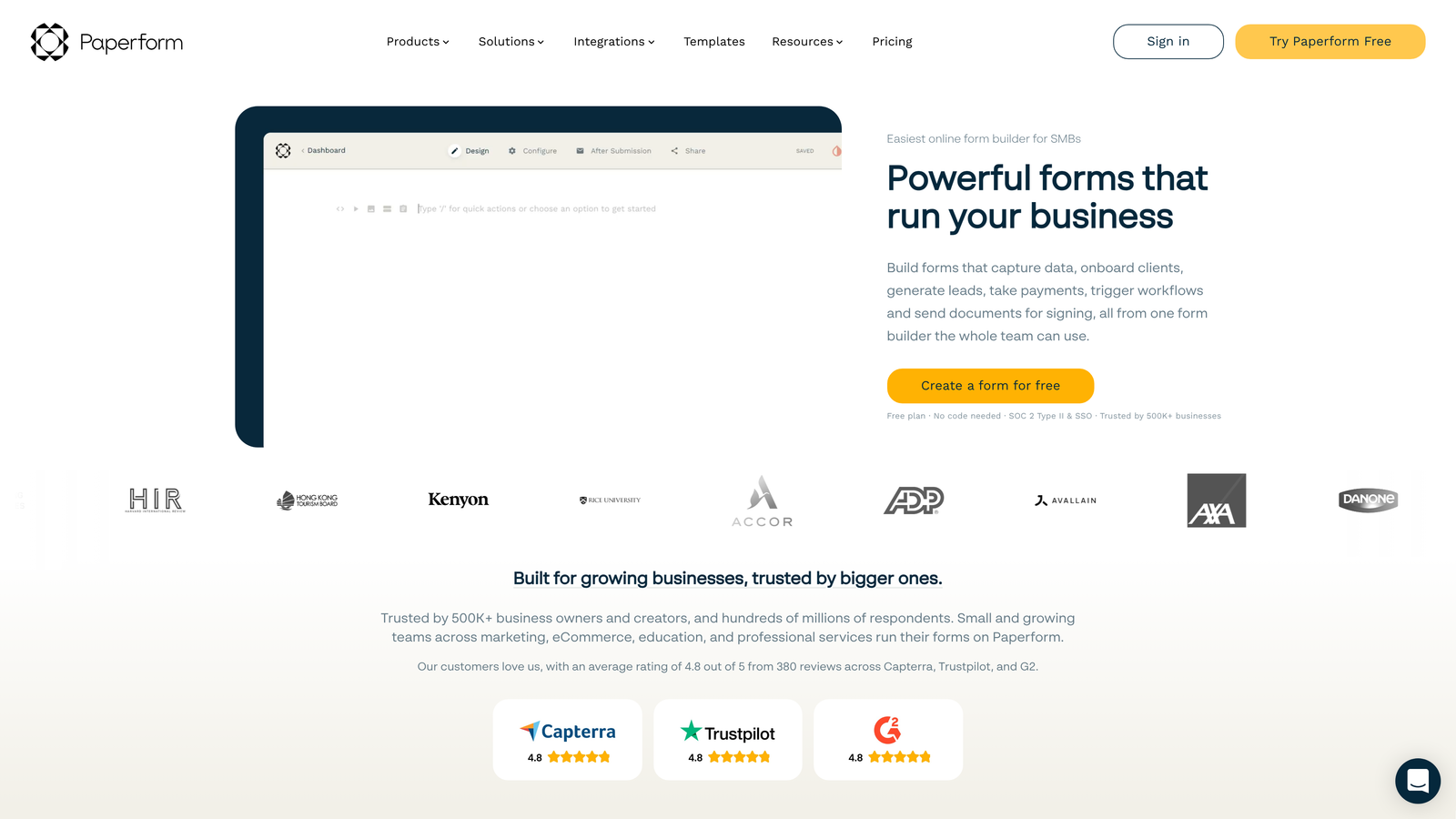
Paperform breaks the traditional form mold by letting you build forms that look like landing pages, mixing text, images, and form fields inline.
Where This Tool Shines
Paperform's unique approach lets you create branded experiences that don't feel like forms at all. You can build product order pages, event registrations, or consultation bookings that tell your story while collecting information. This works particularly well for consumer-facing businesses where the form itself is a marketing touchpoint.
The e-commerce capabilities go beyond basic payment collection. You can build entire product catalogs, calculate pricing based on selections, handle inventory, and create checkout experiences—all without a separate e-commerce platform.
Key Features
Inline Form Building: Mix form fields with text, images, videos, and content blocks for rich experiences.
E-commerce Features: Product catalogs, dynamic pricing, inventory management, and checkout flows.
Custom Success Pages: Create branded thank-you pages or redirect to specific URLs based on responses.
Calculation Fields: Build pricing calculators, quote generators, and dynamic pricing forms.
Scheduling Integration: Embed appointment booking directly into forms with calendar connections.
Best For
Paperform suits creative agencies, service businesses, and consumer brands that want forms to reflect their brand personality. If your forms need to sell as much as they collect data, the landing page approach makes sense.
Pricing
Essentials plan at $24/month includes unlimited forms and submissions. Pro plan at $49/month adds team features and removes branding.
8. Cognito Forms
Best for: Forms requiring complex calculations, conditional pricing, or dynamic field logic
Cognito Forms specializes in calculation-heavy forms with powerful conditional pricing logic for order forms, quotes, and registrations.
Where This Tool Shines
Cognito Forms handles mathematical complexity that breaks other form builders. You can create sophisticated pricing calculators, quote generators, and order forms with conditional pricing based on multiple variables. If your forms need to calculate totals, apply discounts, or adjust pricing based on selections, Cognito's formula system handles it elegantly.
Repeating sections let users add multiple items dynamically—perfect for order forms where customers might buy varying quantities of different products. This flexibility eliminates the need for separate forms for different order sizes.
Key Features
Advanced Calculations: Build complex formulas using form field values, dates, and mathematical operations.
Conditional Pricing: Adjust prices dynamically based on selections, quantities, or calculated values.
Repeating Sections: Let users add multiple instances of field groups for orders, registrations, or applications.
Payment Integration: Accept payments through Stripe and PayPal with calculated totals and conditional pricing.
Data Security: Field-level encryption and compliance features for sensitive information.
Best For
Cognito Forms works well for businesses with complex pricing models, event organizers with tiered registration, and service providers offering customized quotes. The calculation capabilities justify the learning curve for teams with these specific needs.
Pricing
Free tier available with basic features. Pro plan starts at $15/month per user, with higher tiers adding payment processing and advanced features.
9. Fillout
Best for: Teams using Notion or Airtable who need native database integration
Fillout is a modern form builder designed specifically for teams that organize their work in Notion and Airtable, offering native connections to these databases.
Where This Tool Shines
Fillout eliminates the integration middleware that typically sits between forms and databases. Forms connect directly to your Notion or Airtable workspace, creating or updating records automatically. This matters for teams that use these tools as their system of record—no more manual data transfer or Zapier workflows.
The pre-fill capability is particularly clever. You can send form links that automatically populate fields based on database records, perfect for update forms, feedback collection, or progressive data gathering from existing contacts.
Key Features
Native Database Integration: Direct connections to Notion and Airtable databases without middleware.
Pre-Fill Forms: Automatically populate form fields from existing database records for update workflows.
Modern Design: Clean, responsive form interface that works seamlessly across devices.
Conditional Logic: Show or hide fields based on previous answers with straightforward rule configuration.
Payment Collection: Accept payments through Stripe integration with calculated totals.
Best For
Fillout makes sense for teams already organizing work in Notion or Airtable. If these tools are your source of truth, Fillout's native integration eliminates the friction of getting form data where it needs to go.
Pricing
Free tier available with basic features. Starter plan at $15/month adds custom domains, remove branding, and advanced integrations.
Making the Right Choice
The best form software for your high-growth team depends on your specific workflow and priorities.
If AI-powered lead qualification is your priority, Orbit AI delivers automated scoring and routing that saves your sales team hours of manual filtering. The conversion-optimized templates and native integrations make it particularly valuable for B2B teams scaling lead generation.
For teams prioritizing engagement and brand experience, Typeform's conversational interface creates memorable form experiences that increase completion rates. The visual customization options help your forms stand out in crowded markets.
HubSpot users should seriously consider HubSpot Forms for the native integration benefits. Progressive profiling and seamless CRM sync eliminate data silos and manual work.
Budget-conscious teams will appreciate Tally's generous free tier with unlimited forms and submissions. The Notion-style interface also reduces the learning curve significantly.
Here's a quick decision framework based on your primary need:
For AI-powered lead qualification: Orbit AI automates the scoring and routing that typically requires manual work or complex integrations.
For conversational experiences: Typeform's one-question-at-a-time format reduces abandonment and creates engaging interactions.
For HubSpot ecosystem users: HubSpot Forms eliminates integration complexity and leverages progressive profiling for better data collection.
For diverse use cases: Jotform's template library and widget ecosystem handle everything from lead capture to internal workflows.
For budget constraints: Tally offers unlimited forms and submissions free, removing financial barriers for early-stage teams.
For enterprise compliance: Formstack provides HIPAA and GDPR compliance with enterprise security features.
The common thread across successful high-growth teams is this: they choose form software that integrates naturally into their existing workflow rather than forcing process changes. The best tool is the one your team will actually use consistently.
Transform your lead generation with AI-powered forms that qualify prospects automatically while delivering the modern, conversion-optimized experience your high-growth team needs. Start building free forms today and see how intelligent form design can elevate your conversion strategy.


