

Your forms are either converting visitors into leads or silently killing your pipeline. The difference often comes down to the tool you're using. Modern form builders have evolved far beyond simple data collection—they now incorporate AI-powered lead qualification, conditional logic, A/B testing, and real-time analytics to maximize every submission. Whether you're optimizing landing pages, streamlining checkout flows, or qualifying leads before they hit your CRM, the right form tool can dramatically impact your bottom line.
We evaluated dozens of form builders based on conversion-focused features, ease of use, integration capabilities, and pricing to bring you this curated list of the best options for CRO-focused teams in 2026. Here are the top tools that combine powerful features with measurable conversion impact.
1. Orbit AI
Best for: High-growth teams that need AI-powered lead qualification built into their forms
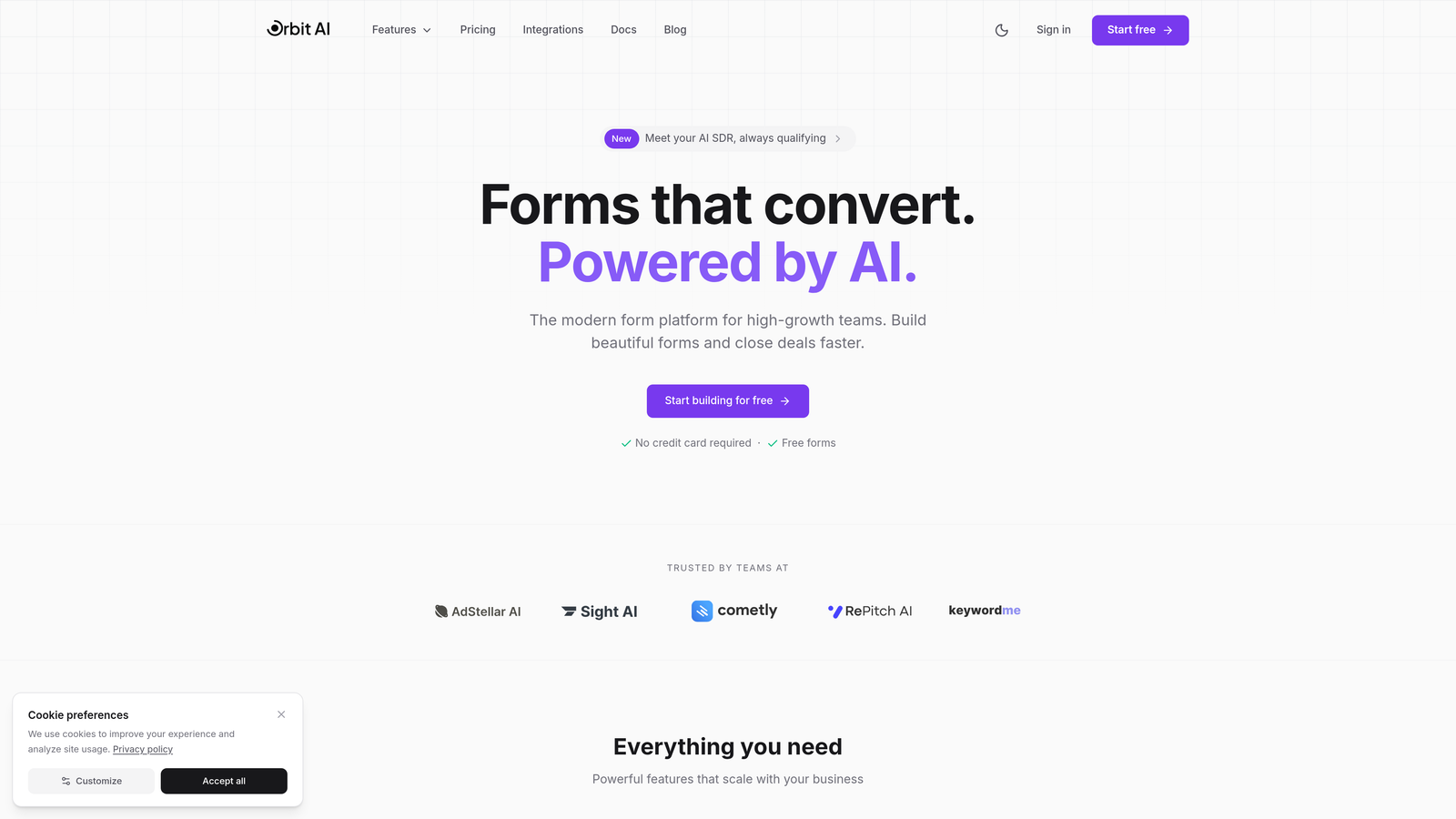
Orbit AI is an AI-powered form builder platform designed specifically for teams that prioritize conversion optimization and lead quality over volume.
Where This Tool Shines
What sets Orbit AI apart is its built-in AI lead qualification engine that scores and routes prospects automatically as they complete your forms. Instead of sending every submission to your sales team, the platform intelligently identifies high-intent leads based on their responses and behavior patterns.
The modern, conversion-optimized templates are built on CRO principles from the ground up. Each template incorporates best practices like progressive disclosure, strategic field ordering, and mobile-first design that directly impact completion rates.
Key Features
AI-Powered Lead Qualification: Automatically scores and qualifies leads in real-time based on form responses and behavioral signals.
Conversion-Optimized Templates: Pre-built forms designed with CRO best practices, reducing friction and maximizing completion rates.
Real-Time Analytics: Track conversion metrics, drop-off points, and form performance with actionable insights.
Native CRM Integrations: Seamlessly sync qualified leads with your existing sales and marketing tools.
Workflow Automation: Route qualified leads to the right team members and trigger follow-up sequences automatically.
Best For
Orbit AI is ideal for B2B SaaS companies, marketing agencies, and high-growth teams that need to qualify leads at scale while maintaining a modern, professional brand experience. It's particularly valuable if you're drowning in low-quality form submissions and need intelligent filtering before leads hit your CRM.
Pricing
Free tier available for teams getting started. Paid plans begin at $29/month with advanced AI features and scalable form limits.
2. Typeform
Best for: Creating engaging, conversational form experiences with high completion rates
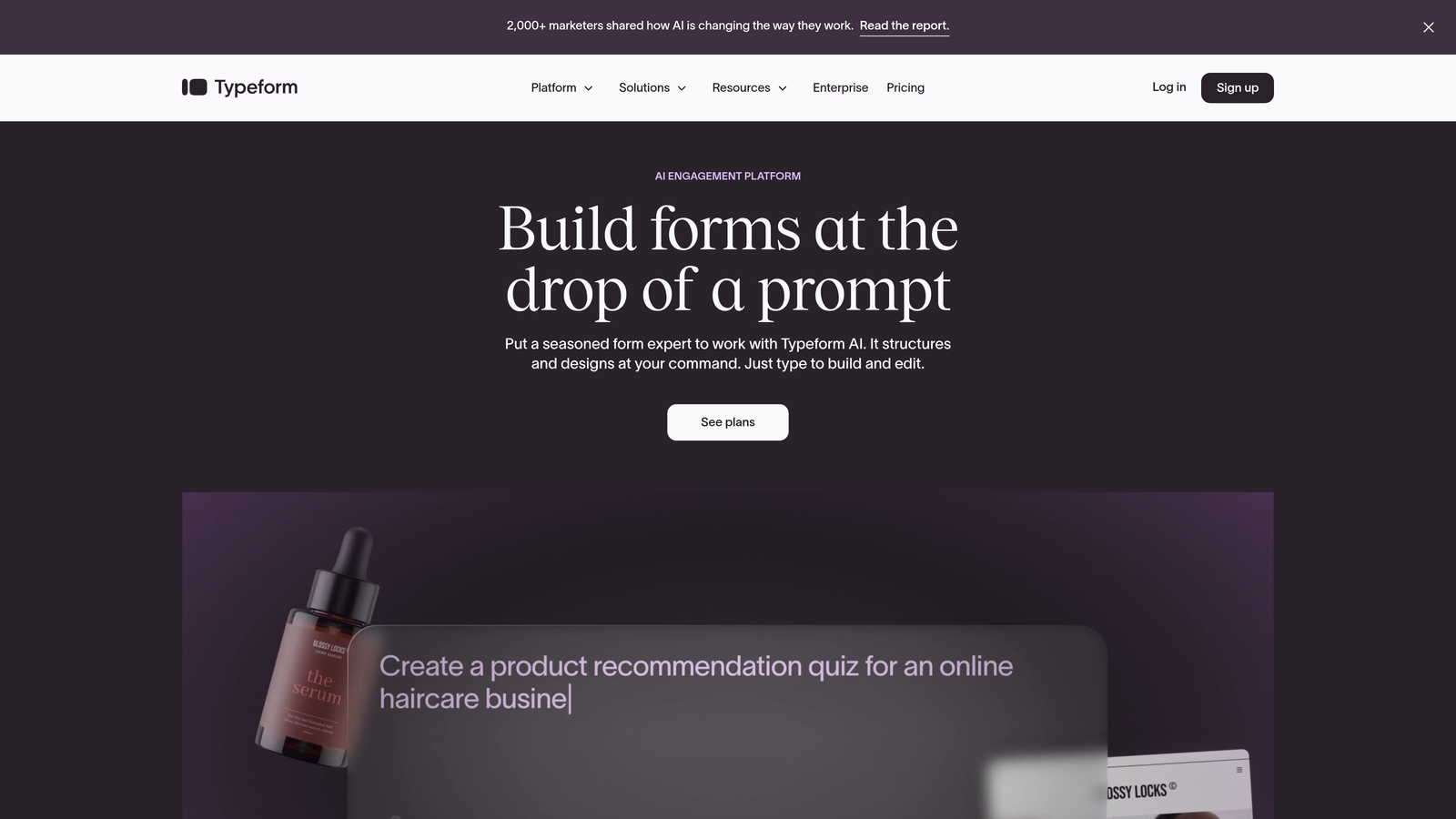
Typeform is a conversational form builder that revolutionized online forms with its one-question-at-a-time interface.
Where This Tool Shines
Typeform's conversational approach reduces cognitive load by showing one question at a time, creating a more engaging experience that feels less like a traditional form and more like a dialogue. This format consistently delivers higher completion rates compared to traditional multi-field forms.
The platform's visual polish and smooth animations create a premium feel that reflects well on your brand. When you need forms that stand out and create memorable interactions, Typeform's design-first approach delivers.
Key Features
One-Question-at-a-Time Interface: Conversational format that increases engagement and reduces form abandonment.
Logic Jumps: Create dynamic forms that adapt based on user responses for personalized experiences.
Rich Media Support: Embed videos, images, and GIFs to create more engaging form experiences.
120+ Native Integrations: Connect with popular tools including Slack, HubSpot, Mailchimp, and Google Sheets.
Hidden Fields: Pass UTM parameters and tracking data for attribution and personalization.
Best For
Typeform works best for customer research, lead generation quizzes, event registrations, and any scenario where user experience directly impacts completion rates. It's particularly effective for consumer-facing brands and creative teams.
Pricing
Free tier available with basic features. Paid plans start at $25/month for increased responses and advanced logic.
3. Unbounce Smart Builder
Best for: Marketers who want AI-powered landing pages with built-in form optimization
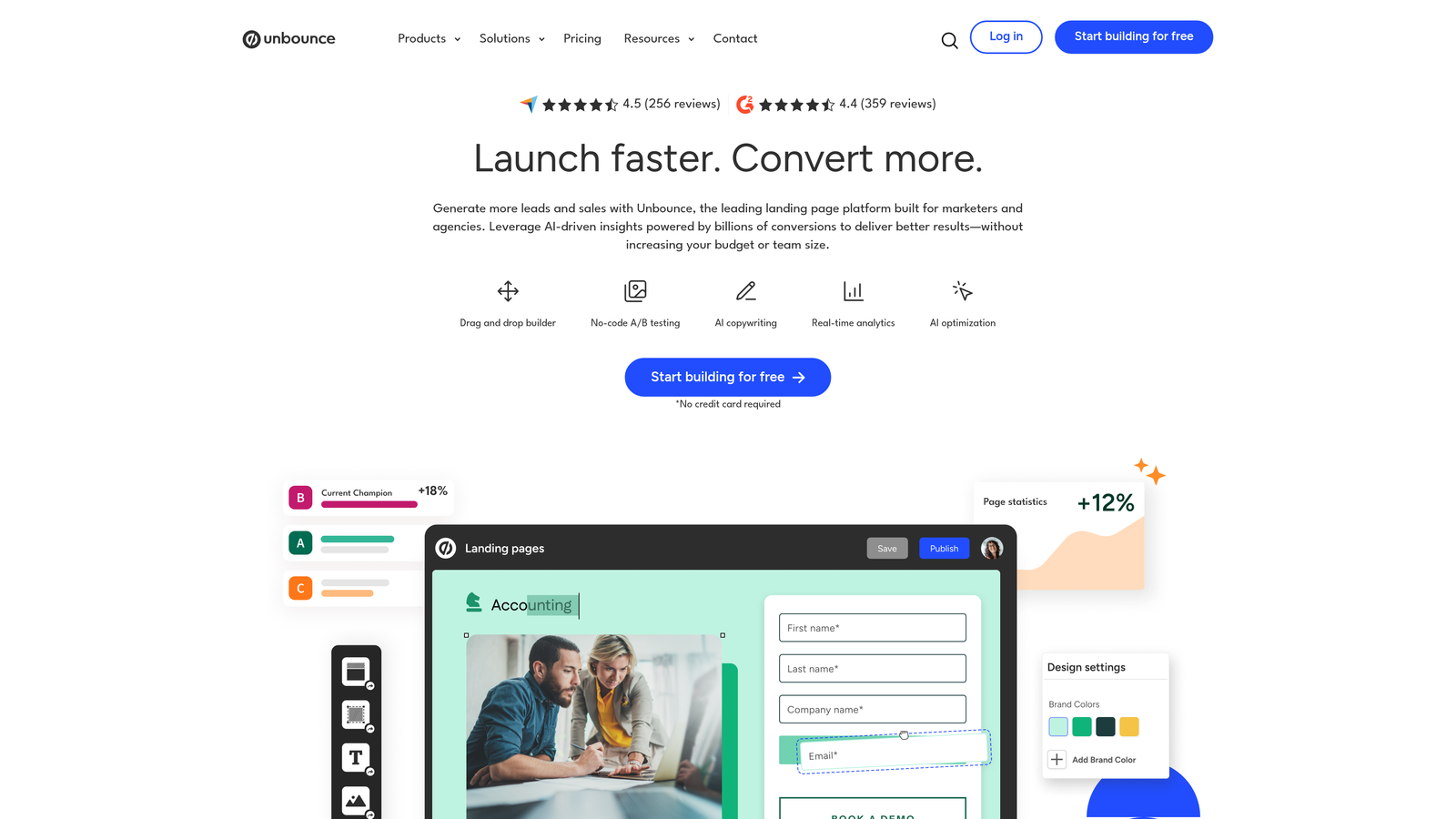
Unbounce Smart Builder is a landing page platform with integrated form capabilities and AI-powered optimization features designed for conversion-focused campaigns.
Where This Tool Shines
Unbounce goes beyond form building by optimizing the entire landing page experience. The Smart Builder uses AI to suggest copy improvements, design changes, and layout variations that can increase conversions. When your forms are part of broader landing page campaigns, this holistic approach makes a measurable difference.
The Smart Traffic feature automatically routes visitors to the landing page variant most likely to convert them based on their characteristics. This AI-powered optimization happens in real-time without requiring large sample sizes for traditional A/B tests.
Key Features
AI-Powered Smart Builder: Get intelligent suggestions for copy, design, and layout improvements that boost conversions.
Smart Traffic: Automatically send visitors to their best-performing page variant using AI optimization.
Built-In A/B Testing: Test form variations, headlines, and page elements to identify what drives conversions.
Sticky Bars and Popups: Capture leads with exit-intent popups and persistent conversion elements.
Dynamic Text Replacement: Personalize forms and landing pages based on ad keywords and traffic source.
Best For
Unbounce is ideal for paid advertising campaigns, product launches, and marketing teams running multiple landing page tests simultaneously. The platform works best when you need forms integrated into comprehensive landing page experiences.
Pricing
Plans start at $99/month with 500 conversions included. Higher tiers add Smart Traffic and additional conversion volume.
4. Leadformly
Best for: Multi-step lead generation forms with built-in CRO best practices
Leadformly is a specialized form builder designed exclusively for lead generation, with every template optimized for maximum conversion rates.

Where This Tool Shines
Leadformly's multi-step approach breaks long forms into digestible sections with progress indicators, significantly reducing abandonment rates. The platform's templates are built on extensive CRO research, incorporating best practices like strategic question ordering and psychological triggers that increase completion.
The partial submission capture feature is particularly valuable for lead generation. Even if users abandon the form midway, you capture their information up to that point, allowing you to follow up with incomplete leads who showed initial interest.
Key Features
Multi-Step Forms: Break long forms into steps with progress bars that reduce perceived length and increase completions.
CRO-Optimized Templates: Pre-built forms based on conversion research and industry best practices.
Lead Scoring: Automatically qualify and score leads based on their form responses.
Partial Submission Capture: Save incomplete form data to recover abandoned leads.
Real-Time Notifications: Get instant alerts when high-value leads submit forms.
Best For
Leadformly excels for B2B companies, insurance providers, financial services, and any business with longer qualification forms that need to balance information gathering with conversion optimization.
Pricing
Plans start at $37/month for basic features. Higher tiers include advanced integrations and increased submission limits.
5. HubSpot Forms
Best for: Teams already using HubSpot CRM who need seamless data integration
HubSpot Forms is the native form builder within the HubSpot ecosystem, offering deep CRM integration and progressive profiling capabilities.

Where This Tool Shines
If you're already invested in the HubSpot ecosystem, the native forms integration is unmatched. Every form submission automatically creates or updates contact records in your CRM, triggers workflows, and provides complete visibility into the customer journey from first touch to closed deal.
Progressive profiling is HubSpot's killer feature for conversion optimization. Instead of asking known contacts the same questions repeatedly, forms automatically adapt to request new information each time, keeping forms short while gradually building complete contact profiles.
Key Features
Progressive Profiling: Automatically show different questions to returning visitors, keeping forms short while gathering complete data over time.
Automatic CRM Sync: Instant contact creation and updates with complete activity history in HubSpot CRM.
Smart Fields: Pre-populate known information and use conditional logic to show relevant questions.
Workflow Automation: Trigger email sequences, task creation, and lead routing based on form submissions.
Submission Analytics: Track form performance, conversion rates, and drop-off points within HubSpot's analytics suite.
Best For
HubSpot Forms is perfect for companies already using HubSpot CRM or Marketing Hub who want seamless integration and unified customer data across their entire marketing and sales stack.
Pricing
Free with HubSpot CRM for basic forms. Advanced features like progressive profiling require Marketing Hub starting at $800/month.
6. Jotform
Best for: Versatile form building with extensive templates and payment processing capabilities
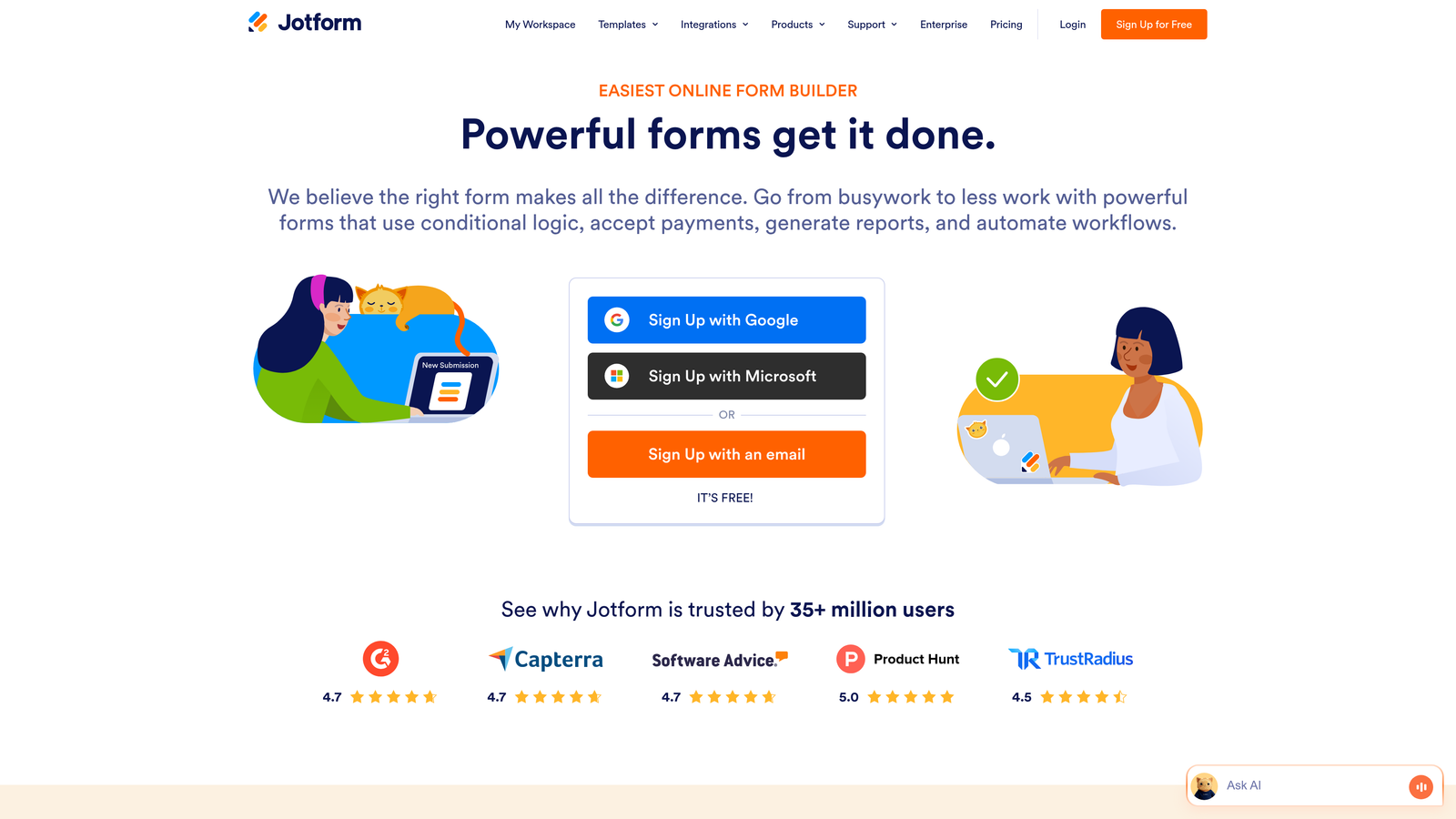
Jotform is a comprehensive form builder offering 10,000+ templates, payment integrations, and powerful conditional logic at accessible price points.
Where This Tool Shines
Jotform's massive template library means you can find a starting point for virtually any use case, from event registrations to job applications to product orders. This speeds up form creation significantly and ensures you're starting with proven structures.
The payment collection features are particularly robust, supporting multiple payment gateways including Stripe, PayPal, and Square. If your forms need to collect payments alongside lead information, Jotform handles both seamlessly in a single experience.
Key Features
10,000+ Templates: Extensive library covering every industry and use case with customizable starting points.
Payment Processing: Integrated payment collection with support for major gateways and subscription billing.
Conditional Logic: Show or hide fields based on user responses to create personalized form flows.
Form Calculations: Perform automatic calculations for quotes, order totals, and custom pricing.
HIPAA Compliance: Enterprise plans include HIPAA-compliant forms for healthcare applications.
Best For
Jotform works well for small businesses, nonprofits, educational institutions, and any organization that needs versatile forms with payment capabilities without enterprise-level budgets.
Pricing
Free tier available with 5 forms and 100 monthly submissions. Paid plans start at $34/month with increased limits.
7. Formstack
Best for: Enterprise teams needing advanced workflow automation and document generation
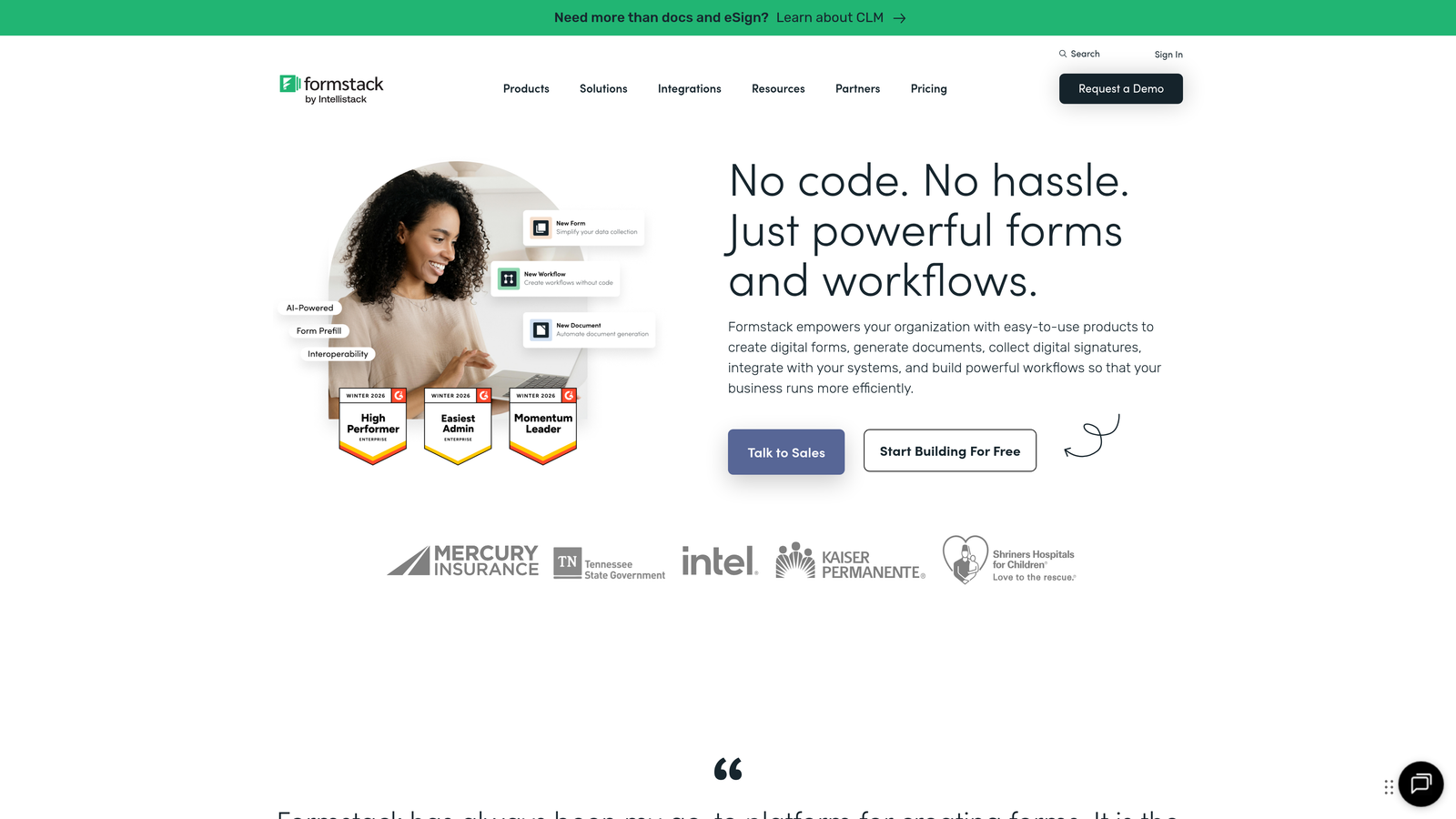
Formstack is an enterprise-grade form platform that extends beyond data collection into document automation, e-signatures, and complex workflow orchestration.
Where This Tool Shines
Formstack's document generation capabilities set it apart from basic form builders. When someone submits a form, the platform can automatically generate contracts, proposals, or customized documents populated with their information, then route them for e-signature—all within a single automated workflow.
The enterprise security features and compliance certifications make Formstack a strong choice for regulated industries. HIPAA compliance, SOC 2 certification, and advanced user permissions provide the security controls that enterprise IT teams require.
Key Features
Document Generation: Automatically create PDFs, contracts, and documents from form data using custom templates.
E-Signature Integration: Route generated documents for electronic signatures within automated workflows.
Advanced Workflow Automation: Build complex multi-step processes with conditional routing and approval chains.
Enterprise Security: HIPAA compliance, SOC 2 certification, and advanced user permissions.
Salesforce Integration: Native integration with deep Salesforce connectivity for enterprise CRM users.
Best For
Formstack is ideal for enterprises, healthcare organizations, financial services, and any business that needs forms integrated into complex document workflows with strong compliance requirements.
Pricing
Plans start at $50/month for basic features. Enterprise plans with full document automation and compliance features require custom pricing.
8. Paperform
Best for: Beautiful, branded forms that combine rich content with data collection
Paperform is a unique form builder that blends content pages with forms, creating experiences that feel more like interactive landing pages than traditional forms.
Where This Tool Shines
Paperform's approach to form building is fundamentally different. Instead of adding fields to a blank form, you create rich content pages with embedded form elements. This allows you to tell your brand story, showcase products, and collect information in a single seamless experience.
The visual customization options are exceptional. Every element can be styled to match your brand perfectly, from custom fonts and colors to background images and spacing. The result is forms that look like they were custom-coded rather than built with a form tool.
Key Features
Rich Content Embedding: Combine text, images, videos, and form fields in a single flowing experience.
Product Catalogs: Showcase products with images and descriptions alongside order forms for e-commerce applications.
Payment Processing: Collect payments with Stripe integration and support for subscriptions and payment plans.
Conditional Logic: Show or hide content and fields based on user responses and calculations.
Custom Branding: Complete control over fonts, colors, spacing, and styling to match your brand.
Best For
Paperform excels for creative agencies, e-commerce businesses, course creators, and brands that prioritize visual design and want forms that feel like natural extensions of their website experience.
Pricing
Plans start at $24/month for basic features. Higher tiers add advanced integrations and remove Paperform branding.
9. Tally
Best for: Teams wanting powerful features with unlimited submissions on a generous free tier
Tally is a Notion-like form builder that offers unlimited forms and submissions on its free plan, making advanced features accessible to teams of any size.
Where This Tool Shines
Tally's free tier is genuinely generous—unlimited forms, unlimited submissions, and access to features that other platforms lock behind paid plans. For startups and small teams that need professional forms without monthly fees, Tally removes the cost barrier entirely.
The Notion-style block editor makes form building intuitive for anyone familiar with modern productivity tools. Add fields by typing a slash command, drag blocks to reorder, and create complex forms without wrestling with traditional form builders.
Key Features
Unlimited Free Tier: No limits on forms or submissions, even on the free plan.
Block-Based Editor: Notion-style interface with slash commands and drag-and-drop simplicity.
Conditional Logic: Show or hide fields based on previous answers to create dynamic forms.
Hidden Fields: Pass UTM parameters and custom data for tracking and personalization.
Webhooks: Send form data to any endpoint for custom integrations and automation.
Best For
Tally is perfect for startups, indie makers, content creators, and any team that needs professional forms without the recurring costs. It's particularly appealing if you're already using Notion and want a similar editing experience.
Pricing
Free tier with unlimited forms and submissions. Pro plan at $29/month adds custom domains, file uploads, and priority support.
Making the Right Choice
The best form tool for your conversion optimization efforts depends on your specific needs and existing tech stack. If you're prioritizing AI-powered lead qualification and need forms that automatically separate high-intent prospects from tire-kickers, Orbit AI delivers that intelligence layer without requiring separate scoring tools. For teams creating engaging, conversational experiences, Typeform's one-question-at-a-time approach consistently drives higher completion rates.
Consider your primary use case when making your decision. Running paid advertising campaigns? Unbounce Smart Builder's AI optimization and landing page integration make it a natural fit. Already invested in HubSpot? The native forms integration and progressive profiling justify staying within the ecosystem. Need document generation and e-signatures alongside forms? Formstack's enterprise workflow capabilities extend far beyond basic data collection.
Budget matters, but so does the cost of poor conversion rates. Tally's generous free tier proves you don't need to spend money to get started, while enterprise options like Formstack and HubSpot justify their higher price points with advanced features and compliance certifications. The mid-tier options—Leadformly, Jotform, and Paperform—offer strong feature sets at accessible prices for growing teams.
Don't overlook integration capabilities. The best form tool integrates seamlessly with your existing CRM, marketing automation platform, and analytics tools. Native integrations eliminate data silos and enable the automated workflows that turn form submissions into qualified leads and customers.
Start by identifying your biggest conversion bottleneck. Is it form abandonment? Lead quality? Manual qualification processes? Choose the tool that directly addresses your primary challenge. Most platforms offer free trials—test your top two or three choices with real traffic to see which delivers measurable improvements in your specific context.
Start building free forms today and see how intelligent form design can elevate your conversion strategy. The right form tool doesn't just collect data—it qualifies prospects, triggers workflows, and transforms your lead generation into a scalable, optimized system that grows with your business.


