

Every lead that slips through a clunky form is revenue walking out the door. For startups operating on tight budgets and tighter timelines, choosing the right form tool isn't just about collecting data—it's about converting visitors into customers without burning engineering hours.
The best form tools for startups balance powerful features with simplicity, offer pricing that scales with growth, and integrate seamlessly with the tools you're already using. We evaluated dozens of options based on ease of use, startup-friendly pricing, conversion optimization features, and integration capabilities.
Here are the top form builders that actually deserve your attention in 2026.
1. Orbit AI
Best for: High-growth startups that need AI-powered lead qualification built into their forms
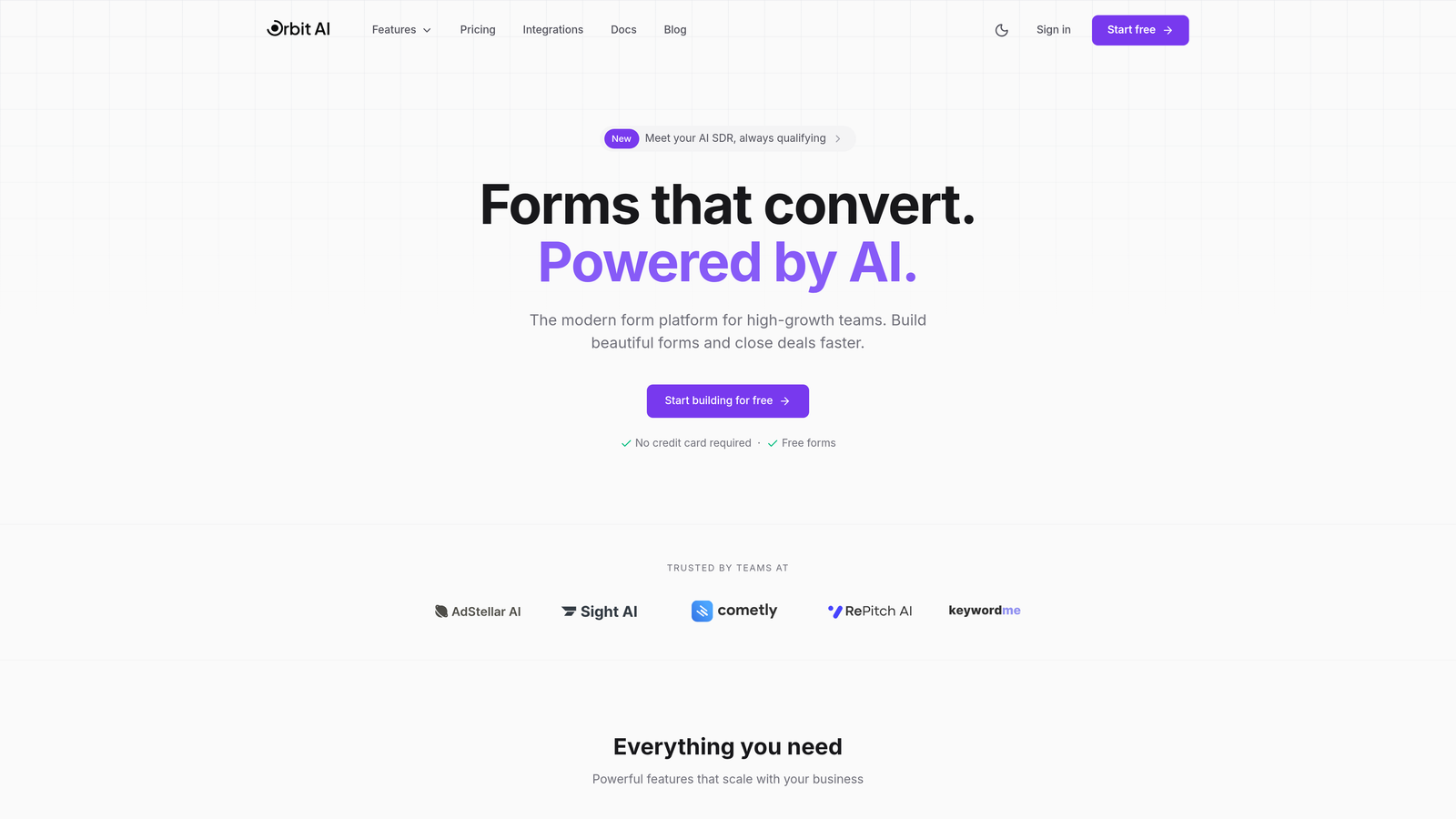
Orbit AI is an AI-powered form builder platform designed specifically for teams focused on conversion optimization and intelligent lead management.
Where This Tool Shines
What sets Orbit AI apart is its automatic lead qualification system. Instead of manually sorting through form submissions to identify your hottest prospects, the AI analyzes responses in real-time and scores leads based on their likelihood to convert.
This means your sales team can prioritize follow-ups intelligently rather than working through submissions chronologically. For resource-constrained startups, this automation can be the difference between losing warm leads to slow response times and striking while interest is hot.
Key Features
AI-Powered Lead Qualification: Automatically scores and prioritizes form submissions based on conversion likelihood.
Conversion-Optimized Templates: Pre-built form designs tested for maximum completion rates across industries.
Native CRM Integrations: Connects directly with HubSpot, Salesforce, and other popular sales tools without middleware.
Intelligent Conditional Logic: Creates dynamic form experiences that adapt based on user responses.
Real-Time Analytics Dashboard: Track completion rates, drop-off points, and conversion metrics at a glance.
Best For
Startups with high lead volume who need to separate qualified prospects from tire-kickers automatically. Particularly valuable for B2B SaaS companies, agencies, and service businesses where lead quality matters more than quantity.
Pricing
Free tier available to get started. Paid plans scale with usage, making it accessible for early-stage startups while supporting growth as volume increases.
2. Typeform
Best for: Consumer-facing forms where engagement and completion rates are critical
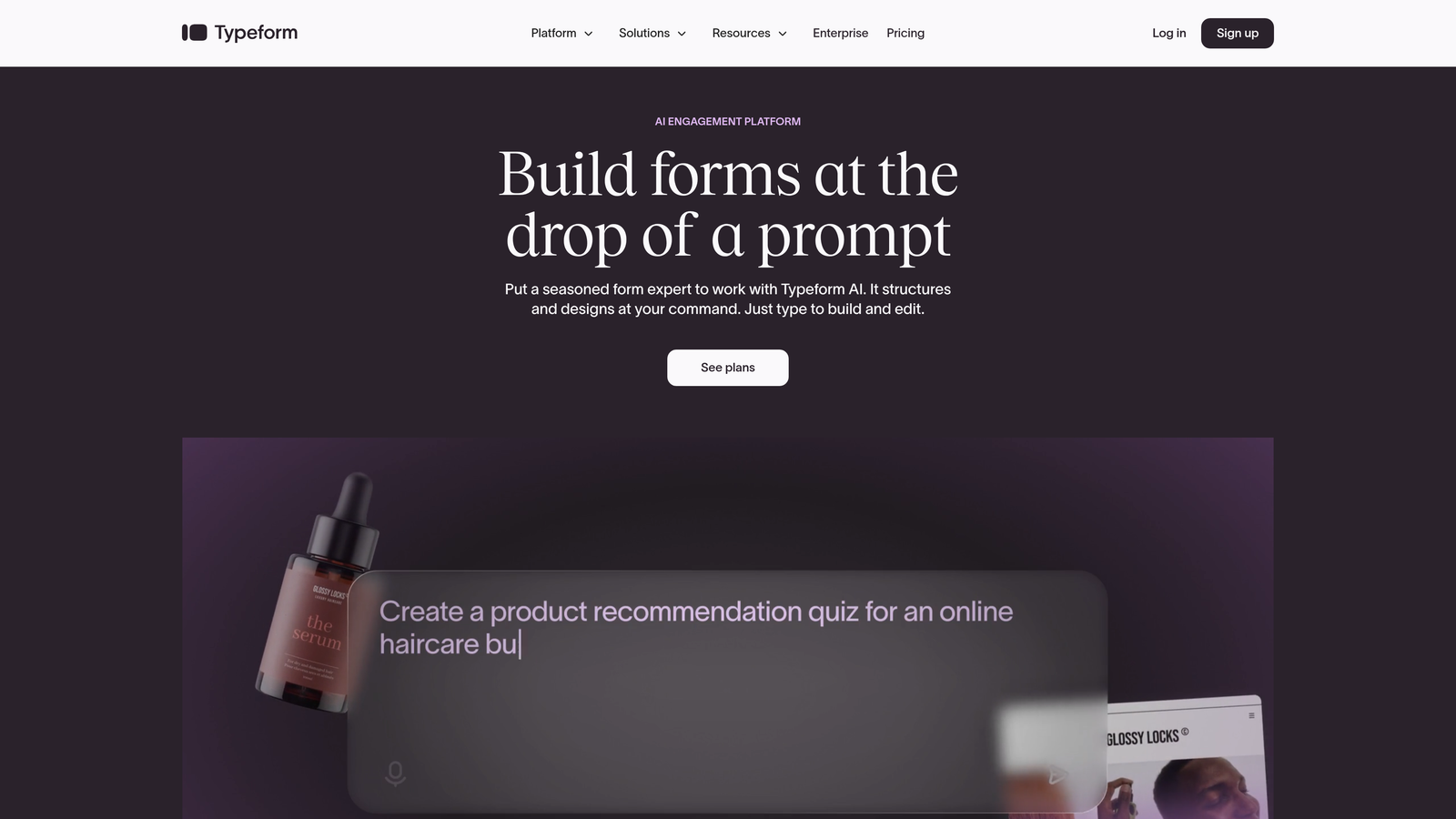
Typeform is the pioneer of conversational forms, presenting one question at a time to create engaging experiences that feel more like conversations than interrogations.
Where This Tool Shines
Typeform revolutionized form design by ditching the traditional "all questions on one page" approach. By showing one question at a time with smooth transitions, they've consistently achieved higher completion rates than standard forms.
The interface feels modern and approachable, which matters when you're asking users to share information. For startups building consumer products or conducting user research, this engagement-first approach can dramatically improve response quality and quantity.
Key Features
Conversational Format: One-question-at-a-time presentation that reduces form abandonment.
Extensive Customization: Deep brand customization options including themes, colors, fonts, and backgrounds.
Logic Jumps: Create branching paths based on answers to show relevant follow-up questions.
Rich Media Support: Embed videos, images, and GIFs to make forms more engaging.
Integration Library: Native connections to email marketing, CRM, and analytics tools.
Best For
Consumer-focused startups, market research teams, and companies where form completion rates directly impact business metrics. Particularly effective for surveys, lead capture, and customer feedback collection.
Pricing
Free tier with limited responses. Basic plan starts at $25/month, which includes branding removal and more responses.
3. Tally
Best for: Bootstrapped startups needing unlimited forms without spending a dollar
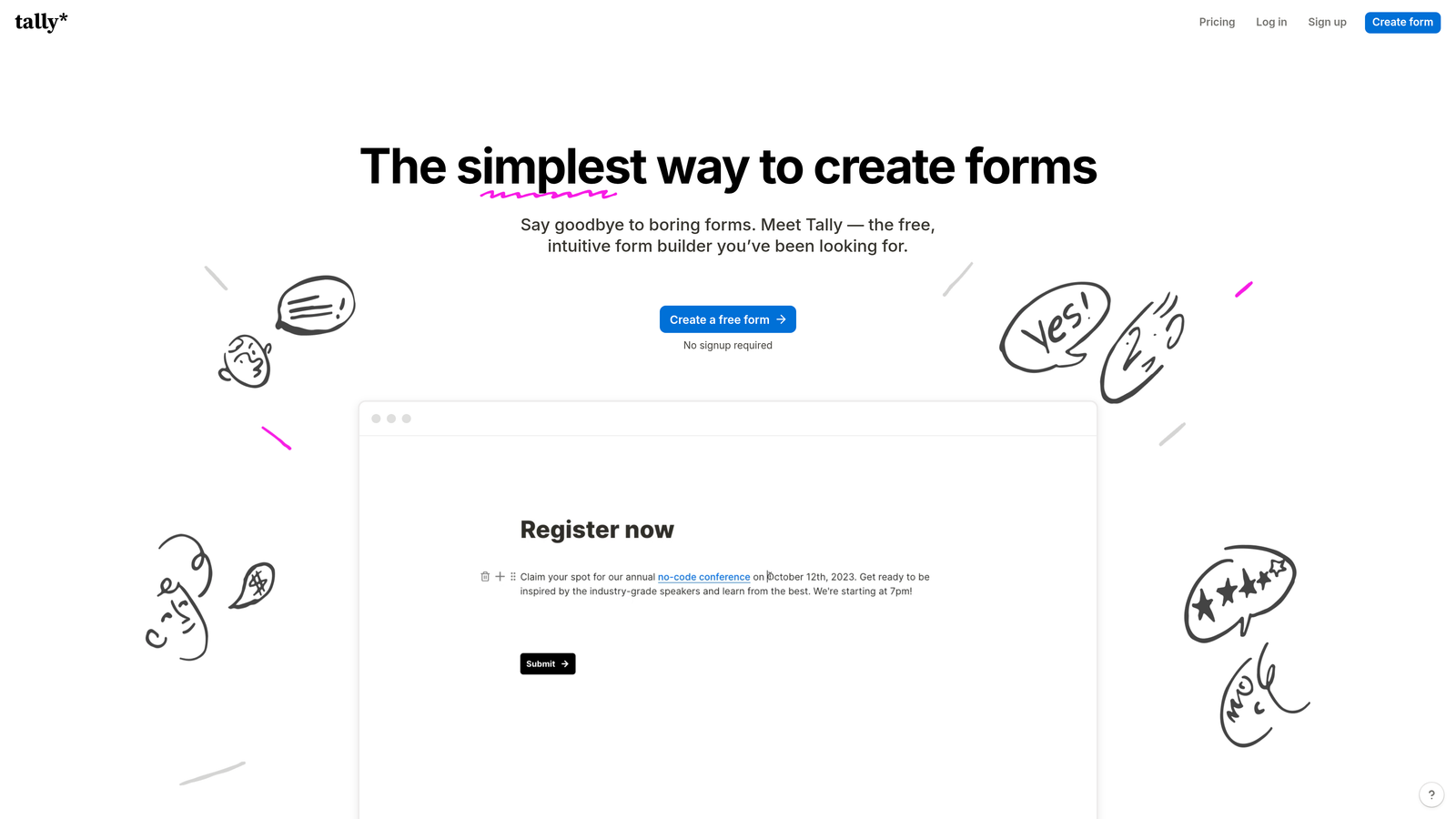
Tally is a refreshingly simple form builder with a Notion-like editing experience and one of the most generous free tiers in the industry.
Where This Tool Shines
Tally's free tier is genuinely unlimited—unlimited forms, unlimited submissions, unlimited everything. For bootstrapped startups watching every dollar, this removes the "will we hit our submission limit?" anxiety that plagues other platforms.
The Notion-style block editor feels immediately familiar to teams already using modern productivity tools. You build forms by typing and adding blocks, which is significantly faster than dragging and dropping elements in traditional form builders.
Key Features
Unlimited Free Tier: No artificial limits on forms or submissions at the free level.
Block-Based Editor: Notion-style interface that makes form creation feel natural and fast.
Conditional Logic: Show or hide questions based on previous answers.
File Uploads and Signatures: Collect documents and electronic signatures without additional tools.
Custom Domains: Use your own domain for forms on paid plans.
Best For
Pre-revenue startups, side projects, and teams that need multiple forms across different use cases without budget constraints. Perfect for early-stage validation and customer development.
Pricing
Free tier with unlimited forms and submissions. Pro plan at $29/month adds custom domains, payment collection, and priority support.
4. Jotform
Best for: Startups that need built-in payment processing alongside form collection
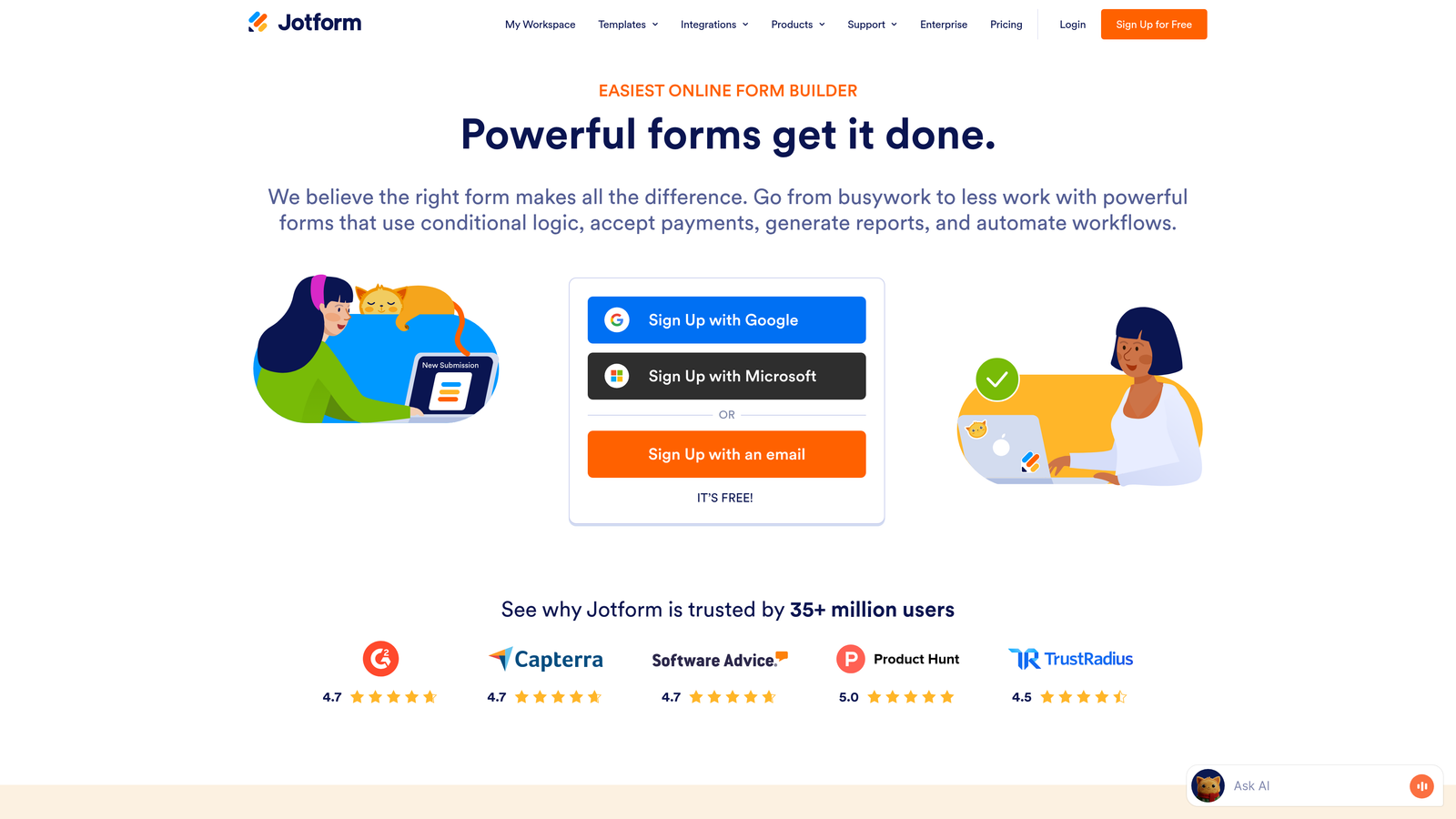
Jotform is a veteran form builder with a massive template library and integrated payment processing capabilities for businesses that collect money through forms.
Where This Tool Shines
With over 4,000 templates, Jotform likely has a pre-built form for whatever you're trying to create. This matters for startups without design resources—you can launch professional-looking forms in minutes rather than hours.
The integrated payment processing is the real differentiator. If your startup sells products, collects deposits, or charges for services, Jotform handles payments directly through PayPal, Stripe, or Square without requiring separate integration work.
Key Features
4,000+ Templates: Pre-built forms for virtually every use case imaginable.
Payment Integration: Native support for PayPal, Stripe, Square, and other payment processors.
PDF Generation: Automatically create PDF versions of form submissions.
Approval Workflows: Route submissions through approval processes before final processing.
HIPAA Compliance: Options for healthcare startups needing regulatory compliance.
Best For
E-commerce startups, service businesses collecting deposits, event organizers selling tickets, and any startup that needs to accept payments through forms. Also strong for healthcare and regulated industries.
Pricing
Free tier includes 5 forms with 100 monthly submissions. Bronze plan starts at $34/month for 25 forms and 1,000 submissions.
5. Fillout
Best for: Startups running their operations in Airtable or Notion
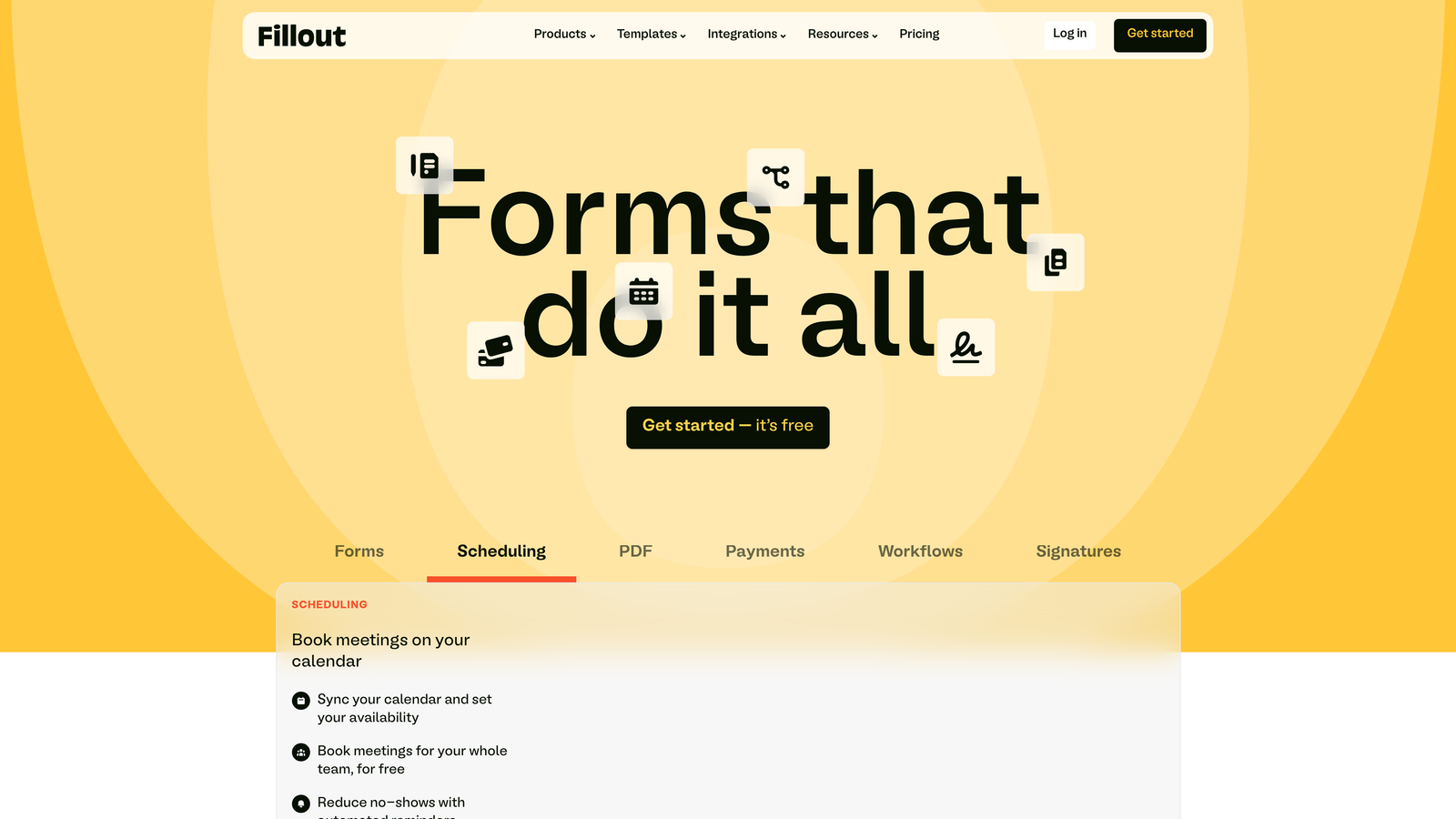
Fillout is purpose-built for teams using Airtable and Notion as their core databases, offering native integrations that eliminate manual data entry.
Where This Tool Shines
If your startup runs on Airtable or Notion, Fillout is transformative. Instead of collecting form data and manually copying it into your database, submissions flow directly into your existing tables and pages.
The pre-fill capability is particularly clever—you can send form links that automatically populate with existing data, letting users update their information rather than re-entering everything. This is perfect for customer onboarding flows, profile updates, and recurring data collection.
Key Features
Native Airtable and Notion Integration: Forms write directly to your existing databases without middleware.
Pre-Fill From Data: Automatically populate forms with existing information for updates.
Record Updates: Let users modify existing database records through forms.
Multi-Page Forms: Break long forms into digestible steps for better completion rates.
Custom Thank-You Pages: Display personalized messages or redirects after submission.
Best For
Operations-focused startups that have built their workflows around Airtable or Notion. Particularly valuable for teams collecting recurring data from the same users or customers.
Pricing
Free tier available with core features. Starter plan at $15/month adds unlimited forms and submissions.
6. Formspark
Best for: Developer-heavy startups wanting backend simplicity with frontend control
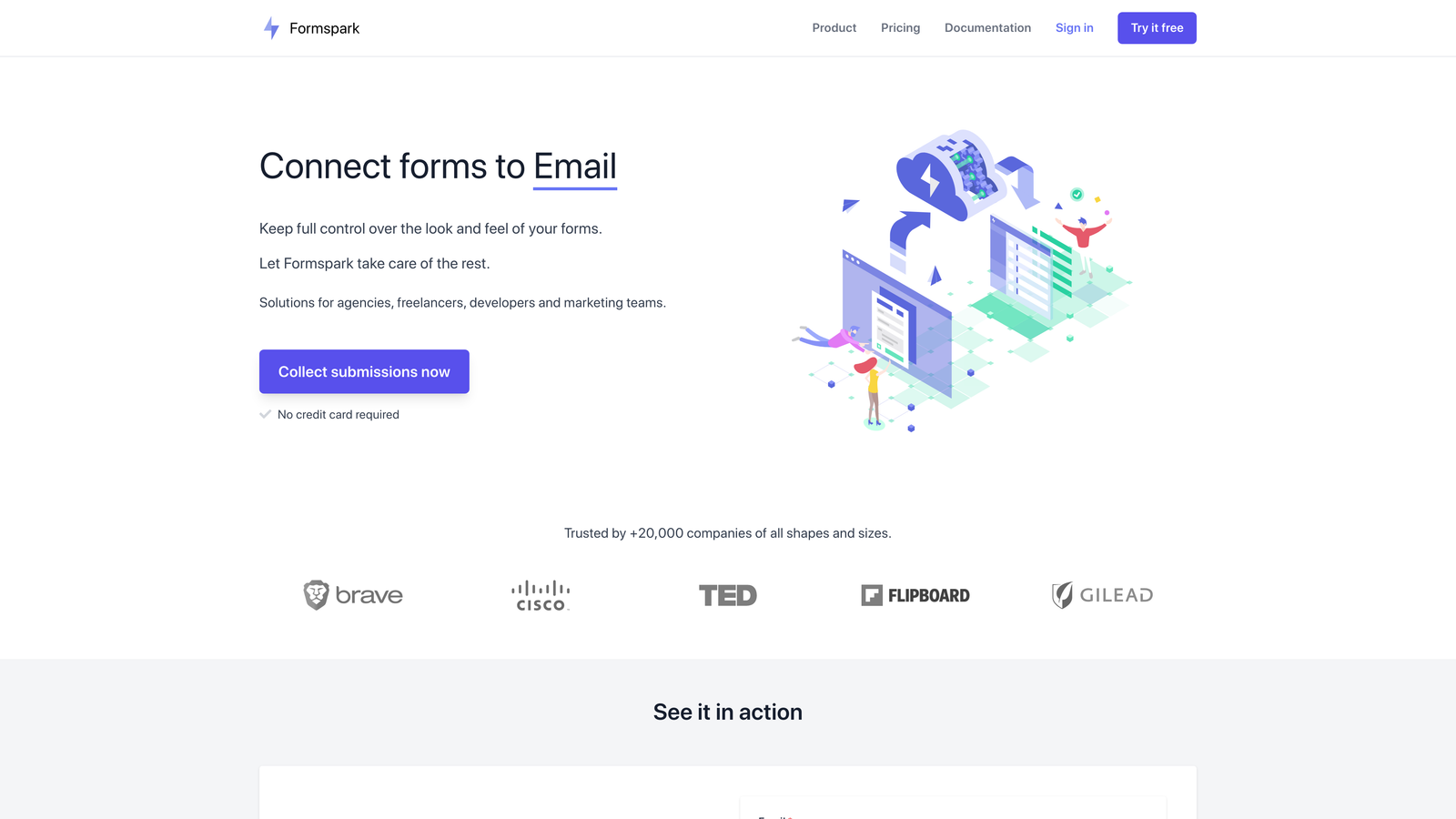
Formspark is a backend-as-a-service for forms that lets developers use any frontend framework while handling submissions, spam filtering, and notifications automatically.
Where This Tool Shines
Formspark solves the "I don't want to build a form backend but I want to control the frontend" problem. Your developers can design forms exactly how they want using plain HTML, React, Vue, or any other framework.
The service handles everything that happens after submission—spam protection, email notifications, file uploads, and webhooks. This means your team can ship custom form experiences without building and maintaining backend infrastructure.
Key Features
Framework Agnostic: Works with any HTML form regardless of frontend technology.
Spam Protection: Built-in filtering with Botpoison integration to block spam submissions.
Email Notifications: Automatic alerts when forms are submitted.
File Upload Support: Handle file submissions without building storage infrastructure.
Webhook Integration: Trigger actions in other systems when forms are submitted.
Best For
Technical startups with strong engineering teams who want to maintain design control while outsourcing backend complexity. Perfect for custom landing pages and marketing sites.
Pricing
Free tier includes 250 submissions monthly. Paid plans start at $8/month for increased submission limits.
7. Google Forms
Best for: Internal surveys and quick validation without any budget
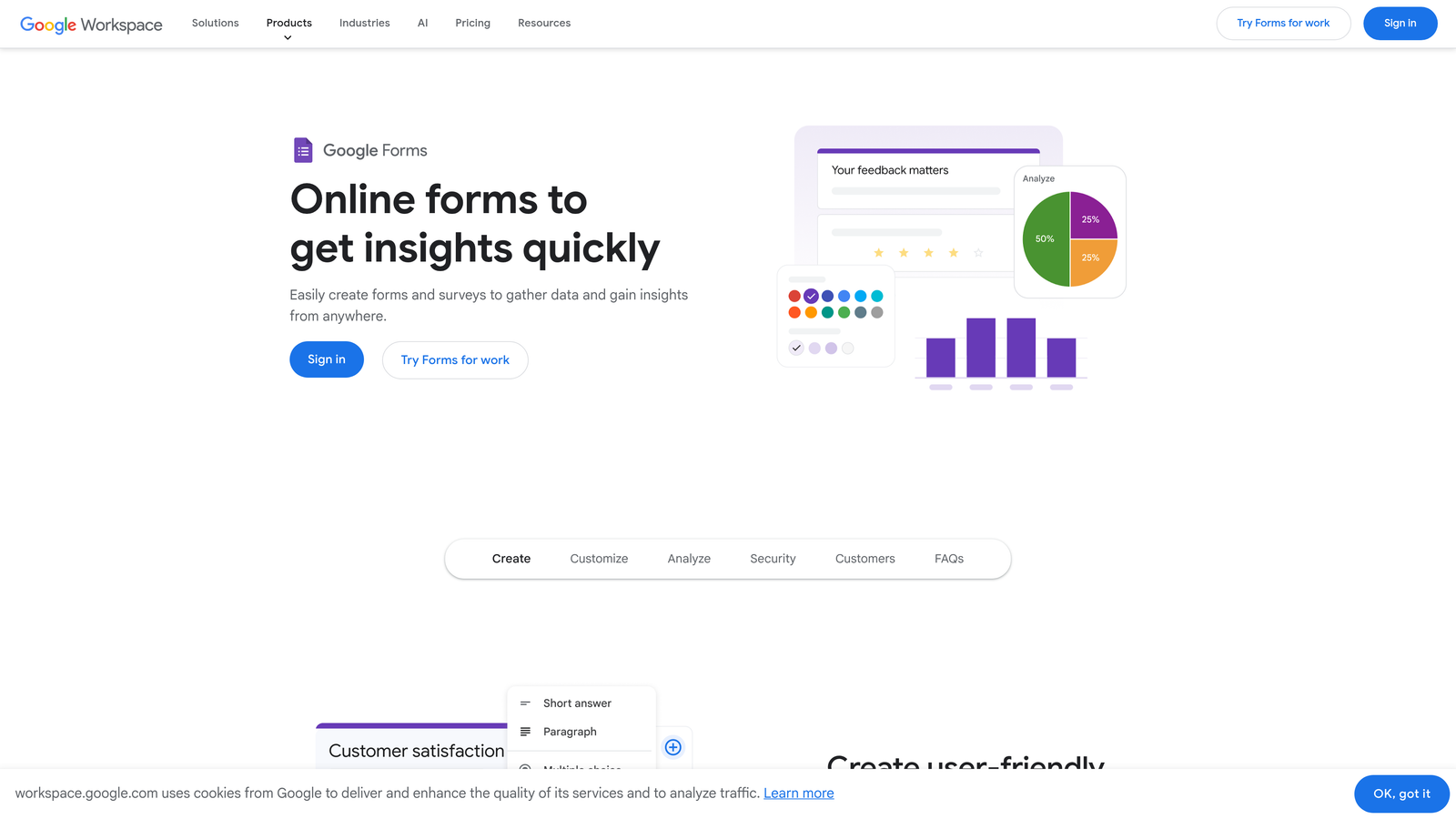
Google Forms is the free, no-frills option that integrates seamlessly with Google Workspace—ideal for internal processes and rapid testing.
Where This Tool Shines
Google Forms is completely free and requires zero setup if you have a Google account. For internal use cases like employee surveys, feedback collection, or team coordination, it's tough to beat the price and simplicity.
The automatic Google Sheets integration means your data lands in a spreadsheet instantly, which is perfect for quick analysis or sharing results with stakeholders. For early-stage validation and internal operations, the lack of fancy features is actually an advantage—you can launch in minutes.
Key Features
Completely Free: No limits, no paid tiers, just free forever with a Google account.
Google Sheets Integration: Responses automatically populate a spreadsheet for easy analysis.
Basic Conditional Logic: Show or hide questions based on previous answers.
Collaboration Features: Multiple team members can edit forms simultaneously.
Quiz Capabilities: Create quizzes with automatic grading for training or assessment.
Best For
Internal team surveys, quick customer validation, employee onboarding paperwork, and any scenario where you need data collection without external-facing polish. Not recommended for customer-facing lead generation.
Pricing
Free forever with any Google account. No paid tiers or premium features.
8. Paperform
Best for: Startups needing forms that double as branded landing pages
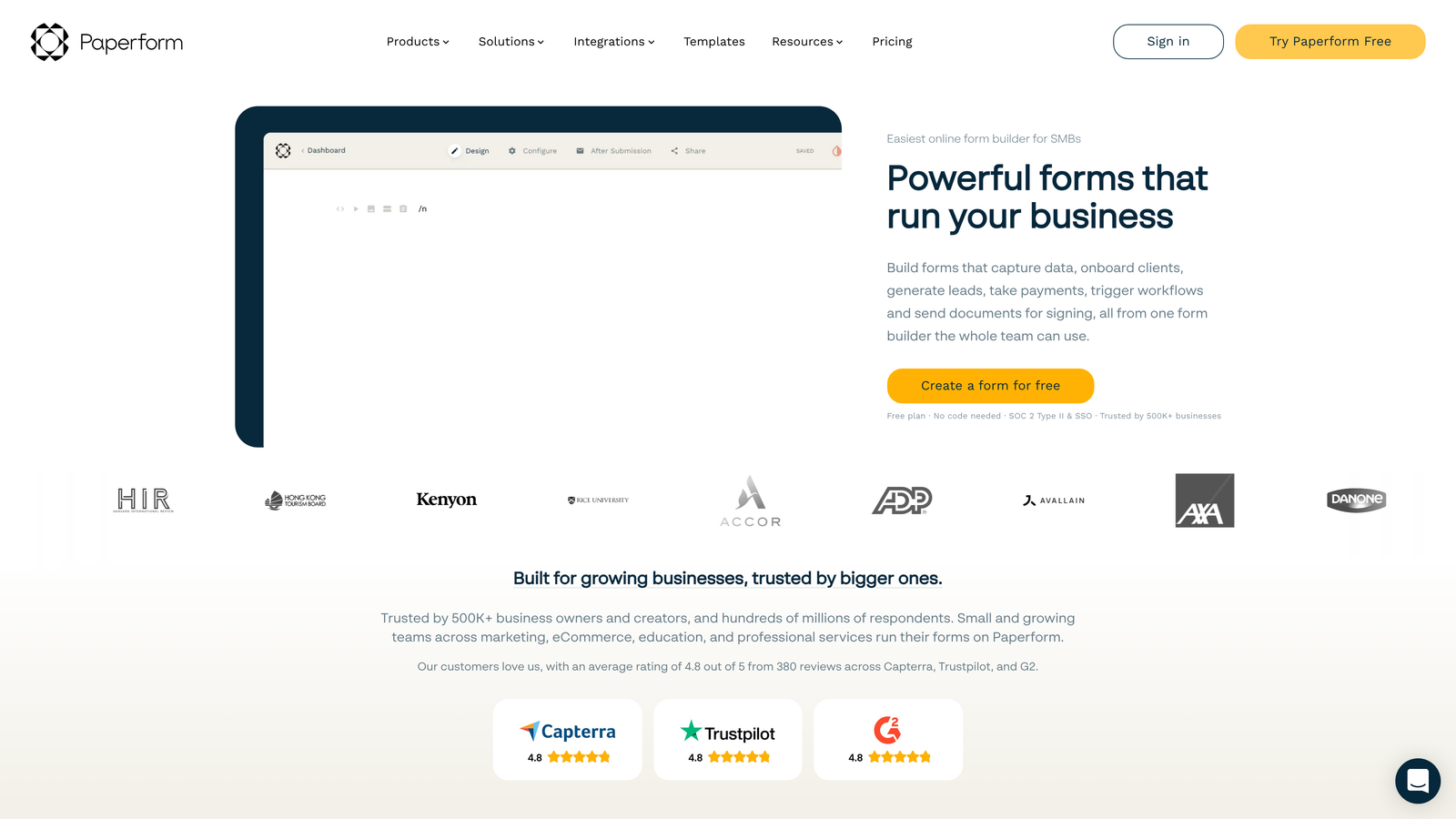
Paperform combines form building with landing page design, creating beautiful standalone pages that work for lead capture, bookings, and product sales.
Where This Tool Shines
Paperform's document-style editor lets you create forms that look like custom-designed landing pages rather than obvious form templates. You can add headers, paragraphs, images, and formatting to create a cohesive brand experience.
The built-in booking and e-commerce capabilities mean you can handle complex workflows without stitching together multiple tools. If you're selling services, collecting payments, or managing appointments, Paperform consolidates functionality that would typically require three separate platforms.
Key Features
Document-Style Editor: Create forms that look like custom landing pages with rich formatting.
Booking and Scheduling: Built-in appointment scheduling without needing Calendly or similar tools.
E-Commerce Support: Accept payments and sell products directly through forms.
Custom Branding: Use your own domain and remove all Paperform branding.
Calculations and Logic: Build dynamic pricing calculators and conditional form flows.
Best For
Service-based startups, consultants, agencies, and businesses where forms need to match brand standards perfectly. Particularly strong for appointment booking, course registration, and product sales.
Pricing
Essentials plan at $24/month. Pro plan at $49/month adds advanced features and higher submission limits.
9. Formspree
Best for: Developers building forms for static sites and modern frameworks
Formspree is a developer-focused form backend that works with any static site or frontend framework, offering simple HTML form handling without server-side code.
Where This Tool Shines
Formspree is built for the modern development workflow. If your startup's marketing site is built with Next.js, Gatsby, or deployed on Netlify or Vercel, Formspree integrates seamlessly without requiring backend infrastructure.
The service is particularly valuable for JAMstack sites where you want the performance benefits of static hosting but still need form functionality. Your developers can ship forms in minutes by pointing HTML to a Formspree endpoint—no API routes, no serverless functions, no complexity.
Key Features
HTML Endpoint Service: Simple form action URLs that handle all backend processing.
Framework Compatibility: Works with React, Vue, Next.js, Svelte, and any other frontend technology.
Spam Filtering: Built-in protection with reCAPTCHA integration options.
File Upload Support: Handle file submissions without building storage systems.
Webhooks and Integrations: Trigger actions in other services when forms are submitted.
Best For
Technical startups with static sites, JAMstack architectures, or modern frontend frameworks. Perfect for developer-focused companies that want to maintain full design control.
Pricing
Free tier includes 50 submissions monthly. Paid plans start at $10/month with increased limits and additional features.
Making the Right Choice
The right form tool depends entirely on your startup's specific situation. If AI-powered lead qualification is critical to your sales process, Orbit AI automatically prioritizes your hottest prospects so your team focuses on leads most likely to convert.
Choose Typeform when you're building consumer-facing forms where engagement and completion rates directly impact your metrics. The conversational format consistently outperforms traditional forms for customer-facing use cases.
Pick Tally if you're bootstrapped or pre-revenue and need unlimited forms without spending anything. The generous free tier removes financial constraints from your form strategy.
Select Jotform when payment collection is part of your form workflow. The integrated payment processing eliminates the need to stitch together separate tools for collecting money.
Opt for Fillout if your startup operations run on Airtable or Notion. The native database integration transforms how you collect and manage data.
Choose Formspark or Formspree if you have strong engineering resources and want maximum frontend control with minimal backend complexity. Both serve technical teams building custom experiences.
Stick with Google Forms for internal surveys, employee feedback, and quick validation where external polish doesn't matter. It's free, fast, and sufficient for internal use cases.
Consider Paperform when your forms need to double as branded landing pages. The document-style editor creates experiences that feel custom-designed rather than obviously templated.
The form builder you choose shapes how prospects experience your brand and how efficiently your team processes leads. For high-growth startups where lead quality and conversion optimization matter most, start building free forms today and see how intelligent form design can elevate your conversion strategy.
Any of these nine options will serve your startup better than building forms from scratch or settling for outdated tools. The right choice depends on your stage, technical resources, and growth priorities—but the wrong choice is not choosing at all.


