

The right form tool can transform lead capture from a friction point into a conversion engine. When prospects hit your forms, you're either building momentum toward a sale or watching them bounce—and the difference often comes down to the tool powering that experience.
The best survey and form tools in 2026 combine intelligent design with practical functionality. They make it easy to create forms that actually convert, qualify leads automatically, and integrate seamlessly with your existing tech stack. But with dozens of options available, choosing the right one requires understanding what matters most for your specific needs.
We've evaluated the top tools based on ease of use, AI capabilities, integration options, pricing flexibility, and analytics depth. Here are the platforms that stand out for high-converting lead generation.
1. Orbit AI
Best for: High-growth teams needing AI-powered lead qualification with conversion-optimized form design
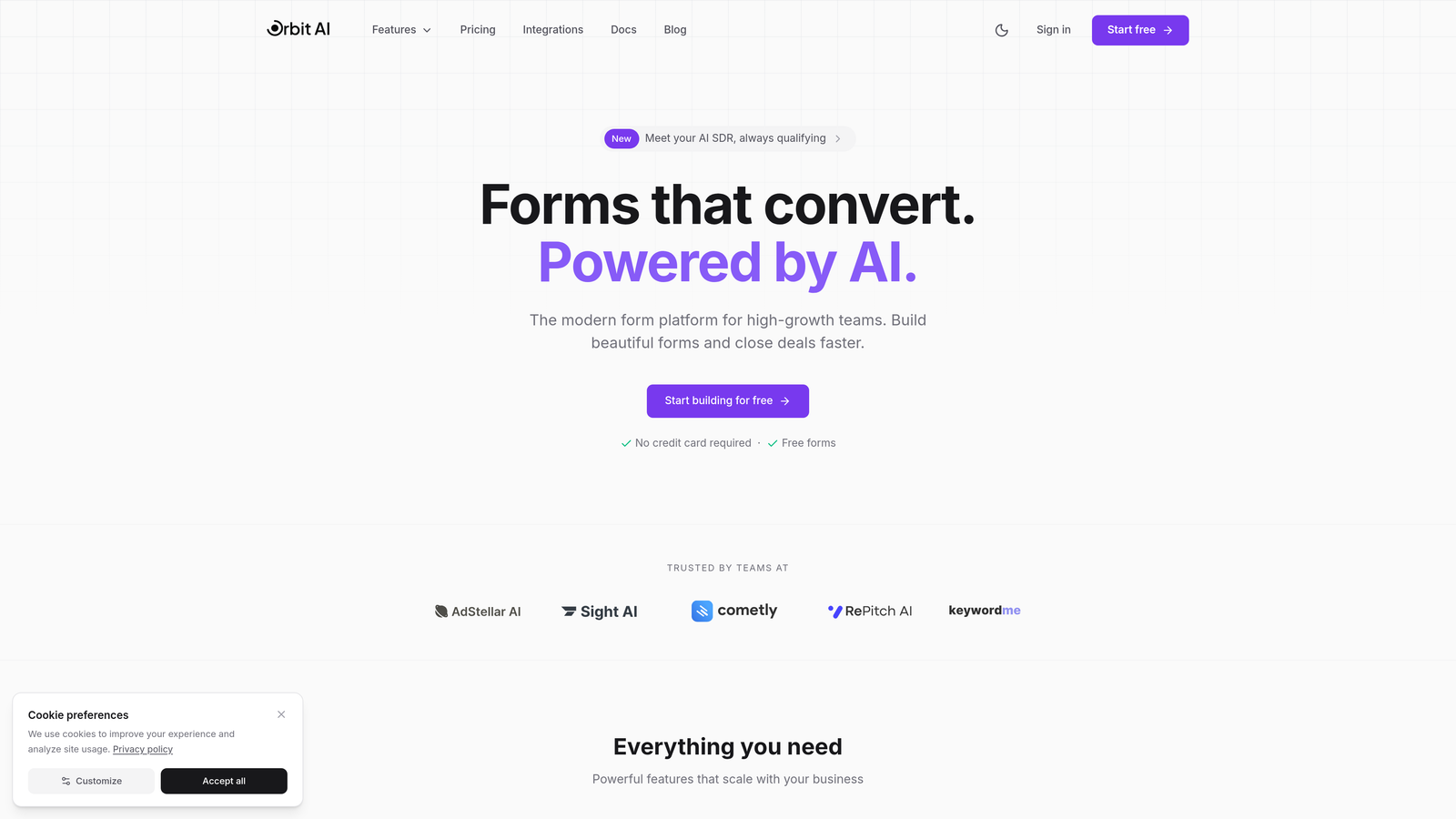
Orbit AI is an AI-powered form builder platform designed specifically for teams focused on lead generation and conversion optimization.
Where This Tool Shines
Orbit AI's standout feature is its intelligent lead qualification system. The platform automatically scores and qualifies leads based on their responses, routing high-value prospects to sales while nurturing others through marketing automation. This eliminates manual lead sorting and ensures your sales team focuses on the best opportunities.
The platform combines this intelligence with beautiful, modern form design that feels native to contemporary websites. Forms load fast, look professional, and guide users through completion with smart conditional logic that adapts based on responses.
Key Features
AI-Powered Lead Qualification: Automatically scores and routes leads based on fit and intent signals captured through form responses.
Conversion-Optimized Templates: Pre-built form templates designed specifically for lead generation, with proven layouts that reduce abandonment.
Native CRM Integrations: Connects directly with major CRMs and marketing automation platforms, syncing qualified leads in real-time.
Advanced Analytics: Track completion rates, drop-off points, and lead quality metrics to continuously optimize form performance.
Workflow Automation: Set up automated actions based on lead scores, triggering follow-ups, notifications, or data enrichment processes.
Best For
Orbit AI works best for B2B SaaS companies, agencies, and high-growth businesses where lead quality matters as much as quantity. If you're tired of manual lead qualification and want forms that actively contribute to conversion optimization, this platform delivers.
Pricing
Free tier available for getting started. Paid plans begin at $29/month, scaling with team size and feature requirements.
2. Typeform
Best for: Creating engaging, conversational form experiences with high completion rates
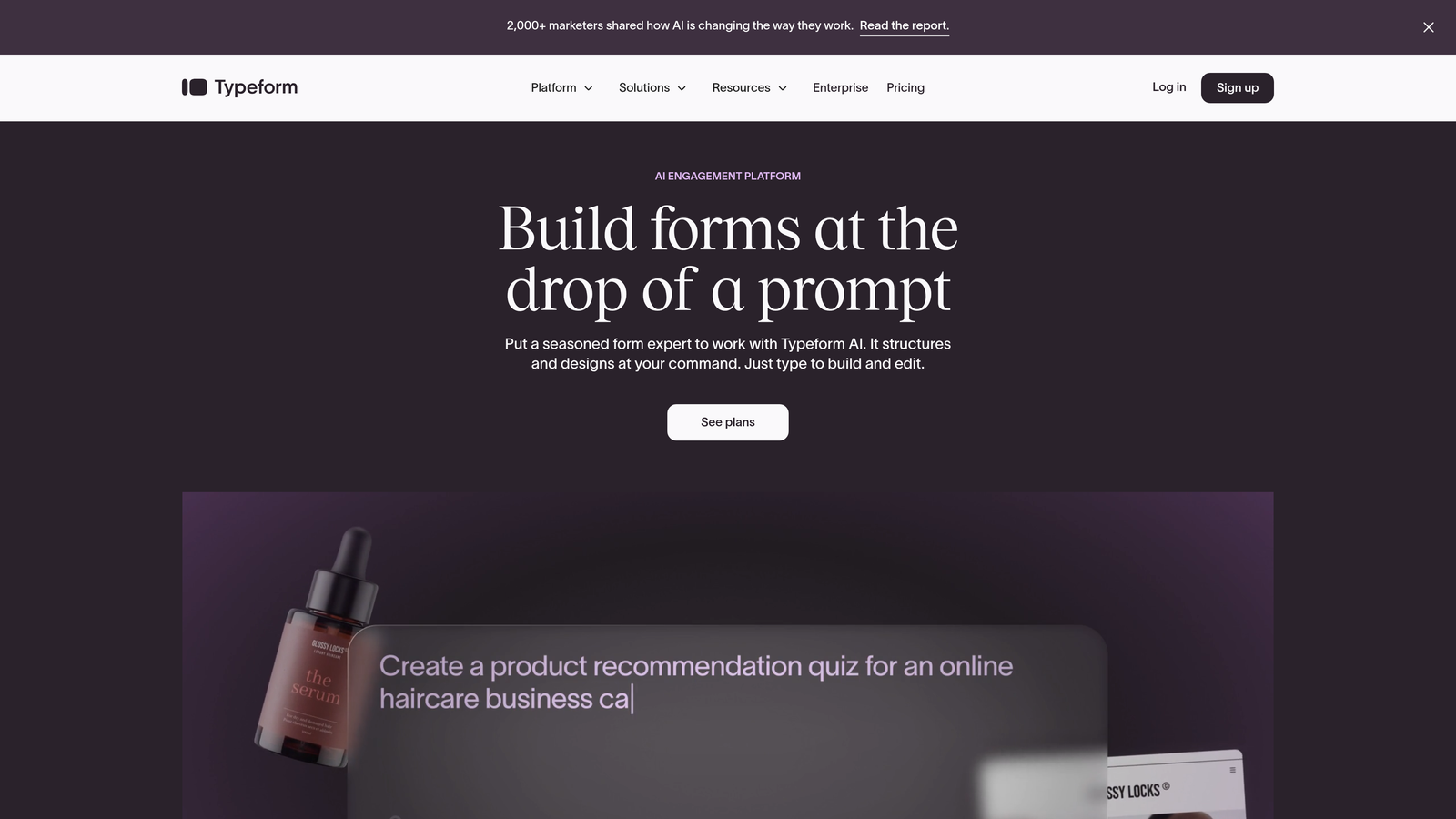
Typeform is a conversational form builder that presents one question at a time, creating an engaging dialogue with users.
Where This Tool Shines
Typeform's one-question-at-a-time format fundamentally changes how people interact with forms. Instead of facing a wall of fields, users answer questions in a conversational flow that feels more like a chat than a form. This approach significantly reduces form abandonment and makes longer surveys feel manageable.
The platform excels at brand customization, letting you match forms perfectly to your visual identity. Combined with smooth animations and transitions, Typeform creates memorable experiences that reflect well on your brand.
Key Features
Conversational Format: One-question-at-a-time interface that guides users through forms like a conversation.
Logic Jumps: Advanced conditional branching that personalizes the form experience based on previous answers.
Rich Media Integration: Embed videos, images, and GIFs to create visually engaging forms that capture attention.
Custom Branding: Full control over colors, fonts, backgrounds, and even custom domains for white-label experiences.
Extensive Integrations: Connect with hundreds of tools including Slack, Google Sheets, HubSpot, and Salesforce.
Best For
Typeform is ideal for businesses prioritizing user experience and brand presentation. If you're creating customer feedback surveys, event registrations, or lead capture forms where completion rates matter more than speed, Typeform delivers.
Pricing
Free tier available with basic features. Basic plan starts at $25/month for individuals and small teams.
3. Jotform
Best for: Teams needing versatile form creation with extensive templates and payment processing
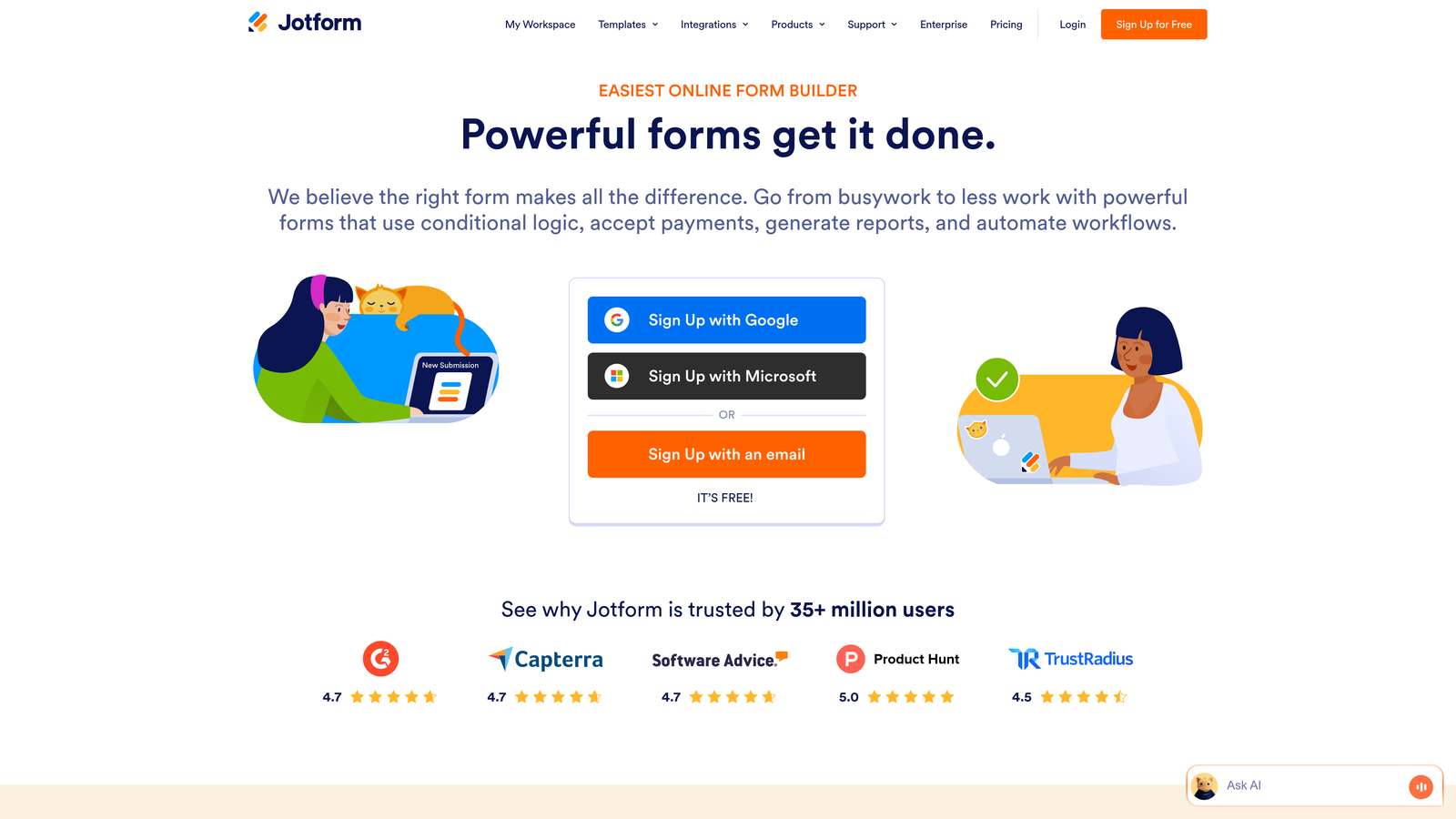
Jotform is a comprehensive form builder offering over 10,000 templates and a drag-and-drop interface for diverse form needs.
Where This Tool Shines
Jotform's massive template library means you'll find a starting point for virtually any form type imaginable. From complex registration forms to simple contact pages, the platform provides pre-built structures that you can customize rather than building from scratch.
The platform also handles payment collection seamlessly, integrating with major payment processors. This makes it particularly valuable for organizations selling products, accepting donations, or collecting event fees directly through forms.
Key Features
10,000+ Templates: Massive library covering every form type from medical intake to event registration to job applications.
Payment Integrations: Accept payments through PayPal, Stripe, Square, and other processors directly within forms.
PDF Form Conversion: Convert existing PDF forms into fillable online forms, maintaining the original layout and fields.
Jotform Tables: Built-in database solution for managing and analyzing form submissions in spreadsheet-style views.
Conditional Logic: Show or hide fields based on user responses to create dynamic, personalized form experiences.
Best For
Jotform works well for organizations managing diverse form needs across departments. If you need everything from HR forms to customer surveys to payment collection in one platform, Jotform's versatility delivers.
Pricing
Free tier includes up to 5 forms. Bronze plan starts at $34/month for expanded form limits and features.
4. Google Forms
Best for: Quick surveys and data collection with zero cost and Google Workspace integration
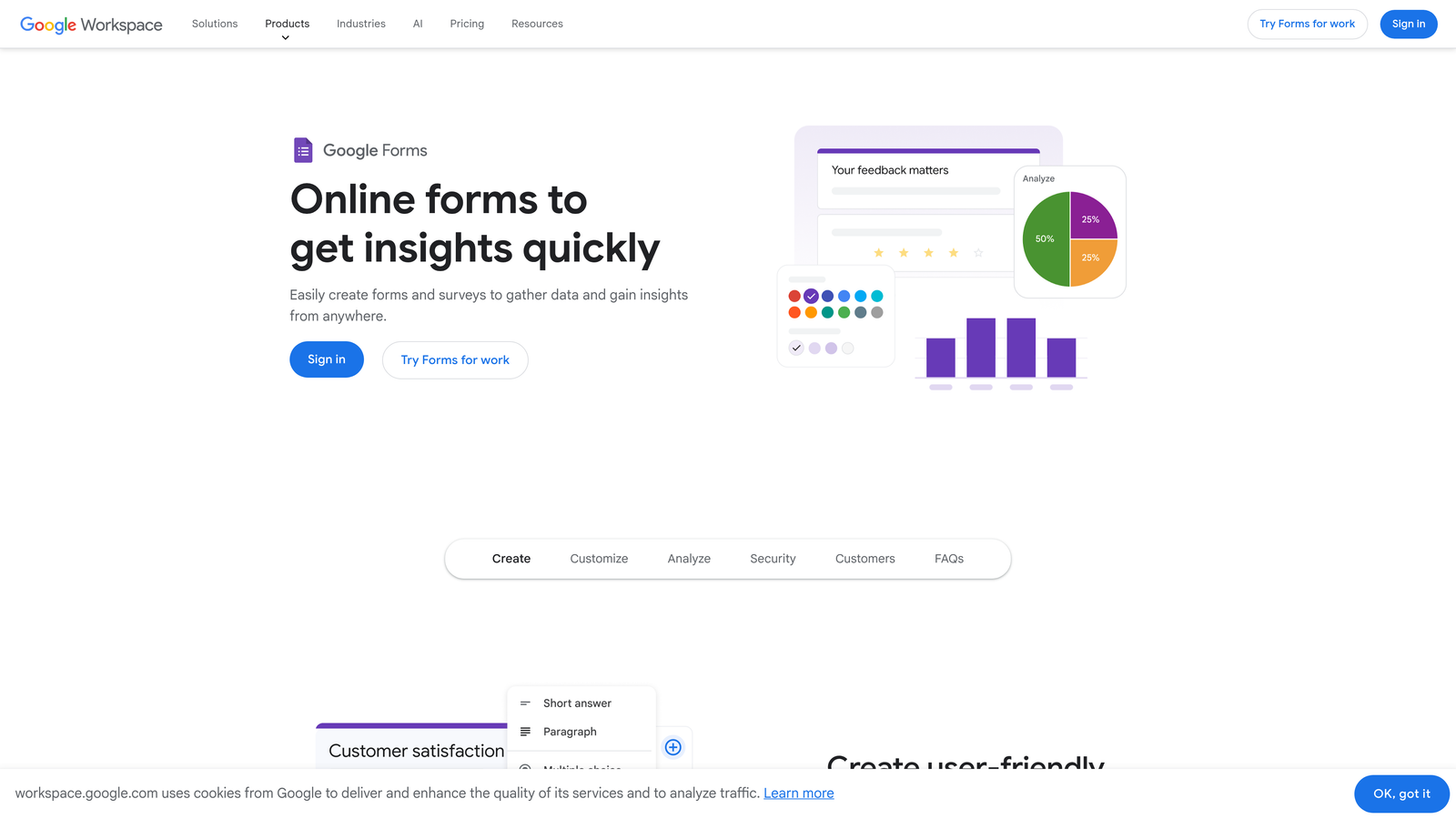
Google Forms is a straightforward, free form tool that integrates seamlessly with Google Sheets and other Workspace apps.
Where This Tool Shines
Google Forms removes all barriers to getting started. There's no pricing tier to evaluate, no feature limits to worry about, and no learning curve if you're already familiar with Google's interface. You can create and share a form in minutes.
The native Google Sheets integration is particularly powerful. Responses flow automatically into a spreadsheet where you can analyze data, create charts, and share results with team members who have real-time access to the same information.
Key Features
Completely Free: Unlimited forms, questions, and responses at no cost with any Google account.
Google Sheets Integration: Automatic response collection in spreadsheets with real-time updates and collaborative access.
Real-Time Collaboration: Multiple team members can edit forms simultaneously, seeing changes as they happen.
Basic Logic: Show or skip sections based on answers to create simple branching paths through forms.
Easy Sharing: Share via link, email, or embed directly on websites with minimal technical knowledge required.
Best For
Google Forms is perfect for internal surveys, event RSVPs, quick feedback collection, and any scenario where simplicity and cost matter more than advanced features. It's the go-to choice for schools, nonprofits, and small teams on tight budgets.
Pricing
Completely free with any Google account. No paid tiers or premium features.
5. SurveyMonkey
Best for: Research-focused surveys with advanced analytics and industry benchmarking
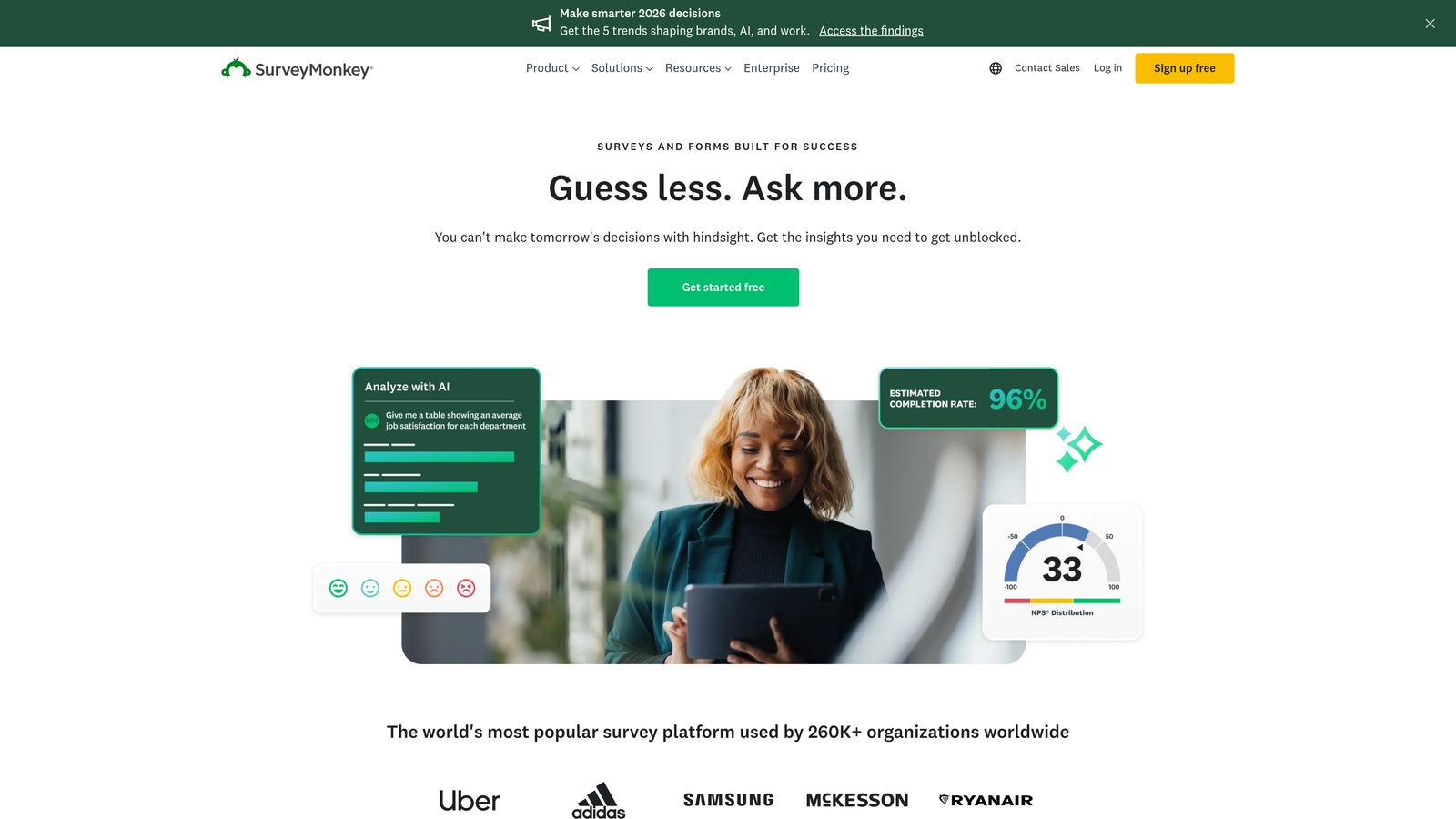
SurveyMonkey is an enterprise-grade survey platform designed for serious research with sophisticated analysis capabilities.
Where This Tool Shines
SurveyMonkey's industry benchmarking data sets it apart from general form builders. The platform provides context for your results by comparing them against industry standards and similar organizations. This helps you understand not just what your data shows, but what it means relative to broader trends.
The platform also offers AI-powered insights that surface patterns and significant findings automatically. Instead of manually analyzing thousands of responses, SurveyMonkey highlights the key takeaways and correlations that matter most.
Key Features
Industry Benchmarking: Compare your survey results against industry averages and similar organizations for context.
Advanced Survey Logic: Complex branching, piping, and randomization options for sophisticated research methodologies.
AI-Powered Analysis: Automatic identification of trends, sentiment analysis, and key insight extraction from open-ended responses.
Team Collaboration: Role-based access, shared libraries, and collaborative analysis tools for research teams.
Compliance Certifications: HIPAA, GDPR, and other compliance standards for regulated industries handling sensitive data.
Best For
SurveyMonkey excels for market research teams, academic researchers, and enterprises conducting employee engagement surveys or customer satisfaction studies where data quality and analysis depth matter.
Pricing
Basic free tier with limited features. Team Advantage plan starts at $25 per user per month for professional research capabilities.
6. Tally
Best for: Unlimited form creation on a generous free tier with a clean, modern interface
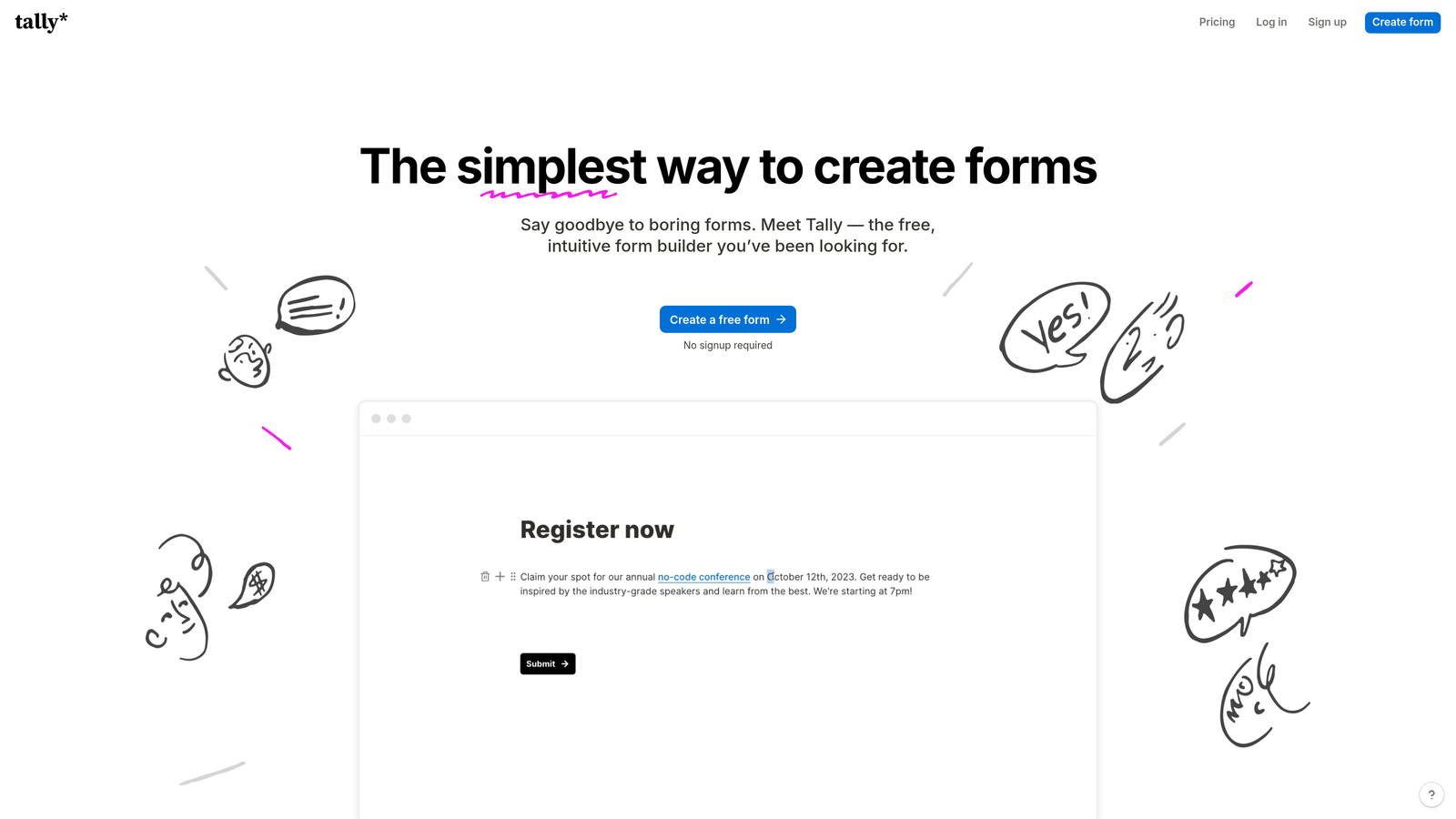
Tally is a Notion-inspired form builder offering unlimited forms on its free tier with a minimalist, block-based editor.
Where This Tool Shines
Tally's free tier is remarkably generous, offering unlimited forms, unlimited responses, and most core features at no cost. This makes it an excellent choice for startups and small teams who need professional form capabilities without the recurring expense.
The Notion-style block editor feels familiar to teams already using modern productivity tools. You build forms by adding and arranging blocks, making the creation process intuitive and flexible without sacrificing power.
Key Features
Unlimited Free Forms: No limits on form count or monthly responses on the free tier, removing typical freemium restrictions.
Block-Based Editor: Notion-style interface for building forms by adding and arranging content blocks.
Conditional Logic: Show or hide fields based on previous answers to create dynamic form experiences.
Calculations: Perform math operations on form fields for quotes, pricing calculators, and scoring.
File Uploads and Payments: Accept file submissions and collect payments through Stripe integration.
Best For
Tally works well for bootstrapped startups, indie makers, and small teams who need professional forms without monthly costs. If you value simplicity and a modern interface over advanced enterprise features, Tally delivers.
Pricing
Generous free tier with unlimited forms. Pro plan at $29/month adds custom domains, removal of Tally branding, and priority support.
7. Formstack
Best for: Workflow automation with document generation and e-signatures for regulated industries
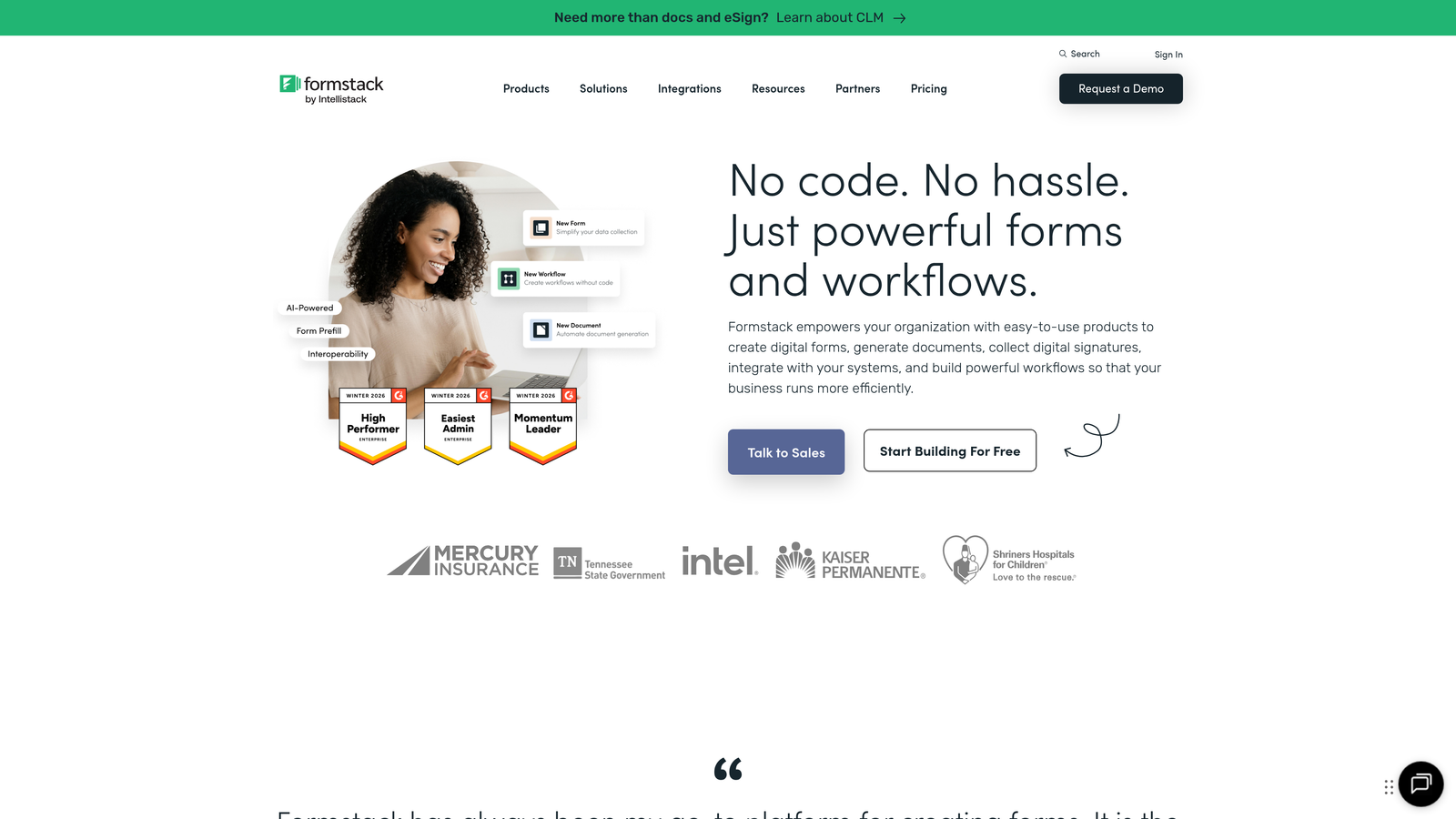
Formstack is a workflow-focused platform that extends beyond forms to include document generation, e-signatures, and process automation.
Where This Tool Shines
Formstack's document generation capabilities set it apart from pure form builders. You can automatically create contracts, proposals, or reports from form data, then route them for electronic signatures—all within a single workflow. This eliminates manual document creation and speeds up approval processes.
The platform is built for regulated industries with HIPAA compliance, audit trails, and security features that meet healthcare, financial services, and government requirements. If you're handling sensitive data, Formstack provides the controls and documentation you need.
Key Features
Document Generation: Automatically create PDFs, Word documents, or other files populated with form submission data.
E-Signature Integration: Native DocuSign integration and built-in signature collection for approval workflows.
HIPAA Compliance: Business Associate Agreements, encryption, and audit logs for healthcare and sensitive data.
Advanced Automation: Complex workflows with multi-step approvals, conditional routing, and integration triggers.
Salesforce-Native Options: Forms that live directly in Salesforce for seamless CRM integration without middleware.
Best For
Formstack is ideal for healthcare organizations, financial services firms, and enterprises with complex approval workflows. If your forms are part of larger business processes requiring documentation and compliance, Formstack handles the complexity.
Pricing
Starter plan begins at $50/month. Teams plan at $83/month adds advanced features and increased capacity.
8. Paperform
Best for: Creating beautiful, content-rich landing pages with built-in payment processing
Paperform is a design-forward form builder that creates visually stunning landing pages with embedded forms and payment capabilities.
Where This Tool Shines
Paperform blurs the line between forms and landing pages. You can embed rich content—images, videos, text blocks—alongside form fields to create complete landing page experiences. This makes your forms feel less like data collection and more like engaging content.
The built-in payment processing and product catalog features make Paperform particularly strong for e-commerce use cases. You can create order forms, booking pages, or donation forms that handle the entire transaction without redirecting users elsewhere.
Key Features
Rich Content Embedding: Add images, videos, text, and other content between form fields to create engaging page experiences.
Payment Processing: Accept payments through Stripe, PayPal, Square, and other processors with product catalogs and cart functionality.
Appointment Scheduling: Built-in calendar integration for booking appointments and managing availability.
E-Commerce Features: Product variants, inventory management, discount codes, and shipping calculations for online selling.
Custom Success Pages: Redirect to custom thank-you pages or display personalized confirmation messages based on form responses.
Best For
Paperform excels for creative professionals, coaches, event organizers, and small businesses selling services or products online. If you need forms that double as beautiful landing pages with payment capabilities, Paperform delivers.
Pricing
Essentials plan starts at $24/month for individuals and small businesses.
9. Microsoft Forms
Best for: Organizations already using Microsoft 365 needing simple surveys with Teams integration
Microsoft Forms is a straightforward survey tool built into Microsoft 365, offering seamless integration with Teams, SharePoint, and Excel.
Where This Tool Shines
Microsoft Forms' biggest advantage is that it's already included in your Microsoft 365 subscription. There's no additional cost, no separate login, and no new platform to learn. For organizations standardized on Microsoft tools, this integration eliminates friction.
The Teams integration is particularly valuable for internal surveys and feedback collection. You can share forms directly in Teams channels, collect responses from team members, and discuss results without leaving the platform you're already using for collaboration.
Key Features
Microsoft 365 Integration: Included with existing subscriptions, no additional cost or separate account required.
Teams and SharePoint: Share forms in Teams channels or embed them in SharePoint sites for internal distribution.
Real-Time Tracking: Watch responses come in live with automatic charts and summary statistics.
Branching and Scoring: Create quizzes with automatic grading or surveys with conditional question paths.
Excel Export: Download responses to Excel for detailed analysis or connect to Power Automate for workflow automation.
Best For
Microsoft Forms is perfect for enterprises and organizations already invested in the Microsoft ecosystem. If you're conducting employee surveys, training assessments, or internal feedback collection, Forms integrates seamlessly with your existing tools.
Pricing
Included with Microsoft 365 subscriptions at no additional cost.
10. Fillout
Best for: Teams managing data in Notion or Airtable who need native form integration
Fillout is a modern form builder designed specifically for teams who manage their data in connected workspaces like Notion and Airtable.
Where This Tool Shines
Fillout's native Notion and Airtable integration eliminates the typical friction of getting form data into your workspace. Instead of using Zapier or other middleware, form submissions flow directly into your Notion databases or Airtable bases in real-time, maintaining your existing data structure.
The platform also offers a clean, modern interface that feels contemporary without being overly designed. Forms load quickly, work well on mobile devices, and provide a professional experience that reflects well on your brand.
Key Features
Native Notion and Airtable Sync: Direct integration that writes form submissions into your existing databases without middleware.
Conditional Logic: Show or hide questions based on previous answers to create personalized form experiences.
Calculations: Perform math operations on form fields for pricing calculators, quotes, and scoring systems.
File Uploads and E-Signatures: Accept document uploads and collect electronic signatures directly within forms.
Scheduling Integration: Connect with Calendly or Cal.com for appointment booking within form workflows.
Best For
Fillout is ideal for startups and small teams who've built their operations around Notion or Airtable. If you want forms that feel like a natural extension of your existing workspace rather than a separate tool, Fillout integrates seamlessly.
Pricing
Free tier available with core features. Starter plan begins at $15/month for additional capabilities and customization.
11. Qualtrics
Best for: Enterprise experience management with sophisticated research tools and large-scale surveys
Qualtrics is an enterprise experience management platform offering advanced research capabilities, predictive analytics, and large-scale survey infrastructure.
Where This Tool Shines
Qualtrics operates at a different scale than typical form builders. The platform handles millions of responses across global organizations, supporting complex research methodologies that academic and enterprise research teams require. If you're conducting serious research with statistical rigor, Qualtrics provides the tools.
The predictive intelligence and text analytics capabilities use AI to extract insights from open-ended responses at scale. Instead of manually reading thousands of comments, Qualtrics identifies themes, sentiment, and emerging patterns automatically.
Key Features
Advanced Research Methodology: Support for complex sampling, weighting, conjoint analysis, and other sophisticated research techniques.
Predictive Intelligence: AI-powered analysis that forecasts trends and identifies key drivers of satisfaction or behavior.
Text Analytics: Automatic theme extraction and sentiment analysis from open-ended responses at scale.
Multi-Channel Distribution: Deploy surveys across email, SMS, web, mobile apps, and offline kiosks from a single platform.
Expert Services: Access to research consultants and methodology experts for complex projects.
Best For
Qualtrics is designed for Fortune 500 companies, academic research institutions, and large organizations conducting employee engagement, customer experience, or market research at scale. If you're managing research programs across multiple departments or geographies, Qualtrics handles the complexity.
Pricing
Custom enterprise pricing based on organization size and requirements. Contact Qualtrics for a quote.
Making the Right Choice
The best form tool for your team depends on your specific conversion goals and technical requirements. If you're focused on AI-powered lead qualification and want forms that actively improve your sales pipeline, Orbit AI delivers intelligent lead scoring and routing that transforms how you capture prospects. For teams prioritizing engagement and completion rates through conversational experiences, Typeform's one-question-at-a-time format consistently outperforms traditional forms.
Budget-conscious teams should look at Tally's generous free tier or Google Forms' zero-cost option—both offer solid functionality without recurring expenses. On the enterprise end, Qualtrics and SurveyMonkey provide the sophisticated research tools and compliance features that large organizations require. For workflow automation beyond simple data collection, Formstack's document generation and e-signature capabilities streamline complex approval processes.
The key is matching features to your actual needs. A startup capturing early customer feedback has different requirements than an enterprise managing employee engagement surveys across thousands of employees. Consider your integration requirements, the technical sophistication of your team, and whether you need basic data collection or advanced lead qualification.
Transform your lead generation with AI-powered forms that qualify prospects automatically while delivering the modern, conversion-optimized experience your high-growth team needs. Start building free forms today and see how intelligent form design can elevate your conversion strategy.


