

Finding form builder software that delivers powerful features without draining your budget is a balancing act every growing team faces. You need conversion-optimized forms, solid integrations, and reliable analytics—but enterprise pricing often puts these capabilities out of reach.
This guide cuts through the noise to highlight form builders that punch above their weight class. We evaluated each tool on feature depth relative to cost, scalability for growing teams, and real-world value for lead generation.
Whether you're a startup watching every dollar or a scaling business ready to level up, these options deliver maximum impact per dollar spent.
1. Orbit AI
Best for: High-growth teams prioritizing AI-powered lead qualification and conversion optimization
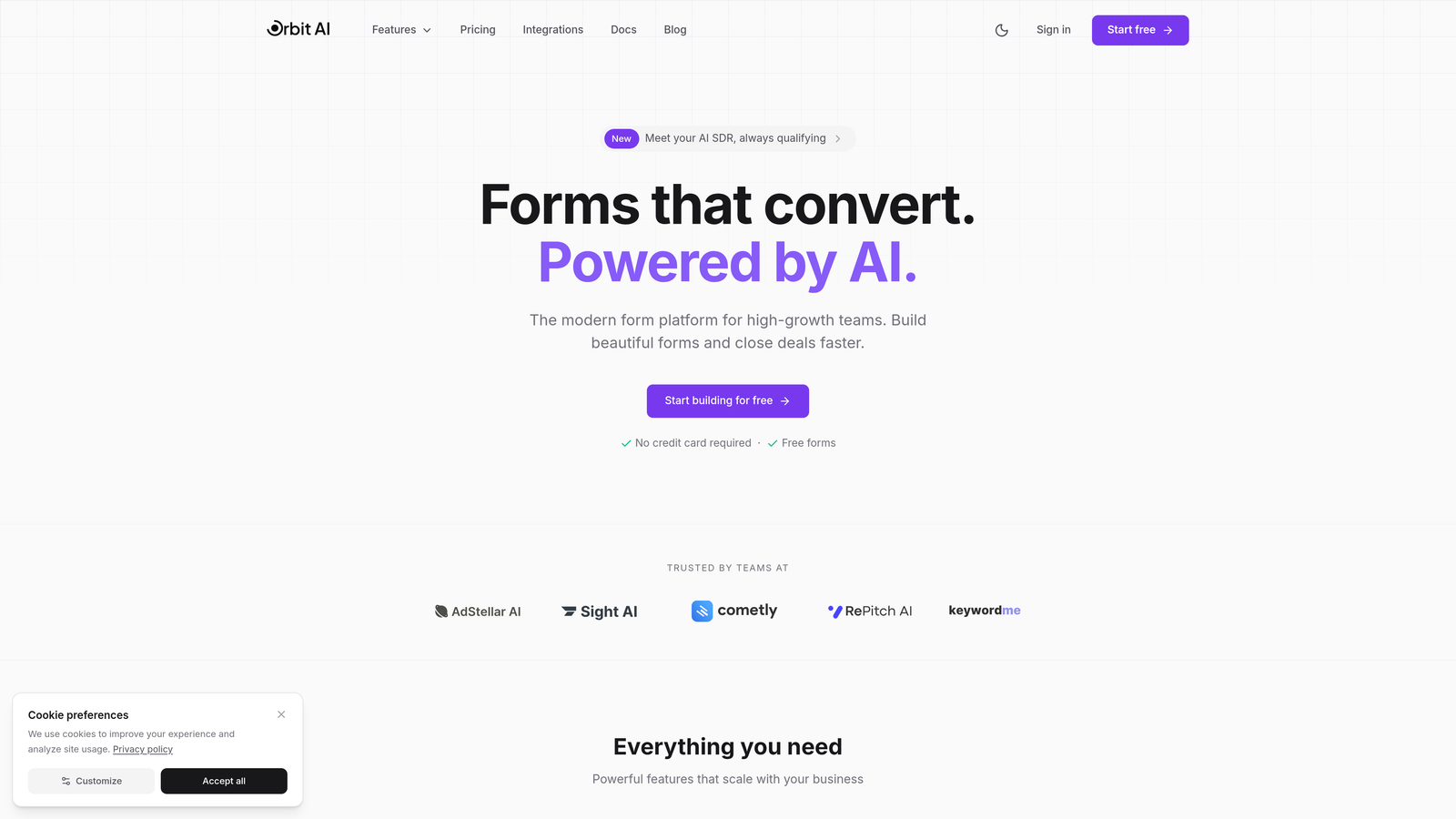
Orbit AI is an AI-powered form builder that automatically qualifies leads while delivering conversion-optimized experiences.
Where This Tool Shines
The standout feature here is intelligent lead scoring that happens in real-time as prospects fill out your forms. Instead of manually reviewing every submission, the AI engine analyzes responses and routes high-value leads directly to your sales team while nurturing others appropriately.
The conversion optimization goes beyond basic templates. The platform uses behavioral data to suggest form improvements, helping you reduce drop-off rates without guesswork. For teams focused on lead quality over quantity, this intelligence layer transforms forms from data collection tools into qualification engines.
Key Features
AI-Powered Lead Qualification: Automatically scores and routes leads based on response patterns and fit criteria.
Conversion-Optimized Templates: Pre-built forms designed specifically for high completion rates across industries.
Intelligent Routing Workflows: Dynamic lead distribution based on score, geography, or custom rules you define.
Native CRM Integrations: Direct connections to major CRMs without middleware or complex setup requirements.
Real-Time Analytics Dashboard: Track conversion rates, lead quality metrics, and form performance at a glance.
Best For
This platform excels for B2B teams where lead quality directly impacts revenue. If you're spending hours manually qualifying form submissions or struggling with low-quality leads clogging your pipeline, the AI qualification justifies the investment quickly. Growing teams appreciate the scalability without needing dedicated form management resources.
Pricing
Free tier available for getting started, with paid plans offering competitive per-seat pricing that scales with your team. The value proposition centers on time saved through automation rather than just form creation capabilities.
2. Tally
Best for: Teams wanting unlimited forms and responses without monthly fees
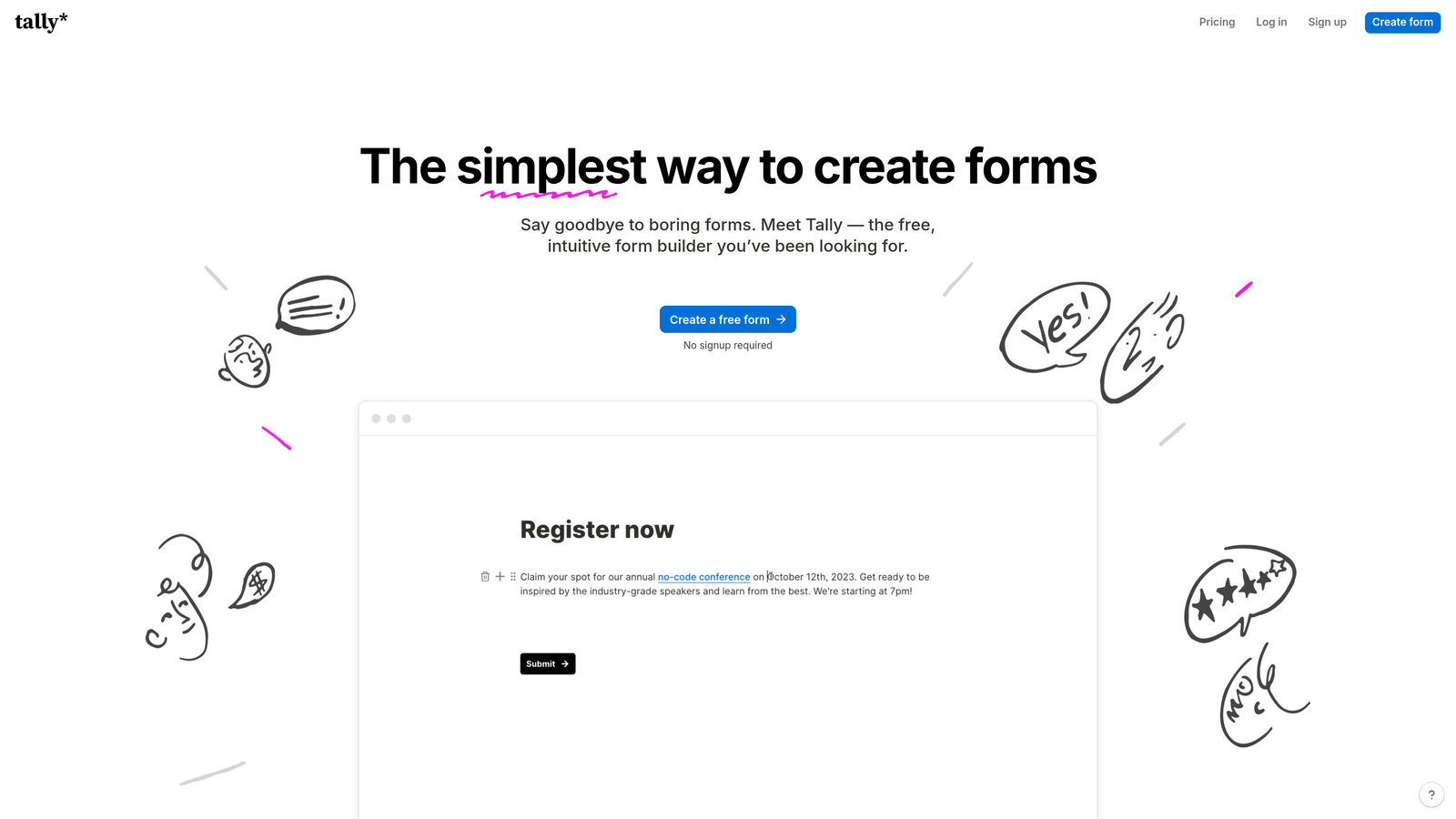
Tally is a Notion-like form builder offering unlimited forms on its free tier with a clean, modern interface.
Where This Tool Shines
The generous free tier is the headline story. Unlike competitors that cap responses at 100 or limit forms to three, Tally removes these artificial constraints entirely. You get unlimited forms and unlimited responses without paying a dollar.
The Notion-style block editor feels familiar if you're already using modern productivity tools. Building forms becomes intuitive—add blocks, rearrange them, nest conditional logic—all with the same drag-and-drop simplicity that made Notion popular.
Key Features
Unlimited Forms on Free Plan: Create as many forms as your business needs without hitting arbitrary limits.
No Response Limits: Collect thousands of submissions monthly on the free tier without upgrade pressure.
Notion-Style Block Editor: Familiar interface for teams already using modern collaboration tools.
Conditional Logic Included: Advanced branching and skip logic available without upgrading to paid plans.
Custom Domains on Paid Plans: White-label your forms with your own domain for brand consistency.
Best For
Bootstrapped startups and small teams watching every expense will find exceptional value here. If you need basic to intermediate form functionality without monthly costs, Tally delivers. The free tier limitations are minimal enough that many teams never need to upgrade.
Pricing
Free for core features that cover most use cases. Pro plan at $29/month adds custom domains, file uploads, and priority support when you're ready to scale.
3. Typeform
Best for: Creating conversational forms with high completion rates and engaging user experiences
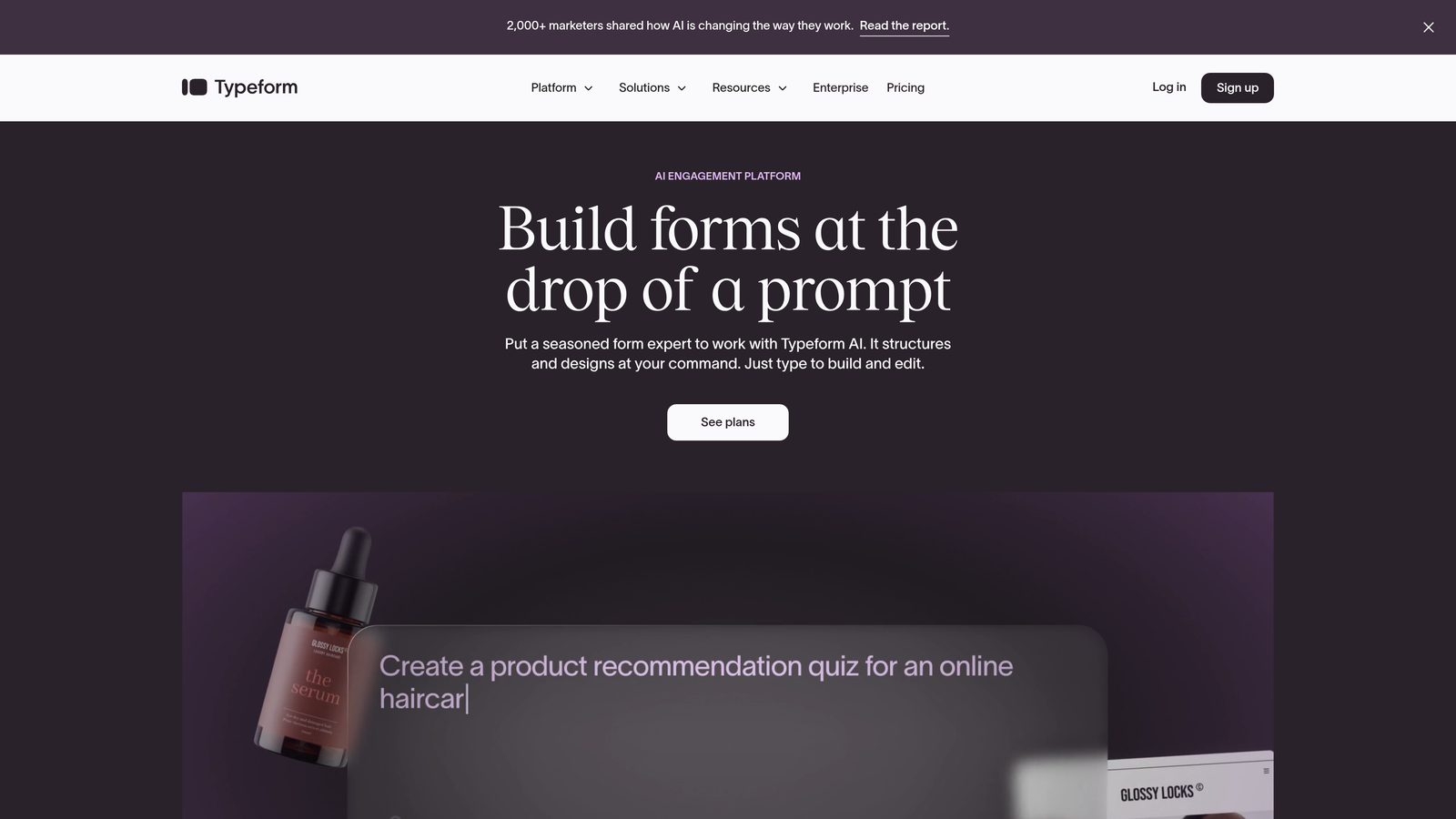
Typeform is a conversational form builder known for its one-question-at-a-time format that drives higher engagement.
Where This Tool Shines
The conversational approach fundamentally changes how people interact with your forms. Instead of facing a wall of fields, respondents answer one question at a time in a chat-like flow. This reduces cognitive load and significantly improves completion rates compared to traditional forms.
The design templates are genuinely beautiful. If brand experience matters to your business, Typeform delivers forms that feel like premium products rather than data collection chores. The visual polish extends to mobile experiences where many form builders fall short.
Key Features
One-Question-at-a-Time Format: Conversational flow that reduces form abandonment through focused interaction.
Beautiful Design Templates: Premium aesthetics that maintain brand quality across all touchpoints.
Logic Jumps and Branching: Sophisticated conditional paths that personalize the experience based on responses.
Video and Image Integration: Rich media support for creating engaging, multimedia form experiences.
Strong Analytics Suite: Detailed completion tracking and drop-off analysis to optimize performance.
Best For
Marketing teams prioritizing brand experience and completion rates will appreciate what Typeform brings. If your forms represent your brand to prospects, the investment in polish pays dividends. Customer feedback surveys and lead qualification forms particularly benefit from the conversational approach.
Pricing
Free tier is quite limited with 10 responses per month. Basic plan at $25/month unlocks 100 responses, while Plus at $50/month provides 1,000 responses and removes branding.
4. JotForm
Best for: Teams needing extensive templates and payment collection without complex setup
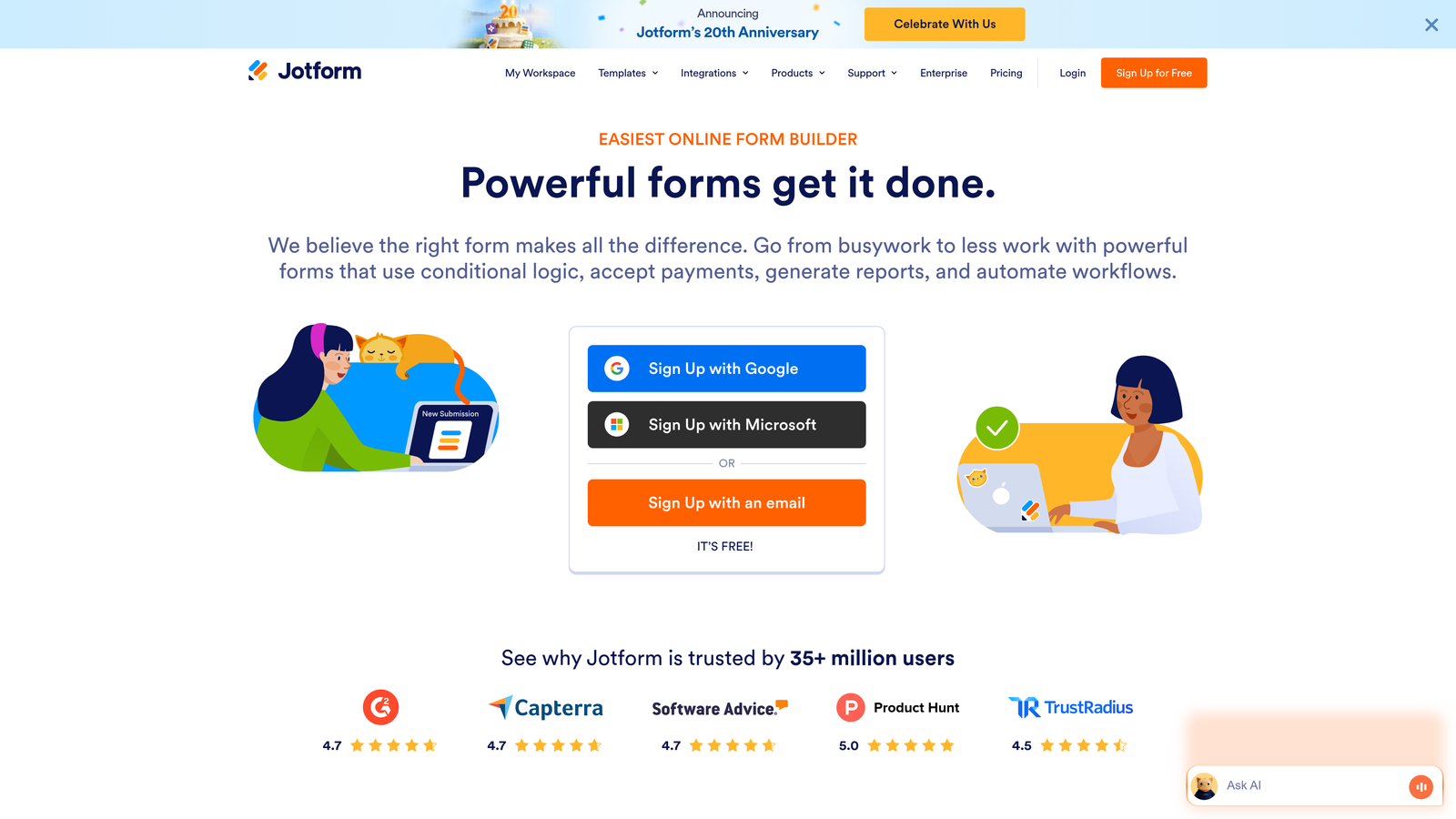
JotForm is a feature-rich form builder with over 10,000 templates and generous free tier capabilities.
Where This Tool Shines
The template library is unmatched. With over 10,000 pre-built forms across every conceivable use case, you're rarely starting from scratch. Need a complex application form? There's a template. Event registration with payment? Already built. This saves hours compared to designing forms from blank canvases.
Payment collection is built directly into the platform without requiring third-party plugins. Connect your payment processor and start collecting payments through forms immediately. For businesses selling products, accepting donations, or charging registration fees, this integrated approach eliminates friction.
Key Features
10,000+ Form Templates: Pre-built forms for virtually every industry and use case imaginable.
100+ Integrations Included: Native connections to popular tools without requiring premium plans for basic integrations.
PDF Form Generation: Automatically convert submissions into formatted PDF documents for records or distribution.
Payment Collection Built-In: Direct payment processing through major providers without complex setup.
Mobile App for On-the-Go: Collect responses offline and sync when connectivity returns.
Best For
Small businesses and nonprofits that need diverse form types will find exceptional breadth here. If you're running events, collecting payments, or managing complex applications, JotForm handles these scenarios out of the box. The learning curve is minimal thanks to templates that demonstrate best practices.
Pricing
Free tier allows 5 forms with 100 monthly submissions. Bronze at $34/month provides 25 forms and 1,000 submissions, while Silver at $39/month adds 10,000 monthly submissions and removes branding.
5. Google Forms
Best for: Basic data collection with seamless Google Workspace integration at zero cost
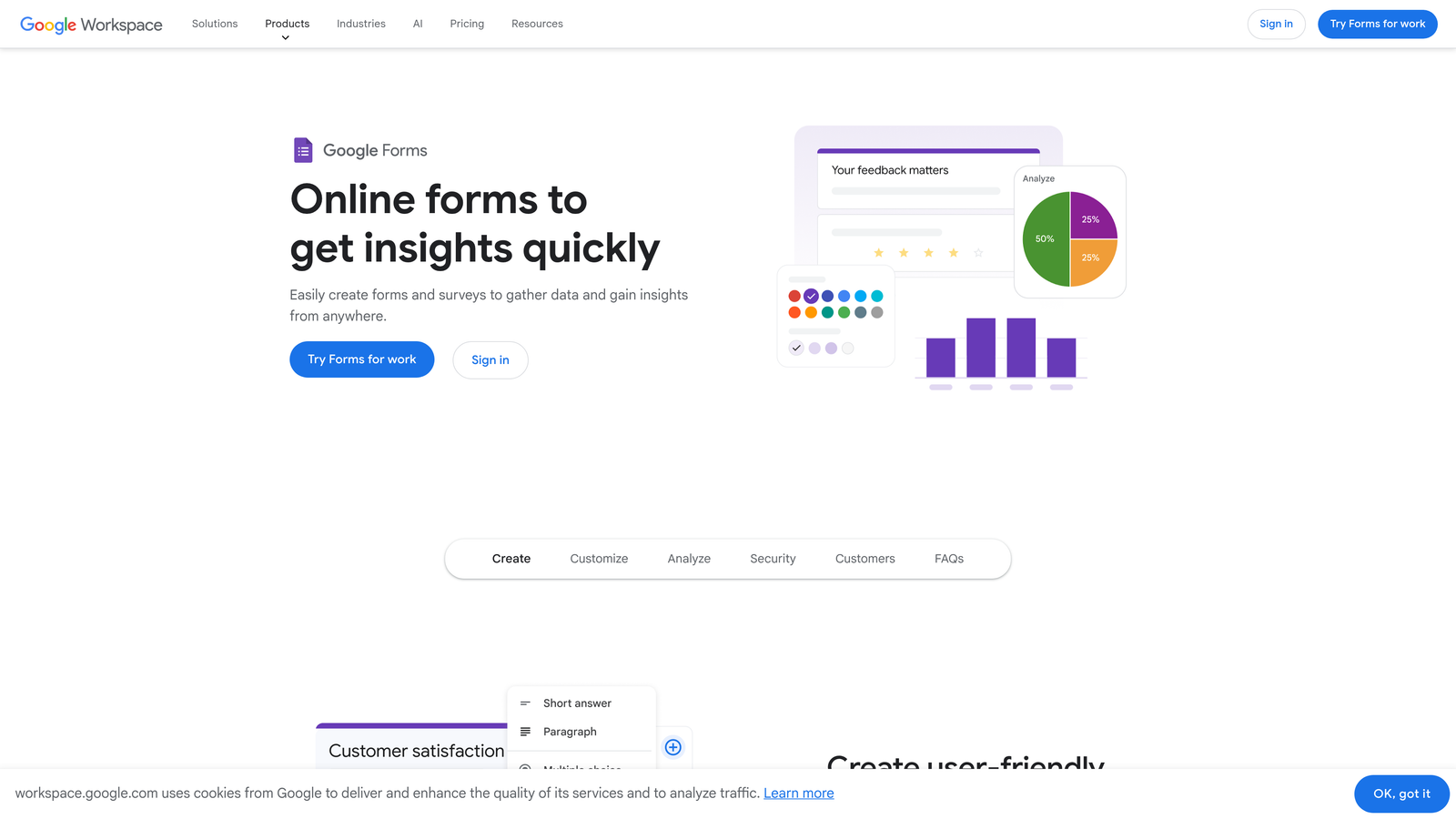
Google Forms is a simple, free form builder that integrates directly with Google Sheets and other Workspace tools.
Where This Tool Shines
The price point cannot be beaten—completely free with no hidden upgrade pressures. If you have a Google account, you have full access to form creation without limitations on responses, forms, or features. For budget-conscious teams, this eliminates software costs entirely.
The Google Sheets integration is seamless and powerful. Responses flow directly into spreadsheets where you can analyze data, create pivot tables, and build custom reports using familiar tools. Real-time collaboration means multiple team members can work on forms simultaneously without version control headaches.
Key Features
Completely Free to Use: Zero cost for unlimited forms and unlimited responses forever.
Direct Google Sheets Sync: Automatic data flow into spreadsheets for analysis and reporting.
Real-Time Collaboration: Multiple users can edit forms simultaneously with changes syncing instantly.
Basic Conditional Logic: Show or hide questions based on previous answers for personalized flows.
Quiz Functionality Built-In: Create graded quizzes with automatic scoring and feedback.
Best For
Teams already using Google Workspace will find this the path of least resistance for basic forms. Internal surveys, event RSVPs, and simple data collection work perfectly. Educational institutions and nonprofits particularly benefit from the zero-cost model that doesn't sacrifice core functionality.
Pricing
Free with any Google account. No premium tiers or upgrade paths—what you see is what you get at no cost.
6. Paperform
Best for: Creating document-style forms with native payment processing and e-commerce capabilities
Paperform is a document-style form builder that treats forms like rich text documents with built-in payments.
Where This Tool Shines
The document-style editor feels more like writing than building forms. You type naturally, and elements become interactive automatically. Need a payment field? Just type it in. Want conditional logic? Write it conversationally. This approach dramatically reduces the learning curve compared to traditional form builders.
The e-commerce capabilities run deeper than basic payment collection. You can build full product catalogs, manage inventory, apply discount codes, and create checkout experiences—all within forms. For businesses selling products or services, this eliminates the need for separate e-commerce platforms for simple sales.
Key Features
Document-Style Editor: Create forms by typing naturally rather than dragging components around.
Native Payment Processing: Accept payments through Stripe or PayPal without third-party integrations.
Product Catalog Forms: Build shopping experiences with inventory management and variant options.
Booking and Scheduling: Integrated appointment scheduling with calendar sync and automated reminders.
Custom Success Pages: Personalized confirmation pages based on form responses or purchase details.
Best For
Service businesses and creators selling digital products will appreciate the e-commerce focus. If you need forms that double as sales pages or booking systems, Paperform handles these scenarios elegantly. The document approach particularly suits teams that find traditional form builders overly technical.
Pricing
Essentials plan at $24/month includes unlimited forms and 1,000 submissions. Pro at $49/month adds advanced features like calculations, custom domains, and priority support.
7. Fillout
Best for: No-code teams using Notion or Airtable who need native database integration
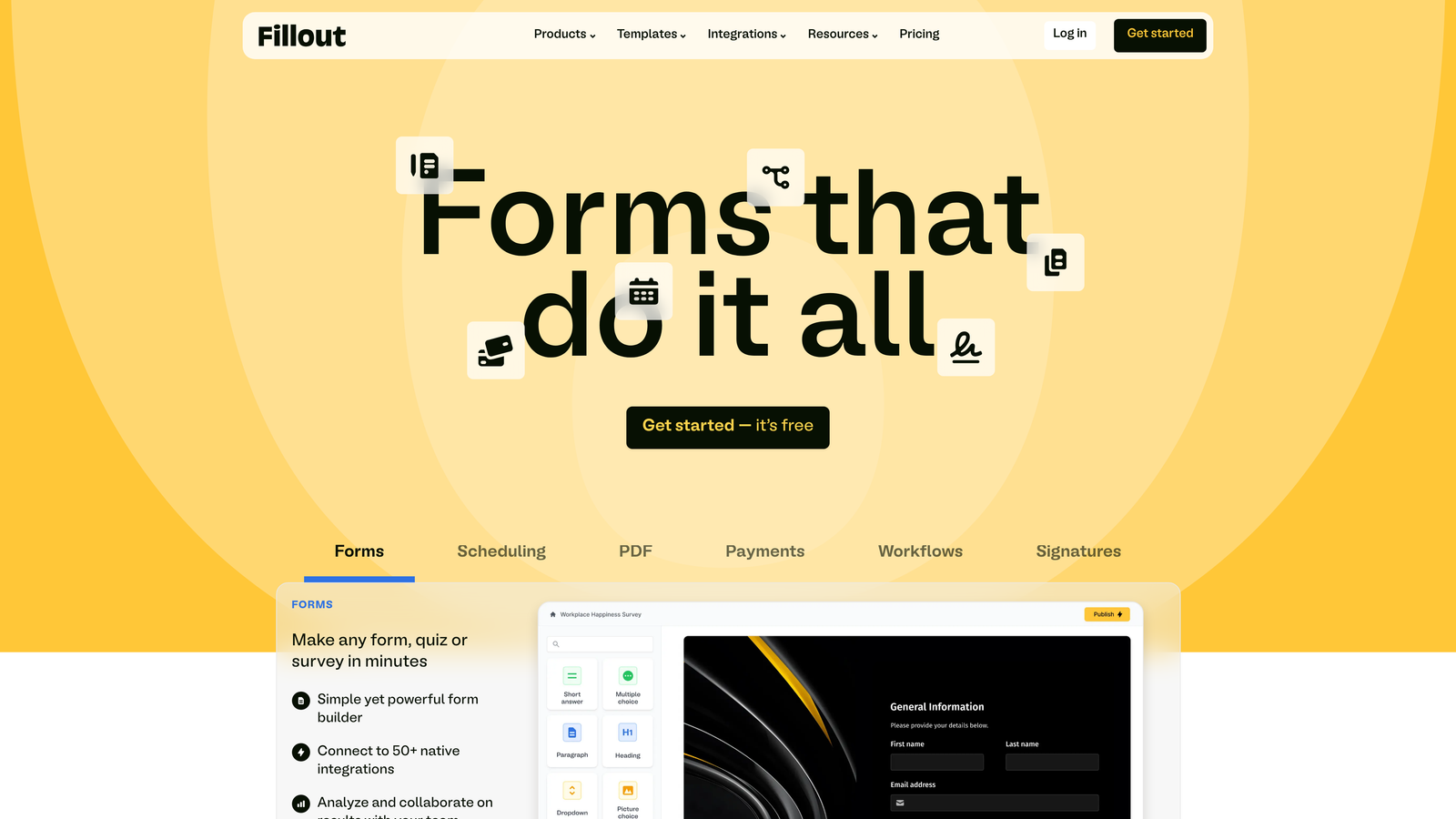
Fillout is a modern form builder with native Notion and Airtable integration designed for no-code workflows.
Where This Tool Shines
The Notion and Airtable integrations are truly native, not just API connections. Forms can read from and write to your databases directly, enabling workflows that would typically require Zapier or custom code. If your team lives in Notion or Airtable, this tight integration eliminates data silos.
Multi-page forms feel more like applications than traditional forms. You can create complex, multi-step experiences with progress indicators and conditional sections that rival custom-built solutions. The ability to reference previous answers and perform calculations across pages enables sophisticated use cases.
Key Features
Native Airtable/Notion Sync: Direct database integration without middleware or complex API setup.
Multi-Page Forms: Create complex, multi-step experiences with progress tracking and conditional sections.
File Uploads Included: Accept documents, images, and files without upgrade requirements or storage limits.
Calculations and Variables: Perform math operations and reference previous answers throughout forms.
Custom Thank-You Pages: Personalized confirmation experiences based on submission data.
Best For
No-code teams that have built workflows around Notion or Airtable will find this integration invaluable. If you're already managing customer data, project tracking, or content in these platforms, Fillout extends their capabilities without forcing data into separate systems.
Pricing
Free tier available with core features. Starter plan at $15/month unlocks advanced features like custom domains and removes branding—notably affordable compared to competitors.
8. Formstack
Best for: Enterprise teams needing workflow automation and document generation alongside forms
Formstack is an enterprise-grade form builder with comprehensive workflow automation and document generation capabilities.
Where This Tool Shines
The workflow automation suite transforms forms from data collection into complete business processes. Submissions can trigger multi-step workflows that route approvals, generate documents, send notifications, and update multiple systems—all without custom development. For teams managing complex processes, this automation eliminates manual handoffs.
Document generation creates professional PDFs, contracts, and reports directly from form data. Need to generate proposals based on client submissions? Automatically create signed agreements? Produce formatted reports? The document engine handles these scenarios that would typically require separate tools or manual formatting.
Key Features
Workflow Automation Suite: Multi-step automation that connects forms to complex business processes.
Document Generation: Automatically create formatted PDFs and documents from submission data.
E-Signature Collection: Built-in signature capture and verification for contracts and agreements.
Advanced Conditional Logic: Sophisticated branching and calculations that handle complex business rules.
Enterprise Security Features: HIPAA compliance, SOC 2 certification, and advanced access controls.
Best For
Larger organizations with complex approval workflows and compliance requirements will appreciate the enterprise focus. If you're in healthcare, finance, or regulated industries, the security certifications and audit trails justify the investment. Teams that would otherwise build custom solutions find Formstack provides the necessary sophistication without development costs.
Pricing
Forms plan starts at $50/month for basic functionality. Suite pricing that includes workflow automation and document generation varies based on needs and typically requires sales consultation for enterprise features.
9. 123FormBuilder
Best for: Regulated industries requiring HIPAA compliance and GDPR-ready features
123FormBuilder is a compliance-focused form builder with HIPAA and GDPR capabilities for healthcare and regulated industries.
Where This Tool Shines
The compliance features address requirements that most form builders ignore. HIPAA compliance isn't just a checkbox—it includes Business Associate Agreements, encrypted data storage, and audit logging that healthcare organizations legally require. For medical practices and healthcare providers, this eliminates the compliance gap that prevents using consumer-grade tools.
GDPR-ready features go beyond basic privacy policies. The platform includes consent management, data processing agreements, and right-to-deletion workflows that European regulations mandate. If you collect data from EU residents, these built-in safeguards reduce legal exposure significantly.
Key Features
HIPAA Compliance Available: Full HIPAA-compliant forms with BAAs and encrypted data handling for healthcare.
GDPR-Ready Features: Consent management and data processing tools that satisfy European privacy regulations.
Payment Integrations: Accept payments through major processors with PCI-compliant security.
Advanced Reporting: Custom reports and analytics that track submission patterns and form performance.
White-Label Options: Remove all branding and use custom domains for complete brand control.
Best For
Healthcare providers, medical practices, and businesses serving European markets will find the compliance features essential. If HIPAA or GDPR requirements have prevented you from using standard form builders, 123FormBuilder addresses these gaps specifically. The white-label capabilities also suit agencies managing forms for multiple clients.
Pricing
Free tier available for basic forms. Gold plan at $24.99/month includes advanced features, while Platinum at $44.99/month adds HIPAA compliance and priority support. Enterprise plans with custom compliance requirements available through sales.
Making the Right Choice
The best value form builder depends entirely on what you're optimizing for. If you're counting every dollar, Tally and Google Forms deliver unlimited usage without monthly fees. Need beautiful, conversational experiences? Typeform's completion rates justify the premium. Managing complex workflows? Formstack's automation eliminates manual processes.
For growing teams focused on lead quality, the AI-powered approach stands apart. Traditional form builders collect data—intelligent platforms like Orbit AI qualify leads automatically while they're filling out forms. This transforms your forms from passive collection tools into active qualification engines that route high-value prospects to sales immediately.
The value calculation shifts when you consider time saved. A free tool that requires hours of manual lead review costs more than a platform that qualifies leads automatically. Similarly, basic tools that lack integrations create data entry work that erodes their cost advantage.
Consider your growth trajectory when choosing. Tools with generous free tiers like Tally work beautifully until you need advanced features. Mid-tier options like JotForm and Paperform scale well for small to medium teams. Enterprise platforms become cost-effective only when complexity justifies their sophistication.
The integration ecosystem matters more than most teams initially realize. Forms that connect natively to your CRM, marketing automation, and analytics tools eliminate data silos and manual exports. This connectivity often determines whether a form builder becomes central to your workflow or remains a disconnected tool.
Transform your lead generation with AI-powered forms that qualify prospects automatically while delivering the modern, conversion-optimized experience your high-growth team needs. The right form builder doesn't just collect data—it accelerates your entire sales process by ensuring only qualified leads reach your team.
Start with your specific use case rather than feature lists. If you're running events, prioritize payment collection and registration management. Building a SaaS? Focus on lead qualification and CRM integration. Managing patient intake? Compliance features become non-negotiable. The best value emerges when a tool's strengths align perfectly with your specific requirements.


