

Choosing the right form builder can make or break your lead generation strategy. The wrong tool means clunky forms that frustrate users, missed conversion opportunities, and hours wasted on manual data entry. The right one? It qualifies leads automatically, integrates seamlessly with your stack, and turns every form submission into actionable intelligence.
In 2026, the best form builders go beyond simple data collection. They use AI to understand prospect intent, optimize for conversions in real-time, and eliminate the friction that kills completion rates. Whether you're a high-growth startup or an enterprise team, the platform you choose should match your ambitions.
We evaluated form builders based on AI capabilities, ease of use, integration ecosystems, pricing value, and conversion-focused features. Here are the top tools that deliver results for teams serious about lead generation.
1. Orbit AI
Best for: High-growth teams needing AI-powered lead qualification and conversion optimization
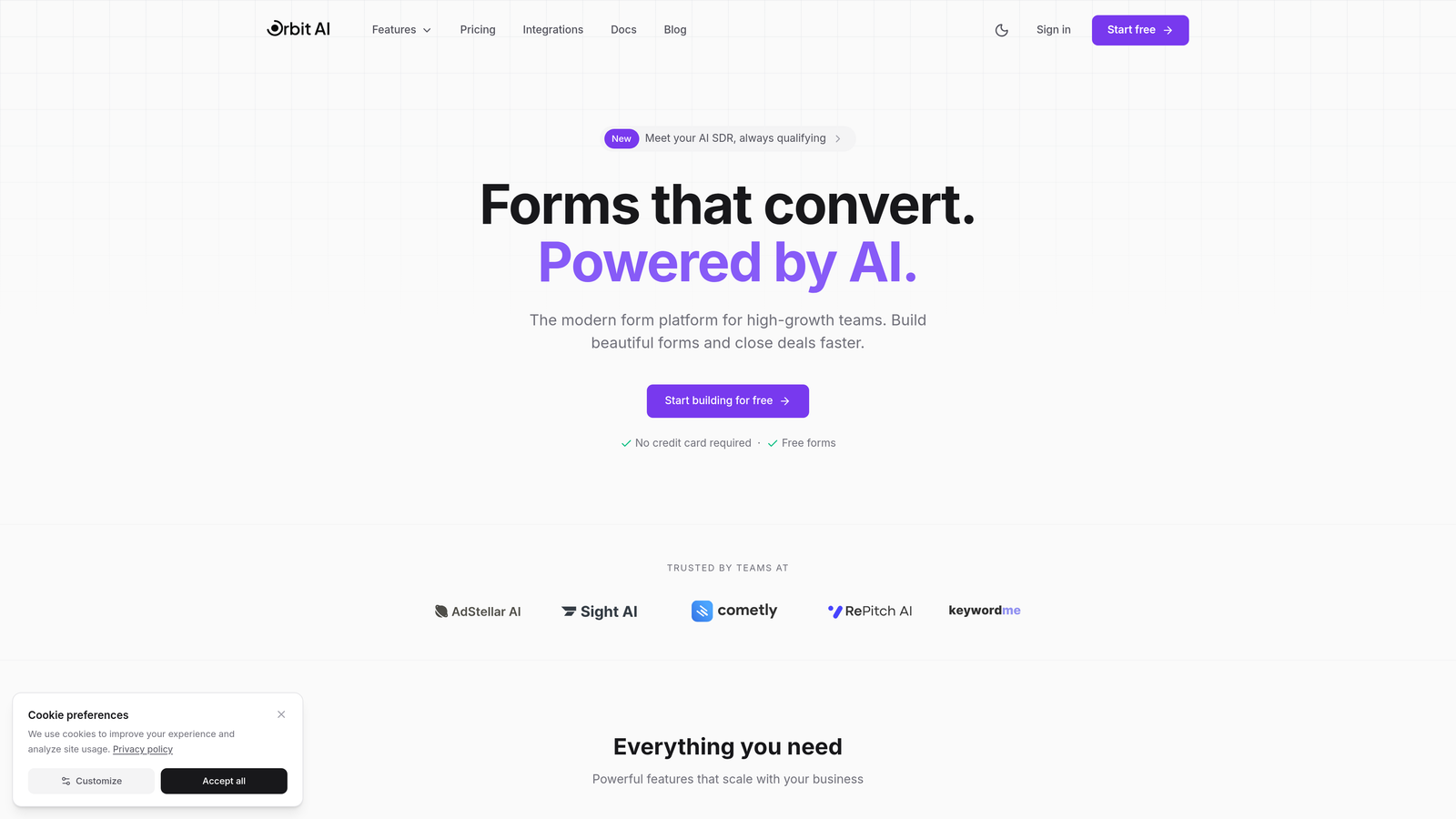
Orbit AI is an AI-powered form builder platform designed specifically for teams that need more than data collection.
Where This Tool Shines
The platform's intelligent lead qualification sets it apart from traditional form builders. Instead of collecting information and hoping your sales team can make sense of it later, Orbit AI scores and qualifies leads automatically as they complete forms. This means your team spends time on prospects who actually matter, not chasing dead ends.
The conversion-optimized templates are built on real performance data, not guesswork. Every element is designed to reduce friction and increase completion rates, giving you forms that actually convert instead of collecting dust in your marketing stack.
Key Features
AI-Powered Lead Qualification: Automatically scores and qualifies prospects based on their responses, routing high-value leads directly to your sales team.
Conversion-Optimized Templates: Pre-built form designs tested for maximum completion rates across industries and use cases.
Native CRM Integrations: Connects directly with HubSpot, Salesforce, and Pipedrive to eliminate manual data entry and sync lead intelligence instantly.
Advanced Analytics: Track form performance, completion rates, drop-off points, and lead quality metrics in a unified dashboard.
Workflow Automation: Trigger actions based on form responses, from sending follow-up emails to creating tasks for specific team members.
Best For
High-growth B2B companies and SaaS teams that need to qualify leads at scale. Ideal for marketing teams tired of passing unqualified prospects to sales, or any business where lead quality matters more than lead quantity. Perfect for teams already using modern CRM platforms who want intelligent forms that work with their existing stack.
Pricing
Contact for pricing details. Free trial available to test the platform's AI capabilities and conversion features before committing.
2. Typeform
Best for: Creating engaging, conversational form experiences that feel more like interactions than surveys
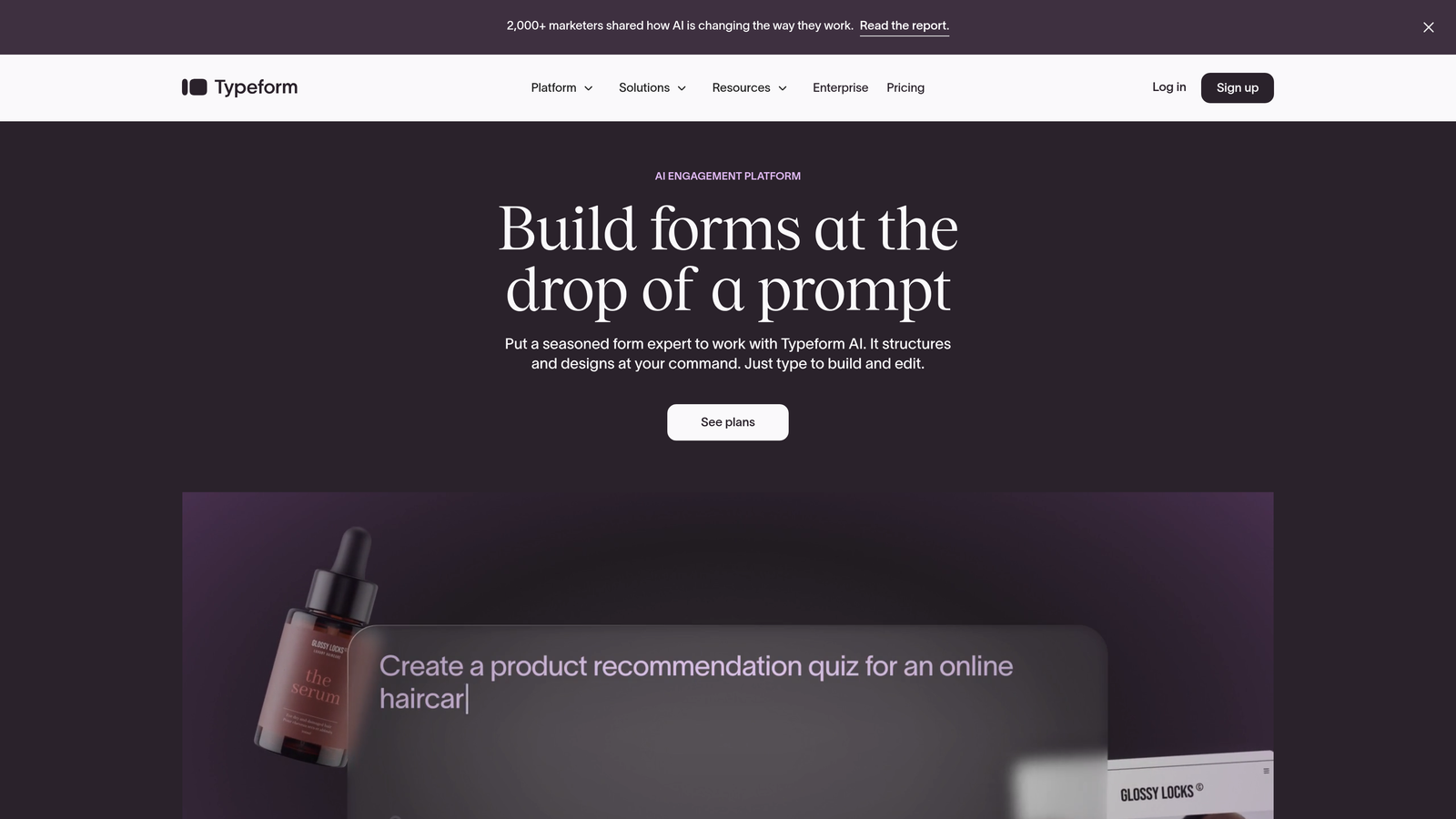
Typeform is a conversational form builder that revolutionized how people think about online forms with its signature one-question-at-a-time approach.
Where This Tool Shines
Typeform's conversational interface transforms boring forms into engaging experiences. Instead of overwhelming users with a wall of questions, it presents one thoughtfully designed question at a time. This approach significantly reduces form abandonment and creates memorable brand interactions that users actually enjoy completing.
The platform's design flexibility lets you create forms that match your brand perfectly. From color schemes to custom fonts and embedded media, every element can be tailored to create a cohesive experience that feels native to your website or campaign.
Key Features
One-Question-at-a-Time Format: Conversational interface that reduces cognitive load and improves completion rates by focusing attention on single questions.
Beautiful Design Themes: Extensive customization options including custom fonts, colors, backgrounds, and branded experiences that match your visual identity.
Logic Jumps and Branching: Create dynamic forms that adapt based on user responses, showing relevant follow-up questions and skipping irrelevant ones.
Rich Media Embedding: Add videos, images, and GIFs directly into forms to create more engaging, visually compelling experiences.
Integration Ecosystem: Connect with over 120 apps including Google Sheets, Slack, Mailchimp, and major CRM platforms for automated workflows.
Best For
Marketing teams and creative agencies that prioritize brand experience and user engagement. Excellent for customer feedback surveys, event registrations, quiz funnels, and any scenario where you want forms to feel less like data collection and more like conversation. Works particularly well for consumer-facing brands where experience matters.
Pricing
Free tier available with basic features. Paid plans start at $25/month for the Basic plan, with Professional and Premium tiers offering advanced logic, custom branding removal, and priority support.
3. Jotform
Best for: Teams needing extensive template variety and ready-made solutions for virtually any use case
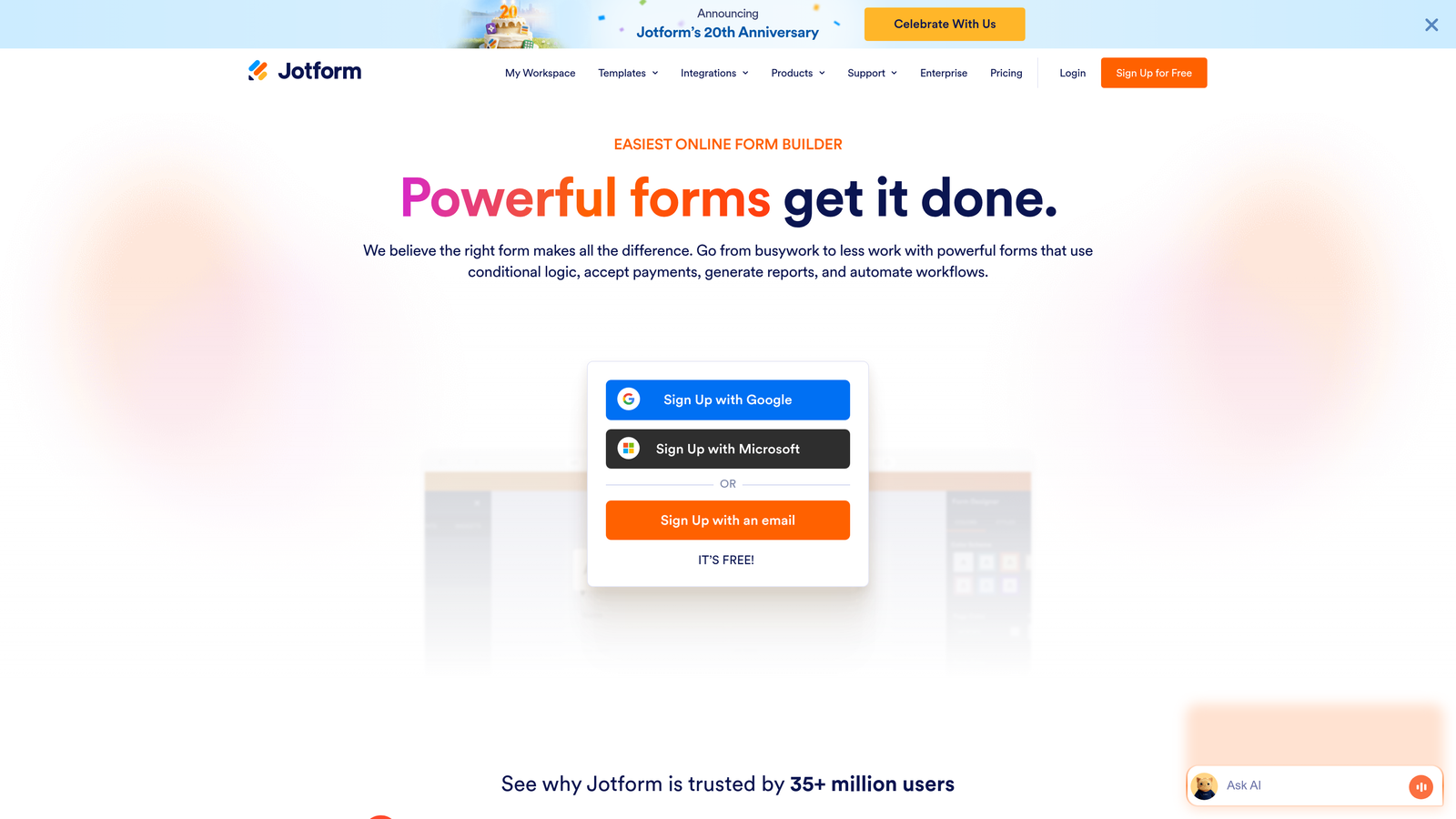
Jotform is a versatile form builder with an enormous library of over 10,000 templates covering everything from event registrations to healthcare intake forms.
Where This Tool Shines
The sheer breadth of Jotform's template library means you're almost never starting from scratch. Whether you need a volunteer sign-up form, a product order form, or a complex application with conditional logic, there's likely a pre-built template you can customize in minutes instead of hours.
The platform's widget ecosystem adds functionality that goes far beyond basic form fields. From signature capture to appointment scheduling, payment processing to file uploads, Jotform's widgets turn simple forms into powerful business tools without requiring custom development.
Key Features
10,000+ Form Templates: Massive library of pre-built templates across industries and use cases, all fully customizable to match your specific needs.
Widget-Enhanced Builder: Drag-and-drop interface with hundreds of widgets for adding advanced functionality like calculations, signatures, and appointment booking.
PDF Form Creation: Convert existing PDF forms into fillable online versions, or generate PDF documents automatically from form submissions.
Payment Collection: Integrated payment processing through PayPal, Stripe, Square, and other processors for selling products or collecting fees.
Jotform Tables: Organize and manage form submissions in a spreadsheet-like interface with filtering, sorting, and collaboration features.
Best For
Small businesses and organizations that need versatile form solutions across multiple departments. Perfect for teams that value speed over custom design, or anyone who needs specific functionality like payment processing or PDF generation. Works well for nonprofits, educational institutions, and service businesses managing various types of registrations and applications.
Pricing
Free tier includes up to 5 forms with 100 monthly submissions. Paid plans start at $34/month for Bronze (25 forms, 1,000 submissions), with Silver, Gold, and Enterprise tiers offering increased limits and advanced features.
4. HubSpot Forms
Best for: Teams already using HubSpot CRM who want native form integration with their marketing stack
HubSpot Forms is the native form builder within HubSpot's ecosystem, designed to work seamlessly with the CRM and marketing automation platform.

Where This Tool Shines
If you're already in the HubSpot ecosystem, their native forms eliminate the integration headaches that plague most marketing teams. Every form submission automatically creates or updates contact records in your CRM, triggers workflows, and feeds into your marketing analytics. No webhooks, no middleware, no data sync delays.
Progressive profiling is where HubSpot Forms truly delivers value. Instead of asking returning visitors the same questions repeatedly, the forms automatically adapt to request new information each time. This creates better user experiences while gradually building complete contact profiles without form fatigue.
Key Features
Direct CRM Integration: Instant contact creation and updates in HubSpot CRM with automatic property mapping and lifecycle stage management.
Progressive Profiling: Smart forms that remember previous responses and ask new questions to returning visitors, building richer profiles over time.
Marketing Automation Triggers: Launch workflows, email sequences, and internal notifications automatically based on form submissions and field values.
A/B Testing: Test different form variations to optimize completion rates and identify which fields or designs perform best.
Built-In Analytics: Track form performance, conversion rates, and submission sources directly in your HubSpot dashboard alongside other marketing metrics.
Best For
Companies already using HubSpot CRM or Marketing Hub who want forms that work natively with their existing workflows. Ideal for marketing teams running complex nurture campaigns where form data needs to trigger specific automation sequences. Best suited for businesses that prioritize CRM data quality and marketing automation integration over form design flexibility.
Pricing
Free with HubSpot CRM, including basic form building and CRM integration. Advanced features like progressive profiling, A/B testing, and automation require Marketing Hub, starting at $45/month for Starter tier.
5. Paperform
Best for: Creating beautiful landing page-style forms that double as product pages and payment collection tools
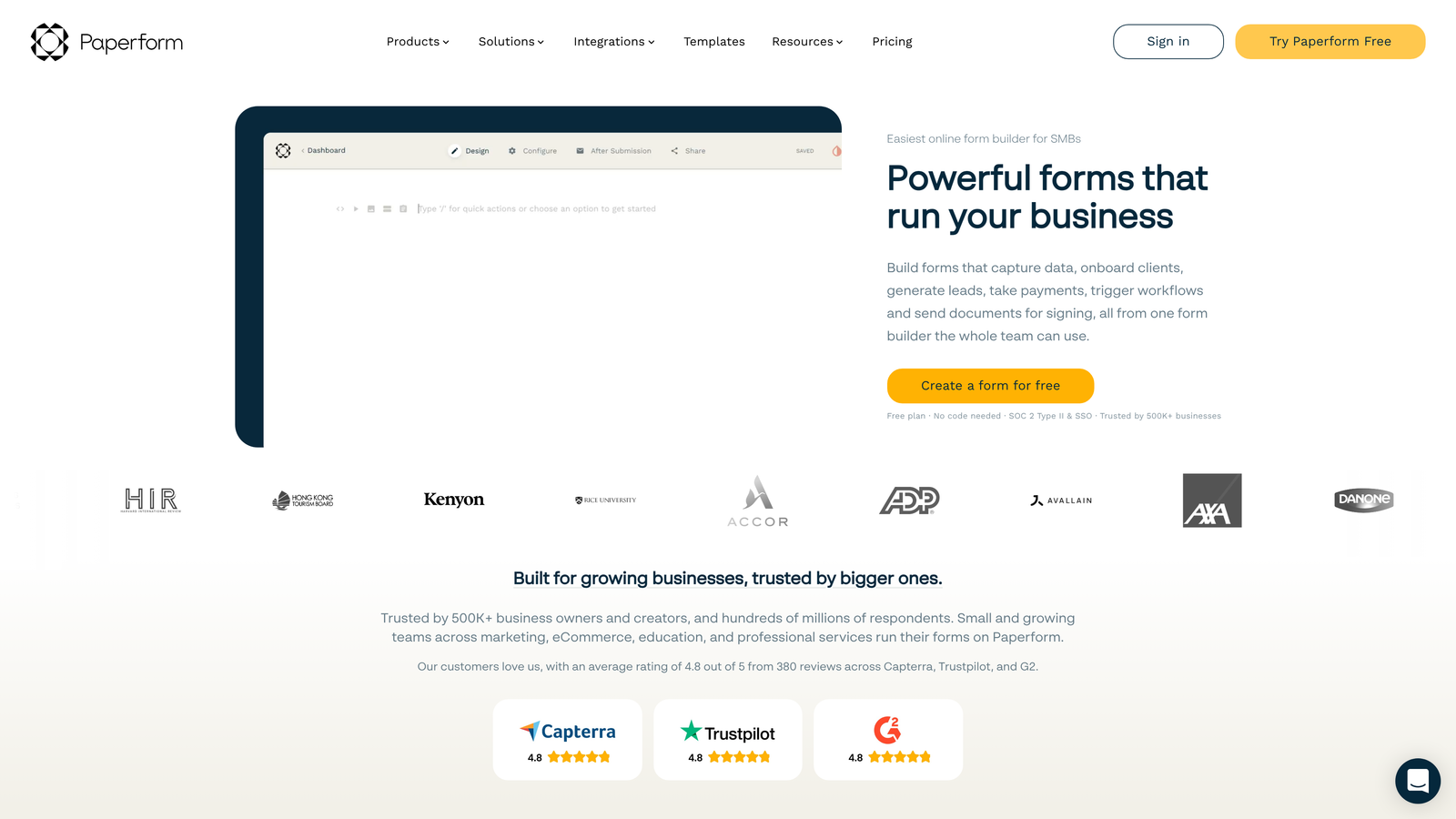
Paperform is a design-focused form builder that blurs the line between forms and landing pages, making it perfect for product sales and service bookings.
Where This Tool Shines
Paperform treats forms as full-fledged landing pages rather than simple data collection tools. The result is gorgeous, conversion-optimized pages that can showcase products, explain services, and collect payments all in one seamless experience. This makes it particularly powerful for service businesses and digital product creators who need forms that sell, not just collect information.
The built-in payment processing turns Paperform into a lightweight e-commerce platform. You can create product catalogs, accept one-time or recurring payments, and manage inventory without needing a separate shopping cart solution. For coaches, consultants, and service providers, this simplifies the entire booking and payment process.
Key Features
Landing Page-Style Design: Rich text editing, custom layouts, and visual elements that make forms look like professionally designed landing pages.
Payment Processing: Native integration with Stripe, PayPal, Square, and Braintree for accepting payments, subscriptions, and deposits directly through forms.
Appointment Scheduling: Built-in booking functionality with calendar sync, time zone management, and automatic confirmation emails.
Product Catalogs: Create e-commerce forms with product images, descriptions, variants, and quantity selection for selling physical or digital goods.
Custom Branding: Complete design control with custom CSS, fonts, colors, and the ability to remove Paperform branding for white-label experiences.
Best For
Coaches, consultants, course creators, and service businesses that need forms to do more than collect data. Perfect for anyone selling digital products, accepting bookings, or managing event registrations where payment collection is essential. Works well for solopreneurs and small teams who want professional-looking forms without hiring a designer.
Pricing
Starts at $24/month for the Essentials plan with unlimited forms and submissions. Pro plan at $49/month adds custom branding removal, advanced integrations, and priority support.
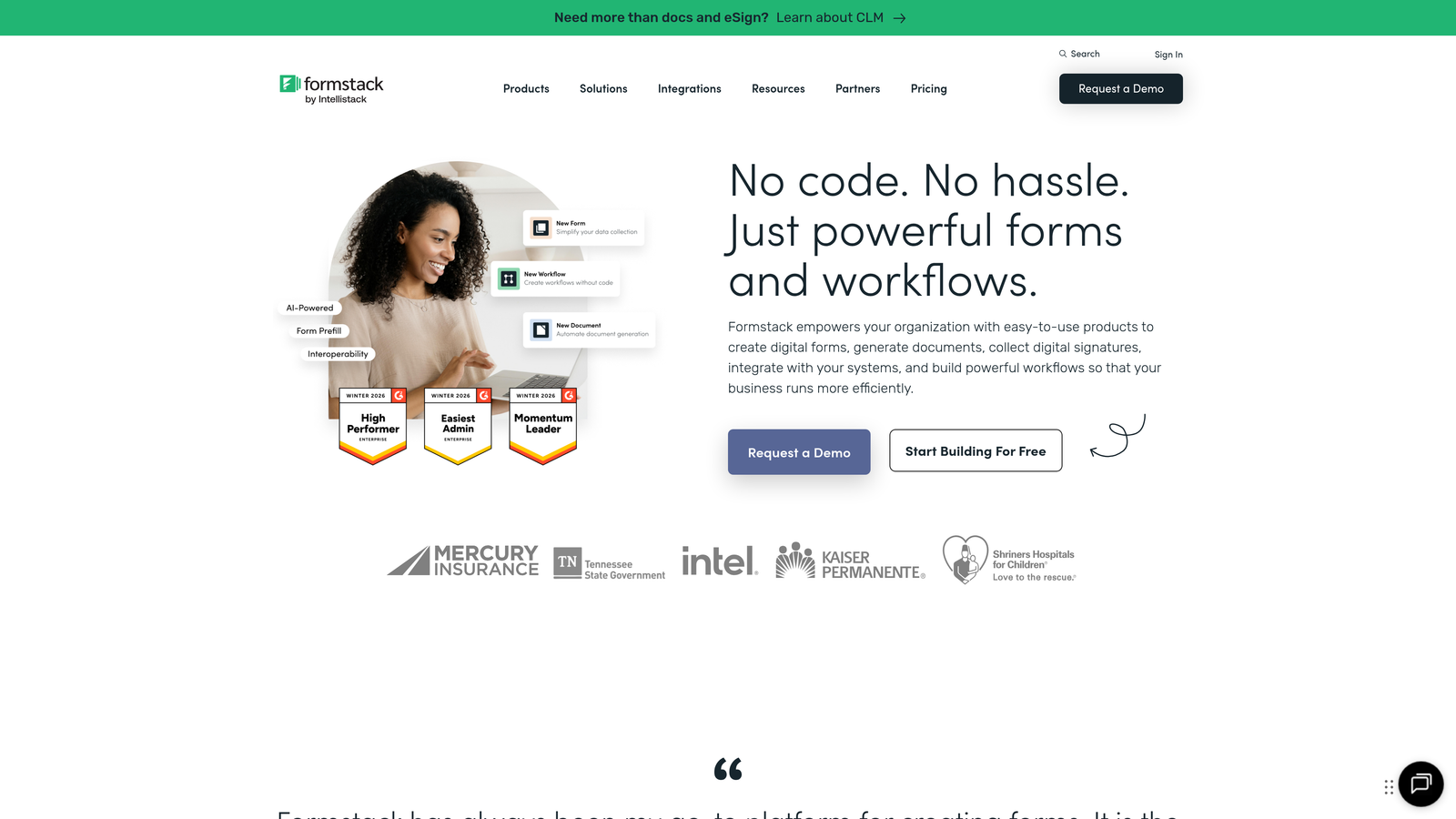
6. Formstack
Best for: Enterprise teams requiring advanced security, compliance, and workflow automation capabilities
Formstack is an enterprise-grade form builder focused on security, compliance, and sophisticated workflow automation for regulated industries.
Where This Tool Shines
Formstack's compliance capabilities make it the go-to choice for healthcare, financial services, and other regulated industries. HIPAA-compliant form submission, GDPR data handling, and enterprise security features ensure sensitive information stays protected. This isn't just checkbox compliance; it's built into the platform's architecture.
The workflow automation goes deeper than most form builders, with document generation that automatically creates PDFs, contracts, or reports from form data. Combined with e-signature integration, Formstack can handle complex approval workflows that would normally require multiple disconnected tools.
Key Features
HIPAA and GDPR Compliance: Enterprise security features including data encryption, BAA agreements, and compliance-ready data handling for regulated industries.
Advanced Workflow Automation: Multi-step approval processes, conditional routing, and automated actions based on complex business rules.
Document Generation: Automatically create PDF documents, contracts, or reports populated with form submission data using custom templates.
E-Signature Integration: Native DocuSign integration for collecting legally binding signatures as part of form workflows.
Enterprise Security: Single sign-on (SSO), role-based access control, audit logs, and dedicated support for large organizations.
Best For
Healthcare organizations, financial institutions, government agencies, and enterprise companies with strict security and compliance requirements. Ideal for legal departments managing contract workflows, HR teams handling sensitive employee data, or any organization where data security isn't optional. Best suited for teams with budget for premium features and need for white-glove support.
Pricing
Starts at $50/month for the basic plan. Enterprise pricing available for organizations needing HIPAA compliance, advanced security features, and dedicated account management. Contact sales for custom quotes based on specific requirements.
7. Tally
Best for: Startups and budget-conscious teams needing unlimited forms without breaking the bank
Tally is a minimalist form builder with a generous free tier and Notion-inspired interface that makes form creation feel intuitive and fast.
Where This Tool Shines
Tally's free tier is genuinely useful, not a teaser. Unlimited forms with unlimited submissions means startups and small teams can build their entire lead generation infrastructure without spending a dollar. This makes it perfect for early-stage companies testing product-market fit or bootstrapped teams watching every expense.
The Notion-style block editor will feel immediately familiar if you've used modern productivity tools. Building forms becomes as simple as writing a document, with blocks for different question types that you can drag, duplicate, and rearrange instantly. No learning curve, no tutorial videos required.
Key Features
Unlimited Free Forms: No artificial limits on form creation or submissions on the free tier, making it viable for actual business use.
Block-Based Editor: Notion-inspired interface where you add question blocks, text blocks, and media with simple commands and drag-and-drop reordering.
Conditional Logic: Show or hide questions based on previous answers, create branching paths, and build dynamic forms that adapt to user input.
Calculations: Perform math operations on form responses for quote calculators, pricing tools, or score-based assessments.
Custom Domains: Use your own domain for form hosting (Pro plan) to maintain brand consistency and improve trust.
Best For
Startups, indie makers, and small teams with limited budgets who still need professional form functionality. Perfect for side projects, early-stage SaaS companies, or anyone experimenting with different lead magnets and landing pages. Works well for teams already using Notion who want a similar experience for form building.
Pricing
Free tier includes unlimited forms and submissions with Tally branding. Pro plan at $29/month removes branding, adds custom domains, file uploads, and priority support. No hidden fees or per-submission charges.
8. Fillout
Best for: Teams managing data in Airtable or Notion who need forms that sync directly with their databases
Fillout is a modern form builder designed specifically for teams using Airtable, Notion, and other database tools as their primary data layer.
Where This Tool Shines
Fillout's native Airtable and Notion integration is genuinely different from typical "send data via webhook" connections. Forms can read existing records, update specific fields, and maintain referential integrity with your database structure. This means you can create forms that edit existing customer records, not just create new ones.
The scheduling and booking functionality is surprisingly robust for a form builder. Combined with database integration, you can create booking systems that check availability, prevent double-bookings, and automatically update your team's calendar, all without Calendly or similar tools.
Key Features
Native Database Sync: Two-way sync with Airtable and Notion that lets forms read and update existing records, not just create new ones.
Record Updating: Create forms that let users edit their own submitted data or update specific fields in existing database records.
Scheduling Forms: Built-in appointment booking with availability checking, time zone handling, and calendar integration.
Multi-Page Forms: Break long forms into multiple pages with progress indicators and conditional page display based on previous answers.
Custom Thank-You Pages: Dynamic confirmation pages that display different content based on form responses or redirect to specific URLs.
Best For
Teams that have already invested in Airtable or Notion as their primary database and want forms that work natively with their existing data structure. Perfect for consultants managing client information in Airtable, agencies tracking projects in Notion, or service businesses where the database is the source of truth. Ideal for teams tired of managing data in multiple disconnected tools.
Pricing
Free tier available with basic features and limited submissions. Paid plans start at $15/month for increased submission limits, custom branding removal, and advanced integration features.
9. Cognito Forms
Best for: Complex forms requiring advanced calculations, conditional workflows, and payment processing
Cognito Forms is a powerful form builder specializing in sophisticated calculations, dynamic sections, and complex conditional logic.
Where This Tool Shines
Cognito Forms handles calculation complexity that breaks most form builders. Need to calculate pricing based on multiple variables, quantity discounts, date ranges, and user selections? Cognito's calculation engine can handle it. This makes it perfect for quote forms, registration forms with variable pricing, or any scenario where the form itself needs to do math.
The repeating sections feature lets users add multiple entries of the same information within a single form. Think order forms where customers can add multiple line items, or registration forms where one person can register multiple attendees. This dynamic functionality eliminates the need for separate forms or complicated workarounds.
Key Features
Advanced Calculations: Powerful calculation engine that handles complex math, date calculations, conditional pricing, and multi-variable formulas.
Repeating Sections: Let users add multiple entries of the same fields within a form, perfect for order forms, registrations, or applications with variable data.
Payment Processing: Integrated payment collection with quantity-based pricing, subscriptions, and automatic calculation of totals including taxes and fees.
Workflow Routing: Multi-step approval processes where form submissions route through different team members based on conditional rules.
Data Security: Field-level encryption, HIPAA compliance options, and secure data storage for sensitive information.
Best For
Organizations with complex forms that require sophisticated calculations or dynamic sections. Perfect for event planners managing registrations with variable attendees, nonprofits collecting donations with different giving levels, or service businesses creating custom quote forms. Works well for teams that have outgrown simpler form builders but don't need enterprise-level complexity.
Pricing
Free tier includes unlimited forms with basic features. Paid plans start at $15/month for Pro (increased submissions, payment processing), with Team and Enterprise tiers offering advanced security, workflow automation, and priority support.
Making the Right Choice
The best form builder depends entirely on what you're trying to accomplish. For teams serious about lead quality and conversion optimization, Orbit AI delivers AI-powered qualification that turns forms into intelligent lead generation machines. If your priority is creating engaging, branded experiences that users actually enjoy completing, Typeform's conversational approach is hard to beat.
Budget-conscious startups should look at Tally's generous free tier, which provides unlimited forms without the artificial restrictions that plague most "free" plans. Teams already embedded in the HubSpot ecosystem will find their native forms eliminate integration headaches and work seamlessly with existing workflows.
Need extensive template variety for diverse use cases across departments? Jotform's 10,000+ templates mean you're rarely starting from scratch. For enterprise teams in regulated industries where compliance isn't optional, Formstack's security features and HIPAA compliance justify the premium pricing.
Service businesses and consultants who need forms that also collect payments should explore Paperform's landing page approach. Teams managing data in Airtable or Notion will appreciate Fillout's native database integration. And if you're building complex forms with sophisticated calculations or dynamic sections, Cognito Forms handles the math that breaks simpler tools.
The form builder market has matured significantly, with AI-powered features becoming table stakes for high-growth teams. The right choice balances your immediate needs with your growth trajectory. A tool that works for 100 leads per month might buckle under 10,000, while enterprise platforms can feel like overkill when you're just starting out.
Transform your lead generation with AI-powered forms that qualify prospects automatically while delivering the modern, conversion-optimized experience your high-growth team needs. Start building free forms today and see how intelligent form design can elevate your conversion strategy.


