

Choosing the right form builder can make or break your lead generation efforts. If you're currently using Cognito Forms or considering it alongside other options, you're likely weighing factors like pricing, features, integrations, and scalability. The challenge? Every form builder claims to be the best, making it difficult to cut through the marketing noise and find what actually works for your specific needs.
This guide walks you through seven proven strategies for evaluating Cognito Forms against its alternatives, helping you make a decision that aligns with your growth goals rather than just checking feature boxes.
1. Map Your Must-Have Features Against Nice-to-Haves
The Challenge It Solves
Many teams get distracted by impressive feature lists that sound great in demos but never get used in practice. You end up paying for capabilities you don't need while missing critical functionality that actually drives results. This wastes budget and creates unnecessary complexity in your workflows.
The key is distinguishing between features that directly impact your conversion goals and those that simply look good on a comparison chart.
The Strategy Explained
Start by creating a three-tier requirements matrix before you even look at platform features. Your first tier contains absolute deal-breakers—features without which the platform simply won't work for your use case. Think specific integration requirements, compliance needs, or workflow automations you can't operate without.
Your second tier includes high-impact features that significantly improve efficiency or conversion rates but aren't technically required. These might include advanced conditional logic, multi-step forms, or robust analytics dashboards.
The third tier captures nice-to-have features that would be convenient but don't materially impact your core objectives. This might include extensive template libraries, certain design customizations, or advanced calculation features.
Once you've built this matrix with your team, evaluate each platform against your tier-one requirements first. If a platform doesn't meet these non-negotiables, eliminate it immediately regardless of how impressive its other features might be.
Implementation Steps
1. Hold a 30-minute workshop with stakeholders from sales, marketing, and operations to identify your actual workflow requirements—not just features that sound good.
2. Document your tier-one requirements in specific, measurable terms (for example, "Must integrate natively with Salesforce and sync data within 5 minutes" rather than just "CRM integration").
3. Create a simple spreadsheet comparing how Cognito Forms and each alternative stack up against your prioritized requirements, focusing exclusively on tier-one and tier-two features.
Pro Tips
Interview the team members who will actually use the form builder daily, not just decision-makers. Their hands-on perspective often reveals requirements that executives miss. Also, revisit your requirements matrix quarterly as your business evolves—what's tier-three today might become tier-one as you scale.
2. Calculate True Cost of Ownership Beyond Sticker Price
The Challenge It Solves
The advertised monthly price rarely tells the complete financial story. Hidden costs like submission limits, overage charges, additional user fees, and integration expenses can double or triple your actual spend. Teams often discover these costs only after committing to a platform, leading to budget surprises and difficult migration decisions down the line.
The Strategy Explained
True cost of ownership includes five key components that many teams overlook during initial evaluation. First, calculate your actual submission volume with growth projections—not just current numbers. Most platforms charge based on submissions or responses, and overage fees can be substantial.
Second, factor in team member costs. Some platforms charge per user while others offer unlimited team access. If you're a growing organization, per-user pricing can become expensive quickly.
Third, consider integration expenses. While Cognito Forms offers native integrations with popular tools, some alternatives require paid middleware like Zapier to connect with your tech stack. These integration costs add up, especially when you need real-time data sync.
Fourth, estimate training and onboarding time. A cheaper platform that requires extensive training might cost more in lost productivity than a pricier option with intuitive design. Calculate the hourly cost of having your team learn a new system.
Fifth, include migration costs if you're switching from an existing solution. Data transfer, form rebuilding, and workflow reconfiguration all require time and resources.
Implementation Steps
1. Pull your actual form submission data from the past 12 months and project growth at 20%, 50%, and 100% to understand how pricing scales with your success.
2. Create a total cost comparison spreadsheet that includes platform fees, integration costs, estimated training hours (valued at your team's hourly rate), and potential overage charges for each option.
3. Request detailed pricing breakdowns from each vendor, specifically asking about submission limits, overage rates, additional user costs, and any features that require plan upgrades.
Pro Tips
Ask vendors about their pricing roadmap and historical price increases. A platform with frequent, substantial price hikes might be cheaper today but more expensive long-term. Also, negotiate annual contracts for better rates, but only after you've completed a thorough trial period.
3. Test Integration Depth With Your Existing Tech Stack
The Challenge It Solves
Surface-level integration claims often hide significant limitations. A platform might technically integrate with your CRM but only sync basic contact information, missing custom fields, lead scores, or behavioral data your sales team needs. These integration gaps create manual work, data inconsistencies, and missed follow-up opportunities that directly impact revenue.
The Strategy Explained
Integration depth matters more than integration breadth. Rather than counting how many tools a form builder connects with, evaluate how deeply it integrates with the specific tools you actually use. For high-growth teams, CRM integration quality often determines success or failure.
Start by mapping your critical data flow requirements. What information needs to move from forms into your CRM? Do you need two-way sync for progressive profiling? Must leads route automatically based on qualification criteria? Can you trigger specific automation sequences based on form responses?
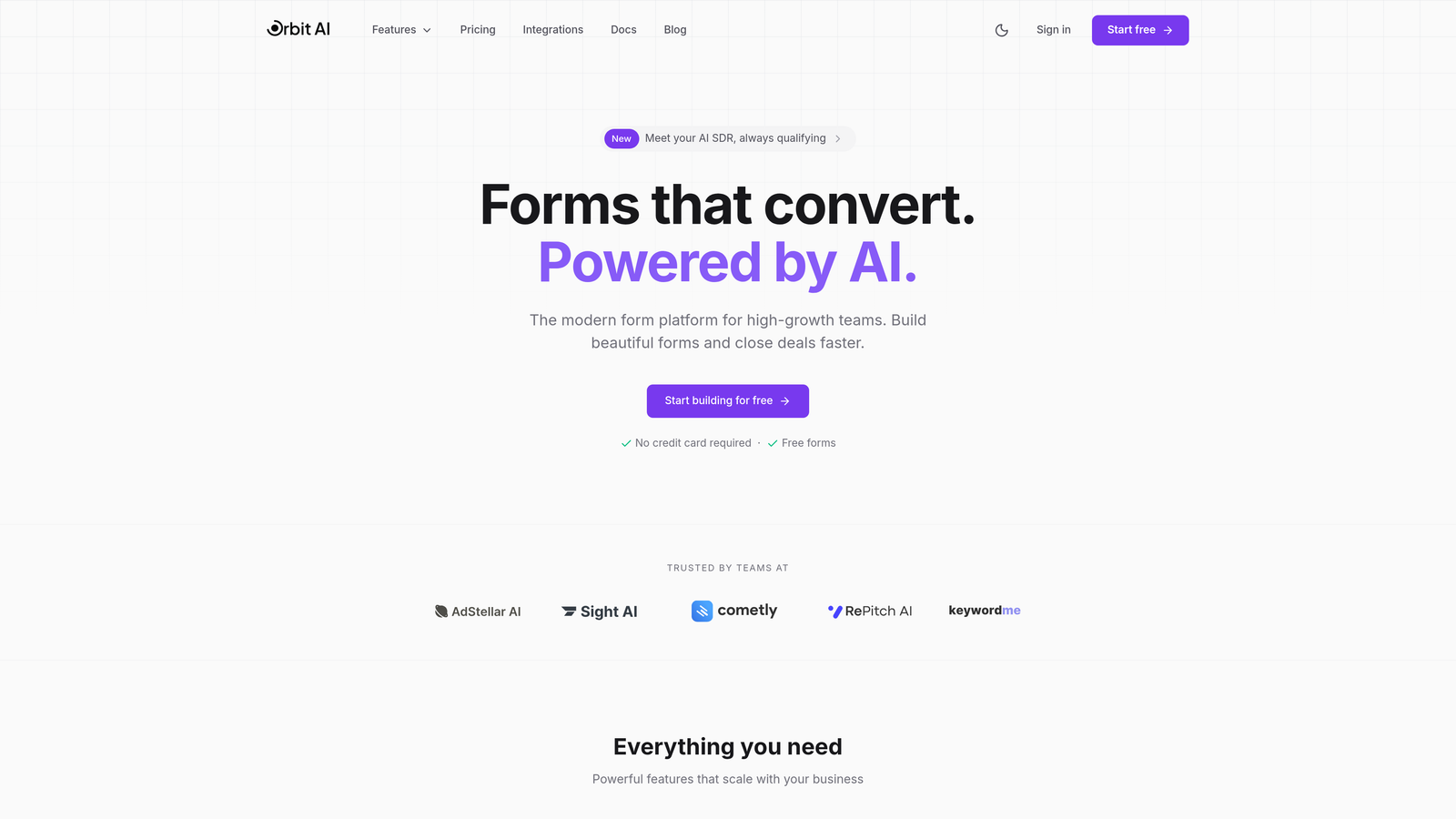
Cognito Forms offers native integrations with several popular platforms, but alternatives like Orbit AI focus specifically on intelligent lead qualification and CRM data enrichment. The difference between basic contact sync and intelligent lead routing can transform your sales team's efficiency.
Test not just whether data transfers, but how quickly it moves and how accurately it maps. Real-time sync matters when sales teams need to follow up while leads are hot. Field mapping flexibility determines whether you can capture the specific data points your business model requires.
Implementation Steps
1. Document your five most critical data flows, specifying exactly what information needs to move where and how quickly it must sync.
2. During trial periods, set up actual forms that mirror your real use cases and test whether data flows correctly through your entire tech stack, not just from form to CRM.
3. Create test scenarios for edge cases like duplicate contact handling, field mapping for custom CRM fields, and conditional routing based on form responses to see how each platform handles complexity.
Pro Tips
Don't just test the happy path—intentionally create problematic scenarios like duplicate submissions or incomplete form fills to see how each platform handles errors. Also, verify that integrations work bidirectionally if you need progressive profiling, where existing contact data pre-fills forms for returning visitors.
4. Evaluate Form Design Flexibility and Conversion Potential
The Challenge It Solves
Generic, outdated form designs signal low credibility to prospects and directly hurt conversion rates. If your forms look like they were built in 2015, prospects question whether your product or service is equally outdated. Beyond aesthetics, poor mobile responsiveness and clunky user experiences create friction that causes form abandonment at critical moments in your funnel.
The Strategy Explained
Form design flexibility encompasses both visual customization and user experience architecture. On the visual side, evaluate whether you can create forms that match your brand identity without requiring custom CSS knowledge. Can you easily adjust colors, fonts, spacing, and layout? Do templates feel modern or dated?
More importantly, assess user experience capabilities that directly impact conversion. Multi-step forms typically convert better than long single-page forms by reducing perceived complexity. Conditional logic that shows or hides questions based on previous answers creates personalized experiences that feel conversational rather than interrogative.
Mobile responsiveness isn't just about forms displaying correctly on phones—it's about touch-optimized inputs, appropriate keyboard types for different fields, and layouts that feel native to mobile rather than like shrunken desktop versions.
Cognito Forms offers solid calculation features and logical branching, making it strong for complex forms like order forms or applications. However, if your priority is conversion-optimized lead generation forms with modern, engaging designs, explore alternatives that specialize in conversion rate optimization rather than calculation complexity.
Implementation Steps
1. Build the same lead capture form in each platform you're evaluating, then test it on desktop, tablet, and mobile devices to compare user experience quality.
2. Show your test forms to colleagues who haven't seen them before and watch where they hesitate or get confused—these friction points reveal UX weaknesses that hurt conversion.
3. Review each platform's template library quality and ask yourself whether these designs would make your brand look modern and credible or generic and outdated.
Pro Tips
Test form completion on your actual mobile device using your real internet connection, not just desktop browser mobile simulation. Real-world mobile experience often reveals issues that emulators miss. Also, consider whether the platform offers A/B testing capabilities so you can continuously optimize form performance rather than guessing what works.
5. Assess Lead Qualification and Data Intelligence Features
The Challenge It Solves
Without intelligent lead qualification, your sales team wastes time on prospects who aren't ready to buy while hot leads wait in the queue. Manual lead scoring based on form responses is time-consuming and inconsistent. Your team needs automated intelligence that identifies high-value prospects immediately and routes them appropriately, but most traditional form builders offer minimal analytics beyond basic submission tracking.
The Strategy Explained
Lead qualification capabilities separate basic form builders from strategic lead generation platforms. At minimum, you need the ability to assign point values to different responses and calculate lead scores automatically. Better solutions offer conditional routing that sends high-scoring leads directly to sales while nurturing lower-scoring prospects through marketing automation.
The most advanced platforms now incorporate AI-powered lead qualification that goes beyond simple scoring rules. These systems analyze response patterns, identify buying signals, and even predict conversion likelihood based on historical data. For high-growth teams where sales capacity is a constraint, this intelligence determines which opportunities get immediate attention.
Analytics depth matters equally. Can you see where prospects abandon forms? Which questions cause hesitation? How do conversion rates differ across traffic sources? These insights drive continuous optimization rather than one-time form creation.
While Cognito Forms provides calculation features useful for complex forms, platforms like Orbit AI focus specifically on AI-powered lead qualification and intelligent routing—capabilities that directly impact revenue rather than just data collection.
Implementation Steps
1. Define your ideal customer profile criteria and map which form responses would indicate high buying intent versus early research stage.
2. Test whether each platform can automatically score leads based on your criteria and route them to appropriate workflows without manual intervention.
3. Review the analytics dashboards each platform provides and determine whether they surface actionable insights about form performance and lead quality or just basic submission counts.
Pro Tips
Request to see how each platform's lead scoring actually works in practice—not just in marketing materials. Set up test scenarios and verify that leads route correctly based on your qualification criteria. Also, consider whether the platform's analytics integrate with your business intelligence tools so lead data flows into your broader reporting ecosystem.
6. Run a Side-by-Side Trial With Real Use Cases
The Challenge It Solves
Product demos show you what's possible under ideal conditions, not what actually works in your messy real-world environment. Sales presentations highlight strengths while glossing over limitations you'll discover only after committing. Without hands-on testing using your actual forms, workflows, and team members, you're making a significant decision based on incomplete information.
The Strategy Explained
Effective trials require structured testing rather than casual exploration. Start by identifying three to five of your most important forms—the ones that drive the most leads or revenue. These might include your main lead capture form, event registration form, demo request form, or contact form.
Recreate these exact forms in each platform you're seriously considering. Don't just build sample forms with dummy content—use your actual copy, fields, logic, and integrations. This reveals whether the platform can handle your real requirements or only works for simplified scenarios.
Involve the team members who will use the platform daily. Have your marketing coordinator build a form from scratch. Ask your sales operations person to set up the CRM integration. Get feedback from the people who will live with this decision.
Track specific metrics during your trial period. How long does form creation take? What's the learning curve like? How many support tickets do you need to file? What's the response time? These practical factors matter more than feature checklists.
Implementation Steps
1. Set up trial accounts for your top two or three alternatives simultaneously, then block out dedicated time to test each one rather than spreading evaluation across weeks.
2. Create a standardized testing checklist that includes building a form, setting up integrations, testing mobile experience, reviewing analytics, and getting team feedback—then complete this checklist for each platform.
3. Run actual traffic to your test forms (even if it's just a small percentage of visitors) to see how real prospects interact with each platform rather than relying solely on internal testing.
Pro Tips
Document friction points immediately when you encounter them—don't wait until after the trial to recall what frustrated you. Also, test customer support during your trial by submitting questions and measuring response quality and speed. Support quality becomes critical when you're troubleshooting issues that impact live lead generation.
7. Consider Long-Term Scalability and Vendor Trajectory
The Challenge It Solves
Switching form platforms is painful and expensive, so choosing a solution that can't grow with you creates a predictable future problem. Many teams select based on current needs without considering how requirements evolve as organizations scale. Six months later, they're either paying for expensive enterprise plans or facing another disruptive migration.
The Strategy Explained
Scalability assessment requires looking beyond current feature sets to evaluate vendor trajectory and platform evolution. Research how frequently the platform releases new features and whether those updates align with emerging market needs or just add complexity to outdated architecture.
Examine the vendor's customer base and growth stage. Are they serving companies similar to yours at various growth stages? Do their case studies feature businesses that started small and scaled successfully on the platform? Or do customers typically outgrow the solution at predictable inflection points?
Support infrastructure matters increasingly as you scale. What works with five forms and one administrator becomes inadequate with fifty forms and a ten-person team. Evaluate whether the vendor offers dedicated support, implementation assistance, and strategic guidance as your needs become more sophisticated.
Consider the platform's technical architecture and whether it's built for modern workflows. Legacy platforms often struggle to incorporate AI capabilities, real-time sync, and advanced automation that newer solutions build into their foundation. This architectural difference determines whether the platform evolves with market innovations or falls behind.
Implementation Steps
1. Research each vendor's product update history over the past 18 months to assess their development velocity and whether new features address real user needs or just marketing buzzwords.
2. Request customer references from companies that have been using the platform for 2+ years and specifically ask about scalability challenges they've encountered as they've grown.
3. Map your projected growth over the next 24 months and verify that each platform can accommodate your anticipated submission volume, team size, and feature requirements without forcing a plan upgrade that doubles your costs.
Pro Tips
Look for platforms that are actively investing in the capabilities that matter for your industry's future, not just maintaining legacy features. For high-growth teams, this increasingly means AI-powered automation, intelligent lead qualification, and sophisticated analytics. Also, evaluate the vendor's financial stability—a platform that gets acquired or shuts down creates massive disruption regardless of how good the product is today.
Putting It All Together
Making the right form builder choice comes down to systematic evaluation rather than gut instinct. Start by mapping your requirements using the prioritized matrix approach, then calculate true costs that extend beyond monthly subscription fees. Test integration depth with your actual tech stack rather than trusting marketing claims, and evaluate form design capabilities that directly impact conversion rates.
The most critical distinction often comes down to lead qualification intelligence. Traditional form builders like Cognito Forms excel at data collection and calculations, but high-growth teams focused on revenue generation need platforms that qualify prospects automatically and route them intelligently.
Run meaningful trials with your real forms and workflows, involving the team members who will use the platform daily. Their hands-on experience reveals practical limitations that demos never show. Finally, consider long-term scalability and whether the vendor is investing in capabilities that align with where your business is heading, not just where it is today.
The best choice isn't always the most popular option—it's the one that fits your specific workflow, growth trajectory, and strategic priorities. For teams where lead generation drives revenue, prioritize platforms that offer robust lead qualification, seamless CRM integration, and analytics that surface actionable insights rather than just submission counts.
Start building free forms today and see how intelligent form design can elevate your conversion strategy. Transform your lead generation with AI-powered forms that qualify prospects automatically while delivering the modern, conversion-optimized experience your high-growth team needs.


