

Static forms are conversion killers. When every respondent sees the same questions regardless of their answers, you lose engagement, collect irrelevant data, and frustrate users who feel like they're filling out a generic template. Conditional logic form software solves this by creating dynamic, personalized experiences—showing or hiding fields based on previous responses, routing users down different paths, and collecting only the information that matters.
Whether you're qualifying leads, conducting surveys, or processing applications, the right conditional logic tool transforms clunky forms into intelligent conversations. We evaluated dozens of form builders based on logic flexibility, ease of setup, integration capabilities, and pricing to bring you the top options for 2026.
1. Orbit AI
Best for: High-growth teams needing AI-powered lead qualification with conversion-optimized conditional logic
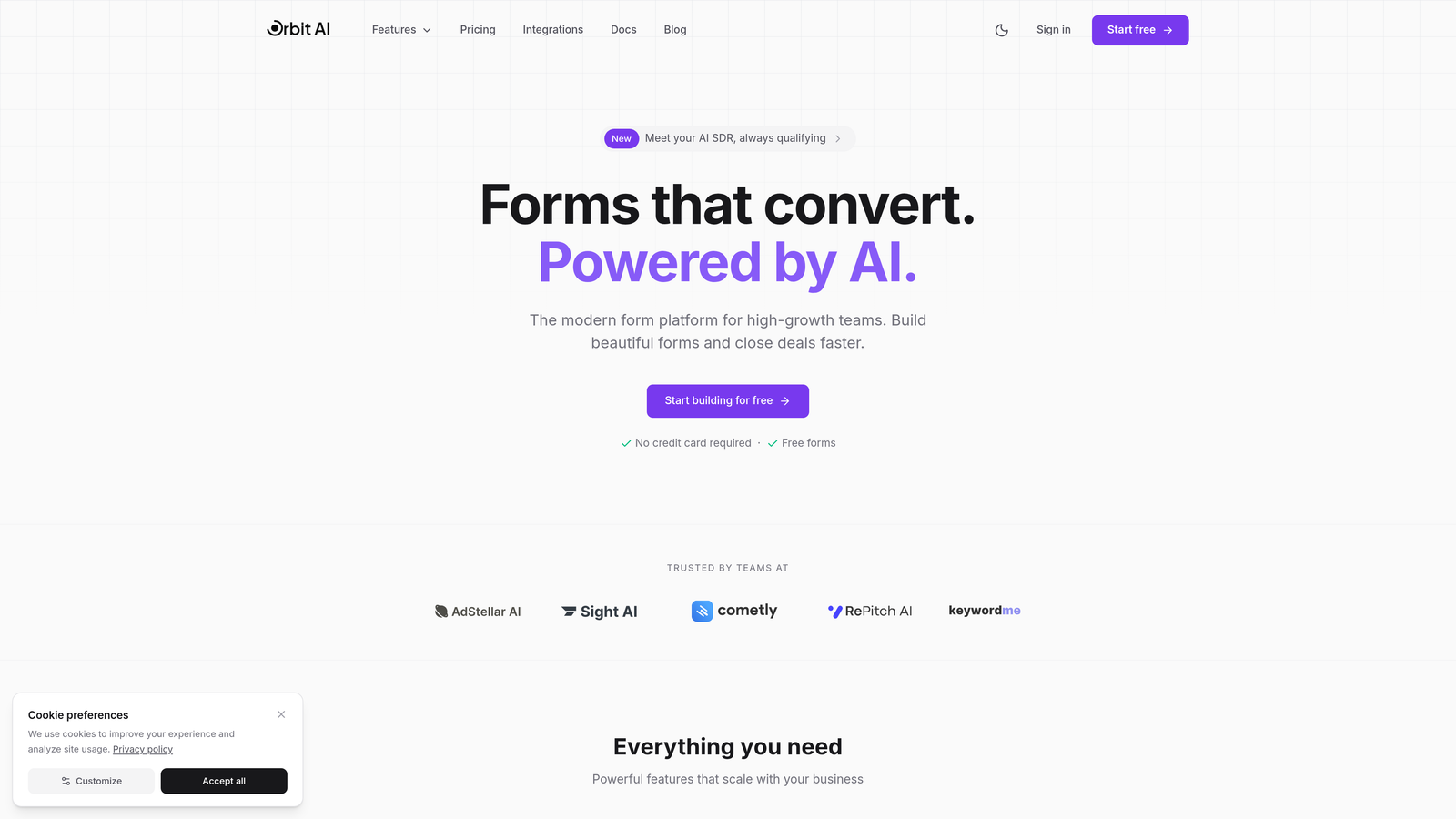
Orbit AI is an AI-powered form builder that combines conditional logic with intelligent lead qualification capabilities.
Where This Tool Shines
What sets Orbit AI apart is how it uses AI to enhance conditional logic beyond simple show/hide rules. The platform analyzes response patterns in real-time, adapting the form experience based on how users interact with questions. This means your forms get smarter over time, automatically optimizing which questions to ask and when.
The built-in lead scoring system works seamlessly with conditional branching, so you're not just personalizing the experience—you're qualifying prospects as they fill out the form. High-growth teams appreciate how this eliminates the gap between form completion and lead routing.
Key Features
AI-Driven Conditional Branching: Logic paths that adapt based on response patterns and user behavior, not just static rules.
Built-In Lead Scoring: Automatic qualification happens during form completion, with conditional paths for different prospect tiers.
Visual Logic Builder: Drag-and-drop interface with real-time preview shows exactly how your conditional flows work.
Native CRM Integrations: Conditional data routing connects directly to your marketing and sales tools without middleware.
Analytics Dashboard: Track which logic paths perform best, where users drop off, and how conditions impact conversion rates.
Best For
Orbit AI works best for teams focused on lead generation and conversion optimization. If you're running paid ads, hosting webinars, or managing inbound marketing campaigns where lead quality matters as much as quantity, the AI-powered qualification features deliver immediate value. The platform suits businesses that want modern, conversion-optimized forms without sacrificing the intelligence needed to route leads effectively.
Pricing
Free tier available with core conditional logic features. Paid plans start at competitive rates designed for growing teams that need advanced AI capabilities and higher submission volumes.
2. Typeform
Best for: Creating conversational form experiences with intuitive one-question-at-a-time logic jumps
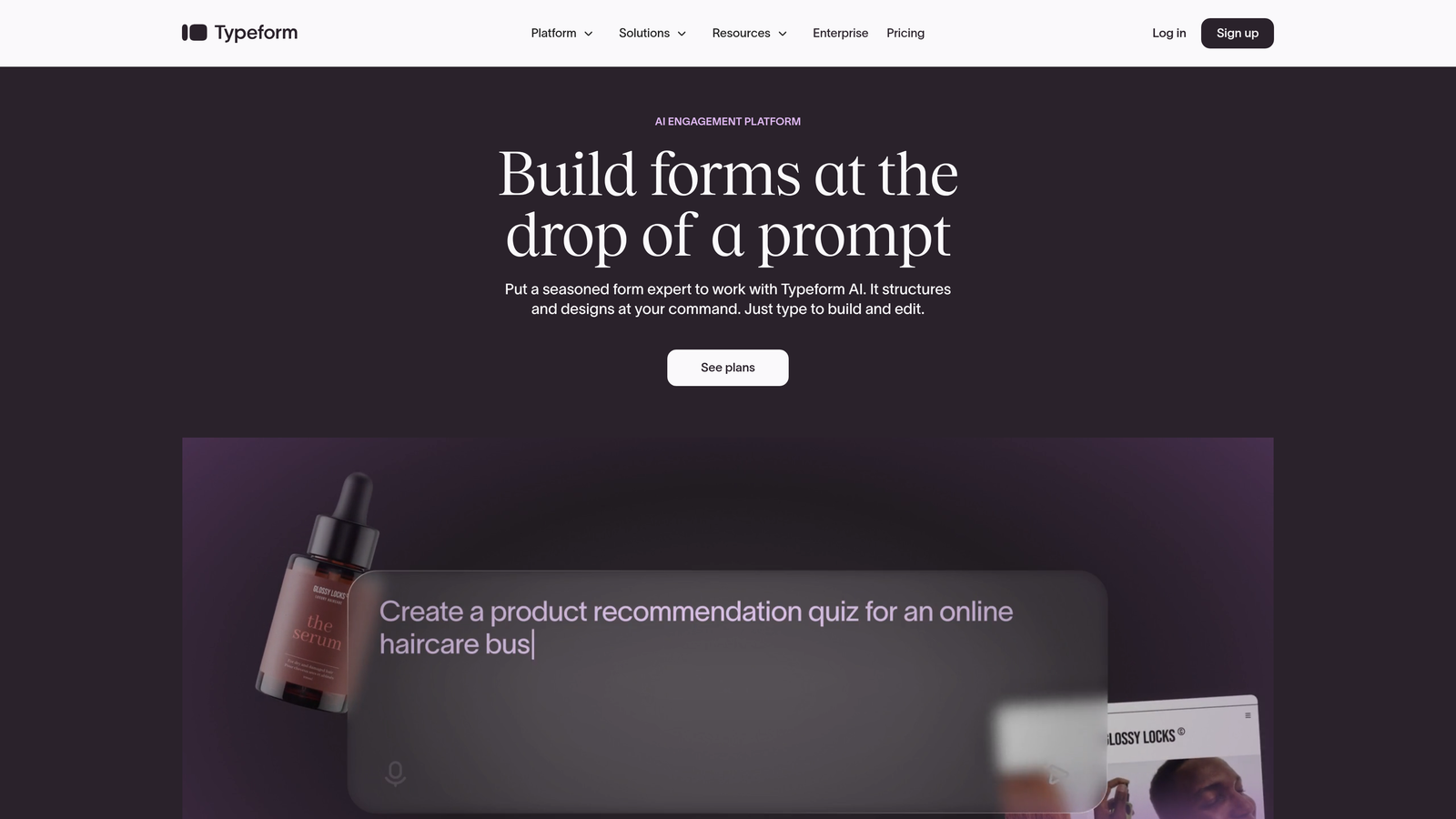
Typeform is a conversational form builder known for its engaging one-question-at-a-time format and visual logic jump interface.
Where This Tool Shines
Typeform pioneered the conversational form format, and their conditional logic implementation reflects that design philosophy. Instead of overwhelming users with a long page of fields, logic jumps guide respondents through a curated path that feels more like a conversation than a form. The visual flowchart view makes it easy to see how questions connect.
The platform excels at keeping engagement high through the entire form experience. When users only see one question at a time, conditional branching feels natural rather than jarring, which translates to better completion rates for complex forms.
Key Features
Logic Jumps with Visual Flowchart: See your entire conditional flow mapped out visually, making complex branching easy to understand.
Calculator Variables: Create dynamic scoring systems where responses trigger calculations that determine the next question.
Hidden Fields: Track UTM parameters, user IDs, or other metadata that influences conditional paths without cluttering the form.
Branching Based on Multiple Criteria: Route users based on scores, specific choices, text matching, or combinations of conditions.
Customized End Screens: Show different completion messages or calls-to-action based on which logic path the user followed.
Best For
Typeform suits teams prioritizing user experience and engagement. If you're creating customer surveys, event registrations, or lead qualification forms where completion rate matters more than collecting maximum data points, the conversational approach with conditional logic keeps people moving forward. Marketing teams and agencies particularly appreciate how polished the final experience feels.
Pricing
Free plan available with limited responses and basic features. Basic plan starts at $25/month, with logic jumps available on paid tiers.
3. Jotform
Best for: Teams needing extensive conditional logic options with thousands of pre-built templates
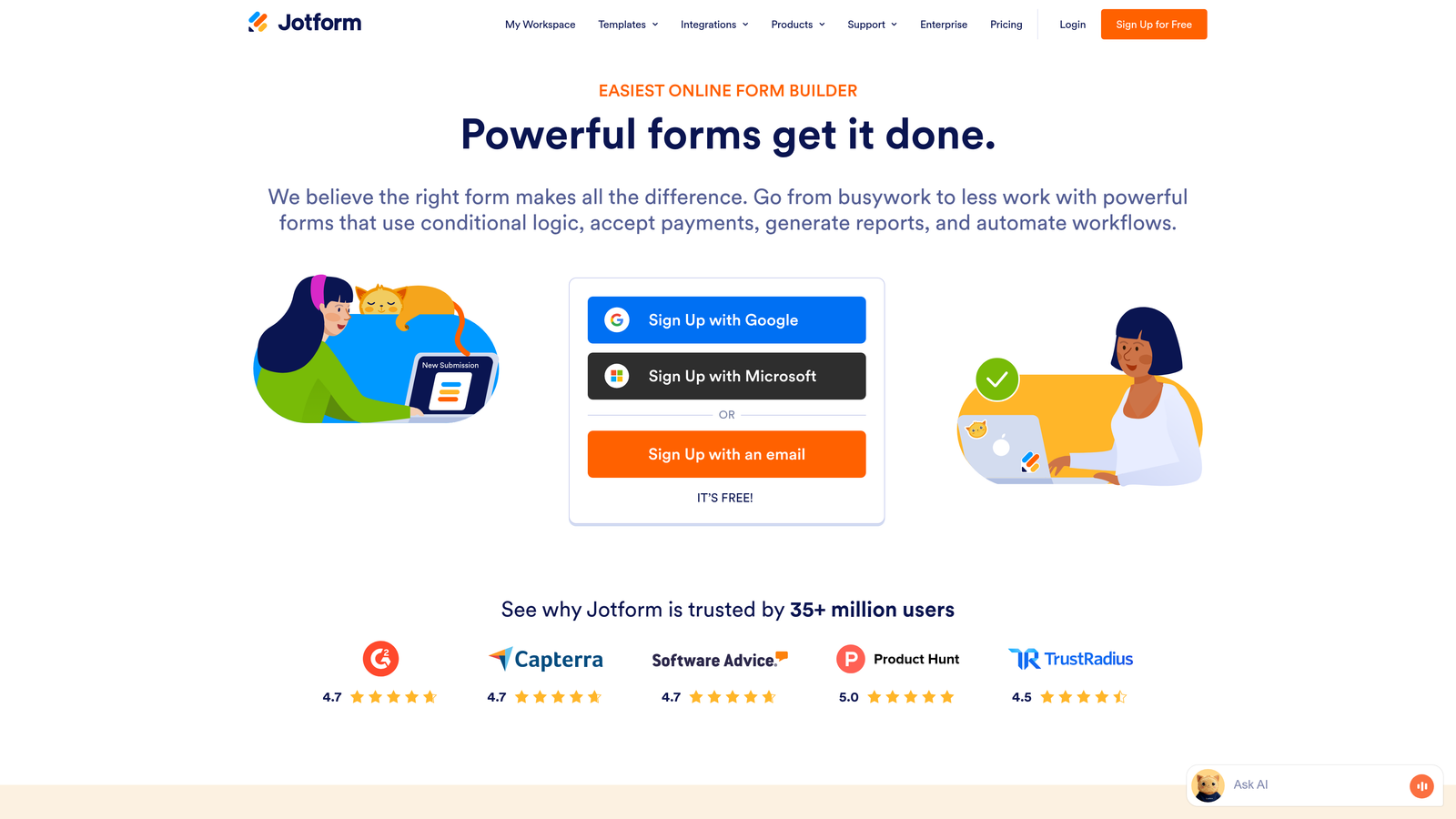
Jotform is a feature-rich form builder offering extensive conditional logic capabilities with no-code setup and massive template library.
Where This Tool Shines
Jotform takes a kitchen-sink approach to conditional logic, offering more condition types and trigger options than most competitors. You can build multi-condition rules using AND/OR operators, control visibility at the field, page, or section level, and trigger actions beyond just showing fields—like sending conditional emails or calculating values.
The real advantage comes from their template library. Many templates already include conditional logic configured for common use cases, so you can start with a working example and customize rather than building from scratch. This dramatically reduces setup time for standard workflows.
Key Features
Multi-Condition Logic: Combine multiple conditions using AND/OR operators for sophisticated branching scenarios.
Granular Visibility Control: Show or hide individual fields, entire pages, or sections based on conditional rules.
Conditional Email Notifications: Send different autoresponder emails or internal notifications based on form responses.
Form Calculations: Trigger mathematical operations or update field values dynamically based on conditional logic.
Pre-Configured Templates: Start with templates that already include conditional logic for common scenarios like job applications or order forms.
Best For
Jotform works well for teams that need conditional logic across diverse use cases—from simple contact forms to complex multi-page applications. The extensive template library makes it particularly valuable for organizations running multiple form types. Small businesses and nonprofits appreciate the generous free tier, while the depth of features supports enterprise requirements.
Pricing
Free tier includes 5 forms with 100 monthly submissions. Bronze plan starts at $34/month for 25 forms and 1,000 submissions, with conditional logic available across all tiers.
4. Formstack
Best for: Enterprise workflows requiring conditional logic tied to document generation and approval processes
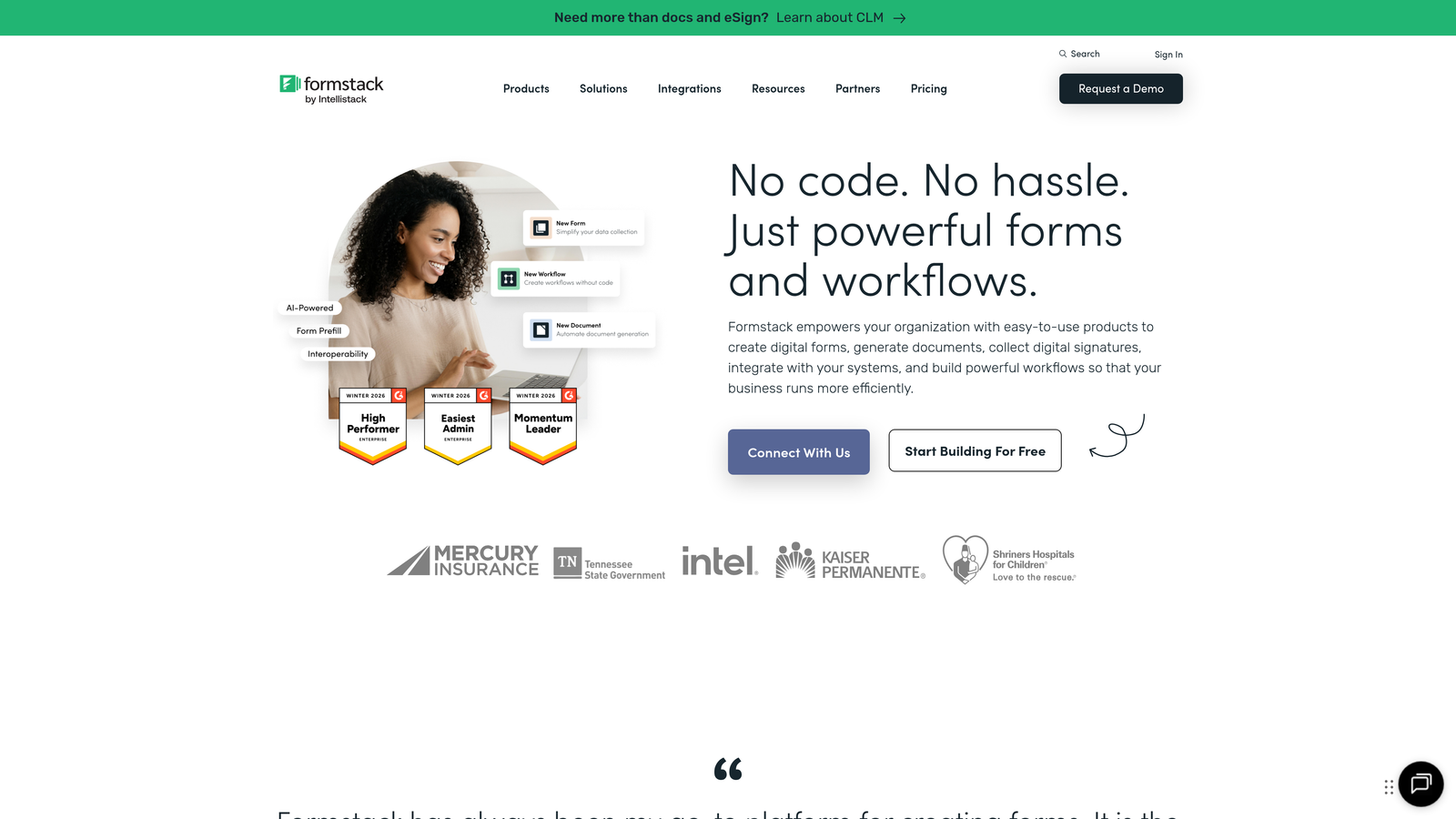
Formstack is an enterprise-focused form platform combining conditional logic with document generation, workflow routing, and compliance features.
Where This Tool Shines
Formstack approaches conditional logic as part of a broader workflow automation system. When a user completes a form, the conditional paths don't just determine which fields they see—they trigger document generation, route submissions through approval chains, and populate data into specific systems based on responses. This makes it powerful for organizations with complex backend processes.
The compliance and audit features integrate directly with conditional logic, so you can track who saw which questions, when branching occurred, and maintain complete records for regulated industries. This level of documentation matters when forms handle sensitive data or legal processes.
Key Features
Conditional Workflow Routing: Branch form submissions into different approval chains or processing workflows based on responses.
Dynamic Document Generation: Automatically create contracts, PDFs, or reports with content determined by conditional logic paths.
Multi-Step Approval Processes: Route submissions through conditional approval hierarchies with different reviewers based on form data.
CRM Pre-Population: Pull existing data into forms and use it to drive conditional logic decisions.
Audit Trails: Maintain complete records of conditional paths taken for compliance and security requirements.
Best For
Formstack targets enterprise teams and regulated industries where conditional logic needs to integrate with broader business processes. HR departments processing job applications with different workflows per department, legal teams managing intake forms with conditional document generation, and healthcare organizations requiring audit trails all benefit from the platform's enterprise focus.
Pricing
Forms plan starts at $50/month. Suite pricing available for organizations needing the full platform including document generation and workflow automation.
5. Tally
Best for: Teams wanting straightforward conditional logic with unlimited forms on a generous free tier
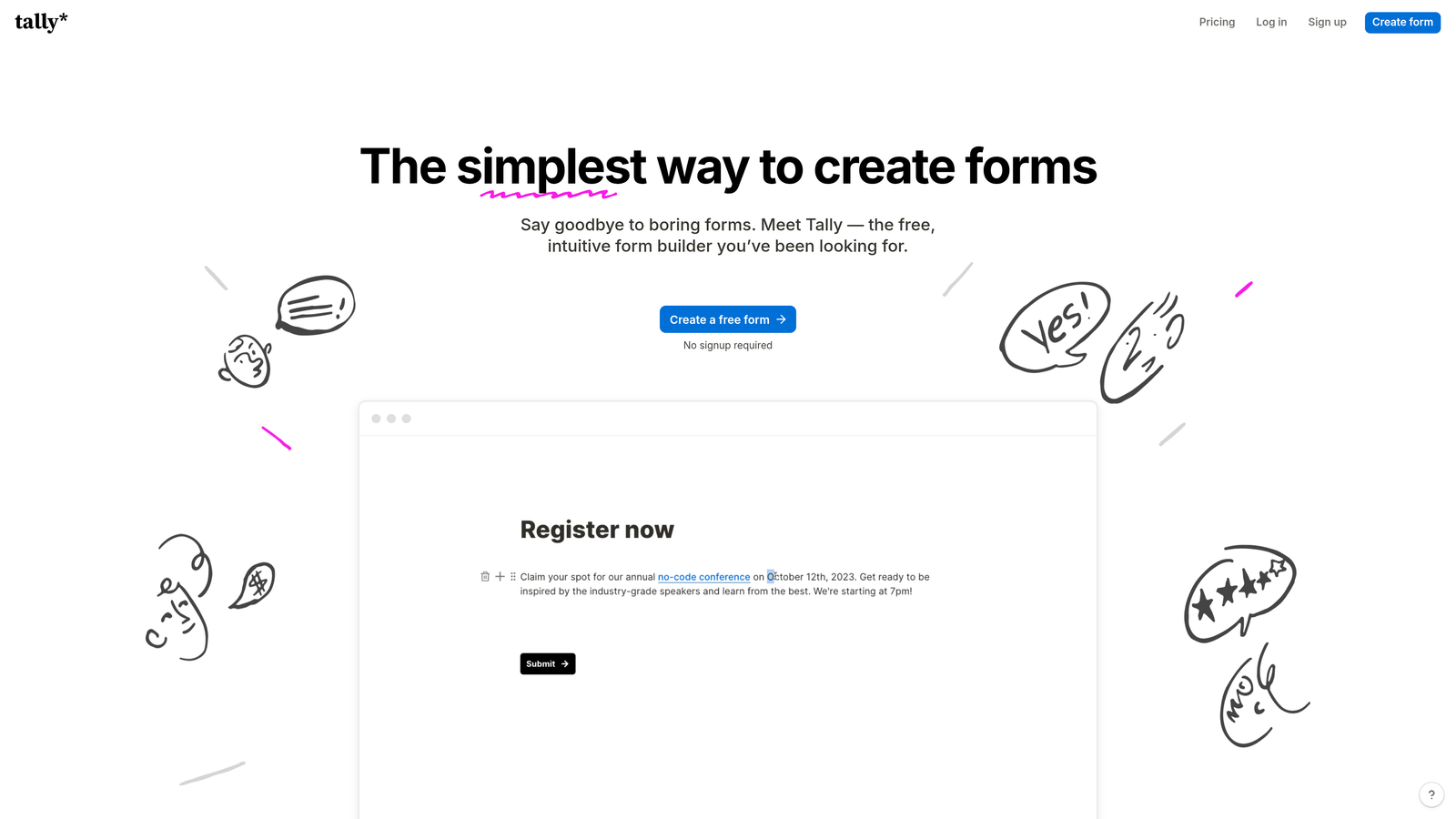
Tally is a minimalist form builder with a Notion-like interface offering simple conditional logic at an accessible price point.
Where This Tool Shines
Tally strips away complexity to focus on what most teams actually need: clean conditional logic that shows or hides fields based on previous answers, and page branching that routes users down different paths. The interface feels familiar if you use Notion, with a clean editing experience that doesn't require training.
The standout feature is the pricing model. Tally offers unlimited forms and unlimited submissions on the free tier, including conditional logic. This makes it remarkably accessible for startups, side projects, or teams testing conditional forms before committing to a paid platform.
Key Features
Simple Conditional Logic: Show or hide fields based on previous responses without overwhelming configuration options.
Page Branching: Route users to different form pages based on their answers for multi-step conditional flows.
Unlimited Free Tier: No limits on forms, submissions, or conditional logic rules on the free plan.
Clean Form Experience: Distraction-free design that keeps focus on the questions, not the form builder interface.
Basic Integrations: Connect to popular tools like Notion, Google Sheets, and Zapier for conditional data routing.
Best For
Tally works best for teams that need functional conditional logic without enterprise complexity. Startups running lead qualification forms, content creators building audience surveys, or small businesses collecting customer feedback will find the simplicity refreshing. The unlimited free tier makes it ideal for testing conditional logic concepts before scaling to more feature-rich platforms.
Pricing
Generous free tier with unlimited forms and submissions. Pro plan at $29/month adds custom domains, file uploads, and priority support.
6. Paperform
Best for: Creating branded form experiences where conditional logic controls content blocks and visual elements
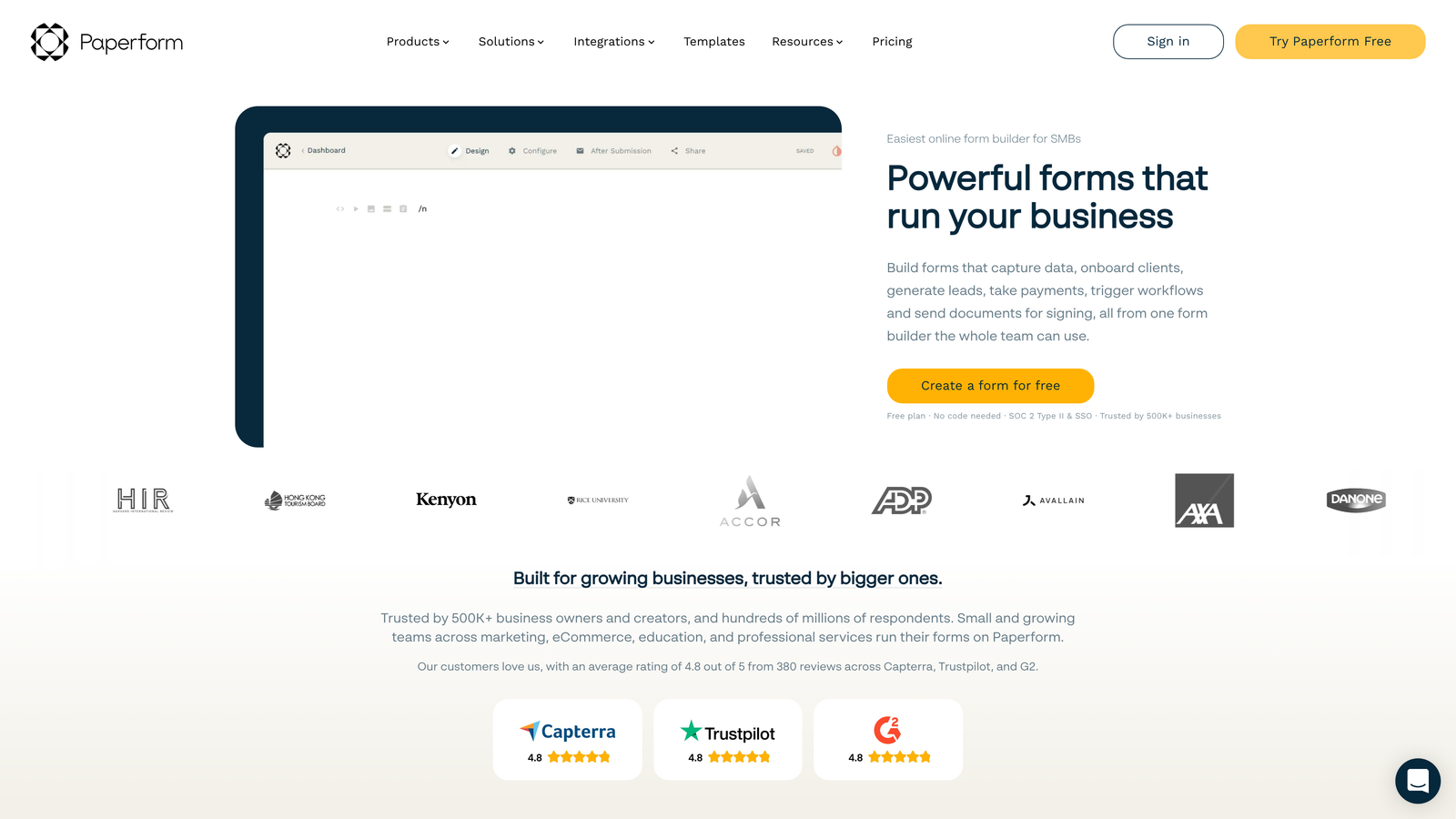
Paperform is a design-forward form builder where conditional logic controls not just questions but rich content blocks for fully branded experiences.
Where This Tool Shines
Paperform treats forms as landing pages, and their conditional logic extends beyond fields to control images, videos, text blocks, and even product displays. This means you can create experiences where the entire page adapts based on user responses, not just which questions appear. The result feels more like a personalized website than a traditional form.
The platform particularly excels at conditional pricing and product selection. You can show different products, adjust pricing dynamically, or display conditional upsells based on previous choices—making it powerful for order forms and booking systems where the offer needs to adapt to the customer.
Key Features
Logic for All Content Types: Apply conditional rules to text, images, videos, and layout blocks—not just form fields.
Conditional Pricing: Adjust displayed prices, show different products, or trigger discounts based on user selections.
Success Page Branching: Route users to different thank-you pages with tailored messaging based on their form path.
Calculations with Visibility: Run calculations in the background and conditionally display results when relevant.
Custom Branding: Apply conditional logic to branded elements for personalized experiences that match your design system.
Best For
Paperform suits businesses where brand experience matters as much as data collection. E-commerce brands running conditional product finders, service businesses with tiered pricing that adapts to customer needs, and event organizers creating registration flows with conditional ticket options all benefit from the design-forward approach to conditional logic.
Pricing
Essentials plan at $24/month includes conditional logic. Pro plan at $49/month adds advanced calculations and priority support.
7. Cognito Forms
Best for: Complex calculations and conditional pricing in order forms with payment processing
Cognito Forms is a calculation-focused form builder excelling at conditional pricing, order forms, and payment processing with sophisticated logic.
Where This Tool Shines
Cognito Forms built their platform around calculations, and their conditional logic reflects this mathematical foundation. You can create formulas that trigger based on conditions, adjust pricing dynamically, calculate totals across repeating sections, and build sophisticated order forms where the final price depends on multiple conditional factors.
The repeating sections feature with conditional logic is particularly powerful. Users can add multiple items, with each section showing different fields based on selections, and conditional calculations running across all sections. This makes it ideal for complex order forms, registration systems, or applications where users need to provide variable amounts of information.
Key Features
Advanced Field Calculations: Create complex formulas that trigger conditionally based on user responses or calculated values.
Dynamic Pricing Logic: Adjust prices, fees, or discounts in real-time based on conditional rules tied to selections.
Repeating Sections: Allow users to add multiple entries with conditional fields and calculations within each section.
Conditional Payment Processing: Show or hide payment fields, adjust amounts, or route to different payment processors based on form data.
Lookup Tables: Reference external data tables to drive conditional logic decisions for complex data relationships.
Best For
Cognito Forms targets organizations running calculation-heavy forms. Nonprofits processing conditional donations with matching gifts, educational institutions managing course registrations with variable pricing, and businesses running order forms with complex product configurations will appreciate the mathematical sophistication. The platform handles scenarios where pricing isn't fixed but depends on multiple conditional factors.
Pricing
Free tier available with basic features. Pro plan starts at $15/month for conditional logic, calculations, and payment processing.
8. Fillout
Best for: Teams using Notion or Airtable who need conditional logic that syncs with their databases
Fillout is a modern form builder with native Notion and Airtable integration, offering conditional logic that syncs directly with your databases.
Where This Tool Shines
Fillout bridges the gap between form builders and database tools. The native Notion and Airtable integrations mean your conditional logic can reference data already in your databases, pre-fill fields based on existing records, and write responses back with conditional routing. This eliminates the need for middleware tools like Zapier for basic conditional workflows.
The platform particularly excels for teams already using Notion or Airtable as their system of record. You can build forms where conditional logic decisions reference database values, show different questions based on existing customer data, or route submissions to different database tables based on responses.
Key Features
Native Database Sync: Connect directly to Notion and Airtable with two-way sync that supports conditional logic.
Conditional Field Mapping: Map form responses to different database fields based on conditional rules.
Multi-Page Branching: Create multi-step forms where page transitions depend on previous answers.
Database Pre-Fill: Pull existing data from connected databases to drive conditional logic decisions.
Scheduling Integration: Combine conditional logic with calendar booking, showing different availability based on form responses.
Best For
Fillout works best for teams already using Notion or Airtable who want conditional forms that integrate seamlessly with their existing workflows. Startups managing customer data in Airtable, content teams using Notion for project management, or service businesses running booking systems with conditional availability all benefit from the native database connections.
Pricing
Free tier includes core features and conditional logic. Starter plan at $15/month adds unlimited forms and advanced integrations.
9. 123FormBuilder
Best for: Healthcare, legal, and regulated industries requiring HIPAA-compliant conditional forms
123FormBuilder is a security-focused form builder offering HIPAA compliance and conditional logic for healthcare, legal, and regulated industries.
Where This Tool Shines
123FormBuilder built their platform with compliance requirements as a core feature, not an afterthought. Their conditional logic works within HIPAA-compliant infrastructure, with data encryption, audit trails, and access controls that meet healthcare and legal industry standards. This means you can create sophisticated conditional forms for patient intake, legal consultations, or financial applications without compromising security.
The platform combines conditional logic with electronic signatures, allowing you to route users through different document signing flows based on their responses. This makes it valuable for scenarios where conditional branching determines which legal documents or consent forms users need to sign.
Key Features
HIPAA-Compliant Forms: Conditional logic that operates within fully compliant infrastructure with business associate agreements.
Skip Logic and Visibility Rules: Show or hide fields, sections, or pages based on conditional criteria.
Conditional Email Routing: Send notifications to different team members or departments based on form responses.
Electronic Signatures: Trigger different signature requirements or document types based on conditional logic paths.
Data Encryption: Apply conditional access controls to sensitive data with encryption at rest and in transit.
Best For
123FormBuilder targets healthcare providers, legal practices, and financial services organizations where compliance isn't optional. Medical offices running conditional patient intake forms, law firms managing client intake with different workflows per practice area, and financial advisors collecting sensitive information with conditional risk assessments all benefit from the compliance-focused approach.
Pricing
Free tier available for basic forms. Gold plan starts at $24.99/month. HIPAA-compliant plans require higher tiers with business associate agreements.
Making the Right Choice
Choosing the right conditional logic form software depends on your specific workflow needs. For AI-powered lead qualification and conversion optimization, Orbit AI delivers intelligent branching that adapts in real-time, making it ideal for high-growth teams focused on lead quality. If engagement is your priority, Typeform's conversational approach keeps respondents moving forward through complex conditional paths.
Teams needing enterprise-grade workflows with document generation and approval routing should consider Formstack, while budget-conscious startups will find Tally's unlimited free tier surprisingly capable for straightforward conditional logic. For calculation-heavy use cases like order forms with dynamic pricing, Cognito Forms excels with its mathematical sophistication.
Healthcare organizations requiring HIPAA compliance should explore 123FormBuilder, and teams already using Notion or Airtable will appreciate Fillout's native database integration. If brand experience matters as much as functionality, Paperform's ability to apply conditional logic to visual elements creates truly personalized experiences.
The best approach? Start with a free trial of your top two choices and test your most complex form scenario. Build out the conditional logic flow that matters most to your business—whether that's lead qualification, customer intake, or product selection—and see which platform's logic builder matches how your team thinks. You'll quickly discover whether you need AI-powered intelligence, visual flowcharts, calculation capabilities, or compliance features.
Transform your lead generation with AI-powered forms that qualify prospects automatically while delivering the modern, conversion-optimized experience your high-growth team needs. Start your free trial today and see how intelligent form design can elevate your conversion strategy.


