

Your contact form is doing more than collecting emails—it's making a first impression that either positions you as a premium professional service or just another commodity provider. When a potential client lands on your intake form, they're evaluating whether you understand their needs before you've even spoken.
The challenge isn't just capturing contact information anymore. Professional services firms need forms that intelligently qualify prospects, route inquiries to the right team members, and integrate seamlessly with existing CRM systems. The difference between a basic contact form and a sophisticated lead generation system often determines whether you're chasing tire-kickers or engaging with serious prospects ready for substantial engagements.
In 2026, your form technology should reflect the caliber of expertise you provide. Whether you're running a law firm, consulting agency, accounting practice, or marketing consultancy, the right form tool helps you identify high-value opportunities while maintaining the polished experience that matches your professional standards.
Here are the leading tools that transform basic contact collection into intelligent lead qualification systems designed specifically for professional services competing for premium clients.
1. Orbit AI
Best for: Professional services firms needing AI-powered lead qualification and modern form design
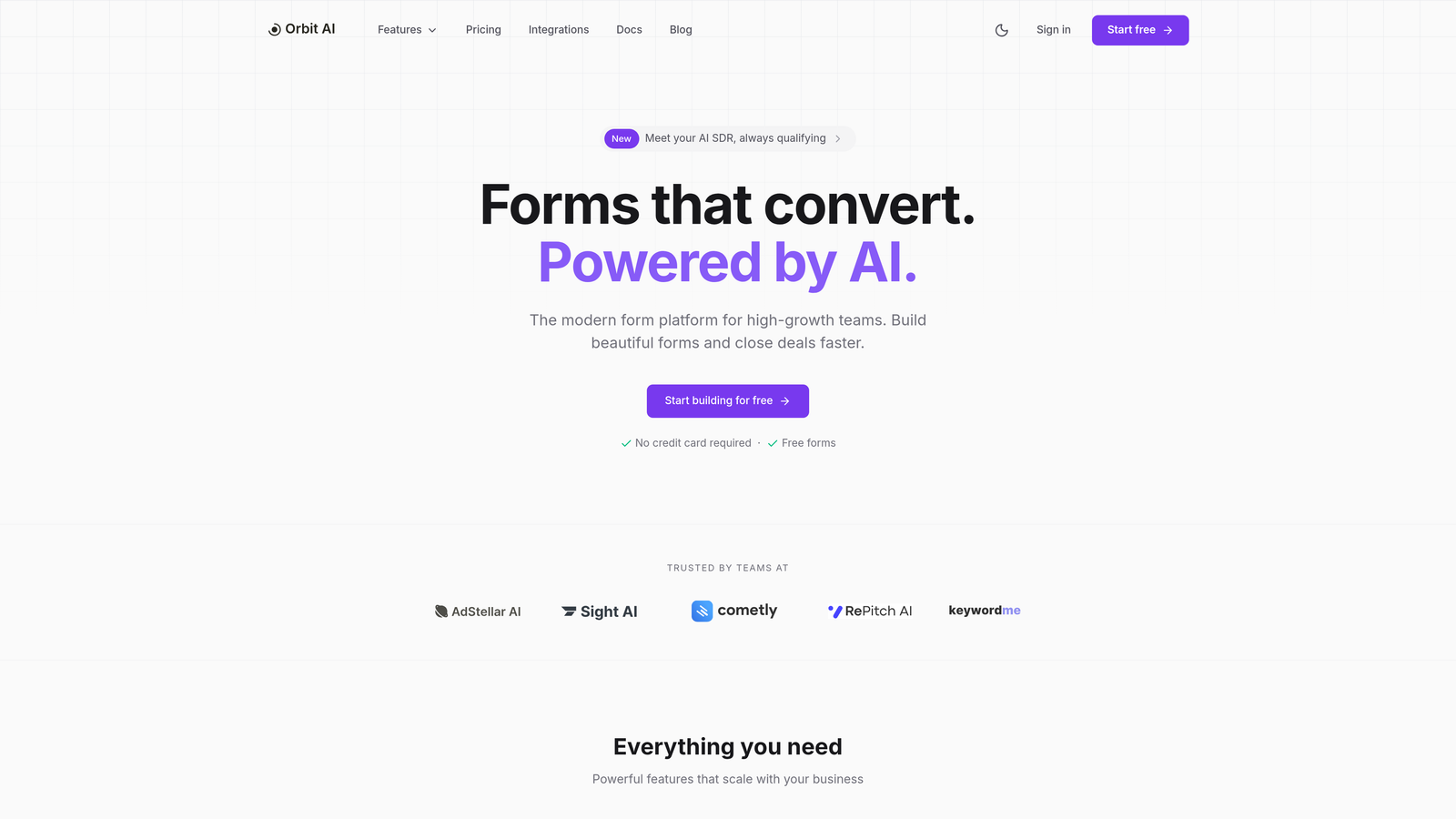
Orbit AI revolutionizes how professional services capture and qualify leads through intelligent form building designed specifically for high-growth teams.
Where This Tool Shines
Orbit AI excels at creating forms that think like your best sales qualifier. The platform uses AI to analyze responses in real-time, automatically scoring leads based on criteria you define.
For professional services, this means instantly identifying which inquiries represent substantial consulting opportunities versus basic information requests. The modern interface ensures forms look polished and professional, matching the caliber of services you provide, while intelligent routing ensures the right team members handle appropriate inquiries immediately.
Key Features & Capabilities
AI-Powered Lead Qualification: Automatically scores prospects based on your defined criteria, eliminating manual screening of every inquiry.
Modern Responsive Design: Forms work flawlessly across all devices, ensuring professional appearance whether prospects submit from desktop or mobile.
Advanced Conditional Logic: Creates dynamic, conversational experiences that adapt based on prospect responses.
Native CRM Integrations: Connects seamlessly with major platforms, ensuring smooth data flow into your existing systems.
Real-Time Analytics Dashboard: Shows conversion rates and lead quality metrics, helping you understand which marketing channels produce the best prospects.
Custom Branding Options: Maintains consistent professional appearance that reflects your firm's identity.
Intelligent Routing System: Automatically directs inquiries to appropriate specialists based on service type, budget indicators, or urgency level.
Smart Follow-Up Sequences: Triggers automated responses based on lead qualification scores, ensuring high-value prospects receive immediate attention.
Best For / Ideal Users
Perfect for consulting firms, law practices, accounting services, and marketing agencies that need to qualify leads efficiently while maintaining a premium brand experience.
Particularly valuable for firms handling high-value engagements where lead quality matters more than quantity. The AI-driven approach helps identify serious prospects quickly, freeing up partners and senior staff from initial screening tasks.
Ideal for professional services receiving high inquiry volumes who need data-driven insights into which marketing channels produce the most qualified leads.
Pricing
Offers flexible pricing tiers designed for growing professional services firms, with advanced AI features available on higher plans.
2. Typeform
Best for: Creating engaging, conversational forms that feel more like consultations than questionnaires
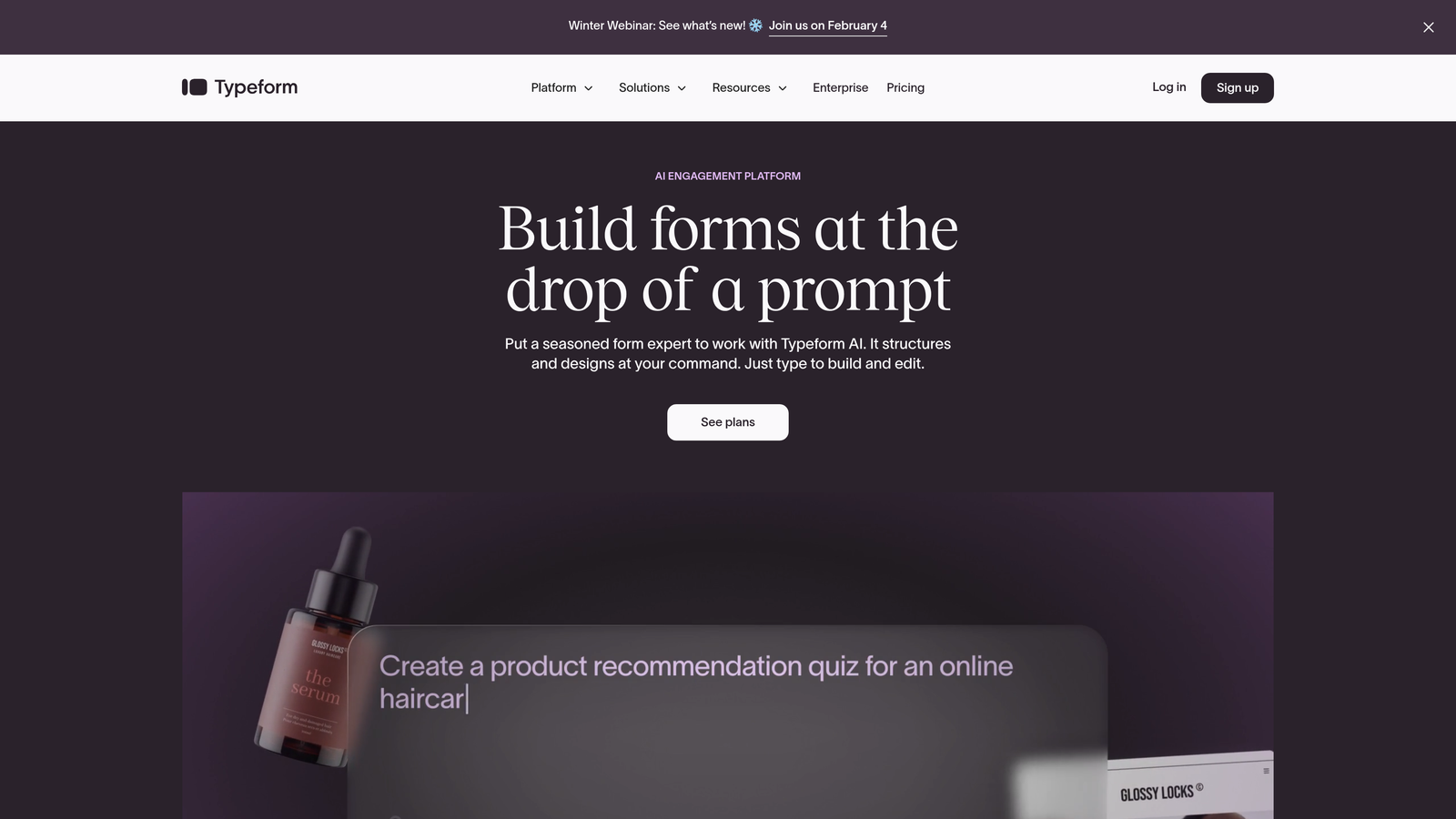
Typeform pioneered the conversational form experience, transforming traditional contact collection into an engaging dialogue that builds rapport from the first interaction.
Where This Tool Shines
Typeform's one-question-at-a-time approach creates a natural conversation flow rather than overwhelming prospects with a wall of form fields. For professional services, this matters because you're selling relationships and expertise, not products—and that relationship begins with how you ask for information.
The platform's logic jumps adapt the question sequence based on responses, ensuring prospects only see relevant questions. When someone indicates interest in consulting services versus legal representation, the form intelligently adjusts to gather appropriate qualification details without forcing them through irrelevant fields.
Key Features & Capabilities
Typeform AI: Build and edit forms through natural language commands, letting you describe what you need rather than manually configuring every field and logic rule.
Video Engagement: Embed interactive video into forms to introduce your team or explain services, adding a personal touch that text alone can't provide.
Advanced Logic Jumps: Create sophisticated question flows that adapt based on service interest, budget indicators, or urgency level, ensuring you gather the right qualification information.
Contacts & Automations: Trigger automated workflows based on form responses, routing high-priority inquiries to partners while directing information requests to junior staff.
Analytics Dashboard: Track completion rates, identify drop-off points, and understand which questions cause friction in your intake process.
Integration Ecosystem: Connect with CRM platforms, email marketing tools, and scheduling systems to create seamless workflows from form submission to client consultation.
Best For / Ideal Users
Perfect for consultants, coaches, and advisory firms where building rapport matters as much as gathering information. The conversational approach works particularly well for practices offering multiple service lines that require different qualification questions.
Also valuable for professional services wanting to differentiate through experience—when your competitors use generic contact forms, a thoughtfully designed conversational form demonstrates the attention to detail clients can expect from your services.
Pricing
Free plan available for basic forms with limited responses. Professional features including logic jumps, integrations, and removal of Typeform branding start with paid plans.
3. Gravity Forms
Best for: WordPress-based professional services needing powerful, customizable forms with extensive add-on ecosystem
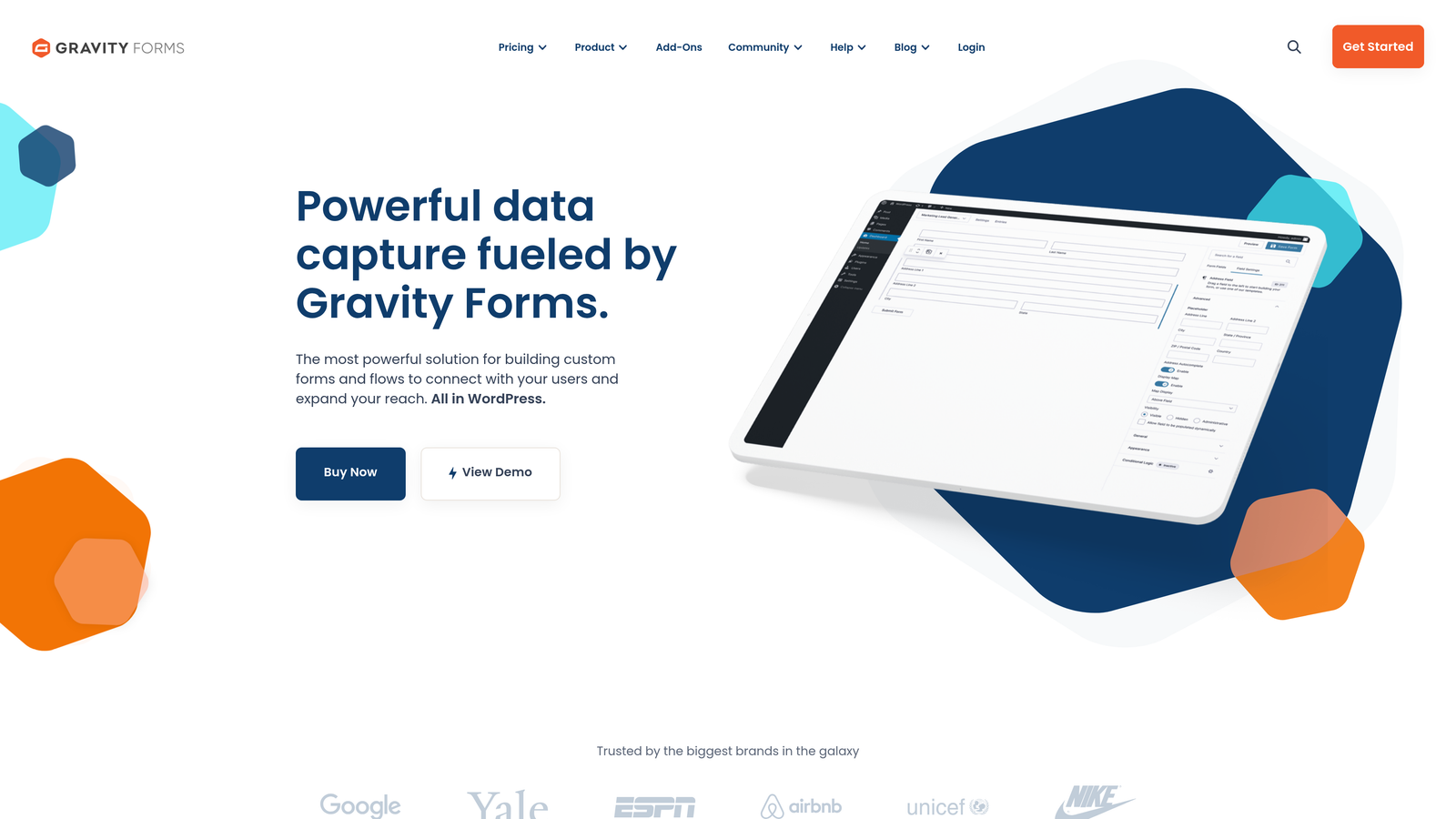
Gravity Forms dominates the WordPress form space with professional-grade tools that transform basic contact collection into sophisticated client intake systems.
Where This Tool Shines
For professional services already running WordPress websites, Gravity Forms eliminates the friction of managing separate form platforms. Everything lives within your existing infrastructure, giving you complete control over data and functionality.
The platform's real strength emerges when you need forms that do more than collect names and emails. Multi-page forms break complex intake processes into digestible steps—perfect for law firms gathering case details or accounting practices collecting comprehensive financial information. The drag-and-drop builder handles advanced field types without requiring developer intervention, while the extensive add-on ecosystem connects virtually any business tool you're already using.
Key Features & Capabilities
Drag-and-Drop Form Builder: Create sophisticated forms with advanced field types including file uploads, calculations, and conditional logic without touching code.
Multi-Page Forms: Break lengthy intake processes into logical steps with progress indicators, reducing abandonment on complex questionnaires.
File Upload Capabilities: Accept client documents directly through forms—essential for legal document review, tax preparation, or project proposals.
Payment Integration: Collect retainers, deposits, or consultation fees directly through forms with connections to major payment processors.
Extensive Add-On Library: Connect to CRM platforms, email marketing tools, and business applications through official and third-party extensions.
Advanced Security Features: Protect sensitive client data with spam protection, CAPTCHA options, and secure file upload handling.
Best For / Ideal Users
Perfect for law firms, accounting practices, and consulting agencies using WordPress who need highly customizable forms with specific functionality requirements. Particularly valuable for services requiring document uploads, payment collection, or complex multi-step intake processes.
The self-hosted nature makes it ideal for firms with technical resources who want complete control over their data and form functionality. Growing practices appreciate the scalable add-on model that lets them start with core features and expand capabilities as needs evolve.
Pricing
Licensed software with annual plans starting around $59/year for basic features, with higher tiers including more advanced functionality and priority support.
4. JotForm
Best for: Professional services needing HIPAA-compliant forms with extensive template library and approval workflows
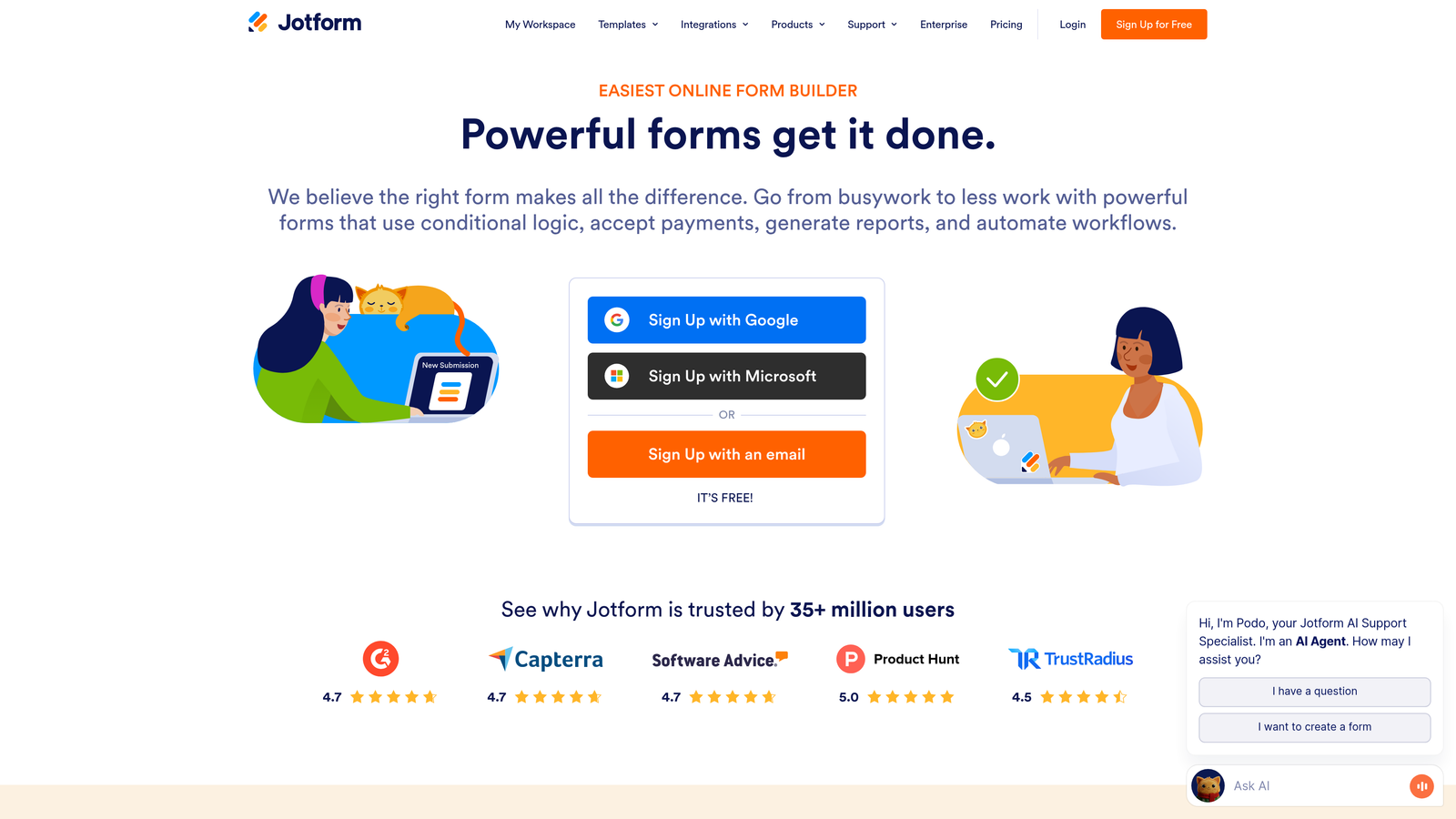
Jotform provides professional services with a comprehensive form solution trusted by over 35 million users, offering particular strength in compliance-heavy industries and ready-made templates for various professional service scenarios.
Where This Tool Shines
Jotform's extensive template library eliminates the need to build forms from scratch, offering industry-specific options for legal intake, medical questionnaires, client onboarding, and consultation requests. The platform's HIPAA compliance capabilities make it particularly valuable for healthcare professionals, therapists, and medical consultants who must protect sensitive client information.
The drag-and-drop builder requires no coding knowledge, allowing busy professionals to create sophisticated forms quickly. For firms with internal review processes, the approval workflow features streamline client onboarding by routing submissions through appropriate team members before final acceptance.
Key Features & Capabilities
HIPAA-Compliant Forms: Business Associate Agreements available for healthcare and sensitive data collection with encrypted transmission and storage.
Template Library: Professional service-specific templates including legal intake forms, medical questionnaires, consulting agreements, and client onboarding workflows.
Approval Workflows: Internal routing for team review before client acceptance, perfect for conflict checking or capacity assessment.
E-Signature Integration: Collect legally binding signatures on engagement letters, contracts, and service agreements directly within forms.
Payment Processing: Accept retainers, deposits, or service fees through integrated payment gateways without additional tools.
Advanced Analytics: Track form performance, completion rates, and submission patterns to optimize your intake process.
White-Label Options: Remove Jotform branding and customize with your logo, fonts, and colors for consistent professional appearance.
Mobile Responsiveness: Forms automatically adapt to any device, ensuring prospects can submit information from phones or tablets.
Best For / Ideal Users
Excellent for healthcare professionals, therapists, legal practices, and any professional service requiring compliance with data protection regulations. The platform works particularly well for firms wanting to launch quickly using proven templates rather than building forms from scratch.
Also ideal for practices with multi-step approval processes, such as law firms conducting conflict checks or consulting agencies assessing project fit before engagement.
Pricing
Free tier available with basic features and Jotform branding. Paid plans start around $24/month, providing access to professional features, compliance tools, and white-label options for maintaining brand consistency.
5. Formstack
Best for: Enterprise professional services requiring advanced workflow automation and compliance features
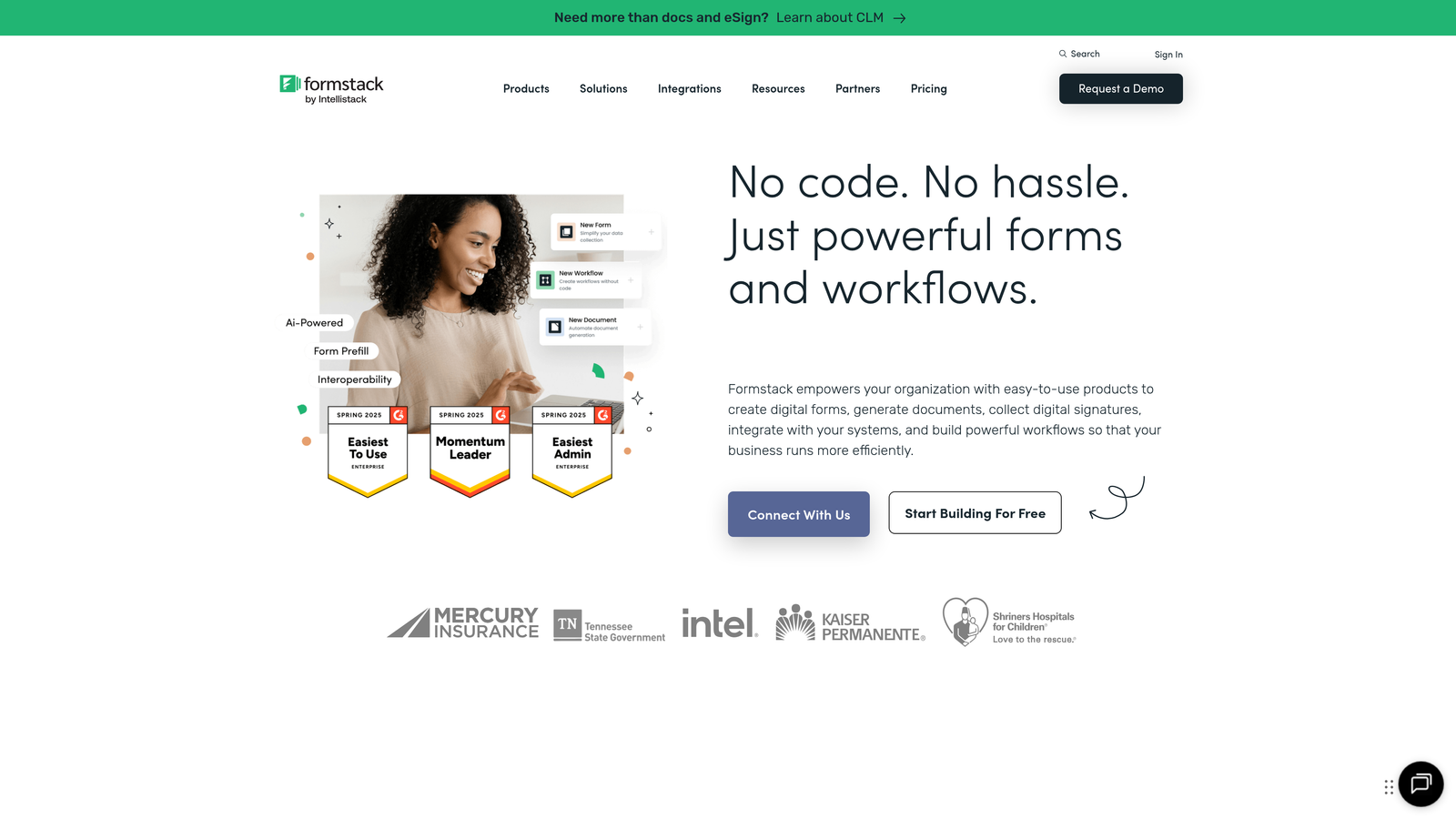
Formstack is a secure form building software that empowers organizations to build online forms, collect information, integrate systems, automate work, and transform data into a strategic asset.
Where This Tool Shines
Formstack excels at creating forms that trigger complex workflows, perfect for large professional services firms with established processes. The platform's compliance features and advanced security make it suitable for handling sensitive client information across various industries.
Its A/B testing capabilities allow firms to optimize form performance continuously, while advanced analytics provide insights into lead quality and conversion patterns. The automated form builder requires no coding knowledge, yet delivers enterprise-grade functionality that scales with organizational needs.
Key Features & Capabilities
Advanced Workflow Automation: Automated processes minimize data errors and discrepancies by eliminating manual entry, routing leads to appropriate team members based on predefined criteria.
Enterprise System Integration: Seamless connections with Salesforce, HubSpot, PayPal, Stripe, and Airtable ensure data flows between your form submissions and existing business systems.
Compliance & Security: HIPAA, GDPR, and SOC 2 compliance features protect sensitive client information, making it suitable for healthcare, legal, and financial professional services.
Document Generation: Automatically create documents from form submissions, streamlining client onboarding and engagement letter processes.
A/B Testing & Analytics: Test different form versions to optimize conversion rates and track detailed metrics on lead quality and submission patterns.
Best For / Ideal Users
Ideal for larger professional services firms, enterprise consulting practices, and organizations with complex compliance requirements. The platform particularly suits firms needing sophisticated automation and reporting capabilities.
Perfect for organizations that handle high volumes of client inquiries and require robust workflow automation to route leads efficiently. Works exceptionally well for practices with multiple service lines requiring different specialists and approval processes.
Pricing
Professional plans start around $50/month, with enterprise pricing available for larger organizations. A free 14-day trial allows firms to test the platform's capabilities before committing.
6. Cognito Forms
Best for: Professional services needing powerful calculation capabilities and complex form logic for instant quotes and estimates
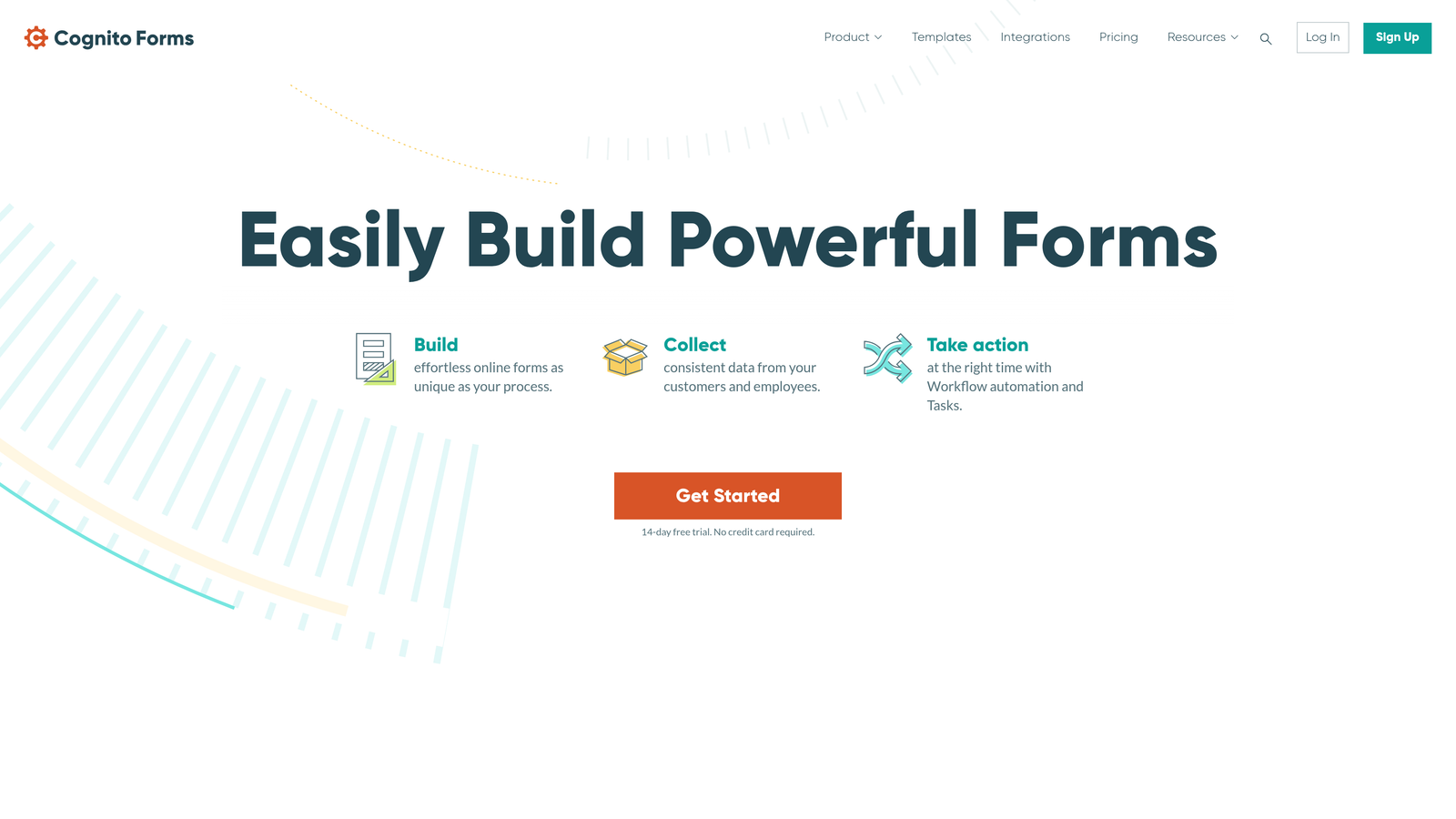
Cognito Forms stands out for its advanced calculation engine and sophisticated conditional logic, making it perfect for professional services that can provide preliminary pricing or estimates through their contact forms.
Where This Tool Shines
Cognito Forms excels at creating intelligent forms that perform complex calculations based on user inputs in real-time. For consulting firms that charge by project scope, legal practices with predictable fee structures, or accounting services with tiered pricing, this capability transforms a simple contact form into a qualification and estimation tool.
The platform's sophisticated conditional logic ensures prospects only see questions relevant to their specific needs. A consulting inquiry about strategy work triggers different questions than one about implementation services. This creates a streamlined experience while gathering comprehensive information that helps you assess project fit before the first conversation.
Key Features & Capabilities
Advanced Calculation Fields: Build forms that calculate quotes, estimates, or project costs based on client inputs like project scope, timeline, or service selections.
Sophisticated Conditional Logic: Create dynamic forms that adapt question flows based on previous answers, ensuring relevant information collection without overwhelming prospects.
Payment Processing with Recurring Billing: Collect retainers, deposits, or set up recurring payments for ongoing services directly through your forms.
Secure File Uploads: Accept documents, tax forms, or project materials with built-in virus scanning to protect your systems.
Workflow Automation: Trigger automated follow-up sequences, internal notifications, and lead routing based on form submissions and qualification criteria.
Custom CSS Control: Maintain complete brand consistency with full design customization capabilities that match your professional website aesthetic.
Best For / Ideal Users
Perfect for consulting firms offering tiered service packages, legal practices with predictable fee structures for certain services, and accounting firms that can provide preliminary cost estimates based on business size and service needs.
Particularly valuable for professional services where providing upfront pricing information helps qualify leads with forms, and for practices that want to demonstrate transparency and professionalism through instant estimate capabilities.
Pricing
Free plan available for basic form needs, with paid plans starting around $15/month for professional features including calculations, payments, and advanced workflow automation.
7. Wufoo
Best for: Small to medium professional services practices needing reliable, straightforward form creation without technical complexity
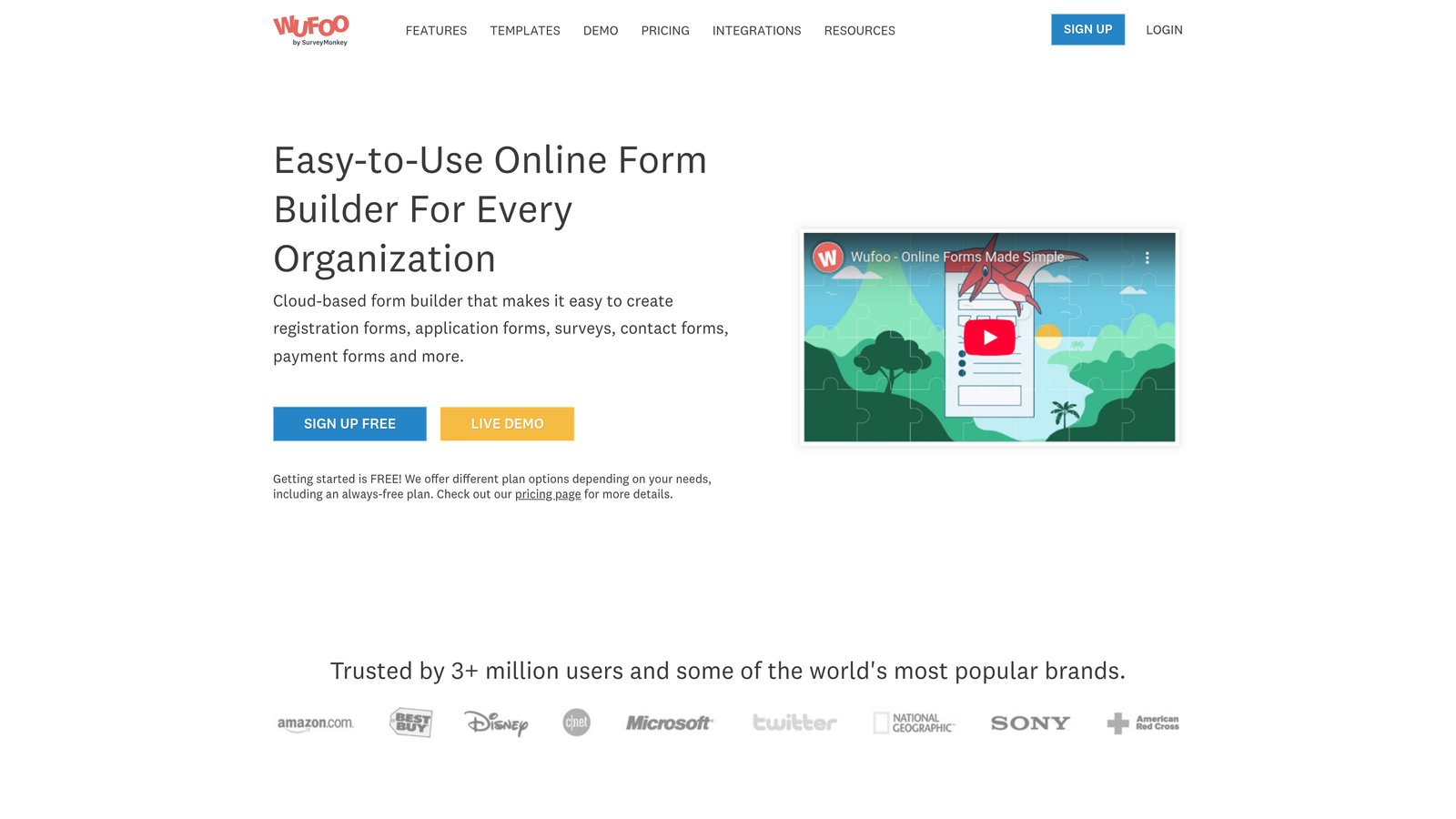
Wufoo provides professional services with a user-friendly platform that focuses on getting forms up and running quickly without sacrificing essential functionality.
Where This Tool Shines
Wufoo's strength lies in its simplicity combined with reliability. For solo practitioners and small firms that need effective contact forms without investing time in learning complex software, this platform delivers exactly what's needed. The interface makes form creation intuitive, allowing you to build professional intake forms in minutes rather than hours.
The reporting features help track where leads originate and how forms perform over time—crucial information for professional services measuring marketing ROI. Being part of SurveyMonkey means the platform benefits from enterprise-level infrastructure and ongoing development, providing stability that small practices can depend on.
Key Features & Capabilities
Drag-and-Drop Builder: Create forms without technical knowledge using an intuitive visual interface.
Professional Themes: Customizable templates that maintain a polished appearance matching your brand.
Payment Integration: Collect retainers, deposits, or consultation fees directly through forms.
Detailed Analytics: Track form submissions, completion rates, and lead sources to measure effectiveness.
API Access: Connect with other business tools through custom integrations when needed.
SSL Security: Protect sensitive client information with encrypted data transmission.
Email Notifications: Receive instant alerts when prospects submit forms, enabling quick follow-up.
Entry Management: Organize and search through submissions efficiently with built-in tools.
Best For / Ideal Users
Perfect for solo practitioners, small law firms, accounting practices, and independent consultants who need reliable forms without complexity. The platform works particularly well for firms with straightforward contact and intake requirements that don't demand extensive customization or advanced automation.
Ideal for practices that want to focus on delivering professional services rather than managing form technology, while still maintaining a polished client-facing experience.
Pricing
Plans start around $14.08/month, with higher tiers offering more forms, increased submission limits, and advanced features like payment processing and custom branding options.
8. Ninja Forms
Best for: WordPress-based professional services wanting a free, extensible form solution that scales with growth
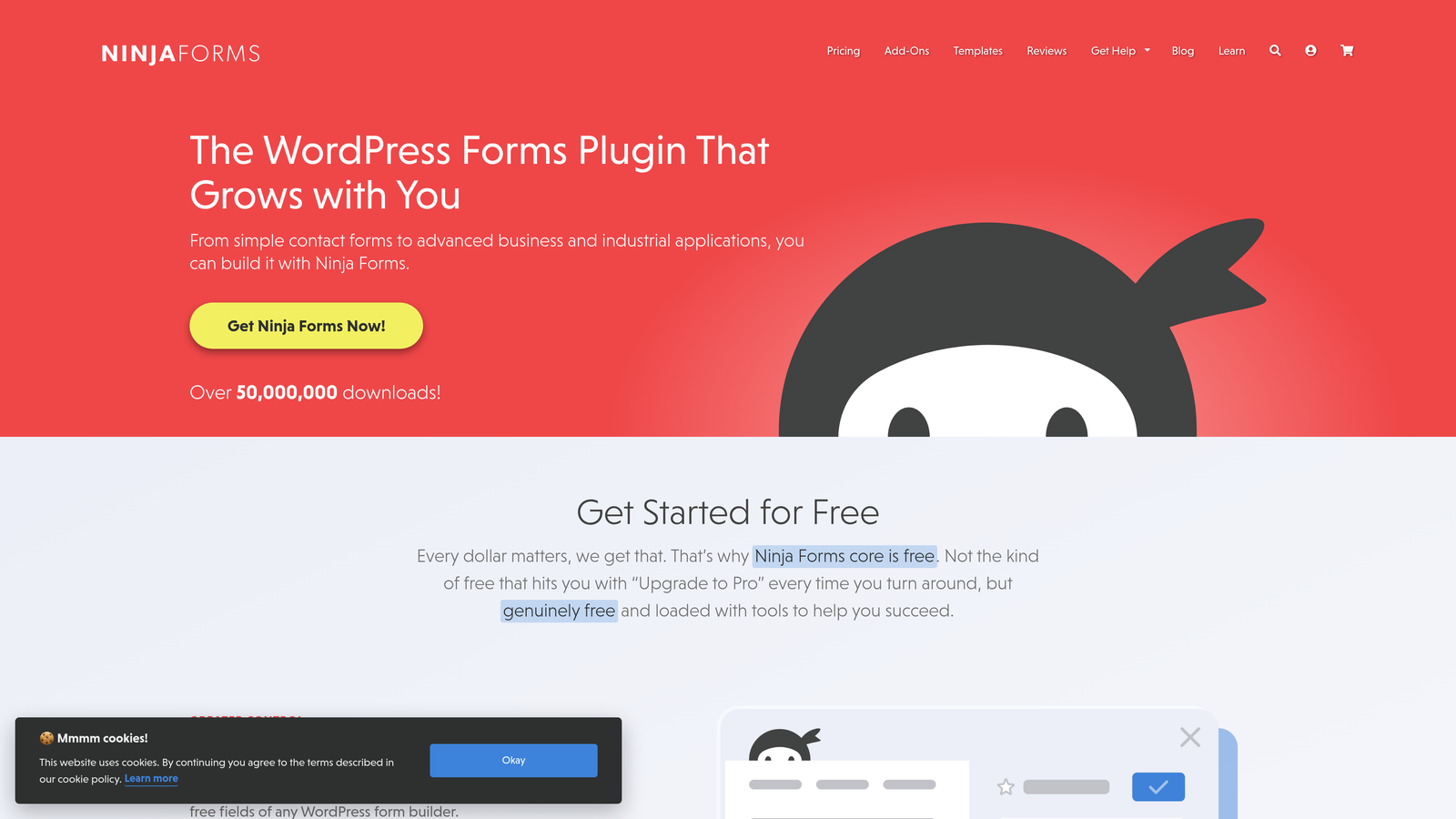
Ninja Forms provides WordPress users with a powerful form builder that starts completely free and expands through targeted add-ons as your professional services practice grows.
Where This Tool Shines
Ninja Forms takes a fundamentally different approach than most form builders—it gives you a robust free core plugin that handles essential contact form needs, then lets you add specific capabilities only when you need them. For growing professional services firms, this means you're not paying for features you don't use yet.
The platform integrates natively with WordPress, which means forms load faster and feel like a natural part of your website rather than embedded third-party widgets. This seamless integration matters for professional services where every detail of your digital presence reflects on your expertise and attention to quality.
Key Features & Capabilities
Free Core Functionality: The base plugin includes drag-and-drop form building, conditional logic, and email notifications—covering most basic contact form needs without any cost.
Scalable Add-On System: Purchase only the specific extensions you need, from payment processing to CRM integrations, as your practice requirements evolve.
Multi-Part Forms: Create complex intake processes that span multiple pages, perfect for detailed client onboarding in legal or accounting services.
Developer-Friendly Architecture: Extensive hooks and filters allow custom functionality when your firm has unique workflow requirements that standard features don't address.
Marketing Integration: Connect with email marketing platforms and CRM systems to ensure form submissions flow into your existing client management processes.
Best For / Ideal Users
Perfect for WordPress-based professional services that want to start with zero upfront investment and add capabilities strategically. Particularly valuable for solo practitioners and small firms that need flexibility without committing to expensive subscriptions before knowing exactly which features they'll use regularly.
Also ideal for growing practices that expect their form needs to evolve—you can start with simple contact collection and add payment processing, advanced calculations, or CRM integration later as your client volume and service complexity increase.
Pricing
Free core plugin with no limitations on form submissions or entries. Individual add-ons range from $49-$199 annually, allowing you to build a custom solution that matches your specific needs and budget.
Making the Right Choice for Your Professional Services Practice
Selecting the right contact form solution depends on your specific needs, technical requirements, and growth stage. For professional services requiring AI-powered lead qualification and modern design, Orbit AI offers the most sophisticated approach to converting visitors into qualified prospects with intelligent scoring and automated routing.
If you prioritize engagement and conversation-like experiences, Typeform excels at creating forms that feel more like consultations. WordPress users should consider Gravity Forms for maximum customization or Ninja Forms for a cost-effective starting point that scales with growth.
For compliance-heavy industries, JotForm's HIPAA features and Formstack's enterprise-grade security provide the necessary protection for sensitive client data. Professional services needing calculation capabilities will find Cognito Forms invaluable for providing instant estimates and complex conditional logic.
Consider these key factors when choosing your form solution: integration needs with your existing CRM and marketing tools, compliance requirements for healthcare and legal services, form complexity for multi-step intake processes, lead qualification capabilities to improve prospect quality, and budget considerations that allow for scalability as your practice grows.
The most successful professional services firms treat their contact forms as the beginning of their client relationship, not just a data collection tool. Choose a solution that reflects your professionalism while efficiently qualifying leads and streamlining your intake process. Ready to transform your lead generation with AI-powered forms? Learn more about our services and see how intelligent form technology can elevate your professional practice.


