

Your forms are leaking leads. Every unnecessary field, confusing layout, or slow-loading form costs you conversions—and most businesses don't even realize it's happening. Conversion-focused form tools solve this by combining smart design, conditional logic, and real-time optimization to turn more visitors into qualified leads.
We evaluated dozens of form builders based on conversion features, ease of use, integration capabilities, and pricing to bring you the top options for 2026. Whether you need AI-powered lead qualification, A/B testing, or multi-step forms that reduce abandonment, here are the tools that deliver results.
1. Orbit AI
Best for: High-growth teams needing AI-powered lead qualification with conversion-optimized form design
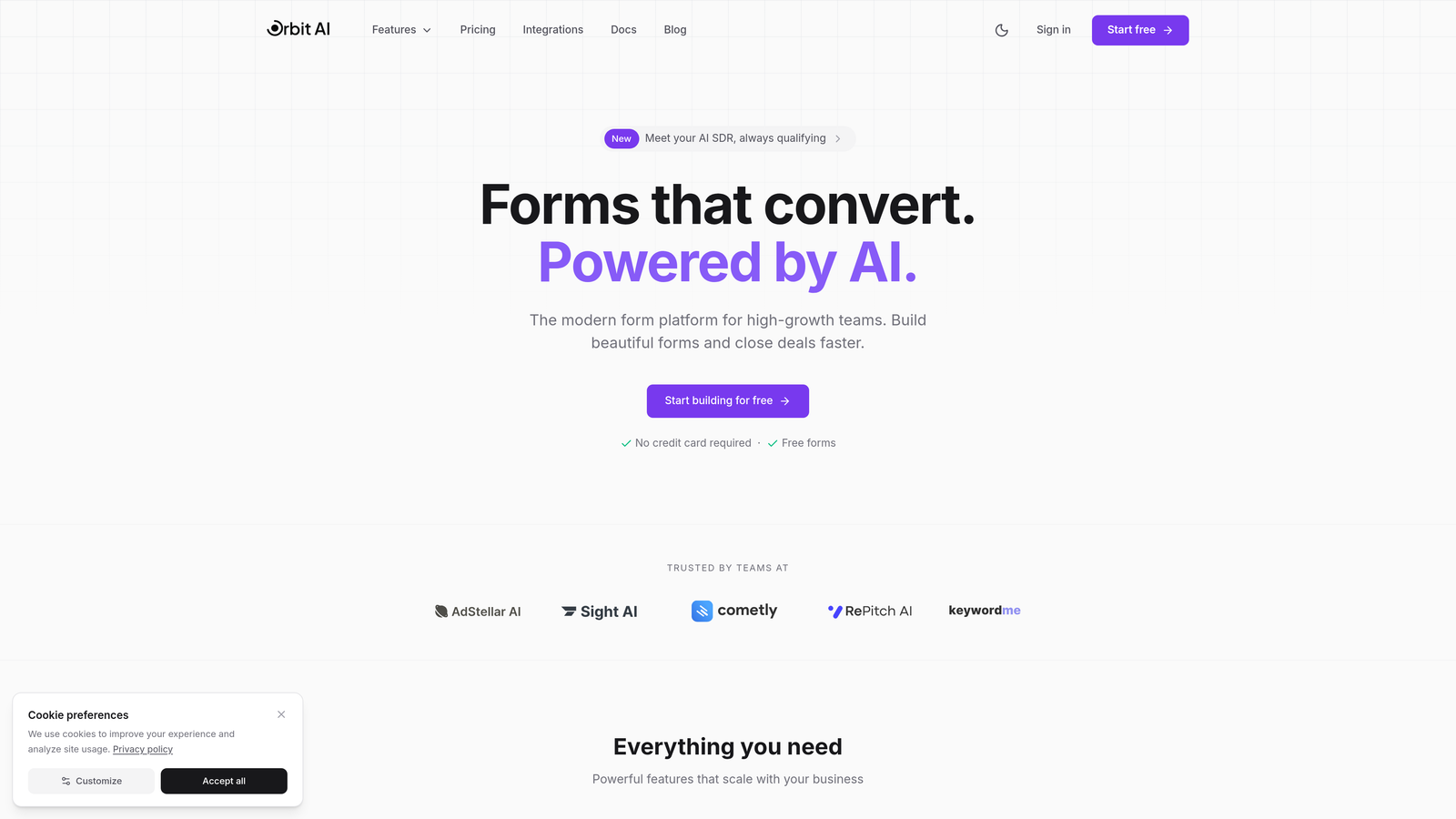
Orbit AI is an AI-powered form builder that automatically qualifies and scores leads while delivering modern, conversion-focused experiences.
Where This Tool Shines
Orbit AI stands out by combining beautiful form design with intelligent lead qualification. While most form builders just collect data, Orbit AI actively helps you identify your best prospects through AI-powered scoring and routing.
The platform analyzes responses in real-time to qualify leads automatically, routing high-value prospects to sales immediately while nurturing others through appropriate workflows. This transforms forms from passive data collection into active conversion engines.
Key Features
AI-Powered Lead Qualification: Automatically scores and qualifies leads based on their responses, identifying your most promising prospects without manual review.
Intelligent Form Routing: Directs qualified leads to the right team members or workflows based on their responses and qualification score.
Conversion-Optimized Templates: Modern, mobile-first form designs built specifically to maximize completion rates and reduce abandonment.
Deep Integration Capabilities: Connects seamlessly with your CRM, marketing automation, and workflow tools to keep data flowing where you need it.
Real-Time Analytics: Track conversion rates, completion times, and drop-off points to continuously optimize your forms for better performance.
Best For
Orbit AI is ideal for high-growth B2B teams, marketing agencies, and sales organizations that need to qualify leads at scale. If you're drowning in unqualified form submissions and want AI to help identify your best prospects automatically, this tool delivers exactly that capability.
Pricing
Free tier available for getting started. Paid plans begin at $29/month, scaling with your lead volume and feature requirements.
2. Typeform
Best for: Creating conversational, engaging forms with one-question-at-a-time design that maximizes completion rates
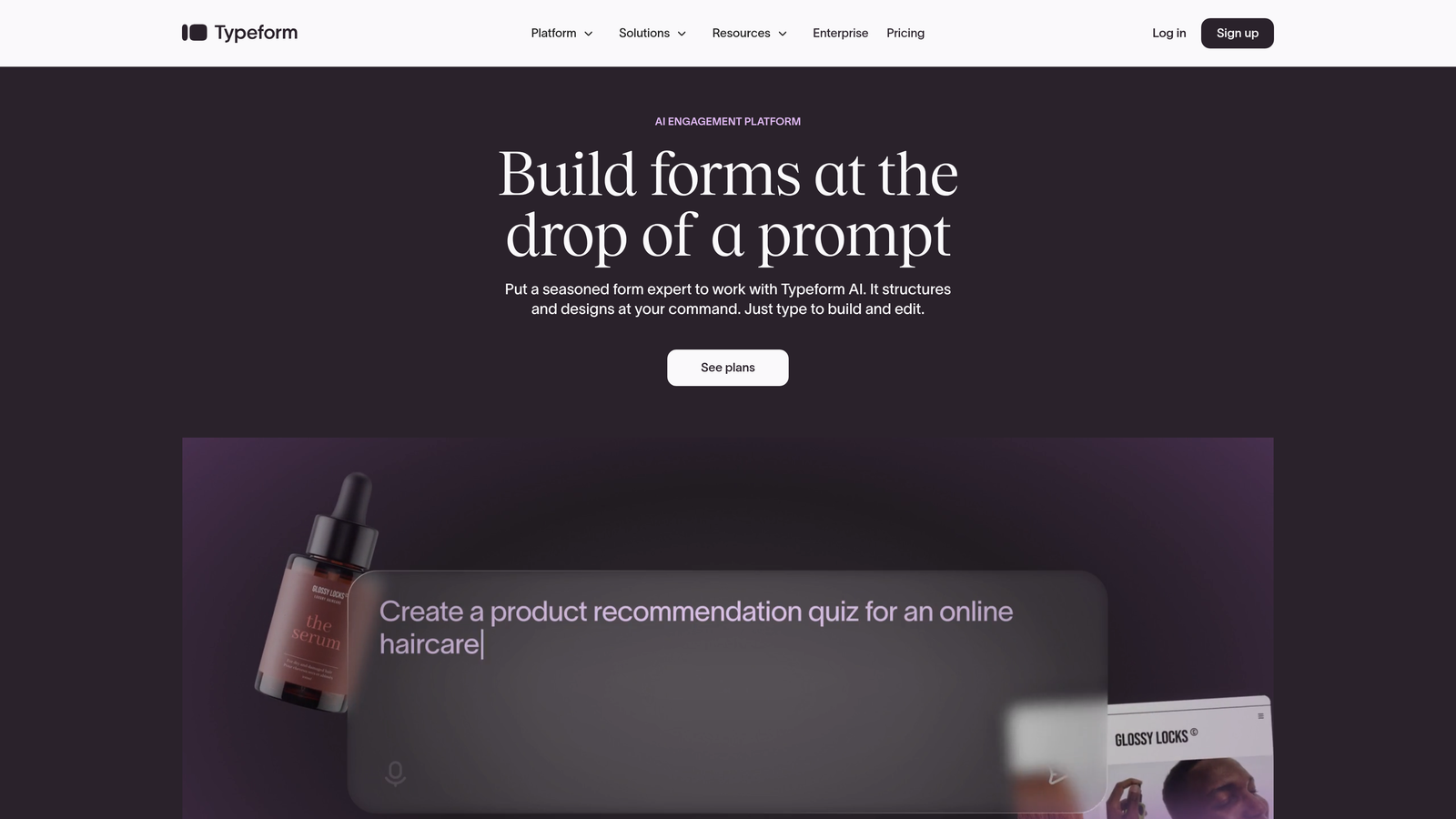
Typeform is a conversational form builder that revolutionized the industry with its signature one-question-at-a-time interface.
Where This Tool Shines
Typeform's approach treats forms like conversations rather than interrogations. By showing one question at a time, it reduces cognitive load and creates a more engaging experience that keeps users moving forward.
The platform excels at creating forms that feel less like work and more like dialogue. This psychological approach typically drives higher completion rates compared to traditional multi-field forms, especially for longer surveys or detailed lead capture.
Key Features
One-Question-at-a-Time Interface: Displays questions sequentially to reduce overwhelm and create a conversational flow that feels natural.
Logic Jumps and Branching: Creates dynamic form paths based on previous answers, showing only relevant questions to each respondent.
Rich Media Embedding: Incorporates videos, images, and GIFs directly into forms to increase engagement and provide context.
Custom Branding and Themes: Fully customizable designs that match your brand identity, from colors to fonts to background images.
Extensive Integration Library: Connects with 120+ apps including major CRMs, email platforms, and analytics tools for seamless data flow.
Best For
Typeform works exceptionally well for teams prioritizing user experience and engagement over raw data collection speed. It's particularly effective for customer feedback, event registration, and lead qualification where you need detailed information without overwhelming prospects.
Pricing
Free tier available with basic features. Basic paid plan starts at $25/month, with Professional and Premium tiers offering advanced logic and integrations.
3. Leadformly
Best for: Marketers running paid campaigns who need built-in A/B testing and conversion analytics
Leadformly is a conversion-focused form builder designed specifically for marketers who obsess over optimization and testing.
Where This Tool Shines
Leadformly puts conversion optimization front and center with native A/B testing built directly into the platform. You can test different form lengths, field orders, and design variations without needing external tools or complex setups.
The platform's analytics dashboard goes beyond basic metrics to show you exactly where leads drop off, which variations perform best, and how form changes impact your bottom line. This data-driven approach helps you continuously improve conversion rates based on real user behavior.
Key Features
Built-In A/B Testing: Test multiple form variations simultaneously to identify which designs, copy, and field arrangements drive the highest conversions.
Multi-Step Forms with Progress Indicators: Break long forms into digestible steps with visual progress bars that reduce abandonment by showing users how close they are to completion.
Conversion Analytics Dashboard: Detailed reporting on completion rates, drop-off points, time-to-complete, and conversion trends over time.
Smart Lead Routing: Automatically directs qualified leads to specific team members or workflows based on form responses and qualification criteria.
CRM Integration Suite: Connects with popular CRMs and marketing platforms to ensure lead data flows directly into your existing systems.
Best For
Leadformly is perfect for performance marketers running PPC campaigns, agencies managing multiple client forms, and growth teams that need to prove ROI through continuous testing and optimization.
Pricing
Plans start at $37/month for up to 250 leads, scaling upward based on lead volume and feature requirements.
4. Unbounce Smart Builder
Best for: PPC marketers needing landing pages and forms with AI-powered optimization in one platform
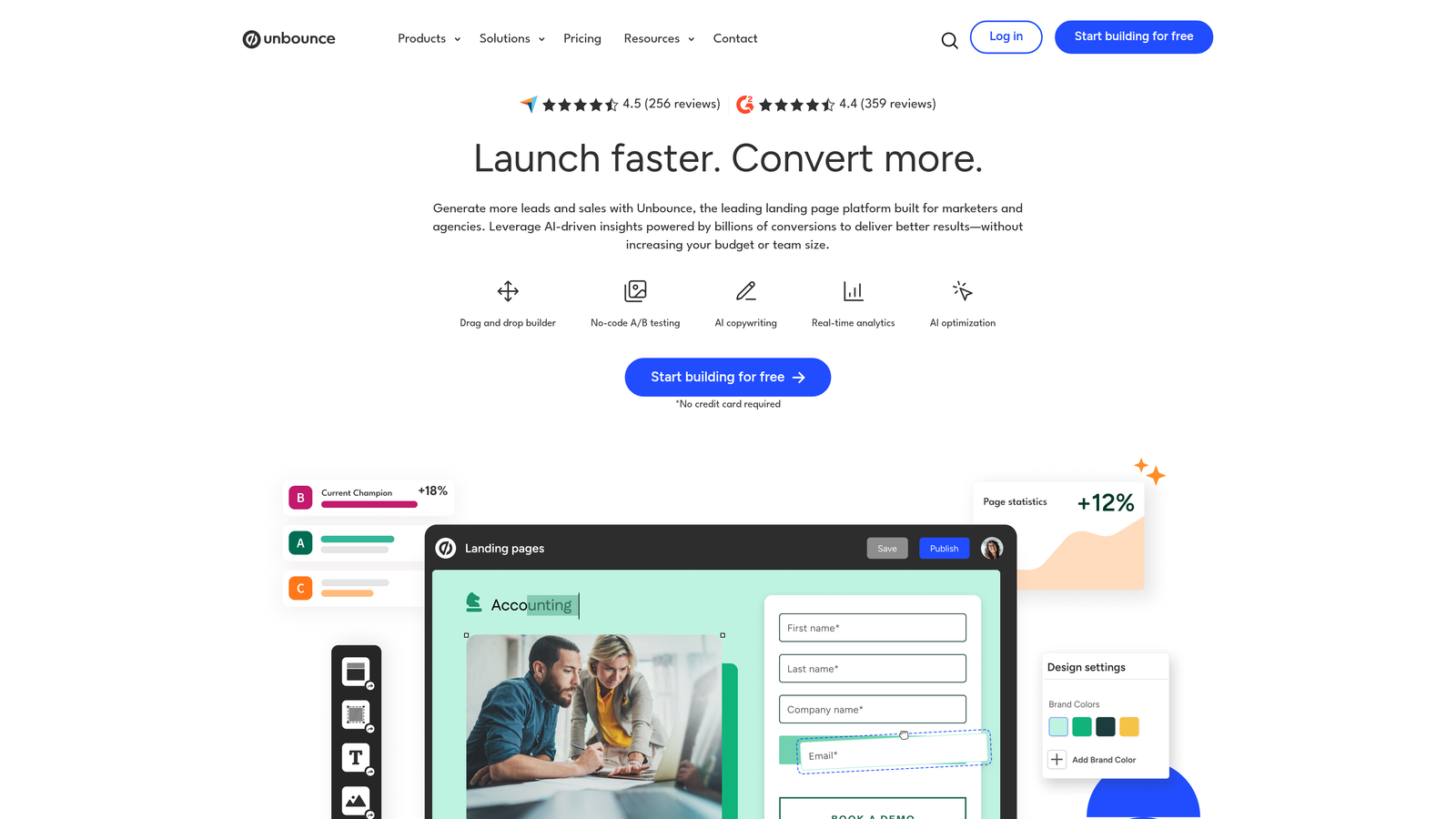
Unbounce Smart Builder combines landing page creation with form building, adding AI-powered optimization to maximize conversions from paid traffic.
Where This Tool Shines
Unbounce takes a holistic approach by optimizing both your landing page and form together. The Smart Builder uses AI to suggest copy improvements, while Smart Traffic automatically routes visitors to the page variant most likely to convert them based on their characteristics.
This integrated approach works particularly well for PPC campaigns where you need tight alignment between ad messaging, landing page content, and form fields. Dynamic text replacement ensures your forms echo the exact keywords and phrases visitors searched for, creating continuity that boosts trust and conversions.
Key Features
AI Copywriting Suggestions: Smart Builder analyzes your content and suggests headline and copy improvements to increase conversions based on best practices.
Dynamic Text Replacement: Automatically updates form and page copy to match the keywords visitors used in their search, creating personalized experiences at scale.
Smart Traffic Optimization: AI-powered traffic routing that learns which page variants convert best for different visitor segments and directs traffic accordingly.
Built-In A/B Testing: Test multiple page and form combinations to identify winning variations without external tools or complex setup.
Integrated Landing Page Builder: Create complete conversion funnels with matching landing pages and forms designed to work together seamlessly.
Best For
Unbounce is ideal for paid advertising teams, PPC agencies, and marketing departments that need to create high-converting landing pages and forms quickly without developer resources. The all-in-one approach works best when you need both components working in harmony.
Pricing
Plans start at $99/month and include both landing page and form building capabilities, making it a premium option focused on paid traffic conversion.
5. HubSpot Forms
Best for: Teams already using HubSpot CRM who need native integration and progressive profiling
HubSpot Forms is the native form builder within HubSpot's marketing platform, offering deep CRM integration and smart profiling capabilities.

Where This Tool Shines
HubSpot Forms' biggest advantage is its seamless connection to the HubSpot CRM ecosystem. Every form submission automatically creates or updates contact records, triggers workflows, and feeds into your lead scoring models without any integration setup.
Progressive profiling sets HubSpot apart by remembering what information you've already collected from returning visitors. Instead of asking the same questions repeatedly, forms automatically show new fields to gradually build complete contact profiles over time. This reduces form friction while gathering comprehensive data across multiple touchpoints.
Key Features
Progressive Profiling: Automatically hides fields you've already collected data for and shows new questions to returning visitors, building complete profiles without repetitive forms.
Native CRM Integration: Instant synchronization with HubSpot CRM creates contact records, updates properties, and triggers workflows automatically without third-party connections.
Dependent Fields and Logic: Show or hide form fields based on previous answers to create dynamic, personalized form experiences that collect exactly the data you need.
Lead Scoring Integration: Form submissions automatically update lead scores based on your criteria, helping sales prioritize the most qualified prospects.
Automated Follow-Up Sequences: Trigger email workflows, task assignments, and nurture sequences immediately upon form submission based on response data.
Best For
HubSpot Forms makes the most sense for companies already invested in the HubSpot ecosystem or planning to adopt it. The native integration eliminates data sync issues and provides a unified view of every prospect's journey from first form fill to closed deal.
Pricing
Free with HubSpot CRM, which includes basic form functionality. Advanced features like progressive profiling and sophisticated automation require paid Marketing Hub plans starting at $45/month.
6. Jotform
Best for: Teams needing versatile forms with payment processing, HIPAA compliance, and extensive templates
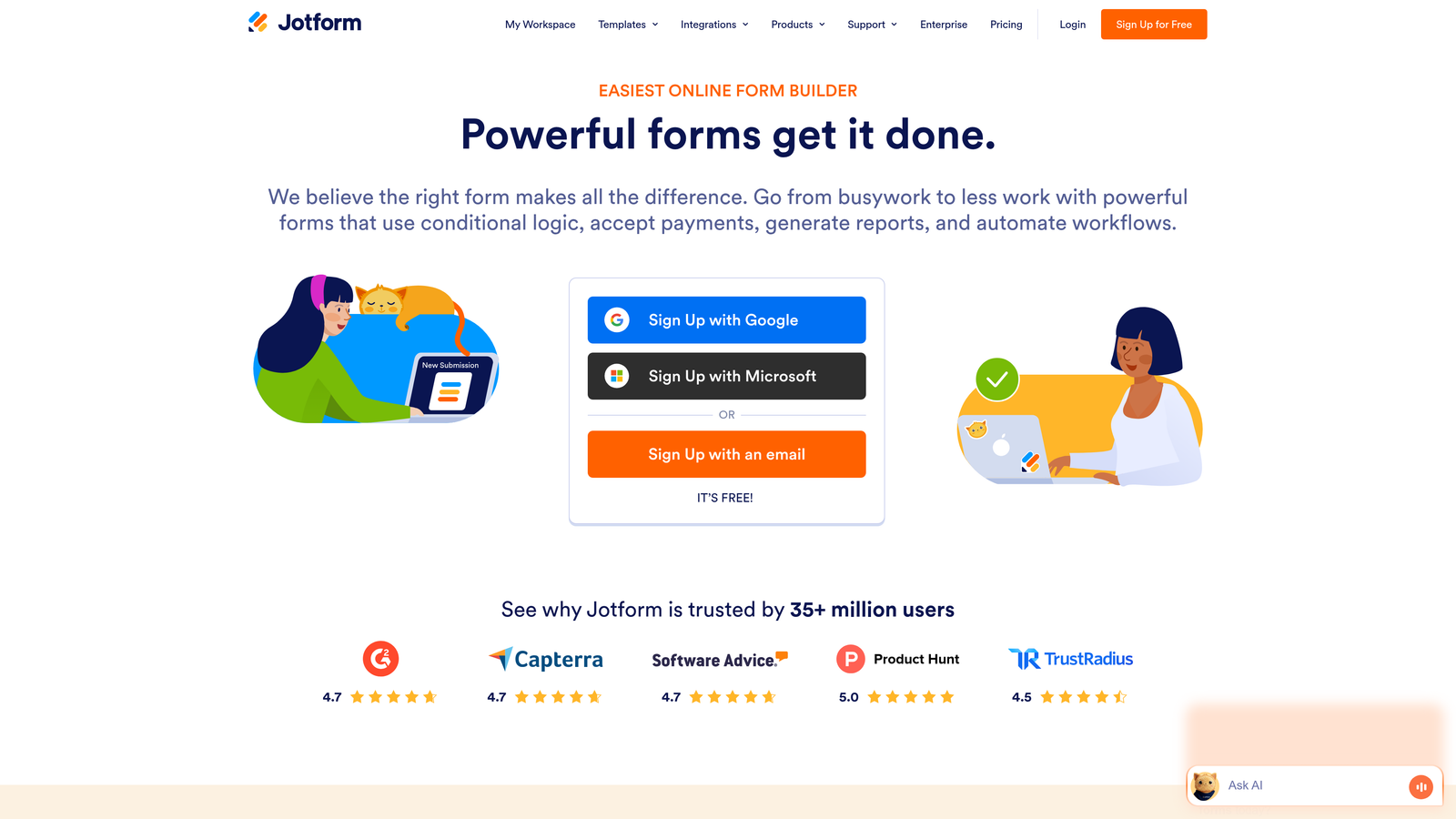
Jotform is a comprehensive form builder offering thousands of templates, payment integrations, and specialized compliance features for diverse use cases.
Where This Tool Shines
Jotform's library of over 10,000 pre-built templates means you can find a starting point for virtually any form type imaginable. Rather than building from scratch, you can customize proven templates for registrations, applications, orders, surveys, and lead capture.
The platform's payment processing capabilities make it particularly valuable for businesses that need to collect money through forms. Native integrations with Stripe, PayPal, and Square let you create order forms, donation pages, and registration forms with checkout built directly in. For healthcare and financial services, HIPAA-compliant options ensure sensitive data stays protected.
Key Features
10,000+ Form Templates: Massive template library covering every industry and use case, from simple contact forms to complex multi-page applications.
Payment Processing Integrations: Accept payments directly through forms via Stripe, PayPal, Square, and 30+ other payment gateways without additional tools.
Conditional Logic and Calculations: Show or hide fields based on responses and perform calculations for pricing, scoring, or custom formulas within forms.
HIPAA Compliance Option: Business Associate Agreement (BAA) and encrypted data storage for healthcare organizations handling protected health information.
Jotform Tables: Built-in database view that transforms form submissions into spreadsheet-like tables for easier data management and collaboration.
Best For
Jotform works well for small businesses, nonprofits, educational institutions, and healthcare providers who need a versatile form solution that handles everything from simple lead capture to complex applications with payments. The extensive template library makes it particularly appealing for teams without design resources.
Pricing
Free tier includes 5 forms with 100 monthly submissions. Bronze plan starts at $34/month for 25 forms and 1,000 submissions, with higher tiers adding more capacity and advanced features.
7. Paperform
Best for: Creating beautifully branded, document-style forms with rich media and calculation fields
Paperform is a unique form builder that uses an inline, document-style layout to create forms that feel more like interactive web pages than traditional questionnaires.
Where This Tool Shines
Paperform's document-style approach lets you mix form fields seamlessly with rich content—text, images, videos, and formatting—to create experiences that tell a story while collecting data. This makes forms feel less transactional and more like guided conversations.
The platform's calculation fields are particularly powerful for creating dynamic pricing forms, quote calculators, and order forms where totals update in real-time based on user selections. Combined with conditional logic, you can build sophisticated product configurators and pricing tools that would typically require custom development.
Key Features
Inline Document-Style Layout: Create forms that flow like articles or landing pages, mixing form fields naturally with text, images, and other content for a cohesive experience.
Rich Media and Video Embedding: Incorporate videos, image galleries, and multimedia content directly into forms to provide context and increase engagement.
Calculation and Pricing Fields: Build dynamic forms with real-time calculations for quotes, order totals, scoring, or custom formulas that update as users interact.
Conditional Logic and Hidden Fields: Show or hide content and fields based on previous responses to create personalized form paths for different user types.
Custom Success Pages: Design branded thank-you pages with additional content, offers, or next steps to continue the conversation after form submission.
Best For
Paperform excels for creative agencies, consultants, and businesses that prioritize brand experience and want forms that match the quality of their other marketing materials. It's particularly effective for service businesses creating quote request forms or product companies building custom order forms.
Pricing
Essentials plan starts at $24/month with unlimited forms and submissions, making it competitively priced for the feature set and design flexibility offered.
8. Formstack
Best for: Enterprise organizations needing advanced workflow automation, prefill capabilities, and strict compliance
Formstack is an enterprise-grade form builder with sophisticated workflow automation, data prefill, and compliance features designed for complex organizational needs.
Where This Tool Shines
Formstack's URL parameter prefill capability lets you create personalized form experiences by automatically populating fields with data you already have. This works particularly well for account-based marketing campaigns where you can send prospects personalized links with their company information pre-filled, reducing friction and increasing conversions.
The platform's workflow automation goes beyond simple email notifications to include multi-step approval processes, document generation, and complex routing logic. For organizations with sophisticated lead management needs or internal processes that require multiple touchpoints and approvals, Formstack provides the automation infrastructure to handle it all.
Key Features
Advanced Conditional Logic: Create complex form paths with multiple conditions and dependencies to show exactly the right fields based on sophisticated rule sets.
URL Parameter Prefill: Automatically populate form fields using URL parameters, enabling personalized form experiences for account-based marketing and targeted campaigns.
Workflow Automation: Build multi-step workflows with approvals, notifications, document generation, and data routing without coding or external automation tools.
HIPAA and GDPR Compliance: Enterprise-grade security with Business Associate Agreements, data encryption, and compliance features for regulated industries.
Salesforce-Native Integration: Deep Salesforce connection that works bidirectionally, syncing data seamlessly and enabling Salesforce-native form experiences.
Best For
Formstack targets enterprise organizations, healthcare systems, financial services firms, and large B2B companies with complex compliance requirements and sophisticated workflow needs. The platform makes the most sense when you need enterprise features and are willing to invest in the corresponding price point.
Pricing
Forms Starter plan begins at $83/month, with pricing increasing based on features, user count, and submission volume. Enterprise plans with advanced security and compliance features require custom quotes.
9. Tally
Best for: Budget-conscious teams wanting unlimited forms and submissions with essential conversion features
Tally is a free, Notion-inspired form builder that offers unlimited forms and responses without paywalls on core functionality.
Where This Tool Shines
Tally's pricing model disrupts the form builder market by offering unlimited forms and submissions completely free. While most competitors charge based on response volume, Tally lets you collect as much data as you need without worrying about hitting limits or surprise bills.
The Notion-style block editor makes form building intuitive for anyone familiar with modern document tools. You build forms by adding blocks—text, questions, images, dividers—and arranging them visually. This approach feels more natural than traditional form builders and requires virtually no learning curve.
Key Features
Unlimited Forms and Submissions: Create and publish as many forms as you need with no limits on responses, even on the free plan—a rare offering in the form builder space.
Notion-Style Block Editor: Build forms using familiar block-based editing where you add and arrange elements visually without complex settings or menus.
Conditional Logic: Show or hide form sections based on previous answers to create dynamic, personalized form experiences that adapt to each respondent.
File Uploads and Payments: Collect file uploads and process payments through Stripe integration, enabling order forms and applications that require document submission.
Custom Thank-You Pages: Design branded confirmation pages with custom messaging, next steps, or additional offers to continue engagement after submission.
Best For
Tally is perfect for startups, small businesses, content creators, and anyone launching a new project who needs professional forms without budget constraints. The unlimited free tier makes it ideal for testing new campaigns or building MVPs before investing in premium tools.
Pricing
Core features including unlimited forms and submissions are completely free. Pro plan at $29/month adds custom branding removal, additional integrations, and priority support.
Making the Right Choice
The right conversion-focused form tool depends on your specific needs and where you are in your growth journey.
Choose Orbit AI if you need AI-powered lead qualification and want forms that actively help you identify your best prospects. The intelligent scoring and routing capabilities transform forms from passive data collection into active conversion engines that prioritize your highest-value leads automatically.
Go with Typeform when user experience and engagement are your top priorities. The conversational, one-question-at-a-time approach consistently drives higher completion rates for longer forms where you need detailed information without overwhelming prospects.
Pick HubSpot Forms if you're already invested in the HubSpot ecosystem. The native integration and progressive profiling capabilities make it the obvious choice when you need forms that work seamlessly with your existing CRM and marketing automation.
For budget-conscious teams, Tally offers surprising power at no cost. The unlimited forms and submissions make it perfect for startups and small businesses that need professional forms without the financial commitment.
If you're running paid campaigns and need to prove ROI through testing, Leadformly's built-in A/B testing and conversion analytics provide the data you need to continuously optimize performance. Unbounce takes a similar approach but adds landing page building for teams that need both components working together.
The common thread across all these tools? They focus on reducing friction and optimizing for conversion rather than just collecting data. The best choice comes down to your specific conversion goals—whether that's reducing abandonment through multi-step forms, qualifying leads automatically with AI, or testing variations to discover what resonates with your audience.
Transform your lead generation with AI-powered forms that qualify prospects automatically while delivering the modern, conversion-optimized experience your high-growth team needs. Start building free forms today and see how intelligent form design can elevate your conversion strategy.


