

Your forms are leaving money on the table. The average form abandonment rate hovers around 68%, meaning most visitors who start filling out your forms never complete them. For high-growth teams, this represents a massive leak in the conversion funnel. The right form software doesn't just collect data—it actively works to convert more visitors into leads through smart design, conditional logic, and AI-powered optimization. We've tested dozens of form builders to find the tools that genuinely move the needle on conversion rates. Here are the top options for teams serious about maximizing every form submission.
1. Orbit AI
Best for: High-growth teams wanting AI-powered lead qualification with modern form design
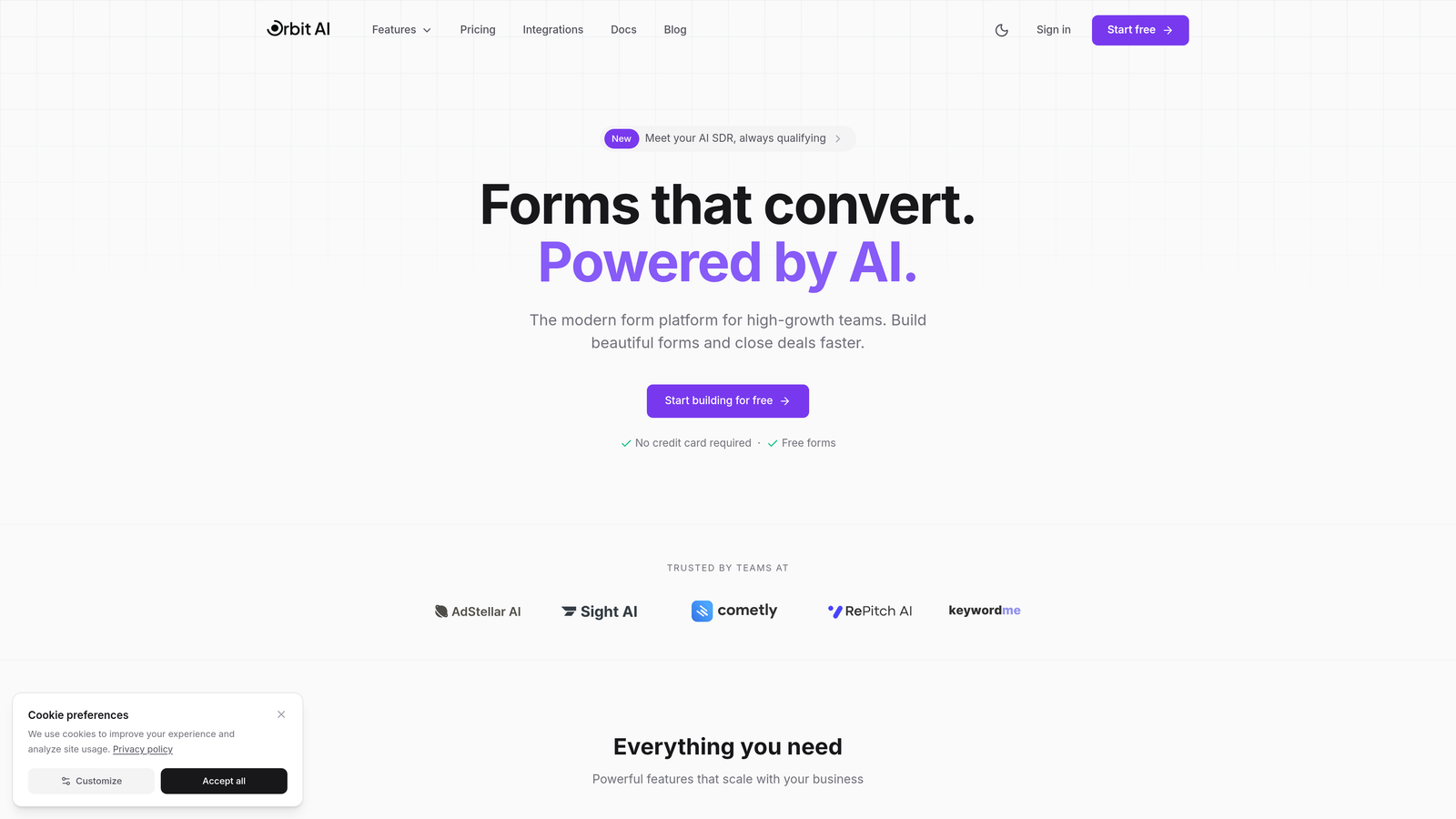
Orbit AI is an AI-powered form builder platform that combines conversion-optimized design with intelligent lead qualification capabilities.
Where This Tool Shines
Orbit AI stands out by automatically scoring and qualifying leads as they submit forms, eliminating manual lead review processes that slow down sales teams. The platform routes qualified prospects to the right team members instantly based on criteria you define.
The form templates are built specifically for conversion, incorporating best practices like progress indicators, smart field validation, and mobile-first design. Unlike basic form builders, every element is engineered to reduce friction and increase completion rates.
Key Features
AI-Powered Lead Qualification: Automatically scores and qualifies leads in real-time based on submission data and behavioral signals.
Intelligent Routing: Directs qualified leads to the appropriate sales team members based on territory, product interest, or company size.
Conversion-Optimized Templates: Pre-built form designs incorporating multi-step layouts, conditional logic, and friction-reducing elements.
Deep CRM Integrations: Native connections with HubSpot, Salesforce, and Pipedrive for seamless data flow into your existing stack.
Real-Time Analytics: Track form performance, abandonment points, and conversion rates with granular reporting.
Best For
Orbit AI is ideal for B2B teams and high-growth companies that need to qualify leads at scale while maintaining a modern, professional brand experience. It's particularly valuable for sales teams drowning in unqualified form submissions who need intelligent filtering before leads hit their pipeline.
Pricing
Free tier available for getting started. Paid plans begin at $29/month with access to AI qualification features and advanced integrations.
2. Typeform
Best for: Creating conversational, engaging form experiences with one-question-at-a-time interfaces
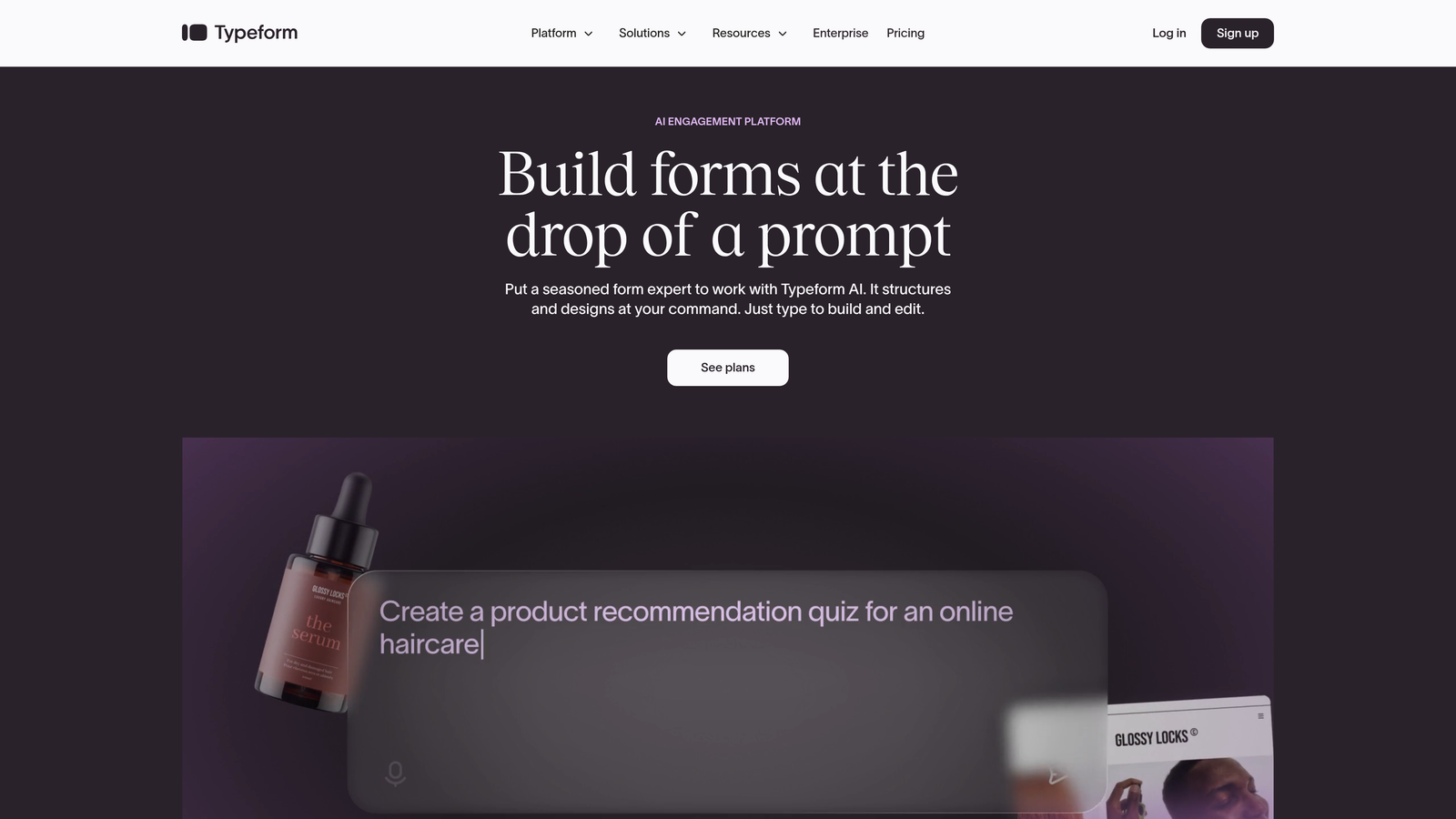
Typeform is a conversational form builder known for its human-feeling, interactive approach to data collection.
Where This Tool Shines
Typeform revolutionized form design by presenting one question at a time, creating a conversation-like experience that feels less overwhelming than traditional long forms. This approach significantly reduces cognitive load and often improves completion rates for surveys and lead capture forms.
The platform excels at creating visually stunning forms with embedded images, videos, and GIFs that align with your brand. The interface feels modern and engaging, making it particularly effective for consumer-facing brands or creative agencies.
Key Features
Conversational Interface: One-question-at-a-time format that mimics natural conversation flow and reduces form intimidation.
Logic Jumps: Conditional branching that shows different questions based on previous answers, creating personalized paths.
Rich Media Embedding: Incorporate videos, images, and GIFs directly into questions for enhanced engagement.
Native Integrations: Connect with Google Sheets, Slack, HubSpot, Mailchimp, and dozens of other platforms.
Hidden Fields: Capture UTM parameters and other tracking data automatically for attribution analysis.
Best For
Typeform works best for teams prioritizing user experience and engagement over pure lead volume. It's particularly effective for surveys, feedback collection, and consumer-facing brands where form aesthetics matter as much as functionality.
Pricing
Free tier available with Typeform branding. Basic plan starts at $25/month, removing branding and adding logic jumps.
3. Unbounce Smart Builder
Best for: Marketing teams combining landing page creation with AI-powered form optimization
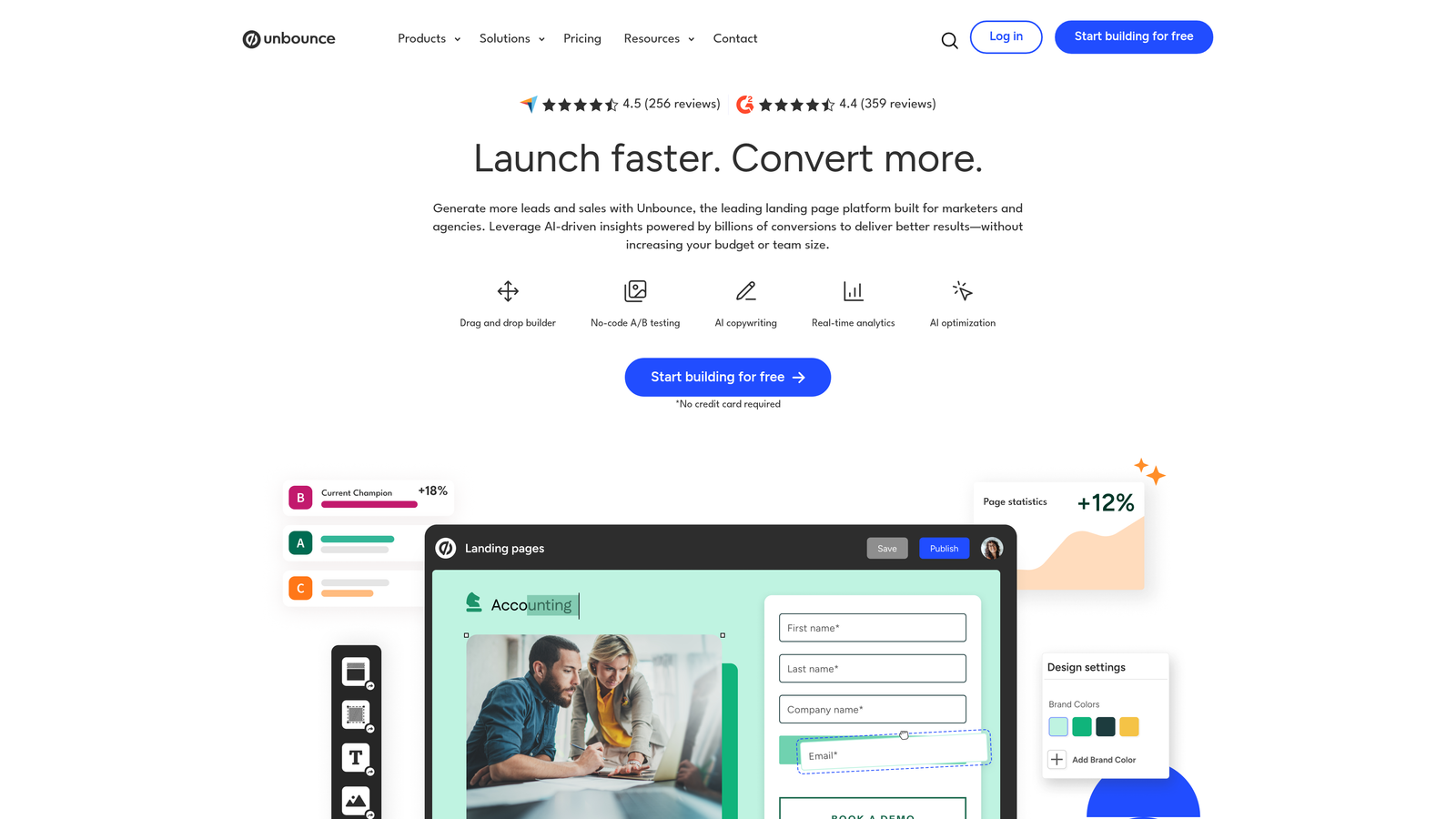
Unbounce Smart Builder is a landing page platform with integrated form capabilities and AI-driven conversion optimization.
Where This Tool Shines
Unbounce takes a holistic approach by optimizing both your landing page and form together, recognizing that conversion happens across the entire page experience. The Smart Builder uses AI to suggest layout improvements, copy changes, and form field adjustments based on conversion data.
The platform's Smart Traffic feature automatically routes visitors to the page variant most likely to convert them, creating a self-optimizing system that improves over time. This makes it particularly valuable for paid advertising campaigns where every percentage point of conversion lift matters.
Key Features
AI-Powered Optimization: Smart Builder analyzes your pages and suggests improvements to layouts, copy, and form design.
Built-In A/B Testing: Test multiple form variations simultaneously with statistical significance tracking.
Smart Traffic: Automatically directs visitors to the page variant most likely to convert based on their attributes.
Drag-and-Drop Builder: Create custom landing pages with integrated forms without coding knowledge.
Popup and Sticky Bar Forms: Capture leads through multiple on-page touchpoints beyond traditional embedded forms.
Best For
Unbounce is ideal for marketing teams running paid advertising campaigns who need to optimize both landing pages and forms together. It's particularly valuable when you're spending significant ad budget and need to maximize return through conversion rate improvements.
Pricing
Plans start at $99/month for the Launch tier, with Smart Traffic available on higher-tier plans.
4. Leadformly
Best for: B2B companies focused specifically on multi-step lead generation forms
Leadformly is a specialized form builder designed exclusively for B2B lead generation with conversion best practices built into every template.

Where This Tool Shines
Leadformly focuses obsessively on one thing: converting B2B leads through multi-step forms. The platform incorporates psychological principles like progress indicators, micro-commitments, and strategic field ordering that research shows improve completion rates.
Every template is pre-optimized based on B2B conversion data, removing the guesswork from form design. The lead scoring capabilities let you qualify prospects during the form experience itself, routing high-value leads differently than tire-kickers.
Key Features
Multi-Step Form Templates: Pre-built form sequences optimized for B2B lead generation with progress indicators.
Lead Scoring Engine: Assign point values to form answers to qualify leads automatically during submission.
Conditional Logic: Show or hide questions based on previous answers to create personalized form paths.
CRM Integrations: Connect directly with Salesforce, HubSpot, Marketo, and other marketing automation platforms.
Conversion Analytics: Track drop-off points, completion rates, and field-level performance data.
Best For
Leadformly is purpose-built for B2B companies with complex sales processes who need to qualify leads before they reach sales teams. It's particularly effective for high-ticket products or services where lead quality matters more than volume.
Pricing
Plans start at $37/month for the Starter tier with basic features and integrations.
5. Jotform
Best for: Teams needing extensive template variety and customization flexibility across diverse use cases
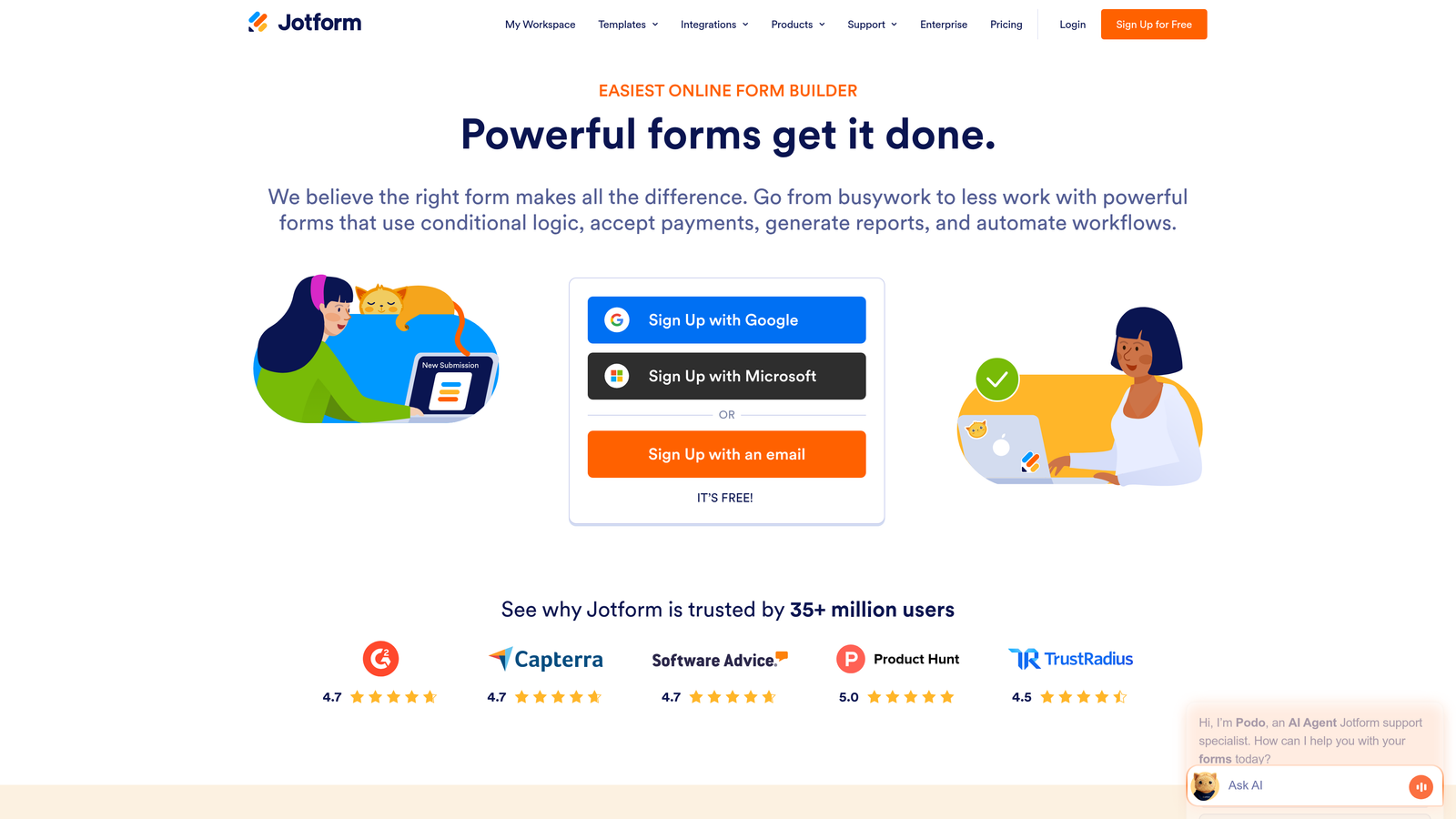
Jotform is a versatile form builder offering over 10,000 templates and extensive customization options for virtually any form type.
Where This Tool Shines
Jotform's massive template library means you can find a starting point for almost any form scenario, from event registrations to job applications to payment collection. The drag-and-drop builder includes widgets for everything from signature capture to file uploads to appointment scheduling.
The platform handles both simple contact forms and complex multi-page applications with equal ease. Payment processing is built directly into forms, making it particularly useful for order forms, donation collection, or registration fees.
Key Features
10,000+ Templates: Pre-built forms covering virtually every industry and use case imaginable.
Drag-and-Drop Builder: Intuitive interface with extensive widget library for adding functionality without coding.
Payment Collection: Built-in integration with PayPal, Square, Stripe, and other payment processors.
Conditional Logic: Show or hide fields based on user responses to create dynamic form experiences.
150+ Integrations: Connect with Google Drive, Dropbox, Salesforce, Mailchimp, and dozens of other platforms.
Best For
Jotform works well for organizations needing flexibility across many different form types and use cases. It's particularly valuable for teams managing diverse form needs, from HR to marketing to operations.
Pricing
Free tier available with Jotform branding and submission limits. Bronze plan starts at $34/month with increased submissions and features.
6. HubSpot Forms
Best for: Teams already using HubSpot CRM who need native integration and progressive profiling
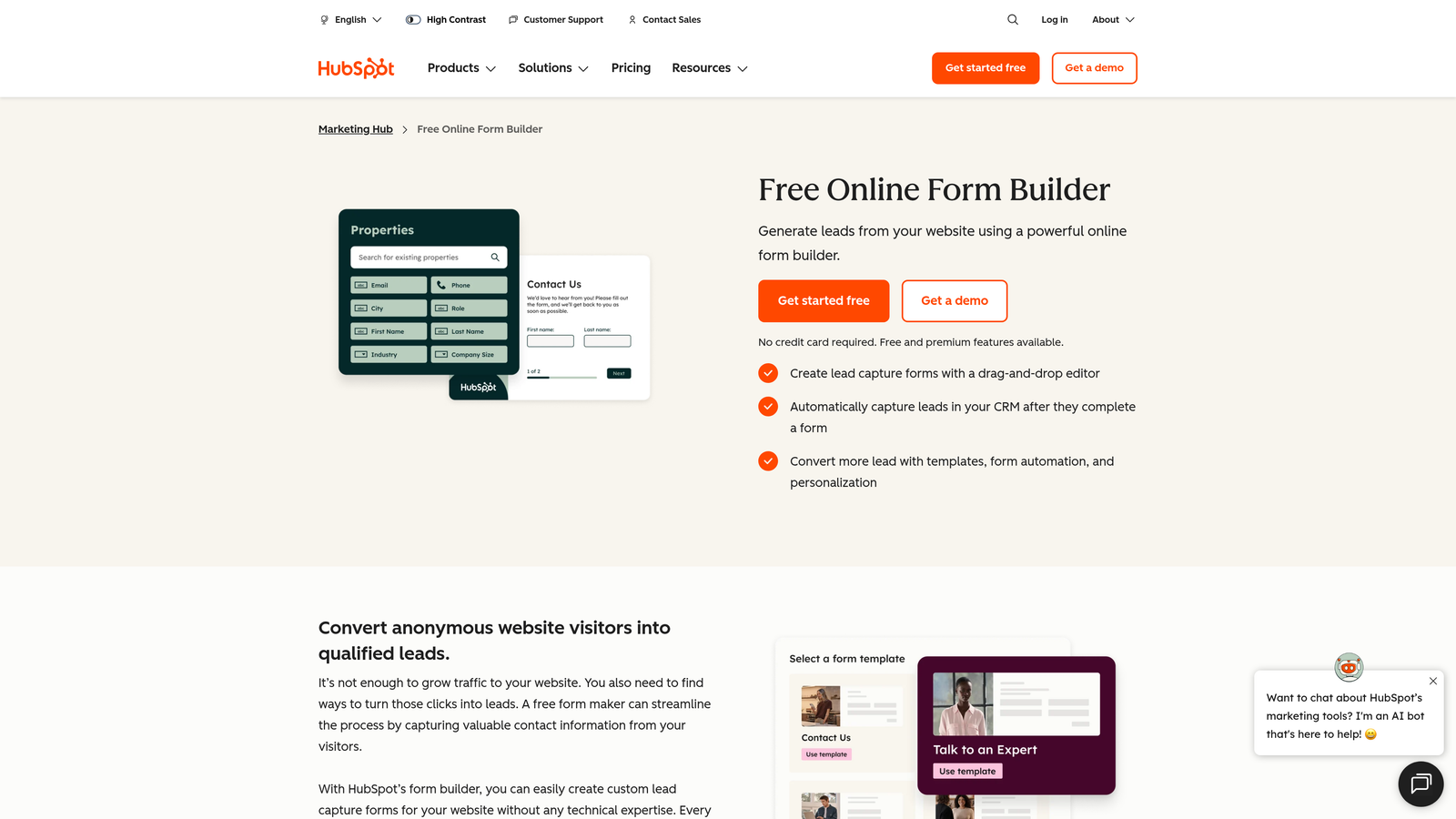
HubSpot Forms is the native form builder within HubSpot's CRM platform, offering seamless data flow and contact management.
Where This Tool Shines
HubSpot Forms excels through its deep integration with the HubSpot CRM ecosystem. Every form submission automatically creates or updates contact records, triggers workflows, and feeds into attribution reporting without any middleware or zapier connections.
The progressive profiling feature is particularly powerful: it automatically hides fields for known contacts and asks new questions instead, building richer profiles over time without overwhelming visitors with long forms. This approach respects user experience while gradually collecting the data you need.
Key Features
Native CRM Integration: Automatic contact creation, updates, and workflow triggers without third-party tools.
Progressive Profiling: Automatically swap out known field values for new questions to build richer contact data.
Smart Content: Personalize form fields and messaging based on contact properties or lifecycle stage.
Attribution Reporting: Track which forms contribute to deals and revenue within HubSpot's analytics.
GDPR Compliance Tools: Built-in consent tracking and data privacy features for regulatory compliance.
Best For
HubSpot Forms is the obvious choice for teams already invested in the HubSpot ecosystem who want seamless data flow between marketing and sales. It's less ideal as a standalone form builder but unbeatable for HubSpot users.
Pricing
Free with HubSpot CRM. Advanced features like progressive profiling require paid Marketing Hub subscriptions starting at $45/month.
7. Formstack
Best for: Enterprise organizations needing robust compliance features and workflow automation
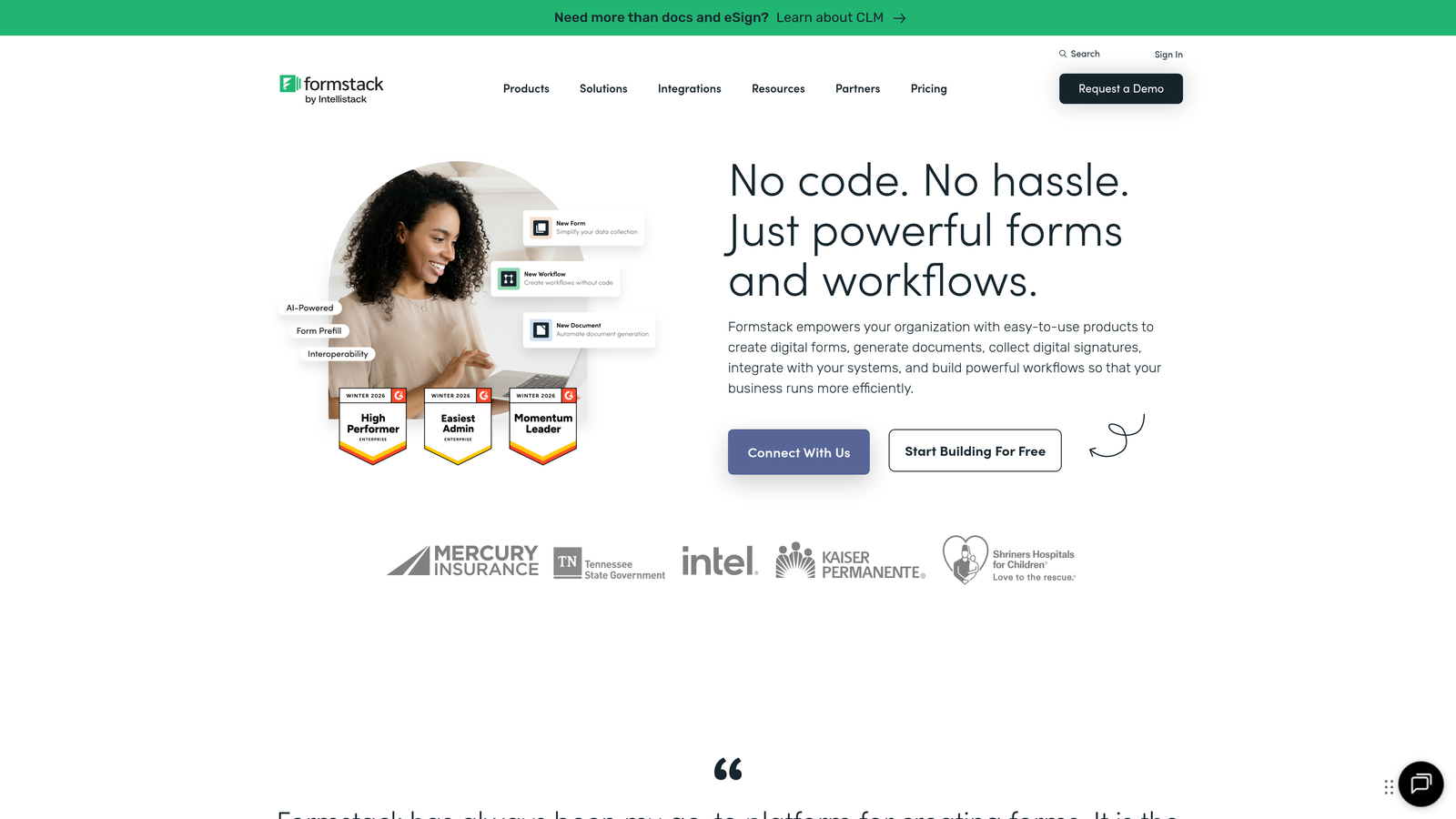
Formstack is an enterprise-grade form builder with advanced workflow automation and compliance capabilities for regulated industries.
Where This Tool Shines
Formstack is built for organizations with complex compliance requirements, offering HIPAA-compliant forms for healthcare, data encryption, and audit trails that satisfy enterprise security teams. The platform handles sensitive data collection with the security rigor that regulated industries demand.
The workflow automation goes beyond simple integrations, allowing you to build multi-step approval processes, generate documents from form data, and route submissions through complex business logic. This makes it particularly valuable for internal forms like HR onboarding or procurement requests.
Key Features
HIPAA Compliance: Business Associate Agreements and encrypted data storage for healthcare organizations.
Advanced Workflows: Build complex approval chains, conditional routing, and multi-step processes.
Document Generation: Automatically create PDFs, contracts, or reports populated with form data.
E-Signature Integration: Collect legally binding signatures directly within forms.
A/B Testing: Test form variations to optimize conversion rates with statistical analysis.
Best For
Formstack is ideal for enterprise organizations, healthcare providers, financial services, or any regulated industry requiring robust compliance and security features. It's also valuable for companies with complex internal workflows that need automation.
Pricing
Plans start at $50/month for the Bronze tier, with HIPAA compliance and advanced features on higher-tier plans.
8. Paperform
Best for: Creating content-rich, page-like form experiences that blend forms with branded content
Paperform is a unique form builder that creates immersive, page-like experiences combining forms with rich content and branding.
Where This Tool Shines
Paperform breaks the mold of traditional form builders by letting you create full landing page experiences that happen to include form fields. You can intersperse questions with images, videos, explanatory text, and branded content, creating an experience that feels more like a guided journey than a data collection exercise.
The platform includes built-in payment processing and product catalogs, making it particularly effective for order forms, event registrations, or booking systems where you need to collect both information and payment in one seamless experience.
Key Features
Page-Like Design: Create content-rich experiences mixing form fields with images, videos, and formatted text.
Built-In Payments: Accept payments through Stripe, PayPal, Square, or Braintree without leaving the form.
Conditional Logic: Show or hide content and questions based on user responses for personalized paths.
Custom Branding: Full control over colors, fonts, and styling to match your brand identity.
Calculation Fields: Perform math operations for quotes, pricing calculators, or order totals.
Best For
Paperform works best for businesses that need forms to feel like branded experiences rather than utilitarian data collection tools. It's particularly effective for creative agencies, event organizers, and e-commerce businesses selling through forms.
Pricing
Essentials plan starts at $24/month with unlimited forms and submissions.
9. Gravity Forms
Best for: WordPress users needing developer-friendly customization and extensive plugin ecosystem
Gravity Forms is the leading WordPress form plugin offering deep customization capabilities and a robust add-on marketplace.
Where This Tool Shines
Gravity Forms is the gold standard for WordPress-based forms, offering developer-friendly hooks and filters that let you customize virtually any aspect of form behavior. The extensive add-on ecosystem includes connections to payment processors, CRMs, email marketing platforms, and specialized tools.
The plugin integrates natively with WordPress, meaning forms feel like a natural part of your site rather than embedded third-party widgets. For developers, the ability to write custom code that extends form functionality makes it infinitely flexible for unique requirements.
Key Features
Native WordPress Integration: Forms function as part of your WordPress site with access to user data and post content.
Extensive Add-On Library: Connect with Stripe, PayPal, Mailchimp, Salesforce, and dozens of other services.
Developer Hooks: Custom PHP hooks and filters for advanced functionality and unique requirements.
Conditional Logic: Show or hide fields, sections, or entire pages based on user input.
Multi-Page Forms: Break long forms into multiple pages with progress indicators and save-and-continue functionality.
Best For
Gravity Forms is the clear choice for WordPress users, particularly those with development resources who need deep customization. It's less suitable if you're not on WordPress or need a standalone form solution.
Pricing
Basic license starts at $59/year for one site, with higher tiers offering more add-ons and site licenses.
Making the Right Choice
The best conversion optimization form software depends on your specific needs and existing tech stack. If you're focused on AI-powered lead qualification with modern design, Orbit AI delivers intelligent routing and scoring that eliminates manual lead review. For teams prioritizing conversational experiences, Typeform's one-question-at-a-time approach creates engaging interactions that feel less like forms and more like conversations.
HubSpot Forms is the obvious choice if you're already invested in the HubSpot ecosystem, offering seamless CRM integration and progressive profiling that builds richer contact data over time. WordPress users should look at Gravity Forms for its deep platform integration and developer-friendly customization options.
For B2B teams specifically focused on lead generation, Leadformly's conversion-optimized templates incorporate best practices that improve completion rates. Enterprise organizations with compliance requirements will appreciate Formstack's HIPAA-compliant forms and advanced workflow automation.
Consider your primary use case: Are you qualifying leads at scale? Running paid advertising campaigns? Managing diverse form types across an organization? Building forms into WordPress sites? Your answer will point you toward the right tool.
Transform your lead generation with AI-powered forms that qualify prospects automatically while delivering the modern, conversion-optimized experience your high-growth team needs. Start building free forms today and see how intelligent form design can elevate your conversion strategy.


