

Your forms are leaving money on the table. Every abandoned field, every confusing layout, every generic question chips away at your conversion rates. For high-growth teams racing to capture and qualify leads, the difference between a 2% and 8% form conversion rate isn't marginal—it's the difference between hitting targets and scrambling for pipeline.
The right form platform doesn't just collect data; it optimizes every interaction, qualifies leads in real-time, and integrates seamlessly with your tech stack. We've tested and evaluated the leading conversion-focused form builders to help you find the perfect fit for your growth goals.
1. Orbit AI
Best for: High-growth teams needing AI-powered lead qualification built into their forms
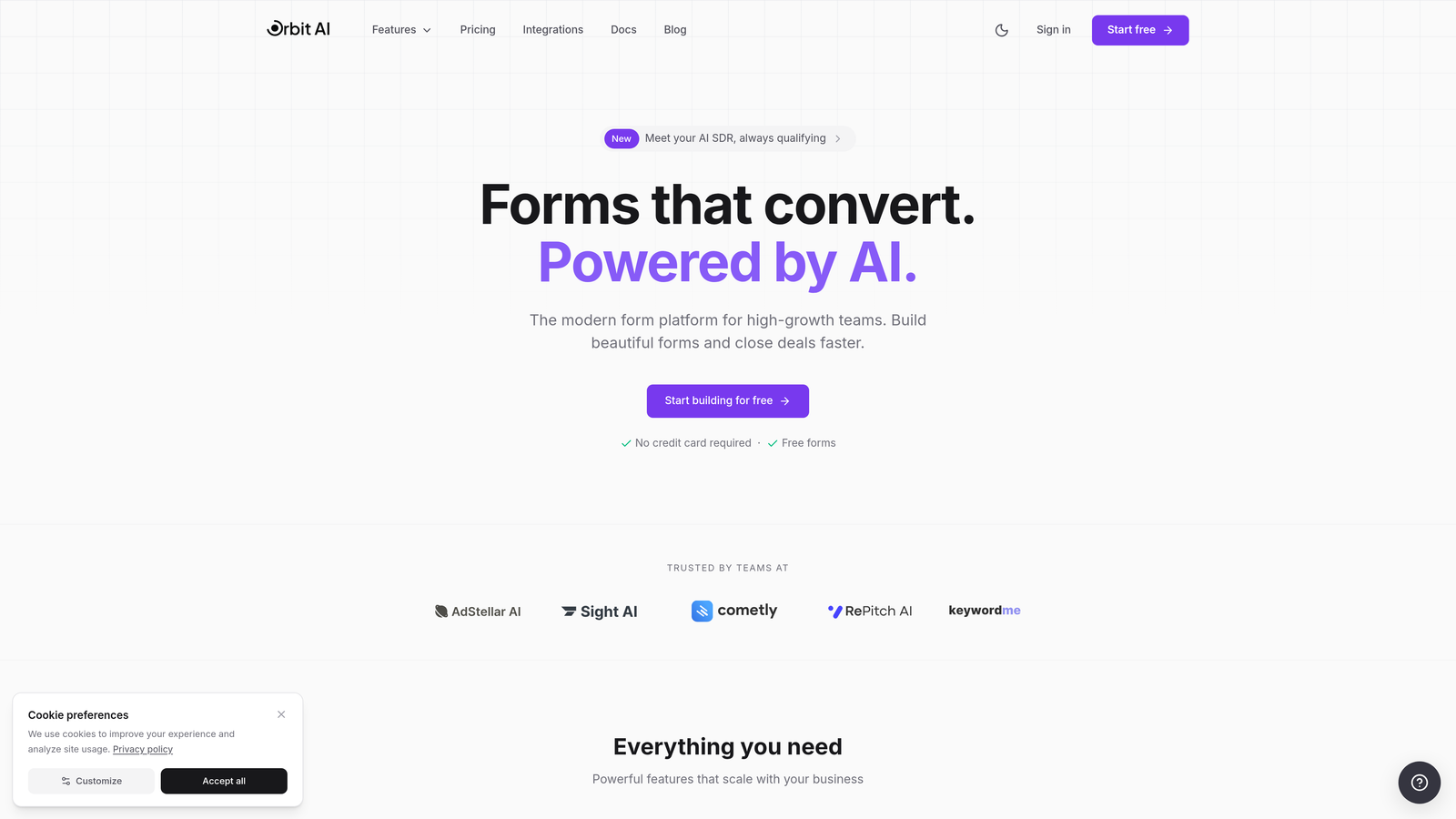
Orbit AI is an AI-powered form builder designed specifically for teams that need to qualify leads while they capture them.
Where This Tool Shines
What sets Orbit AI apart is its intelligent approach to lead qualification. Instead of collecting data and scoring leads later, the platform evaluates prospect quality in real-time as they fill out your forms. This means your sales team sees qualified leads instantly, not hours or days later.
The conversion-optimized templates are built on proven design patterns that reduce friction. Every element—from field placement to button copy—is engineered to maximize completion rates while gathering the information you actually need.
Key Features
AI-Powered Lead Qualification: Automatically scores and routes leads based on their responses and behavior patterns.
Conversion-Optimized Templates: Pre-built forms designed around best practices for high-conversion experiences.
Real-Time Analytics: Track drop-off points and form performance with detailed analytics dashboards.
Native CRM Integrations: Seamlessly connects with major CRMs to sync qualified leads automatically.
Workflow Automation: Trigger follow-up sequences and actions based on lead qualification scores.
Best For
Orbit AI is ideal for high-growth SaaS companies, B2B marketing teams, and sales organizations that need to process high volumes of leads efficiently. If you're spending too much time manually qualifying inbound leads or your sales team is chasing unqualified prospects, this platform solves that problem at the source.
Pricing
Free tier available for teams getting started. Paid plans scale with your growth and offer competitive rates compared to enterprise alternatives.
2. Typeform
Best for: Creating engaging, conversational form experiences that feel more like dialogue than data collection
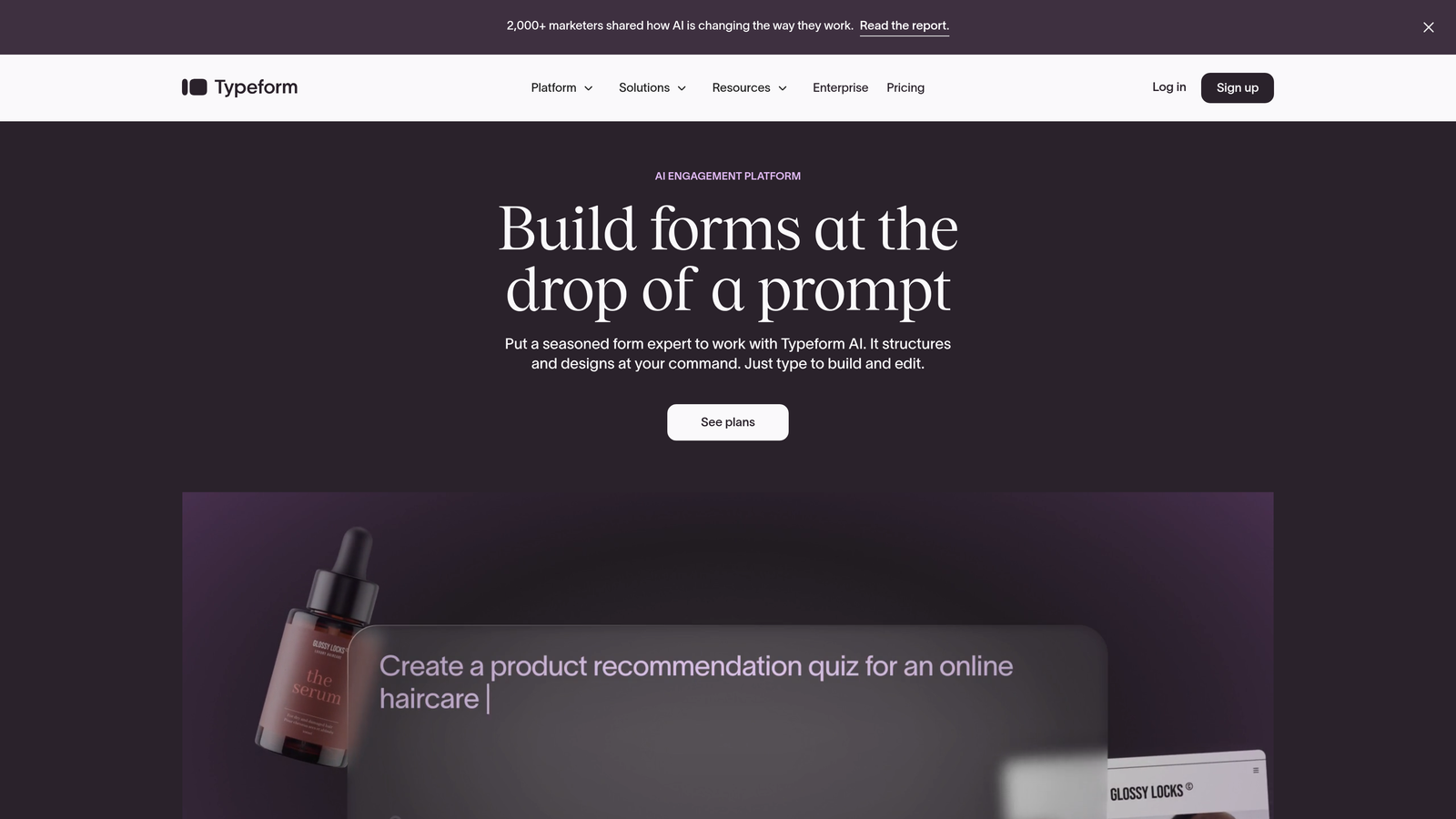
Typeform is a conversational form builder that presents questions one at a time, creating a focused experience that drives higher completion rates.
Where This Tool Shines
Typeform's signature one-question-at-a-time format reduces cognitive load dramatically. Instead of overwhelming users with a wall of fields, it guides them through a conversation. This approach consistently delivers higher engagement and completion rates compared to traditional multi-field forms.
The platform excels at brand customization. You can create forms that feel native to your brand identity, with custom colors, fonts, and imagery that make the experience feel cohesive rather than generic.
Key Features
One-Question-at-a-Time Interface: Presents a single question per screen to maintain focus and reduce abandonment.
Logic Jumps and Branching: Creates dynamic paths through your form based on user responses.
Rich Media Embedding: Adds videos, images, and GIFs to make forms more engaging and contextual.
Brand Customization: Full control over design elements to match your brand guidelines.
Integration Ecosystem: Connects with hundreds of tools through Zapier and native integrations.
Best For
Marketing teams focused on brand experience, customer research projects, event registrations, and any scenario where user experience matters as much as data collection. Works particularly well for consumer-facing brands and companies with strong visual identities.
Pricing
Free tier available with basic features. Basic plan starts at $25/month, with higher tiers offering advanced logic and integrations.
3. Jotform
Best for: Teams needing extensive template options and complex conditional logic without custom development
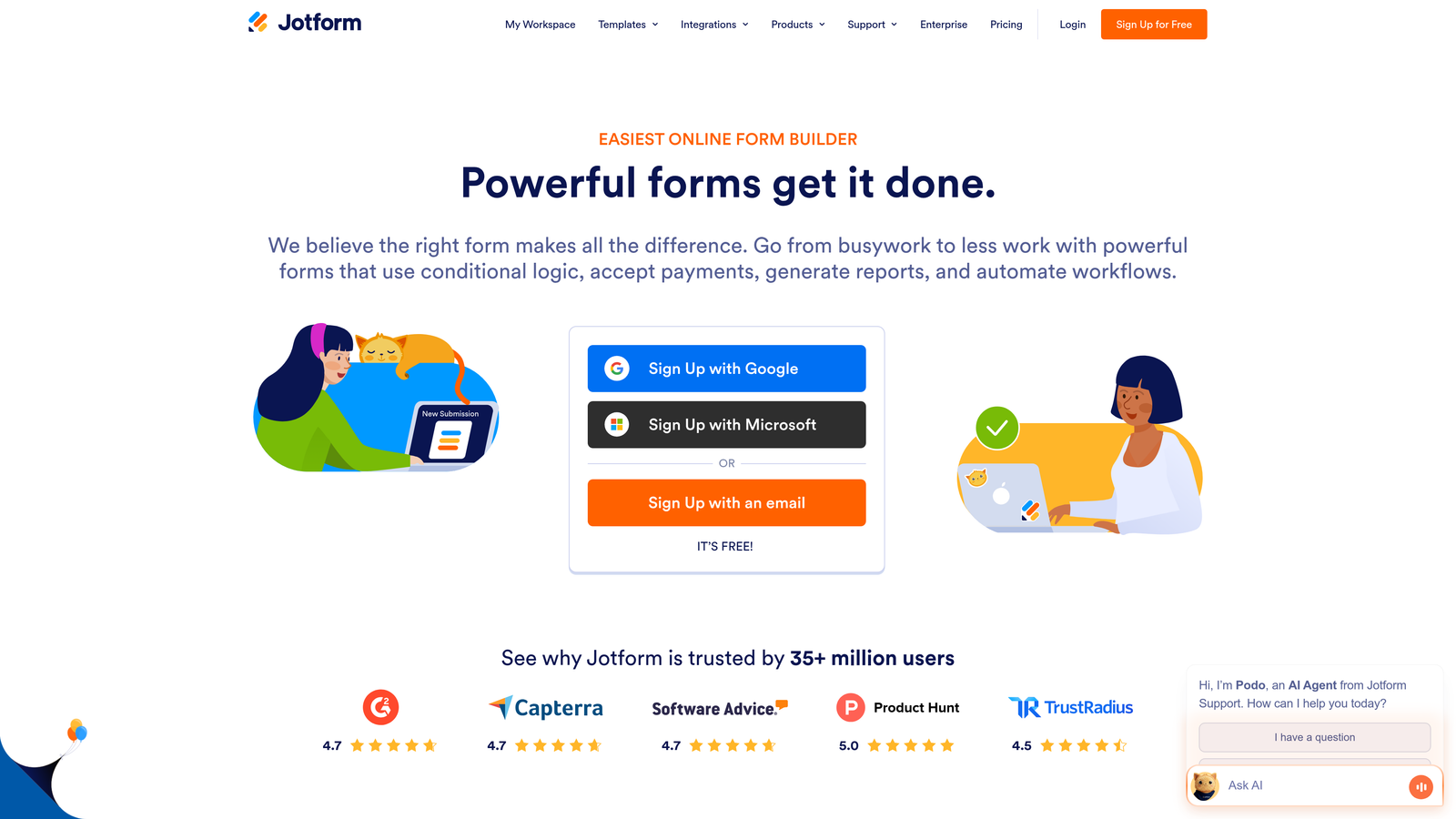
Jotform is a versatile form builder offering over 10,000 templates and robust conditional logic for sophisticated form workflows.
Where This Tool Shines
Jotform's massive template library means you're rarely starting from scratch. Whether you need an event registration form, customer feedback survey, or payment collection form, there's likely a pre-built template that gets you 80% of the way there. This dramatically reduces time to launch.
The conditional logic capabilities are enterprise-grade. You can build complex multi-path forms that show or hide fields, change calculations, or route submissions based on dozens of conditions—all without writing code.
Key Features
10,000+ Form Templates: Pre-built forms for virtually every use case, ready to customize and deploy.
Advanced Conditional Logic: Create sophisticated form flows with show/hide rules and dynamic field behavior.
Payment Collection: Integrated payment processing through Stripe, PayPal, and other major processors.
PDF Form Generation: Automatically generate PDF documents from form submissions for records and approvals.
Compliance Options: HIPAA-compliant plans available for healthcare and sensitive data collection.
Best For
Organizations with diverse form needs across departments, healthcare providers requiring HIPAA compliance, educational institutions, and businesses that collect payments through forms. The template library makes it especially valuable for teams without dedicated design resources.
Pricing
Free tier includes up to 5 forms. Bronze plan starts at $34/month with increased form limits and features.
4. Leadformly
Best for: Lead generation teams focused exclusively on conversion rate optimization and lead quality
Leadformly is purpose-built for lead generation with multi-step forms and conversion optimization best practices baked into every template.
Where This Tool Shines
Leadformly was designed with one goal: maximizing lead conversion rates. Every feature—from the multi-step form structure to the built-in progress indicators—is engineered to reduce abandonment. The platform's templates are based on extensive conversion research rather than aesthetic preferences.
The built-in A/B testing capabilities let you validate what actually works for your audience. You can test different form lengths, question orders, and field types to continuously improve performance based on real data rather than assumptions.
Key Features
Multi-Step Form Builder: Break long forms into manageable steps to improve completion rates.
Conversion-Focused Templates: Pre-built forms designed around proven conversion optimization principles.
A/B Testing: Test different form variations to identify the highest-converting approaches.
Lead Scoring Integration: Assign scores to leads based on their responses to prioritize follow-up.
Analytics Dashboard: Track conversion rates, completion times, and drop-off points by step.
Best For
B2B marketing teams with aggressive lead generation targets, agencies managing multiple client campaigns, and growth teams that obsess over conversion metrics. If you're running paid traffic to your forms, Leadformly's optimization features can significantly improve your cost per lead.
Pricing
Plans start at $37/month for essential features, with higher tiers offering advanced testing and analytics capabilities.
5. Unbounce Smart Builder
Best for: Campaign-driven teams building landing pages and forms together with AI-powered optimization
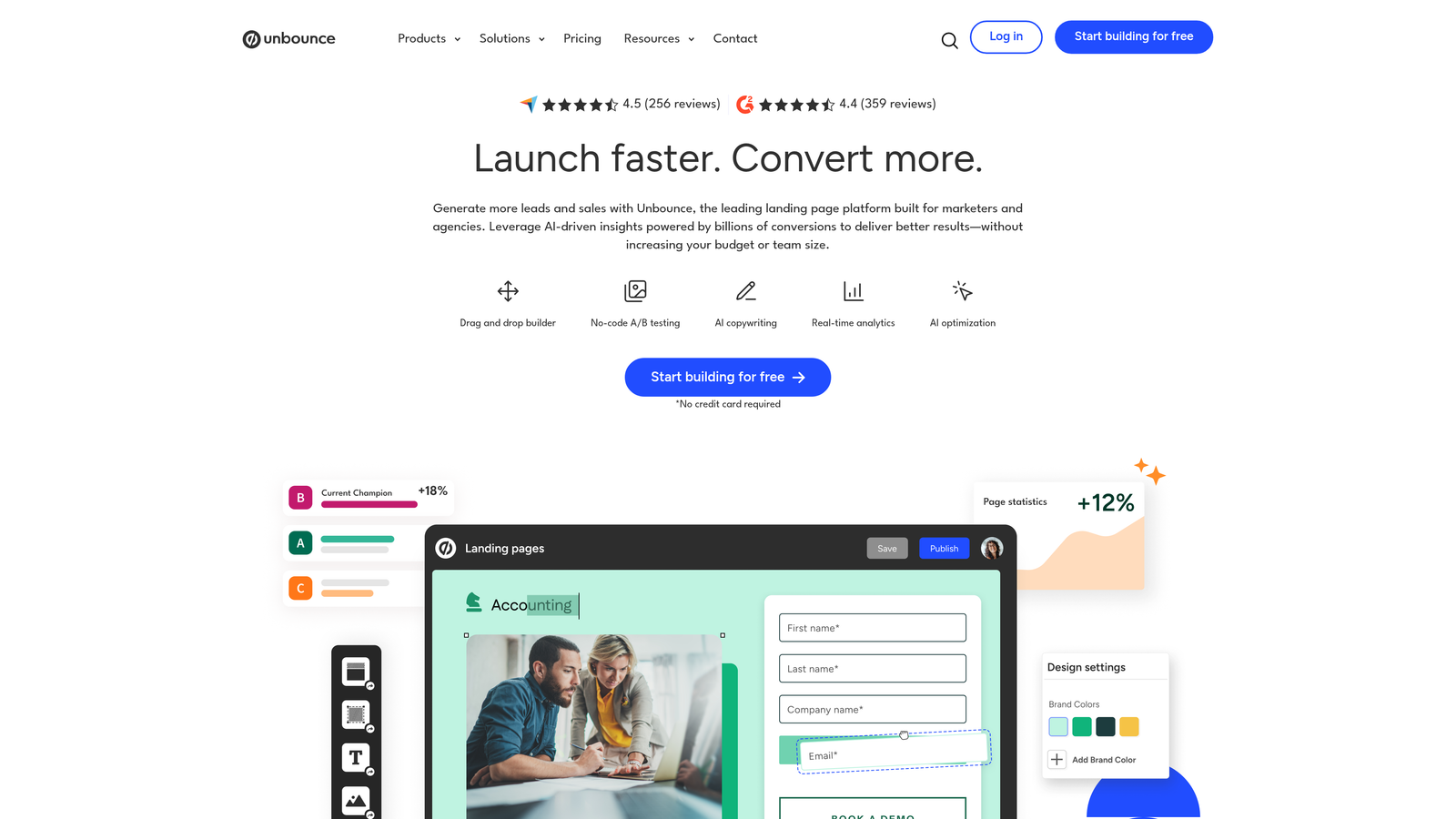
Unbounce Smart Builder is a landing page platform with integrated form building and AI-powered optimization suggestions for paid campaign workflows.
Where This Tool Shines
Unbounce treats forms as part of the complete landing page experience rather than standalone elements. This holistic approach means your form design, page copy, and call-to-action work together as an optimized system. The AI-powered copy suggestions help you write more persuasive form labels and button text based on proven patterns.
Smart Traffic is particularly powerful for paid campaigns. The system automatically routes visitors to the landing page variant most likely to convert them based on their attributes, effectively running continuous optimization without manual intervention.
Key Features
AI-Powered Copy Suggestions: Get intelligent recommendations for form labels, button text, and headlines.
Landing Page + Form Combos: Build complete conversion experiences with forms integrated into landing pages.
Smart Traffic Optimization: Automatically route visitors to the best-performing page variant for their profile.
Built-In A/B Testing: Test different form and page combinations without external tools.
Dynamic Text Replacement: Personalize form content based on ad keywords or URL parameters.
Best For
Performance marketing teams running paid campaigns, PPC specialists who need tight integration between ads and landing pages, and growth teams that want AI assistance with optimization. The platform makes most sense when you're driving significant paid traffic and need every percentage point of conversion improvement.
Pricing
Launch plan starts at $99/month. Higher tiers offer increased traffic limits and advanced features like Smart Traffic.
6. HubSpot Forms
Best for: Teams already using HubSpot CRM who need native integration and automatic lead routing
HubSpot Forms is the CRM-native form builder that automatically syncs leads and enables sophisticated lead routing within the HubSpot ecosystem.
Where This Tool Shines
The power of HubSpot Forms lies in its seamless CRM integration. Every form submission automatically creates or updates a contact record, triggers workflows, and routes leads to the right team members—all without middleware or custom integration work. This eliminates the data sync delays that plague multi-tool stacks.
Progressive profiling is a standout feature for companies with returning visitors. Instead of asking the same questions repeatedly, forms automatically show new fields based on what information you already have, reducing friction while enriching your data over time.
Key Features
Native CRM Integration: Instant sync with HubSpot CRM with zero configuration required.
Progressive Profiling: Automatically show different fields to returning visitors to gather more data without friction.
Automatic Lead Scoring: Assign and update lead scores based on form submissions and behavior.
Smart Form Fields: Pre-populate known information for returning visitors to reduce form length.
Follow-Up Automation: Trigger email sequences, task creation, and notifications based on form submissions.
Best For
Companies already invested in the HubSpot ecosystem, marketing teams that need tight coordination with sales, and organizations that value having all customer data in a single system. The value proposition is strongest when you're using multiple HubSpot hubs together.
Pricing
Free with HubSpot CRM. Advanced features like progressive profiling and sophisticated automation require Marketing Hub, starting at $800+/month.
7. Paperform
Best for: Creating beautiful, branded form experiences with built-in payment and scheduling capabilities
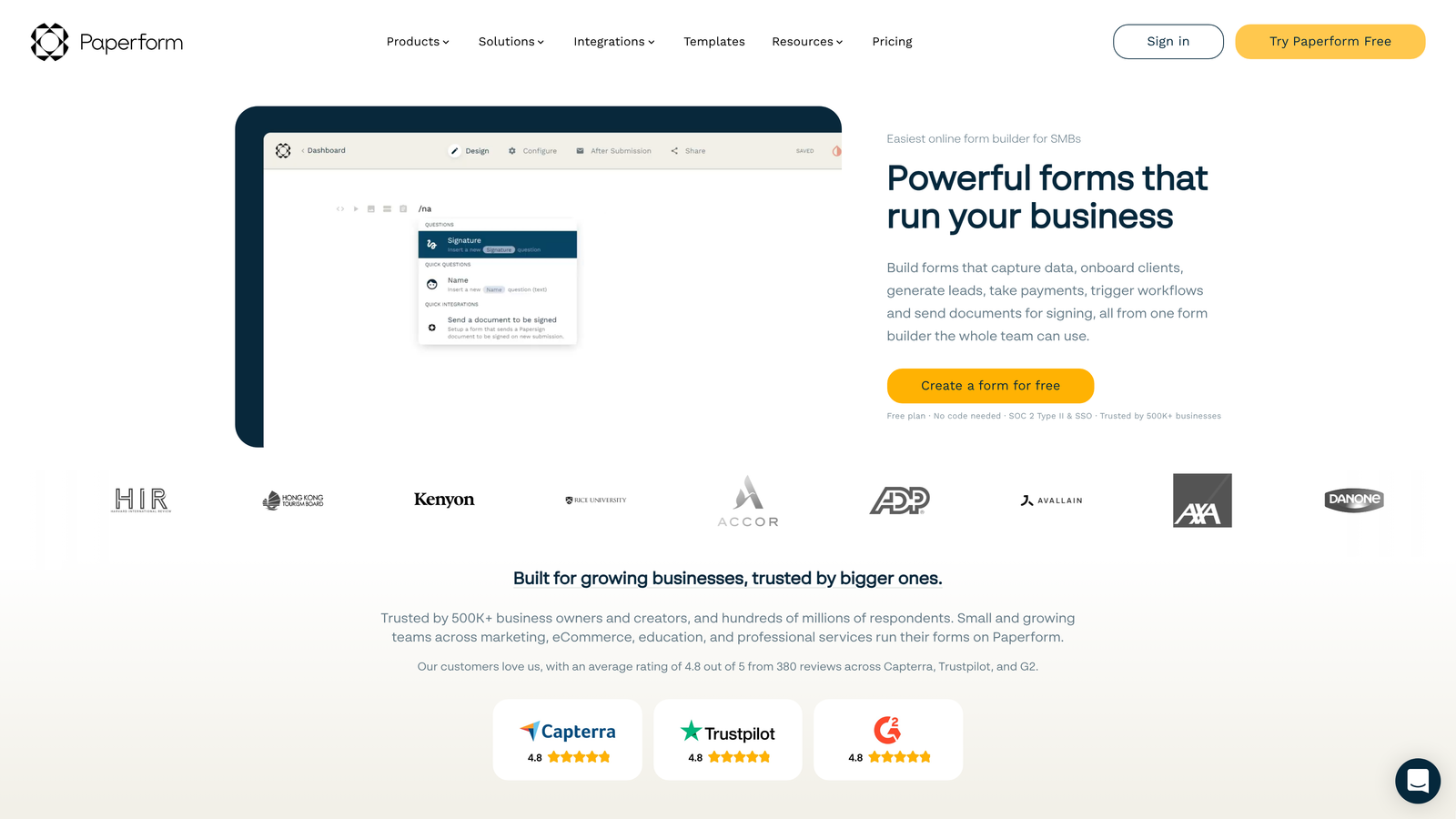
Paperform is a design-forward form builder that creates visually stunning, branded experiences with strong payment and appointment scheduling integrations.
Where This Tool Shines
Paperform feels more like building a landing page than a form. You can embed rich content—images, videos, product galleries—directly into your forms to create immersive experiences that tell a story while collecting information. This makes it particularly effective for product orders, event registrations, and any scenario where context matters.
The built-in payment processing and appointment scheduling eliminate the need for separate tools. You can create a complete booking and payment flow in a single form, reducing the number of systems your team needs to manage.
Key Features
Rich Content Embedding: Add images, videos, and formatted text directly into forms for context and engagement.
Payment Processing: Accept payments through Stripe and PayPal without leaving the form.
Appointment Scheduling: Integrate calendar availability and booking directly into form workflows.
Calculations and Pricing Logic: Build dynamic pricing forms that calculate totals based on user selections.
Custom Success Pages: Create branded confirmation experiences with next steps and additional content.
Best For
Service businesses that need booking and payment combined, e-commerce brands selling through forms, event organizers collecting registrations and payments, and any business where visual brand experience is critical to conversion.
Pricing
Essentials plan starts at $24/month with core features. Higher tiers add advanced calculations and integrations.
8. Formstack
Best for: Enterprise organizations requiring advanced compliance, security features, and document automation
Formstack is an enterprise-grade form platform with advanced workflow automation, security features, and compliance certifications for regulated industries.
Where This Tool Shines
Formstack is built for organizations with serious compliance and security requirements. The platform maintains HIPAA and SOC 2 compliance certifications, making it suitable for healthcare, finance, and other regulated industries where data handling isn't optional—it's legally mandated.
The document generation capabilities go beyond simple form collection. You can automatically create contracts, agreements, and formatted documents from form submissions, complete with e-signature workflows. This transforms forms from data collection tools into complete business process automation systems.
Key Features
Workflow Automation: Build sophisticated multi-step workflows that route, approve, and process form data automatically.
Document Generation: Create formatted PDFs and documents from form submissions with custom templates.
Compliance Certifications: HIPAA and SOC 2 certified for handling sensitive and regulated data.
E-Signature Integration: Collect legally binding signatures as part of form workflows.
Advanced Permissions: Granular user access controls for teams with complex organizational structures.
Best For
Healthcare organizations handling patient data, financial services firms with regulatory requirements, large enterprises with complex approval workflows, and any business where compliance and security are non-negotiable. The platform is overkill for simple lead capture but essential for regulated environments.
Pricing
Starter plan at $50/month. Enterprise pricing available for organizations with advanced compliance and support needs.
9. Tally
Best for: Startups and small teams wanting unlimited forms without upfront costs
Tally is a lightweight, fast form builder with a generous free tier and Notion-like editing experience designed for resource-conscious teams.
Where This Tool Shines
Tally's free tier is genuinely generous—unlimited forms, unlimited submissions, and core features that many platforms charge for. This makes it ideal for early-stage startups and bootstrapped teams that need professional form capabilities without monthly costs eating into runway.
The Notion-style block editor will feel immediately familiar to teams already using Notion for documentation. You build forms by adding and arranging blocks, making it intuitive to create complex forms without wrestling with traditional form builders.
Key Features
Unlimited Free Forms: No artificial limits on form creation or submissions on the free tier.
Notion-Style Block Editor: Familiar editing experience for teams already using block-based tools.
Conditional Logic: Show or hide fields based on user responses to create dynamic experiences.
File Uploads: Collect documents, images, and other files directly through forms.
Webhook Integrations: Connect to other tools through webhooks for custom automation workflows.
Best For
Early-stage startups conserving cash, side projects and MVPs, small teams that don't need enterprise features, and anyone who wants to test form strategies before committing to paid tools. The free tier is robust enough for many businesses to use indefinitely.
Pricing
Generous free tier with unlimited forms and submissions. Pro plan at $29/month adds custom domains and advanced features.
Matching Your Growth Stage to the Right Platform
The form platform landscape has evolved beyond simple data collection. Today's conversion-optimized tools actively work to qualify leads, reduce friction, and integrate with your growth engine. But the "best" platform depends entirely on where you are and where you're going.
If you're a high-growth team drowning in unqualified leads, platforms with built-in qualification like Orbit AI or lead scoring capabilities like Leadformly solve your most pressing problem. You're not just capturing more leads—you're capturing better ones and routing them intelligently.
For teams deeply embedded in a specific ecosystem, native tools make sense. HubSpot Forms eliminates integration headaches if you're already in that CRM. The time saved on data sync issues and manual routing often justifies the platform cost.
Early-stage teams should prioritize flexibility and cost efficiency. Tally's unlimited free tier or Typeform's affordable entry plans let you test and iterate without financial pressure. You can always graduate to more sophisticated platforms as your volume and needs grow.
Enterprise organizations with compliance requirements can't compromise on security. Formstack's certifications and audit trails aren't optional features—they're legal necessities. The premium pricing reflects the risk mitigation you're buying.
Consider your current bottleneck. If your forms convert well but you can't process leads fast enough, focus on automation and CRM integration. If you're getting traffic but poor conversion rates, prioritize platforms with A/B testing and optimization features. If you're just starting out, choose a platform that won't constrain you as you scale.
The form platform you choose becomes part of your conversion infrastructure. It's not just a tool—it's the first impression prospects have of your business and the foundation of your lead pipeline. Choose one that matches your current needs but can grow with your ambitions.
Start building free forms today and see how intelligent form design can elevate your conversion strategy. The difference between a good form and a great one isn't just aesthetics—it's the qualified pipeline that fuels your growth.


