

Forms are the final handshake between a visitor and a lead—yet most businesses watch 70% or more of potential conversions slip away at this critical moment. The culprit? Forms that feel clunky, ask too many questions upfront, or fail to adapt to user behavior. Conversion-optimized form software changes this equation by combining smart design principles with features like conditional logic, A/B testing capabilities, mobile-first responsiveness, and intelligent validation that guides users rather than frustrating them.
We evaluated these tools based on four key criteria: ease of use for non-technical teams, conversion-boosting features that actually move the needle, integration capabilities with your existing tech stack, and pricing value that makes sense for your business size. Whether you're a high-growth team qualifying hundreds of leads monthly or a small business just starting to optimize your funnel, you'll find actionable insights here to choose the right tool for your specific needs.
1. Orbit AI
Best for: High-growth teams needing AI-powered lead qualification built into beautiful, conversion-optimized forms
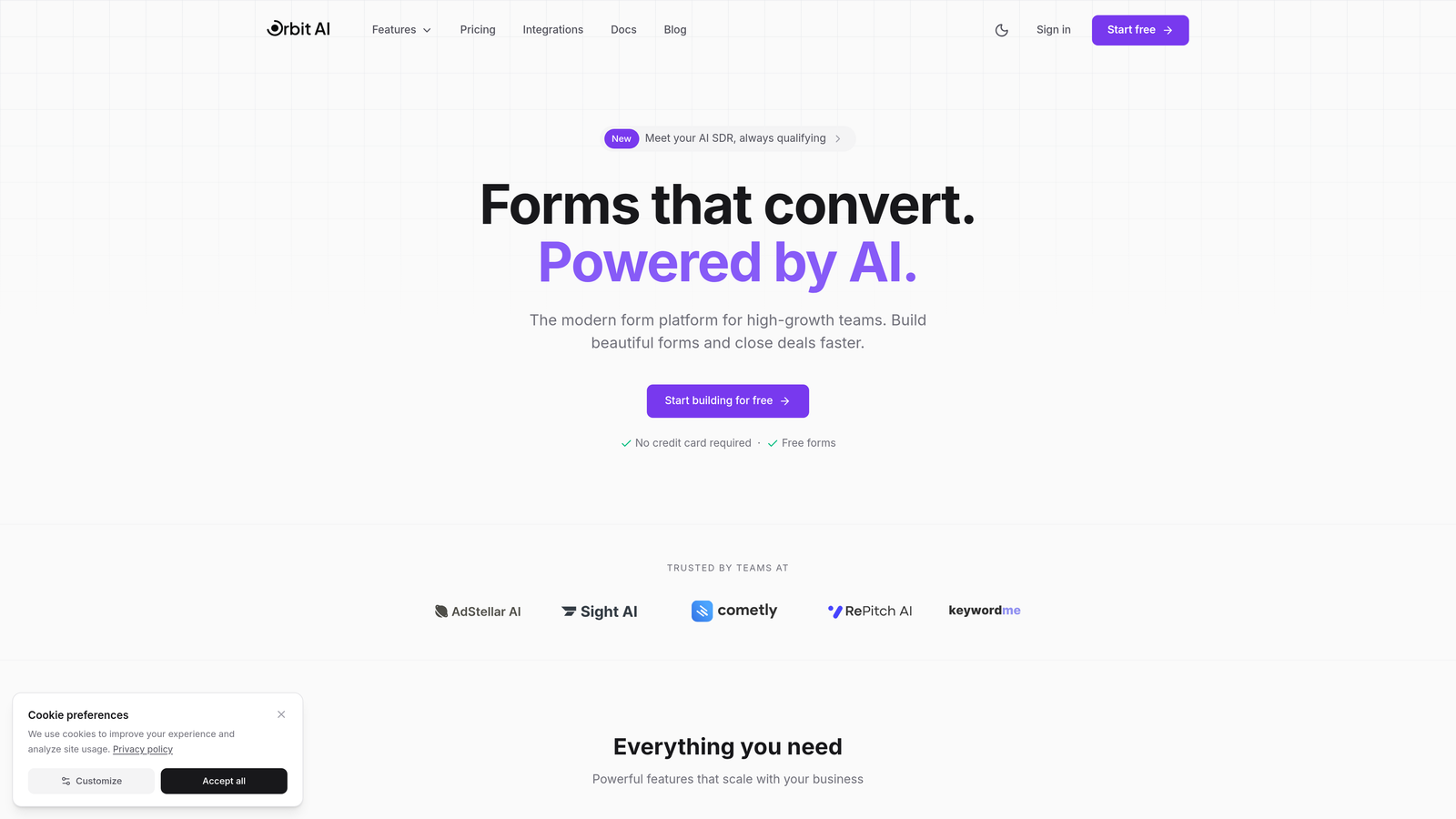
Orbit AI is an AI-powered form builder platform designed specifically for teams that want to qualify leads automatically while maintaining a modern user experience.
Where This Tool Shines
The standout feature here is the AI-powered lead qualification engine that scores and routes prospects based on their responses—meaning your sales team spends time only on leads worth pursuing. The platform analyzes form submissions in real-time, assigning quality scores that help you prioritize follow-up.
What sets Orbit AI apart is how it balances sophistication with simplicity. The conversion-optimized templates are genuinely beautiful and mobile-responsive out of the box, while the intelligent conditional logic adapts questions based on previous answers without requiring complex setup workflows.
Key Features
AI-Powered Lead Qualification: Automatically scores and prioritizes leads based on submission quality and fit criteria.
Modern Form Templates: Conversion-optimized designs that look professional and perform well across all devices.
Intelligent Conditional Logic: Dynamic question flows that personalize the experience without overwhelming users.
Native CRM Integrations: Direct connections to HubSpot, Salesforce, and Pipedrive with automatic data syncing.
Real-Time Analytics Dashboard: Track conversion rates, submission quality, and form performance metrics at a glance.
Best For
High-growth B2B teams, SaaS companies with complex lead qualification needs, and marketing teams tired of manually sorting through unqualified submissions. If you're generating significant form volume and need intelligent filtering before leads hit your CRM, this platform delivers exactly that capability.
Pricing
Free tier available for teams getting started; paid plans begin at competitive rates designed for growing teams that need advanced qualification features and higher submission volumes.
2. Typeform
Best for: Creating conversational, engaging form experiences that dramatically reduce abandonment rates
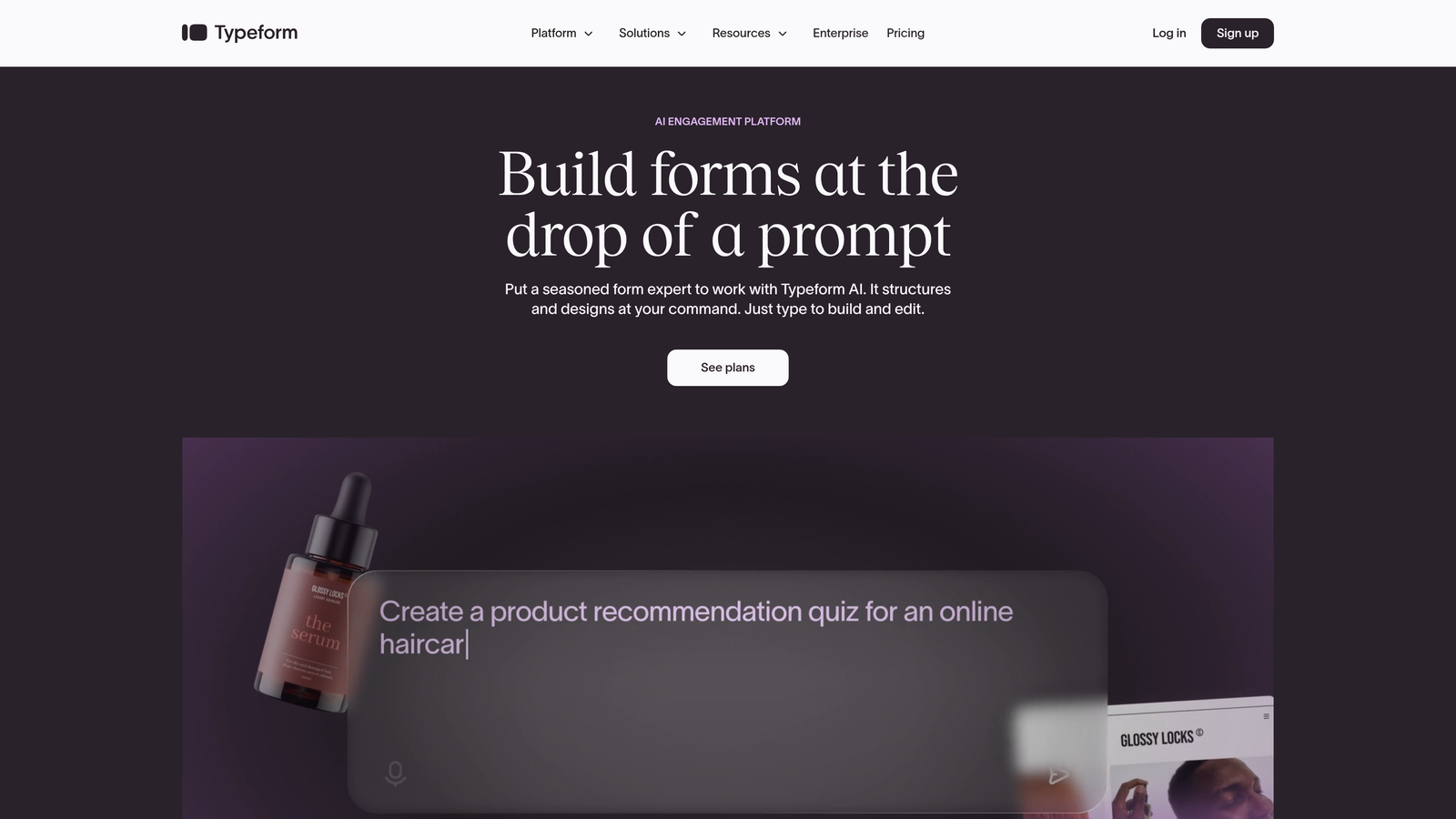
Typeform is a conversational form builder that pioneered the one-question-at-a-time approach, fundamentally changing how users interact with online forms.
Where This Tool Shines
The magic of Typeform lies in its psychological approach to form design. By showing only one question at a time, it reduces cognitive load and makes even lengthy forms feel manageable. Users report significantly lower abandonment rates compared to traditional multi-field forms—the experience feels more like a conversation than an interrogation.
The design aesthetic is consistently beautiful across all templates. Even non-designers can create forms that look professionally crafted, with smooth transitions and thoughtful micro-interactions that keep users engaged throughout the completion process.
Key Features
Conversational Interface: One-question-at-a-time format that keeps users focused and reduces overwhelm.
Beautiful Design Templates: Professionally designed layouts that require minimal customization to look polished.
Logic Jumps and Branching: Create personalized paths through your form based on previous answers.
Rich Media Embedding: Add videos, images, and GIFs to make forms more engaging and visually compelling.
Extensive Integration Library: Connect with hundreds of tools including Slack, Google Sheets, Mailchimp, and Zapier.
Best For
Customer feedback collection, event registrations, surveys, and any scenario where user experience matters as much as data collection. Teams that prioritize brand perception and want forms that feel modern and approachable rather than corporate and sterile.
Pricing
Free tier allows 10 responses per month with basic features; Basic plan starts at $25/month for 100 responses and removes Typeform branding.
3. Unbounce Smart Builder
Best for: Marketers running paid campaigns who need landing pages and forms optimized together
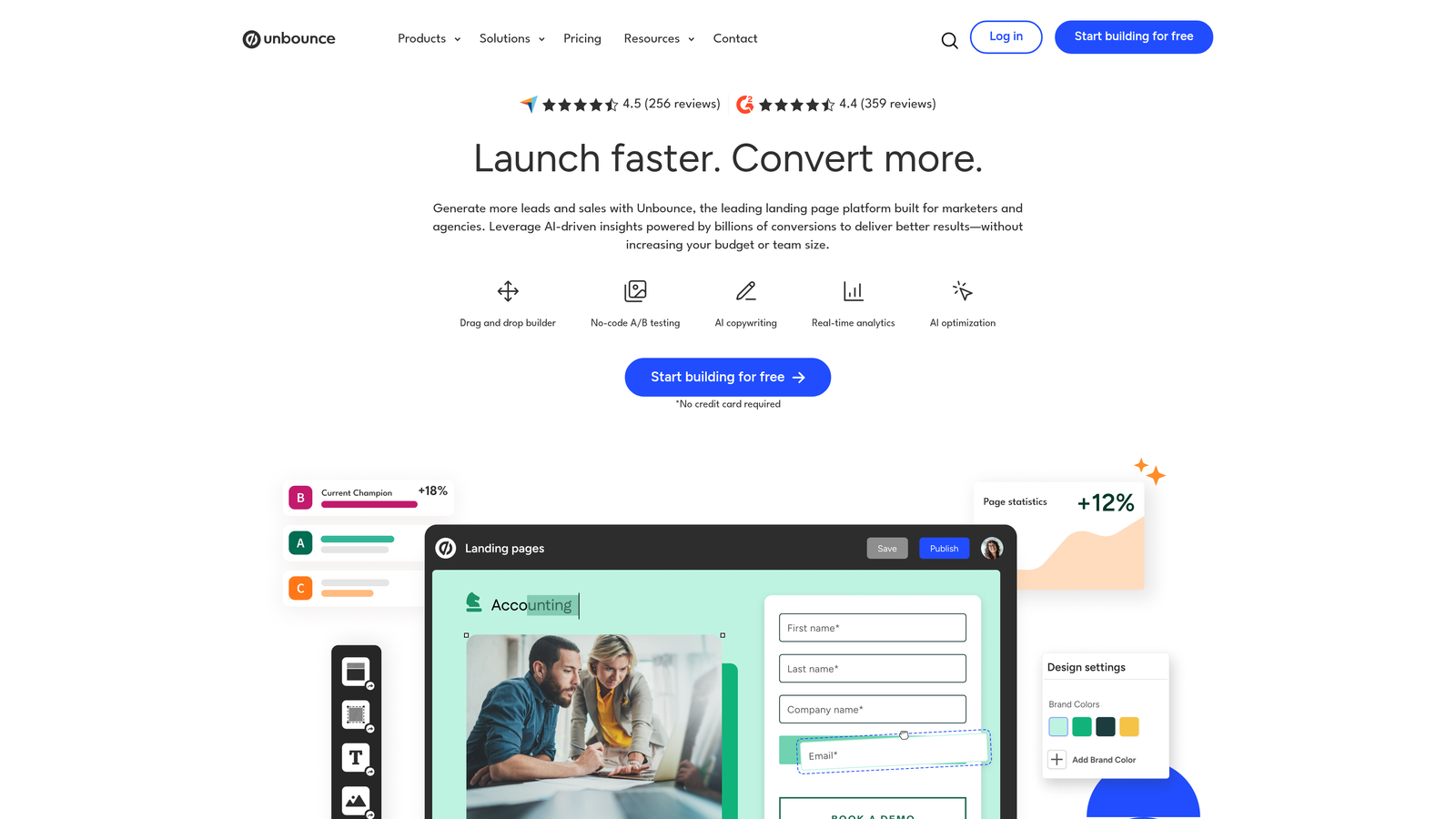
Unbounce Smart Builder is a landing page platform with AI-powered conversion optimization that treats forms as integrated components of the entire page experience.
Where This Tool Shines
The genius of Unbounce is that it doesn't treat forms as standalone elements—it optimizes the entire landing page ecosystem. The AI analyzes visitor behavior and automatically adjusts elements to maximize conversions, including form placement, button colors, and copy variations.
The Smart Traffic feature is particularly powerful for paid campaigns. It automatically routes visitors to the landing page variant most likely to convert them based on their attributes, essentially running continuous optimization without manual A/B test management.
Key Features
AI-Powered Optimization: Machine learning algorithms that continuously improve conversion rates across page elements.
Integrated Page and Form Builder: Design landing pages and forms together for cohesive experiences.
Built-In A/B Testing: Run conversion experiments without needing separate testing tools or technical setup.
Smart Traffic Routing: Automatically send visitors to the page variant most likely to convert them.
Dynamic Text Replacement: Personalize landing page copy based on ad keywords or UTM parameters.
Best For
Performance marketers running Google Ads or Facebook campaigns, agencies managing multiple client campaigns, and growth teams that need to squeeze maximum ROI from paid traffic investments.
Pricing
Build plan starts at $99/month with core features; higher tiers unlock Smart Traffic and additional conversion tools for serious optimization efforts.
4. Leadformly
Best for: B2B lead generation with multi-step forms designed specifically to maximize completion rates
Leadformly is a specialized lead generation form builder with conversion optimization principles baked into every template and design choice.

Where This Tool Shines
Leadformly takes a scientific approach to form design, applying behavioral psychology principles to reduce friction at every step. The multi-step format breaks complex forms into digestible sections, while progress indicators keep users motivated to complete the journey.
The partial submission capture feature is a game-changer for lead generation—even if users abandon the form halfway through, you capture the data they've already provided. This means you can follow up with partially qualified leads rather than losing them entirely, often recovering 20-30% of abandoning visitors.
Key Features
Multi-Step Form Design: Break long forms into manageable sections with clear progress indicators.
Conversion-Optimized Templates: Pre-built forms designed using proven psychological principles and best practices.
Lead Qualification Questions: Built-in question types specifically designed to qualify leads before they reach sales.
Partial Submission Capture: Save incomplete form data so you can follow up with abandoning prospects.
A/B Testing Capabilities: Test different form variations to identify what drives the highest completion rates.
Best For
B2B companies with complex qualification requirements, marketing teams focused specifically on lead generation metrics, and businesses that struggle with high form abandonment rates on lengthy qualification forms.
Pricing
Plans start at $37/month for up to 250 leads, scaling based on monthly lead volume with higher tiers offering advanced features and increased capacity.
5. Jotform
Best for: Teams needing versatile form solutions with an extensive template library and generous free tier
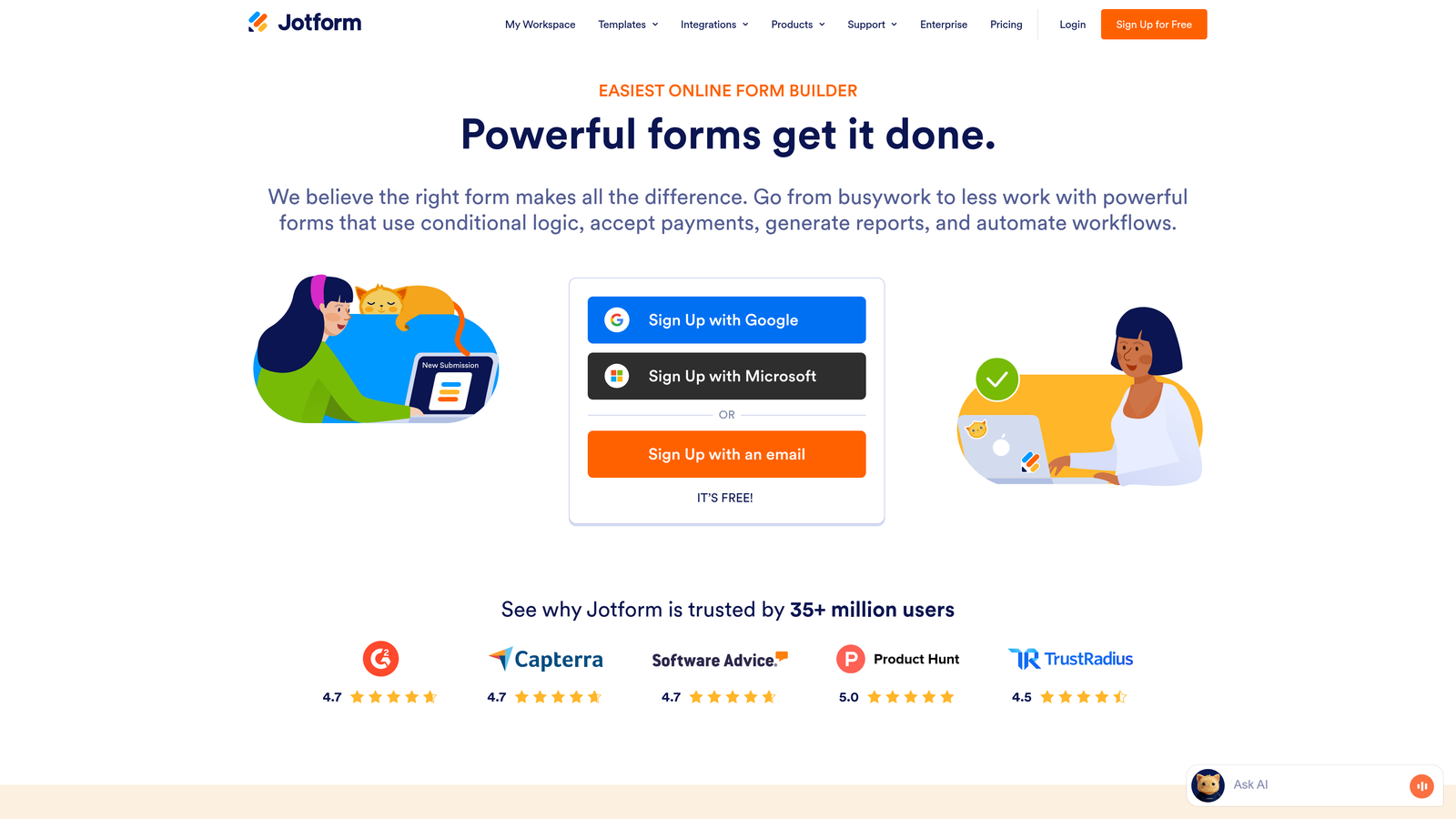
Jotform is a comprehensive form builder offering over 10,000 templates and powerful conditional logic features for virtually any use case.
Where This Tool Shines
The sheer versatility of Jotform is its superpower. Whether you need registration forms, payment forms, surveys, or complex application workflows, there's almost certainly a template that gets you 80% of the way there. The template library spans industries and use cases with impressive depth.
The free tier is remarkably generous compared to competitors—five forms with 100 monthly submissions is enough for many small businesses to operate indefinitely without upgrading. This makes it an excellent entry point for teams testing form optimization strategies before committing budget.
Key Features
Massive Template Library: Over 10,000 pre-built templates covering virtually every form type and industry.
Advanced Conditional Logic: Show or hide fields based on previous answers to create personalized experiences.
Payment Form Integration: Accept payments directly through forms via PayPal, Stripe, Square, and other processors.
PDF Form Generation: Automatically convert submissions into formatted PDF documents for records or printing.
Generous Free Tier: Five forms and 100 monthly submissions at no cost, with no credit card required.
Best For
Small businesses with diverse form needs, nonprofits operating on tight budgets, and teams that prioritize template variety and flexibility over specialized conversion optimization features.
Pricing
Free tier includes 5 forms and 100 submissions monthly; Bronze plan starts at $34/month for 25 forms and 1,000 submissions with expanded features.
6. HubSpot Forms
Best for: Companies already using HubSpot CRM who want seamless native integration and progressive profiling
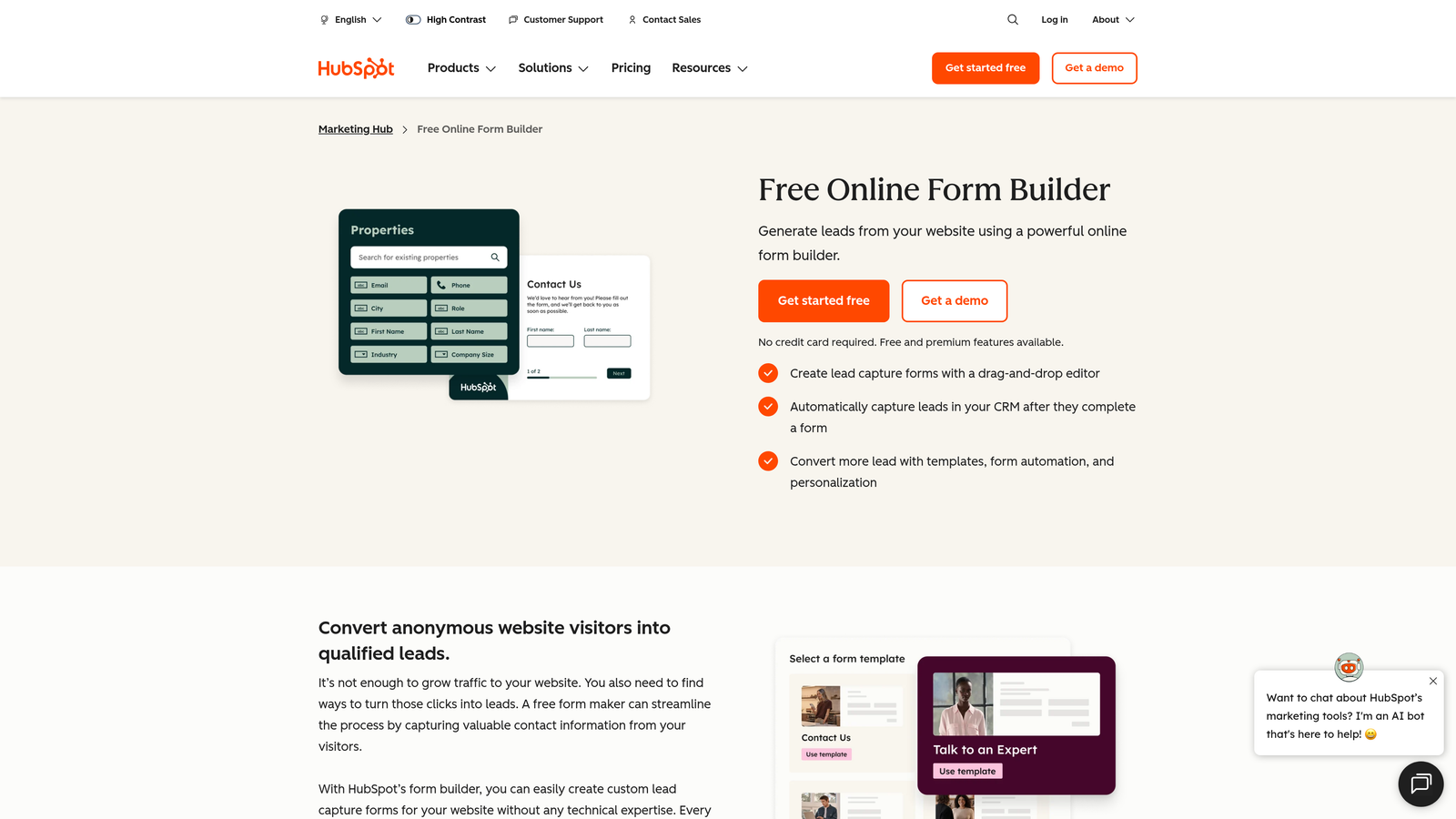
HubSpot Forms is the native form builder within the HubSpot ecosystem, offering deep CRM integration and intelligent progressive profiling capabilities.
Where This Tool Shines
If you're already in the HubSpot ecosystem, the native integration is unbeatable. Form submissions flow directly into contact records with perfect field mapping, triggering workflows and updating contact properties automatically without middleware or integration tools.
Progressive profiling is the standout conversion feature—the system remembers what information it already has about returning visitors and asks different questions each time. This means you can gather comprehensive data over multiple interactions without overwhelming users with lengthy forms on first contact.
Key Features
Progressive Profiling: Automatically show different questions to returning visitors to build complete profiles over time.
Native CRM Integration: Perfect data flow into HubSpot contacts with automatic property mapping and deduplication.
Smart Content Personalization: Display different form versions based on contact properties or lifecycle stage.
Follow-Up Email Automation: Trigger automated email sequences immediately upon form submission.
Contact Property Mapping: Map form fields directly to any HubSpot contact property for precise data organization.
Best For
Existing HubSpot users, B2B companies with complex lead nurturing workflows, and marketing teams that prioritize tight integration between forms and marketing automation over standalone form features.
Pricing
Free with HubSpot CRM including basic form features; advanced capabilities like progressive profiling require Marketing Hub starting at $45/month.
7. Formstack
Best for: Enterprise organizations requiring advanced workflow automation and compliance features like HIPAA
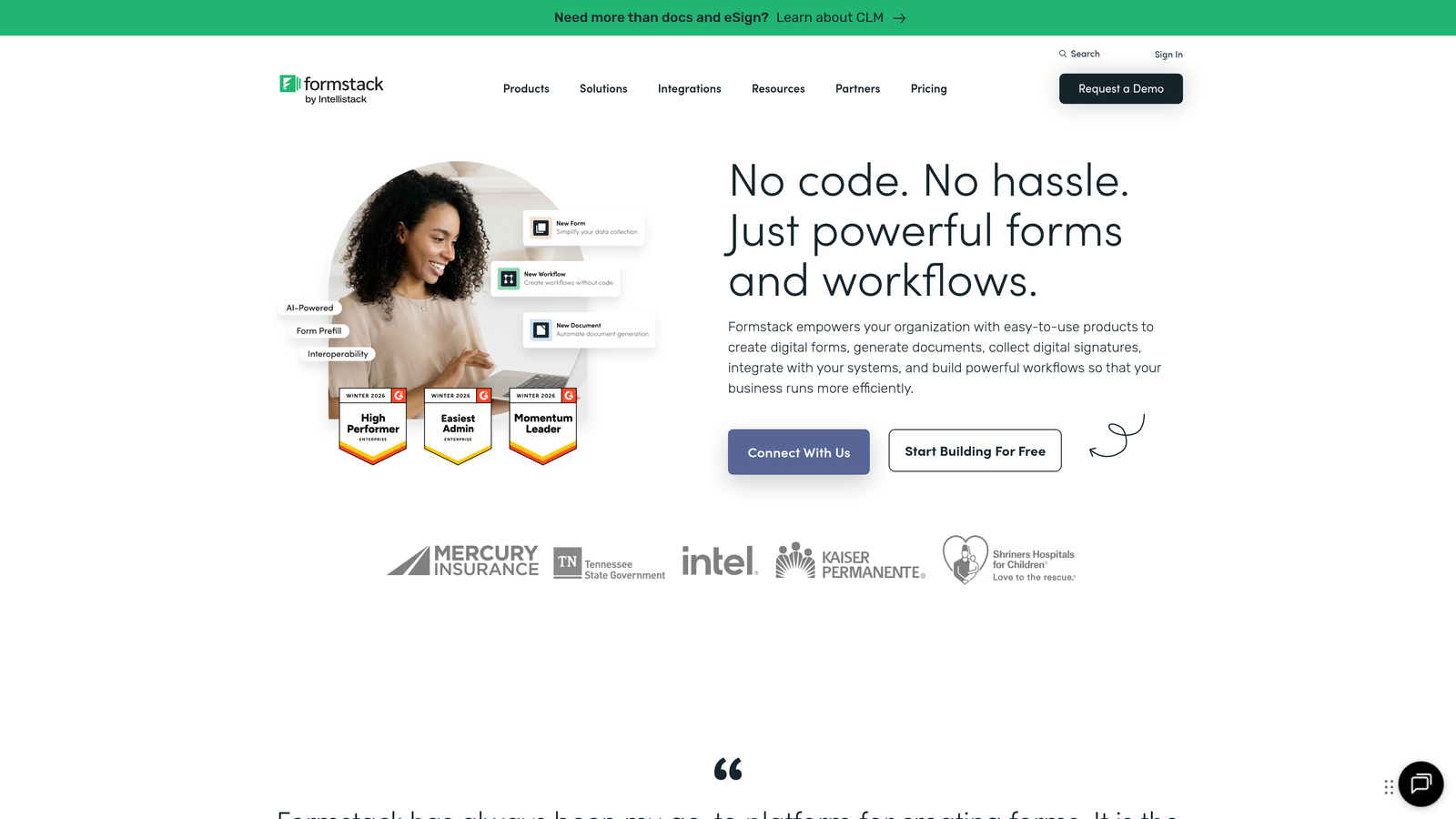
Formstack is an enterprise-grade form builder designed for organizations with complex workflow requirements and strict compliance needs.
Where This Tool Shines
Formstack excels in environments where forms are just the beginning of complex business processes. The workflow automation capabilities go far beyond simple email notifications—you can route submissions through approval chains, trigger document generation, update external databases, and orchestrate multi-step processes all from form submissions.
For healthcare, finance, and other regulated industries, the HIPAA compliance options are critical. Formstack provides the security infrastructure and documentation needed to collect sensitive information while meeting regulatory requirements, something most form builders can't offer.
Key Features
Advanced Workflow Automation: Build complex approval processes, routing rules, and multi-step workflows triggered by submissions.
Conditional Logic and Calculations: Create dynamic forms with field calculations and complex conditional display rules.
HIPAA Compliance Options: Secure form infrastructure with business associate agreements for healthcare data collection.
Electronic Signature Integration: Collect legally binding signatures directly within forms for contracts and agreements.
Offline Form Capability: Continue collecting data even when internet connectivity is unavailable, syncing when reconnected.
Best For
Healthcare organizations collecting patient information, financial services firms with compliance requirements, large enterprises with complex approval workflows, and government agencies needing secure data collection.
Pricing
Starter plan at $50/month for basic features; Professional plan at $83/month unlocks workflow automation and advanced capabilities essential for enterprise use.
8. Paperform
Best for: Creating branded, content-rich form experiences that blend information and data collection seamlessly
Paperform is a unique document-style form builder that treats forms as rich content experiences rather than simple data collection tools.
Where This Tool Shines
Paperform's document-based approach is genuinely different. Instead of dragging fields into a form builder, you write content naturally and insert form fields inline—like adding a form to a blog post or landing page. This creates experiences that feel more like interactive content than traditional forms.
The built-in payment processing is remarkably smooth, making it ideal for order forms, event registrations, and service bookings. You can accept payments from multiple processors without leaving the platform or dealing with complex integration setup.
Key Features
Content-Form Hybrid Design: Blend rich text, images, and form fields in a natural document-style layout.
Built-In Payment Processing: Accept payments through Stripe, PayPal, Square, and Braintree without external integrations.
Custom Branding Options: Full control over colors, fonts, logos, and styling to match your brand identity.
Conditional Logic: Show or hide sections based on answers to create personalized form journeys.
Appointment Scheduling: Integrated booking functionality for service-based businesses and consultations.
Best For
Creative agencies and consultants wanting branded experiences, e-commerce businesses selling products through forms, event organizers collecting registrations with payments, and service providers booking appointments with deposits.
Pricing
Essentials plan at $24/month includes unlimited forms and submissions; Pro plan at $49/month adds advanced features and removes Paperform branding.
9. Gravity Forms
Best for: WordPress sites needing powerful native form functionality with extensive add-on ecosystem
Gravity Forms is a WordPress-native form plugin offering deep platform integration and a one-time annual licensing model.
Where This Tool Shines
For WordPress sites, Gravity Forms is the gold standard. The integration goes far beyond embedding forms—it hooks into WordPress user management, post creation, custom post types, and theme functionality in ways external form builders simply can't match.
The add-on ecosystem is massive, with official and third-party extensions covering everything from payment processing to CRM integration to advanced conditional logic. This extensibility means you can start simple and add sophisticated features as your needs grow without switching platforms.
Key Features
Deep WordPress Integration: Native connection to WordPress users, posts, custom fields, and theme functionality.
Extensive Add-On Library: Hundreds of official and third-party extensions for payments, CRMs, email marketing, and more.
Conditional Logic: Show or hide fields, sections, or entire pages based on user selections and conditions.
Multi-Page Forms: Break complex forms into multiple pages with progress indicators and save-and-continue functionality.
User Registration Forms: Create WordPress user accounts directly from form submissions with role assignment.
Best For
WordPress site owners, developers building custom solutions for clients, membership sites with user registration needs, and organizations wanting to keep form data within their WordPress database rather than external platforms.
Pricing
One-time annual license starting at $59/year for Basic (one site), with higher tiers offering more sites and advanced add-ons—no monthly recurring fees.
Making the Right Choice
Your ideal conversion-optimized form software depends heavily on your specific use case and existing tech stack. If AI-powered lead qualification is your priority and you want to automatically filter prospects before they reach your sales team, Orbit AI delivers exactly that capability with a modern interface your team will actually enjoy using. For creating conversational experiences that feel more like dialogue than data collection, Typeform's one-question-at-a-time approach consistently reduces abandonment rates.
Running paid campaigns where landing pages and forms need to work together seamlessly? Unbounce Smart Builder optimizes the entire page experience, not just the form in isolation. WordPress site owners should seriously consider Gravity Forms for its unmatched native integration and one-time pricing model that makes long-term costs predictable.
Budget-conscious teams or those just starting to optimize forms will appreciate Jotform's generous free tier and massive template library. The key is matching features to your specific conversion goals—whether that's qualifying leads more effectively, reducing abandonment, or integrating deeply with your existing CRM and marketing automation.
The best way to know which tool truly fits your workflow is hands-on testing. Most of these platforms offer free trials or free tiers that let you build actual forms and measure real conversion improvements. Transform your lead generation with AI-powered forms that qualify prospects automatically while delivering the modern, conversion-optimized experience your high-growth team needs. Start building free forms today and see how intelligent form design can elevate your conversion strategy.


