

Your forms are either converting visitors into leads or watching them bounce. The difference often comes down to the tools you use. Modern CRO form tools go beyond basic field builders—they use AI to qualify leads in real-time, adapt questions based on user behavior, and integrate seamlessly with your sales stack. Whether you're optimizing a simple contact form or building complex multi-step qualification flows, the right tool can dramatically impact your pipeline quality.
We've tested and evaluated the top form optimization tools available today, focusing on conversion features, ease of use, analytics capabilities, and value for high-growth teams. Here are the tools that stand out in 2026.
1. Orbit AI
Best for: High-growth teams prioritizing AI-driven lead qualification and pipeline quality
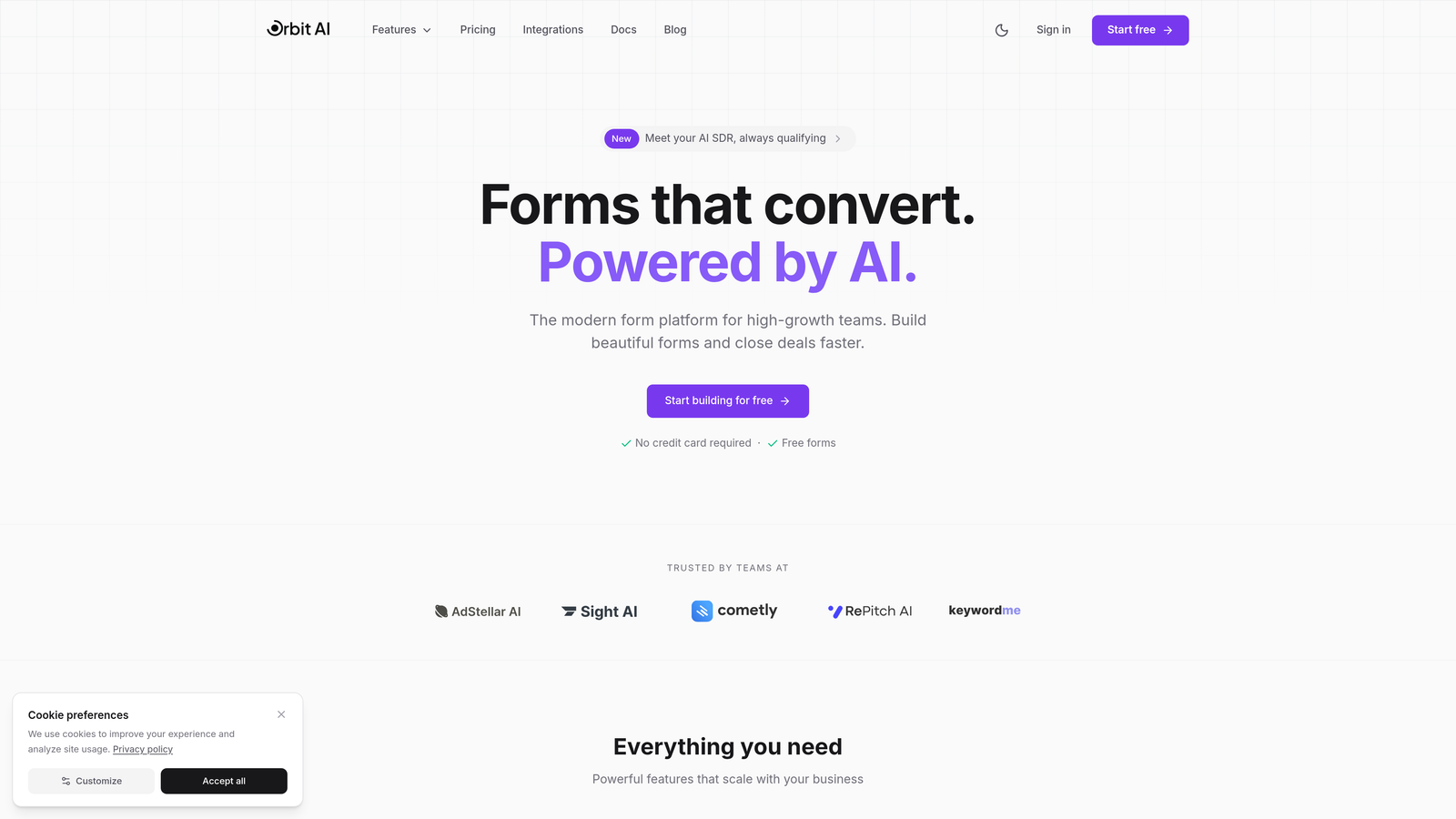
Orbit AI is an AI-powered form builder platform designed specifically for teams that need more than just lead capture—they need intelligent qualification built directly into the form experience.
Where This Tool Shines
What sets Orbit AI apart is its ability to score and route leads automatically while users are still completing the form. Instead of collecting data and qualifying later, the AI evaluates responses in real-time, ensuring your sales team focuses on high-intent prospects immediately.
The platform combines sophisticated conditional logic with modern, mobile-optimized designs that don't sacrifice aesthetics for functionality. Forms adapt based on user responses, creating personalized experiences that feel conversational rather than interrogative.
Key Features
AI-Powered Lead Qualification: Automatically scores and routes leads based on responses, intent signals, and behavioral patterns.
Smart Conditional Logic: Forms adapt dynamically based on user inputs, showing relevant questions and hiding unnecessary fields.
Native Integrations: Connects seamlessly with Salesforce, HubSpot, Slack, and 15+ tools in your sales stack.
Real-Time Conversion Analytics: Actionable insights show exactly where users drop off and which fields cause friction.
Modern Form Designs: Mobile-optimized templates that maintain brand consistency while maximizing completion rates.
Best For
Orbit AI is ideal for B2B companies, SaaS teams, and agencies where lead quality matters more than lead quantity. If you're tired of sales teams wasting time on unqualified prospects, or if your current forms generate high volume but low conversion to opportunities, this platform addresses those pain points directly.
Pricing
Free tier available for teams getting started. Paid plans start at competitive rates designed for growing teams that need advanced qualification capabilities without enterprise-level complexity.
2. Typeform
Best for: Creating engaging, conversational form experiences that boost completion rates
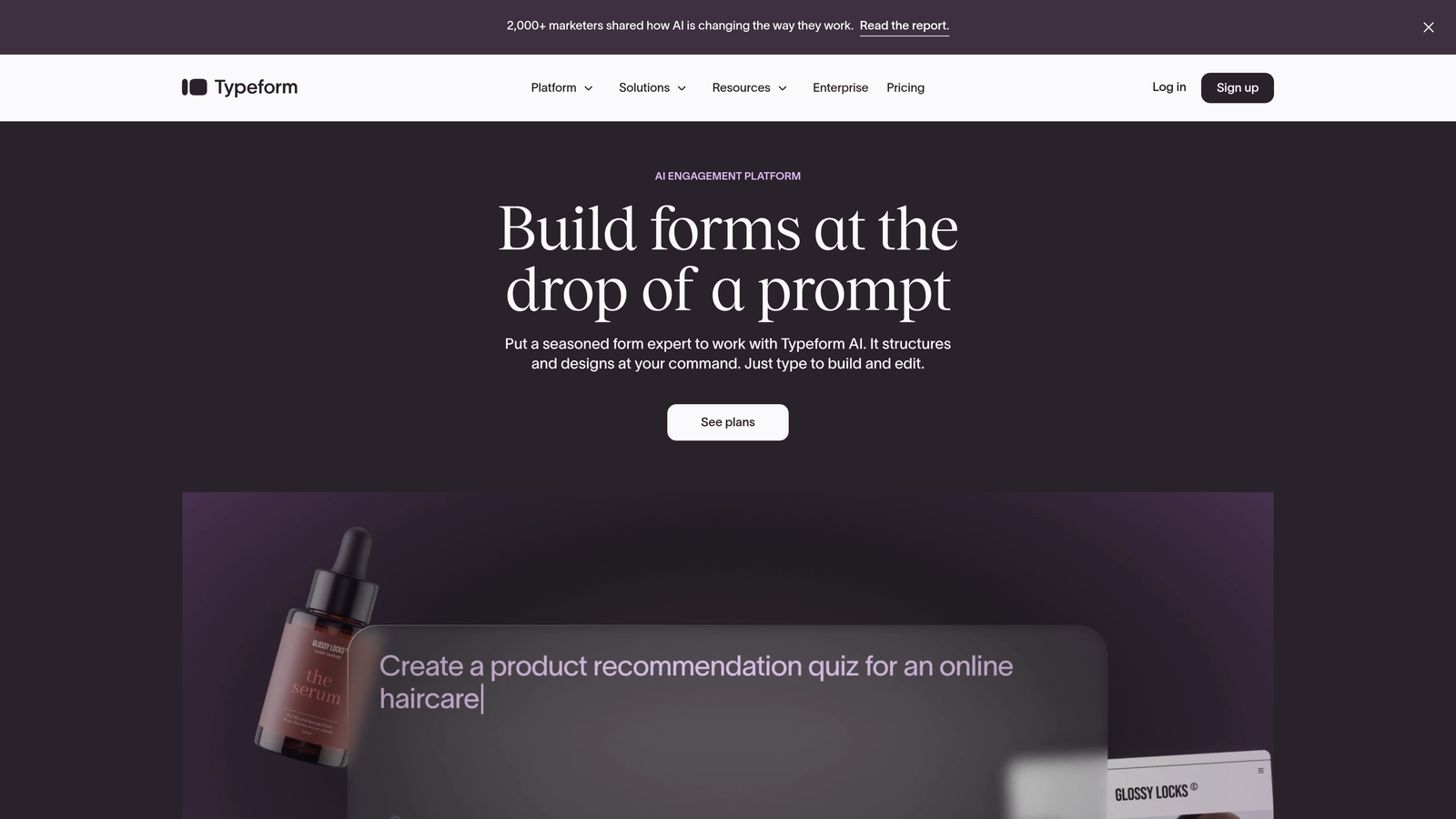
Typeform pioneered the one-question-at-a-time approach that makes forms feel more like conversations than interrogations.
Where This Tool Shines
Typeform's signature interface reduces cognitive load by presenting a single question at a time. This approach has consistently shown higher completion rates compared to traditional multi-field forms, especially for longer surveys or detailed qualification flows.
The platform excels at creating visually appealing experiences with embedded images, videos, and GIFs. If your brand values design and user experience, Typeform delivers forms that feel native to modern websites rather than bolted-on afterthoughts.
Key Features
Conversational Interface: One-question-at-a-time design that feels natural and reduces form abandonment.
Logic Jumps: Branch questions based on previous answers to create personalized pathways through your form.
Rich Media Embedding: Add videos, images, and GIFs directly within questions to increase engagement.
Integration Marketplace: Connect with hundreds of tools including CRMs, email platforms, and analytics services.
Mobile-First Design: Forms automatically adapt to any screen size with smooth animations and transitions.
Best For
Typeform works best for teams prioritizing user experience and engagement over pure lead qualification. It's particularly effective for customer feedback, event registrations, and lead generation where brand perception matters as much as conversion rate.
Pricing
Free plan available with basic features. The Basic plan starts at $25/month, with more advanced logic and integrations available in higher tiers.
3. Unbounce Smart Builder
Best for: PPC campaigns requiring integrated landing pages and form optimization
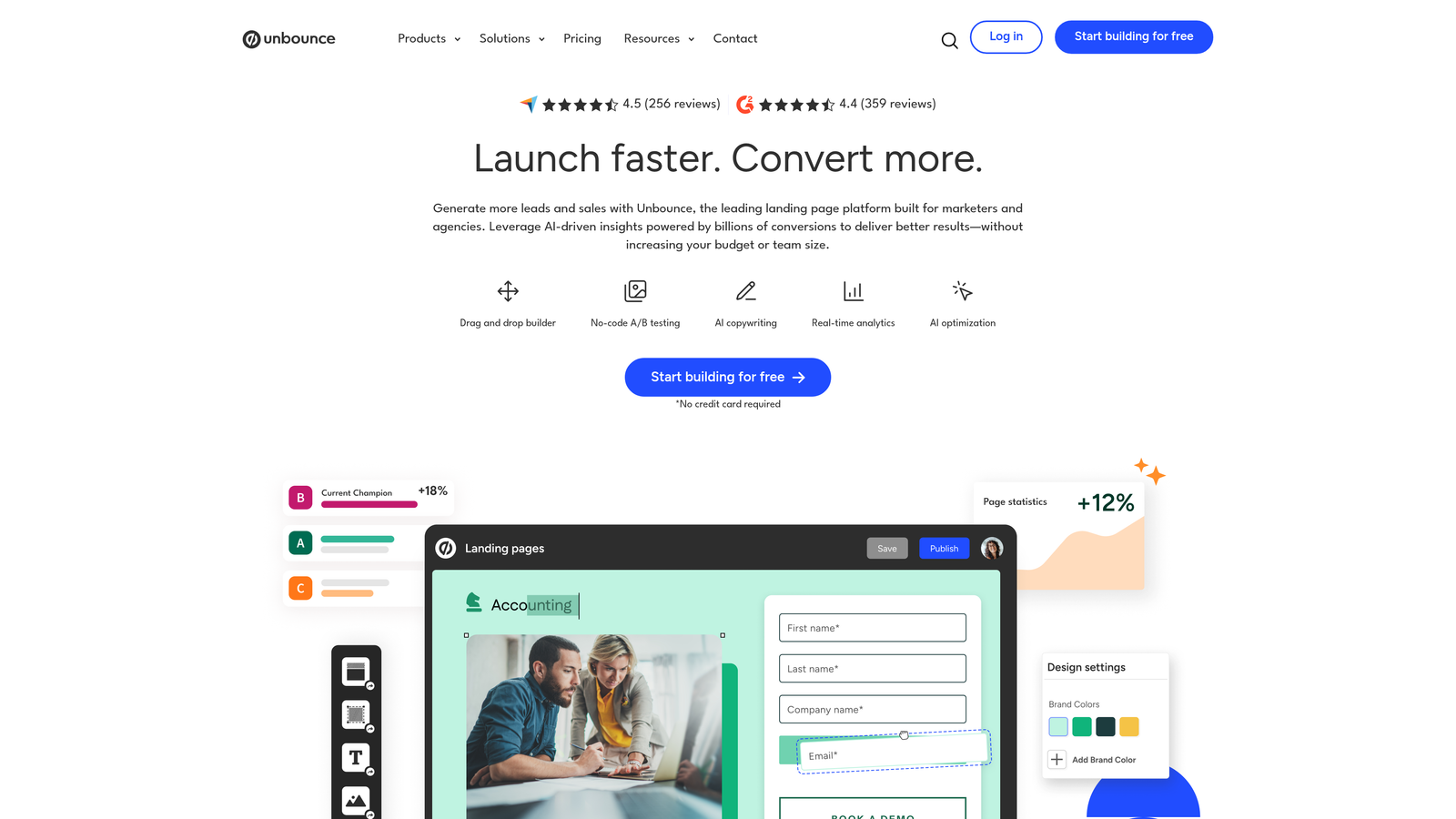
Unbounce Smart Builder combines landing page creation with built-in form optimization, using AI to automatically route traffic to your best-performing variants.
Where This Tool Shines
The Smart Traffic feature uses machine learning to send each visitor to the landing page variant most likely to convert them based on their attributes. This goes beyond traditional A/B testing by personalizing at an individual level rather than splitting traffic evenly.
For teams running paid advertising campaigns, the dynamic text replacement feature automatically customizes form headlines and copy based on the search terms or ad copy that brought visitors to the page. This continuity significantly improves conversion rates from PPC traffic.
Key Features
AI-Powered Smart Traffic: Automatically routes visitors to the page variant most likely to convert them based on behavioral signals.
Built-In A/B Testing: Test multiple form designs, layouts, and copy variations without external tools.
Conversion Analytics Dashboard: Detailed insights into form performance, field-level analytics, and visitor behavior.
Dynamic Text Replacement: Automatically customize form content based on PPC keywords and ad campaigns.
Sticky Bars and Pop-Ups: Additional conversion tools beyond standard embedded forms.
Best For
Unbounce is ideal for marketing teams running significant paid advertising budgets who need landing pages and forms in a single platform. The AI optimization features deliver the most value when you have consistent traffic volume to test against.
Pricing
Plans start at $99/month for the Launch tier, with higher tiers offering more conversions, domains, and advanced features like Smart Traffic.
4. Leadformly
Best for: Multi-step lead generation forms with built-in qualification scoring
Leadformly specializes in multi-step forms designed specifically for lead generation, with templates built on conversion best practices and behavioral research.
Where This Tool Shines
Leadformly's templates are based on extensive testing of what actually drives conversions in lead gen scenarios. The platform guides you toward proven patterns—like starting with easy questions, showing progress indicators, and strategically placing qualifying questions—rather than leaving these decisions to guesswork.
The built-in lead scoring assigns values to different responses, allowing you to prioritize follow-up based on prospect quality rather than submission time. This is particularly valuable for teams that receive high form volumes but lack sophisticated CRM scoring.
Key Features
Conversion-Optimized Templates: Pre-built multi-step forms based on lead generation best practices and testing.
Built-In Lead Scoring: Automatically score prospects based on their responses to qualification questions.
Conditional Logic: Show or hide questions based on previous answers to create personalized flows.
Field Validation: Ensure data quality with real-time validation for emails, phone numbers, and custom formats.
CRM Integrations: Connect directly to major CRMs and marketing automation platforms for seamless data flow.
Best For
Leadformly works well for B2B companies and agencies focused exclusively on lead generation. If you're not building surveys or collecting payments—just generating and qualifying leads—this specialized focus delivers value without unnecessary features.
Pricing
Plans start at $37/month for the Starter tier, with higher plans offering more forms, submissions, and advanced features.
5. Jotform
Best for: Teams needing versatile forms across multiple use cases and industries
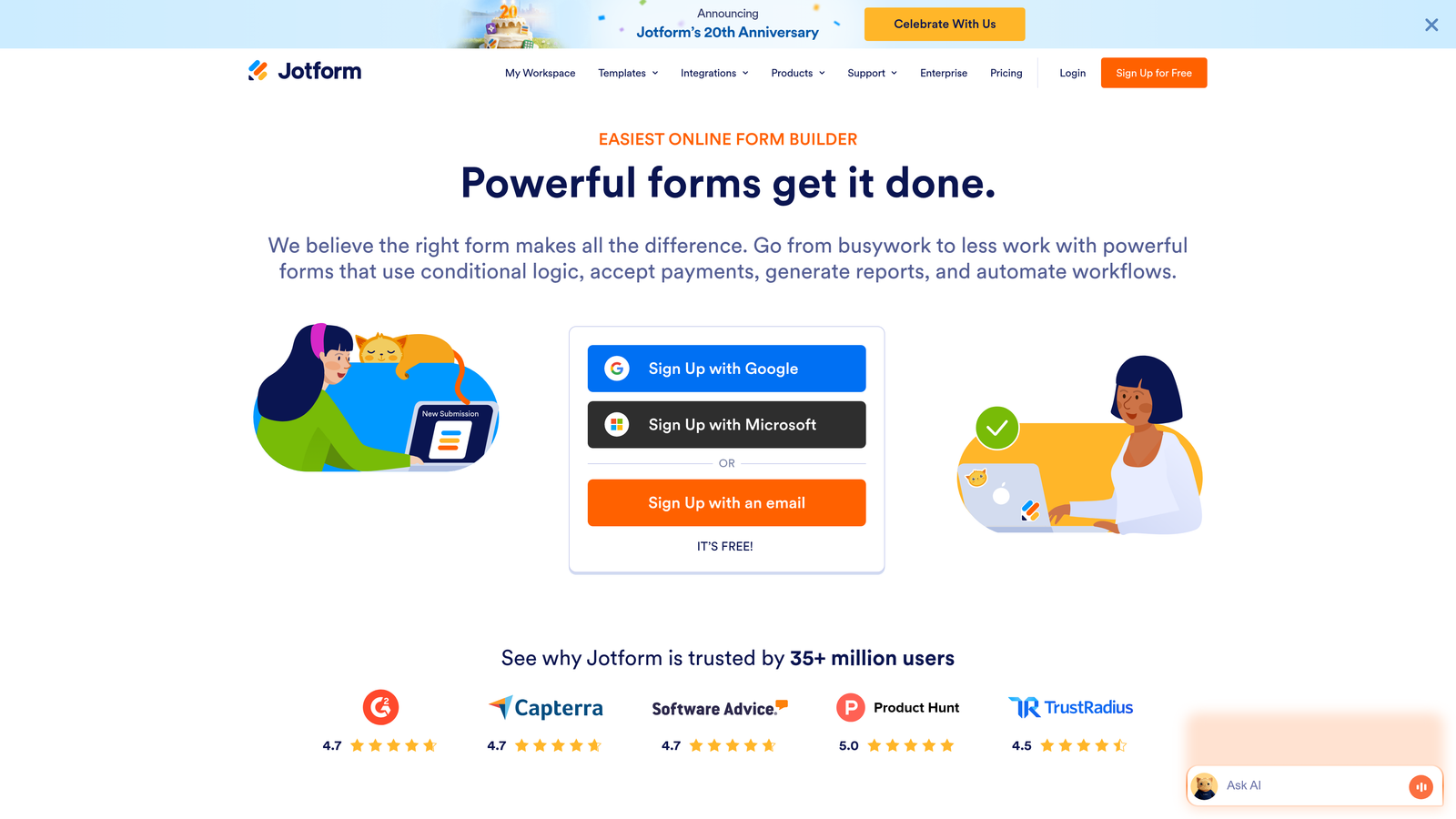
Jotform offers one of the most extensive template libraries available, with over 10,000 pre-built forms covering virtually every industry and use case.
Where This Tool Shines
Jotform's strength lies in its versatility. Whether you need a simple contact form, complex order form with calculations, registration form with payment processing, or survey with conditional logic, there's likely a template that gets you 80% of the way there.
The platform handles conditional logic and calculations particularly well, making it suitable for forms that need to compute totals, show pricing based on selections, or create complex branching paths. The mobile app also allows you to manage submissions and forms on the go.
Key Features
10,000+ Templates: Pre-built forms for every industry, from healthcare intake to event registration to job applications.
Conditional Logic: Create sophisticated branching and show/hide rules based on user responses.
Calculation Fields: Build forms that automatically calculate totals, pricing, or custom formulas.
Payment Integrations: Accept payments directly through forms via PayPal, Stripe, Square, and other processors.
Mobile Management App: Review submissions, edit forms, and manage data from iOS or Android devices.
Best For
Jotform suits organizations that need forms for multiple purposes—not just lead generation. Educational institutions, healthcare providers, and service businesses often benefit from the template variety and payment processing capabilities.
Pricing
Free plan available with basic features. The Bronze plan starts at $34/month, with higher tiers offering more submissions and advanced features.
6. HubSpot Forms
Best for: Existing HubSpot users needing native CRM integration and progressive profiling
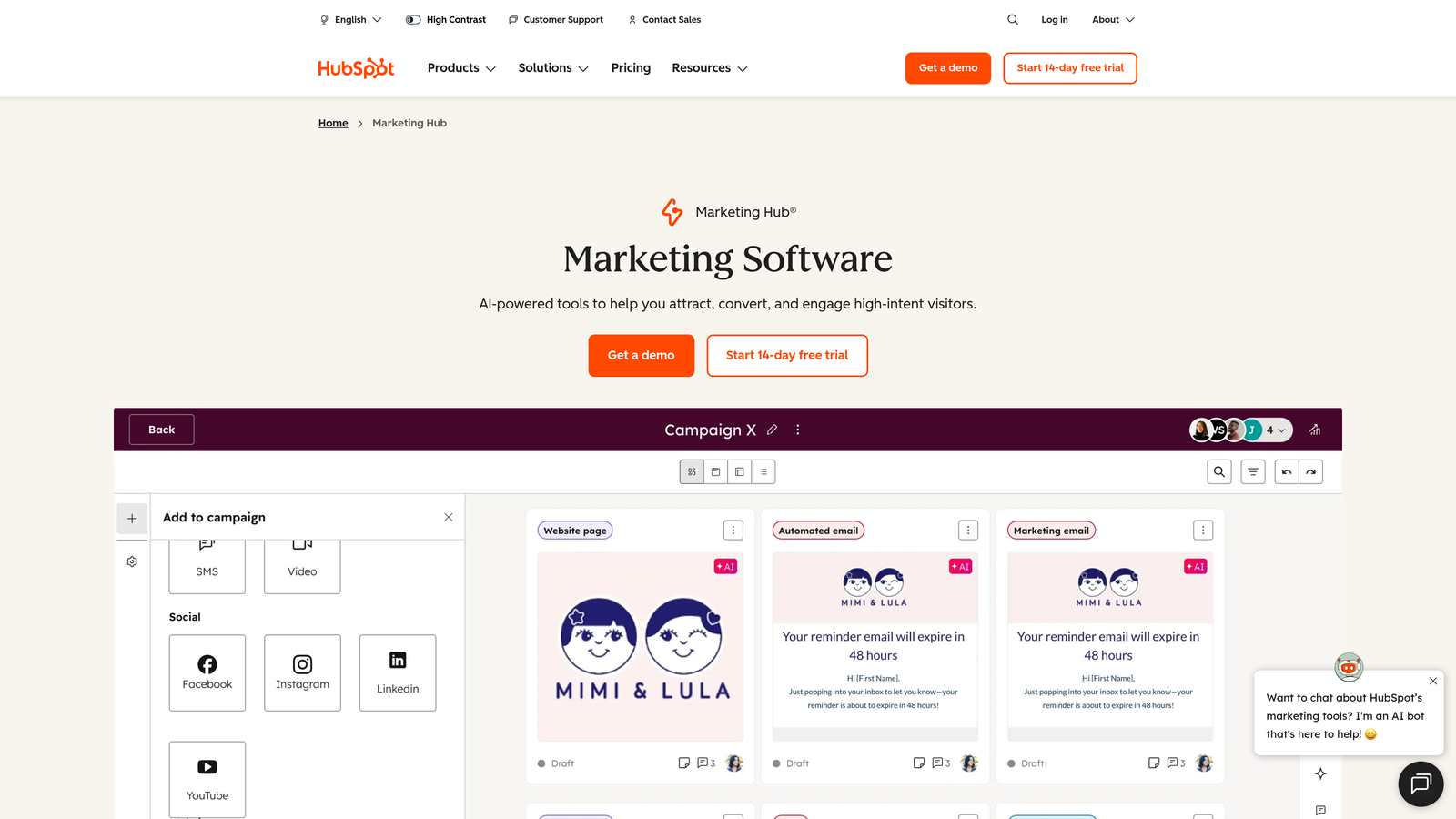
HubSpot Forms is the native form builder within HubSpot's marketing platform, offering seamless integration with the HubSpot CRM and marketing automation tools.
Where This Tool Shines
Progressive profiling is HubSpot Forms' standout feature. Instead of asking known contacts the same questions repeatedly, the forms automatically replace already-collected fields with new questions. This allows you to gather deeper information over time without creating friction for returning visitors.
The native CRM integration means every form submission automatically creates or updates contact records, triggers workflows, and attributes conversions to the correct marketing touchpoints. If you're already in the HubSpot ecosystem, this eliminates the integration headaches common with third-party form tools.
Key Features
Progressive Profiling: Automatically show different questions to known contacts to gather data incrementally.
Native CRM Integration: Form submissions instantly sync with contact records and trigger automated workflows.
Smart Fields: Pre-populate fields for known visitors and adapt questions based on contact properties.
Embedded Analytics: Track form performance, conversion rates, and attribution within the HubSpot platform.
GDPR Compliance Tools: Built-in consent management and data privacy features for European markets.
Best For
HubSpot Forms makes the most sense if you're already using HubSpot CRM or Marketing Hub. The value comes from the ecosystem integration rather than standalone form features, so teams outside the HubSpot world should consider other options.
Pricing
Free with HubSpot CRM. Advanced features like progressive profiling and automation require paid Marketing Hub subscriptions starting at $45/month.
7. Formstack
Best for: Enterprise teams requiring advanced compliance, security, and workflow automation
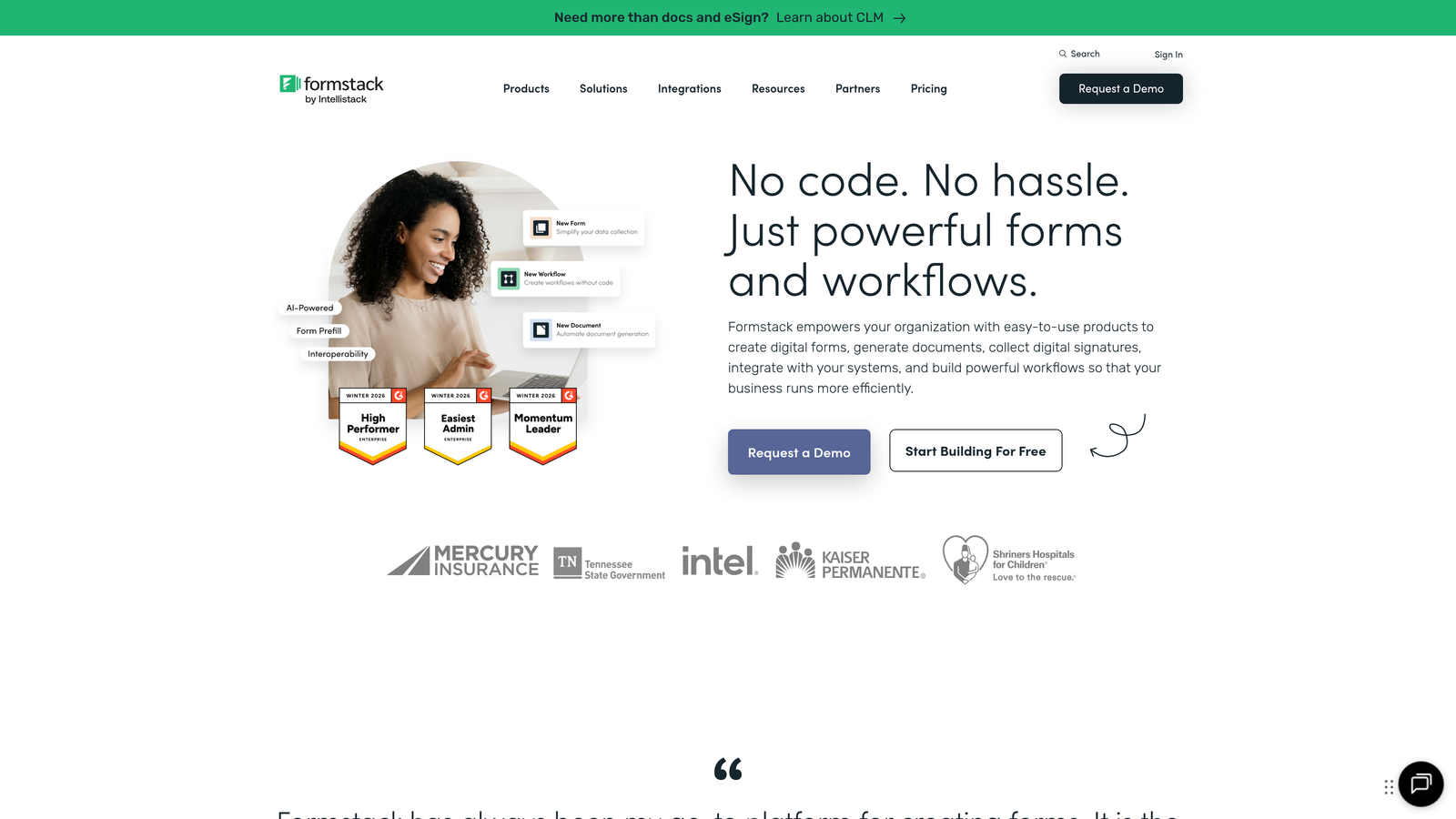
Formstack is an enterprise-grade form platform with robust security features, compliance certifications, and sophisticated workflow automation capabilities.
Where This Tool Shines
Formstack's compliance features set it apart for regulated industries. The platform offers HIPAA compliance, making it suitable for healthcare organizations collecting patient information. Combined with advanced encryption, audit logs, and role-based access controls, it meets enterprise security requirements that many competitors can't match.
The workflow automation goes beyond simple email notifications. You can create approval processes, route submissions to different teams based on responses, generate PDF documents from form data, and trigger complex multi-step workflows—all without writing code.
Key Features
Advanced Conditional Logic: Create complex branching, calculations, and field dependencies for sophisticated forms.
HIPAA Compliance: Meet healthcare data security requirements with encrypted storage and signed Business Associate Agreements.
Workflow Automation: Build approval processes, routing rules, and multi-step workflows triggered by form submissions.
Document Generation: Automatically create PDFs, contracts, or reports populated with form data.
Enterprise Security: SSO, role-based permissions, audit logs, and advanced encryption for sensitive data.
Best For
Formstack is ideal for healthcare providers, financial services, government agencies, and other organizations handling sensitive data or requiring compliance certifications. The enterprise features justify the higher price point when security and compliance are non-negotiable.
Pricing
Plans start at $50/month for the Starter tier, with Enterprise plans offering custom pricing for advanced security and compliance features.
8. Paperform
Best for: Creating branded, content-rich form experiences that feel like landing pages
Paperform takes a unique approach by treating forms as content experiences rather than simple data collection tools, allowing you to build page-like layouts with rich formatting.
Where This Tool Shines
Paperform lets you mix form fields with formatted text, images, videos, and custom HTML to create experiences that feel more like interactive landing pages than traditional forms. This is particularly valuable when you need to provide context, explain complex offerings, or maintain strong brand consistency.
The built-in payment processing and scheduling features make it a strong choice for service businesses. You can create booking forms that accept payments, check availability, and send confirmations—all within a single, beautifully designed form experience.
Key Features
Content-Rich Design: Add formatted text, images, videos, and custom styling to create page-like form experiences.
Built-In Payments: Accept payments via Stripe, PayPal, or Square directly within your forms.
Scheduling and Bookings: Create appointment booking forms with calendar integration and availability checking.
Custom Branding: Full control over colors, fonts, and styling to match your brand identity.
Calculation Fields: Build quote calculators, order forms, and pricing tools with custom formulas.
Best For
Paperform works well for consultants, coaches, event organizers, and creative agencies that need forms to reflect their brand aesthetic. If design and user experience are as important as functionality, this platform delivers both.
Pricing
The Essentials plan starts at $24/month, with higher tiers offering more submissions, advanced features, and priority support.
9. Gravity Forms
Best for: WordPress sites needing deep integration and one-time pricing
Gravity Forms is a WordPress-native form plugin that offers extensive functionality through its core product and add-on ecosystem, with an annual license model rather than monthly subscriptions.
Where This Tool Shines
For WordPress-heavy organizations, Gravity Forms provides the deepest possible integration with the WordPress ecosystem. It works seamlessly with WordPress user roles, custom post types, and the vast plugin ecosystem, making it possible to build sophisticated workflows entirely within WordPress.
The one-time annual pricing model is refreshing in a market dominated by monthly SaaS subscriptions. For agencies managing multiple client sites or organizations with budget constraints, this pricing structure can deliver significant savings over time.
Key Features
Deep WordPress Integration: Native support for WordPress users, post types, custom fields, and theme compatibility.
Extensive Add-On Ecosystem: Connect with CRMs, payment processors, email services, and hundreds of WordPress plugins.
Conditional Logic: Show or hide fields, pages, and entire sections based on user responses.
Multi-Page Forms: Break long forms into multiple pages with progress indicators and save-and-continue functionality.
Developer-Friendly: Extensive hooks, filters, and documentation for custom development and advanced use cases.
Best For
Gravity Forms is ideal for WordPress-focused agencies, developers, and organizations that need forms deeply integrated with WordPress functionality. If your entire web presence lives in WordPress, this native solution often outperforms external form builders.
Pricing
Basic license starts at $59/year for a single site, with higher tiers offering more sites and advanced add-ons. The annual renewal model provides ongoing updates and support.
Making the Right Choice
The best form optimization tool depends on your specific conversion goals and existing tech stack. If you're prioritizing AI-driven lead qualification and pipeline quality, Orbit AI delivers the most advanced capabilities for identifying high-intent prospects before they reach your sales team. Teams focused on conversational design and engagement will find Typeform's one-question-at-a-time approach drives higher completion rates.
For existing HubSpot users, HubSpot Forms makes sense purely from an integration standpoint—the progressive profiling and native CRM sync eliminate data silos. WordPress-heavy teams on tighter budgets should consider Gravity Forms' one-time annual pricing. Enterprise organizations handling sensitive data need Formstack's compliance certifications and security features.
Start by identifying your biggest conversion bottleneck. Is it form abandonment? Poor lead quality reaching sales? Integration complexity creating data gaps? Or mobile users bouncing from poorly optimized forms? Your primary pain point should guide your tool selection.
Most platforms offer free trials or freemium tiers. Test your top two choices with real traffic before committing. Deploy both options on similar pages, run them for at least two weeks to gather meaningful data, and compare not just conversion rates but lead quality and downstream metrics like opportunity creation and closed deals.
The form optimization landscape continues evolving rapidly, with AI-powered features becoming table stakes rather than differentiators. The tools that will deliver the most value in 2026 and beyond are those that go beyond simple lead capture to provide intelligent qualification, seamless integration with your sales process, and actionable insights that drive continuous improvement.
Transform your lead generation with AI-powered forms that qualify prospects automatically while delivering the modern, conversion-optimized experience your high-growth team needs. Start building free forms today and see how intelligent form design can elevate your conversion strategy.


