

For SaaS companies, forms are more than data collection tools—they're the gateway to your pipeline. Whether you're capturing trial signups, qualifying enterprise leads, or gathering product feedback, the right custom form builder can dramatically impact your conversion rates and lead quality.
But with dozens of options available, finding one that fits SaaS-specific needs can be overwhelming. You need integrations with your CRM, conditional logic for qualification, and branding that matches your product—not just another generic form tool.
We've evaluated the top custom form builders based on SaaS-relevant criteria: integration depth, customization flexibility, lead qualification capabilities, and pricing that scales with growth. Here are the nine best options for 2026.
1. Orbit AI
Best for: High-growth SaaS teams needing AI-powered lead qualification and conversion optimization
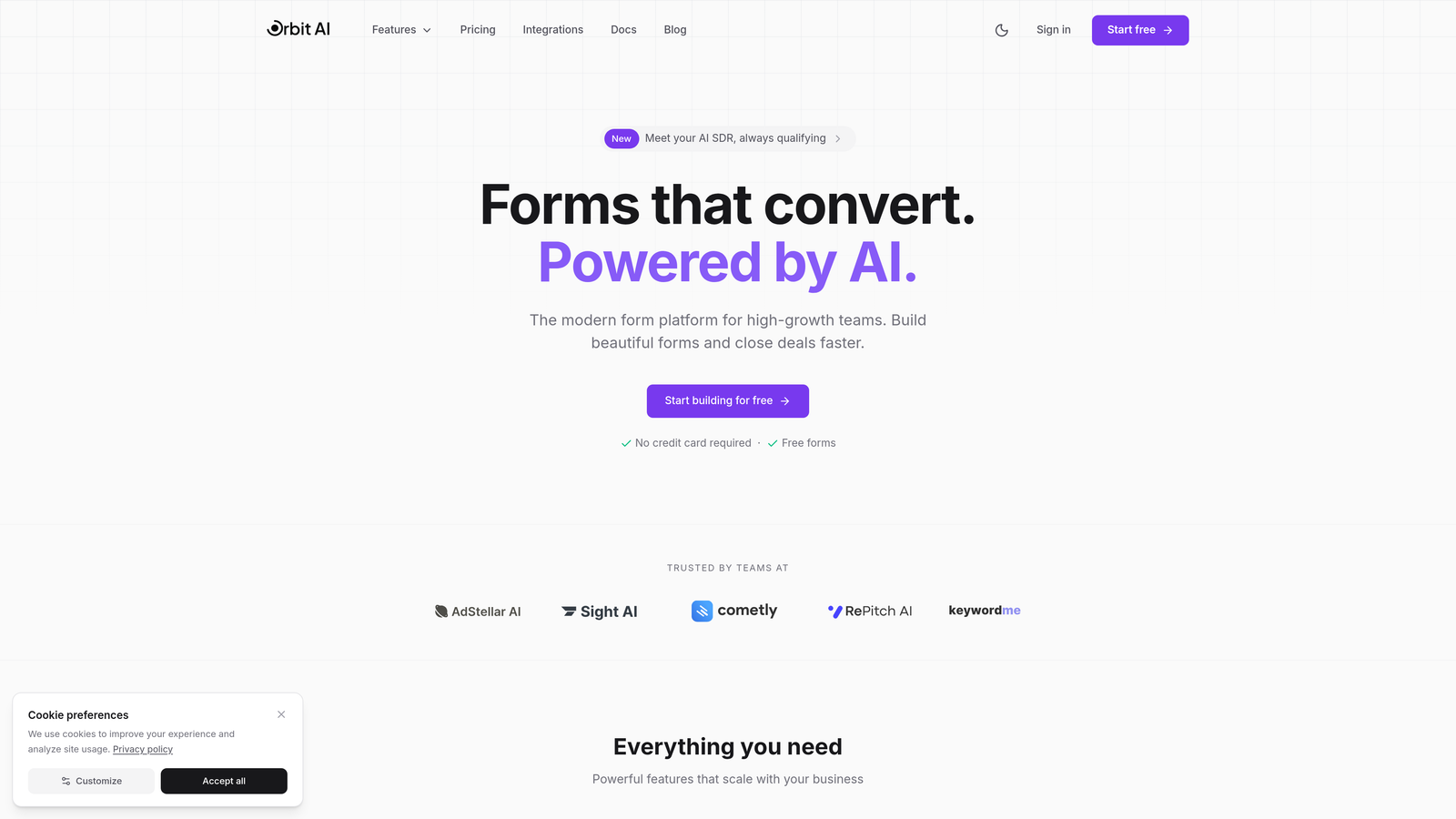
Orbit AI is an AI-powered form builder platform designed specifically for high-growth SaaS teams that need more than basic data collection.
Where This Tool Shines
What sets Orbit AI apart is its intelligent lead qualification system that automatically scores and routes prospects based on their responses. Instead of manually reviewing every form submission, your sales team gets pre-qualified leads with context about their fit and intent.
The platform focuses on conversion optimization through modern, clean design templates that actually look like they belong in a modern SaaS product. No clunky forms that scream "generic survey builder"—just professional interfaces that match your brand.
Key Features
AI-Powered Lead Qualification: Automatically scores leads based on responses and routes them to the right team members.
Conversion-Optimized Templates: Pre-built form designs tested for maximum completion rates in SaaS contexts.
Native CRM Integrations: Direct connections to HubSpot, Salesforce, Slack, and other essential SaaS tools without middleware.
Advanced Conditional Logic: Create sophisticated branching paths that adapt based on user responses.
Real-Time Analytics: Track form performance, drop-off points, and conversion metrics with detailed dashboards.
Best For
Orbit AI works best for B2B SaaS companies with sales teams that need to prioritize high-intent leads. If you're tired of sifting through unqualified form submissions and want AI to do the heavy lifting, this is built for you.
Pricing
Free tier available to get started; paid plans scale with usage as your form submission volume grows.
2. Typeform
Best for: Creating engaging, brand-aligned conversational experiences that feel like conversations
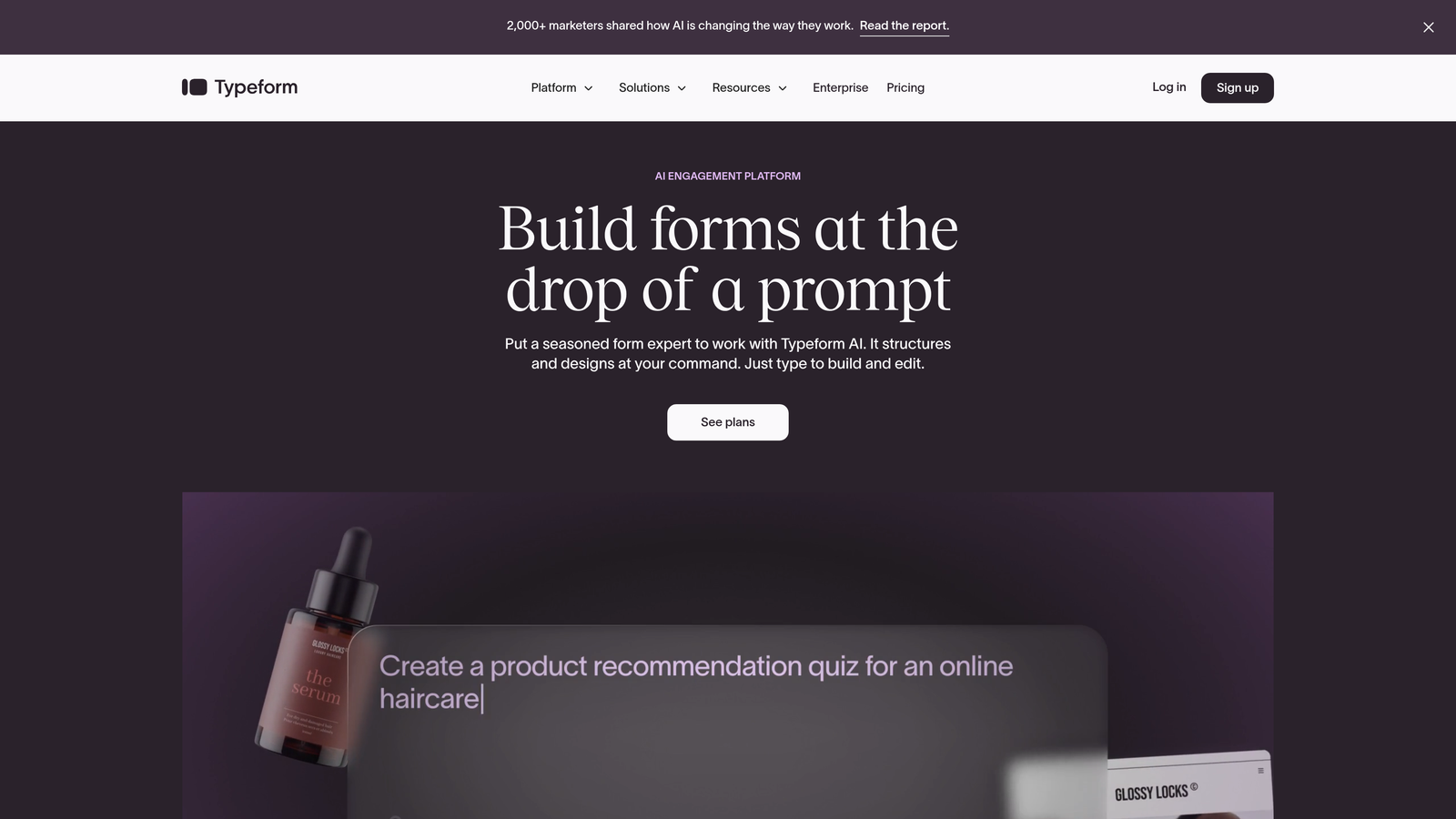
Typeform is the pioneer of conversational form design, presenting one question at a time to create an engaging, almost chat-like experience.
Where This Tool Shines
Typeform excels at making forms feel less like forms. The one-question-at-a-time interface reduces cognitive load and typically improves completion rates compared to traditional long-form layouts. Users focus on answering one thing before moving to the next.
The design customization options are extensive. You can match your brand colors, add custom backgrounds, embed videos, and create an experience that feels native to your product. For SaaS companies obsessed with brand consistency, this matters.
Key Features
Conversational Interface: One-question-at-a-time format that feels more like a conversation than a traditional form.
Extensive Design Options: Deep customization for colors, fonts, backgrounds, and media to match your brand perfectly.
Logic Jumps: Create branching paths where questions change based on previous answers.
Native Integrations: Direct connections to popular SaaS tools including Slack, Google Sheets, HubSpot, and Salesforce.
Rich Media Support: Embed videos, images, and GIFs directly into your forms for more engaging experiences.
Best For
Typeform is ideal for SaaS teams that prioritize user experience and brand presentation. If your forms are customer-facing and need to reflect a polished, modern brand, this is worth the investment.
Pricing
Free tier with limited responses; Basic plan starts at $25/month with increased response limits and features.
3. Tally
Best for: Bootstrapped SaaS startups needing unlimited forms without the price tag
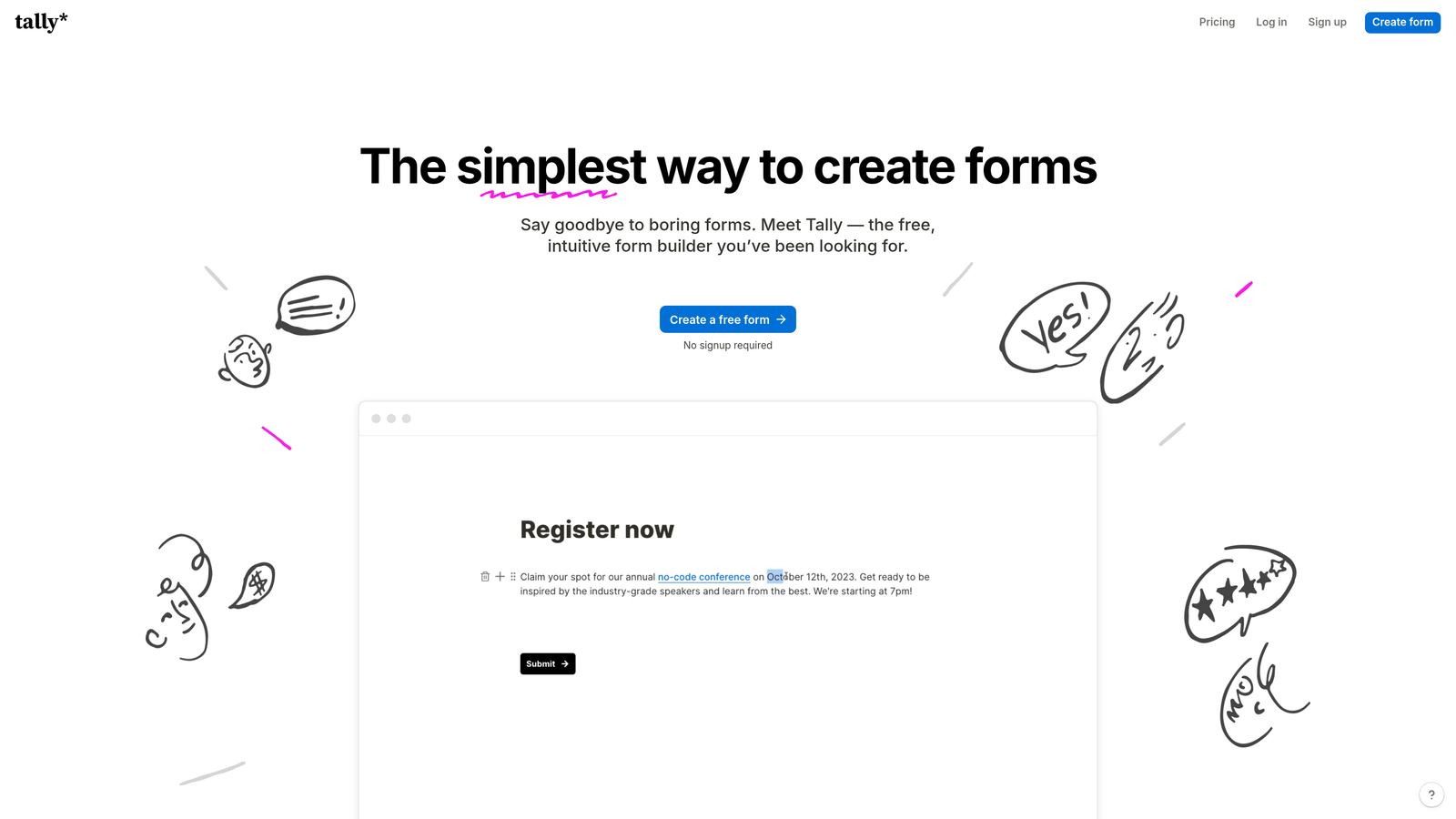
Tally is a simple, Notion-like form builder that offers unlimited forms and submissions on its free tier—a rare find in the form builder space.
Where This Tool Shines
The standout feature is the pricing model. While most form builders limit free tiers to a handful of submissions, Tally gives you unlimited everything on the free plan. For early-stage SaaS companies watching every dollar, this is a game-changer.
The block-based editor feels familiar if you've used Notion. You build forms by stacking blocks—text, multiple choice, file uploads, calculations—in a visual, intuitive way. There's almost no learning curve.
Key Features
Unlimited Free Tier: Create unlimited forms with unlimited submissions at no cost.
Block-Based Editor: Notion-style interface that makes form building intuitive and fast.
Conditional Logic: Show or hide questions based on previous answers to create dynamic forms.
Calculations: Build forms that perform calculations based on user inputs—useful for pricing calculators or assessments.
Custom Domains: Use your own domain for forms on paid plans to maintain brand consistency.
Best For
Tally is perfect for bootstrapped SaaS startups, side projects, or teams that need solid form functionality without budget constraints. If you're pre-revenue or just starting to scale, this lets you build professional forms without spending.
Pricing
Generous free tier with unlimited forms and submissions; Pro plan at $29/month adds custom domains and advanced features.
4. Jotform
Best for: SaaS companies needing payment collection, compliance features, and extensive template options
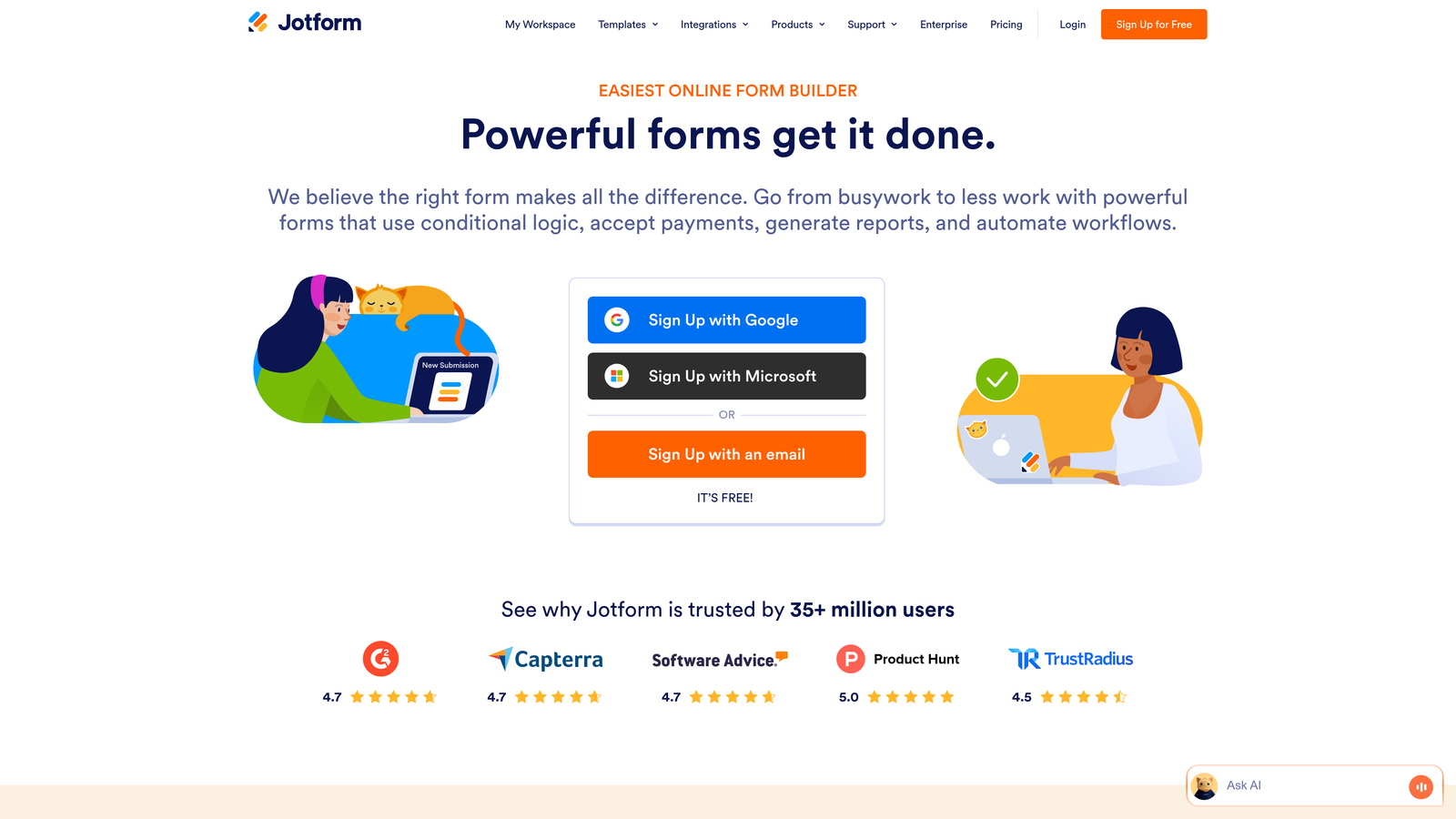
Jotform is a veteran form builder with over 10,000 templates, payment processing capabilities, and enterprise-grade compliance features.
Where This Tool Shines
The template library is massive. Instead of starting from scratch, you can find pre-built forms for virtually any SaaS use case—trial signups, customer feedback, support tickets, event registrations. This speeds up deployment significantly.
Payment collection is built directly into the platform with support for PayPal, Stripe, Square, and other processors. If your SaaS offers paid trials or requires payment information upfront, you can handle it within the form itself.
Key Features
10,000+ Templates: Extensive library of pre-built forms covering virtually every use case imaginable.
Payment Processing: Accept payments directly through forms via PayPal, Stripe, Square, and other major processors.
HIPAA Compliance: Available on higher tiers for SaaS companies in healthcare or handling sensitive data.
PDF Generation: Automatically convert form submissions into PDF documents for record-keeping.
E-Signatures: Collect legally binding signatures directly within forms—useful for contracts or agreements.
Best For
Jotform works well for SaaS companies that need payment collection, operate in regulated industries requiring compliance features, or want to move fast with pre-built templates rather than custom design.
Pricing
Free tier includes 5 forms; Bronze plan starts at $34/month with 25 forms and increased submission limits.
5. Formstack
Best for: Enterprise SaaS teams requiring advanced workflow automation and compliance
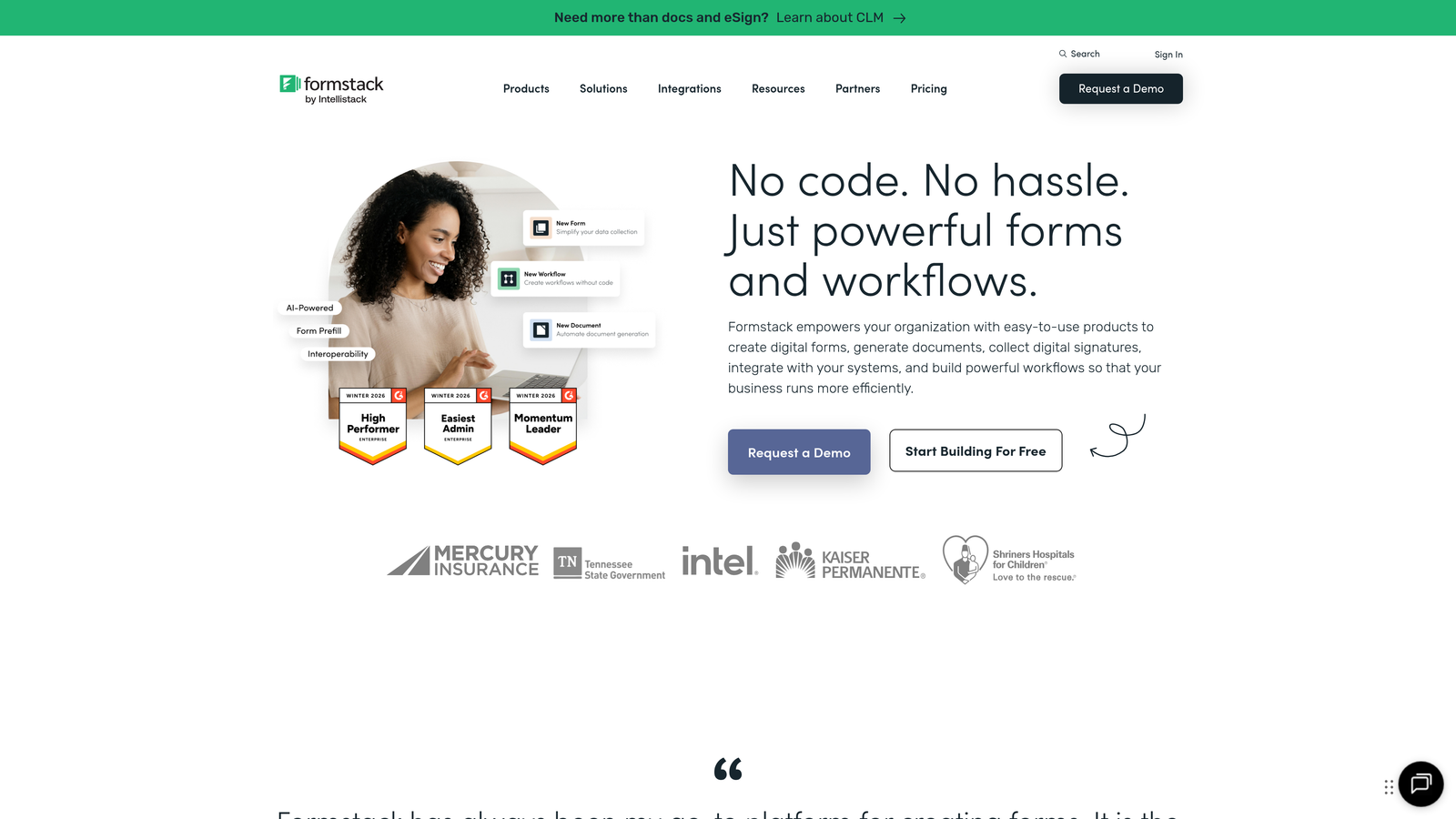
Formstack is an enterprise-focused form builder with powerful workflow automation, strict compliance features, and sophisticated conditional logic capabilities.
Where This Tool Shines
Formstack's workflow automation goes beyond basic integrations. You can build complex, multi-step processes that trigger based on form submissions—routing leads to specific team members, generating documents, updating multiple systems, and sending customized follow-ups automatically.
Compliance is taken seriously here. The platform offers HIPAA, GDPR, and SOC 2 compliance out of the box, making it suitable for SaaS companies in regulated industries or handling sensitive customer data.
Key Features
Advanced Workflow Automation: Build complex, multi-step workflows that execute automatically based on form submissions.
Enterprise Compliance: HIPAA, GDPR, and SOC 2 compliance included for regulated industries.
Sophisticated Conditional Logic: Create intricate branching paths and field rules for complex qualification flows.
Document Generation: Automatically create PDF documents and contracts from form data.
Salesforce-Native Integration: Direct, deep integration with Salesforce without middleware or workarounds.
Best For
Formstack is ideal for enterprise SaaS companies with complex workflows, strict compliance requirements, or existing Salesforce implementations. If you need more than simple data collection and want sophisticated automation, this delivers.
Pricing
Starts at $50/month for basic plans; enterprise pricing available for larger teams with advanced needs.
6. Cognito Forms
Best for: SaaS teams needing advanced calculations and affordable, flexible pricing
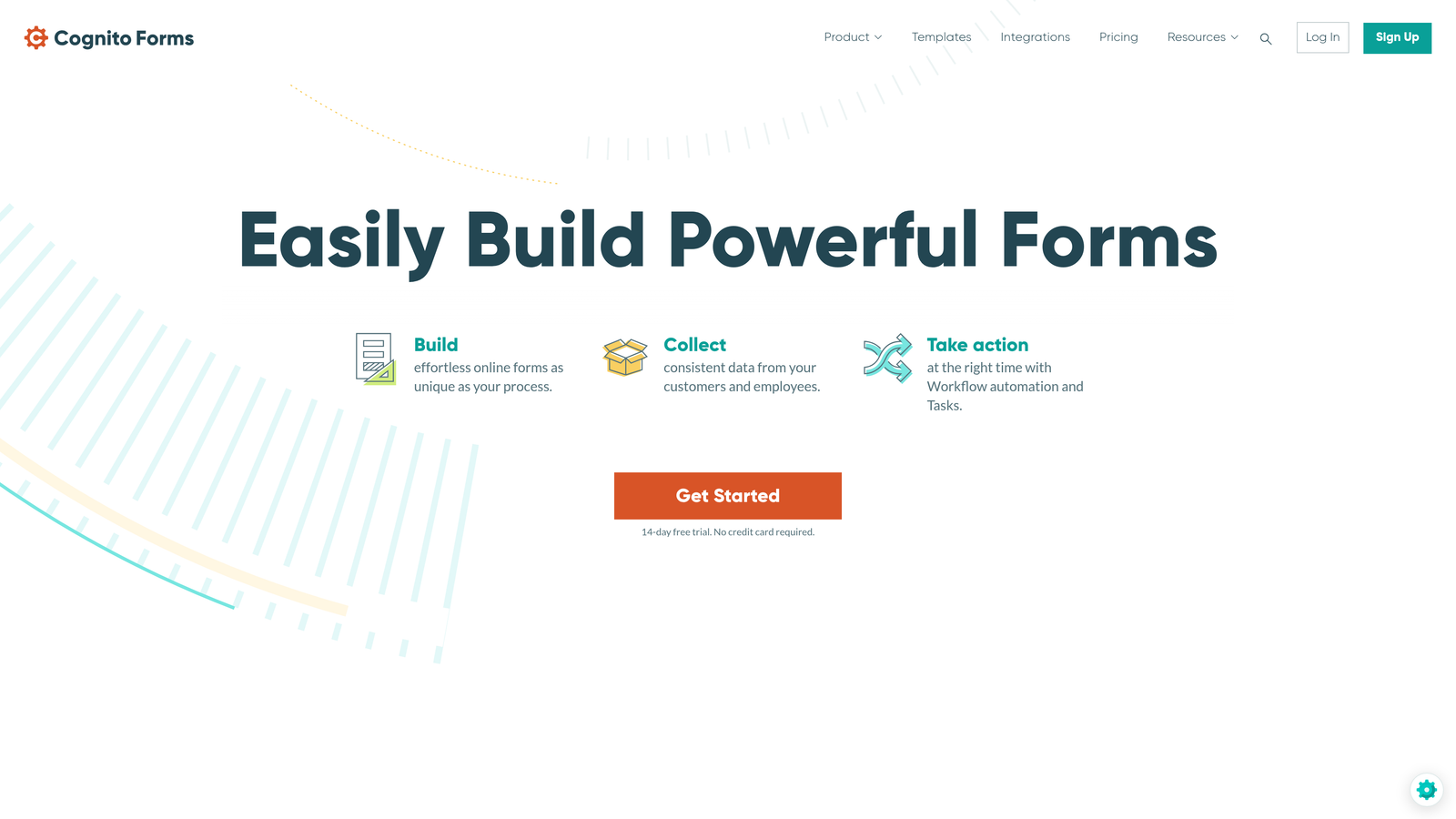
Cognito Forms is a calculation-friendly form builder with built-in payment processing and pricing that scales affordably for growing SaaS teams.
Where This Tool Shines
The calculation engine is remarkably powerful. You can build pricing calculators, ROI estimators, or qualification scoring directly into your forms using formulas and conditional math. This is particularly useful for SaaS companies that need to calculate custom pricing or show prospects their potential value.
The pricing model is user-friendly for growing teams. Instead of charging per form or submission, Cognito Forms charges based on features and usage limits, making it predictable and affordable as you scale.
Key Features
Advanced Calculations: Build complex formulas and calculations directly into forms for pricing, scoring, or ROI estimation.
Built-In Payments: Accept payments through Stripe or Square without third-party integrations.
Repeating Sections: Allow users to add multiple entries of the same information—useful for team signups or bulk submissions.
Conditional Logic: Show, hide, or require fields based on previous responses to create dynamic experiences.
Data Encryption: Secure sensitive data with encryption and compliance options for regulated industries.
Best For
Cognito Forms works well for SaaS companies that need calculation-heavy forms like pricing calculators, assessment tools, or custom quote generators. The affordable pricing also makes it attractive for mid-sized teams.
Pricing
Free tier available with basic features; Pro plan starts at $15/month, making it one of the more affordable options.
7. Paperform
Best for: Creating landing page-style forms with rich media and e-commerce capabilities
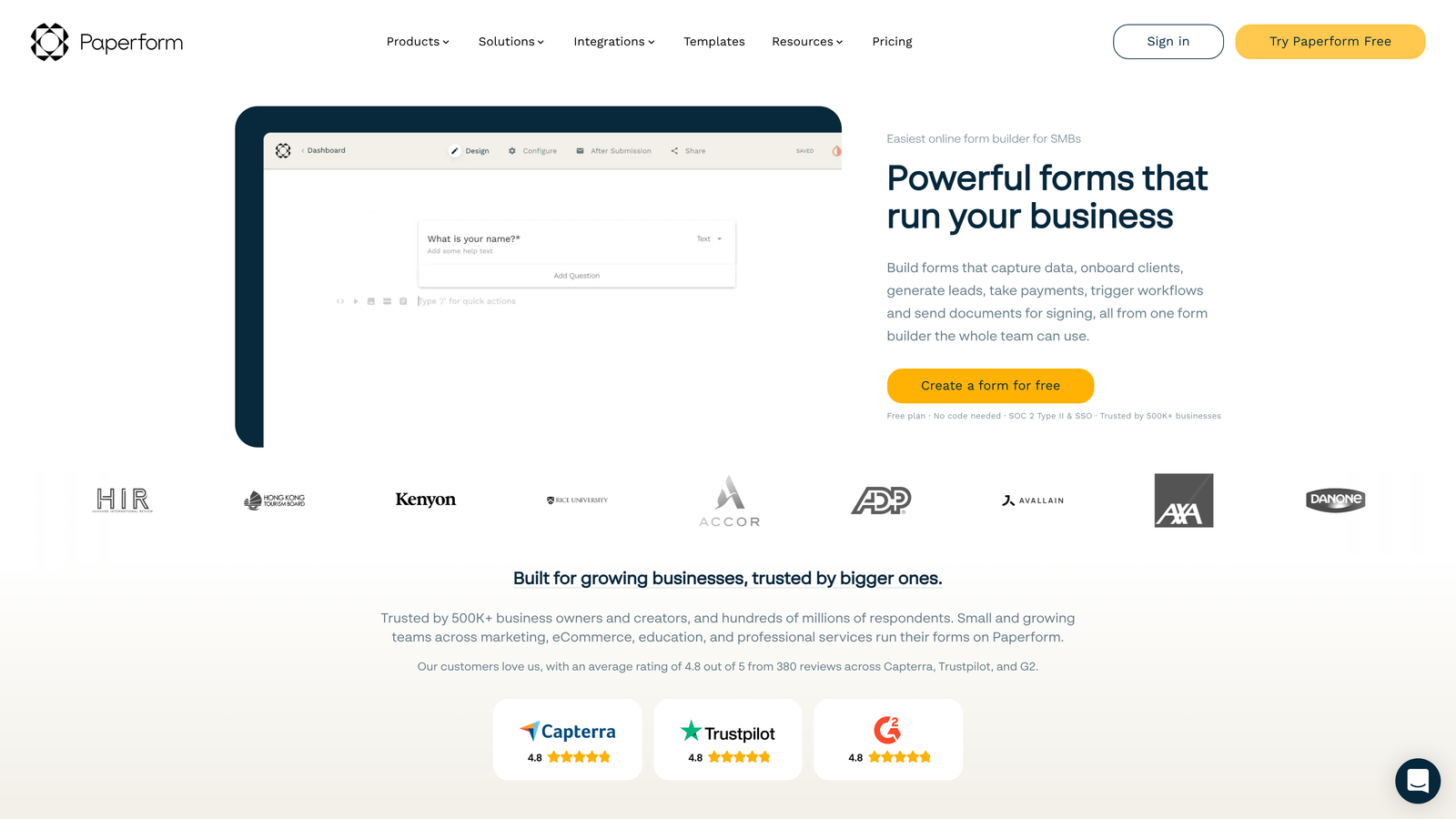
Paperform is a landing page-style form builder that combines beautiful design, rich media embedding, and built-in e-commerce features in one tool.
Where This Tool Shines
Paperform blurs the line between forms and landing pages. You can create full-page experiences with videos, images, GIFs, and text blocks that feel more like a branded webpage than a traditional form. This makes it ideal for trial signup pages or lead capture experiences.
The e-commerce features are surprisingly robust. You can sell products, accept subscriptions, and process payments directly through forms—useful for SaaS companies offering paid trials or selling complementary products alongside their main offering.
Key Features
Landing Page Design: Create full-page form experiences that look and feel like custom landing pages.
Rich Media Embedding: Add videos, images, GIFs, and custom HTML to create engaging visual experiences.
Built-In Payments: Accept one-time payments and recurring subscriptions through Stripe or PayPal.
Conditional Logic: Show or hide sections based on responses to personalize the experience.
Custom Success Pages: Create branded thank-you pages or redirect users after submission for better follow-through.
Best For
Paperform is ideal for SaaS companies that want their forms to double as landing pages, need to collect payments for trials or add-ons, or prioritize visual design and brand experience above all else.
Pricing
Essentials plan at $24/month; Pro plan at $49/month adds advanced features and increased submission limits.
8. Fillout
Best for: SaaS teams using Airtable or Notion as their database layer
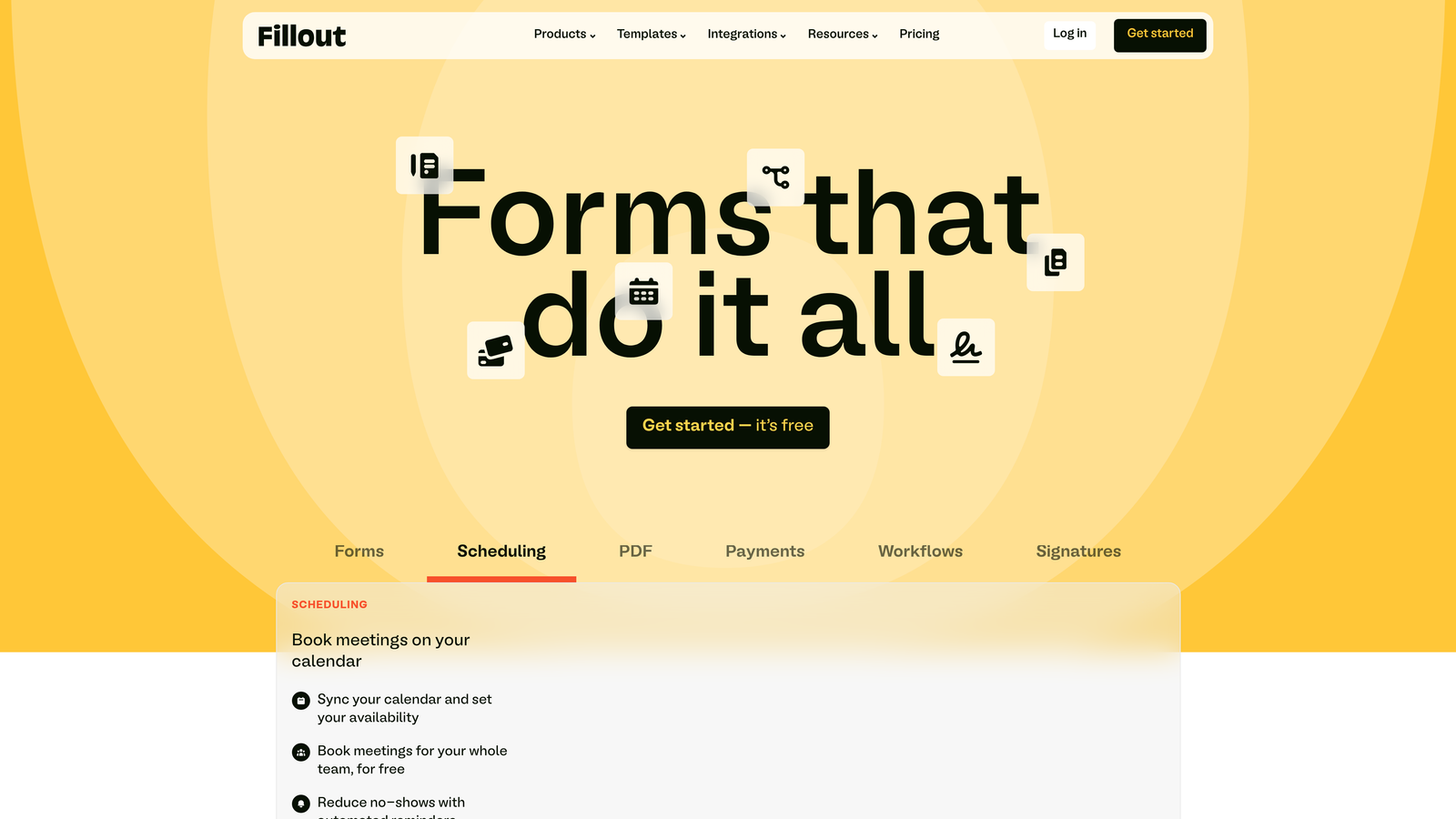
Fillout is a modern form builder with exceptional Airtable and Notion integrations, perfect for SaaS teams building on those platforms.
Where This Tool Shines
The native Airtable and Notion integrations are the main draw. Instead of using Zapier or webhooks, Fillout connects directly to these databases, syncing form submissions in real-time. If your SaaS team uses Airtable or Notion as your backend, this creates a seamless workflow.
The form design is clean and modern without being overly stylized. It focuses on clarity and usability rather than flashy animations, which often leads to better completion rates for business-focused forms.
Key Features
Native Airtable Integration: Direct, real-time syncing with Airtable bases without middleware.
Notion Database Integration: Push form submissions directly into Notion databases for seamless workflows.
Modern Design: Clean, professional form templates that prioritize usability over decoration.
Conditional Logic: Create branching paths and show/hide fields based on user responses.
File Uploads and Scheduling: Accept file uploads and embed scheduling directly into forms.
Best For
Fillout is perfect for SaaS teams that have built their operations on Airtable or Notion and want forms that integrate natively without workarounds. If those tools are central to your workflow, this is worth testing.
Pricing
Free tier available with basic features; Starter plan at $19/month adds custom branding and increased limits.
9. HubSpot Forms
Best for: SaaS teams already using HubSpot CRM and Marketing Hub
HubSpot Forms is the native form builder within HubSpot's ecosystem, offering seamless CRM integration for teams already using the platform.
Where This Tool Shines
The CRM integration is unmatched because it's native. Form submissions automatically create or update contacts, trigger workflows, and enrich records with behavioral data—all without leaving HubSpot. There's no data lag or syncing issues.
Progressive profiling is a standout feature. Instead of asking the same questions repeatedly, HubSpot Forms remembers what it already knows about a contact and asks new questions on subsequent submissions. This reduces form fatigue and improves data quality over time.
Key Features
Native CRM Integration: Seamless connection to HubSpot CRM with automatic contact creation and enrichment.
Progressive Profiling: Show different questions to returning visitors based on what you already know about them.
Smart Fields: Pre-populate fields with known contact information to reduce friction.
Automatic Workflows: Trigger email sequences, lead scoring, and internal notifications based on form submissions.
A/B Testing: Test different form variations on higher-tier plans to optimize conversion rates.
Best For
HubSpot Forms makes sense exclusively for SaaS teams already using HubSpot. If you're in the ecosystem, this is the obvious choice. If you're not, the standalone form builder isn't compelling enough to justify adopting HubSpot.
Pricing
Free with HubSpot CRM; advanced features like A/B testing and progressive profiling require paid Marketing Hub subscriptions.
Making the Right Choice
The best custom form builder for your SaaS depends on your specific needs and existing tech stack. Here's how to think about it.
If lead qualification and AI-powered insights are priorities, Orbit AI delivers intelligent scoring and routing that saves your sales team hours of manual review. For teams focused on brand experience and conversational design, Typeform creates engaging one-question-at-a-time flows that feel less like forms.
Bootstrapped startups watching every dollar should look at Tally's unlimited free tier, while enterprise teams needing complex workflows and compliance should evaluate Formstack. If you're already using HubSpot, the native forms make perfect sense. Teams building on Airtable or Notion will appreciate Fillout's direct integrations.
The decision ultimately comes down to three factors: your current tech stack, your growth stage and budget, and whether you need basic data collection or sophisticated lead qualification. Don't rely on feature lists alone—start with free trials of your top two picks and test them with real traffic before committing.
Transform your lead generation with AI-powered forms that qualify prospects automatically while delivering the modern, conversion-optimized experience your high-growth team needs. Start building free forms today and see how intelligent form design can elevate your conversion strategy.


