

Your forms are often the first real interaction prospects have with your business—and most companies are losing leads before they even start. Generic, clunky forms frustrate users and fail to capture the data that actually matters.
Custom form builder platforms solve this by giving you complete control over design, logic, and integrations without requiring a developer on speed dial. This guide breaks down the top platforms for teams serious about conversion optimization, from AI-powered qualification tools to enterprise-grade solutions.
Whether you're a startup capturing your first thousand leads or an established team optimizing complex workflows, you'll find the right fit here.
1. Orbit AI
Best for: High-growth teams needing AI-powered lead qualification and conversion-optimized forms
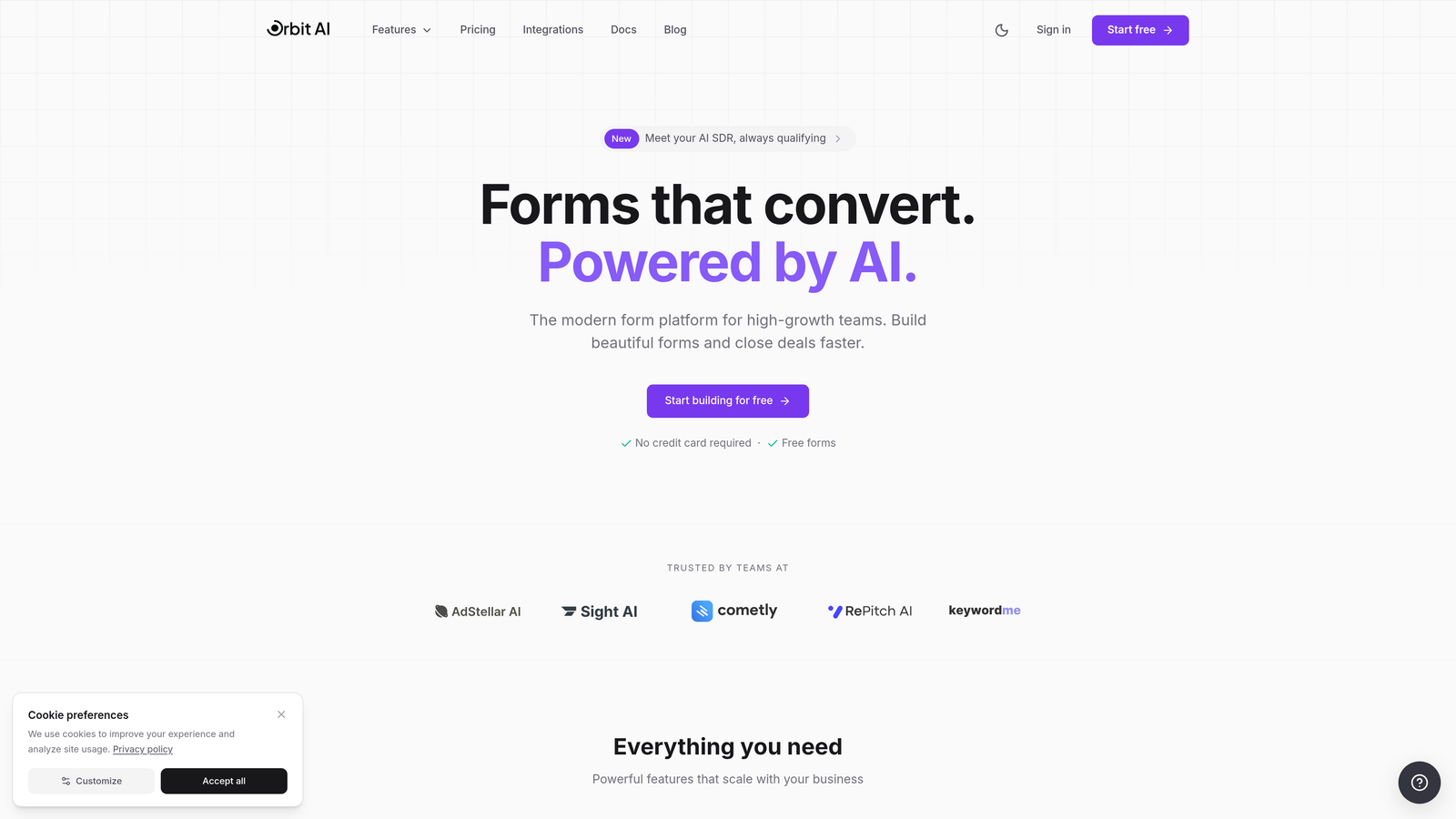
Orbit AI is a custom form builder platform that combines intelligent lead qualification with modern form design specifically built for conversion optimization.
Where This Tool Shines
The platform's AI-powered lead scoring sets it apart from traditional form builders. Instead of just collecting responses, it automatically qualifies prospects based on their answers, helping sales teams prioritize high-value leads immediately.
The conversion-optimized templates are designed with high-growth teams in mind. Each template incorporates proven design patterns and psychological triggers that encourage completion while maintaining a professional, modern aesthetic that reflects well on your brand.
Key Features
AI-Powered Lead Qualification: Automatically scores and qualifies leads based on responses, routing high-value prospects to sales immediately.
Conversion-Optimized Templates: Pre-built form templates designed specifically to maximize completion rates and capture quality data.
Advanced Conditional Logic: Create dynamic forms that adapt based on user responses, showing only relevant questions to each prospect.
Native CRM Integrations: Connect directly to major CRM platforms and marketing tools without middleware or complex API configurations.
Real-Time Analytics Dashboard: Track form performance, conversion rates, and lead quality metrics in a unified dashboard.
Best For
High-growth B2B teams that need more than basic data collection. Particularly valuable for companies where lead quality matters more than lead quantity, and sales teams need immediate qualification insights to prioritize follow-up effectively.
Pricing
Free tier available for teams getting started. Paid plans begin at $29/month with expanded features and higher submission limits.
2. Typeform
Best for: Creating beautiful conversational forms with one-question-at-a-time format
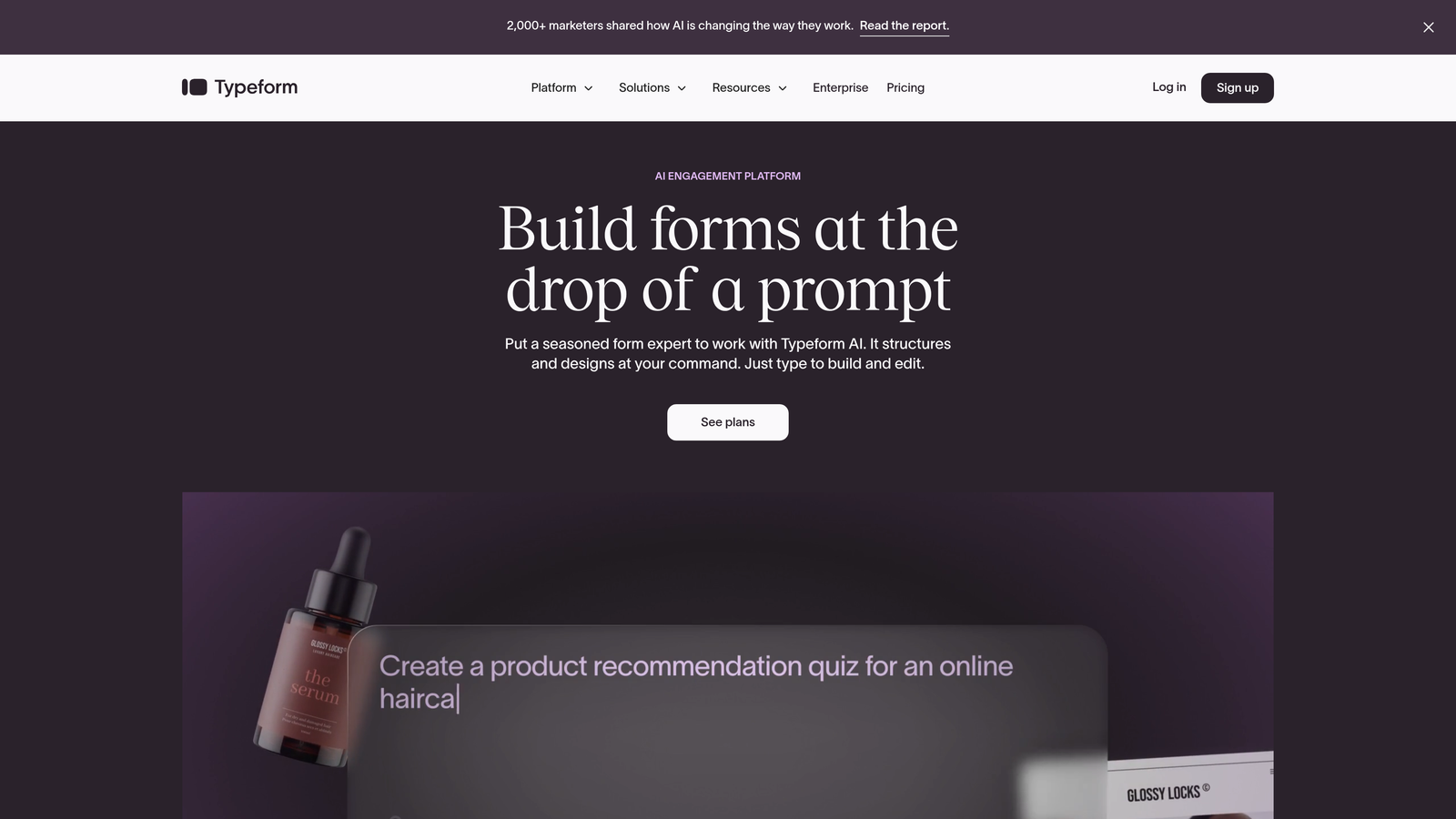
Typeform is a form builder that pioneered the conversational approach to data collection, presenting one question at a time for higher engagement.
Where This Tool Shines
The conversational format transforms traditional forms into interactive experiences. By showing one question at a time, Typeform reduces the psychological burden of long forms, often resulting in higher completion rates compared to standard multi-field layouts.
The design flexibility is exceptional. Every element can be customized to match your brand, from colors and fonts to background images and button styles. The result feels less like a form and more like a branded experience.
Key Features
One-Question-at-a-Time Format: Conversational interface that presents questions sequentially, reducing form abandonment through focused attention.
Extensive Customization Options: Complete control over design elements including colors, fonts, backgrounds, and button styles for perfect brand alignment.
Logic Jumps and Calculations: Create dynamic form paths based on responses and perform calculations within forms for quotes or assessments.
Rich Media Embedding: Incorporate videos, images, and GIFs directly into forms to create more engaging experiences.
Integration Marketplace: Connect to hundreds of tools through native integrations and Zapier for automated workflows.
Best For
Marketing teams prioritizing user experience and brand presentation. Ideal for surveys, lead capture, and any scenario where form completion rates directly impact business outcomes and aesthetic matters.
Pricing
Free tier available with basic features. Paid plans start at $25/month with increased responses and advanced logic capabilities.
3. Jotform
Best for: Teams needing extensive templates and drag-and-drop customization flexibility
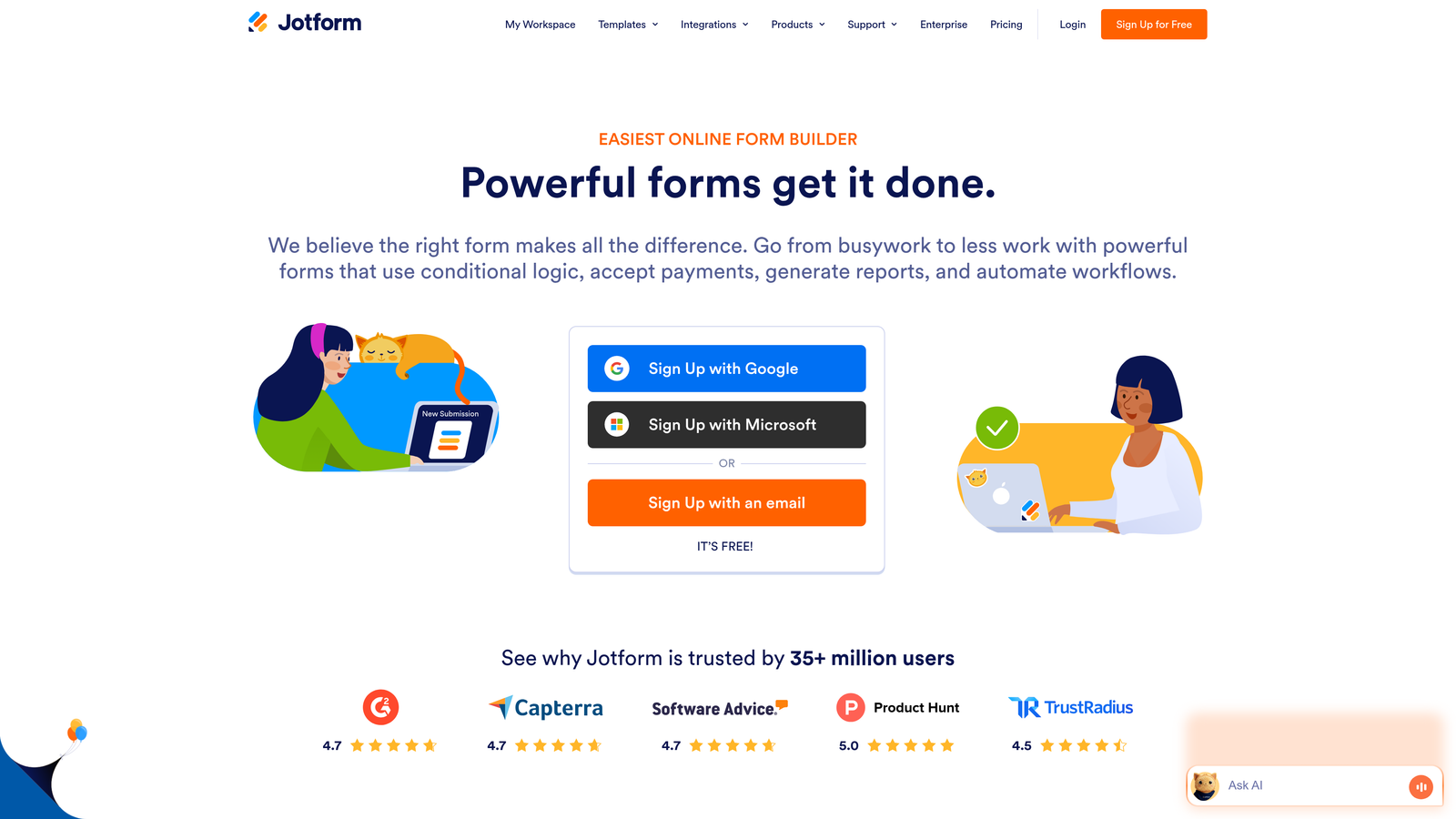
Jotform is a versatile form builder offering the industry's largest template library with over 10,000 pre-built forms for virtually any use case.
Where This Tool Shines
The template library is genuinely comprehensive. Whether you need a medical intake form, event registration, or complex multi-page application, there's likely a pre-built template that gets you 80% of the way there. This dramatically reduces setup time compared to building from scratch.
The drag-and-drop builder balances power with usability. Advanced users can create complex forms with conditional logic and calculations, while beginners can quickly assemble professional forms without touching code.
Key Features
10,000+ Templates: Industry's largest template library covering virtually every form type and use case imaginable.
Drag-and-Drop Builder: Intuitive visual editor that makes complex form creation accessible without technical knowledge.
PDF Form Generation: Automatically generate PDF documents from form submissions for records and distribution.
E-Signature Collection: Built-in electronic signature fields for contracts, agreements, and legal documents.
Mobile App: Native mobile application for managing forms and viewing submissions on the go.
Best For
Organizations needing versatility across multiple departments. The extensive template library makes it particularly valuable for teams that create many different form types rather than optimizing a single lead capture form.
Pricing
Free tier includes up to 5 forms. Paid plans begin at $34/month with unlimited forms and increased submission limits.
4. Tally
Best for: Budget-conscious teams wanting unlimited forms with a Notion-style interface
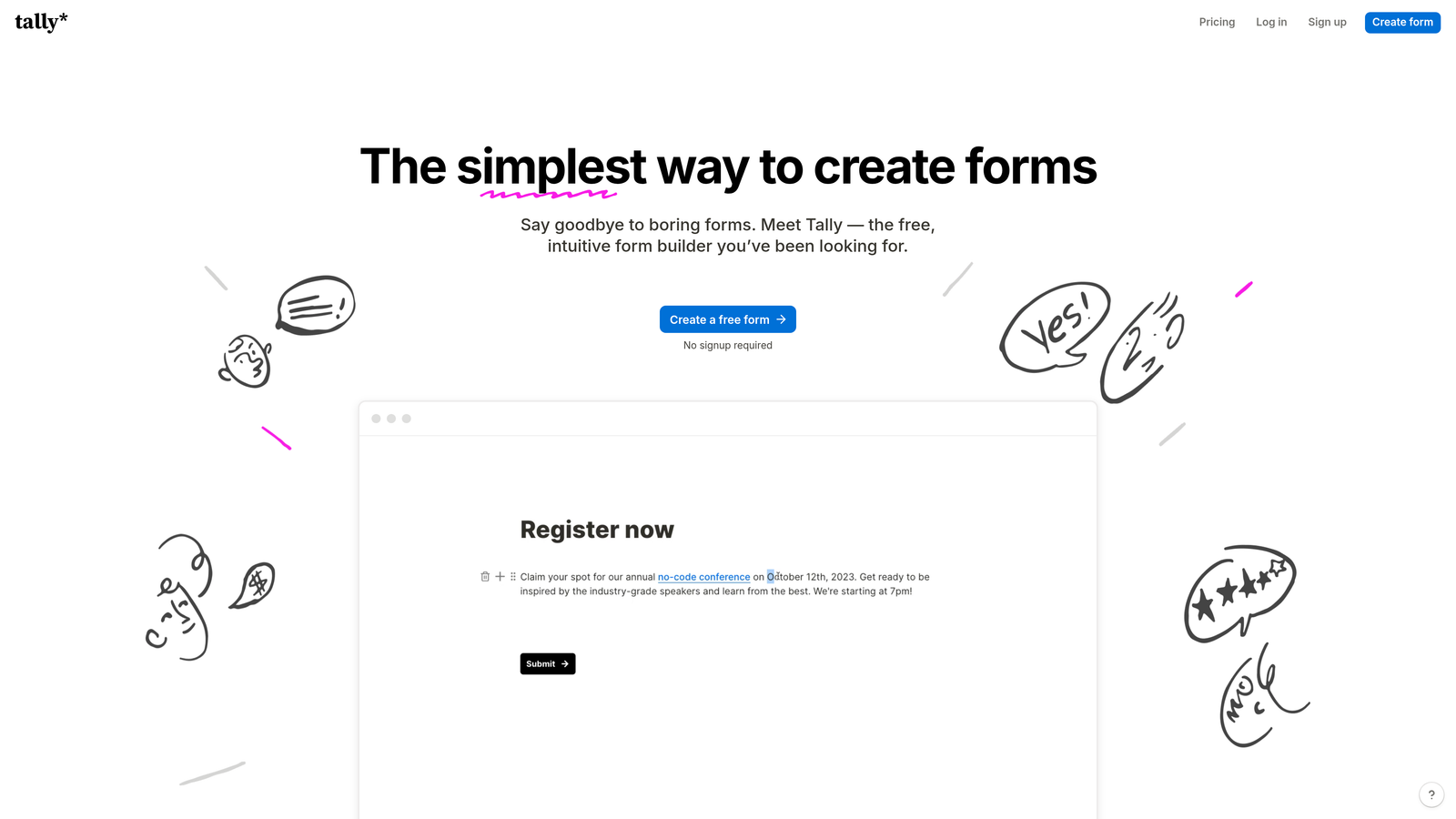
Tally is a simple form builder that offers unlimited forms on its free plan, using a familiar block-based editor similar to Notion.
Where This Tool Shines
The free tier is genuinely generous. While most platforms limit free users to a handful of forms, Tally allows unlimited forms with unlimited submissions. For startups and small teams, this removes a significant cost barrier while still providing professional functionality.
The Notion-style interface feels immediately familiar to teams already using block-based editors. There's minimal learning curve—if you can format a Notion page, you can build a Tally form.
Key Features
Unlimited Free Forms: Create as many forms as needed without hitting paywalls or submission caps on the free plan.
Block-Based Editor: Notion-style interface using familiar blocks for text, questions, and media elements.
Conditional Logic: Show or hide questions based on previous responses to create personalized form experiences.
File Uploads and Signatures: Collect documents and electronic signatures directly within forms.
Native Notion Integration: Send form submissions directly to Notion databases for seamless workflow integration.
Best For
Startups and small teams prioritizing cost efficiency without sacrificing essential functionality. Particularly valuable for Notion users who want forms that integrate naturally into their existing workspace.
Pricing
Free for unlimited forms and submissions. Pro plan at $29/month adds custom domains, file uploads, and advanced features.
5. Paperform
Best for: Creating landing page-style forms with rich media and payment processing
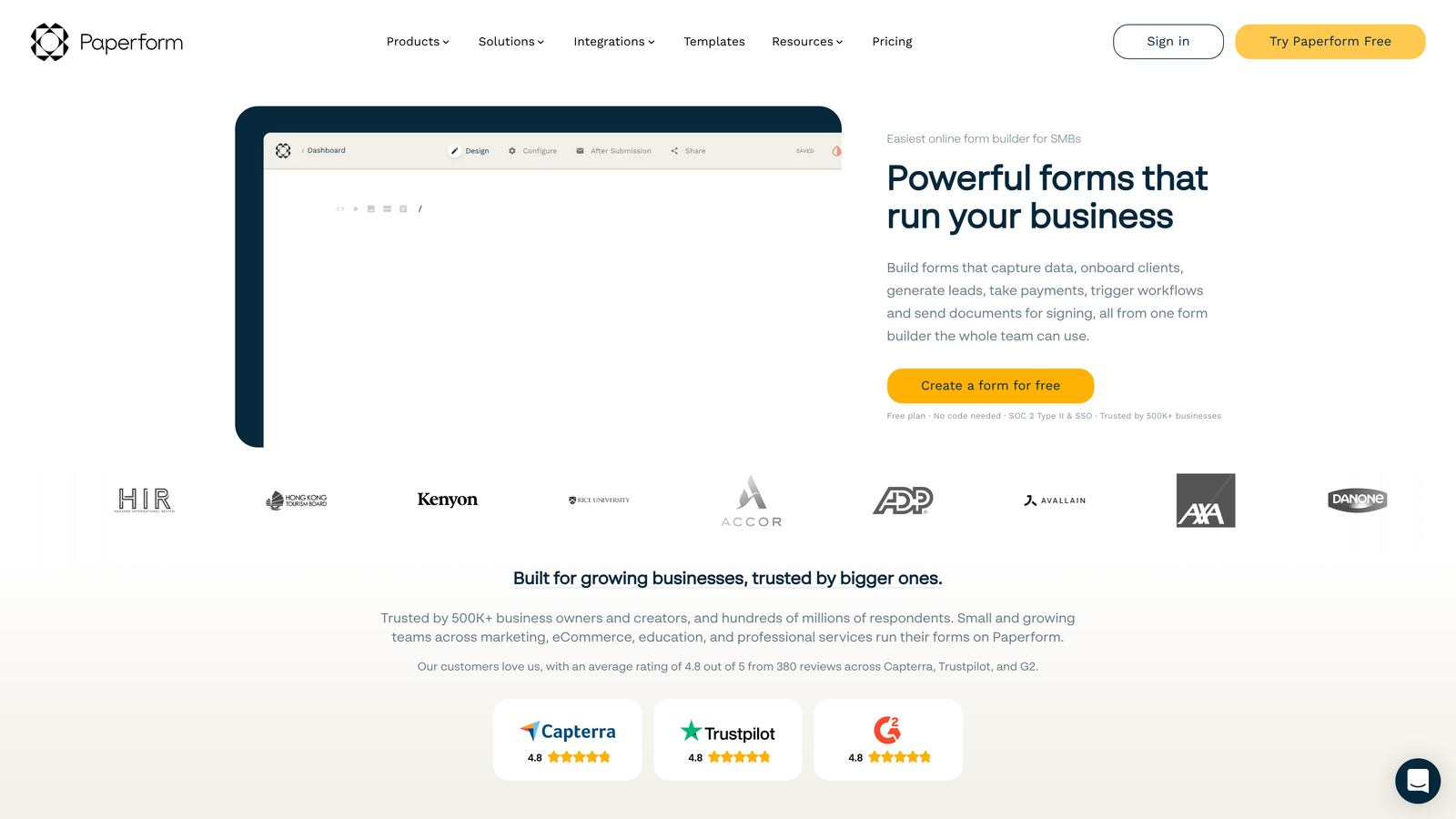
Paperform is a form builder that blurs the line between forms and landing pages, supporting rich text, media, and e-commerce functionality.
Where This Tool Shines
The landing page approach transforms forms into complete conversion experiences. Instead of isolated form fields, you can build narrative-driven pages that educate, persuade, and collect information simultaneously. This works exceptionally well for complex offerings that need context.
The product catalog and payment features make it a genuine e-commerce solution. You can build order forms, booking systems, and product pages that handle transactions end-to-end without requiring separate tools.
Key Features
Landing Page Design: Create full-page experiences combining text, images, and form fields in a flowing narrative layout.
Rich Media Embedding: Incorporate videos, images, and formatted text to provide context and improve conversion.
Product Catalogs and Payments: Build complete e-commerce experiences with product selection, pricing, and payment processing.
Scheduling and Booking: Integrated appointment booking with calendar sync and automated confirmations.
Custom Success Pages: Design personalized thank-you pages and redirects based on form responses.
Best For
Service businesses and creators who need forms that double as sales pages. Ideal for consultants, coaches, and small businesses selling services or digital products where context and presentation significantly impact conversion.
Pricing
Plans start at $24/month with all core features included from the entry tier.
6. Formstack
Best for: Enterprise teams requiring advanced automation, compliance, and security features
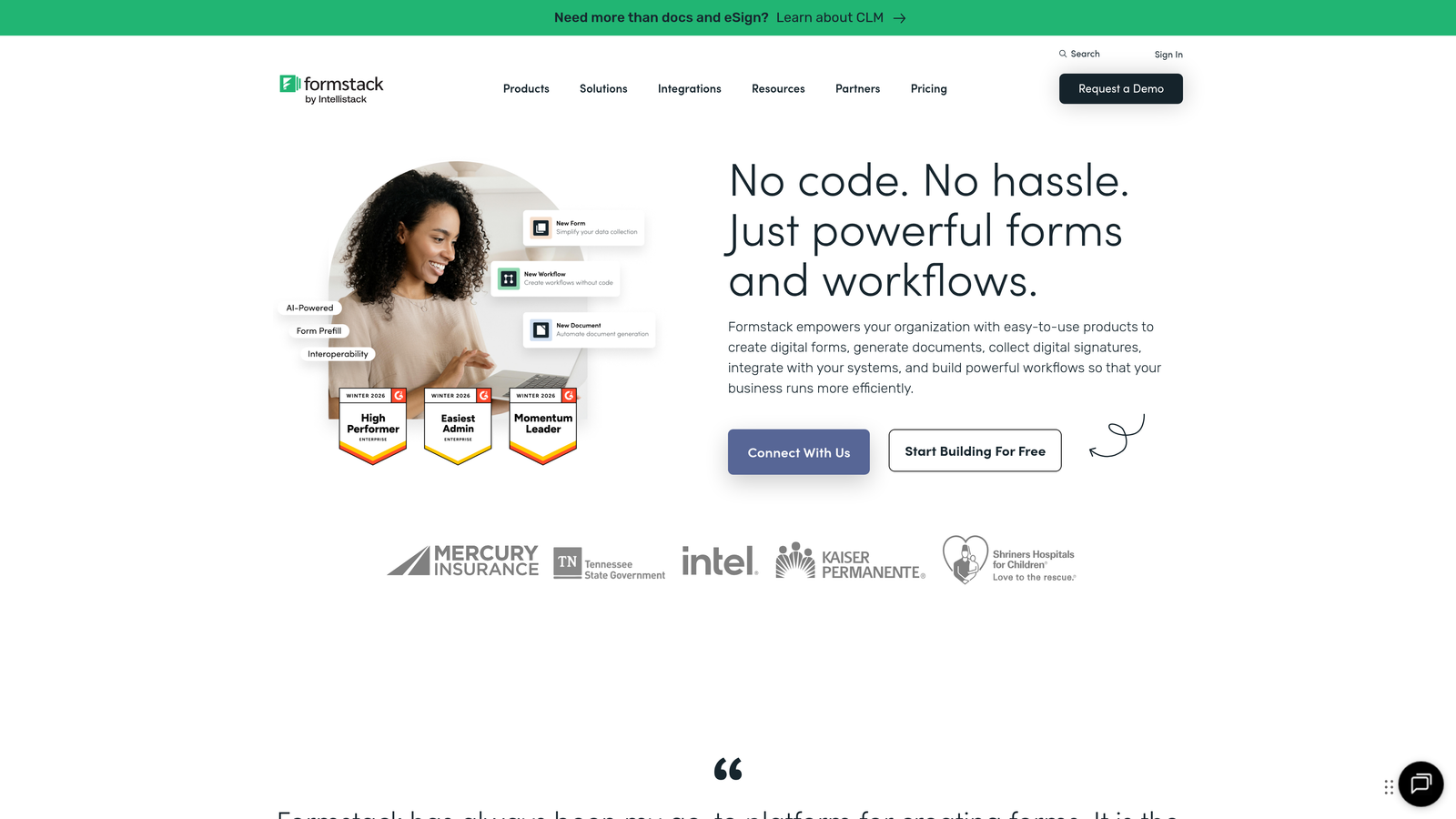
Formstack is an enterprise-grade form platform focused on workflow automation, compliance certifications, and organizational security requirements.
Where This Tool Shines
The workflow automation capabilities extend far beyond basic form collection. Formstack can trigger multi-step approval processes, generate documents automatically, and route submissions through complex organizational hierarchies without manual intervention.
The compliance certifications address real enterprise concerns. HIPAA and GDPR compliance aren't just checkboxes—they're built into the platform architecture with features like data encryption, audit trails, and configurable data retention policies.
Key Features
Advanced Workflow Automation: Build complex multi-step processes with approvals, notifications, and conditional routing based on submission data.
Compliance Certifications: HIPAA and GDPR compliance with encryption, audit trails, and data governance features.
Document Generation: Automatically create PDFs, contracts, and reports from form submissions using customizable templates.
E-Signature Integration: Native electronic signature collection with legal validity and audit trails.
Enterprise Security: SSO, advanced user permissions, and security controls meeting enterprise IT requirements.
Best For
Large organizations with complex approval workflows, strict compliance requirements, or IT security standards that eliminate most consumer-grade tools. Particularly valuable in healthcare, finance, and regulated industries.
Pricing
Plans start at $50/month for basic features. Enterprise pricing available for organizations requiring advanced security and compliance features.
7. Cognito Forms
Best for: Organizations needing advanced calculations, payment processing, and repeating sections
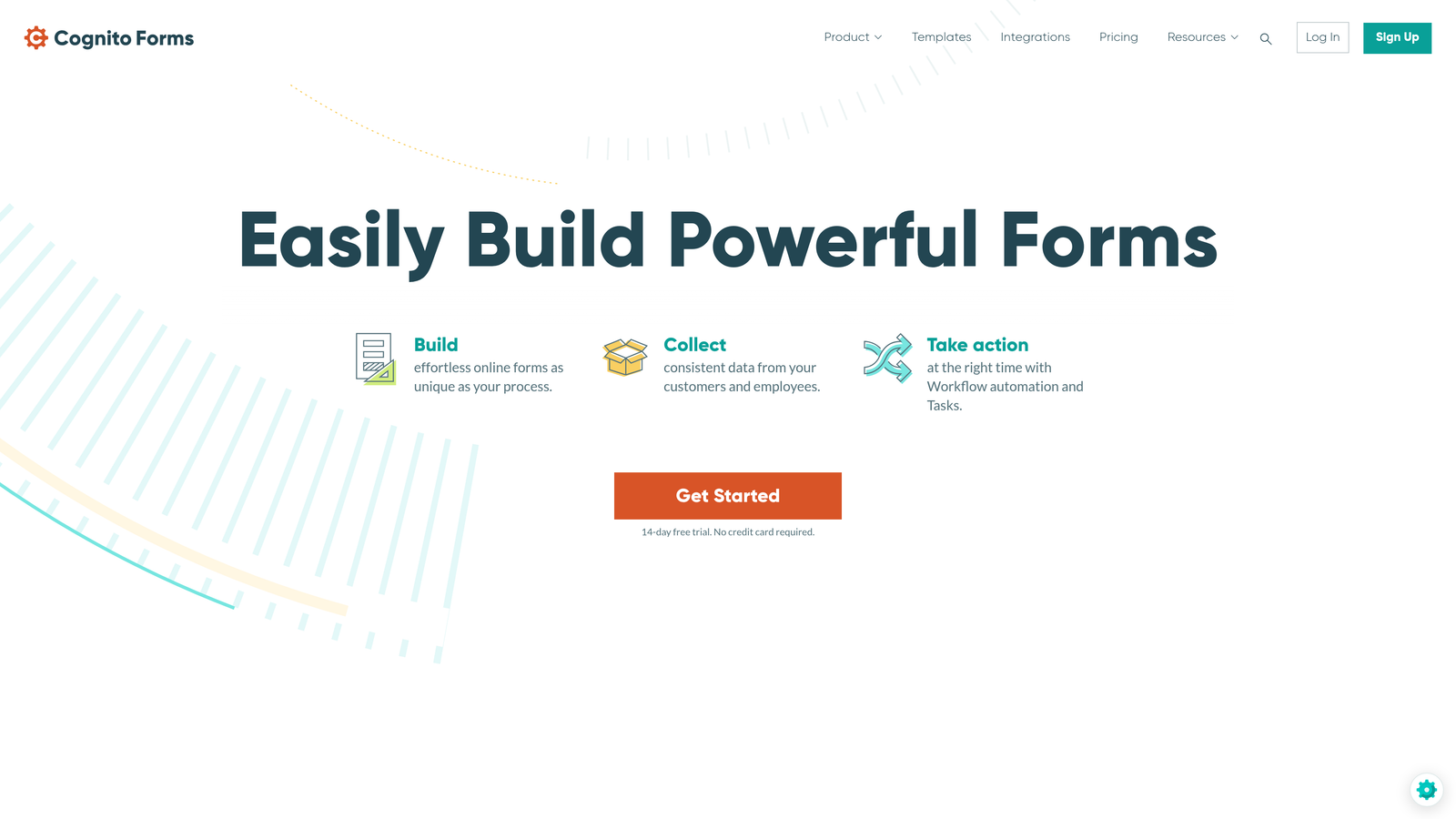
Cognito Forms is a form builder specializing in complex calculations, payment collection, and repeating data sections for detailed information gathering.
Where This Tool Shines
The calculation engine is remarkably powerful. You can build quote calculators, pricing estimators, and complex formulas that update in real-time as users input data. This transforms forms from simple data collection into interactive tools that provide immediate value.
The repeating sections feature solves a common problem elegantly. When you need to collect information about multiple items—like family members, products, or events—repeating sections let users add as many entries as needed without cluttering the form with dozens of preset fields.
Key Features
Built-In Payment Processing: Accept payments directly through forms using Stripe or PayPal integration with no transaction fees from Cognito.
Advanced Calculations: Create complex formulas and real-time calculations for quotes, pricing, and dynamic form logic.
Repeating Sections: Allow users to add multiple entries of the same information set, perfect for families, orders, or variable-length data.
Workflow and Approvals: Route submissions through approval processes with notifications and status tracking.
Data Encryption: Field-level encryption and compliance features for sensitive information protection.
Best For
Organizations collecting complex data or processing payments through forms. Particularly valuable for registration systems, order forms, and applications requiring detailed information from multiple related entities.
Pricing
Free tier available for basic forms. Paid plans start at $15/month with expanded features and submission limits.
8. 123FormBuilder
Best for: Healthcare and regulated industries requiring HIPAA compliance and security
123FormBuilder is a HIPAA-compliant form platform trusted by healthcare organizations and businesses in regulated industries.
Where This Tool Shines
The HIPAA compliance is comprehensive and verifiable. Beyond basic encryption, 123FormBuilder provides Business Associate Agreements, audit logs, and the security infrastructure healthcare organizations need to collect protected health information legally.
The white-labeling capabilities allow agencies and consultants to rebrand the platform completely. You can offer form services to clients under your own brand, creating a professional experience that reinforces your business identity.
Key Features
HIPAA and GDPR Compliance: Full compliance certifications with BAAs, encryption, and audit trails for regulated data collection.
Electronic Signatures: Legally binding e-signature collection with timestamp verification and signer authentication.
Payment Integrations: Process payments through major processors including Stripe, PayPal, and Square.
Conditional Logic: Show, hide, or require fields based on previous responses for personalized form experiences.
White-Labeling: Remove branding and customize the platform appearance for agency and consultant use.
Best For
Healthcare providers, medical practices, and any organization collecting sensitive personal information under regulatory requirements. Also valuable for agencies offering form services to clients under their own brand.
Pricing
Free tier available with basic features. Paid plans start at $24/month, with HIPAA compliance available on higher tiers.
9. Fillout
Best for: Teams using Notion or Airtable who need forms that sync with existing databases
Fillout is a database-native form builder designed specifically for teams who store data in Notion or Airtable and need forms that integrate seamlessly.
Where This Tool Shines
The native database sync is genuinely seamless. Unlike generic integrations that simply push data one way, Fillout can pre-fill forms from existing database records and update them based on new submissions. This creates powerful workflows for updating customer information or managing ongoing projects.
The ability to work with existing data structures means you don't need to rebuild your database schema to accommodate forms. Fillout maps to your current Notion or Airtable setup, respecting your existing organization and relationships.
Key Features
Native Database Sync: Direct two-way integration with Notion and Airtable databases without middleware or complex API setup.
Pre-Fill From Data: Automatically populate form fields from existing database records for update forms and personalized experiences.
Update Existing Records: Modify database entries through forms rather than only creating new records.
Conditional Logic: Create dynamic forms that adapt based on responses and database values.
Custom Domains: Host forms on your own domain for brand consistency and trust.
Best For
Teams already invested in Notion or Airtable as their primary database who need forms that integrate naturally into existing workflows. Particularly valuable for project management, CRM, and operational databases that need public-facing data collection.
Pricing
Free tier available for basic usage. Paid plans start at $15/month with increased submissions and advanced features.
Making the Right Choice
The best custom form builder depends on your specific workflow and growth stage. For AI-powered lead qualification combined with conversion-optimized design, Orbit AI delivers the most value for high-growth teams focused on lead quality over quantity.
Teams prioritizing beautiful, engaging experiences should explore Typeform's conversational format. If you need extensive templates across multiple departments, Jotform's 10,000+ template library provides unmatched versatility. Budget-conscious startups will appreciate Tally's generous free tier with unlimited forms.
For enterprise requirements, Formstack and 123FormBuilder offer the compliance certifications and security features that regulated industries demand. Service businesses selling through forms should evaluate Paperform's landing page approach, while teams needing complex calculations will find Cognito Forms particularly capable.
If you're already using Notion or Airtable as your database, Fillout's native integration creates seamless workflows without forcing you to rebuild your data structure.
The common thread across all these platforms is they dramatically outperform generic form solutions. They give you control over design, logic, and user experience—the elements that directly impact conversion rates and lead quality.
Ready to transform your lead generation? Start building free forms today with AI-powered forms that qualify prospects automatically while delivering the modern, conversion-optimized experience your high-growth team needs.


