

Collecting customer data efficiently is the foundation of personalization, lead qualification, and revenue growth. But scattered spreadsheets and clunky forms create friction that kills conversions.
The right customer data collection software centralizes information, automates workflows, and turns raw inputs into actionable insights. We evaluated dozens of platforms based on ease of use, integration capabilities, data security, and scalability for growing teams.
Here are the top customer data collection tools for 2026.
1. Orbit AI
Best for: High-growth teams needing AI-powered lead qualification and conversion optimization
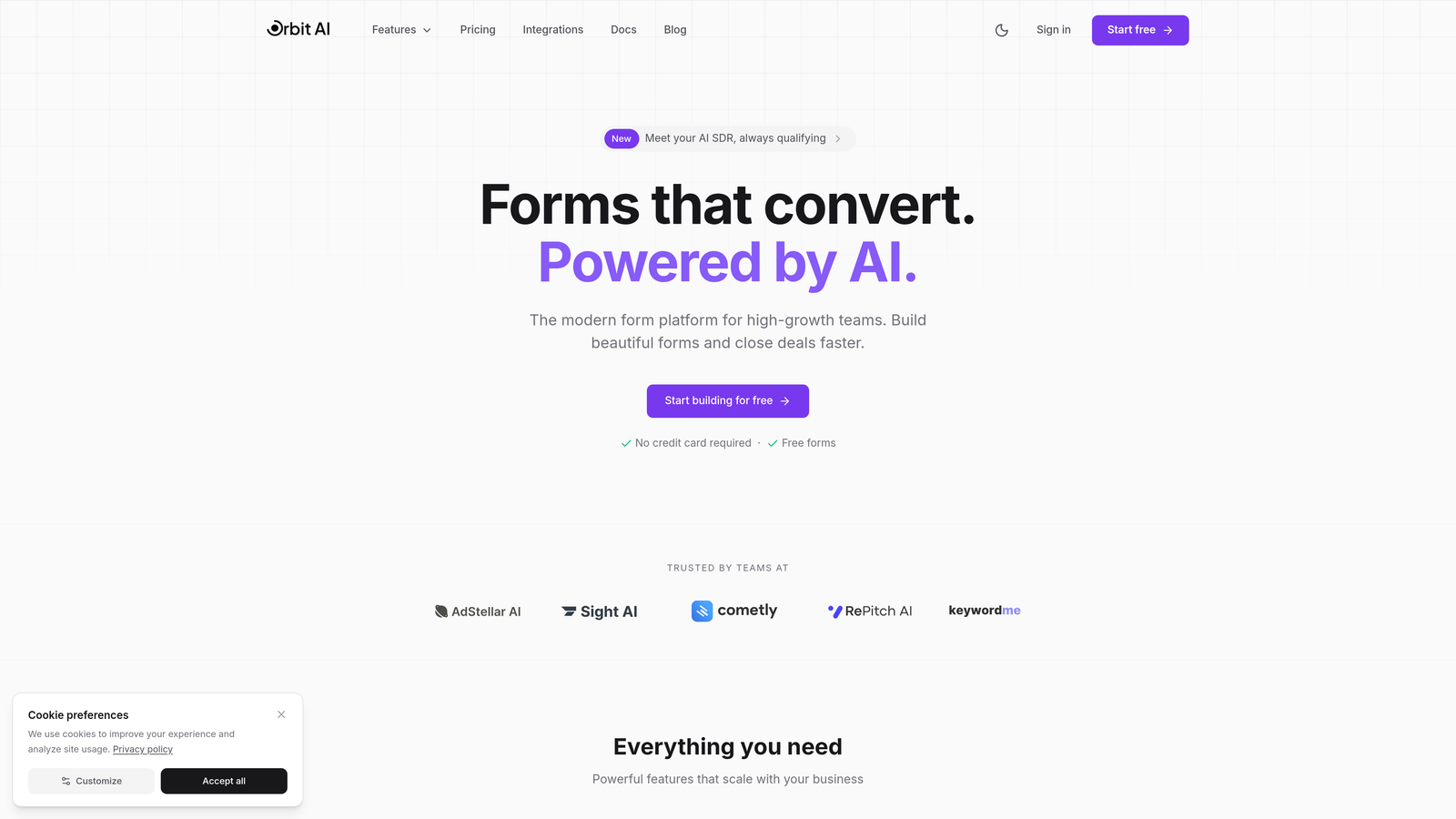
Orbit AI is an AI-powered form builder platform designed specifically for teams focused on lead generation and conversion optimization.
Where This Tool Shines
Orbit AI stands out by combining beautiful form design with intelligent lead qualification. The platform automatically scores and routes leads based on their responses, eliminating manual triage work that slows down sales teams.
The conversion-optimized templates are built on research-backed design principles that reduce form abandonment. Instead of generic forms, you get purpose-built experiences that guide prospects through qualification naturally.
Key Features
AI-Powered Lead Qualification: Automatically scores leads based on response patterns and routes high-value prospects to sales immediately.
Conversion-Optimized Templates: Pre-built form designs that reduce abandonment and increase completion rates.
Real-Time Data Routing: Instant notifications and workflow triggers based on form submissions and qualification scores.
Native CRM Integrations: Seamless data sync with popular CRM platforms to eliminate manual data entry.
Advanced Analytics Dashboard: Track completion rates, conversion metrics, and lead quality insights in real-time.
Best For
Orbit AI works best for B2B SaaS companies, marketing agencies, and high-growth teams where lead quality matters as much as lead volume. If you're tired of unqualified leads clogging your pipeline, this platform helps you capture better data upfront.
Pricing
Free tier available for teams getting started. Paid plans start at competitive rates with features scaling for growing teams.
2. Typeform
Best for: Creating beautiful, conversational experiences that boost form completion rates
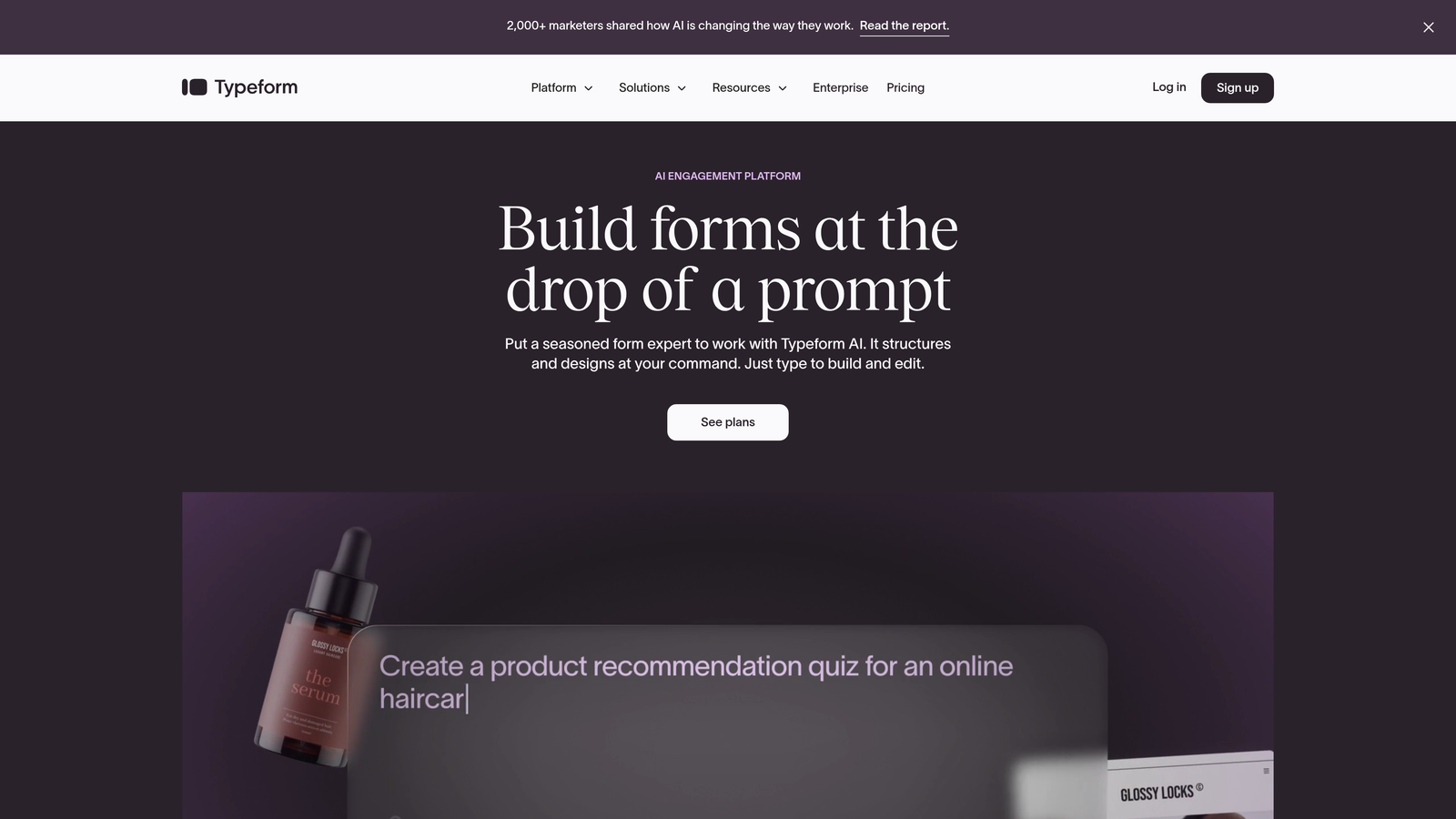
Typeform is a conversational form builder known for its one-question-at-a-time interface that feels more like a conversation than a survey.
Where This Tool Shines
Typeform transformed how people think about online forms by making them feel human. The conversational UI presents one question at a time, reducing cognitive load and making longer forms feel manageable.
The platform excels at creating engaging experiences for customer feedback, event registrations, and lead capture where brand experience matters. Companies often see higher completion rates compared to traditional multi-field forms.
Key Features
Conversational UI Design: One-question-at-a-time interface that creates a dialogue-like experience.
Logic Jumps and Branching: Dynamic question paths based on previous answers for personalized experiences.
Video and Image Embedding: Rich media support to create visually engaging forms.
Native Integrations: Connect with popular tools like Google Sheets, Slack, HubSpot, and Mailchimp.
Response Analytics: Track completion rates, drop-off points, and response patterns.
Best For
Typeform works well for brands prioritizing experience over pure functionality. Marketing teams, event organizers, and customer success teams use it when the form itself is part of the brand impression.
Pricing
Free tier available with Typeform branding. Basic plan starts at $25/month with increased response limits and custom branding options.
3. HubSpot Forms
Best for: Teams already using HubSpot CRM who need native data sync
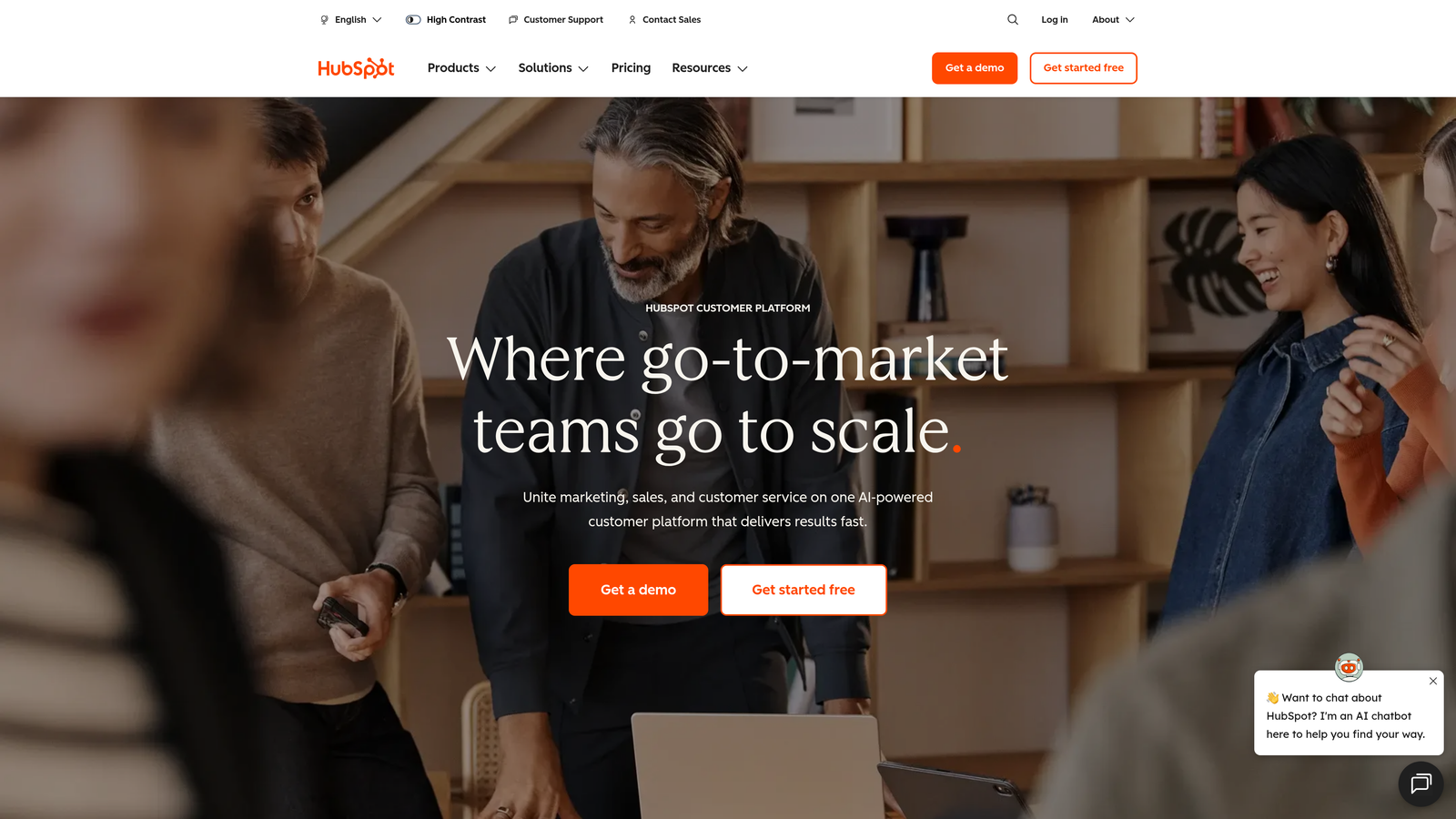
HubSpot Forms is the CRM-native form builder that automatically syncs customer data with HubSpot's marketing, sales, and service hubs.
Where This Tool Shines
HubSpot Forms eliminates the integration headache if you're already in the HubSpot ecosystem. Every form submission automatically creates or updates contact records in your CRM without middleware or manual imports.
Progressive profiling is a standout feature that prevents form fatigue. The system remembers what information you already have about a contact and asks new questions each time, building richer profiles without overwhelming prospects with long forms.
Key Features
Automatic CRM Data Sync: Instant contact creation and updates in HubSpot CRM with zero manual work.
Progressive Profiling: Automatically vary form fields to gather new information from returning visitors.
Smart Fields and Personalization: Pre-populate known contact information to reduce friction.
A/B Testing Capabilities: Test different form variations to optimize conversion rates.
Built-In Analytics: Track submissions, conversion rates, and form performance within HubSpot dashboards.
Best For
HubSpot Forms is ideal for companies already invested in the HubSpot ecosystem. If you're running marketing campaigns, sales sequences, and customer service through HubSpot, this native form builder keeps everything connected.
Pricing
Free with HubSpot CRM. Advanced features like progressive profiling and A/B testing require paid Marketing Hub plans starting at $45/month.
4. Jotform
Best for: Teams needing extensive templates and payment processing capabilities
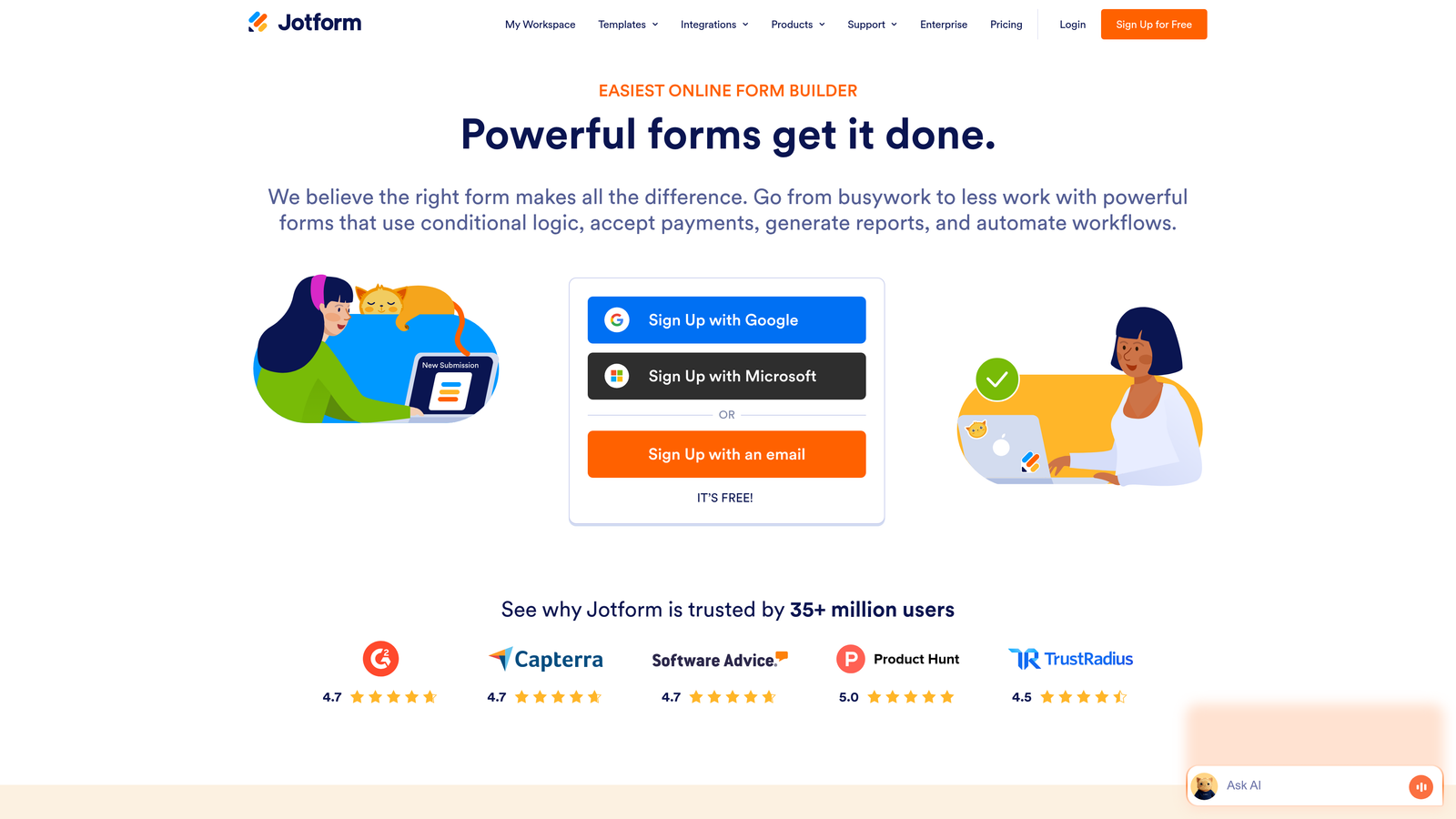
Jotform is a versatile form builder offering over 10,000 templates, payment gateway integrations, and extensive customization options.
Where This Tool Shines
Jotform's massive template library means you rarely start from scratch. Whether you need event registrations, job applications, customer surveys, or order forms, there's likely a pre-built template you can customize in minutes.
The payment processing integration is particularly strong. You can collect payments through Stripe, PayPal, Square, and other gateways directly within forms, making it popular for event ticketing, donations, and product orders.
Key Features
10,000+ Form Templates: Pre-built templates for nearly every use case to accelerate form creation.
Payment Gateway Integrations: Accept payments through multiple processors directly in forms.
PDF Document Generation: Automatically convert form submissions into formatted PDF documents.
Approval Workflows: Route submissions through multi-step approval processes.
Offline Data Collection: Mobile app allows data collection without internet connectivity.
Best For
Jotform works well for organizations with diverse form needs across departments. The template variety and payment processing make it popular with nonprofits, educational institutions, and small businesses handling registrations and payments.
Pricing
Free tier with Jotform branding and limited submissions. Bronze plan starts at $34/month with increased submission limits and custom branding.
5. Segment
Best for: Enterprise teams needing comprehensive customer data infrastructure
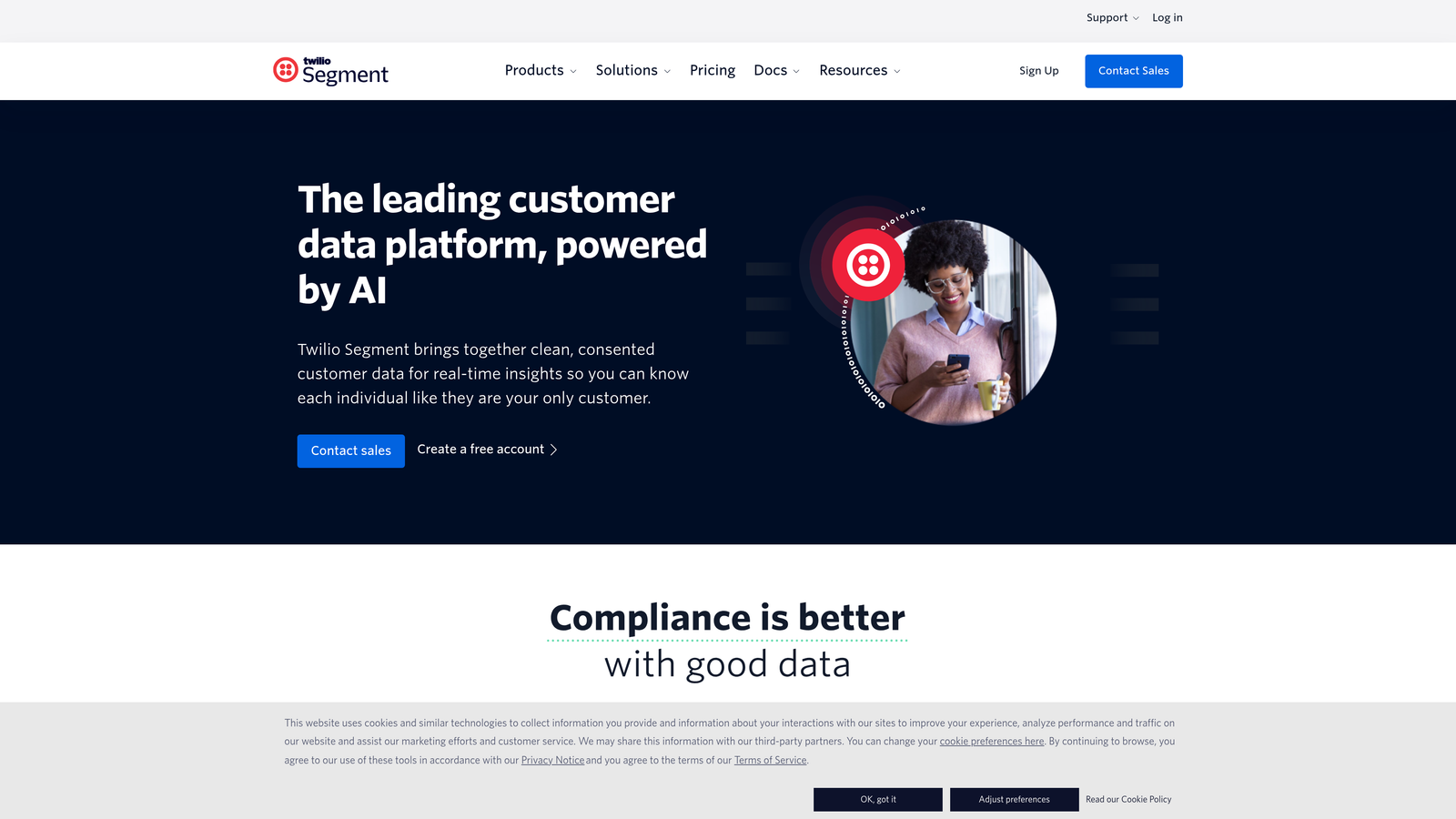
Segment is a customer data platform that collects, unifies, and routes data from all customer touchpoints to your entire technology stack.
Where This Tool Shines
Segment operates at a different level than form builders. It's the data infrastructure layer that captures customer interactions across your website, mobile app, server, and cloud tools, then routes that unified data to analytics platforms, marketing tools, and data warehouses.
The platform solves the problem of fragmented customer data living in disconnected tools. With Segment, you implement tracking once, and the data flows to every tool in your stack automatically.
Key Features
Unified Customer Profiles: Merge data from multiple sources into single customer views.
Real-Time Data Streaming: Instant data routing to downstream tools as events happen.
300+ Native Integrations: Connect with analytics, marketing, CRM, and data warehouse platforms.
Identity Resolution: Match anonymous visitors to known users across devices and sessions.
Data Governance Controls: Manage data quality, privacy compliance, and access permissions centrally.
Best For
Segment is built for companies with complex tech stacks and multiple customer touchpoints. Product-led growth companies, e-commerce platforms, and enterprise organizations use it when they need a single source of truth for customer data.
Pricing
Free tier available for startups with limited monthly tracked users. Team plan starts at $120/month with volume-based pricing for larger implementations.
6. Formstack
Best for: Healthcare, finance, and regulated industries requiring compliance features
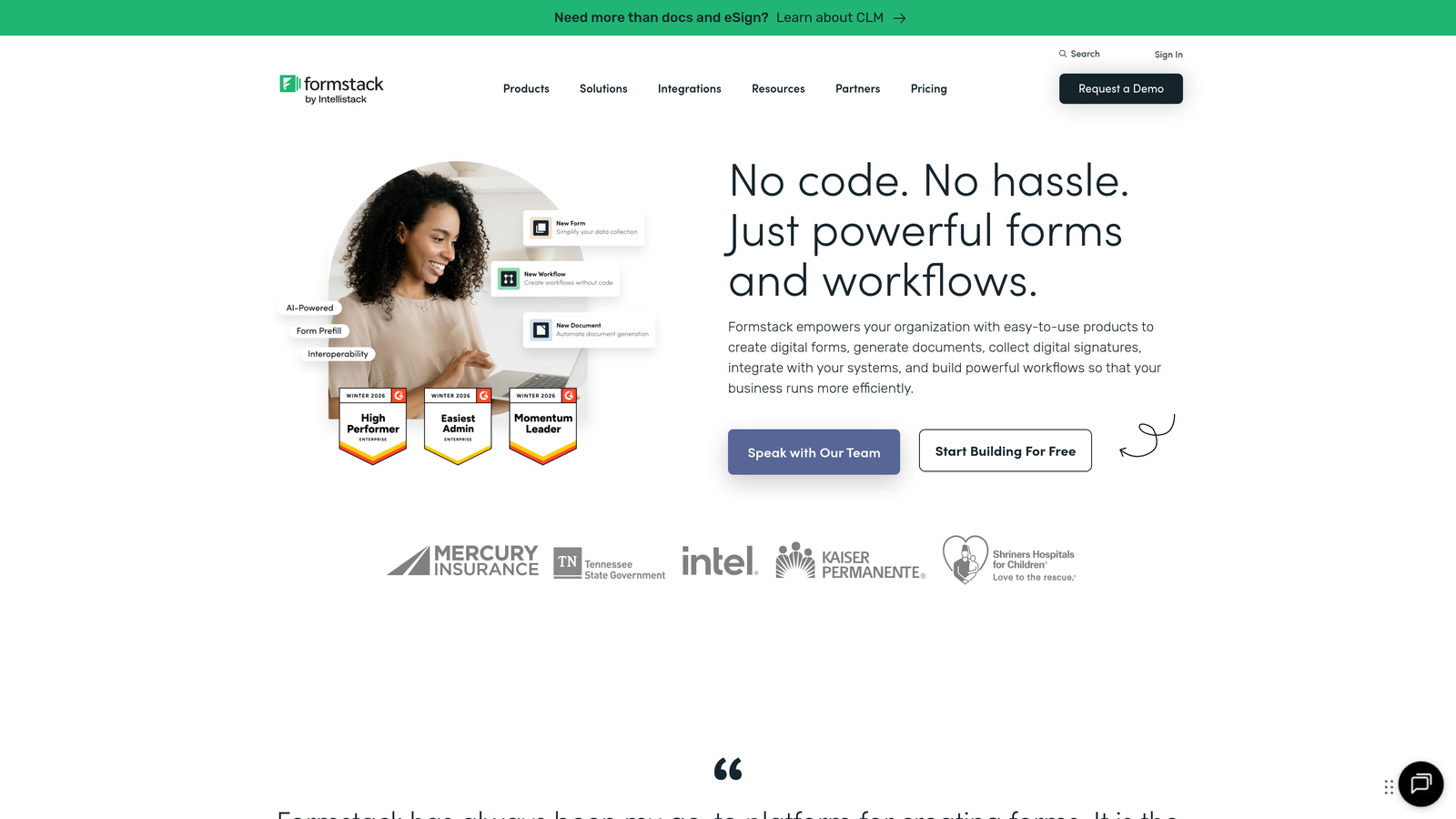
Formstack is an enterprise-grade form builder with advanced workflow automation and compliance features designed for regulated industries.
Where This Tool Shines
Formstack takes security and compliance seriously in ways that matter for healthcare providers, financial institutions, and government agencies. The platform offers HIPAA-compliant forms with business associate agreements, making it suitable for collecting protected health information.
The workflow automation goes beyond basic notifications. You can route documents through approval chains, trigger actions based on form data, and generate legally binding documents with digital signatures.
Key Features
HIPAA Compliance: Business associate agreements and security controls for protected health information.
Digital Signatures: Legally binding e-signature collection within forms.
Conditional Logic Workflows: Complex routing and automation based on form responses.
Document Generation: Automatically create contracts, agreements, and reports from form data.
Advanced Security Controls: Field-level encryption, access permissions, and audit trails.
Best For
Formstack serves organizations in healthcare, finance, insurance, and government where data security and regulatory compliance are non-negotiable. If you're handling sensitive information with legal or compliance requirements, this platform provides the necessary controls.
Pricing
Plans start at $50/month. HIPAA-compliant features require higher-tier plans with additional security and compliance add-ons.
7. Paperform
Best for: Creating all-in-one experiences combining forms, payments, and landing pages
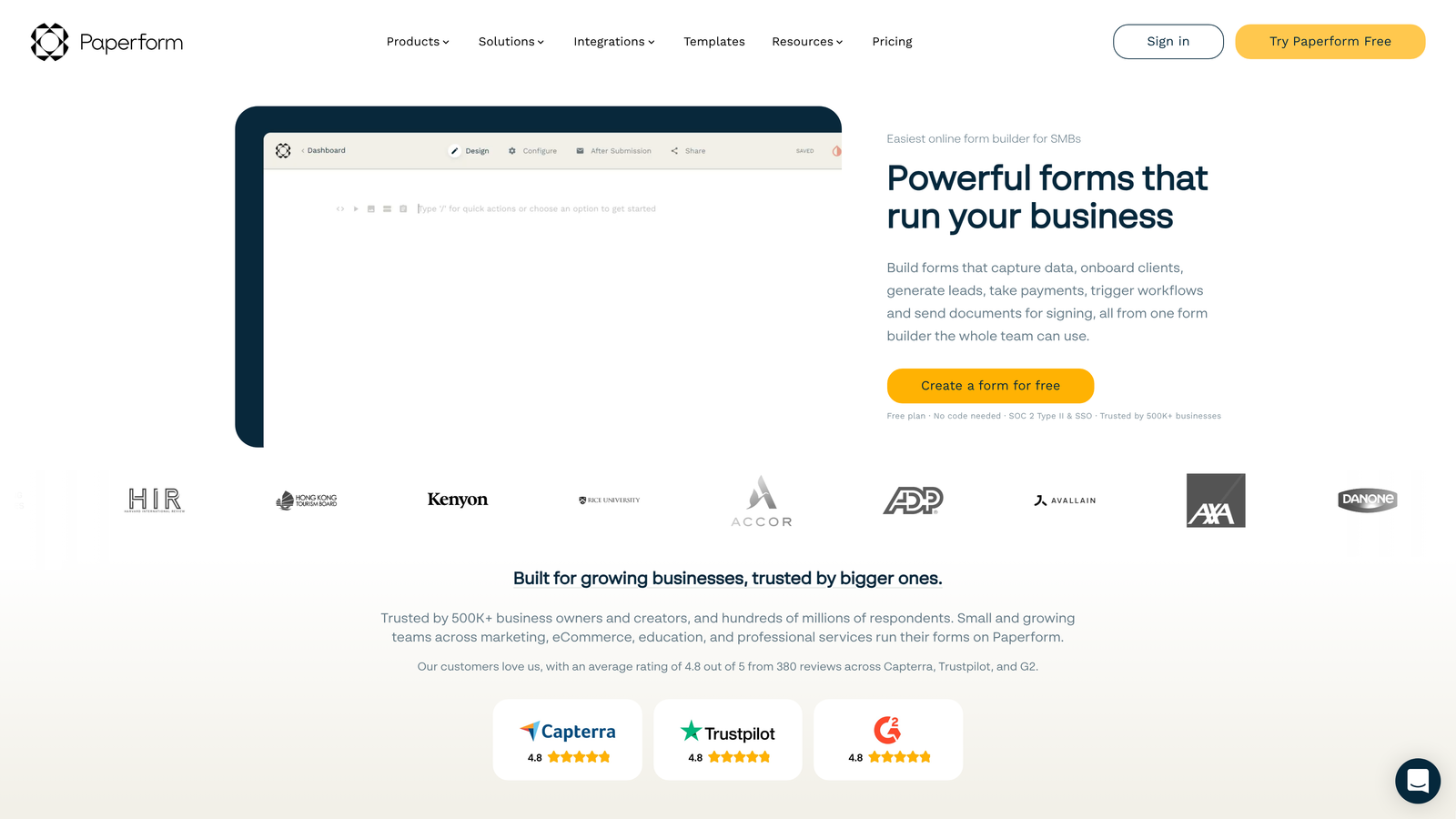
Paperform is a document-style form builder that combines forms, payment processing, and landing page functionality in a single beautiful experience.
Where This Tool Shines
Paperform blurs the line between forms and landing pages. Instead of embedding a form on a separate page, you build a complete experience where the form is the page. This works beautifully for product orders, event registrations, and service bookings.
The editor feels like working in a document rather than a traditional form builder. You can add rich text, images, videos, and calculations alongside form fields, creating experiences that feel more like interactive content than data collection.
Key Features
Rich Media Embedding: Add videos, images, and formatted text to create engaging form experiences.
Built-In Payment Processing: Accept payments through Stripe and PayPal without external integrations.
Landing Page Functionality: Create complete landing pages with forms, content, and calls-to-action.
Calculations and Pricing Tables: Dynamic pricing based on selections and quantities.
Custom Branding: Full control over colors, fonts, and styling to match your brand.
Best For
Paperform works well for solopreneurs, small businesses, and creative professionals who want beautiful forms without hiring a designer. It's popular for course registrations, consulting bookings, and product sales where the form experience matters.
Pricing
Essentials plan starts at $24/month with unlimited forms and submissions. Higher tiers add advanced features and increased storage.
8. Zoho Forms
Best for: Small to mid-sized businesses already using Zoho's ecosystem
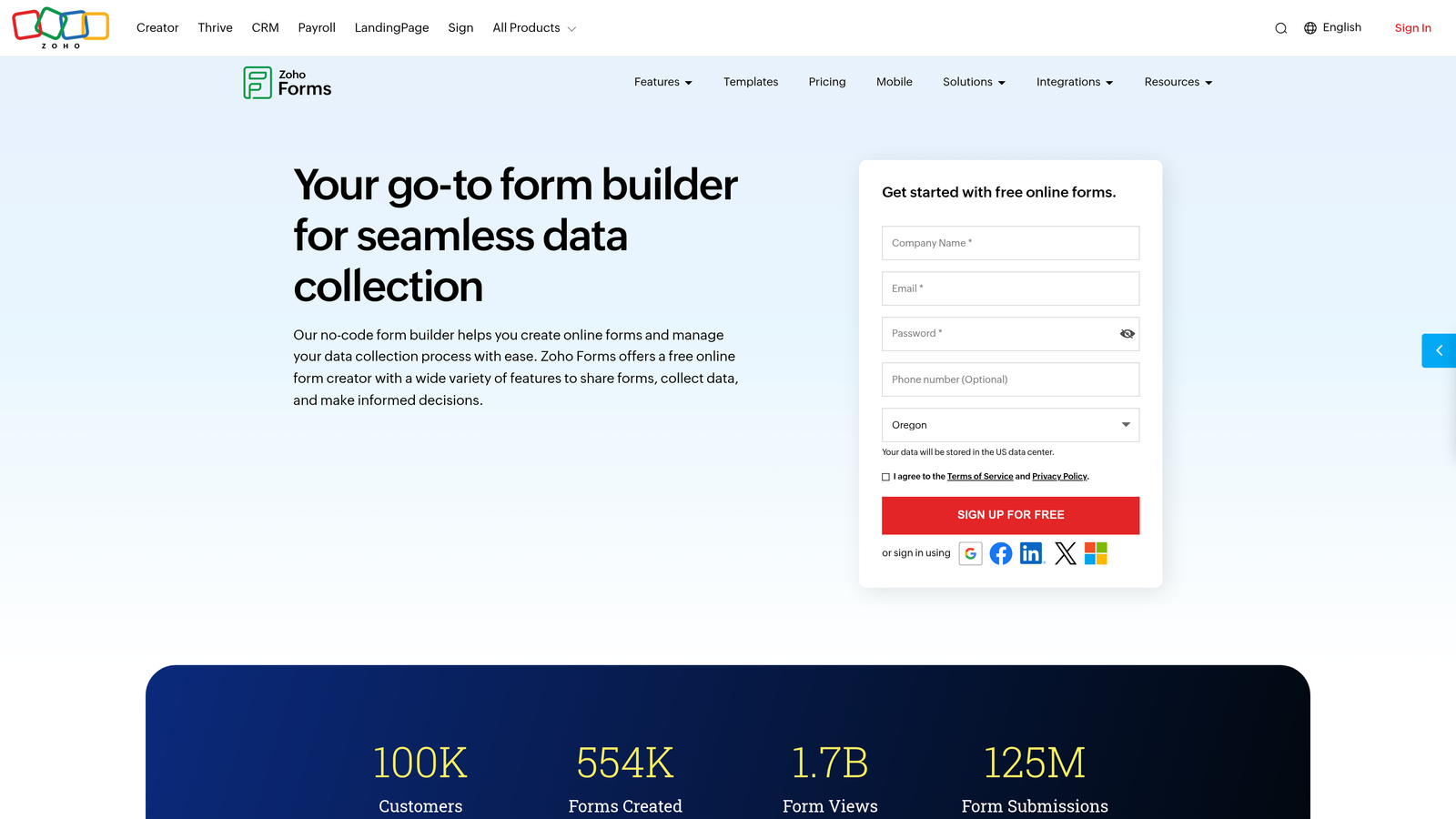
Zoho Forms is a budget-friendly form builder with deep integration into Zoho's suite of business applications.
Where This Tool Shines
Zoho Forms delivers solid functionality at prices that make sense for smaller teams. If you're already using Zoho CRM, Zoho Campaigns, or other Zoho applications, this form builder connects natively without requiring third-party integration tools.
The mobile app for offline data collection is particularly useful for field teams. Sales reps, event staff, and field service teams can collect data without internet connectivity, with automatic sync when they're back online.
Key Features
Zoho CRM Integration: Native connection to Zoho CRM for automatic contact creation and updates.
Mobile App for Offline Collection: Collect data without internet access and sync later.
Payment Integrations: Accept payments through PayPal, Stripe, and other processors.
Approval Workflows: Route submissions through team members for review and approval.
Custom Themes: Design forms to match your brand with custom styling options.
Best For
Zoho Forms is ideal for small businesses and teams already invested in the Zoho ecosystem. The pricing makes it accessible for organizations with limited budgets who still need professional form capabilities.
Pricing
Free tier available with basic features. Basic paid plan starts at $10/month, making it one of the most affordable options for small teams.
9. Tally
Best for: Startups and bootstrapped teams needing unlimited free forms
Tally is a Notion-like form builder offering unlimited forms for free with a clean, minimalist interface.
Where This Tool Shines
Tally's generous free tier is remarkable. You get unlimited forms, unlimited submissions, and most core features without paying anything. For early-stage startups and bootstrapped teams, this removes the budget barrier to professional form capabilities.
The Notion-style editor makes form building feel familiar if you're already using Notion for documentation. You build forms by adding blocks and configuring options, creating a streamlined experience that doesn't require training.
Key Features
Unlimited Free Forms: No limits on form creation or submissions in the free tier.
Notion-Style Editor: Intuitive block-based interface for rapid form creation.
File Uploads: Allow respondents to upload documents and images.
Conditional Logic: Show or hide questions based on previous answers.
Webhook Integrations: Connect to other tools through webhooks and Zapier.
Best For
Tally works best for startups, indie makers, and small teams with limited budgets. If you need basic form functionality without monthly fees, this platform delivers surprising value at the free tier.
Pricing
Free for unlimited forms and submissions with most features. Pro plan at $29/month adds custom domains, removed branding, and advanced features.
Making the Right Choice
The best customer data collection software depends on where you are and where you're going. Each platform serves different needs based on your tech stack, budget, and growth trajectory.
Choose Orbit AI if you need AI-powered lead qualification and conversion optimization designed specifically for high-growth teams. The intelligent routing and qualification features eliminate manual triage work while the conversion-optimized templates reduce form abandonment.
Go with Typeform when brand experience matters as much as data collection. The conversational interface creates memorable experiences that boost completion rates for customer feedback, event registrations, and lead capture.
Pick HubSpot Forms if you're already running your business through HubSpot. The native CRM integration and progressive profiling features make it the obvious choice for teams invested in that ecosystem.
Segment is your platform when you need enterprise-grade data infrastructure that unifies customer information across your entire tech stack. It's not a form builder but rather the foundation that makes all your tools work together.
Formstack handles the compliance-heavy industries where HIPAA, digital signatures, and audit trails are requirements rather than nice-to-haves. Healthcare, finance, and government organizations need these controls.
Tally offers the best free option for startups and bootstrapped teams. Unlimited forms and submissions without monthly fees make it perfect for early-stage companies watching every dollar.
The right choice comes down to three questions: What tools do you already use? What's your budget? How will you act on the data you collect? Answer those honestly, and the right platform becomes clear.
Start building free forms today and see how intelligent form design can elevate your conversion strategy. Transform your lead generation with AI-powered forms that qualify prospects automatically while delivering the modern, conversion-optimized experience your high-growth team needs.


