Static forms are conversion killers. When every visitor sees the same generic fields regardless of their industry, company size, or intent, you're leaving qualified leads on the table. Dynamic form builder software changes the game by adapting in real-time—showing relevant questions, skipping irrelevant ones, and personalizing the experience based on user behavior and responses. The result? Higher completion rates, better lead quality, and forms that actually feel like conversations.
We've tested dozens of form builders to find the ones that truly deliver on dynamic functionality. Here are the platforms that stand out for their conditional logic, personalization capabilities, and ability to turn form fills into qualified pipeline.
1. Orbit AI
Best for: High-growth teams prioritizing AI-powered lead qualification and conversion optimization
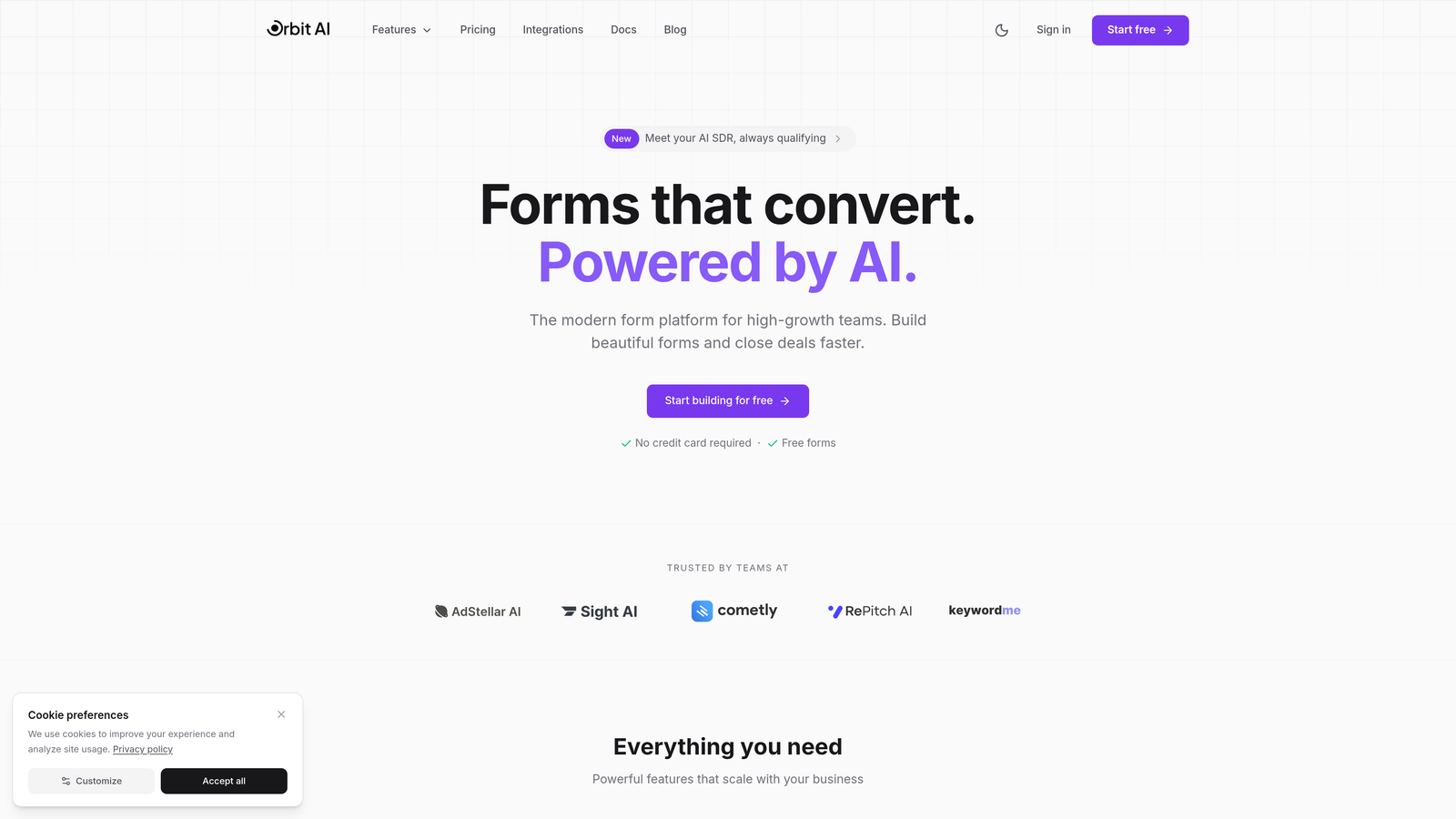
Orbit AI combines beautiful, conversion-optimized forms with intelligent lead qualification that happens automatically during the form experience.
Where This Tool Shines
What sets Orbit AI apart is how it bakes lead qualification directly into the form-filling experience. Instead of collecting responses and qualifying later, the platform analyzes answers in real-time to score and route leads instantly. This means your sales team contacts hot prospects while they're still engaged, not hours or days later.
The AI-powered logic adapts dynamically based on response patterns, showing follow-up questions that matter and skipping irrelevant fields. The result is a form experience that feels conversational rather than interrogative, leading to higher completion rates and better-quality lead data.
Key Features
AI-Powered Lead Qualification: Built-in intelligence scores and categorizes leads based on responses without manual rule configuration.
Dynamic Field Display: Forms adapt in real-time, showing relevant questions and hiding unnecessary ones based on user responses and behavior.
Automated Routing Workflows: Qualified leads automatically route to the right team member or workflow based on criteria you define.
Native CRM Integrations: Connects seamlessly with major CRM and sales tools to ensure lead data flows where it needs to go.
Mobile-Responsive Design: Forms look stunning and function flawlessly across all devices, maintaining conversion optimization on mobile.
Best For
Orbit AI is ideal for SaaS companies, B2B businesses, and high-growth teams that need to qualify leads at scale without adding headcount. If you're tired of sifting through unqualified form submissions or losing hot leads to slow follow-up, this platform bridges the gap between form fill and meaningful sales conversation.
Pricing
Free tier available to get started. Paid plans offer competitive SaaS pricing with features that scale as your lead volume grows.
2. Typeform
Best for: Creating engaging conversational experiences with one-question-at-a-time interfaces
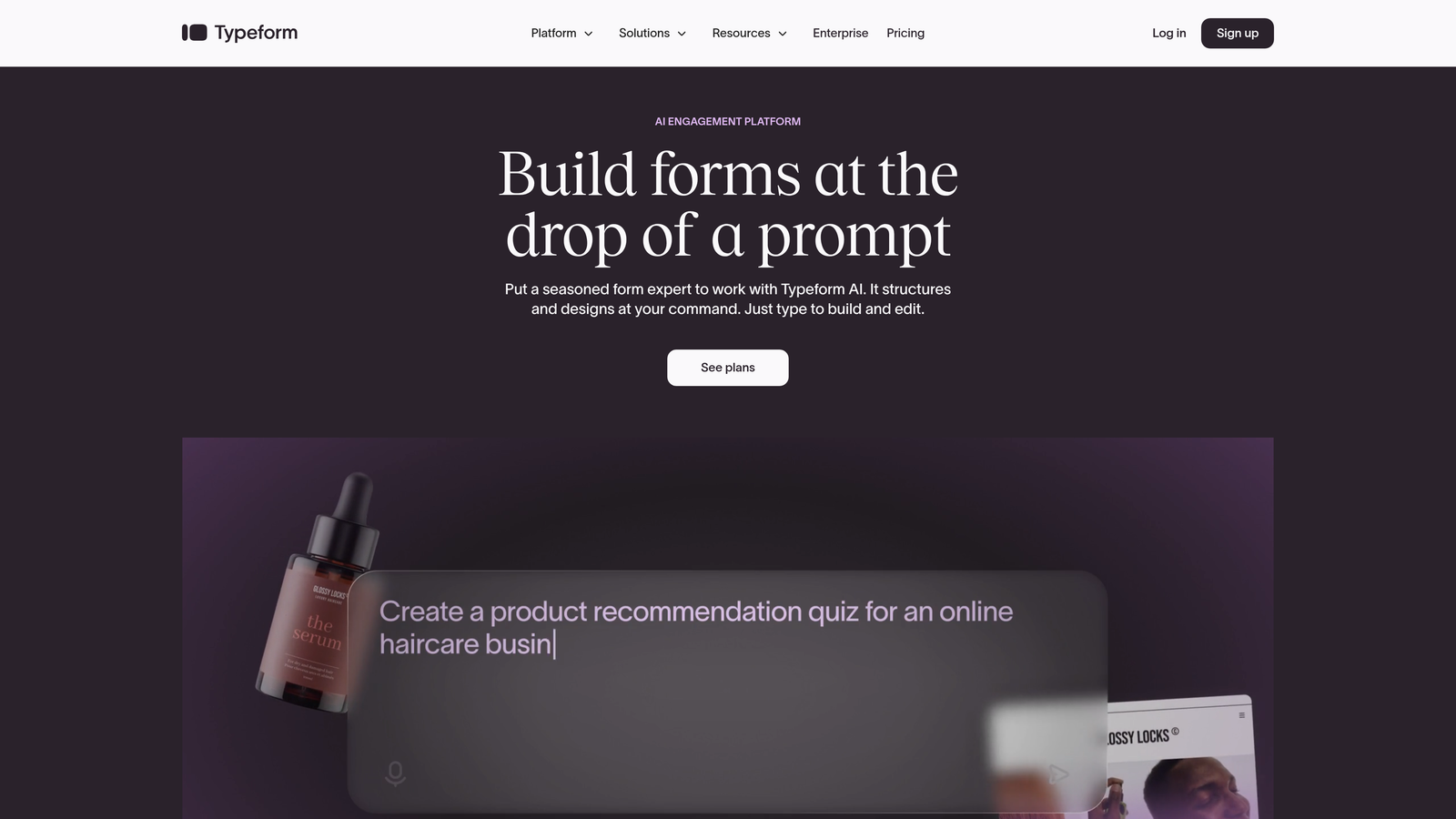
Typeform pioneered the conversational form format and remains a leader in creating engaging, human-feeling form experiences.
Where This Tool Shines
Typeform's signature one-question-at-a-time approach reduces cognitive load and increases completion rates. Instead of overwhelming visitors with a wall of fields, it guides them through a conversation that feels natural and purposeful. The visual design is clean and modern, making even complex forms feel approachable.
The platform's logic jumps enable sophisticated branching based on responses, letting you create personalized pathways through your form. Combined with hidden fields for tracking UTM parameters and other context, you can build forms that adapt to each visitor's journey.
Key Features
Conversational Format: One question appears at a time, creating a focused, engaging experience that drives completion.
Logic Jumps: Branch to different questions or outcomes based on previous responses, creating truly dynamic pathways.
Hidden Fields: Capture tracking data, UTM parameters, and context without cluttering the user experience.
Calculator Functionality: Build dynamic pricing calculators or scoring systems that respond to user inputs.
Integration Library: Connect with hundreds of tools including CRMs, email platforms, and analytics systems.
Best For
Typeform excels for marketing teams focused on engagement and brand experience. If your priority is creating forms that people actually enjoy filling out, and you need robust conditional logic without technical complexity, Typeform delivers consistently.
Pricing
Free plan available with Typeform branding. Basic plan starts at $25/month, with Plus and Business tiers offering advanced features and higher response limits.
3. Jotform
Best for: Teams needing extensive templates and pre-built conditional logic configurations
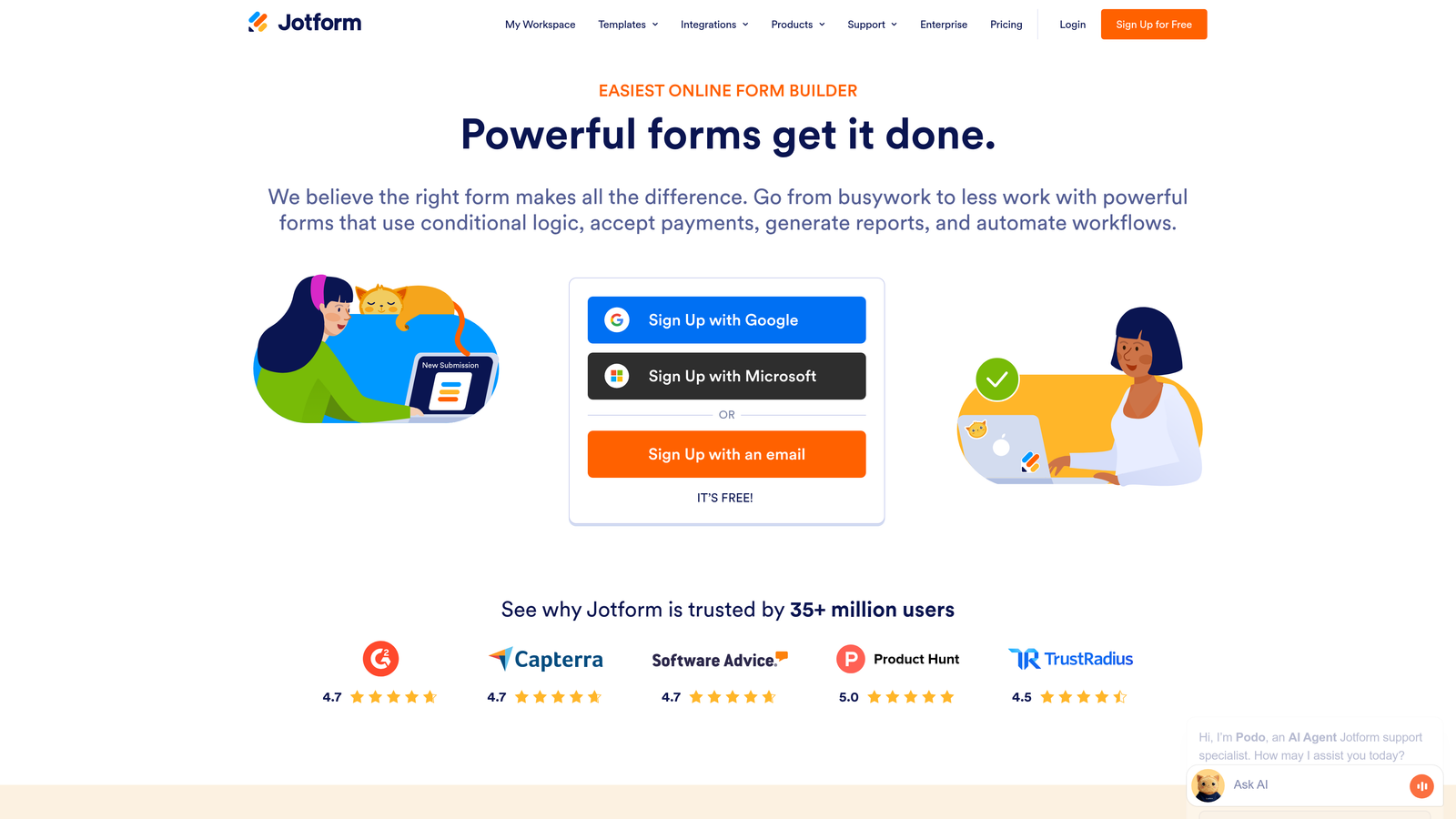
Jotform offers one of the largest template libraries in the industry, with thousands of forms pre-configured with conditional logic for specific use cases.
Where This Tool Shines
With over 10,000 templates spanning every industry and use case, Jotform lets you start with forms that already have smart conditional logic built in. Need a multi-step registration form with conditional pricing? There's a template. Want a survey that adapts based on role selection? Already configured.
The platform's show/hide functionality and page-skipping logic work smoothly across desktop and mobile. You can set up complex conditional email notifications, sending different follow-ups to different segments based on their responses—all without touching code.
Key Features
Template Library: Over 10,000 pre-built forms with conditional logic already configured for common scenarios.
Conditional Logic Builder: Visual interface for creating show/hide rules and page-skipping logic without technical knowledge.
Integration Ecosystem: 400+ integrations including payment processors, CRMs, and productivity tools.
Conditional Notifications: Send different email alerts to different team members based on form responses.
Mobile Management: Native mobile app lets you manage forms, view submissions, and respond on the go.
Best For
Jotform works well for organizations that need to deploy many different types of forms quickly. If you're managing forms across multiple departments or use cases and want to avoid building from scratch every time, the template library is a massive time-saver.
Pricing
Free tier supports up to 5 forms with 100 monthly submissions. Bronze plan starts at $34/month, with Silver and Gold tiers offering more forms and features.
4. Formstack
Best for: Enterprise teams requiring advanced workflows, compliance, and data security
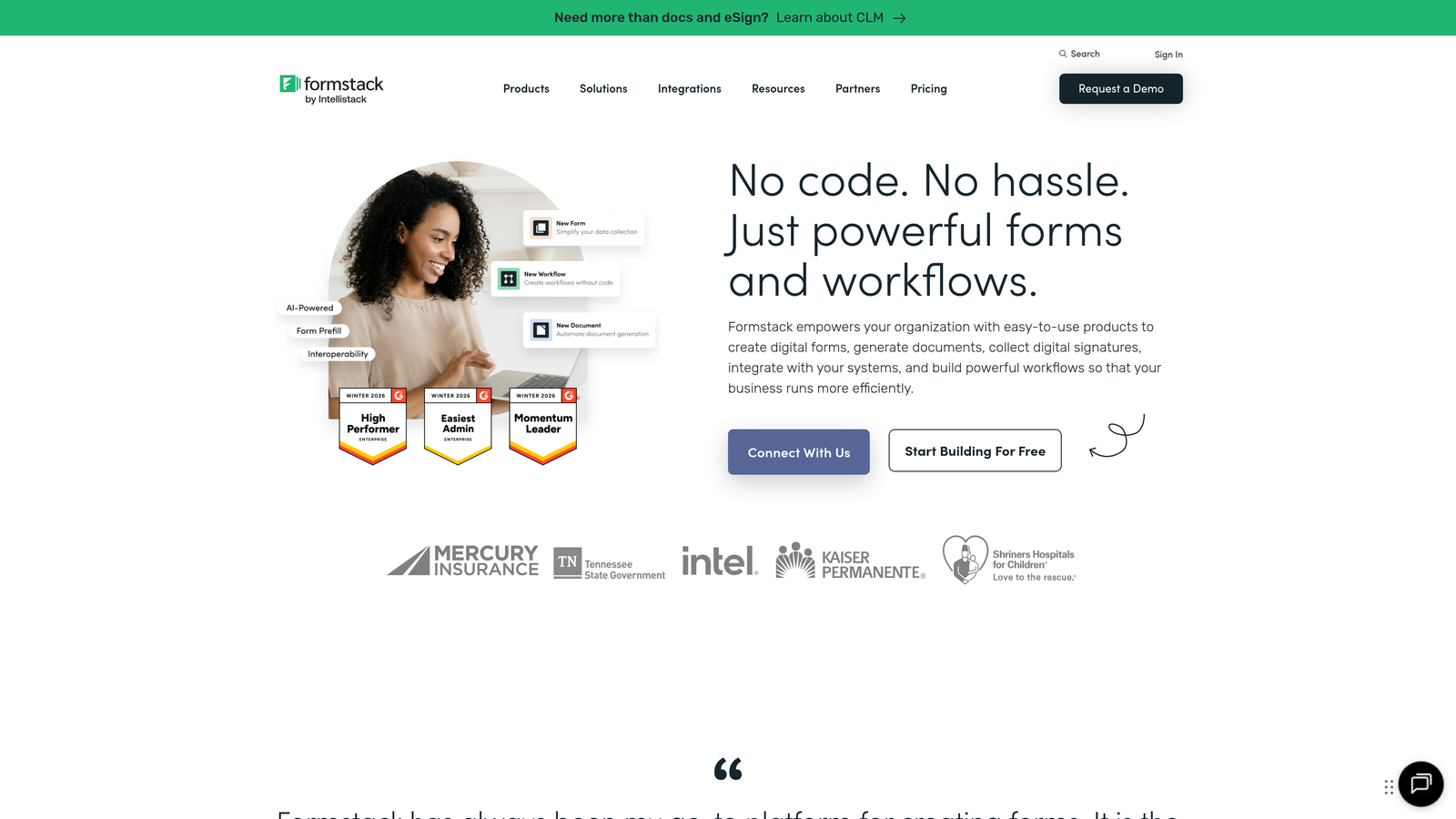
Formstack is built for organizations with complex approval workflows, regulatory requirements, and enterprise-grade security needs.
Where This Tool Shines
Formstack's conditional logic goes beyond simple show/hide rules to support multi-condition workflows with approval routing and automated document generation. You can create forms that trigger different approval chains based on request type, dollar amount, or any combination of field values.
For healthcare, finance, and other regulated industries, Formstack offers HIPAA compliance and robust data security features. The platform can prefill forms with existing CRM data, creating personalized experiences for returning users while maintaining strict data governance.
Key Features
Advanced Conditional Logic: Multi-condition rules with AND/OR operators for sophisticated branching scenarios.
Workflow Automation: Route submissions through approval chains and trigger automated actions based on responses.
Compliance Features: HIPAA-compliant infrastructure with data encryption and audit trails for regulated industries.
CRM Prefill: Populate form fields automatically with data from connected CRM systems for personalized experiences.
Document Generation: Automatically create PDFs, contracts, or reports from form submission data.
Best For
Formstack is ideal for enterprise organizations, healthcare providers, financial services firms, and any business with complex approval workflows or regulatory compliance requirements. If you need forms that integrate into broader business processes with proper governance, Formstack delivers enterprise reliability.
Pricing
Forms product starts at $50/month. Enterprise pricing available for organizations requiring advanced security, compliance, and support features.
5. Paperform
Best for: Creating branded, page-like experiences with rich content and dynamic pricing
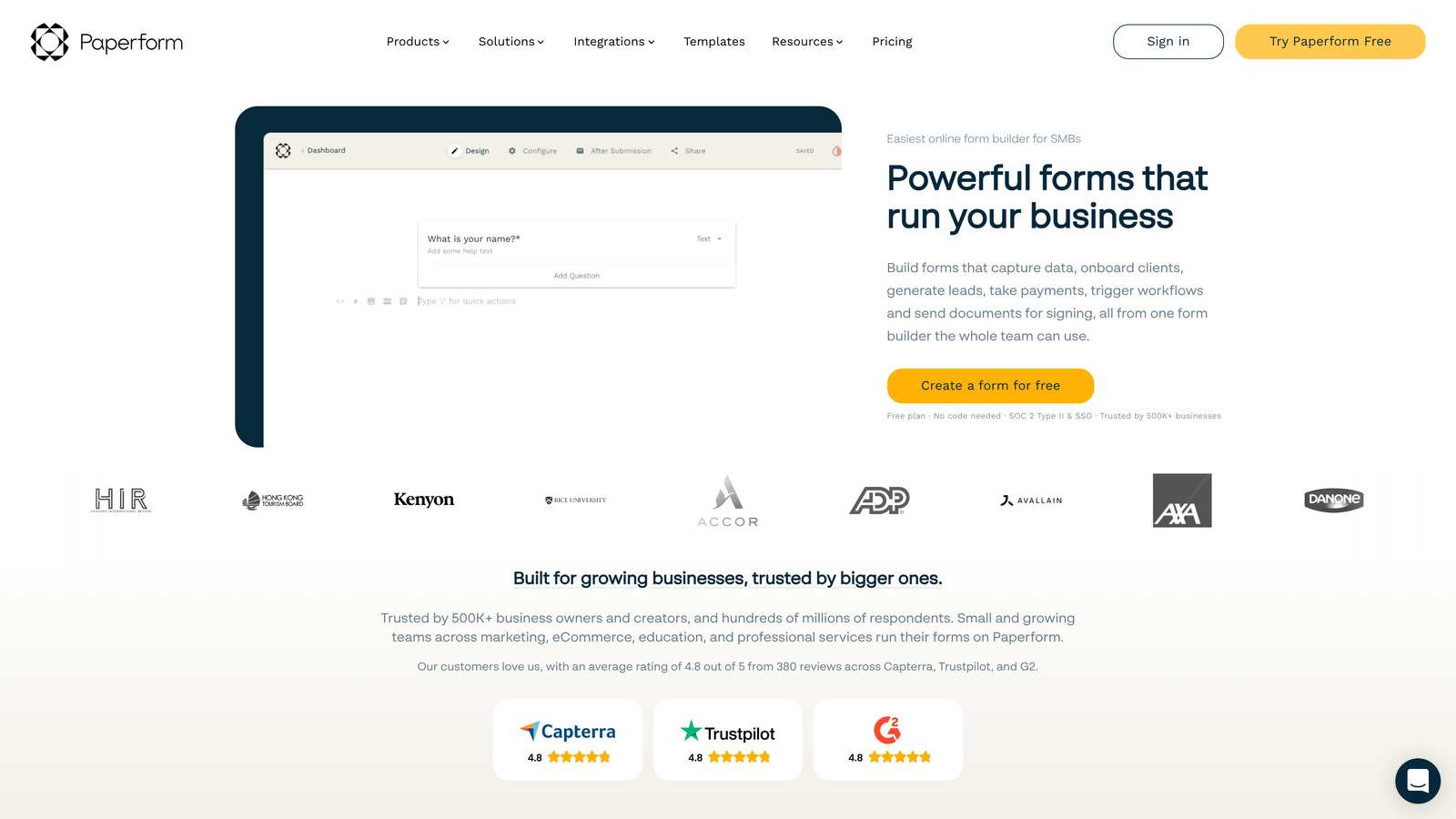
Paperform takes a unique document-style approach, letting you build forms that look like landing pages with embedded interactive elements.
Where This Tool Shines
Paperform's document-style builder lets you mix form fields with rich content blocks—images, videos, headings, and formatted text—creating experiences that feel more like interactive pages than traditional forms. This approach works brilliantly for product orders, event registrations, and booking flows where context matters.
The conditional logic extends beyond fields to entire sections and pricing structures. You can show different pricing tiers based on selections, calculate totals dynamically, and customize success pages based on what users chose. Built-in payment processing with Stripe and PayPal makes it powerful for e-commerce use cases.
Key Features
Document-Style Builder: Create forms that look like branded landing pages with rich content mixed throughout.
Conditional Logic System: Apply conditions to fields, entire pages, and pricing calculations for sophisticated branching.
Calculation Builder: Create dynamic quotes, order totals, and pricing that updates based on user selections.
Success Page Customization: Show different confirmation pages and next steps based on form responses.
Native Payments: Accept payments directly through Stripe and PayPal with dynamic pricing support.
Best For
Paperform excels for businesses selling products or services directly through forms, event organizers managing registrations with variable pricing, and brands that want their forms to match their website's visual identity. If your forms need to do more than collect data—if they need to sell, convince, or impress—Paperform's rich content approach delivers.
Pricing
Essentials plan at $24/month includes core features. Pro plan at $49/month adds advanced integrations, calculations, and higher submission limits.
6. Cognito Forms
Best for: Complex calculations, repeating sections, and forms requiring advanced mathematical logic
Cognito Forms stands out for its powerful calculation engine and ability to handle complex, data-heavy form scenarios.
Where This Tool Shines
If your forms need to perform calculations—whether it's pricing, scoring, or mathematical operations—Cognito Forms' formula builder is remarkably powerful. You can create complex calculations that reference multiple fields, use conditional formulas, and update dynamically as users fill the form.
The repeating sections feature lets users add multiple items, attendees, or entries within a single form submission. Combined with conditional logic at both field and section level, you can build forms that adapt to varying amounts of information without creating separate versions.
Key Features
Advanced Calculations: Formula builder supports complex mathematical operations, conditional calculations, and field references.
Repeating Sections: Let users add multiple instances of a field group, perfect for registrations with multiple attendees or orders with multiple items.
Multi-Level Conditional Logic: Apply conditions at field, section, and page levels for sophisticated branching.
Multi-Page Forms: Create long forms with conditional navigation that skips irrelevant pages based on responses.
Save and Resume: Allow users to save partially completed forms and return later to finish.
Best For
Cognito Forms is ideal for organizations managing complex registrations, applications requiring calculations, or forms collecting structured data with variable quantities. If you're building quote calculators, multi-attendee registrations, or application forms with scoring logic, Cognito Forms handles complexity that would break simpler platforms.
Pricing
Generous free tier with unlimited forms and submissions. Pro plan starts at $15/month for individual users, with Team and Enterprise options available.
7. Fillout
Best for: Teams using Notion or Airtable wanting native database integration with clean conditional logic
Fillout is a modern form builder that connects natively with Notion and Airtable databases while offering competitive pricing and clean conditional logic.
Where This Tool Shines
Fillout's native integrations with Notion and Airtable mean your form submissions flow directly into your existing databases without middleware. This is huge for teams already managing workflows in these platforms—no more exporting CSVs or dealing with Zapier delays.
The visual flow builder makes conditional logic intuitive to set up. You can create multi-step forms with progress indicators, use URL parameters to personalize forms based on traffic source, and integrate scheduling functionality for booking flows. The interface feels modern and uncluttered, making it easy to build sophisticated forms quickly.
Key Features
Native Database Connections: Direct integration with Notion and Airtable databases for seamless data flow.
Visual Flow Builder: Intuitive interface for creating conditional logic and branching pathways.
Multi-Step Forms: Build longer forms with progress indicators and conditional page navigation.
URL Parameter Personalization: Customize form content and prefill fields based on URL parameters.
Scheduling Integration: Embed booking functionality directly into forms for appointment-based workflows.
Best For
Fillout is perfect for startups and small teams already invested in the Notion or Airtable ecosystem. If you're managing operations in these platforms and want forms that integrate seamlessly without complex automation setups, Fillout eliminates friction at a price point that makes sense for growing teams.
Pricing
Free tier available with core features. Starter plan at $15/month unlocks advanced logic, custom branding, and higher submission limits.
8. Feathery
Best for: Developer teams requiring code-level customization and API-first architecture
Feathery bridges the gap between visual form builders and custom-coded solutions, offering deep customization for technical teams.
Where This Tool Shines
Feathery gives developers the control they crave while maintaining visual building for speed. You can customize forms with CSS and JavaScript, integrate custom validation logic, and hook into an API-first architecture that fits modern development workflows.
The platform excels at complex onboarding flows and multi-step processes that require sophisticated conditional logic. You can build forms that feel like native application experiences rather than embedded widgets, with full control over styling and behavior.
Key Features
Visual Builder with Code Access: Start with visual building, then customize with code when you need precise control.
Advanced Conditional Logic: Create complex branching scenarios with multiple conditions and nested rules.
Custom CSS and JavaScript: Full styling control and ability to add custom behavior and validation.
Multi-Step Onboarding Builder: Purpose-built for creating sophisticated user onboarding and workflow forms.
API-First Architecture: Integrate forms deeply into your application with comprehensive API access.
Best For
Feathery is ideal for SaaS companies building user onboarding flows, developer teams that need forms to match their application's exact design system, and technical organizations requiring deep integration with existing systems. If visual form builders feel too limiting but building from scratch seems inefficient, Feathery offers the middle ground.
Pricing
Free tier for builders to test and develop. Growth plans start at $49/month with features scaling for production use and higher volumes.
9. Tally
Best for: Unlimited forms and responses on a generous free tier with Notion-inspired simplicity
Tally offers a clean, Notion-inspired form building experience with an unusually generous free tier that includes unlimited forms and submissions.
Where This Tool Shines
Tally's standout feature is its pricing model—unlimited forms and unlimited responses on the free plan. For startups, side projects, or organizations managing high form volumes on tight budgets, this changes the economics of form building entirely.
The editing experience feels like Notion, with a clean block-based interface that makes building forms intuitive. Conditional logic works through showing or hiding blocks based on responses, and calculator fields enable dynamic value displays. While it doesn't have the advanced features of enterprise platforms, it covers the essentials remarkably well.
Key Features
Unlimited Free Tier: Create unlimited forms with unlimited submissions on the free plan—no artificial limits.
Conditional Block Logic: Show or hide entire blocks of content and fields based on user responses.
Calculator Fields: Create dynamic values that update based on user inputs for pricing or scoring scenarios.
Notion-Style Editing: Familiar block-based interface that feels intuitive if you've used Notion.
Basic Integrations: Connect with other tools via webhooks and Zapier for workflow automation.
Best For
Tally works well for startups with limited budgets, content creators building lead magnets, and organizations that need many simple forms without per-form costs. If you're testing form strategies or managing high volumes where per-submission pricing becomes prohibitive, Tally's unlimited free tier is hard to beat.
Pricing
Free tier includes most features with unlimited forms and submissions. Pro plan at $29/month adds custom branding, file uploads, and priority support.
Making the Right Choice
The right dynamic form builder depends on what you're optimizing for. If lead qualification and conversion optimization are your priorities, Orbit AI's AI-powered approach eliminates the manual work of scoring and routing leads while maintaining beautiful form experiences that drive completion rates.
For teams focused purely on engagement and brand experience, Typeform's conversational interface remains the gold standard. Need extensive templates and want to avoid building from scratch? Jotform's massive library gets you up and running fast. Enterprise teams with compliance requirements should look at Formstack's governance features.
Consider your technical resources too. Feathery gives developers the customization they need, while Tally and Fillout offer simplicity for teams that want powerful features without complexity. Paperform excels when your forms need to sell or convince, not just collect data.
The common thread across all these platforms is that dynamic, adaptive forms significantly outperform static ones. Forms that respond to user input, skip irrelevant questions, and personalize the experience drive higher completion rates and better data quality. The question isn't whether to use conditional logic—it's which platform's approach fits your team's workflow and priorities.
Transform your lead generation with AI-powered forms that qualify prospects automatically while delivering the modern, conversion-optimized experience your high-growth team needs. Start your free trial today and see how intelligent form design can elevate your conversion strategy.