

Static forms are conversion killers. When every visitor sees the same generic fields regardless of their industry, company size, or intent, you're leaving qualified leads on the table. Dynamic form builders solve this by adapting in real-time—showing relevant questions based on previous answers, pre-filling known data, and creating personalized experiences that feel less like interrogations and more like conversations.
This guide covers the top dynamic form builder solutions for teams serious about conversion optimization, from AI-powered platforms to enterprise-grade tools. We evaluated each based on conditional logic capabilities, integration depth, ease of use, and pricing transparency.
1. Orbit AI
Best for: High-growth teams needing AI-powered lead qualification alongside dynamic form building.
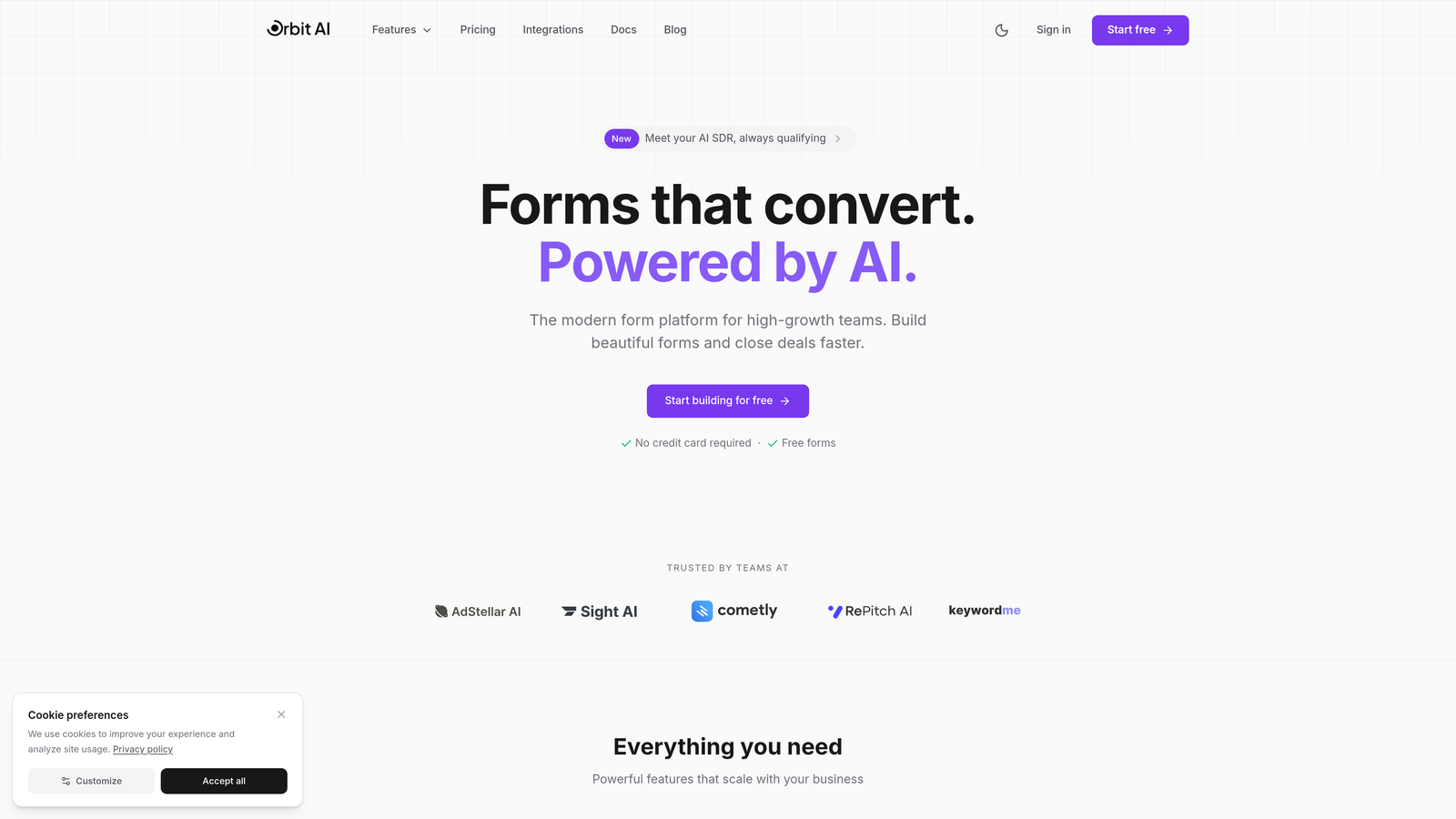
Orbit AI is an AI-powered form builder platform that combines dynamic form creation with intelligent lead qualification and scoring capabilities.
Where This Tool Shines
Orbit AI goes beyond basic conditional logic by using AI to automatically qualify and score leads as they fill out your forms. The platform analyzes responses in real-time, assigning qualification scores based on criteria you define—company size, budget signals, urgency indicators, and more.
The smart field suggestion feature learns from your existing lead data to recommend which questions will yield the most valuable insights. This means your forms get smarter over time, adapting to what actually converts rather than relying on static templates.
Key Features
AI-Powered Lead Qualification: Automatically scores and qualifies leads based on form responses with customizable scoring criteria.
Dynamic Conditional Logic: Shows or hides fields based on previous answers with intelligent suggestions for optimal question flow.
Native CRM Integrations: Connects directly with major CRMs to sync qualified leads and enrich contact records automatically.
Conversion-Optimized Templates: Pre-built form templates designed specifically for high-converting lead capture across industries.
Real-Time Analytics: Track form performance, conversion rates, and lead quality metrics with actionable insights.
Best For
Growth-focused B2B teams that need more than basic form building—specifically those who want to automate lead qualification while capturing information. Marketing teams tired of manually sorting through unqualified leads will find the AI scoring particularly valuable for prioritizing follow-up.
Pricing
Free tier available with core features. Paid plans start at $29/month with expanded AI capabilities and integrations.
2. Typeform
Best for: Creating visually stunning, conversational form experiences with smooth user interactions.
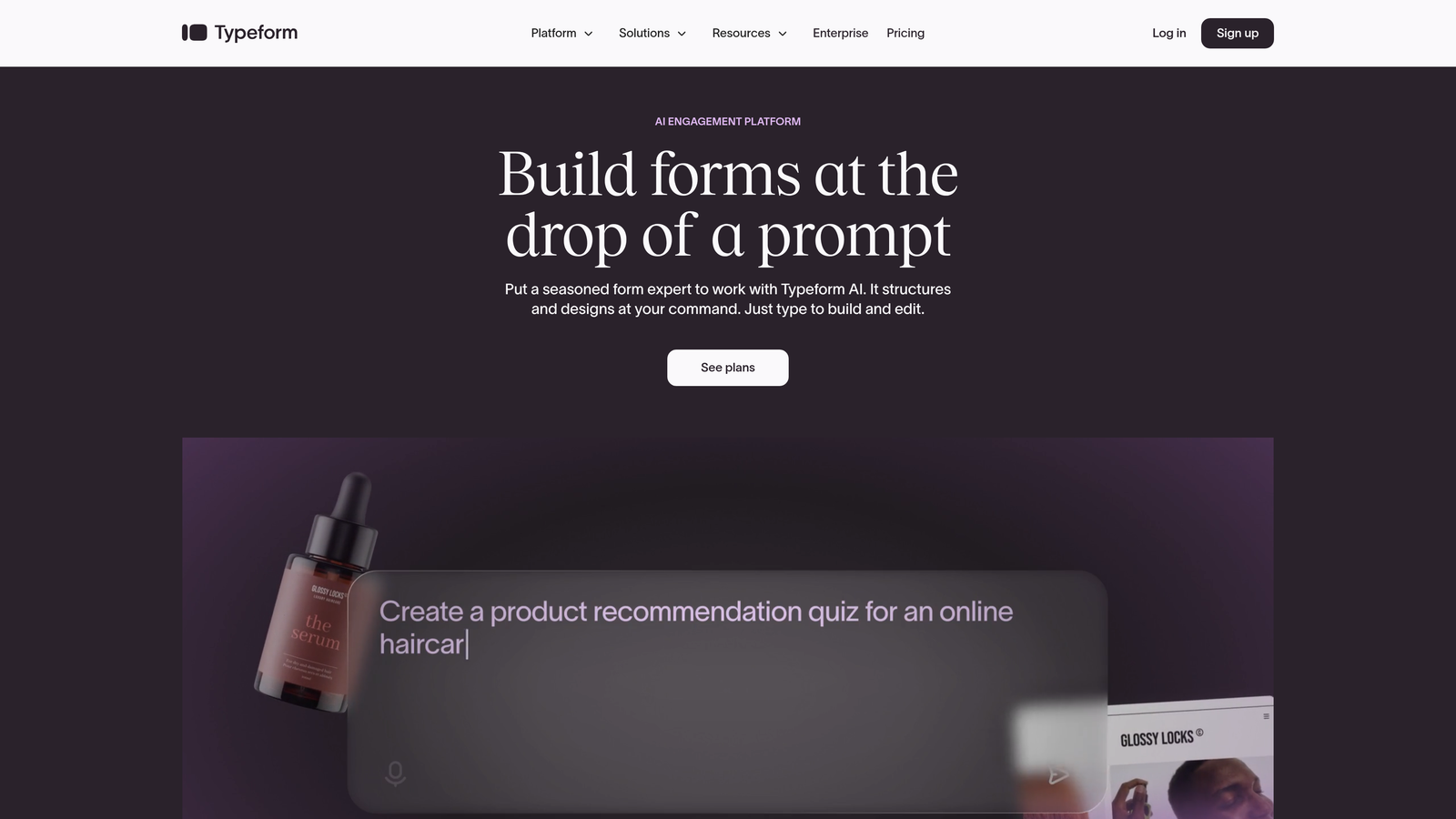
Typeform is a conversational form builder known for its signature one-question-at-a-time interface and polished visual design.
Where This Tool Shines
Typeform pioneered the conversational form format, and it still delivers the most refined experience in this category. The one-question-at-a-time approach reduces cognitive load and creates a guided experience that feels more like a conversation than a data collection exercise.
The platform's visual polish is unmatched. Smooth transitions between questions, thoughtful animations, and the ability to embed rich media create forms that feel premium. For brands where visual identity matters, Typeform helps maintain that quality through every touchpoint.
Key Features
Conversational UI: Signature one-question-at-a-time interface with smooth transitions that guide users through the form experience.
Logic Jumps: Create branching paths based on answers to show relevant follow-up questions dynamically.
Rich Media Embedding: Add videos, images, and GIFs directly within forms to create engaging, multimedia experiences.
Native Integrations: Connect with popular marketing tools, CRMs, and analytics platforms without third-party connectors.
Custom Branding: Full control over colors, fonts, and layouts to match your brand identity perfectly.
Best For
Brands prioritizing user experience and visual design in their lead capture process. Marketing teams running campaigns where form aesthetics directly impact brand perception will appreciate Typeform's polish and attention to detail.
Pricing
Free tier available with limited responses (10/month). Basic plan starts at $25/month with increased response limits and core features.
3. Jotform
Best for: Teams needing extensive template variety and widget customization for diverse form types.
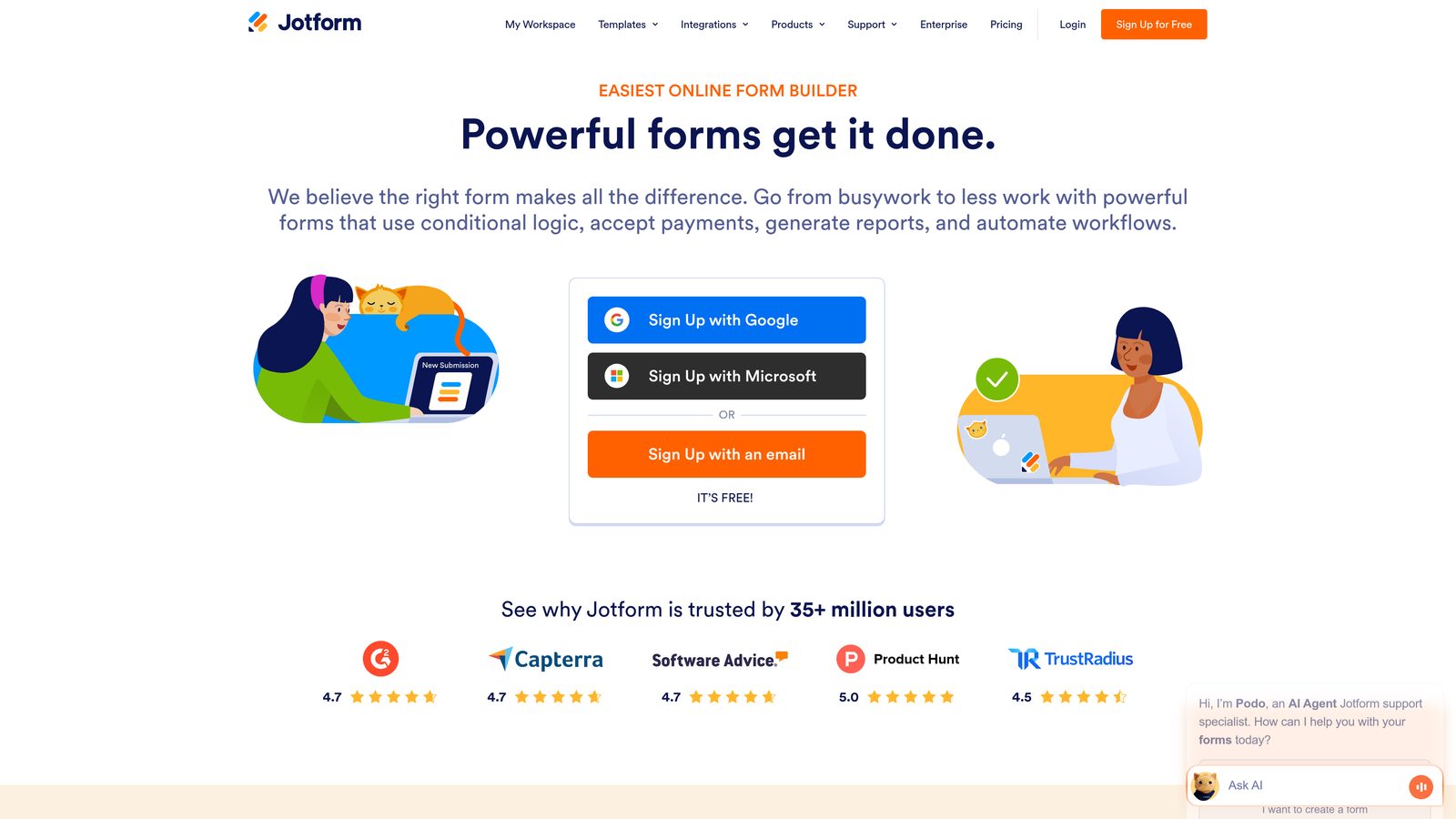
Jotform is a versatile form builder with an extensive template library and widget marketplace for creating virtually any form type.
Where This Tool Shines
Jotform's template library is massive—over 10,000 pre-built forms covering every industry and use case imaginable. Need a medical intake form? Event registration? Product order form? There's a template for it, which dramatically reduces setup time.
The widget marketplace adds functionality that goes far beyond basic form fields. Payment processing, e-signatures, appointment booking, file uploads—Jotform turns forms into full-featured workflows. This makes it particularly valuable for teams managing diverse processes through a single platform.
Key Features
10,000+ Templates: Massive library of pre-built forms across industries, from healthcare to education to e-commerce.
Conditional Logic: Show or hide fields based on user responses to create dynamic, personalized form experiences.
Payment Integration: Accept payments directly through forms with support for major payment processors and e-signature capture.
Widget Marketplace: Hundreds of widgets for extended functionality including appointment booking, calculators, and file uploads.
Mobile App: Manage forms, view submissions, and respond to entries from iOS and Android devices.
Best For
Organizations managing multiple form types across departments—HR intake forms, customer surveys, event registrations, and payment collection. The template variety and widget ecosystem make it ideal for teams that need versatility without building everything from scratch.
Pricing
Free tier includes up to 5 forms with 100 monthly submissions. Bronze plan starts at $34/month with expanded limits and features.
4. Formstack
Best for: Enterprise organizations requiring advanced workflows, compliance features, and regulatory adherence.
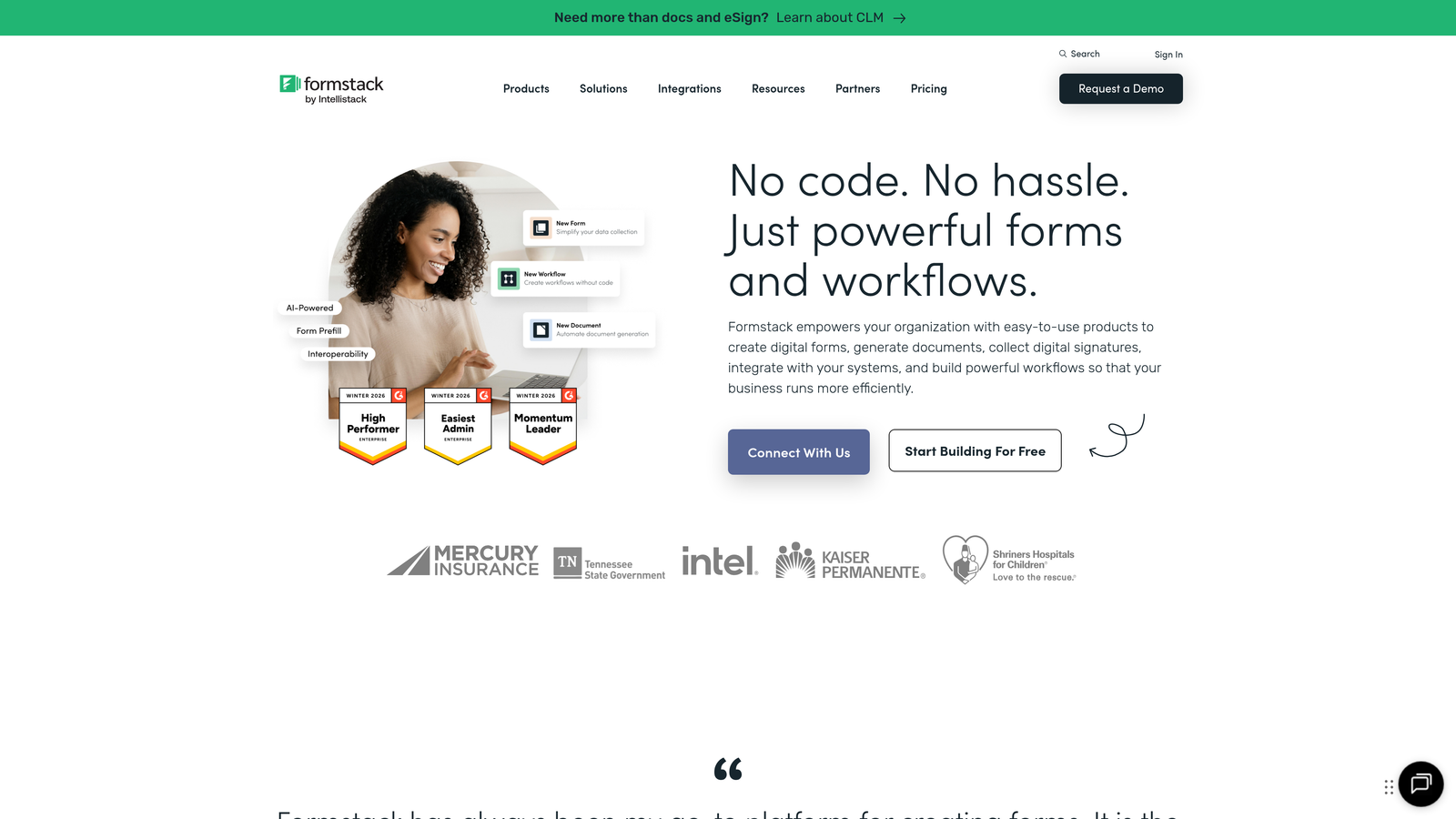
Formstack is an enterprise-grade form builder with advanced workflow automation and compliance features designed for regulated industries.
Where This Tool Shines
Formstack is built for organizations where compliance isn't optional. HIPAA compliance, data encryption, audit trails—the platform handles the regulatory requirements that keep healthcare, finance, and government teams operating legally. This isn't just checkbox compliance; it's architected into the platform.
The workflow automation goes deeper than most competitors. Multi-step approval processes, document generation from form data, conditional routing to different teams—Formstack transforms form submissions into complete business processes. For enterprises managing complex workflows, this eliminates the need for multiple tools.
Key Features
Advanced Conditional Logic: Create complex multi-step workflows with branching logic and conditional routing based on submission data.
Document Generation: Automatically generate PDFs, contracts, and reports from form submissions with custom templates.
HIPAA Compliance: Built-in compliance features including data encryption, audit trails, and BAA agreements for healthcare organizations.
Salesforce Native Integration: Deep integration with Salesforce for seamless data sync and workflow automation within the CRM.
Enterprise Security: SSO support, role-based permissions, and advanced security controls for large organizations.
Best For
Healthcare organizations, financial services firms, and enterprises in regulated industries requiring HIPAA compliance and advanced security. Teams managing complex approval workflows and document generation processes will find the automation capabilities essential.
Pricing
Plans start at $50/month for basic features. Enterprise pricing available with custom compliance and security requirements.
5. Tally
Best for: Budget-conscious teams wanting unlimited forms and submissions without monthly fees.
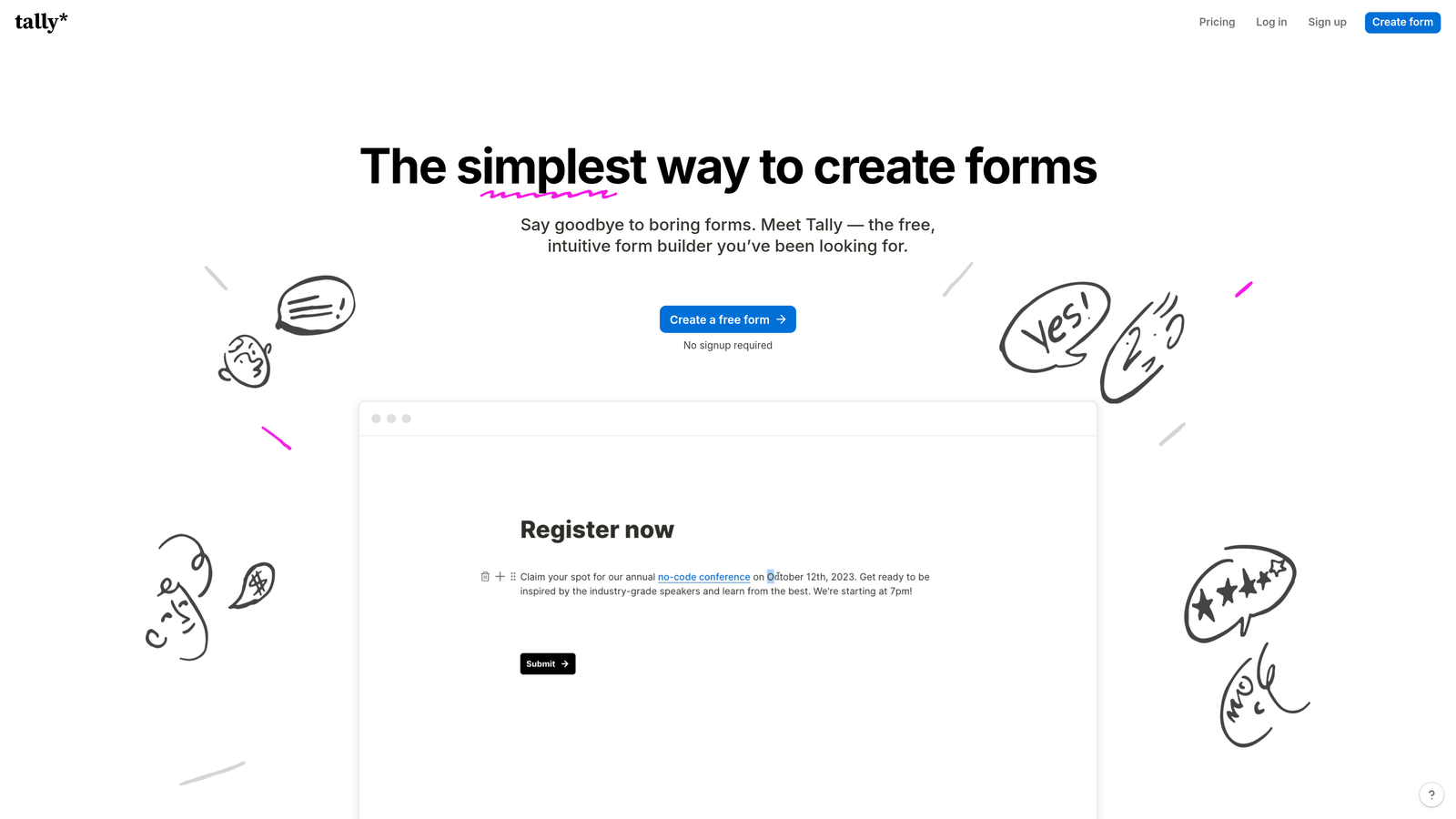
Tally is a minimalist form builder with a generous free tier and Notion-like editing experience.
Where This Tool Shines
Tally's free tier is genuinely generous—unlimited forms, unlimited submissions, no artificial limits. For startups and small teams watching every dollar, this removes the constant calculation of "are we about to hit our submission cap?" that plagues other platforms.
The editing experience feels familiar to anyone who's used Notion. Clean, distraction-free, intuitive. You're not fighting the interface or hunting through nested menus. This simplicity means you can build forms quickly without sacrificing functionality like conditional logic and hidden fields.
Key Features
Unlimited Free Tier: No caps on forms or submissions in the free plan—rare in the form builder space.
Conditional Logic: Show or hide fields based on responses to create dynamic, personalized form flows.
Hidden Fields: Pass data through forms without displaying it to users, useful for tracking and attribution.
Clean Design: Minimalist, distraction-free forms that focus on content over flashy design elements.
Notion Integration: Native connection to Notion databases for teams already using Notion as their workspace.
Best For
Startups and small teams needing solid form functionality without monthly costs. Perfect for side projects, early-stage companies, and anyone who prioritizes simplicity and cost-effectiveness over advanced features.
Pricing
Free tier with unlimited forms and submissions. Pro plan at $29/month adds custom branding, file uploads, and priority support.
6. Paperform
Best for: Creating hybrid landing pages with embedded forms and payment processing.
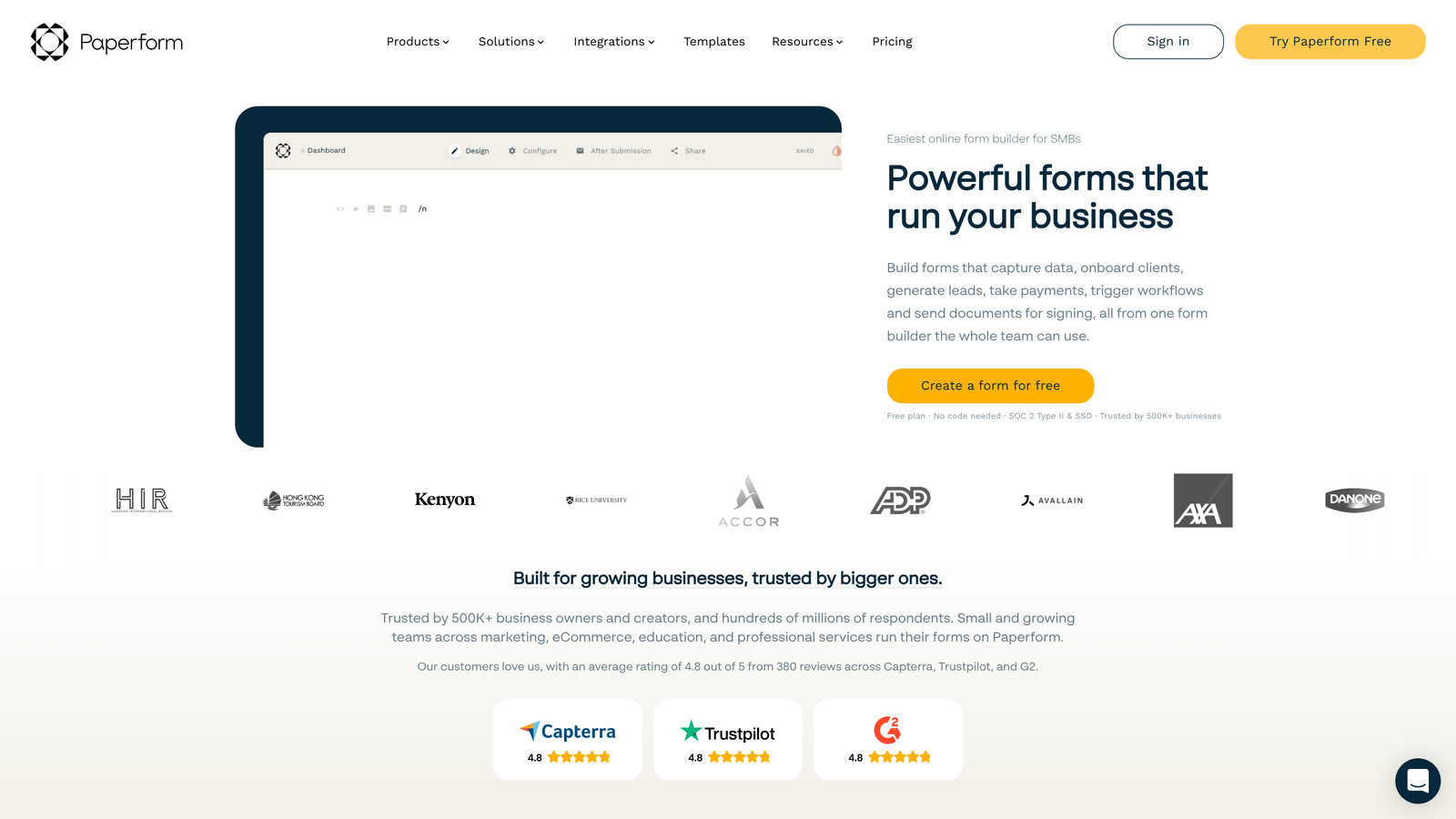
Paperform is a hybrid form and landing page builder that combines content creation with dynamic form logic.
Where This Tool Shines
Paperform blurs the line between forms and landing pages. You're not just collecting data—you're building complete pages with headers, images, text blocks, and embedded forms all in one interface. This makes it ideal for product launches, event registrations, and any scenario where context matters as much as data collection.
The calculation fields are particularly powerful for e-commerce use cases. Build order forms that automatically calculate totals based on quantity, apply discounts, add shipping costs—all without custom code. Combined with built-in payment processing, you can create complete checkout experiences.
Key Features
Page-Building Interface: Create full landing pages with text, images, and inline forms rather than standalone form widgets.
Conditional Logic: Show or hide sections dynamically based on user responses for personalized experiences.
Calculation Fields: Build complex formulas for pricing, scoring, or any mathematical operations based on form inputs.
Payment Processing: Accept payments directly through forms with Stripe and PayPal integrations.
Custom Branding: Full control over themes, colors, and styling to match your brand identity.
Best For
E-commerce businesses, event organizers, and teams selling products or services directly through forms. The hybrid page-building approach works well when you need to provide context and persuasion alongside data collection.
Pricing
Essentials plan starts at $24/month. Pro plan at $49/month adds advanced features and higher submission limits.
7. Cognito Forms
Best for: Complex calculations, payment processing, and data-driven form logic.
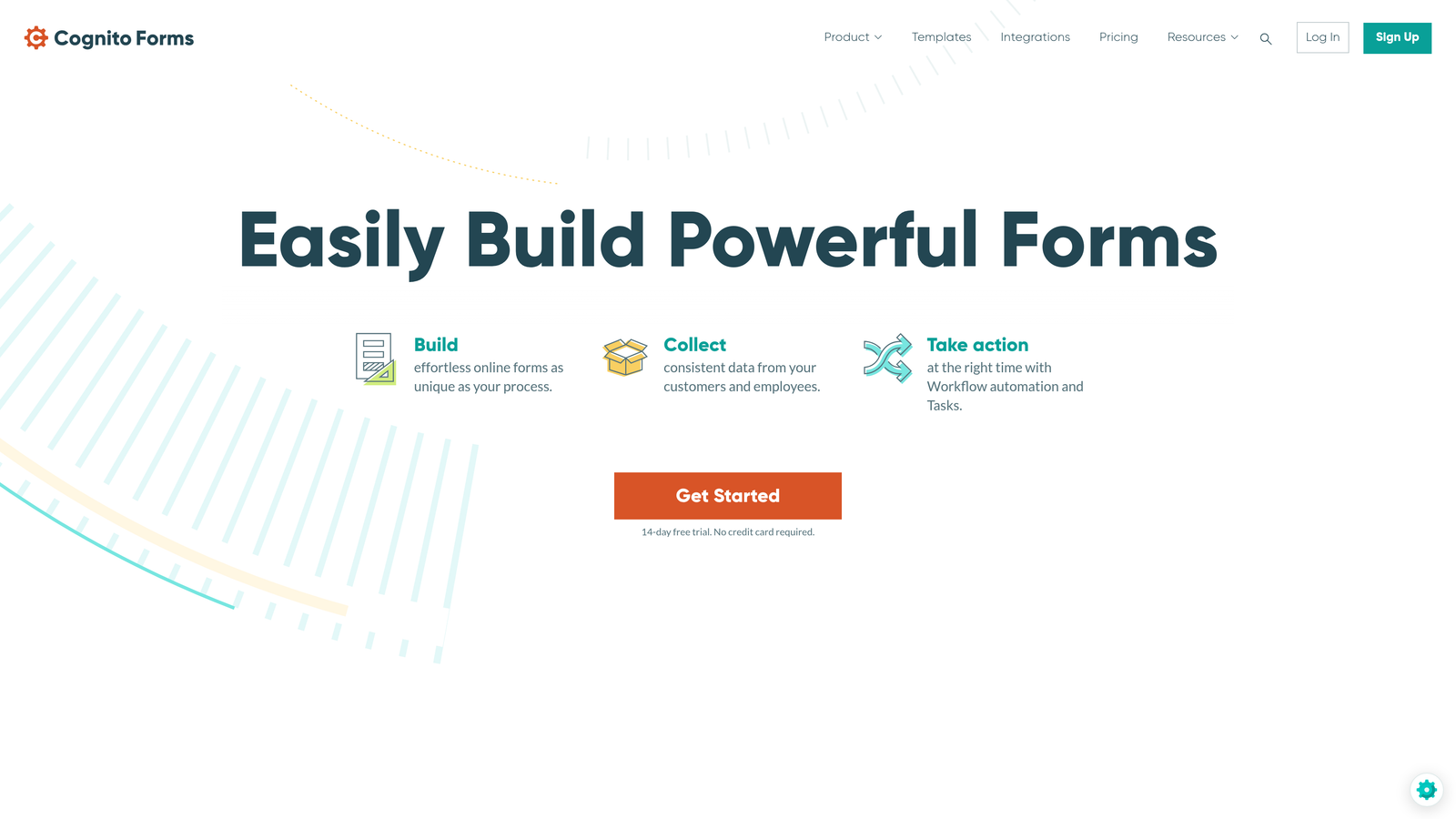
Cognito Forms is a form builder specializing in advanced calculations, payment processing, and sophisticated data management.
Where This Tool Shines
Cognito Forms handles mathematical complexity that would break other form builders. Need to calculate loan payments based on interest rates? Build a quote calculator with multiple variables? Create order forms with quantity-based pricing tiers? Cognito's calculation engine handles it elegantly.
The repeating fields feature is underrated but powerful. Let users add multiple line items, family members, or product selections within a single form—dynamically adding sections as needed. This eliminates the need for "how many items?" pre-questions that create friction in the user experience.
Key Features
Advanced Calculations: Build complex formulas and calculations using form field values for pricing, scoring, or data processing.
Conditional Sections: Show or hide entire sections of forms based on user responses for streamlined experiences.
Repeating Fields: Allow users to add multiple instances of field groups for orders, registrations, or data collection.
Payment Integration: Accept payments with quantity-based pricing, discounts, and tax calculations built into forms.
Data Encryption: Field-level encryption and compliance features for handling sensitive information securely.
Best For
Organizations building forms with complex pricing logic, registration systems requiring repeating data entry, or any scenario where mathematical calculations drive the form experience. Financial services and educational institutions find the calculation capabilities particularly valuable.
Pricing
Free tier available with basic features. Pro plan starts at $15/month with expanded limits and advanced features.
8. HubSpot Forms
Best for: HubSpot users needing native CRM integration and progressive profiling capabilities.
HubSpot Forms is the native form builder within the HubSpot ecosystem with CRM-powered progressive profiling.
Where This Tool Shines
HubSpot Forms leverages your existing CRM data in ways standalone form builders simply cannot. Progressive profiling automatically shows different questions to known contacts versus new visitors—never asking for information you already have. This reduces form friction while continuously enriching contact records.
The native CRM integration means zero data sync delays or mapping headaches. Form submissions instantly create or update contact records, trigger workflows, and feed into your marketing automation. For teams already in the HubSpot ecosystem, this tight integration eliminates an entire category of technical complexity.
Key Features
Progressive Profiling: Automatically show different questions based on existing CRM data to avoid asking for information twice.
Dependent Fields: Create conditional logic that shows or hides fields based on previous responses within the form.
Native CRM Integration: Instant contact creation and enrichment with no third-party connectors or sync delays.
A/B Testing: Test different form variations to optimize conversion rates directly within the platform.
Smart Fields: Pre-populate form fields with known contact data to reduce friction for returning visitors.
Best For
Marketing teams already using HubSpot CRM and Marketing Hub who want seamless integration between forms and their existing workflows. The progressive profiling capabilities are particularly valuable for B2B companies with long sales cycles and multiple touchpoints.
Pricing
Free with HubSpot CRM. Advanced form features including A/B testing and progressive profiling available in paid Marketing Hub tiers starting at $45/month.
9. Fillout
Best for: Teams using Notion or Airtable as databases who need form-to-database workflows.
Fillout is a modern form builder with deep Notion and Airtable integrations for database-driven workflows.
Where This Tool Shines
Fillout treats Notion and Airtable as first-class citizens rather than afterthought integrations. You're not pushing data to these platforms via Zapier—you're building forms that directly read from and write to your databases. This opens up workflows that feel native rather than duct-taped together.
The database lookup capability is particularly clever. Pre-fill form fields based on existing database records, create forms that update specific entries, or build multi-step workflows where each form stage writes to different database views. For teams who've built their operations around Notion or Airtable, Fillout extends those systems into data collection.
Key Features
Native Database Connections: Direct integration with Notion and Airtable databases without third-party connectors.
Conditional Logic: Show or hide fields based on responses or database values for dynamic form experiences.
Database Lookups: Pre-fill form fields automatically by looking up values from existing database records.
Record Updates: Create forms that update specific database entries rather than only creating new records.
Modern Themes: Clean, customizable form designs that match contemporary web aesthetics.
Best For
Teams who've built their operations around Notion or Airtable and need forms that integrate natively with those workflows. Particularly valuable for agencies, consultancies, and operations teams managing complex processes through database systems.
Pricing
Free tier available with core features. Pro plan starts at $15/month with unlimited forms and advanced database features.
Making the Right Choice
Choosing the right dynamic form builder depends on your specific workflow and growth stage. For AI-powered lead qualification that goes beyond basic conditional logic, Orbit AI delivers intelligent form experiences that adapt and score leads automatically—essential for high-growth teams prioritizing lead quality over quantity.
Teams prioritizing visual polish and conversational experiences should consider Typeform, while those needing enterprise compliance and complex workflows will find Formstack's capabilities essential. Budget-conscious startups can't go wrong with Tally's genuinely unlimited free tier.
If you're already embedded in specific ecosystems, lean into native integrations. HubSpot users gain massive efficiency from progressive profiling, while Notion and Airtable teams will appreciate Fillout's database-first approach. For e-commerce and payment collection, Paperform and Cognito Forms handle transaction complexity elegantly.
Whatever you choose, the key is moving beyond static forms. Dynamic form builders that adapt to user responses, pre-fill known data, and create personalized experiences consistently outperform generic data collection. Your conversion rates will thank you.
Start building free forms today and see how intelligent form design can elevate your conversion strategy. Transform your lead generation with AI-powered forms that qualify prospects automatically while delivering the modern, conversion-optimized experience your high-growth team needs.


