

Static forms are conversion killers. When every visitor sees the same generic fields regardless of their needs, you're leaving leads on the table. Dynamic form creation software changes the game by adapting questions in real-time based on user responses, creating personalized experiences that boost completion rates and capture higher-quality data. Whether you need conditional logic, multi-step flows, or AI-powered question branching, the right tool can transform your lead generation strategy.
We evaluated dozens of platforms based on ease of use, customization depth, integration capabilities, and value for growing teams. Here are nine standout options for 2026.
1. Orbit AI
Best for: High-growth teams needing AI-powered lead qualification with conversion-optimized dynamic forms
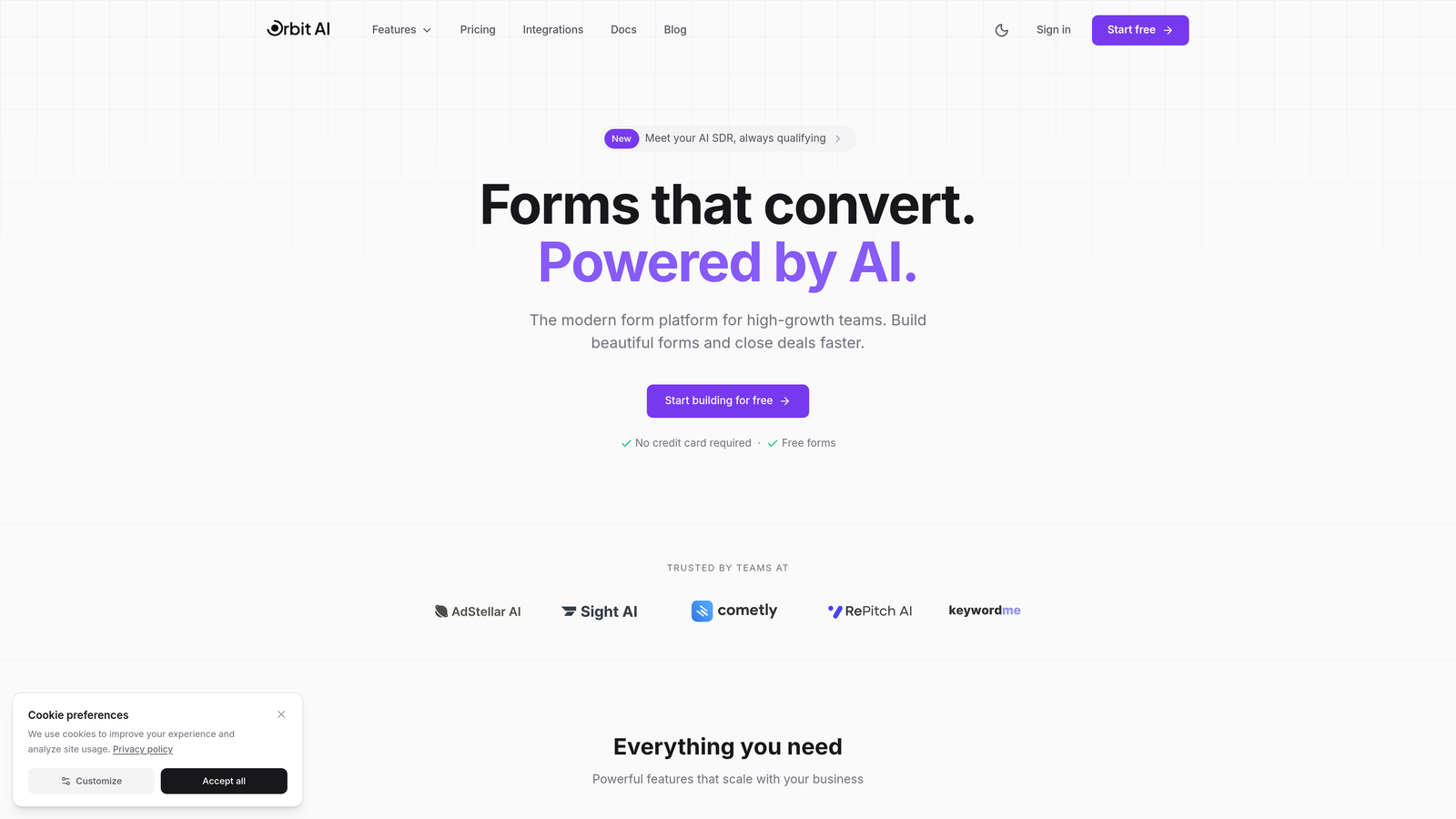
Orbit AI is an intelligent form builder platform that automatically qualifies leads while creating personalized form experiences.
Where This Tool Shines
Orbit AI stands out by combining dynamic form creation with built-in lead intelligence. The platform doesn't just show or hide fields based on responses—it actively scores and qualifies leads as they fill out forms, giving sales teams immediate context about prospect quality.
The AI-powered question branching adapts in real-time to extract the most valuable information from each visitor. Instead of manually configuring dozens of conditional logic rules, the system learns which question sequences drive the highest completion rates and best-quality leads for your specific use case.
Key Features
AI-Powered Lead Qualification: Automatically scores and qualifies prospects as they complete forms, prioritizing high-value leads for immediate follow-up.
Intelligent Question Branching: Dynamic question sequences adapt based on user responses to capture relevant information without overwhelming visitors.
Conversion-Optimized Designs: Modern, mobile-responsive form templates designed specifically to reduce abandonment and increase completion rates.
Native CRM Integrations: Seamless connections with major CRM platforms and marketing tools, automatically syncing qualified lead data.
Real-Time Analytics: Response insights and conversion metrics help teams continuously optimize form performance.
Best For
High-growth B2B teams and marketing departments focused on lead quality over quantity. Particularly valuable for companies with complex sales processes that need to identify and prioritize the most promising prospects early in the funnel.
Pricing
Free tier available for teams getting started. Paid plans begin at competitive rates designed for growing businesses, scaling with form volume and advanced features.
2. Typeform
Best for: Brand-forward teams prioritizing conversational design and one-question-at-a-time user experiences
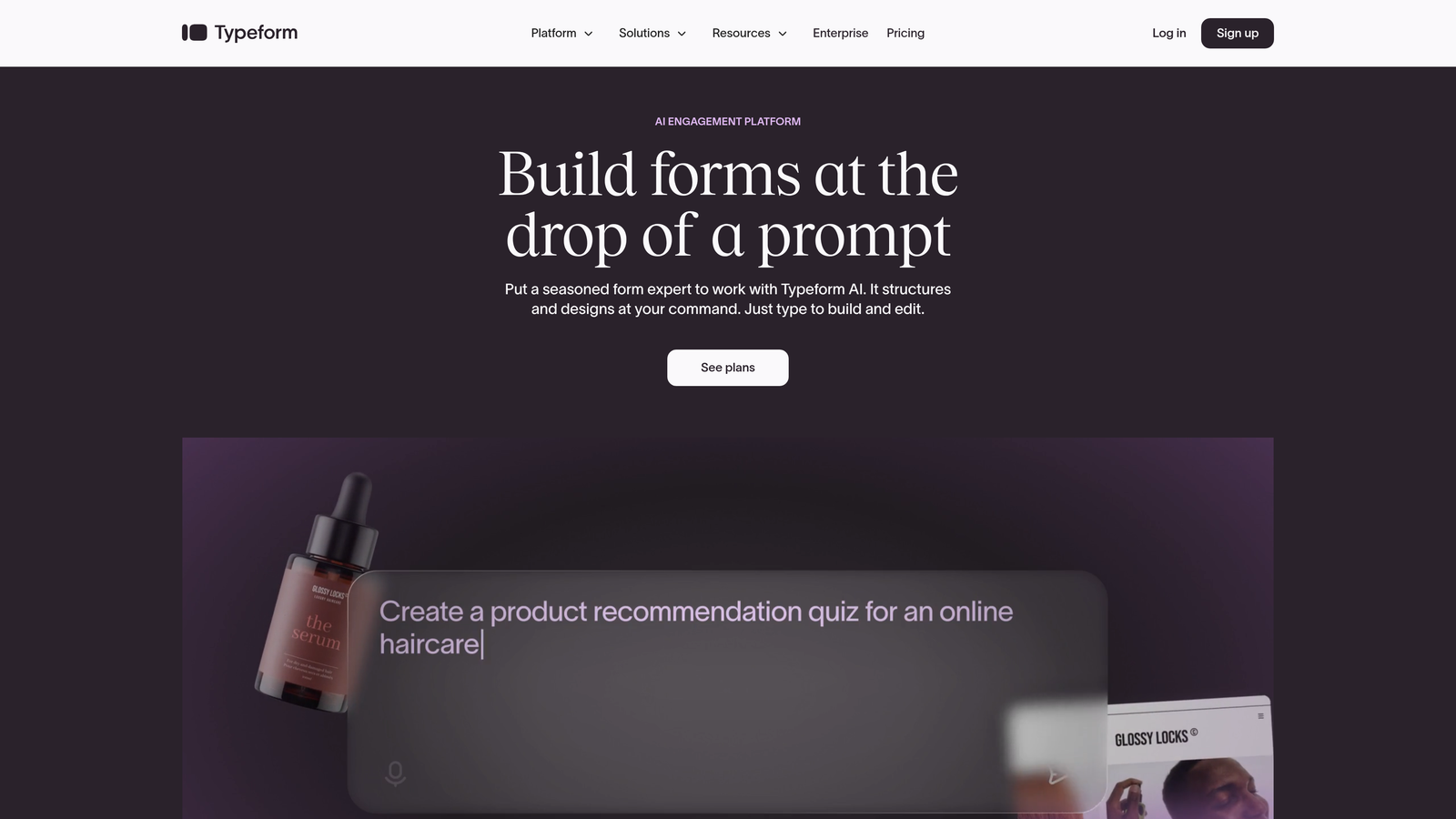
Typeform is a conversational form builder known for its signature single-question interface and beautiful design flexibility.
Where This Tool Shines
Typeform revolutionized form design by treating each question as a full-screen experience. This approach creates a conversational flow that feels more like a dialogue than a traditional form, significantly reducing cognitive load for users.
The platform excels at brand customization. Teams can match forms perfectly to their visual identity with custom fonts, colors, backgrounds, and even video elements. This makes Typeform particularly popular with design-conscious brands and creative agencies.
Key Features
One-Question-at-a-Time Interface: Signature approach that focuses user attention and reduces form abandonment through simplified presentation.
Logic Jumps and Branching: Conditional logic allows forms to adapt based on previous answers, creating personalized question paths.
Extensive Customization: Deep branding options including custom fonts, backgrounds, videos, and images embedded throughout forms.
Media-Rich Forms: Embed videos, images, and GIFs directly into questions for engaging, interactive experiences.
Integration Ecosystem: Connects with hundreds of tools including Slack, HubSpot, Mailchimp, and Google Sheets.
Best For
Marketing teams and creative agencies that prioritize user experience and brand consistency. Ideal for customer surveys, event registrations, and lead capture where design matters as much as functionality.
Pricing
Free basic plan with limited features. Paid plans start at $25 per month with increased response limits and advanced logic capabilities.
3. Jotform
Best for: Teams needing extensive template options and robust conditional logic for diverse form use cases
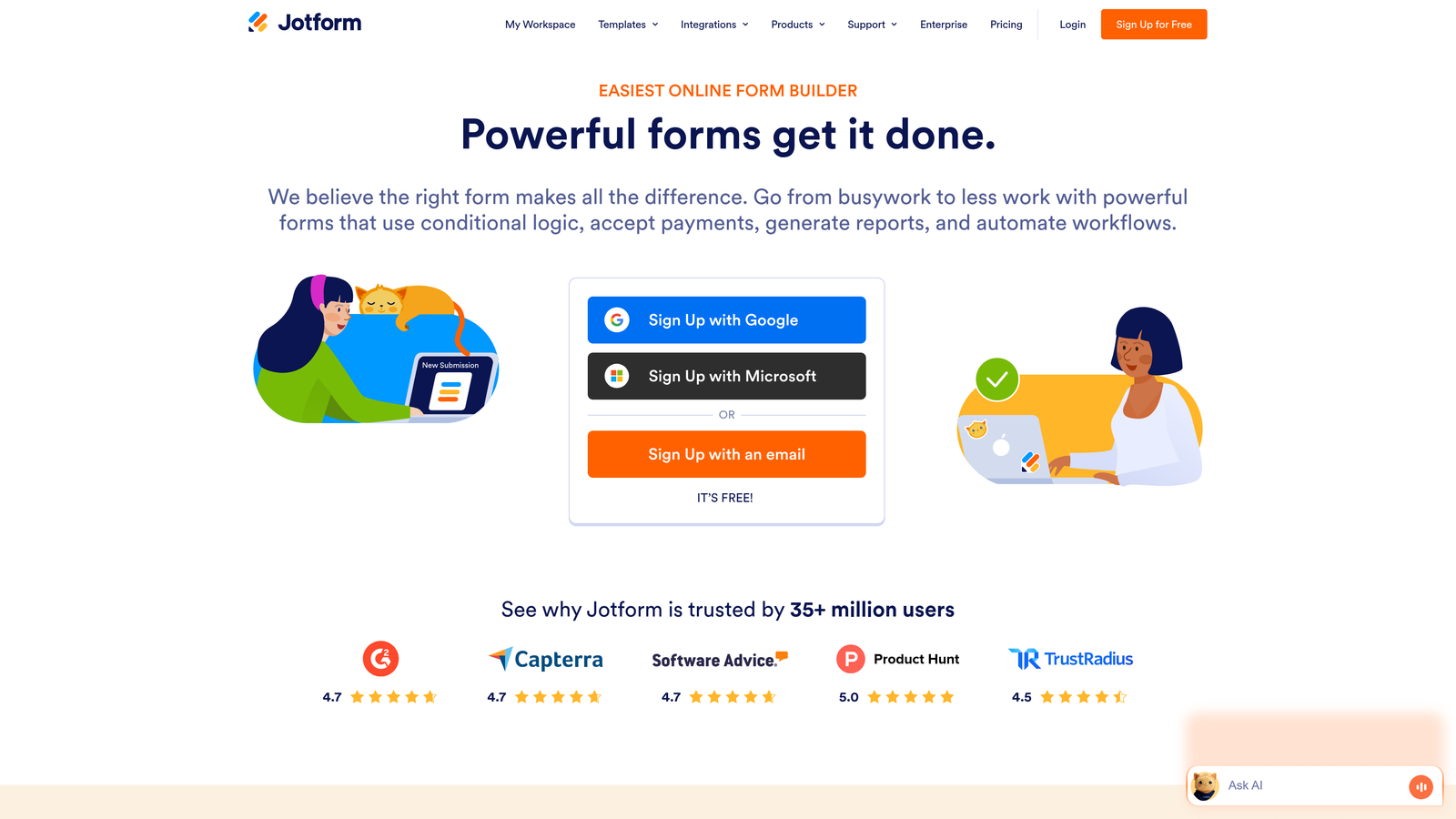
Jotform is a feature-rich platform offering thousands of pre-built templates and advanced dynamic form capabilities.
Where This Tool Shines
Jotform's massive template library means you're rarely starting from scratch. With over 10,000 pre-built forms covering virtually every industry and use case, teams can launch professional forms in minutes rather than hours.
The conditional logic engine handles complex scenarios with ease. You can show or hide entire sections, perform calculations, set field values dynamically, and create intricate branching paths—all without touching code. This makes it accessible for non-technical users while powerful enough for sophisticated requirements.
Key Features
10,000+ Templates: Massive library of pre-built forms covering industries from healthcare to education, events to e-commerce.
Advanced Conditional Logic: Sophisticated show/hide rules, calculations, and field dependencies for complex form workflows.
Payment and E-Signature Integration: Built-in payment processing through multiple gateways and native electronic signature capabilities.
Jotform Tables: Integrated database view for managing and analyzing form submissions with spreadsheet-like functionality.
HIPAA Compliance Options: Enterprise plans include HIPAA-compliant forms for healthcare organizations handling sensitive patient data.
Best For
Small to medium businesses needing versatile form solutions across multiple departments. Particularly valuable for organizations requiring payment collection, appointment scheduling, or compliance features alongside dynamic forms.
Pricing
Free tier includes up to 5 forms with 100 monthly submissions. Paid plans begin at $34 per month with increased limits and advanced features.
4. Formstack
Best for: Enterprise teams requiring advanced workflow automation, approvals, and compliance features
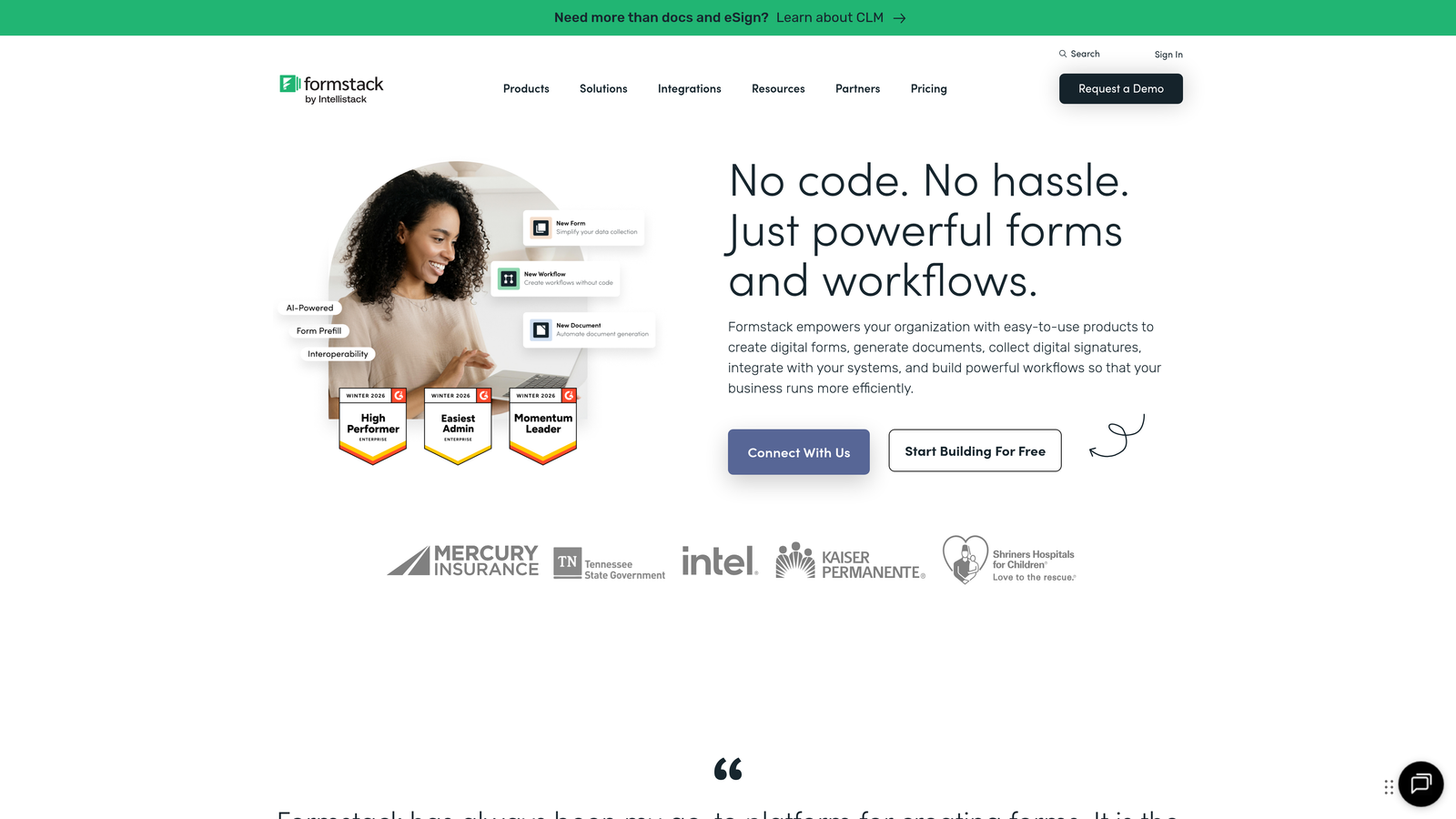
Formstack is an enterprise-grade platform with sophisticated automation and security capabilities for complex organizational workflows.
Where This Tool Shines
Formstack transforms forms into complete workflow systems. Beyond collecting data, the platform routes submissions through approval chains, triggers automated actions, and generates documents—all configurable without IT involvement.
Security and compliance features set Formstack apart in regulated industries. The platform offers HIPAA compliance, advanced encryption, detailed audit trails, and granular user permissions. For enterprises handling sensitive data or operating under strict regulatory requirements, these capabilities are essential.
Key Features
Advanced Conditional Logic Engine: Complex branching rules, calculated fields, and dynamic content based on sophisticated conditions and user inputs.
Workflow Automation: Route submissions through approval processes, trigger notifications, and automate follow-up actions based on form data.
Document Generation: Automatically create PDFs, contracts, and reports populated with form submission data for seamless documentation.
Enterprise Security: HIPAA compliance, SOC 2 Type II certification, advanced encryption, and comprehensive audit logging.
Salesforce-Native Integration: Deep integration that makes forms feel like a natural extension of Salesforce workflows and data structures.
Best For
Large enterprises and regulated industries including healthcare, finance, and government. Ideal for organizations with complex approval workflows, strict compliance requirements, and existing Salesforce implementations.
Pricing
Plans start at $50 per month for basic features. Enterprise pricing available with custom features, dedicated support, and volume discounts.
5. Paperform
Best for: Creating landing page-style experiences with embedded dynamic form elements and payment processing
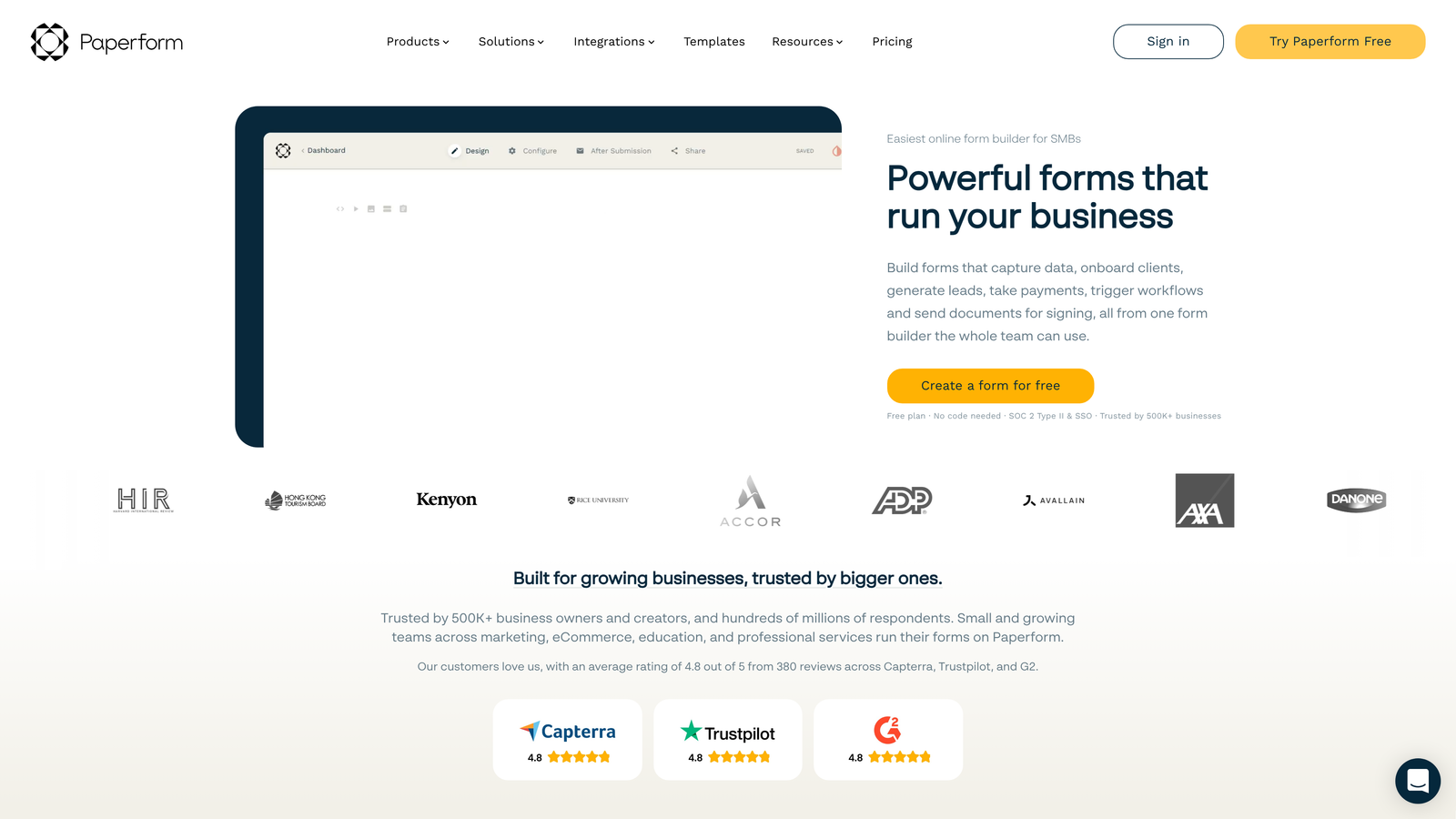
Paperform is a unique form builder that creates full landing page experiences rather than traditional standalone forms.
Where This Tool Shines
Paperform blurs the line between forms and landing pages. Instead of embedding a form on a page, you build an entire page experience with form elements interwoven throughout. This approach creates cohesive, content-rich experiences that convert better than isolated forms.
The page-style editor uses a document-like interface where you simply type to add content, then insert form fields inline. This makes it incredibly intuitive for teams familiar with word processors, eliminating the learning curve of traditional form builders.
Key Features
Page-Style Building: Create full landing page experiences with forms embedded naturally within content rather than as separate elements.
Conditional Logic for Blocks: Show or hide entire content sections and form pages based on user responses for personalized experiences.
Built-In Payment Processing: Accept payments directly through forms with support for Stripe, PayPal, and Square integrations.
Custom Success Pages: Redirect users to tailored thank-you pages or external URLs based on their specific form responses.
Appointment Scheduling: Integrated calendar booking allows users to schedule meetings as part of the form completion process.
Best For
Freelancers, consultants, and small businesses that need to combine information collection with payment processing or appointment booking. Perfect for course registrations, event ticketing, and service bookings.
Pricing
Plans start at $24 per month with a 14-day free trial. All paid plans include unlimited forms and submissions.
6. Cognito Forms
Best for: Businesses needing advanced calculations, real-time pricing quotes, and integrated payment collection
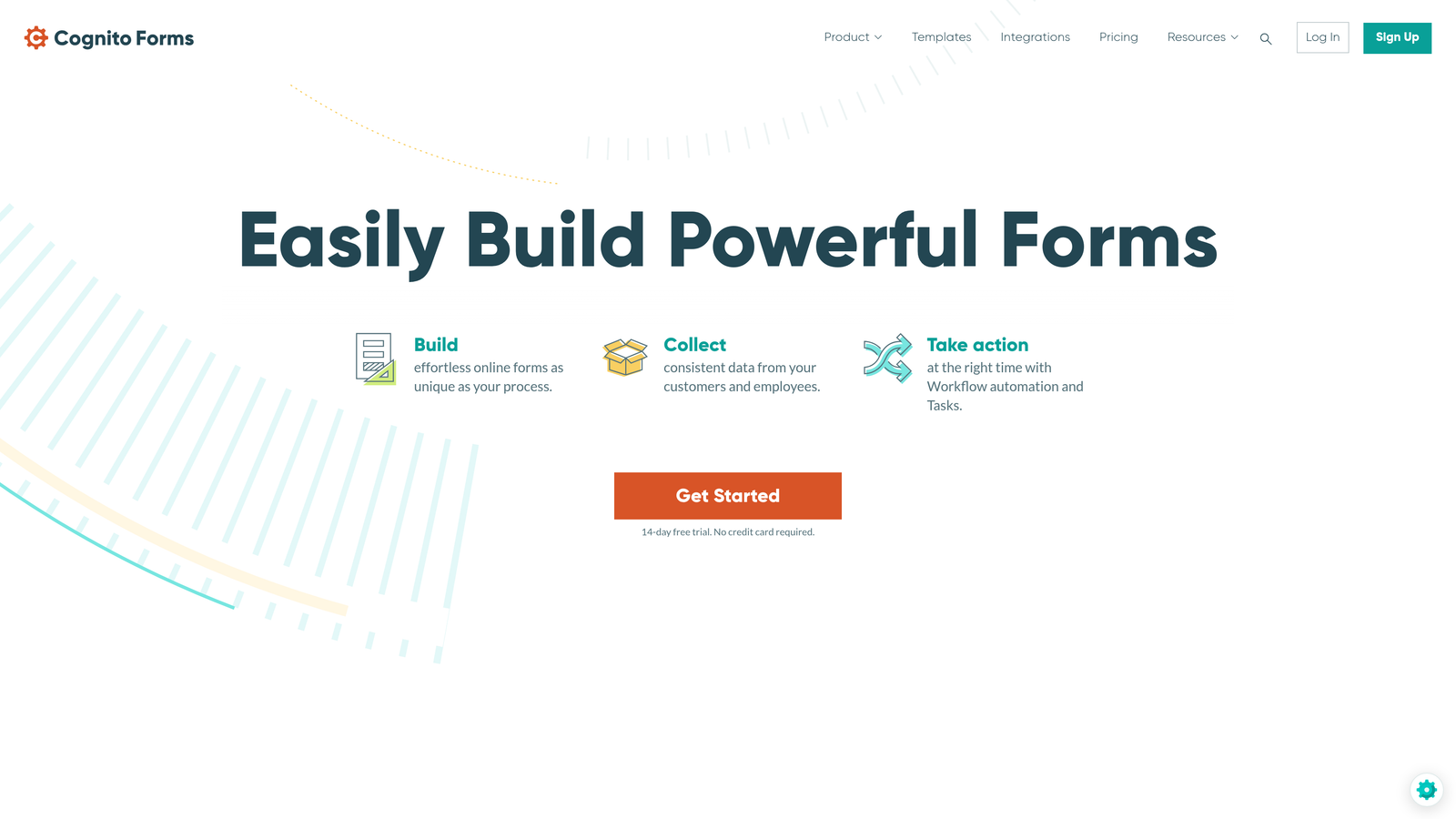
Cognito Forms is a calculation-focused platform ideal for forms requiring mathematical operations and dynamic pricing.
Where This Tool Shines
Cognito Forms handles complex calculations that would break other form builders. The platform supports mathematical formulas, conditional calculations, and real-time pricing updates—perfect for quote requests, order forms, and registration systems with variable pricing.
Repeating sections allow users to add multiple instances of field groups dynamically. Think order forms where customers can add unlimited line items, or registration forms where users can register multiple attendees—all with calculations updating in real-time.
Key Features
Advanced Calculation Fields: Build complex formulas using mathematical operations, conditional logic, and field references for dynamic pricing and totals.
Conditional Sections: Show or hide entire field groups based on previous answers, creating streamlined experiences for different user paths.
Integrated Payment Processing: Accept credit card payments directly through forms with Stripe and PayPal integrations including subscription support.
Repeating Sections: Allow users to dynamically add multiple instances of field groups for variable-length data entry needs.
Workflow Routing: Automatically route submissions to different team members or departments based on form data and conditional rules.
Best For
Service businesses, event organizers, and e-commerce teams that need quote generation, variable pricing, or order forms with line-item calculations. Particularly valuable for organizations processing payments directly through forms.
Pricing
Generous free tier with unlimited forms and basic features. Paid plans start at $15 per month with increased submission limits and payment processing.
7. Fillout
Best for: Teams in no-code ecosystems needing native Notion and Airtable integration with dynamic forms
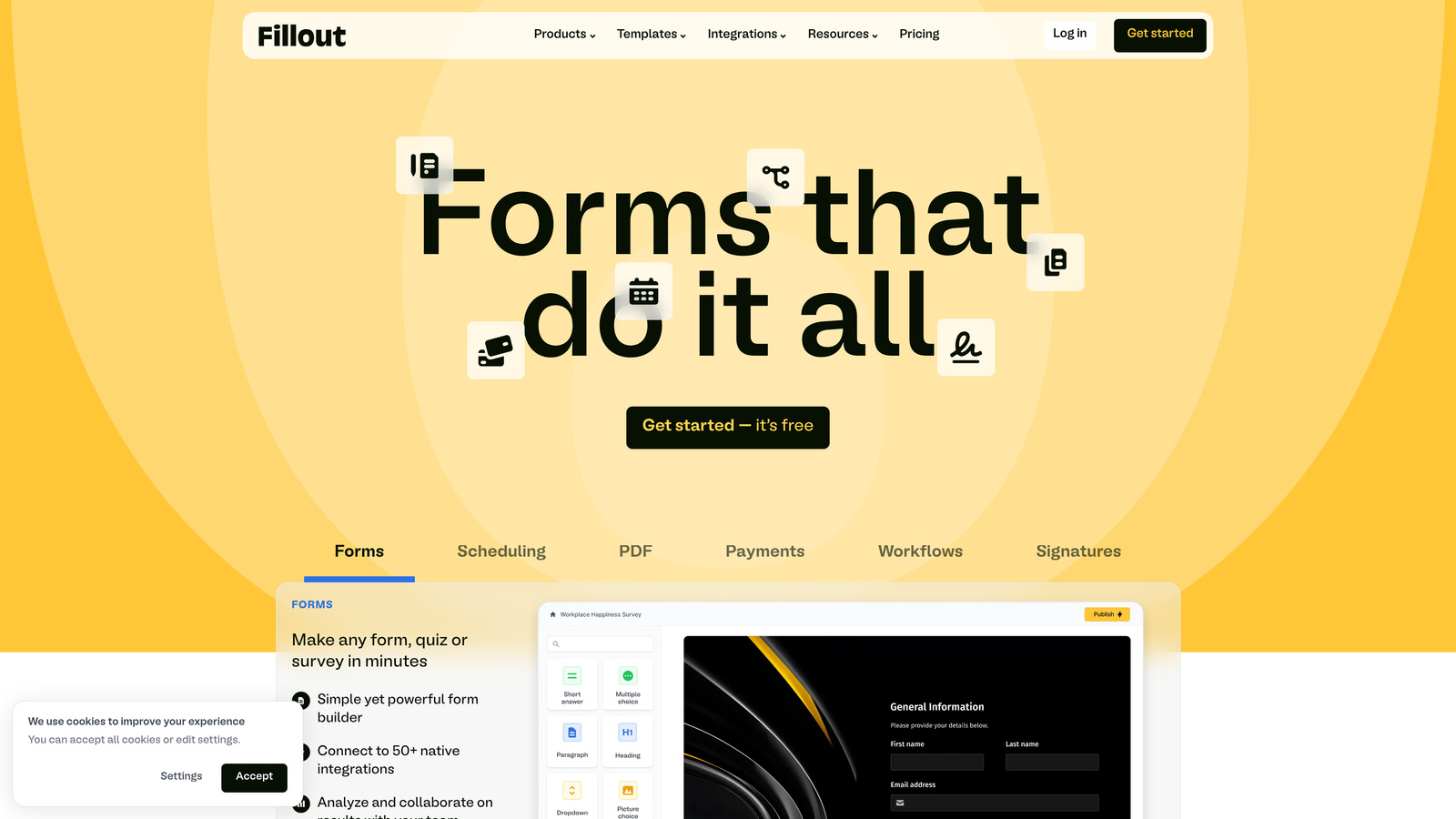
Fillout is a modern form builder designed specifically for teams already using Notion and Airtable as their data backbone.
Where This Tool Shines
Fillout treats Notion and Airtable as first-class citizens rather than afterthoughts. Forms sync bidirectionally with your databases in real-time, meaning submissions automatically create or update records without middleware or complex automation workflows.
The pre-fill capability is particularly powerful. You can send personalized form links that automatically populate fields with data from your existing Notion or Airtable records, creating update forms that users can modify rather than starting from scratch each time.
Key Features
Native Notion and Airtable Sync: Bidirectional integration that treats external databases as the primary data source with real-time synchronization.
Conditional Logic and Branching: Show or hide fields and entire pages based on previous responses for personalized form experiences.
Pre-Fill from Database: Generate unique form links that automatically populate fields with existing data for easy updates and confirmations.
Modern, Clean Designs: Contemporary form aesthetics that match modern web standards without requiring design customization.
URL Parameter Support: Pass data through URL parameters to personalize forms based on traffic source or user attributes.
Best For
Startups and teams already invested in the Notion or Airtable ecosystem. Ideal for operations teams managing workflows, HR departments handling employee data, or project managers collecting structured information.
Pricing
Free tier available with basic features. Paid plans start at $15 per month with increased submission limits and advanced integration capabilities.
8. Tally
Best for: Budget-conscious teams needing unlimited forms with essential dynamic features on a generous free plan
Tally is a Notion-inspired form builder offering unlimited forms and submissions on its free tier with core dynamic capabilities.
Where This Tool Shines
Tally's value proposition is remarkable: unlimited forms and unlimited submissions completely free. For startups and small teams, this eliminates the anxiety of hitting submission caps or needing to upgrade based on volume alone.
The Notion-style block-based editor makes form building feel familiar to anyone who's used modern documentation tools. Simply type a slash to add new elements, drag to reorder, and configure options inline. This approach dramatically reduces the learning curve compared to traditional form builders.
Key Features
Unlimited Forms on Free Plan: No artificial limits on form creation or monthly submissions, making it viable for high-volume use cases without paid plans.
Conditional Logic: Essential show/hide logic and field dependencies for creating dynamic form paths based on user responses.
Clean, Minimal Interface: Distraction-free form designs that prioritize content and user experience without unnecessary visual clutter.
File Uploads and Signatures: Accept document uploads and collect electronic signatures directly within forms without additional tools.
Block-Based Editing: Notion-inspired interface where you build forms using intuitive blocks rather than traditional form field configuration.
Best For
Bootstrapped startups, non-profits, and small teams that need reliable form functionality without budget constraints. Perfect for internal data collection, simple lead capture, and basic surveys.
Pricing
Free tier includes unlimited forms and submissions with all core features. Pro plan at $29 per month adds advanced customization, file upload limits, and priority support.
9. Feathery
Best for: Developer-focused teams building custom onboarding flows with advanced logic and API capabilities
Feathery is a technical form platform designed for developers creating sophisticated user onboarding and data collection workflows.
Where This Tool Shines
Feathery bridges the gap between no-code form builders and custom-coded solutions. Developers can inject custom JavaScript, make API calls during form completion, and dynamically load content from external sources—capabilities that traditional form builders simply don't support.
The platform excels at complex onboarding flows where forms need to integrate deeply with existing authentication systems, pull user data from APIs, and trigger real-time actions based on submissions. This makes it ideal for SaaS products and applications requiring seamless form experiences within existing user interfaces.
Key Features
Advanced Branching Rules: Complex conditional logic engine supporting nested conditions, custom variables, and sophisticated decision trees.
API-Driven Dynamic Content: Load form options, pre-fill fields, and update content in real-time by calling external APIs during form completion.
Custom Code Injection: Add custom JavaScript for validation, formatting, or integration with external libraries and tracking tools.
User Authentication Integration: Connect forms with existing authentication systems to create authenticated experiences for logged-in users.
A/B Testing: Built-in experimentation framework for testing different form variations and optimizing conversion rates systematically.
Best For
SaaS companies, tech startups, and product teams building user onboarding flows that need to integrate deeply with existing applications. Requires technical expertise but offers unmatched flexibility for custom implementations.
Pricing
Free tier available for development and testing. Paid plans start at $49 per month with increased submission volumes and advanced features.
Making the Right Choice
Choosing the right dynamic form software comes down to matching capabilities with your specific needs and team structure.
For AI-powered lead qualification that automatically adapts to capture the most valuable information, Orbit AI delivers the most intelligent approach for high-growth teams focused on conversion optimization. The platform eliminates manual lead scoring while creating personalized form experiences that identify your best prospects automatically.
If brand aesthetics and conversational design matter most, Typeform remains a strong choice for teams prioritizing user experience. Budget-conscious startups should explore Tally's generous free tier, which removes volume constraints entirely. Enterprises with complex workflows will find Formstack's automation capabilities invaluable for routing submissions through approval chains.
Teams already invested in Notion or Airtable ecosystems should prioritize Fillout for seamless database integration. For forms requiring advanced calculations and dynamic pricing, Cognito Forms handles mathematical complexity that breaks other platforms. Developers building custom onboarding flows will appreciate Feathery's API-first approach and code injection capabilities.
Start by identifying your primary use case: lead generation, customer onboarding, or data collection. Then prioritize the dynamic features that will move the needle for your conversion goals. Does your form need to qualify leads automatically? Adapt questions based on industry? Calculate pricing in real-time? Match your requirements to the platform's core strengths rather than choosing based on feature lists alone.
Transform your lead generation with AI-powered forms that qualify prospects automatically while delivering the modern, conversion-optimized experience your high-growth team needs. Start building free forms today and see how intelligent form design can elevate your conversion strategy.


