

Your website visitors are ready to engage—but clunky, generic forms kill conversions faster than a slow-loading page. Embeddable form solutions let you seamlessly integrate beautiful, functional forms directly into your website, landing pages, or apps without disrupting the user experience. The right tool captures leads, qualifies prospects, and feeds data straight into your existing workflows.
But with dozens of options available, choosing the wrong one means wasted development time and missed opportunities. We evaluated these top embeddable form solutions based on ease of embedding, customization depth, integration capabilities, and conversion-focused features to help high-growth teams find their perfect match.
1. Orbit AI
Best for: High-growth teams needing AI-powered lead qualification built directly into their forms
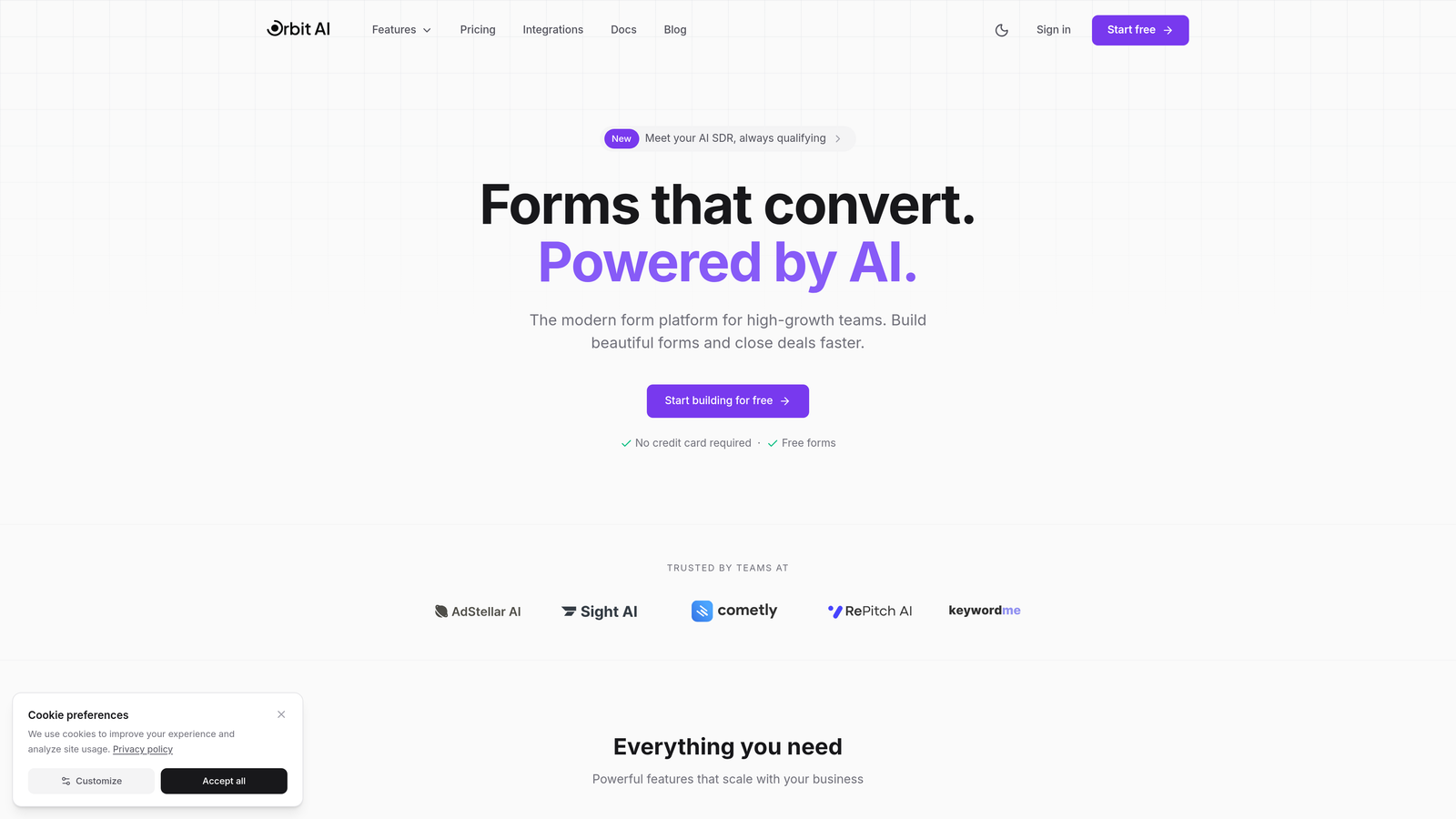
Orbit AI is an AI-powered form builder platform that automatically qualifies and scores leads as submissions come in.
Where This Tool Shines
Orbit AI stands out by doing what most form builders can't: qualifying your leads in real-time using AI. Instead of collecting raw form data and sorting through it later, the platform analyzes responses as they're submitted, scoring lead quality and routing high-value prospects to your sales team immediately.
The conversion-optimized templates are built specifically for high-growth teams who need forms that do more than collect information. Every template incorporates proven conversion principles, from field ordering to microcopy, eliminating the guesswork from form design.
Key Features
AI-Powered Lead Qualification: Automatically scores and qualifies leads based on their responses, routing high-priority prospects to sales instantly.
Conversion-Optimized Templates: Pre-built form templates designed specifically to maximize completion rates and lead quality.
Native CRM Integrations: Connects seamlessly with your existing CRM and automation tools to feed qualified leads directly into your workflows.
Real-Time Analytics: Track submission patterns, completion rates, and lead quality metrics to continuously optimize performance.
Flexible Embedding Options: Deploy forms via JavaScript snippet, iframe, or direct integrations with popular website builders.
Best For
High-growth SaaS teams, marketing agencies, and businesses that need to qualify leads at scale without adding manual sorting work. Particularly valuable if you're drowning in form submissions and need intelligent automation to separate qualified prospects from tire-kickers.
Pricing
Free tier available for teams getting started. Paid plans start at competitive rates designed for growing teams that need advanced qualification features and higher submission volumes.
2. Typeform
Best for: Creating engaging conversational forms with a one-question-at-a-time format
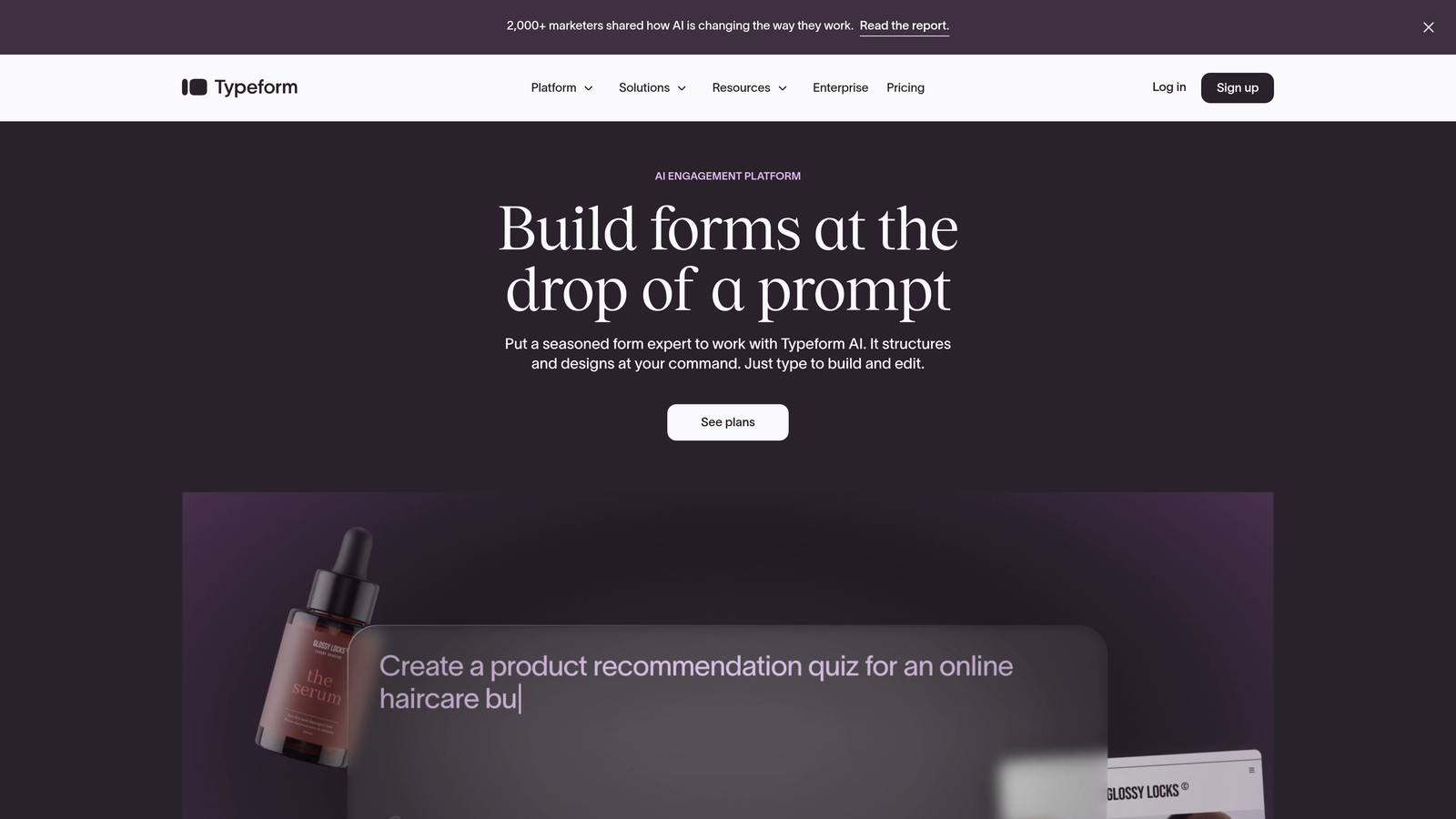
Typeform is a conversational form builder known for its distinctive one-question-at-a-time user experience.
Where This Tool Shines
Typeform revolutionized form design by treating forms like conversations rather than interrogations. The one-question-at-a-time format reduces cognitive load and makes longer forms feel less overwhelming, which often translates to higher completion rates for surveys and lead qualification questionnaires.
The platform excels at brand customization, letting you match forms precisely to your visual identity. If creating an on-brand experience is critical to your business, Typeform gives you the design control to make forms feel like a natural extension of your website.
Key Features
Conversational Flow: One-question-at-a-time interface that creates a more engaging, less intimidating form experience.
Advanced Branding: Extensive customization options for colors, fonts, backgrounds, and overall visual design.
Logic Jumps: Conditional branching that shows different questions based on previous answers, creating personalized form paths.
Native Integrations: Connects with major marketing tools including HubSpot, Mailchimp, Salesforce, and Google Sheets.
Question Types: Rich variety of input types including rating scales, picture choices, and file uploads.
Best For
Marketing teams running surveys, lead qualification campaigns, or customer feedback collection where engagement and completion rates matter more than speed. Works particularly well for B2C brands focused on creating delightful user experiences.
Pricing
Free plan limited to 10 responses per month. Basic plan starts at $25/month with 100 responses, while Plus at $50/month removes branding and adds logic jumps.
3. Jotform
Best for: Teams needing extensive template variety and quick form deployment
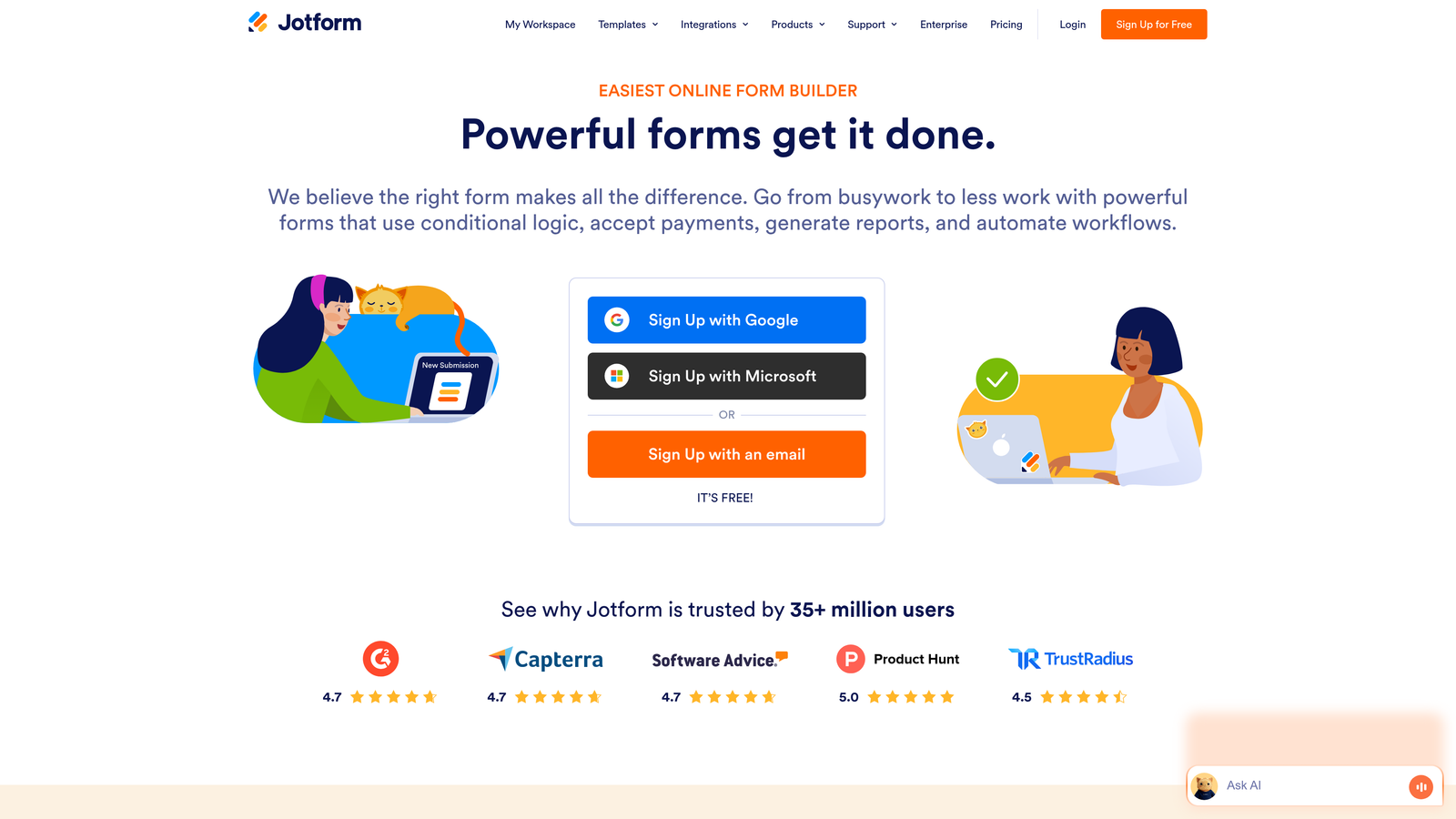
Jotform is a feature-rich form builder offering thousands of pre-built templates for virtually any use case.
Where This Tool Shines
Jotform's massive template library means you can have a professional form live in minutes, not hours. With over 10,000 templates covering everything from event registrations to job applications, you're almost guaranteed to find a starting point that matches your needs.
The platform also handles complex scenarios like payment collection and PDF generation particularly well. If you need forms that collect payments or automatically generate documents from submissions, Jotform has these capabilities built in without requiring third-party integrations.
Key Features
Template Library: Over 10,000 pre-built form templates covering virtually every industry and use case imaginable.
Payment Processing: Native integrations with PayPal, Stripe, Square, and other payment processors for collecting payments directly through forms.
PDF Generation: Automatically convert form submissions into formatted PDF documents for contracts, invoices, or reports.
Drag-and-Drop Builder: Intuitive visual editor that makes customization straightforward even for non-technical users.
Approval Workflows: Route submissions through approval chains for internal review processes.
Best For
Small businesses, educational institutions, and organizations that need versatile forms for multiple purposes—from lead generation to event registration to payment collection. Ideal if you value having everything in one platform rather than juggling multiple tools.
Pricing
Free plan includes 5 forms with 100 monthly submissions. Bronze starts at $34/month for 25 forms and 1,000 submissions, with higher tiers adding team collaboration and advanced features.
4. Tally
Best for: Budget-conscious teams wanting unlimited forms without feature restrictions
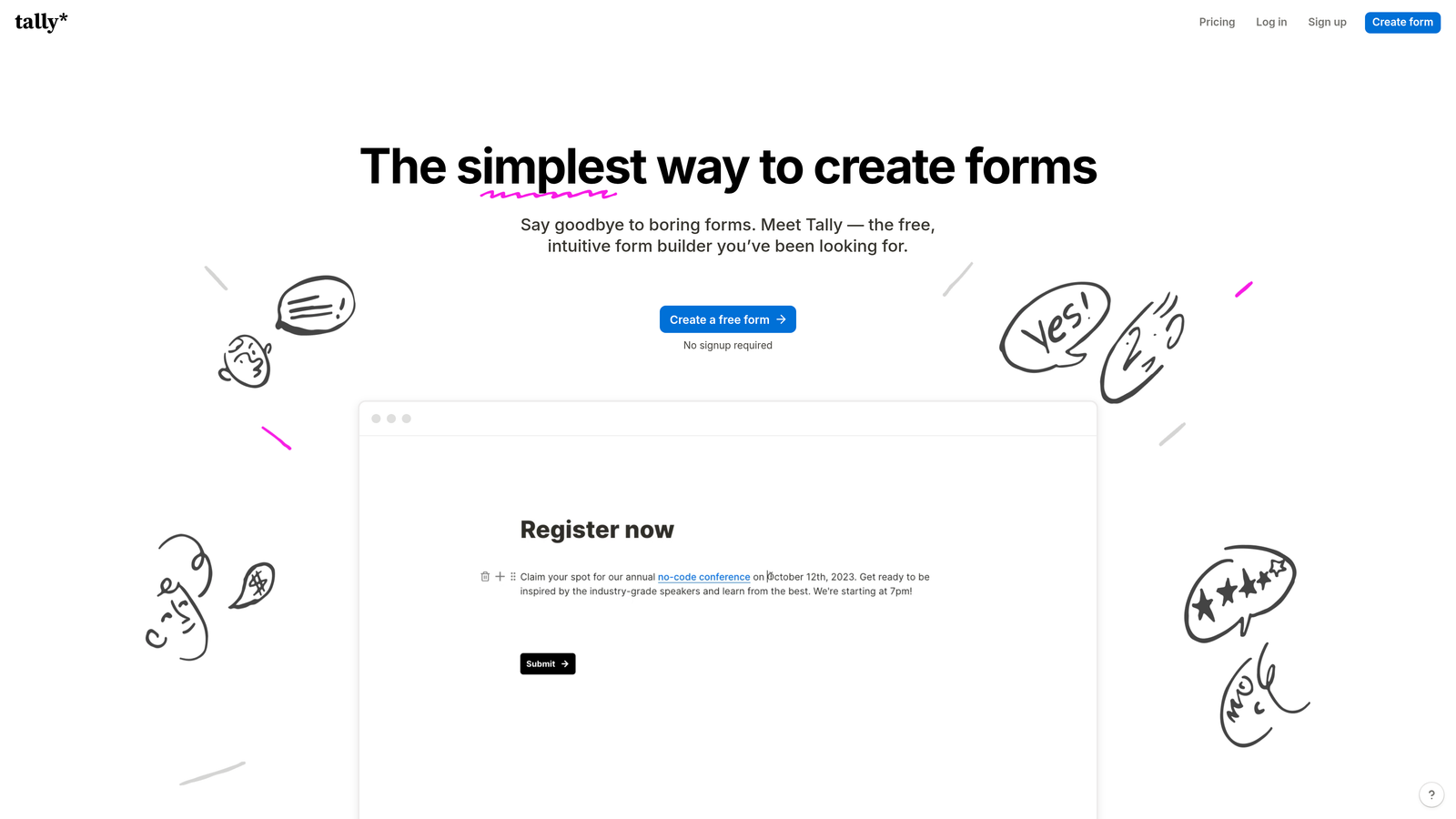
Tally is a minimalist form builder with a Notion-like interface and one of the market's most generous free tiers.
Where This Tool Shines
Tally's free plan is almost suspiciously generous—unlimited forms, unlimited submissions, and no feature restrictions. For bootstrapped startups or teams experimenting with form optimization, this removes the usual anxiety about hitting submission caps mid-campaign.
The Notion-style block-based editing feels immediately familiar if you're already using Notion for documentation or project management. There's minimal learning curve, which means you can build and deploy forms quickly without extensive training.
Key Features
Unlimited Free Tier: No caps on forms or submissions even on the free plan, removing growth constraints for small teams.
Block-Based Editing: Notion-inspired interface that uses familiar block concepts for building and organizing form content.
Clean Interface: Minimalist, distraction-free design that keeps the focus on content rather than visual complexity.
Custom Domains: Use your own domain for form URLs on paid plans to maintain brand consistency.
File Uploads: Accept file submissions directly through forms without needing external storage integrations.
Best For
Startups, freelancers, and small teams that need professional forms without budget constraints. Particularly appealing if you're already invested in the Notion ecosystem and want similar editing experiences across your tools.
Pricing
Free tier with unlimited forms and submissions. Pro plan at $29/month adds custom domains, branding removal, and priority support—but most teams can operate comfortably on the free tier.
5. HubSpot Forms
Best for: Teams already using HubSpot CRM who need native form integration
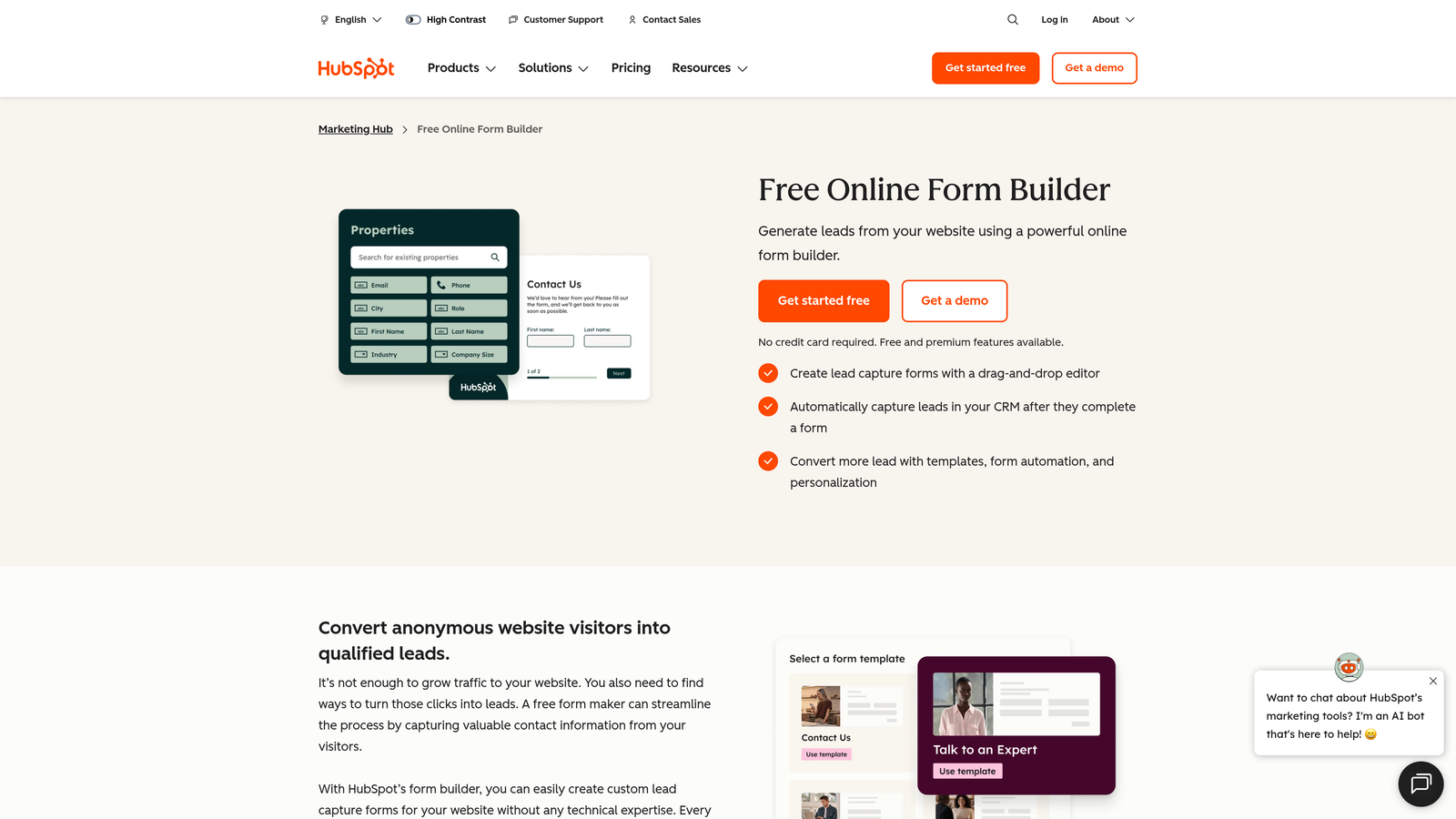
HubSpot Forms is the native form solution within HubSpot's marketing ecosystem with deep CRM integration.
Where This Tool Shines
HubSpot Forms excels at progressive profiling—showing different questions to returning visitors based on what you already know about them. This means your forms get smarter over time, never asking the same person for their email twice while gradually building richer contact profiles.
The native CRM integration is seamless because forms and CRM are built by the same company. Every submission automatically creates or updates contact records, triggers workflows, and feeds into your marketing automation without requiring Zapier or middleware.
Key Features
Progressive Profiling: Automatically adjusts form fields based on existing contact data, collecting new information each time someone submits.
Native CRM Integration: Submissions flow directly into HubSpot CRM with zero setup, creating contacts and triggering automation instantly.
Smart Fields: Pre-populate form fields with known contact data to reduce friction for returning visitors.
Built-In Analytics: Track form performance, conversion rates, and submission sources directly within HubSpot's analytics dashboard.
A/B Testing: Test different form variations to optimize conversion rates using HubSpot's native testing tools.
Best For
Marketing teams already committed to the HubSpot ecosystem who want forms that integrate natively with their CRM and automation workflows. The value proposition weakens significantly if you're not using HubSpot for other marketing functions.
Pricing
Free with HubSpot CRM, making it accessible for teams getting started. Advanced features like progressive profiling and A/B testing require Marketing Hub starting at $45/month.
6. Paperform
Best for: Creating form-based landing pages that combine data collection with rich content
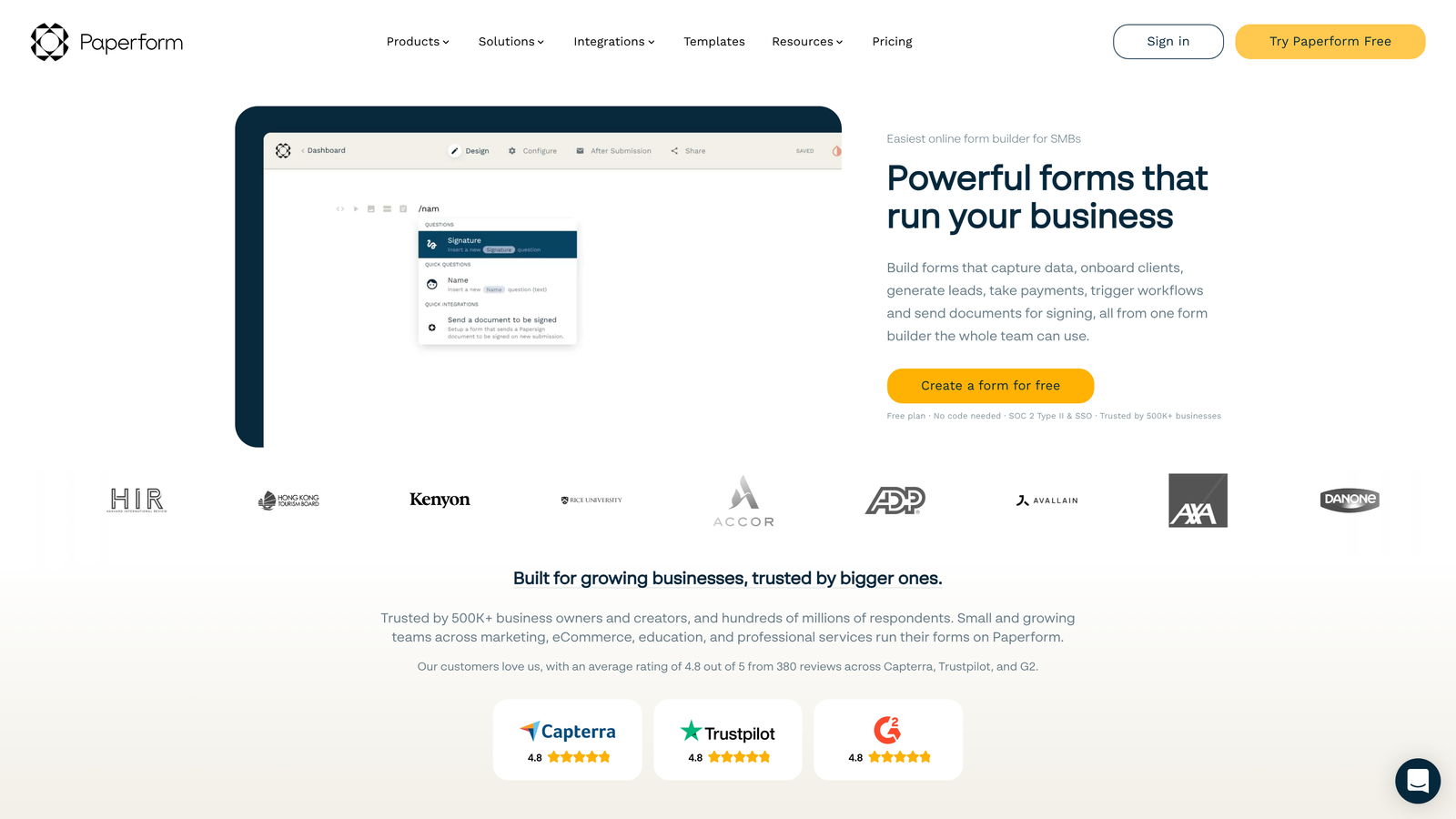
Paperform is a hybrid form builder and landing page creator that merges form functionality with page-building capabilities.
Where This Tool Shines
Paperform blurs the line between forms and landing pages, letting you build entire product pages, booking flows, or sales pages that happen to collect information. This form-as-a-page approach works brilliantly when you need to provide context, showcase products, or tell a story before asking for the submission.
The rich media embedding capabilities mean you can drop videos, images, and formatted text directly into your forms. This creates more engaging experiences than traditional form builders, which typically treat media as an afterthought.
Key Features
Form-as-Page Design: Build complete landing pages that collect data, not just standalone forms embedded in existing pages.
Rich Media Embedding: Add videos, images, formatted text, and other content directly within form flows.
E-Commerce Capabilities: Accept payments, create product catalogs, and build checkout experiences using form logic.
Advanced Conditional Logic: Show or hide entire sections based on user responses, creating personalized form experiences.
Calculation Fields: Build dynamic pricing calculators, quote generators, and other forms requiring math operations.
Best For
E-commerce businesses, service providers, and event organizers who need forms that do more than collect basic contact information. Works particularly well for booking systems, product customizers, and quote request forms.
Pricing
Essentials plan at $24/month includes unlimited forms and submissions. Pro at $49/month adds advanced features like partial submissions and custom code injection.
7. Formstack
Best for: Enterprise teams requiring compliance certifications and advanced security
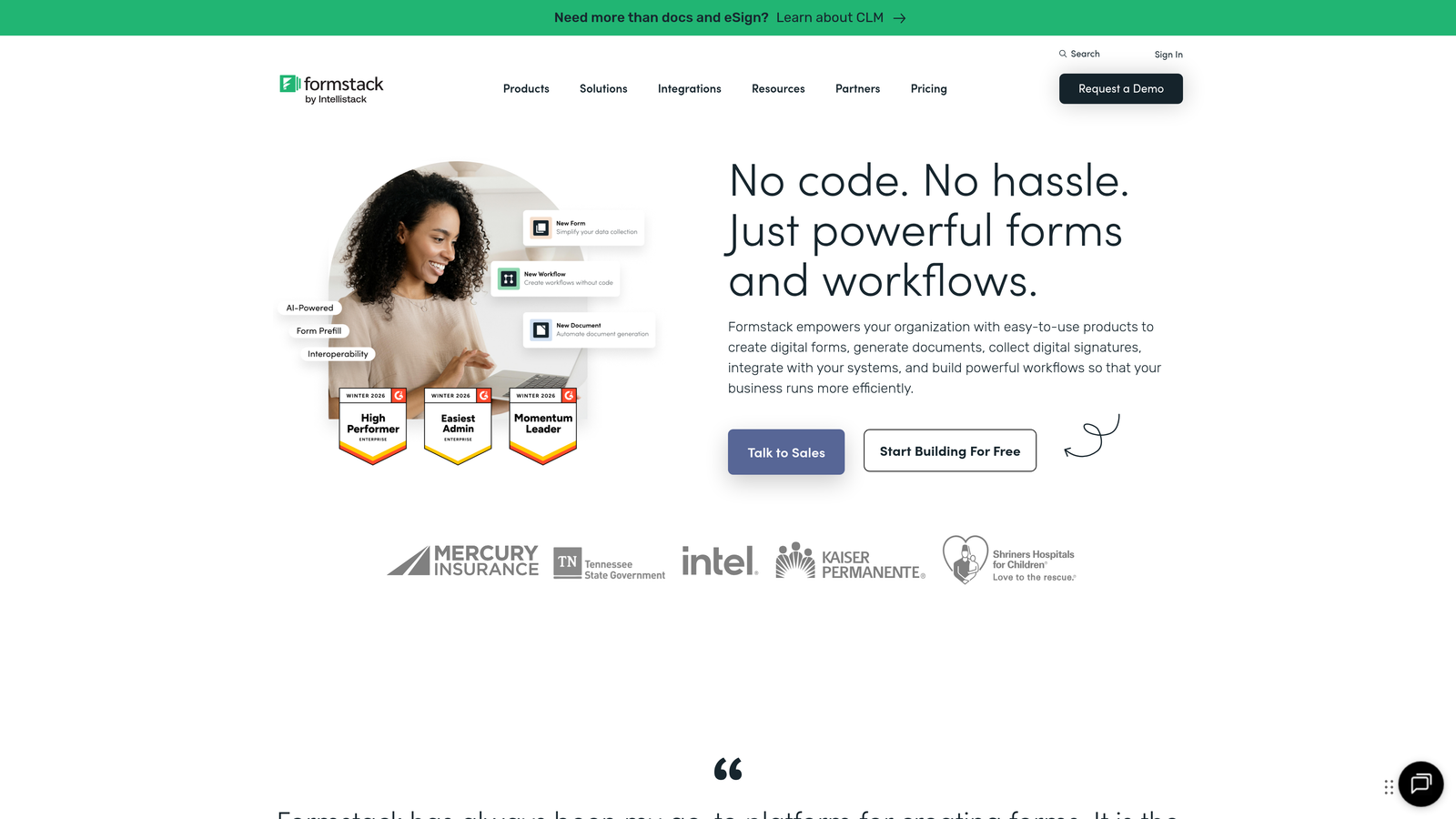
Formstack is an enterprise-grade form solution built for organizations with strict compliance and security requirements.
Where This Tool Shines
Formstack takes compliance seriously with HIPAA and GDPR certifications that most form builders can't match. If you're in healthcare, finance, or any regulated industry where data handling has legal implications, Formstack provides the compliance infrastructure you need without custom development.
The approval workflow capabilities go beyond simple form submissions, letting you route data through multi-step approval chains. This makes Formstack valuable for internal processes like expense approvals, HR requests, or procurement workflows—not just external lead generation.
Key Features
Compliance Certifications: HIPAA and GDPR compliant infrastructure with BAAs available for healthcare organizations.
Approval Workflows: Route submissions through multi-step approval processes with notifications and status tracking.
Electronic Signatures: Collect legally binding signatures directly within forms using integrated e-signature functionality.
Enterprise Security: SSO support, advanced user permissions, and audit logs for enterprise security requirements.
Document Generation: Automatically create formatted documents from form data for contracts, reports, or records.
Best For
Healthcare organizations, financial services firms, government agencies, and enterprise teams that need compliance certifications and advanced security controls. The pricing reflects enterprise positioning—smaller teams will find better value elsewhere.
Pricing
Starter plan at $50/month for basic features. Teams plan at $83/month adds workflow automation and integrations. Enterprise pricing available for organizations needing HIPAA compliance and dedicated support.
8. Cognito Forms
Best for: Complex forms requiring calculations, pricing logic, or dynamic field relationships
Cognito Forms is a calculation-focused form builder designed for scenarios involving pricing, quotes, and mathematical operations.
Where This Tool Shines
Cognito Forms handles calculation logic better than virtually any competitor. If you need to build quote calculators, pricing configurators, or order forms with dynamic totals based on user selections, Cognito's calculation engine makes this straightforward rather than requiring custom code.
The repeating sections feature lets users add multiple entries within a single form—think adding multiple attendees to an event registration or listing multiple products in an order. Most form builders struggle with this use case, but Cognito handles it natively.
Key Features
Advanced Calculations: Build complex pricing logic, quote generators, and calculators using formula fields and mathematical operations.
Repeating Sections: Let users add multiple entries within a single form submission for attendees, line items, or related data.
Payment Processing: Integrate with Stripe and PayPal to collect calculated payments directly through forms.
Conditional Logic: Show or hide fields based on user responses, creating dynamic form experiences that adapt to input.
File Uploads: Accept document uploads with file type and size restrictions to maintain data quality.
Best For
Service businesses that provide quotes, event organizers managing registrations with multiple attendees, or any organization that needs forms with calculation logic. Particularly valuable for B2B companies where pricing varies based on customer selections.
Pricing
Free plan available for individuals with limited submissions. Pro plan at $15/month per user offers unlimited forms and submissions, making it cost-effective for small teams.
9. Fillout
Best for: Teams using Airtable or Notion who need forms that update existing database records
Fillout is a modern form builder with deep integrations for Airtable, Notion, and other database tools.
Where This Tool Shines
Fillout's native Airtable and Notion integrations go beyond simple data pushing—you can create forms that update existing database records rather than just adding new ones. This unlocks use cases like customer profile updates, inventory management, or status tracking that traditional form builders can't handle.
The scheduling and booking capabilities make Fillout surprisingly versatile for appointment-based businesses. You can embed booking forms that check availability, prevent double-bookings, and sync with calendar systems—functionality typically requiring dedicated scheduling tools.
Key Features
Native Database Integrations: Connect directly to Airtable and Notion bases, creating or updating records based on form submissions.
Record Updates: Build forms that modify existing database entries rather than only creating new records.
Modern Design: Clean, contemporary form templates that feel current without requiring extensive customization.
Scheduling Capabilities: Built-in booking and appointment scheduling with availability checking and calendar integration.
Conditional Logic: Show different questions based on responses to create personalized form flows.
Best For
Teams that have built their operations around Airtable or Notion and need forms that integrate seamlessly with their existing databases. Also valuable for service businesses needing simple booking functionality without adopting a separate scheduling platform.
Pricing
Free tier available with core features. Starter plan at $15/month adds branding removal and advanced integrations, making it accessible for small teams.
Making the Right Choice
The embeddable form landscape has evolved far beyond simple contact forms. Today's solutions range from AI-powered lead qualification engines to database-connected form builders that update existing records. Your ideal choice depends on what you need forms to accomplish beyond basic data collection.
If lead qualification is your priority, Orbit AI's built-in scoring and routing capabilities eliminate the manual work of sorting through submissions. High-growth teams drowning in form data benefit most from intelligent automation that identifies high-value prospects automatically.
For teams already committed to specific ecosystems, native solutions often provide the smoothest experience. HubSpot Forms integrates seamlessly if you're in that ecosystem, while Fillout shines for Airtable or Notion power users who need forms that update existing databases.
Budget-conscious teams should seriously consider Tally's unlimited free tier or Cognito Forms' affordable Pro plan. Both offer professional features without the pricing pressure that comes with submission-based billing models.
The conversational approach of Typeform works brilliantly for surveys and longer qualification forms where engagement matters more than speed. Meanwhile, Jotform's massive template library means you can deploy professional forms in minutes rather than building from scratch.
Enterprise teams in regulated industries will find Formstack's compliance certifications and security controls worth the premium pricing, while Paperform's hybrid form-and-landing-page approach serves e-commerce and service businesses particularly well.
Transform your lead generation with AI-powered forms that qualify prospects automatically while delivering the modern, conversion-optimized experience your high-growth team needs. Start building free forms today and see how intelligent form design can elevate your conversion strategy.


