

Your website visitors are ready to engage—but clunky, disconnected forms kill momentum. Embedded form software lets you place sleek, functional forms directly into your pages, blog posts, and landing pages without redirecting users or breaking their experience. The right tool does more than collect data; it qualifies leads, integrates with your tech stack, and actually looks good doing it.
We evaluated dozens of options based on embedding flexibility, customization depth, integration capabilities, and conversion-focused features. Here are the top embedded form software tools worth your attention this year.
1. Orbit AI
Best for: High-growth teams needing AI-powered lead qualification with conversion-optimized form design
Orbit AI is an AI-powered form builder platform designed specifically for teams focused on lead generation and conversion optimization.

Where This Tool Shines
The standout feature is AI-powered lead qualification that scores prospects automatically as they fill out forms. Instead of collecting raw data and sorting through it later, you get qualified leads delivered with intelligence scores based on their responses.
The platform combines modern, conversion-optimized designs with deep integration capabilities. Forms embed seamlessly using JavaScript or iframe methods, maintaining your site's look and feel while delivering advanced functionality behind the scenes.
Key Features
AI Lead Qualification: Automatically scores and qualifies prospects based on form responses, prioritizing your best leads.
Conversion-Optimized Designs: Modern form templates built specifically to maximize completion rates and reduce abandonment.
Advanced Analytics: Track form performance, conversion rates, and lead quality metrics in real-time dashboards.
Workflow Automation: Route qualified leads to the right team members and trigger automated follow-up sequences.
Extensive Integrations: Connect with major CRMs, marketing automation platforms, and sales tools without custom development.
Best For
High-growth teams who need more than basic data collection. Ideal for SaaS companies, agencies, and businesses where lead quality matters as much as lead volume. Perfect when you want intelligent forms that work as hard as your sales team.
Pricing
Free tier available for teams getting started. Paid plans start at competitive rates designed for growing teams, with pricing that scales based on form submissions and advanced features.
2. Typeform
Best for: Creating conversational, engaging form experiences with one-question-at-a-time format
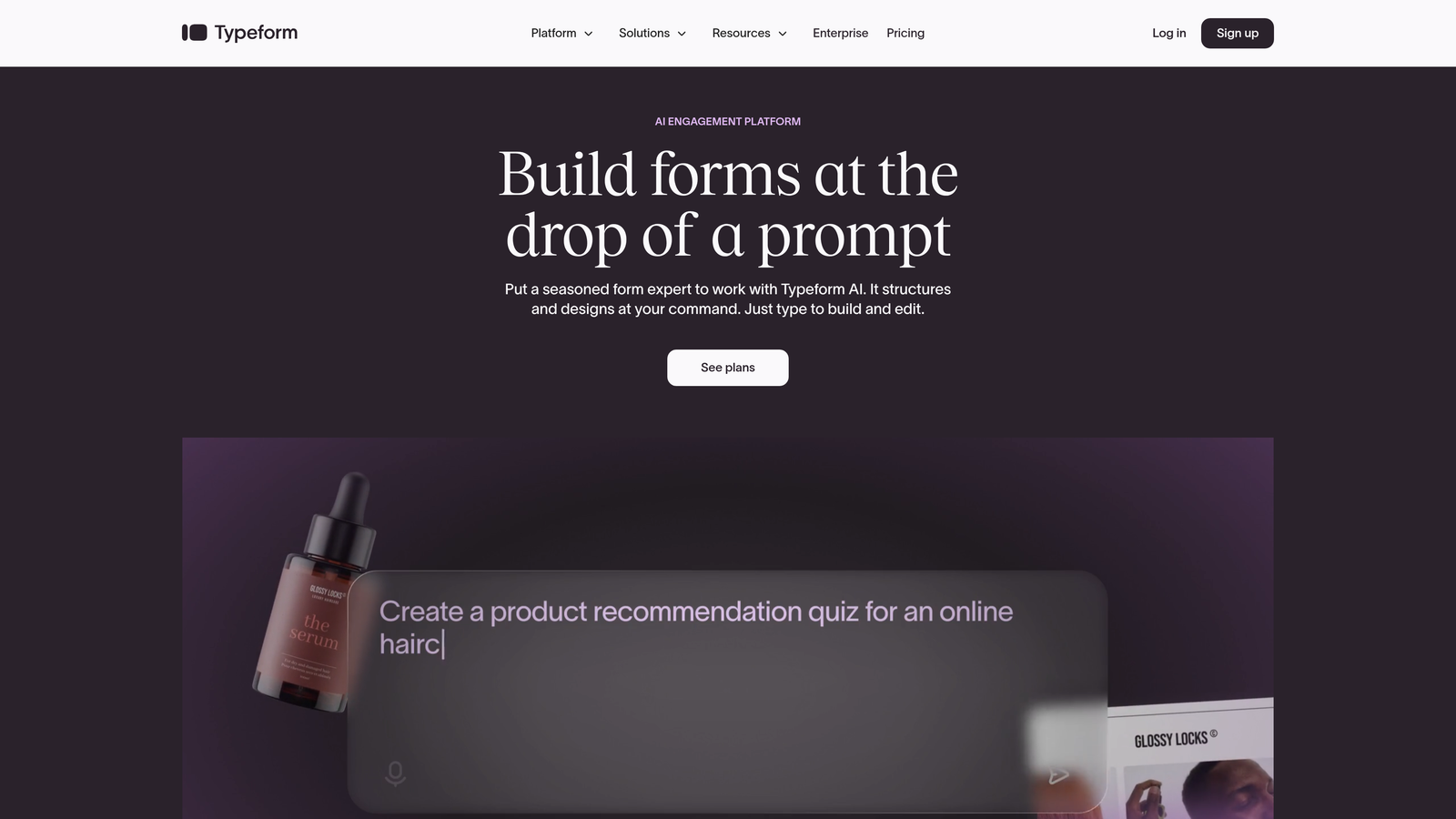
Typeform is a conversational form builder that presents questions individually, creating human-feeling interactions that boost completion rates.
Where This Tool Shines
The one-question-at-a-time approach transforms forms from intimidating walls of fields into friendly conversations. Users focus on a single question, answer it, and move forward. This format significantly reduces the psychological barrier of long forms.
Beautiful default designs mean your forms look polished without design work. The platform handles mobile responsiveness automatically, and the conversational flow feels natural on any screen size.
Key Features
Conversational Interface: One-question-at-a-time format that feels like a dialogue rather than a data collection exercise.
Logic Jumps: Conditional branching that shows different questions based on previous answers, creating personalized paths.
Media Embedding: Add videos and images within forms to provide context and maintain engagement throughout.
Brand Customization: Customize colors, fonts, and layouts to match your brand without touching code.
Native Integrations: Connect directly with popular tools like Google Sheets, Slack, Mailchimp, and major CRMs.
Best For
Teams prioritizing user experience and completion rates over speed. Great for surveys, lead qualification questionnaires, and any scenario where you want respondents to actually finish what they started.
Pricing
Free tier with limited responses per month. Basic plan starts at $25/month with increased response limits and basic features. Higher tiers unlock advanced logic and integrations.
3. Jotform
Best for: Teams needing extensive template variety and multiple embedding options for diverse use cases
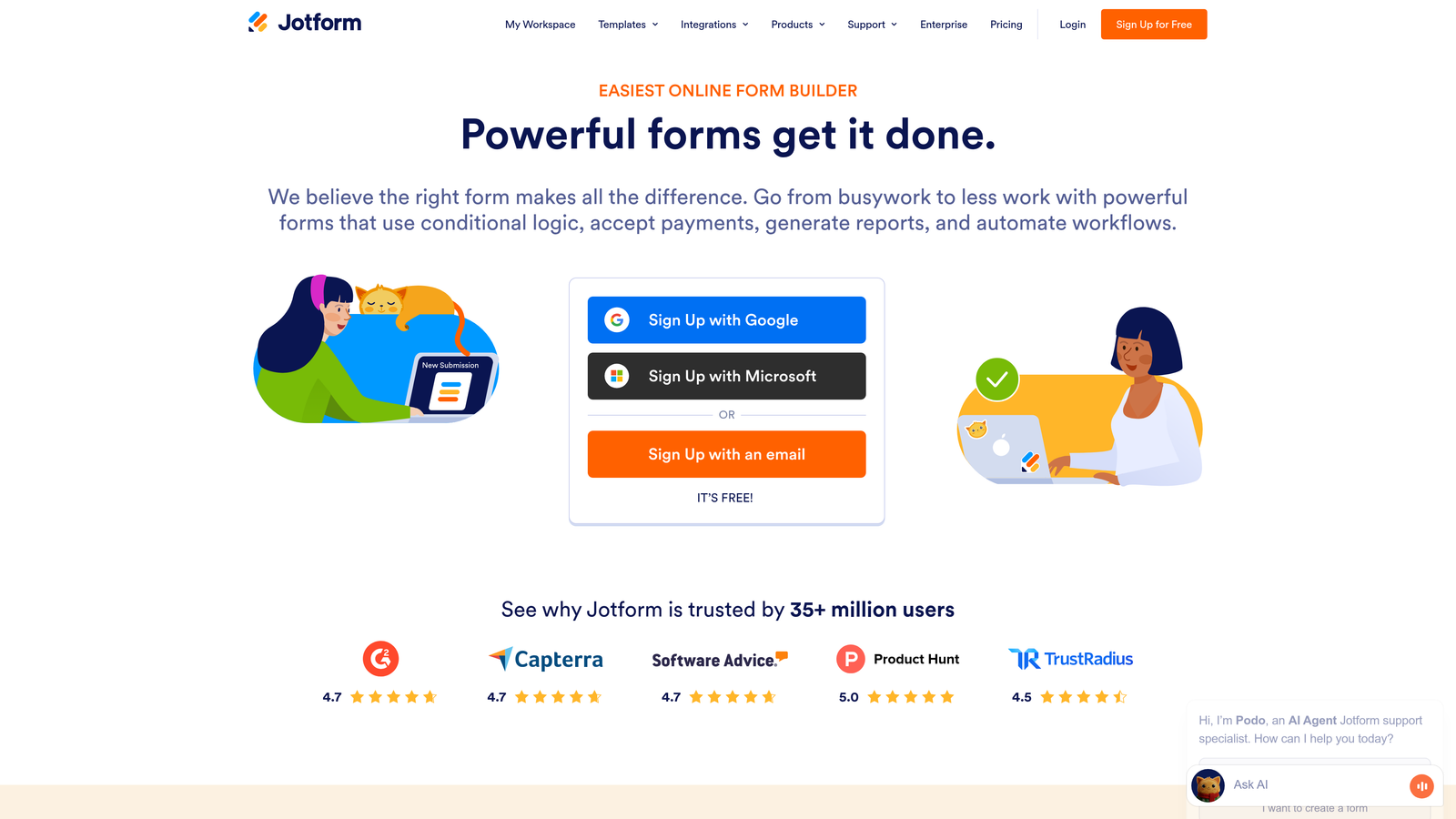
Jotform is a versatile form builder offering over 10,000 pre-built templates and flexible embedding methods for virtually any scenario.
Where This Tool Shines
The massive template library means you rarely build from scratch. Whether you need event registration, payment collection, surveys, or application forms, there's a starting point ready. Customization from there is straightforward with drag-and-drop editing.
Embedding flexibility stands out with multiple options: standard iframe, lightbox popup, slide-in forms, or full-page embeds. Choose the format that fits your page layout and user journey without compromising functionality.
Key Features
10,000+ Templates: Pre-built forms for every industry and use case, from contact forms to complex applications.
Multiple Embed Types: Choose iframe, lightbox popup, slide-in, or full-page embedding based on your needs.
Payment Processing: Integrated payment collection through major processors including PayPal, Stripe, and Square.
Conditional Logic: Show or hide fields based on user responses, with calculation capabilities for complex forms.
HIPAA Compliance: Enterprise plans offer HIPAA-compliant forms for healthcare and regulated industries.
Best For
Organizations needing versatility across departments. Perfect when different teams require different form types but you want one platform. Healthcare providers and businesses with compliance requirements benefit from HIPAA options.
Pricing
Free tier includes 5 forms with 100 monthly submissions. Bronze plan starts at $34/month with increased limits. Higher tiers add HIPAA compliance and advanced features.
4. Tally
Best for: Startups and small teams wanting unlimited forms with a generous free tier
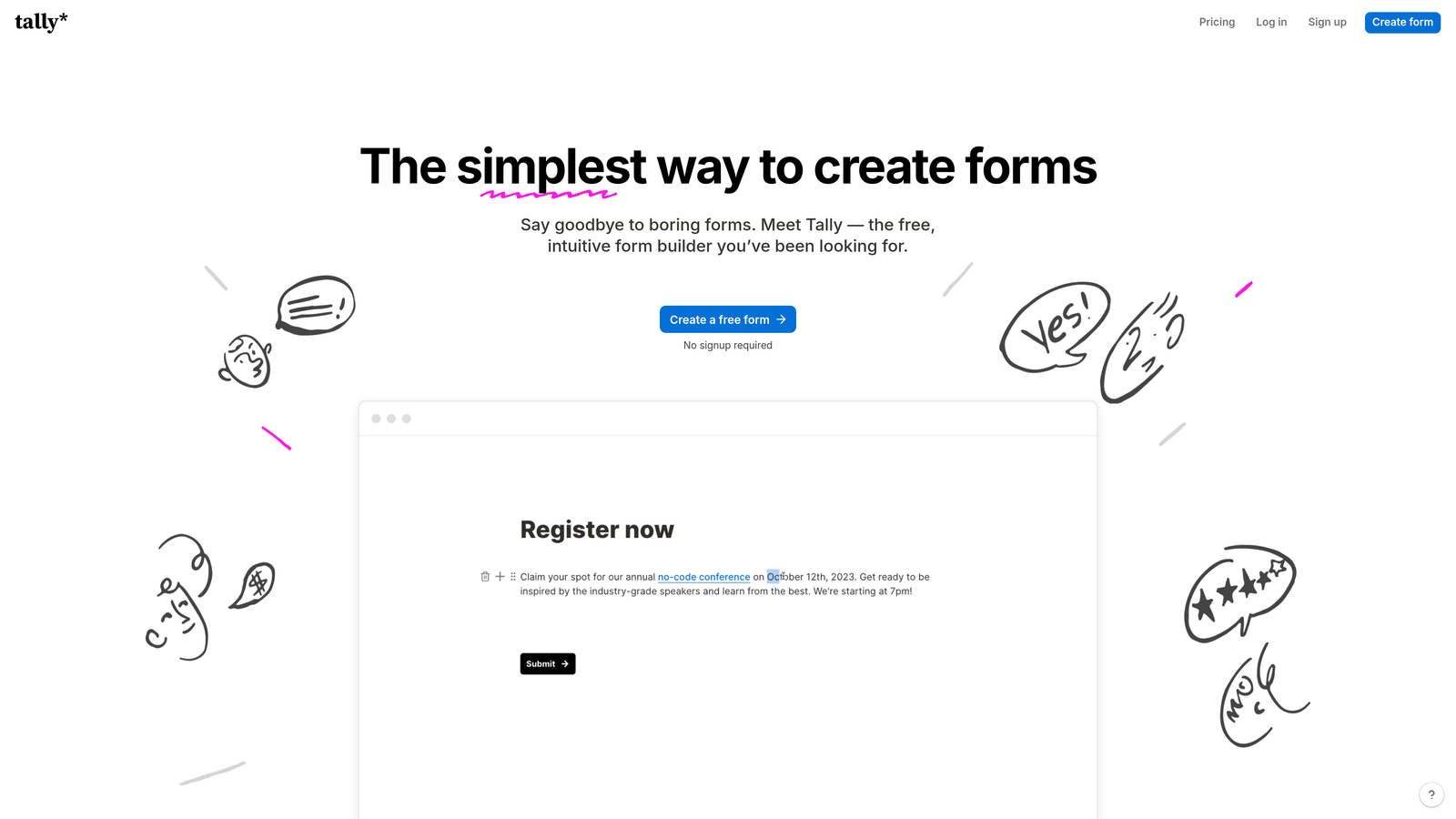
Tally is a simple, elegant form builder with a Notion-like interface and one of the most generous free tiers in the market.
Where This Tool Shines
The free tier offers unlimited forms and unlimited submissions, making it perfect for bootstrapped startups. There's no artificial limit forcing you to upgrade just because you're getting traction.
The Notion-style block-based editor feels immediately familiar if you use modern productivity tools. Add form fields, text blocks, images, and dividers by typing slash commands. The learning curve is minimal, and the interface stays out of your way.
Key Features
Unlimited Free Tier: No caps on forms or submissions at the free level, just feature limitations on advanced capabilities.
Block-Based Editor: Notion-style interface with slash commands for adding fields and content blocks quickly.
Clean Designs: Minimal, modern embedded forms that look professional without customization work.
Conditional Logic: Show or hide questions based on previous answers, with hidden field support for tracking.
Integration Options: Connect to other tools via Zapier, webhooks, or direct integrations with popular platforms.
Best For
Early-stage startups, side projects, and small teams with limited budgets. Ideal when you need professional forms without monthly costs eating into runway.
Pricing
Free tier is genuinely usable for most small teams. Pro plan at $29/month adds file uploads, custom domains, and removes Tally branding.
5. HubSpot Forms
Best for: Teams already using HubSpot CRM who want native integration and progressive profiling
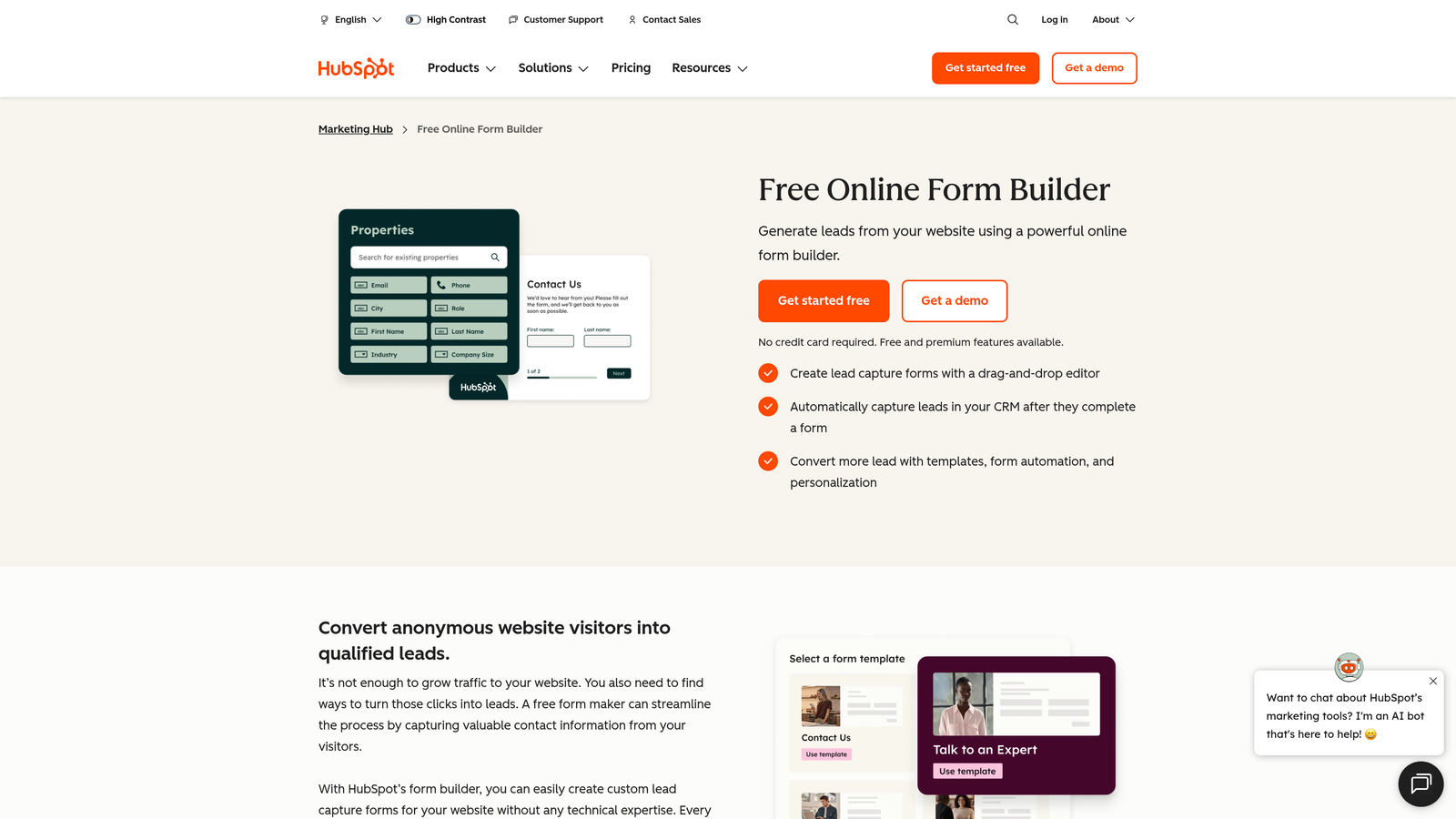
HubSpot Forms is the native form builder within the HubSpot ecosystem, offering automatic CRM sync and smart contact management.
Where This Tool Shines
Every form submission automatically creates or updates contacts in HubSpot CRM. No manual imports, no integration setup, no data sync delays. The information flows directly into your sales pipeline with full context.
Progressive profiling is a game-changer for returning visitors. Instead of asking the same questions repeatedly, forms show new fields each time someone submits. You gradually build complete profiles without annoying users with redundant questions.
Key Features
Automatic CRM Sync: Form submissions instantly create contacts in HubSpot with full submission history and attribution.
Progressive Profiling: Show different questions to returning visitors, gradually enriching contact data over multiple interactions.
Dependent Fields: Conditional logic that shows relevant questions based on previous answers or contact properties.
Built-in Analytics: Track form performance, conversion rates, and attribution within your HubSpot dashboard.
Multiple Form Types: Create embedded forms, pop-ups, slide-ins, or standalone landing page forms from one builder.
Best For
Companies already invested in the HubSpot ecosystem. If your team lives in HubSpot CRM and Marketing Hub, using native forms eliminates integration headaches and keeps everything in one system.
Pricing
Free with HubSpot CRM at no cost. Advanced features like progressive profiling and advanced analytics require Marketing Hub paid tiers starting at $45/month.
6. Paperform
Best for: Creating embedded experiences that blend rich content with form fields like landing pages
Paperform is a form builder that mixes rich text, images, and video with form fields, creating embedded experiences that feel more like landing pages than traditional forms.

Where This Tool Shines
The ability to mix content and form fields in a single embedded experience is unique. Add explanatory text between questions, embed product images next to selection fields, or include video testimonials before payment collection. Everything lives in one cohesive embedded form.
Built-in payment processing means you can collect payments directly within embedded forms without redirecting to external checkout pages. The user stays on your site through the entire transaction.
Key Features
Rich Content Mixing: Combine text, images, videos, and form fields in a single embedded experience.
Payment Processing: Accept payments through Stripe or PayPal directly within forms without external redirects.
Conditional Logic: Show or hide content and fields based on user responses, with calculation capabilities.
Custom Success Pages: Redirect users to specific pages or show custom messages based on their form responses.
Appointment Scheduling: Integrate calendar booking directly into forms for service-based businesses.
Best For
Service businesses, course creators, and e-commerce brands wanting to create rich embedded experiences. Perfect when you need payment collection combined with content presentation in a single embedded form.
Pricing
Essentials plan at $24/month includes core features and payment processing. Pro plan at $49/month adds advanced logic and integrations.
7. Formstack
Best for: Enterprise teams with compliance requirements and complex workflow automation needs
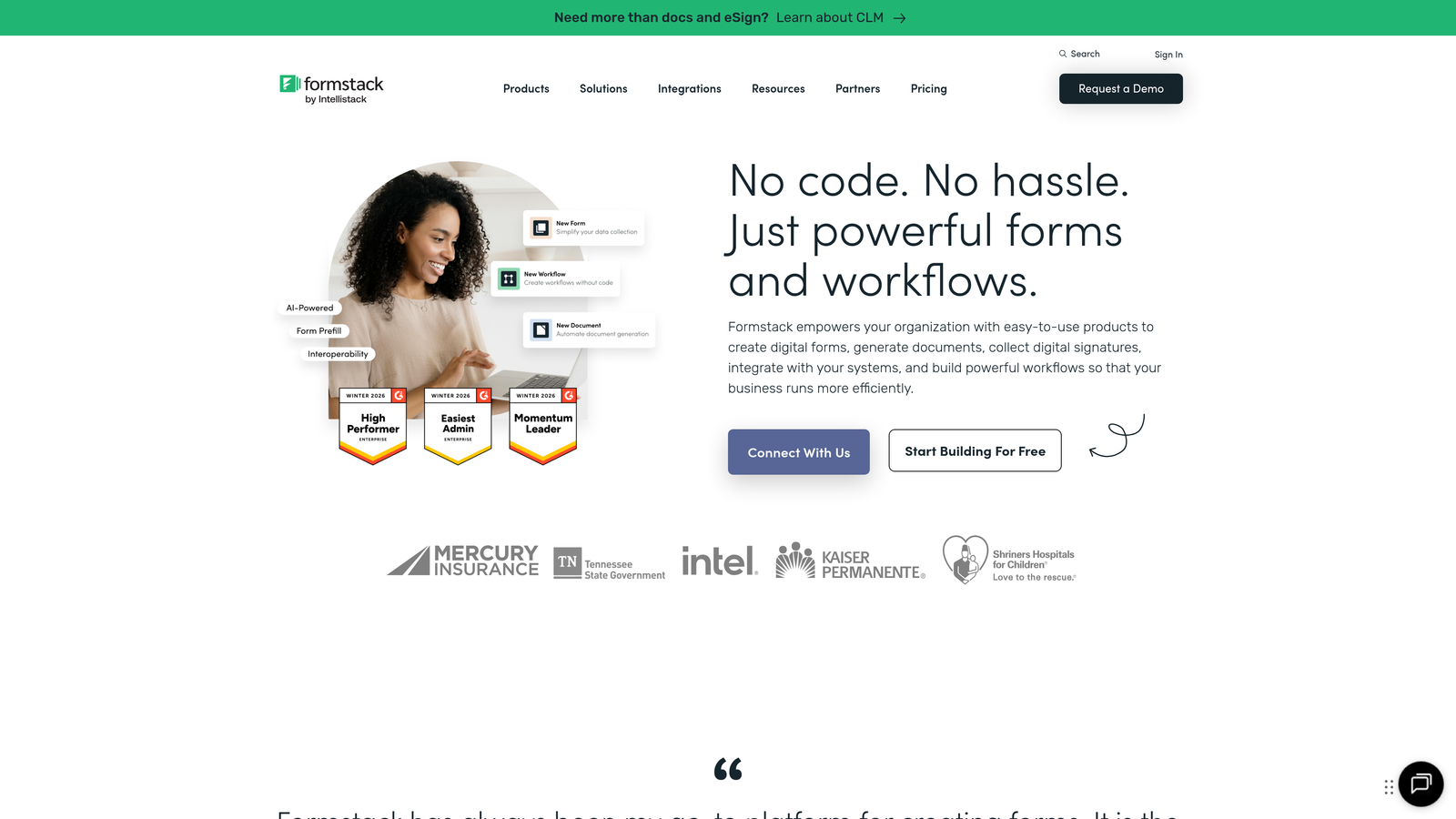
Formstack is an enterprise-grade form builder with strong compliance features and advanced workflow automation for regulated industries.
Where This Tool Shines
Compliance capabilities set Formstack apart for regulated industries. HIPAA, GDPR, and SOC 2 compliance options mean healthcare providers, financial services, and enterprises can collect sensitive data confidently. The platform handles encryption, access controls, and audit trails automatically.
Workflow automation goes beyond simple notifications. Route submissions through approval chains, trigger multi-step processes, and automate document generation based on form data. Complex business processes map directly to form workflows.
Key Features
Compliance Options: HIPAA, GDPR, and SOC 2 compliance features with encryption and access controls for regulated data.
Advanced Workflows: Multi-step approval routing, automated document generation, and complex business process automation.
Electronic Signatures: Collect legally binding signatures within forms for contracts and agreements.
Offline Capabilities: Forms work offline and sync data when connection returns, critical for field operations.
Security Controls: Granular user permissions, audit trails, and enterprise-grade security features.
Best For
Healthcare organizations, financial services, government agencies, and enterprises with strict compliance requirements. Ideal when data security and regulatory compliance are non-negotiable.
Pricing
Starts at $50/month for basic features. Enterprise pricing for compliance features and advanced security controls varies based on requirements.
8. Cognito Forms
Best for: Teams needing powerful calculations and payment collection at an affordable price point
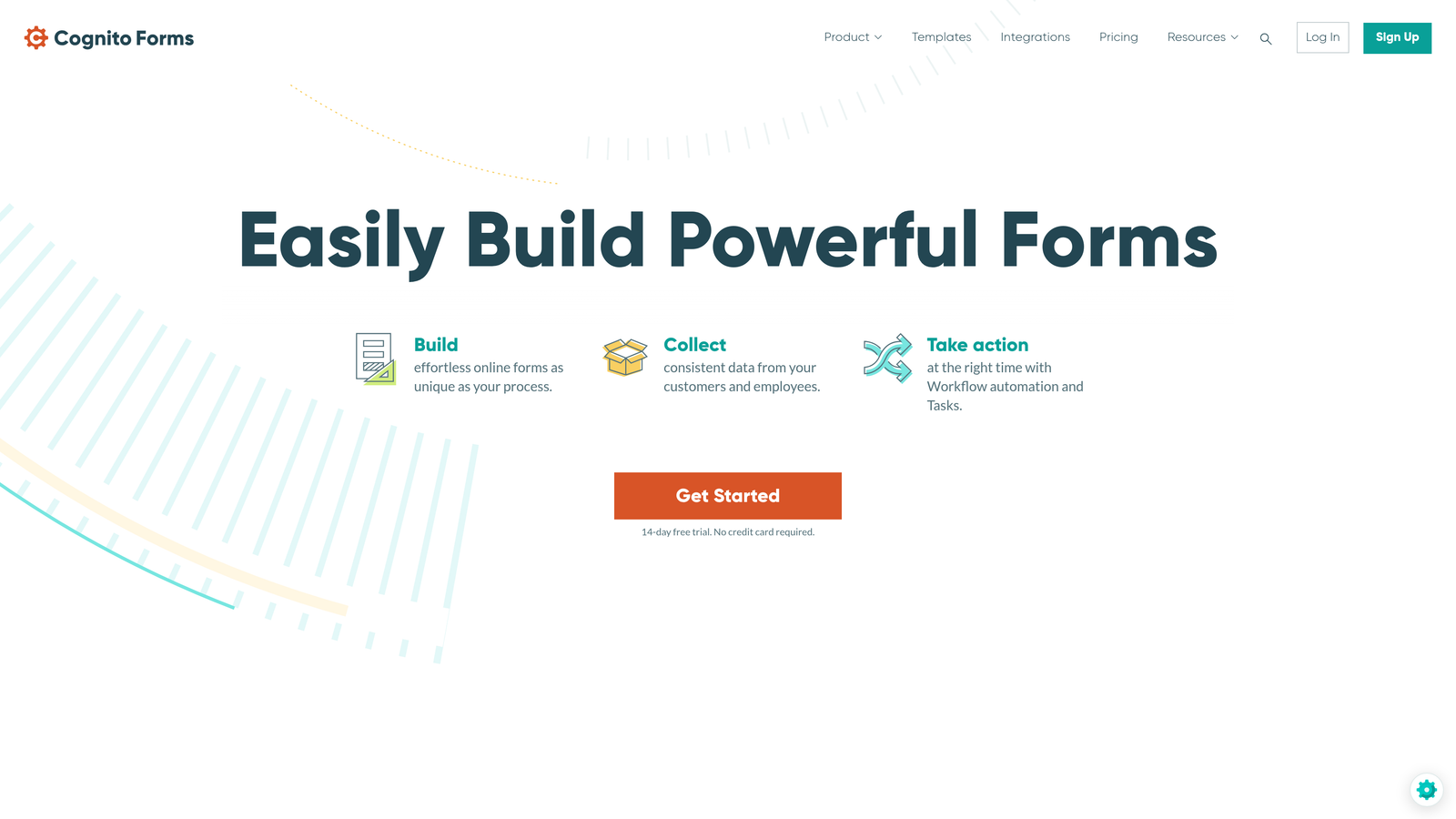
Cognito Forms is a feature-rich form builder offering advanced field calculations and payment processing at prices significantly lower than competitors.
Where This Tool Shines
Advanced calculation capabilities rival spreadsheet functionality within forms. Create order forms that calculate totals automatically, registration forms that compute fees based on selections, or quote generators that price services dynamically. The formula builder handles complex math without custom code.
Payment collection integrates with multiple processors at no additional platform fee. Collect one-time payments, set up recurring subscriptions, or create variable pricing based on form selections. The value-to-price ratio is exceptional.
Key Features
Advanced Calculations: Spreadsheet-style formulas and calculations within forms for dynamic pricing and complex math.
Payment Processing: Accept payments through Stripe, PayPal, or Square with no platform fees beyond processor costs.
Conditional Logic: Show or hide fields and sections based on previous answers or calculated values.
Repeating Sections: Allow users to add multiple entries of the same field group, perfect for registration forms.
Workflow Automation: Trigger email notifications, create documents, and route submissions based on form data.
Best For
Small to medium businesses needing sophisticated form functionality without enterprise pricing. Perfect for event registration, order forms, quote requests, and any scenario requiring calculations or payment collection.
Pricing
Free tier available with basic features. Pro plan at $15/month and Team plan at $35/month unlock advanced features at highly competitive rates.
9. Fillout
Best for: Teams using Notion or Airtable who want native database integration
Fillout is a modern form builder with direct sync capabilities for Notion databases and Airtable bases, perfect for teams who live in those tools.
Where This Tool Shines
Direct Notion and Airtable integration eliminates the middleware layer. Form submissions flow directly into your Notion databases or Airtable bases without Zapier or custom webhooks. If your team already manages data in these tools, Fillout feels like a native extension.
The modern, clean form designs match the aesthetic of contemporary SaaS products. Forms embed smoothly into marketing sites and feel cohesive with modern web design trends without requiring design customization.
Key Features
Native Notion Sync: Form submissions write directly to Notion databases, keeping your workspace updated in real-time.
Airtable Integration: Direct connection to Airtable bases without third-party integration tools.
Modern Designs: Clean, contemporary form templates that match modern website aesthetics out of the box.
Conditional Logic: Show or hide questions based on previous answers with branching paths.
File Uploads: Collect documents and images with signature collection capabilities for contracts.
Best For
Startups and teams who use Notion or Airtable as their primary database. Ideal when you want form data flowing directly into your existing workspace without integration complexity.
Pricing
Free tier includes core features with reasonable submission limits. Paid plans start at $15/month for increased submissions and advanced features.
Making the Right Choice
Choosing embedded form software comes down to your specific workflow and growth goals. For AI-powered lead qualification and conversion optimization, Orbit AI leads the pack with intelligent scoring that prioritizes your best prospects automatically. If conversational engagement matters most, Typeform's one-question-at-a-time format delivers completion rates that traditional forms can't match.
Teams deep in HubSpot will find their native forms hard to beat—the automatic CRM sync and progressive profiling eliminate integration headaches while enriching contact data over time. Budget-conscious startups should explore Tally's generous free tier, which removes artificial submission limits that force premature upgrades.
Enterprise teams with compliance requirements should prioritize Formstack's HIPAA and SOC 2 capabilities. Healthcare providers and financial services need those security controls and audit trails. For teams living in Notion or Airtable, Fillout's native sync makes form data management effortless.
Whatever you choose, the best embedded form is one that feels native to your site, captures quality leads, and connects seamlessly to your existing tools. Start with a free trial, test the embedding experience on your actual pages, and measure conversion rates before committing. Pay attention to mobile responsiveness—over half your visitors will interact with forms on phones.
The embedded form market has matured beyond basic data collection. Modern tools compete on AI capabilities, design flexibility, and integration depth. Your forms should work as hard as your sales team, qualifying leads while they're still engaged rather than dumping raw data for manual sorting later.
Transform your lead generation with AI-powered forms that qualify prospects automatically while delivering the modern, conversion-optimized experience your high-growth team needs. Start your free trial today and see how intelligent form design can elevate your conversion strategy.


