

Embedding forms directly into your website pages eliminates friction that kills conversions. When visitors can submit information without leaving their current context—whether that's a blog post, landing page, or product page—completion rates climb significantly. But not all embedded form solutions are created equal. Some offer beautiful designs but lack integration depth. Others connect to everything but look like they're from 2010.
This guide evaluates top embedded form solutions based on design flexibility, embedding options, integration capabilities, and conversion optimization features. Whether you're capturing leads on a SaaS landing page or collecting applications on a careers page, you'll find the right tool for your workflow.
1. Orbit AI
Best for: High-growth teams that need AI-powered lead qualification built into their forms
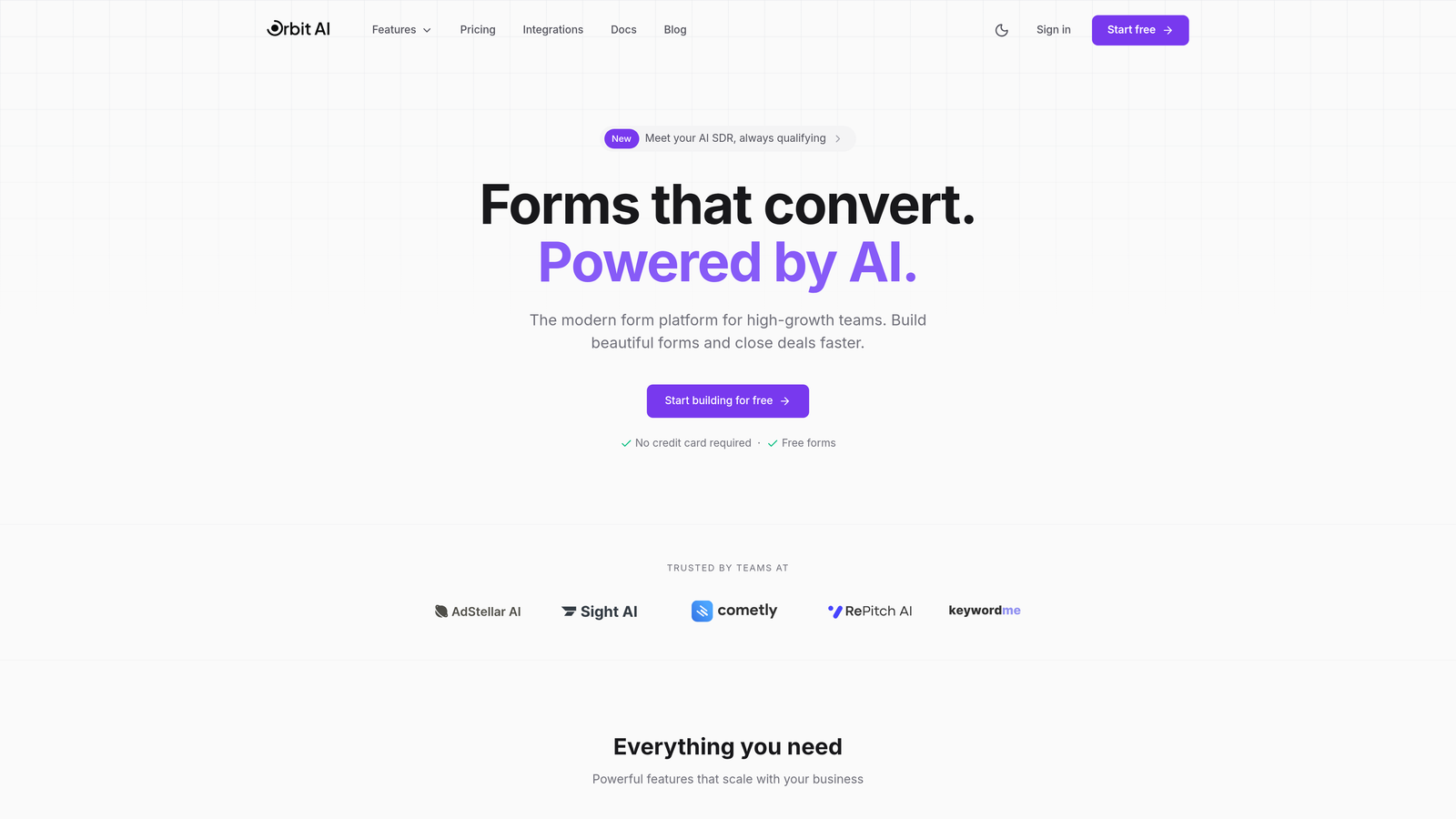
Orbit AI is an AI-powered form builder designed specifically for teams that need to qualify leads before they hit the CRM.
Where This Tool Shines
Orbit AI stands out by combining conversion-optimized design with intelligent lead scoring. The platform analyzes form submissions in real-time, automatically qualifying prospects based on criteria you define. This means your sales team spends time on high-intent leads rather than sorting through every submission.
The embedding experience is seamless across all options—iframe, JavaScript snippet, or popup modal. Forms maintain their design integrity regardless of where you place them, and the mobile experience is particularly polished for on-the-go submissions.
Key Features
AI-Powered Lead Qualification: Automatically scores and routes leads based on submission data, saving hours of manual qualification work.
Modern Form Designs: Conversion-optimized templates that look native to your website, not like embedded widgets from another era.
Multiple Embedding Options: Choose between iframe, JavaScript, or popup depending on your page structure and user experience goals.
Native CRM Integrations: Connect directly to HubSpot, Salesforce, and Pipedrive without middleware or complex API work.
Real-Time Analytics: Track conversion rates, drop-off points, and lead quality metrics in a dashboard built for growth teams.
Best For
High-growth SaaS teams and B2B companies where lead quality matters more than lead volume. If your sales team complains about wasting time on unqualified prospects, the AI qualification features pay for themselves quickly. Also ideal for marketing teams that need sophisticated tracking without technical overhead.
Pricing
Free tier available for teams getting started. Paid plans start at competitive rates for growing teams, with pricing that scales based on submission volume and advanced features.
2. Typeform
Best for: Creating conversational form experiences with one-question-at-a-time engagement
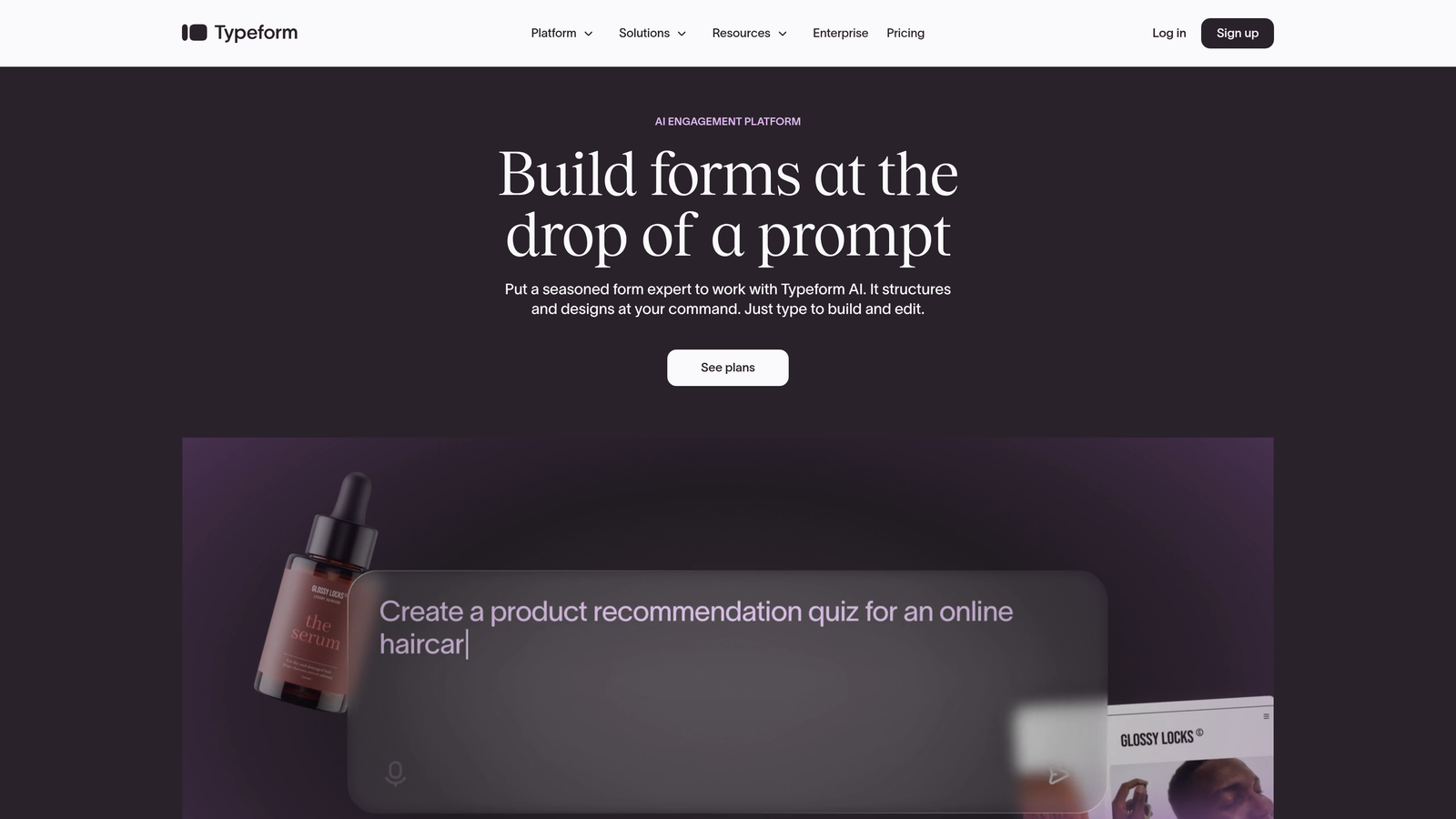
Typeform is the form builder that popularized the conversational interface, showing one question at a time for higher engagement.
Where This Tool Shines
Typeform's signature one-question-at-a-time approach reduces form overwhelm dramatically. Instead of facing a wall of fields, users focus on answering a single question before moving forward. This creates a conversation-like flow that feels less like data entry and more like dialogue.
The visual polish is exceptional. Every transition, animation, and interaction feels intentional. If brand perception matters to your business, Typeform's design sophistication communicates professionalism instantly.
Key Features
Conversational Interface: The signature one-question-at-a-time experience that made Typeform famous, proven to increase completion rates.
Logic Jumps: Create branching paths based on answers, showing relevant questions while hiding irrelevant ones.
Rich Media Support: Embed videos and images directly into questions for more engaging, context-rich forms.
Hidden Fields: Track UTM parameters, referral sources, and other metadata without cluttering the user experience.
Template Library: Hundreds of pre-built forms across use cases, from lead gen to customer feedback.
Best For
Companies where user experience and brand perception are critical. Works particularly well for customer surveys, event registrations, and lead capture where you want to stand out from generic forms. Less ideal for quick data collection where users prefer seeing all fields at once.
Pricing
Free plan allows 10 responses per month. Basic plan starts at $25/month for 100 responses, with higher tiers unlocking logic jumps and integrations.
3. Jotform
Best for: Teams needing extensive templates and widget options for diverse form requirements
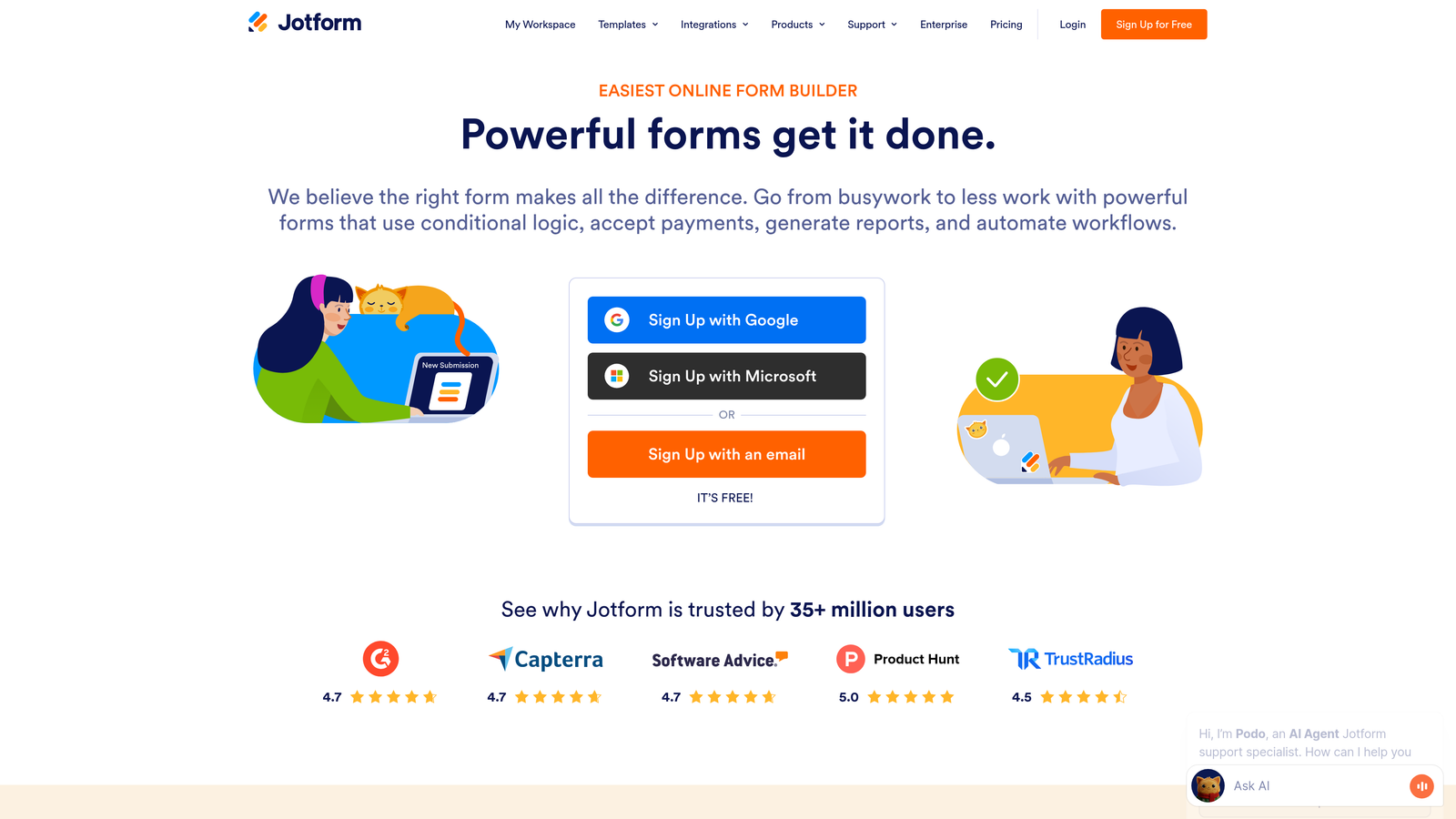
Jotform is a versatile form builder offering over 10,000 templates and widgets for nearly any conceivable use case.
Where This Tool Shines
Jotform's massive template library means you're rarely building from scratch. Need a job application form? There are dozens of options. Setting up event registration? Multiple templates handle ticketing, payments, and confirmations. This breadth makes Jotform incredibly practical for teams managing many different form types.
The widget ecosystem extends functionality far beyond basic forms. Add appointment scheduling, signature collection, file uploads, or payment processing without custom development. It's the Swiss Army knife of form builders.
Key Features
10,000+ Templates: Pre-built forms across industries and use cases, from healthcare intake to real estate applications.
Advanced Conditional Logic: Show, hide, or require fields based on complex conditions and user responses.
Payment Processing: Accept payments through PayPal, Stripe, Square, and other processors directly in forms.
PDF Generation: Automatically create PDF documents from submissions for contracts, invoices, or records.
Approval Workflows: Route submissions through multi-step approval processes with notifications and tracking.
Best For
Organizations with diverse form needs across departments—HR, sales, operations, customer service. The template library and widget ecosystem make it practical for teams that don't have dedicated developers but need sophisticated functionality.
Pricing
Free plan includes 5 forms with 100 monthly submissions. Bronze plan starts at $34/month for 25 forms and 1,000 submissions.
4. Tally
Best for: Budget-conscious teams wanting unlimited forms with modern design and generous features
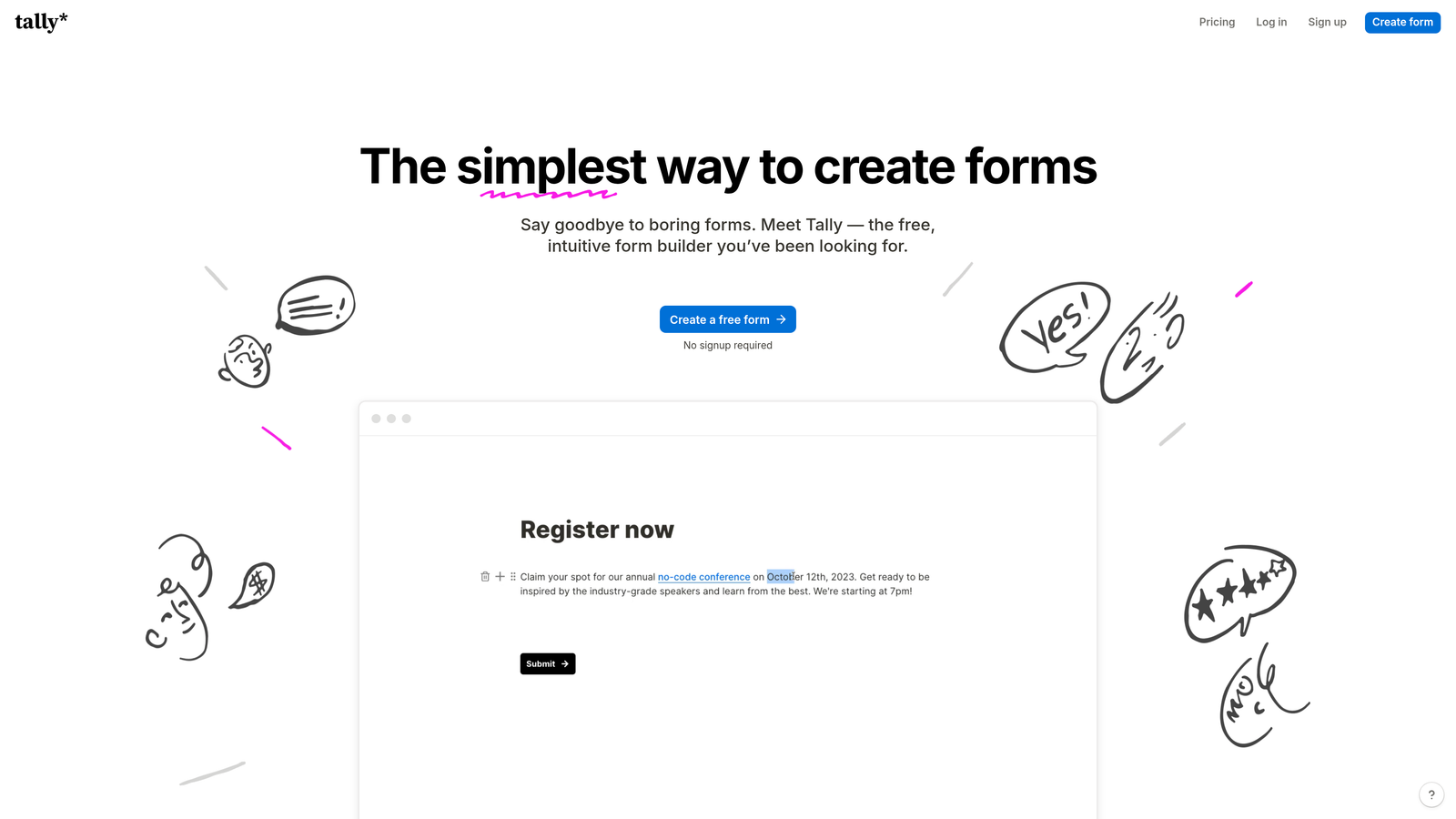
Tally is a Notion-inspired form builder that offers unlimited forms and submissions on its free tier.
Where This Tool Shines
Tally's free tier is genuinely generous—unlimited forms, unlimited submissions, no feature restrictions that matter for most use cases. This makes it ideal for startups, side projects, or anyone testing form strategies without budget constraints.
The Notion-like block editor feels immediately familiar if you've used modern productivity tools. Building forms becomes intuitive drag-and-drop work rather than navigating complex menus. The resulting forms look clean and contemporary without design effort.
Key Features
Unlimited Free Tier: No artificial limits on forms or submissions—genuinely free for most teams' needs.
Block-Based Editor: Notion-style interface makes form building intuitive and fast for anyone familiar with modern tools.
Custom Domains: Use your own domain for forms even on the free plan, maintaining brand consistency.
Conditional Logic: Show or hide fields based on responses, plus perform calculations for pricing or scoring.
Webhooks and Zapier: Connect to thousands of apps without paying for premium integration features.
Best For
Startups and small teams that need professional forms without monthly costs. Also great for side projects, personal brands, or anyone testing form strategies before committing to paid tools. The free tier genuinely works for many businesses indefinitely.
Pricing
Free tier includes unlimited forms and submissions with all core features. Pro plan at $29/month adds file uploads, custom branding removal, and priority support.
5. HubSpot Forms
Best for: Teams already using HubSpot CRM who need native integration and progressive profiling
HubSpot Forms is the native form solution for HubSpot users, offering deep CRM integration and smart field capabilities.

Where This Tool Shines
HubSpot Forms eliminates the integration headache entirely if you're already in the HubSpot ecosystem. Submissions automatically create or update contacts, trigger workflows, and populate deal properties without middleware or API configuration. Everything lives in one system.
Progressive profiling is the standout feature—forms automatically hide fields for known contacts and ask new questions instead. This means returning visitors never fill out the same information twice, dramatically improving user experience while gradually enriching your database.
Key Features
Native CRM Integration: Submissions automatically create contacts, update properties, and trigger workflows without third-party tools.
Progressive Profiling: Smart fields that hide already-known information and ask new questions to gradually build complete profiles.
Dependent Fields: Show or hide fields based on contact properties or previous answers for personalized experiences.
Automatic Enrichment: HubSpot's data enrichment fills in company information and contact details automatically.
A/B Testing: Test different form variations to optimize conversion rates directly in the platform.
Best For
Companies already invested in HubSpot's ecosystem where native integration justifies the platform cost. The progressive profiling features are particularly valuable for businesses with returning visitors or multi-touch conversion paths. Less practical if you're not using HubSpot CRM.
Pricing
Free with HubSpot CRM account. Advanced features like progressive profiling and A/B testing require Marketing Hub, which starts at $800/month for professional tier.
6. Paperform
Best for: Creating landing page-style form experiences with rich media and e-commerce features
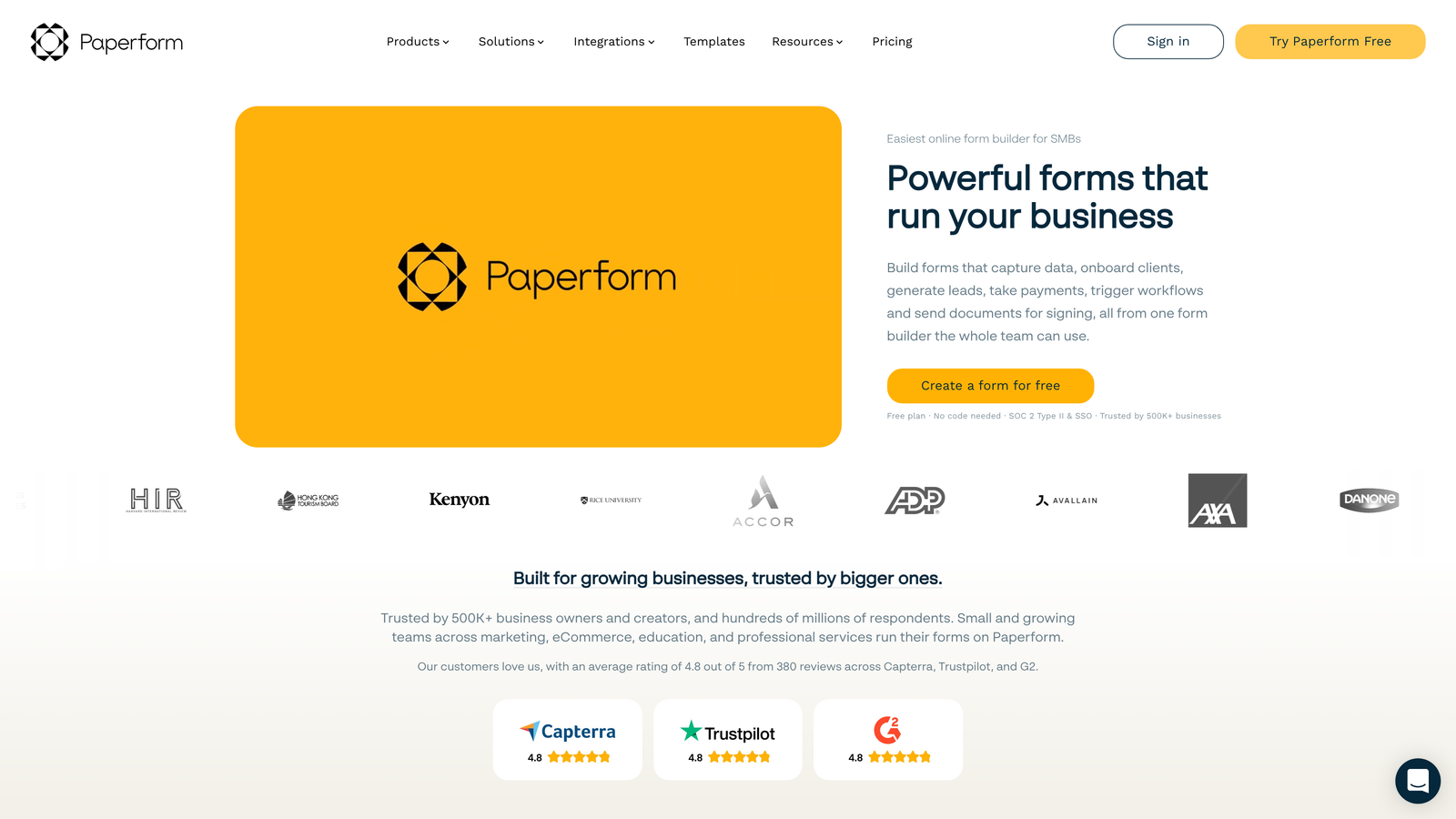
Paperform is a form builder that creates full landing page experiences with embedded forms, rich media, and payment processing.
Where This Tool Shines
Paperform blurs the line between forms and landing pages. You can embed videos, images, and rich text alongside form fields, creating immersive experiences that provide context while collecting information. This works exceptionally well for product orders, event registrations, or applications where you need to explain while you collect.
The e-commerce features are surprisingly robust. Add pricing tables, calculate totals based on selections, and process payments directly in the form. It's like having a lightweight e-commerce platform built into your form builder.
Key Features
Landing Page Design: Create full page experiences with forms embedded in rich content, not just standalone form widgets.
Rich Media Embedding: Add videos, images, GIFs, and formatted text to provide context and increase engagement.
Payment Processing: Accept payments through Stripe or PayPal with automatic calculation and checkout flows.
Custom Success Pages: Redirect to different pages based on responses or create multi-step experiences.
Calculations and Pricing: Build dynamic pricing tables that calculate totals based on user selections.
Best For
Businesses selling products or services through forms—course registrations, event tickets, consulting packages, or product orders. Also excellent for applications or registrations where you need to provide substantial context before collecting information.
Pricing
Essentials plan at $24/month includes unlimited forms and submissions. Pro plan at $49/month adds advanced features like calculations and payment processing.
7. Fillout
Best for: Data-driven teams needing deep Airtable, Notion, and database connectivity
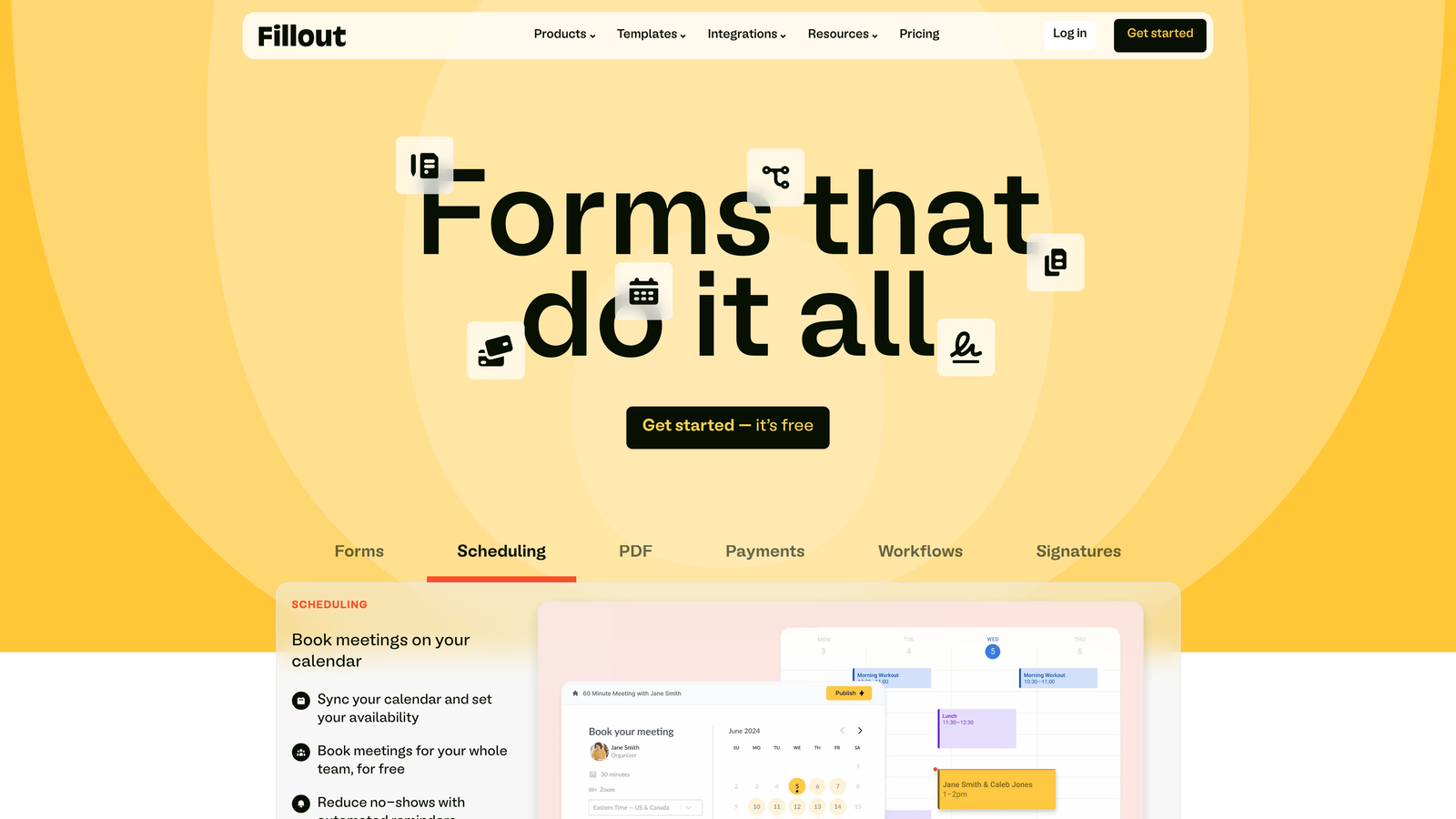
Fillout is a modern form builder specializing in database connections, particularly with Airtable and Notion.
Where This Tool Shines
Fillout's database connectivity is genuinely sophisticated. You can pre-fill forms with existing data, update records directly through form submissions, or create new records in Airtable or Notion bases. This makes it perfect for internal tools, customer portals, or any workflow where forms interact with structured databases.
The design is clean and modern without requiring customization work. Forms look contemporary out of the box, with thoughtful defaults for spacing, typography, and mobile responsiveness. Multi-page forms include progress indicators that keep users oriented.
Key Features
Native Database Integration: Connect directly to Airtable and Notion, reading and writing data without API complexity.
Pre-Fill Capabilities: Populate form fields with existing data from databases for update or confirmation workflows.
Record Updates: Allow users to update existing database records through forms, not just create new ones.
Modern Design System: Clean, customizable interface that looks professional without design effort.
Multi-Page Forms: Break long forms into steps with progress indicators and conditional navigation.
Best For
Teams that manage workflows in Airtable or Notion and need forms to interact with those systems. Particularly valuable for internal tools, customer portals, or operational workflows where data needs to flow bidirectionally between forms and databases.
Pricing
Free tier available with basic features. Starter plan at $15/month unlocks database connections and advanced features.
8. Formstack
Best for: Enterprise organizations requiring HIPAA compliance, advanced security, and approval workflows
Formstack is an enterprise-grade form solution built for organizations with strict compliance and security requirements.
Where This Tool Shines
Formstack's compliance features are unmatched in the form builder space. HIPAA-compliant forms with business associate agreements, GDPR data handling, and enterprise security features make it the default choice for healthcare, finance, and other regulated industries. The platform handles sensitive data with audit trails and encryption that meet regulatory standards.
The workflow automation goes beyond simple notifications. Build multi-step approval processes where submissions route through managers, legal teams, or compliance officers before final processing. Document generation creates contracts, agreements, or reports automatically from submission data.
Key Features
HIPAA and GDPR Compliance: Built-in compliance features with business associate agreements and data handling that meets regulatory standards.
Advanced Approval Workflows: Route submissions through multi-step approval processes with conditional logic and notifications.
Document Generation: Automatically create PDFs, contracts, or reports from submission data using custom templates.
Electronic Signatures: Collect legally binding signatures directly in forms without third-party tools.
Enterprise Security: SSO, advanced encryption, audit trails, and security features required by large organizations.
Best For
Healthcare organizations, financial services, legal firms, and other enterprises in regulated industries. Also valuable for large organizations with complex approval workflows or document generation needs. The compliance features justify the premium pricing for companies that need them.
Pricing
Starter plan at $50/month for small teams. Teams plan at $83/month adds workflow automation. Enterprise pricing available for organizations with advanced compliance needs.
9. Google Forms
Best for: Quick internal forms, surveys, and data collection with zero budget
Google Forms is the free, familiar form builder integrated with Google Workspace for straightforward data collection.
Where This Tool Shines
Google Forms is completely free with any Google account, making it the default choice for budget-conscious teams or quick internal projects. The interface is familiar to anyone who's used Google products, with virtually no learning curve. You can create a functional form in minutes.
The automatic Google Sheets integration is seamless. Responses flow directly into a spreadsheet where you can analyze, filter, and manipulate data using familiar tools. For teams already working in Google Workspace, this integration eliminates export-import workflows entirely.
Key Features
Completely Free: No limits on forms, responses, or features—genuinely free with any Google account.
Real-Time Collaboration: Multiple team members can edit forms simultaneously with Google's collaboration features.
Automatic Sheets Integration: Responses flow directly into Google Sheets for analysis without manual export.
Quiz Functionality: Create quizzes with auto-grading, point values, and answer feedback for educational use.
Basic Conditional Logic: Show or hide sections based on responses for simple branching.
Best For
Internal surveys, event RSVPs, quick data collection, or any scenario where budget is zero and design sophistication doesn't matter. Works well for teams already in Google Workspace who need simple forms without learning new tools. Less suitable for customer-facing forms where brand perception matters.
Pricing
Free with any Google account. No paid tiers or upgrade options—what you see is what you get.
Making the Right Choice
Your ideal embedded form solution depends on your primary goal and technical context. For AI-powered lead qualification that reduces sales team workload, Orbit AI delivers the most value for high-growth teams focused on conversion optimization. The intelligent lead scoring means your sales team spends time on prospects who matter, not sorting through every submission manually.
If conversational engagement is your priority, Typeform remains the gold standard for one-question-at-a-time experiences that feel like dialogue rather than data entry. Teams already invested in HubSpot will find native forms the path of least resistance, with progressive profiling that gradually enriches contact records without asking the same questions twice.
Budget-conscious startups should explore Tally's genuinely generous free tier—unlimited forms and submissions without artificial restrictions. Teams managing workflows in Airtable or Notion need Fillout's sophisticated database connectivity for bidirectional data flow. Enterprises in regulated industries require Formstack's HIPAA compliance and advanced security features, while quick internal projects default to Google Forms' familiar, free interface.
Start by identifying your non-negotiables. Do you need AI-powered lead qualification? Is CRM integration more important than design flexibility? Are you in a regulated industry requiring compliance features? Does your budget allow for premium tools, or do you need a free tier that actually works?
Test two or three options with real traffic before committing. Conversion rates vary significantly based on your audience, industry, and use case. What works brilliantly for a SaaS landing page might underperform for an e-commerce checkout. Run forms for at least a week with meaningful traffic before making your final decision.
Start building free forms today and see how intelligent form design can elevate your conversion strategy. The right embedded form solution doesn't just collect information—it qualifies leads, enriches your database, and delivers the modern experience your high-growth team needs to convert visitors into customers.


