

Your website visitors are ready to convert—but clunky, outdated forms are killing your momentum. Every abandoned form represents lost revenue, missed opportunities, and frustrated prospects who simply gave up halfway through.
Embedded forms that blend seamlessly into your site design while capturing qualified leads have become essential for high-growth teams. The difference between a form that converts and one that drives visitors away often comes down to speed, design, and intelligence.
This guide covers the best embedded form solutions available today, evaluated on ease of embedding, customization flexibility, integration capabilities, and conversion optimization features. Whether you need simple contact forms or sophisticated multi-step lead qualification, you'll find the right fit here.
1. Orbit AI
Best for: High-growth teams needing AI-powered lead qualification with conversion-optimized design
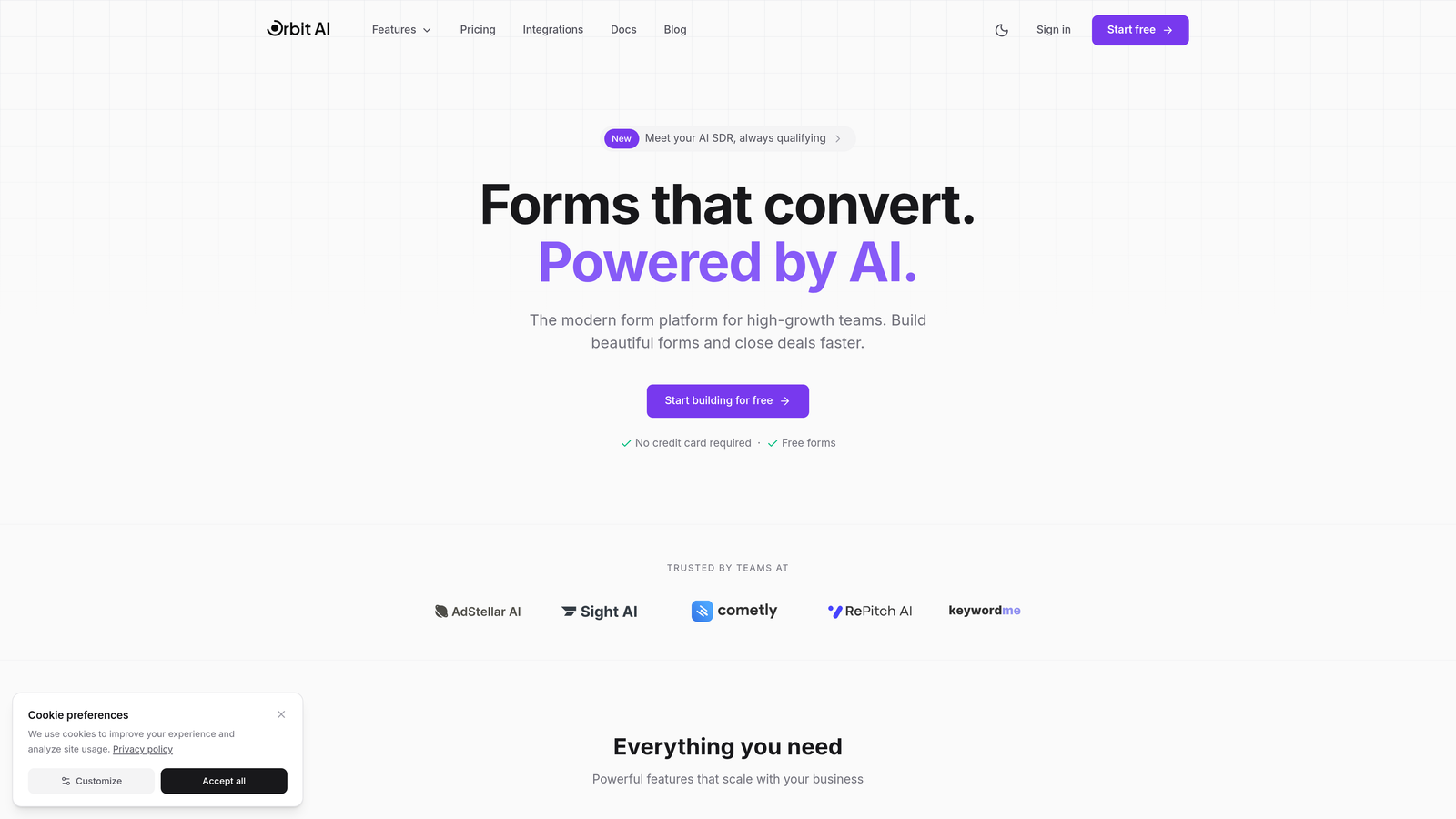
Orbit AI is an AI-powered form builder platform that automatically qualifies and scores leads as they submit, helping teams focus on prospects most likely to convert.
Where This Tool Shines
The platform's AI lead qualification sets it apart from traditional form builders. Instead of collecting raw contact data and sorting through it later, Orbit AI scores and routes leads in real-time based on their responses and behavioral signals.
The conversion-optimized templates are built specifically for high-growth teams who need forms that work immediately without extensive design work. Each template incorporates proven conversion principles while remaining fully customizable to match your brand.
Key Features
AI-Powered Lead Qualification: Automatically scores and qualifies leads based on responses, routing high-value prospects to sales immediately.
Conversion-Optimized Templates: Pre-built form templates designed with conversion rate optimization principles baked in from the start.
Smart Routing and Workflow Automation: Trigger automated workflows based on lead scores, sending qualified prospects directly to the right team member.
Deep CRM Integrations: Native connections with HubSpot, Salesforce, and Pipedrive ensure lead data flows seamlessly into your existing systems.
Real-Time Analytics Dashboard: Track form performance, conversion rates, and lead quality metrics in one centralized dashboard.
Best For
Orbit AI works best for B2B SaaS companies, agencies, and high-growth teams who need to qualify leads automatically rather than manually sorting through submissions. If your sales team wastes time on unqualified prospects, this platform solves that problem at the form level.
Pricing
Free tier available for teams getting started. Paid plans begin at $29/month with advanced AI qualification features and predictable response limits.
2. Typeform
Best for: Creating conversational, engaging forms with one-question-at-a-time interfaces
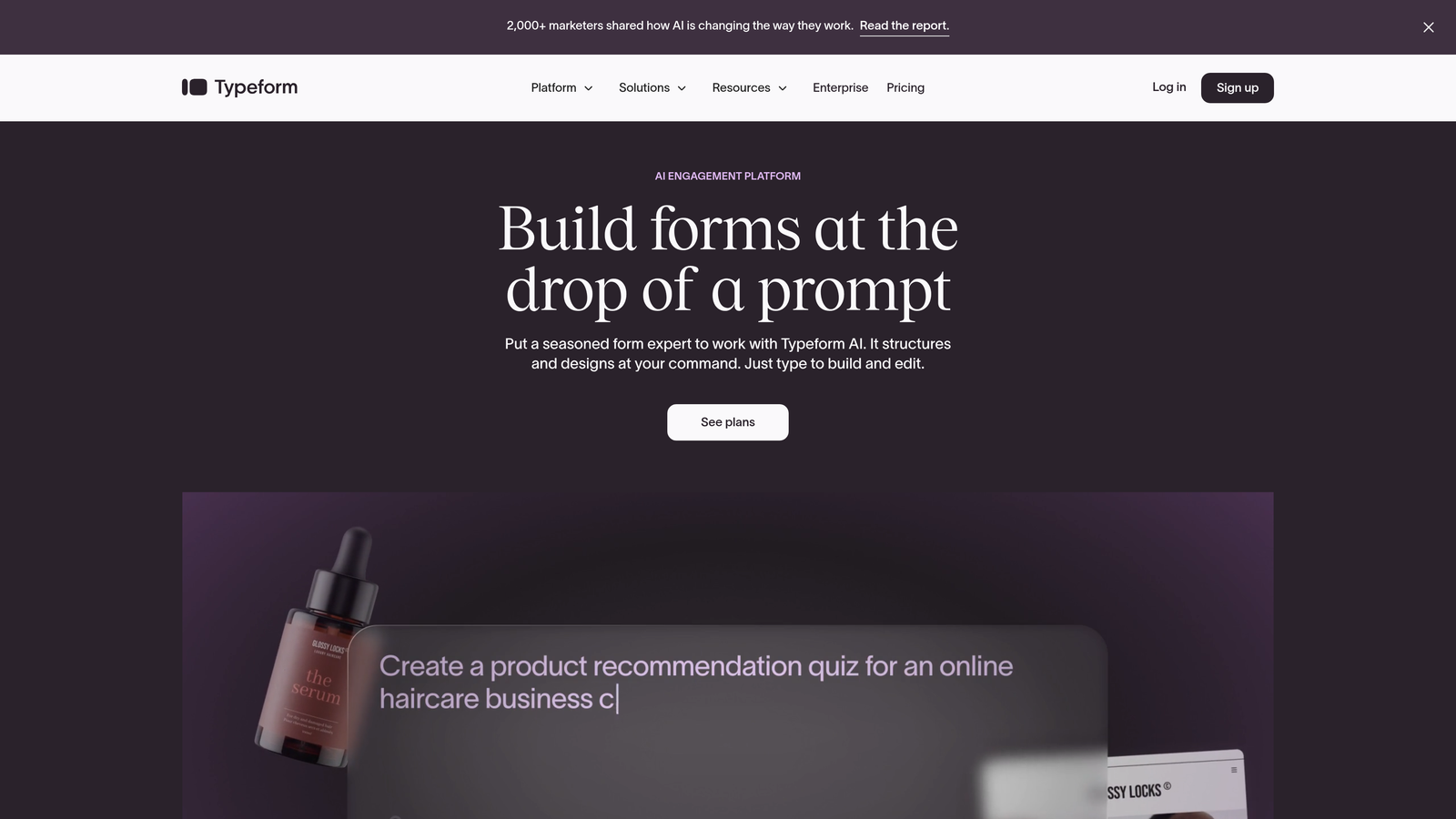
Typeform is a conversational form builder that presents questions one at a time, creating an engaging experience that typically boosts completion rates.
Where This Tool Shines
The one-question-at-a-time approach reduces cognitive load and form abandonment. Instead of facing a wall of fields, respondents answer questions in a natural, conversational flow that feels more like a dialogue than a traditional form.
Brand customization options are extensive, letting you match every visual element to your company's aesthetic. The result is forms that feel native to your site rather than embedded third-party tools.
Key Features
Conversational Flow: Questions appear one at a time with smooth transitions, creating an engaging experience that keeps users moving forward.
Extensive Brand Customization: Control colors, fonts, backgrounds, and button styles to match your exact brand guidelines.
Logic Jumps and Conditional Branching: Show different questions based on previous answers, creating personalized paths through your form.
Video and Image Embedding: Add rich media directly into form questions to provide context or showcase products.
Native Integrations: Connect with major marketing and CRM tools without requiring third-party automation platforms.
Best For
Typeform excels for surveys, quizzes, and lead generation forms where engagement matters more than speed. Marketing teams who want to create memorable form experiences and collect detailed information will find this approach effective.
Pricing
Free tier available with basic features. Basic plan starts at $25/month for removing Typeform branding and accessing logic jumps.
3. Jotform
Best for: Teams needing extensive templates and widget options for diverse use cases
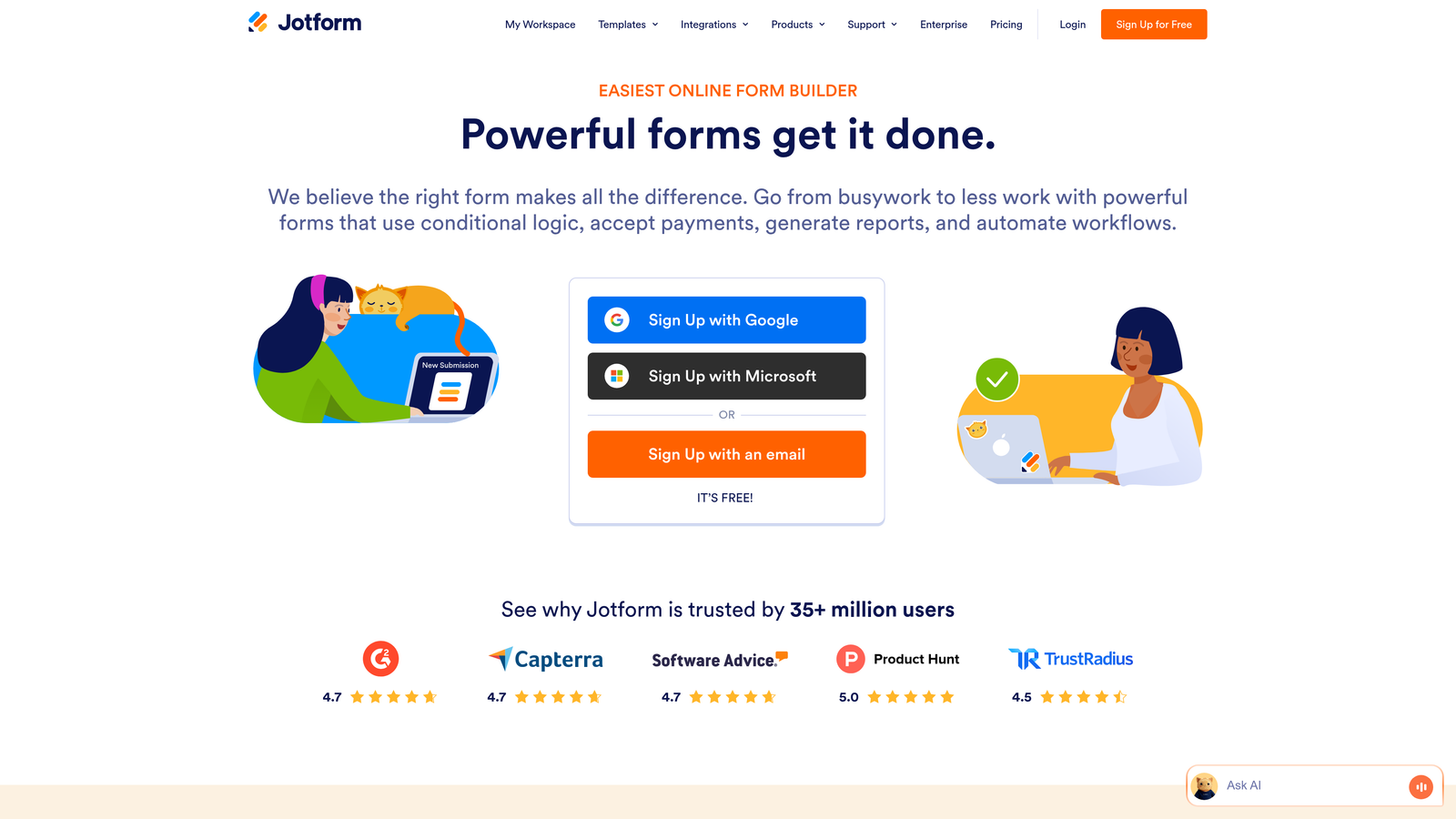
Jotform is a feature-rich form builder offering thousands of templates and widgets that cover nearly any form use case imaginable.
Where This Tool Shines
The sheer breadth of templates means you'll find a starting point for virtually any form type—from event registrations to job applications to order forms. This saves significant time compared to building from scratch.
Widget functionality extends far beyond standard form fields. You can add signature capture, file uploads, appointment scheduling, and even payment processing without leaving the platform or writing code.
Key Features
10,000+ Form Templates: Pre-built templates for every industry and use case, from healthcare intake forms to real estate applications.
Drag-and-Drop Builder with Widgets: Extensive widget library adds functionality like signature capture, appointment booking, and file uploads.
PDF Generation and E-Signatures: Automatically generate PDFs from submissions and collect legally binding electronic signatures.
Payment Collection Integrations: Accept payments through PayPal, Stripe, Square, and other processors directly in your forms.
HIPAA-Compliant Options: Enterprise plans include HIPAA compliance features for healthcare organizations handling protected health information.
Best For
Jotform works well for organizations with diverse form needs across multiple departments. Healthcare providers, educational institutions, and businesses requiring payment collection will appreciate the comprehensive feature set.
Pricing
Free tier allows up to 5 forms with 100 monthly submissions. Bronze plan starts at $34/month for 25 forms and 1,000 submissions.
4. Tally
Best for: Teams wanting fast-loading, minimalist forms with generous free tier limits
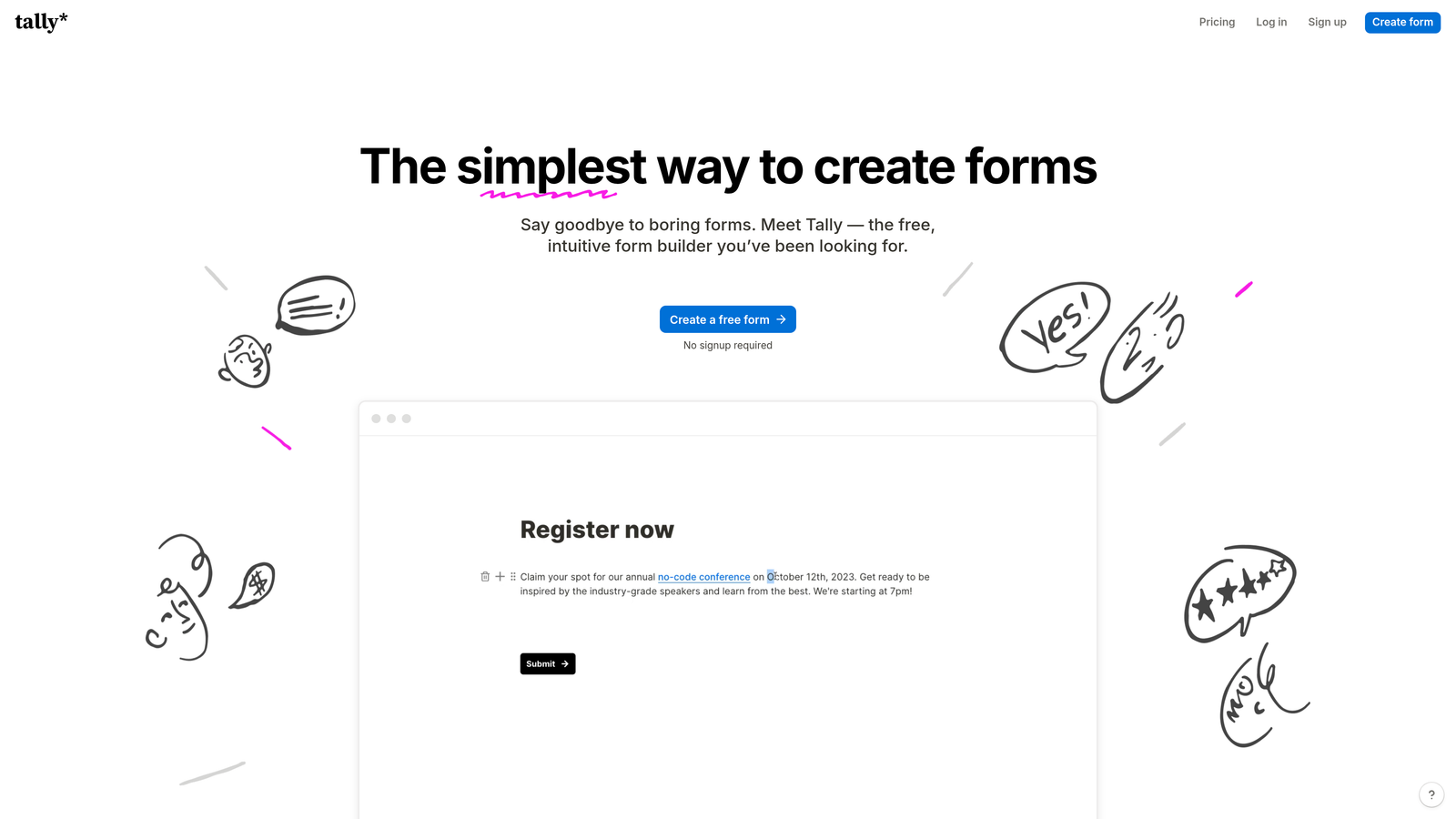
Tally is a minimalist form builder with a Notion-like block-based interface that creates clean, fast-loading embedded forms.
Where This Tool Shines
The Notion-style editing experience makes form building intuitive for anyone familiar with modern document editors. You build forms by adding and arranging blocks rather than dragging fields into a canvas.
Page load speed is exceptional. Tally forms load quickly without bloating your site's performance metrics, which matters for both user experience and SEO rankings.
Key Features
Notion-Style Block Editor: Build forms using familiar block-based editing that feels natural and requires no learning curve.
Unlimited Forms on Free Tier: Create as many forms as you need without hitting arbitrary limits or paying for basic functionality.
Fast Page Load Times: Lightweight embed code ensures forms don't slow down your site or hurt Core Web Vitals scores.
Clean Minimal Styling: Forms have a modern, uncluttered aesthetic that works well with contemporary site designs.
Webhooks and Zapier Integration: Connect form submissions to thousands of apps through webhooks or Zapier automation.
Best For
Tally is ideal for startups, solo entrepreneurs, and small teams who need professional forms without monthly costs. The generous free tier makes it perfect for projects with limited budgets but high standards for design and performance.
Pricing
Free tier includes unlimited forms with generous submission limits. Pro plan at $29/month adds custom domains, file uploads, and priority support.
5. HubSpot Forms
Best for: Companies already using HubSpot CRM who need native form integration
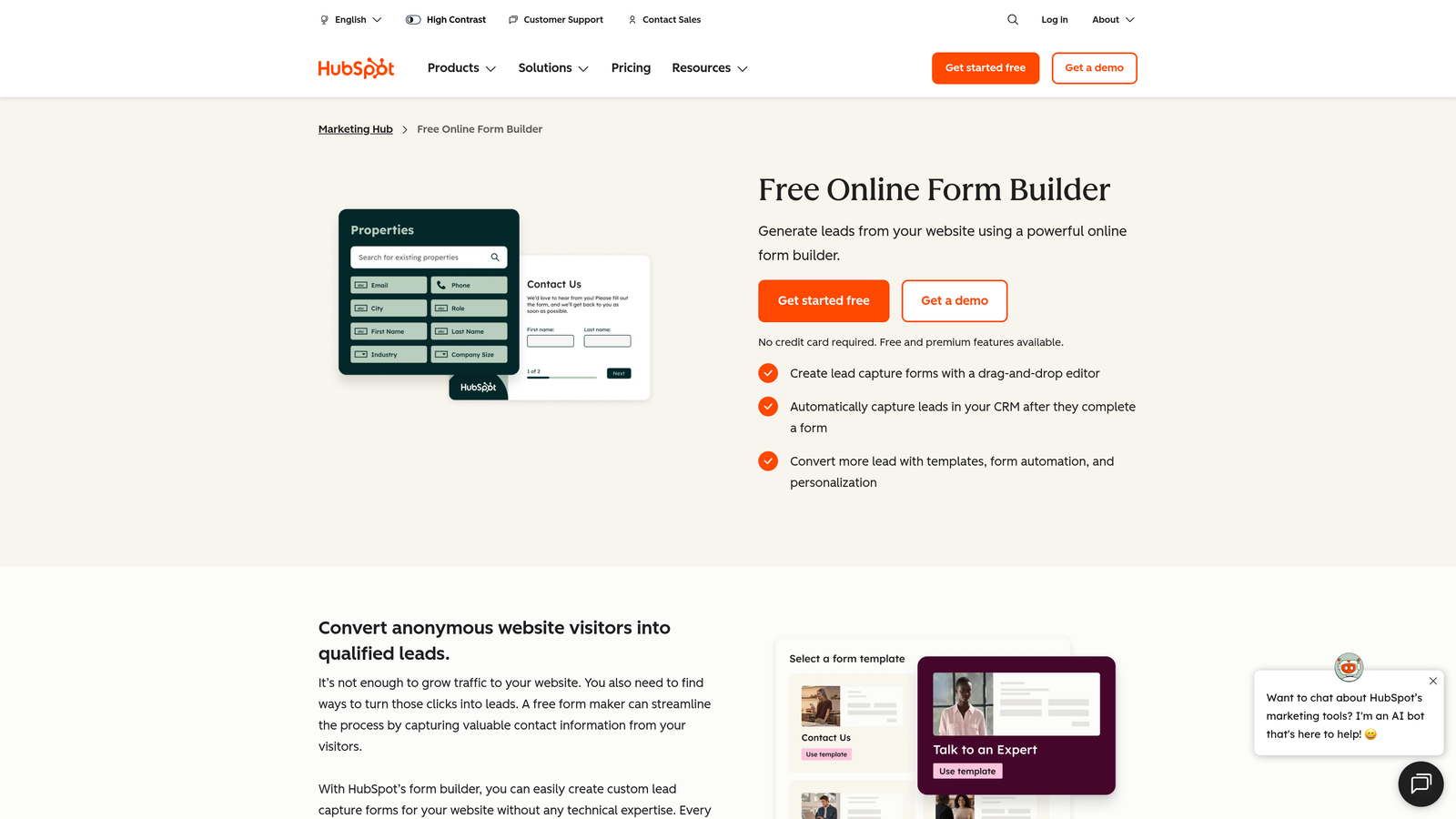
HubSpot Forms is the native form builder within HubSpot's CRM ecosystem, automatically creating and updating contact records from submissions.
Where This Tool Shines
The automatic CRM contact creation eliminates manual data entry entirely. Every form submission instantly creates or updates a contact record in HubSpot, triggering any workflows you've configured.
Progressive profiling is particularly powerful for companies with multiple touchpoints. Forms automatically hide fields you've already collected and ask new questions, building complete contact profiles over time without overwhelming prospects.
Key Features
Automatic CRM Contact Creation: Form submissions instantly create or update HubSpot contact records without manual imports or exports.
Progressive Profiling: Forms intelligently ask different questions based on what information you already have about each contact.
Smart Form Fields: Pre-fill form fields automatically for known visitors, reducing friction and improving completion rates.
Built-In Analytics and Attribution: Track which forms drive conversions and attribute revenue to specific form submissions.
Marketing Automation Triggers: Form submissions automatically trigger email sequences, task creation, and other marketing automation workflows.
Best For
HubSpot Forms is the obvious choice for companies already invested in the HubSpot ecosystem. The native integration eliminates data sync issues and enables sophisticated marketing automation based on form behavior.
Pricing
Free with HubSpot CRM. Advanced features like progressive profiling and dependent fields require paid Marketing Hub tiers starting at $45/month.
6. Paperform
Best for: Creating landing page-style forms with rich media and product catalogs
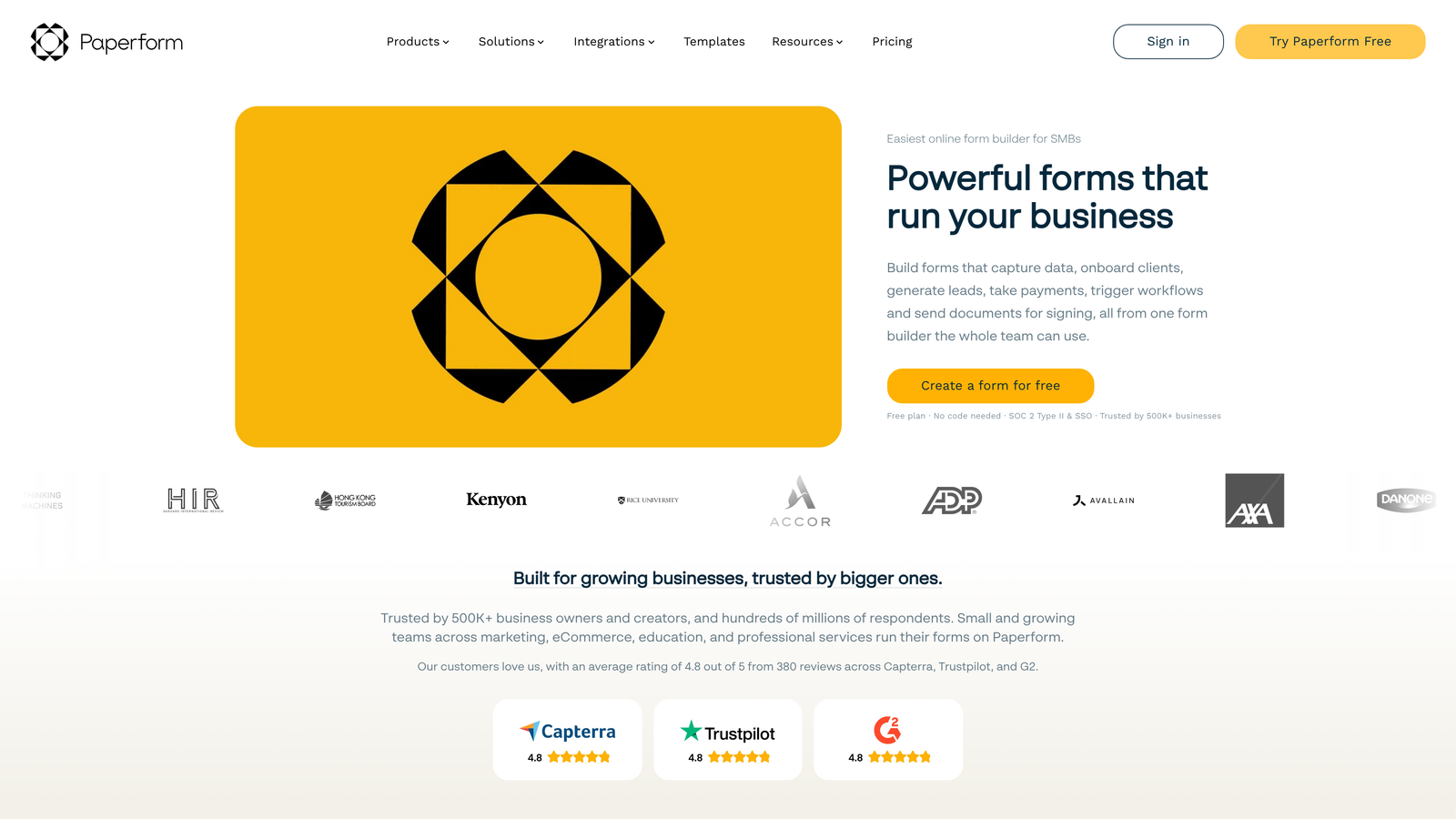
Paperform is a landing page and form hybrid that combines rich media, product catalogs, and data collection into cohesive embedded experiences.
Where This Tool Shines
The landing page approach means forms don't feel like forms. You can embed images, videos, and formatted text alongside form fields, creating experiences that educate and sell while collecting information.
Product catalog functionality is built in, making Paperform excellent for order forms, event registrations, and any scenario where users need to select from multiple options with different prices.
Key Features
Landing Page and Form Hybrid: Combine formatted content, images, and videos with form fields in a single embedded experience.
Rich Media Embedding: Add images, videos, and formatted text blocks anywhere within your form to provide context and visual appeal.
Product Catalogs and Payment Collection: Display products with images and prices, calculate totals, and collect payments through Stripe or PayPal.
Advanced Calculations: Build complex pricing calculators, quote generators, and dynamic totals based on user selections.
Custom Success Pages: Create branded confirmation pages with personalized content based on form responses.
Best For
Paperform works well for businesses selling products or services directly through forms—think event registrations, course enrollments, custom orders, or service bookings. Creative agencies and consultants also appreciate the design flexibility.
Pricing
Essentials plan starts at $24/month for unlimited forms and submissions with basic features. Higher tiers add advanced calculations and priority support.
7. Formstack
Best for: Enterprise organizations requiring compliance features and advanced workflows
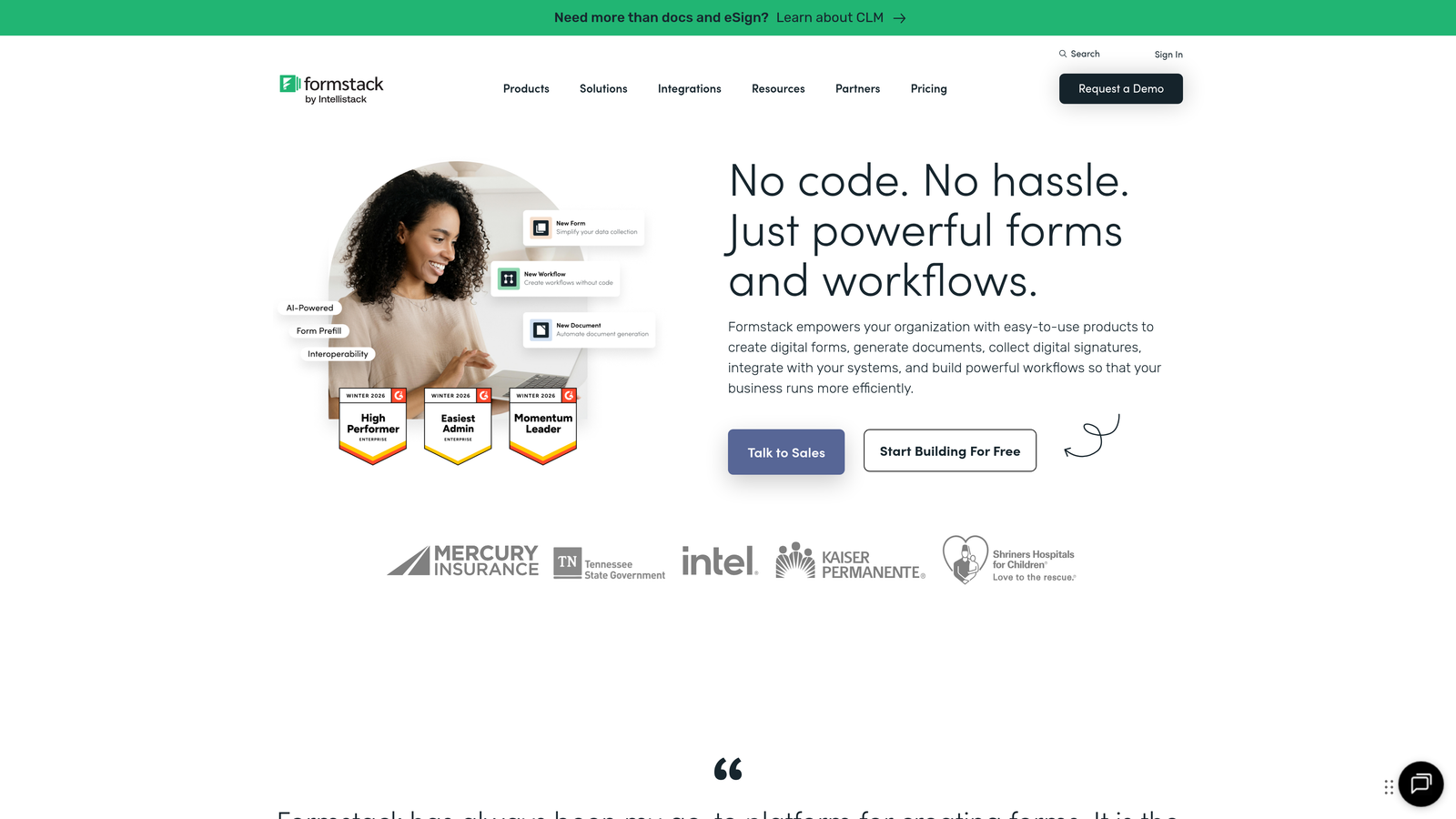
Formstack is an enterprise-grade form solution with advanced workflows, compliance features, and document generation capabilities.
Where This Tool Shines
Compliance features are comprehensive and genuinely enterprise-ready. HIPAA and GDPR compliance isn't just marketing language—Formstack provides business associate agreements, data processing agreements, and the infrastructure required for regulated industries.
Document generation from form submissions automates paperwork creation. Submit a form and automatically generate contracts, invoices, or reports formatted exactly how you need them.
Key Features
HIPAA and GDPR Compliance: Enterprise-level compliance features including BAAs, data processing agreements, and audit trails.
Advanced Conditional Logic: Create complex form paths with multiple conditions, calculations, and dynamic field visibility.
Document Generation: Automatically create formatted PDFs, contracts, or reports from form submission data.
Approval Workflows: Route submissions through multi-step approval processes with notifications and status tracking.
Enterprise SSO and Security: Single sign-on, role-based permissions, and enterprise security features for large organizations.
Best For
Formstack is built for healthcare providers, financial services, government agencies, and other enterprises with strict compliance requirements. Organizations needing approval workflows or document automation will also find the feature set valuable.
Pricing
Starter plan begins at $50/month. Enterprise pricing available for organizations requiring compliance features, SSO, and dedicated support.
8. Fillout
Best for: Database-connected forms with native Airtable and Notion integrations
Fillout is a database-connected form builder with native Airtable and Notion sync, designed for data-driven teams who live in these platforms.
Where This Tool Shines
The native Airtable and Notion connections go beyond simple submission exports. You can pre-fill forms from existing database records, update records through form submissions, and maintain true two-way sync between your forms and databases.
This makes Fillout particularly powerful for internal tools, client portals, and workflows where forms need to interact with existing data rather than just collecting new information.
Key Features
Native Airtable and Notion Sync: True two-way integration that syncs form data directly with your Airtable bases or Notion databases.
Pre-Fill Forms from Database Records: Load existing data into forms, letting users update information rather than re-entering everything.
Update Existing Records: Form submissions can update existing database records instead of always creating new ones.
Scheduling and Booking Forms: Built-in scheduling functionality for appointment booking and calendar integration.
Clean Modern Styling: Forms have a contemporary, minimal aesthetic that embeds cleanly into modern websites.
Best For
Fillout is perfect for teams already managing operations in Airtable or Notion. If your workflows, databases, and processes live in these platforms, Fillout provides the form layer that was missing.
Pricing
Free tier available with basic features. Starter plan at $15/month adds advanced database features and removes Fillout branding.
9. Cognito Forms
Best for: Order forms, registrations, and donations requiring calculation fields and payments
Cognito Forms is a calculation-focused form builder with built-in payment processing, ideal for scenarios involving quantities, totals, and transactions.
Where This Tool Shines
The calculation engine is remarkably powerful. You can build complex pricing calculators, order forms with options and add-ons, or registration forms with dynamic pricing based on selections—all without writing code.
Built-in payment processing through Stripe and PayPal means you can collect money directly through forms without redirecting to external checkout pages. This reduces friction and improves conversion rates for paid offerings.
Key Features
Advanced Calculation Fields: Build complex formulas, dynamic pricing, and automatic totals based on user selections and quantities.
Built-In Stripe and PayPal Payments: Accept credit cards and PayPal payments directly in forms without external checkout pages.
Repeating Sections: Let users add multiple line items, attendees, or products within a single form submission.
Conditional Logic and Workflows: Show or hide fields based on previous answers and trigger automated workflows from submissions.
Quantity Limits and Inventory Tracking: Set maximum quantities for items and track inventory in real-time as forms are submitted.
Best For
Cognito Forms excels for event registrations, course enrollments, product orders, donation campaigns, and any scenario where you need to calculate totals and collect payments. Nonprofits and educational institutions particularly benefit from the pricing model.
Pricing
Free tier available for individuals and nonprofits. Pro plan starts at $15/month for businesses needing payment processing and advanced features.
Making the Right Choice
The best embedded form solution depends on your specific needs and existing tech stack. Here's how to narrow down your options.
For AI-powered lead qualification that automatically scores and routes prospects, Orbit AI delivers the most sophisticated approach. High-growth teams who need forms that qualify leads in real-time rather than just collecting contact information will see immediate value.
If engagement and completion rates matter more than speed, Typeform's conversational interface consistently outperforms traditional forms. The one-question-at-a-time approach works particularly well for surveys and detailed lead qualification.
Companies already using HubSpot should leverage HubSpot Forms for the seamless CRM integration and progressive profiling capabilities. The native connection eliminates data sync headaches entirely.
Budget-conscious teams and startups will appreciate Tally's generous free tier and fast-loading forms. You get professional functionality without monthly costs, making it ideal for early-stage projects.
Enterprise organizations with compliance requirements need Formstack's HIPAA and GDPR features. The additional cost is justified when regulatory compliance isn't optional.
Consider your primary use case when evaluating options. Need calculation-heavy order forms? Cognito Forms handles complex pricing automatically. Building forms connected to Airtable? Fillout's native integration saves significant time. Want landing page-style experiences with rich media? Paperform combines content and forms seamlessly.
The embedded form market has matured significantly. Modern solutions offer far more than basic data collection—they qualify leads, trigger workflows, generate documents, and integrate deeply with your existing systems. The right choice transforms forms from simple contact collection into intelligent conversion tools that actively improve your funnel performance.
Transform your lead generation with AI-powered forms that qualify prospects automatically while delivering the modern, conversion-optimized experience your high-growth team needs. Start building free forms today and see how intelligent form design can elevate your conversion strategy.


