

Every incomplete form represents a potential customer who was interested enough to start but didn't finish. For high-growth teams, these abandoned forms aren't just missed opportunities—they're qualified leads slipping through the cracks.
The challenge? Most businesses focus solely on recovery tactics—sending follow-up emails to people who bounced. But the smarter approach combines prevention, recovery, and analysis. You need tools that reduce friction before abandonment happens, capture partial data when it does, and reveal exactly why visitors leave.
We evaluated form abandonment solutions based on recovery capabilities, ease of implementation, integration options, and value for conversion-focused teams. Here are the top tools that actually move the needle on form completion rates.
1. Orbit AI
Best for: Teams who want to prevent abandonment through intelligent, adaptive form experiences
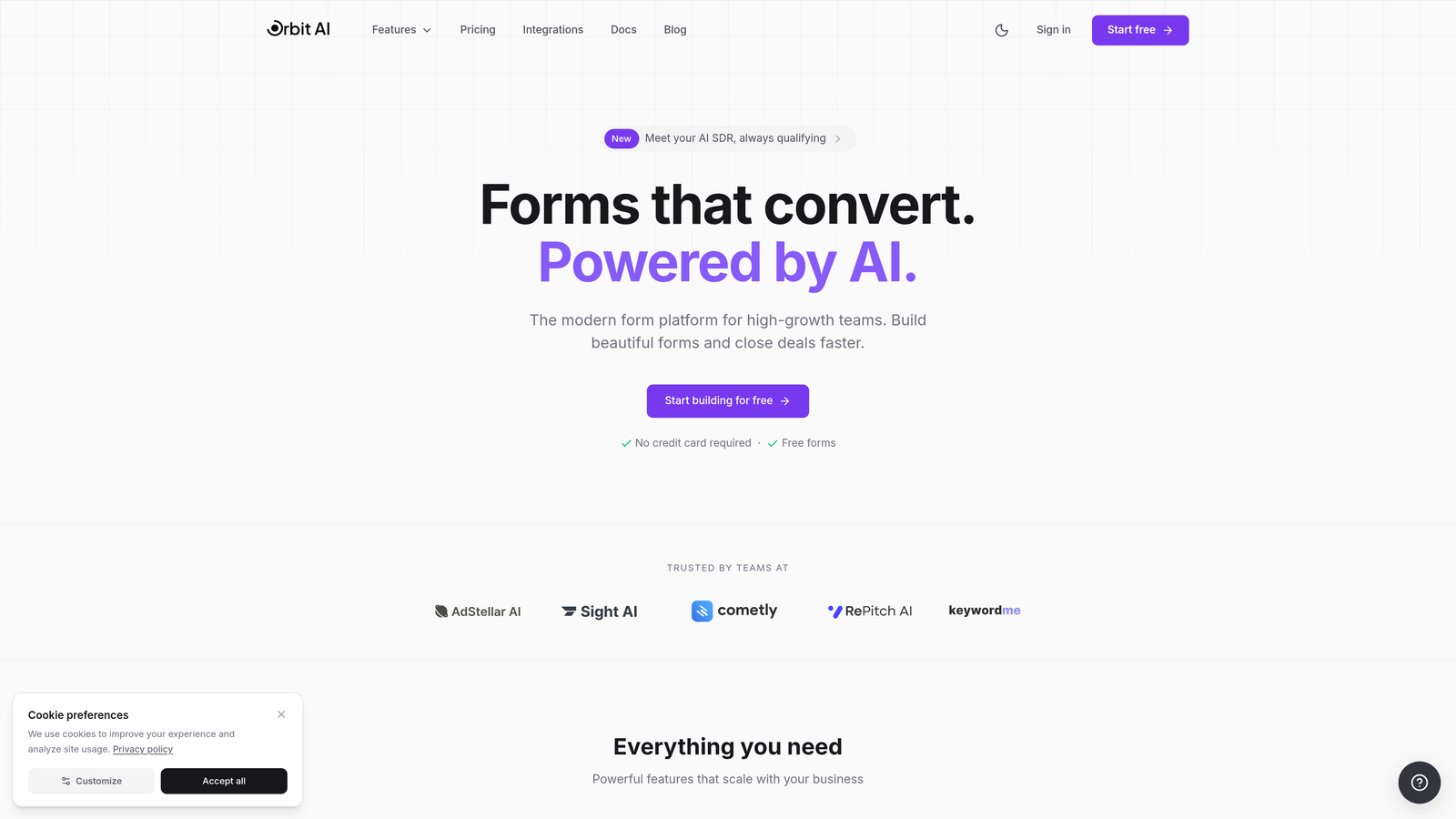
Orbit AI is an AI-powered form builder platform that reduces abandonment by creating smarter, more engaging form experiences from the ground up.
Where This Tool Shines
Most form abandonment solutions focus on recovery—what happens after someone leaves. Orbit AI takes a different approach: prevention through intelligence. The platform uses AI-powered lead qualification to eliminate unnecessary questions, showing each visitor only the fields relevant to their situation.
This isn't just about making forms shorter. It's about making them smarter. When your forms adapt based on responses and only ask what matters, you naturally reduce the friction that causes abandonment in the first place.
Key Features
AI-Powered Lead Qualification: Automatically determines which questions to ask based on visitor responses, reducing form length and cognitive load.
Conversion-Optimized Templates: Pre-built form designs tested for maximum completion rates across industries.
Real-Time Analytics: Track completion rates, identify drop-off points, and measure form performance at the field level.
Seamless Integrations: Connect with CRMs and marketing tools to ensure captured leads flow directly into your existing workflows.
Modern Form Builder: Create beautiful, mobile-responsive forms without technical expertise or developer resources.
Best For
High-growth teams and businesses focused on lead generation who want to prevent abandonment through better form design rather than just recovering lost leads. Particularly valuable if you're asking complex qualification questions or dealing with longer multi-step forms.
Pricing
Free tier available for getting started. Paid plans unlock advanced features including enhanced AI capabilities and premium integrations.
2. Jotform
Best for: Capturing partial submissions and letting users save progress for later completion
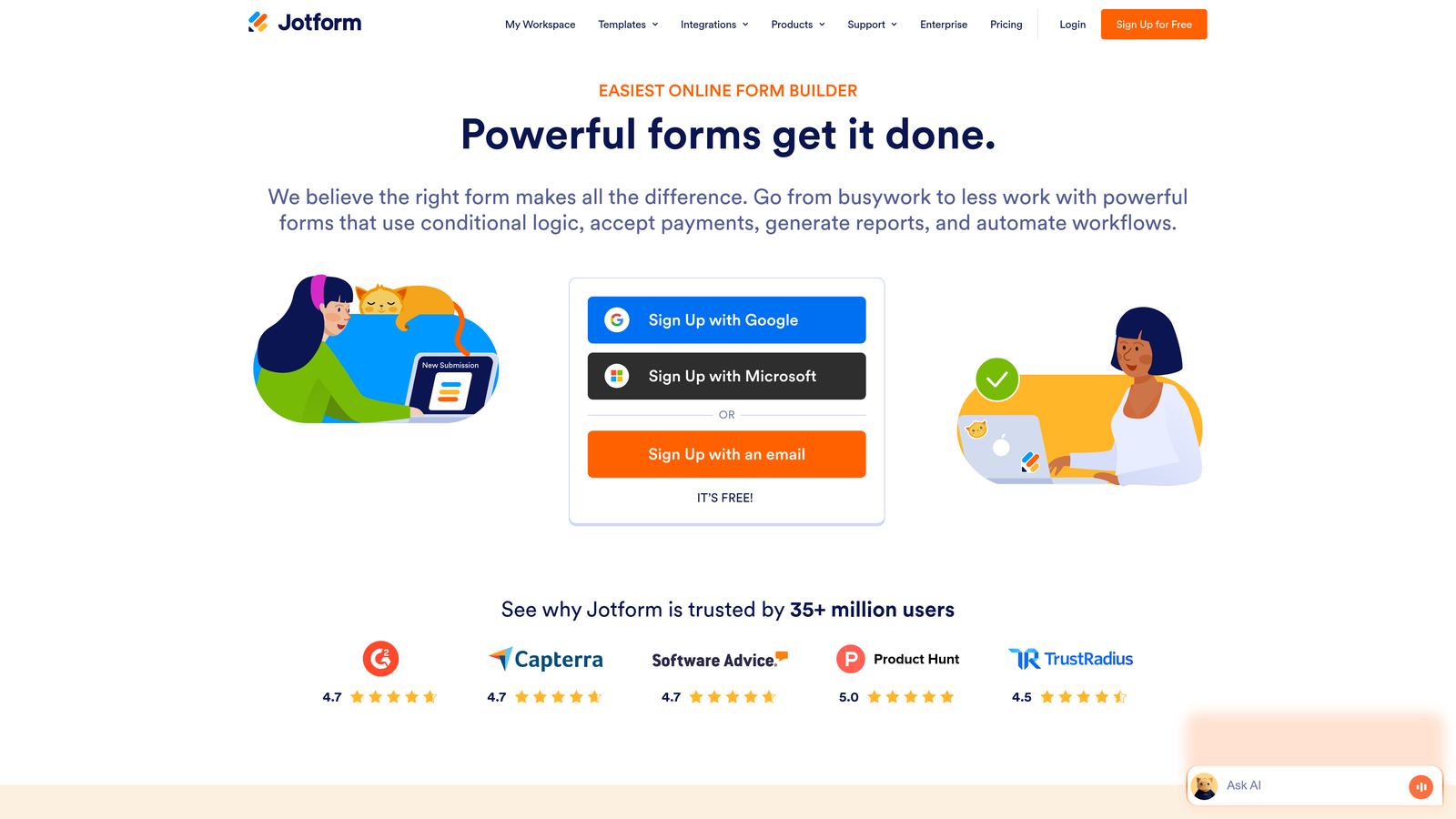
Jotform is a versatile form builder with robust save-and-continue functionality that helps recover incomplete form data.
Where This Tool Shines
Jotform excels at the middle ground between prevention and recovery. The save-and-continue feature lets users bookmark their progress and return later—perfect for longer forms that can't be completed in one sitting. You're not just hoping they come back; you're giving them an easy path to do so.
The partial submission capture means even if someone abandons without saving, you still get whatever data they entered. For B2B forms where even partial information (company name, email) has value, this feature alone can significantly boost your lead capture.
Key Features
Save and Continue Functionality: Users can save progress and receive a unique link to complete their form later.
Partial Submission Capture: Automatically saves data as users type, even if they never click submit.
Extensive Template Library: Over 10,000 pre-built form templates covering virtually every use case.
Conditional Logic: Show or hide fields based on responses to reduce form length and complexity.
Payment Integration: Accept payments directly through forms, useful for reducing checkout abandonment.
Best For
Businesses with longer forms (applications, registrations, surveys) where completion might require gathering information from multiple sources. Also strong for teams that need extensive customization options without coding.
Pricing
Free tier available with Jotform branding. Paid plans start at $34/month with increased submissions, storage, and advanced features.
3. Formstack
Best for: Enterprise teams needing advanced abandonment tracking with automated recovery workflows
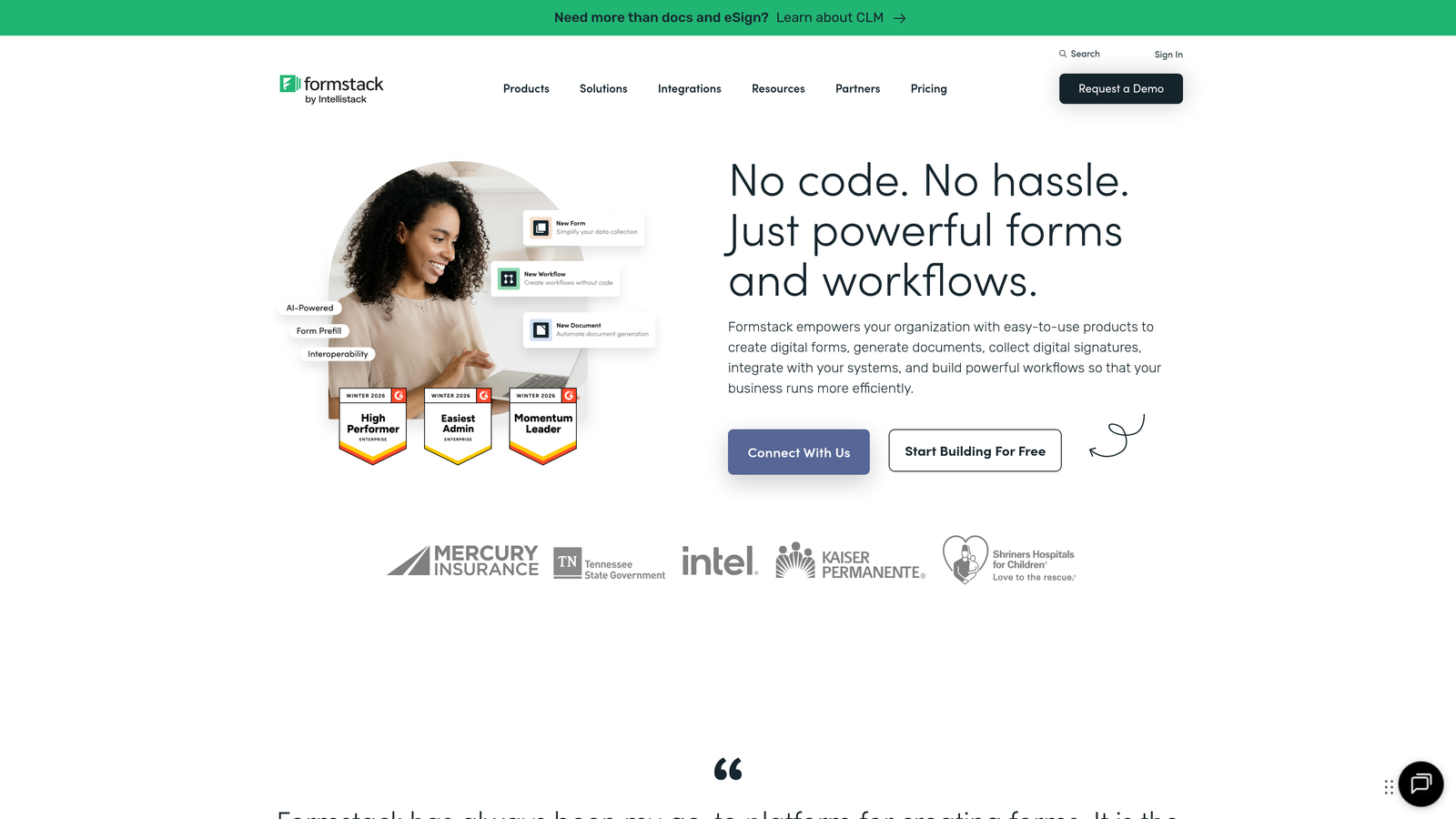
Formstack is an enterprise form platform combining partial entry capture with powerful workflow automation for systematic recovery.
Where This Tool Shines
Formstack brings enterprise-grade capabilities to form abandonment recovery. The partial entry tracking doesn't just capture data—it integrates with workflow automation to trigger immediate follow-up sequences. Someone abandons at the pricing question? Automatically send them a comparison guide and personal outreach from sales.
The platform's strength lies in connecting abandonment data to action. You're not just collecting information about who left; you're automatically executing recovery strategies based on where and why they abandoned.
Key Features
Partial Entry Capture: Tracks incomplete submissions with detailed field-level data showing exactly where users dropped off.
Advanced Conditional Logic: Create dynamic forms that adapt based on responses, reducing unnecessary questions.
Workflow Automation: Build automated follow-up sequences triggered by abandonment events or specific drop-off points.
Enterprise Security: HIPAA compliance, advanced encryption, and security features required for regulated industries.
A/B Testing: Test different form variations to identify which designs reduce abandonment rates.
Best For
Enterprise organizations and regulated industries (healthcare, finance) that need both robust abandonment recovery and strict compliance. Ideal if you have complex approval workflows or need to connect form data to multiple systems.
Pricing
Starts at $50/month for basic plans. Enterprise pricing available with advanced security, compliance, and support features.
4. Typeform
Best for: Creating conversational form experiences that naturally reduce abandonment through engagement
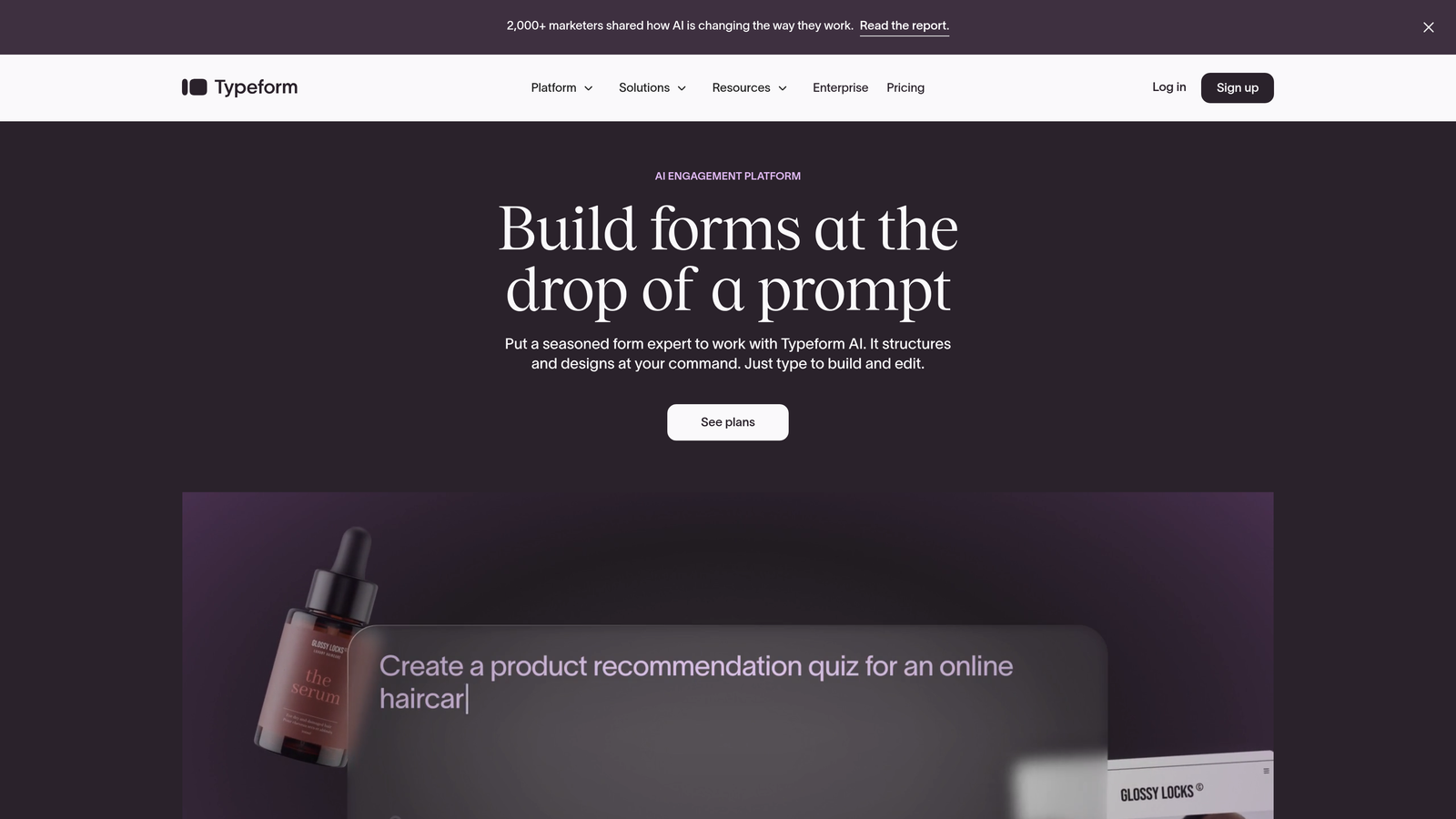
Typeform is a conversational form platform using a one-question-at-a-time format that increases completion rates through better UX.
Where This Tool Shines
Typeform takes a fundamentally different approach to preventing abandonment: make forms feel less like forms. The conversational interface shows one question at a time, creating a dialogue rather than an intimidating wall of fields. This psychological shift significantly reduces the overwhelm that causes many users to abandon.
The platform tracks partial responses automatically, but its real value is in prevention. Users simply complete more Typeforms because the experience feels easier, even when the actual number of questions is identical to a traditional form.
Key Features
Conversational Interface: One-question-at-a-time format that reduces cognitive load and feels more engaging.
Logic Jumps: Personalize the question flow based on responses, skipping irrelevant questions entirely.
Beautiful Templates: Professionally designed forms that work seamlessly across all devices.
Partial Response Tracking: Captures answers even if users don't complete the entire form.
Integration Ecosystem: Connects with popular CRMs, email platforms, and marketing tools.
Best For
Teams prioritizing user experience and brand perception. Particularly effective for customer feedback surveys, lead qualification forms, and any scenario where you want the form itself to reflect a modern, thoughtful brand.
Pricing
Free tier available with limited responses. Paid plans start at $25/month with increased responses and advanced features like logic jumps.
5. ActiveCampaign
Best for: Automated email recovery sequences triggered by form abandonment events
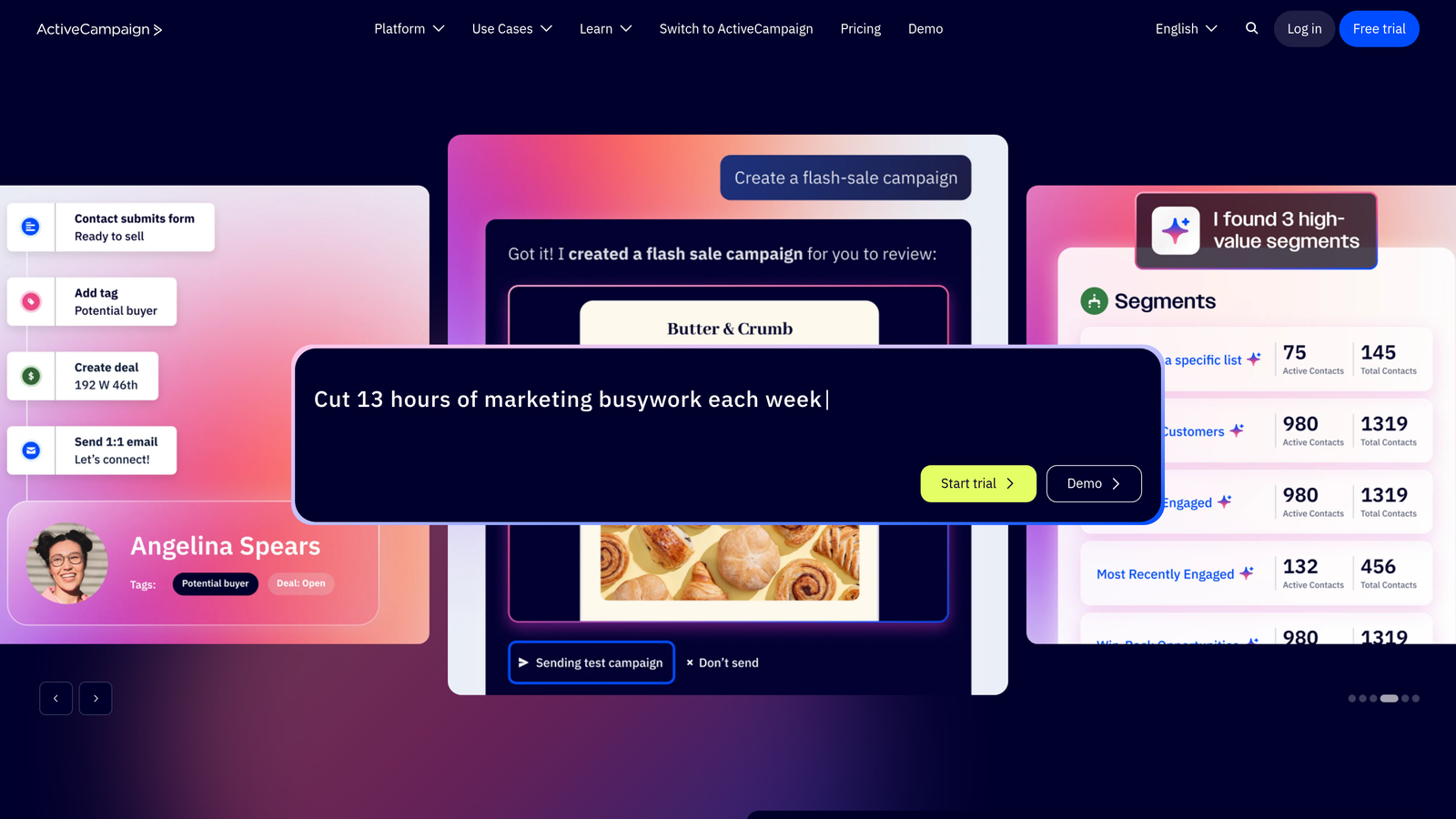
ActiveCampaign is a marketing automation platform with powerful form abandonment triggers and multi-step recovery capabilities.
Where This Tool Shines
ActiveCampaign excels at the recovery side of the abandonment equation. When someone starts but doesn't complete your form, the platform can trigger sophisticated email sequences that bring them back. But it goes deeper than simple reminders—you can segment based on which fields they completed, personalizing recovery messages to address specific hesitations.
The CRM integration means you're not just recovering form submissions; you're recovering leads with full context. Sales teams see the partial data, the abandonment point, and the automated recovery attempts, enabling informed follow-up conversations.
Key Features
Form Abandonment Automation: Trigger email sequences automatically when users start but don't complete forms.
Multi-Step Recovery Sequences: Create sophisticated nurture campaigns that address different abandonment scenarios.
CRM Integration: Track partial submissions as leads with full behavioral history and engagement data.
Behavioral Segmentation: Group abandoners by which questions they answered or where they dropped off.
A/B Testing: Test different recovery email approaches to optimize bring-back rates.
Best For
Marketing teams with existing email infrastructure who want to add systematic form abandonment recovery. Particularly valuable if you're already using marketing automation and want to extend it to form completion.
Pricing
Starts at $29/month for basic automation features. Higher tiers include advanced CRM capabilities and more sophisticated automation options.
6. Hotjar
Best for: Understanding exactly where and why users abandon forms through behavioral analytics
Hotjar is a behavior analytics platform revealing form abandonment patterns through heatmaps, recordings, and field-level tracking.
Where This Tool Shines
Hotjar answers the question that recovery tools can't: why are people abandoning in the first place? The form analytics show exactly which fields cause hesitation, how long users spend on each question, and where they give up. Session recordings let you watch actual users struggle with specific form elements.
This diagnostic capability is invaluable for prevention. You might discover that 60% of abandonment happens at your phone number field, or that users repeatedly click a non-functional element. These insights drive form improvements that reduce abandonment at the source.
Key Features
Form Analytics: Field-level tracking showing time spent, interaction rates, and abandonment points for each question.
Session Recordings: Watch real user sessions to see exactly how people interact with your forms before abandoning.
Heatmaps: Visualize click patterns, scroll depth, and interaction zones to identify problem areas.
User Feedback Surveys: Ask abandoners directly why they didn't complete your form.
Conversion Funnels: Track form completion as part of broader conversion paths to identify drop-off patterns.
Best For
Teams focused on optimization and continuous improvement. Essential if you're experiencing high abandonment but don't understand the root causes. Works best when paired with a form builder—Hotjar diagnoses problems, your form tool implements solutions.
Pricing
Free tier available with limited sessions. Paid plans start at $32/month with increased session limits and advanced features.
7. OptinMonster
Best for: Exit-intent intervention to capture abandoning visitors before they leave
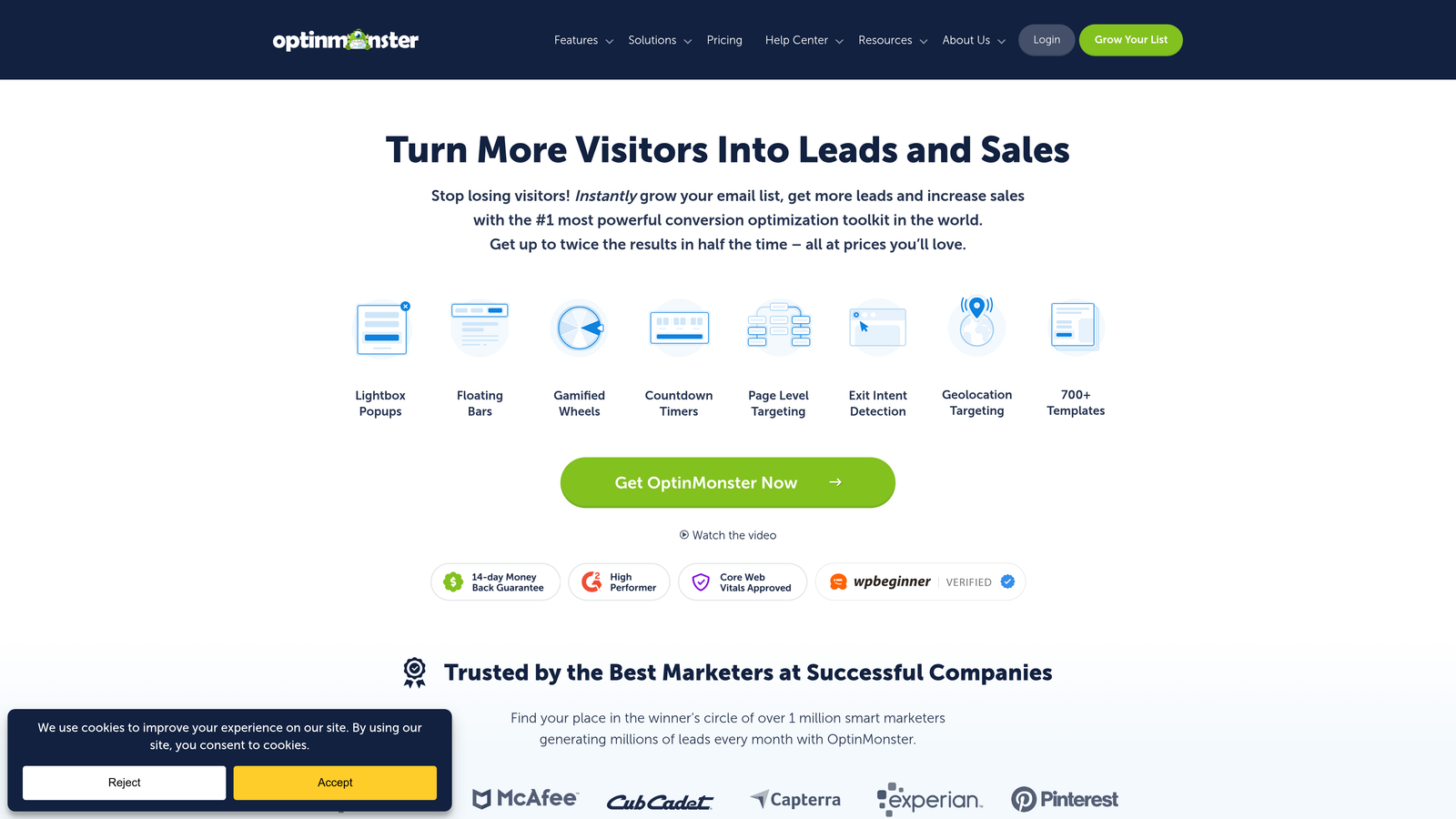
OptinMonster is an exit-intent popup tool that intercepts abandoning visitors with targeted offers to capture leads at the last moment.
Where This Tool Shines
OptinMonster operates at the critical moment—when someone's about to abandon. The exit-intent technology detects abandonment behavior (mouse moving toward the close button, back button clicks) and triggers a last-chance popup. This isn't about forms themselves; it's about catching people who've already decided to leave.
The behavioral targeting means you can show different messages based on which form fields they completed. Someone who entered their email but abandoned at pricing? Show them a discount code. Someone who bounced immediately? Offer a simpler alternative like a newsletter signup.
Key Features
Exit-Intent Detection: Triggers popups when users show abandonment behavior, capturing attention at the critical moment.
Behavioral Targeting: Display different messages based on user actions, pages visited, or form fields completed.
A/B Testing: Test different popup designs, copy, and offers to maximize recovery rates.
Email Platform Integration: Connect captured leads directly to your email marketing system.
Mobile-Optimized Campaigns: Exit-intent that works on mobile devices where traditional mouse tracking doesn't apply.
Best For
E-commerce and lead generation sites with significant traffic where even small percentage improvements in capture rates drive substantial revenue. Most effective when you have compelling offers (discounts, free resources) to present at exit.
Pricing
Starts at $9/month for basic plans. Higher tiers include advanced targeting, A/B testing, and priority support.
8. Leadfeeder
Best for: B2B teams identifying companies behind anonymous form abandoners for sales follow-up
Leadfeeder is a website visitor identification tool that reveals company information behind form abandoners for targeted B2B outreach.
Where This Tool Shines
Leadfeeder solves a B2B-specific abandonment problem: someone from a target company starts your demo request form but doesn't finish. With traditional tools, that lead is lost. Leadfeeder identifies the company from IP data, giving your sales team enough information to reach out directly even without a completed form.
This transforms abandonment from a dead end into a warm lead opportunity. Your team can see that someone from a specific company visited your pricing page, started a form, then left. That's actionable intelligence for personalized outreach.
Key Features
Company Identification: Reveals business names and details behind anonymous website visitors using IP data.
Form Abandonment Tracking: Specifically flags companies whose employees started but didn't complete forms.
CRM Integration: Pushes identified companies directly into your sales CRM for follow-up workflows.
Lead Scoring: Prioritizes companies based on engagement level, pages visited, and form interaction.
Custom Filters: Create segments based on company size, industry, or specific behavioral patterns.
Best For
B2B companies selling to other businesses, particularly those with longer sales cycles where knowing a company showed interest (even without completing a form) has significant value. Less useful for B2C or small businesses.
Pricing
Free tier available with limited company reveals. Paid plans start at $99/month with increased identification limits and advanced features.
9. FullStory
Best for: Advanced session replay and frustration detection to diagnose complex abandonment issues
FullStory is a digital experience analytics platform with frustration signal detection and detailed session replay for understanding abandonment causes.
Where This Tool Shines
FullStory goes beyond basic analytics to detect user frustration in real-time. The platform identifies rage clicks (repeated clicking on non-functional elements), error messages, and other frustration signals that often precede abandonment. This granular insight reveals problems you might never discover through standard analytics.
The session replay functionality is exceptionally detailed, capturing not just clicks but hesitations, cursor movements, and interaction patterns. You can watch users struggle with confusing form labels, notice validation errors they encountered, or see exactly when they gave up.
Key Features
Frustration Signal Detection: Automatically flags sessions with rage clicks, error encounters, and other abandonment indicators.
Rage Click Tracking: Identifies when users repeatedly click elements that don't respond, signaling confusion or broken functionality.
Detailed Session Replay: High-fidelity recordings showing exactly how users interacted with forms before abandoning.
Conversion Funnel Analysis: Track form completion as part of broader conversion paths with drop-off visualization.
Search and Segmentation: Find specific abandonment scenarios using powerful search filters across all recorded sessions.
Best For
Enterprise teams and product organizations focused on user experience optimization. Particularly valuable for complex forms or applications where abandonment might stem from technical issues, confusing UX, or validation problems.
Pricing
Free tier available for small implementations. Enterprise pricing based on session volume and feature requirements.
Making the Right Choice
The most effective form abandonment strategy isn't about choosing one tool—it's about combining prevention, recovery, and analysis based on your specific needs.
For prevention-first approach, Orbit AI's intelligent forms reduce friction before abandonment occurs by adapting to each visitor. Typeform takes a similar prevention angle through conversational UX that makes completion feel easier. For recovery via email, ActiveCampaign excels at automated follow-up sequences that bring abandoners back.
For diagnostic insights, pair Hotjar or FullStory with your form builder to understand the "why" behind drop-offs. These analytics tools reveal whether your abandonment stems from form length, confusing questions, technical issues, or specific fields that create hesitation. For B2B lead recovery, Leadfeeder identifies the companies you're losing even when individuals don't complete forms.
Start by auditing your current form completion rates. If you're below 50% completion, focus first on prevention—your forms likely have fundamental UX issues that need addressing before recovery tactics will help. If completion rates are decent but you want to capture more from the inevitable drop-offs, add recovery tools like partial submission capture or exit-intent popups.
The smartest approach combines all three: better form design to prevent abandonment, automated recovery to capture partial data and follow up, and behavioral analytics to continuously improve. Transform your lead generation with AI-powered forms that qualify prospects automatically while delivering the modern, conversion-optimized experience your high-growth team needs. Start building free forms today and see how intelligent form design can elevate your conversion strategy.


