

Your forms are leaking leads—and most businesses have no idea where or why. Whether it's a checkout form with a 73% abandonment rate or a demo request form that never converts past question three, the problem isn't your offer. It's your form experience. Form analytics and optimization tools give you the visibility to diagnose exactly where users drop off, which fields cause friction, and what changes actually move the needle on conversions.
This guide covers nine tools that help you stop guessing and start optimizing—from AI-powered builders with built-in analytics to dedicated heatmap and A/B testing platforms. We've evaluated each based on depth of analytics, ease of implementation, and real optimization capabilities.
1. Orbit AI
Best for: High-growth teams wanting optimization and analytics built directly into form creation
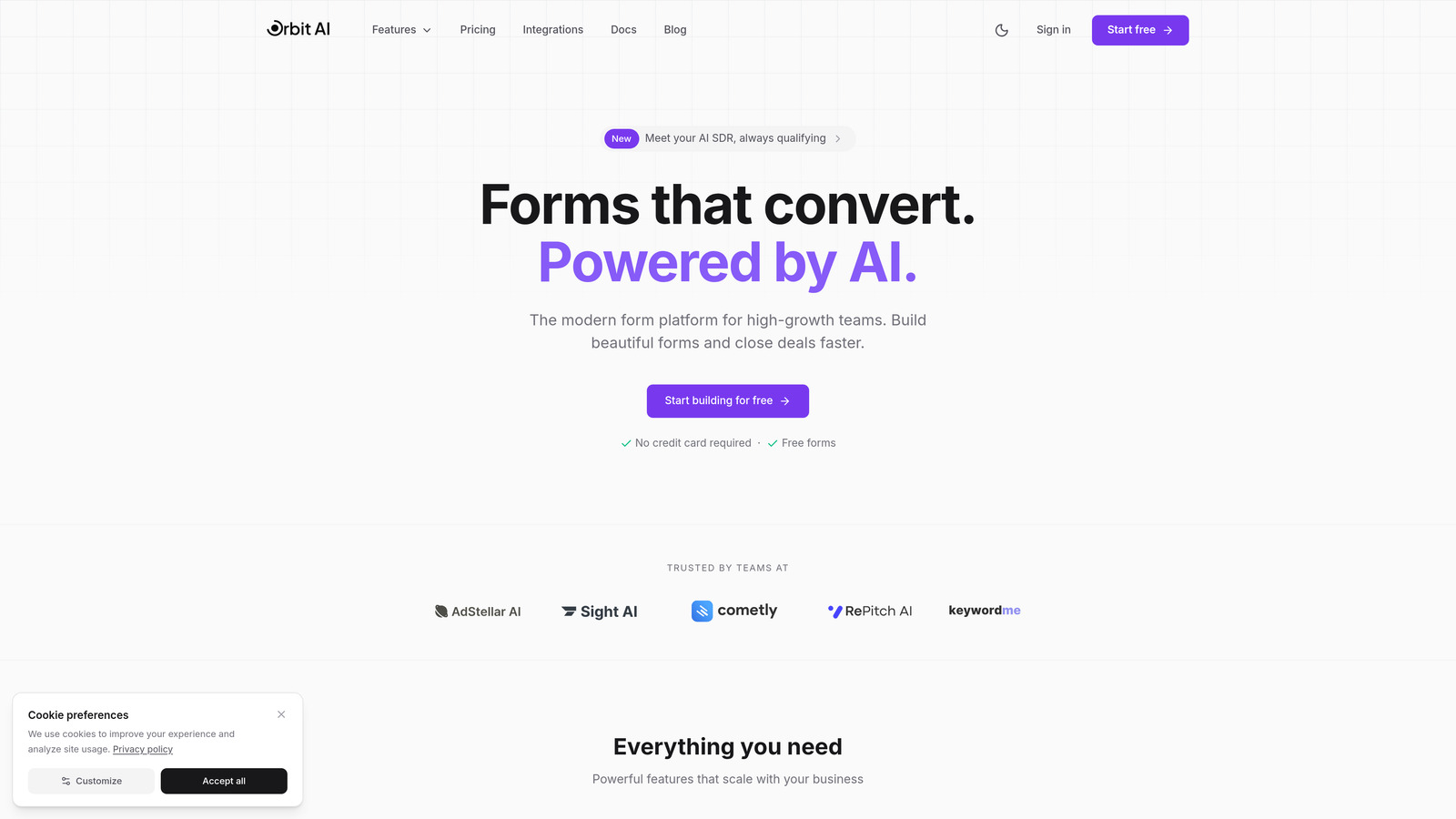
Orbit AI is an AI-powered form builder that combines conversion-optimized design with native analytics and lead qualification capabilities.
Where This Tool Shines
Orbit AI takes a fundamentally different approach by building analytics into the form creation process rather than bolting it on afterward. This means you're not just tracking what's happening—you're getting automated recommendations on how to fix it.
The platform's AI-powered lead qualification stands out because it works in real-time as users fill out forms. Instead of collecting data first and scoring leads later, the system adapts the form experience based on responses, which naturally improves both completion rates and lead quality simultaneously.
Key Features
AI-Powered Lead Qualification: Automatically scores and qualifies leads as they interact with forms, eliminating manual follow-up triage.
Real-Time Conversion Analytics: Dashboard showing completion rates, drop-off points, and field performance as data comes in.
Field-Level Performance Insights: Identifies exactly which form fields create friction or cause abandonment.
Automated Optimization Recommendations: AI suggests specific changes to improve conversion based on actual user behavior patterns.
Conversion-Focused Design System: Pre-built templates and design patterns optimized for modern, high-converting form experiences.
Best For
Teams that want to consolidate their form builder and analytics into one platform. Particularly valuable for businesses focused on lead generation where both form quality and lead qualification matter. Works well for companies tired of stitching together multiple tools to understand form performance.
Pricing
Free tier available with core features. Paid plans scale with usage and advanced capabilities—details available on their website.
2. Hotjar
Best for: Visual learners who need to see exactly how users interact with forms
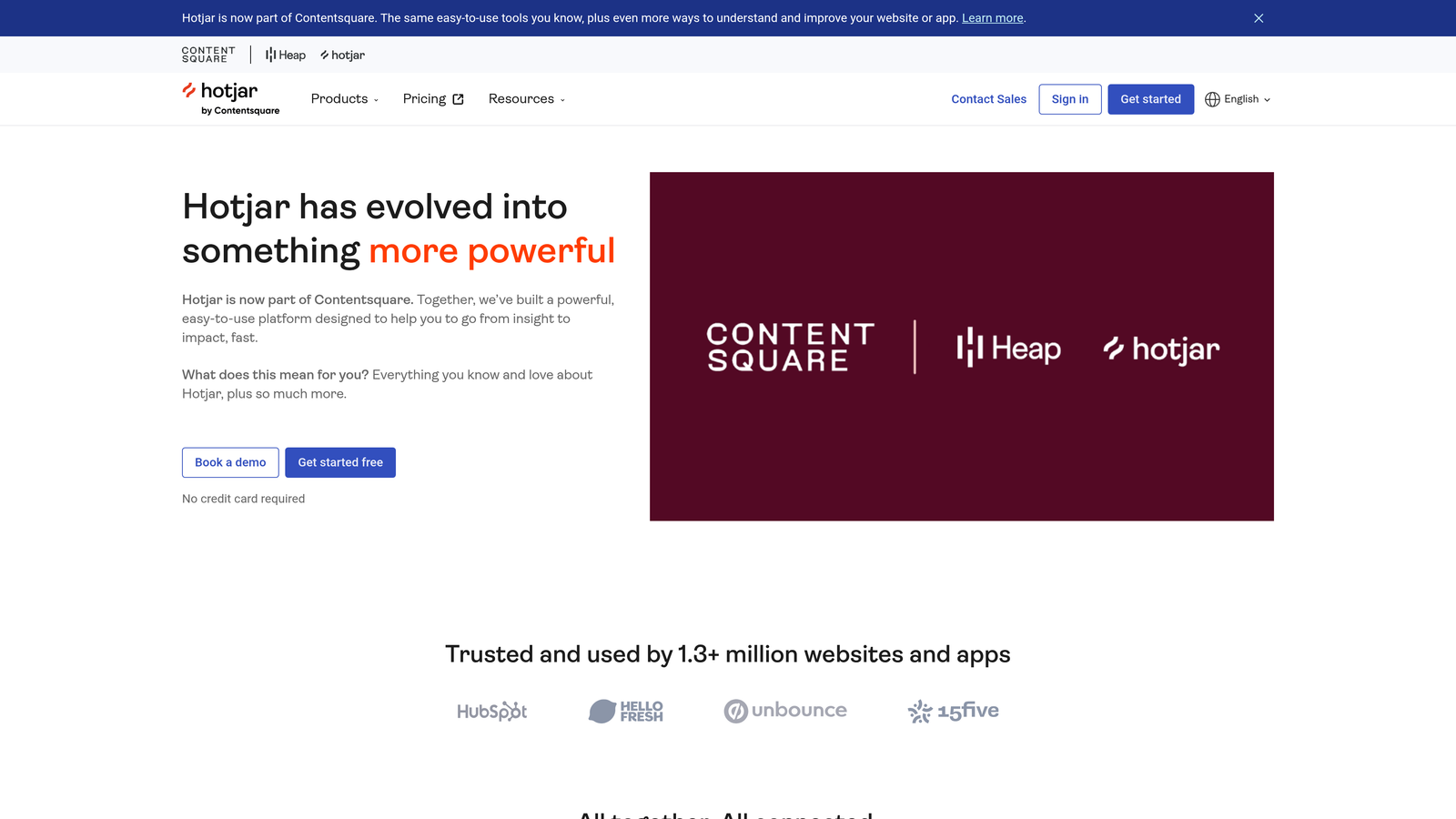
Hotjar is a behavior analytics platform offering heatmaps, session recordings, and dedicated form analysis tools.
Where This Tool Shines
Hotjar excels at making abstract analytics data tangible. Instead of just seeing "42% drop-off at field 3," you watch actual session recordings of users hesitating, clicking away, or rage-clicking when they hit friction. This visual context often reveals problems that raw numbers miss.
The form analysis feature provides field-by-field breakdowns showing where users spend time, which fields get corrected multiple times, and where abandonment spikes. Combined with heatmaps showing click patterns and scroll depth, you get a complete picture of the form experience.
Key Features
Form Analysis Reports: Dedicated dashboard showing drop-off rates, interaction time, and completion metrics for each form field.
Session Recordings: Watch real users interact with your forms to identify confusion points and friction.
Heatmaps: Visual representation of where users click, move, and scroll on form pages.
Feedback Widgets: Collect qualitative insights directly from users about why they abandoned or struggled.
Easy Implementation: Installs via Google Tag Manager or simple code snippet without requiring developer resources.
Best For
Marketing teams and UX designers who need visual evidence to support optimization decisions. Particularly useful when you need to convince stakeholders that a form problem exists and demonstrate the exact user experience causing it.
Pricing
Free tier available with basic features and 35 daily sessions. Plus plan starts at $32/month with increased session limits and advanced features.
3. Zuko Analytics
Best for: Complex multi-step forms and checkout flows requiring granular field-level analysis
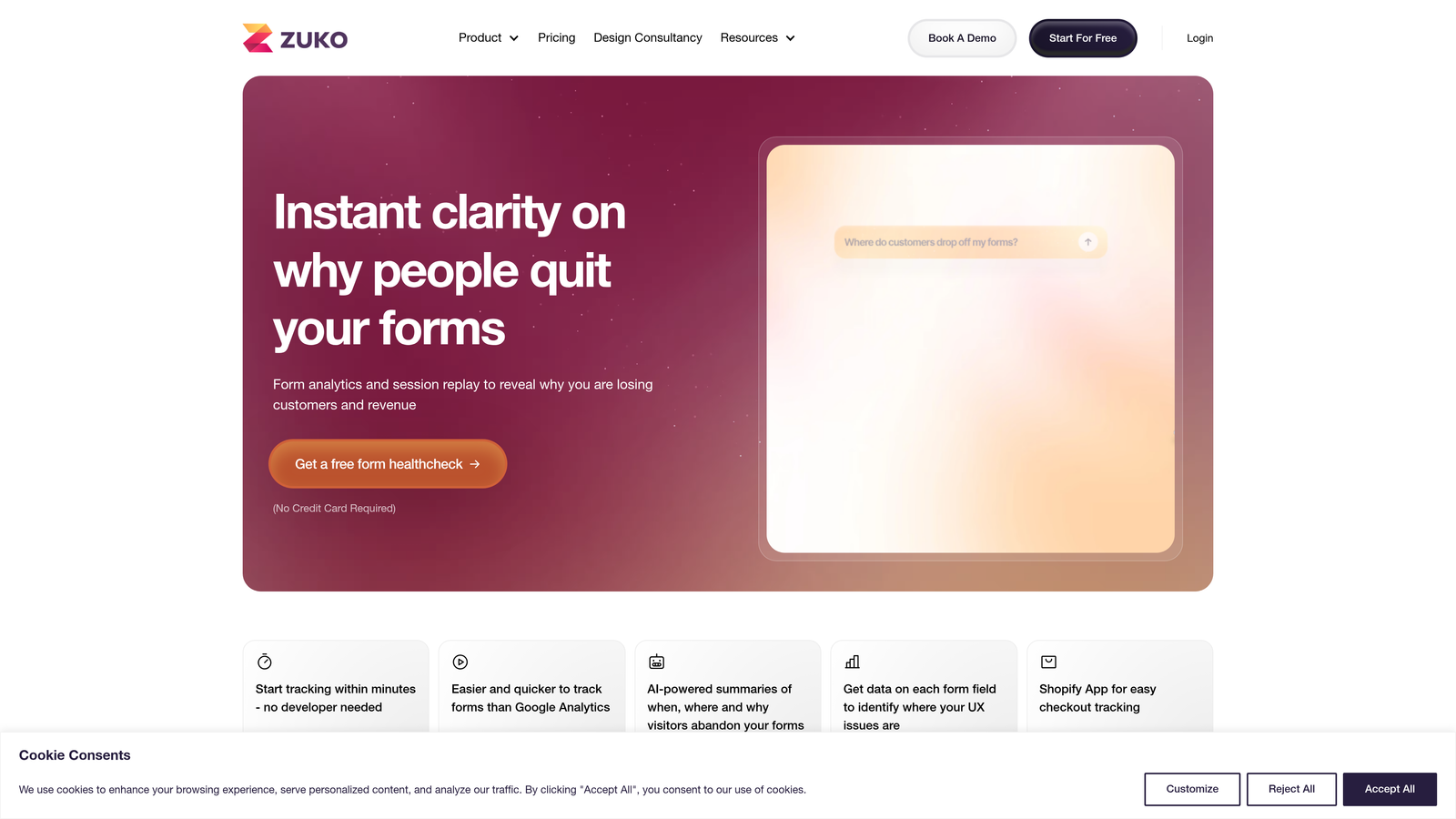
Zuko Analytics is a dedicated form analytics platform built specifically for deep, field-by-field performance tracking.
Where This Tool Shines
Zuko was purpose-built for form analytics, which shows in its depth. While general analytics tools track forms as an afterthought, Zuko treats every field, every interaction, and every abandonment point as critical data. This specialization makes it particularly powerful for complex forms with conditional logic or multi-step flows.
The platform's comparison reporting stands out when you're running form variations. You can see exactly how changes to specific fields impact overall completion, not just top-level conversion rates. This granularity helps teams make surgical improvements rather than complete redesigns.
Key Features
Field-Level Interaction Metrics: Track time spent, corrections made, and abandonment rate for every individual form field.
Section-Based Abandonment Analysis: Identify which parts of multi-step forms lose the most users.
Version Comparison Reporting: Compare performance across different form iterations to measure improvement.
Complex Form Specialization: Handles conditional fields, dynamic forms, and intricate validation logic effectively.
No-Code Implementation: Tracks forms without requiring changes to your existing form code or structure.
Best For
E-commerce businesses with complex checkout flows, financial services with lengthy application forms, or any organization dealing with multi-step processes where small improvements have significant revenue impact. The investment makes sense when form completion directly affects bottom-line revenue.
Pricing
Starts at £100/month (approximately $125 USD). Pricing scales based on form submissions and features needed.
4. Typeform
Best for: Conversational forms where engagement and question-by-question insights matter
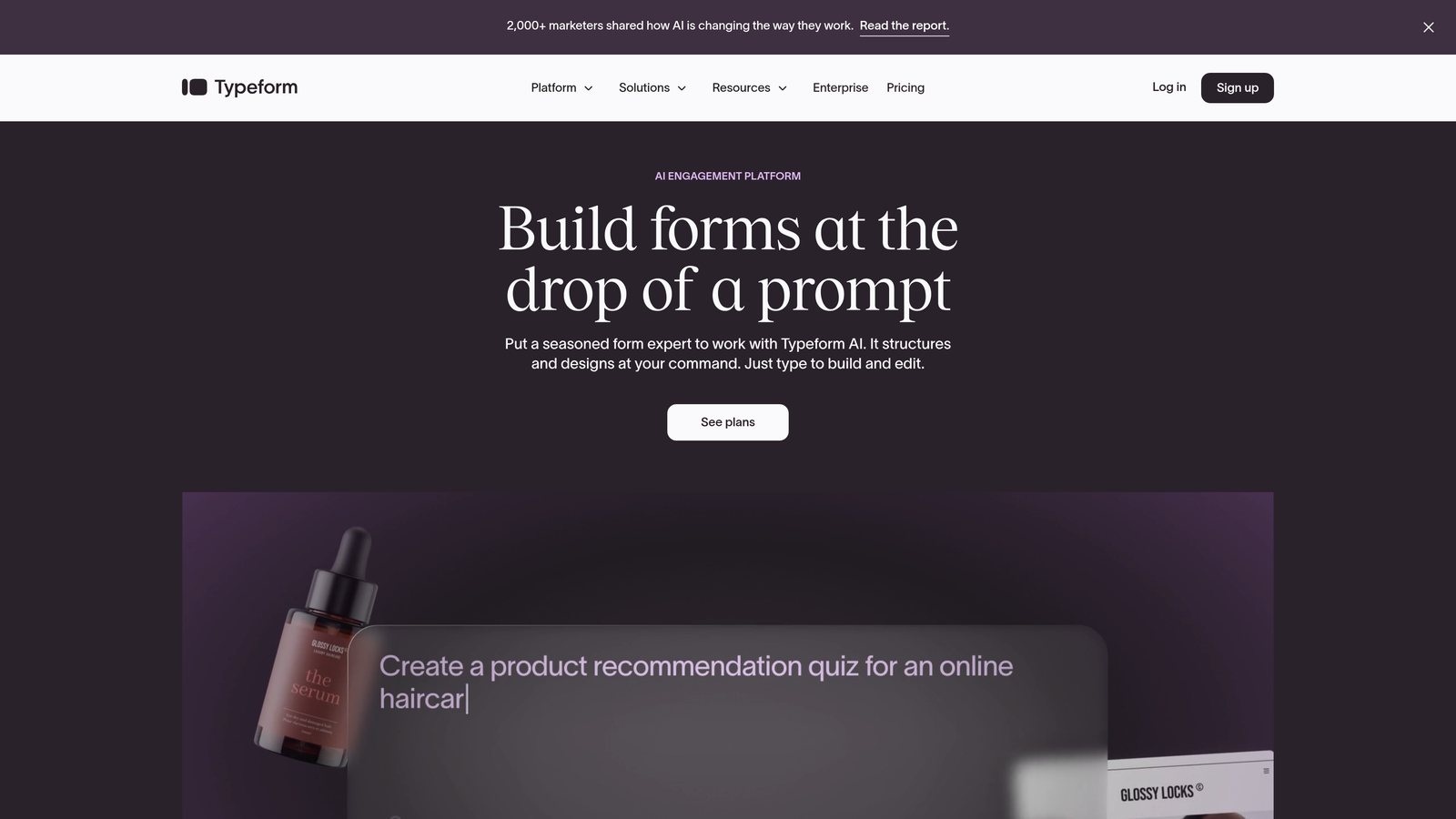
Typeform is a conversational form builder with built-in analytics showing completion rates and per-question performance.
Where This Tool Shines
Typeform's one-question-at-a-time approach naturally creates better analytics because you can see exactly where users disengage in the conversation. Unlike traditional forms where users might skip around, Typeform's linear flow makes drop-off points crystal clear.
The platform's analytics integrate seamlessly with the form-building experience. You're not exporting to another tool or switching contexts—you see response rates, completion metrics, and trends right in the builder. This tight integration helps teams iterate faster on form improvements.
Key Features
Question-Level Drop-Off Tracking: See exactly which question causes users to abandon the form.
Completion Rate Analytics: Track overall form performance and identify trends over time.
Response Insights: Analyze answer patterns and common responses to optimize question phrasing.
Conversational Format: One-question-at-a-time approach often improves completion rates compared to traditional forms.
Native Integrations: Connect directly to marketing automation, CRM, and analytics tools without middleware.
Best For
Lead generation campaigns, customer feedback surveys, and applications where user engagement matters as much as completion. Works particularly well for brands that prioritize experience and want their forms to feel less transactional. The conversational format suits research and discovery use cases better than high-speed checkout flows.
Pricing
Free tier available with basic features and 10 monthly responses. Basic plan starts at $25/month with unlimited responses and advanced analytics.
5. Microsoft Clarity
Best for: Budget-conscious teams needing unlimited session recordings and heatmaps
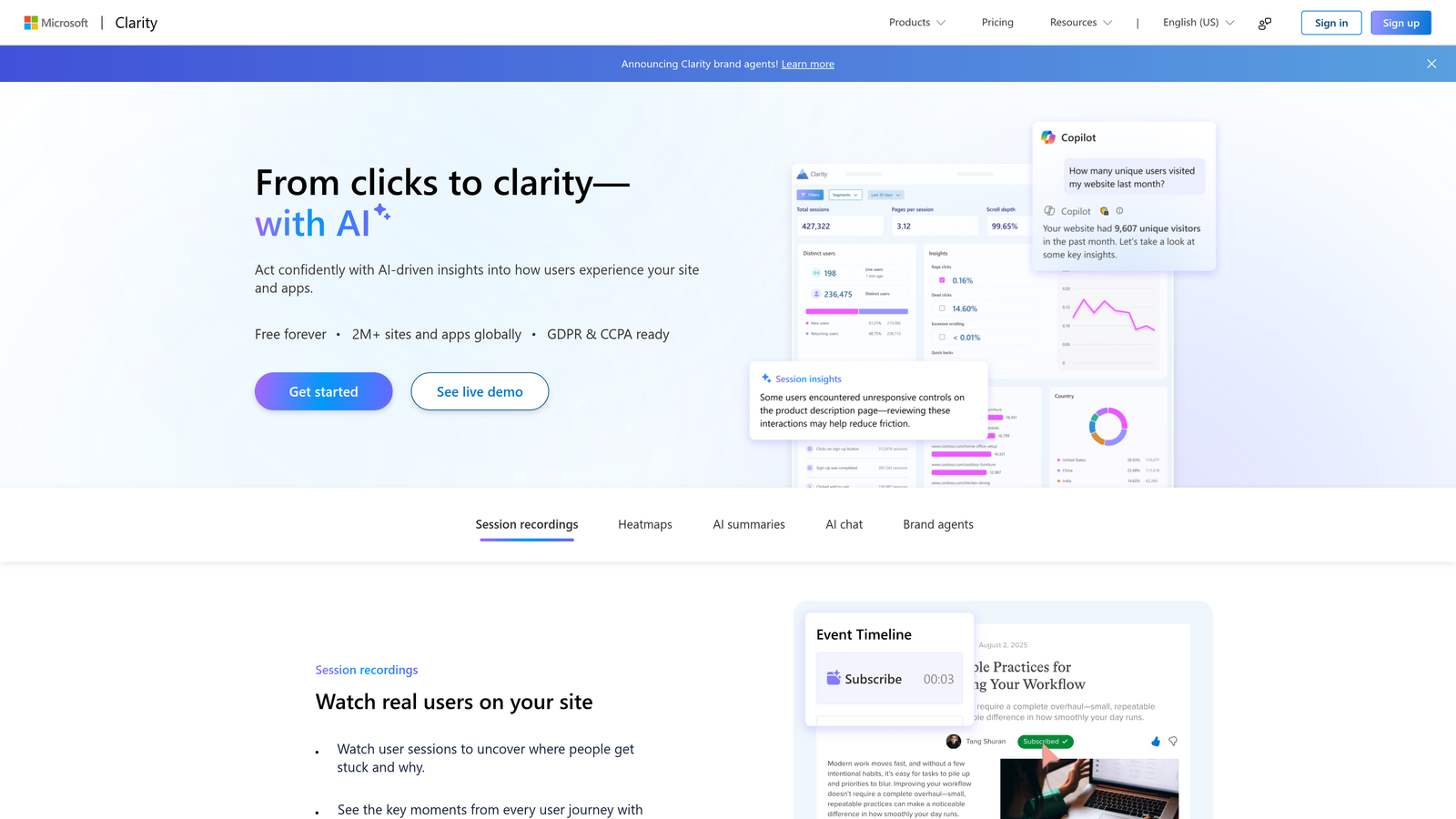
Microsoft Clarity is a free behavior analytics tool with session recordings, heatmaps, and frustration detection.
Where This Tool Shines
The most remarkable thing about Clarity is that it's completely free with no session limits. Most behavior analytics tools charge based on recorded sessions, making Clarity's unlimited offering almost too good to be true. Yet it delivers genuinely useful insights without the typical free-tier restrictions.
The frustration detection features—dead clicks, rage clicks, and excessive scrolling—help you identify form problems without manually watching hundreds of sessions. These automated signals flag exactly which sessions to review when investigating form abandonment issues.
Key Features
Unlimited Session Recordings: Record and replay every user session at no cost, with no data sampling.
Frustration Signal Detection: Automatically flags dead clicks, rage clicks, and quick backs that indicate user problems.
Heatmaps: Visualize click patterns and scroll behavior on form pages to identify interaction issues.
Google Analytics Integration: Connect Clarity data with GA4 for combined behavioral and conversion analysis.
Privacy Compliance: GDPR and CCPA compliant with built-in data masking for sensitive information.
Best For
Startups and small businesses that need professional-grade behavior analytics without budget allocation. Also valuable for larger organizations wanting to test behavior analytics before committing to paid tools. The free model makes it easy to deploy across multiple properties without procurement friction.
Pricing
Completely free with no session limits, no time restrictions, and no premium tier upsells.
6. Formstack
Best for: Enterprise teams needing form analytics combined with workflow automation
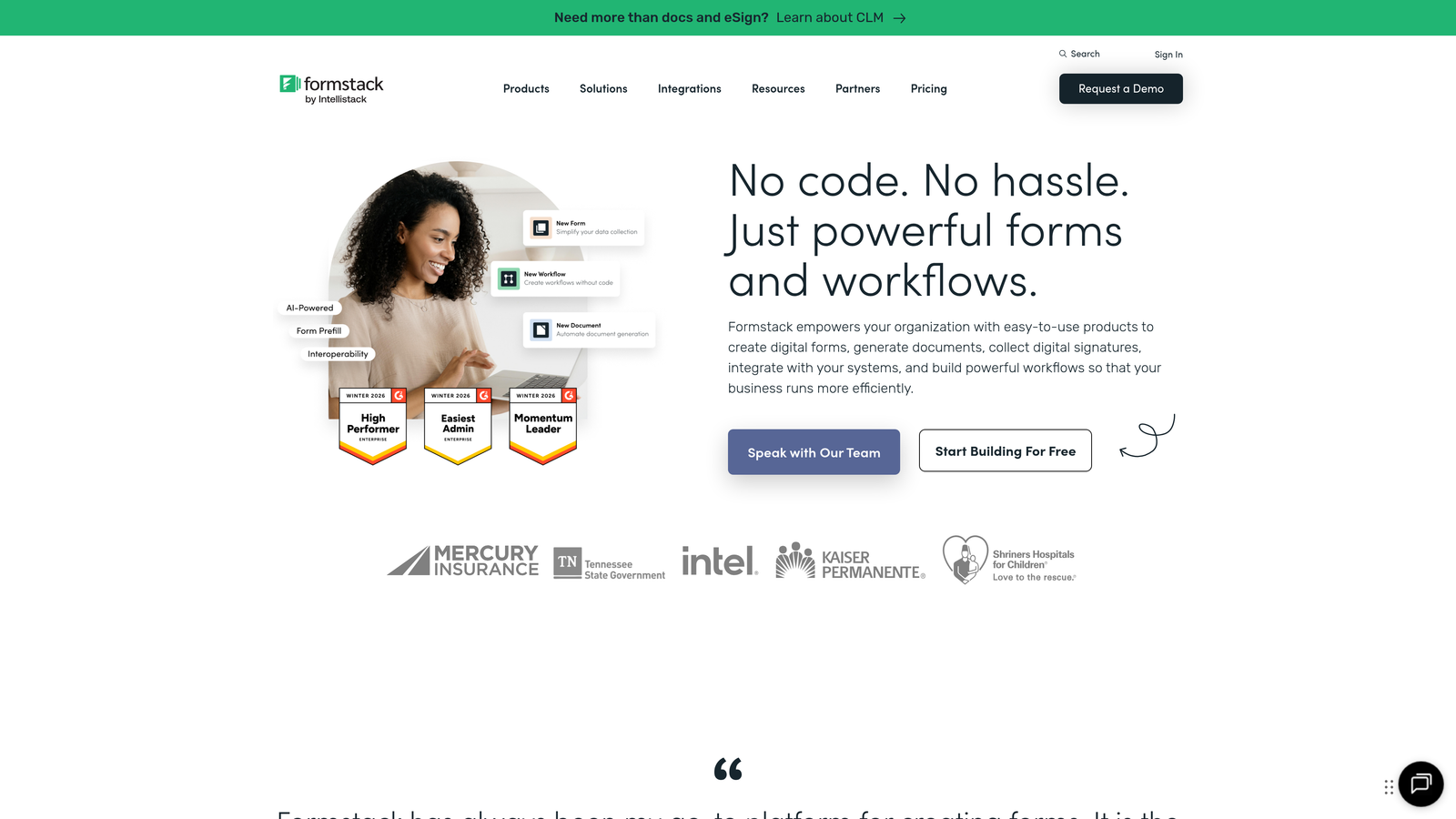
Formstack is an enterprise form platform with partial submission tracking, conversion analytics, and advanced automation capabilities.
Where This Tool Shines
Formstack bridges the gap between form analytics and business process automation. While most tools focus purely on tracking, Formstack lets you act on insights through automated workflows. When you discover users abandon at a specific field, you can automatically trigger follow-up emails to partial completers or route different submission types to appropriate teams.
The partial submission capture feature is particularly valuable for longer forms. Instead of losing all data when someone abandons, you capture what they entered and can follow up intelligently. This turns analytics into revenue recovery rather than just reporting.
Key Features
Partial Submission Capture: Save and follow up on incomplete form data rather than losing it entirely.
Conversion Funnel Analytics: Track user progression through multi-step forms with drop-off visualization.
A/B Testing: Test different form variations and measure impact on completion rates.
Workflow Automation: Route submissions, trigger notifications, and integrate with business systems based on form data.
Enterprise Security: HIPAA, SOC 2, and other compliance certifications for regulated industries.
Best For
Enterprise organizations and regulated industries that need both analytics and workflow automation in one platform. Particularly valuable when forms feed complex business processes and you need to track performance across the entire workflow, not just the initial submission.
Pricing
Starts at $50/month for basic features. Enterprise plans with advanced analytics and automation require custom quotes.
7. Lucky Orange
Best for: Real-time monitoring of form performance and live visitor behavior
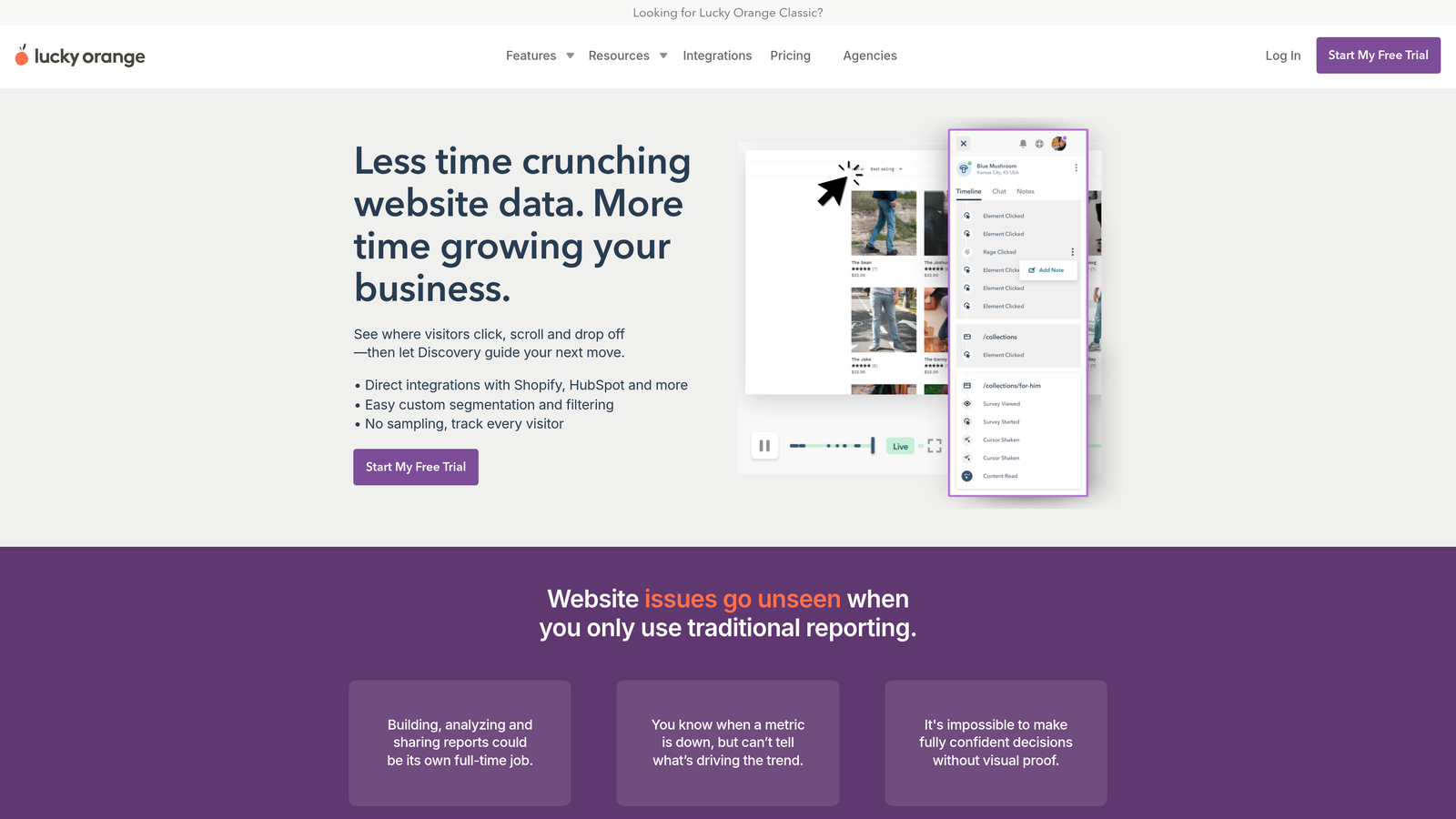
Lucky Orange is a behavior analytics platform with live visitor monitoring, form analytics, and conversion funnel visualization.
Where This Tool Shines
Lucky Orange's real-time dashboard shows you exactly who's on your site right now and how they're interacting with your forms. This immediate visibility helps teams catch and fix problems as they happen rather than discovering issues days later in reports.
The platform combines multiple analytics approaches—recordings, heatmaps, form analytics, and live chat—in one interface. This consolidation makes it easier to understand the full context around form abandonment. You can watch a session recording, see the heatmap, check form field performance, and even chat with struggling users without switching tools.
Key Features
Real-Time Form Analytics: Monitor form completions, abandonments, and field interactions as they happen.
Live Visitor Recordings: Watch users interact with forms in real-time or replay sessions later.
Form Field Interaction Reports: Detailed breakdowns of time spent, corrections, and drop-offs per field.
Conversion Funnel Builder: Create custom funnels to track user progression through form steps.
Integrated Live Chat: Proactively reach out to users struggling with forms to reduce abandonment.
Best For
E-commerce businesses and lead generation teams that benefit from real-time insights and want to intervene when users struggle. The live chat integration makes it particularly useful for high-value forms where saving a single conversion justifies proactive outreach.
Pricing
Free tier available with basic features and 500 page views per month. Build plan starts at $32/month with increased limits and full feature access.
8. FullStory
Best for: Enterprise digital experience monitoring with searchable session replay
FullStory is an enterprise digital experience platform with searchable session replay, frustration detection, and comprehensive form error tracking.
Where This Tool Shines
FullStory's searchable session replay fundamentally changes how you investigate form issues. Instead of watching random sessions hoping to find problems, you search for specific behaviors: "Show me all sessions where users corrected the email field three times" or "Find sessions with validation errors on the phone number field." This precision makes problem diagnosis dramatically faster.
The frustration signals feature automatically identifies when users are struggling—error clicks, rage clicks, thrashed cursor movements. These signals help you prioritize which form issues to fix first based on actual user frustration rather than just abandonment rates.
Key Features
Frustration Signals Detection: Automatically identify rage clicks, error clicks, and other signs of user struggle.
Searchable Session Replay: Query sessions based on specific behaviors, events, or user attributes.
Form Error Tracking: Capture and analyze validation errors, failed submissions, and technical issues.
Custom Event Tracking: Define and track specific form interactions beyond standard analytics.
Enterprise Security: SOC 2 Type II certified with comprehensive data privacy controls.
Best For
Large enterprises with complex digital experiences where form performance directly impacts significant revenue. The platform's depth and searchability justify the investment when you're optimizing high-traffic forms or troubleshooting technical issues that standard analytics can't diagnose. Works particularly well for product and engineering teams that need to debug form behavior.
Pricing
Custom pricing based on session volume and features needed. Free trial available to test the platform before commitment.
9. Google Analytics 4
Best for: Teams already using Google's ecosystem wanting basic form tracking
Google Analytics 4 is a free analytics platform with enhanced measurement for automatic form interaction tracking.
Where This Tool Shines
GA4's biggest advantage is that it's already implemented on most websites, making form tracking a configuration change rather than a new tool deployment. The enhanced measurement feature automatically tracks form interactions without custom code, giving you baseline form analytics with zero additional setup.
For teams already using Google Ads or other Google marketing tools, GA4 provides seamless integration. You can track form completions as conversion events, build audiences based on form behavior, and optimize ad campaigns based on which traffic sources complete forms. This ecosystem integration is hard to replicate with standalone tools.
Key Features
Automatic Form Interaction Events: Enhanced measurement tracks form starts and submissions without custom implementation.
Custom Event Tracking: Define specific form behaviors and track them as custom events for deeper analysis.
Funnel Exploration Reports: Build custom funnels showing user progression through multi-step forms.
Google Ads Integration: Track form completions as conversions and optimize campaigns based on form performance.
Free with No Limits: No session caps, no data sampling at standard volumes, no premium tier required.
Best For
Organizations already invested in Google's marketing ecosystem or teams wanting basic form analytics without additional tool costs. Works well as a starting point before investing in specialized form analytics tools. The free model and existing implementation make it the path of least resistance for initial form tracking.
Pricing
Completely free with no data limits for standard implementations. Enterprise version (GA360) available for high-volume needs.
Making the Right Choice
The right form analytics tool depends on your specific needs and existing infrastructure. If you want optimization built into the form creation process, Orbit AI combines analytics with AI-powered recommendations and lead qualification in one platform—eliminating the need to stitch together multiple tools.
For visual learners who need to see user behavior, Hotjar and Lucky Orange excel with session recordings and heatmaps. Hotjar offers more mature features and broader adoption, while Lucky Orange adds real-time monitoring and integrated chat for proactive intervention.
Teams dealing with complex, multi-step forms should consider Zuko Analytics. Its specialized focus on form performance provides depth that general analytics tools can't match. The investment makes sense when small improvements to long forms have significant revenue impact.
Budget-conscious teams have strong options in Microsoft Clarity and Google Analytics 4. Clarity delivers unlimited session recordings and heatmaps at no cost—remarkable value for startups and small businesses. GA4 works well when you're already using Google's ecosystem and want basic form tracking without additional tools.
Enterprise organizations with workflow automation needs should evaluate Formstack or FullStory. Formstack bridges analytics and business process automation, while FullStory provides searchable session replay and enterprise-grade digital experience monitoring.
Most teams benefit from starting simple and adding depth as needs grow. Begin with basic tracking through GA4 or Clarity, then add specialized tools like Orbit AI or Zuko as form optimization becomes a strategic priority. The key is matching tool capabilities to your actual optimization workflow—not just collecting data, but using insights to improve conversion rates systematically.
Transform your lead generation with AI-powered forms that qualify prospects automatically while delivering the modern, conversion-optimized experience your high-growth team needs. Start your free trial today and see how intelligent form design can elevate your conversion strategy.


