

Every abandoned form represents lost revenue. Whether it's a signup that stalled at the email field or a checkout that died at shipping details, understanding why users drop off is the key to fixing it. Form analytics software gives you the visibility you need—tracking field-by-field interactions, identifying friction points, and revealing exactly where your conversions leak.
But with dozens of tools claiming to solve this problem, choosing the right one matters. We evaluated these platforms based on depth of analytics, ease of implementation, integration capabilities, and value for different team sizes. Here are the top form analytics solutions transforming how teams optimize conversions in 2026.
1. Orbit AI
Best for: High-growth teams wanting form building and analytics in one platform
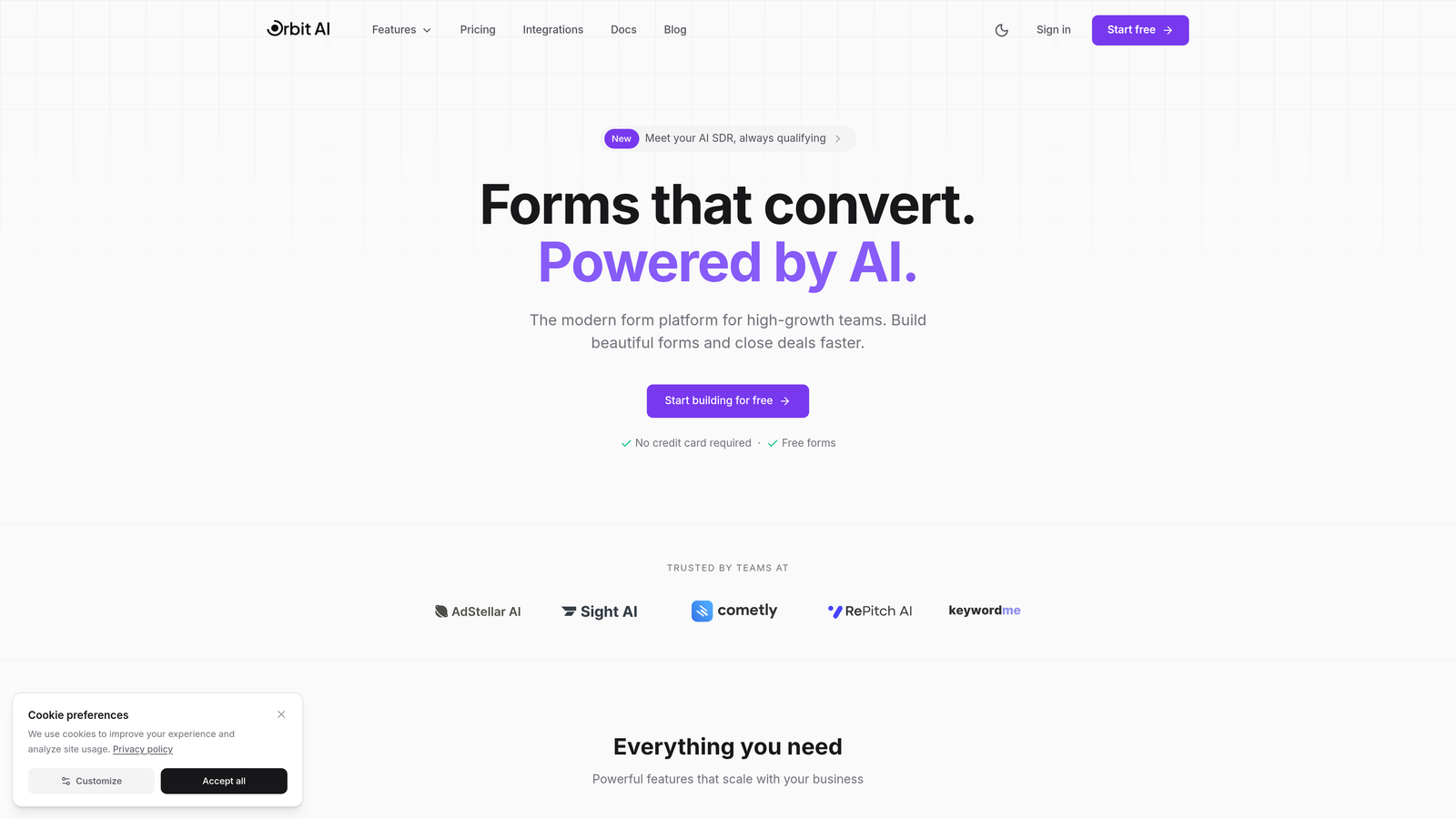
Orbit AI combines an AI-powered form builder with native analytics, eliminating the need to stitch together separate tools for creation and measurement.
Where This Tool Shines
The standout advantage here is consolidation. You're not installing third-party tracking scripts or juggling multiple dashboards—analytics are built into the same platform where you design your forms.
The AI-powered lead qualification layer adds intelligence most analytics tools lack. Instead of just tracking who dropped off, you understand lead quality in real-time, helping prioritize follow-up efforts on prospects most likely to convert.
Key Features
Native Form Analytics: Track field completion, time-on-field, and abandonment without external tools.
AI Lead Qualification: Automatically score and qualify leads based on form responses and behavior patterns.
Field-Level Insights: See exactly which form fields create friction and where users hesitate.
Conversion Optimization: Get actionable recommendations to improve form performance based on real interaction data.
Seamless Integrations: Connect directly with CRM and marketing automation platforms for unified workflows.
Best For
Teams that want to consolidate their form creation and analytics stack. Particularly valuable for businesses focused on lead generation where understanding prospect quality matters as much as conversion rates. If you're tired of managing multiple subscriptions for form building, analytics, and lead scoring, this unified approach streamlines operations.
Pricing
Free tier available for getting started. Paid plans begin at competitive rates that scale with team size and feature needs.
2. Hotjar
Best for: Teams wanting form analytics plus broader behavior insights
Hotjar is a comprehensive behavior analytics platform that combines form tracking with heatmaps, session recordings, and user feedback tools.
Where This Tool Shines
Hotjar excels at context. You don't just see that users abandoned a form field—you can watch session recordings to understand why. Did they get distracted? Encounter an error? Simply change their mind?
The visual heatmaps make it instantly clear which form fields get the most interaction and where attention drops off. This visual approach makes insights accessible to non-technical team members who might struggle with raw analytics data.
Key Features
Form Interaction Heatmaps: Visual representation of where users click, tap, and scroll within forms.
Session Recordings: Watch real user sessions to see exactly how people interact with your forms.
Drop-off Tracking: Identify specific fields where users abandon forms most frequently.
Feedback Widgets: Collect qualitative insights directly from users about form experience.
Single Tracking Code: Easy installation across your entire site with one script.
Best For
Marketing and product teams that need holistic behavior insights beyond just forms. If you're analyzing entire user journeys and want form analytics as part of a broader optimization strategy, Hotjar delivers comprehensive visibility without requiring multiple specialized tools.
Pricing
Free plan available with basic features. Paid plans start at $32 per month, scaling based on daily sessions tracked.
3. Zuko Analytics
Best for: Dedicated form optimization with industry benchmarking
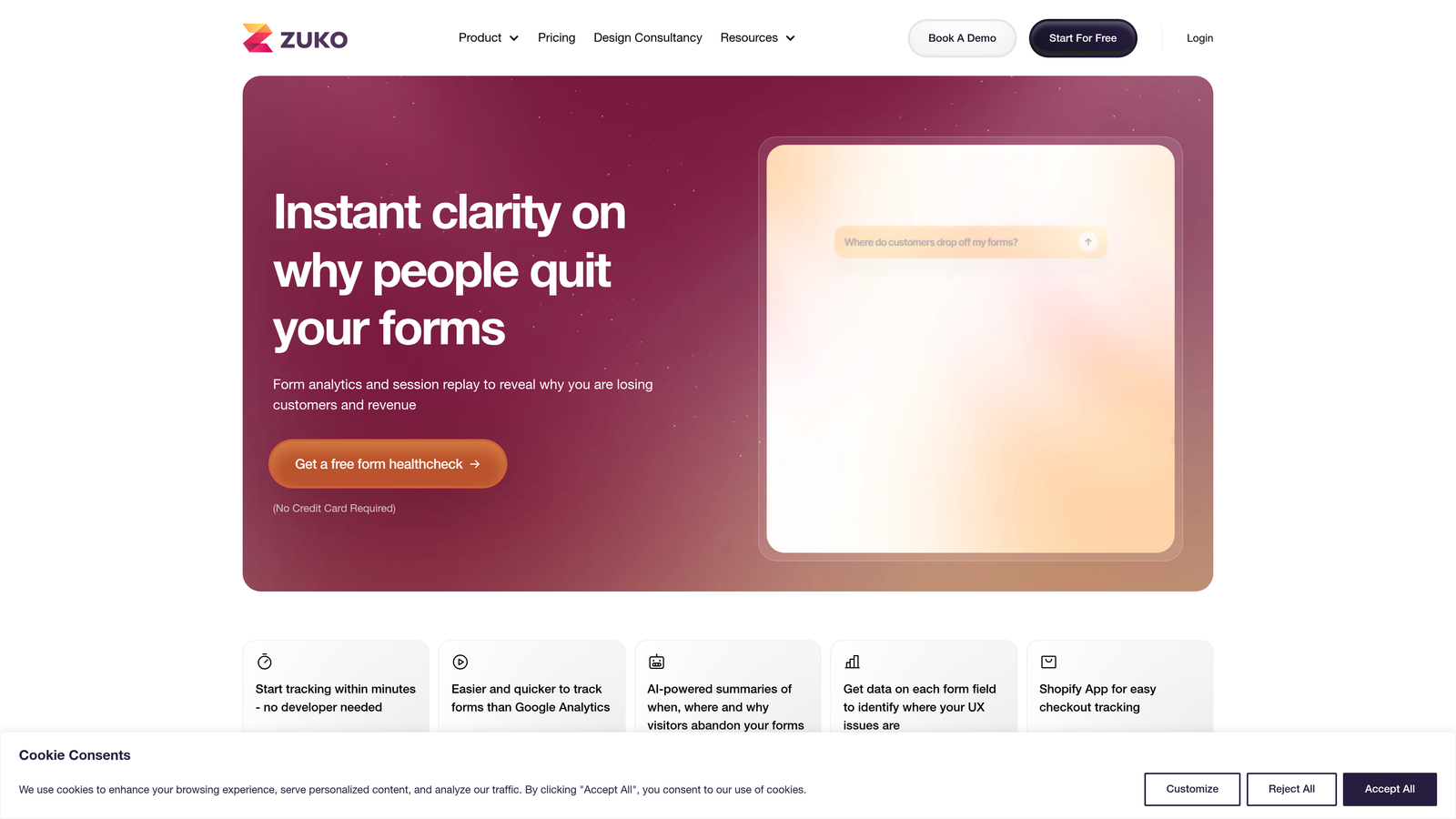
Zuko Analytics is built specifically for form optimization, offering deep field-level analytics designed for teams serious about conversion improvement.
Where This Tool Shines
Zuko's laser focus on forms means you get granular data other platforms miss. The time-to-complete metrics per field reveal not just where users drop off, but where they hesitate—those moments of friction that slow conversions even when users eventually complete the form.
The industry benchmarking feature is particularly valuable. Instead of guessing whether your 68% form completion rate is good or bad, you can compare against similar businesses in your sector to understand where you stand competitively.
Key Features
Field-by-Field Analytics: Detailed completion and abandonment data for every form element.
Time-to-Complete Metrics: Measure how long users spend on each field to identify confusion points.
Error Message Tracking: Capture and analyze which validation errors users encounter most.
Multi-Step Funnel Visualization: Track progression through complex, multi-page form flows.
Industry Benchmarking: Compare your form performance against sector-specific standards.
Best For
E-commerce teams optimizing checkout flows and businesses with complex multi-step forms. If form conversion directly impacts revenue and you need specialized analytics depth, Zuko's dedicated approach delivers insights broader platforms overlook.
Pricing
Plans typically start around $100 per month, with pricing based on monthly form submission volume.
4. Mouseflow
Best for: Automatic friction detection with minimal manual analysis
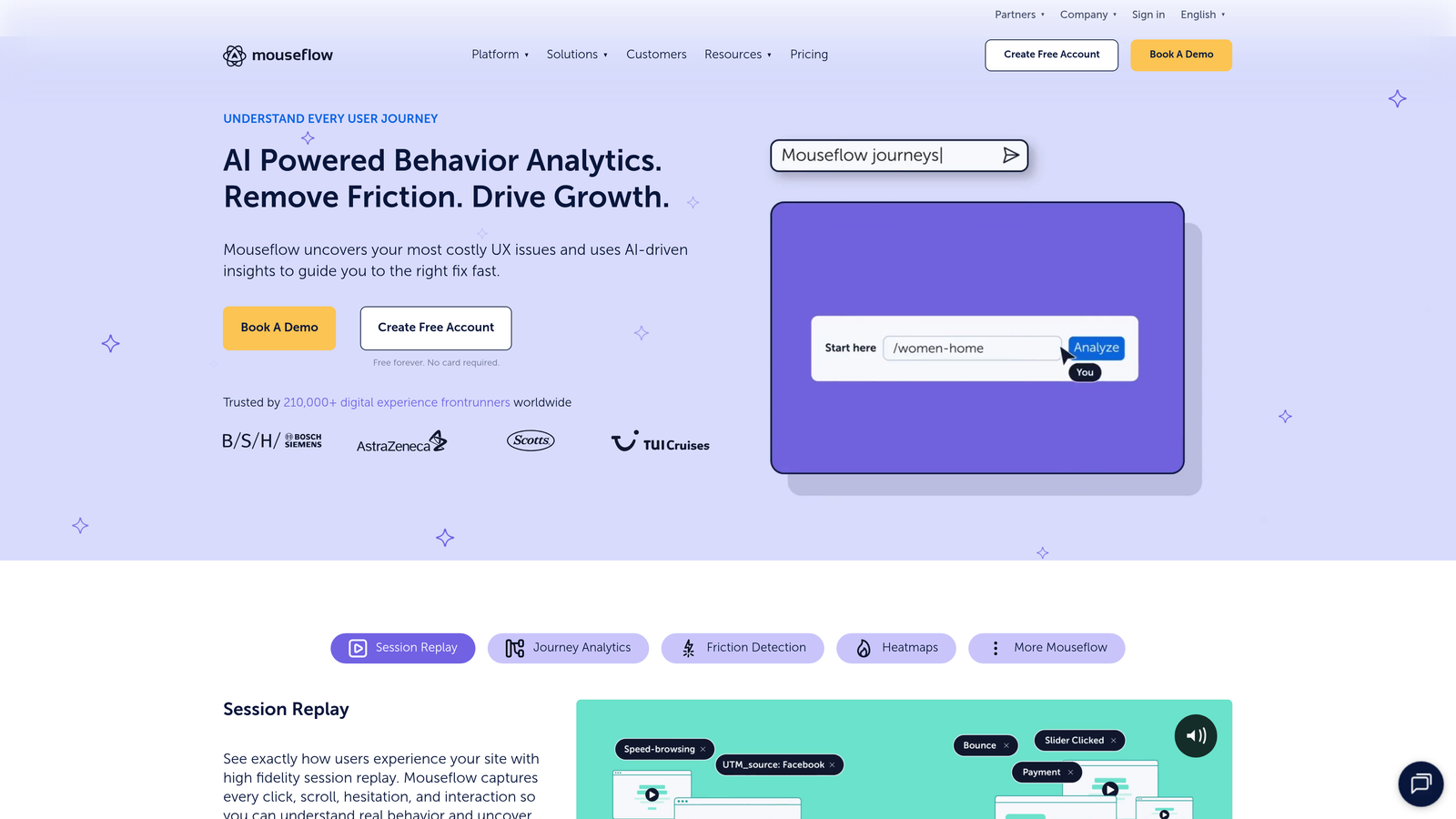
Mouseflow combines form analytics with session replay and automatic friction scoring that highlights problematic interactions without requiring deep analysis.
Where This Tool Shines
The automatic friction score is the game-changer here. Instead of manually reviewing hundreds of sessions to find problems, Mouseflow's algorithm identifies high-friction interactions—rage clicks, error encounters, excessive field revisits—and surfaces them automatically.
This automation makes it practical for smaller teams to benefit from behavior analytics without dedicating someone full-time to analysis. You get alerted to problems rather than hunting for them.
Key Features
Automatic Friction Scoring: AI-powered detection of problematic user interactions and frustration signals.
Form Field Tracking: Monitor interaction patterns, completion rates, and abandonment by field.
Session Recordings: Replay user sessions with special focus on form interactions.
Funnel Analysis: Track conversion paths and identify where users exit the journey.
Heatmaps: Visual click and scroll maps showing form engagement patterns.
Best For
Growing teams that need powerful analytics but lack dedicated analysts. If you want insights without spending hours in dashboards, Mouseflow's automated friction detection brings the most important problems to your attention immediately.
Pricing
Free plan available for basic usage. Paid plans start at $31 per month, scaling with recording volume and feature access.
5. FullStory
Best for: Enterprise teams needing AI-powered insights at scale
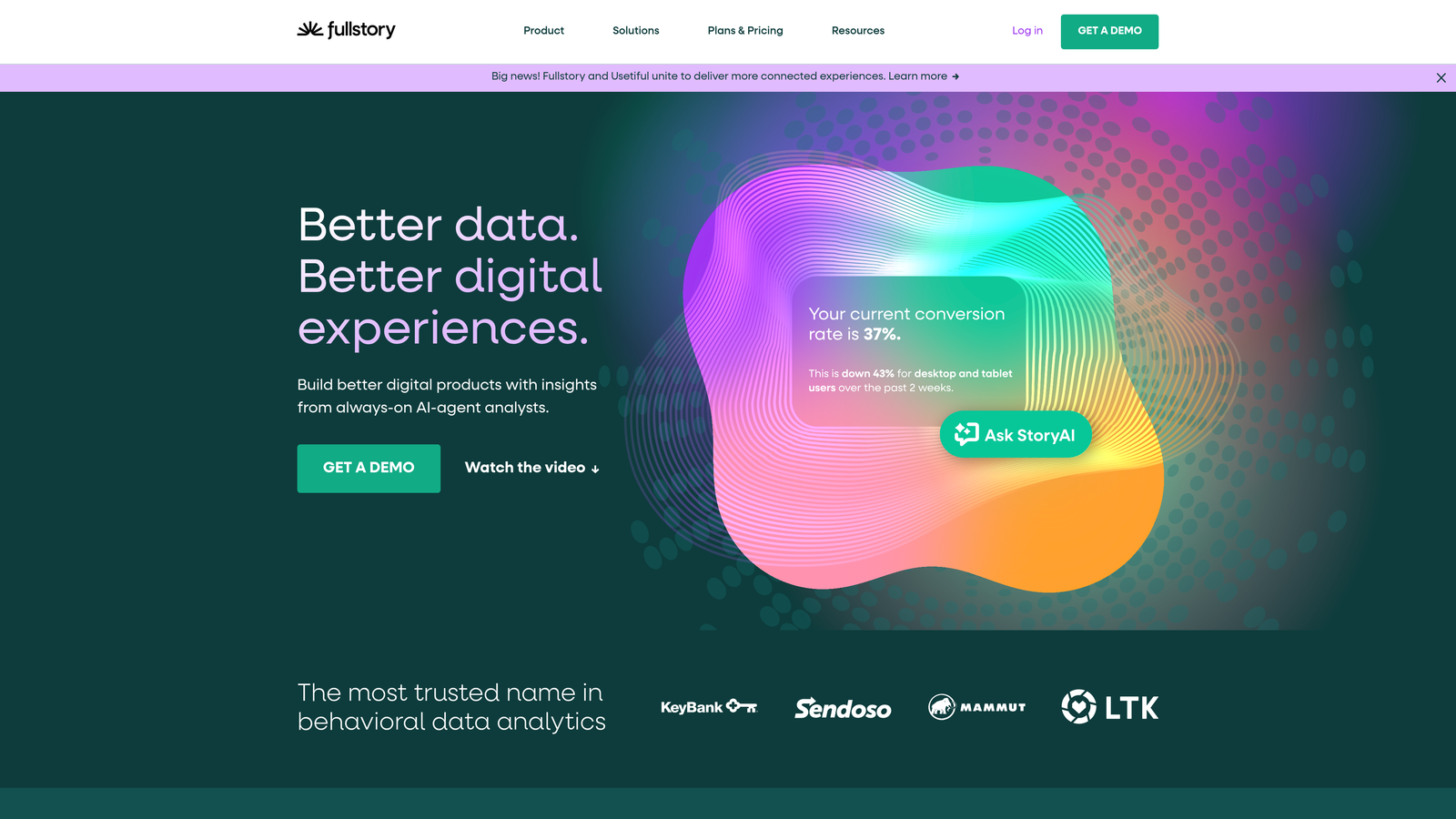
FullStory is an enterprise-grade digital experience platform that applies AI to detect user frustration and surface critical issues automatically.
Where This Tool Shines
FullStory's AI capabilities go beyond basic analytics. The platform detects frustration signals—rage clicks, repeated form submissions, error loops—and categorizes them automatically, helping enterprise teams prioritize fixes based on impact rather than guesswork.
The searchable session replay feature is particularly powerful for large organizations. You can query specific user segments or behaviors and instantly pull up relevant sessions, making it practical to investigate issues affecting specific customer types or form variations.
Key Features
AI-Detected Frustration Signals: Automatic identification of user struggle points and error patterns.
Rage Click Tracking: Capture moments when users repeatedly click elements in frustration.
Searchable Session Replay: Query and filter sessions based on specific behaviors or user attributes.
Advanced Segmentation: Analyze form performance across detailed user segments and cohorts.
Privacy Controls: Robust data capture options designed for regulatory compliance.
Best For
Mid-market to enterprise organizations with high traffic volumes and complex compliance requirements. If you're analyzing millions of sessions and need AI assistance to surface actionable insights from massive datasets, FullStory delivers enterprise-scale capabilities.
Pricing
Custom pricing based on usage volume and requirements. Generally suited for companies with substantial analytics budgets.
6. Lucky Orange
Best for: Budget-conscious teams wanting all-in-one analytics
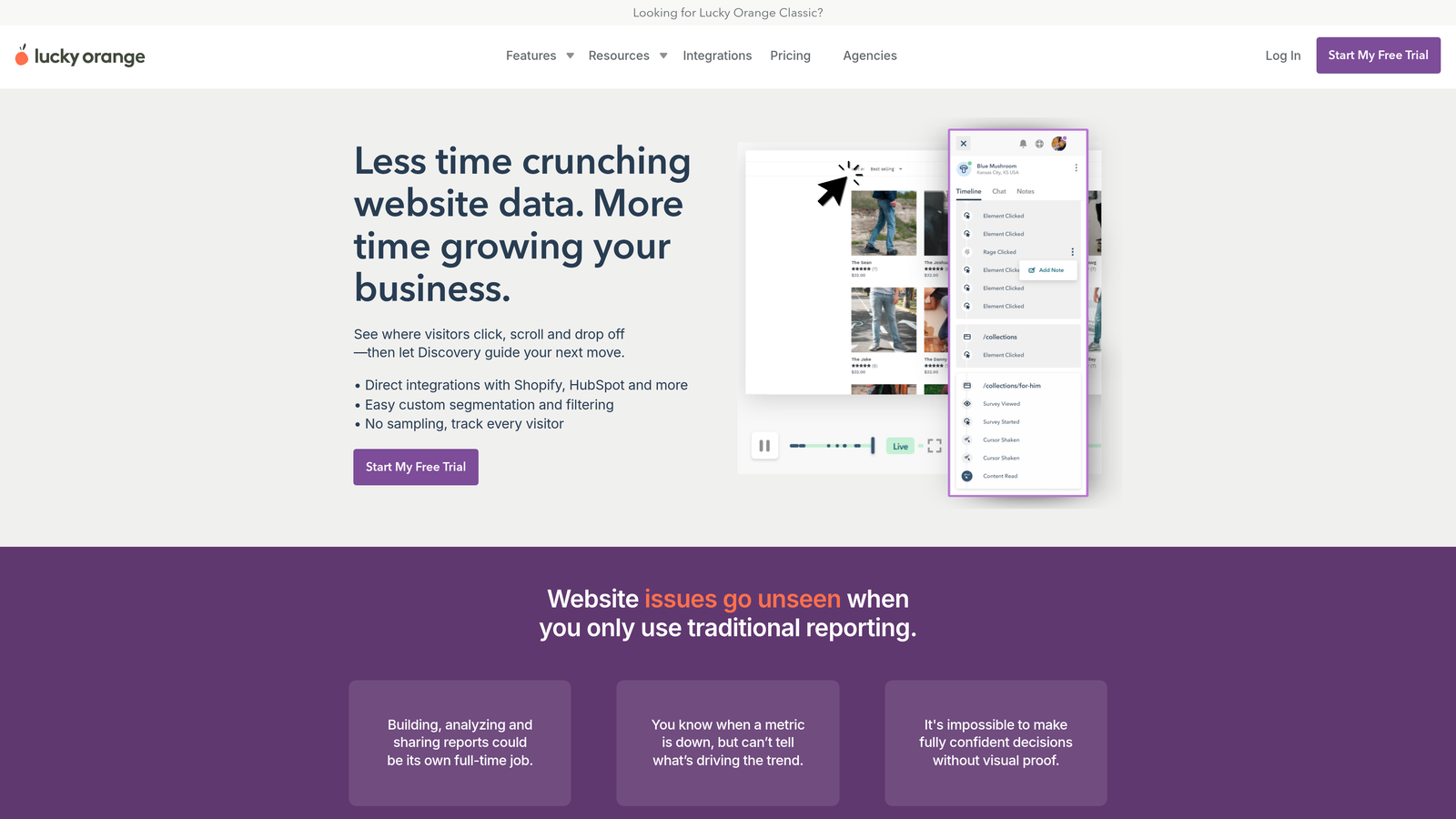
Lucky Orange delivers form analytics, session recordings, heatmaps, and even live chat in an affordable package designed for small to medium businesses.
Where This Tool Shines
The value proposition here is hard to beat. For the price of a basic analytics tool, you get form tracking plus live visitor monitoring, conversion funnels, surveys, and chat support—all in one dashboard.
The real-time aspect is particularly useful for smaller teams. You can watch live visitors interact with your forms and even initiate chat conversations if you notice someone struggling, turning analytics into immediate customer support opportunities.
Key Features
Real-Time Form Analytics: Live dashboard showing current form interactions and completion rates.
Session Recordings: Watch how users navigate and interact with your forms.
Live Visitor Tracking: See who's on your site right now and what they're doing.
Conversion Funnels: Track multi-step processes from landing to conversion.
Survey Tools: Collect direct feedback from users about their form experience.
Best For
Small businesses and startups that need comprehensive analytics without enterprise pricing. If you're running lean and want to consolidate multiple tools into one affordable subscription, Lucky Orange delivers surprising depth for the cost.
Pricing
Free plan available for testing. Paid plans start at just $18 per month, making it one of the most affordable comprehensive options.
7. Formisimo
Best for: A/B testing form variations with detailed comparison analytics
Formisimo specializes in form optimization with strong support for testing different form variations and comparing performance metrics.
Where This Tool Shines
Formisimo's approach to form comparison makes it uniquely valuable for optimization-focused teams. You can run multiple form variations simultaneously and compare field-by-field performance to understand exactly which changes impact conversion.
The optimization recommendations feature analyzes your data and suggests specific improvements—not generic best practices, but insights based on your actual form performance patterns. This guidance helps teams without dedicated CRO specialists make data-driven improvements.
Key Features
Field-Level Analytics: Comprehensive tracking of interactions, completions, and abandonment by field.
Form Comparison: Side-by-side analysis of different form versions to measure impact of changes.
A/B Testing Support: Built-in capabilities for testing form variations against each other.
Abandonment Analysis: Detailed breakdown of where and why users exit forms.
Universal Compatibility: Works with any form type, regardless of how it's built.
Best For
Conversion rate optimization teams running continuous form experiments. If you're systematically testing form improvements and need clear comparison data to measure impact, Formisimo's testing-focused features support rigorous optimization workflows.
Pricing
Contact vendor for pricing details. Typically positioned in the mid-range for specialized form analytics tools.
8. Microsoft Clarity
Best for: Teams wanting powerful analytics at zero cost
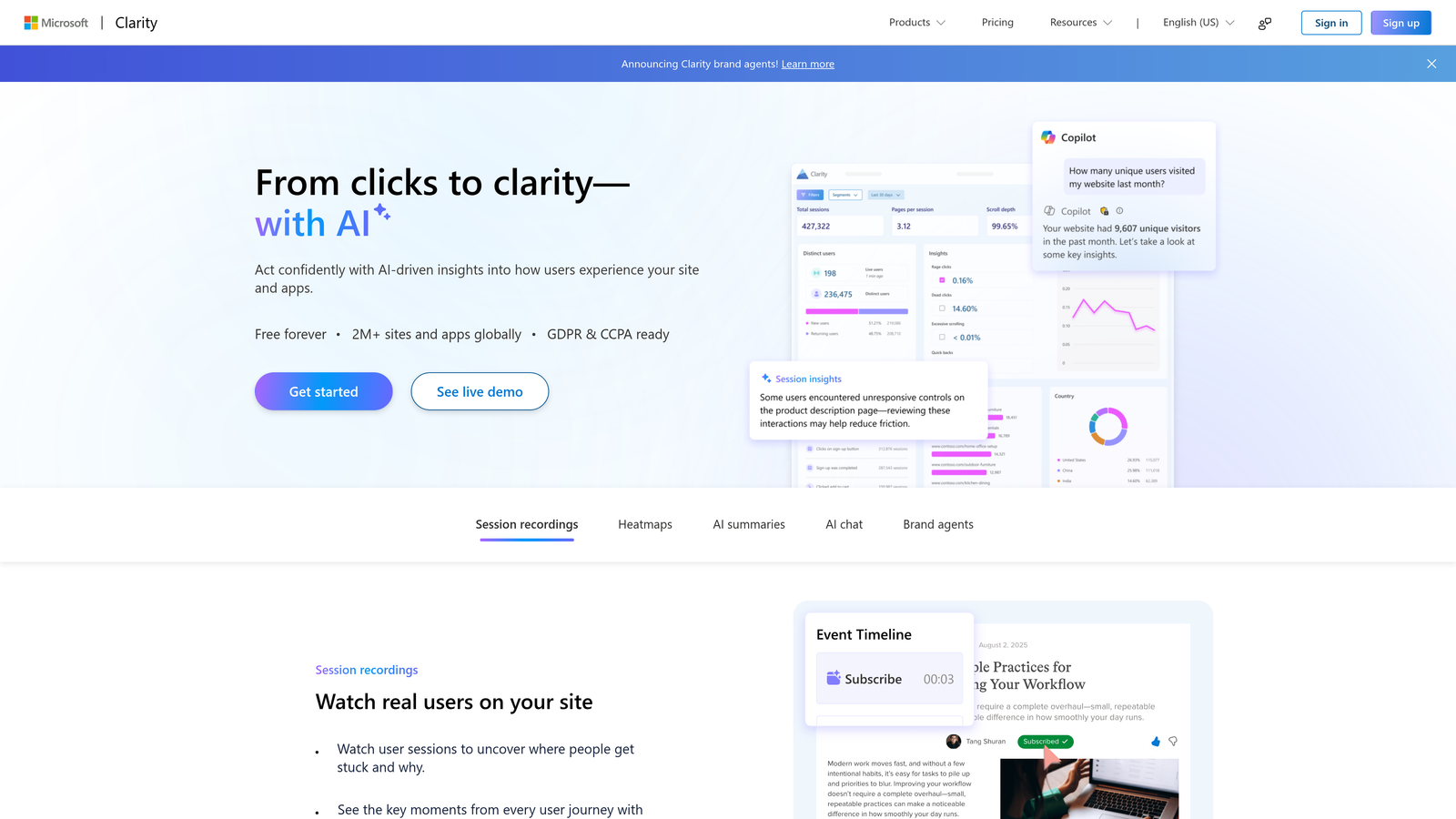
Microsoft Clarity is a completely free behavior analytics tool offering session recordings, heatmaps, and form insights without traffic limits or feature restrictions.
Where This Tool Shines
The fact that Clarity is entirely free with unlimited traffic is remarkable. Most free plans impose session limits or restrict features, but Microsoft offers the full platform at no cost, making enterprise-grade analytics accessible to any team regardless of budget.
The integration with Google Analytics is particularly smooth, letting you combine Clarity's behavior insights with GA's traffic and conversion data for a complete picture without additional cost or complexity.
Key Features
Unlimited Free Usage: No traffic caps, session limits, or feature restrictions on the free tier.
Session Recordings: Watch complete user sessions including form interactions.
Heatmaps: Visual click and scroll maps showing engagement patterns.
Frustration Detection: Automatic identification of dead clicks and rage clicks.
Google Analytics Integration: Connect seamlessly with GA for unified reporting.
Best For
Bootstrapped startups, nonprofits, and any team operating with minimal tool budgets. If cost is a barrier to implementing analytics, Clarity removes that obstacle entirely while delivering genuinely useful insights.
Pricing
Completely free with no hidden costs or usage limits.
9. Heap
Best for: Product teams wanting automatic event capture without manual tagging
Heap takes a different approach to analytics by automatically capturing all user interactions, eliminating the need to manually define events before tracking them.
Where This Tool Shines
The automatic capture capability is transformative for product teams. Traditional analytics requires you to decide what to track before users interact with your forms—but what if you realize two weeks later you need data you didn't think to capture? With Heap, that data already exists.
This retroactive analytics capability means you can ask new questions about past form interactions without having lost the data. It's particularly valuable during rapid iteration when tracking requirements evolve faster than implementation cycles.
Key Features
Automatic Event Capture: Tracks all user interactions without requiring manual event definition.
Retroactive Analytics: Analyze historical data even for events you didn't pre-define.
Form Funnel Analysis: Track conversion paths and drop-off points through form flows.
User Journey Mapping: Understand complete paths users take before and after form interactions.
Product Analytics Integration: Connects form data with broader product usage patterns.
Best For
Product-led growth teams and SaaS companies where forms are part of larger product experiences. If you're analyzing how form interactions fit into overall product usage and need flexibility to ask new questions without losing historical data, Heap's automatic approach eliminates tracking gaps.
Pricing
Free tier available for getting started. Paid plans scale based on monthly tracked users and feature requirements.
Finding Your Perfect Match
The right form analytics tool depends on your specific situation. If you're building forms from scratch and want analytics built in from day one, Orbit AI eliminates tool sprawl while adding AI-powered lead qualification that most analytics platforms lack.
For teams on tight budgets, Microsoft Clarity delivers surprisingly robust analytics at zero cost, while Lucky Orange provides an affordable all-in-one solution if you need additional features like live chat. Growing teams focused specifically on form optimization should consider Zuko's specialized depth or Formisimo's A/B testing capabilities.
Enterprise organizations with complex compliance requirements and massive traffic volumes will find FullStory's AI-powered insights and advanced segmentation worth the investment. Product teams working in fast-moving environments benefit from Heap's automatic capture, which ensures you never lose valuable historical data when priorities shift.
The broader behavior analytics platforms—Hotjar and Mouseflow—make sense when you need form insights as part of holistic user experience optimization. They provide context around form interactions that specialized tools might miss.
Transform your lead generation with AI-powered forms that qualify prospects automatically while delivering the modern, conversion-optimized experience your high-growth team needs. Start your free trial today and see how intelligent form design can elevate your conversion strategy.


