

Manual form management is a conversion killer. Every hour spent copying data between systems, manually routing leads, or following up on submissions is an hour not spent closing deals. Form automation software eliminates these bottlenecks by automatically capturing, qualifying, routing, and acting on form submissions—turning passive data collection into an active lead generation engine.
We evaluated dozens of platforms based on automation depth, integration ecosystems, ease of setup, and value for growing teams. Here are the nine form automation tools worth your attention in 2026.
1. Orbit AI
Best for: High-growth teams that need AI-powered lead qualification built into their forms
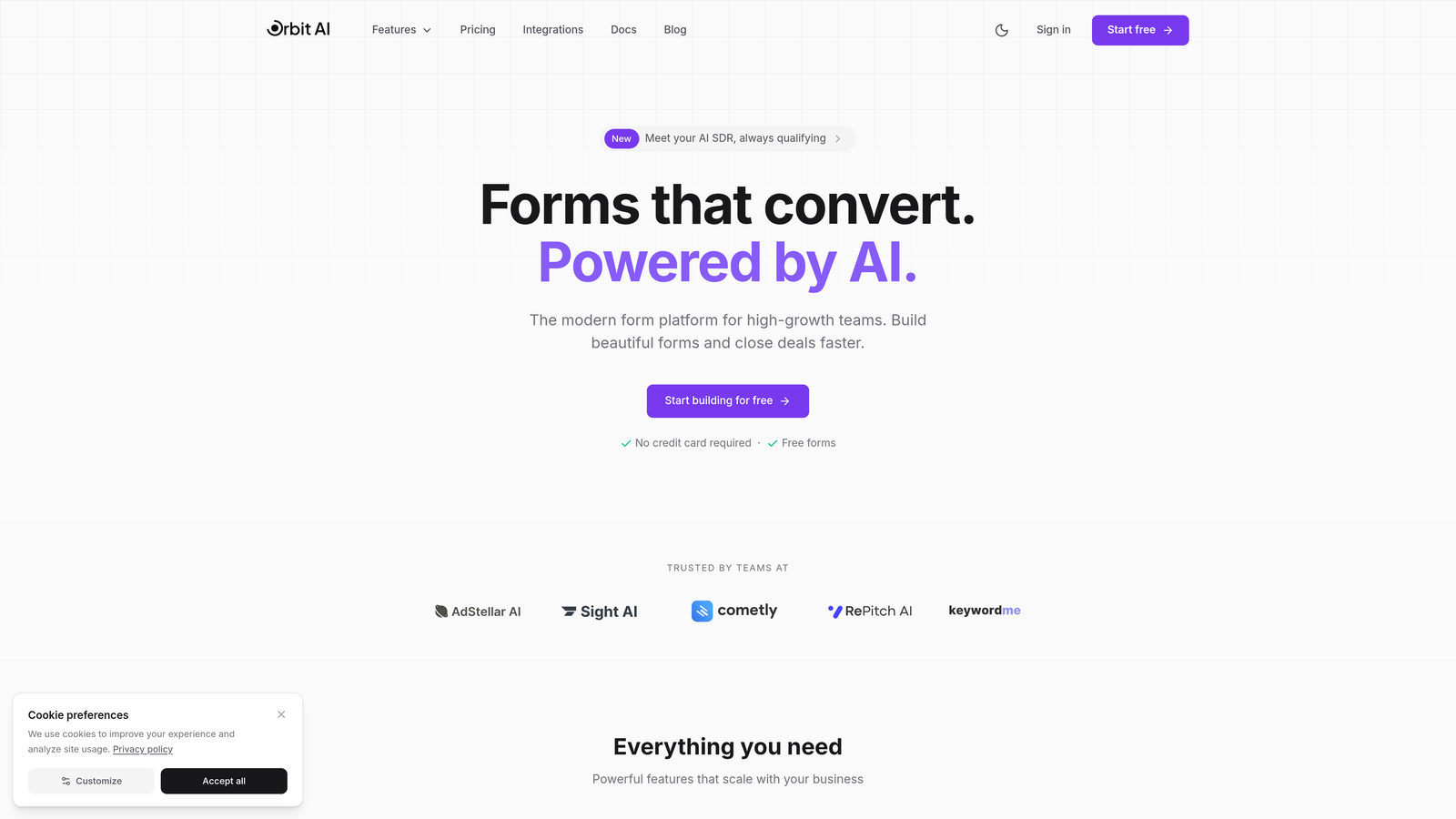
Orbit AI is an AI-powered form builder that combines beautiful design with intelligent lead qualification and automated workflows specifically designed for high-growth teams.
Where This Tool Shines
Orbit AI stands out by embedding artificial intelligence directly into the form experience. Instead of capturing leads and manually scoring them later, the platform qualifies prospects in real-time as they fill out forms, automatically routing high-value leads to sales while nurturing others through marketing sequences.
The platform focuses on conversion optimization from the ground up. Every template is designed with high-converting patterns, and the AI learns from your submission data to continuously improve lead scoring accuracy. For teams tired of sifting through unqualified leads, this approach transforms forms from data collection tools into intelligent qualification engines.
Key Features
AI-Powered Lead Qualification: Automatically scores and qualifies leads based on responses, routing high-value prospects to sales instantly.
Conversion-Optimized Templates: Pre-built form designs engineered for maximum completion rates across industries and use cases.
Native CRM Integrations: Direct connections to HubSpot, Salesforce, and other major platforms eliminate data silos and manual entry.
Automated Sequences: Trigger email sequences, Slack notifications, or workflow actions based on form submissions and lead scores.
Built-In Analytics: Track conversion rates, drop-off points, and lead quality metrics without connecting external analytics tools.
Best For
Orbit AI is ideal for SaaS companies, B2B service providers, and high-growth teams that generate significant lead volume and need intelligent qualification to separate ready-to-buy prospects from tire-kickers. If your sales team wastes time on unqualified leads, this platform solves that problem at the source.
Pricing
Free tier available for teams getting started. Paid plans begin at $29/month with expanded automation capabilities and higher submission limits.
2. Typeform
Best for: Creating engaging conversational experiences with one-question-at-a-time interfaces
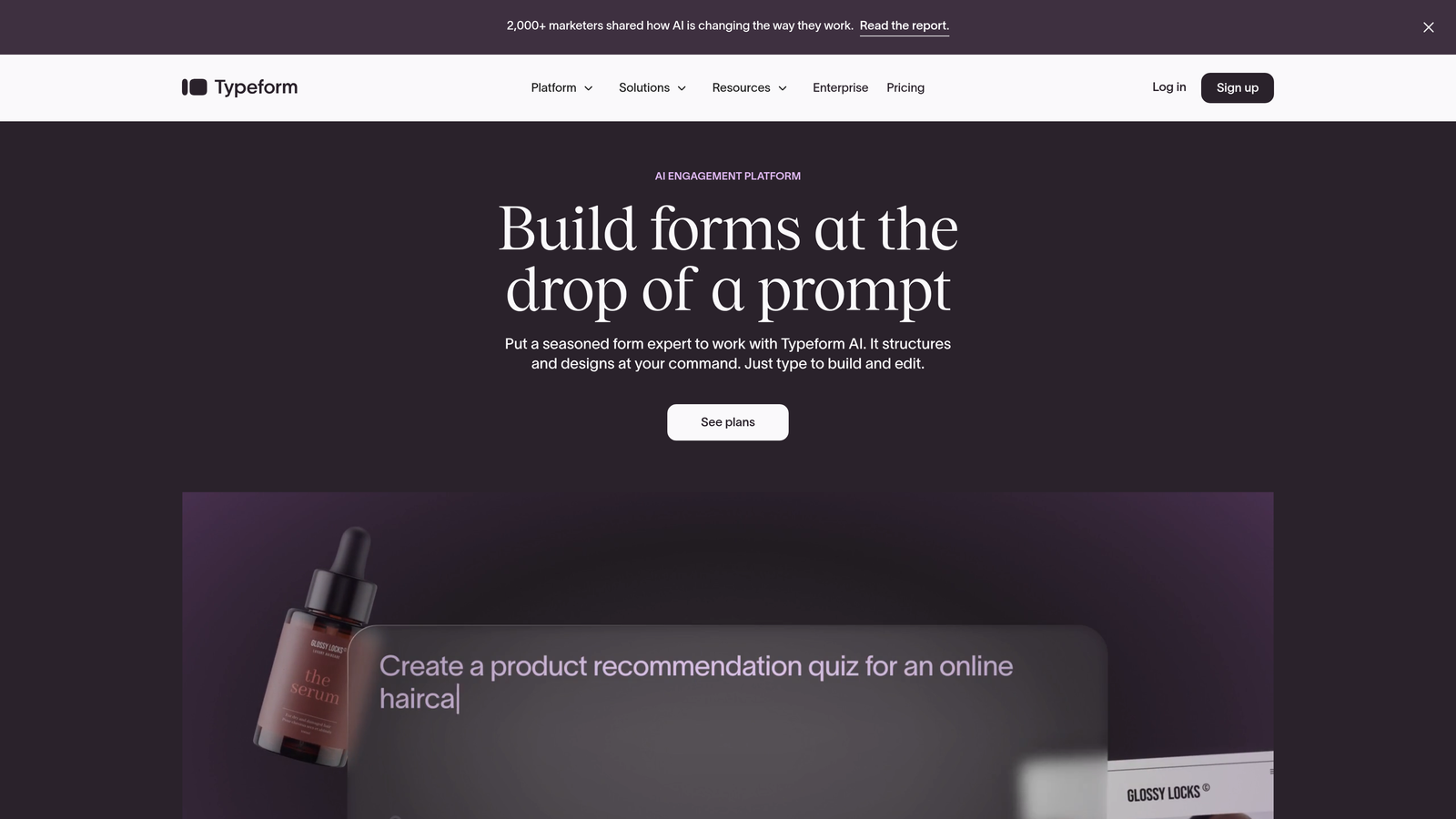
Typeform is a conversational form builder known for its distinctive one-question-at-a-time interface and sophisticated conditional logic capabilities.
Where This Tool Shines
Typeform pioneered the conversational form format, and it remains the gold standard for engagement. By showing one question at a time instead of overwhelming users with long forms, completion rates typically increase significantly. The interface feels more like a conversation than an interrogation.
The platform's conditional logic is exceptionally powerful. You can create complex branching paths that adapt based on previous answers, showing different questions to different respondents. This makes Typeform particularly effective for surveys, quizzes, and lead qualification flows that need to feel personalized.
Key Features
Conversational Format: One-question-at-a-time display reduces cognitive load and improves completion rates for longer forms.
Advanced Conditional Logic: Create sophisticated branching paths that adapt the form experience based on user responses.
Native Integrations: Direct connections to major marketing tools, CRMs, and productivity platforms without requiring Zapier.
Media Embedding: Add videos, images, and GIFs to questions for more engaging, branded form experiences.
Hidden Fields: Track UTM parameters, referral sources, and other metadata for attribution and personalization.
Best For
Typeform works best for teams that prioritize user experience and engagement over speed. If you're running lead qualification surveys, customer feedback forms, or interactive quizzes where the journey matters as much as the data, Typeform delivers. Marketing teams particularly appreciate the polished, on-brand experiences it enables.
Pricing
Free tier available with basic features. Paid plans start at $25/month, with Logic and Calculator features requiring higher-tier plans.
3. Jotform
Best for: Teams needing extensive templates and built-in approval workflows
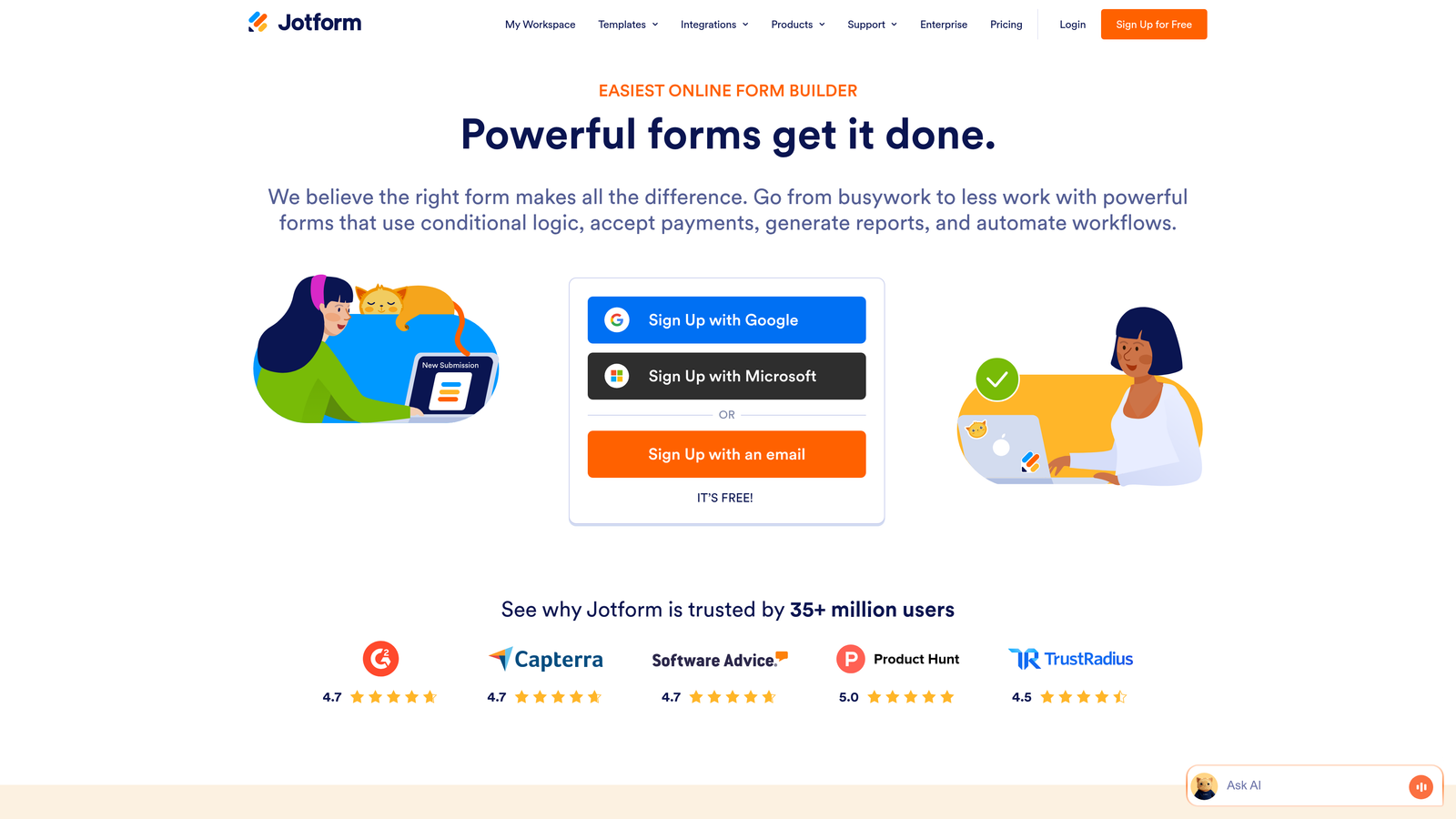
Jotform is a versatile form builder offering over 10,000 templates, approval workflow automation, and built-in payment processing for diverse business needs.
Where This Tool Shines
Jotform's massive template library means you'll rarely build a form from scratch. Whether you need employment applications, event registrations, order forms, or patient intake documents, there's likely a pre-built template that gets you 80% of the way there. This dramatically reduces setup time.
The platform's approval workflow system is particularly valuable for organizations that need multi-step review processes. Submissions can automatically route through department heads, managers, or compliance officers before final processing. Combined with payment processing capabilities, Jotform handles complex business processes end-to-end.
Key Features
10,000+ Templates: Industry-specific form templates cover virtually every use case, from healthcare to education to e-commerce.
Approval Workflows: Route submissions through multiple reviewers with automated notifications and status tracking.
Payment Processing: Accept payments through 30+ gateways including Stripe, PayPal, Square, and Authorize.net.
PDF Report Generation: Automatically convert submissions into formatted PDF reports for records or distribution.
Jotform Tables: Store and manage submission data in spreadsheet-like tables with collaboration features.
Best For
Jotform excels for small businesses, educational institutions, and service providers that need versatile forms across multiple departments. If you're collecting payments, managing approval processes, or need forms for diverse use cases without learning multiple platforms, Jotform's breadth makes it a practical choice.
Pricing
Free tier includes 5 forms. Paid plans start at $34/month with unlimited forms and expanded features.
4. Formstack
Best for: Enterprise teams requiring compliance features and document automation
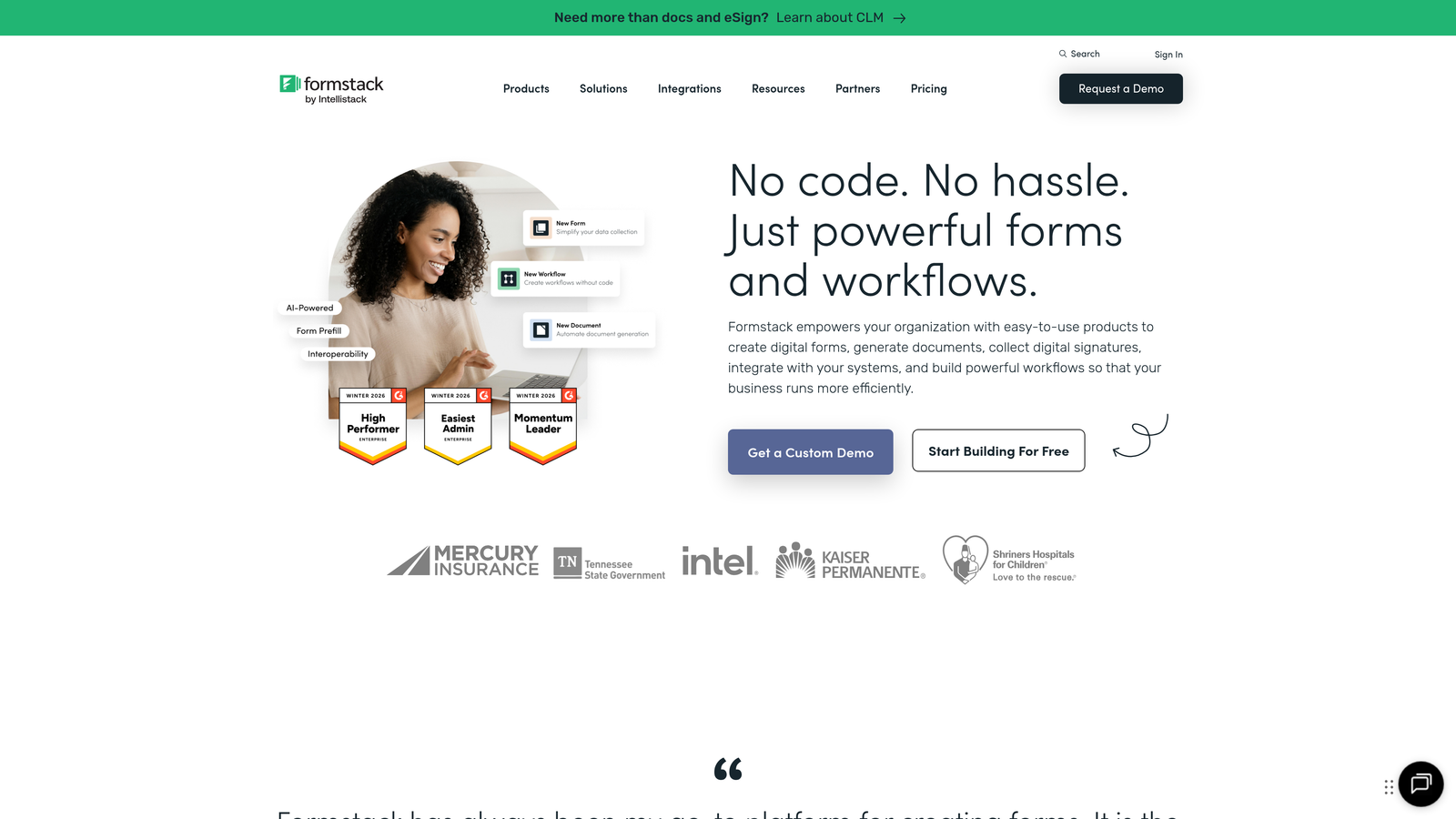
Formstack is an enterprise-grade form automation platform with document generation, e-signatures, and compliance features designed for regulated industries.
Where This Tool Shines
Formstack is built for organizations where compliance isn't optional. The platform offers HIPAA and GDPR compliance features out of the box, making it a go-to choice for healthcare providers, financial services firms, and other regulated industries. Data encryption, audit trails, and access controls are enterprise-grade.
The document generation capability sets Formstack apart. Form submissions can automatically populate contracts, agreements, invoices, or reports, then route them for e-signature collection. This transforms forms from simple data capture into complete business process automation, eliminating manual document creation entirely.
Key Features
Document Generation: Automatically create contracts, invoices, and reports from form data using customizable templates.
Native E-Signatures: Collect legally binding electronic signatures without integrating third-party tools.
HIPAA and GDPR Compliance: Built-in features for regulated industries including encryption, audit logs, and data processing agreements.
Advanced Approval Routing: Configure multi-step approval workflows with conditional routing based on submission data.
Salesforce-Native Integration: Deep Salesforce connection that functions as a native app within the CRM environment.
Best For
Formstack is ideal for enterprise teams in healthcare, finance, legal, and other regulated industries where compliance and audit trails are non-negotiable. If your forms feed into complex document workflows or require multiple approval layers, Formstack handles this complexity better than consumer-focused alternatives.
Pricing
Plans start at $50/month. Enterprise pricing available with dedicated support and advanced compliance features.
5. Zapier Interfaces
Best for: Teams already using Zapier who need instant access to 6,000+ integrations
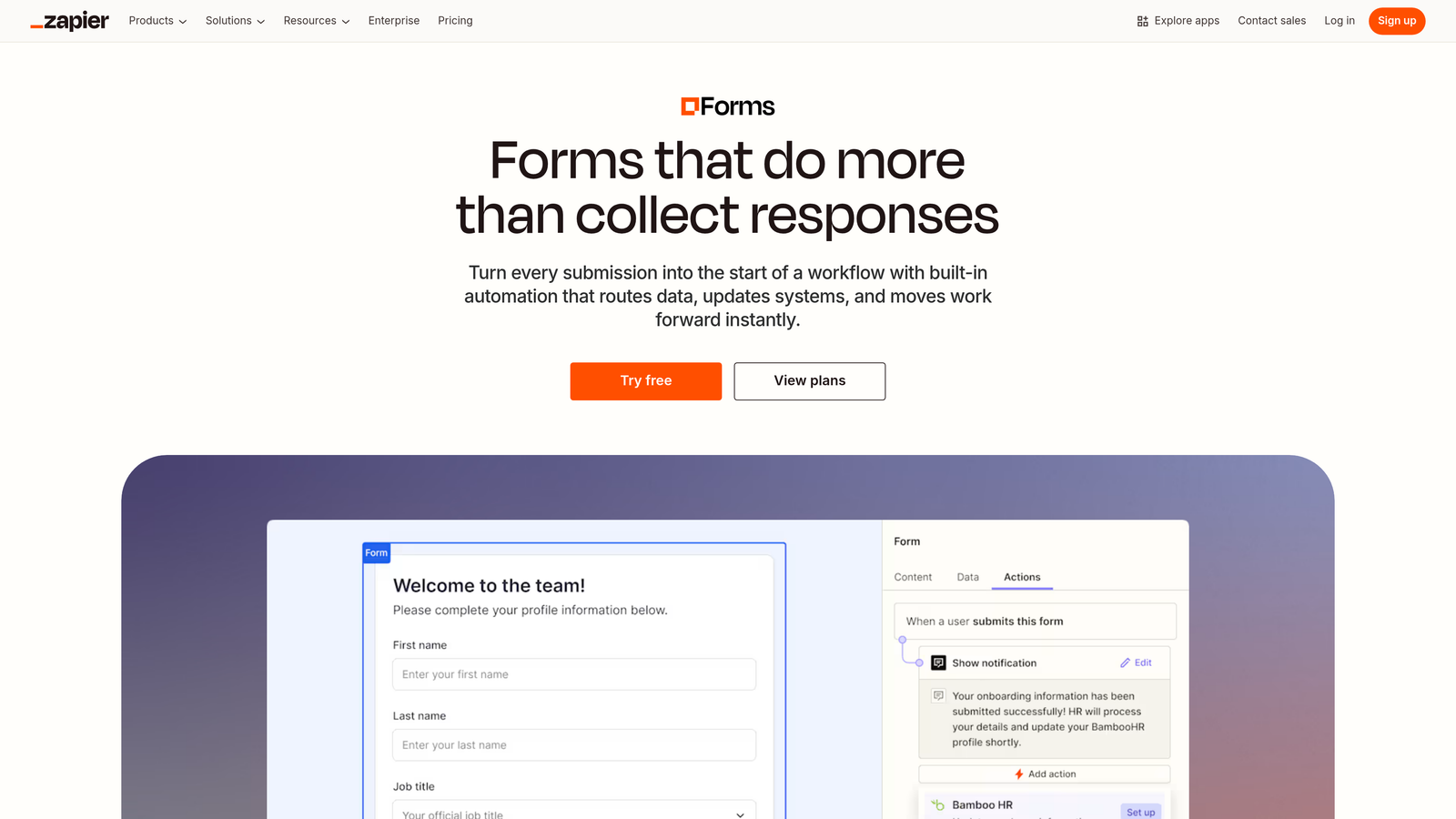
Zapier Interfaces is a form builder native to the Zapier ecosystem, enabling instant connections to thousands of apps without additional configuration.
Where This Tool Shines
If you're already using Zapier for workflow automation, Interfaces eliminates integration friction entirely. Forms connect directly to your existing Zaps without webhooks, API keys, or middleware. The moment someone submits a form, your established automation workflows trigger immediately.
The platform's strength is breadth rather than depth. While it may not have the most advanced form features, the ability to instantly connect submissions to virtually any business application creates powerful possibilities. Build a form in the morning, have it feeding data into your entire tech stack by afternoon.
Key Features
6,000+ Native Integrations: Instant access to Zapier's entire app ecosystem without additional setup or authentication.
No-Code Builder: Visual form and page builder that requires zero coding knowledge to create functional interfaces.
Tables for Data Storage: Store submission data in Zapier Tables for management, filtering, and use in other automations.
Multi-Step Triggers: Form submissions can trigger complex multi-step Zaps that orchestrate actions across multiple platforms.
Team Workspaces: Collaborate on forms and automations with shared access and version control.
Best For
Zapier Interfaces makes sense for teams already invested in the Zapier ecosystem who want to consolidate tools. If you're running dozens of Zaps and need forms that integrate seamlessly with existing workflows, this native solution eliminates integration headaches. It's particularly valuable for operations teams managing complex cross-platform processes.
Pricing
Included with Zapier subscriptions. Free tier available with limited features; paid plans scale with automation usage.
6. Tally
Best for: Budget-conscious teams that need unlimited forms without monthly fees
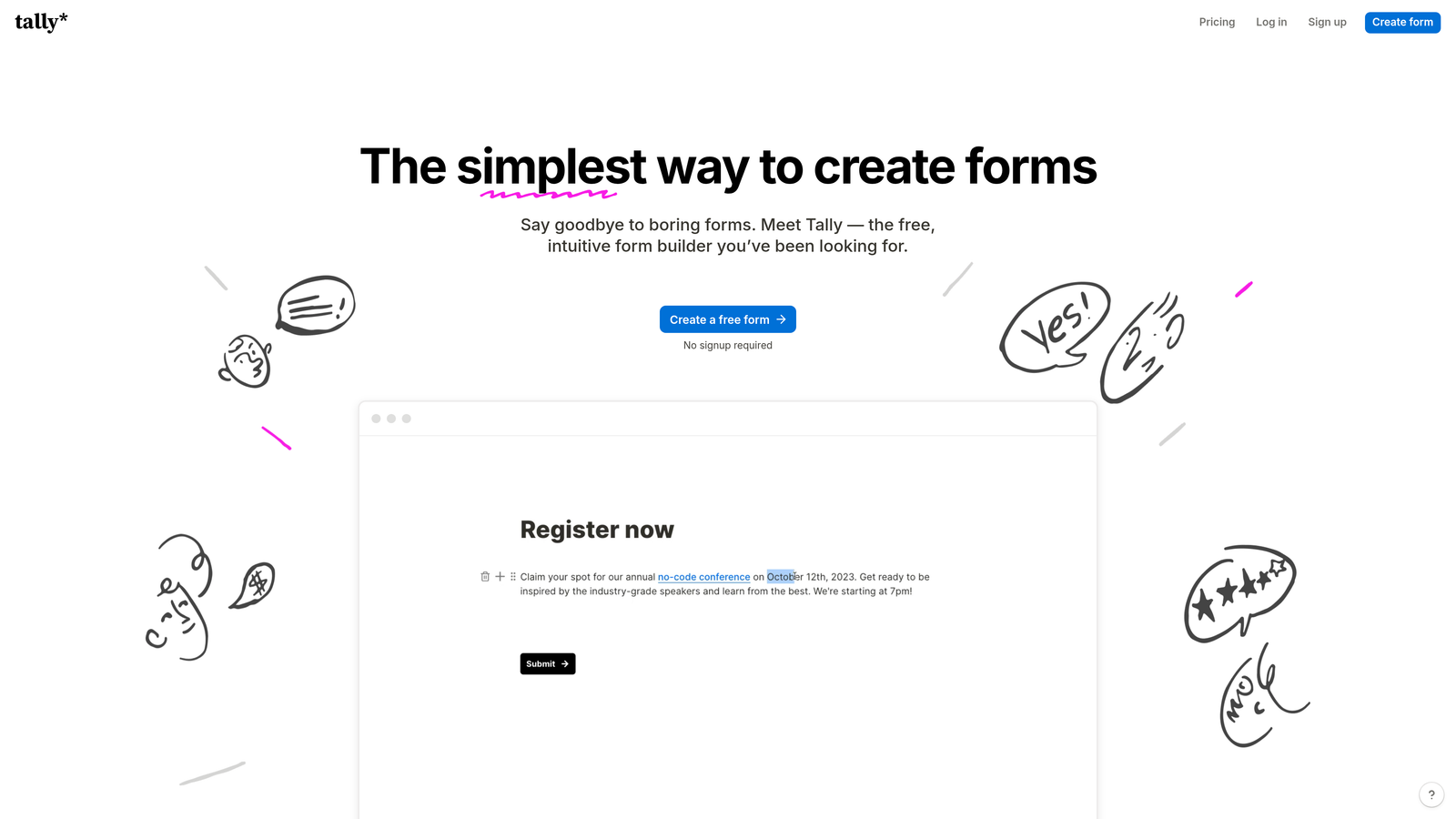
Tally is a simple, Notion-like form builder with a generous free tier and solid automation capabilities designed for budget-conscious teams.
Where This Tool Shines
Tally's free tier is remarkably generous—unlimited forms, unlimited submissions, and most core features at zero cost. For startups and small teams watching every dollar, this removes the typical "form tax" that forces you to choose between basic tools or expensive enterprise platforms.
The Notion-style block-based editor feels immediately familiar if you've used modern productivity tools. Building forms is intuitive and fast, with a clean interface that doesn't overwhelm you with options. Despite the simplicity, Tally includes conditional logic, calculations, and integrations with popular tools like Notion, Slack, and Airtable.
Key Features
Unlimited Free Tier: Create unlimited forms with unlimited submissions at no cost, removing typical volume restrictions.
Block-Based Editor: Notion-inspired interface makes form building intuitive for teams already familiar with modern productivity tools.
Native Integrations: Direct connections to Notion, Slack, Airtable, and Google Sheets without requiring Zapier.
Conditional Logic: Show or hide questions based on previous answers to create dynamic, personalized form experiences.
Custom Thank-You Pages: Redirect respondents to custom pages or external URLs after submission for better user experience.
Best For
Tally is perfect for bootstrapped startups, side projects, and small teams that need professional forms without budget allocation. If you're collecting event registrations, customer feedback, or lead information and don't want to pay for features you won't use, Tally delivers surprising capability at zero cost.
Pricing
Free tier includes most features with unlimited forms and submissions. Pro plan available from $29/month for advanced customization and priority support.
7. Cognito Forms
Best for: Service businesses needing advanced calculations and repeating sections
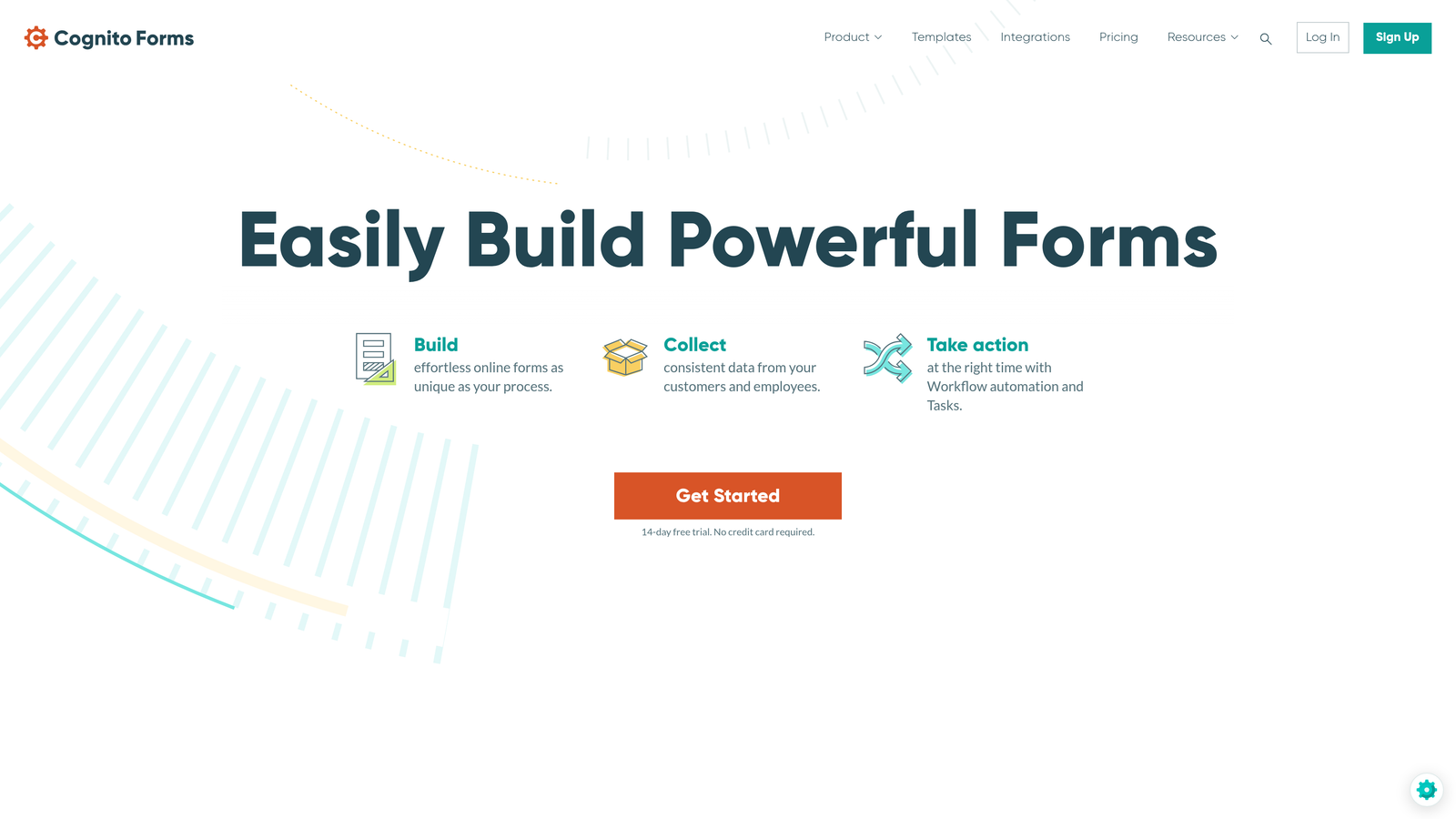
Cognito Forms is a calculation-focused form builder with repeating sections, payment processing, and sophisticated data routing designed for service businesses.
Where This Tool Shines
Cognito Forms excels at complex calculations. If you need to generate quotes, calculate pricing based on multiple variables, or perform mathematical operations on form data, this platform handles it natively. Service businesses can build estimation forms that automatically calculate project costs based on user selections.
The repeating sections feature is particularly powerful for forms where users need to add multiple items—think order forms where customers can add multiple products, or application forms where candidates can list multiple work experiences. This flexibility eliminates the need for separate forms or awkward workarounds.
Key Features
Advanced Calculations: Perform complex mathematical operations and pricing logic directly within forms without custom code.
Repeating Sections: Allow users to dynamically add multiple entries for products, line items, or repeated information blocks.
Payment Processing: Accept payments through Stripe, PayPal, and Square with automatic calculation of totals and taxes.
Conditional Data Routing: Route submissions to different team members or workflows based on form responses or calculated values.
Entry Management: Built-in workflow tools for managing submissions, updating statuses, and collaborating on responses.
Best For
Cognito Forms works exceptionally well for service providers, contractors, and businesses that need dynamic pricing forms. If you're collecting orders with variable pricing, generating service estimates, or managing applications with repeating data, the calculation and repeating section capabilities solve problems other form builders struggle with.
Pricing
Free tier available for basic needs. Paid plans start at $15/month with expanded features and higher submission limits.
8. HubSpot Forms
Best for: Teams already using HubSpot CRM who want native form integration
HubSpot Forms is a CRM-native form builder that automatically populates contact records and triggers marketing automation workflows within the HubSpot ecosystem.
Where This Tool Shines
HubSpot Forms eliminates the integration gap between lead capture and CRM data. Every submission automatically creates or updates contact records with zero manual work. The form knows if someone has submitted before and can use progressive profiling to ask different questions to returning visitors, gradually building richer contact profiles.
For teams running marketing automation in HubSpot, forms become powerful workflow triggers. A form submission can automatically enroll contacts in nurture sequences, assign leads to sales reps, update lifecycle stages, or trigger internal notifications. This tight integration makes HubSpot Forms the obvious choice if you're already in the ecosystem.
Key Features
Automatic CRM Population: Form submissions instantly create or update contact records with no integration configuration required.
Marketing Automation Triggers: Use form submissions to automatically enroll contacts in email sequences and workflow automations.
Progressive Profiling: Show different form fields to returning visitors to gradually collect more information without overwhelming them.
Smart Content: Personalize form content and messaging based on contact properties and previous interactions.
Built-In Analytics: Track form performance, conversion rates, and attribution within HubSpot's reporting tools.
Best For
HubSpot Forms is the natural choice for teams already using HubSpot CRM or Marketing Hub. If your entire go-to-market operation runs on HubSpot, using their native forms eliminates integration complexity and keeps all your data in one ecosystem. The progressive profiling feature is particularly valuable for content-heavy sites with repeat visitors.
Pricing
Free with HubSpot CRM. Advanced features like progressive profiling and automation triggers require paid Marketing Hub subscriptions.
9. Paperform
Best for: Creating branded landing page experiences with embedded payments and bookings
Paperform is a design-forward form builder that creates branded landing pages with embedded payments, scheduling, and automation capabilities.
Where This Tool Shines
Paperform blurs the line between forms and landing pages. Instead of embedding a form on your site, you create a full-page branded experience that looks like a custom-built landing page. This makes it particularly effective for product launches, event registrations, and sales pages where the form is the destination, not just a component.
The platform combines form functionality with e-commerce and booking capabilities. You can sell products, collect payments, and schedule appointments all within the same interface. For service businesses and course creators, this consolidates multiple tools into one platform.
Key Features
Landing Page Design: Create full-page branded experiences that look like custom landing pages rather than embedded forms.
Built-In Scheduling: Add booking and appointment scheduling directly into forms without integrating calendar tools.
E-Commerce Integration: Sell products, accept payments, and manage orders with built-in shopping cart functionality.
Conditional Logic: Show or hide sections based on responses to create personalized form experiences.
1,000+ Integrations: Connect to business tools through direct integrations and Zapier for extended functionality.
Best For
Paperform works best for coaches, consultants, course creators, and service providers who need forms that double as sales and booking pages. If you're selling digital products, collecting event registrations, or managing appointment bookings and want everything in one polished interface, Paperform delivers a cohesive experience.
Pricing
Plans start at $24/month with a 14-day free trial. Higher tiers add advanced features and remove branding.
Making the Right Choice
Choosing the right form automation software depends on where you need the most leverage. For AI-powered lead qualification that turns every submission into actionable intelligence, Orbit AI leads the pack with its focus on high-growth teams and conversion optimization. Teams prioritizing conversational experiences should explore Typeform, while those needing enterprise compliance will find Formstack comprehensive.
Budget-conscious startups can start strong with Tally's generous free tier, and teams already invested in Zapier will appreciate the seamless integration of Zapier Interfaces. If you're running your entire operation on HubSpot, their native forms eliminate integration friction. Service businesses needing complex calculations should look at Cognito Forms, while those wanting landing page-style experiences will find Paperform compelling.
The goal remains the same across all platforms: eliminate manual work between form submission and meaningful action. The best form automation software doesn't just collect data—it qualifies leads, routes information intelligently, triggers follow-up sequences, and integrates seamlessly with your existing tech stack.
Start with a free trial of your top pick and measure the time you reclaim in the first week. The right platform should feel like adding a team member who never sleeps, instantly processing every submission and taking appropriate action without supervision.
Transform your lead generation with AI-powered forms that qualify prospects automatically while delivering the modern, conversion-optimized experience your high-growth team needs. Start your free trial today and see how intelligent form design can elevate your conversion strategy.


