

Enterprise teams face unique challenges when it comes to form building—complex approval workflows, strict security requirements, integration with legacy systems, and the need to handle thousands of submissions without breaking a sweat. The right enterprise form builder doesn't just collect data; it becomes the backbone of your lead generation infrastructure, connecting seamlessly with your CRM, qualifying prospects automatically, and maintaining compliance across global operations.
We've evaluated the leading platforms based on scalability, security certifications, integration depth, and features that matter most to high-growth enterprise teams. Here are the top contenders for 2026.
1. Orbit AI
Best for: High-growth teams needing AI-powered lead qualification with conversion-optimized design
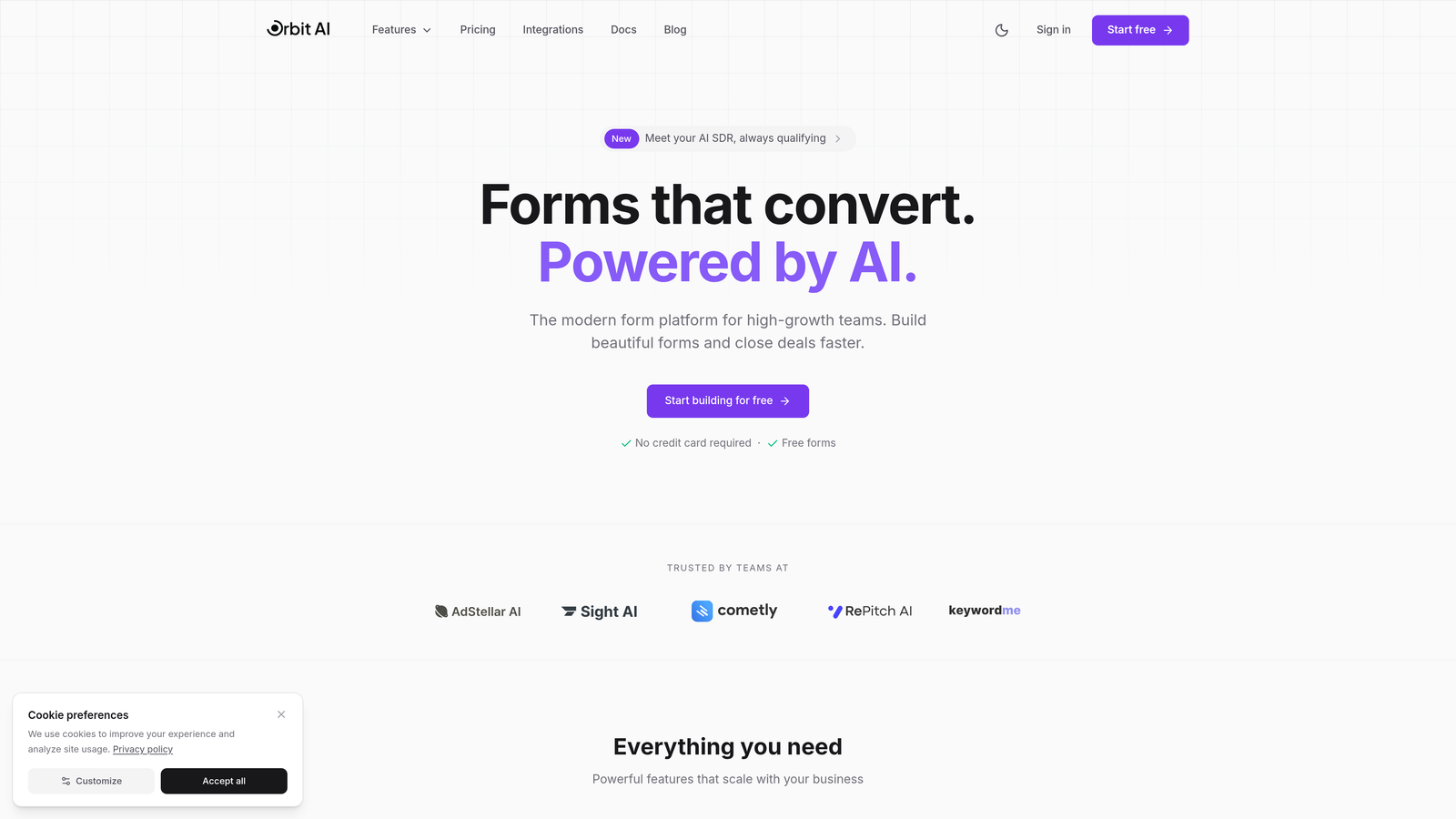
Orbit AI is an AI-powered form builder platform designed specifically for high-growth teams that need more than basic data collection.
Where This Tool Shines
Orbit AI takes a fundamentally different approach to enterprise form building by embedding intelligence directly into the data collection process. Instead of manually sorting through hundreds of form submissions to identify qualified leads, the platform uses AI to automatically score and route prospects based on their responses.
The platform excels at balancing beautiful, conversion-optimized design with the robust functionality enterprise teams require. Forms don't just look modern—they're built to convert, with templates tested across thousands of high-volume campaigns.
Key Features
AI-Powered Lead Qualification: Automatically scores and qualifies leads based on response patterns, routing high-value prospects to sales immediately.
Conversion-Optimized Templates: Pre-built form designs tested for maximum completion rates across different industries and use cases.
Native CRM Integrations: Seamless connections with Salesforce, HubSpot, and Slack ensure data flows directly into your existing workflows.
Automated Workflow Triggers: Set up conditional actions based on form responses to trigger follow-up sequences, assign leads, or update CRM records.
Real-Time Analytics Dashboard: Monitor form performance, conversion rates, and lead quality metrics in a unified dashboard.
Best For
Orbit AI is ideal for enterprise marketing and sales teams that process high volumes of leads and need intelligent automation to identify the best opportunities quickly. It's particularly valuable for organizations where speed-to-lead matters and manual qualification creates bottlenecks.
Pricing
Custom enterprise pricing available based on submission volume and feature requirements. Contact sales for a tailored quote that matches your team's needs.
2. Typeform Enterprise
Best for: Teams prioritizing engaging, conversational experiences that boost completion rates
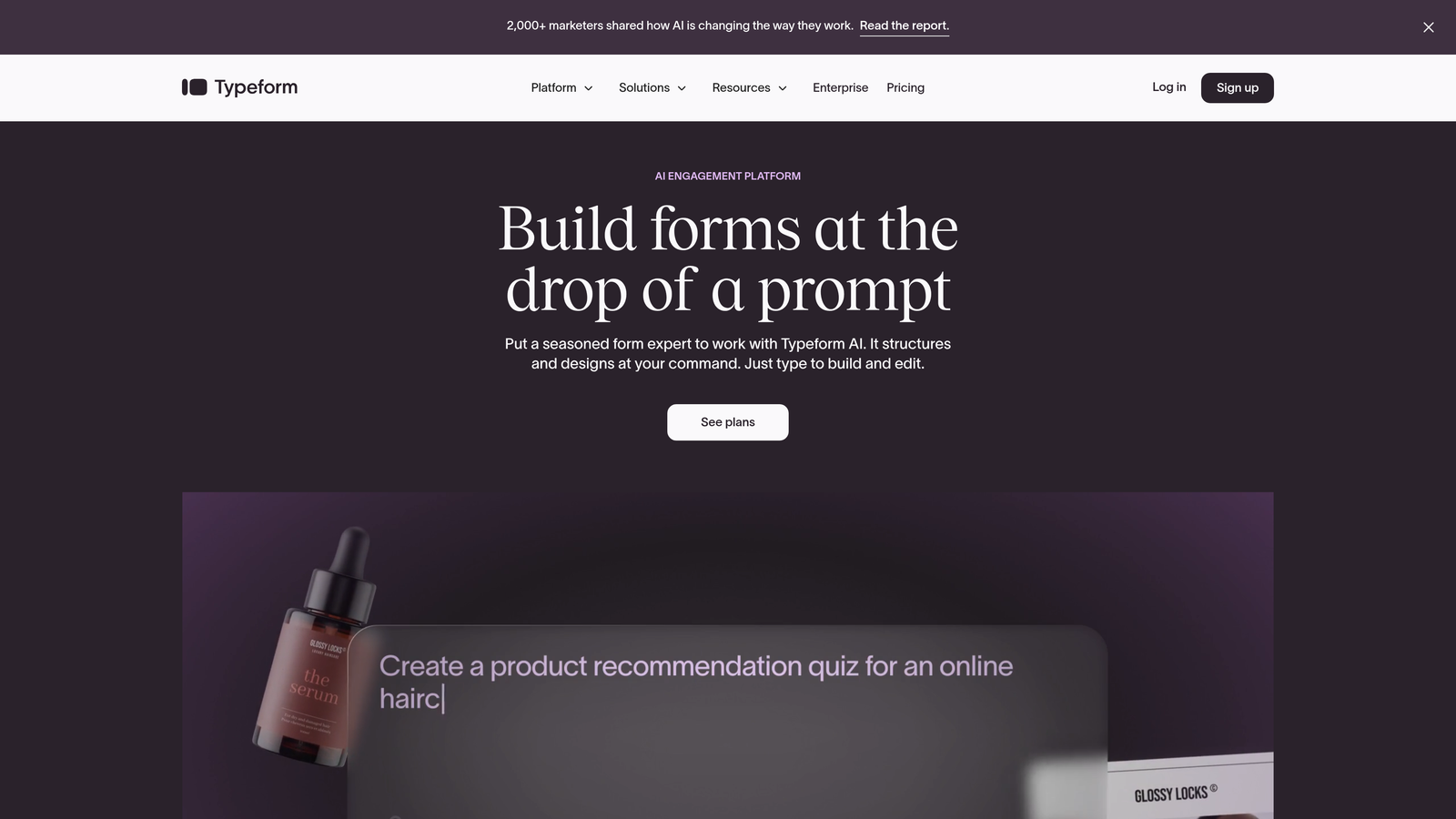
Typeform Enterprise is a conversational form platform known for its one-question-at-a-time interface that transforms standard forms into engaging experiences.
Where This Tool Shines
Typeform's conversational approach fundamentally changes how users interact with forms. By presenting one question at a time with smooth transitions, the platform reduces the psychological burden of lengthy forms and consistently achieves higher completion rates than traditional multi-field layouts.
The enterprise version adds robust security controls and advanced customization options while maintaining the engaging user experience that made Typeform popular. Organizations report significant improvements in form completion when switching from traditional formats.
Key Features
Conversational UI with Logic Jumps: Dynamic question flows that adapt based on previous answers, creating personalized experiences for each respondent.
Advanced Brand Customization: Complete control over colors, fonts, backgrounds, and layouts to match your enterprise brand guidelines.
VideoAsk Integration: Collect video responses from prospects for more personal, engaging interactions beyond text-based forms.
Enterprise SSO and Security: SAML-based single sign-on, role-based access controls, and audit logs for compliance and security teams.
Native CRM Integrations: Direct connections to HubSpot, Salesforce, and other enterprise platforms for seamless data flow.
Best For
Marketing teams focused on improving engagement metrics and completion rates, particularly for longer surveys, registration forms, or multi-step qualification processes where traditional forms see high drop-off.
Pricing
Enterprise plans start around $83 per month for basic deployments, with custom pricing available for large-scale implementations requiring advanced security features or high submission volumes.
3. Jotform Enterprise
Best for: Distributed teams needing extensive templates and offline mobile capabilities
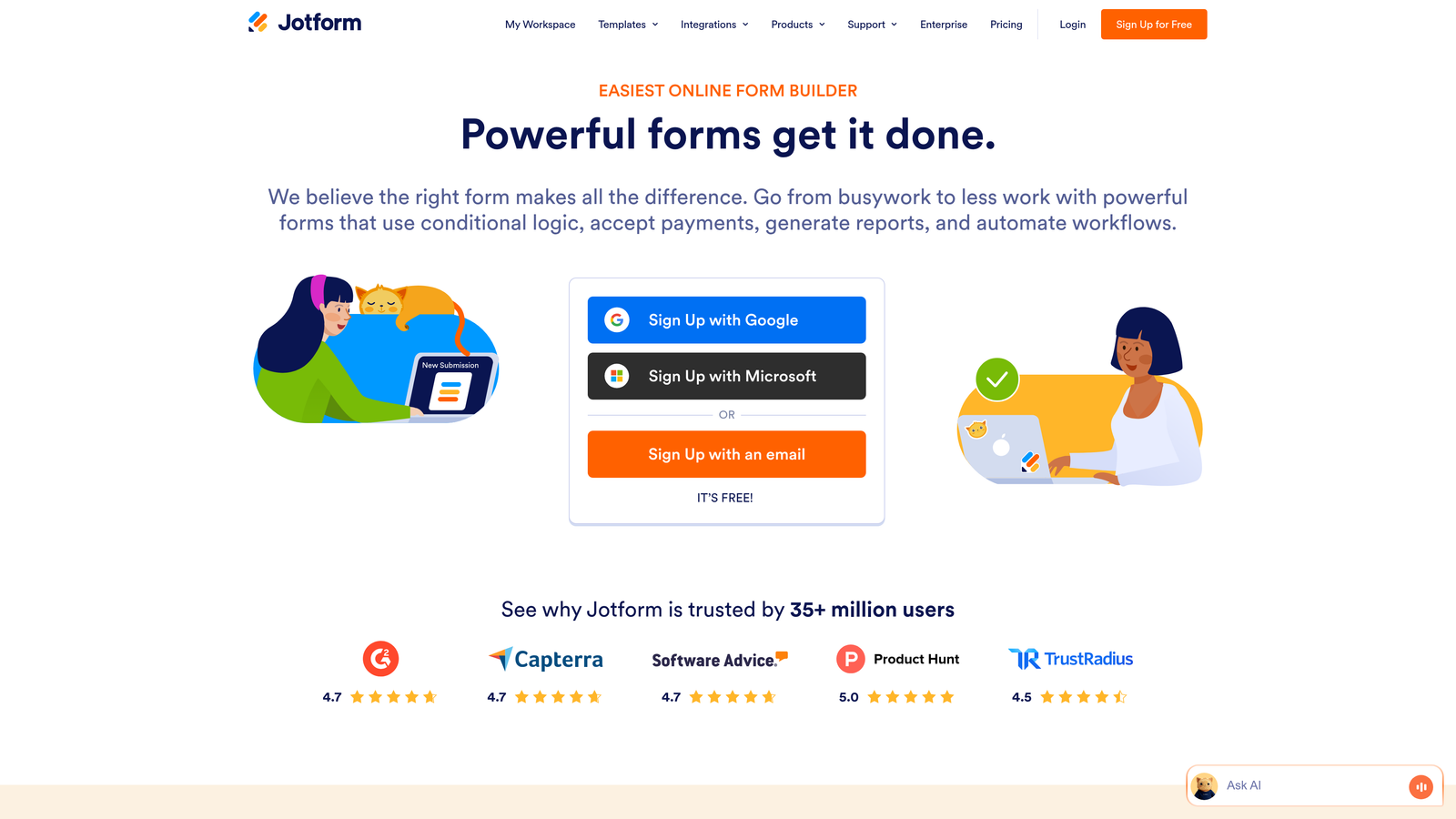
Jotform Enterprise is a feature-rich form builder offering one of the largest template libraries and robust offline functionality for field teams.
Where This Tool Shines
Jotform's massive template library means you rarely start from scratch. With over 10,000 pre-built forms covering virtually every industry and use case, teams can deploy professional forms in minutes rather than hours. The templates aren't just basic starting points—they include advanced logic, calculations, and integrations ready to use.
The offline capabilities set Jotform apart for enterprises with field teams or distributed workforces. Sales reps at trade shows, field service technicians, or healthcare workers in areas with spotty connectivity can collect data seamlessly, with automatic syncing when connection returns.
Key Features
10,000+ Pre-Built Templates: Industry-specific form templates with built-in logic and design, covering everything from event registration to HIPAA-compliant patient intake.
Offline Mobile Capabilities: Native mobile apps that allow form submissions without internet connectivity, syncing automatically when online.
White-Label Options: Remove Jotform branding completely and use custom domains for a fully branded experience.
HIPAA Compliance: Available for healthcare organizations requiring protected health information handling with signed business associate agreements.
Jotform Tables: Built-in spreadsheet-database hybrid for managing and analyzing form submissions without exporting to external tools.
Best For
Organizations with distributed teams working in varying connectivity environments, or enterprises that need quick deployment across multiple departments with minimal custom development.
Pricing
Enterprise pricing starts at $99 per month for team deployments, with custom quotes available for large organizations requiring advanced compliance features or high submission volumes.
4. Formstack Enterprise
Best for: Process automation combining forms, documents, and electronic signatures
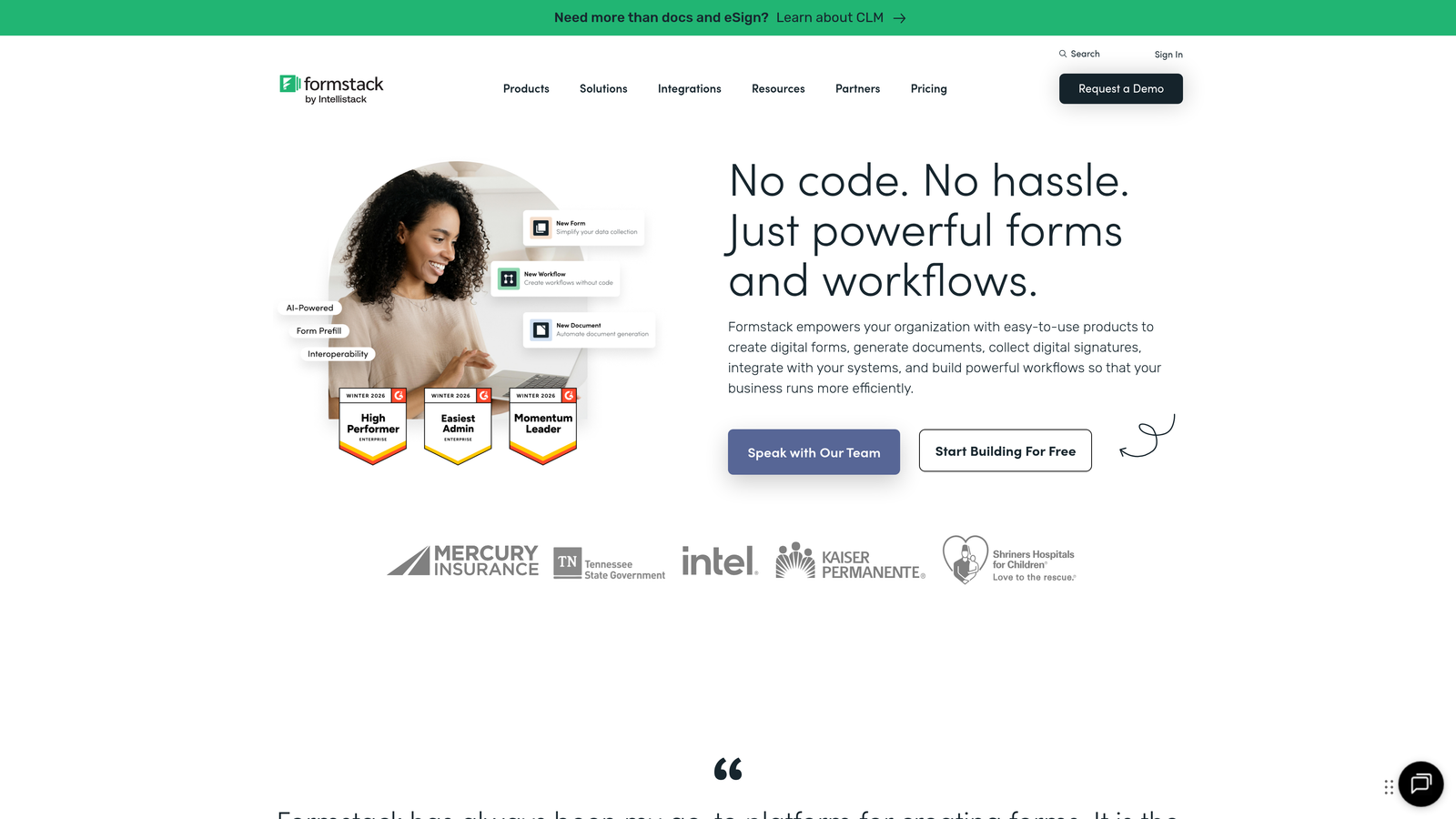
Formstack Enterprise is a workflow-focused platform that extends beyond form building to include document generation and e-signature capabilities in one ecosystem.
Where This Tool Shines
Formstack takes a holistic approach to data collection workflows. Instead of just capturing information, the platform can automatically generate contracts, proposals, or compliance documents from form data, then route them for electronic signatures—all within a single system. This end-to-end approach eliminates the integration headaches of connecting separate tools.
The compliance certifications make Formstack particularly attractive for regulated industries. With HIPAA, GDPR, and SOC 2 compliance built in, plus comprehensive audit trails, organizations can confidently handle sensitive data without custom compliance infrastructure.
Key Features
Document Generation: Automatically create PDFs, contracts, or reports from form submissions using customizable templates.
Native E-Signature: Built-in electronic signature capabilities eliminate the need for separate DocuSign or Adobe Sign subscriptions.
Comprehensive Compliance: HIPAA, GDPR, and SOC 2 Type II certifications with encryption at rest and in transit.
Advanced Workflow Automation: Multi-step approval processes, conditional routing, and automated follow-ups based on form responses.
Salesforce-Native App: Available directly on the Salesforce AppExchange for organizations heavily invested in the Salesforce ecosystem.
Best For
Enterprises needing to automate complete business processes from data collection through document generation and approval, particularly in regulated industries requiring strong compliance controls.
Pricing
Enterprise plans use custom pricing based on features and volume. The Platform bundle combining forms, documents, and signatures starts around $250 per month for smaller deployments.
5. Microsoft Power Apps
Best for: Microsoft 365-centric enterprises needing custom applications beyond basic forms
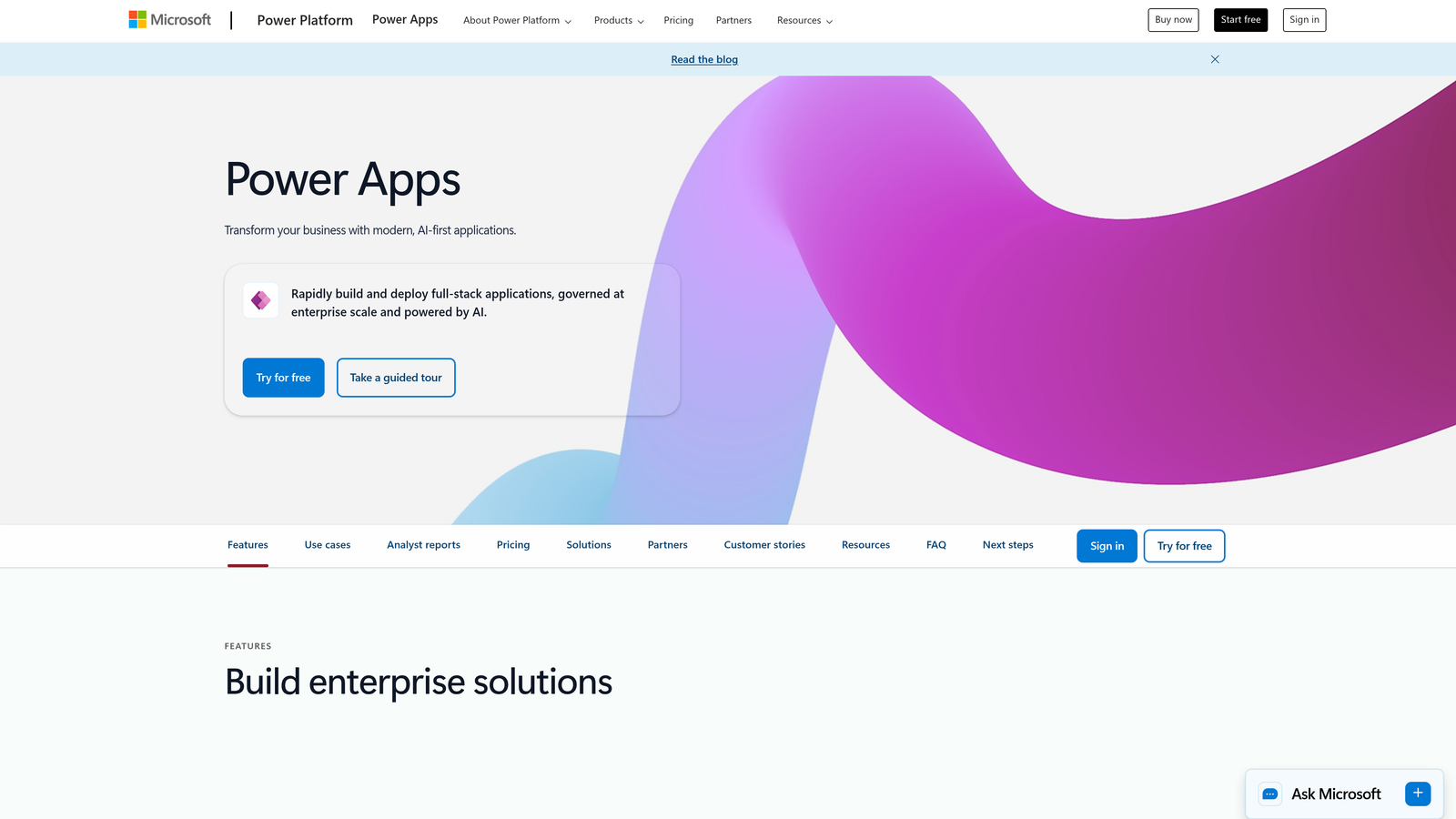
Microsoft Power Apps is a low-code application platform that enables enterprise teams to build custom forms and complete business applications with deep Microsoft ecosystem integration.
Where This Tool Shines
For organizations already invested in Microsoft 365, Power Apps provides unmatched integration depth. Forms automatically connect to SharePoint, Teams, Outlook, and Dynamics 365 without third-party connectors or middleware. Data flows naturally across the Microsoft ecosystem, reducing integration complexity significantly.
The platform's low-code approach means business users can build sophisticated applications without traditional development resources. While it requires more initial learning than simple form builders, the flexibility to create custom workflows and applications makes it powerful for complex enterprise needs.
Key Features
Deep Microsoft 365 Integration: Native connections to SharePoint, Teams, Outlook, OneDrive, and Dynamics 365 without additional configuration.
AI Builder Capabilities: Add intelligent automation including form processing, object detection, and prediction models without coding.
Enterprise Security and Compliance: Inherits Microsoft's enterprise-grade security, including Azure Active Directory integration and compliance certifications.
Custom Connectors: Build connections to virtually any API or legacy system using the custom connector framework.
Dataverse Storage: Scalable, secure data storage with built-in business logic and security rules for complex data models.
Best For
Large enterprises standardized on Microsoft 365 and Azure infrastructure, particularly those needing custom applications that extend beyond simple form collection into complete business process automation.
Pricing
Per-app plans start at $5 per user per month for individual applications. Per-user plans at $20 per month provide unlimited app access and are more cost-effective for broad deployments.
6. Cognito Forms
Best for: Finance and e-commerce teams requiring advanced calculations and payment processing
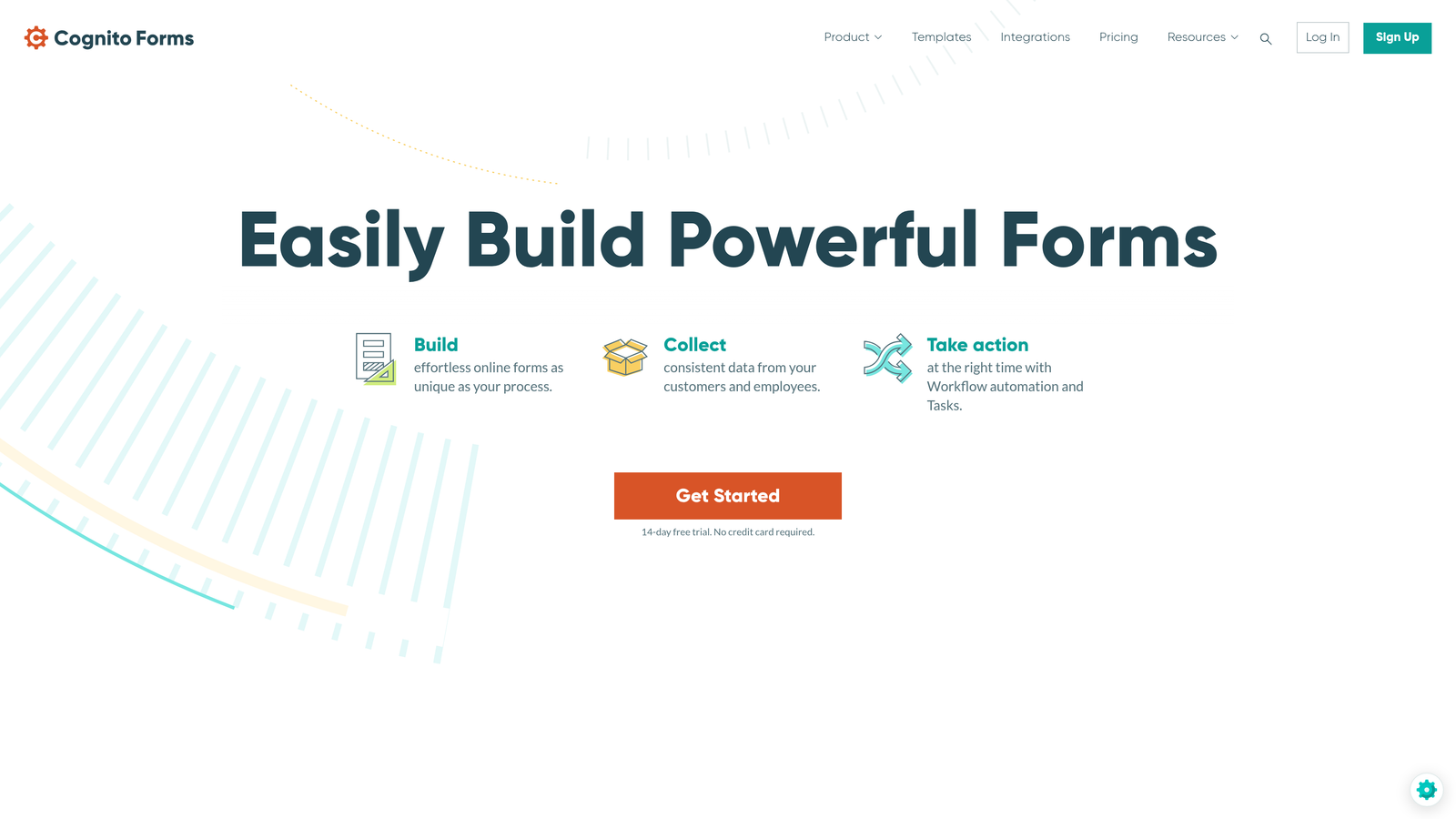
Cognito Forms is a calculation-focused form builder with robust payment processing and conditional logic designed for complex financial workflows.
Where This Tool Shines
Cognito Forms excels when forms need to perform calculations on the fly. Whether you're building quote calculators, order forms with dynamic pricing, or registration forms with variable fees, the platform handles complex math without custom coding. Formulas update in real-time as users input data, providing instant feedback.
The integrated payment processing supports multiple providers and handles complex scenarios like split payments, recurring billing, and conditional pricing based on form selections. This makes it particularly valuable for organizations selling products or services directly through forms.
Key Features
Advanced Calculation Fields: Build complex formulas and calculations that update dynamically as users complete forms, supporting mathematical operations and conditional logic.
Integrated Payment Processing: Accept payments through Stripe, PayPal, or Square directly in forms with support for one-time and recurring billing.
Repeating Sections: Allow users to add multiple entries for items like family members, products, or attendees within a single form submission.
Conditional Logic Without Coding: Show or hide fields, sections, or entire pages based on previous answers using a visual rule builder.
Data Encryption and Compliance: Field-level encryption for sensitive data and compliance options for organizations handling financial information.
Best For
Organizations collecting payments through forms, building complex calculators or quote generators, or managing registrations with variable pricing based on selections and quantities.
Pricing
Team plan at $24 per month supports multiple users and basic enterprise features. Custom enterprise pricing available for organizations requiring advanced security or high submission volumes.
7. FormAssembly
Best for: Salesforce-native organizations prioritizing CRM data quality and compliance
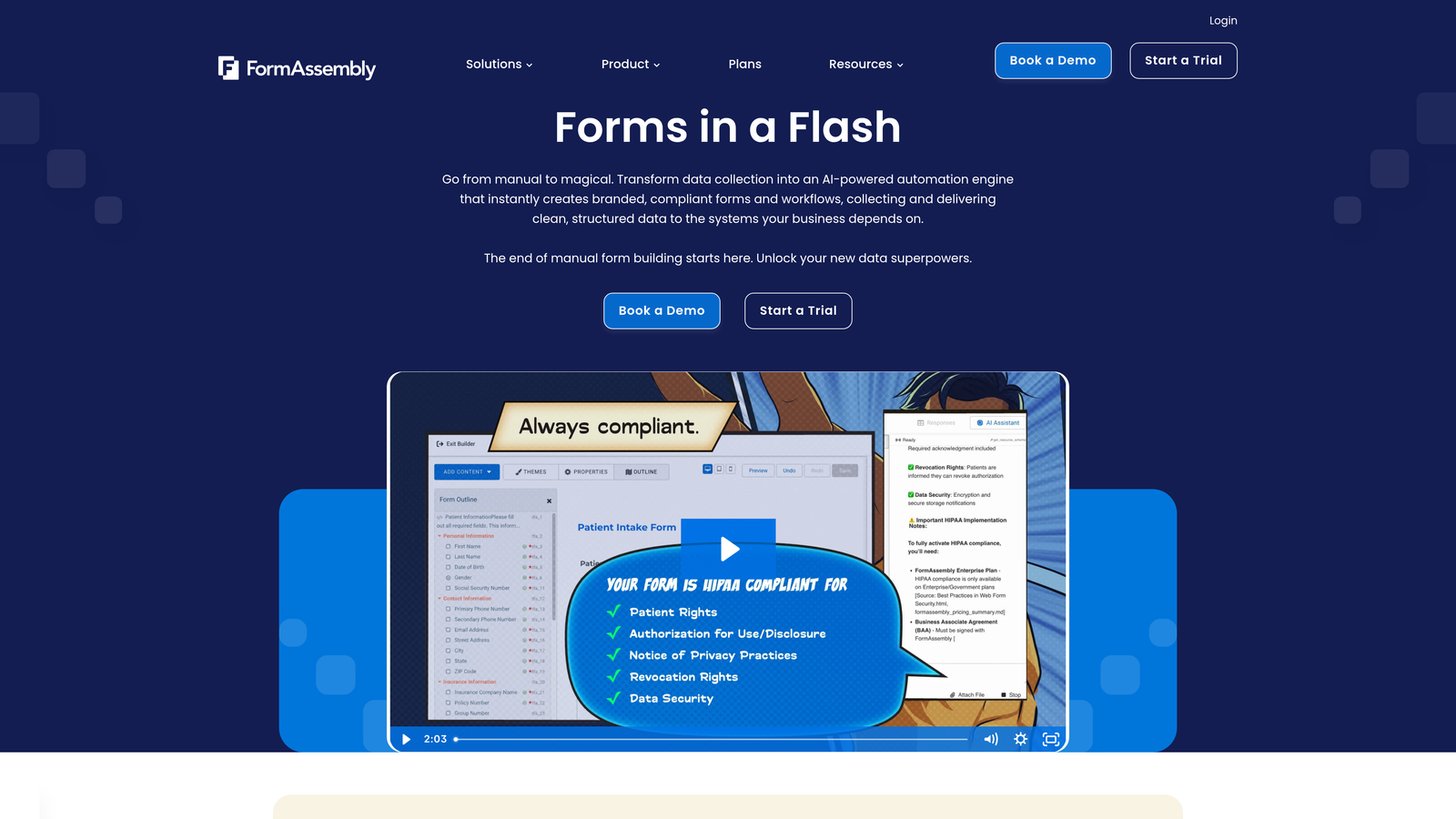
FormAssembly is a Salesforce-native form solution built specifically for organizations that need seamless CRM integration and comprehensive compliance capabilities.
Where This Tool Shines
FormAssembly was designed from the ground up for Salesforce organizations, and that focus shows. The platform doesn't just send data to Salesforce—it's truly native, running within the Salesforce environment and mapping to multiple objects simultaneously. This means you can update Contact, Account, Opportunity, and custom objects from a single form submission.
The compliance capabilities are comprehensive, with HIPAA, GDPR, and PCI certifications that meet the strictest regulatory requirements. For healthcare, financial services, and other regulated industries using Salesforce, FormAssembly provides the security controls and audit trails necessary for compliance.
Key Features
Native Salesforce Integration: Runs within Salesforce with support for prefilling form fields from CRM data and mapping to multiple objects simultaneously.
Comprehensive Compliance: HIPAA, GDPR, and PCI DSS compliance with signed business associate agreements and comprehensive audit logging.
Multi-Object Salesforce Mapping: Update multiple Salesforce objects from a single form submission, including custom objects and relationships.
Workflow Approvals and Routing: Built-in approval processes and conditional routing based on form data or Salesforce criteria.
Enterprise SSO Support: SAML-based single sign-on integration with major identity providers for secure access control.
Best For
Salesforce-centric organizations in regulated industries requiring native CRM integration combined with strong compliance controls and data security certifications.
Pricing
Enterprise plans start at $99 per month for basic deployments. Premier tier with advanced compliance features and dedicated support uses custom pricing for large implementations.
8. Zoho Forms
Best for: Growing organizations using Zoho ecosystem seeking cost-effective enterprise features
Zoho Forms is a cost-effective enterprise form builder with native integration across the entire Zoho suite of business applications.
Where This Tool Shines
Zoho Forms provides remarkable value for organizations already using other Zoho products. The native integration with Zoho CRM, Campaigns, Analytics, and other suite applications creates a seamless ecosystem where data flows automatically without complex integrations or middleware.
The platform delivers enterprise-grade features at a fraction of the cost of specialized form builders. While it may not have every advanced feature of premium alternatives, it covers the core needs of most organizations effectively, making it particularly attractive for growing businesses watching budgets.
Key Features
Native Zoho Suite Integration: Seamless connections to Zoho CRM, Campaigns, Analytics, and other Zoho applications without additional configuration.
Mobile-Responsive Builder: Drag-and-drop form builder with automatic mobile optimization and preview across device types.
Payment Collection: Built-in payment processing through multiple gateways including PayPal, Stripe, and regional processors.
Approval Workflows: Multi-level approval processes with email notifications and status tracking for submissions requiring review.
Custom Domain and Branding: Use your own domain for form hosting and remove Zoho branding for a white-label experience.
Best For
Organizations already using Zoho CRM or other Zoho applications, or growing enterprises seeking enterprise form capabilities at SMB pricing without sacrificing essential features.
Pricing
Premium plan at $25 per month includes most enterprise features for small teams. Custom enterprise pricing available for larger organizations requiring advanced security or dedicated support.
9. 123FormBuilder
Best for: Healthcare and regulated industries requiring HIPAA-compliant form hosting
123FormBuilder is a compliance-focused form platform with strong HIPAA capabilities designed for healthcare, insurance, and other regulated sectors.
Where This Tool Shines
123FormBuilder takes compliance seriously, particularly for healthcare organizations. The platform provides true HIPAA-compliant hosting with signed business associate agreements, encrypted data storage, and comprehensive audit trails that meet healthcare privacy requirements out of the box.
Beyond healthcare, the platform offers solid enterprise features including electronic signatures, advanced conditional logic, and CRM integrations. The combination of compliance certifications and practical functionality makes it valuable for any organization handling sensitive personal or financial information.
Key Features
HIPAA-Compliant Hosting: Full HIPAA compliance with business associate agreements, encrypted storage, and audit trails for healthcare organizations.
Electronic Signature Integration: Built-in e-signature capabilities for collecting legally binding signatures on consent forms, agreements, and contracts.
Advanced Conditional Logic: Show, hide, or modify form fields based on previous responses using a visual rule builder without coding.
CRM Integrations: Native connections to Salesforce, HubSpot, and other major CRM platforms for automatic data synchronization.
Custom Branding and White-Label: Remove all 123FormBuilder branding and use custom domains for a fully branded form experience.
Best For
Healthcare providers, insurance companies, and other regulated industries requiring HIPAA compliance, or any organization prioritizing data security and compliance certifications for sensitive information collection.
Pricing
Professional plan at $24.99 per month includes core features for small teams. Enterprise tier with HIPAA compliance and advanced security uses custom pricing based on requirements.
Making the Right Choice
The best enterprise form builder depends on your specific tech stack, compliance requirements, and growth goals. Each platform brings distinct strengths to different organizational contexts.
For teams prioritizing AI-powered lead qualification and conversion optimization, Orbit AI delivers intelligent routing that transforms form submissions into qualified opportunities automatically. The platform excels when speed-to-lead matters and manual qualification creates bottlenecks in your sales process.
Microsoft-heavy organizations will find Power Apps provides seamless integration across the entire Microsoft 365 ecosystem, eliminating the complexity of connecting disparate systems. Salesforce shops should look closely at FormAssembly for its native CRM integration and multi-object mapping capabilities.
If conversational engagement drives your strategy, Typeform's one-question-at-a-time approach consistently improves completion rates, particularly for longer forms where traditional layouts see high drop-off. For distributed teams working in varying connectivity environments, Jotform's offline capabilities and massive template library accelerate deployment.
Regulated industries have strong options depending on specific needs. FormAssembly and 123FormBuilder both offer comprehensive HIPAA compliance, while Formstack adds document generation and e-signatures for complete process automation in compliance-sensitive workflows.
Start by mapping your must-have integrations, security requirements, and the volume of submissions you expect. Identify whether you need specialized capabilities like payment processing, document generation, or offline functionality. Then request demos from your top three choices to see how each platform handles your actual workflows and use cases.
The right form builder becomes invisible infrastructure—collecting data reliably, routing it intelligently, and integrating seamlessly with your existing systems. Transform your lead generation with AI-powered forms that qualify prospects automatically while delivering the modern, conversion-optimized experience your high-growth team needs. Start building free forms today and see how intelligent form design can elevate your conversion strategy.


