

Enterprise teams face unique form challenges that consumer-grade tools simply can't handle. You need granular permissions, SOC 2 compliance, SSO integration, and the ability to process thousands of submissions without breaking a sweat. The wrong choice means security vulnerabilities, frustrated IT teams, and forms that can't scale with your organization.
This guide cuts through the noise to highlight form builders purpose-built for enterprise complexity. From AI-powered lead qualification to robust workflow automation, we've evaluated each tool based on security certifications, integration depth, administrative controls, and real scalability for teams of 100+.
Here are the top form builders designed specifically for enterprise teams in 2026.
1. Orbit AI
Best for: High-growth enterprise teams focused on lead qualification and conversion optimization
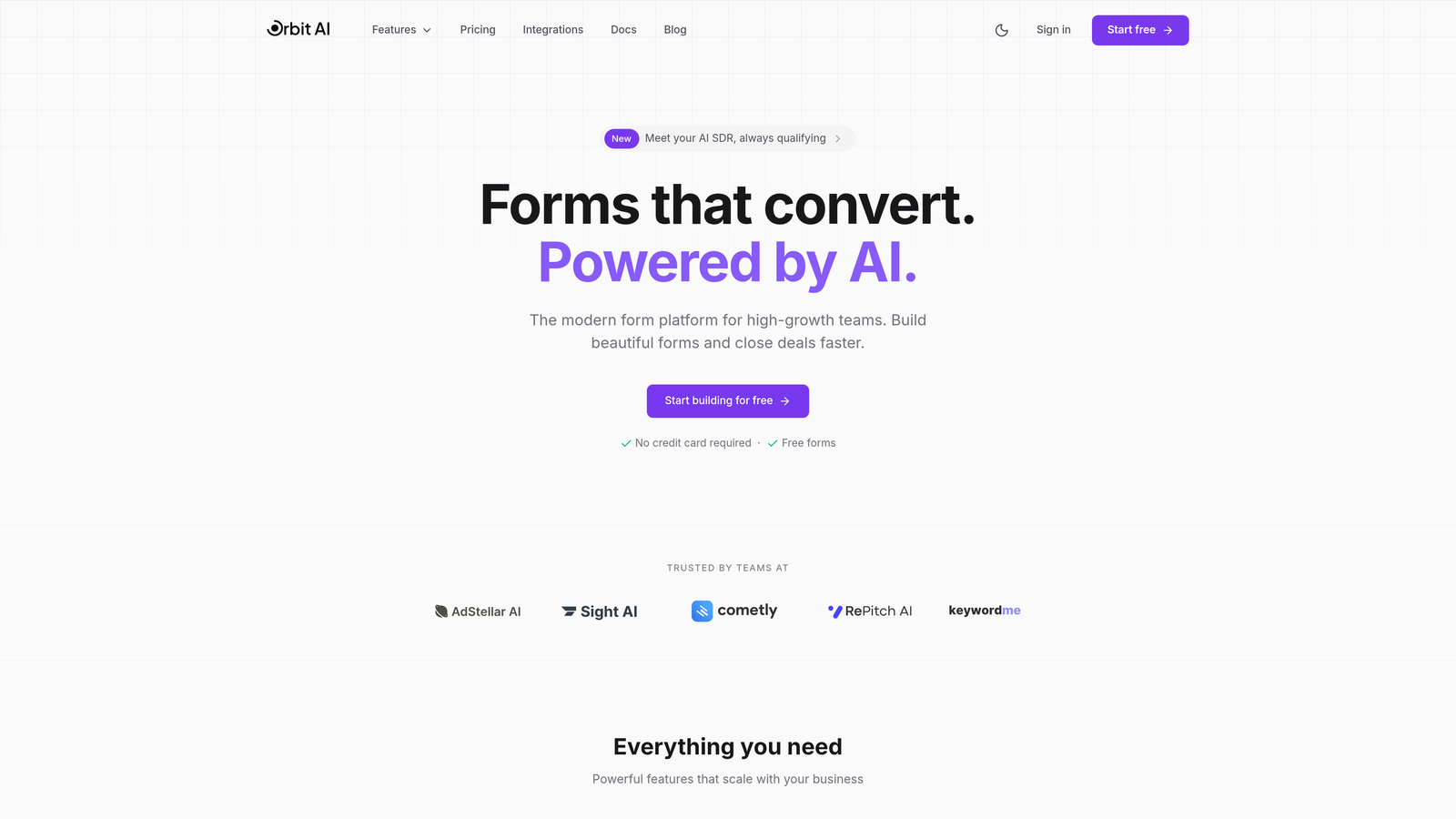
Orbit AI is an AI-powered form builder platform that combines intelligent lead qualification with conversion-optimized form design for enterprise teams.
Where This Tool Shines
Orbit AI stands out by addressing the lead quality problem that plagues most enterprise form systems. Instead of collecting raw submissions and sorting them later, the platform uses AI to qualify and score leads in real-time as they complete your forms.
The conversion optimization focus means you're not just building forms but creating experiences designed to maximize completion rates. For enterprise teams juggling thousands of leads monthly, this combination of quality and quantity makes a significant difference in pipeline efficiency.
Key Features
AI-Powered Lead Qualification: Automatically scores and routes leads based on submission data, eliminating manual triage.
Conversion-Optimized Templates: Pre-built form designs tested for maximum completion rates across industries.
Native CRM Integrations: Connects directly with Salesforce, HubSpot, and major enterprise CRMs without middleware.
Advanced Analytics Dashboard: Real-time insights into submission patterns, drop-off points, and conversion metrics.
Conditional Routing Workflows: Automatically sends qualified leads to the right teams based on customizable criteria.
Best For
Enterprise teams that need to balance lead volume with lead quality. Particularly valuable for organizations with dedicated sales development teams who need pre-qualified prospects rather than raw form submissions. The AI qualification capabilities work best when you have established lead scoring criteria and clear routing rules.
Pricing
Custom enterprise pricing available based on team size and feature requirements. Contact their sales team for tailored quotes that match your organization's needs.
2. Typeform Enterprise
Best for: Creating engaging conversational experiences with enterprise-grade security
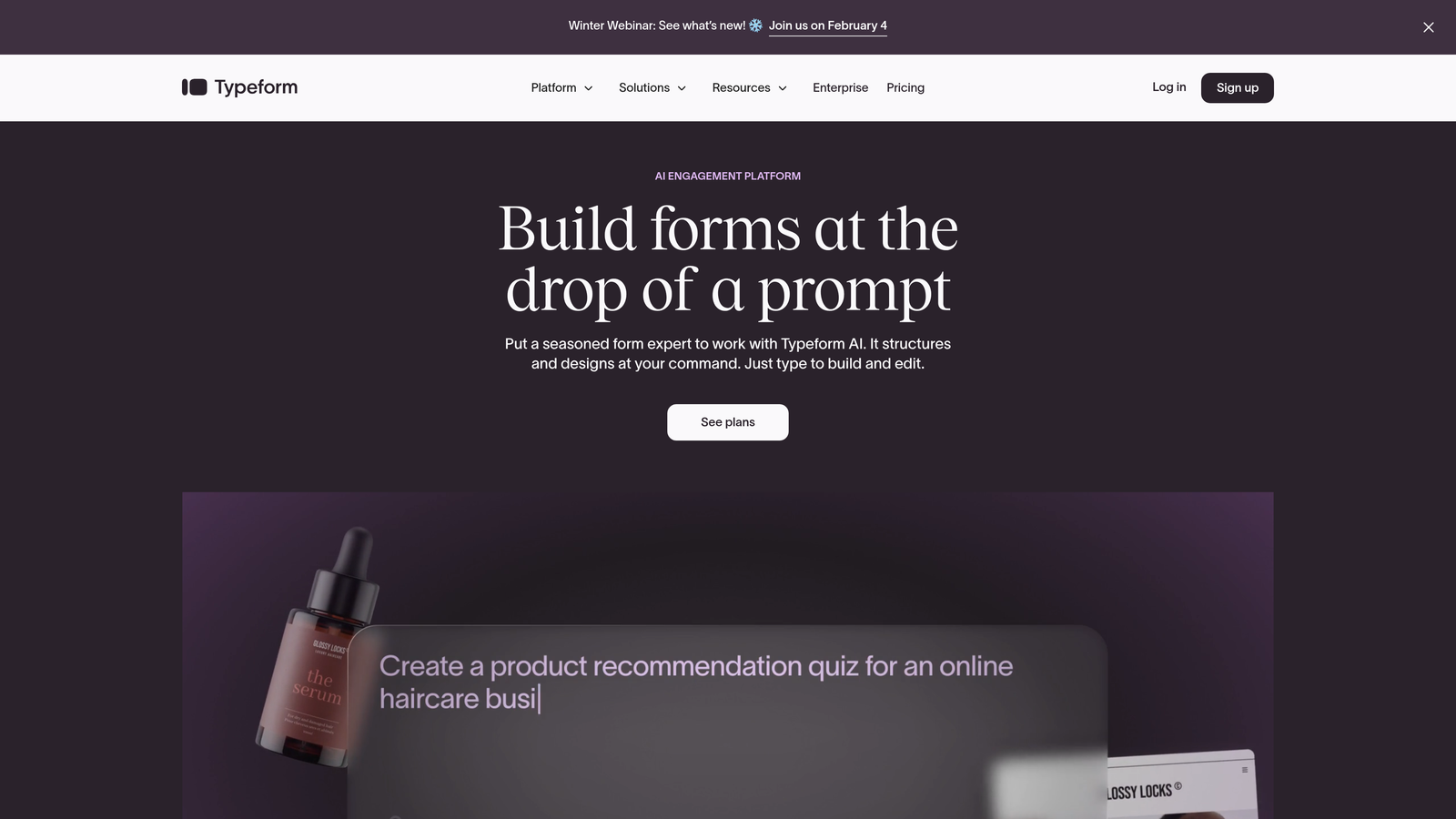
Typeform Enterprise is a conversational form builder that presents one question at a time, creating engaging experiences backed by SOC 2 compliance.
Where This Tool Shines
Typeform revolutionized form design by ditching the traditional multi-field page layout for a conversational approach. Each question appears individually, creating a dialogue-like experience that significantly improves completion rates compared to standard forms.
The enterprise tier adds the security and administrative controls large organizations require. You get SSO integration, dedicated support, and compliance certifications while maintaining the engaging user experience that made Typeform popular.
Key Features
Conversational Interface: One-question-at-a-time format that feels like a natural conversation rather than a form.
Enterprise SSO (SAML 2.0): Seamless single sign-on integration with your existing identity management systems.
SOC 2 Type II Compliance: Independently verified security controls that meet enterprise standards.
Advanced Logic Jumps: Create dynamic paths through forms based on previous answers for personalized experiences.
Dedicated Customer Success: Enterprise accounts receive a dedicated manager for onboarding and ongoing optimization.
Best For
Organizations prioritizing user experience and completion rates, particularly for customer feedback, event registration, or lead capture where engagement matters more than raw data collection speed. Works exceptionally well for consumer-facing forms where brand experience is critical.
Pricing
Custom enterprise pricing available upon request. Business tier starts around $83 per month, with enterprise plans scaling based on volume and feature requirements.
3. Jotform Enterprise
Best for: Organizations needing extensive templates and HIPAA compliance options
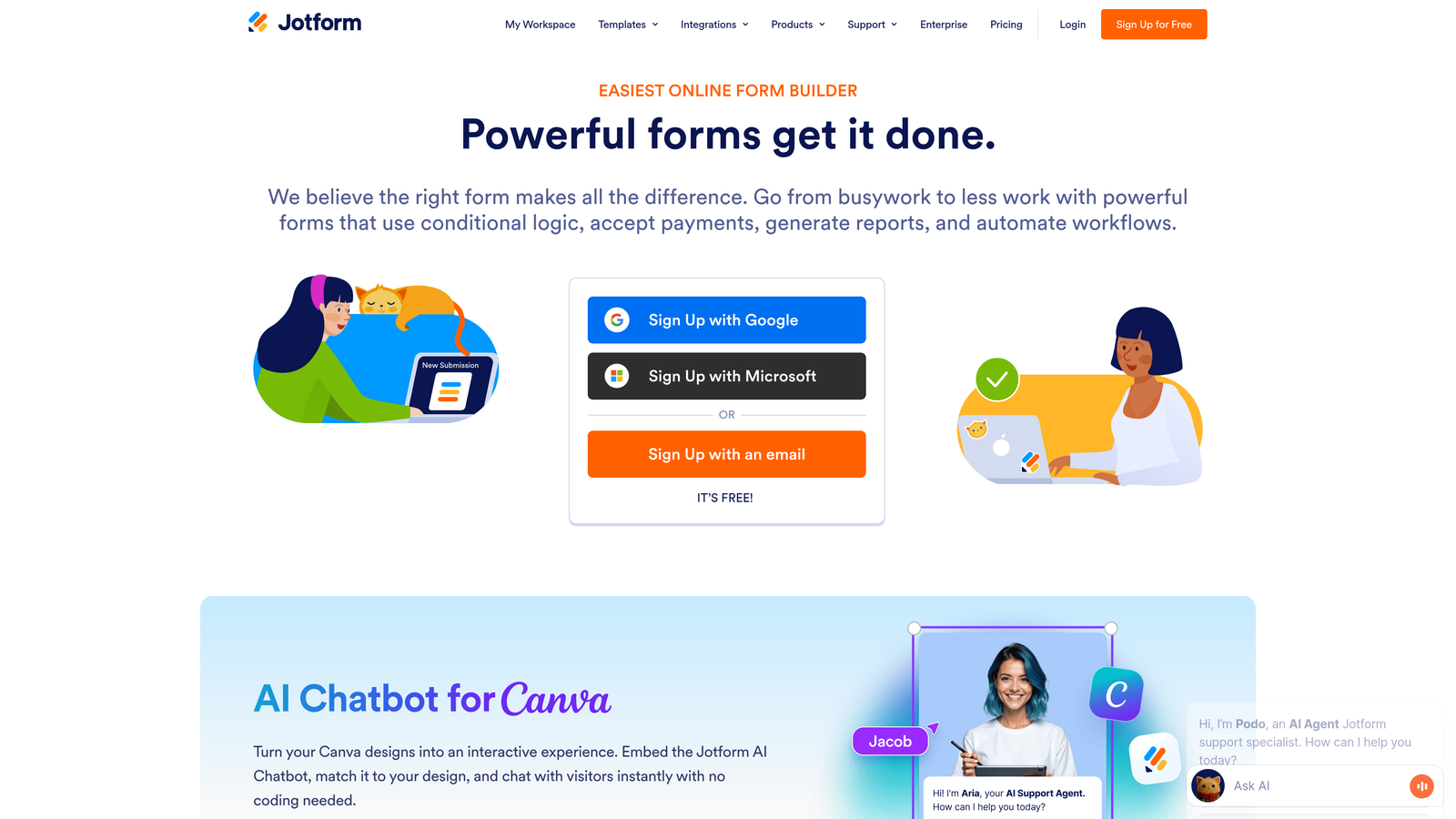
Jotform Enterprise is a feature-rich form builder offering over 10,000 templates with robust compliance options for healthcare and regulated industries.
Where This Tool Shines
Jotform's massive template library means you rarely start from scratch. Whether you need patient intake forms, HR onboarding workflows, or event registration, there's likely a pre-built template you can customize rather than building from zero.
The HIPAA compliance option with Business Associate Agreement makes this particularly valuable for healthcare organizations. Combined with approval workflows and e-signature capabilities, Jotform handles complex document processes that extend beyond simple data collection.
Key Features
10,000+ Form Templates: Industry-specific templates covering virtually every use case from healthcare to education.
HIPAA Compliance with BAA: Full HIPAA compliance including Business Associate Agreement for healthcare organizations.
Granular Permission Controls: Set detailed access levels for different team members and departments.
Approval Workflows: Built-in approval processes with e-signature capabilities for document management.
Local Data Residency: Store data in specific geographic regions to meet data sovereignty requirements.
Best For
Healthcare organizations, educational institutions, and enterprises with complex approval workflows. The template library accelerates deployment for teams that need to launch multiple form types quickly without extensive design work.
Pricing
Enterprise plans available with custom pricing. Gold plan starts at $99 per month for teams needing advanced features before moving to full enterprise tiers.
4. Formstack Enterprise
Best for: Workflow automation combining forms, documents, and e-signatures
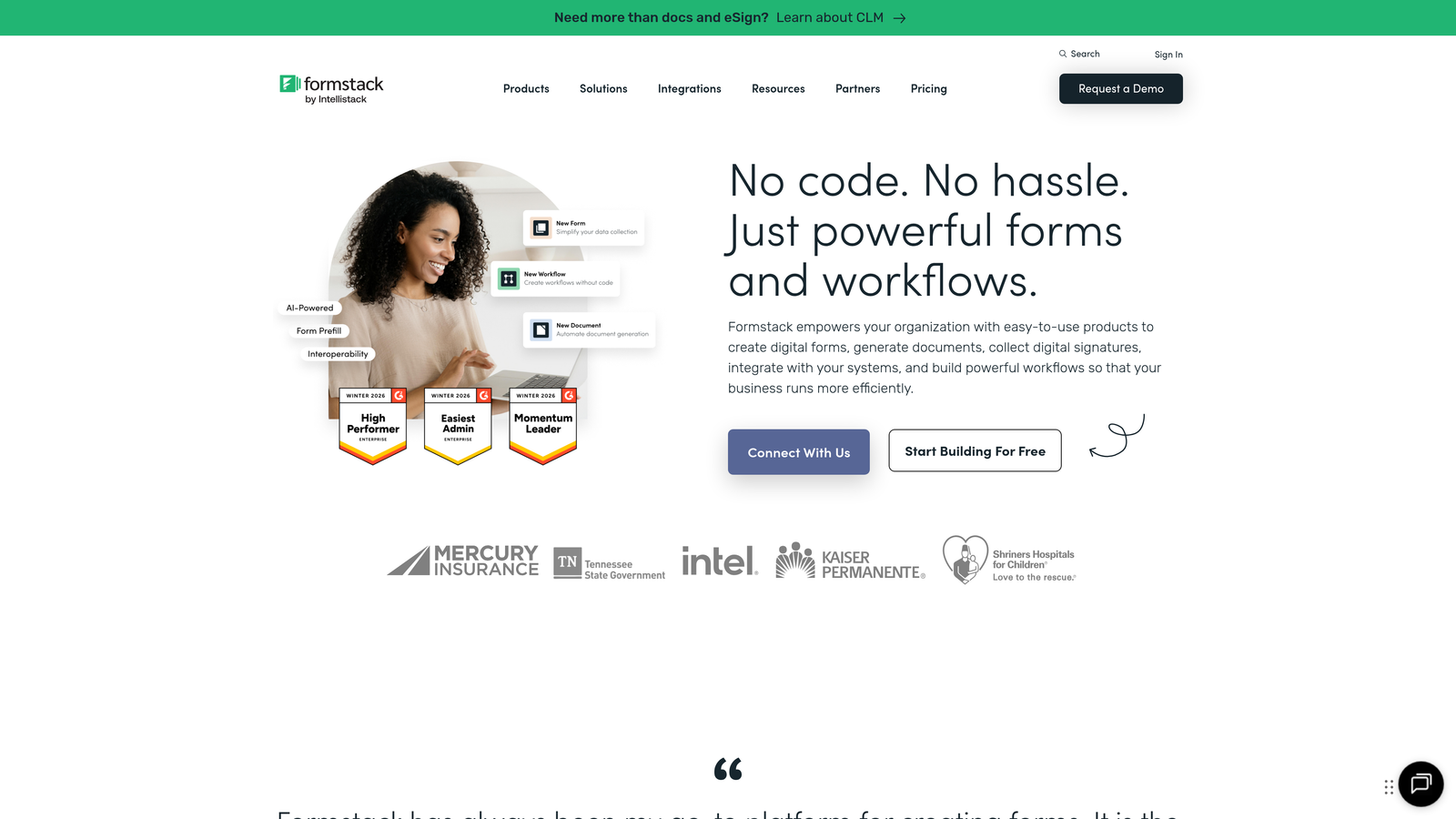
Formstack Enterprise is a workflow-focused platform that integrates form collection, document generation, and electronic signatures with strong compliance certifications.
Where This Tool Shines
Formstack goes beyond form collection by integrating the entire document workflow. Collect data through forms, automatically generate documents based on that data, then route those documents for electronic signatures without switching platforms.
The Salesforce-native app is particularly valuable for organizations heavily invested in the Salesforce ecosystem. Data flows directly into Salesforce objects without complex middleware, and you can embed forms directly in Salesforce interfaces.
Key Features
Integrated Document Generation: Automatically create PDF documents, contracts, or reports from form submission data.
Native E-Signature Capabilities: Collect legally binding signatures without third-party integration.
Multi-Compliance Certified: SOC 2, HIPAA, and GDPR compliance for diverse regulatory requirements.
Advanced Workflow Automation: Complex conditional logic and routing based on submission data.
Salesforce-Native Application: Deep integration that works within Salesforce rather than alongside it.
Best For
Salesforce-centric organizations and teams that need end-to-end document workflows. Particularly valuable for legal, HR, and sales teams that collect information through forms and need to generate contracts, agreements, or official documents from that data.
Pricing
Enterprise pricing available on request. Teams plan starts at $83 per month with scaled pricing based on volume and feature needs.
5. Microsoft Forms with Power Automate
Best for: Organizations already invested in the Microsoft 365 ecosystem
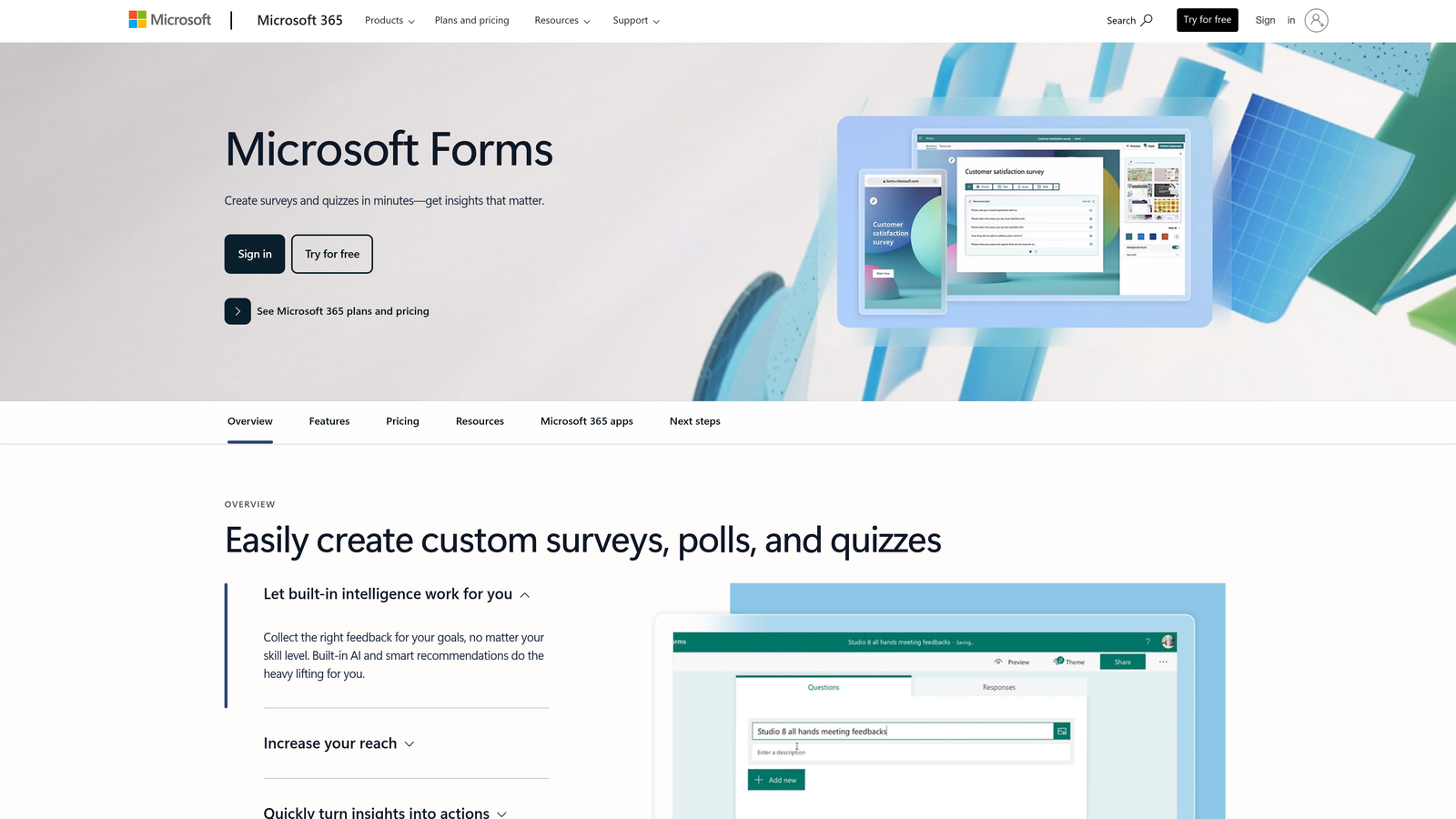
Microsoft Forms is a native Microsoft 365 form solution with seamless integration across Teams, SharePoint, and Power Automate.
Where This Tool Shines
If your organization runs on Microsoft 365, Forms offers unmatched integration depth. Embed forms directly in Teams channels, SharePoint pages, or Outlook emails without authentication friction. Employees can respond using their existing Microsoft credentials with zero additional login steps.
Power Automate integration transforms Forms from a simple survey tool into a workflow engine. Trigger automated processes based on form submissions, route data to different systems, and create complex business logic without writing code.
Key Features
Native Microsoft 365 Integration: Works seamlessly across Teams, SharePoint, Outlook, and other Microsoft applications.
Embedded Teams Experience: Collect responses directly within Teams channels where your organization already works.
Power Automate Workflows: Trigger automated processes and data routing based on form submissions.
Inherited Enterprise Security: Leverages your existing Microsoft 365 security, compliance, and data governance policies.
Real-Time Collaboration: Multiple team members can edit forms simultaneously with live updates.
Best For
Organizations with existing Microsoft 365 enterprise subscriptions looking to maximize their investment. Particularly effective for internal forms like employee feedback, IT requests, or departmental surveys where Microsoft ecosystem integration eliminates friction.
Pricing
Included with Microsoft 365 enterprise subscriptions at no additional cost. Organizations already paying for Microsoft 365 get Forms as part of their existing licensing.
6. Cognito Forms
Best for: Complex calculations and integrated payment processing
Cognito Forms is a calculation-focused form builder with advanced logic capabilities and native payment processing through Stripe, PayPal, and Square.
Where This Tool Shines
Cognito Forms excels at forms requiring complex calculations or conditional logic. Build order forms that calculate totals based on quantity and options, application forms with scoring logic, or registration forms with variable pricing based on selections.
The integrated payment processing means you can collect money directly through forms without redirecting users to external payment pages. This reduces abandonment and creates a smoother experience for event registrations, product orders, or membership fees.
Key Features
Advanced Calculations: Build complex formulas using form field values for dynamic pricing and scoring.
Multi-Gateway Payment Processing: Accept payments through Stripe, PayPal, or Square without leaving the form.
HIPAA Compliance Option: Available for healthcare organizations requiring protected health information handling.
Repeating Sections: Allow users to add multiple entries within a single form submission.
Save and Resume: Users can save partially completed forms and return later to finish.
Best For
Organizations collecting payments through forms, particularly for event registrations, product orders, or membership applications. The calculation engine works well for applications requiring scoring, complex pricing structures, or conditional field requirements based on previous answers.
Pricing
Team plan starts at $24 per month for collaborative features. Enterprise pricing available for organizations requiring advanced security and support.
7. Wufoo
Best for: Straightforward form building backed by SurveyMonkey's enterprise infrastructure
Wufoo is an established form builder offering simplicity and reliability with SurveyMonkey's enterprise security backing.
Where This Tool Shines
Wufoo takes a no-nonsense approach to form building. The drag-and-drop interface is genuinely intuitive, allowing teams to create professional forms quickly without extensive training or technical expertise.
Being part of the SurveyMonkey family means Wufoo inherits enterprise-grade security and infrastructure. You get the simplicity of a straightforward form builder with the reliability and compliance backing of a major enterprise software provider.
Key Features
Simple Drag-and-Drop Builder: Intuitive interface that requires minimal training for team members.
400+ Pre-Built Templates: Cover common use cases from contact forms to event registration.
Integrated Payment Collection: Accept payments through multiple processors without complex setup.
SurveyMonkey Security Backing: Enterprise security infrastructure and compliance inherited from parent company.
Extensive Integration Library: Connect with hundreds of third-party applications through native integrations.
Best For
Teams prioritizing ease of use and quick deployment over advanced features. Works well for organizations that need reliable form collection without complex workflows or extensive customization requirements. The simplicity makes it accessible to non-technical team members.
Pricing
Professional plan starts at $29 per month. Custom enterprise options available for larger organizations requiring dedicated support and advanced security features.
8. 123FormBuilder
Best for: Regulated industries requiring multiple compliance certifications
123FormBuilder is a compliance-focused form builder with HIPAA, GDPR, and PCI DSS certifications for healthcare and regulated industries.
Where This Tool Shines
123FormBuilder positions itself as the compliance-first option for organizations navigating complex regulatory requirements. The platform maintains HIPAA, GDPR, and PCI DSS compliance simultaneously, which is particularly valuable for global enterprises operating across multiple jurisdictions.
The database integration capabilities allow direct connections to external databases for real-time data validation or pre-population. This eliminates duplicate data entry and ensures forms work with your existing data infrastructure rather than creating isolated silos.
Key Features
Multi-Standard Compliance: Certified for HIPAA, GDPR, and PCI DSS to meet diverse regulatory requirements.
Database Integration: Connect directly to external databases for data validation and pre-population.
Built-In E-Signatures: Collect legally binding signatures without third-party tools.
Conditional Logic Engine: Show or hide fields based on user responses and perform calculations.
Dedicated Enterprise Support: Priority support with dedicated account management for enterprise customers.
Best For
Healthcare organizations, financial services firms, and any enterprise operating in heavily regulated industries. The multiple compliance certifications reduce the burden of maintaining separate solutions for different regulatory requirements.
Pricing
Professional tier starts at $24.99 per month. Enterprise pricing available on request with custom features and support SLAs.
9. Zoho Forms
Best for: Cost-effective solution with native Zoho ecosystem integration
Zoho Forms is an enterprise form solution offering competitive pricing and seamless integration with the broader Zoho application suite.
Where This Tool Shines
Zoho Forms delivers enterprise capabilities at a price point that's significantly lower than most competitors. For organizations already using Zoho CRM or other Zoho applications, the native integration creates a unified workflow without data synchronization headaches.
The mobile app with offline data collection capabilities is particularly valuable for field teams. Sales representatives, event staff, or field researchers can collect data without internet connectivity, with automatic synchronization once they're back online.
Key Features
Native Zoho Integration: Seamless data flow with Zoho CRM, Desk, Projects, and other Zoho applications.
Approval Workflows: Route submissions through multi-stage approval processes with task assignment.
Payment Collection: Accept payments through integrated processors directly in forms.
Offline Mobile App: Collect data without internet connectivity with automatic sync when online.
GDPR Compliance Tools: Built-in features to help organizations meet European data protection requirements.
Best For
Organizations already invested in the Zoho ecosystem or cost-conscious enterprises needing enterprise features without premium pricing. The offline mobile capabilities make this particularly valuable for field sales teams or organizations conducting on-site data collection.
Pricing
Premium plan starts at $25 per month with enterprise volume discounts available for larger teams. Significantly more affordable than most enterprise form builders while maintaining core enterprise features.
Matching Your Enterprise Needs to the Right Form Builder
The right form builder depends entirely on your specific enterprise requirements and existing technology investments.
If lead quality matters more than raw volume, Orbit AI's intelligent qualification system ensures your sales team focuses on prospects worth pursuing. For organizations prioritizing user experience and completion rates, Typeform's conversational approach consistently outperforms traditional multi-field layouts.
Microsoft 365 shops should seriously consider Microsoft Forms with Power Automate. You're already paying for it, and the integration depth eliminates the authentication friction that plagues external tools. Organizations handling sensitive data in healthcare or finance need the multi-compliance certifications that 123FormBuilder or Jotform Enterprise provide.
Budget-conscious teams shouldn't overlook Zoho Forms or Cognito Forms. Both deliver enterprise capabilities at price points that won't require CFO approval. The feature gap between these and premium options is narrower than the price difference suggests.
Consider your integration requirements carefully. A form builder that connects natively with your CRM, marketing automation platform, and internal databases will save countless hours compared to tools requiring middleware or manual data transfer. Salesforce users gain significant efficiency with Formstack's native app, while Zoho ecosystem users benefit from Forms' seamless data flow.
Security certifications aren't negotiable for regulated industries. Verify that your chosen platform maintains current SOC 2, HIPAA, or GDPR compliance with regular audits rather than just claiming compliance. Request documentation and verify certification dates before committing.
Transform your lead generation with AI-powered forms that qualify prospects automatically while delivering the modern, conversion-optimized experience your high-growth team needs. Start building free forms today and see how intelligent form design can elevate your conversion strategy.


