

Enterprise form building isn't about creating simple contact forms—it's about managing complex data collection at scale while maintaining security, compliance, and seamless integration with your existing tech stack. The right enterprise form builder handles thousands of submissions daily, enforces role-based permissions, meets strict compliance requirements like HIPAA and SOC 2, and connects effortlessly to your CRM, ERP, and business intelligence tools.
We evaluated dozens of platforms based on security certifications, scalability, integration depth, and administrative controls to bring you the top enterprise form solutions available in 2026.
1. Orbit AI
Best for: High-growth enterprises needing AI-powered lead qualification and conversion optimization
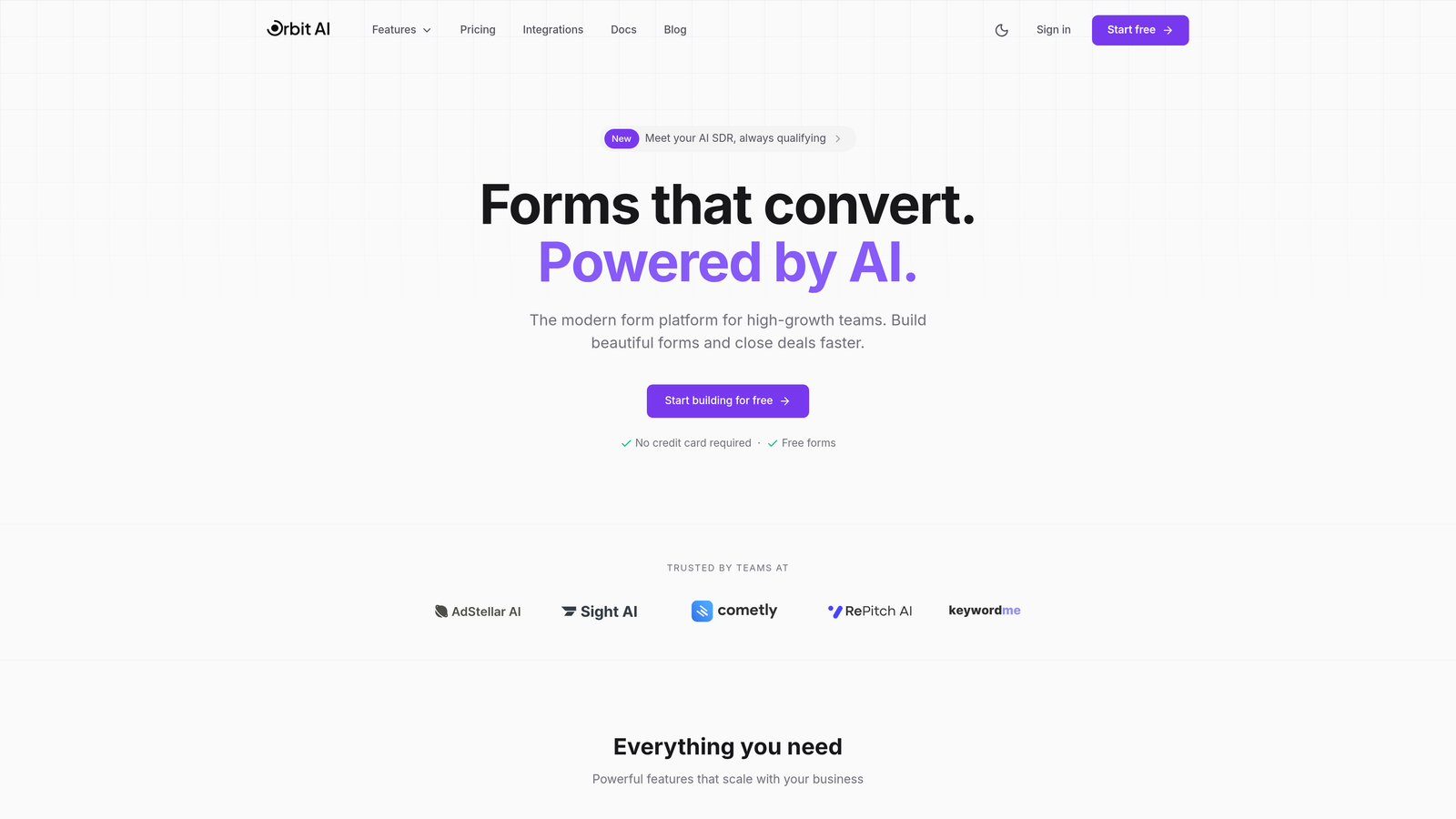
Orbit AI combines intelligent form building with real-time lead qualification, making it ideal for enterprise teams focused on conversion optimization and revenue growth.
Where This Tool Shines
Orbit AI brings artificial intelligence directly into the form experience, automatically qualifying leads as they submit information. This means your sales team receives pre-scored prospects with context about their fit and intent, dramatically reducing time spent on qualification calls.
The platform's conversion-focused approach goes beyond basic data collection. Every template is designed with modern UX principles that drive completion rates, while the AI agents work behind the scenes to route high-value leads to the right team members instantly.
Key Features
AI Lead Qualification: Intelligent agents analyze submissions in real-time, scoring and routing leads based on fit and buying intent.
Conversion-Optimized Templates: Pre-built forms designed specifically to maximize completion rates and reduce abandonment.
Deep CRM Integration: Native connections to Salesforce, HubSpot, and Pipedrive ensure seamless data flow into your existing workflows.
Advanced Analytics: Comprehensive submission insights help you understand form performance and optimize conversion paths.
Conditional Routing: Automated workflow triggers route qualified leads to appropriate team members based on custom criteria.
Best For
Enterprise teams in high-growth mode who need to process large volumes of leads efficiently while maintaining conversion quality. Particularly valuable for B2B SaaS companies, agencies, and organizations where lead qualification directly impacts revenue.
Pricing
Custom enterprise pricing available with volume-based options. Contact their sales team for quotes tailored to your submission volume and feature requirements.
2. Typeform
Best for: Enterprises prioritizing user engagement and conversational data collection experiences
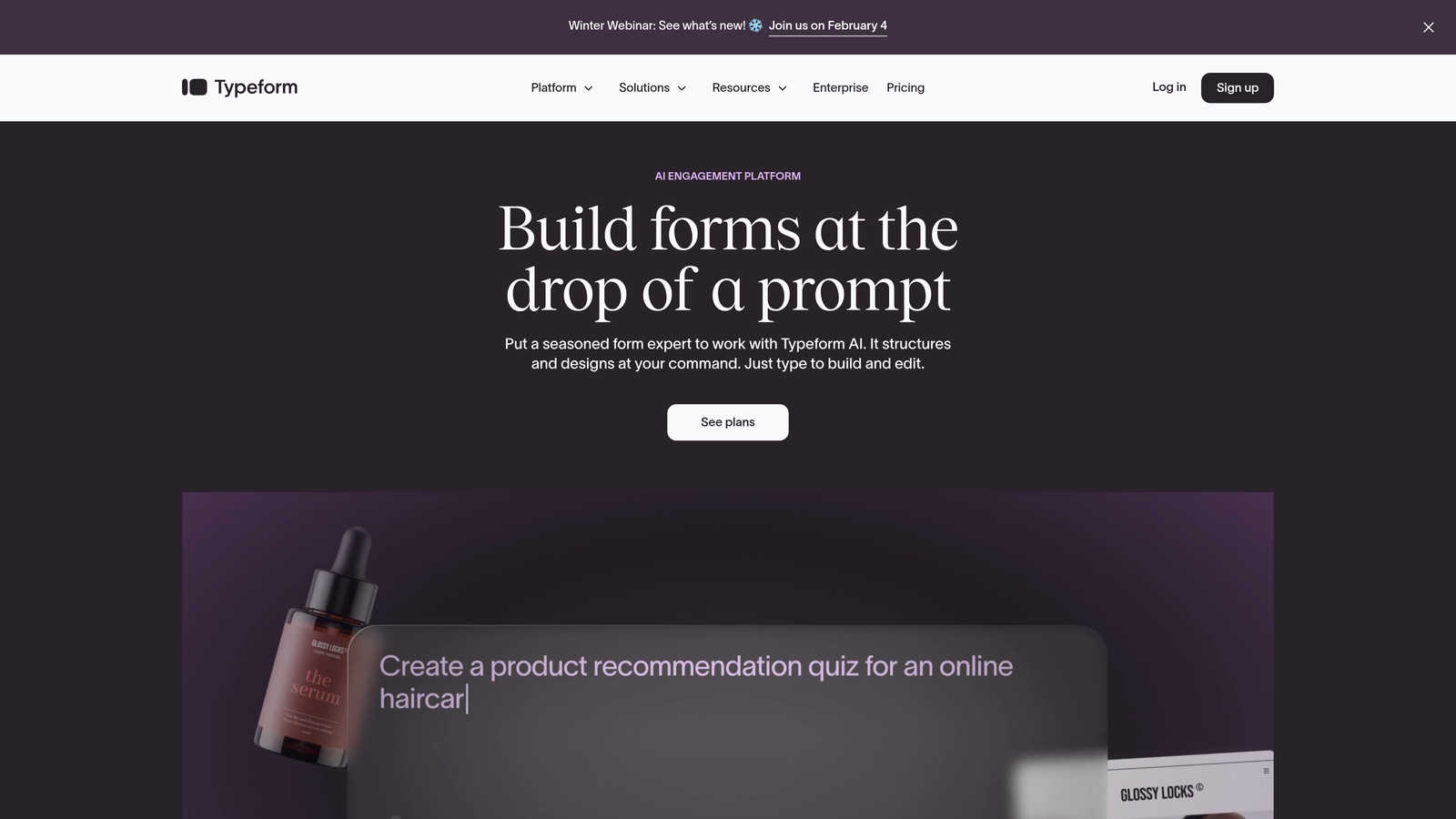
Typeform revolutionized form building with its one-question-at-a-time approach that feels more like a conversation than a traditional form.
Where This Tool Shines
Typeform's conversational interface creates significantly higher engagement rates compared to traditional multi-field forms. The focused, one-question-at-a-time format reduces cognitive load and keeps users moving through your form without feeling overwhelmed.
For enterprise teams running customer research, employee surveys, or lead generation campaigns where completion rates matter, Typeform's approach consistently outperforms standard form layouts. The visual polish and smooth animations create a premium brand experience.
Key Features
Conversational Format: One-question-at-a-time interface that guides users through forms with minimal friction.
Logic Jumps: Advanced branching that personalizes the form experience based on previous answers.
Rich Media Integration: Embed videos and images directly into questions to provide context and increase engagement.
Enterprise Security: SSO support, GDPR compliance, and data residency options for regulated industries.
Integration Marketplace: Extensive connections to CRMs, marketing automation, and productivity tools.
Best For
Marketing teams and customer experience departments that need high completion rates on surveys, feedback forms, and lead generation campaigns. Works particularly well for consumer-facing brands where user experience directly impacts conversion.
Pricing
Business plan starts at $99/month for teams. Enterprise plans with custom pricing include advanced security features, dedicated support, and higher submission limits.
3. Formstack
Best for: Enterprises needing end-to-end workflow automation from data collection through document generation
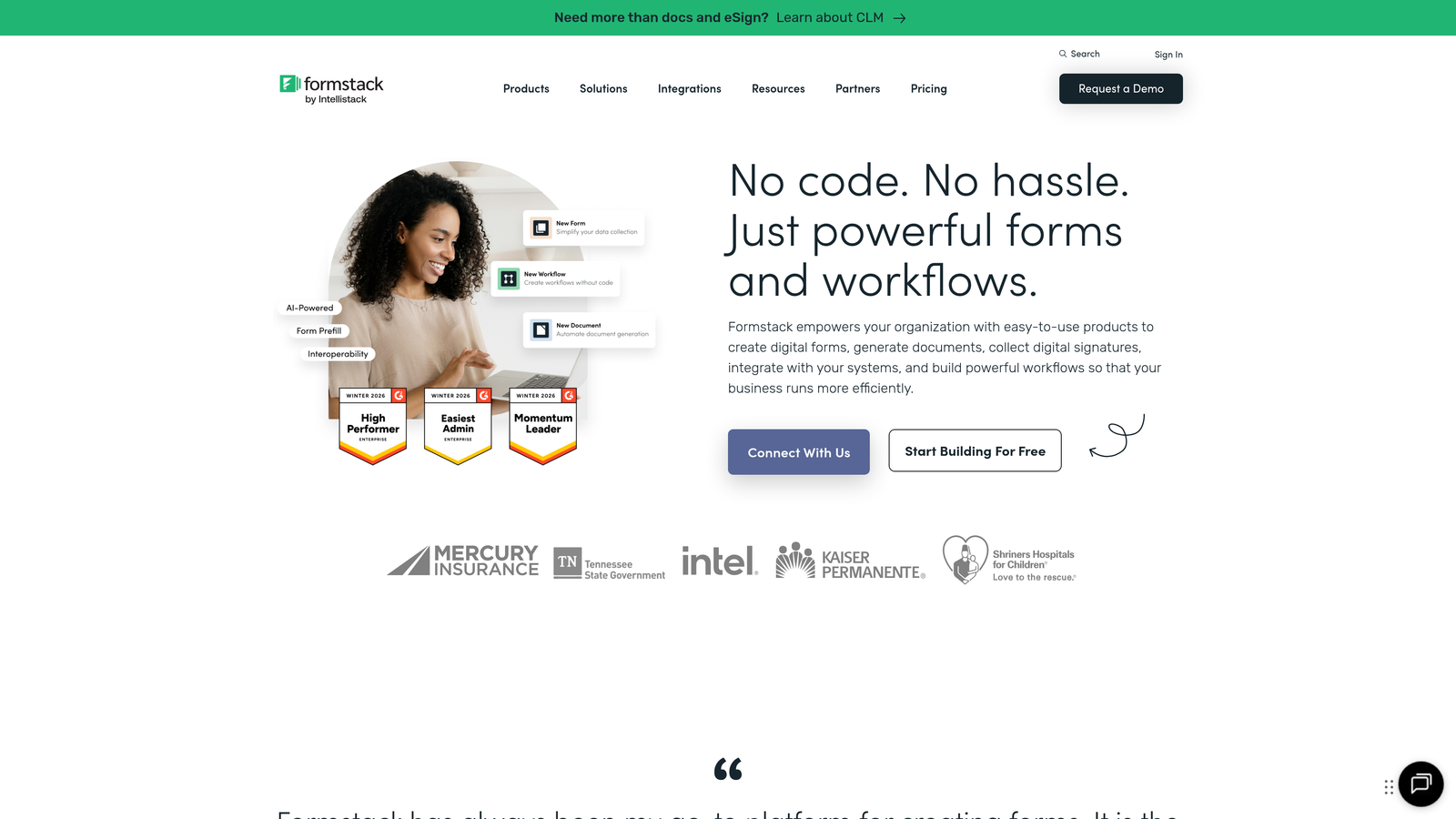
Formstack extends beyond form building to create complete workflow automation systems that handle forms, documents, and electronic signatures in one platform.
Where This Tool Shines
Formstack excels when your forms are just the beginning of a longer business process. Collect data through a form, automatically generate contracts or reports from that data, route documents for approval, and capture signatures—all within a single workflow.
This unified approach eliminates the need to connect multiple point solutions. HR teams use it for onboarding paperwork, operations teams for procurement approvals, and legal departments for contract workflows. The HIPAA compliance option makes it particularly strong for healthcare enterprises.
Key Features
Workflow Automation: Connect forms to document generation, approvals, and notifications in automated sequences.
Document Generation: Automatically create PDFs, contracts, or reports populated with form submission data.
Electronic Signatures: Built-in e-signature capabilities eliminate the need for separate DocuSign or Adobe Sign subscriptions.
HIPAA Compliance: Available on higher tiers for healthcare organizations handling protected health information.
Approval Workflows: Multi-step approval routing with conditional logic based on submission values.
Best For
Operations teams, HR departments, and regulated industries that need complete workflow automation beyond basic form collection. Particularly valuable when you need to generate documents or collect signatures as part of your process.
Pricing
Enterprise pricing typically starts around $500/month depending on user count and submission volume. Custom quotes available for large deployments requiring dedicated infrastructure.
4. Jotform Enterprise
Best for: Large organizations needing extensive templates, white-label capabilities, and dedicated server options
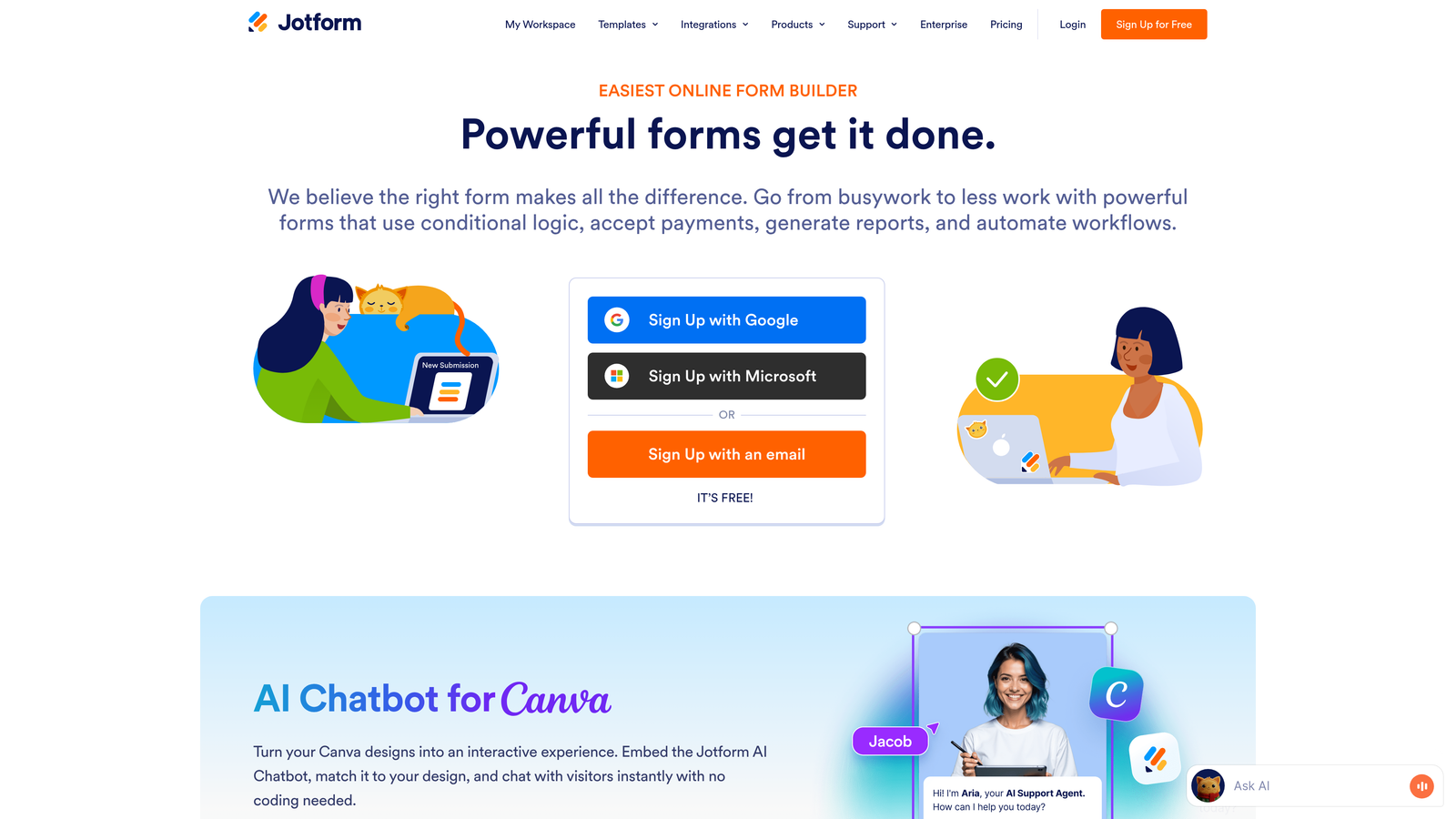
Jotform Enterprise offers one of the most comprehensive template libraries in the market alongside robust enterprise features like custom branding and dedicated hosting.
Where This Tool Shines
With over 10,000 pre-built templates, Jotform dramatically reduces the time needed to launch new forms. Whether you need event registrations, employee evaluations, customer feedback surveys, or application forms, there's likely a template that gets you 80% of the way there.
The white-label capabilities let you completely remove Jotform branding and apply your own, critical for client-facing forms where brand consistency matters. Dedicated server options provide additional security and performance guarantees for enterprises with strict data residency requirements.
Key Features
10,000+ Templates: Industry-specific form templates covering virtually every business use case imaginable.
White-Label Options: Complete branding customization with ability to remove all Jotform references.
Dedicated Servers: Private hosting options for organizations requiring isolated infrastructure and enhanced security.
HIPAA Compliance: Available for healthcare organizations needing to collect protected health information securely.
Multi-User Collaboration: Role-based permissions and team management for large organizations with multiple departments.
Best For
Enterprises with diverse form needs across multiple departments, agencies serving clients who require white-label solutions, and organizations in regulated industries needing dedicated infrastructure and compliance certifications.
Pricing
Enterprise plans with custom pricing based on user count, submission volume, and infrastructure requirements. Includes dedicated account management and priority support.
5. Microsoft Power Apps
Best for: Microsoft 365 enterprises wanting native integration with their existing ecosystem
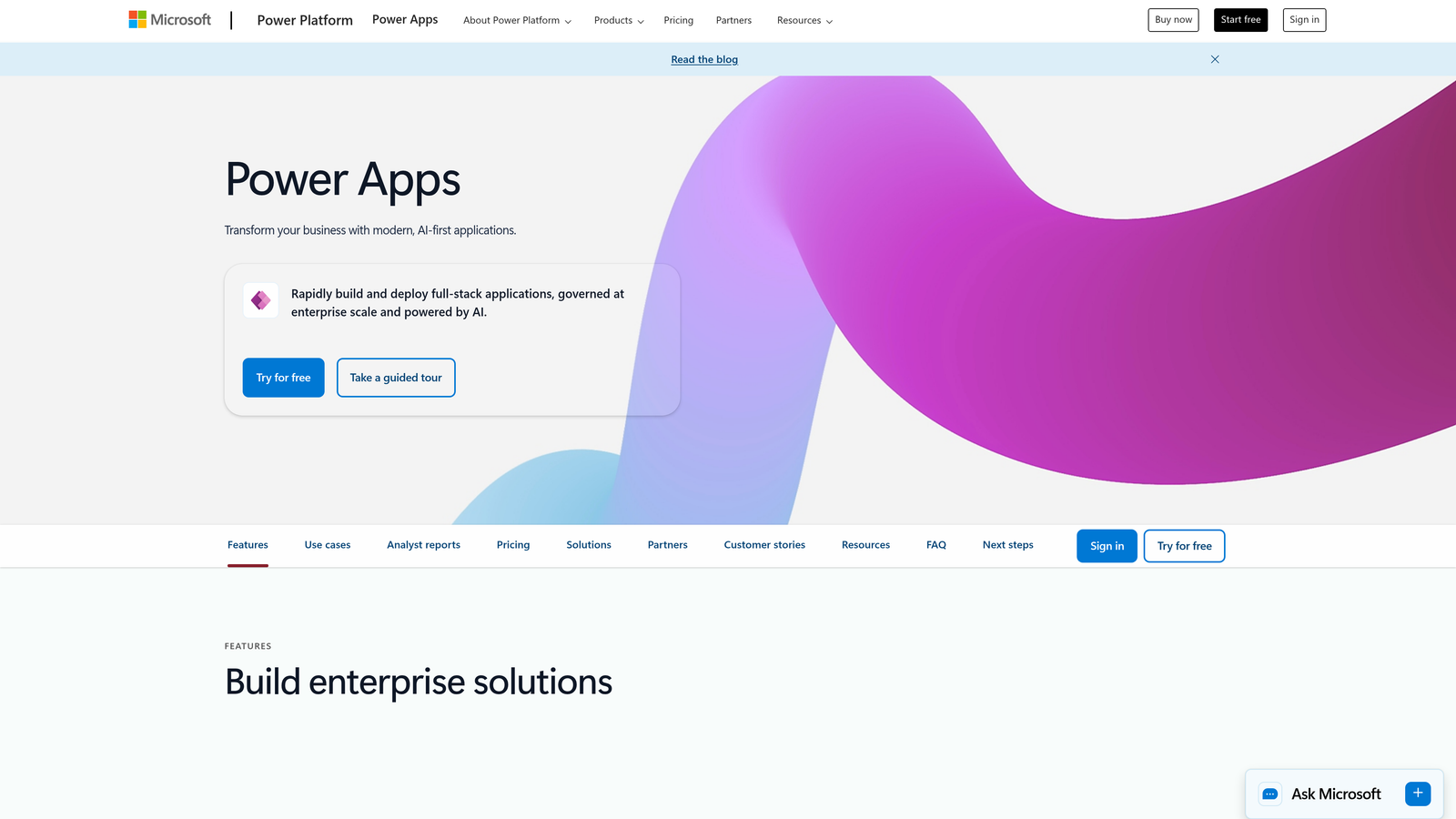
Microsoft Power Apps is a low-code platform that extends far beyond forms, but its form capabilities integrate seamlessly with the Microsoft universe.
Where This Tool Shines
If your enterprise already runs on Microsoft 365, Power Apps provides the most frictionless path to building forms that connect with SharePoint, Teams, Outlook, and other Microsoft services. The authentication is handled through Azure Active Directory, eliminating separate login management.
Power Apps goes beyond traditional form builders by letting you create full applications with forms as components. This means you can build custom business applications that include data collection, reporting dashboards, and workflow automation all within the Microsoft ecosystem your IT team already manages.
Key Features
Native Microsoft 365 Integration: Seamless connections to SharePoint, Teams, Outlook, and other Microsoft services without third-party connectors.
Dataverse Integration: Enterprise-grade data platform for managing and securing business data across applications.
Power Automate Connections: Built-in workflow automation that triggers based on form submissions or data changes.
Azure AD Authentication: Single sign-on through your existing Azure Active Directory without additional user management.
Canvas and Model-Driven Apps: Build simple forms or complex applications depending on your needs.
Best For
Large enterprises already invested in the Microsoft ecosystem, IT departments wanting to maintain a single-vendor stack, and organizations needing to build custom applications beyond basic form collection.
Pricing
Included with some Microsoft 365 business plans. Standalone Power Apps licensing starts at $20/user/month, with premium connectors and additional capacity available at higher tiers.
6. Cognito Forms
Best for: Enterprises requiring advanced calculations, complex conditional logic, and integrated payment processing
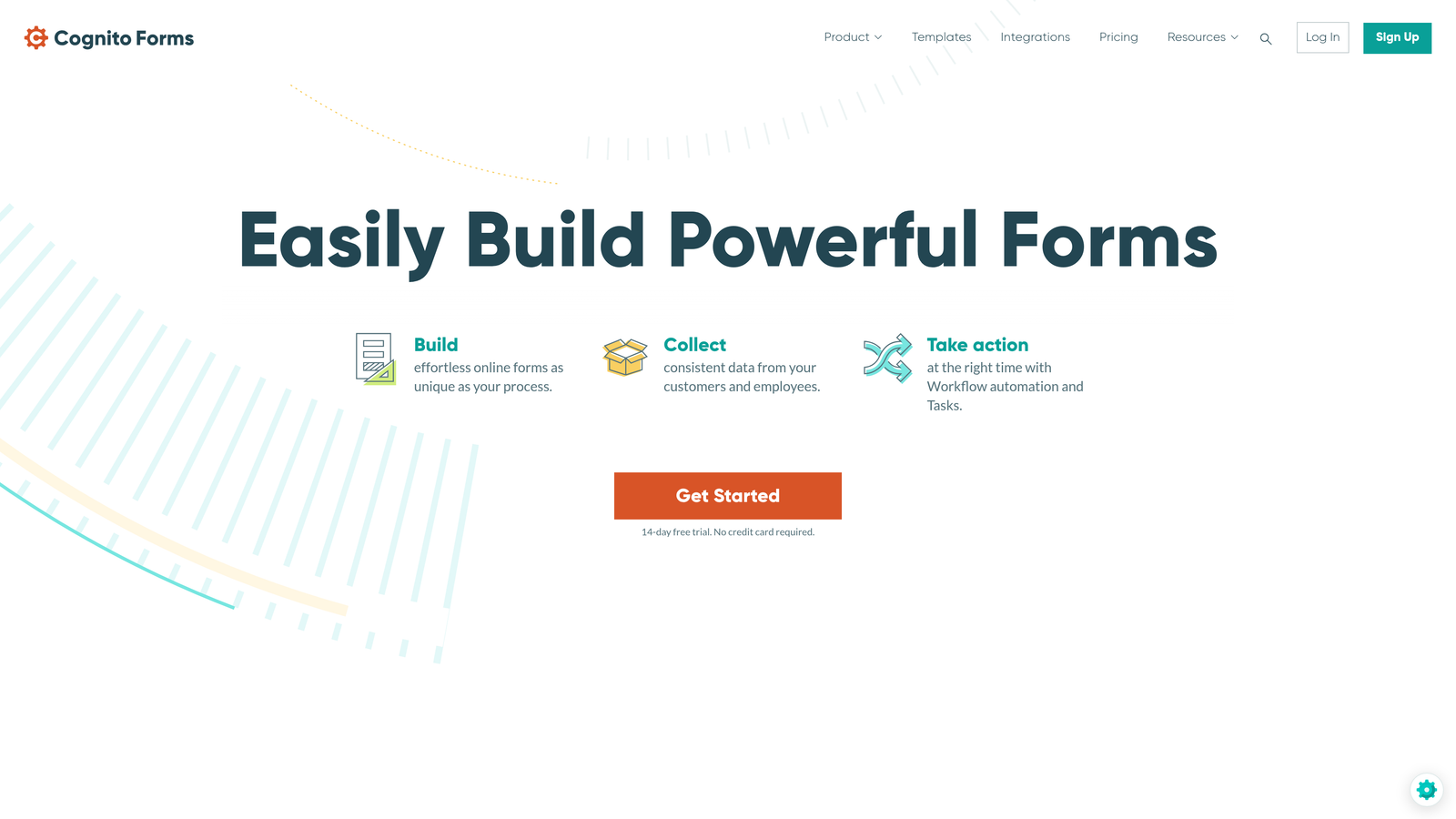
Cognito Forms specializes in handling complex form logic and calculations that would require custom development in other platforms.
Where This Tool Shines
Cognito Forms handles mathematical complexity better than virtually any competitor. Need to calculate pricing based on multiple selections, apply conditional discounts, or compute values across repeating sections? Cognito Forms makes it straightforward with its calculation engine.
The repeating sections feature lets users add multiple entries within a single form submission—perfect for expense reports, order forms with multiple line items, or registration forms covering multiple attendees. Combined with built-in payment processing, it's particularly strong for event registration and e-commerce applications.
Key Features
Advanced Calculations: Powerful calculation fields that handle complex mathematical operations and conditional formulas.
Payment Processing: Native integration with Stripe, PayPal, and Square for collecting payments directly through forms.
Repeating Sections: Allow users to add multiple entries within a single form submission for complex data collection.
Workflow Routing: Approval workflows and conditional notifications based on submission data.
HIPAA Compliance: Available on higher-tier plans for healthcare organizations.
Best For
Finance teams building expense or reimbursement forms, event coordinators handling complex registrations with payments, and operations teams needing sophisticated calculations without custom development.
Pricing
Team plan at $24/month covers small teams. Enterprise pricing with custom quotes includes HIPAA compliance, dedicated support, and higher submission limits.
7. FormAssembly
Best for: Salesforce-centric enterprises and compliance-heavy industries requiring extensive certifications
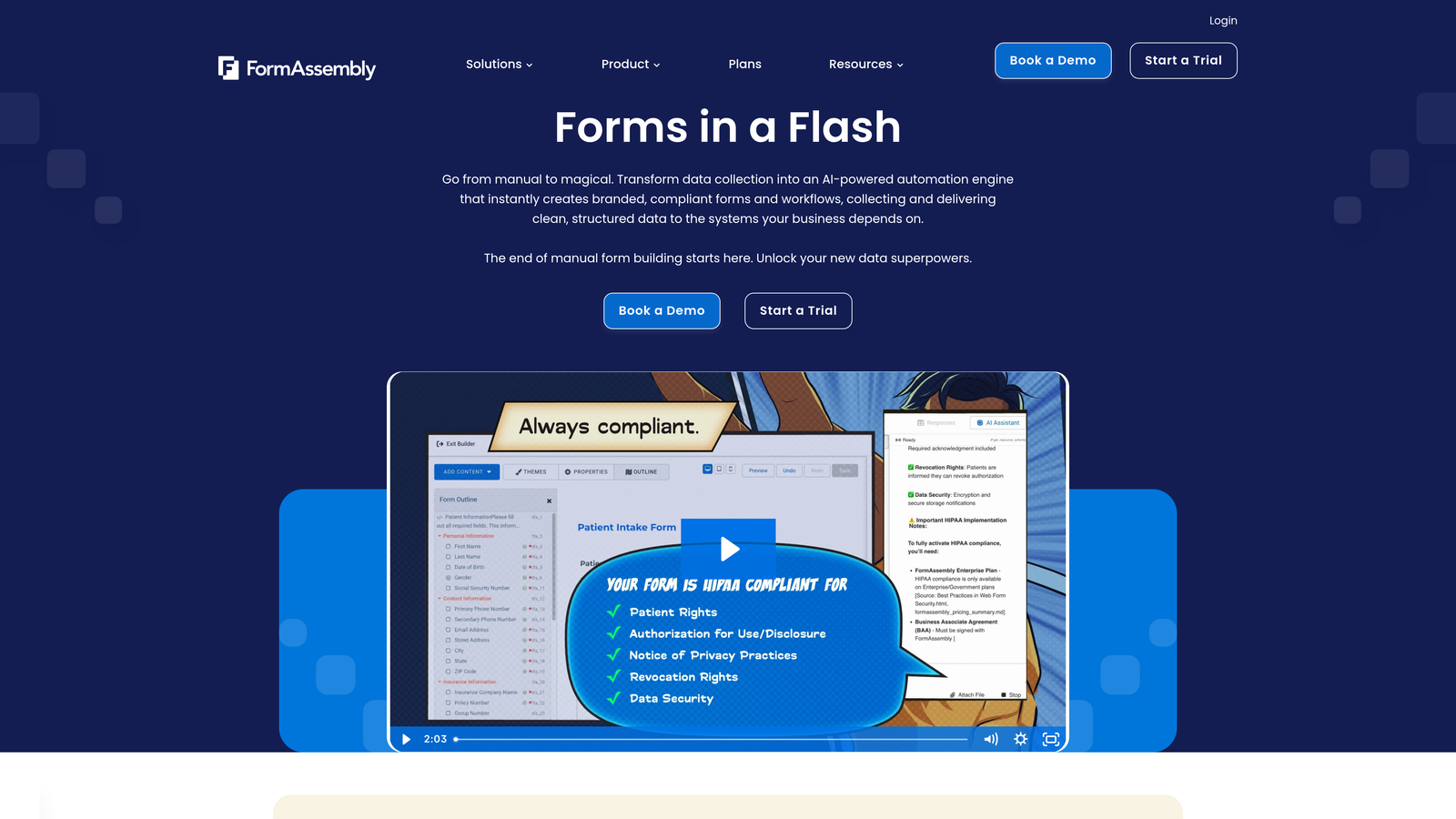
FormAssembly was built specifically for the Salesforce ecosystem and organizations operating under strict regulatory requirements.
Where This Tool Shines
FormAssembly's native Salesforce integration goes deeper than typical connectors. It can prefill form fields with existing Salesforce data, map submissions to multiple Salesforce objects simultaneously, and maintain field-level security matching your Salesforce configuration.
The compliance focus makes FormAssembly a top choice for healthcare, financial services, and government organizations. It holds HIPAA, GDPR, PCI DSS, and SOC 2 certifications, with a Compliance Cloud offering that provides additional security controls and data residency options for the most regulated environments.
Key Features
Native Salesforce Integration: Deep two-way sync with Salesforce including prefill, multi-object mapping, and field-level security.
Compliance Certifications: HIPAA, GDPR, PCI DSS, and SOC 2 compliance with dedicated Compliance Cloud infrastructure.
Multi-Object Mapping: Map single form submissions to multiple Salesforce objects in one workflow.
Workflow Automation: Conditional logic and routing based on submission data and Salesforce field values.
Audit Trails: Comprehensive logging of all form interactions for compliance and security review.
Best For
Salesforce-heavy enterprises, healthcare organizations requiring HIPAA compliance, financial services firms needing PCI DSS certification, and any regulated industry where compliance documentation is critical.
Pricing
Enterprise plans start around $500/month for standard features. Compliance Cloud pricing is higher, typically starting at $1,000+/month depending on data residency and security requirements.
8. Qualtrics
Best for: Large enterprises needing sophisticated research capabilities and advanced analytics beyond basic forms
Qualtrics is an experience management platform that extends far beyond form building into enterprise-grade research and analytics.
Where This Tool Shines
Qualtrics brings research-grade survey methodology and advanced analytics to enterprise form building. The platform's AI-powered text analysis can automatically categorize open-ended responses, identify sentiment, and surface key themes across thousands of submissions.
The reporting and dashboard capabilities far exceed typical form builders. Create real-time dashboards that update as submissions arrive, set up automated alerts when certain conditions are met, and generate executive-level reports that translate form data into actionable business insights. The FedRAMP authorization makes it particularly strong for government contractors.
Key Features
Advanced Survey Logic: Sophisticated branching, quota management, and randomization for research-grade data collection.
AI Text Analysis: Automated sentiment analysis and theme identification across open-ended responses.
Enterprise Dashboards: Real-time reporting with customizable visualizations and automated distribution.
Experience Management: Goes beyond forms to manage customer, employee, product, and brand experiences.
FedRAMP Authorization: Certified for use by U.S. government agencies and contractors.
Best For
Large enterprises conducting sophisticated market research, customer experience teams managing feedback at scale, HR departments running employee engagement programs, and government contractors requiring FedRAMP compliance.
Pricing
Custom enterprise pricing that typically starts at $1,500+ annually depending on user count, features, and support level. Qualtrics positions itself as an enterprise platform rather than a simple form tool, with pricing reflecting that positioning.
9. Zoho Forms
Best for: Cost-conscious enterprises already using the Zoho business suite
Zoho Forms delivers enterprise form capabilities at competitive pricing, particularly valuable for organizations already invested in the Zoho ecosystem.
Where This Tool Shines
Zoho Forms integrates seamlessly with Zoho CRM, Zoho Analytics, Zoho Projects, and the entire Zoho suite of business applications. This native integration eliminates the middleware and connector costs that add up when using best-of-breed tools from different vendors.
The mobile app with offline data collection capabilities makes Zoho Forms particularly strong for field teams. Sales reps, inspectors, and service technicians can collect data without internet connectivity, with submissions automatically syncing when connection is restored. The competitive pricing makes it accessible for large teams without breaking the budget.
Key Features
Zoho Suite Integration: Native connections across all Zoho business applications without third-party connectors.
Approval Workflows: Multi-step approval routing with notifications and conditional logic.
Payment Collection: Built-in payment processing through major payment gateways.
Offline Mobile App: Collect data without internet connectivity with automatic sync when connection returns.
Competitive Pricing: Enterprise features at lower price points than many competitors.
Best For
Organizations already using Zoho CRM or other Zoho applications, field teams requiring offline data collection, and cost-conscious enterprises needing enterprise features without premium pricing.
Pricing
Premium plan at $40/month for teams includes most enterprise features. Custom enterprise pricing available for large organizations requiring additional user seats, storage, and support.
Making the Right Choice
The enterprise form builder you choose depends heavily on your existing tech stack and specific requirements. If you're focused on lead generation and conversion optimization, Orbit AI's intelligent qualification capabilities deliver immediate ROI by routing high-value prospects to your sales team automatically.
For organizations deeply invested in specific ecosystems, the decision becomes clearer. Salesforce-heavy enterprises should seriously evaluate FormAssembly's native integration depth, while Microsoft 365 shops will find Power Apps provides the smoothest path to form building within their existing environment. Zoho users benefit from the seamless suite integration and competitive pricing.
Compliance requirements often narrow the field quickly. Healthcare organizations need HIPAA-certified platforms like Formstack, FormAssembly, or Cognito Forms. Government contractors require FedRAMP authorization, making Qualtrics a natural fit. Financial services firms should prioritize platforms with PCI DSS certification and SOC 2 Type II compliance.
Think about where forms fit in your broader workflows. If data collection is just the first step in longer processes involving document generation and signatures, Formstack's end-to-end automation eliminates integration headaches. If you're running sophisticated research or need advanced analytics, Qualtrics brings capabilities that far exceed basic form builders.
User experience matters more than many enterprises initially realize. Typeform's conversational approach consistently delivers higher completion rates when engagement is critical. Jotform's extensive template library accelerates deployment across diverse use cases. Cognito Forms handles complex calculations that would require custom development elsewhere.
Transform your lead generation with AI-powered forms that qualify prospects automatically while delivering the modern, conversion-optimized experience your high-growth team needs. Start building free forms today and see how intelligent form design can elevate your conversion strategy.


