

High-growth companies face a unique challenge: capturing leads at scale while maintaining quality. Generic form builders create friction, lose qualified prospects, and waste sales team bandwidth on poor-fit leads. The right form builder does more than collect data—it qualifies leads in real-time, integrates seamlessly with your tech stack, and scales alongside your growth trajectory.
We evaluated dozens of form builders based on conversion optimization features, AI capabilities, integration depth, and scalability for fast-moving teams. Here are the nine platforms that consistently deliver for companies prioritizing rapid, sustainable growth.
1. Orbit AI
Best for: Teams needing AI-powered lead qualification with beautiful, conversion-optimized forms
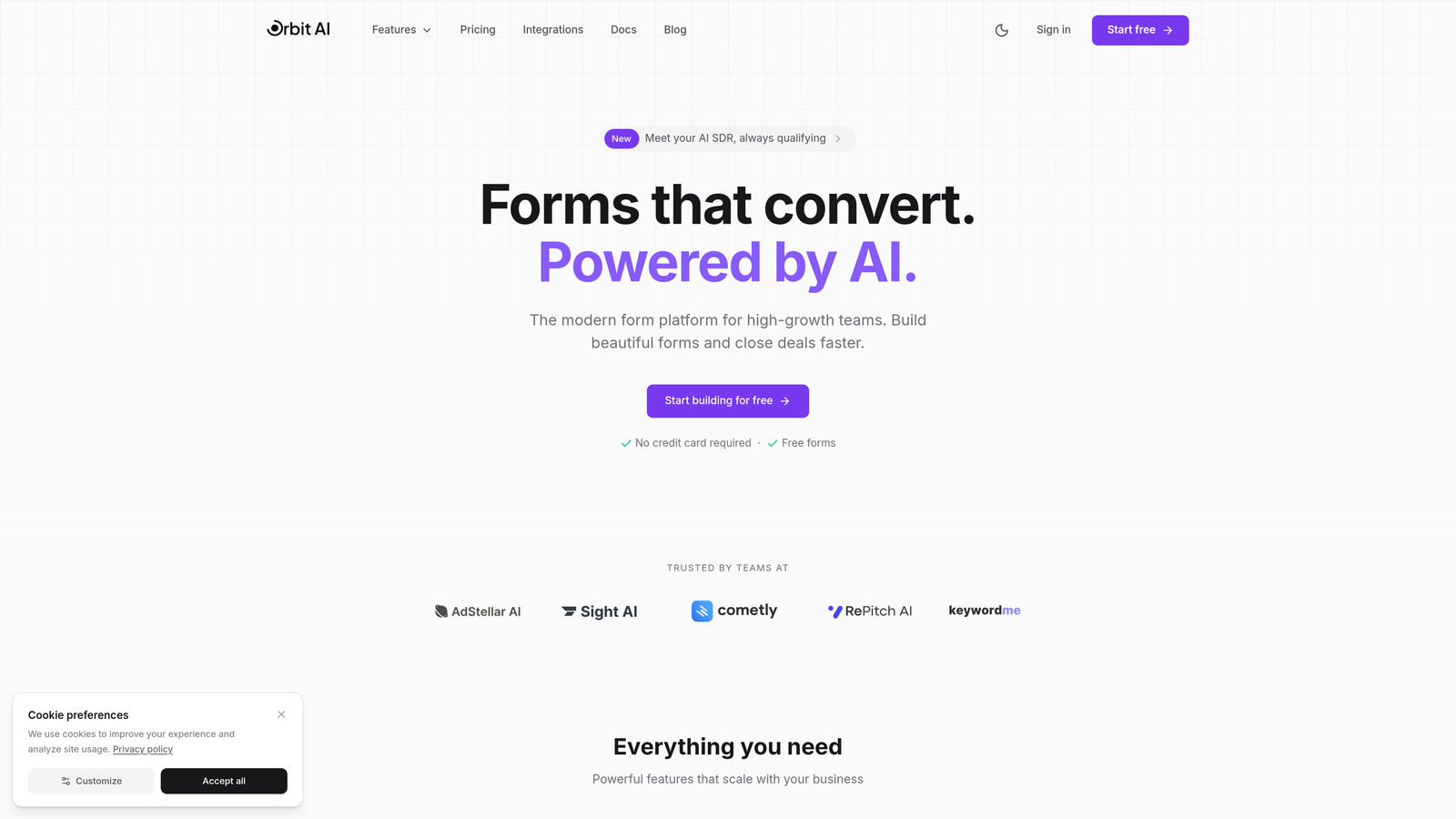
Orbit AI is an intelligent form builder designed specifically for high-growth companies focused on conversion optimization and lead quality.
Where This Tool Shines
Orbit AI distinguishes itself through intelligent lead qualification that happens automatically as prospects fill out forms. The platform uses AI to score leads in real-time, route them to the appropriate sales team members, and provide immediate insights into prospect quality.
For teams drowning in unqualified leads, this automation eliminates hours of manual sorting. The platform's modern interface creates a premium experience that reflects well on your brand while maintaining high conversion rates through thoughtful design patterns.
Key Features
AI-Powered Lead Qualification: Automatically scores and qualifies leads based on responses, saving sales teams from manual triage.
Intelligent Routing: Directs qualified prospects to the right team members instantly, reducing response time and improving conversion.
Conversion-Optimized Design: Beautiful, modern form templates built with high-growth conversion patterns in mind.
Deep Integrations: Connects seamlessly with CRMs, marketing automation platforms, and sales tools your team already uses.
Real-Time Analytics: Provides actionable insights for continuous optimization of form performance and lead quality.
Best For
Orbit AI works best for high-growth B2B companies and SaaS teams where lead quality directly impacts sales efficiency. If your sales team spends significant time qualifying leads manually, or if you're scaling quickly and need intelligent automation, this platform addresses those pain points directly.
Pricing
Contact for pricing; plans scale with team size and submission volume to match your growth trajectory.
2. Typeform
Best for: Creating highly engaging, conversational forms with exceptional brand presentation
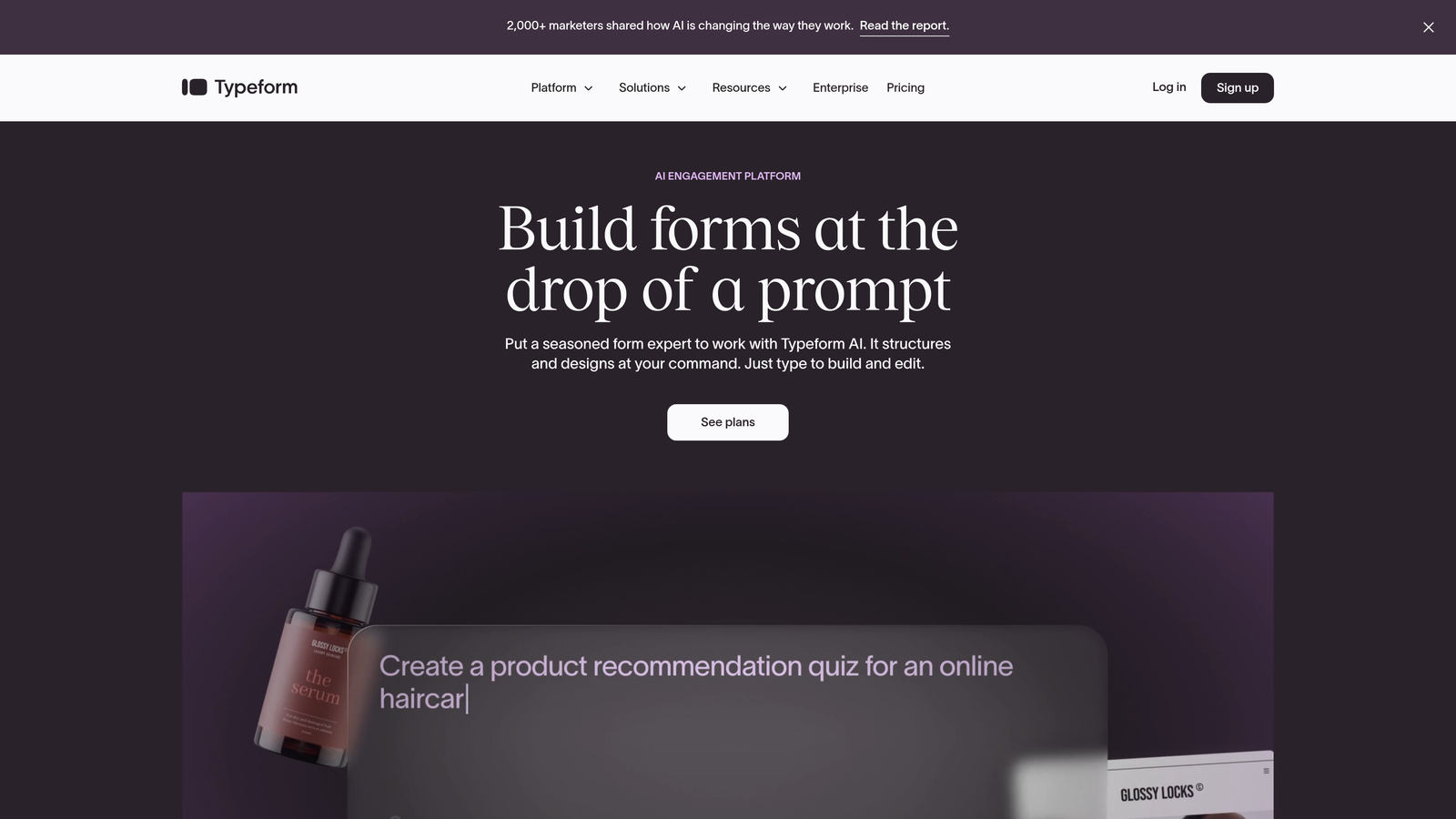
Typeform is a conversational form builder known for high engagement rates through its sleek, one-question-at-a-time design approach.
Where This Tool Shines
Typeform's conversational interface feels more like a dialogue than a traditional form. By presenting one question at a time with smooth transitions, it reduces form abandonment and creates a more human experience. This approach consistently delivers higher completion rates compared to traditional multi-field forms.
The platform's visual polish makes it ideal for brand-conscious companies. Every interaction feels premium, which matters when you're trying to make a strong first impression with high-value prospects.
Key Features
Conversational Format: One-question-at-a-time presentation reduces cognitive load and improves completion rates.
Advanced Logic Jumps: Creates personalized paths through forms based on previous answers, making experiences feel tailored.
Strong Brand Customization: Extensive design controls ensure forms match your brand identity perfectly.
Rich Media Embedding: Incorporates videos, images, and GIFs to create engaging, memorable form experiences.
Native Integrations: Connects with major platforms including Salesforce, HubSpot, Google Sheets, and Slack.
Best For
Typeform excels for marketing teams prioritizing engagement and brand experience. If you're running lead generation campaigns where form aesthetics matter, or conducting research where completion rates are critical, this platform delivers consistent results.
Pricing
Free tier available with basic features; paid plans start at $25/month with increased responses and advanced logic.
3. HubSpot Forms
Best for: Teams already using HubSpot who need seamless CRM integration and progressive profiling
HubSpot Forms is the native form builder within the HubSpot ecosystem, offering deep CRM integration and intelligent contact management.

Where This Tool Shines
If you're already invested in HubSpot, their native forms eliminate data sync issues entirely. Forms automatically update contact records, trigger workflows, and feed into your marketing automation without any middleware or integration complexity.
Progressive profiling stands out as a killer feature for growing databases. The system automatically adjusts form fields based on what you already know about a contact, gathering new information each time without overwhelming prospects with repetitive questions.
Key Features
Native CRM Integration: Forms sync instantly with HubSpot CRM, updating contact records and triggering workflows automatically.
Progressive Profiling: Automatically shows different questions to returning visitors, enriching contact data over time.
Smart Fields: Conditional logic and dependent fields create personalized form experiences based on visitor attributes.
Multiple Form Types: Create embedded forms, pop-ups, slide-ins, and standalone landing pages from one platform.
Built-In Analytics: Track submission rates, view counts, and run A/B tests directly within HubSpot's analytics suite.
Best For
HubSpot Forms makes the most sense for companies already using HubSpot CRM or Marketing Hub. The tight integration creates efficiency gains that are hard to replicate with third-party tools, especially for teams running complex nurture campaigns.
Pricing
Free with HubSpot CRM; advanced features like progressive profiling and A/B testing require paid Marketing Hub subscriptions starting at $45/month.
4. Jotform
Best for: Teams needing extensive template variety, payment processing, and document workflows
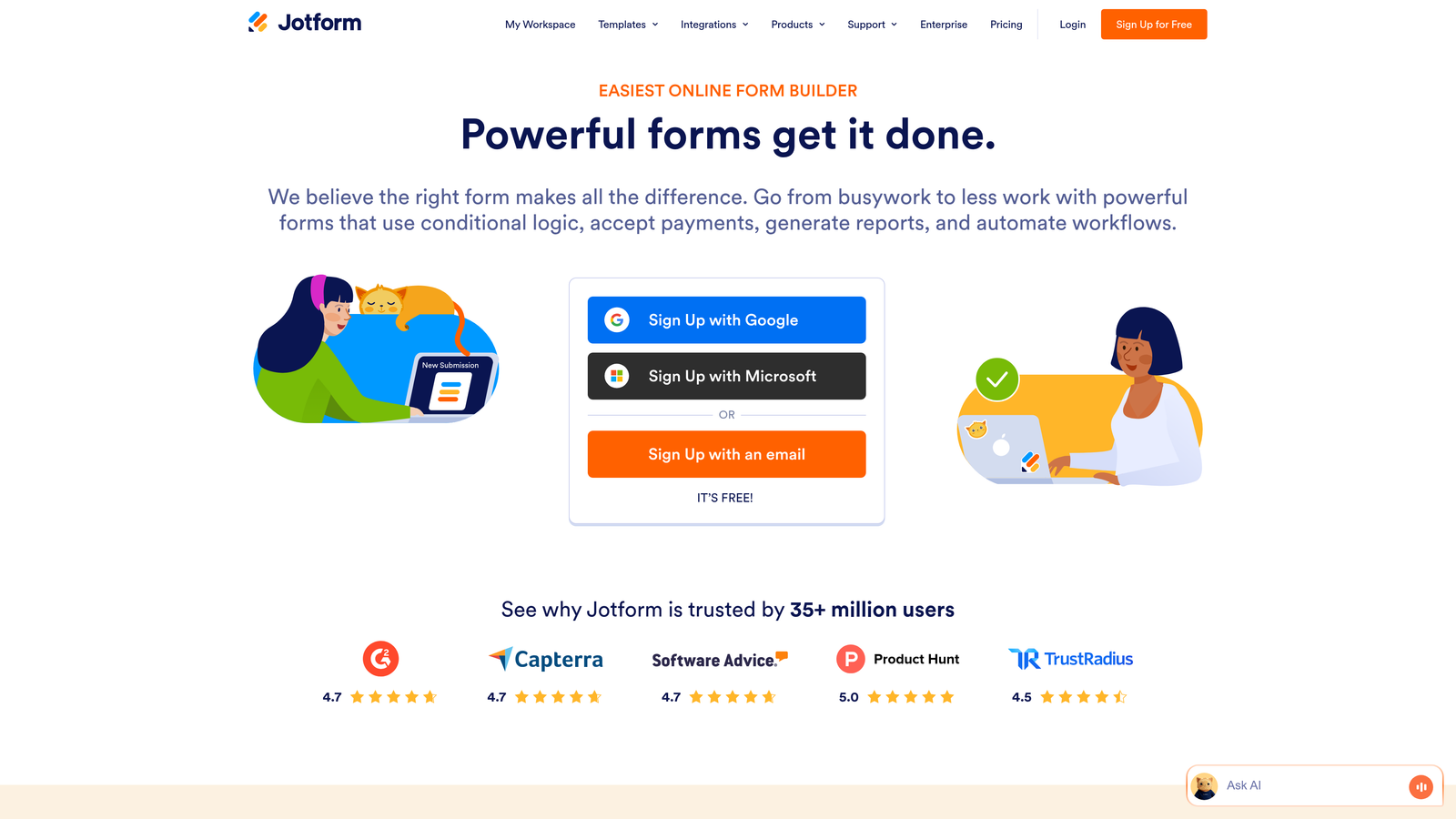
Jotform is a versatile form builder offering thousands of pre-built templates, payment collection, and comprehensive integration options.
Where This Tool Shines
Jotform's massive template library means you can launch sophisticated forms in minutes. Whether you need event registrations, application forms, or customer intake workflows, there's likely a template that gets you 80% of the way there immediately.
The platform handles complex use cases that many competitors avoid. Payment processing, e-signatures, and PDF generation are built-in rather than requiring third-party tools. This makes Jotform particularly valuable for teams managing end-to-end processes beyond simple lead capture.
Key Features
10,000+ Templates: Extensive library covering virtually every use case, from simple contact forms to complex applications.
Payment Collection: Built-in payment processing through multiple gateways including Stripe, PayPal, and Square.
E-Signatures and PDFs: Collect legally binding signatures and automatically generate PDF documents from submissions.
Conditional Logic: Create dynamic forms that adapt based on user inputs, with calculations for complex workflows.
200+ Integrations: Connects with popular tools including Salesforce, Airtable, Google Workspace, and Slack.
Best For
Jotform works well for teams handling diverse form needs across departments. If you need one platform for lead capture, event registration, payment collection, and internal workflows, this versatility reduces tool sprawl significantly.
Pricing
Free tier available with limited submissions; paid plans start at $34/month with increased limits and advanced features.
5. Tally
Best for: Fast-moving teams wanting powerful features with an unlimited free tier
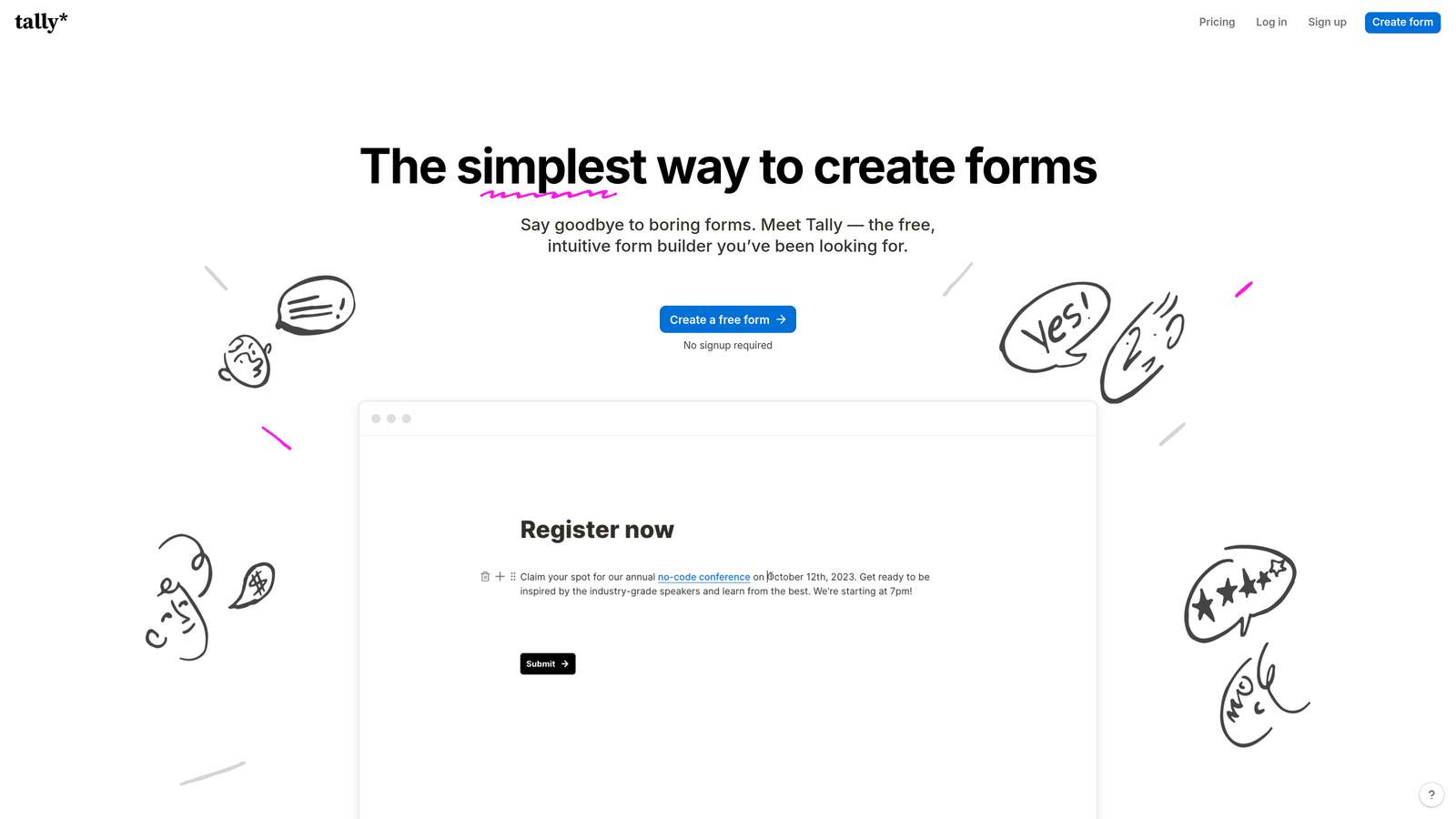
Tally is a Notion-style form builder offering a generous free tier and intuitive block-based editing for rapid form creation.
Where This Tool Shines
Tally's Notion-like interface feels immediately familiar if you're already using modern productivity tools. The block-based editor makes building complex forms intuitive—just add blocks, configure logic, and publish. No learning curve means your team can start creating forms immediately.
The unlimited forms on the free tier removes a major constraint for growing teams. You can experiment freely, create forms for different campaigns, and scale usage without worrying about hitting submission caps or form limits.
Key Features
Notion-Style Editor: Intuitive block-based interface that feels natural for teams already using modern collaboration tools.
Unlimited Free Forms: Create as many forms as needed on the free plan, removing growth constraints for bootstrapped teams.
Conditional Logic: Build dynamic forms with branching paths and calculations without complex configuration.
File Uploads and Payments: Collect files and process payments directly through forms on paid plans.
Webhooks and Integrations: Connect to thousands of tools through native integrations and webhook support.
Best For
Tally excels for startups and high-growth teams prioritizing speed and flexibility over enterprise features. If you're moving fast, testing multiple campaigns, or working with tight budgets, the generous free tier and quick setup make this an attractive option.
Pricing
Free tier with unlimited forms and basic features; Pro plan at $29/month adds payment processing, file uploads, and advanced customization.
6. Fillout
Best for: Teams using Airtable or Notion who need database-connected forms with scheduling
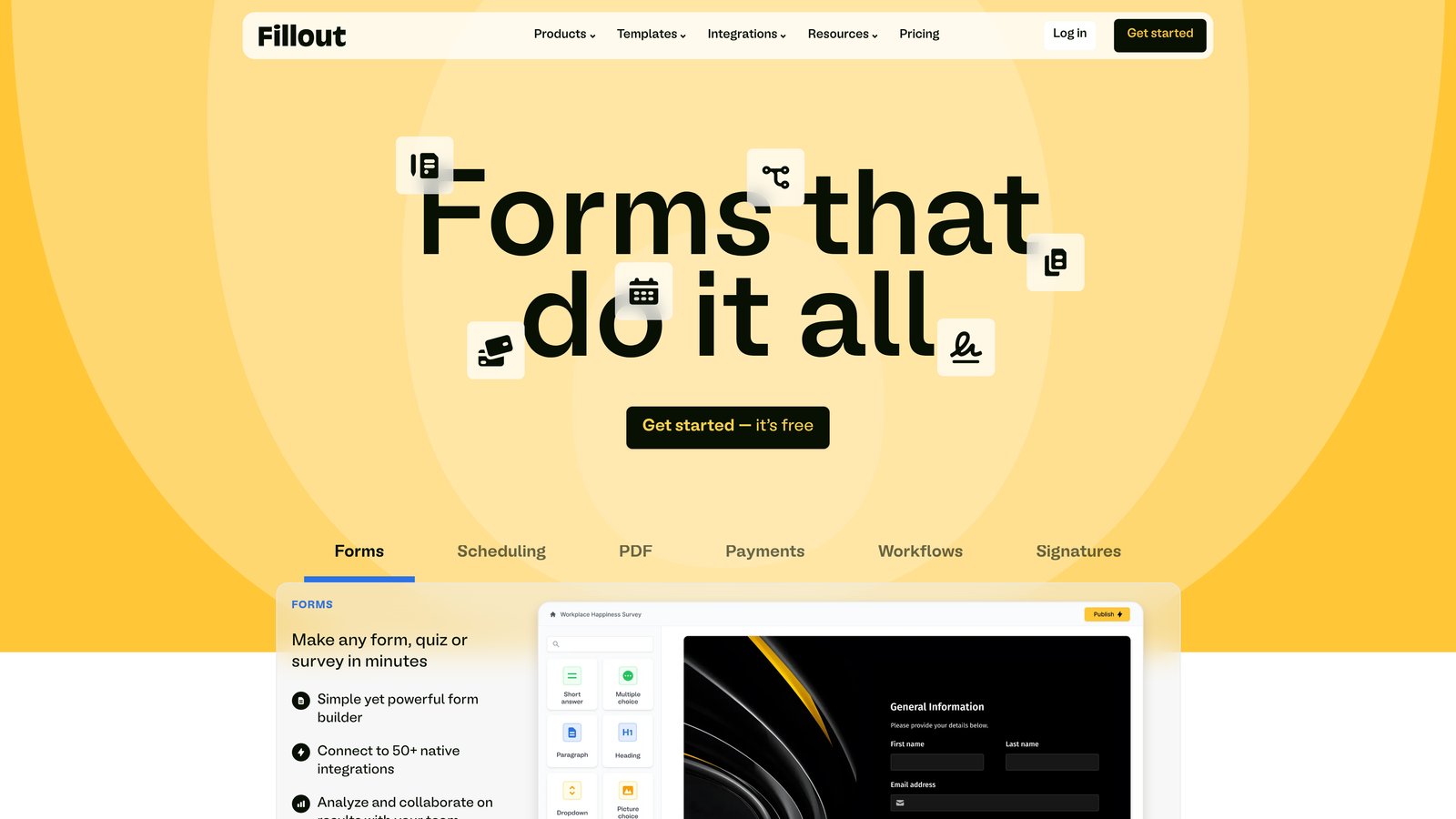
Fillout is a database-connected form builder with native Airtable and Notion integration, plus built-in scheduling functionality.
Where This Tool Shines
Fillout's native Airtable and Notion sync eliminates the typical integration headaches. Forms write directly to your databases, and you can even pre-populate fields from existing records. This tight integration matters when your entire workflow lives in these platforms.
The built-in scheduling feature is surprisingly powerful. Instead of juggling separate booking tools, you can collect information and schedule meetings in a single form flow, reducing friction in your conversion process.
Key Features
Native Database Sync: Direct two-way integration with Airtable and Notion, treating your databases as the source of truth.
Built-In Scheduling: Integrated calendar booking functionality eliminates the need for separate scheduling tools.
Payment Collection: Process payments through Stripe directly within forms for product sales or service bookings.
Multi-Page Forms: Break complex forms into multiple pages with conditional logic controlling the flow.
Quiz and Survey Modes: Create scored assessments and surveys with automatic grading and custom result pages.
Best For
Fillout makes the most sense for teams that have built their operations around Airtable or Notion. If your CRM, project management, and data workflows already live in these platforms, Fillout extends them seamlessly into form-based data collection.
Pricing
Free tier available with basic features; paid plans start at $15/month for increased submissions and advanced capabilities.
7. Paperform
Best for: Creating content-rich, branded landing page experiences with embedded forms
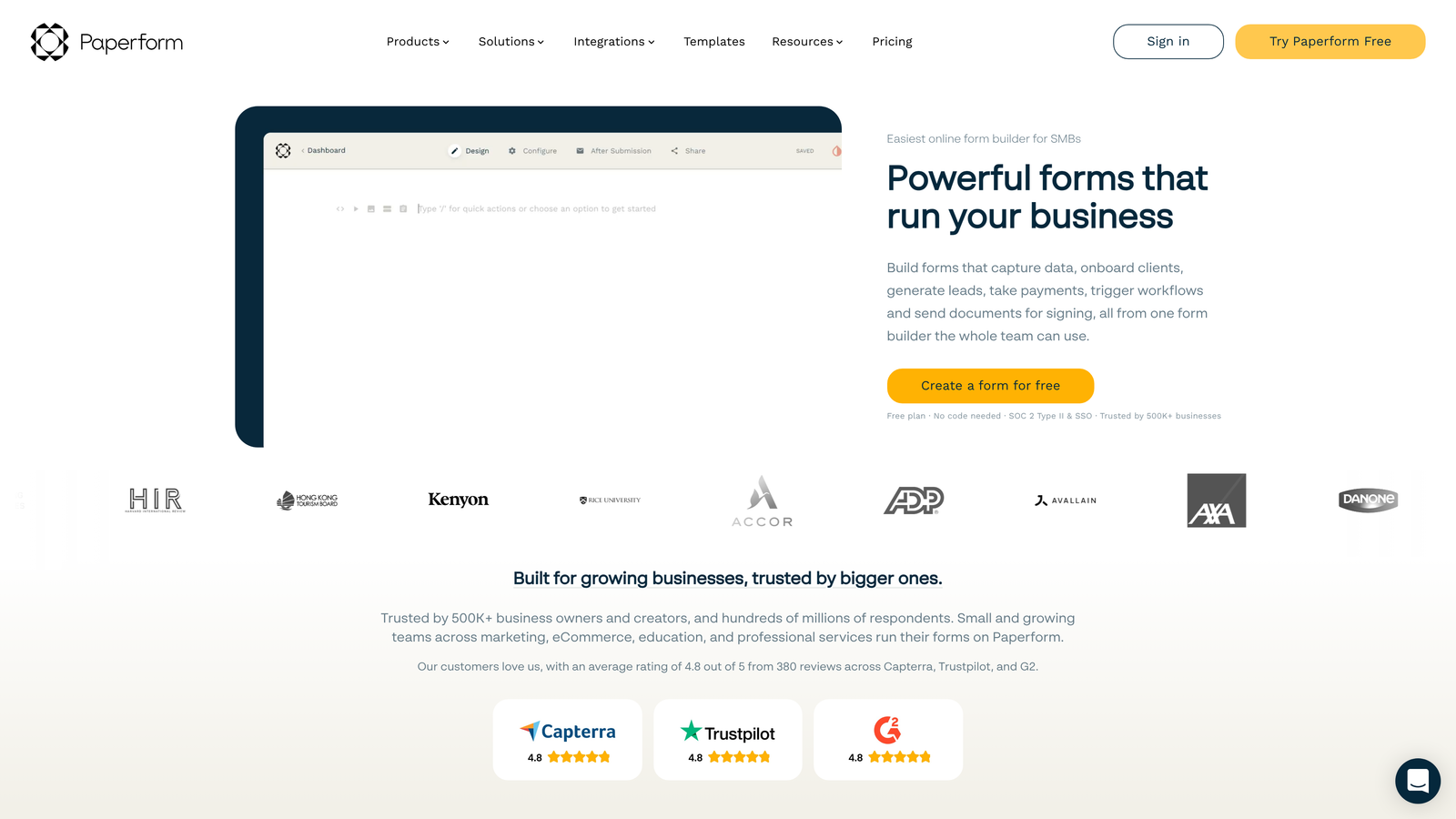
Paperform is a content-rich form builder using a document-style editor, ideal for creating branded landing pages and immersive form experiences.
Where This Tool Shines
Paperform's document-style editor lets you blend rich content with form fields seamlessly. You can create landing pages that tell a story, explain complex offerings, and collect information all in one continuous experience. This approach works exceptionally well for high-consideration purchases or detailed applications.
The platform's design flexibility means your forms can look nothing like traditional forms. Add images, videos, explanatory text, and custom styling to create experiences that feel more like branded pages than data collection tools.
Key Features
Document-Style Editor: Free-form editor lets you mix text, images, videos, and form fields in any layout you imagine.
Rich Media Embedding: Incorporate videos, image galleries, and formatted text to create engaging, informative experiences.
Advanced Calculations: Build complex pricing calculators, quote generators, and dynamic forms with custom formulas.
Payment Processing: Accept one-time payments and recurring subscriptions through integrated payment gateways.
Custom Branding: Complete control over themes, colors, fonts, and styling to match your brand identity perfectly.
Best For
Paperform excels for teams selling complex products or services that require explanation. If your offering needs context, education, or storytelling before someone can make an informed decision, this platform lets you provide that alongside data collection.
Pricing
Plans start at $24/month with unlimited forms and submissions; higher tiers add team features and advanced customization.
8. Formstack
Best for: Enterprise teams requiring HIPAA compliance, advanced security, and workflow automation
Formstack is an enterprise-grade form builder offering HIPAA compliance, advanced security controls, and sophisticated workflow automation.
Where This Tool Shines
Formstack takes security and compliance seriously in ways that matter for regulated industries. HIPAA and SOC 2 compliance aren't afterthoughts—they're built into the platform's architecture. For healthcare, finance, or any industry handling sensitive data, this compliance foundation is non-negotiable.
The workflow automation capabilities extend far beyond basic form submissions. You can build complex approval processes, route documents for e-signatures, and trigger multi-step workflows based on form data, all within a single platform.
Key Features
HIPAA and SOC 2 Compliance: Enterprise-grade security and compliance certifications for regulated industries.
Advanced Workflow Automation: Create complex approval processes, routing rules, and multi-step workflows triggered by form submissions.
E-Signature Integration: Built-in e-signature capabilities for contracts, agreements, and document workflows.
Offline Data Collection: Mobile app allows form submissions without internet connectivity, syncing when connection returns.
Enterprise Security Controls: SSO, audit trails, field-level encryption, and granular permission management.
Best For
Formstack serves enterprise teams in regulated industries where compliance and security aren't optional. Healthcare organizations, financial services firms, and large enterprises with strict data governance requirements find the compliance features worth the premium pricing.
Pricing
Plans start at $50/month for basic features; enterprise pricing available for teams needing compliance certifications and advanced security.
9. Cognito Forms
Best for: Budget-conscious teams needing powerful calculations and payment processing
Cognito Forms is a budget-friendly form builder offering advanced calculations, payment processing, and complex data collection at accessible price points.
Where This Tool Shines
Cognito Forms punches above its weight class in calculation capabilities. You can build sophisticated pricing calculators, quote generators, and dynamic forms with complex formulas that rival enterprise platforms, all at a fraction of the cost.
Repeating sections solve a problem most form builders ignore: collecting multiple related items in a single submission. If you need to collect information about multiple products, team members, or line items, repeating sections handle this elegantly without forcing users to submit multiple forms.
Key Features
Advanced Calculations: Build complex formulas and calculations for pricing, quotes, and dynamic field values.
Repeating Sections: Allow users to add multiple instances of related fields, perfect for collecting line items or multiple entries.
Payment Processing: Accept payments through multiple gateways including Stripe, PayPal, and Square with competitive transaction fees.
Conditional Logic: Create dynamic forms with show/hide rules, required field logic, and workflow triggers.
Data Encryption: Field-level encryption and compliance options for sensitive data collection.
Best For
Cognito Forms works well for growing teams that need enterprise-level features without enterprise budgets. If you're collecting payments, building complex calculators, or need repeating sections, this platform delivers exceptional value.
Pricing
Free tier available with basic features; paid plans start at $15/month with increased submissions and advanced capabilities.
Making the Right Choice
Choosing the right form builder depends on your growth stage and primary use case. For AI-powered lead qualification that scales with your team, Orbit AI delivers intelligent routing and conversion optimization that eliminates manual lead triage. If you're already invested in HubSpot, their native forms minimize friction and maximize the value of your existing CRM investment.
Teams prioritizing design and engagement often gravitate toward Typeform's conversational interface, while those needing enterprise compliance should evaluate Formstack's security certifications. Budget-conscious teams scaling quickly find strong value in Tally's unlimited free tier or Cognito Forms' powerful features at accessible pricing.
The best choice integrates seamlessly with your existing stack, qualifies leads automatically, and removes bottlenecks from your sales process. Start by identifying your biggest conversion friction point—whether that's lead quality, form abandonment, or manual data entry—then select the platform that addresses it directly.
Transform your lead generation with AI-powered forms that qualify prospects automatically while delivering the modern, conversion-optimized experience your high-growth team needs. Start building free forms today and see how intelligent form design can elevate your conversion strategy.


