

For SaaS companies, forms aren't just data collection tools—they're critical conversion points that can make or break your growth trajectory. Whether you're capturing demo requests, qualifying leads, or onboarding new users, the right form builder directly impacts your pipeline.
But with dozens of options available, finding one that integrates with your tech stack, handles complex logic, and actually converts visitors into qualified leads requires careful evaluation. We've tested and compared the top form builders specifically suited for SaaS workflows, considering factors like CRM integrations, conditional logic capabilities, analytics depth, and pricing that scales with your growth.
1. Orbit AI
Best for: High-growth SaaS teams needing AI-powered lead qualification and intelligent routing
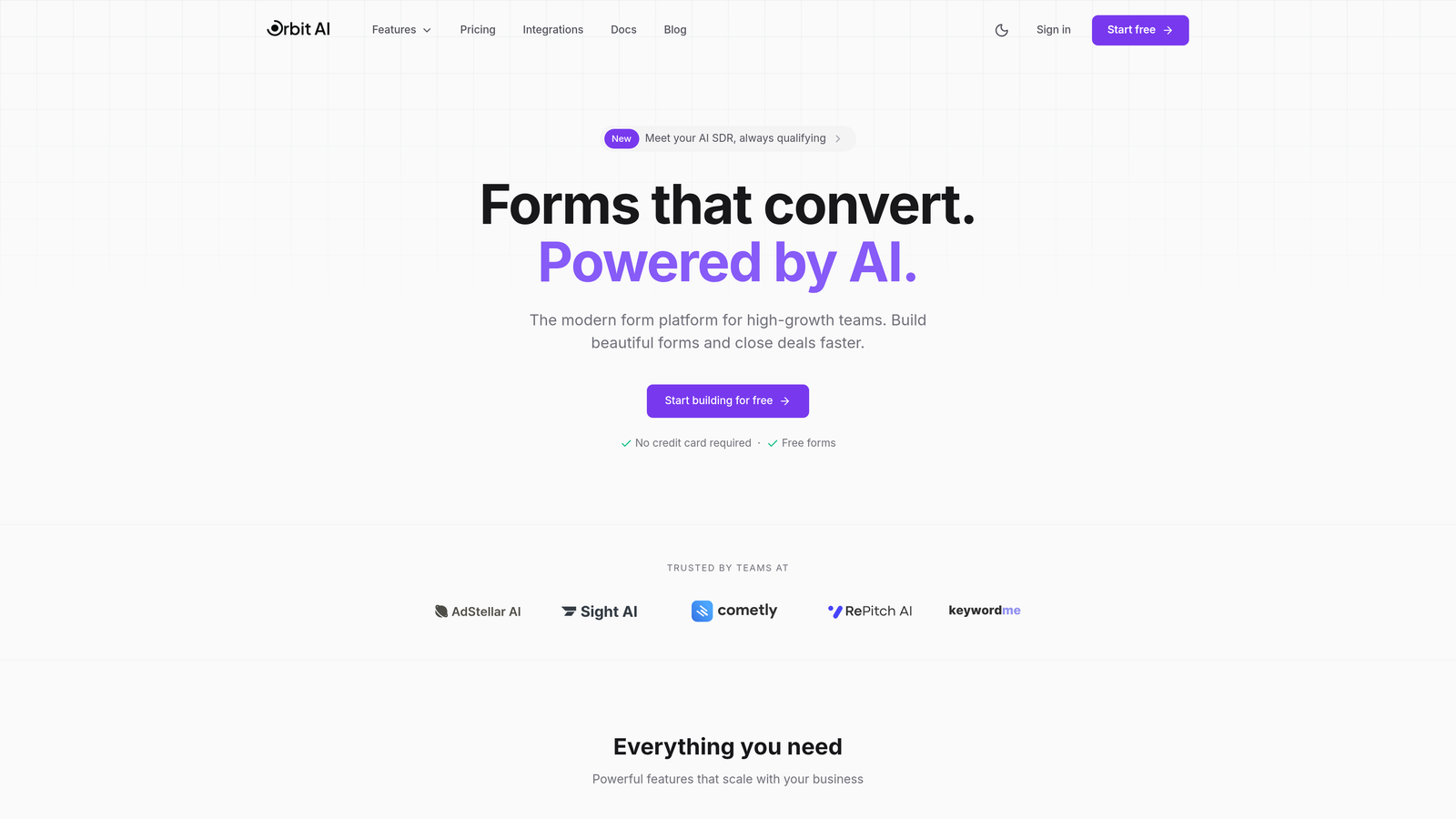
Orbit AI is an AI-powered form builder designed specifically for SaaS companies that need to qualify leads automatically while maintaining a modern, conversion-optimized experience.
Where This Tool Shines
The standout feature is the AI-powered lead qualification system that scores and routes prospects based on their responses. Instead of sending every form submission to your sales team, Orbit AI analyzes responses in real-time and directs high-intent leads to sales while routing others to nurture sequences.
This intelligent routing saves your sales team hours of manual qualification work. The platform also offers conversion-optimized templates built specifically for SaaS use cases like demo requests, trial signups, and customer onboarding flows.
Key Features
AI-Powered Lead Qualification: Automatically scores and qualifies leads based on form responses, company data, and behavioral signals.
Intelligent Form Routing: Routes qualified leads to the right team member or workflow based on territory, product interest, or company size.
Native CRM Integrations: Connects directly with HubSpot, Salesforce, Slack, and modern CRMs without requiring Zapier.
Conversion-Optimized Templates: Pre-built form templates designed specifically for SaaS conversion scenarios.
Real-Time Analytics Dashboard: Track completion rates, drop-off points, and conversion metrics to continuously optimize form performance.
Best For
Orbit AI is ideal for high-growth SaaS companies with active sales teams who need to qualify leads at scale. If your team is drowning in unqualified form submissions or spending too much time manually routing leads, the AI qualification features deliver immediate ROI.
Pricing
Free tier available for getting started. Paid plans scale with usage, making it accessible for early-stage startups while growing with enterprise needs.
2. Typeform
Best for: Customer-facing surveys and forms where engagement and completion rates matter most
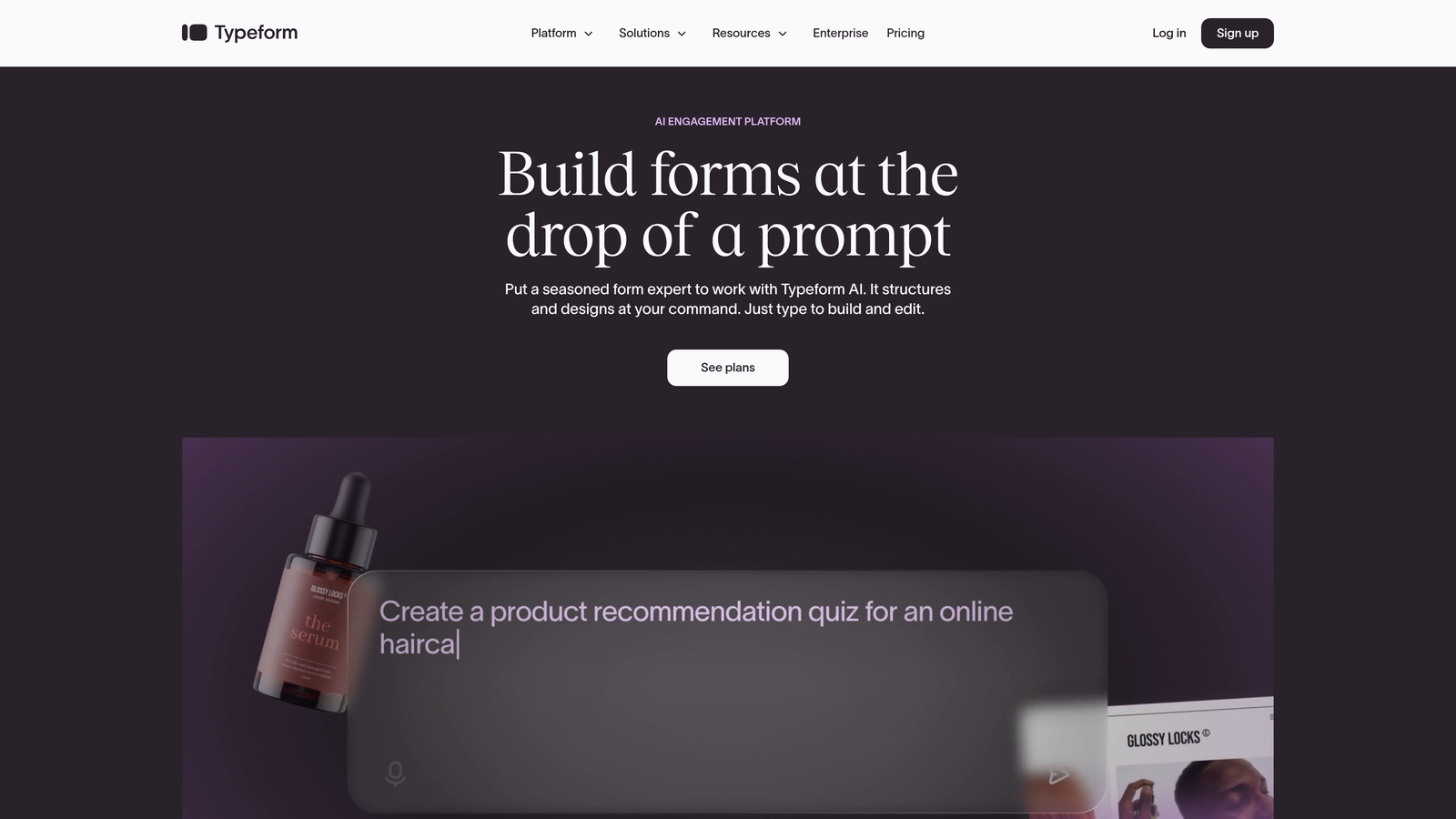
Typeform pioneered the conversational form format with its signature one-question-at-a-time interface that feels more like a conversation than a traditional form.
Where This Tool Shines
The conversational approach significantly improves completion rates compared to traditional multi-field forms. By showing one question at a time, Typeform reduces cognitive load and creates a more engaging experience that keeps users moving forward.
The platform excels at customer feedback surveys, lead qualification forms, and any scenario where you need to collect detailed information without overwhelming respondents. The visual design options and ability to embed rich media make forms feel premium and on-brand.
Key Features
Conversational Interface: One-question-at-a-time format that improves completion rates and user engagement.
Logic Jumps and Branching: Create personalized form paths based on previous answers to gather relevant information efficiently.
Rich Media Embedding: Add videos, images, and GIFs to create visually engaging form experiences.
Native Integrations: Connects with major tools including Slack, Google Sheets, HubSpot, and Salesforce.
Built-In Analytics: Track completion rates, drop-off points, and response patterns to optimize form performance.
Best For
SaaS companies that prioritize user experience and need high completion rates on customer-facing forms. Particularly effective for product feedback surveys, NPS forms, and lead qualification flows where engagement matters more than speed.
Pricing
Free tier available with limited responses. Basic plan starts at $25/month, with higher tiers unlocking advanced logic and integrations.
3. HubSpot Forms
Best for: Teams already using HubSpot CRM who need seamless native integration
HubSpot Forms is the native form builder within HubSpot's ecosystem, designed to work seamlessly with HubSpot CRM and marketing automation tools.

Where This Tool Shines
If you're already invested in HubSpot, this is the obvious choice. Form submissions flow directly into your CRM without any integration setup, and you can trigger automated workflows, assign leads to sales reps, and track the entire customer journey from form fill to closed deal.
The progressive profiling feature is particularly valuable for SaaS companies. Instead of asking the same questions repeatedly, HubSpot Forms remembers what it already knows about contacts and asks new questions each time, gradually building complete profiles without form fatigue.
Key Features
Seamless HubSpot Integration: Form data flows directly into HubSpot CRM with zero configuration required.
Progressive Profiling: Automatically shows different questions to known contacts to build complete profiles over time.
Smart Fields: Pre-fills form fields for known contacts to reduce friction and improve completion rates.
A/B Testing: Test different form variations to optimize conversion rates based on real performance data.
Flexible Display Options: Deploy forms as embedded elements, popups, slide-ins, or standalone landing pages.
Best For
SaaS companies already using HubSpot for CRM or marketing automation. The native integration eliminates data sync issues and unlocks powerful automation capabilities that standalone form builders can't match.
Pricing
Free with HubSpot CRM. Advanced features like progressive profiling and A/B testing require paid Marketing Hub subscriptions starting at $45/month.
4. Jotform
Best for: Teams needing extensive customization options and payment processing capabilities
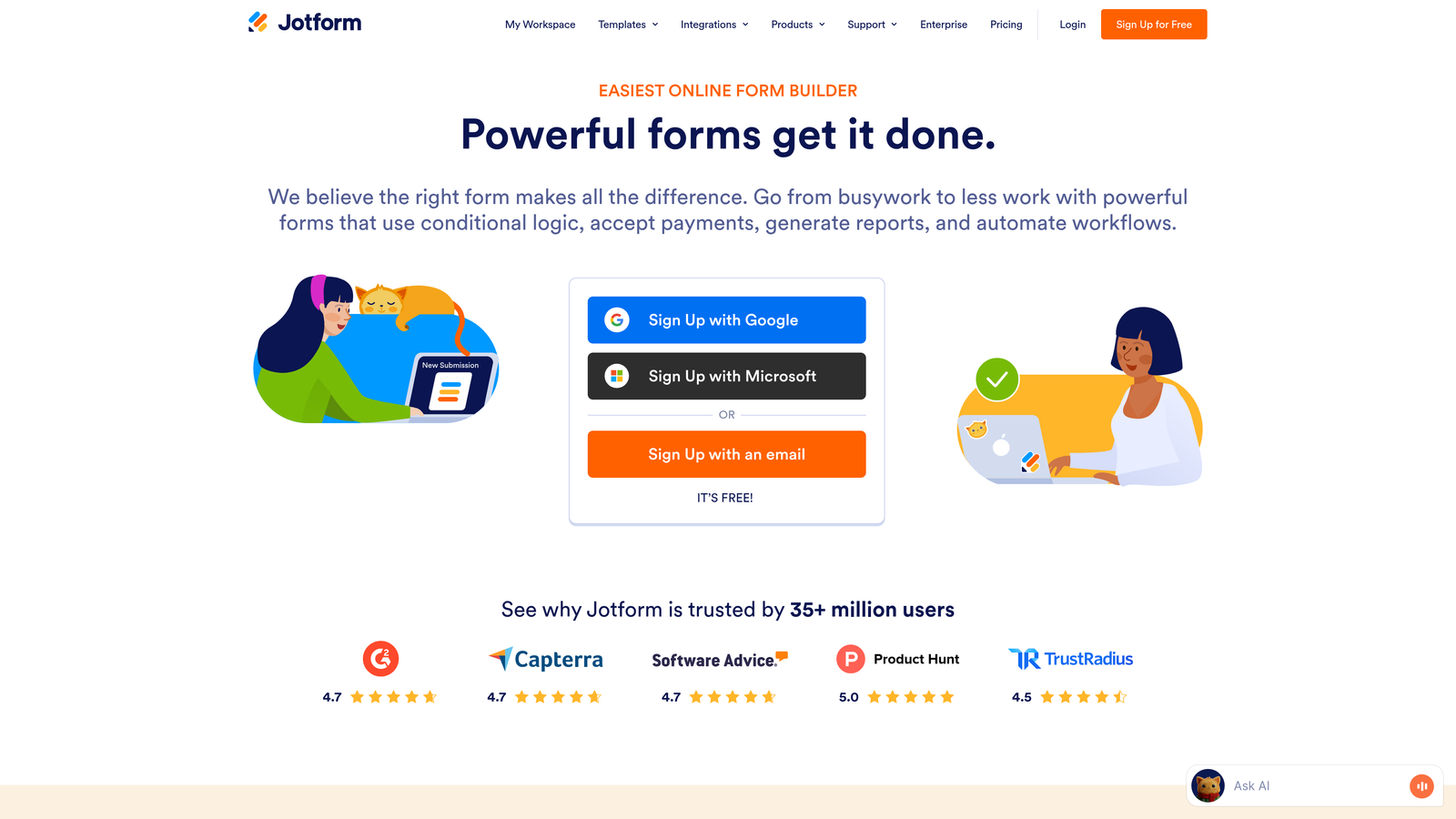
Jotform offers one of the most versatile form builders on the market, with over 10,000 templates and extensive customization options for virtually any use case.
Where This Tool Shines
The sheer breadth of features makes Jotform suitable for complex SaaS workflows that other form builders can't handle. Need to collect payments? Process file uploads? Build multi-page applications? Jotform handles it all with a drag-and-drop interface that doesn't require coding.
The widget library is particularly impressive, offering everything from signature fields to appointment schedulers to product order forms. For SaaS companies with diverse form needs across different departments, Jotform's flexibility eliminates the need for multiple form tools.
Key Features
10,000+ Templates: Pre-built form templates covering virtually every business use case and industry.
Extensive Widget Library: Drag-and-drop widgets for payments, signatures, file uploads, calculations, and more.
100+ Integrations: Connects with major CRMs, payment processors, and business tools including Salesforce and Stripe.
Conditional Logic: Create dynamic forms that show or hide fields based on user responses.
HIPAA Compliance: Enterprise plans offer HIPAA-compliant form hosting for healthcare-related SaaS products.
Best For
SaaS companies with diverse form needs across multiple departments or products. Particularly valuable for teams that need payment processing, file collection, or complex multi-step workflows in their forms.
Pricing
Free tier includes 5 forms with 100 monthly submissions. Bronze plan starts at $34/month for unlimited forms and increased submission limits.
5. Tally
Best for: Bootstrapped startups and early-stage SaaS companies needing a generous free tier
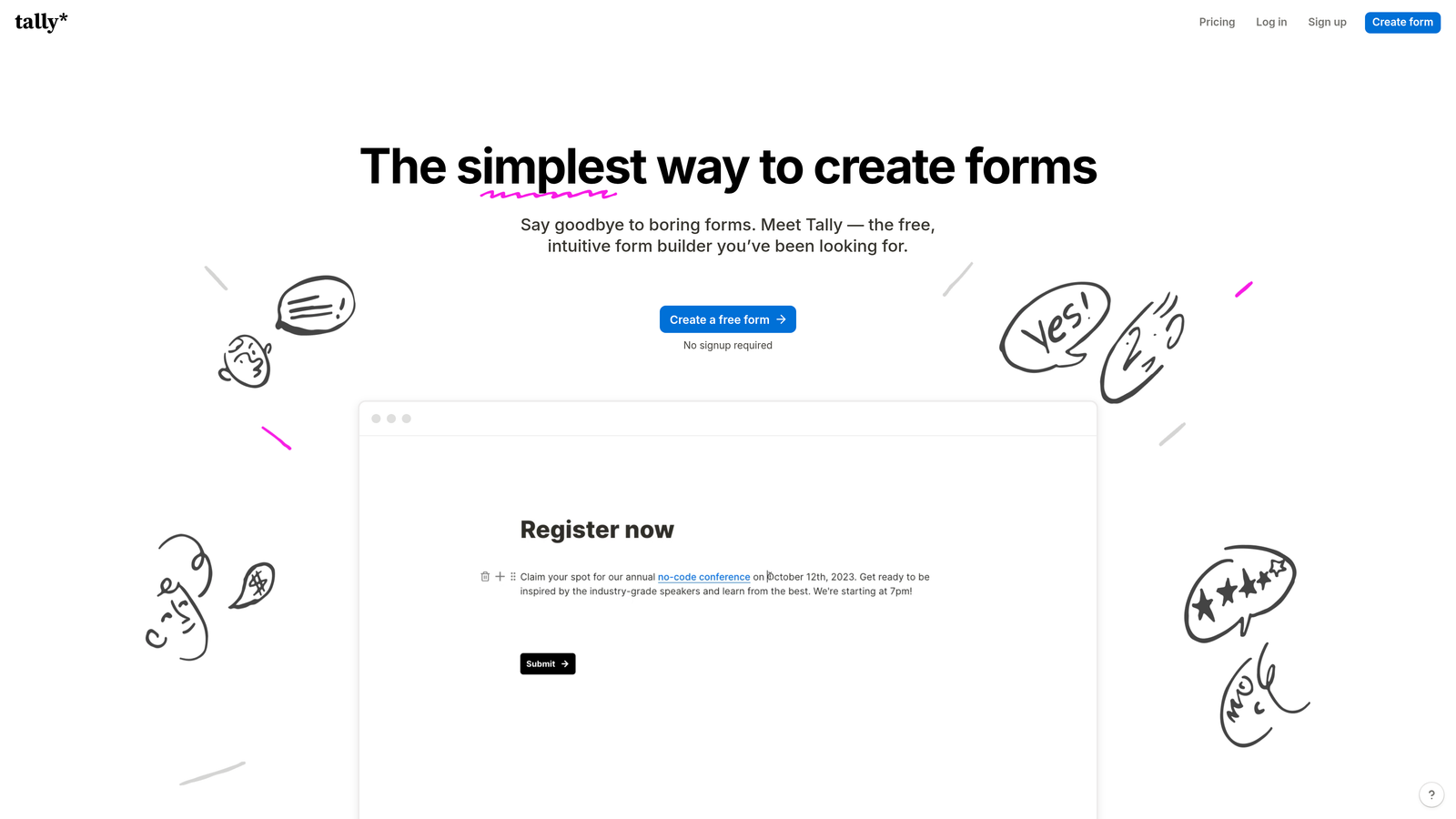
Tally brings a Notion-like block-based editing experience to form building, with one of the most generous free tiers in the industry.
Where This Tool Shines
The free tier is genuinely impressive—unlimited forms, unlimited submissions, and most core features available at no cost. For bootstrapped SaaS startups watching every dollar, Tally delivers professional form capabilities without the monthly subscription fee.
The block-based editor feels familiar to anyone who's used Notion, making form building intuitive and fast. You can create everything from simple contact forms to complex multi-step workflows without wrestling with complicated interfaces or hitting arbitrary submission limits.
Key Features
Unlimited Free Tier: No limits on forms or submissions on the free plan, making it ideal for growing startups.
Block-Based Editor: Notion-style interface that makes form building intuitive and fast.
Conditional Logic: Show or hide questions based on previous answers to create personalized form experiences.
Native Notion Integration: Send form responses directly to Notion databases for teams already using Notion as their workspace.
Clean Design: Minimal, modern aesthetic that looks professional without customization work.
Best For
Early-stage SaaS companies and bootstrapped startups that need professional form capabilities without monthly subscription costs. Also great for teams already using Notion who want seamless integration with their existing workflows.
Pricing
Free tier is extremely generous with unlimited forms and submissions. Pro plan at $29/month adds custom domains, remove Tally branding, and priority support.
6. Formstack
Best for: Enterprise SaaS companies with strict compliance and security requirements
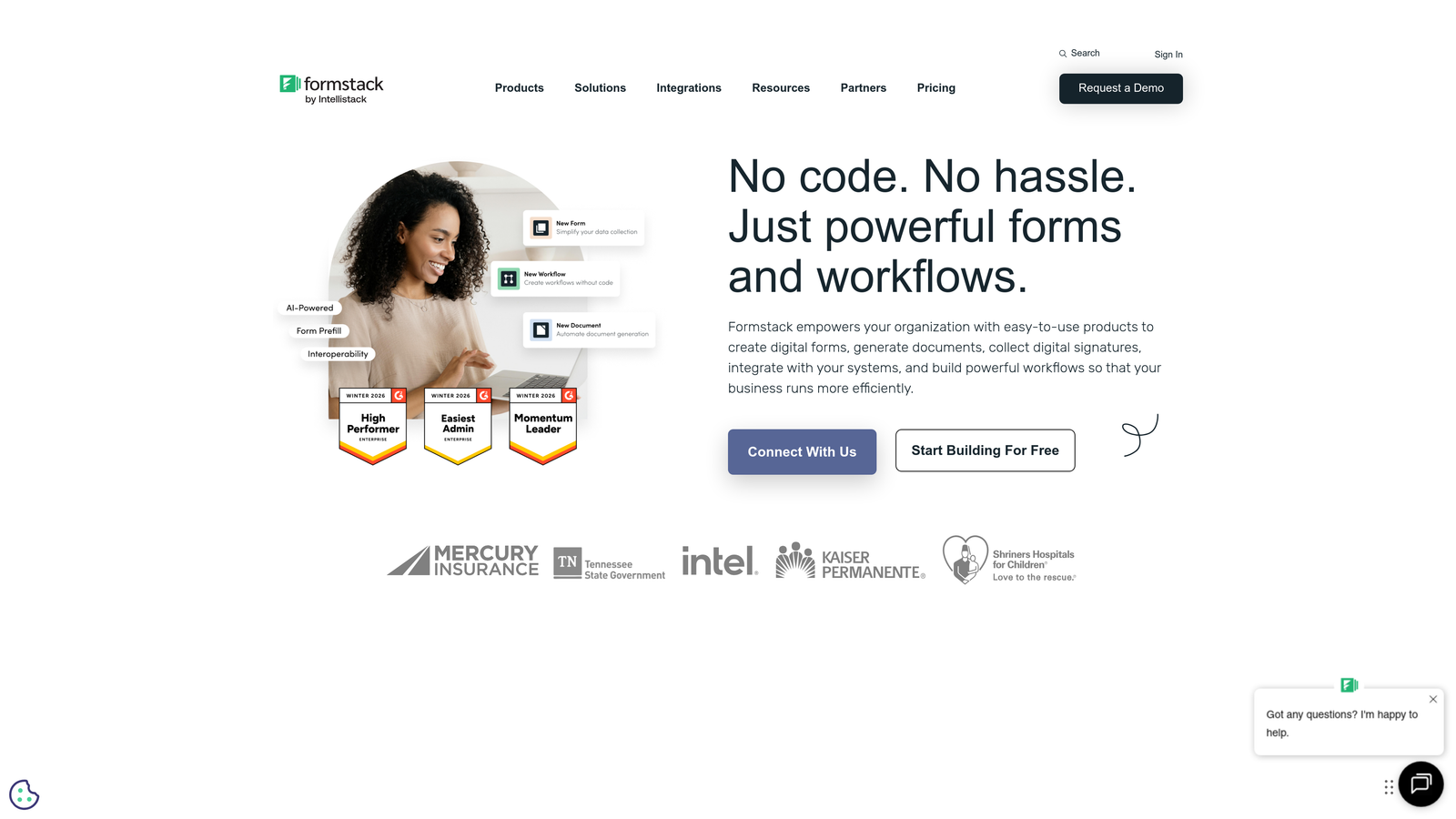
Formstack positions itself as the enterprise-grade form solution with robust compliance certifications and advanced workflow automation capabilities.
Where This Tool Shines
If your SaaS product operates in healthcare, finance, or other regulated industries, Formstack's compliance features become essential. The platform offers HIPAA, GDPR, and SOC 2 compliance out of the box, with security features like field-level encryption and granular access controls.
The workflow automation goes deeper than most competitors, allowing you to build complex approval processes, route documents for e-signatures, and trigger multi-step workflows based on form submissions. For enterprise teams, these capabilities eliminate manual processes that don't scale.
Key Features
Compliance Certifications: HIPAA, GDPR, and SOC 2 compliance for regulated industries and enterprise buyers.
Advanced Workflow Automation: Build complex approval processes and multi-step workflows triggered by form submissions.
E-Signature Integration: Collect legally binding signatures directly within forms without third-party tools.
Salesforce-Native App: Deep Salesforce integration that goes beyond standard API connections.
Enterprise Security: Field-level encryption, role-based access controls, and audit logs for security teams.
Best For
Enterprise SaaS companies operating in regulated industries or selling to enterprise buyers who require compliance certifications. Also valuable for teams with complex approval workflows that need automation beyond basic form-to-CRM syncing.
Pricing
Starts at $50/month for basic plans. Enterprise pricing with compliance features requires custom quotes based on security and support needs.
7. Cognito Forms
Best for: SaaS companies needing advanced calculations and integrated payment processing
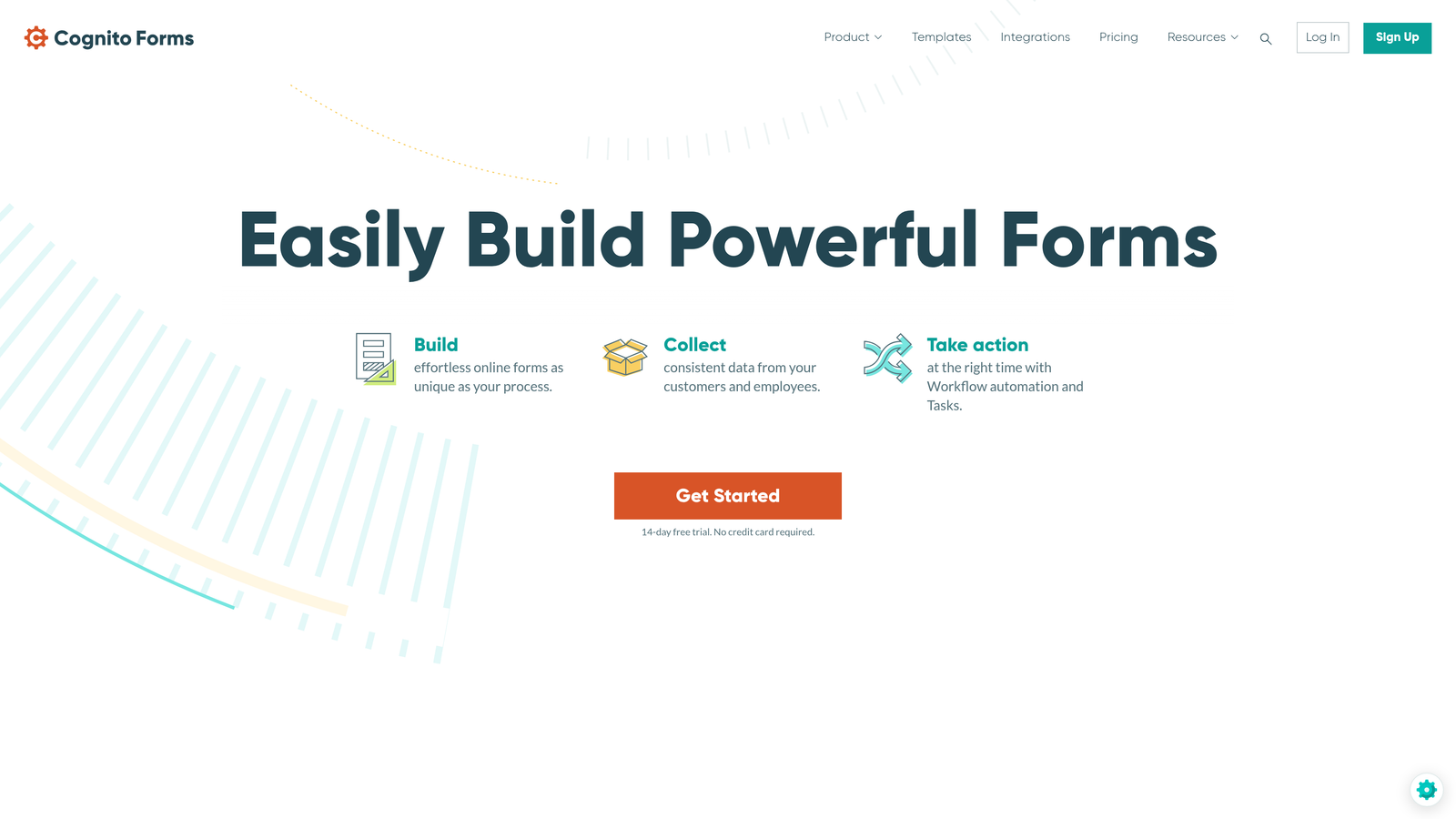
Cognito Forms stands out with powerful calculation capabilities and native payment processing that handles complex pricing scenarios.
Where This Tool Shines
The calculation engine is remarkably sophisticated, allowing you to build forms that perform complex math, apply conditional pricing, calculate totals across repeating sections, and display results in real-time. For SaaS companies with usage-based pricing or configuration-based quotes, this eliminates the need for separate calculator tools.
Payment processing is fully integrated with support for Stripe, PayPal, and Square. You can collect one-time payments, set up subscriptions, or build custom payment workflows—all within the form itself without redirecting users to external payment pages.
Key Features
Advanced Calculations: Build complex formulas that calculate pricing, totals, and custom values based on user inputs.
Integrated Payments: Accept payments directly through Stripe, PayPal, or Square without external redirects.
Repeating Sections: Allow users to add multiple items or entries within a single form submission.
Conditional Logic: Show or hide fields, sections, or pages based on user responses and calculated values.
Data Security: Encryption and compliance options for teams handling sensitive customer data.
Best For
SaaS companies with usage-based pricing models, configuration-based quotes, or any scenario requiring complex calculations within forms. Also ideal for teams that need to collect payments as part of the form submission process.
Pricing
Free tier available for basic forms. Pro plans start at $15/month with increased submission limits and advanced features.
8. Paperform
Best for: SaaS teams wanting to combine forms with landing page capabilities
Paperform blurs the line between form builder and landing page creator, allowing you to embed rich content alongside form fields to create conversion-focused experiences.
Where This Tool Shines
Unlike traditional form builders that focus purely on data collection, Paperform lets you build complete landing pages that happen to include forms. You can add rich text, embed videos, display product catalogs, and create custom layouts that tell your story while collecting information.
The e-commerce capabilities are particularly strong, with support for product catalogs, inventory management, discount codes, and abandoned cart recovery. For SaaS companies selling through self-serve checkout flows, Paperform handles the entire purchase experience from product selection to payment processing.
Key Features
Hybrid Form and Landing Page: Combine form fields with rich content to create complete conversion experiences.
Rich Media Embedding: Add text, images, videos, and custom HTML to build engaging form pages.
E-Commerce Features: Product catalogs, inventory tracking, discount codes, and abandoned cart recovery.
Conditional Logic: Create dynamic experiences that adapt based on user selections and responses.
Custom Success Pages: Redirect users to custom thank-you pages or trigger specific actions after submission.
Best For
SaaS companies that need forms to do double duty as landing pages, particularly for product launches, event registrations, or self-serve checkout flows. Also valuable for teams wanting to create richer, more content-heavy form experiences.
Pricing
Essentials plan starts at $24/month for basic features. Pro plan at $49/month unlocks advanced e-commerce and customization options.
9. Fillout
Best for: Teams using Airtable or Notion who need seamless database integration
Fillout is a modern form builder designed specifically for database-centric workflows, with exceptional Airtable and Notion integrations that go beyond basic data syncing.
Where This Tool Shines
If your SaaS team uses Airtable or Notion as your primary database, Fillout transforms these tools into full-featured form backends. Form submissions flow directly into your existing bases with proper field mapping, and you can even pull data from Airtable to pre-populate form fields or create dynamic dropdowns.
The scheduling and booking capabilities are surprisingly robust, allowing you to build appointment forms that check availability, prevent double-bookings, and sync with calendar systems. For SaaS companies offering demos or consultations, this eliminates the need for separate scheduling tools like Calendly.
Key Features
Native Airtable Integration: Bi-directional sync with Airtable bases, including the ability to populate form fields from existing records.
Notion Database Sync: Send form responses directly to Notion databases with proper field mapping.
Scheduling Forms: Built-in appointment booking with availability checking and calendar integration.
Quiz and Assessment Modes: Create scored assessments or lead qualification quizzes with conditional scoring.
Modern Interface: Clean, contemporary design that looks professional without customization work.
Best For
SaaS teams already using Airtable or Notion who want forms to integrate seamlessly with their existing database workflows. Also great for companies needing built-in scheduling capabilities without adding separate booking tools.
Pricing
Free tier includes 1,000 submissions per month. Starter plan at $15/month removes limits and adds advanced features.
Making the Right Choice
The form builder that's right for your SaaS company depends heavily on your specific workflows and priorities. If AI-powered lead qualification and intelligent routing are critical for your sales team, Orbit AI delivers automation that saves hours of manual work while improving lead quality. For teams where engagement and completion rates matter most, Typeform's conversational approach consistently outperforms traditional forms.
Already invested in HubSpot? The native HubSpot Forms integration eliminates data sync headaches and unlocks powerful automation capabilities. For bootstrapped startups watching every dollar, Tally and Fillout offer genuinely impressive free tiers that don't compromise on core functionality.
Enterprise teams operating in regulated industries should evaluate Formstack's compliance certifications and security features. If you need advanced calculations or payment processing, Cognito Forms handles complex pricing scenarios that other builders struggle with. Teams wanting to combine forms with landing page content will appreciate Paperform's hybrid approach.
The key is matching your form builder to your integration ecosystem and workflow requirements. Consider which CRM you use, whether you need payment processing, how important lead qualification is to your sales process, and whether compliance certifications matter for your market. Most platforms offer free trials, so test the top two or three options with real forms before committing.
Transform your lead generation with AI-powered forms that qualify prospects automatically while delivering the modern, conversion-optimized experience your high-growth team needs. Start building free forms today and see how intelligent form design can elevate your conversion strategy.


