

Tech companies face unique form challenges that generic builders simply can't solve. You need forms that capture developer signups with technical precision, qualify enterprise leads intelligently, integrate seamlessly with your complex tech stack, and maintain the sleek, modern aesthetic your brand demands. Standard form solutions often lack the API flexibility, conditional logic depth, or analytics sophistication that high-growth tech teams require.
This guide covers nine form builders specifically suited for tech companies, evaluated on integration capabilities, customization depth, analytics features, and scalability. Whether you're a bootstrapped startup or a scaling enterprise, you'll find a solution that matches your technical requirements and growth trajectory.
1. Orbit AI
Best for: High-growth tech teams needing AI-powered lead qualification and conversion optimization
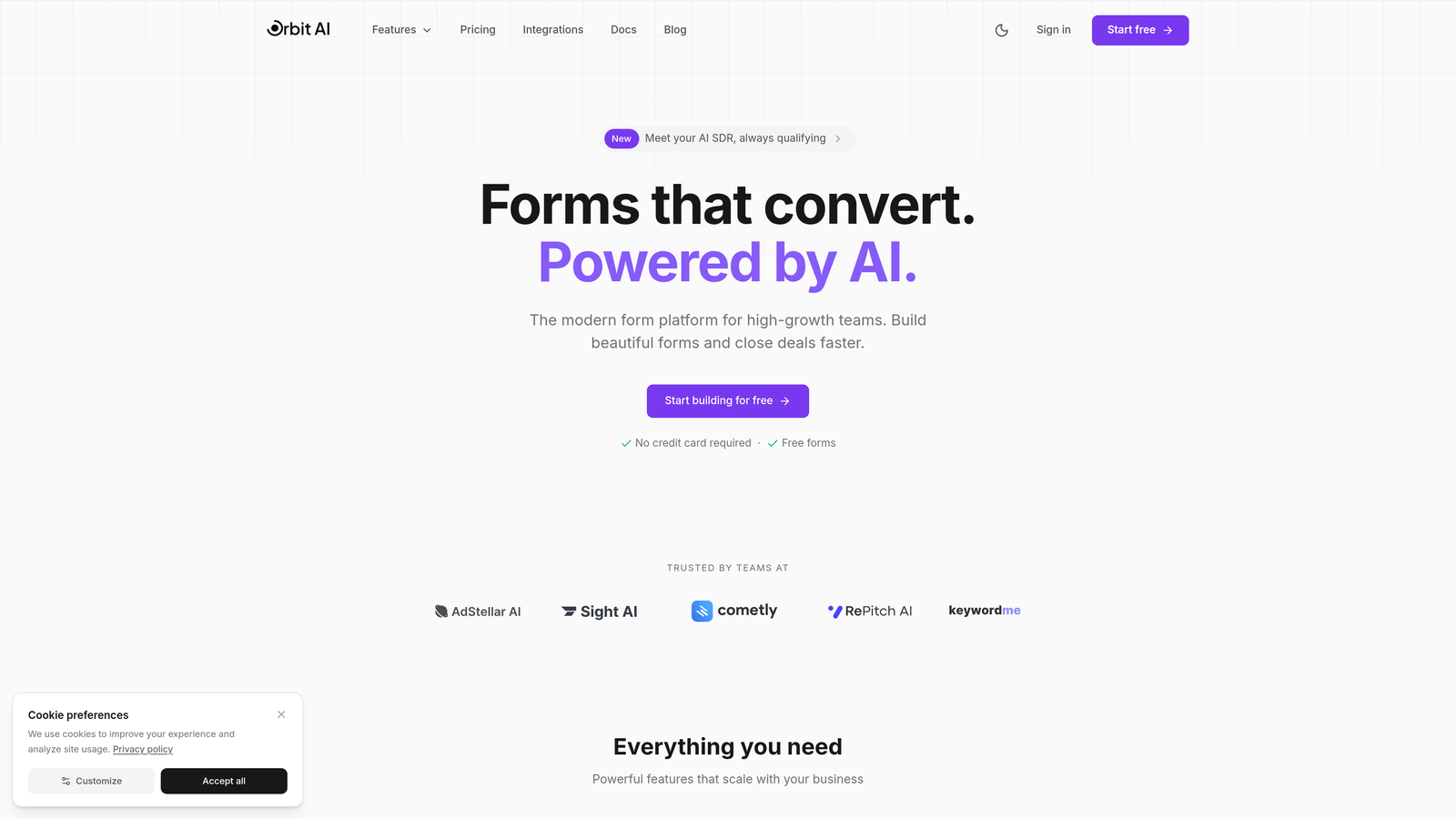
Orbit AI is an AI-powered form builder designed specifically for tech companies focused on lead generation and conversion optimization.
Where This Tool Shines
Orbit AI stands out by combining intelligent lead qualification with conversion-optimized form design. The platform automatically scores and routes leads based on their responses, eliminating manual triage work that slows down sales teams.
For tech companies juggling high volumes of inbound interest, this automation means your sales team focuses only on qualified prospects while marketing nurtures everyone else appropriately. The modern interface ensures forms look native to your brand, not like afterthoughts bolted onto your website.
Key Features
AI-Powered Lead Scoring: Automatically qualifies prospects based on their responses, routing high-value leads directly to sales.
Automated Lead Routing: Distributes leads to the right team members based on qualification criteria and response patterns.
Conversion-Optimized Designs: Pre-built templates designed specifically for high conversion rates with modern aesthetics.
Native CRM Integrations: Connects seamlessly with popular CRMs and marketing tools without custom development.
Real-Time Analytics: Tracks conversion rates, drop-off points, and lead quality metrics in a unified dashboard.
Best For
Orbit AI works best for B2B tech companies with complex sales processes who need to qualify leads efficiently. If you're scaling your sales team and drowning in unqualified inquiries, or if you need forms that actually convert while maintaining your brand's premium feel, this platform delivers.
Pricing
Free tier available for getting started. Paid plans begin at $29/month, scaling with your submission volume and feature requirements.
2. Typeform
Best for: Creating highly engaging, conversational forms with exceptional user experience
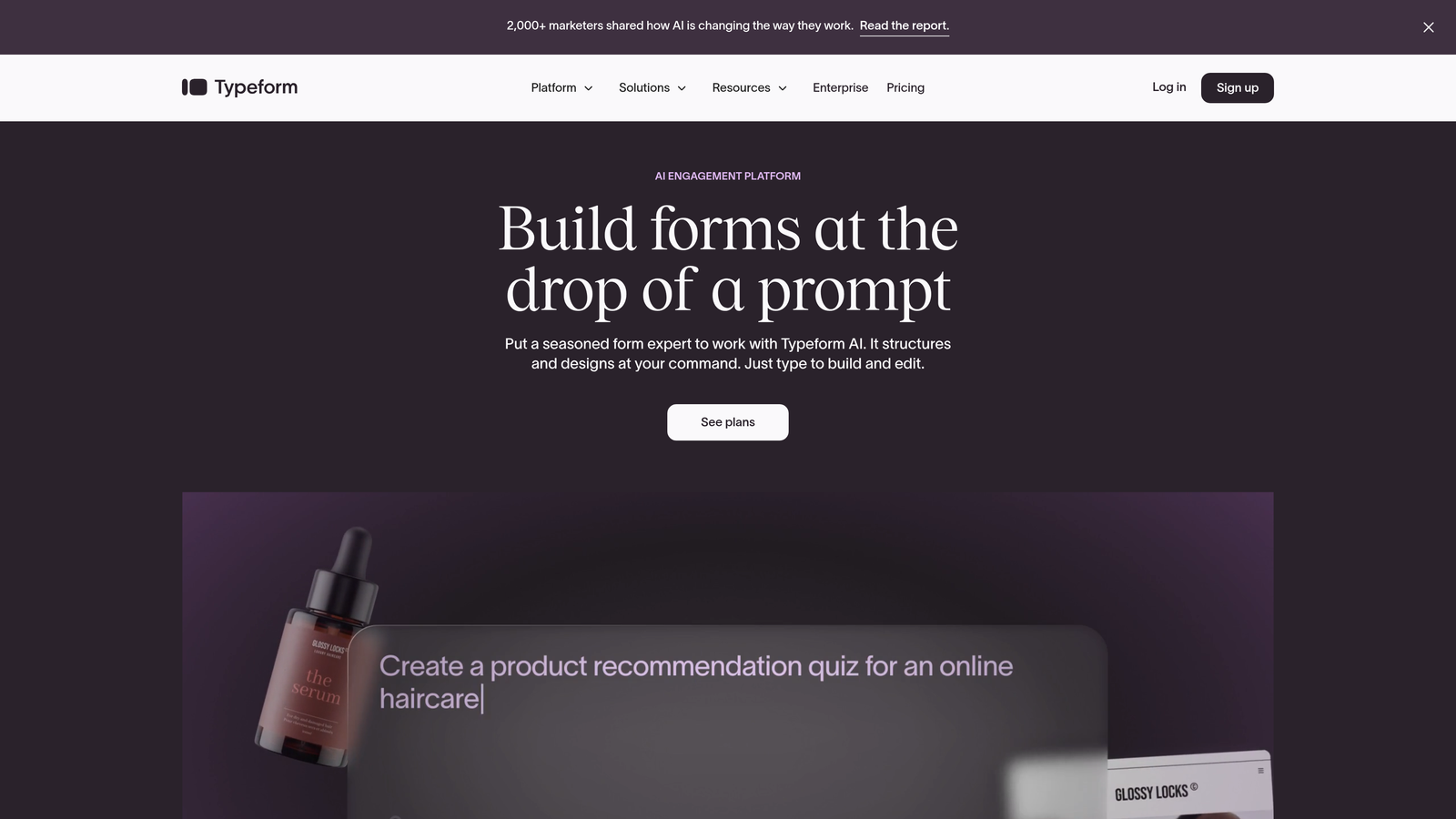
Typeform is a conversational form builder known for its distinctive one-question-at-a-time interface that significantly boosts engagement rates.
Where This Tool Shines
Typeform revolutionized form design by treating forms as conversations rather than interrogations. The single-question approach reduces cognitive load and creates a more human interaction, leading to higher completion rates than traditional multi-field forms.
Tech companies use Typeform for product feedback surveys, event registrations, and lead capture where user experience matters more than speed. The platform's visual polish makes it particularly effective for customer-facing interactions where brand perception is critical.
Key Features
Conversational Interface: One-question-at-a-time format that feels more like a conversation than a form.
Logic Jumps: Advanced conditional branching that creates personalized paths based on previous answers.
Rich Media Support: Embed videos, images, and GIFs to create visually engaging experiences.
Integration Library: Connects with hundreds of tools including Slack, Google Sheets, Salesforce, and HubSpot.
Custom Branding: Full control over colors, fonts, and themes to match your brand identity.
Best For
Typeform excels for tech companies prioritizing user experience in customer research, lead generation, and feedback collection. If your brand emphasizes design quality and you're willing to sacrifice some speed for higher engagement, Typeform delivers.
Pricing
Free tier available with basic features. Basic plan starts at $25/month, with higher tiers unlocking advanced logic and integrations.
3. Tally
Best for: Startups needing unlimited forms without budget constraints
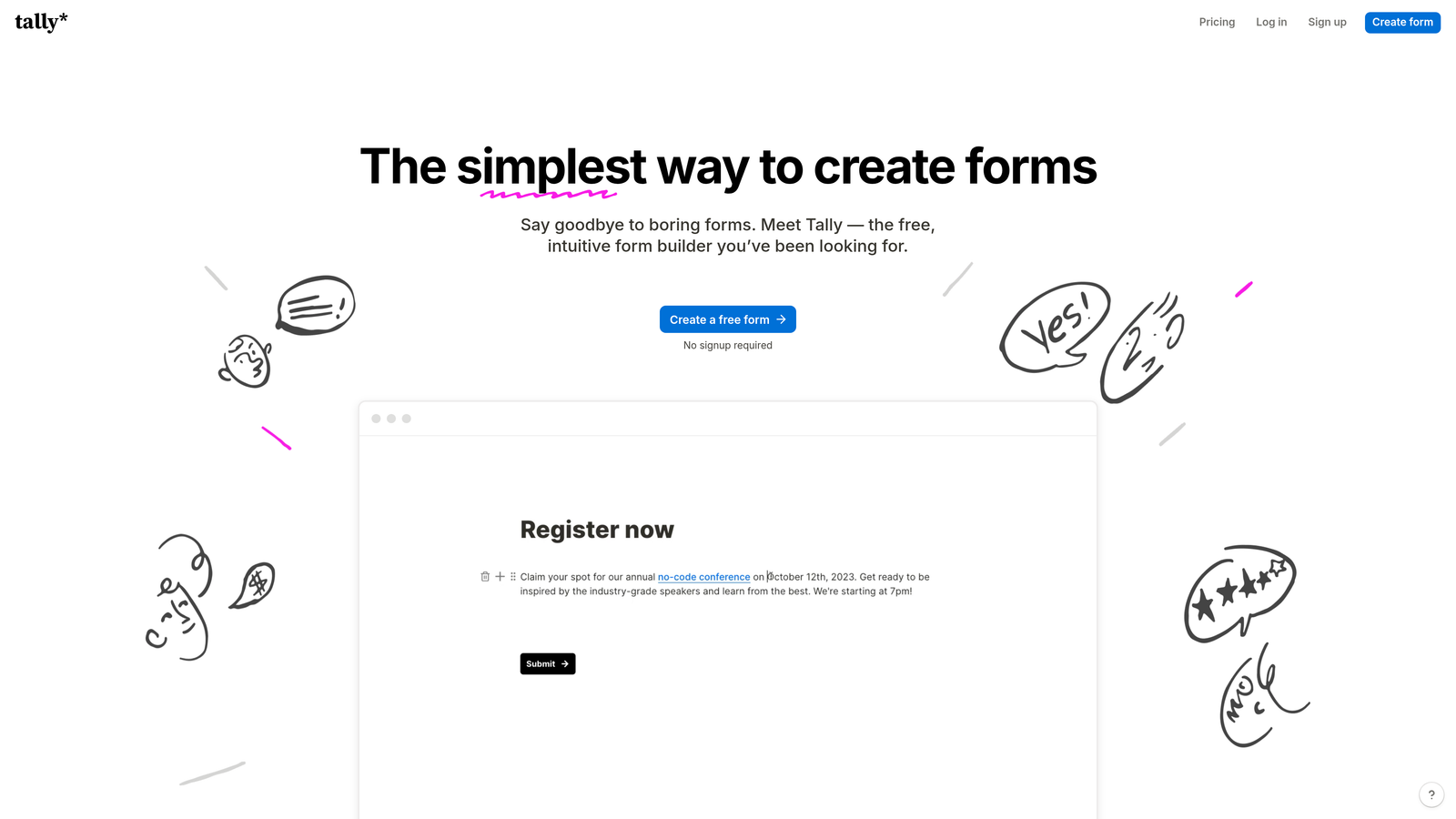
Tally is a simple, Notion-like form builder with a remarkably generous free tier that's become popular among bootstrapped tech startups.
Where This Tool Shines
Tally's greatest strength is its pricing model. Unlike competitors that limit free tiers to a handful of forms or submissions, Tally offers unlimited forms and submissions at no cost. This makes it ideal for early-stage tech companies testing multiple lead magnets or running extensive user research.
The Notion-style block editor feels familiar to teams already using Notion for documentation. You build forms by stacking blocks, making it intuitive for non-technical team members to create and modify forms without developer involvement.
Key Features
Block-Based Editor: Notion-style interface that's immediately familiar and requires no learning curve.
Unlimited Free Tier: No artificial limits on forms, submissions, or responses on the free plan.
Conditional Logic: Show or hide fields based on previous answers to create dynamic forms.
Advanced Calculations: Perform calculations within forms for pricing calculators or scoring systems.
Webhook Support: Send form data to custom endpoints for integration with internal systems.
Best For
Tally is perfect for bootstrapped startups, indie hackers, and small tech teams who need professional forms without monthly fees. If you're pre-revenue or watching every dollar, Tally provides enterprise-level features at a price point that won't strain your runway.
Pricing
Generous free tier with unlimited forms and submissions. Pro plan at $29/month adds custom domains, file uploads, and priority support.
4. Jotform
Best for: Teams needing extensive templates and payment processing capabilities
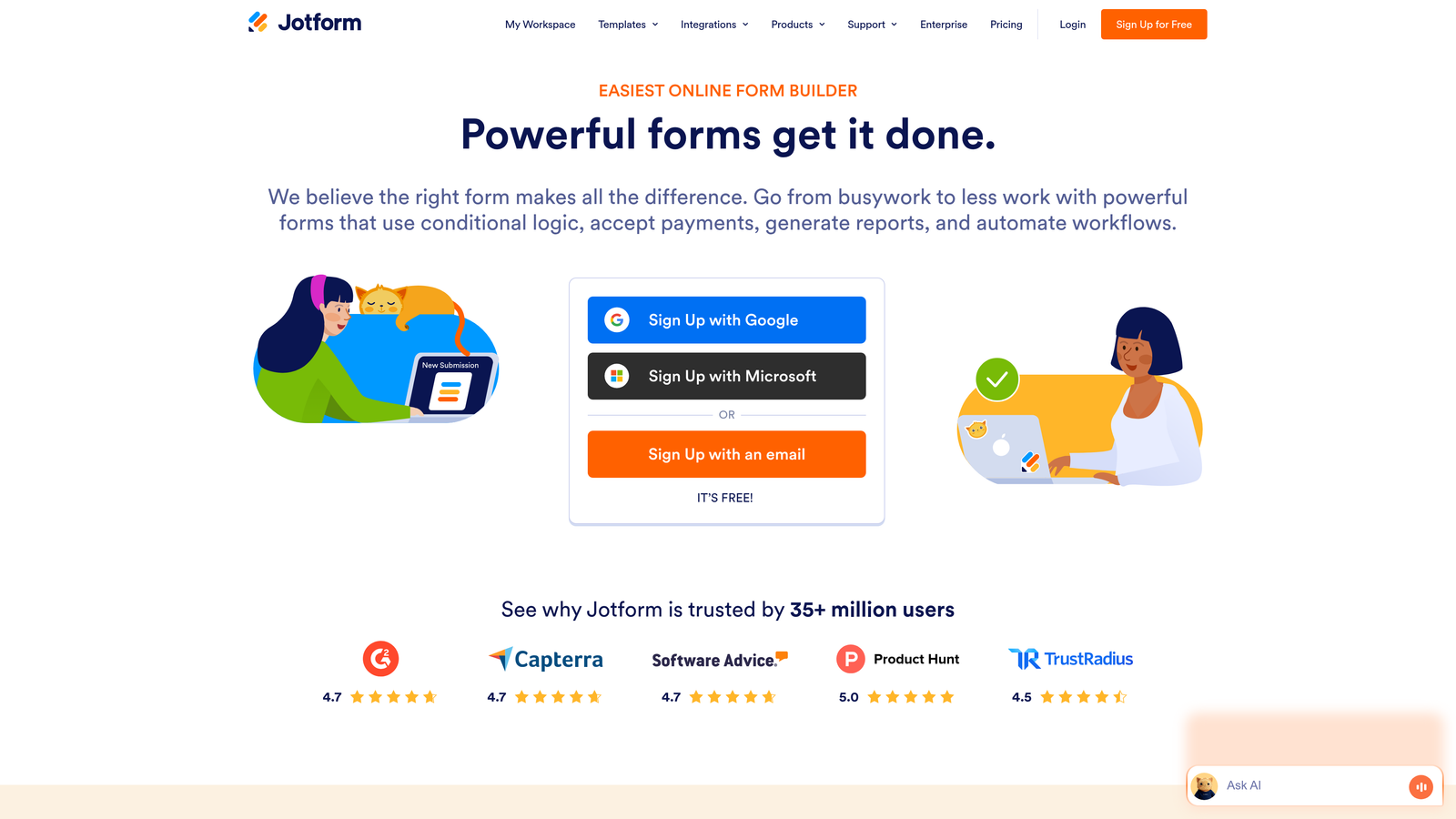
Jotform is a feature-rich form builder offering thousands of pre-built templates and comprehensive customization options for virtually any use case.
Where This Tool Shines
Jotform's template library is unmatched. With over 10,000 pre-built forms spanning every industry and use case, you rarely start from scratch. Tech companies appreciate this when launching new initiatives quickly—whether it's a product beta signup, customer satisfaction survey, or event registration form.
The platform's payment integrations are particularly robust. If you're running paid workshops, selling early access, or collecting deposits, Jotform handles transactions natively without third-party tools. The PDF generation feature also streamlines contract and proposal workflows.
Key Features
Massive Template Library: Over 10,000 pre-built templates covering virtually every form type and industry.
Drag-and-Drop Builder: Intuitive visual editor that requires no coding knowledge.
Payment Processing: Native integrations with PayPal, Stripe, Square, and other payment gateways.
PDF Generation: Automatically convert submissions into formatted PDF documents.
HIPAA Compliance: Optional HIPAA-compliant hosting for healthtech companies handling sensitive data.
Best For
Jotform works well for tech companies with diverse form needs across departments—sales, support, HR, and operations. If you need payment processing, document generation, or operate in regulated industries requiring compliance features, Jotform's breadth of features justifies the investment.
Pricing
Free tier available with basic features. Bronze plan starts at $34/month, with higher tiers adding more submissions and advanced features.
5. Formstack
Best for: Enterprise tech companies requiring compliance and advanced workflow automation
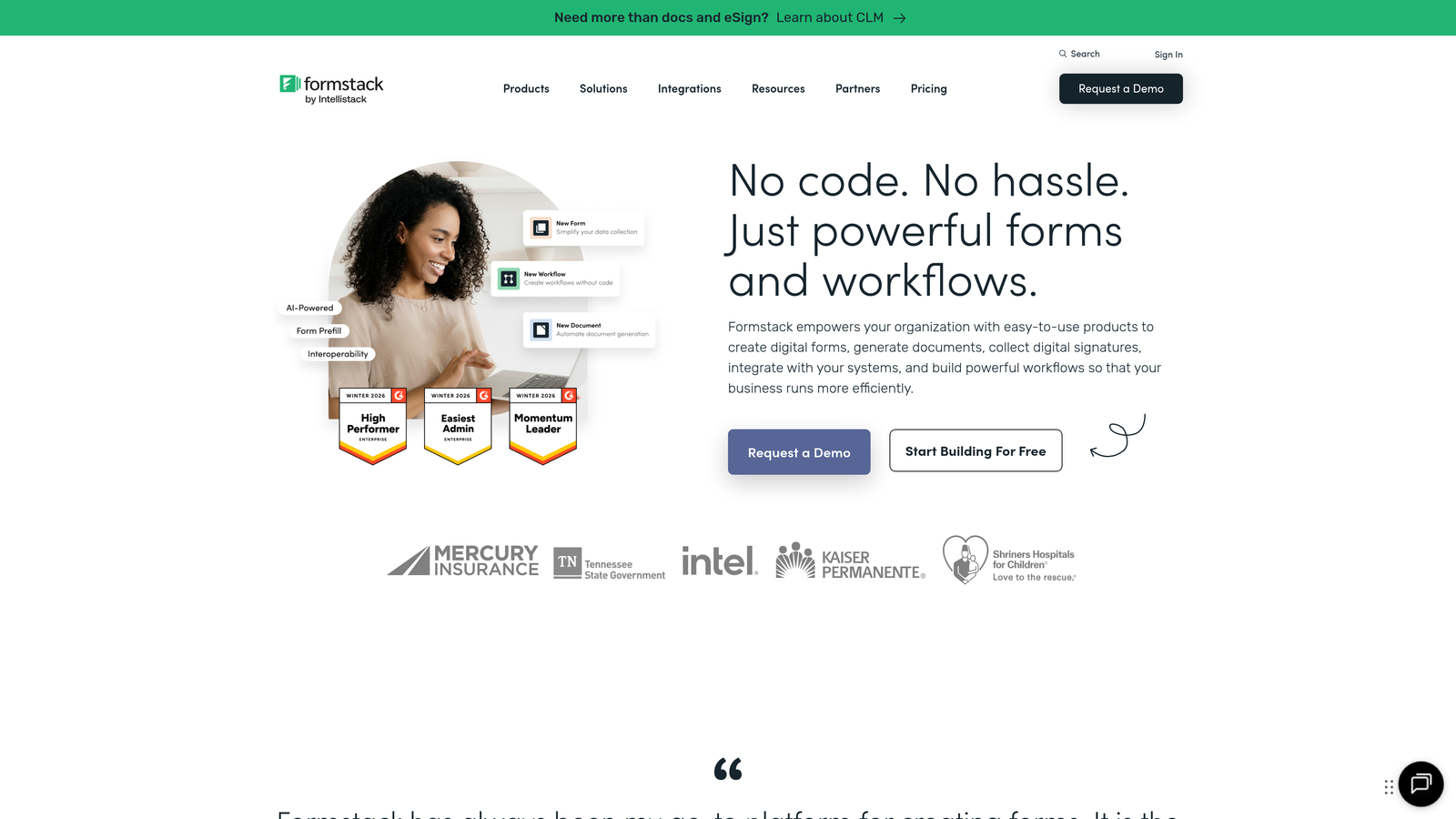
Formstack is an enterprise-grade form builder emphasizing compliance, security, and sophisticated workflow automation for regulated industries.
Where This Tool Shines
Formstack targets enterprise tech companies where compliance isn't optional. The platform offers HIPAA and SOC 2 compliance out of the box, making it suitable for healthtech, fintech, and other regulated sectors. Security features like data encryption, audit trails, and role-based access control meet enterprise IT requirements.
The workflow automation capabilities extend beyond basic email notifications. You can trigger complex multi-step processes, generate documents automatically, route approvals through organizational hierarchies, and integrate with enterprise systems through robust APIs.
Key Features
Compliance Certifications: HIPAA, SOC 2, and other compliance standards built into the platform.
Advanced Workflow Automation: Create multi-step approval processes and automated document generation.
Document Generation: Automatically populate templates with form data to create contracts and proposals.
E-Signature Integration: Collect legally binding signatures within your forms.
Enterprise Security: Data encryption, SSO, audit logs, and granular permission controls.
Best For
Formstack is built for enterprise tech companies in regulated industries or those with complex approval workflows. If your legal team scrutinizes every vendor for compliance, or if you're automating document-heavy processes like contracts and onboarding, Formstack's enterprise features justify the premium pricing.
Pricing
Starter plan begins at $50/month. Enterprise pricing available for organizations requiring custom compliance and security features.
6. Cognito Forms
Best for: Forms requiring complex calculations and payment processing
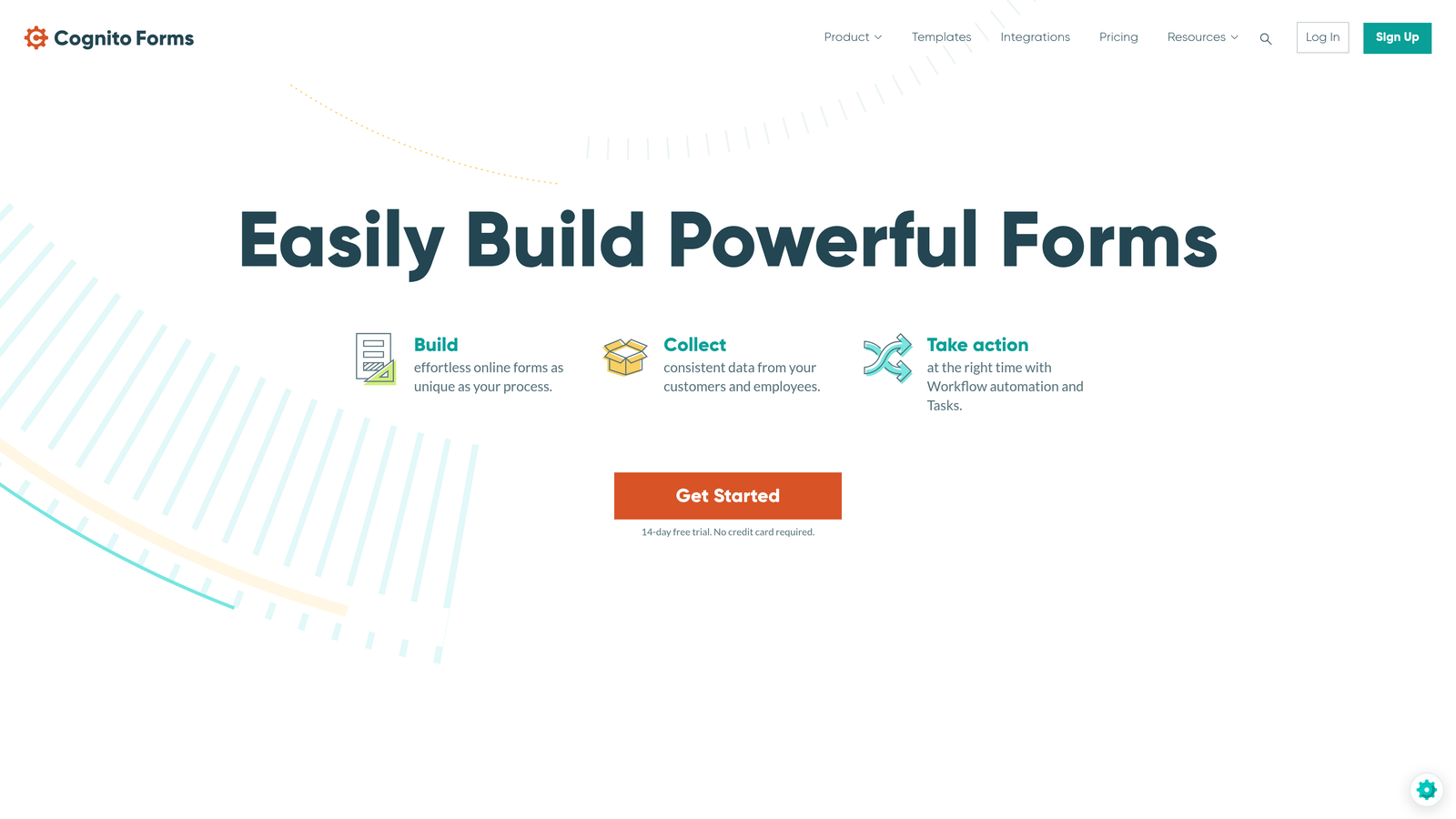
Cognito Forms is a form builder with exceptionally strong calculation capabilities and integrated payment processing, ideal for pricing calculators and order forms.
Where This Tool Shines
Cognito Forms excels at forms requiring mathematical operations. The calculation engine handles complex formulas, conditional pricing, and dynamic field updates in real-time. Tech companies use this for SaaS pricing calculators, ROI estimators, and custom quote generators where users need instant feedback.
The payment processing integration is seamless and doesn't require third-party plugins. You can create sophisticated order forms with variable pricing, discount codes, and tax calculations—all within the form builder itself.
Key Features
Advanced Calculations: Build complex formulas and calculations that update dynamically as users complete forms.
Built-In Payments: Native payment processing through Stripe and PayPal without additional plugins.
Repeating Sections: Allow users to add multiple items or entries within a single form submission.
Conditional Logic: Show, hide, or require fields based on previous answers or calculated values.
Data Security: Encryption at rest and in transit with compliance certifications available.
Best For
Cognito Forms is ideal for tech companies building interactive pricing calculators, custom quote generators, or order forms with variable pricing. If your forms need to perform calculations or process payments with conditional logic, Cognito Forms handles complexity that breaks simpler builders.
Pricing
Free tier available for basic forms. Pro plan starts at $15/month, offering excellent value for the calculation capabilities.
7. Paperform
Best for: Creating forms that double as standalone landing pages
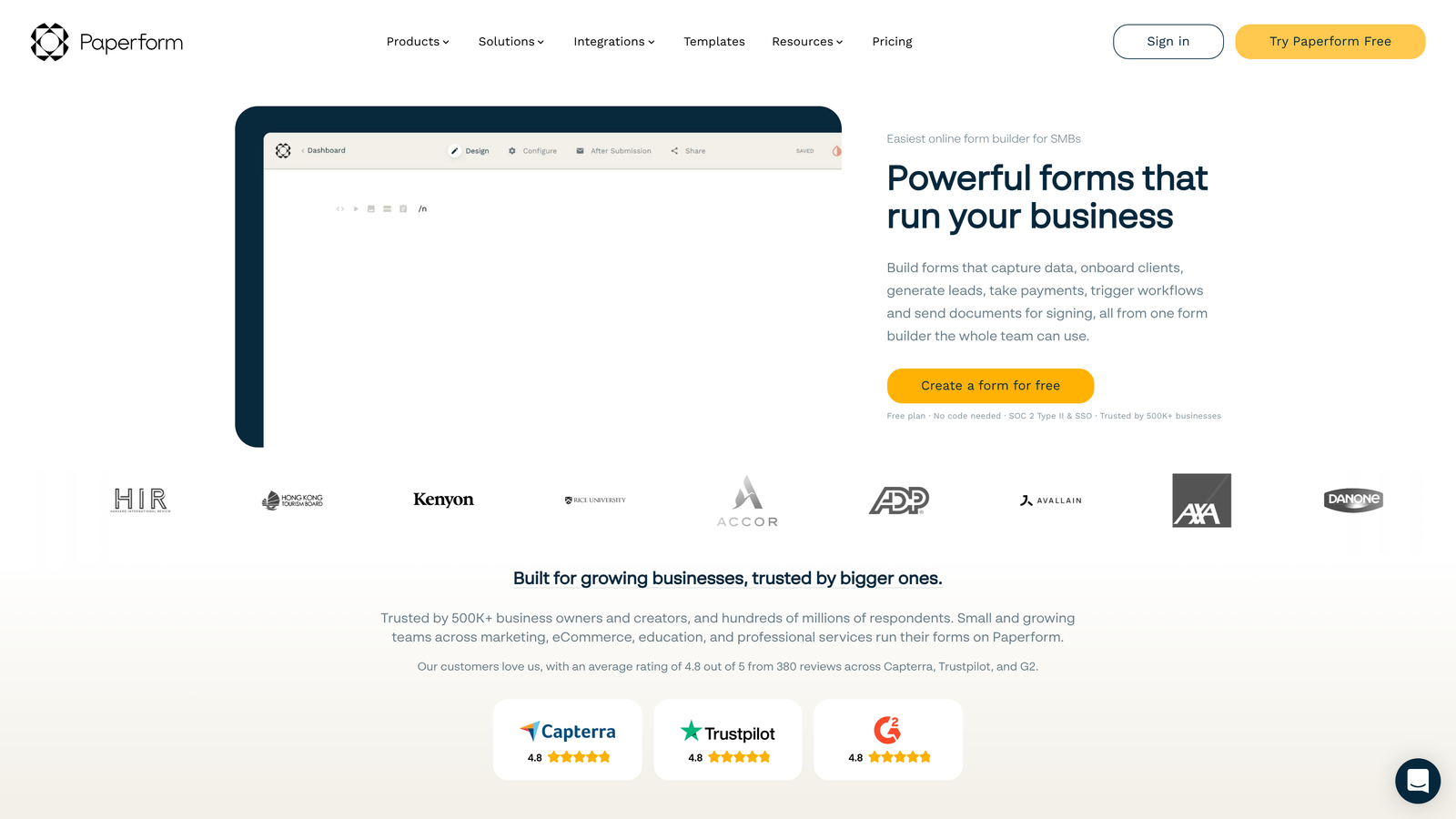
Paperform is a form builder that creates forms functioning as complete landing pages, blurring the line between form and website.
Where This Tool Shines
Paperform treats forms as content experiences rather than data collection tools. You can embed rich media, create multi-page experiences, and design forms that look like custom landing pages. This approach works brilliantly for product launches, event registrations, and lead magnets where the form is the entire user experience.
Tech companies use Paperform for beta signups, product waitlists, and event registrations where you want a standalone page without building a full website. The booking and scheduling integrations make it particularly useful for demo requests and consultation bookings.
Key Features
Landing Page Design: Create forms that look and function like complete landing pages with rich formatting.
Rich Media Embedding: Add videos, images, and formatted text to create engaging experiences.
Payment and Booking: Integrated payment processing and scheduling for demos and consultations.
Advanced Conditional Logic: Create dynamic, personalized experiences based on user responses.
Custom Success Pages: Redirect users to different pages based on their form responses.
Best For
Paperform works best for tech companies launching products, running events, or creating lead magnets where the form itself is the primary user touchpoint. If you need a standalone page quickly without involving developers, Paperform delivers professional results fast.
Pricing
Essentials plan starts at $24/month, with higher tiers adding more submissions and advanced features.
8. Fillout
Best for: Teams using Notion or Airtable as their primary database
Fillout is a database-native form builder with deep Notion and Airtable integrations, designed for teams who've built their operations around these platforms.
Where This Tool Shines
Fillout's killer feature is bidirectional sync with Notion and Airtable. Unlike other form builders that merely send data one way, Fillout treats your database as the source of truth. You can pre-fill forms with existing records, update database entries through form submissions, and maintain perfect synchronization between your forms and databases.
Tech companies running their entire operations in Notion or Airtable finally get forms that feel native to their workflow. No more exporting CSVs or building custom integrations—form submissions flow directly into your existing database structure.
Key Features
Native Database Sync: Bidirectional integration with Notion and Airtable databases.
Pre-Fill Capabilities: Populate forms with existing database records for updates or confirmations.
Database Updates: Modify existing records through form submissions, not just create new entries.
Conditional Logic: Show or hide fields based on database values or user responses.
Modern Interface: Clean, minimal design that matches contemporary SaaS aesthetics.
Best For
Fillout is perfect for tech teams who've built their operations around Notion or Airtable and need forms that integrate seamlessly with their existing workflows. If you're tired of manual data entry between forms and databases, Fillout eliminates that friction entirely.
Pricing
Free tier available for basic use. Starter plan begins at $15/month, offering excellent value for database-heavy workflows.
9. HubSpot Forms
Best for: Companies already using HubSpot CRM for marketing and sales
HubSpot Forms is a CRM-integrated form builder with progressive profiling and smart fields designed specifically for HubSpot users.
Where This Tool Shines
HubSpot Forms' greatest advantage is its native integration with HubSpot CRM. If you're already in the HubSpot ecosystem, these forms automatically sync with contact records, trigger workflows, and update deal stages without configuration. The progressive profiling feature is particularly valuable for tech companies with long sales cycles.
Progressive profiling means returning visitors see different questions each time, gradually building complete profiles without overwhelming people with lengthy forms. Smart fields recognize existing contacts and pre-fill information, reducing friction for known visitors.
Key Features
CRM Integration: Seamless synchronization with HubSpot CRM, contacts, and deals.
Progressive Profiling: Show different questions to returning visitors to build complete profiles gradually.
Smart Fields: Pre-fill information for known contacts and personalize form experiences.
A/B Testing: Test different form variations to optimize conversion rates.
Attribution Analytics: Track which forms and campaigns drive the most valuable conversions.
Best For
HubSpot Forms makes sense exclusively for companies already using HubSpot CRM. If you're committed to the HubSpot ecosystem and want forms that leverage your existing contact data, the native integration eliminates integration headaches. However, if you're not using HubSpot, other options offer better value.
Pricing
Free with HubSpot CRM account. Advanced features like progressive profiling and A/B testing require paid Marketing Hub subscriptions.
Making the Right Choice
The right form builder for your tech company depends on your specific requirements and existing infrastructure. If you're focused on lead generation and need intelligent qualification without manual work, Orbit AI's AI-powered approach automates the triage process that typically bogs down sales teams. For teams prioritizing user experience above all else, Typeform's conversational interface delivers engagement rates that justify the premium pricing.
Budget-conscious startups should seriously consider Tally's unlimited free tier—it's rare to find this level of functionality without subscription fees. Teams already invested in Notion or Airtable will appreciate Fillout's native database sync, eliminating the manual data transfer that wastes hours each week. And if you're in a regulated industry, Formstack's compliance certifications and security features meet enterprise requirements that other tools can't match.
Think about your integration requirements carefully. If you're using HubSpot CRM, the native HubSpot Forms integration saves significant development time. If you need payment processing, both Jotform and Cognito Forms handle transactions natively. And if you're building complex pricing calculators or quote generators, Cognito Forms' calculation engine handles mathematical complexity that breaks simpler builders.
The form builder landscape has matured significantly. You no longer need to choose between beautiful design and powerful functionality, or between affordability and advanced features. Modern form builders offer sophisticated capabilities at price points that work for companies at every stage—from bootstrapped startups to scaling enterprises.
Transform your lead generation with AI-powered forms that qualify prospects automatically while delivering the modern, conversion-optimized experience your high-growth team needs. The right form builder doesn't just collect data—it actively contributes to your revenue engine by routing qualified leads faster and converting visitors more effectively.


