Choosing the right form builder can make or break your lead generation efforts. With dozens of options flooding the market—each claiming to be the best—it's easy to feel overwhelmed. We've spent weeks testing the most popular form builder platforms, evaluating everything from ease of use to advanced features like AI-powered lead qualification. Whether you're a startup looking for a free solution or an enterprise team needing robust analytics, this guide cuts through the noise. Here are the top form builder tools that actually deliver results in 2026.
1. Orbit AI
Best for: High-growth teams focused on lead qualification and conversion optimization
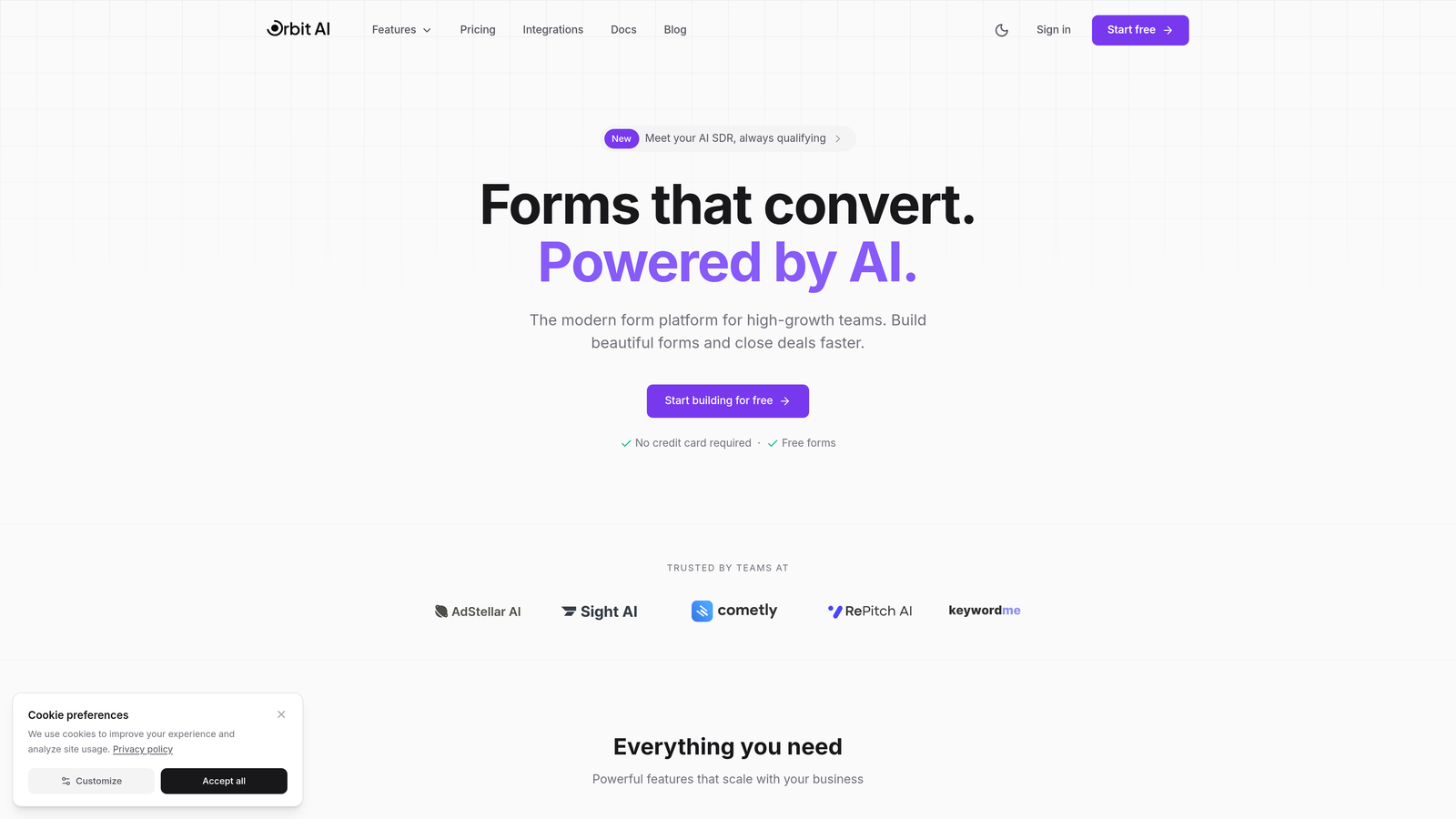
Orbit AI is an AI-powered form builder platform designed specifically for teams that need more than just data collection—they need intelligent lead qualification built directly into their forms.
Where This Tool Shines
What sets Orbit AI apart is its native AI-powered lead qualification capability. Instead of collecting form responses and then manually sorting through them, the platform automatically scores and qualifies leads as they submit forms. This means your sales team gets hot leads instantly, not a messy spreadsheet of unqualified contacts.
The platform is built with conversion optimization at its core. Every template, every field suggestion, every workflow is designed to maximize completion rates while gathering the intelligence you need to prioritize follow-ups. For high-growth teams juggling hundreds of leads, this intelligence layer transforms forms from passive data collectors into active revenue drivers.
Key Features
AI-Powered Lead Qualification: Automatically scores and segments leads based on their responses, routing high-value prospects to sales immediately.
Conversion-Optimized Templates: Pre-built form templates designed specifically for high-growth teams, tested for maximum completion rates.
Smart Workflows: Trigger automated sequences based on lead scores and responses, ensuring timely follow-up without manual intervention.
Real-Time Analytics Dashboard: Track conversion rates, drop-off points, and lead quality metrics in one unified view.
Native CRM Integrations: Seamlessly connect with major CRM platforms to ensure qualified leads flow directly into your sales pipeline.
Best For
Orbit AI is ideal for B2B SaaS companies, marketing agencies, and any high-growth team where lead quality matters as much as lead quantity. If you're tired of sifting through unqualified form submissions and want your forms to do the heavy lifting of lead scoring, this platform delivers exactly that capability.
Pricing
Free tier available for teams getting started. Paid plans begin at $29/month, scaling with your lead volume and advanced feature needs.
2. Typeform
Best for: Creating engaging, conversational form experiences with high completion rates
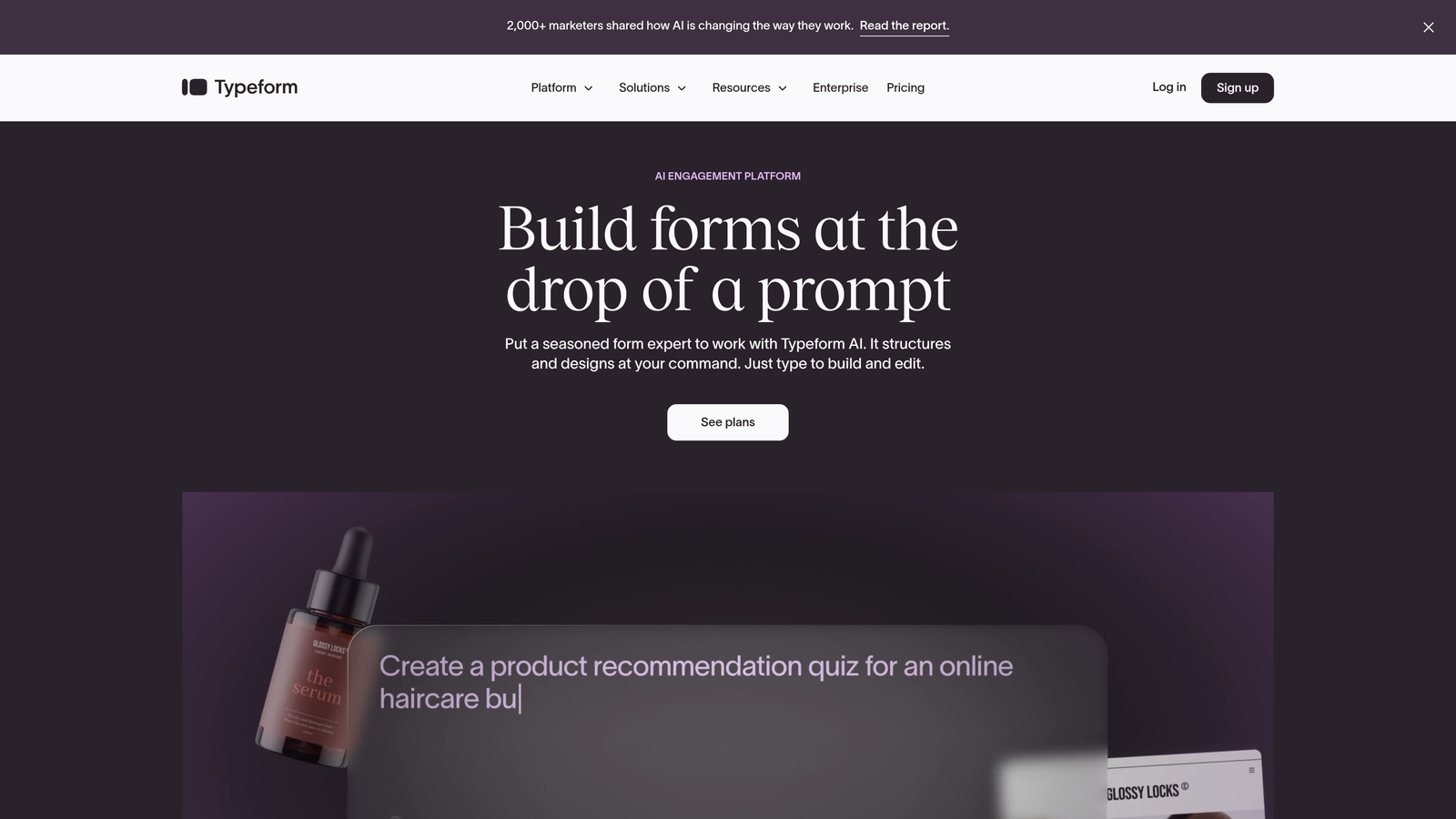
Typeform is a conversational form builder that revolutionized the industry with its signature one-question-at-a-time approach and beautifully designed interface.
Where This Tool Shines
Typeform excels at creating forms that feel more like conversations than interrogations. By showing one question at a time, it reduces cognitive load and creates a more engaging experience that typically results in higher completion rates compared to traditional long-form layouts.
The platform's design-forward approach means even non-designers can create visually stunning forms. If your brand values aesthetics and user experience, Typeform delivers forms that look premium and professional without requiring design skills or custom coding.
Key Features
Conversational Format: One-question-at-a-time interface that creates engaging, focused experiences and reduces form abandonment.
Design-Forward Templates: Beautiful, modern templates that look professional out of the box with minimal customization needed.
Logic Jumps: Create branching paths based on responses, showing relevant follow-up questions for personalized experiences.
Rich Media Support: Embed videos, images, and GIFs directly into forms to create more engaging, interactive experiences.
Integration Ecosystem: Connect with hundreds of third-party tools including CRMs, email platforms, and analytics tools.
Best For
Typeform works best for customer surveys, event registrations, lead capture forms, and any scenario where engagement and completion rates are critical. It's particularly popular with creative agencies, event organizers, and consumer-facing brands.
Pricing
Free plan available with basic features. Basic paid plan starts at $25/month, with higher tiers unlocking advanced logic, integrations, and branding removal.
3. Jotform
Best for: Teams needing extensive customization options and a massive template library
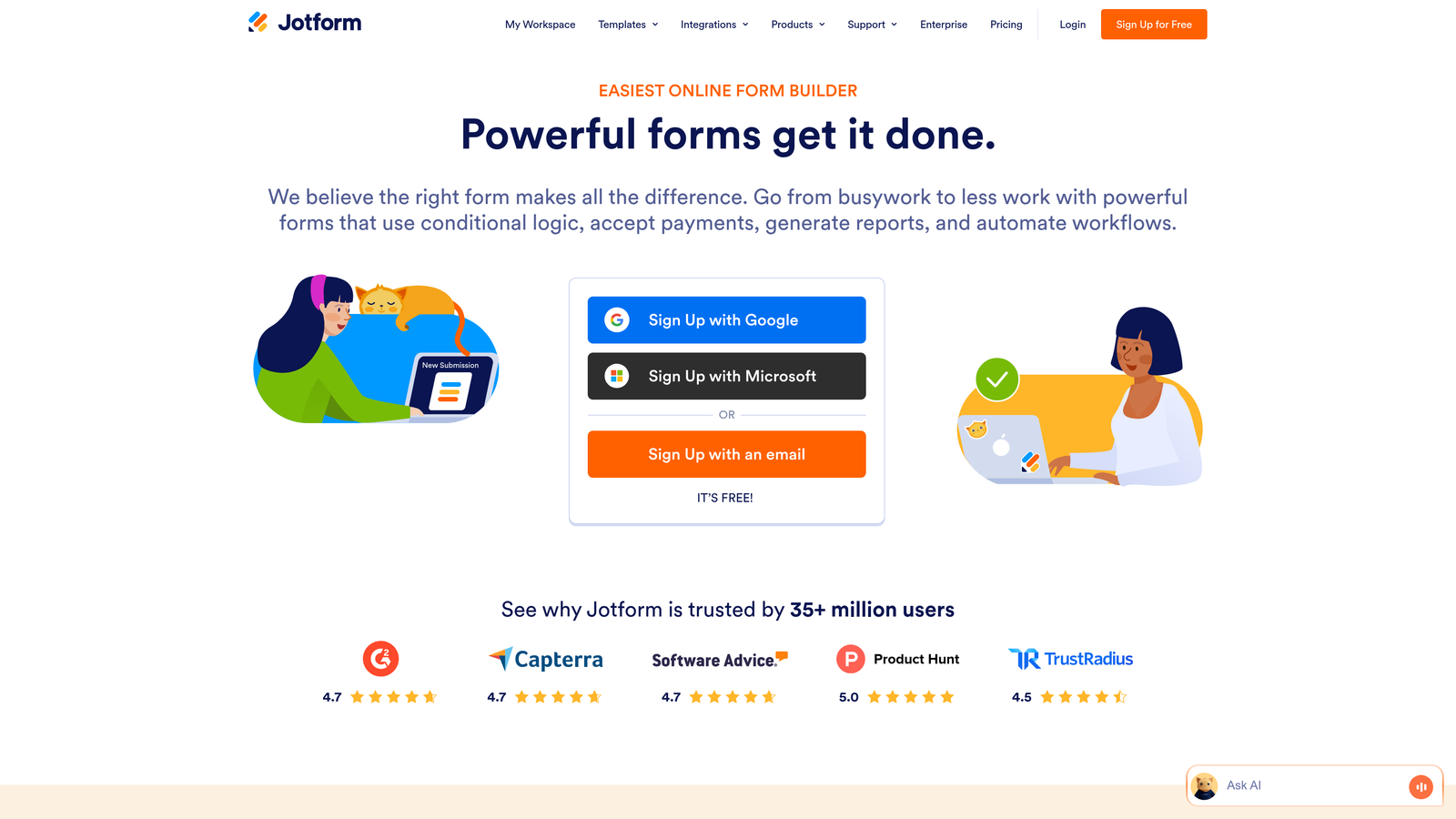
Jotform is a feature-rich form builder offering one of the largest template libraries in the industry and powerful customization capabilities.
Where This Tool Shines
With over 10,000 templates covering virtually every industry and use case, Jotform eliminates the "blank canvas" problem. Whether you need a complex application form, a simple contact form, or a specialized healthcare intake form, there's likely a template that gets you 80% of the way there.
The platform's widget system adds functionality that many competitors require third-party integrations to achieve. Need appointment scheduling? There's a widget. Want to collect payments? Built-in. This extensibility makes Jotform incredibly versatile without requiring technical expertise.
Key Features
10,000+ Templates: Industry-leading template library covering every conceivable form type and use case.
Widget Marketplace: Hundreds of drag-and-drop widgets that add functionality like signatures, appointments, calculations, and more.
Payment Processing: Built-in integrations with major payment processors for collecting fees, donations, or product purchases.
PDF Generation: Automatically convert form submissions into formatted PDFs for contracts, applications, or records.
HIPAA Compliance: Enterprise plans offer HIPAA-compliant form solutions for healthcare organizations handling sensitive data.
Best For
Jotform is ideal for organizations that need flexibility and don't want to compromise on features. It's particularly strong for healthcare providers, educational institutions, and businesses requiring payment collection or complex workflows.
Pricing
Free plan allows up to 5 forms with 100 monthly submissions. Bronze plan starts at $34/month, unlocking unlimited forms and increased submission limits.
4. Google Forms
Best for: Simple data collection with zero budget and Google Workspace integration
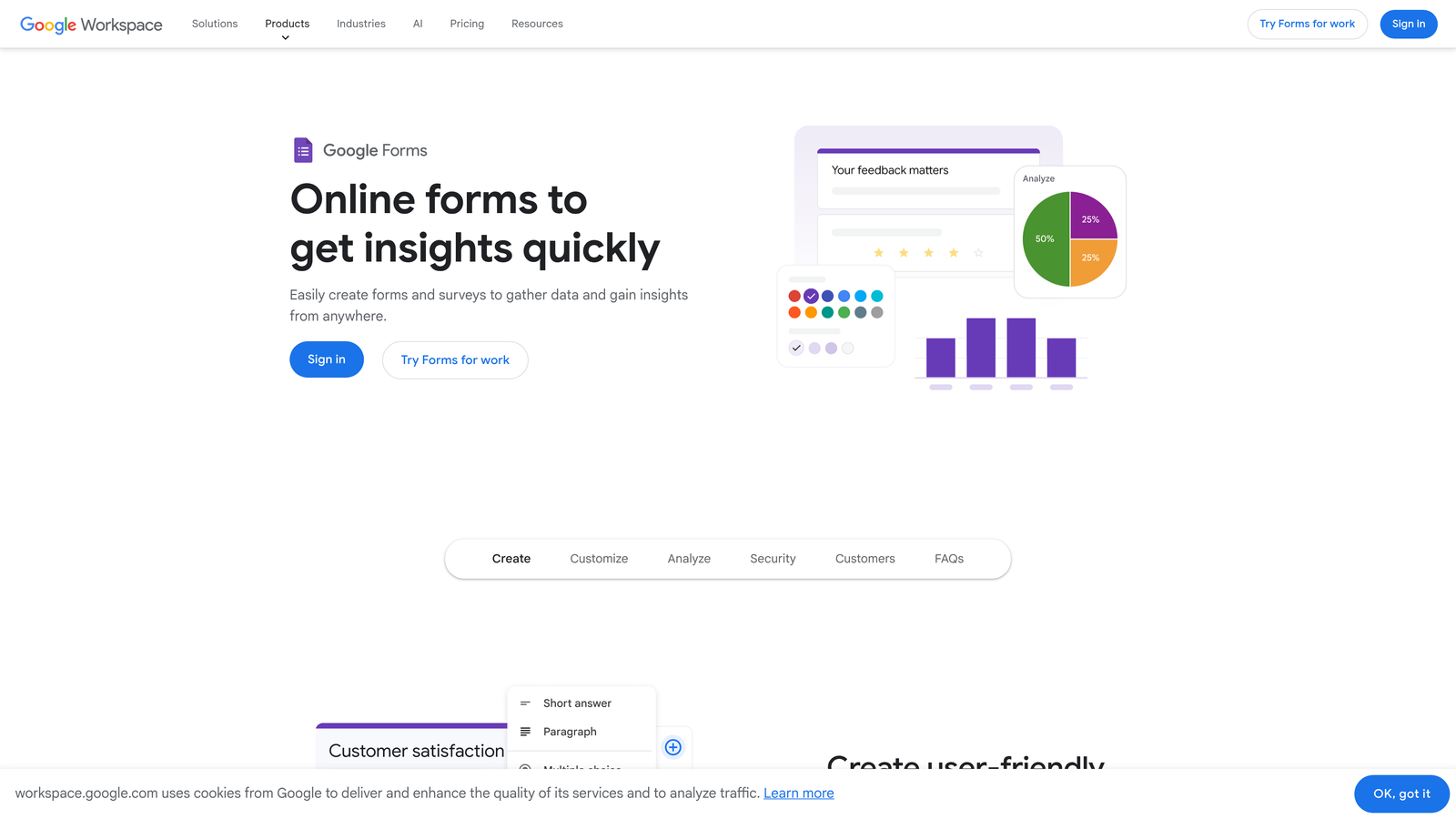
Google Forms is a straightforward, completely free form builder that integrates seamlessly with the Google Workspace ecosystem.
Where This Tool Shines
Google Forms wins on simplicity and cost. It's completely free with no hidden fees, submission limits, or premium tiers. For basic surveys, event RSVPs, or simple data collection, it delivers exactly what you need without unnecessary complexity.
The real power emerges when you're already using Google Workspace. Form responses automatically populate Google Sheets in real-time, enabling immediate analysis, sharing, and collaboration. Multiple team members can edit forms simultaneously, making it ideal for collaborative environments.
Key Features
Completely Free: No submission limits, no form limits, no feature restrictions—everything is free forever.
Google Sheets Integration: Responses automatically flow into spreadsheets for easy analysis and data manipulation.
Real-Time Collaboration: Multiple users can edit forms simultaneously, with changes syncing instantly across all editors.
Basic Conditional Logic: Show or hide questions based on previous responses to create simple branching paths.
Mobile-Responsive: Forms automatically adapt to any device without requiring separate mobile versions.
Best For
Google Forms is perfect for schools, nonprofits, small businesses, and anyone already embedded in the Google ecosystem. It's ideal for internal surveys, event planning, feedback collection, and any scenario where simplicity trumps advanced features.
Pricing
Completely free with a Google account. No paid tiers or premium features.
5. Tally
Best for: Teams wanting unlimited forms on a free plan with a clean, minimal interface
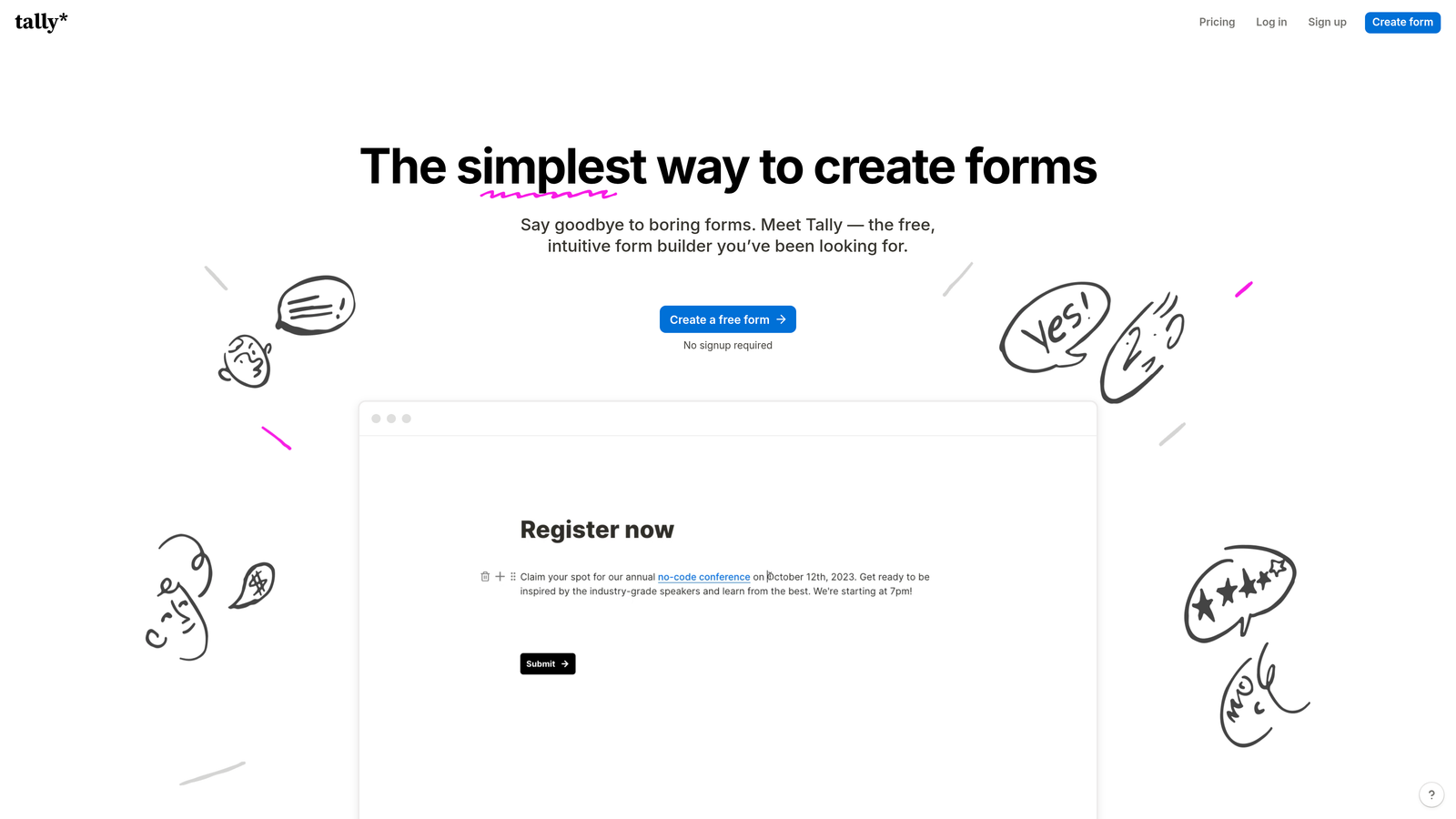
Tally is a Notion-inspired form builder that offers an incredibly generous free tier and a refreshingly simple block-based editing experience.
Where This Tool Shines
Tally's free plan is genuinely impressive—unlimited forms, unlimited submissions, no branding requirements. This makes it a standout choice for bootstrapped startups, solopreneurs, and small teams that need professional forms without monthly fees eating into their budget.
The Notion-style block editor will feel instantly familiar to anyone who uses Notion for documentation or project management. You build forms by stacking blocks—text, questions, images, dividers—creating a workflow that's both intuitive and flexible without overwhelming you with options.
Key Features
Unlimited Free Forms: No artificial limits on form creation or submissions on the free tier—genuinely unlimited usage.
Block-Based Editor: Notion-style editing interface that makes form building feel natural and intuitive.
Custom Domains: Connect your own domain to forms even on the free plan for professional branding.
Conditional Logic: Show or hide questions based on previous answers to create personalized form experiences.
File Uploads and Payments: Collect files and process payments through Stripe integration without requiring paid plans.
Best For
Tally is ideal for indie makers, small teams, content creators, and anyone who wants professional form functionality without the price tag. It's particularly appealing to Notion users who want their forms to match their documentation workflow.
Pricing
Free tier with unlimited forms and submissions. Pro plan at $29/month adds advanced features like custom branding removal and priority support.
6. Formstack
Best for: Enterprise teams requiring advanced compliance, security, and workflow automation
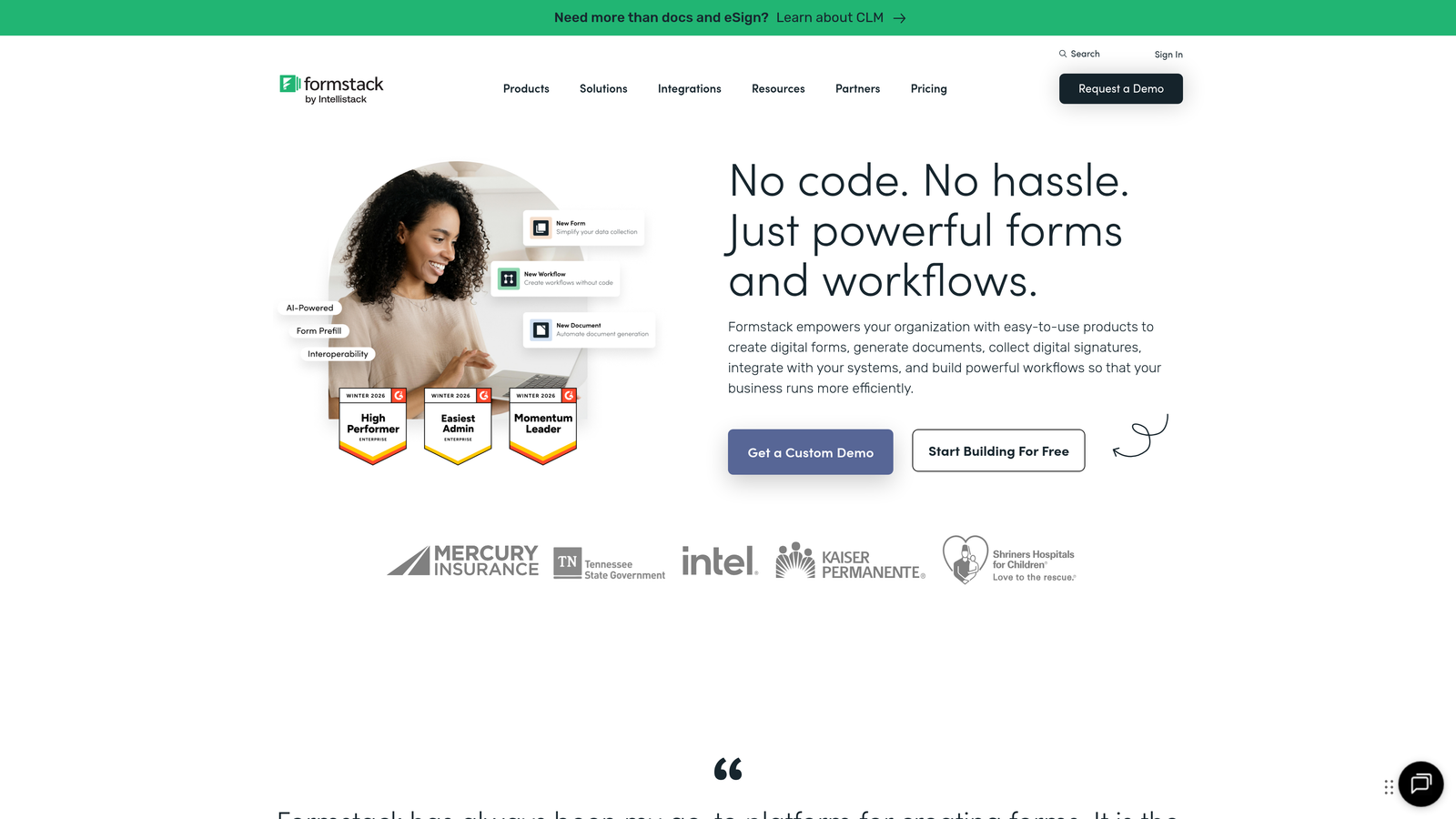
Formstack is an enterprise-grade form builder designed for organizations with complex compliance requirements and sophisticated workflow needs.
Where This Tool Shines
Formstack takes compliance seriously. With HIPAA and GDPR compliance built into the platform, healthcare providers, financial institutions, and other regulated industries can collect sensitive data with confidence. The platform includes encryption, audit trails, and data residency options that consumer-grade tools simply can't match.
The workflow automation capabilities go far beyond basic form submissions. You can build complex approval chains, trigger document generation, route submissions to different departments based on responses, and integrate with enterprise systems. For large organizations with intricate processes, this automation eliminates manual handoffs and reduces errors.
Key Features
Advanced Conditional Logic: Create sophisticated branching paths and dynamic form behavior based on complex rule sets.
Compliance Certifications: HIPAA, GDPR, and other compliance frameworks built into the platform with necessary documentation.
Workflow Automation: Build multi-step approval processes, routing rules, and automated document generation workflows.
Electronic Signatures: Collect legally binding e-signatures directly within forms without third-party tools.
Enterprise Security: Advanced encryption, SSO integration, role-based permissions, and comprehensive audit logging.
Best For
Formstack is built for healthcare organizations, financial services firms, government agencies, and large enterprises with strict compliance requirements. If you're handling sensitive data or need sophisticated approval workflows, Formstack delivers the security and functionality you need.
Pricing
Forms plan starts at $50/month. Enterprise pricing available for organizations requiring custom compliance configurations and dedicated support.
7. Paperform
Best for: Creating landing page-style forms that combine content and data collection
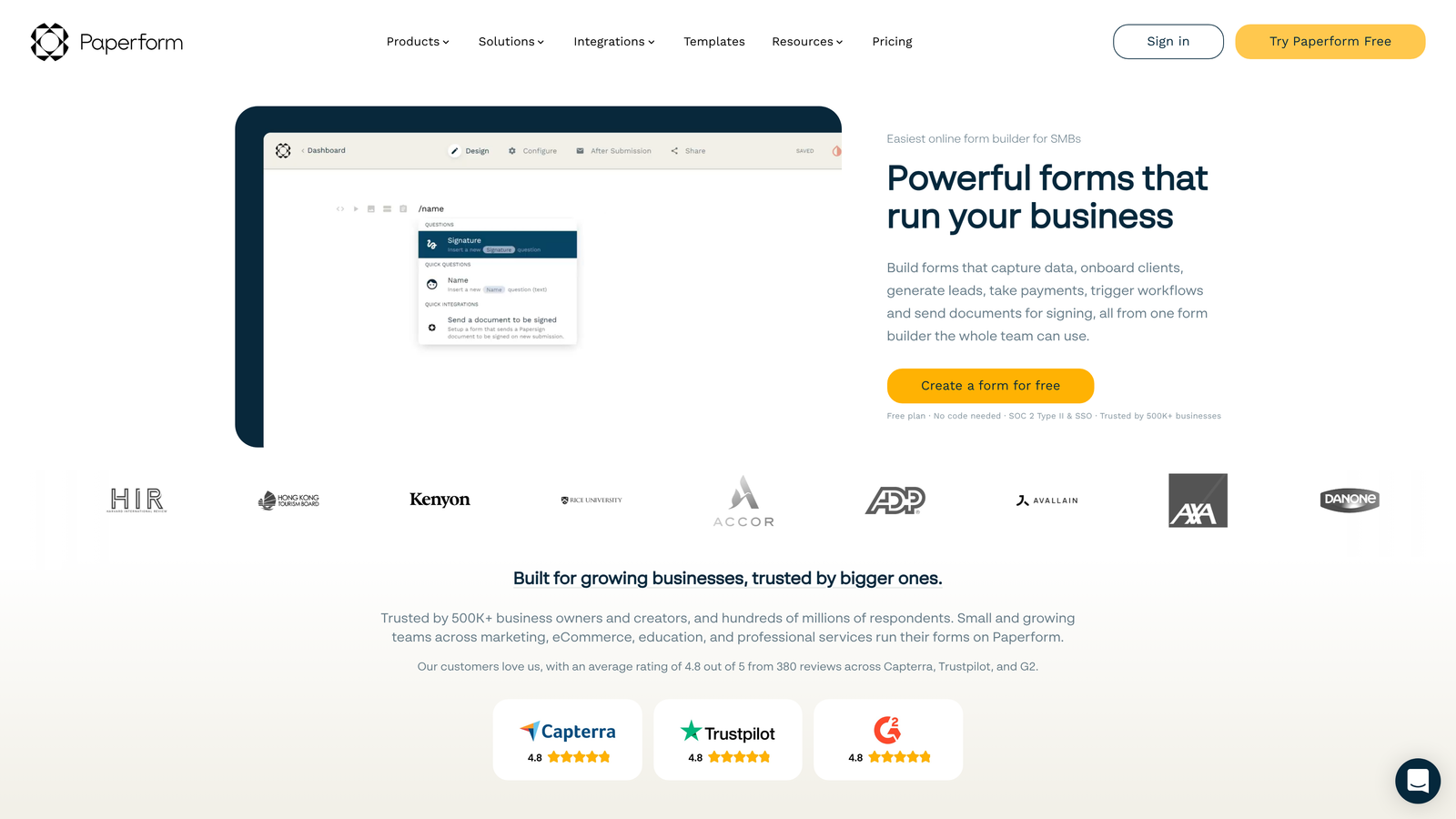
Paperform is a unique form builder that blurs the line between landing pages and forms, offering a content-first approach to data collection.
Where This Tool Shines
Paperform treats forms as landing pages, not just data collection tools. You can add rich text, images, videos, and formatting alongside form fields, creating experiences that inform and persuade before asking for information. This approach works brilliantly for product orders, event registrations, and booking forms where context matters.
The built-in payment processing and product catalog features transform Paperform into a lightweight e-commerce solution. You can sell products, accept bookings, and collect payments without building a separate store. For service providers and small businesses, this all-in-one approach simplifies tech stack and reduces integration headaches.
Key Features
Landing Page Hybrid: Combine rich content, images, and videos with form fields to create persuasive, informative experiences.
Payment Processing: Built-in Stripe integration for accepting payments, selling products, or collecting deposits.
Appointment Scheduling: Integrated calendar booking system for consultations, appointments, or service bookings.
Product Catalogs: Create product listings with images, descriptions, and variants directly within forms.
Custom Success Pages: Design branded confirmation pages with additional content, offers, or next steps.
Best For
Paperform excels for coaches, consultants, event organizers, and small businesses that need to combine information presentation with data collection. It's particularly strong for booking services, selling digital products, or creating registration forms that require context.
Pricing
Essentials plan starts at $24/month. Higher tiers add advanced features like calculations, priority support, and increased submission limits.
8. Cognito Forms
Best for: Complex calculations, order forms, and payment collection without transaction fees
Cognito Forms is a calculation-focused form builder that excels at order forms, registration forms, and any scenario requiring mathematical operations.
Where This Tool Shines
Cognito Forms' calculation engine is remarkably powerful. You can perform complex math operations, apply conditional pricing, calculate totals based on multiple variables, and display results in real-time as users fill out forms. This makes it perfect for order forms, quote calculators, and registration forms with variable pricing.
The payment integration comes with a significant advantage—no transaction fees beyond standard payment processor rates. Many form builders add their own percentage on top of Stripe or PayPal fees, but Cognito Forms doesn't. For businesses processing significant payment volume, this translates to meaningful cost savings.
Key Features
Advanced Calculations: Perform complex mathematical operations, conditional pricing, and real-time total calculations within forms.
Repeating Sections: Allow users to add multiple items, attendees, or entries within a single form submission.
Zero Transaction Fees: Process payments through Stripe or PayPal without additional platform fees beyond standard processor rates.
Conditional Logic: Show, hide, or require fields based on previous responses or calculated values.
Data Encryption: Encrypt sensitive fields at rest for added security when collecting personal or financial information.
Best For
Cognito Forms is ideal for businesses selling products or services through forms, event organizers with complex registration pricing, and any scenario requiring calculations or repeating data entry. It's particularly popular with schools, nonprofits, and small businesses processing payments.
Pricing
Free plan available with basic features. Pro plan starts at $15/month, offering excellent value for the calculation and payment capabilities included.
9. HubSpot Forms
Best for: HubSpot users needing native CRM integration and progressive profiling
HubSpot Forms is the native form builder for HubSpot users, offering seamless CRM integration and intelligent contact management.
Where This Tool Shines
If you're already using HubSpot CRM, the native forms integration is unbeatable. Form submissions automatically create or update contact records, trigger workflows, and populate your CRM with zero manual data entry. The two-way sync means your sales team sees new leads instantly without switching platforms or waiting for integration delays.
Progressive profiling is a game-changer for reducing form friction. Instead of asking returning visitors the same questions repeatedly, HubSpot Forms remembers previous responses and asks new questions each time. This gradually builds complete contact profiles without overwhelming users with long forms, improving completion rates while gathering more data over time.
Key Features
Native CRM Integration: Form submissions automatically sync with HubSpot CRM, creating or updating contact records in real-time.
Progressive Profiling: Show different questions to returning visitors, gradually building complete profiles without form fatigue.
Smart Fields: Pre-populate fields with known contact information to reduce friction for returning visitors.
Multiple Form Types: Create embedded forms, pop-ups, slide-ins, and standalone pages from a single form builder.
Lead Scoring Integration: Automatically score leads based on form submissions and integrate with HubSpot's lead scoring system.
Best For
HubSpot Forms is essential for teams already using HubSpot for marketing, sales, or service. If you're managing contacts in HubSpot CRM, using the native form builder eliminates integration complexity and ensures data consistency across your entire platform.
Pricing
Free with HubSpot account. Advanced features like progressive profiling and advanced analytics are available in paid Marketing Hub tiers starting at $45/month.
Making the Right Choice
The form builder you choose depends entirely on what you're trying to accomplish. Let's cut through the noise.
If lead quality and conversion optimization are your top priorities, Orbit AI delivers AI-powered qualification that turns forms into intelligent lead generation machines. High-growth teams that need more than data collection—they need actionable intelligence—will find the automated scoring and routing capabilities eliminate hours of manual lead sorting.
For teams prioritizing engagement and completion rates, Typeform's conversational approach consistently outperforms traditional forms. The one-question-at-a-time format reduces abandonment and creates experiences users actually enjoy completing.
Budget-conscious teams have excellent options. Google Forms delivers surprising functionality for free, while Tally offers unlimited forms without the typical free-tier restrictions. Both work well for straightforward data collection without advanced features.
Enterprise organizations with compliance requirements should focus on Formstack's security certifications and workflow automation. When you're handling sensitive data or need sophisticated approval chains, the investment in enterprise-grade tools pays for itself in reduced risk and eliminated manual processes.
Here's a quick selection guide by primary need:
Lead Generation: Orbit AI for intelligent qualification, Typeform for maximum engagement
Payment Collection: Cognito Forms for zero transaction fees, Paperform for product catalogs
HubSpot Users: HubSpot Forms for native integration and progressive profiling
Maximum Flexibility: Jotform for templates and widgets, Formstack for enterprise workflows
Budget Priority: Google Forms for simplicity, Tally for unlimited free usage
The form builder market has matured significantly, and there's genuinely no single "best" option—only the best fit for your specific situation. Consider your primary use case, your existing tech stack, and whether you need basic data collection or intelligent lead management.
Transform your lead generation with AI-powered forms that qualify prospects automatically while delivering the modern, conversion-optimized experience your high-growth team needs. Start your free trial today and see how intelligent form design can elevate your conversion strategy.