

Choosing between a form builder and a survey tool isn't always straightforward—especially when many platforms blur the lines between both. Form builders excel at capturing leads, processing payments, and collecting structured data for business workflows. Survey tools shine when you need to gather opinions, measure satisfaction, or conduct research with advanced question logic and analytics. Some tools do both exceptionally well.
This guide breaks down the 9 best options across both categories, helping you pick the right tool based on whether you're optimizing for conversions, gathering feedback, or need a hybrid solution that handles everything.
1. Orbit AI
Best for: High-growth teams prioritizing lead generation with AI-powered qualification
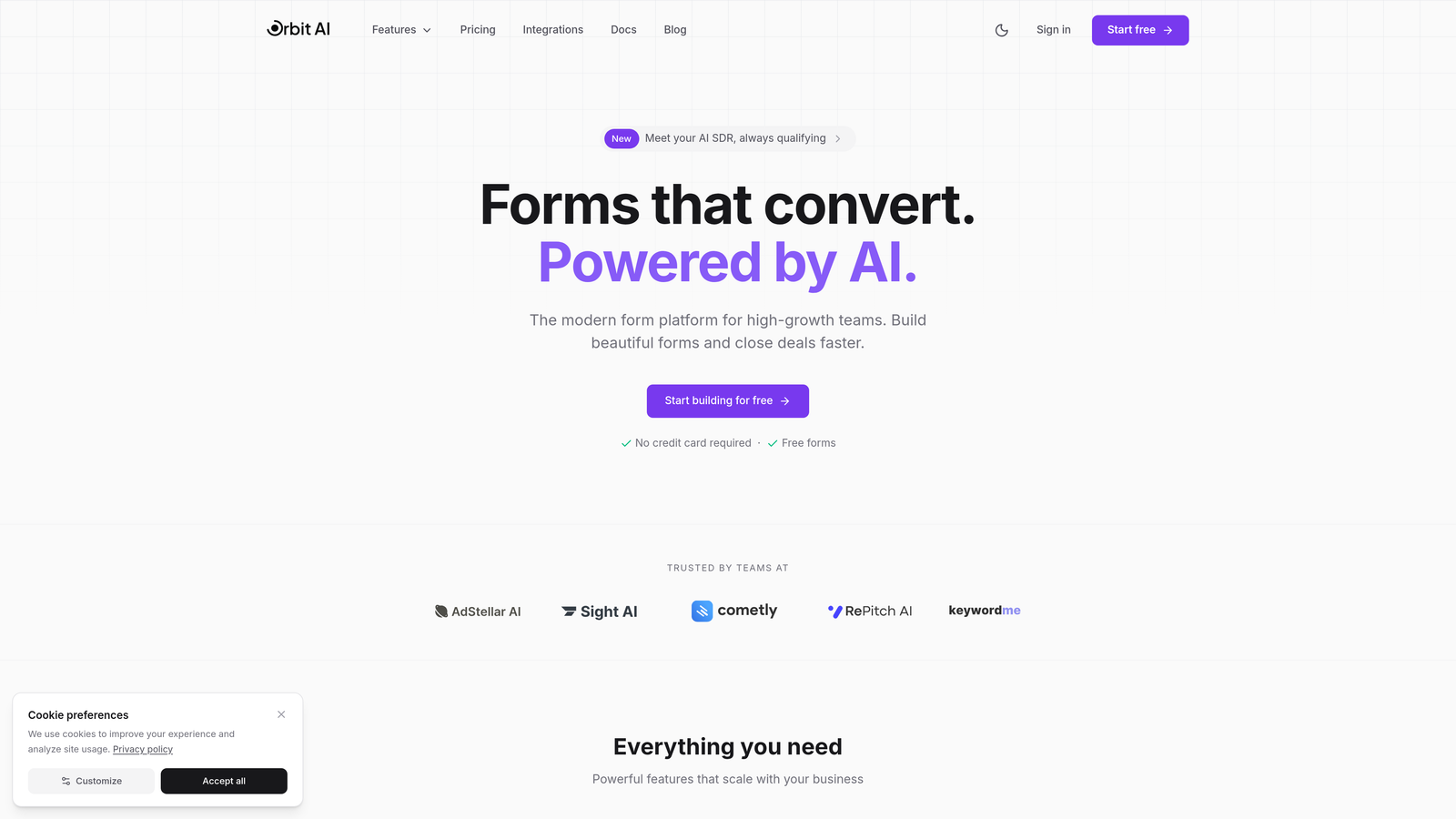
Orbit AI is an AI-powered form builder designed specifically for teams that need more than just data collection—they need qualified leads.
Where This Tool Shines
Orbit AI stands out by combining beautiful form design with intelligent lead qualification. While most form builders simply collect responses, Orbit AI automatically scores and qualifies leads based on their answers, helping sales teams focus on prospects most likely to convert.
The platform's modern interface creates forms that feel less like interrogations and more like conversations. This attention to user experience directly impacts conversion rates, making it ideal for businesses where form abandonment is costing them opportunities.
Key Features
AI-Powered Lead Qualification: Automatically scores and qualifies leads based on responses, routing high-value prospects to sales immediately.
Conversion-Optimized Templates: Pre-built form templates designed specifically to maximize completion rates and reduce abandonment.
Native CRM Integrations: Direct connections to HubSpot, Salesforce, and Pipedrive ensure qualified leads flow seamlessly into your existing workflows.
Advanced Analytics: Track form performance, conversion rates, and lead quality metrics in real-time with actionable insights.
Modern Design System: Create beautiful, on-brand forms that match your website's aesthetic without needing design skills.
Best For
Orbit AI is ideal for B2B SaaS companies, marketing agencies, and high-growth startups that need to capture leads efficiently while maintaining a premium brand experience. If your sales team wastes time qualifying unfit prospects, the AI qualification features will transform your workflow.
Pricing
Free tier available for getting started. Paid plans begin at $29/month, making it accessible for growing teams without enterprise budgets.
2. Typeform
Best for: Creating engaging, conversational experiences that feel more like conversations than forms
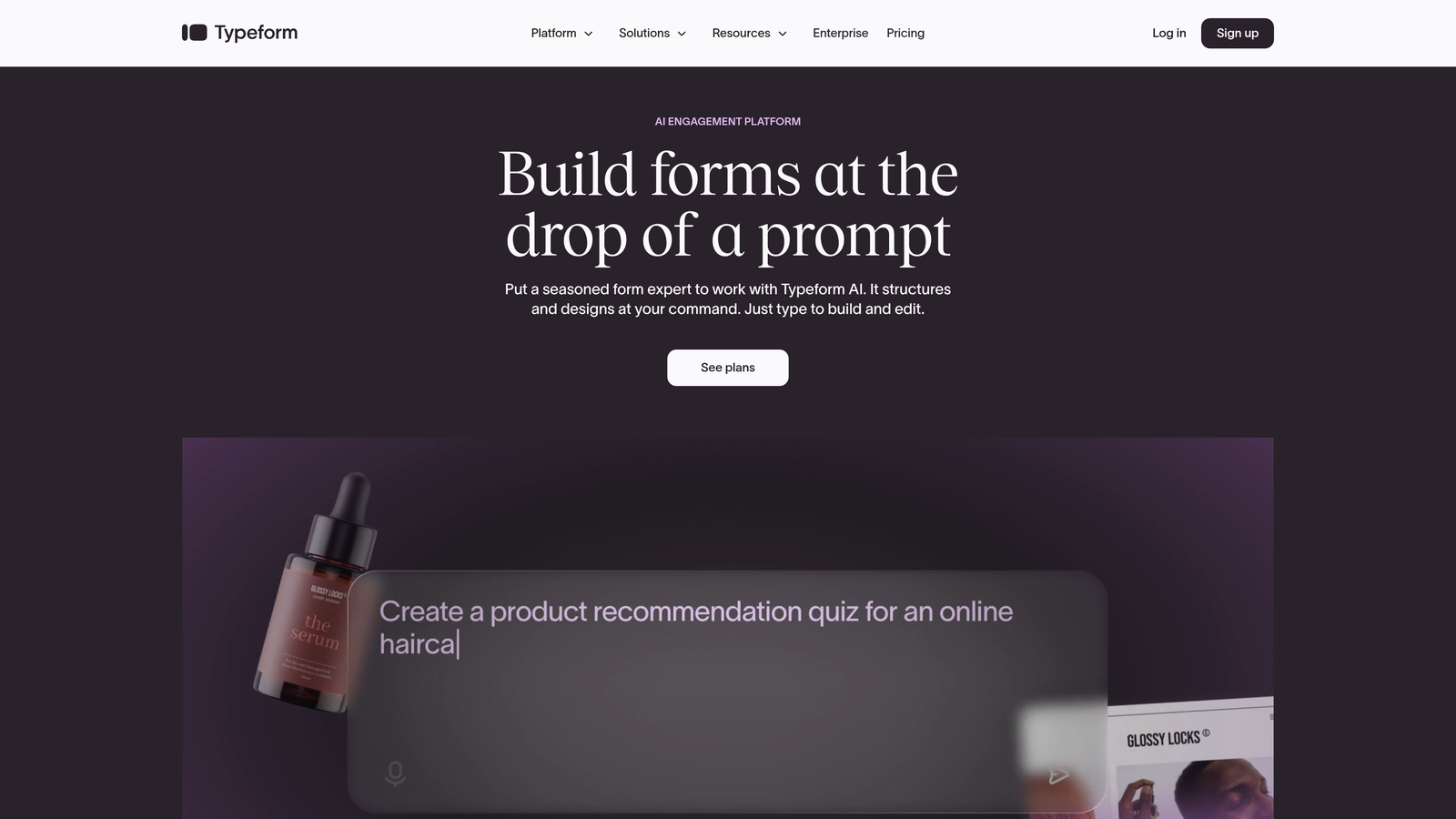
Typeform pioneered the one-question-at-a-time approach that makes filling out forms feel less overwhelming.
Where This Tool Shines
Typeform's conversational interface reduces cognitive load by showing one question at a time. This approach consistently delivers higher completion rates compared to traditional long-form layouts, especially for surveys with 10+ questions.
The platform excels at creating experiences that feel interactive rather than transactional. Users often report that Typeform surveys feel more engaging, which translates to better response quality and more thoughtful answers.
Key Features
Conversational Format: One-question-at-a-time interface that keeps respondents focused and reduces form abandonment.
Visual Customization: Extensive design controls let you match forms to your brand with custom colors, fonts, and images.
Logic Jumps: Advanced conditional branching creates personalized paths based on previous answers.
Rich Media Support: Embed videos, images, and GIFs directly into questions for more engaging experiences.
Integration Ecosystem: Connects with hundreds of tools through native integrations and Zapier support.
Best For
Typeform works best for marketing teams creating customer feedback surveys, event registration forms, or any scenario where engagement matters more than speed. It's particularly effective for consumer-facing brands that want to make a strong impression.
Pricing
Free plan available with Typeform branding. Basic plan starts at $25/month for removing branding and accessing more features.
3. SurveyMonkey
Best for: Serious research projects requiring statistical rigor and industry benchmarking
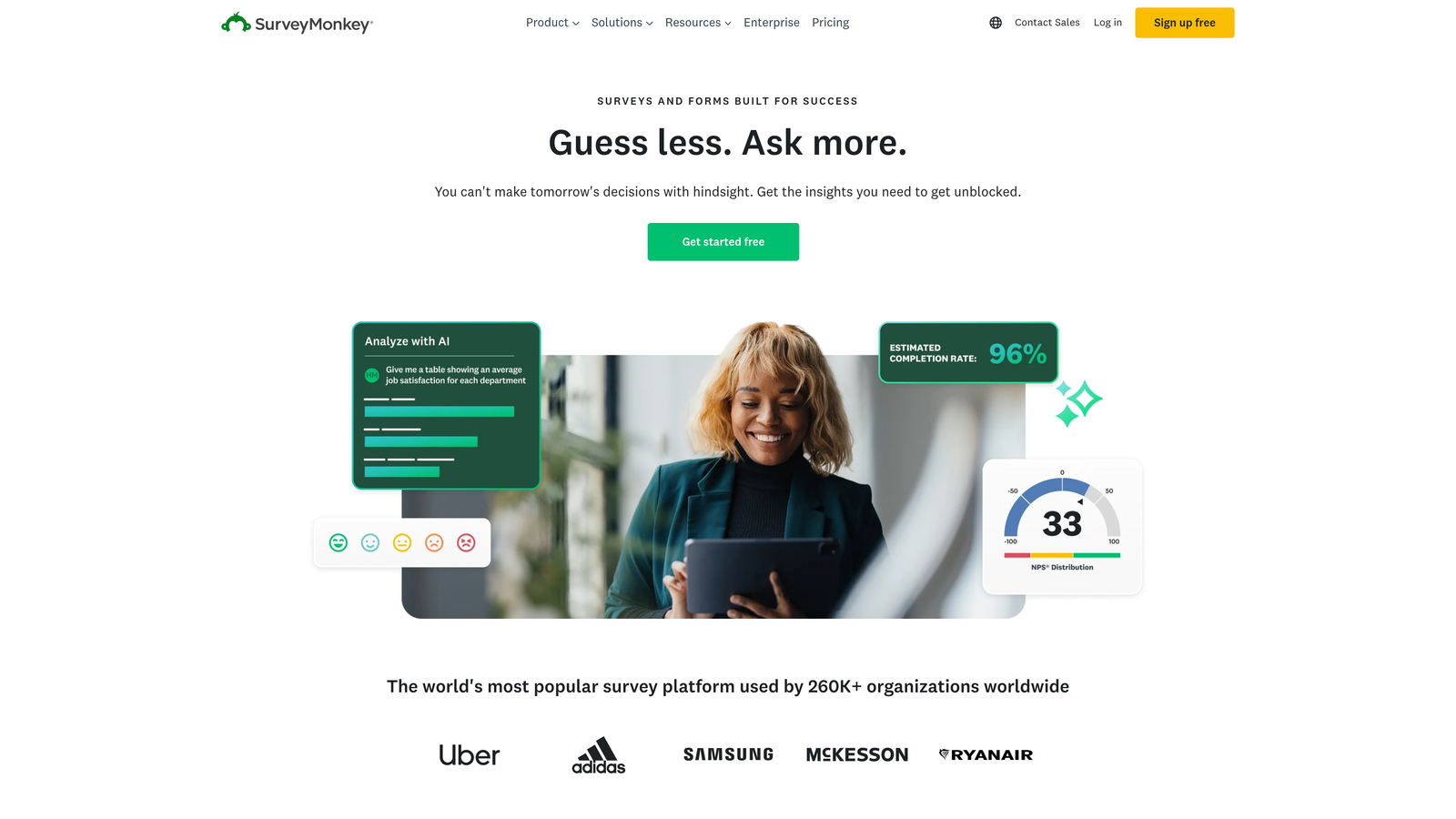
SurveyMonkey is the gold standard for organizations conducting formal research and needing defensible data.
Where This Tool Shines
SurveyMonkey's research methodology tools ensure your surveys follow best practices for unbiased data collection. The platform includes features like randomization, question banking, and validation rules that help maintain research integrity.
The benchmarking capabilities are particularly valuable. You can compare your results against industry standards, helping contextualize whether your customer satisfaction scores are actually competitive or need improvement.
Key Features
Research-Grade Methodology: Built-in tools for randomization, validation, and bias reduction ensure scientifically sound surveys.
Industry Benchmarking: Compare your results against aggregated data from similar organizations and industries.
Advanced Logic: Complex skip patterns, piping, and branching create sophisticated survey flows.
AI-Powered Analysis: Automatically identify trends, sentiment, and key themes in open-ended responses.
Team Collaboration: Multiple users can collaborate on survey design, analysis, and reporting.
Best For
SurveyMonkey is ideal for HR teams conducting employee engagement surveys, product teams running user research, and market researchers who need statistically valid data. If you're presenting findings to executives or boards, the platform's credibility matters.
Pricing
Free basic plan with limited features. Team Advantage plan starts at $25/user/month for professional research capabilities.
4. Jotform
Best for: Organizations needing specialized forms with payment processing and document generation
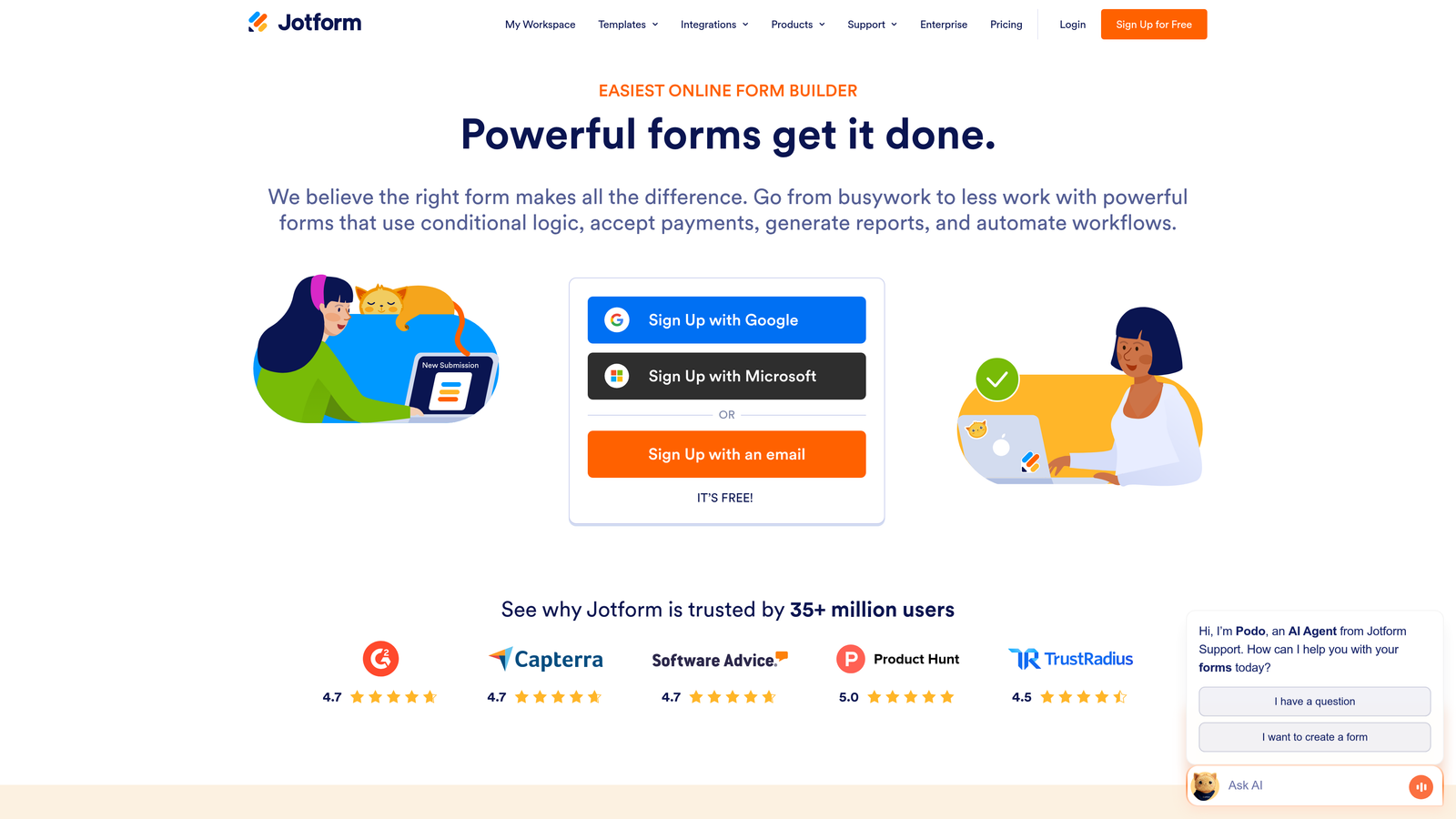
Jotform offers the most extensive template library in the industry with over 10,000 pre-built forms.
Where This Tool Shines
Jotform's template collection covers virtually every use case imaginable—from healthcare intake forms to event registrations to complex job applications. This saves significant time compared to building forms from scratch.
The platform's payment integration capabilities make it particularly valuable for organizations that need to collect fees, process donations, or sell products directly through forms. The PDF generation feature also streamlines document workflows significantly.
Key Features
10,000+ Templates: Pre-built forms for virtually every industry and use case, from simple contact forms to complex applications.
Payment Collection: Native integrations with PayPal, Stripe, Square, and other payment processors.
PDF Generation: Automatically create PDF documents from form submissions for easy record-keeping.
Approval Workflows: Route submissions through multi-step approval processes with notifications.
HIPAA Compliance: Enterprise plans include HIPAA-compliant features for healthcare organizations.
Best For
Jotform excels for nonprofits collecting donations, educational institutions managing applications, and healthcare providers needing compliant intake forms. If you're collecting payments or need industry-specific compliance, Jotform delivers.
Pricing
Free tier allows 5 forms with 100 monthly submissions. Bronze plan starts at $34/month for more forms and submissions.
5. Google Forms
Best for: Simple internal surveys and data collection with zero budget
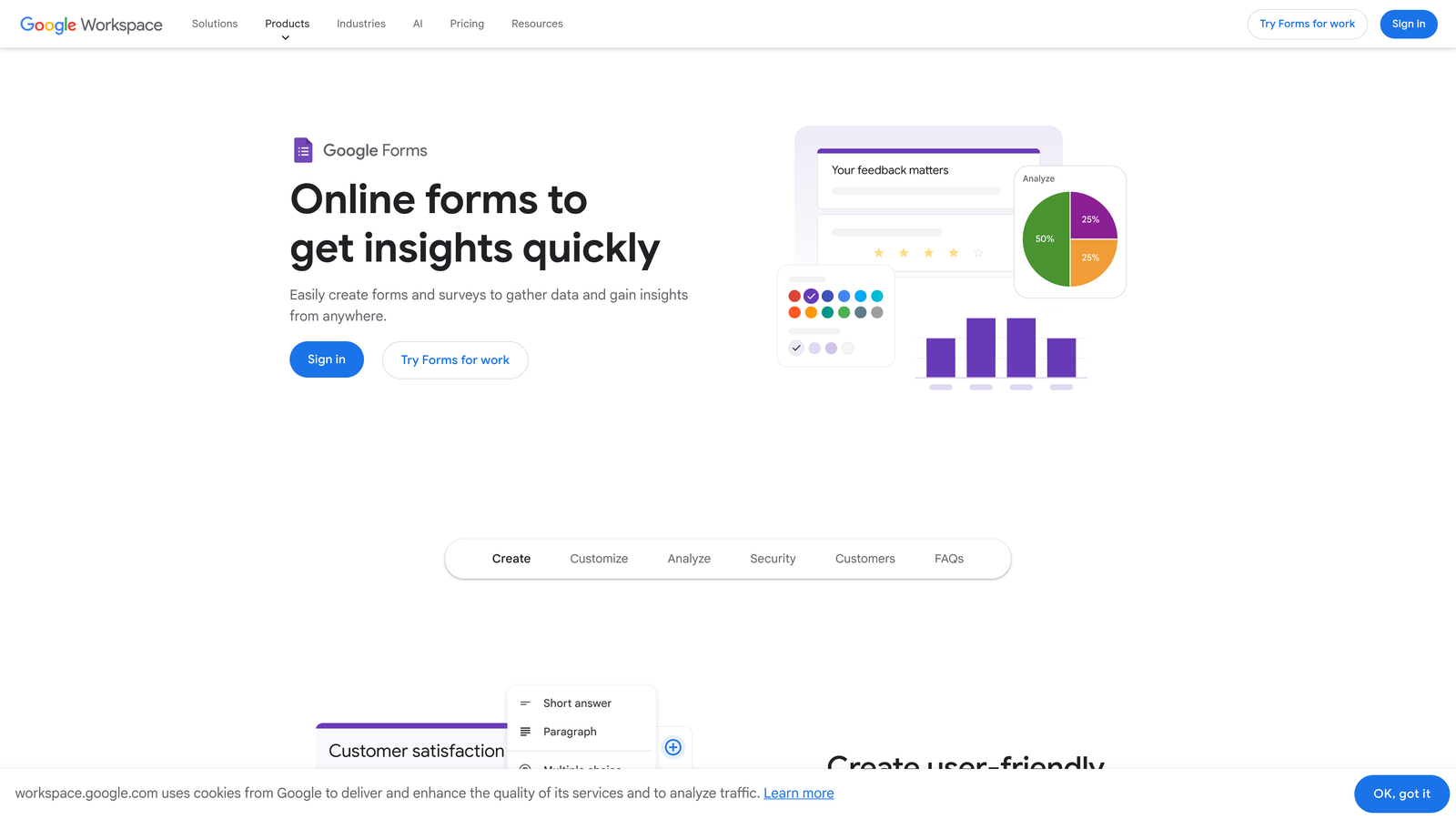
Google Forms provides straightforward form and survey functionality completely free with any Google account.
Where This Tool Shines
Google Forms removes all barriers to getting started. There's no pricing tier to evaluate, no feature limitations to worry about, and no learning curve if you're already familiar with Google's interface.
The direct integration with Google Sheets makes data analysis incredibly straightforward. Responses flow automatically into a spreadsheet where you can use formulas, create pivot tables, or export data for further analysis.
Key Features
Completely Free: No hidden costs, premium tiers, or submission limits—everything is included with your Google account.
Google Sheets Integration: Responses automatically populate a spreadsheet for easy analysis and reporting.
Real-Time Collaboration: Multiple team members can edit forms simultaneously, just like Google Docs.
Basic Conditional Logic: Show or hide questions based on previous answers to create simple branching.
Quiz Functionality: Built-in quiz mode with auto-grading for educational use cases.
Best For
Google Forms works best for internal team surveys, event RSVPs, simple feedback collection, and educational quizzes. It's perfect when you need something quick without any budget approval process.
Pricing
Completely free with any Google account. No premium tiers or paid upgrades exist.
6. Qualtrics
Best for: Enterprise organizations requiring sophisticated experience management and predictive analytics
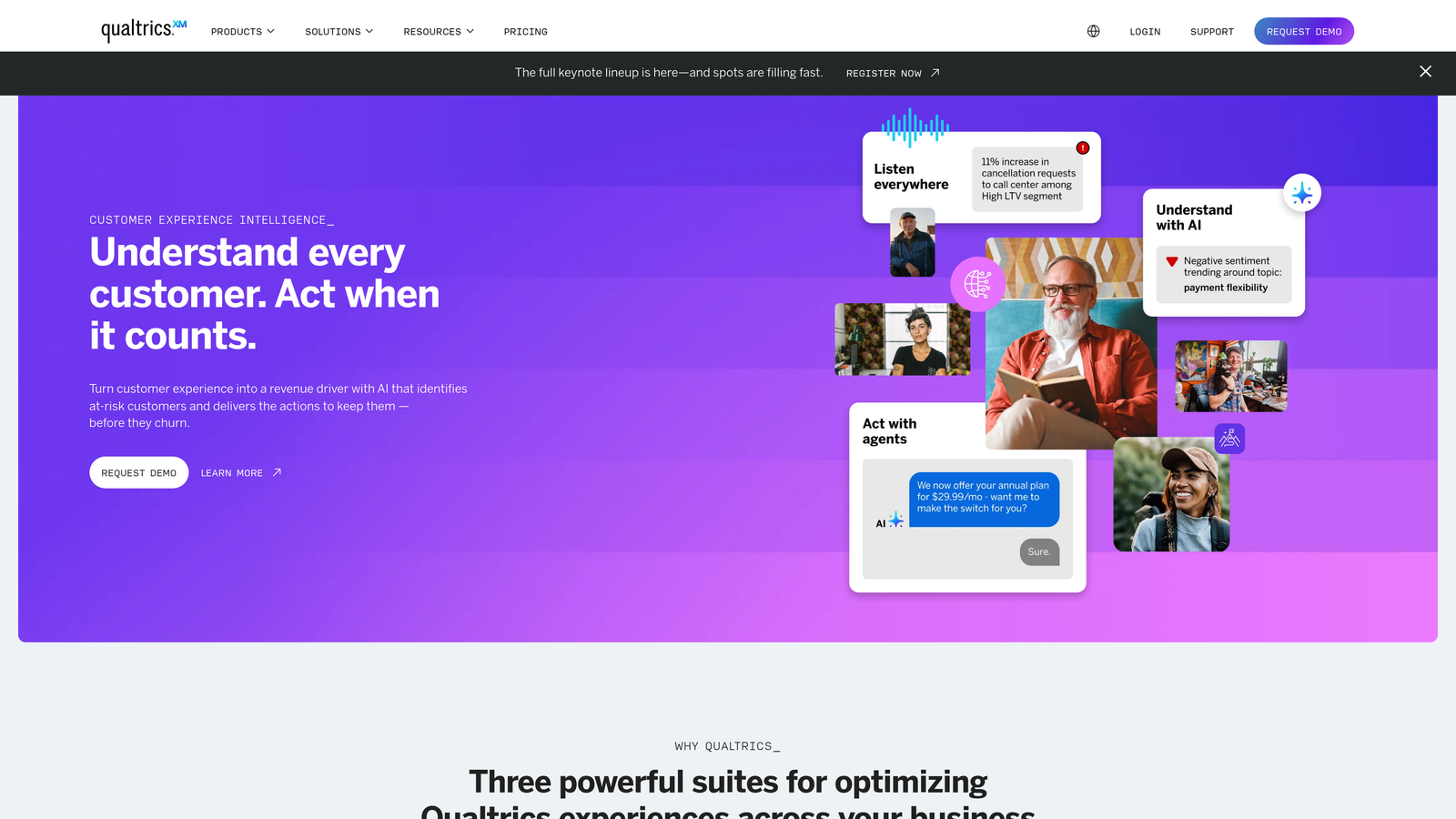
Qualtrics goes beyond simple surveys to provide a complete experience management platform with AI-driven insights.
Where This Tool Shines
Qualtrics transforms survey data into strategic intelligence through predictive analytics and AI-powered insights. The platform doesn't just tell you what customers said—it predicts what they'll do next and recommends specific actions.
The enterprise-grade security and compliance features make it suitable for highly regulated industries. Financial services, healthcare, and government organizations trust Qualtrics with sensitive data that couldn't be collected through consumer-grade tools.
Key Features
Experience Management (XM): Unified platform for customer, employee, product, and brand experience data.
Predictive Analytics: AI models identify patterns and predict future behaviors based on survey responses.
Complex Survey Logic: Advanced piping, quotas, and branching create sophisticated research instruments.
Enterprise Security: SOC 2, GDPR, HIPAA compliance with enterprise SSO and data governance controls.
Multi-Channel Distribution: Deploy surveys via email, web, mobile app, SMS, and offline channels.
Best For
Qualtrics is designed for large enterprises conducting strategic research across multiple departments. If you're managing customer experience programs, employee engagement initiatives, or market research at scale, the investment makes sense.
Pricing
Custom enterprise pricing starting around $1,500+ annually per user. Requires sales consultation for specific quotes.
7. Tally
Best for: Teams wanting unlimited forms on a generous free plan with modern design
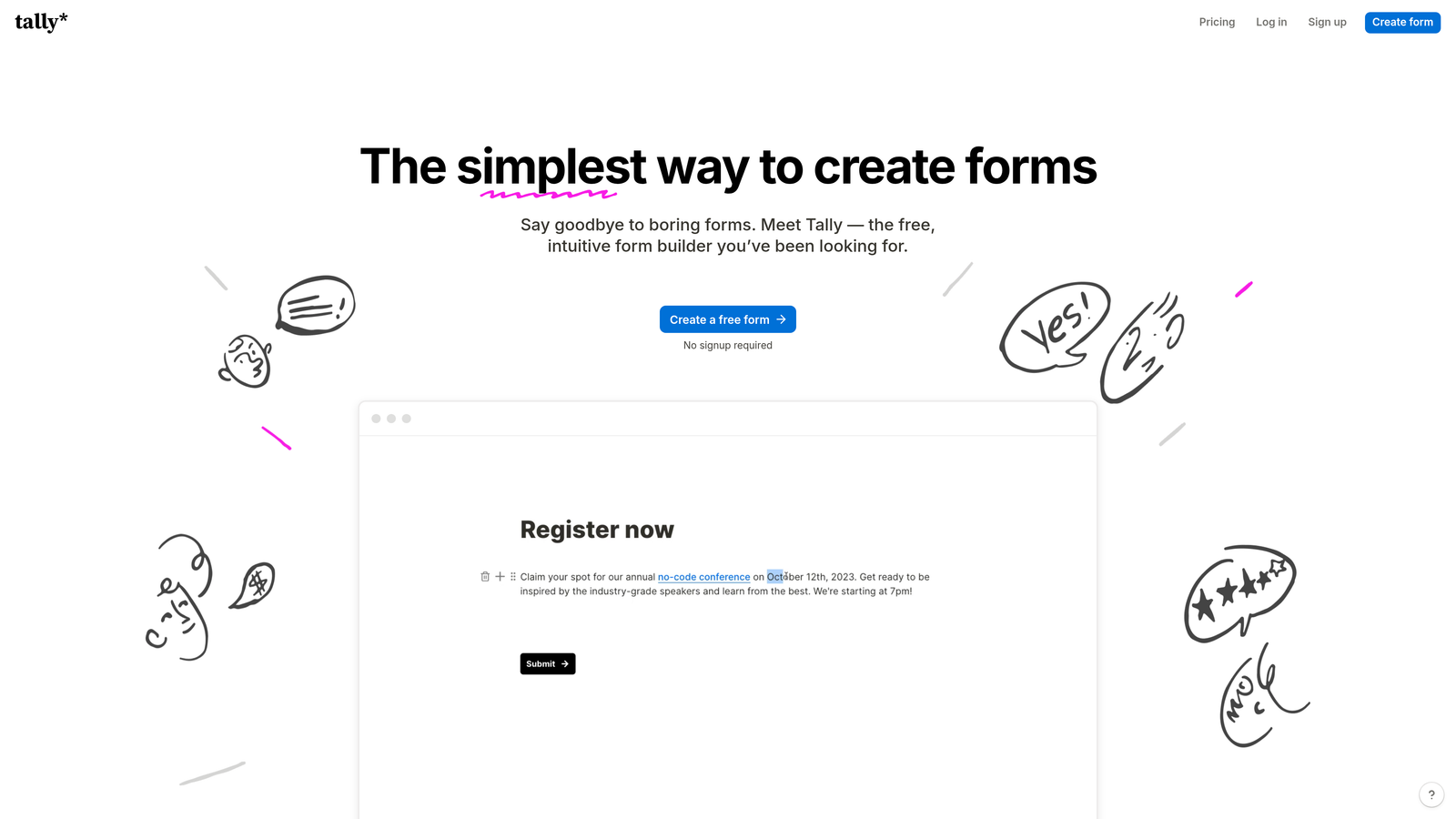
Tally brings a Notion-like simplicity to form building with one of the most generous free tiers available.
Where This Tool Shines
Tally's block-based editor feels immediately familiar if you've used Notion or similar tools. You build forms by adding blocks for different question types, making the creation process intuitive and fast.
The unlimited forms on the free plan is genuinely remarkable. Most competitors restrict you to 3-5 forms, but Tally lets you create as many as you need, making it perfect for agencies or teams managing multiple projects simultaneously.
Key Features
Unlimited Free Forms: Create as many forms as you need on the free plan without artificial restrictions.
Block-Based Editor: Notion-style interface makes form building intuitive and requires no training.
Conditional Logic Included: Show or hide questions based on responses without upgrading to paid plans.
File Uploads and Payments: Collect files and process payments even on the free tier.
Clean Design: Minimal, modern aesthetic that works well for contemporary brands.
Best For
Tally is perfect for startups, freelancers, and small teams that need professional forms without budget constraints. If you're launching multiple projects or testing different approaches, the unlimited forms remove friction.
Pricing
Free plan includes unlimited forms with Tally branding. Pro plan at $29/month removes branding and adds custom domains.
8. Formstack
Best for: Organizations needing automated document generation and electronic signatures
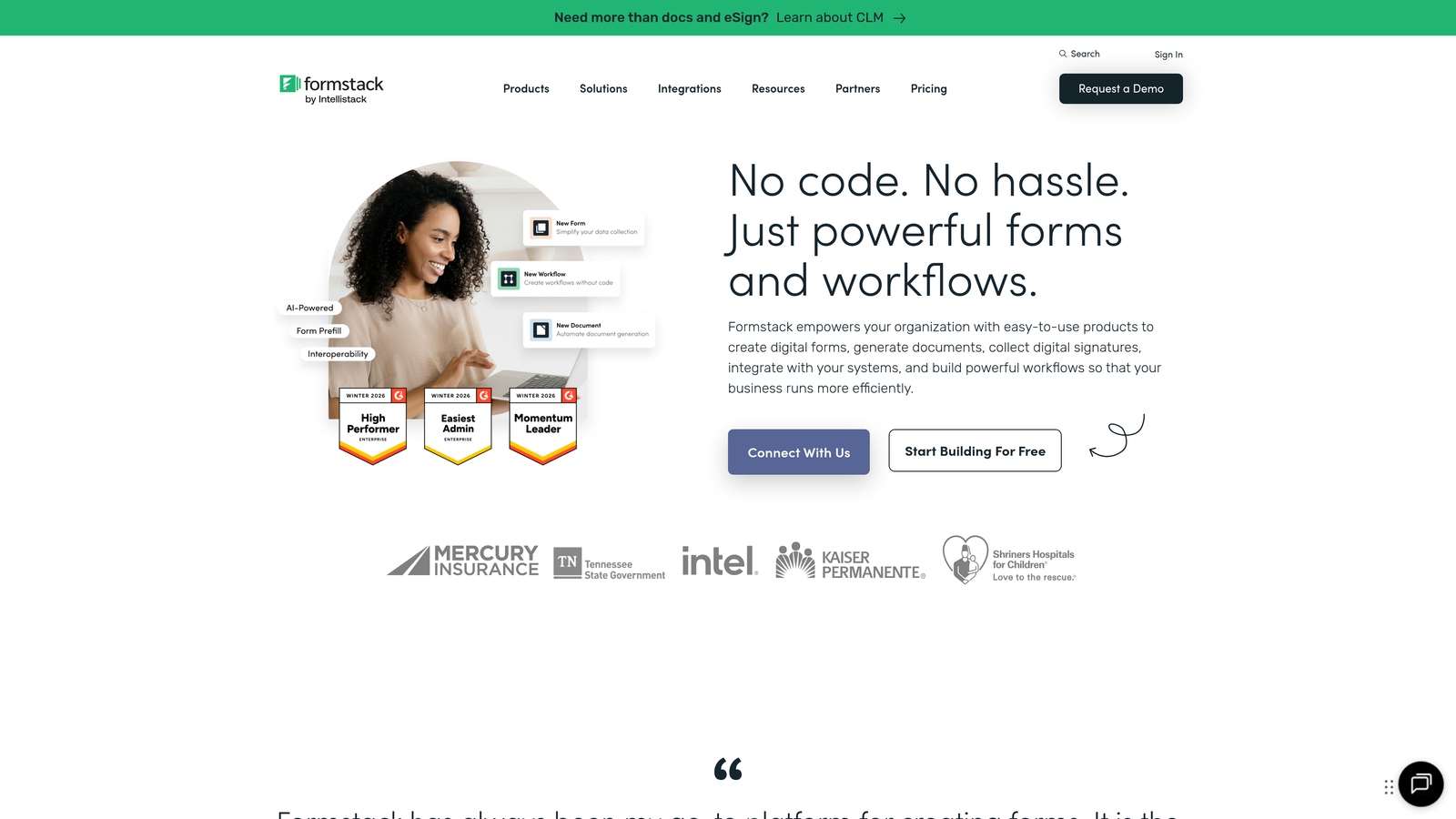
Formstack focuses on workflow automation, turning form submissions into completed documents and contracts.
Where This Tool Shines
Formstack's document generation capabilities eliminate manual data entry by automatically populating templates with form responses. This transforms processes like client onboarding, contract creation, and application processing from hours of work to minutes.
The electronic signature functionality integrated directly into the workflow means you can collect information, generate documents, and get them signed without switching between multiple tools or manual steps.
Key Features
Document Generation: Automatically create PDFs, contracts, and documents from form submissions using custom templates.
Electronic Signatures: Collect legally binding signatures directly within forms or generated documents.
Compliance Features: HIPAA and GDPR compliance options for regulated industries.
Workflow Automation: Create complex approval chains, notifications, and routing rules.
Salesforce Integration: Native integration that works seamlessly within the Salesforce ecosystem.
Best For
Formstack excels for legal teams managing contracts, HR departments processing applications, and healthcare organizations requiring compliant intake workflows. If document generation is part of your process, Formstack eliminates significant manual work.
Pricing
Forms plan starts at $50/month. Higher tiers required for document generation and advanced workflow features.
9. Alchemer
Best for: Mid-market companies wanting enterprise survey features without enterprise pricing
Alchemer bridges the gap between consumer tools and enterprise platforms with sophisticated features at accessible prices.
Where This Tool Shines
Alchemer provides custom scripting capabilities that let technical users create highly specialized survey experiences. This flexibility makes it possible to implement complex research designs that would be impossible in more rigid platforms.
The robust API access appeals to organizations that need to integrate survey data deeply into their existing systems. You can programmatically create surveys, distribute them, and retrieve results for custom analysis pipelines.
Key Features
Advanced Survey Logic: Complex piping, quotas, and branching rival enterprise platforms at mid-market pricing.
Custom Scripting: Add JavaScript for specialized functionality and unique survey behaviors.
Robust Reporting: Create custom dashboards and reports with flexible visualization options.
API Access: Full API for programmatic survey creation, distribution, and data retrieval.
Multi-Language Support: Built-in tools for creating and managing surveys in multiple languages.
Best For
Alchemer works well for growing research teams, product organizations conducting regular user studies, and companies with technical resources who want customization capabilities. It's particularly strong for organizations conducting international research.
Pricing
Collaborator plan starts at $55/user/month. Professional and higher tiers unlock advanced features and API access.
Making the Right Choice for Your Needs
The form builder versus survey tool decision ultimately comes down to your primary use case and organizational priorities.
For lead generation and conversion optimization, Orbit AI delivers the most value through AI-powered qualification that helps sales teams focus on high-potential prospects. The platform's modern design and native CRM integrations make it ideal for high-growth teams prioritizing revenue impact over research methodology.
When serious research is the goal, SurveyMonkey and Qualtrics provide the statistical rigor and benchmarking capabilities needed for defensible insights. SurveyMonkey works well for most research needs, while Qualtrics makes sense when predictive analytics and enterprise security justify the investment.
Typeform stands out for creating engaging experiences that feel conversational rather than transactional. If completion rates and respondent experience matter more than advanced analytics, its one-question-at-a-time approach consistently delivers results.
Budget-conscious teams have excellent options. Google Forms handles simple internal needs perfectly at zero cost. Tally provides unlimited forms with modern design on its free tier. Both remove financial barriers while delivering professional results.
For specialized workflows, consider Jotform's payment processing and template library, Formstack's document generation capabilities, or Alchemer's custom scripting for technical teams.
The lines between form builders and survey tools continue blurring as platforms add capabilities. Most organizations benefit from having both a conversion-optimized form builder for customer-facing data collection and a research-focused survey tool for internal feedback and studies.
Transform your lead generation with AI-powered forms that qualify prospects automatically while delivering the modern, conversion-optimized experience your high-growth team needs. Start building free forms today and see how intelligent form design can elevate your conversion strategy.


