

Choosing between a form builder and survey tool can feel like picking between a hammer and a screwdriver—both collect data, but they're built for fundamentally different jobs. Form builders excel at capturing leads, processing payments, and driving conversions with streamlined, action-oriented designs. Survey tools shine when you need in-depth feedback, complex question logic, and robust analytics for research.
The real question isn't which category is better—it's which tool matches your specific goals. This guide breaks down top options across both categories, helping you find the right fit whether you're optimizing for conversions, gathering customer insights, or need a hybrid solution that does both.
1. Orbit AI
Best for: High-growth teams focused on lead generation with built-in qualification
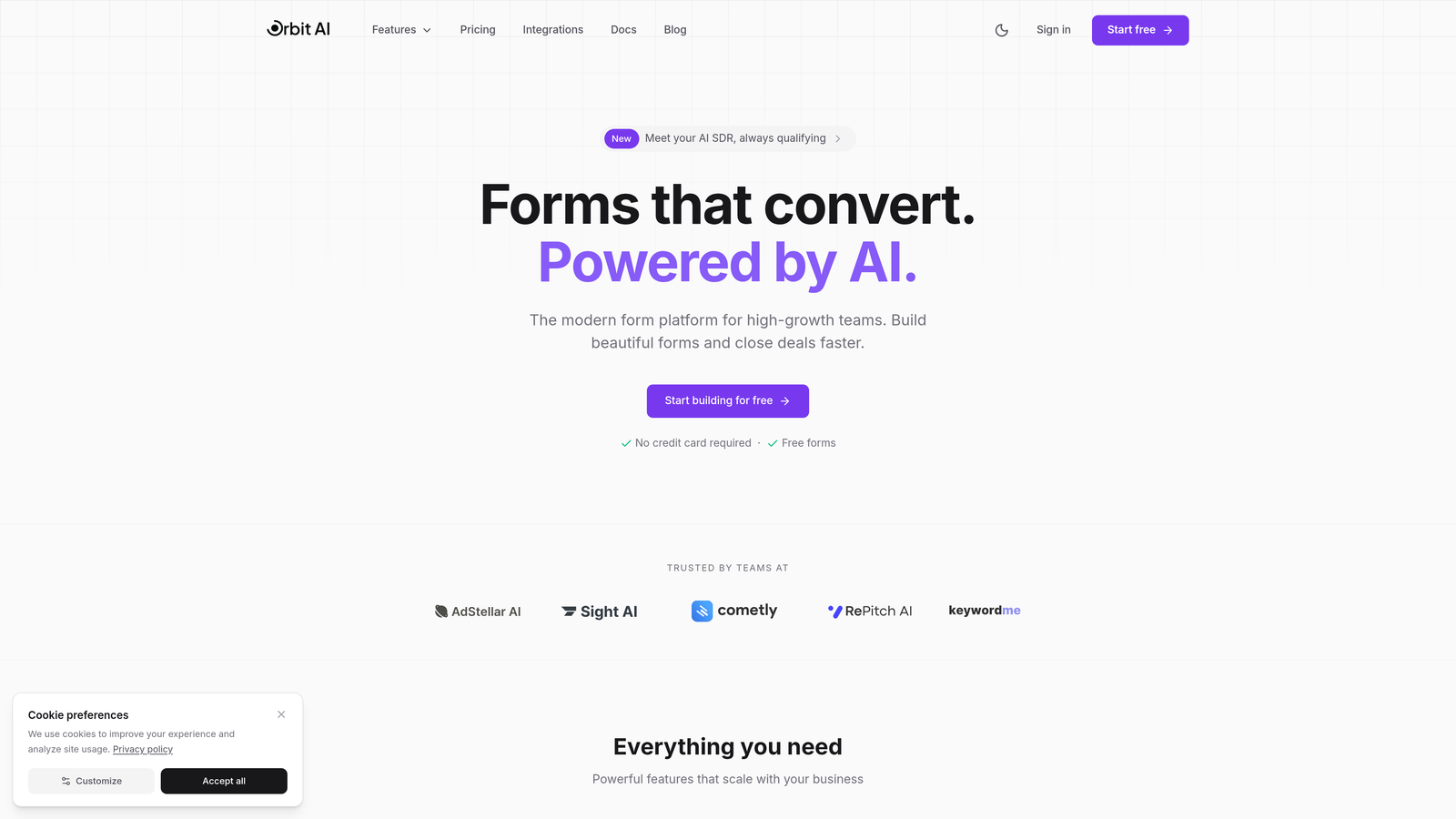
Orbit AI is an AI-powered form builder platform designed specifically for teams that need more than just data collection—they need qualified leads.
Where This Tool Shines
What sets Orbit AI apart is its intelligent lead qualification system that works in real-time as prospects fill out your forms. Instead of manually sorting through submissions later, the platform scores and qualifies leads automatically based on criteria you define.
The conversion-optimized templates are built with modern design principles that reduce friction and increase completion rates. For teams tired of generic form builders that don't understand the lead generation game, this platform bridges that gap beautifully.
Key Features
AI-Powered Lead Qualification: Automatically scores and qualifies leads based on their responses, routing high-value prospects to your sales team instantly.
Conversion-Optimized Templates: Pre-built form designs tested for maximum completion rates, saving you from A/B testing guesswork.
Real-Time Analytics Dashboard: Track form performance, conversion rates, and lead quality metrics in one unified view.
Native CRM Integrations: Connects directly with HubSpot, Salesforce, and Pipedrive to sync qualified leads into your existing workflows.
Automated Workflow Triggers: Set up conditional actions based on lead scores, sending follow-ups or notifications without manual intervention.
Best For
Orbit AI is ideal for B2B companies, SaaS businesses, and marketing teams that need to capture and qualify leads at scale. If your sales team is drowning in unqualified form submissions, this tool solves that problem elegantly.
Pricing
Free tier available for teams getting started. Paid plans begin at competitive rates designed for growing teams that need advanced qualification features.
2. Typeform
Best for: Creating engaging, conversational form experiences with high completion rates
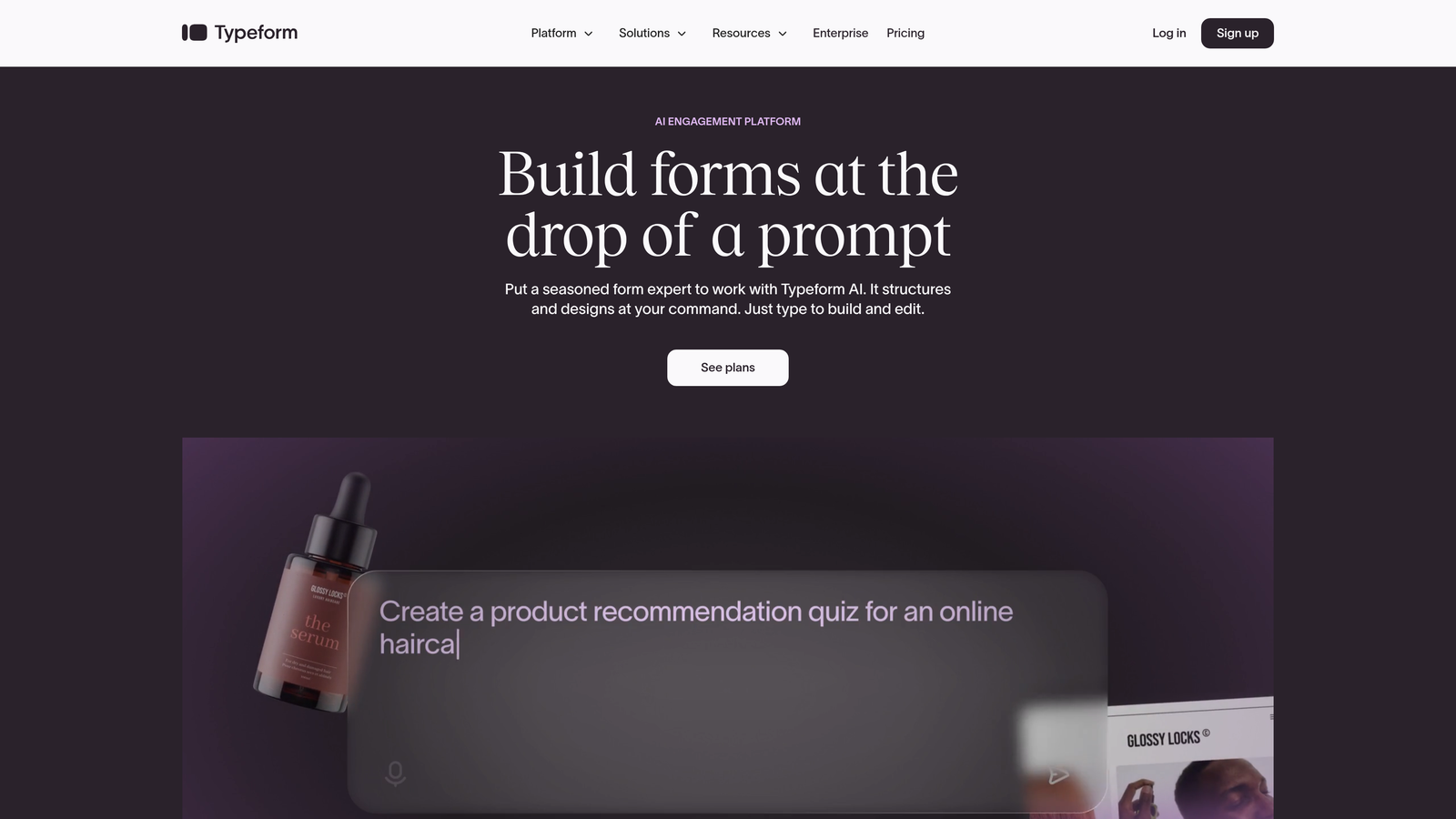
Typeform is a conversational form builder that pioneered the one-question-at-a-time format, transforming boring forms into interactive experiences.
Where This Tool Shines
Typeform's signature approach displays one question at a time, creating a focused, distraction-free experience that feels more like a conversation than an interrogation. This format consistently drives higher completion rates compared to traditional multi-field forms.
The platform's design templates are genuinely beautiful, making it easy to create forms that match your brand without hiring a designer. If you're building customer-facing forms where brand experience matters, Typeform delivers.
Key Features
Conversational Interface: One-question-at-a-time format that reduces cognitive load and improves completion rates.
Beautiful Design Templates: Professionally designed templates that look polished out of the box with minimal customization.
Logic Jumps and Branching: Create dynamic forms that adapt based on previous answers, personalizing the experience for each respondent.
Rich Media Embedding: Add videos, images, and GIFs to make forms more engaging and visually appealing.
Integration Library: Connects with hundreds of apps including Slack, Google Sheets, Mailchimp, and major CRM platforms.
Best For
Typeform works best for brands that prioritize user experience and engagement. It's perfect for customer feedback surveys, lead magnets, event registrations, and any scenario where you want to make a strong impression.
Pricing
Free plan available with limited responses per month. Basic plan starts at $25/month, with higher tiers unlocking advanced logic and integrations.
3. Jotform
Best for: Teams needing extensive templates and robust payment processing
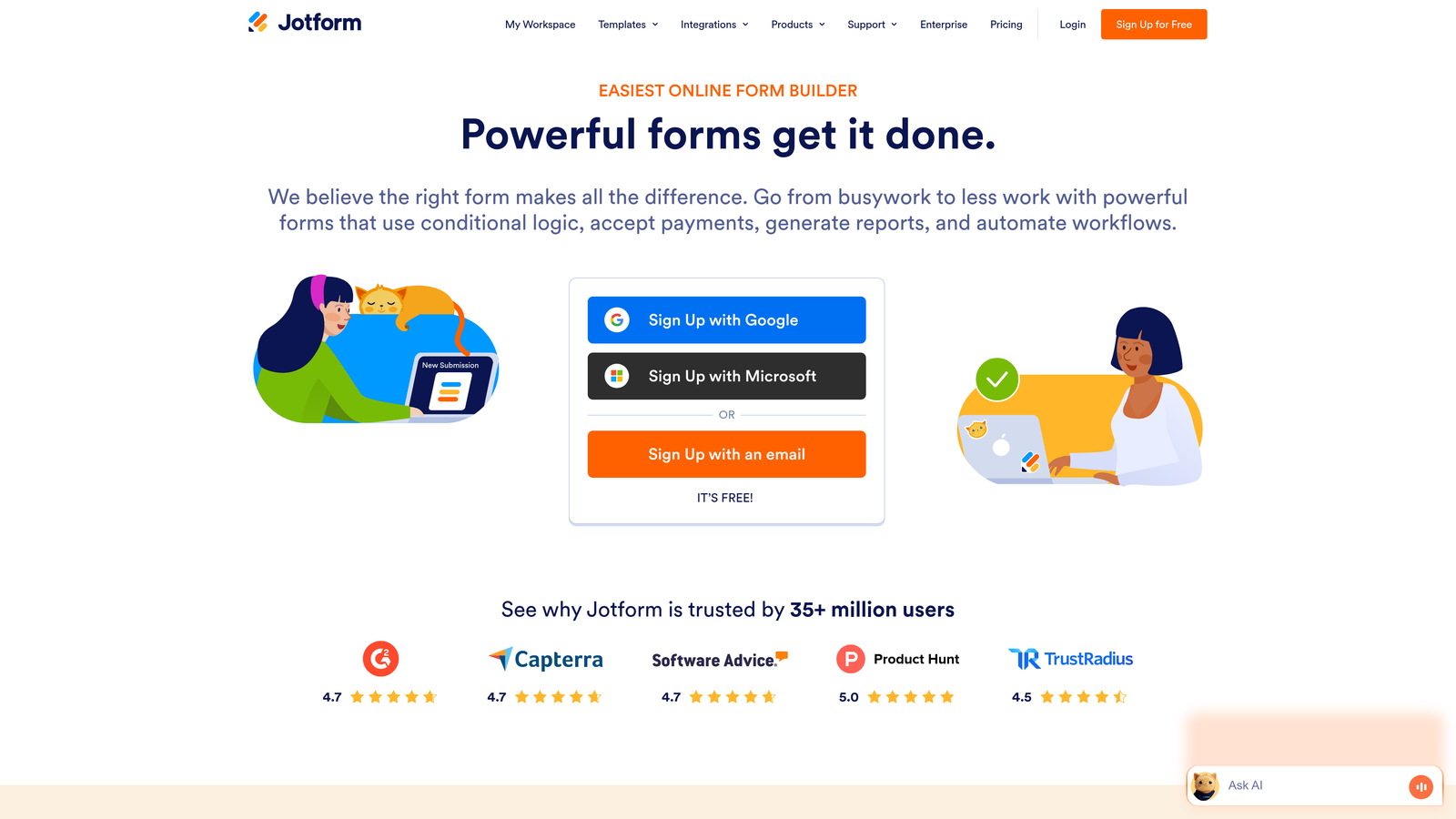
Jotform is a versatile form builder with over 10,000 templates covering virtually every use case imaginable, from event registrations to complex applications.
Where This Tool Shines
Jotform's massive template library means you're rarely starting from scratch. Whether you need a volunteer application, donation form, or equipment rental agreement, there's likely a pre-built template ready to customize.
The payment processing capabilities are particularly strong, supporting 30+ payment gateways including PayPal, Square, and Stripe. If you're collecting payments alongside form data, Jotform handles both seamlessly.
Key Features
10,000+ Templates: Extensive library covering every industry and use case, dramatically reducing setup time.
Payment Processing: Integrated support for 30+ payment gateways, making it easy to collect fees, donations, or product payments.
PDF Form Generation: Automatically convert form submissions into formatted PDF documents for records or printing.
Mobile App: Offline data collection through iOS and Android apps, syncing submissions when connectivity returns.
HIPAA Compliance: Available on higher-tier plans for healthcare organizations needing secure patient data collection.
Best For
Jotform suits organizations that need versatility and payment processing. It's particularly popular with nonprofits, event organizers, and service providers who collect payments through forms.
Pricing
Free tier includes 5 forms with 100 monthly submissions. Bronze plan starts at $34/month for increased limits and payment features.
4. SurveyMonkey
Best for: Research-focused surveys with industry benchmarking and statistical analysis
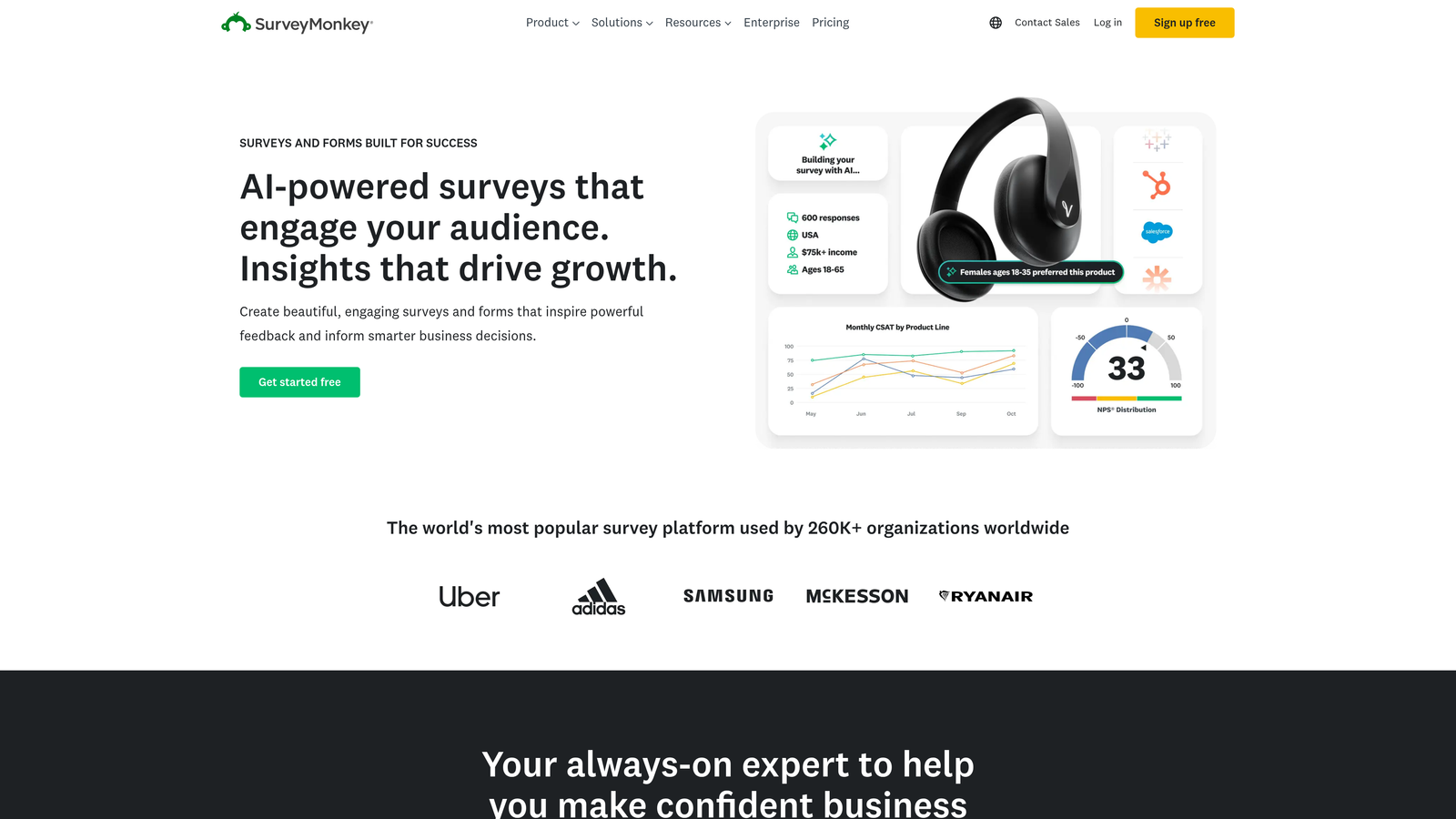
SurveyMonkey is the industry-leading survey platform with AI-powered insights and access to extensive benchmarking data from millions of surveys.
Where This Tool Shines
SurveyMonkey excels when you need serious research capabilities. The platform's AI-powered survey recommendations help you ask better questions, while its benchmarking data lets you compare your results against industry standards.
The statistical analysis tools go beyond basic charts, offering significance testing and cross-tabulation for teams that need to draw meaningful conclusions from their data. This is a research tool that happens to build surveys, not the other way around.
Key Features
AI-Powered Recommendations: Get intelligent suggestions for question types and survey structure based on your goals.
Industry Benchmarking: Compare your survey results against aggregated data from similar surveys in your industry.
Advanced Logic: Complex skip logic, piping, and branching to create sophisticated survey flows.
Statistical Analysis: Built-in tools for significance testing, trend analysis, and cross-tabulation of results.
Multi-Language Support: Create surveys in multiple languages with automatic translation assistance.
Best For
SurveyMonkey is ideal for market researchers, product teams, and organizations conducting employee engagement surveys. If you need robust analytics and research methodology, this platform delivers.
Pricing
Basic free plan with limited features. Team Advantage starts at $25/user/month for advanced analysis and collaboration features.
5. Google Forms
Best for: Budget-conscious teams needing simple data collection with Google integration
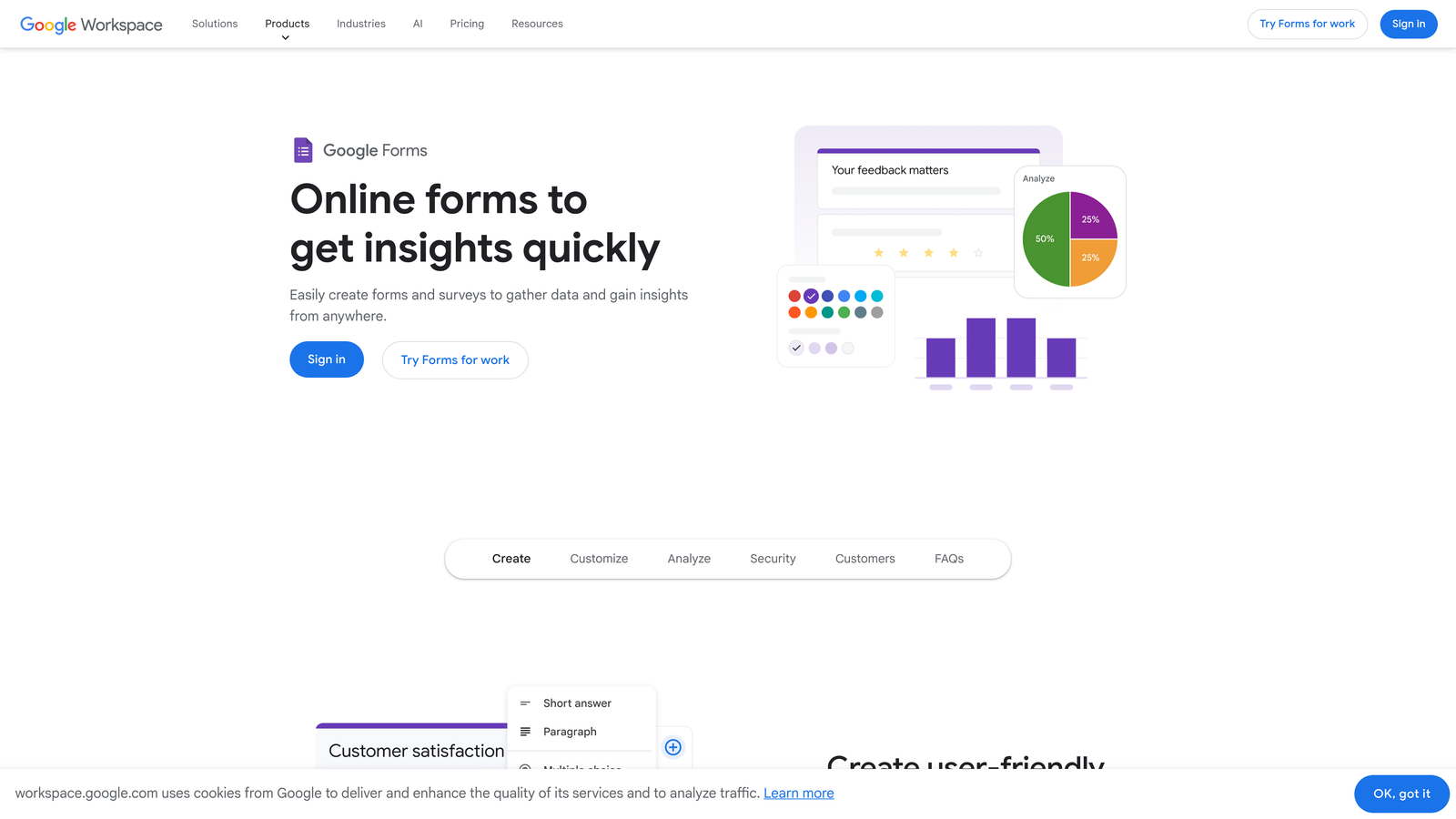
Google Forms is a free, straightforward form builder that integrates seamlessly with Google Workspace, making it accessible to anyone with a Google account.
Where This Tool Shines
Google Forms wins on simplicity and cost—it's completely free with no hidden limits on forms or responses. The automatic sync with Google Sheets means your data flows directly into a spreadsheet for analysis or reporting.
The real-time collaboration features let multiple team members edit forms simultaneously, just like Google Docs. For teams already using Google Workspace, it's the path of least resistance for basic data collection.
Key Features
Completely Free: Unlimited forms and responses with no subscription fees or feature gates.
Real-Time Collaboration: Multiple users can edit forms simultaneously with automatic change tracking.
Google Sheets Integration: Responses automatically populate a spreadsheet for easy analysis and sharing.
Basic Conditional Logic: Show or hide questions based on previous answers to create dynamic forms.
Quiz Functionality: Built-in grading and feedback features for creating quizzes and assessments.
Best For
Google Forms works well for schools, nonprofits, small businesses, and anyone who needs basic forms without budget. It's perfect for event RSVPs, simple surveys, and internal data collection.
Pricing
Completely free with a Google account. No paid tiers or premium features—what you see is what you get.
6. Tally
Best for: Unlimited forms on a generous free tier with Notion-style editing
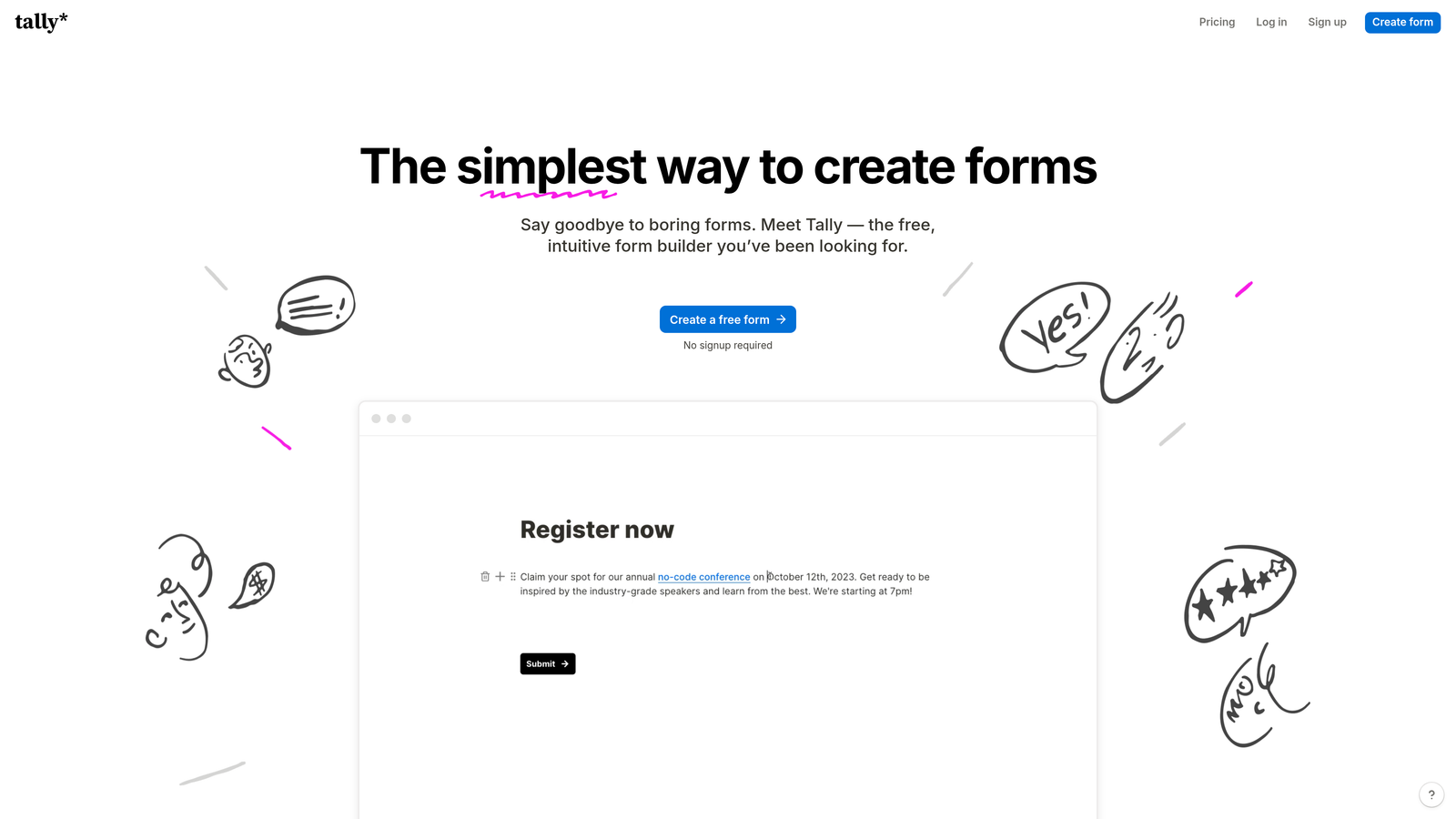
Tally is a Notion-like form builder that offers unlimited forms and responses on its free plan, making it incredibly attractive for budget-conscious teams.
Where This Tool Shines
Tally's block-based editor feels familiar if you've used Notion, letting you build forms by adding and arranging content blocks. This approach makes form creation intuitive and fast, without the learning curve of more complex platforms.
The generous free tier includes unlimited forms and responses, which is rare in the form builder space. Most competitors cap free plans at a handful of forms or a few hundred responses—Tally removes those limits entirely.
Key Features
Unlimited Free Forms: Create as many forms as you need with no response limits on the free plan.
Block-Based Editor: Notion-style interface for building forms by adding and arranging content blocks.
Conditional Logic: Show or hide questions based on previous answers, plus perform calculations on numeric fields.
Custom Thank-You Pages: Design branded confirmation pages with rich content after form submission.
Webhook Integrations: Connect to Zapier, Make, or custom webhooks to automate workflows.
Best For
Tally suits startups, freelancers, and small teams that need professional forms without the recurring costs. It's particularly appealing if you're already comfortable with Notion's interface.
Pricing
Free tier includes unlimited forms and responses with core features. Pro plan at $29/month adds custom domains, file uploads, and priority support.
7. Qualtrics
Best for: Enterprise research with advanced statistical analysis and methodology guidance
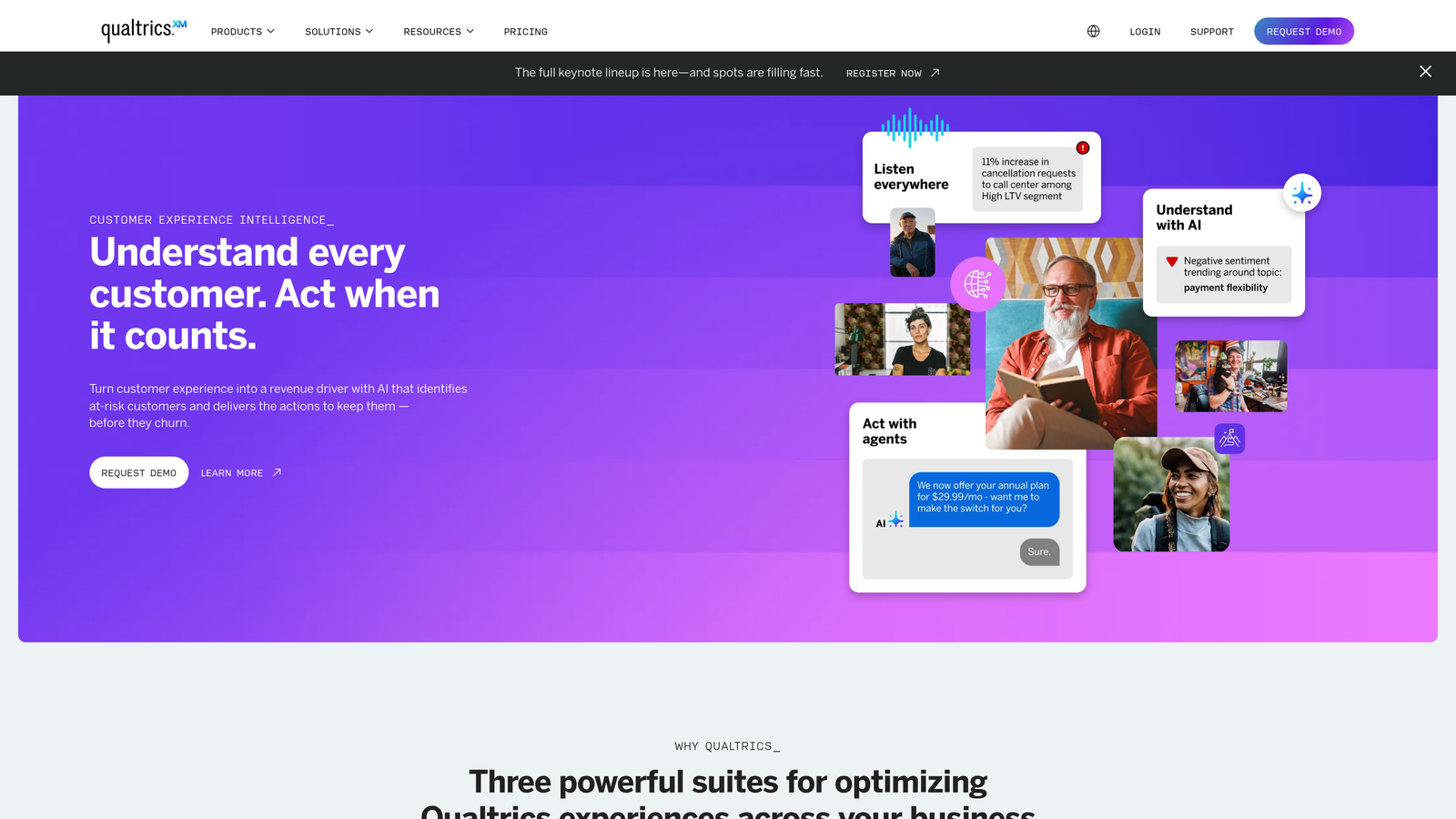
Qualtrics is an enterprise experience management platform offering sophisticated research tools, predictive analytics, and expert methodology support.
Where This Tool Shines
Qualtrics operates at a different level than consumer form builders. The platform includes advanced statistical analysis tools, predictive intelligence powered by AI, and access to research methodology experts who can review your survey design.
For large organizations conducting serious research—employee engagement studies, customer experience programs, or academic research—Qualtrics provides the rigor and sophistication needed to draw valid conclusions from complex data.
Key Features
Advanced Statistical Analysis: Built-in tools for regression analysis, factor analysis, and other sophisticated statistical methods.
Predictive Intelligence: AI-powered insights that identify patterns and predict future trends from your data.
Multi-Channel Distribution: Deploy surveys across email, web, mobile, SMS, and social media from a single platform.
Expert Methodology Review: Access to research consultants who can review and improve your survey design.
Enterprise Security: Comprehensive compliance certifications including SOC 2, ISO 27001, HIPAA, and GDPR.
Best For
Qualtrics serves enterprise organizations, universities, and research institutions that need advanced capabilities and can justify the premium pricing. It's the choice for serious research programs.
Pricing
Custom enterprise pricing based on organization size and needs. Contact sales for quotes—this platform targets large organizations with corresponding budgets.
8. Paperform
Best for: Design-forward forms that look like polished landing pages
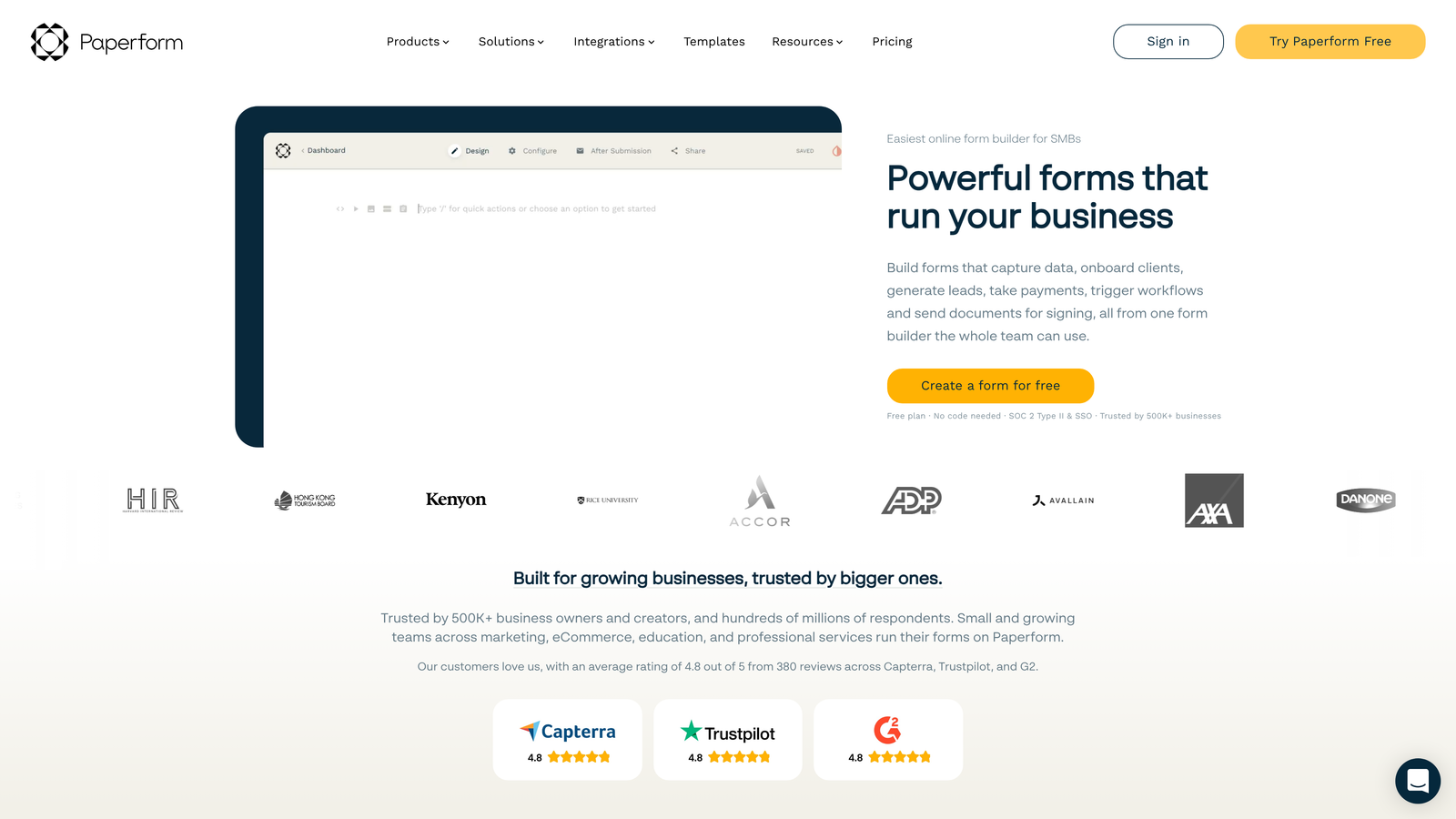
Paperform is a design-focused form builder that creates forms with the visual polish of custom landing pages, not generic web forms.
Where This Tool Shines
Paperform blurs the line between forms and landing pages by letting you add rich content blocks—images, videos, text sections—alongside your form fields. The result looks more like a branded web page than a traditional form.
The platform handles e-commerce and payments naturally, making it popular for selling products, collecting donations, or booking services. If your form needs to double as a sales page, Paperform delivers that flexibility.
Key Features
Rich Content Blocks: Add images, videos, text sections, and other content to create forms that tell a story.
E-Commerce Support: Sell products, collect payments, and manage inventory directly through your forms.
Custom Success Pages: Design branded confirmation pages with dynamic content based on form responses.
Conditional Logic: Show or hide fields and perform calculations based on user input.
Built-In Scheduling: Accept appointments and bookings without needing a separate calendar tool.
Best For
Paperform works well for creative professionals, consultants, and businesses that want forms to match their brand aesthetic. It's particularly strong for service bookings and product sales.
Pricing
Essentials plan at $24/month includes core features. Pro plan at $49/month adds advanced integrations and removes Paperform branding.
9. Formstack
Best for: Workflow automation connecting forms to documents and approval processes
Formstack is a workflow-focused platform that connects form data to document generation, electronic signatures, and approval workflows.
Where This Tool Shines
Formstack excels when your form is just the starting point of a larger process. The platform automatically generates documents from form data—think contracts, invoices, or reports—and routes them through approval workflows.
The electronic signature collection integrates seamlessly, letting you capture form data and get documents signed without switching platforms. For organizations dealing with complex approval processes, this end-to-end approach eliminates manual handoffs.
Key Features
Document Generation: Automatically create PDF documents populated with form data using custom templates.
Electronic Signatures: Collect legally binding signatures on generated documents without leaving the platform.
Compliance Certifications: HIPAA and GDPR compliant for organizations handling sensitive data.
Approval Workflows: Route form submissions through multi-step approval processes with notifications and tracking.
Salesforce Integration: Native integration that works directly within Salesforce, not just through API connections.
Best For
Formstack serves organizations with complex workflows—healthcare providers, financial services, HR departments, and sales teams that need forms integrated with document management and approvals.
Pricing
Starter plan at $50/month for basic features. Teams plan at $83/month adds workflow automation and document generation.
Making the Right Choice
The form builder versus survey tool debate really comes down to your primary goal. If you're focused on lead generation and conversion optimization, Orbit AI delivers AI-powered qualification that transforms form submissions into actionable sales opportunities. For teams that need serious research capabilities with statistical rigor, SurveyMonkey or Qualtrics provide the analytical depth required.
Typeform wins when brand experience matters most—its conversational format creates memorable interactions that reflect well on your company. Budget-conscious teams should look at Tally or Google Forms, both offering generous free tiers that handle basic data collection without recurring costs.
Think about your integration requirements too. If you're deeply embedded in Salesforce, Formstack's native integration makes workflow automation seamless. For Google Workspace users, Google Forms connects naturally to your existing tools. The right choice depends less on which tool has the most features and more on which features align with your actual workflow.
Consider where your forms fit in your broader process. Are they standalone data collection points, or do they trigger complex workflows? Do you need simple analytics, or are you running research that requires statistical significance testing? The answers guide you toward tools built for your specific use case.
Transform your lead generation with AI-powered forms that qualify prospects automatically while delivering the modern, conversion-optimized experience your high-growth team needs. Start building free forms today and see how intelligent form design can elevate your conversion strategy.


