

Data-driven teams know that collecting form submissions is only half the battle—understanding what happens after someone hits submit is where real optimization begins. A form builder with a robust analytics dashboard transforms raw submissions into actionable insights, revealing drop-off points, conversion patterns, and lead quality metrics that help you optimize every step of your funnel.
The best form builders don't just track how many people submitted your form. They show you where users hesitate, which fields cause friction, and which traffic sources deliver the highest-quality leads. This intelligence turns guesswork into strategy.
Here are the top form builders that excel at marrying beautiful form creation with powerful analytics, helping you make smarter decisions about your lead generation strategy.
1. Orbit AI
Best for: Teams prioritizing lead quality and AI-powered conversion insights
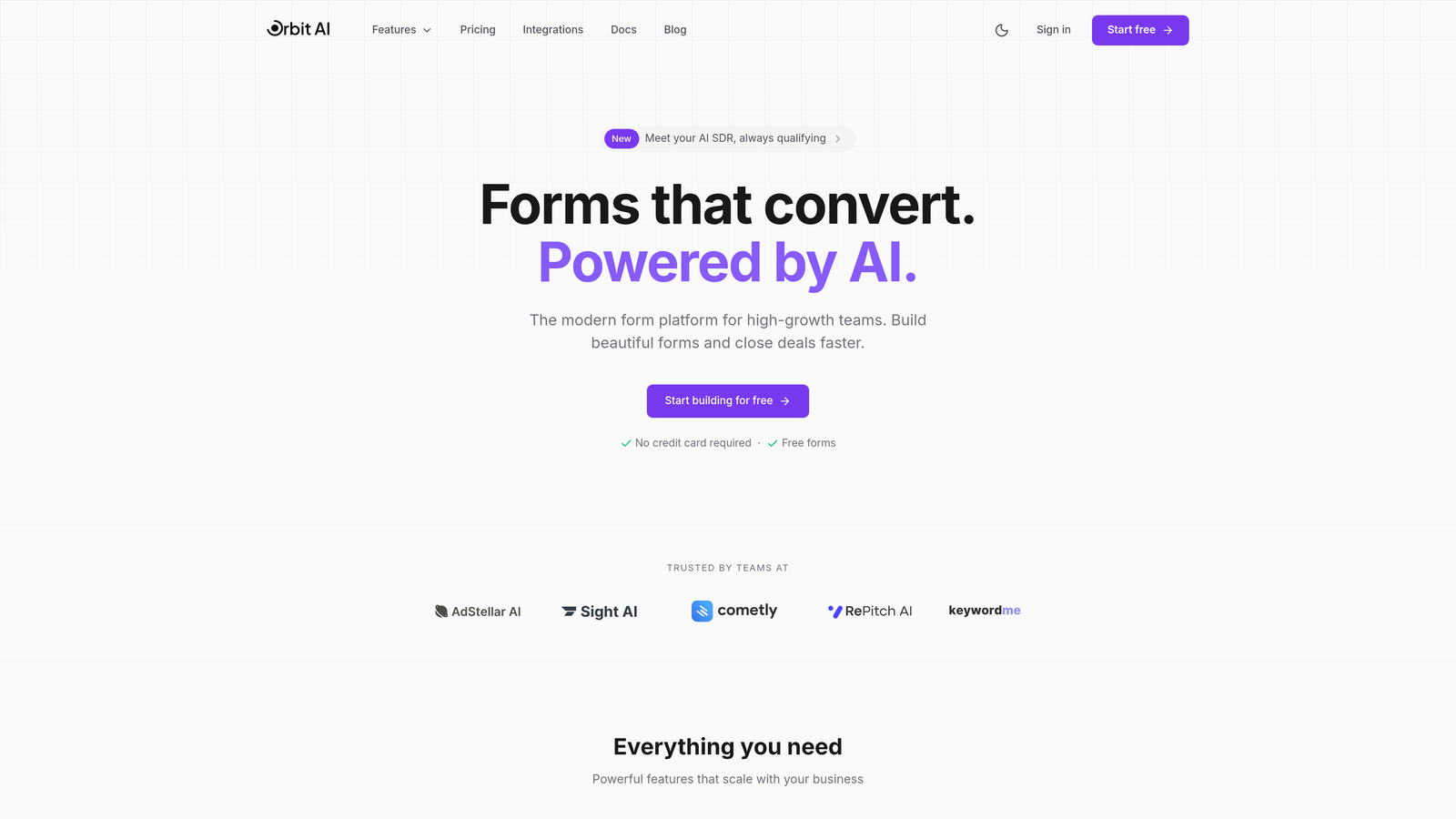
Orbit AI combines beautiful, conversion-optimized form design with intelligent lead qualification and comprehensive analytics that go beyond basic submission tracking.
Where This Tool Shines
The standout feature is AI-powered lead qualification scoring that automatically evaluates submission quality in real-time. Instead of manually reviewing every form entry, you get instant intelligence about which leads deserve immediate attention and which need nurturing.
The analytics dashboard provides field-level drop-off analysis, showing exactly where users abandon your forms. This granular visibility helps you identify friction points and optimize form performance based on actual user behavior rather than assumptions.
Key Features
AI-Powered Lead Qualification: Automatically scores and prioritizes submissions based on lead quality indicators you define.
Real-Time Conversion Analytics: Monitor form performance with live dashboards showing submission rates, completion times, and conversion trends.
Field-Level Drop-Off Analysis: Identify exactly which form fields cause users to abandon, enabling targeted optimization.
CRM and Marketing Integration: Connect seamlessly with major platforms to sync data and track the full customer journey.
Customizable Analytics Views: Build custom reports and export data in formats that match your team's workflow.
Best For
High-growth teams that need to qualify leads at scale while maintaining a modern, frictionless user experience. Particularly valuable for B2B companies where lead quality matters more than sheer volume, and marketing teams that want AI assistance in prioritizing follow-up efforts.
Pricing
Free tier available for getting started. Paid plans unlock advanced analytics features, higher submission volumes, and team collaboration capabilities.
2. Typeform
Best for: Creating engaging conversational forms with detailed response analytics
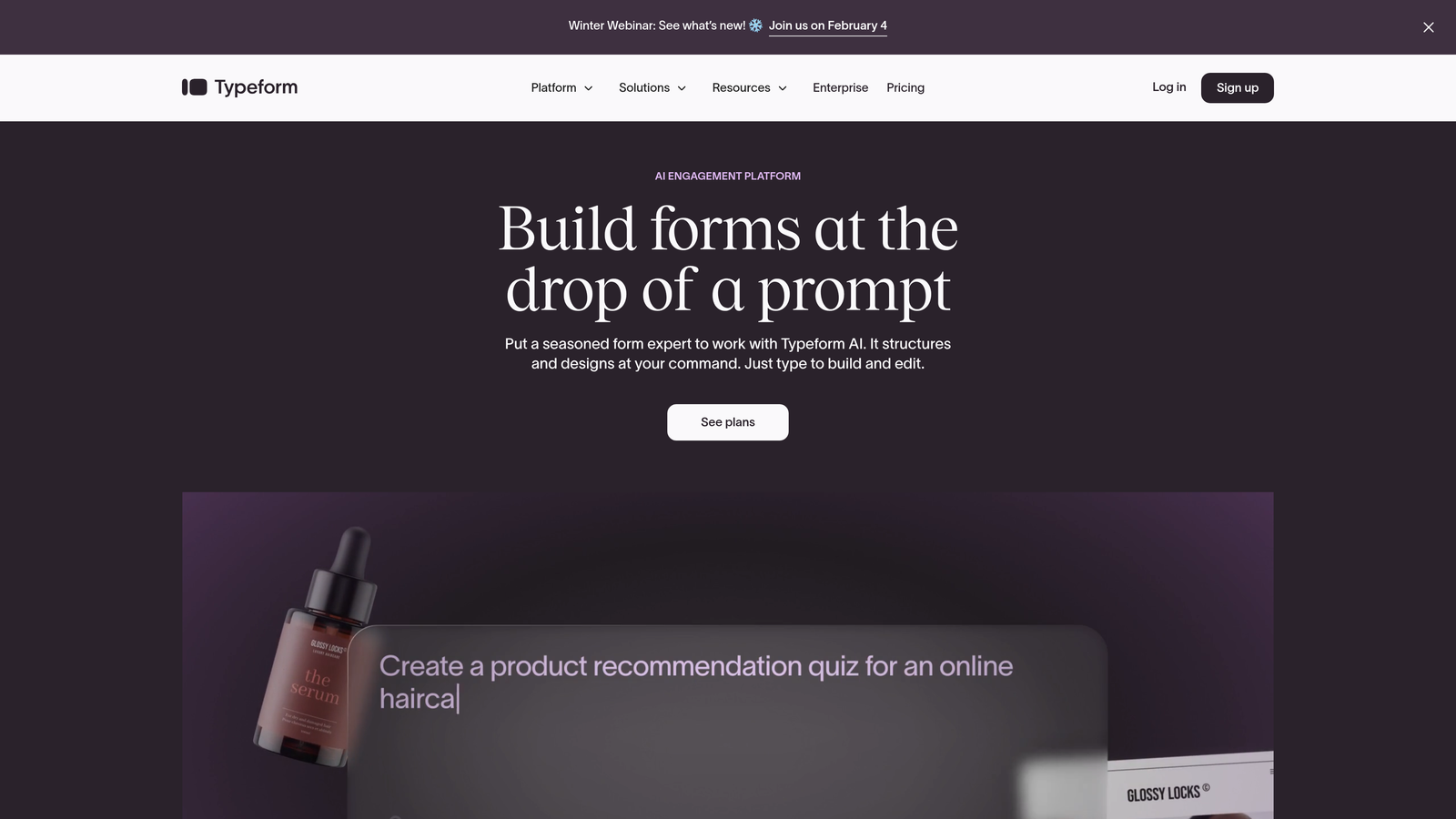
Typeform pioneered the conversational form experience and backs it up with robust analytics that track engagement at every step.
Where This Tool Shines
Typeform's one-question-at-a-time approach creates an engaging experience that feels more like a conversation than a traditional form. The analytics reflect this design philosophy, showing question-by-question completion rates that reveal exactly where respondents lose interest.
The visual analytics dashboard presents data through intuitive charts and graphs that make it easy to spot trends without diving into spreadsheets. You can see completion rates, average time spent, and drop-off points at a glance.
Key Features
Question-by-Question Tracking: See completion rates for each individual question to identify problem areas in your form flow.
Response Insights with Visual Charts: Beautiful data visualization makes analytics accessible to non-technical team members.
Drop-Off Rate Analysis: Understand where and why users abandon forms with detailed abandonment metrics.
Analytics Platform Integration: Connect with Google Analytics, Facebook Pixel, and other tracking tools for comprehensive data.
Respondent Metadata: Capture device type, location, and referral source automatically for deeper audience insights.
Best For
Marketing teams focused on engagement and user experience, particularly for surveys, lead generation campaigns, and customer feedback collection where completion rates matter more than speed.
Pricing
Free tier with basic analytics. Basic plan starts at $25/month with expanded analytics features and higher response limits.
3. Jotform
Best for: Enterprise teams needing comprehensive analytics and custom reporting
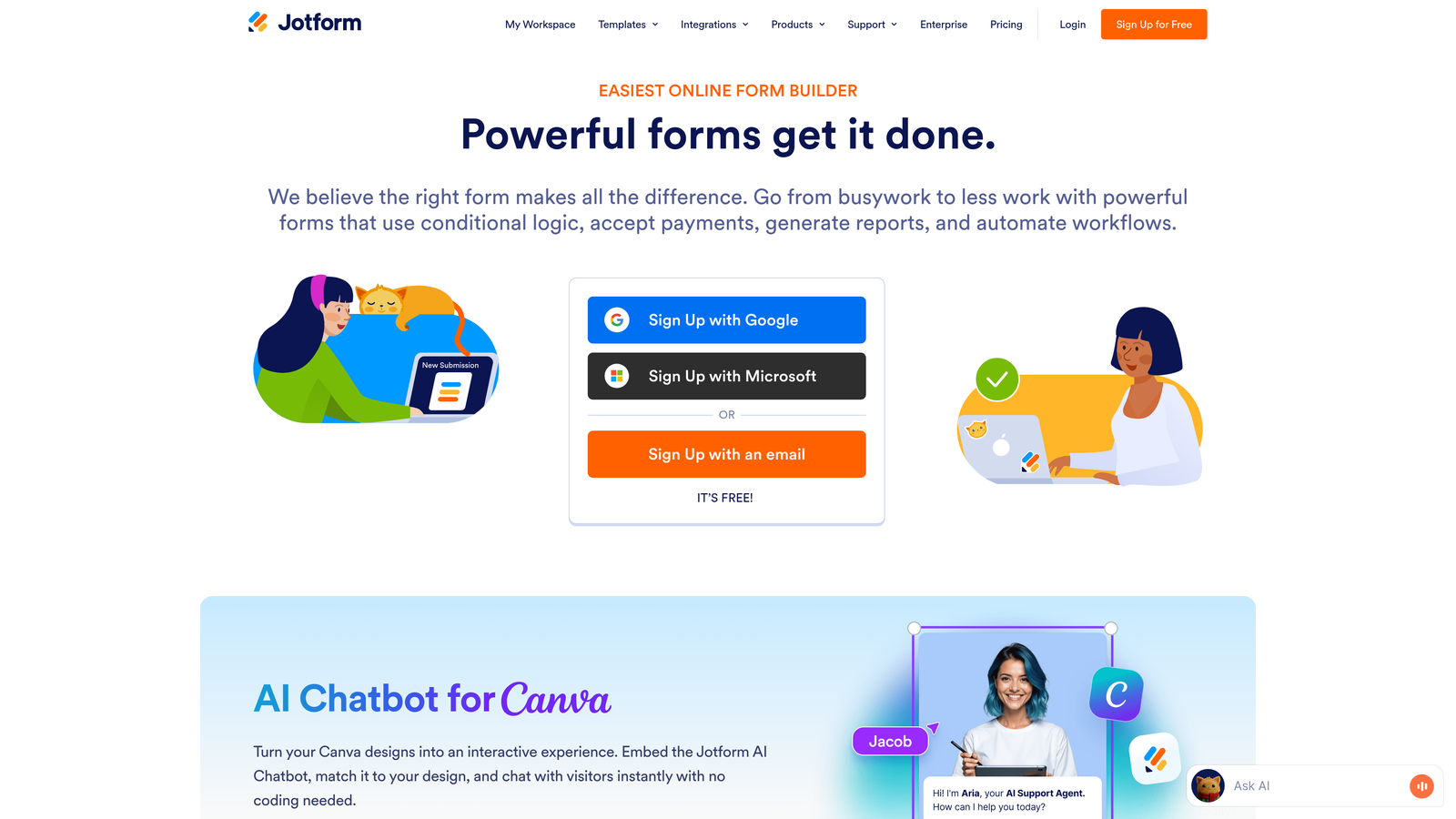
Jotform delivers enterprise-grade form building with one of the most comprehensive analytics suites in the industry.
Where This Tool Shines
The custom report builder lets you create exactly the analytics views your team needs, filtering and segmenting data in countless ways. You're not locked into predefined dashboards—you can build reports that answer your specific business questions.
For teams using conditional logic extensively, Jotform tracks how different form paths perform. You can see which logic branches get the most traffic and which conditional paths lead to the highest completion rates.
Key Features
Advanced Analytics Dashboard: Comprehensive submission tracking with customizable date ranges and filtering options.
Conditional Logic Performance: Track how different form paths and logic branches impact completion rates.
Payment and E-Commerce Analytics: Detailed transaction tracking for forms that collect payments.
Custom Report Builder: Create tailored reports that match your specific analytics needs and KPIs.
Team Collaboration: Share analytics dashboards and reports across teams with role-based access controls.
Best For
Enterprise organizations with complex form requirements, teams managing multiple forms across departments, and businesses that need HIPAA compliance alongside robust analytics.
Pricing
Free tier available. Bronze plan starts at $34/month with expanded analytics and form limits suitable for growing teams.
4. Formstack
Best for: Conversion optimization with A/B testing and workflow analytics
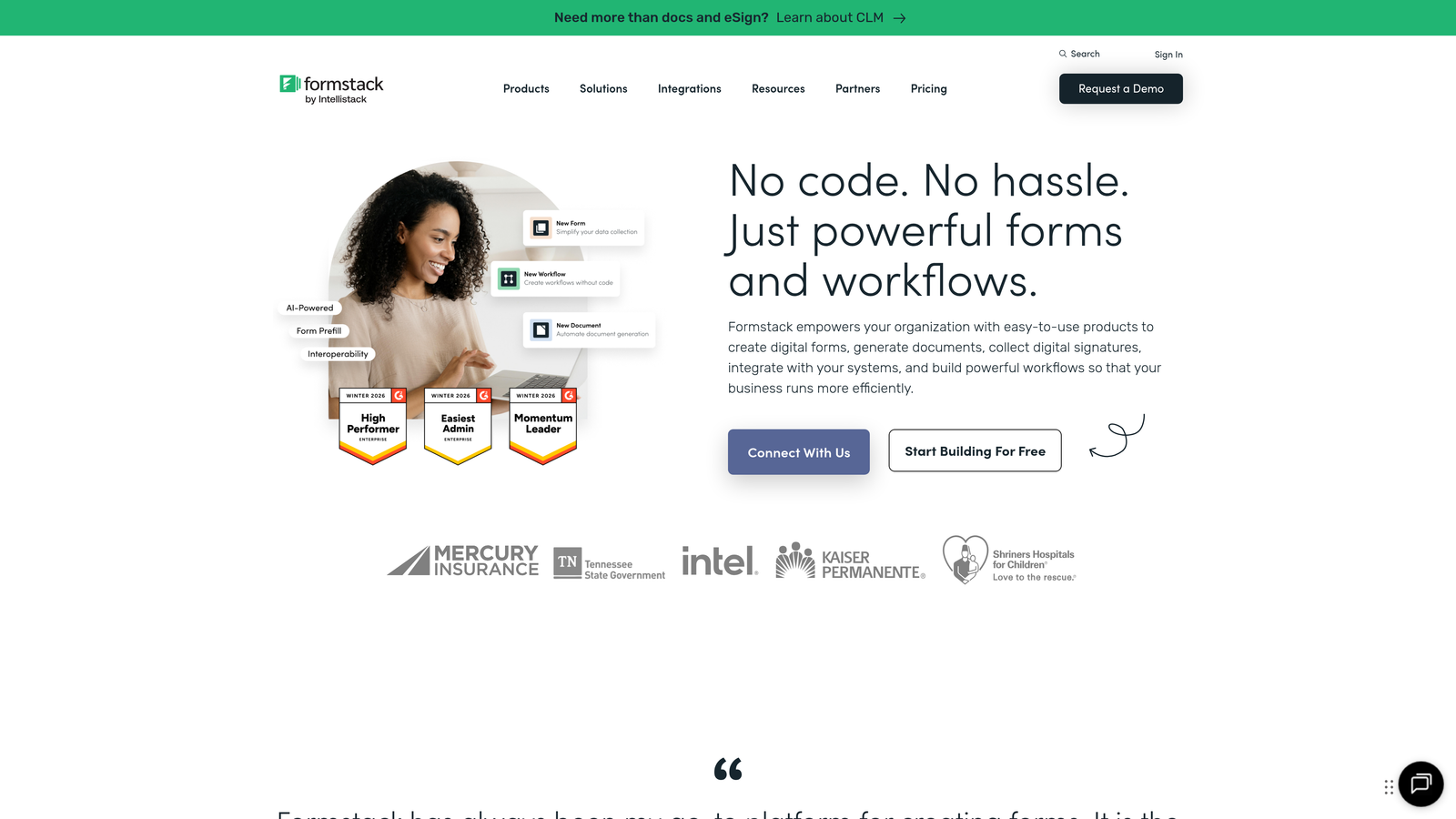
Formstack focuses on conversion rate optimization, offering built-in A/B testing alongside comprehensive analytics.
Where This Tool Shines
The A/B testing capability with integrated analytics lets you test different form variations and immediately see which version performs better. This removes guesswork from optimization—you get data-driven answers about what actually improves conversions.
Partial submission tracking captures data even when users don't complete the form, giving you insights into abandonment patterns and potentially salvaging leads who started but didn't finish.
Key Features
Conversion Rate Optimization Tools: Built-in features designed specifically to improve form completion rates.
A/B Testing with Analytics: Test form variations and track performance differences with statistical significance indicators.
Partial Submission Tracking: Capture incomplete submissions to understand abandonment and follow up with partially interested leads.
Workflow Performance Metrics: Track how forms perform within larger business processes and automation workflows.
HIPAA-Compliant Analytics: Healthcare organizations get robust analytics while maintaining regulatory compliance.
Best For
Marketing teams obsessed with conversion optimization, healthcare organizations needing compliant analytics, and businesses with complex workflows that extend beyond simple form submission.
Pricing
Plans start at $50/month. Higher tiers unlock A/B testing, advanced analytics, and workflow automation features.
5. Paperform
Best for: Design-focused teams creating beautiful product-style landing pages with forms
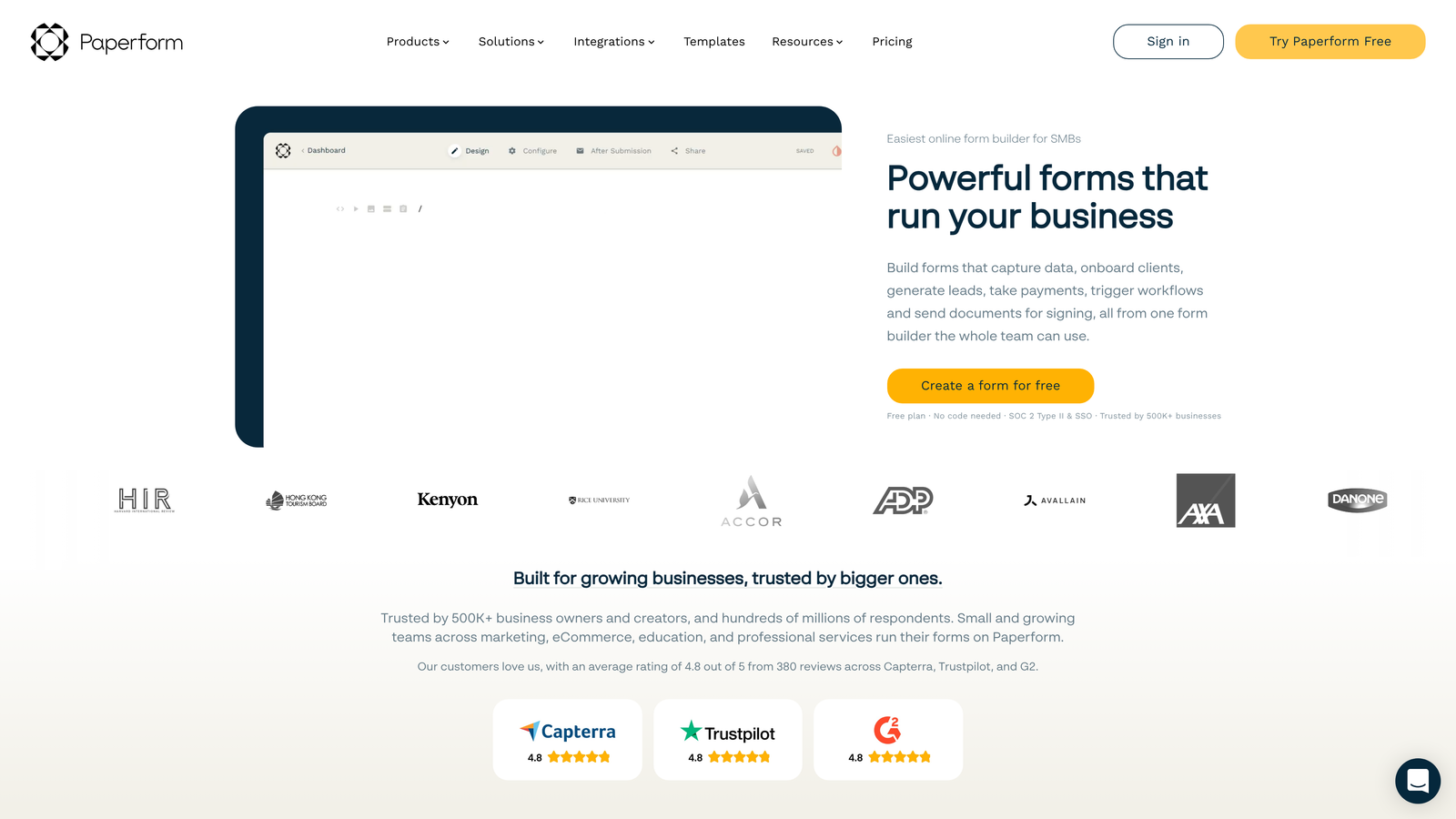
Paperform blurs the line between form builders and landing page creators, offering analytics for forms that look more like custom web pages.
Where This Tool Shines
The design flexibility means you can create forms that match your brand perfectly, and the analytics track how these beautiful experiences perform. You're not sacrificing data insights for design freedom—you get both.
Payment analytics are particularly robust if you're using forms for e-commerce or event registration. You can track transaction volumes, average order values, and revenue trends directly in the analytics dashboard.
Key Features
Built-In Analytics Dashboard: Comprehensive submission tracking with visual data presentation.
Per-Form Conversion Tracking: Monitor each form's performance individually to identify top performers.
Payment Analytics: Track revenue, transaction volumes, and e-commerce metrics for forms that collect payments.
Partial Submission Insights: See where users drop off even when they don't complete the full form.
Google Analytics Integration: Connect with GA4 for deeper tracking and cross-platform analytics.
Best For
Creative teams and agencies that prioritize design aesthetics, businesses using forms for e-commerce or event ticketing, and brands that want forms to feel like native parts of their website.
Pricing
Essentials plan starts at $24/month with full analytics access and unlimited forms.
6. Gravity Forms
Best for: WordPress users wanting native CMS integration for form analytics
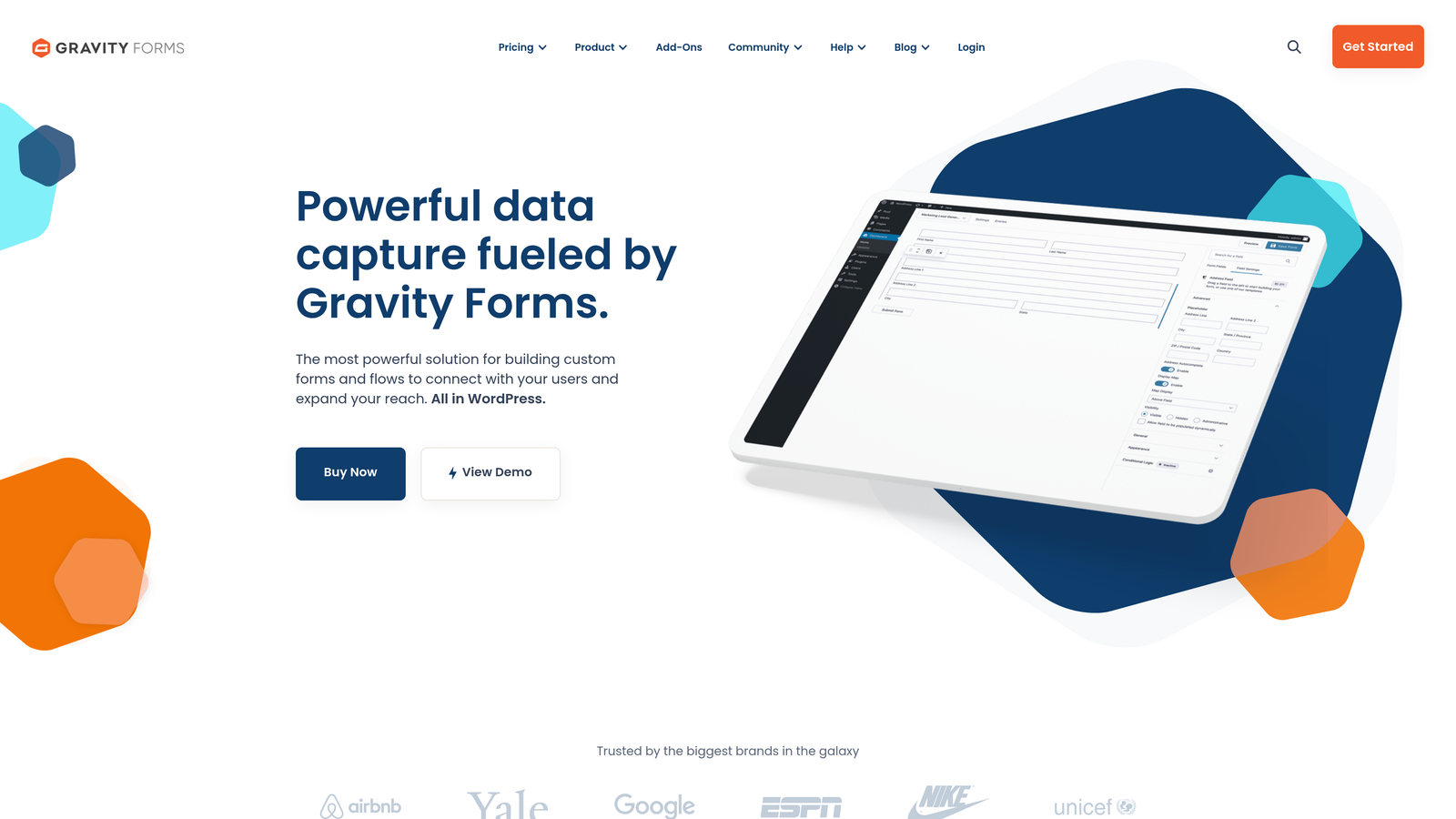
Gravity Forms brings powerful form building and analytics directly into the WordPress dashboard.
Where This Tool Shines
Everything lives inside WordPress, which means your team doesn't need to learn a separate platform or jump between tools. Entry management and analytics happen in the same interface where you manage your website content.
The add-on ecosystem extends analytics capabilities dramatically. You can connect forms to Google Analytics, create custom reporting dashboards, and build complex data workflows—all within WordPress.
Key Features
Native WordPress Dashboard: View all form analytics without leaving your CMS.
Advanced Entry Management: Filter, search, and analyze submissions with powerful built-in tools.
Partial Entries Tracking: Capture incomplete submissions to understand abandonment patterns.
Extensive Add-On Ecosystem: Expand analytics capabilities with third-party integrations and custom reporting tools.
Developer-Friendly Data Access: Access raw form data programmatically for custom analytics solutions.
Best For
WordPress-based businesses, development teams that want to build custom analytics solutions, and organizations already invested in the WordPress ecosystem.
Pricing
Basic License starts at $59/year. Higher tiers unlock additional add-ons and priority support.
7. 123FormBuilder
Best for: Teams needing real-time analytics and instant submission notifications
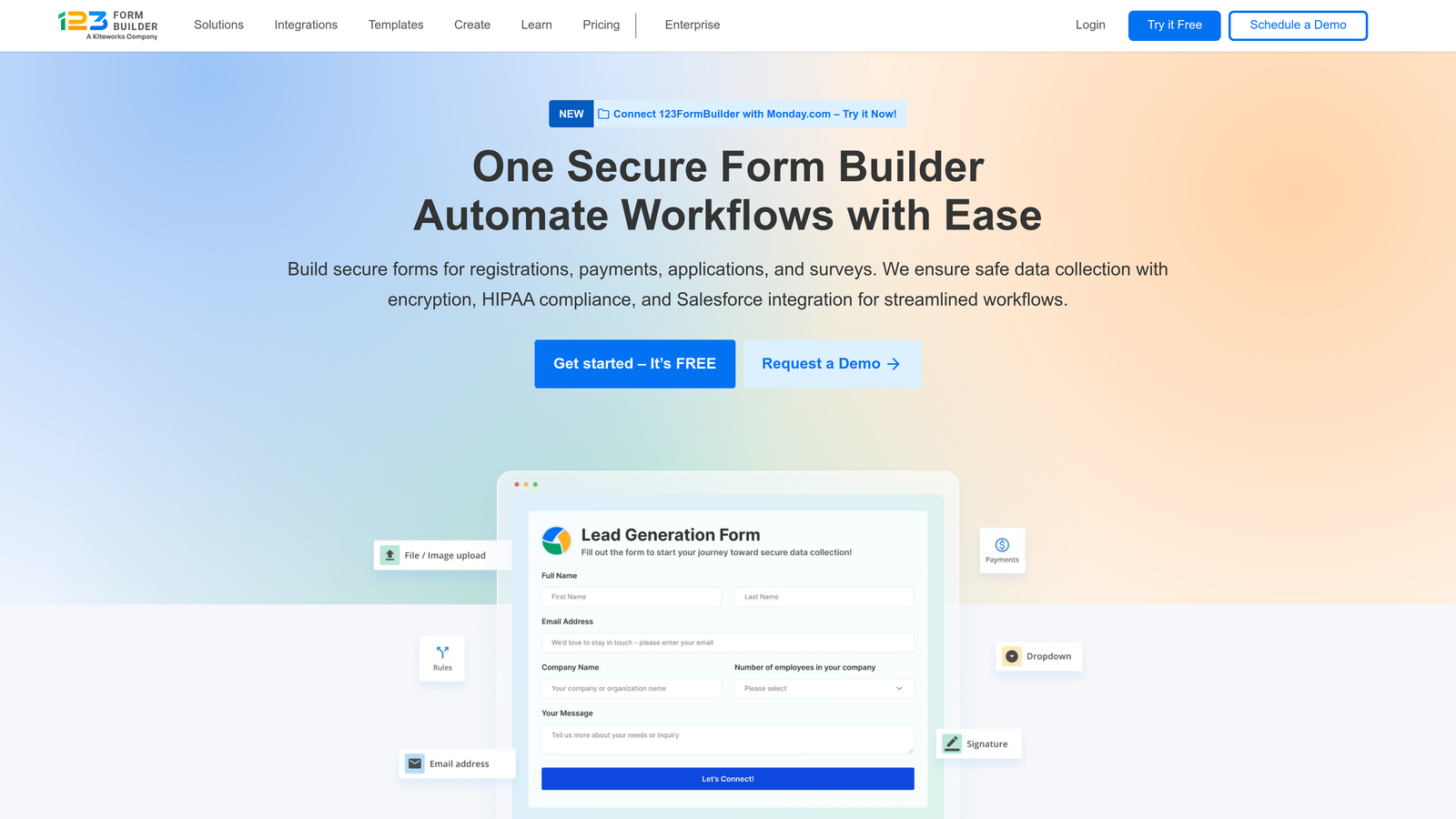
123FormBuilder emphasizes speed and real-time visibility into form performance.
Where This Tool Shines
The real-time submission dashboard updates instantly as new entries arrive, making it perfect for time-sensitive campaigns or events. You can monitor form performance live during product launches, webinar registrations, or limited-time offers.
Customizable analytics views let you create dashboards that show exactly the metrics your team cares about. You're not stuck with a one-size-fits-all analytics interface—you can tailor it to your workflow.
Key Features
Real-Time Submission Dashboard: Watch submissions arrive live with instant dashboard updates.
Customizable Analytics Views: Build dashboards that display the specific metrics your team needs to track.
Instant Notification System: Get immediate alerts when forms are submitted, with customizable notification rules.
Submission Trends Over Time: Track performance patterns across days, weeks, and months to identify trends.
Export and Reporting Tools: Download data in multiple formats for external analysis or reporting.
Best For
Teams running time-sensitive campaigns, businesses that need immediate notification of high-value submissions, and organizations managing forms across multiple departments.
Pricing
Free tier available. Gold plan starts at $24.99/month with expanded analytics and submission limits.
8. Cognito Forms
Best for: Budget-conscious teams wanting solid analytics without premium pricing
Cognito Forms delivers surprisingly robust analytics capabilities at a price point that works for smaller teams.
Where This Tool Shines
The generous free tier includes analytics features that many competitors reserve for paid plans. Small teams and startups can access meaningful data insights without committing to monthly subscriptions.
Payment tracking for transactions is included even on lower-tier plans, making it valuable for small businesses using forms for e-commerce, donations, or event registration.
Key Features
Entry Management Dashboard: Organize and analyze submissions with filtering and search capabilities.
Basic Submission Analytics: Track completion rates, submission volumes, and performance trends over time.
Payment Tracking: Monitor transaction data for forms that collect payments or donations.
Data Visualization Options: View submission data through charts and graphs for easier interpretation.
Workflow Status Tracking: Monitor where submissions are in multi-step approval or processing workflows.
Best For
Small businesses and nonprofits with limited budgets, teams just starting to prioritize data-driven form optimization, and organizations needing payment forms with basic transaction analytics.
Pricing
Generous free tier with basic analytics. Pro plan starts at $15/month for expanded features and higher submission limits.
9. Fillout
Best for: Teams using Notion or Airtable wanting database-connected form analytics
Fillout specializes in native integration with Notion and Airtable, bringing analytics directly into your existing databases.
Where This Tool Shines
If your team already lives in Notion or Airtable, Fillout eliminates the need to export data or switch between platforms. Form submissions sync directly to your databases, where you can analyze them using the tools you already know.
The modern interface feels familiar to teams accustomed to contemporary SaaS tools. There's minimal learning curve if you're already comfortable with database-style interfaces.
Key Features
Direct Notion/Airtable Syncing: Submissions flow automatically into your existing databases for seamless analytics.
Response Analytics in Connected Databases: Analyze form data using Notion or Airtable's native analytics and visualization tools.
Submission Tracking Dashboard: Monitor form performance within Fillout's clean, modern interface.
Partial Response Capture: Track incomplete submissions to understand abandonment patterns.
Modern Analytics Interface: Contemporary design that feels familiar to users of modern productivity tools.
Best For
Teams already invested in Notion or Airtable ecosystems, remote-first companies that centralize work in database tools, and organizations wanting to avoid analytics platform sprawl.
Pricing
Free tier available for basic usage. Starter plan begins at $19/month with expanded features and submission volumes.
Finding Your Perfect Analytics Match
The right form builder with analytics depends on what you're trying to optimize and how your team works.
For teams prioritizing lead quality and AI-powered insights, Orbit AI delivers intelligent qualification alongside conversion analytics. If engagement and user experience drive your strategy, Typeform's conversational approach with question-level analytics makes sense. Enterprise teams managing complex requirements across departments will appreciate Jotform's comprehensive reporting and customization. Formstack stands out for conversion optimization obsessives who want A/B testing built in. And budget-conscious teams can get surprisingly robust analytics from Cognito Forms without breaking the bank.
The analytics capabilities that matter most depend on your specific goals. Are you optimizing for completion rates? Lead quality? Transaction volume? Revenue per form? Different tools excel at different metrics.
Think about where your forms fit in your broader marketing and sales strategy. The best analytics dashboard isn't the one with the most features—it's the one that answers your specific business questions and integrates smoothly with how your team already works.
Transform your lead generation with AI-powered forms that qualify prospects automatically while delivering the modern, conversion-optimized experience your high-growth team needs. Start building free forms today and see how intelligent form design can elevate your conversion strategy.


