

Every abandoned form represents a lost lead, a missed sale, or a frustrated user who gave up before converting. Form completion tracking software reveals exactly where and why visitors drop off—giving you the data to fix friction points and recover revenue.
Whether you're optimizing checkout flows, lead capture forms, or multi-step applications, the right tracking tool transforms guesswork into actionable insights. We evaluated dozens of platforms based on analytics depth, ease of implementation, integration capabilities, and value for growing teams.
Here are the top form completion tracking tools to help you maximize conversions in 2026.
1. Orbit AI
Best for: Teams wanting form building and completion tracking in one AI-powered platform
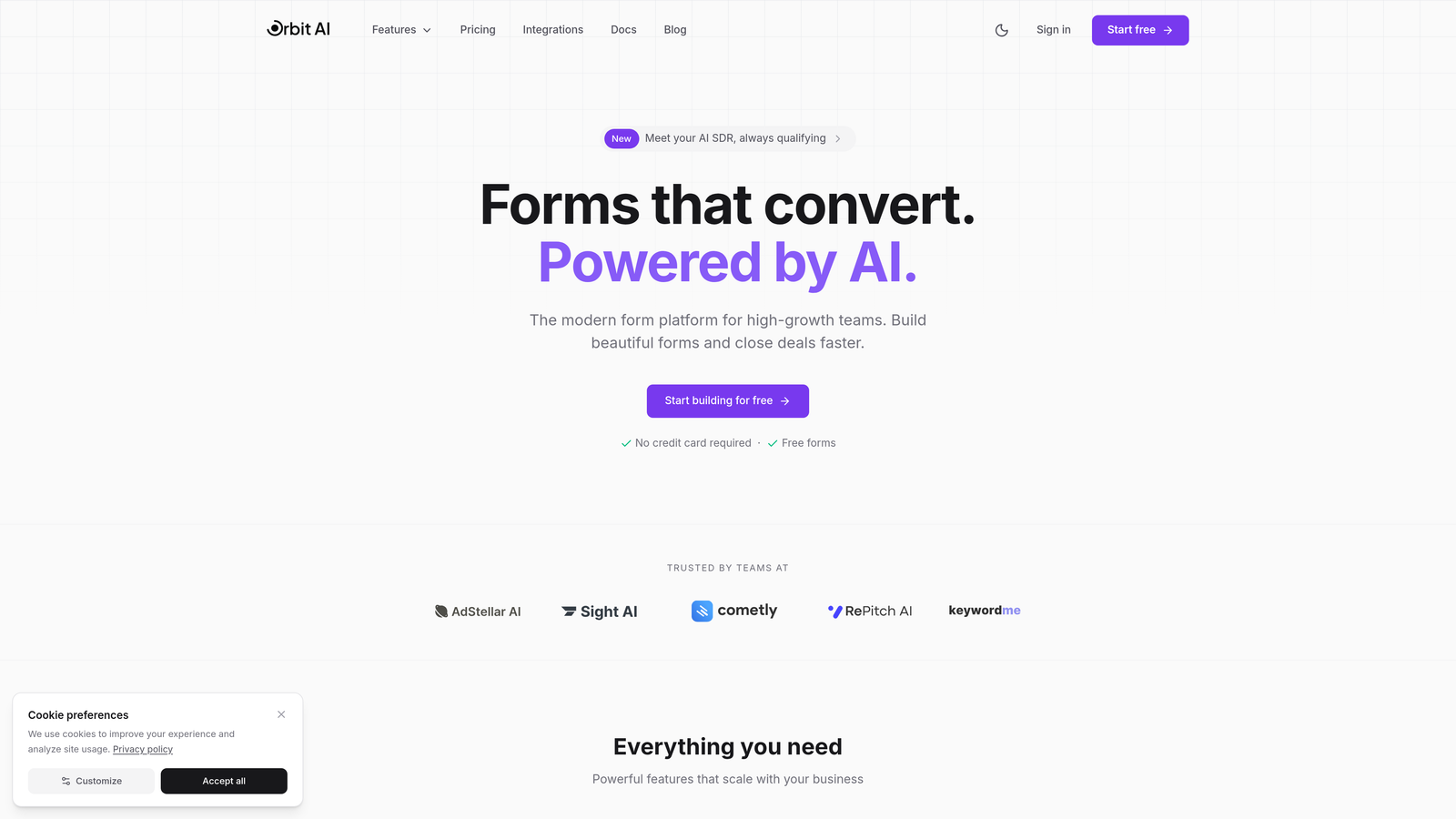
Orbit AI combines intelligent form creation with native completion tracking, eliminating the need for separate analytics tools.
Where This Tool Shines
Orbit AI stands out by merging form building with completion analytics in a single workflow. You design conversion-optimized forms while automatically capturing field-level drop-off data and user behavior patterns.
The AI-powered lead qualification feature scores submissions as they arrive, helping you prioritize high-intent prospects while simultaneously analyzing which form fields drive or hinder conversions. This dual functionality saves time and reduces tool sprawl.
Key Features
Built-in Analytics Dashboard: Track completion rates and identify exact drop-off points without connecting external analytics platforms.
AI Lead Qualification: Automatically score and prioritize form submissions based on response patterns and data quality.
Multi-Step Form Tracking: Monitor progression through complex forms with field-level insights showing where users hesitate or abandon.
Native CRM Integration: Connect directly to marketing tools and CRMs to act on form insights immediately.
Modern Form Builder: Create beautiful, mobile-responsive forms designed specifically for high-conversion experiences.
Best For
High-growth teams focused on lead generation who want to consolidate their form creation and analytics stack. Particularly valuable for businesses that need both form tracking and intelligent lead qualification without managing multiple platforms.
Pricing
Free tier available for getting started. Paid plans begin at $29 per month with expanded analytics and lead qualification capabilities.
2. Hotjar
Best for: Visual behavior analytics combining form tracking with heatmaps and session recordings
Hotjar delivers comprehensive behavior insights through form analysis, visual heatmaps, and actual user session recordings.
Where This Tool Shines
Hotjar excels at showing you not just what happens in your forms, but why it happens. The session recording feature lets you watch real users interact with forms, revealing friction points that raw data alone might miss.
The combination of quantitative form metrics and qualitative insights from recordings and feedback polls creates a complete picture of user experience. You can identify problematic fields through analytics, then watch recordings to understand the actual user frustration causing abandonment.
Key Features
Form Analysis Reports: Detailed breakdowns showing which fields cause drop-offs and how long users spend on each input.
Session Recordings: Watch actual user interactions with your forms to spot usability issues and confusion points.
Form Heatmaps: Visual representations of where users click, move, and scroll within form pages.
Feedback Polls: Capture qualitative reasons for abandonment directly from users who quit your forms.
Conversion Funnels: Track the complete user journey from landing page through form submission.
Best For
Marketing and product teams who need visual context behind their form metrics. Ideal for businesses that want to combine quantitative analytics with qualitative user behavior insights.
Pricing
Free plan available with basic features. Paid plans start at $32 per month with increased data collection and advanced features.
3. Mouseflow
Best for: Session replay with dedicated form friction scoring and abandonment analysis
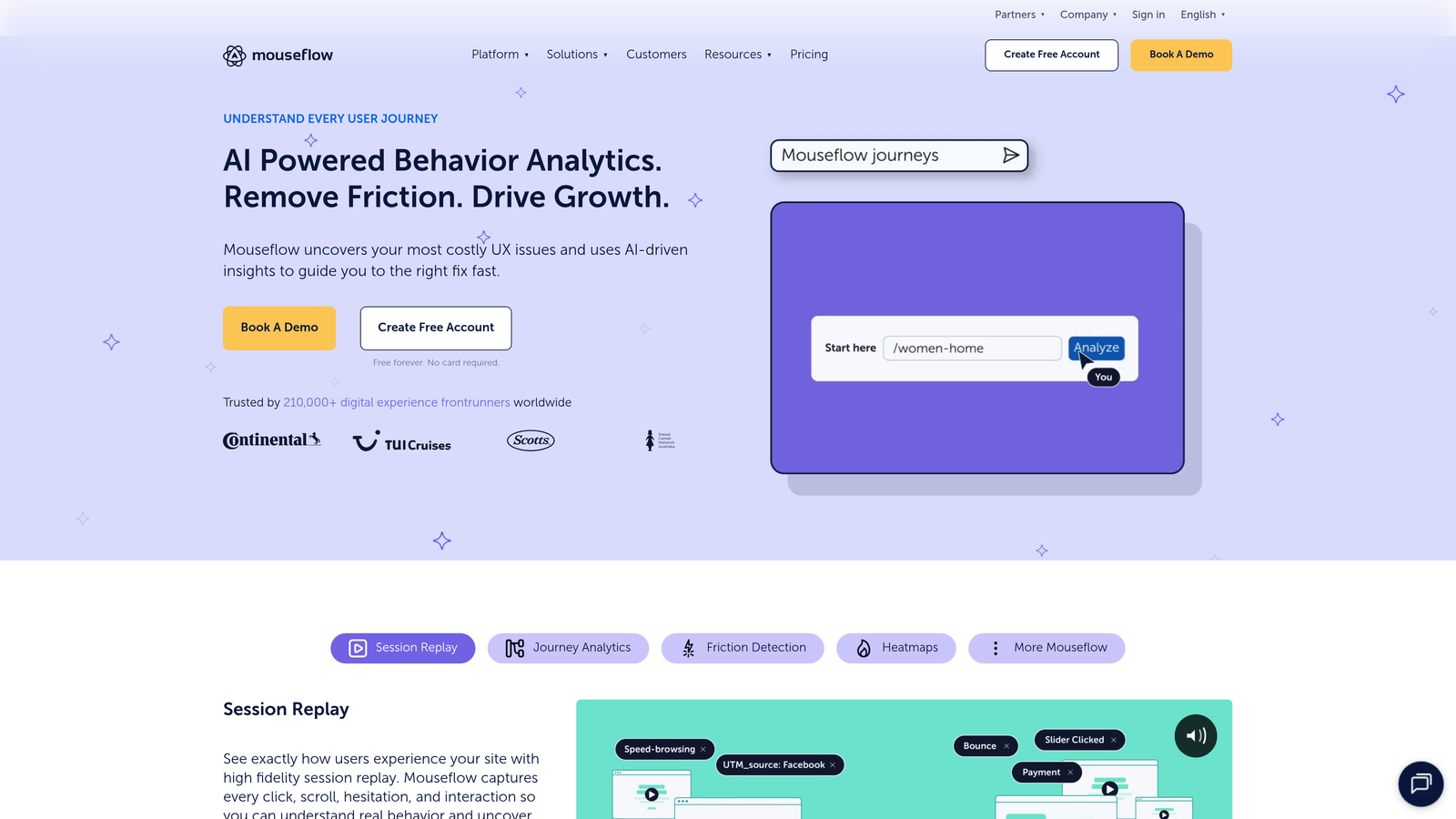
Mouseflow specializes in session replay technology enhanced with form-specific analytics and friction detection.
Where This Tool Shines
Mouseflow's friction score feature automatically identifies problematic form fields by analyzing user behavior patterns like excessive cursor movement, repeated clicks, and field revisits. This automated detection saves hours of manual analysis.
The platform's session replay filtering lets you instantly find recordings of users who abandoned specific forms or struggled with particular fields. This targeted approach helps you prioritize fixes based on actual user pain points rather than assumptions.
Key Features
Friction Scores: Automated analysis assigning friction ratings to each form field based on user struggle indicators.
Abandonment Reports: Detailed breakdowns showing exactly where in your forms users quit the process.
Filtered Session Replays: Search recordings specifically for form interactions, errors, or abandonment events.
Funnel Analytics: Track user progression through multi-step forms and identify bottlenecks in complex flows.
Form Field Analytics: Individual field performance metrics including completion time and interaction patterns.
Best For
Teams managing complex multi-step forms who need to pinpoint specific friction points quickly. Particularly useful for e-commerce checkouts and lengthy application processes where multiple fields create abandonment risk.
Pricing
Free plan available for small websites. Paid plans begin at $31 per month with increased session recording limits and advanced features.
4. Formisimo
Best for: Dedicated form analytics with industry benchmarking and real-time field tracking
Formisimo focuses exclusively on form analytics, providing granular field-level data and performance comparisons.
Where This Tool Shines
Formisimo's industry benchmarking feature lets you compare your form performance against similar businesses, providing context for whether your completion rates are competitive or need improvement. This external perspective helps set realistic optimization goals.
The real-time tracking dashboard updates instantly as users interact with forms, allowing you to spot emerging issues immediately rather than discovering problems in historical reports. This speed enables faster iteration and testing cycles.
Key Features
Real-Time Field Tracking: Live monitoring of user interactions with form fields as they happen.
Industry Benchmarks: Compare your form performance against aggregated data from similar businesses and sectors.
Error Detection: Automatic tracking of validation errors and field-specific issues causing user frustration.
A/B Testing Integration: Connect with testing platforms to measure form variation performance systematically.
Detailed Interaction Metrics: Track cursor movements, field focus time, and correction patterns for each input.
Best For
Conversion optimization specialists and agencies managing forms for multiple clients who need comparative performance data. Particularly valuable for teams running continuous form optimization programs with regular A/B testing.
Pricing
Plans start at $99 per month with tiered pricing based on monthly form submissions and number of tracked forms.
5. FullStory
Best for: Enterprise-grade digital experience analytics with advanced form debugging capabilities
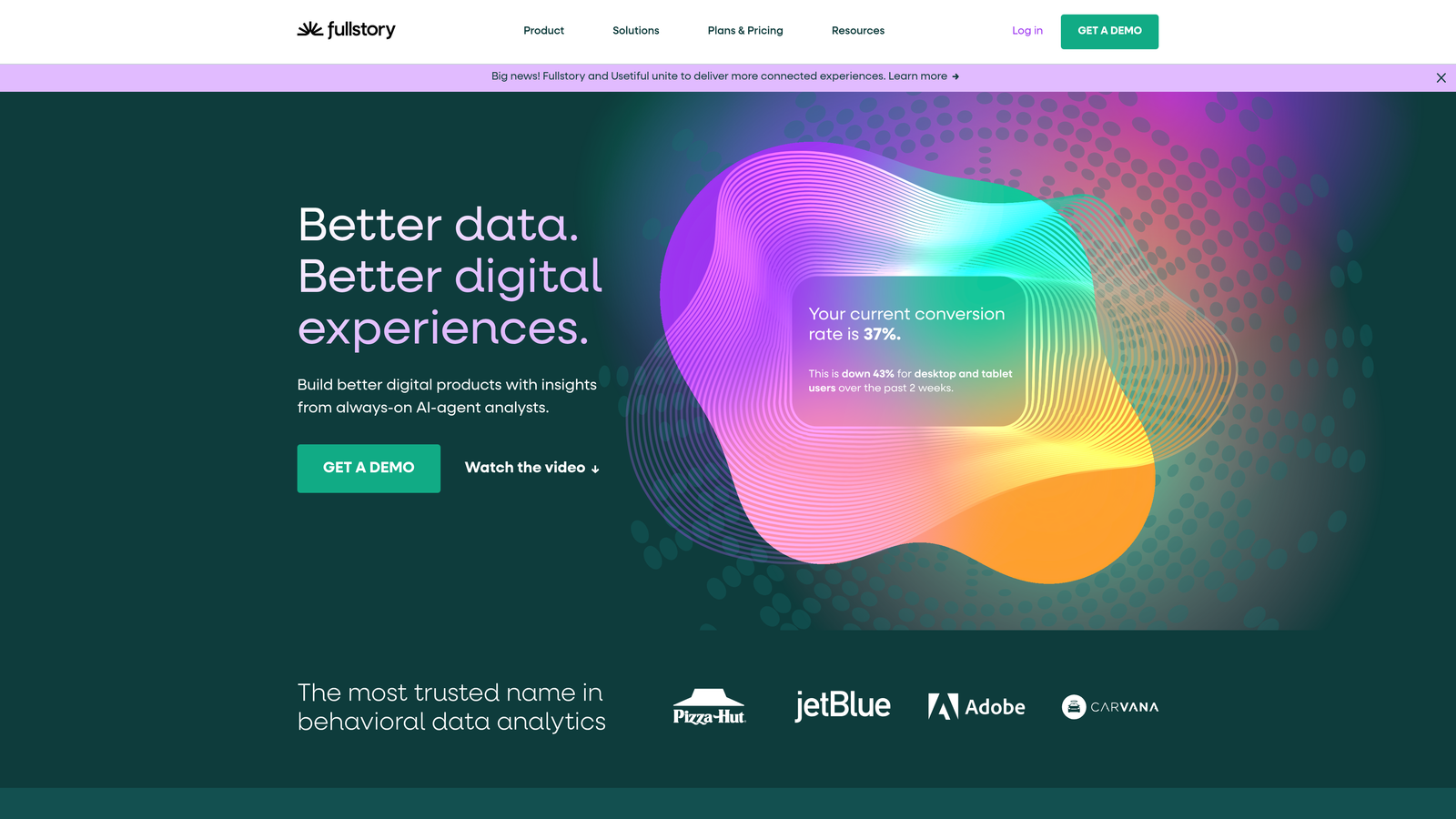
FullStory delivers pixel-perfect session replay and automatic event capture with sophisticated form analysis tools.
Where This Tool Shines
FullStory's frustration signals automatically detect rage clicks, error messages, and form field struggles without manual configuration. The platform flags sessions where users exhibited frustration behaviors, letting you focus on the most problematic interactions first.
The pixel-perfect replay captures every detail of the user experience, including dynamic form elements and real-time validation messages. This precision helps developers identify technical issues that standard analytics miss, like timing problems with field validation or layout shifts affecting form usability.
Key Features
Frustration Detection: Automatic identification of rage clicks, error thrashing, and other signals indicating user struggle with forms.
Pixel-Perfect Replay: High-fidelity session recordings capturing exact user experience including dynamic elements and interactions.
Automatic Event Capture: No manual tagging required—all form interactions are captured automatically from day one.
Advanced Segmentation: Create cohorts based on form behavior patterns for targeted analysis and improvement efforts.
Developer Tools: Technical debugging features helping identify code-level issues affecting form performance.
Best For
Enterprise teams with complex web applications and high-value conversion processes. Ideal for businesses where form abandonment has significant revenue impact and technical precision matters for debugging issues.
Pricing
Custom pricing based on website traffic and feature requirements. Free trial available to evaluate platform capabilities before committing.
6. Lucky Orange
Best for: Affordable all-in-one conversion suite with form tracking for budget-conscious teams
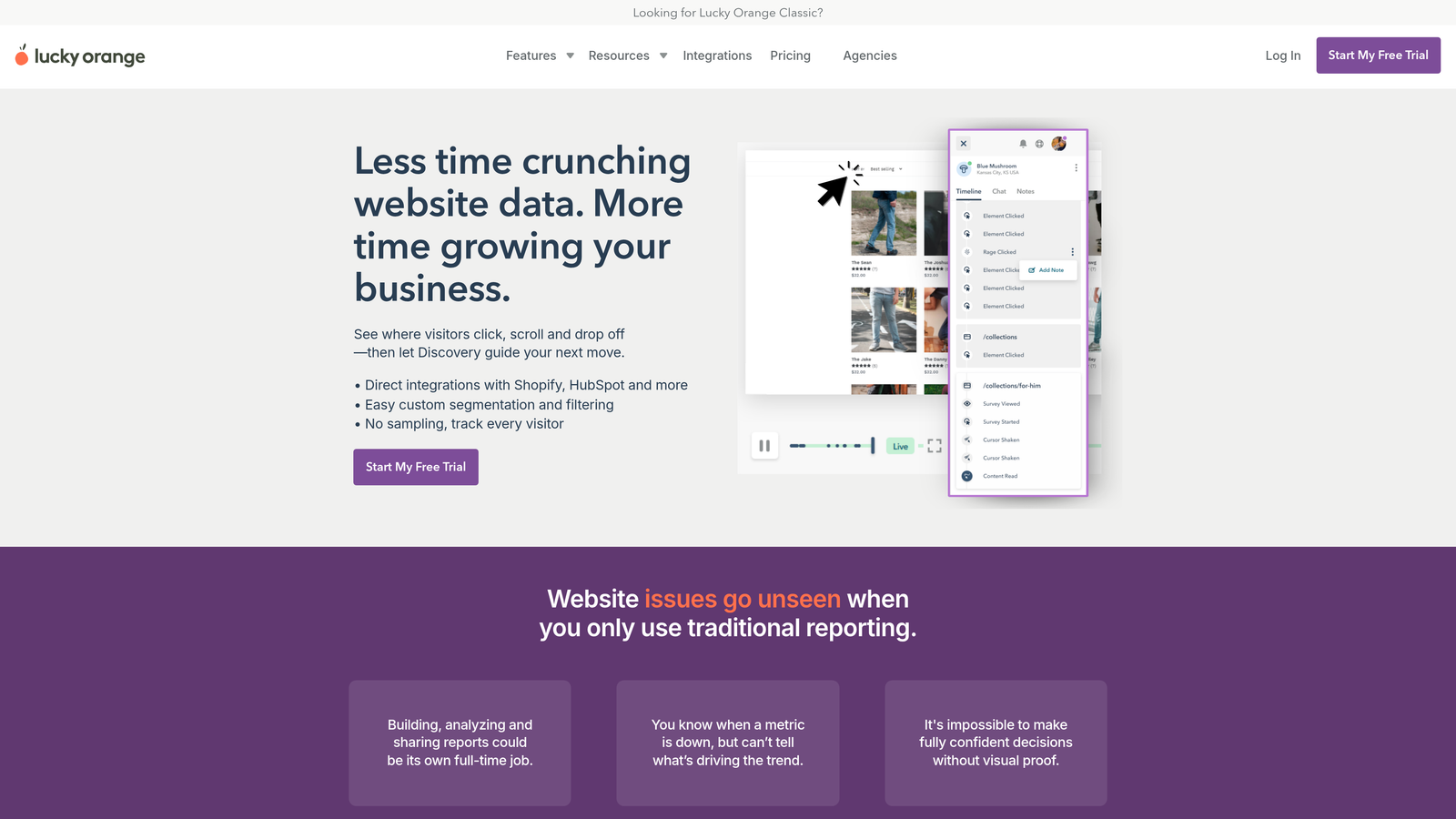
Lucky Orange combines form analytics with dynamic heatmaps, live chat, and conversion funnels at accessible pricing.
Where This Tool Shines
Lucky Orange delivers enterprise-level features at small business pricing, making sophisticated form analytics accessible to teams with limited budgets. The bundled approach means you get session recordings, heatmaps, and live visitor tracking alongside form metrics without paying for multiple tools.
The dynamic heatmap feature updates in real-time as users interact with forms, showing exactly where attention focuses and where confusion occurs. This immediate visual feedback helps non-technical team members understand form performance without diving into complex data tables.
Key Features
Dynamic Form Heatmaps: Real-time visual representations of user attention and interaction patterns within forms.
Conversion Funnels: Track complete form progression from initial page load through successful submission.
Live Visitor Recordings: Watch actual users complete or abandon forms with full session context.
Form Analytics Dashboard: Centralized metrics showing completion rates, drop-off points, and field-level performance.
Live Chat Integration: Engage users who show signs of form abandonment with proactive support offers.
Best For
Small to mid-sized businesses and startups needing comprehensive form tracking without enterprise-level investment. Particularly valuable for teams wanting multiple conversion optimization tools in a single affordable package.
Pricing
Free plan available with basic features. Paid plans start at $32 per month with increased data limits and full feature access.
7. Zuko Analytics
Best for: Specialist form analytics with granular time-per-field analysis and pattern detection
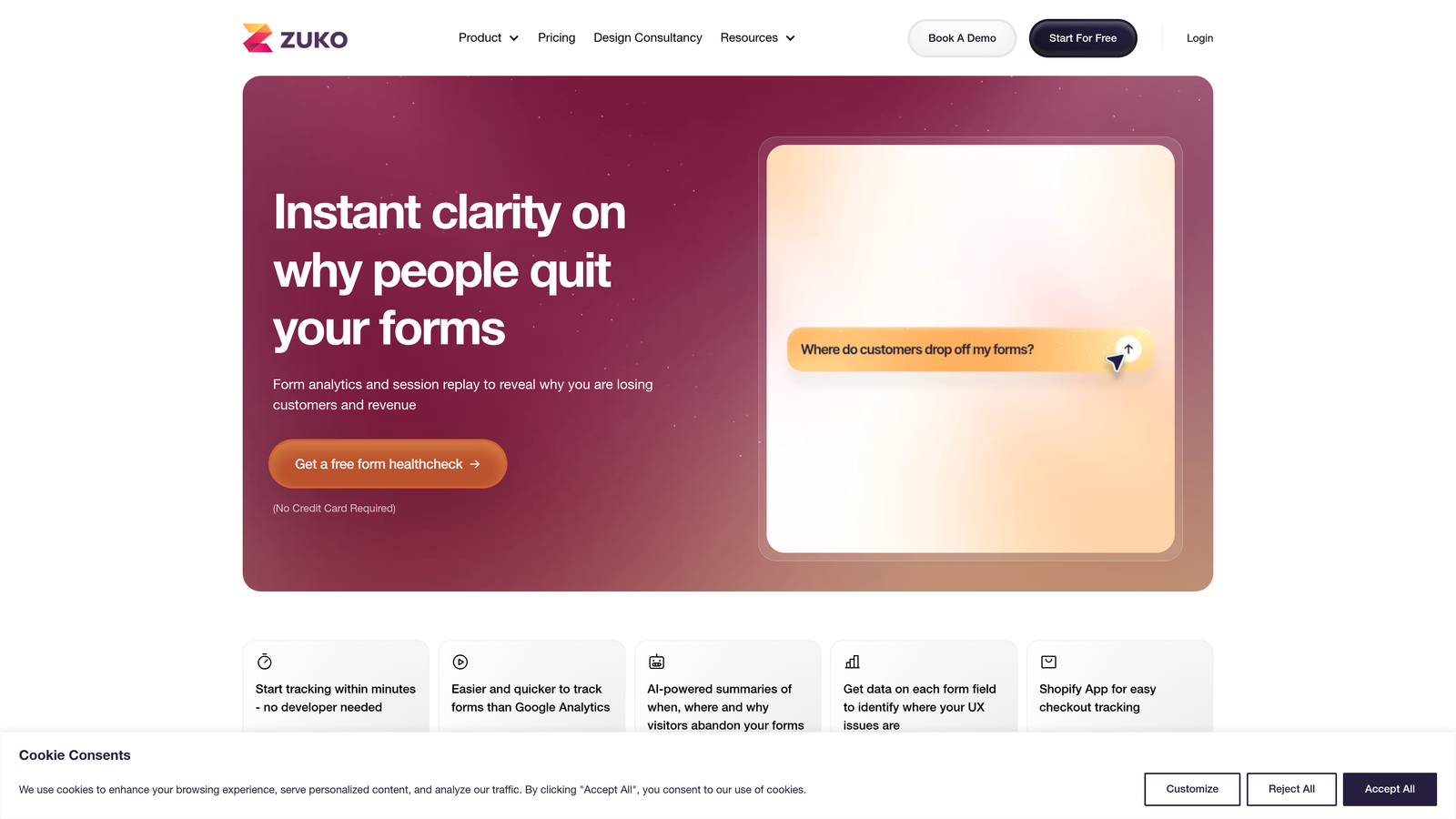
Zuko Analytics focuses exclusively on form performance with detailed field-level metrics and abandonment trigger identification.
Where This Tool Shines
Zuko's time-per-field analysis reveals which inputs slow users down, helping you identify confusing questions or fields requiring excessive cognitive effort. This timing data often uncovers non-obvious friction points that completion rates alone miss.
The platform's abandonment trigger detection identifies specific field combinations that correlate with form exits. For example, you might discover that users who skip a particular optional field are significantly more likely to abandon later, revealing hidden relationships between form elements.
Key Features
Time-Per-Field Metrics: Detailed analysis showing how long users spend on each form input, revealing confusion points.
Abandonment Triggers: Pattern detection identifying which field interactions predict form abandonment.
Version Comparison: Side-by-side performance reports when testing different form variations or iterations.
Platform Integrations: Direct connections to major form builders and CMS platforms for seamless data collection.
Field Interaction Sequences: Track the order users complete fields to optimize form flow and reduce cognitive load.
Best For
Form optimization specialists and conversion rate optimization teams who need deep analytical insights for systematic improvement. Ideal for businesses with high-value forms where small completion rate improvements drive significant revenue.
Pricing
Plans start at $100 per month with pricing tiers based on monthly form submissions and number of tracked forms.
8. Google Analytics 4
Best for: Free form tracking with enhanced measurement and unlimited data retention
Google Analytics 4 offers automatic form interaction tracking through enhanced measurement features without additional cost.
Where This Tool Shines
GA4's enhanced measurement automatically tracks form interactions without manual event configuration, making it the easiest free option for teams just starting with form analytics. The automatic capture means you begin collecting data immediately after enabling the feature.
The platform's funnel exploration reports let you visualize multi-step form flows and identify drop-off points using the same tool you already use for website analytics. This integration eliminates the need to learn separate platforms or correlate data across different systems.
Key Features
Enhanced Measurement: Automatic form interaction tracking enabled with a single toggle—no coding required.
Custom Event Creation: Build detailed tracking for specific form fields and interactions beyond automatic capture.
Funnel Exploration: Visual reports showing user progression through form steps with drop-off quantification.
Unlimited Data Retention: Store form interaction data indefinitely in the free version for long-term trend analysis.
Cross-Platform Tracking: Combine form analytics with broader website and app behavior data in unified reports.
Best For
Teams already using Google Analytics who want basic form tracking without additional tools or budget. Particularly suitable for businesses in early optimization stages who need foundational metrics before investing in specialized platforms.
Pricing
Completely free for standard implementation with unlimited data collection. GA4 360 available for enterprise needs with advanced features and support.
9. Heap
Best for: Auto-capture analytics with retroactive form analysis and no-code implementation
Heap automatically captures every user interaction including form behavior, enabling analysis of historical data without prior event setup.
Where This Tool Shines
Heap's retroactive analysis capability means you can examine form performance from before you specifically decided to track it. If you launch a form and later want to analyze its early performance, Heap's auto-capture has already collected that data.
The visual funnel builder lets non-technical team members create form completion analyses by clicking through the actual form interface rather than writing queries or configuring events. This accessibility democratizes form analytics across marketing, product, and design teams.
Key Features
Automatic Interaction Capture: Every form click, input, and submission is tracked automatically without manual event tagging.
Retroactive Analysis: Analyze historical form data even if you didn't specifically configure tracking before collecting it.
Visual Funnel Builder: Create form completion analyses by clicking through your actual forms—no SQL or coding required.
Behavioral Segmentation: Group users by form interaction patterns to identify high-intent versus low-intent behaviors.
Session Replay Integration: Connect quantitative form metrics with qualitative session recordings for complete context.
Best For
Product teams and growth marketers who need flexible analytics without technical dependencies. Ideal for businesses that frequently test new forms and need immediate insights without waiting for custom tracking implementation.
Pricing
Free plan available for startups and small teams. Paid plans offered on request based on data volume and feature requirements.
Making the Right Choice
Choosing the right form completion tracking software depends on your specific needs and existing workflow. For teams wanting an all-in-one solution that combines form building with completion analytics, Orbit AI eliminates tool sprawl while adding AI-powered lead qualification to your conversion process.
If you need deep visual analytics with session recordings to understand the why behind form abandonment, Hotjar and FullStory deliver powerful behavioral insights. Budget-conscious teams can start with Google Analytics 4's free enhanced measurement or Lucky Orange's affordable conversion suite.
For dedicated form analytics specialists, Zuko Analytics and Formisimo offer unmatched field-level detail and industry benchmarking. Teams managing complex forms across multiple platforms might prefer Heap's auto-capture approach or Mouseflow's friction scoring for quick problem identification.
Start by identifying your biggest form friction points. Do users abandon on specific fields? Do they struggle with validation errors? Are multi-step forms losing people between stages? Select a tool that gives you visibility into your specific challenges, then use that data to fix problems systematically.
Transform your lead generation with AI-powered forms that qualify prospects automatically while delivering the modern, conversion-optimized experience your high-growth team needs. Start building free forms today and see how intelligent form design can elevate your conversion strategy.


